



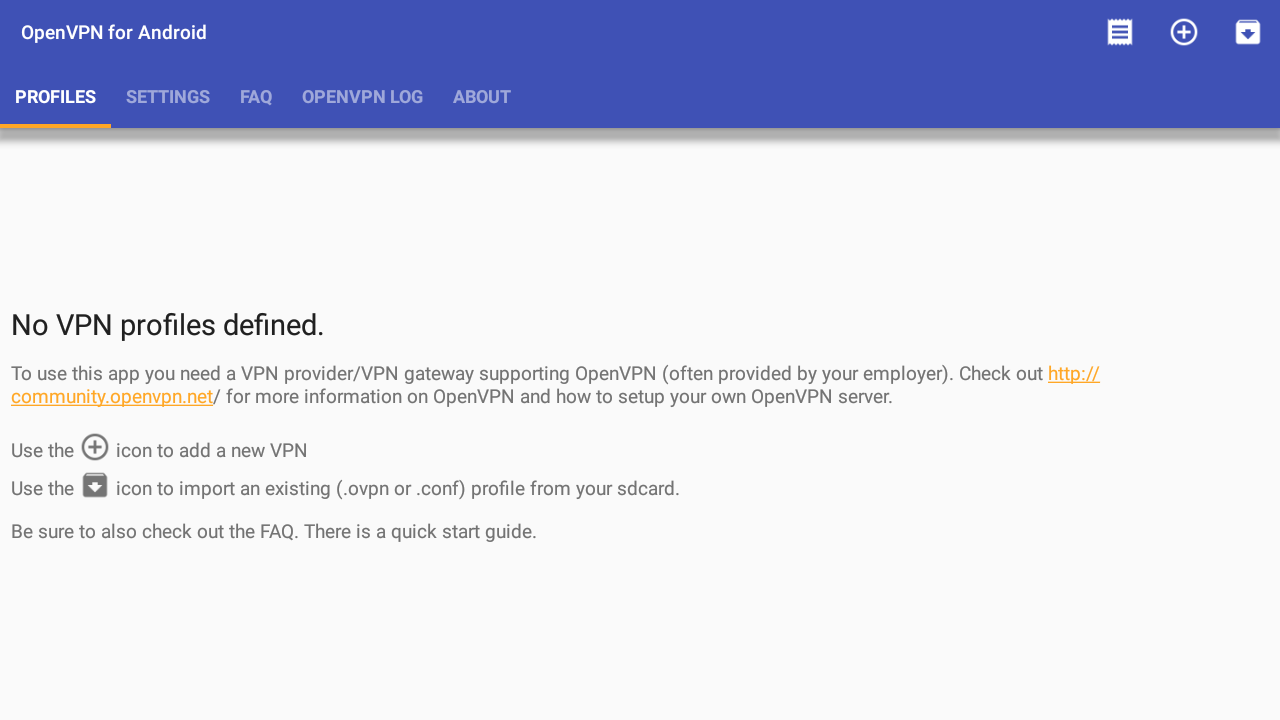
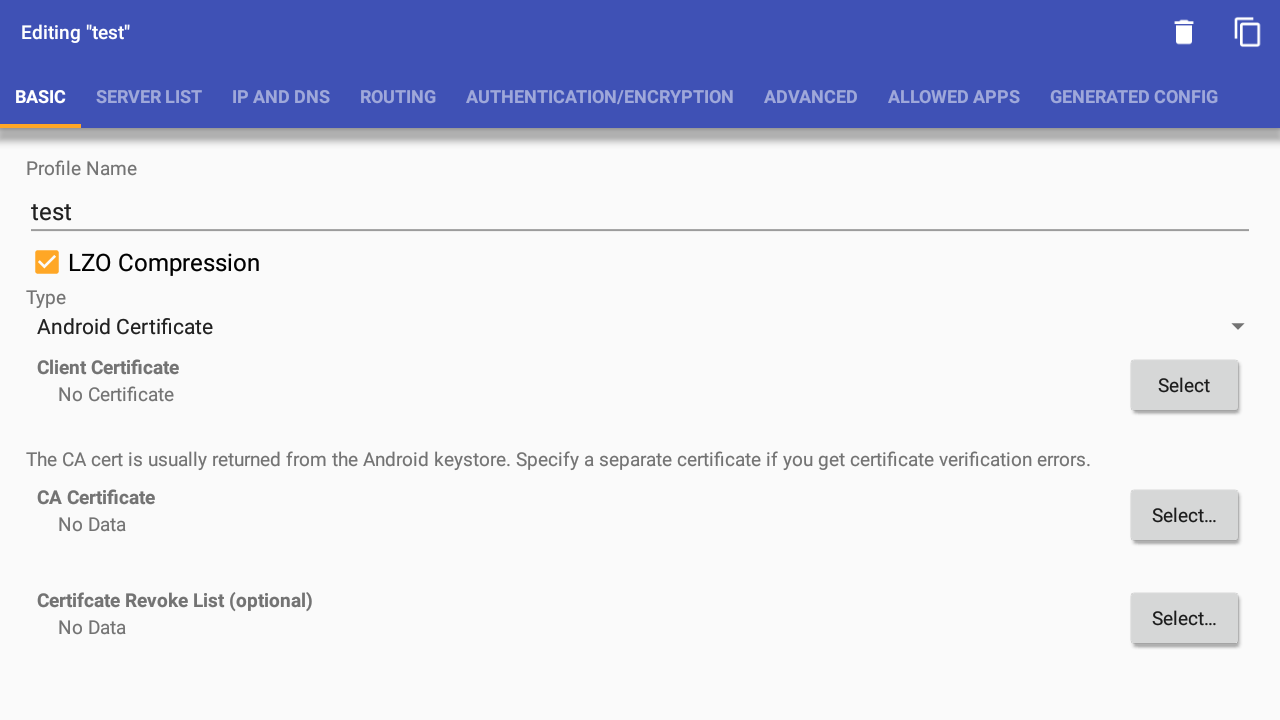
Added: Denis Rubinov
Version: 0.7.61
Size: 23.1 MB
Updated: 20.05.2025
Developer: Arne Schwabe
Age Limitations: Everyone
Authorizations: 4
Downloaded on Google Play: 20054753
Category: Tools
- Strong connection security.
- Easy setup.
- Suitable for home or corporate use.
- Free trial for 7 days.
- No ads.
Description
Application OpenVPN for Android was checked by VirusTotal antivirus. As a result of the scan, no file infections were detected by all the latest signatures.
How to install OpenVPN for Android
- Download APK file apps from apkshki.com.
- Locate the downloaded file. You can find it in the system tray or in the 'Download' folder using any file manager.
- If the file downloaded in .bin extension (WebView bug on Android 11), rename it to .apk using any file manager or try downloading the file with another browser like Chrome.
- Start the installation. Click on the downloaded file to start the installation
- Allow installation from unknown sources. If you are installing for the first time OpenVPN for Android not from Google Play, go to your device's security settings and allow installation from unknown sources.
- Bypass Google Play protection. If Google Play protection blocks installation of the file, tap 'More Info' → 'Install anyway' → 'OK' to continue..
- Complete the installation: Follow the installer's instructions to complete the installation process.
How to update OpenVPN for Android
- Download the new version apps from apkshki.com.
- Locate the downloaded file and click on it to start the installation.
- Install over the old version. There is no need to uninstall the previous version.
- Avoid signature conflicts. If the previous version was not downloaded from apkshki.com, the message 'Application not installed' may appear. In this case uninstall the old version and install the new one.
- Restart annex OpenVPN for Android after the update.








Requesting an application update
Added Denis Rubinov
Version: 0.7.61
Size: 23.1 MB
Updated: 20.05.2025
Developer: Arne Schwabe
Age Limitations: Everyone
Authorizations:
Downloaded on Google Play: 20054753
Category: Tools













Reviews for OpenVPN for Android
No longer works with the app VPN Servers. But I understand that the other app should be updated to work again. Servers must be added manually which kind of ruins the main use I had for this app. Changing to "legacy" might fix some of the problems.
Ребята, чего-то сегодня перестал работать 😢
it's doesn't connect to my Google tv but the ovpn config is working to Android device
Didn't work with Mullvad.
unable to add tls cert
The app works great when it works. However there is something that needs to be addressed. When I move out of WiFi coverage and into Cellular coverage, the connection to my office VPN is not maintained automatically. Yes all of the boxes etc have been checked. I have to open the app, click disconnect and hit reconnect in order to maintain my data connection to the VPN. We can't be fumbling with apps while driving etc. This has to work as advertised.
👍👍👍👍👍
I like this app Thanks for developer ❤️
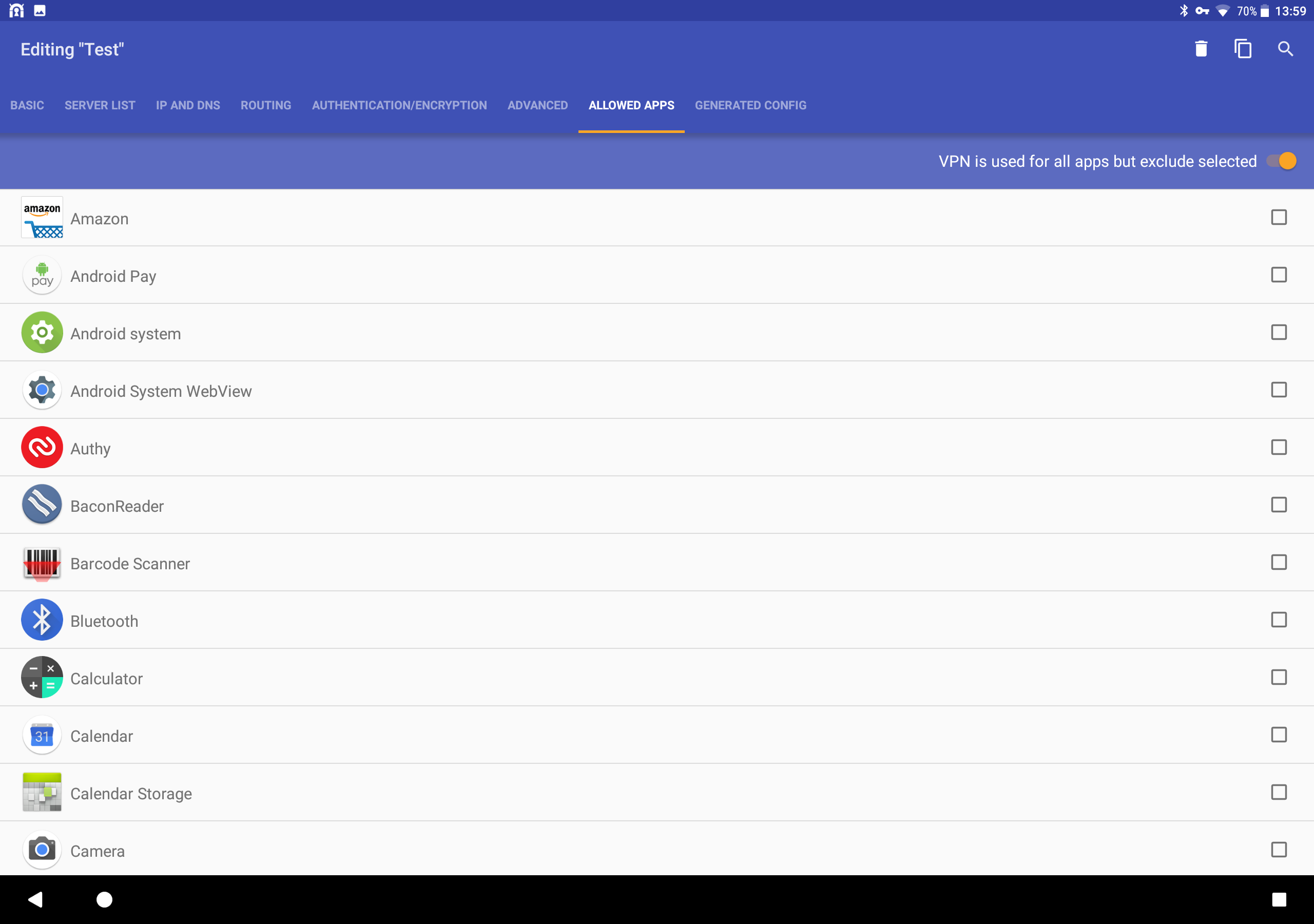
Better than the official OpenVPN app. This app allows me to white list some apps when the tunnel is up. This is required for example for Android Auto or Waze. Very flexible application and offers more control options than the official app. Would be interested to donate, it's worth it. Thanks for the great app!
TERRIBLE. I can't connect at ALL. 0/10, don't download.
Good
It's awesome 😎👍
Better
It has bug doesn't work properly
Nice
Post a comment
To leave a comment, log in with your social network:
Or leave an anonymous comment. Your comment will be sent for moderation.
Post a comment
To leave a comment, log in with your social network:
Or leave an anonymous comment. Your comment will be sent for moderation.