



Don't Touch My Phone AntiTheft
37+
downloads4.1+
version Android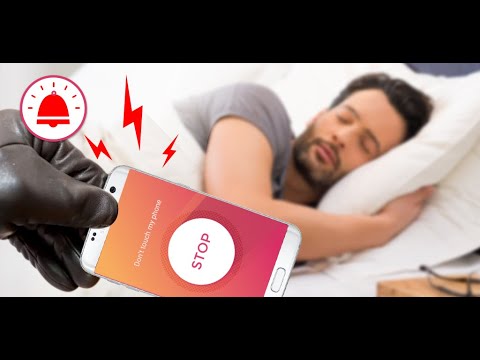
Added: Denis Rubinov
Version: 1.4.82
Size: 44.3 MB
Updated: 22.05.2025
Developer: tappaz.games
Age Limitations: Everyone
Authorizations: 10
Downloaded on Google Play: 26580305
Category: Tools
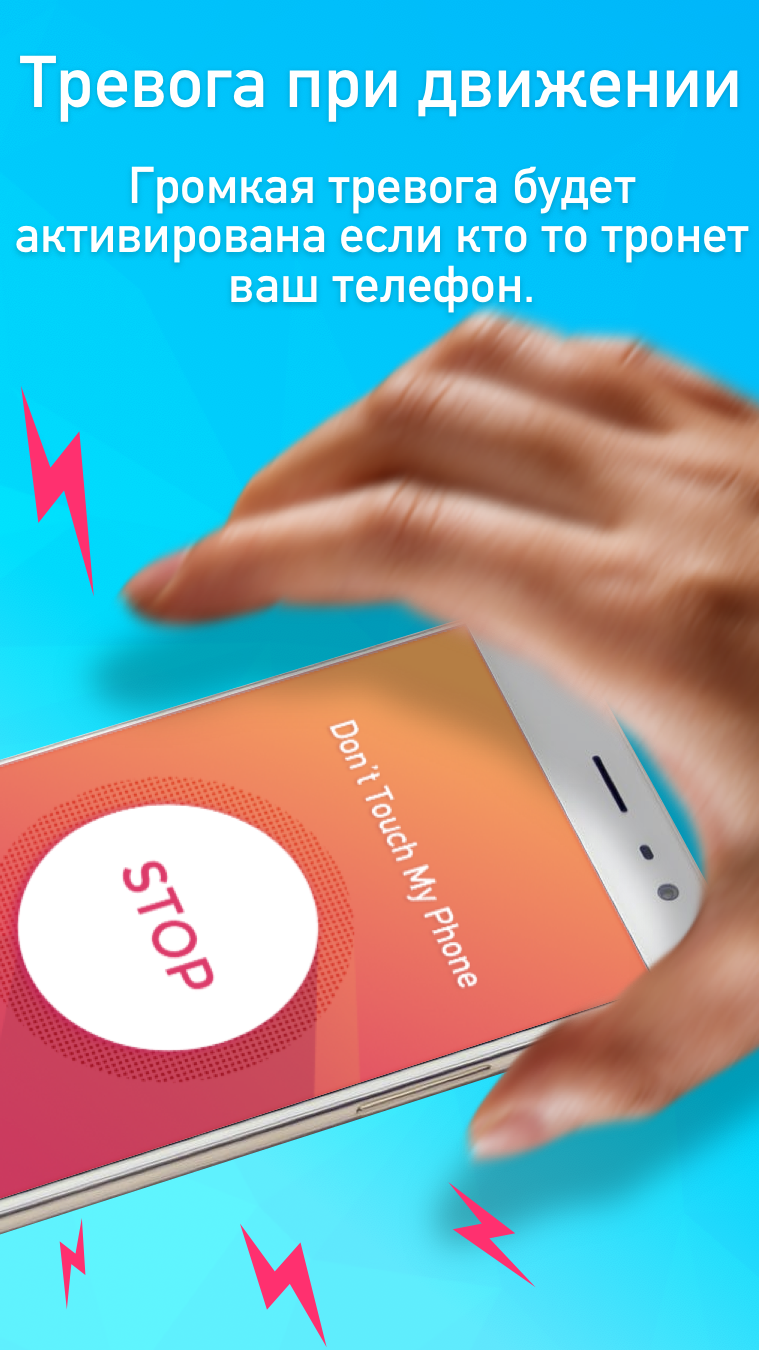
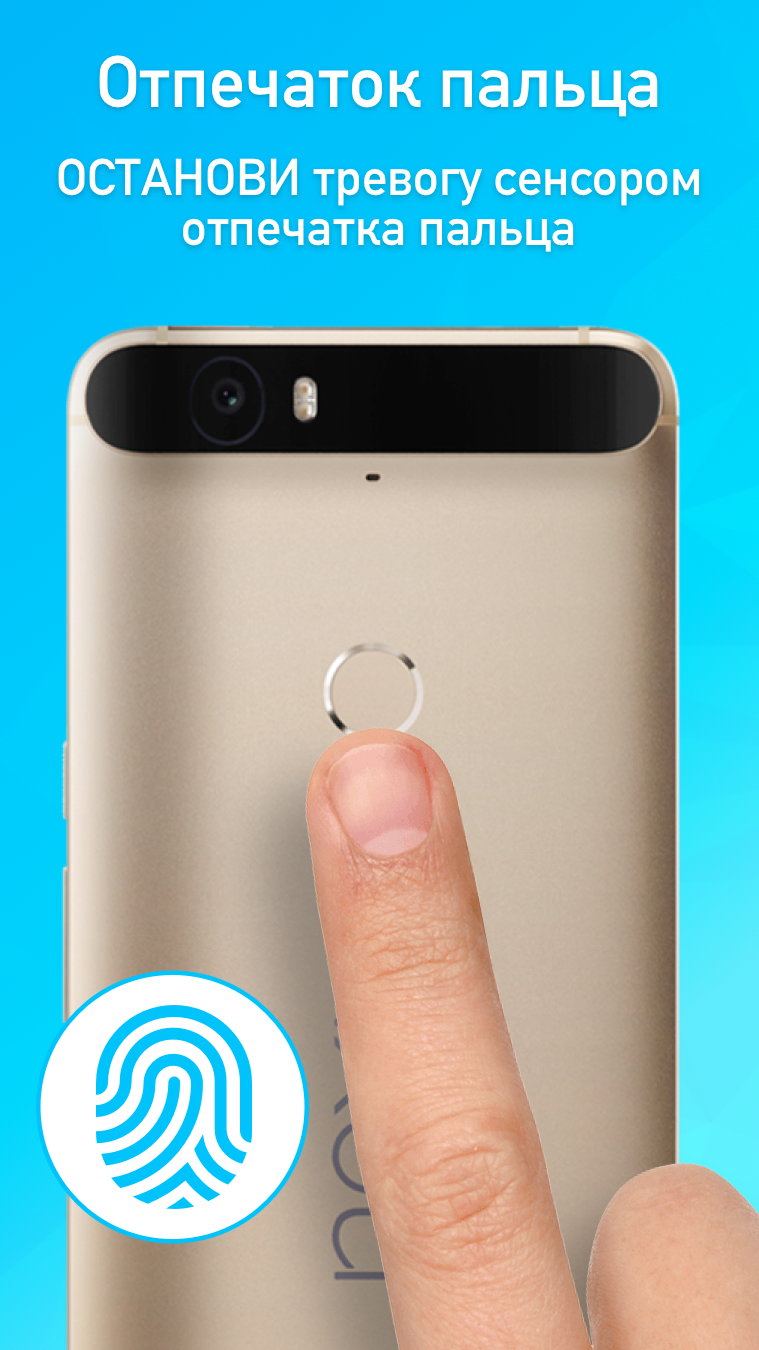
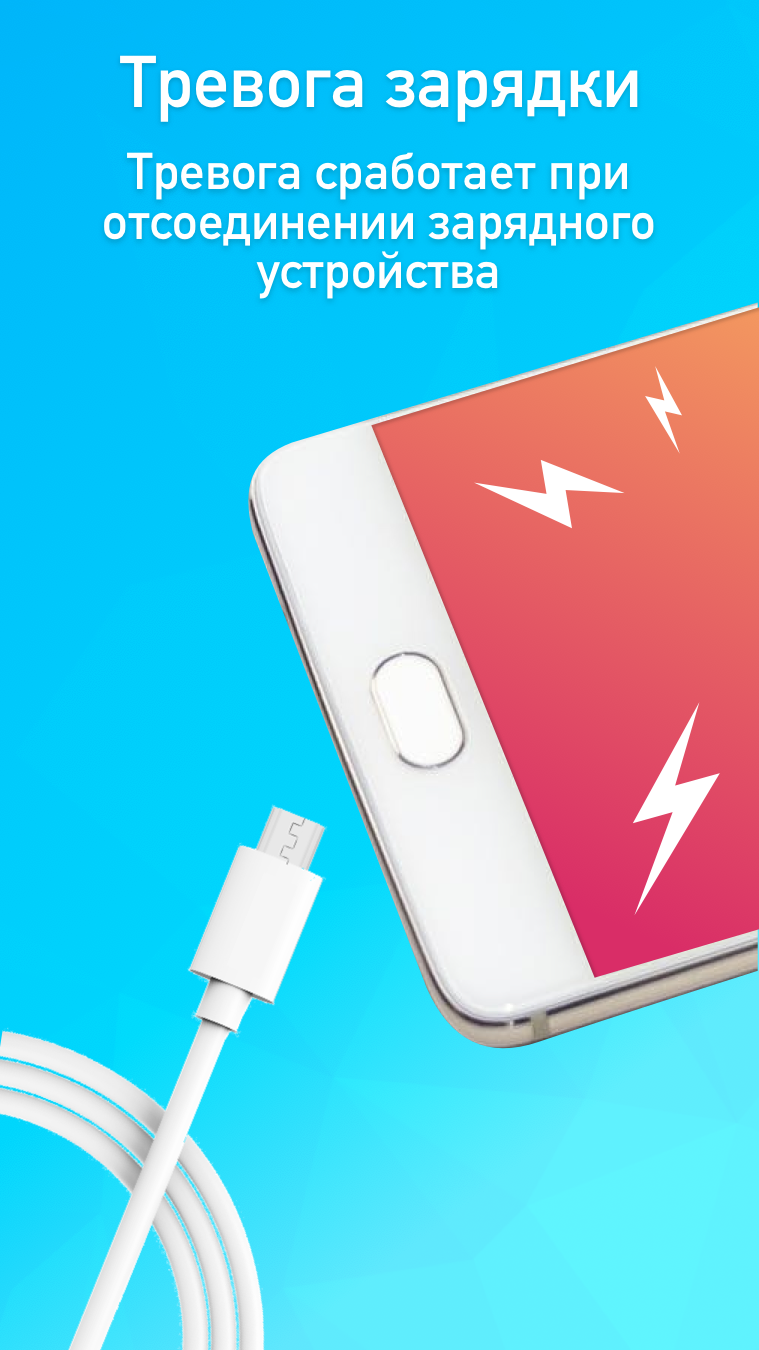
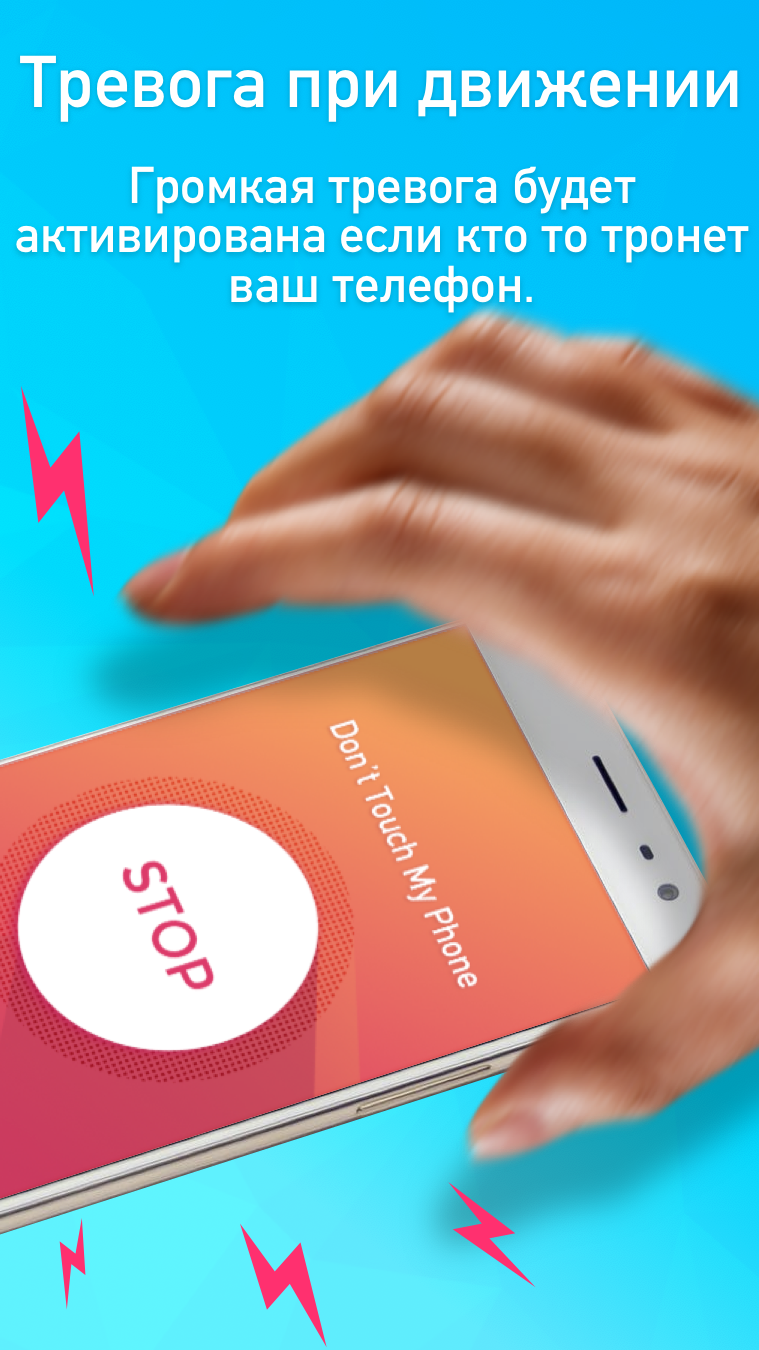
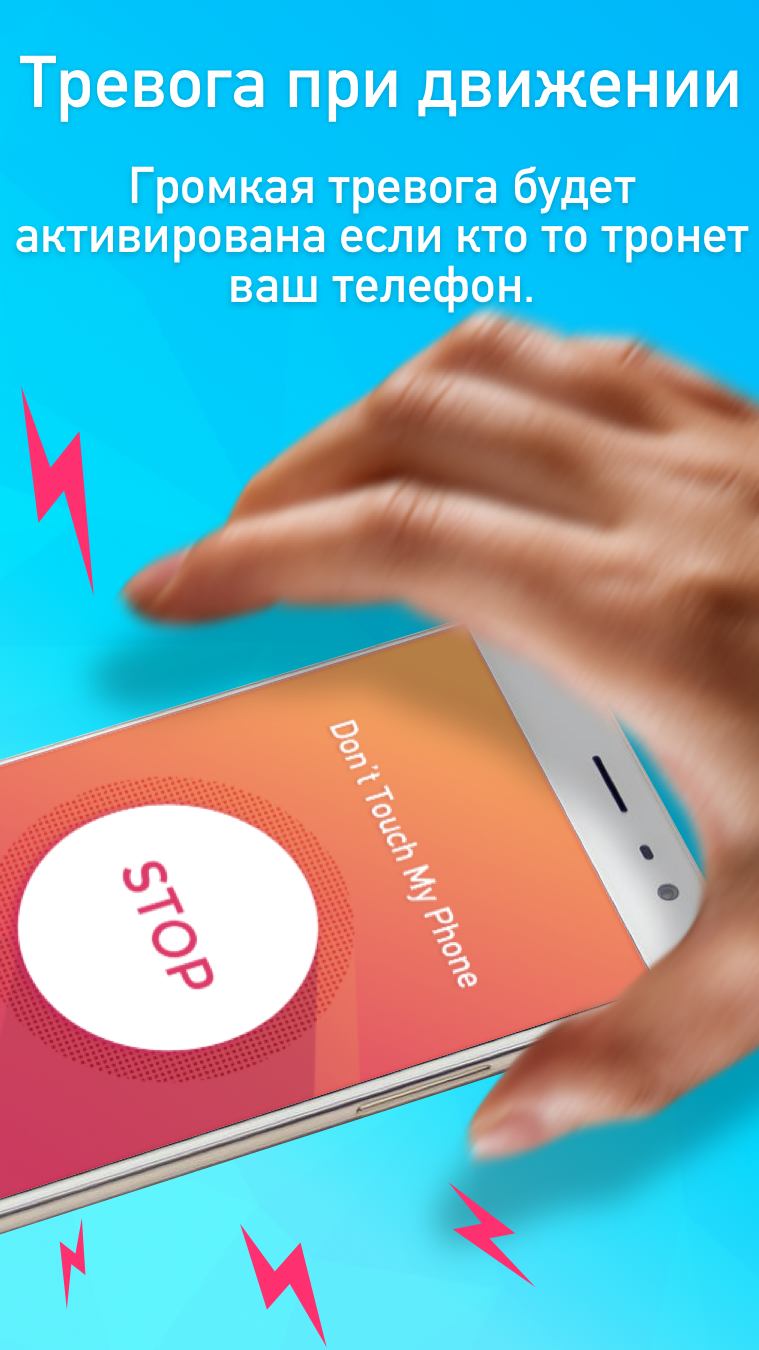
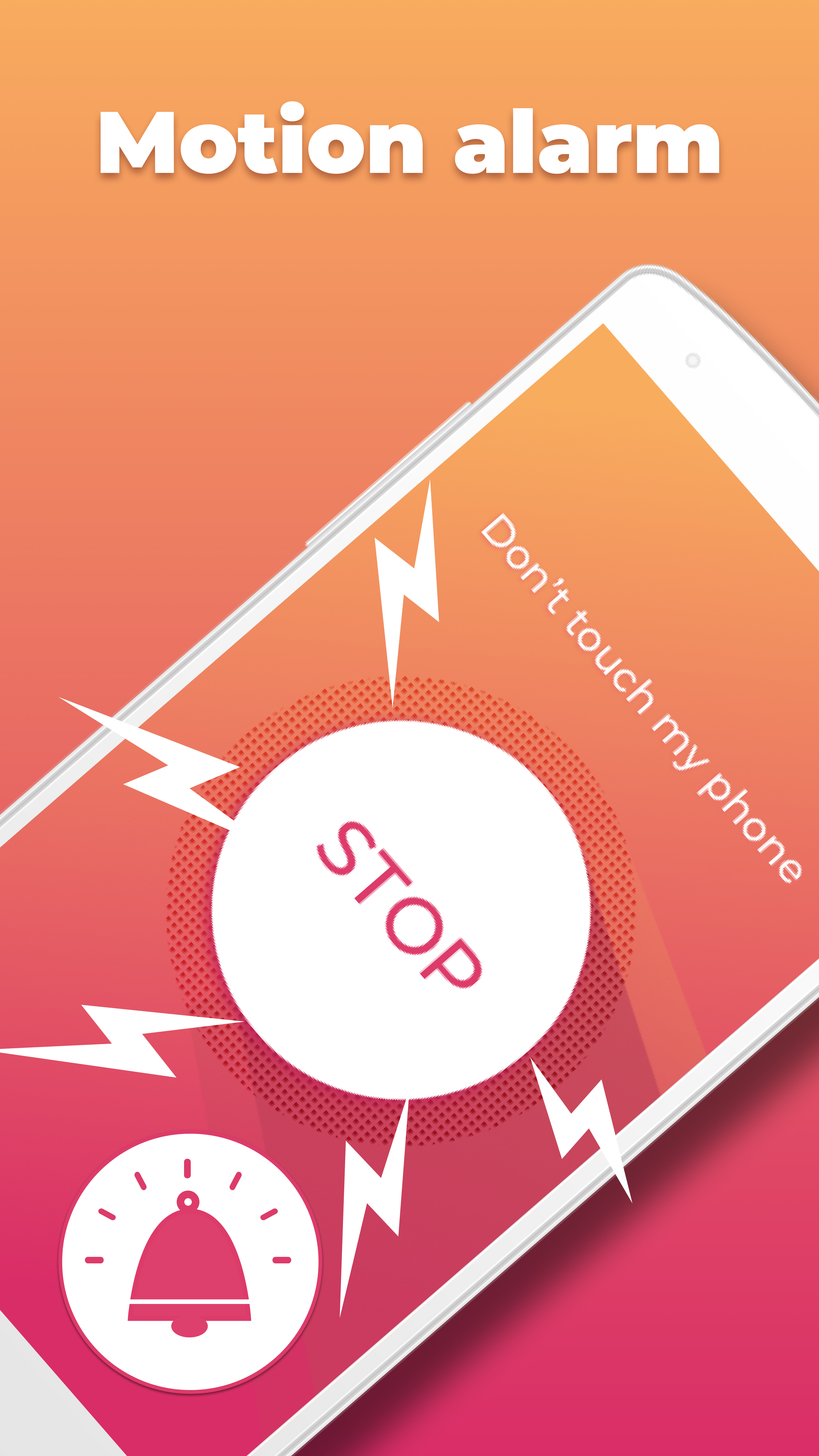
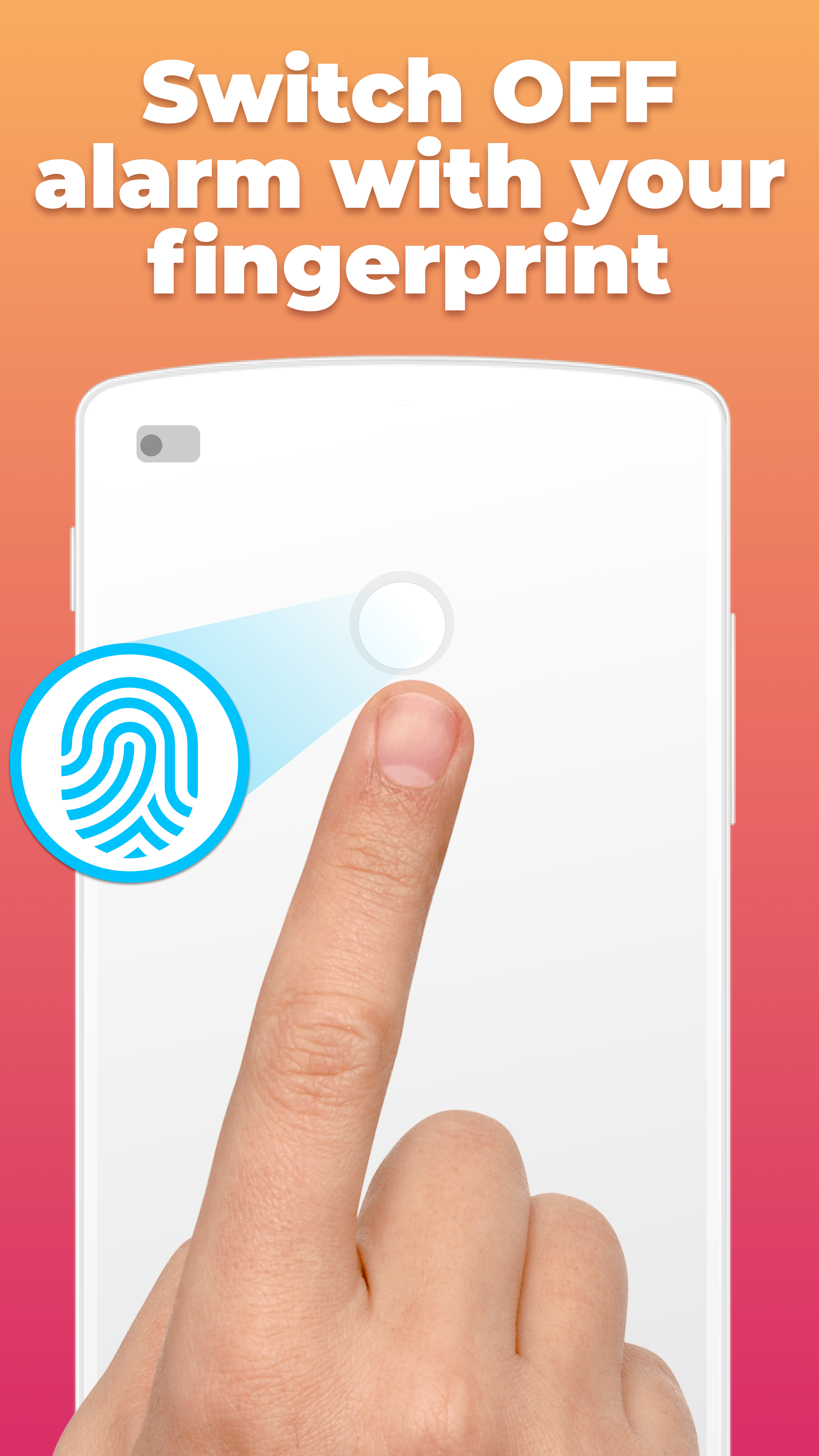
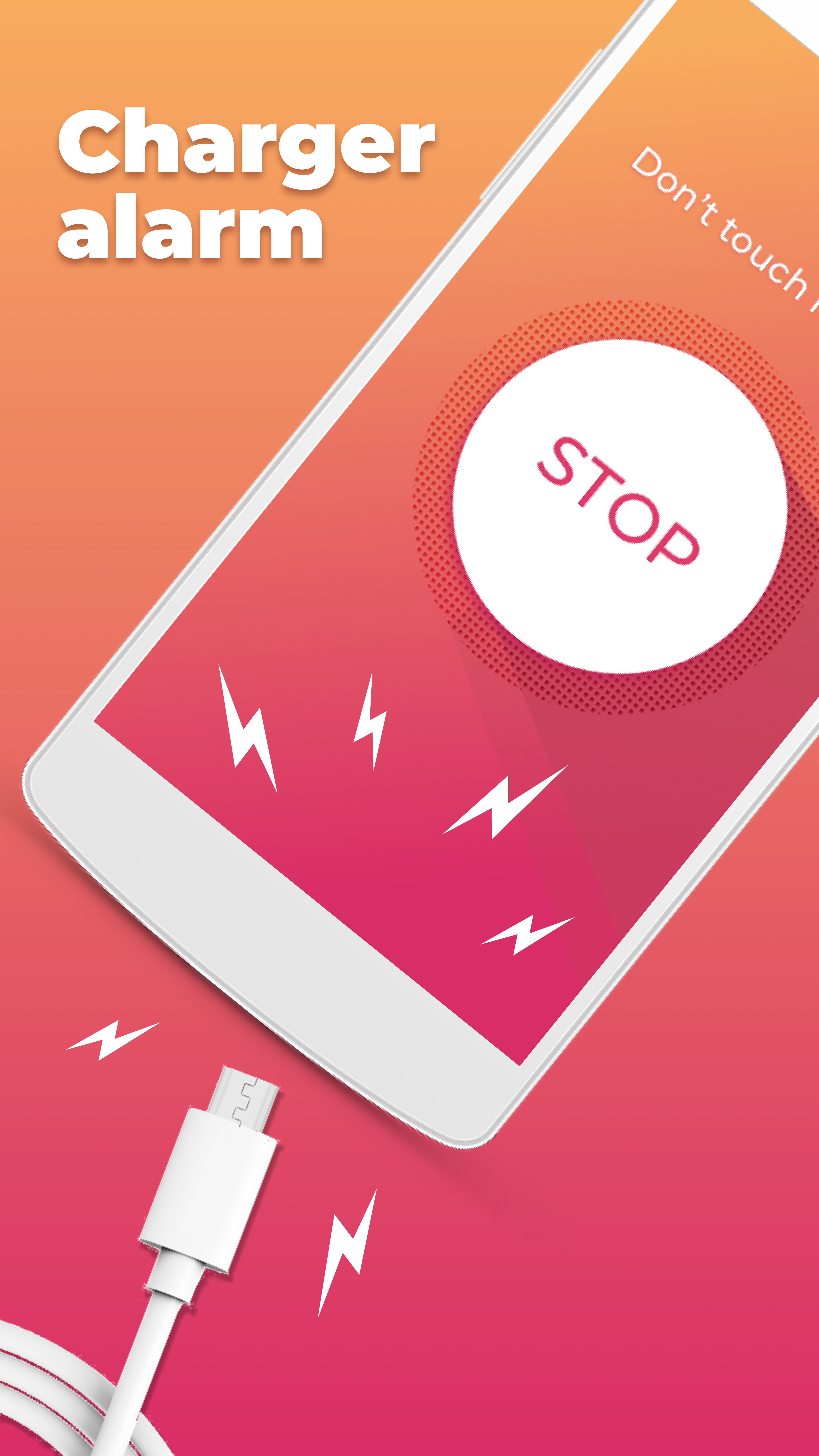
- Loud alarm when attempting to steal the phone.
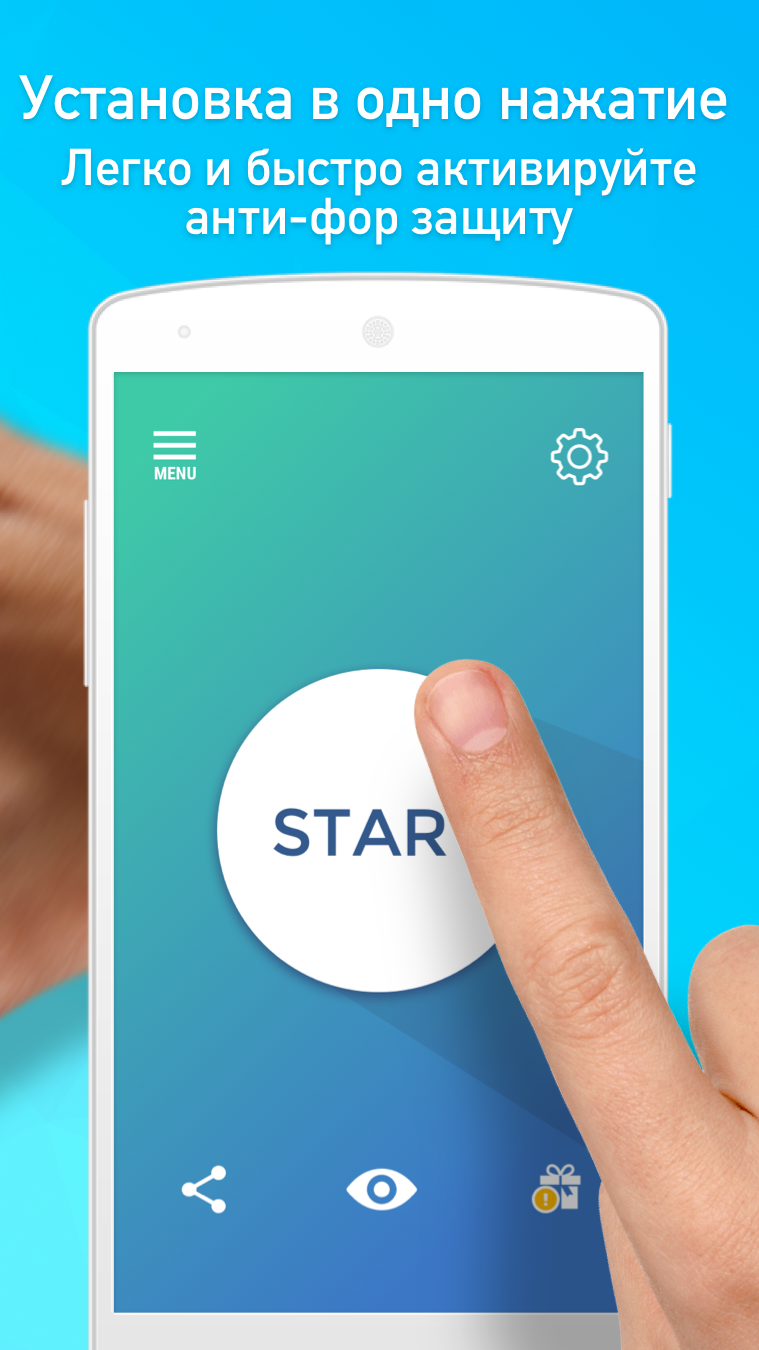
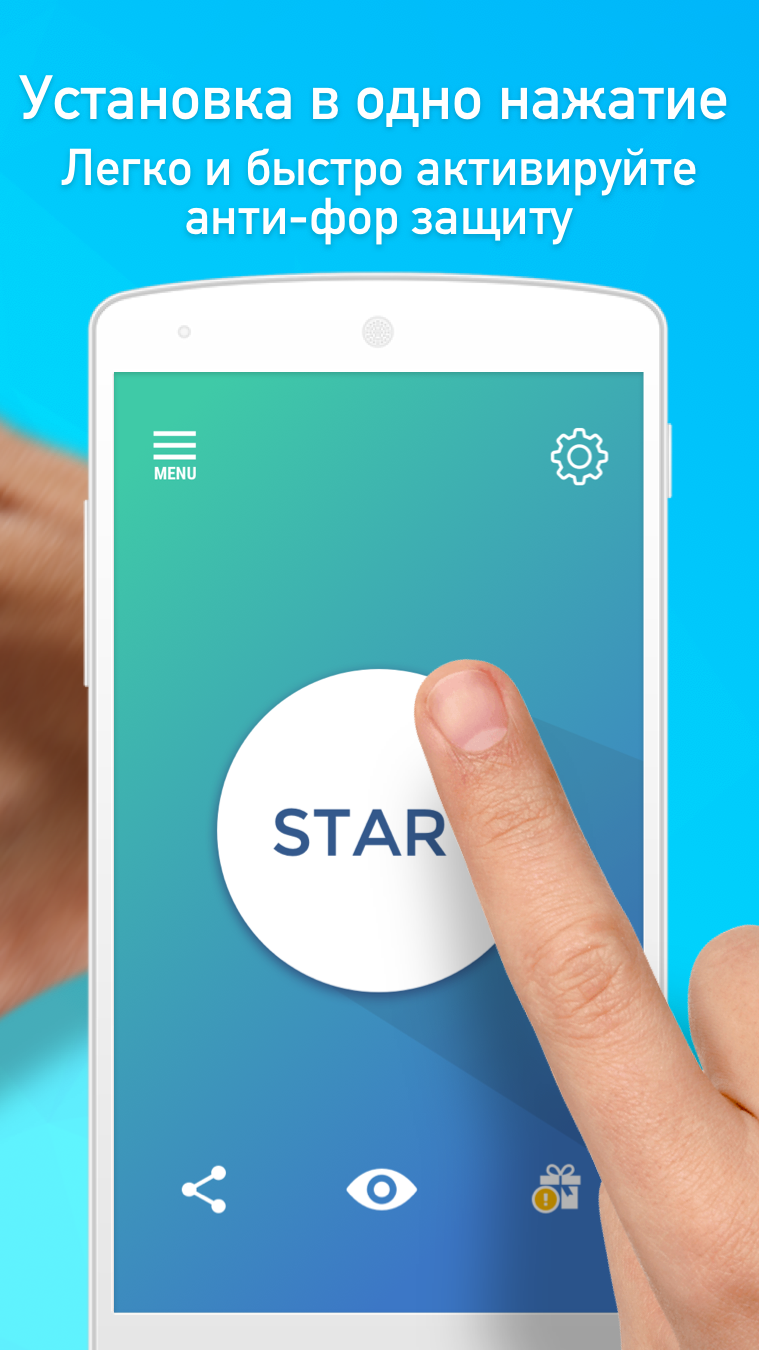
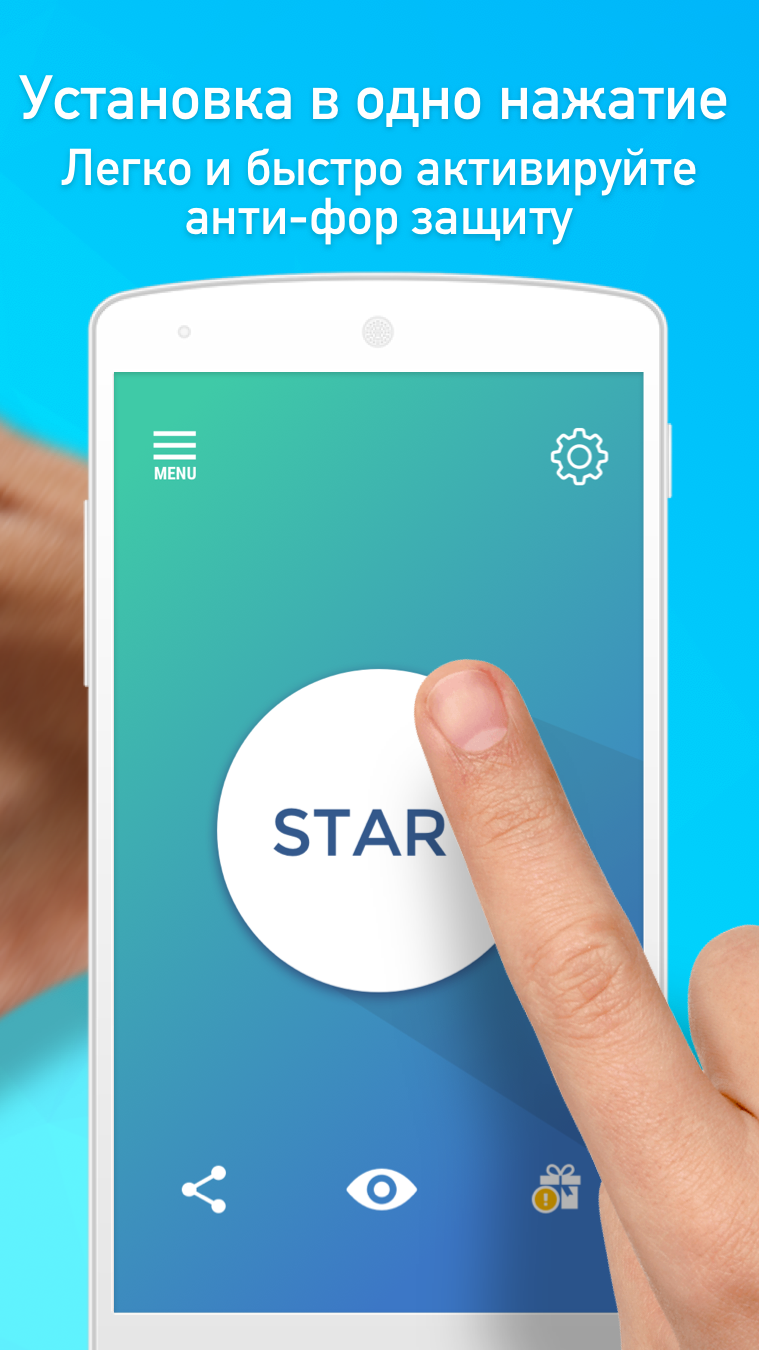
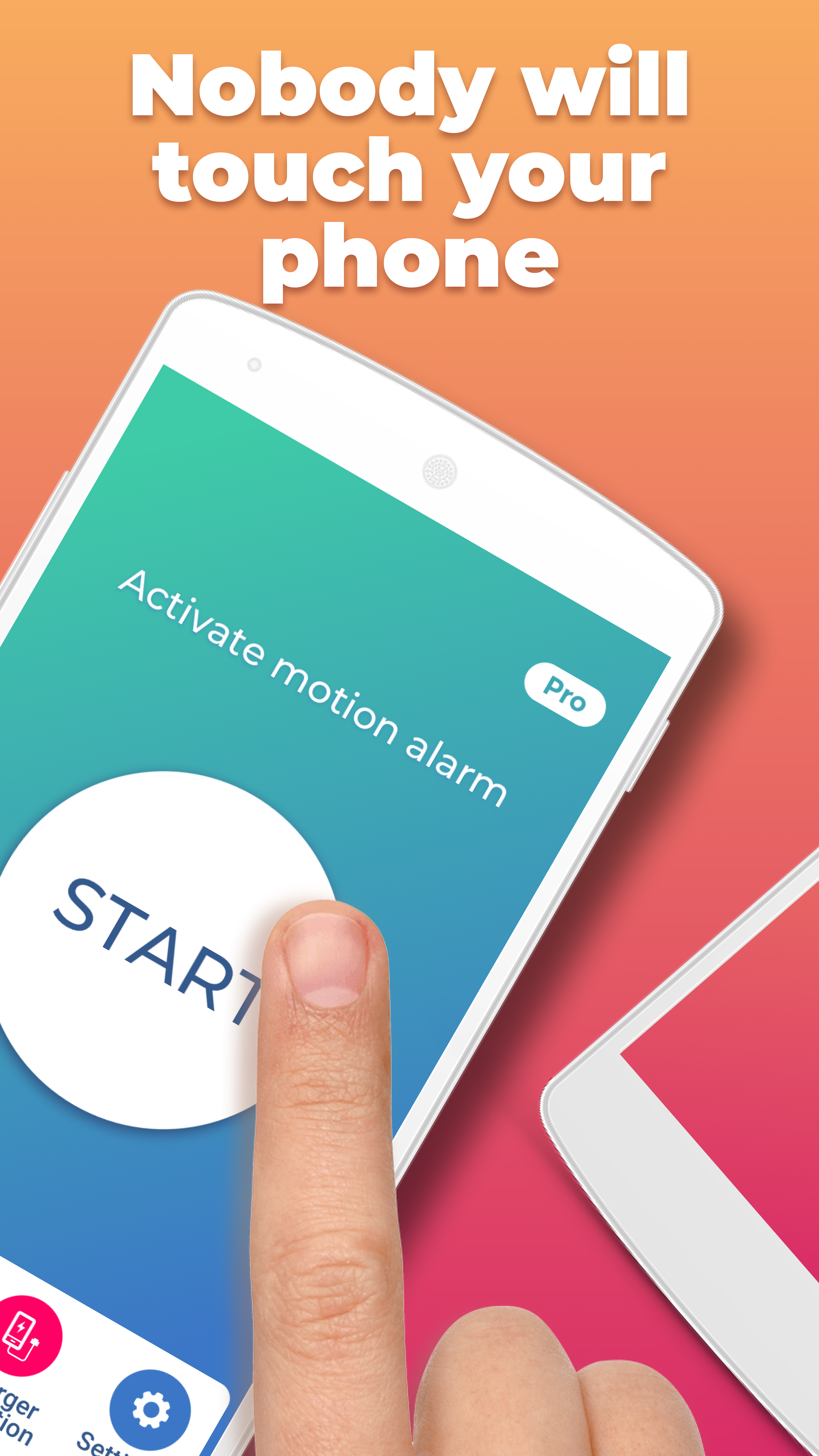
- Activate protection with one tap.
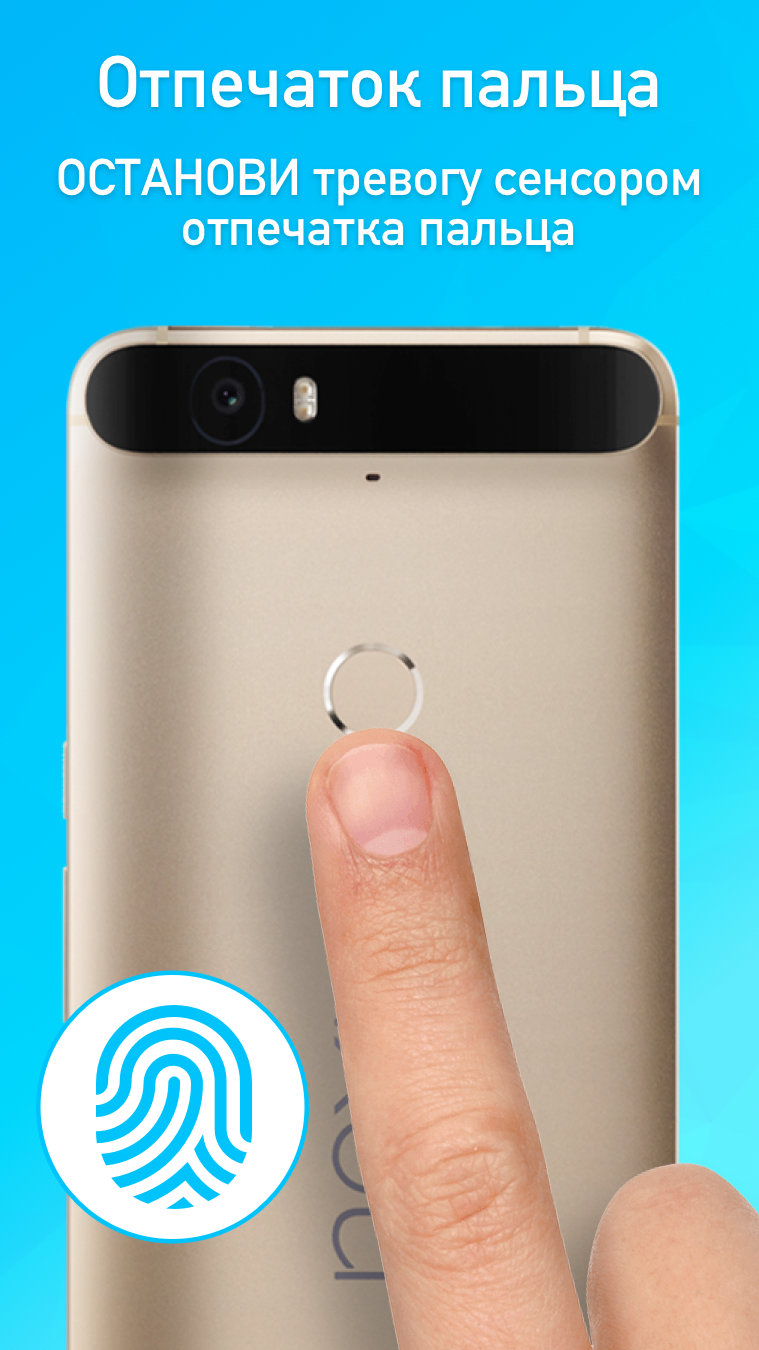
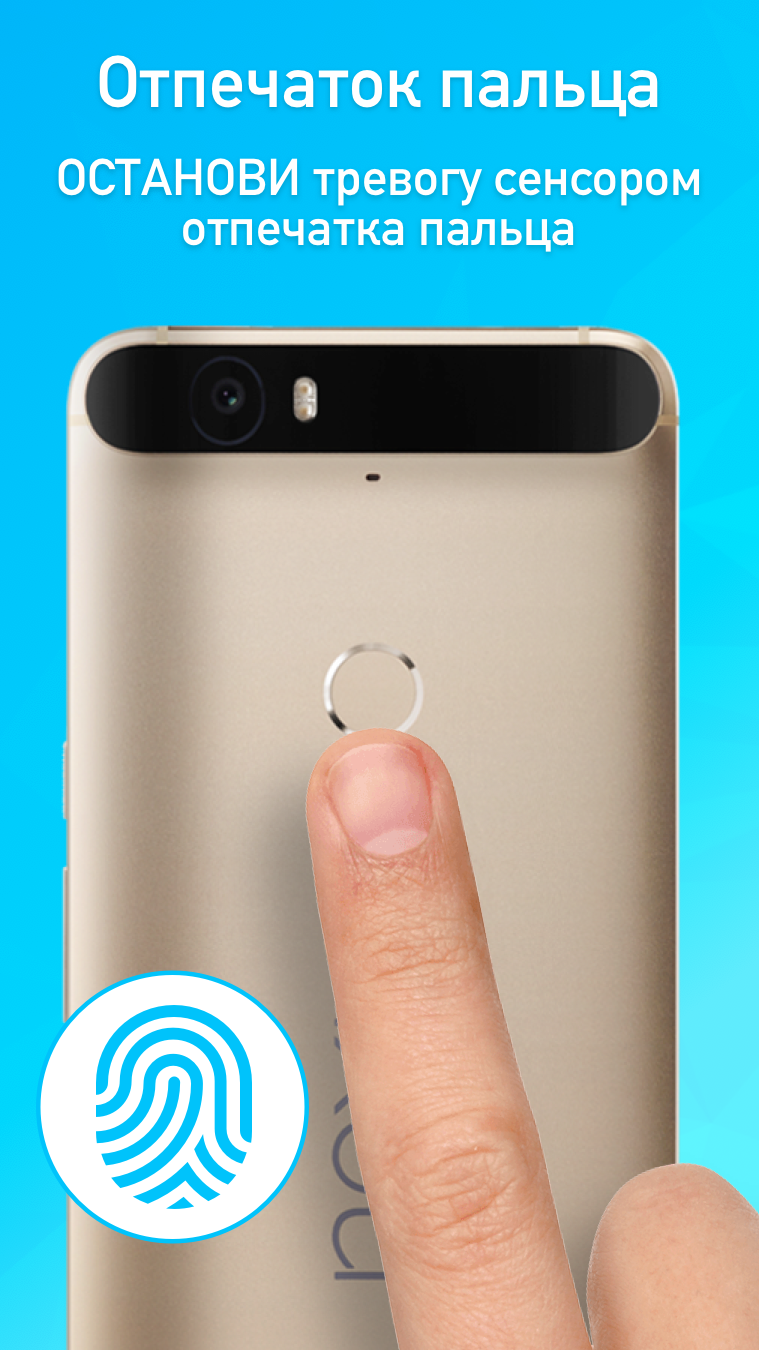
- Reliable protection against unauthorized access.
Description
Application Don't Touch My Phone AntiTheft was checked by VirusTotal antivirus. As a result of the scan, no file infections were detected by all the latest signatures.
How to install Don't Touch My Phone AntiTheft
- Download APK file apps from apkshki.com.
- Locate the downloaded file. You can find it in the system tray or in the 'Download' folder using any file manager.
- If the file downloaded in .bin extension (WebView bug on Android 11), rename it to .apk using any file manager or try downloading the file with another browser like Chrome.
- Start the installation. Click on the downloaded file to start the installation
- Allow installation from unknown sources. If you are installing for the first time Don't Touch My Phone AntiTheft not from Google Play, go to your device's security settings and allow installation from unknown sources.
- Bypass Google Play protection. If Google Play protection blocks installation of the file, tap 'More Info' → 'Install anyway' → 'OK' to continue..
- Complete the installation: Follow the installer's instructions to complete the installation process.
How to update Don't Touch My Phone AntiTheft
- Download the new version apps from apkshki.com.
- Locate the downloaded file and click on it to start the installation.
- Install over the old version. There is no need to uninstall the previous version.
- Avoid signature conflicts. If the previous version was not downloaded from apkshki.com, the message 'Application not installed' may appear. In this case uninstall the old version and install the new one.
- Restart annex Don't Touch My Phone AntiTheft after the update.






Requesting an application update
Added Denis Rubinov
Version: 1.4.82
Size: 44.3 MB
Updated: 22.05.2025
Developer: tappaz.games
Age Limitations: Everyone
Authorizations:
Downloaded on Google Play: 26580305
Category: Tools












Reviews for Don't Touch My Phone AntiTheft
omg
Nice
good
It very good when someone stole your phone
very nice
advertisement, non stop advertisements
I don't like the app because it doesn't work
চুরা
👌 I love it
Extremely satisfied with this app. Detection was extremely good. But one problem should be erased. I think it's a bug. You should debug that in your next update. The problem is whenever I turn off the alarm, on the notification shade, it shows that I'm in a hands-free call whereas I'm not. Tiny problem for me, but big enough to make someone so worried about anyone's device 😄. Thank you Rish
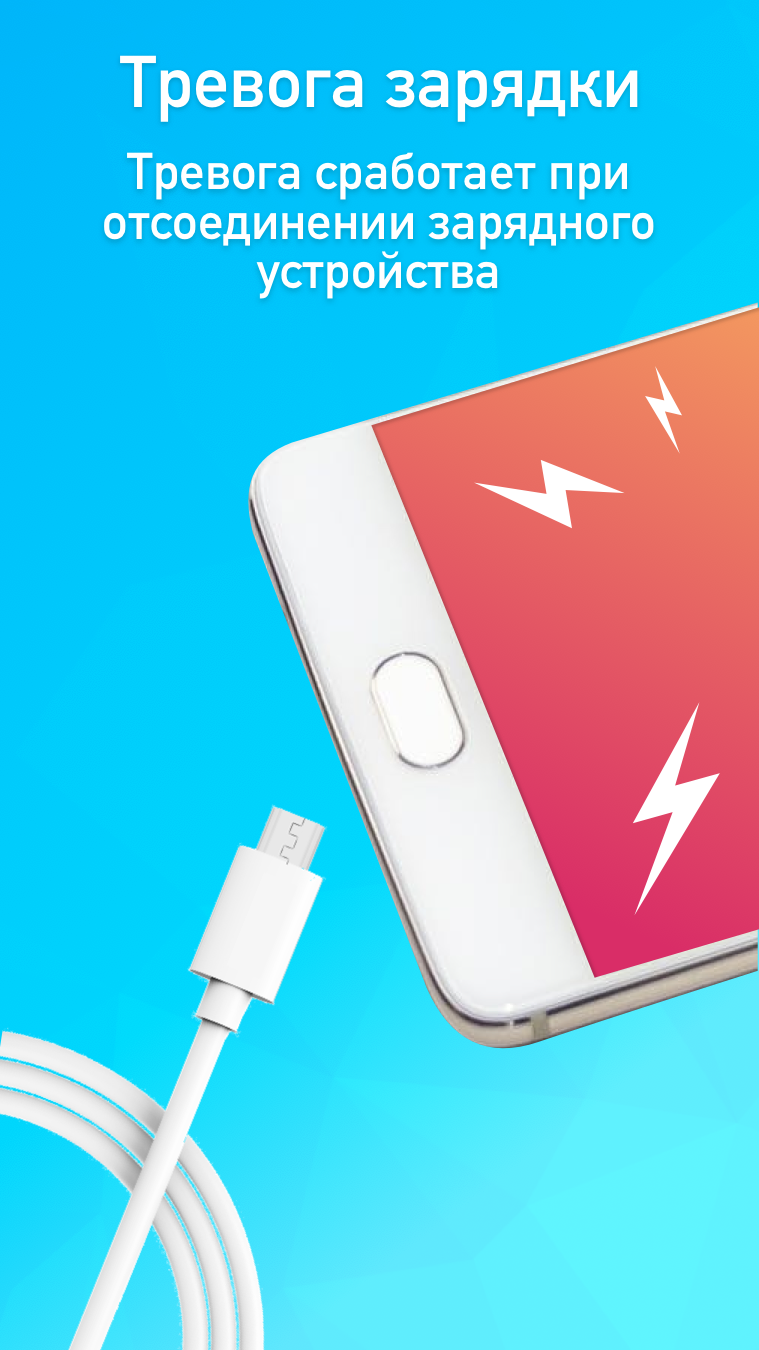
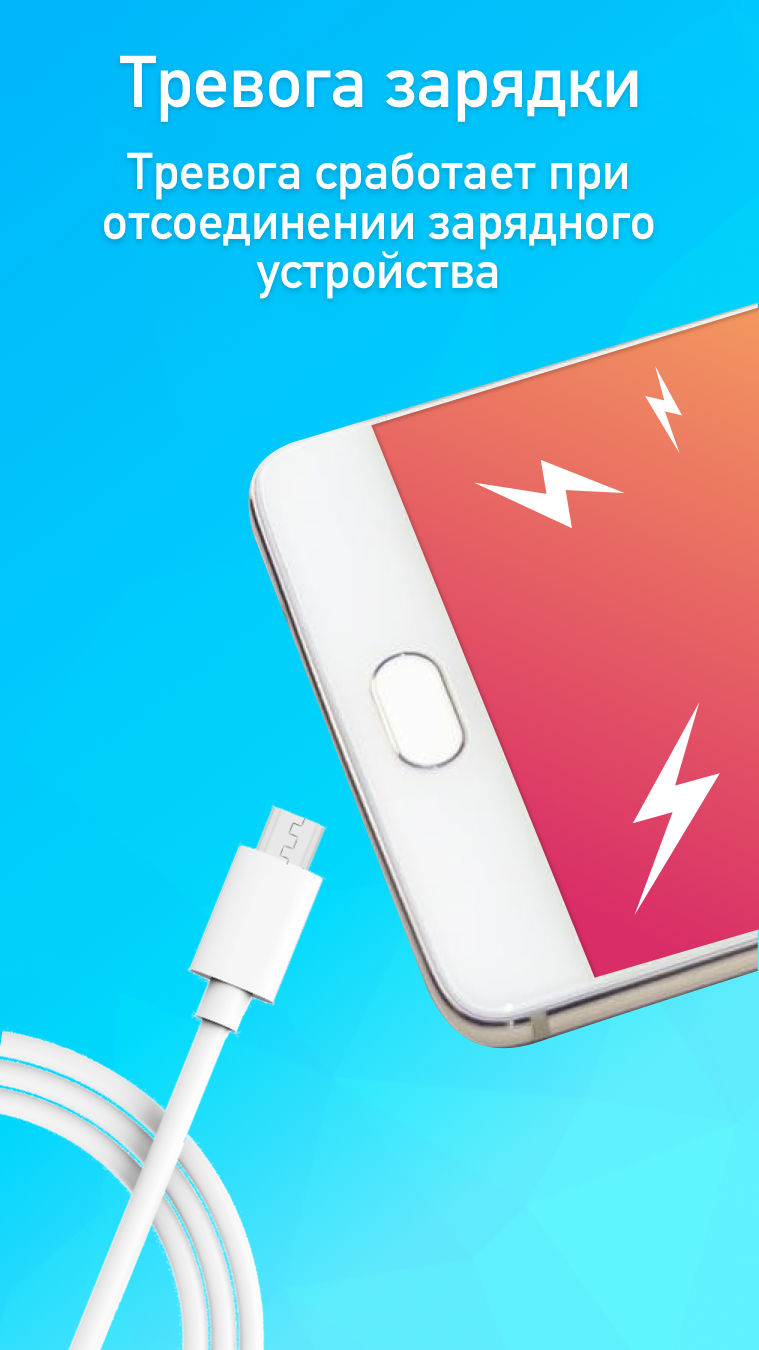
I really love this app. Even if there is no sensor, it work just perfectly fine. The charging alarm, all works perfectly but if you can bring in the fact that, if the person takes the phone and wants to switch it off, the app will prevent he or she from switching it off and it will keep making noise until someone comes to its aid. Thank you
Good app at the first time, no one can touch the phone but when it take many hours it doesn't work, mean every one touch the phone and it doesn't make an alarm. And the wonderful news is that the phone can ring even if it connect with headphone i need a help please, to each action, which is acting on it. Thank you.
ZERO STARS. You can't even give this app a test run. It keeps popping up full screen ads every time you try to do anything. The developer should be banned from making and offering apps. ZERO STARS.
Its very good app and helpful and it's guaranteed that it will alarm when someone toches the phone but adds must be reduce other wise it feels awful to use it
A very good and useful app. A suggestion is for the alarm to stop if the charger is plugged back like when it is unlocked. And like most applications on android 8, it doesn't stay in background if background apps are cleared or closed. It will be most useful if it isn't easily detected. 👍
Post a comment
To leave a comment, log in with your social network:
Or leave an anonymous comment. Your comment will be sent for moderation.
Post a comment
To leave a comment, log in with your social network:
Or leave an anonymous comment. Your comment will be sent for moderation.