



Should I Answer?
10+
downloads6.0+
version Android
Added: Denis Rubinov
Version: 1.8.273
Size: 69.3 MB
Updated: 19.05.2025
Developer: Mister Group s.r.o.
Age Limitations: Everyone
Authorizations: 13
Downloaded on Google Play: 1901604
Category: Contact
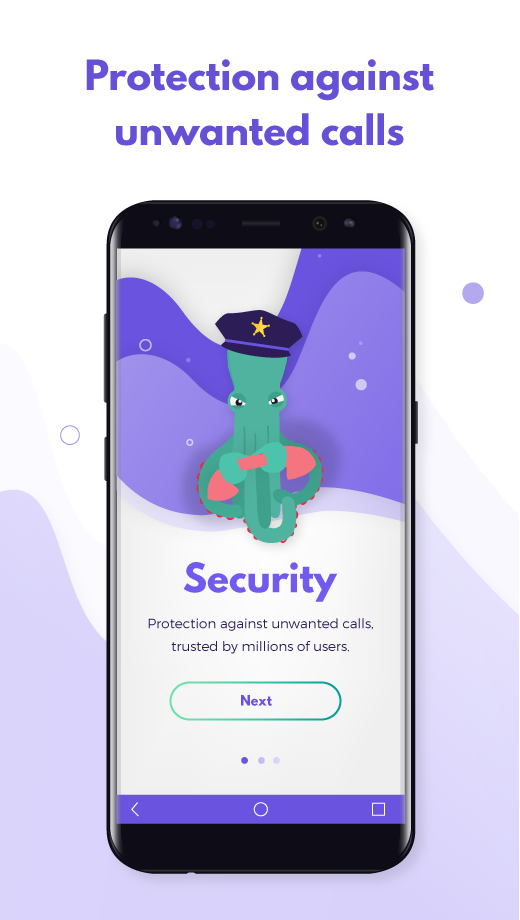
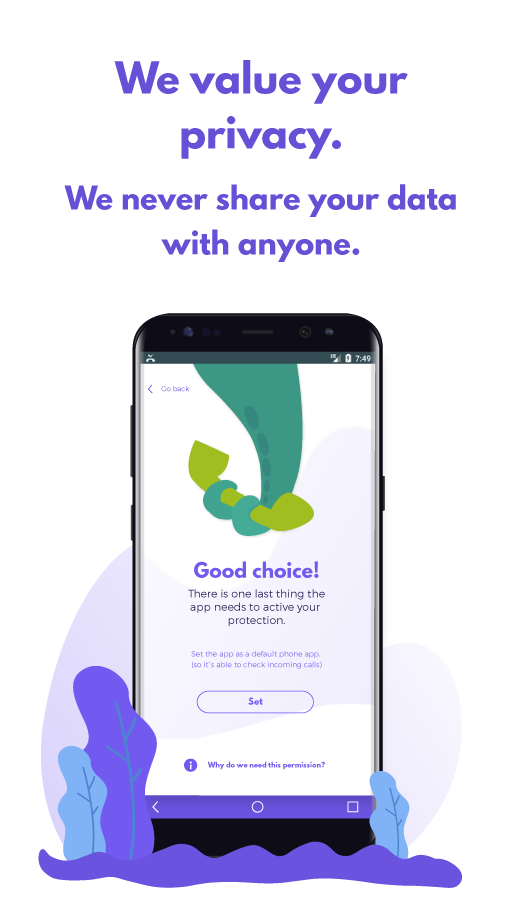
- Exact definition of spam.
- Formation of a personal blacklist.
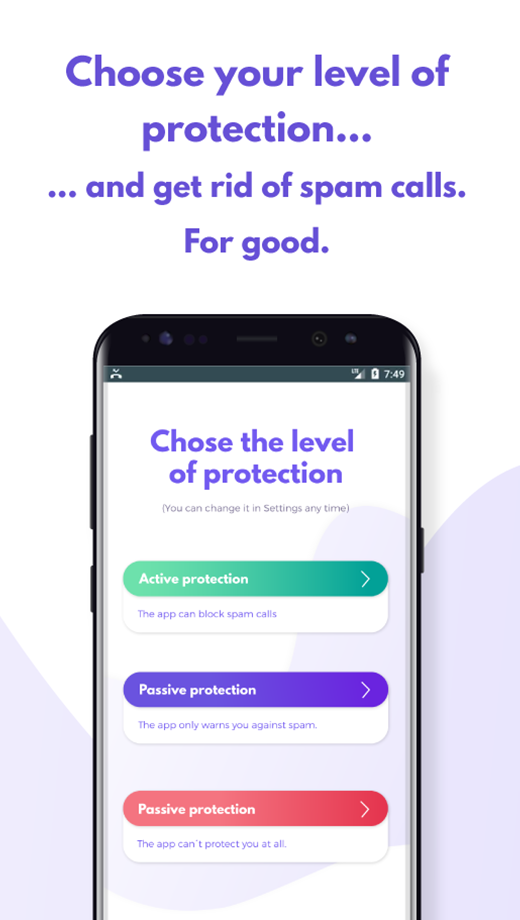
- Block calls and SMS.
- Works for free.
- Ability to add spammer numbers to the database.
Description
Application Should I Answer? was checked by VirusTotal antivirus. As a result of the scan, no file infections were detected by all the latest signatures.
How to install Should I Answer?
- Download APK file apps from apkshki.com.
- Locate the downloaded file. You can find it in the system tray or in the 'Download' folder using any file manager.
- If the file downloaded in .bin extension (WebView bug on Android 11), rename it to .apk using any file manager or try downloading the file with another browser like Chrome.
- Start the installation. Click on the downloaded file to start the installation
- Allow installation from unknown sources. If you are installing for the first time Should I Answer? not from Google Play, go to your device's security settings and allow installation from unknown sources.
- Bypass Google Play protection. If Google Play protection blocks installation of the file, tap 'More Info' → 'Install anyway' → 'OK' to continue..
- Complete the installation: Follow the installer's instructions to complete the installation process.
How to update Should I Answer?
- Download the new version apps from apkshki.com.
- Locate the downloaded file and click on it to start the installation.
- Install over the old version. There is no need to uninstall the previous version.
- Avoid signature conflicts. If the previous version was not downloaded from apkshki.com, the message 'Application not installed' may appear. In this case uninstall the old version and install the new one.
- Restart annex Should I Answer? after the update.






Requesting an application update
Added Denis Rubinov
Version: 1.8.273
Size: 69.3 MB
Updated: 19.05.2025
Developer: Mister Group s.r.o.
Age Limitations: Everyone
Authorizations:
Downloaded on Google Play: 1901604
Category: Contact












Reviews for Should I Answer?
People say this app is worthless but that's not true it keeps you protected while phoning and answering calls it shows the numbers that are scams and nuisance calls too.
Love this used it for a while now recommend to everyone.
It's a pretty good app but I am still getting calls from blocked numbers. Unfortunately, they are also able to leave messages which I'm not supposed to. At times it can be frustrating. Thanks!
Te permite bloquear todo lo que no esté en tus contactos. Perfecto para países como el mío dónde no te protegen del spam. Edit: La app dejó de funcionar en Motorola edge 50 y moto think phone, sospechó que también en mi moto play 7 también. no me permite ponerlo como app por defecto para celulares.
very reliable
Seems OK, but the "searchable" database, which insists you search for international format phone numbers, doesn't recognise this format even if you search directly from your call log.
I've always loved this app. It would be good to see a list of recent additions to the database and stats so that we can feel like we're growing as a community. Website also needs improvement.
This app is wonderful...It does just what its suppose to do! No more scam calls!!
love this app. I no longer get spam calls and I'm loving it.
Thank you for getting all spam and cleaning my phone app you guys did a fantastic job
This app does a decent job of screening but it's held back by some very simple issues. 1) The SIA dialer IS TERRIBLE because u get literally 2secs to answer calls & often fails to send tones so can't interact with automated prompts 2) if you jump out of the dialer to check a website, you can't find the call again to hang up or interact and 3) they do seem to run an active blacklist which shows my blacklisting actions, but their itself website is pretty spammy with some big ads and ugly popups.
Very basic app. It DOES NOT "block" any calls at all. No matter how many times I tag a call as spam or fraud, it does not actually BLOCK them from calling through. I would like to block ALL CALLS from a certain area code, a spam caller who just keeps changing its phone number again and again and AGAIN, but there is no way to block the area code. I get WAY too many calls coming through, no matter what I do. I want a BLACK list, no need for a WHITE list!
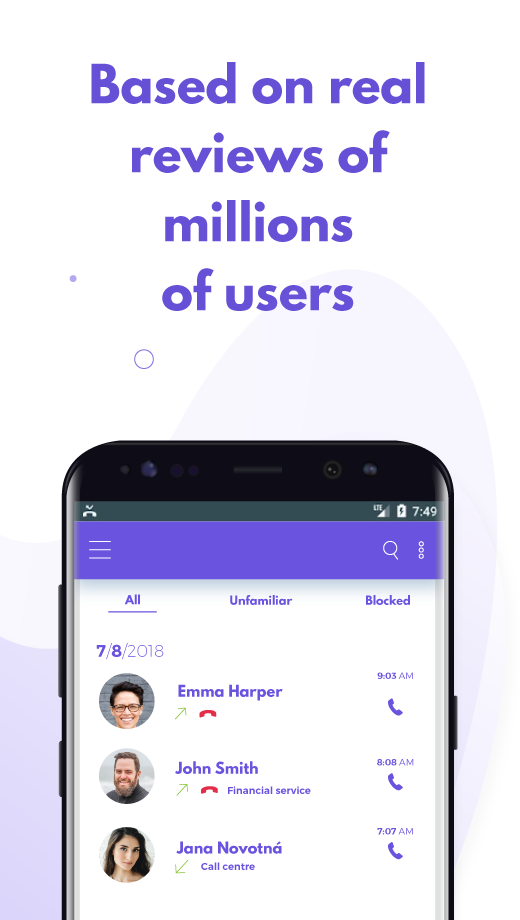
Great app. You can see how others have categorized and described unknown callers. You can block unwanted calls. Update: I haven't been getting any notifications about receiving voicemails, like I used to before installing this app. In fact, I looked for the voicemail phone number in my contacts, where it used to be, and it had been deleted 🤔 Please fix that problem. Otherwise, it's a helpful app
Blocks calls AND messages. It appears to also block political messages that are left without actually having phone ring! Best blocker I have found so far. Update: I have been using this app for 2 years and am still quite happy with it. NOTHING gets through. I like that I can allow the caller to leave a message just in case it is a legitimate call. Just remember to disable the blocking when you are expecting a call back from someone not in your contacts.
Wonderful app with several options to help eliminate unwanted calls! You can even block entire area codes and only receive calls from those with area code in your contacts. If you want real privacy you can only accept calls from your contacts and easily change the option at any time. This app has saved me time and phone stress!! Give it a try, it cant hurt👍
Post a comment
To leave a comment, log in with your social network:
Or leave an anonymous comment. Your comment will be sent for moderation.
Post a comment
To leave a comment, log in with your social network:
Or leave an anonymous comment. Your comment will be sent for moderation.