



My Library
6+
downloads4.4+
version Android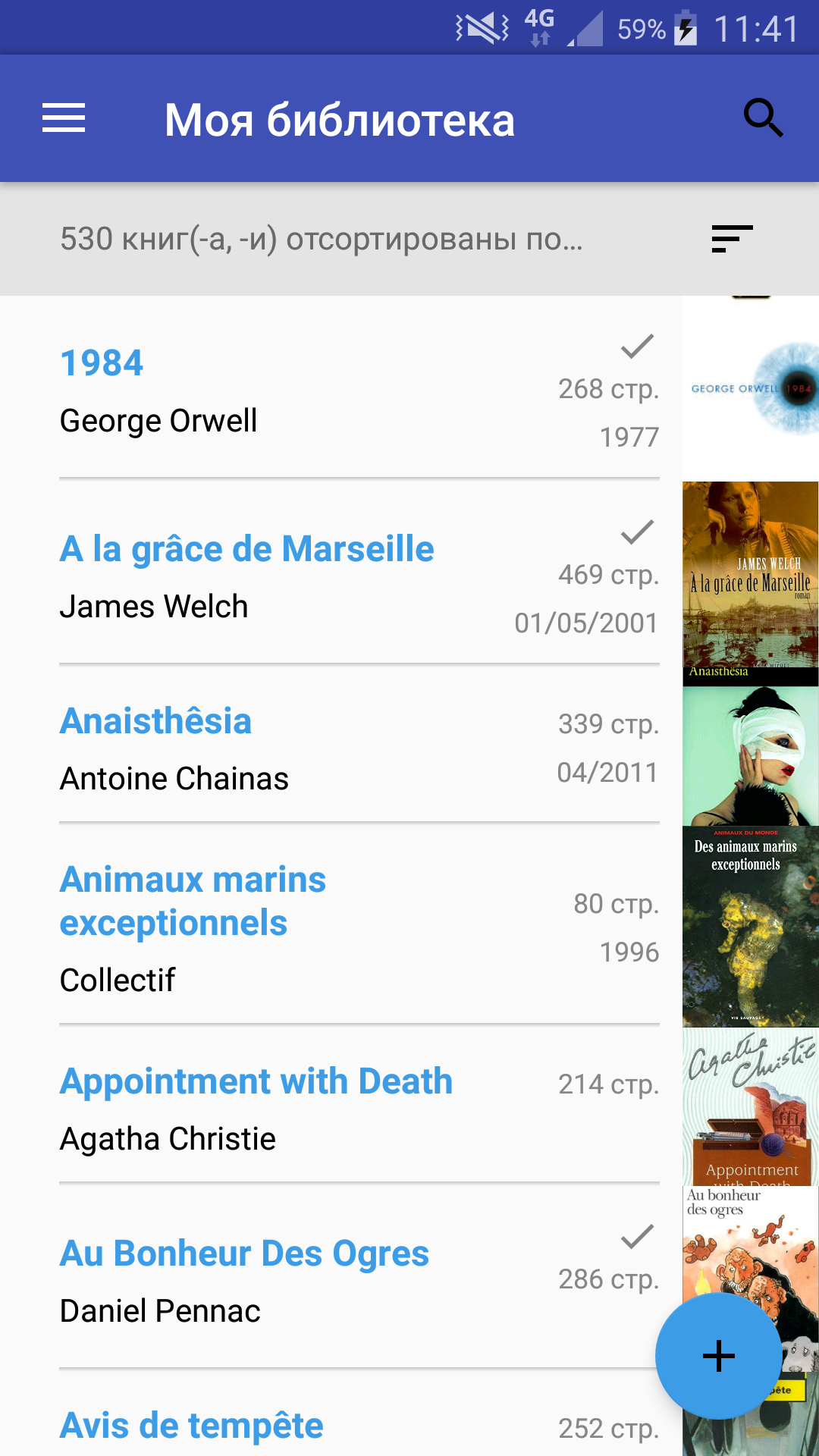
Added: Denis Rubinov
Version: 2.1.7.3
Size: 15 MB
Updated: 24.06.2025
Developer: Julien Keith
Age Limitations: Everyone
Authorizations: 6
Downloaded on Google Play: 3517671
Category: Work
Description
Application My Library was checked by VirusTotal antivirus. As a result of the scan, no file infections were detected by all the latest signatures.
How to install My Library
- Download APK file apps from apkshki.com.
- Locate the downloaded file. You can find it in the system tray or in the 'Download' folder using any file manager.
- If the file downloaded in .bin extension (WebView bug on Android 11), rename it to .apk using any file manager or try downloading the file with another browser like Chrome.
- Start the installation. Click on the downloaded file to start the installation
- Allow installation from unknown sources. If you are installing for the first time My Library not from Google Play, go to your device's security settings and allow installation from unknown sources.
- Bypass Google Play protection. If Google Play protection blocks installation of the file, tap 'More Info' → 'Install anyway' → 'OK' to continue..
- Complete the installation: Follow the installer's instructions to complete the installation process.
How to update My Library
- Download the new version apps from apkshki.com.
- Locate the downloaded file and click on it to start the installation.
- Install over the old version. There is no need to uninstall the previous version.
- Avoid signature conflicts. If the previous version was not downloaded from apkshki.com, the message 'Application not installed' may appear. In this case uninstall the old version and install the new one.
- Restart annex My Library after the update.







Requesting an application update
Added Denis Rubinov
Version: 2.1.7.3
Size: 15 MB
Updated: 24.06.2025
Developer: Julien Keith
Age Limitations: Everyone
Authorizations:
Downloaded on Google Play: 3517671
Category: Work












Reviews for My Library
UPDATED: I have a problem with exporting excel. Any advice?? Good, missing having shelfs and foledrs somehow inside to separate the books by timeline. If you could add some statistics, such comparison between the monthly reads. Or the highest and lowest rates would be nice. To reach the comment section is kinda of hard (layout and navigation wise). Over all satisfied, but see there is a large room for improvement. Thank you for developing the app 💜
Love the app!! It's easy to use. The only thing I wish it could be added is an account so that we could sync the apps between different devices. It would help a lot!
Super!
exactly what i was looking for. good app. it would be great if allows to add custom columns or header and custom book display details.
I have been using this app for a while now and would gladly have given it 5 stars but since the latest update it is not working. I can no longer add notes/comments or edit books. Please fix. App has been fixed, as has my rating for this splendid app.
Easy & flexible
Great
Nice intreface. Jus one thing, it should have back up linked to Google acct.
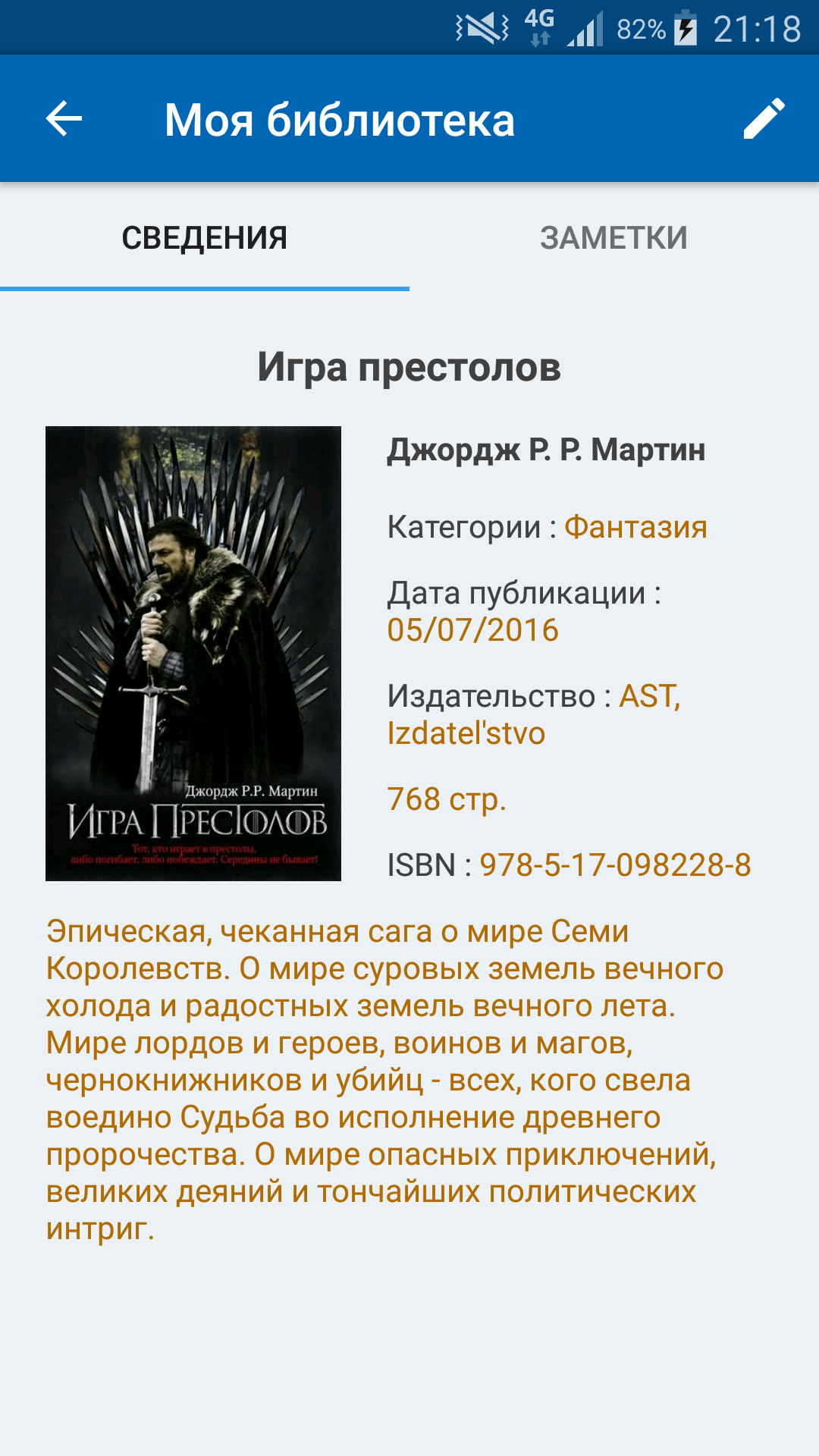
Easy to use Saves lots of time. Many desirable options to keep track of a personal library and more.
If you have an extensive library of books, comics or movies, this app will save you from burning up brain cells trying to remember if you have that book or movie in your collection when out & about. Never again will you buy a double of anything again.
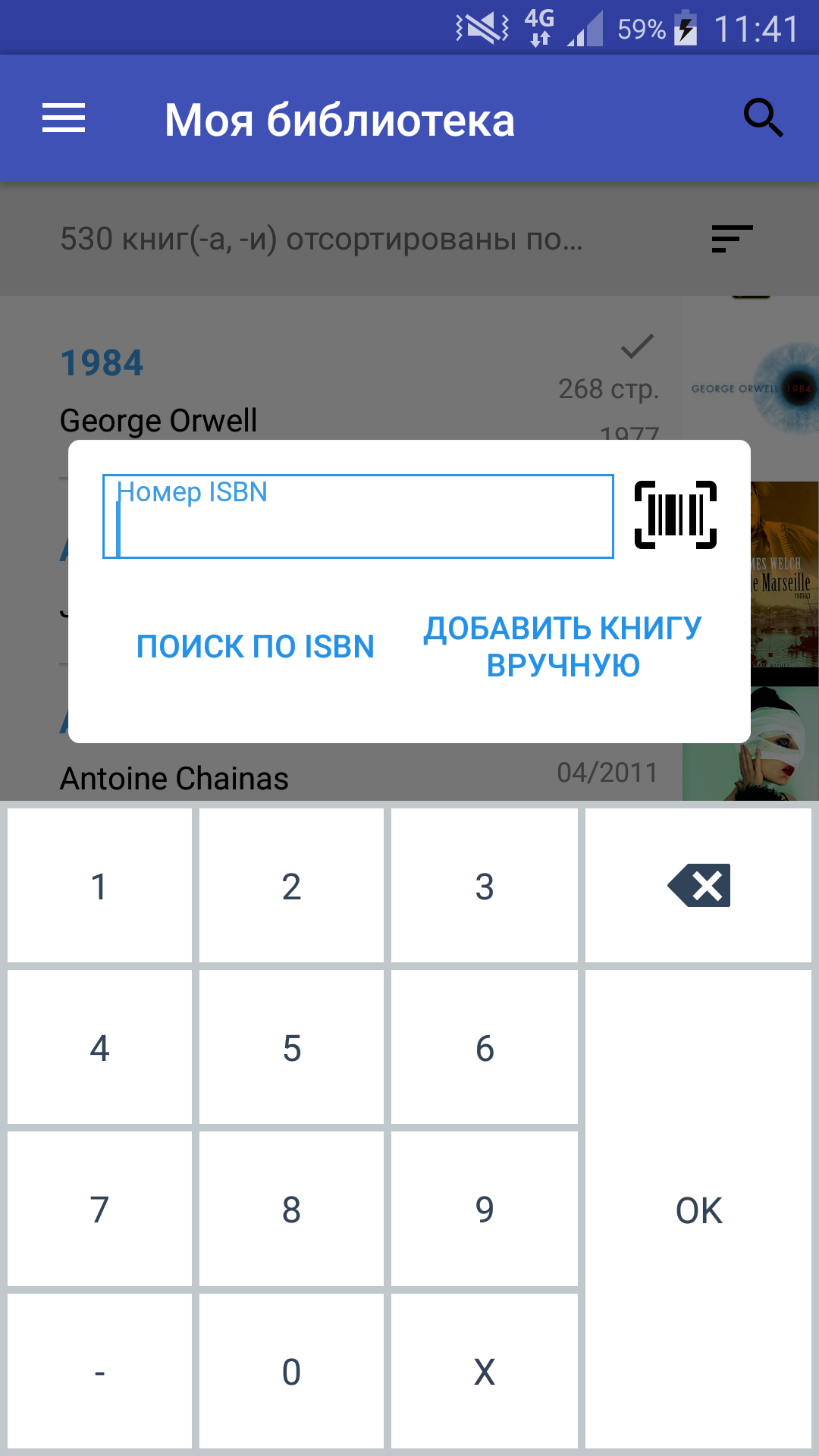
Almost a five! Good way to store your Library data. ISBN search works really well. There's a way to store data for any kind of reading media. I really like the option to be able to create user specific field labels. Just one problem with the feature to change the cover image - *not working* (on Android) - that is frustrating. Other wise great app!
This thing is awesome! Every now and then I have to rescan the barcode because it read the wrong number by taking the photo too quickly, but it pulls up the book with info and I can easily add it to my shelf! I'm not even close to halfway done cataloging everything I have, yet, but once I do, it'll be super easy to add books as I go!! And so handy when I shop so I don't accidentally buy one I already own. I do wish it added the series in automatically, but it asks for that manually.
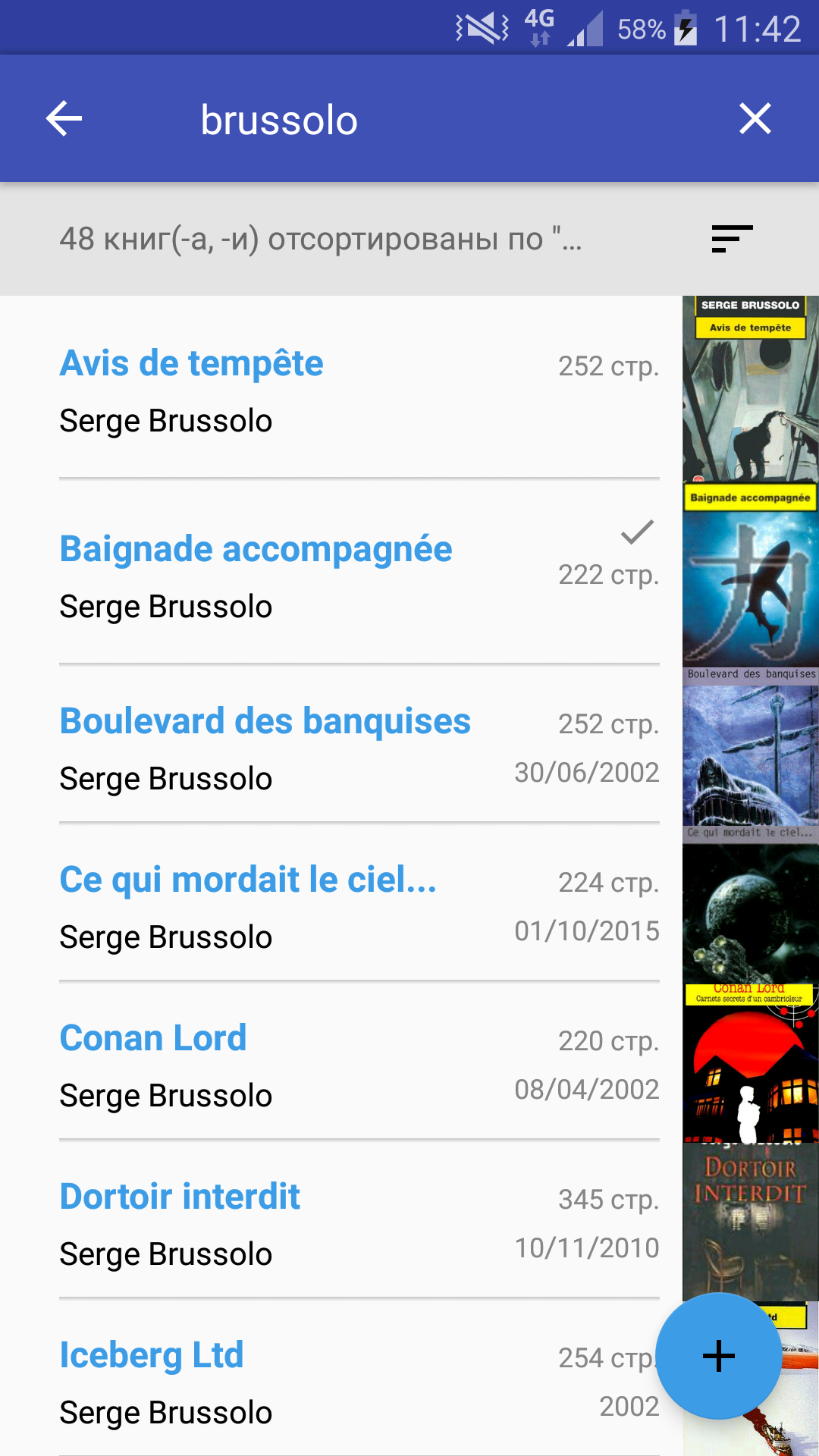
Shares some of the issues that other similar apps have but seems to have less issues overall. Most of the time, most of the details of the books will be incorrect. You can edit all of the details, though, if you care to. The barecode scanning isn't perfect but works well enough and is better than most other apps of its kind. Overall, not a perfect app but it's gets the job done better than most other apps like it. Would love to see continual improvement and upgrades. Please never add ads!
I love this app! It is so easy to catalog my books. Sometimes it brings up the wrong one or can't find the ISBN number, but most of the time it's great! Not sure where the page counts come from, those are off on most books. Love the statistics. Only wish it also said how much it book cost, so I could see how much I would have spent. Haven't tried exporting to an Excel file yet, but going to soon. Loving it!
This app is an EXCELLENT start - there are some things it could use, features-wise, that I would need in order to give this 5 stars, but as a starting point, it's entirely functional and relatively easy to use. The ability to scan ISBN numbers is great, and the search features (both of your list of books, and the books you're trying to add) are pretty good. My biggest complaint is that the data all seems to be user-generated, and is therefore often inaccurate.
Post a comment
To leave a comment, log in with your social network:
Or leave an anonymous comment. Your comment will be sent for moderation.
Post a comment
To leave a comment, log in with your social network:
Or leave an anonymous comment. Your comment will be sent for moderation.