


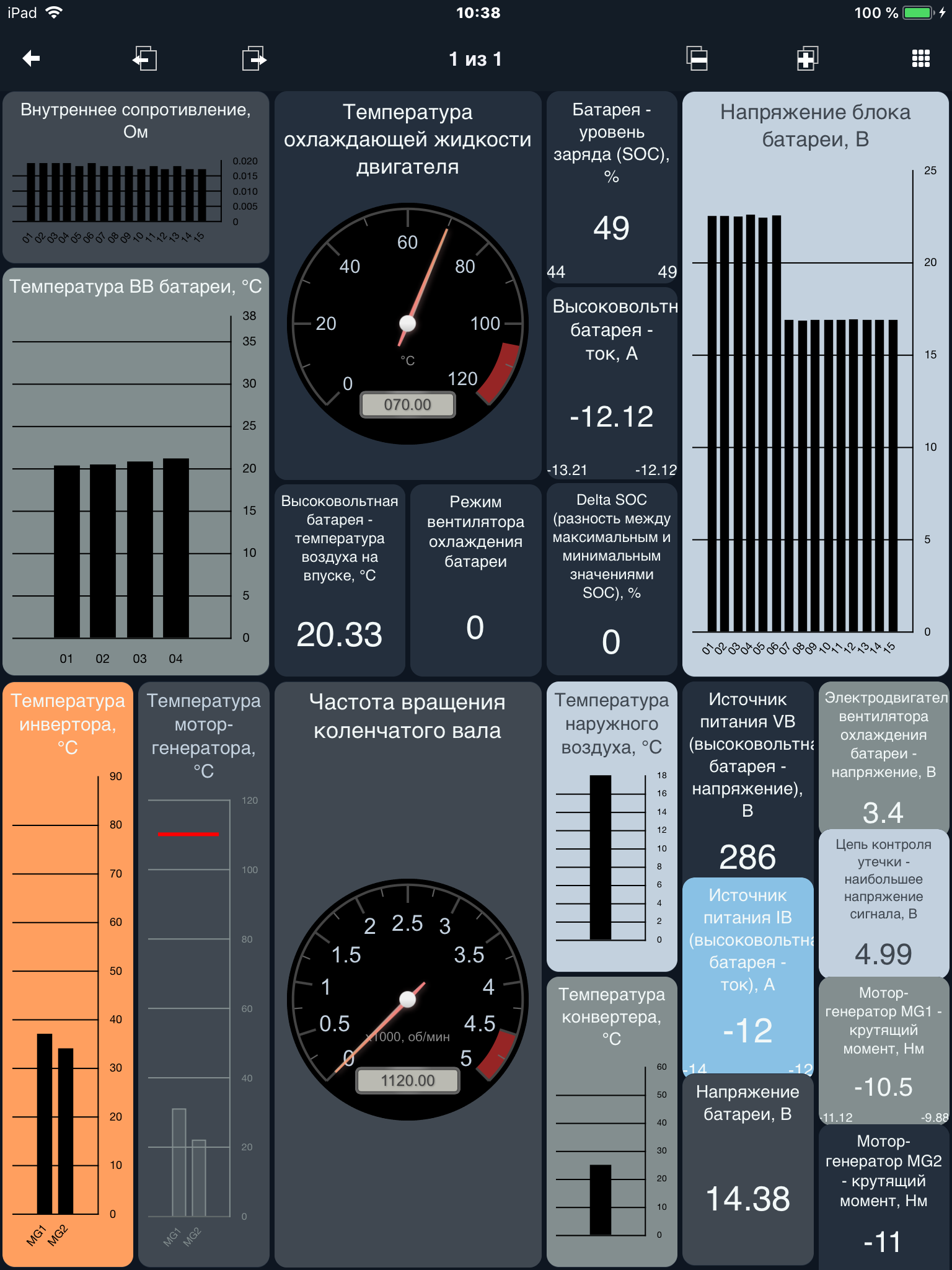
MotorData OBD ELM car scanner
23+
downloads6.0+
version Android
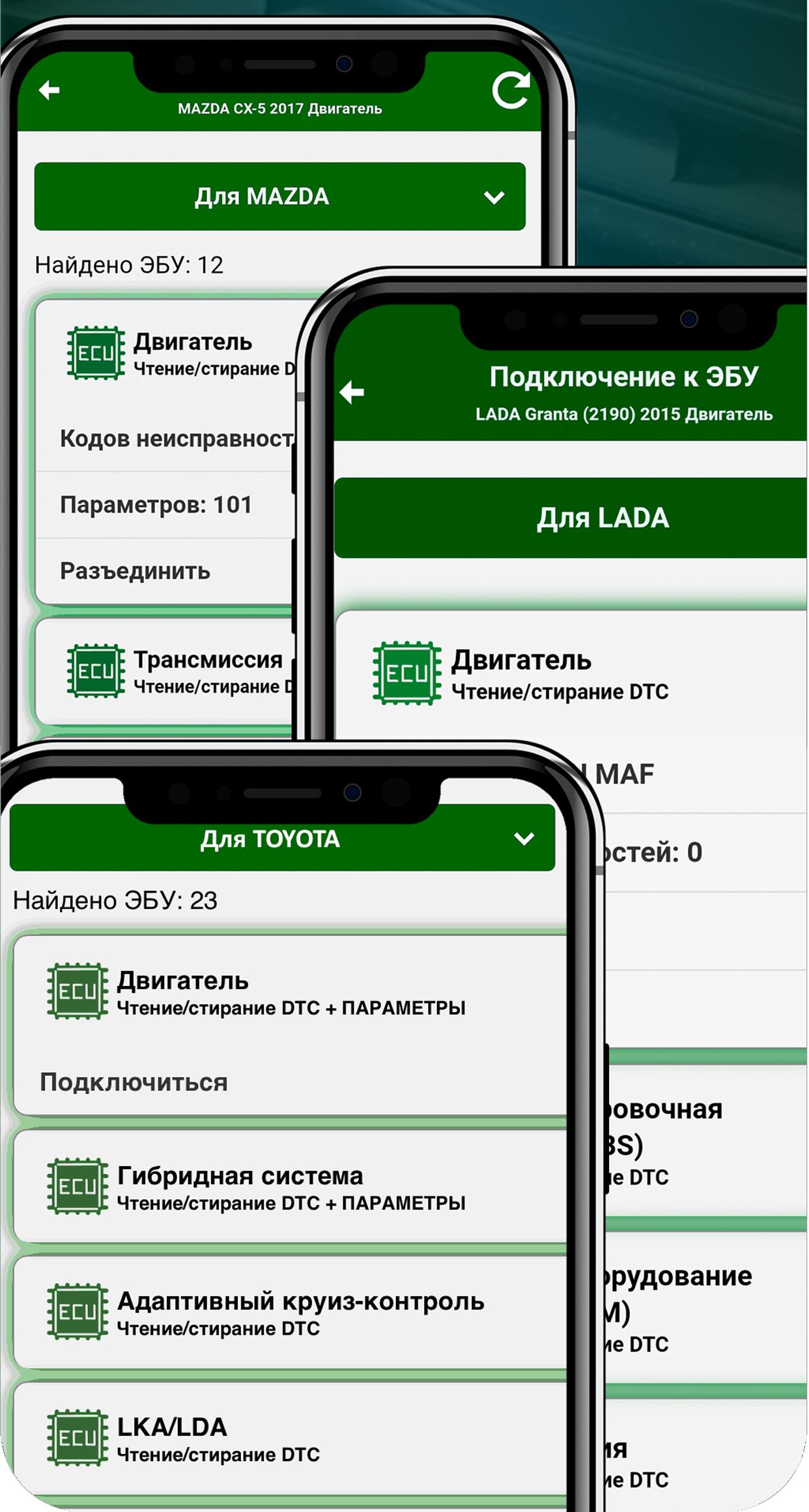
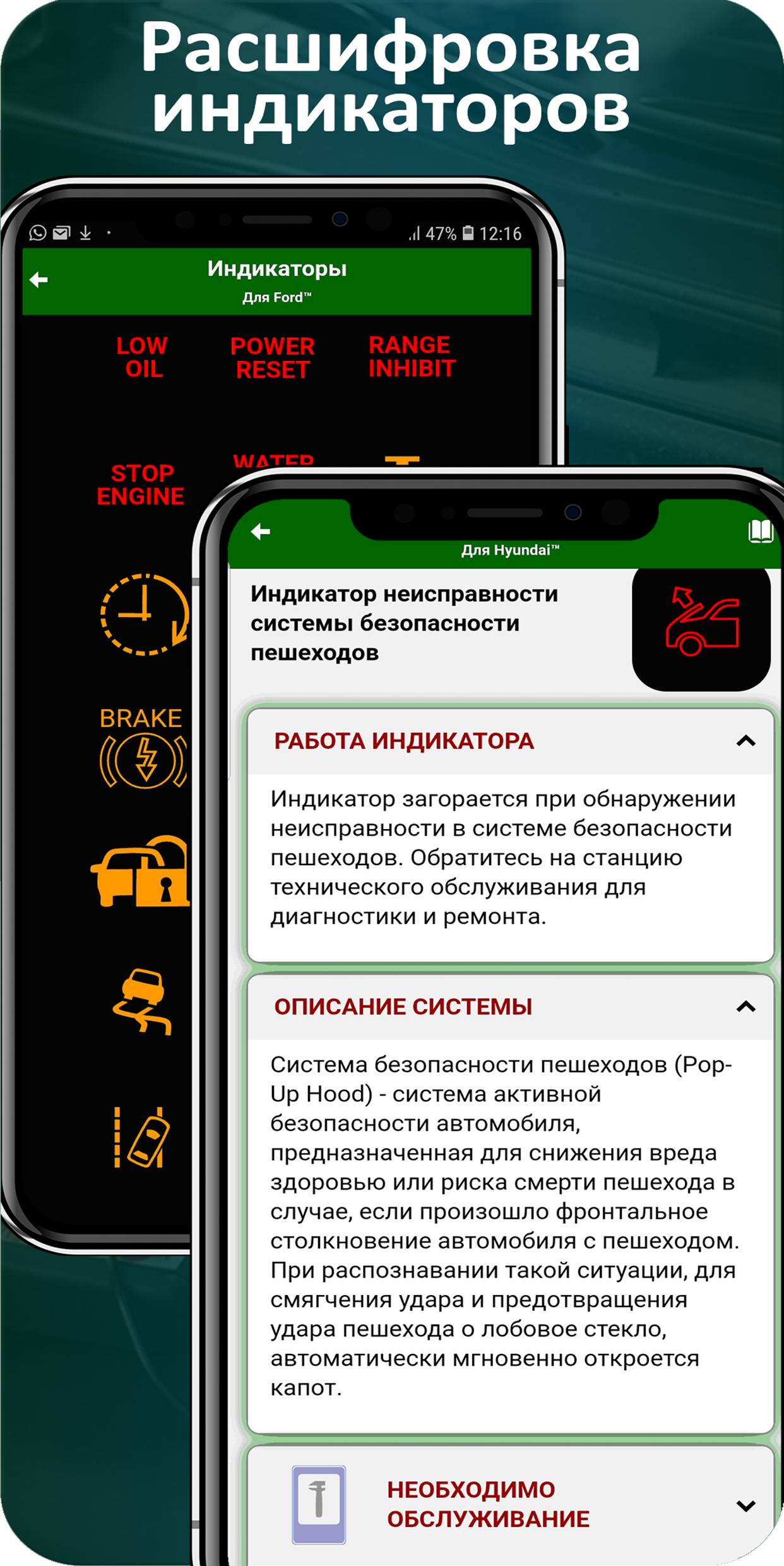
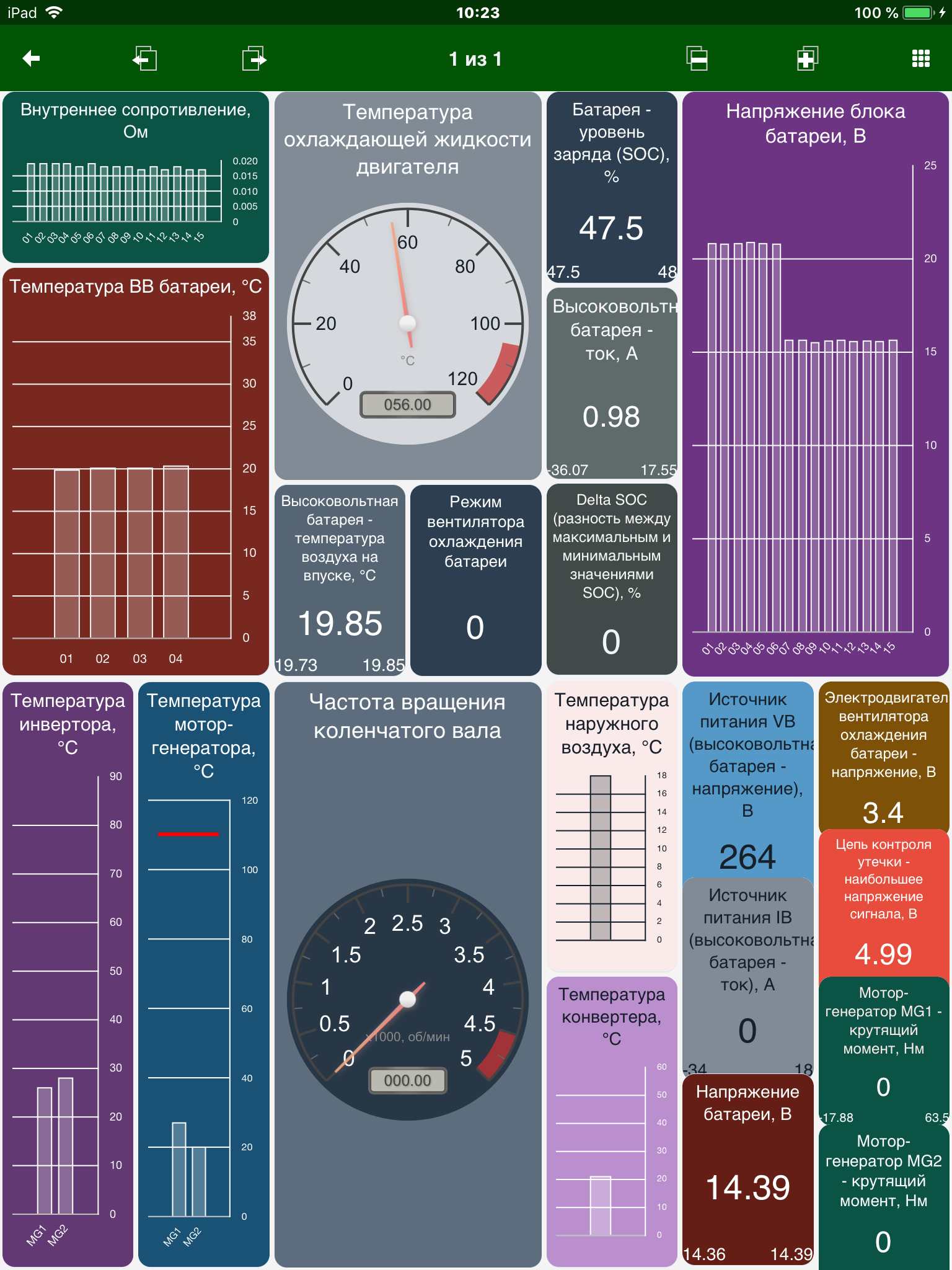
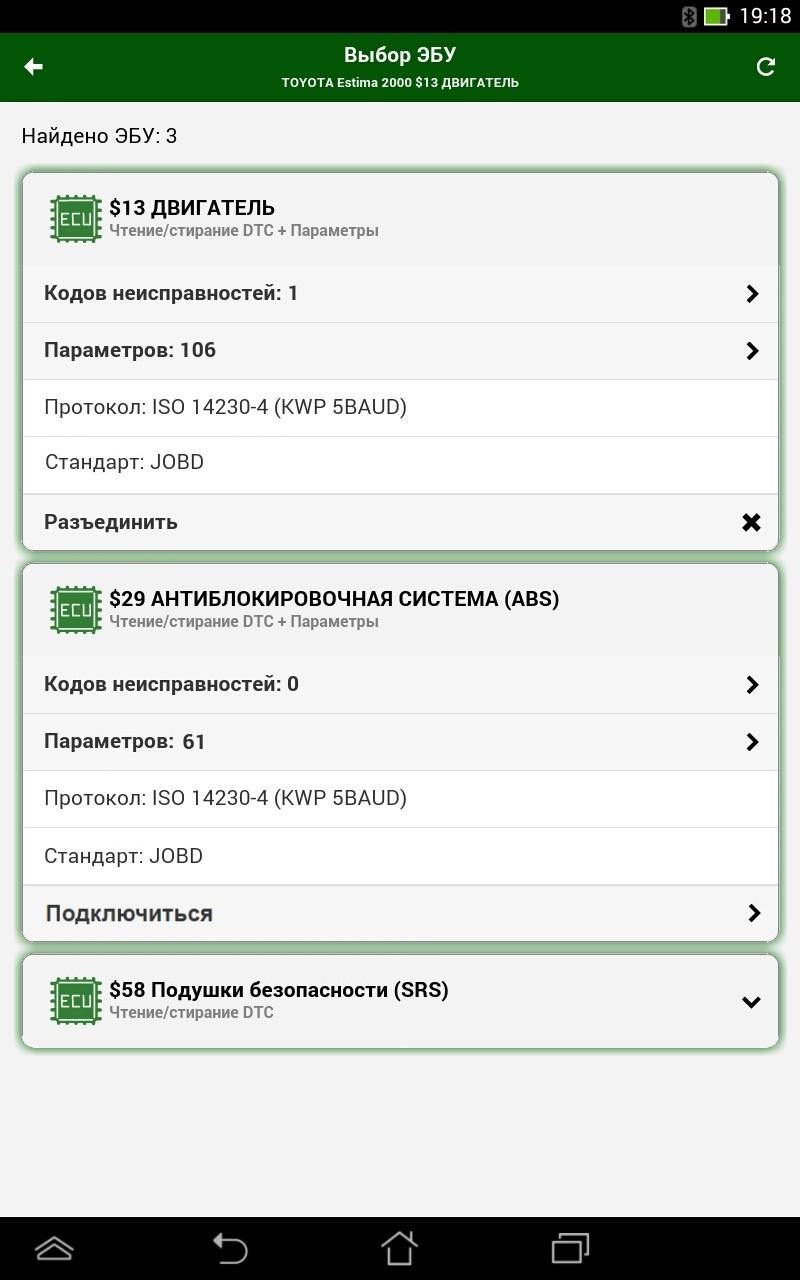
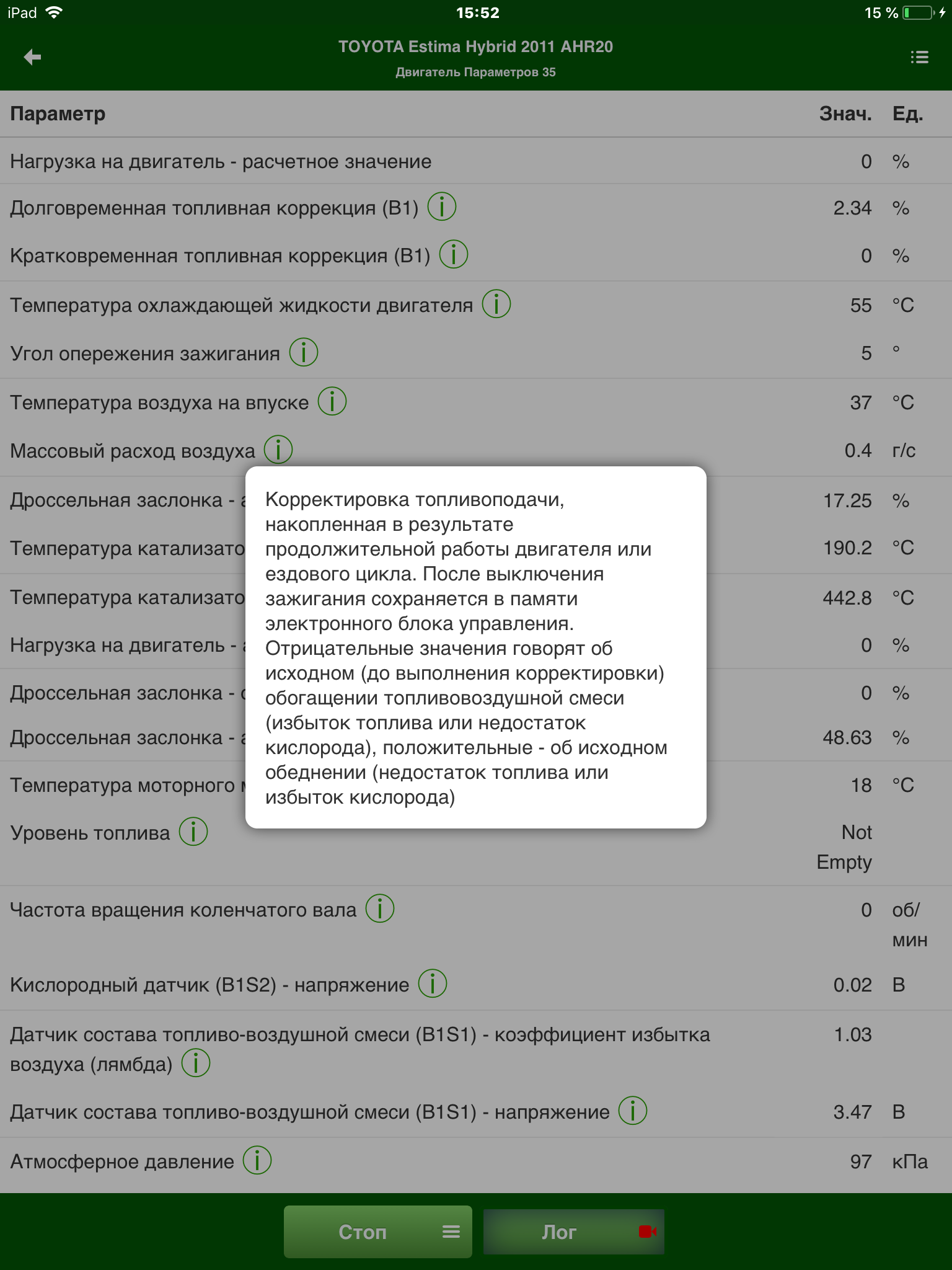
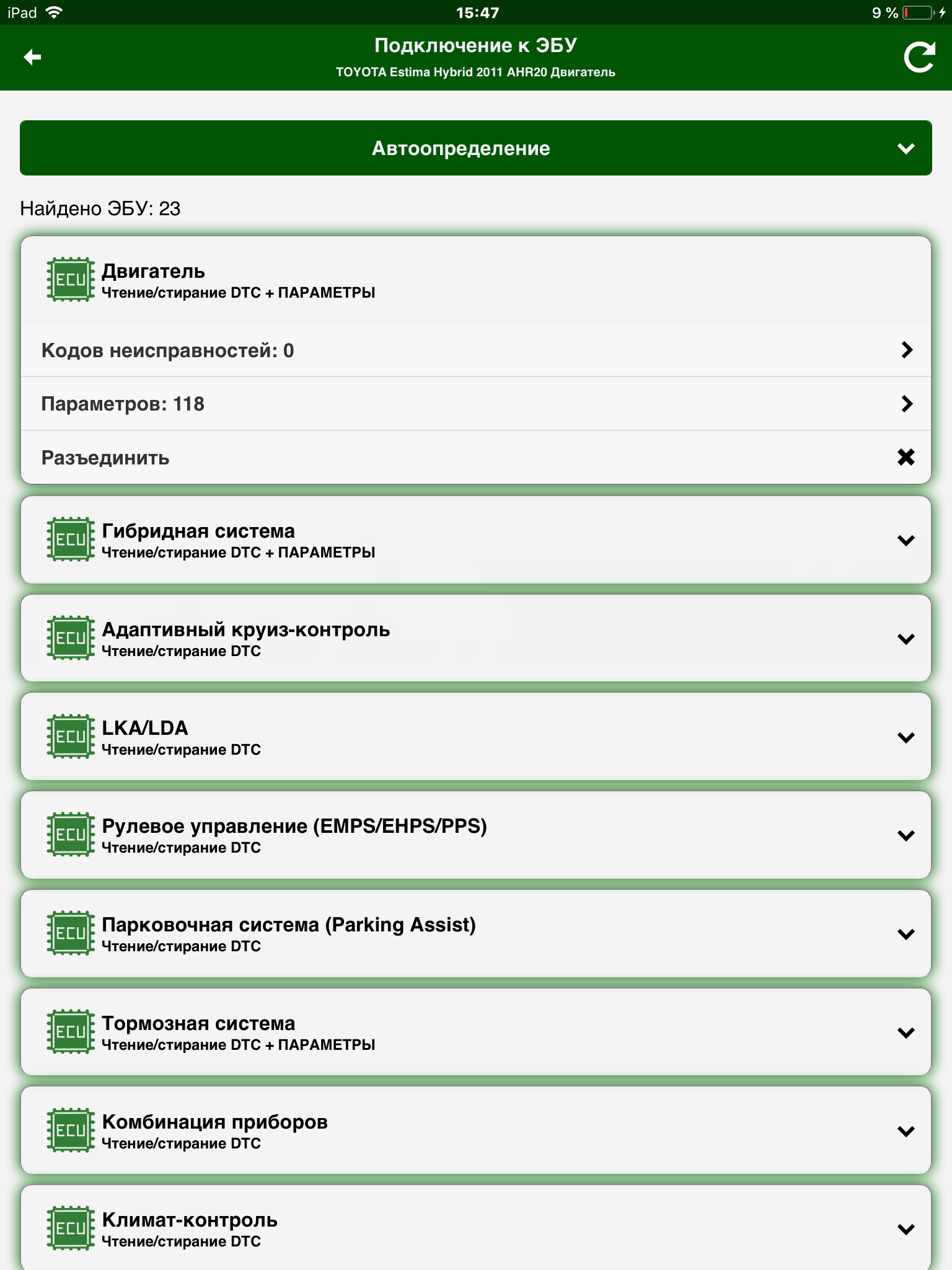
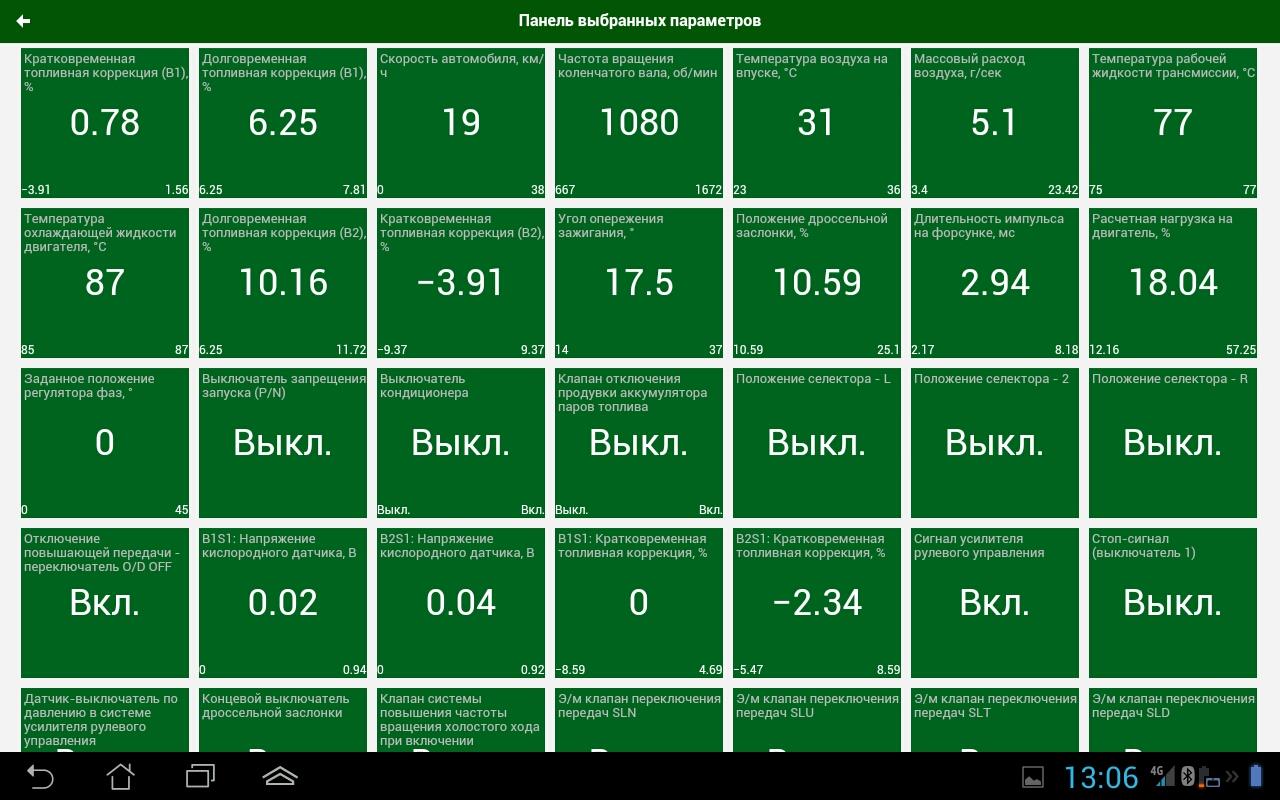
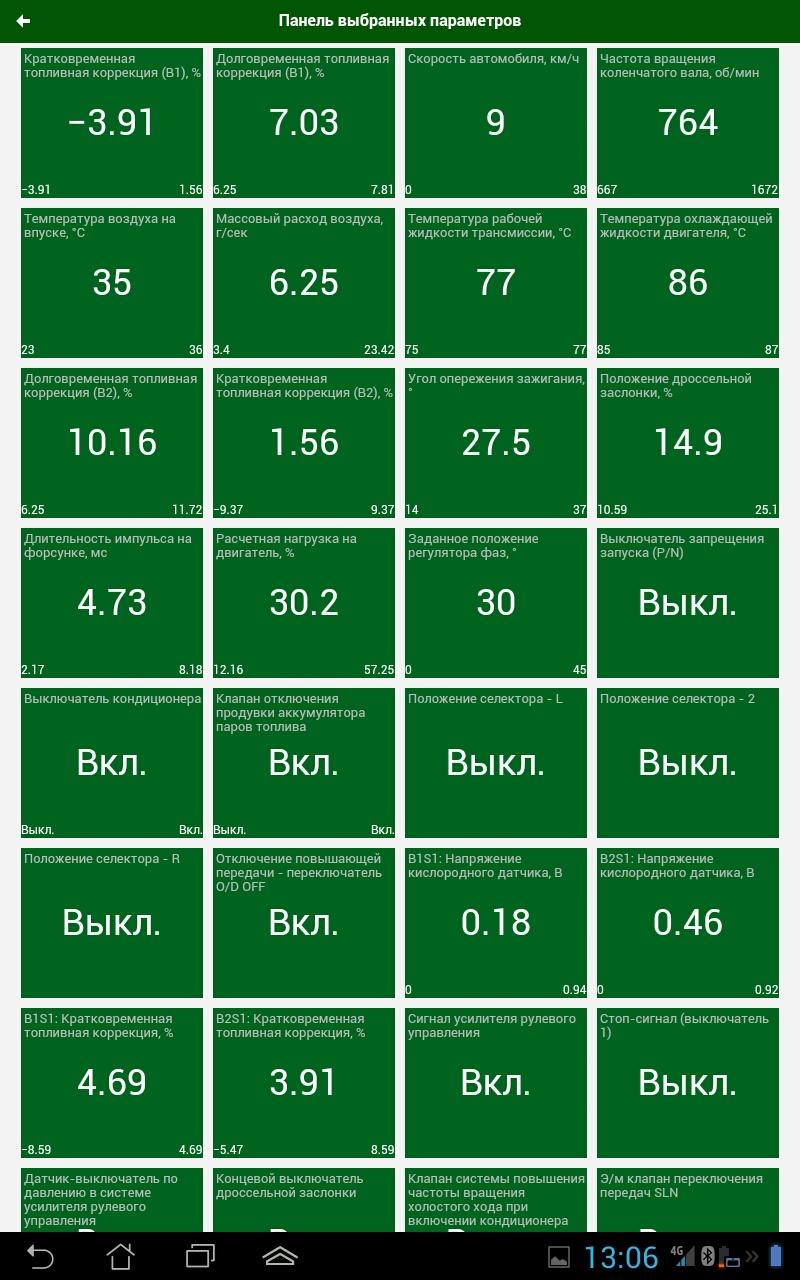
Added: Denis Rubinov
Version: 1.28.11.2052
Size: 31 MB
Updated: 20.05.2025
Developer: Legion-Autodata JSC
Age Limitations: Everyone
Downloaded on Google Play: 6638586
Category: Cars and transportation
Description
Application MotorData OBD ELM car scanner was checked by VirusTotal antivirus. As a result of the scan, no file infections were detected by all the latest signatures.
How to install MotorData OBD ELM car scanner
- Download APK file apps from apkshki.com.
- Locate the downloaded file. You can find it in the system tray or in the 'Download' folder using any file manager.
- If the file downloaded in .bin extension (WebView bug on Android 11), rename it to .apk using any file manager or try downloading the file with another browser like Chrome.
- Start the installation. Click on the downloaded file to start the installation
- Allow installation from unknown sources. If you are installing for the first time MotorData OBD ELM car scanner not from Google Play, go to your device's security settings and allow installation from unknown sources.
- Bypass Google Play protection. If Google Play protection blocks installation of the file, tap 'More Info' → 'Install anyway' → 'OK' to continue..
- Complete the installation: Follow the installer's instructions to complete the installation process.
How to update MotorData OBD ELM car scanner
- Download the new version apps from apkshki.com.
- Locate the downloaded file and click on it to start the installation.
- Install over the old version. There is no need to uninstall the previous version.
- Avoid signature conflicts. If the previous version was not downloaded from apkshki.com, the message 'Application not installed' may appear. In this case uninstall the old version and install the new one.
- Restart annex MotorData OBD ELM car scanner after the update.








Requesting an application update
Added Denis Rubinov
Version: 1.28.11.2052
Size: 31 MB
Updated: 20.05.2025
Developer: Legion-Autodata JSC
Age Limitations: Everyone
Downloaded on Google Play: 6638586
Category: Cars and transportation












Reviews for MotorData OBD ELM car scanner
Very helpful
easy tu use and information
Nothing work on this app and they ask for creating dozen if account.
Fantastic, more than a college instructer.Explanation to the dot.just beutiful !.
Perfect app I have been using for years
Does not work with cars without ECU
works perfectly
it hooks up easy runs everything you ask it to with no glitches nice work fellas
excellent
great
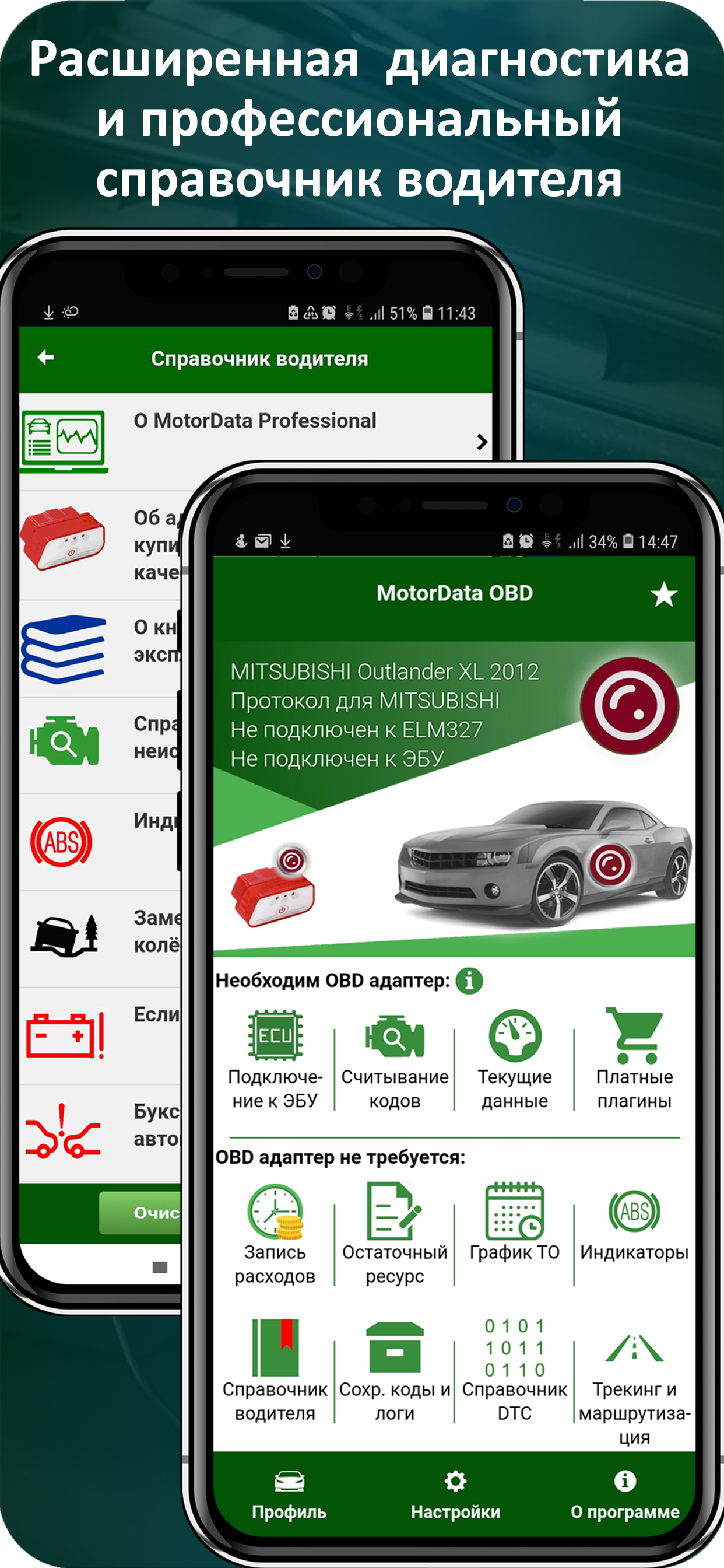
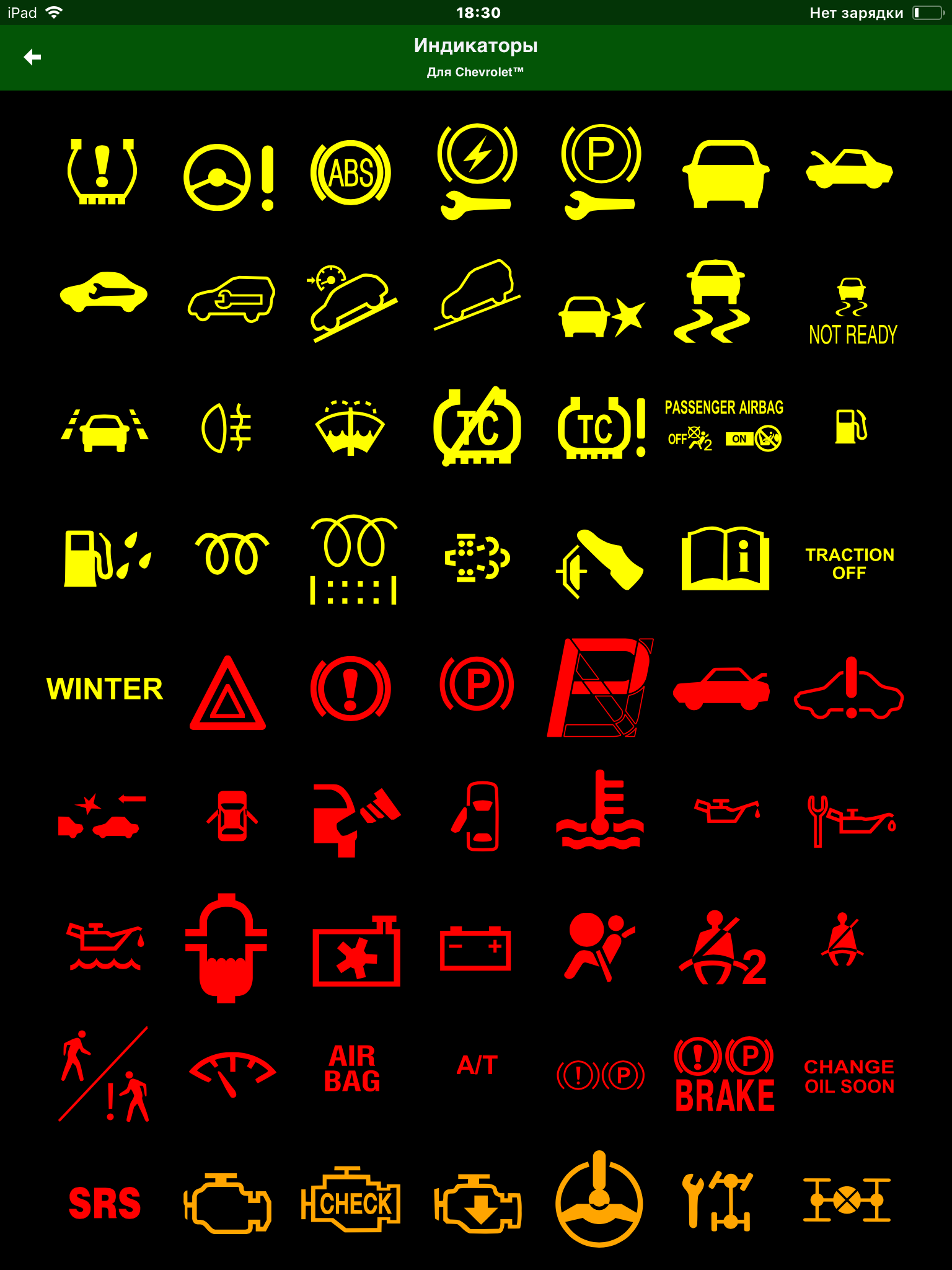
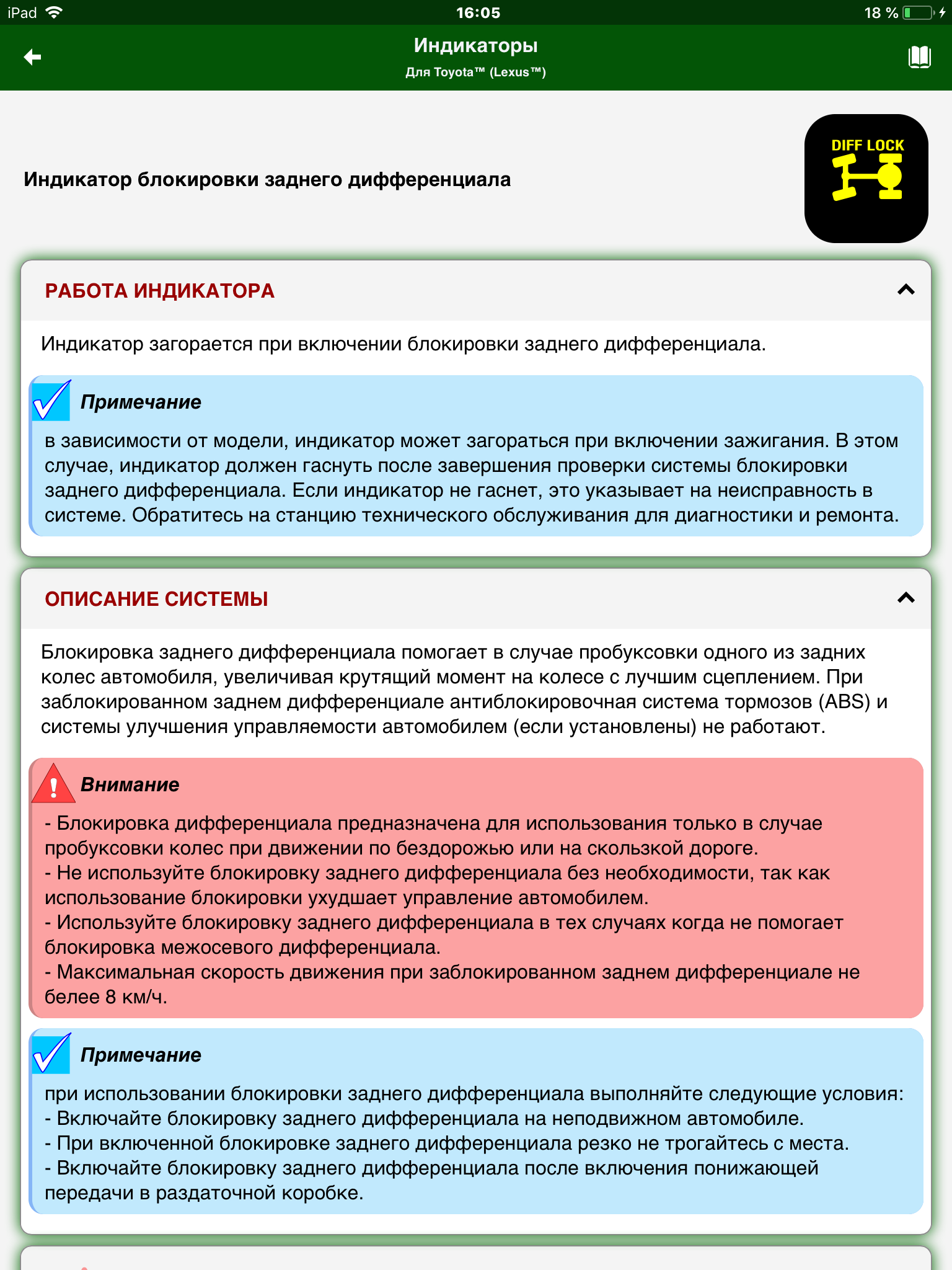
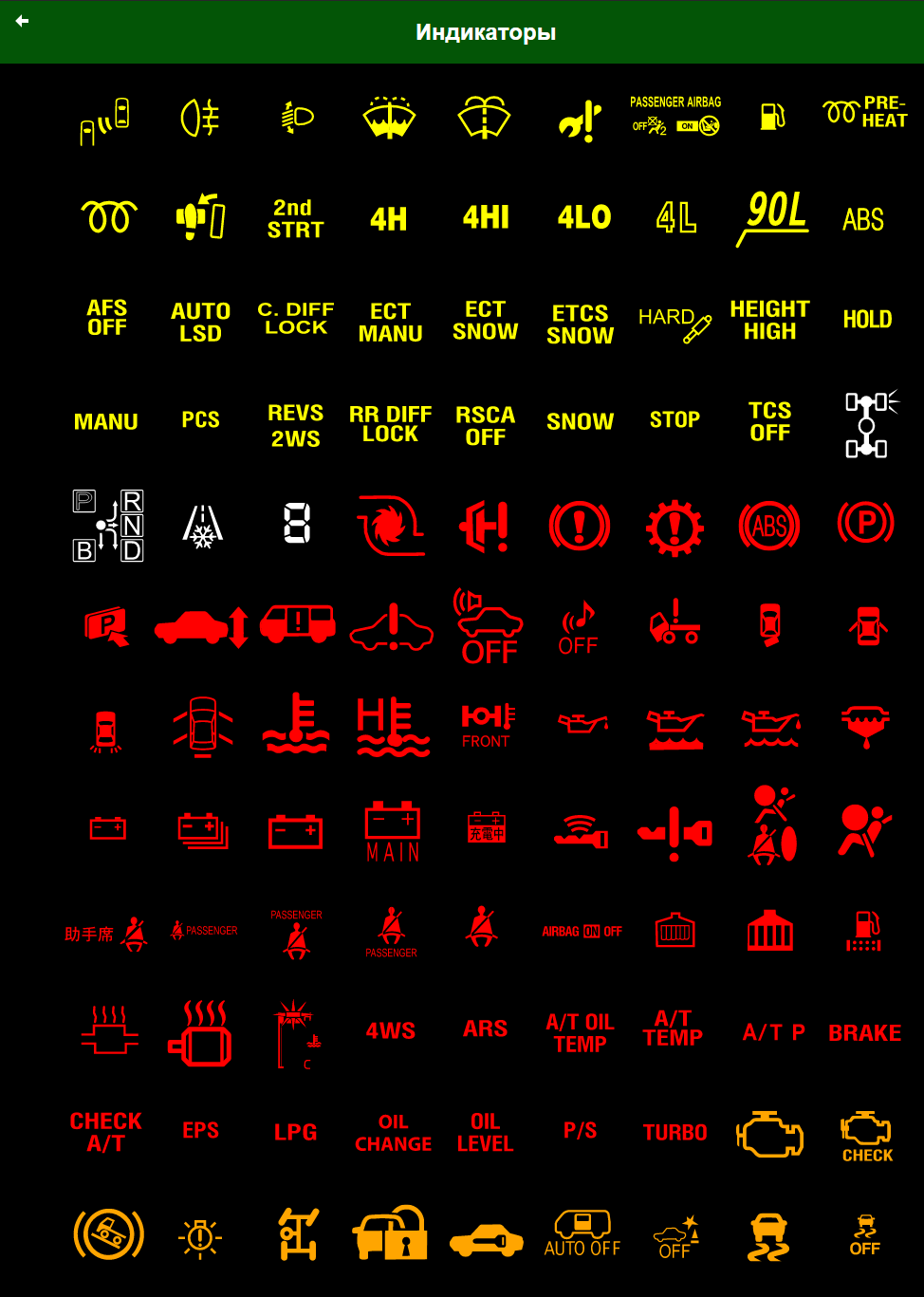
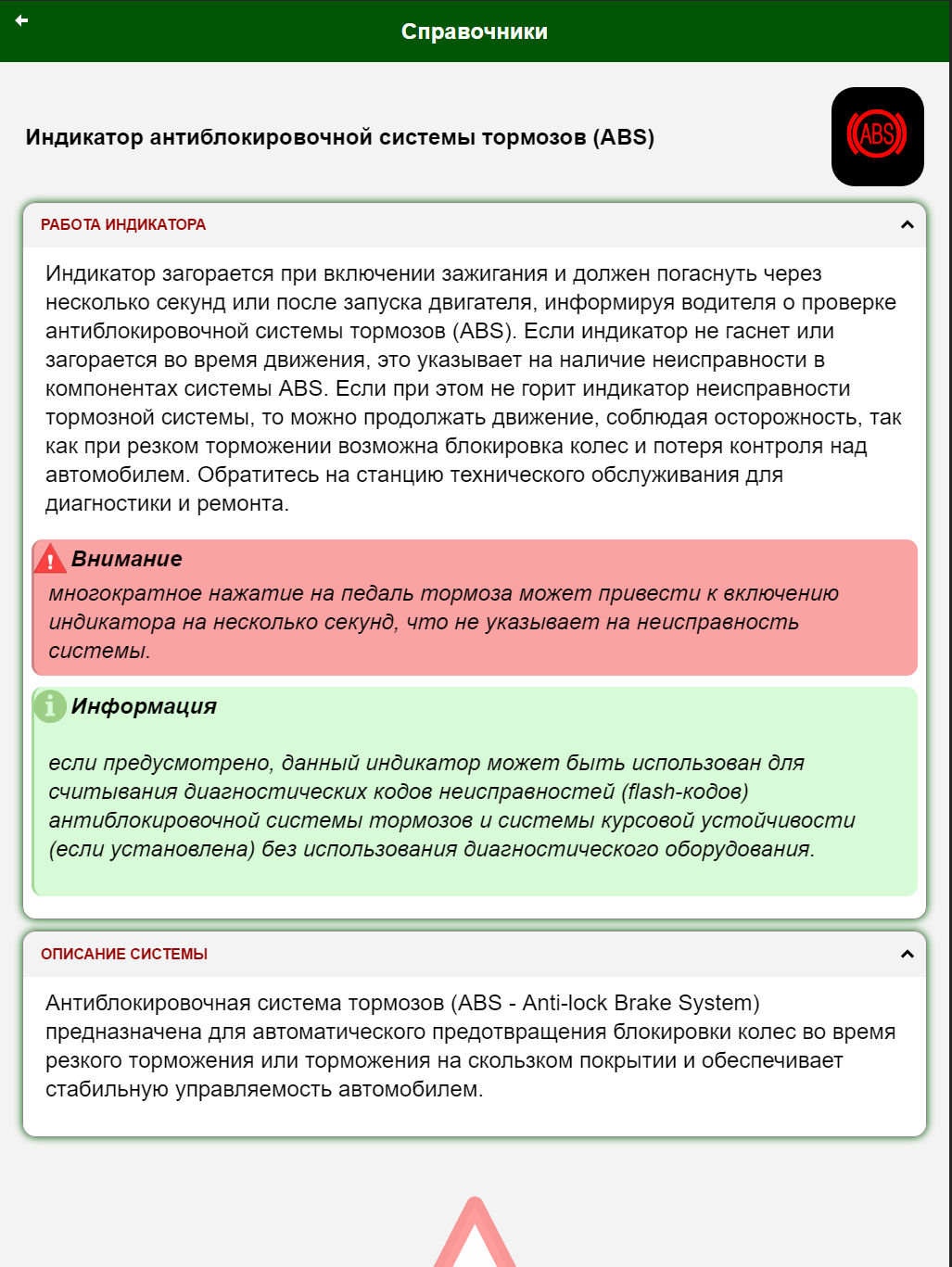
Driver's assist is a real help, i get the impression that driver's safety is at the core of this app. for someone like me who only worries about jump starting a discharged battery only when needed, now i can refer to the diagram in an emergency. Tips like Flashing ABS Light =safety issues are things drivers need to know bcz most vehicle are sold without operation manuals. I don't ask for specific manuals. I hope you will expand Drivers Assist. To incude general warnings. Thank you very much.
Required purchase for abs codes, then shows no abs codes but a description of what is already known. What a rip off.
The application failled to connect to the Chevrolet equinox profile. And there is no dtc reading when i used the default profile
Works well with mycar happy with app
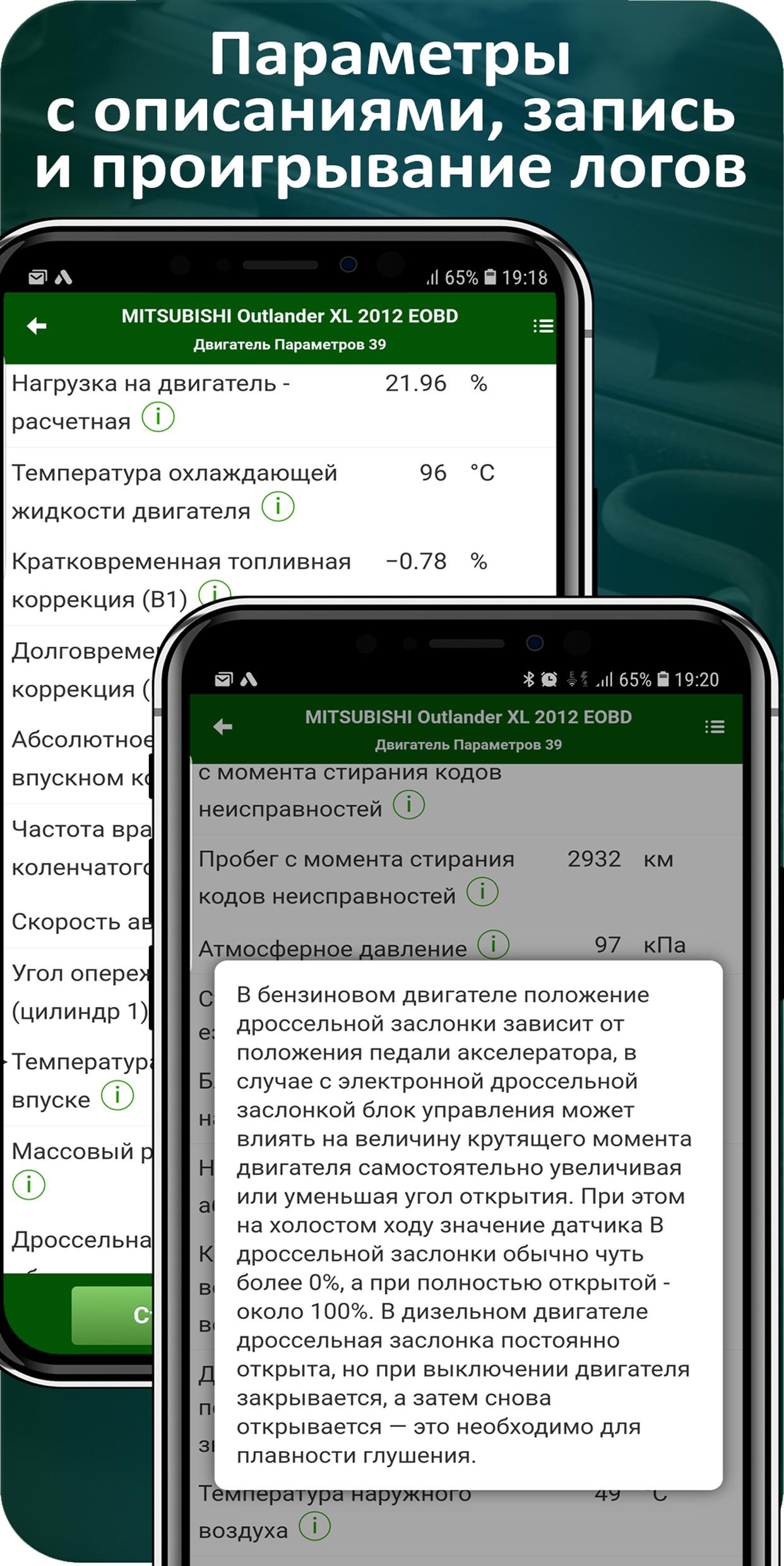
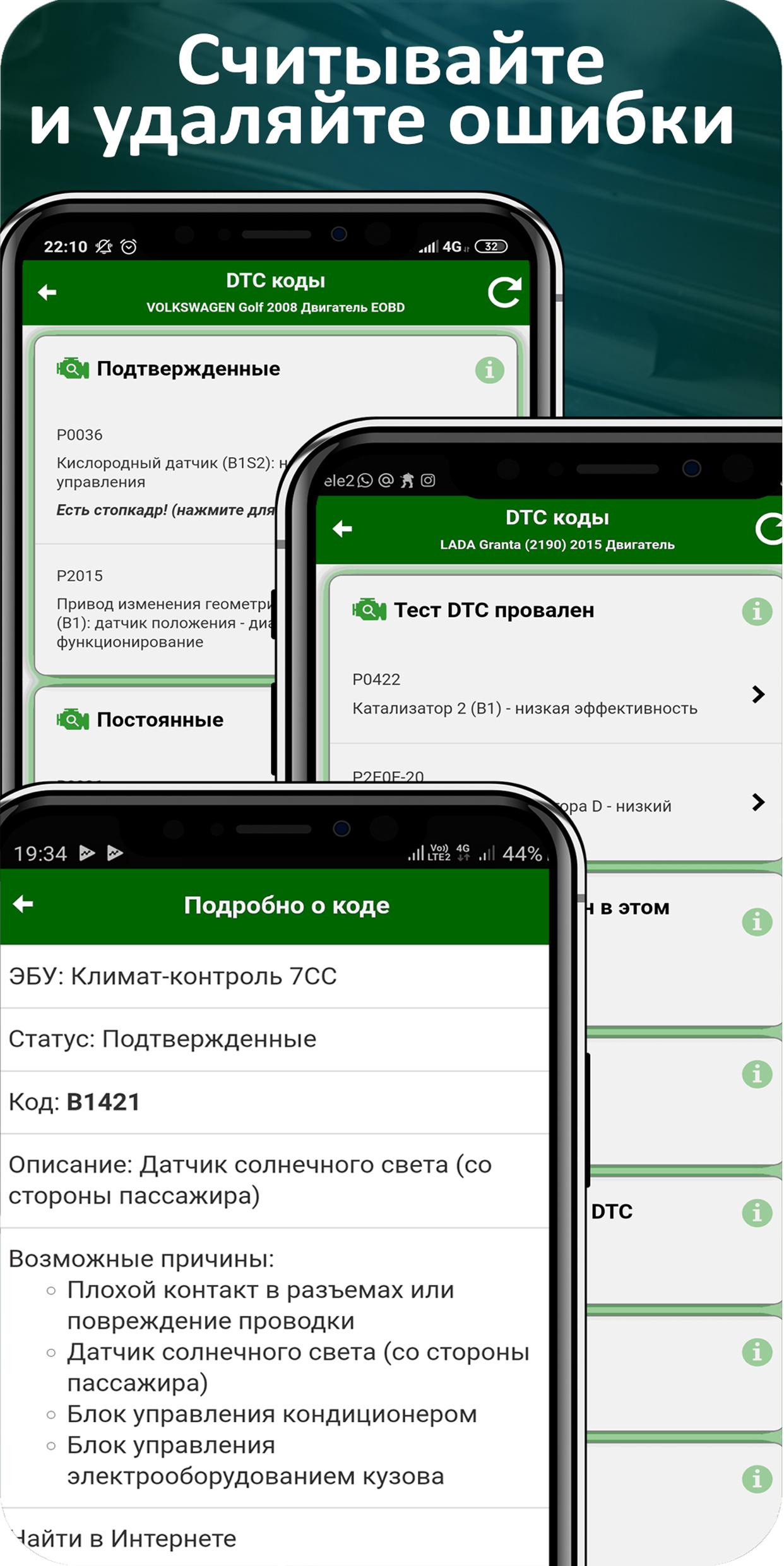
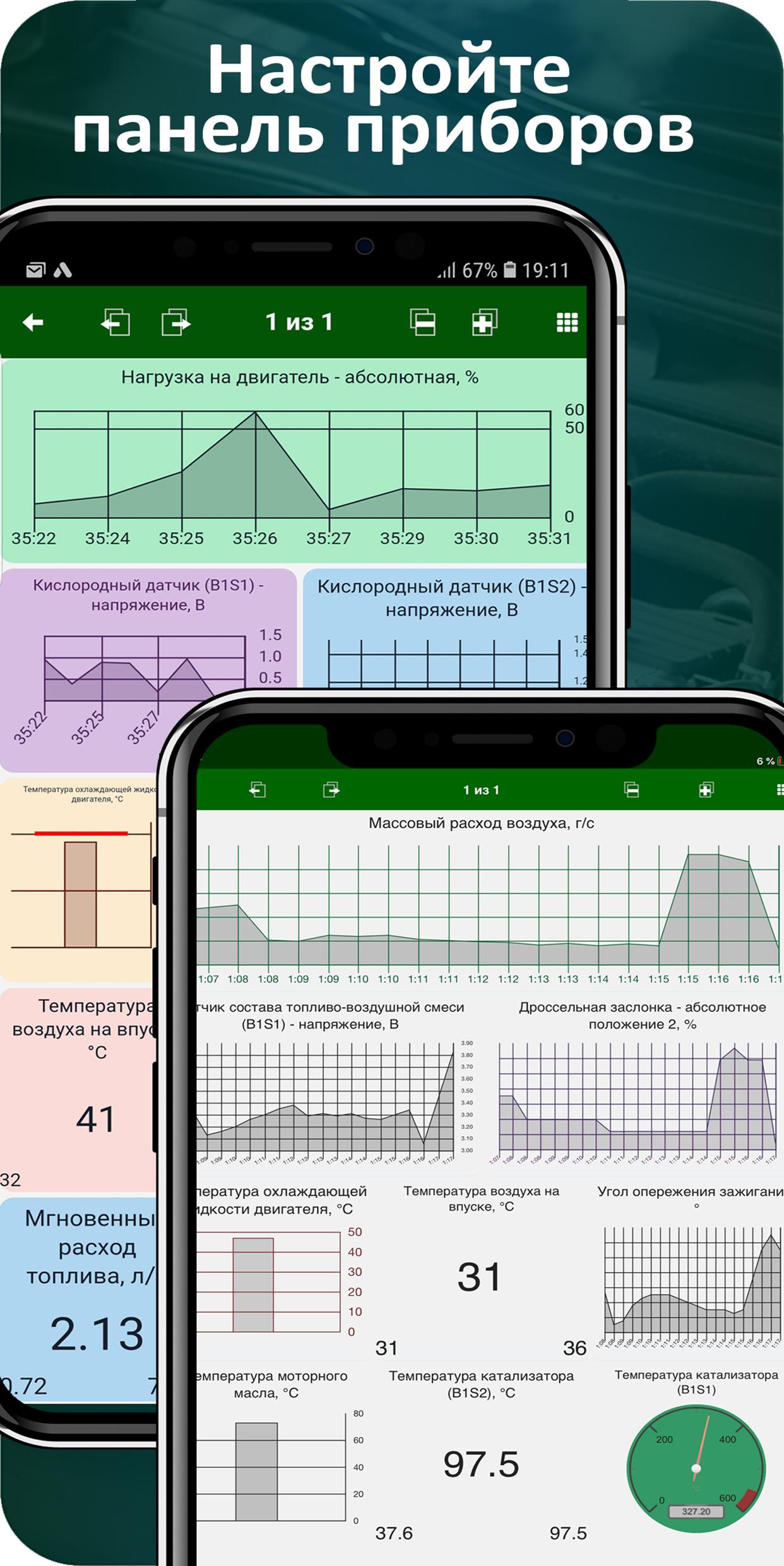
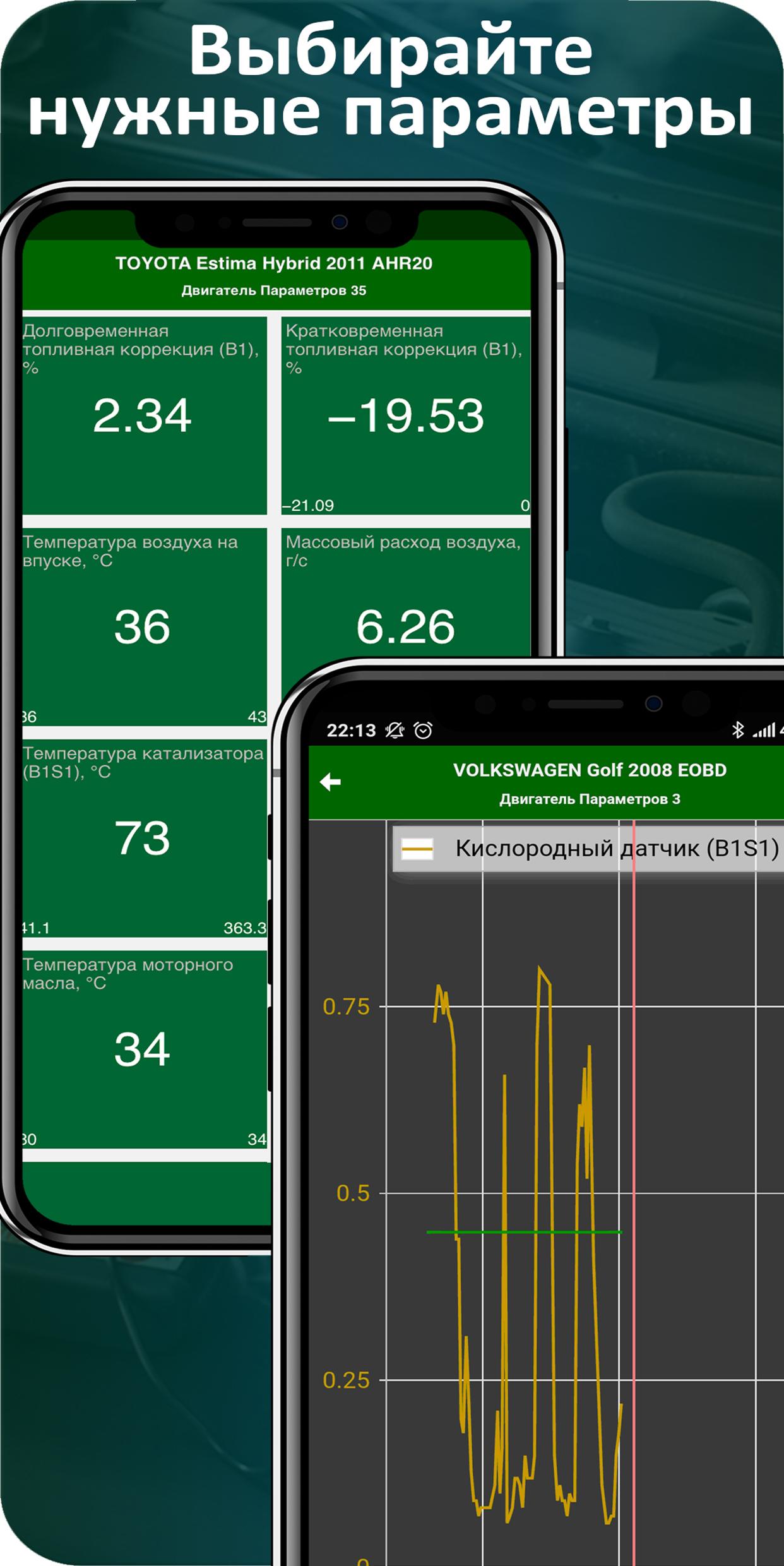
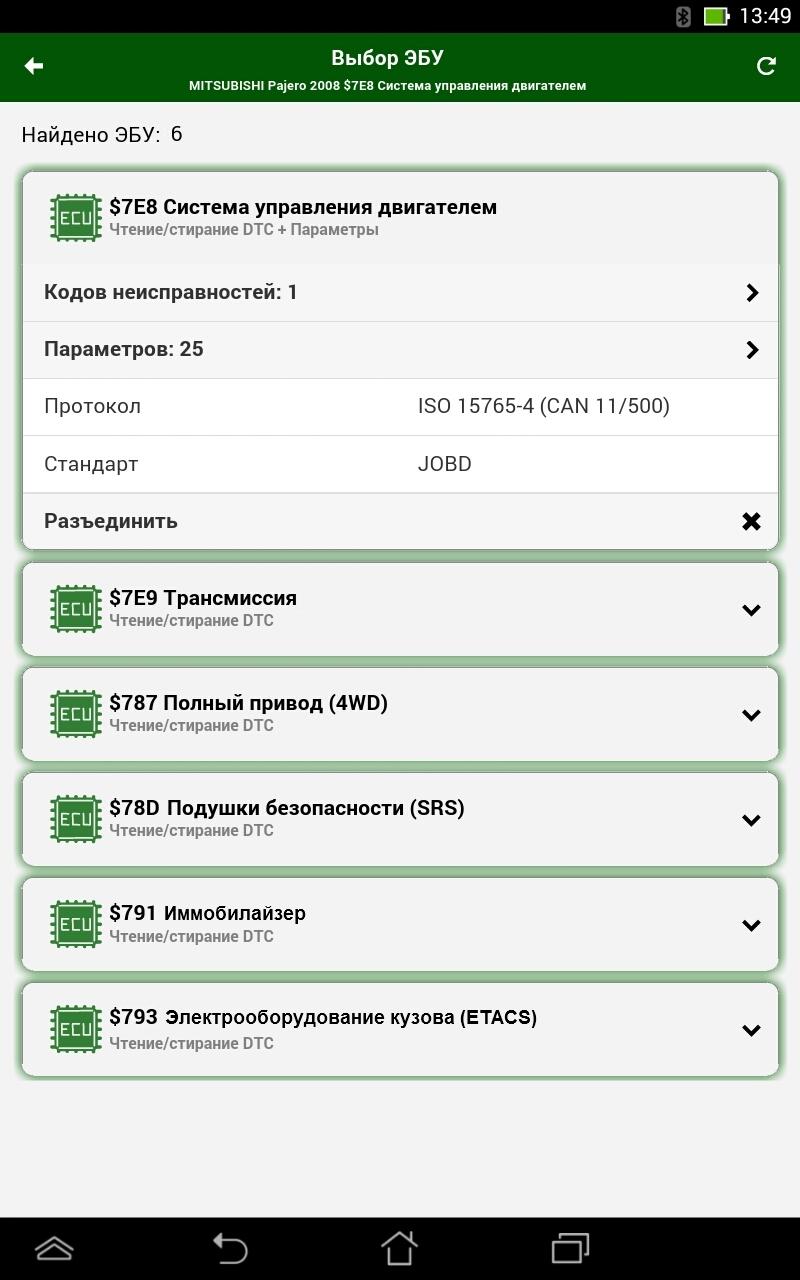
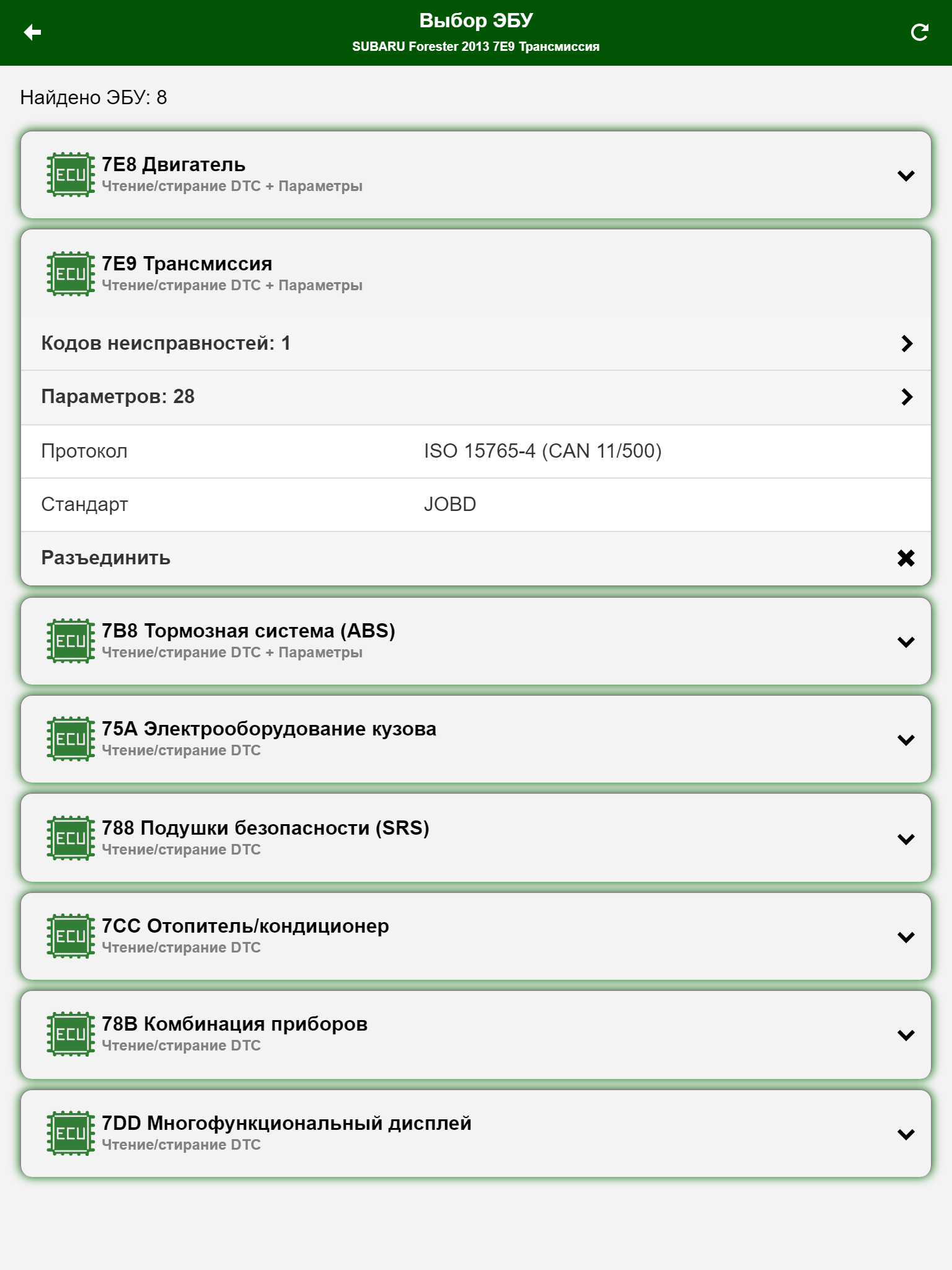
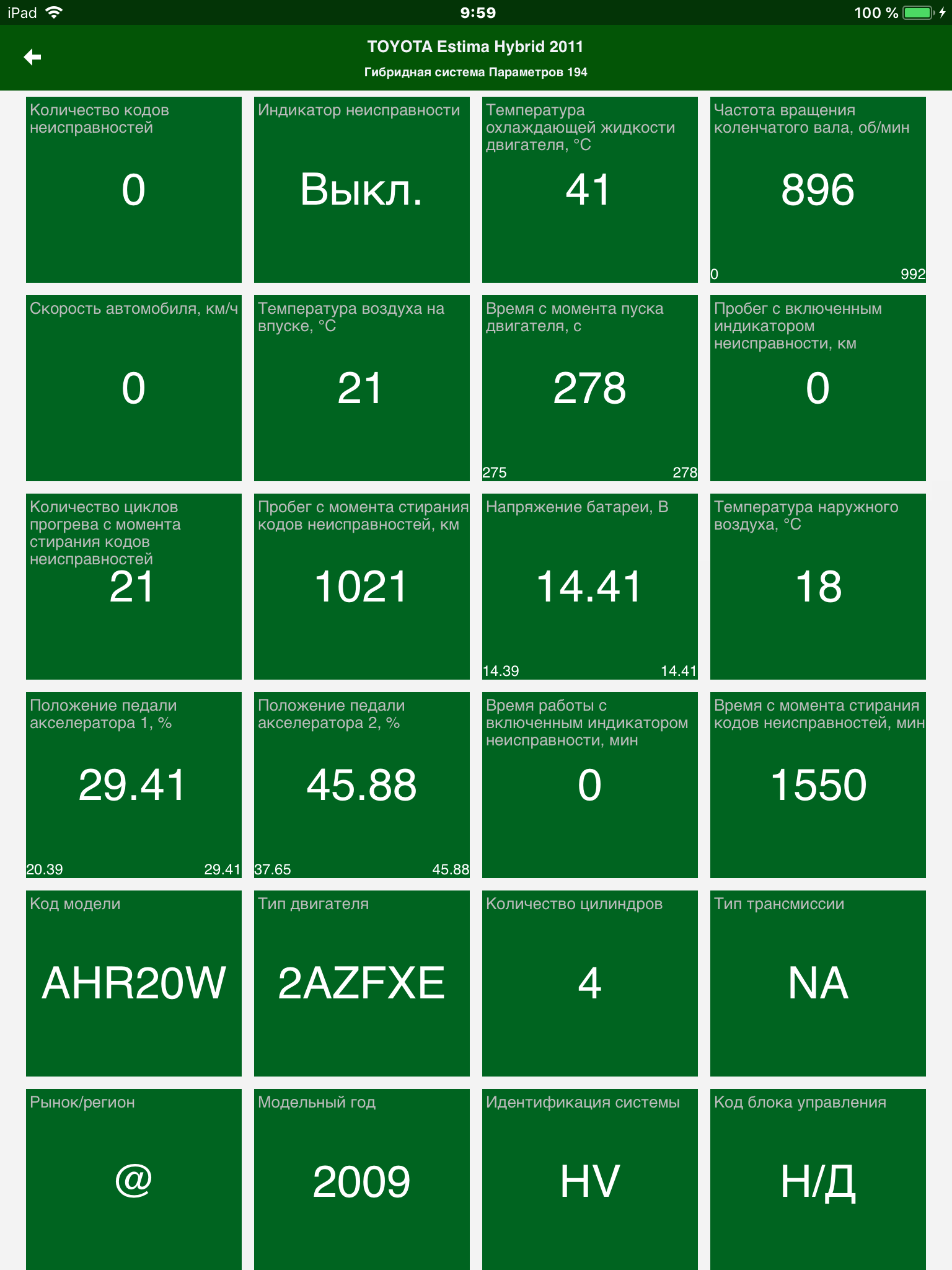
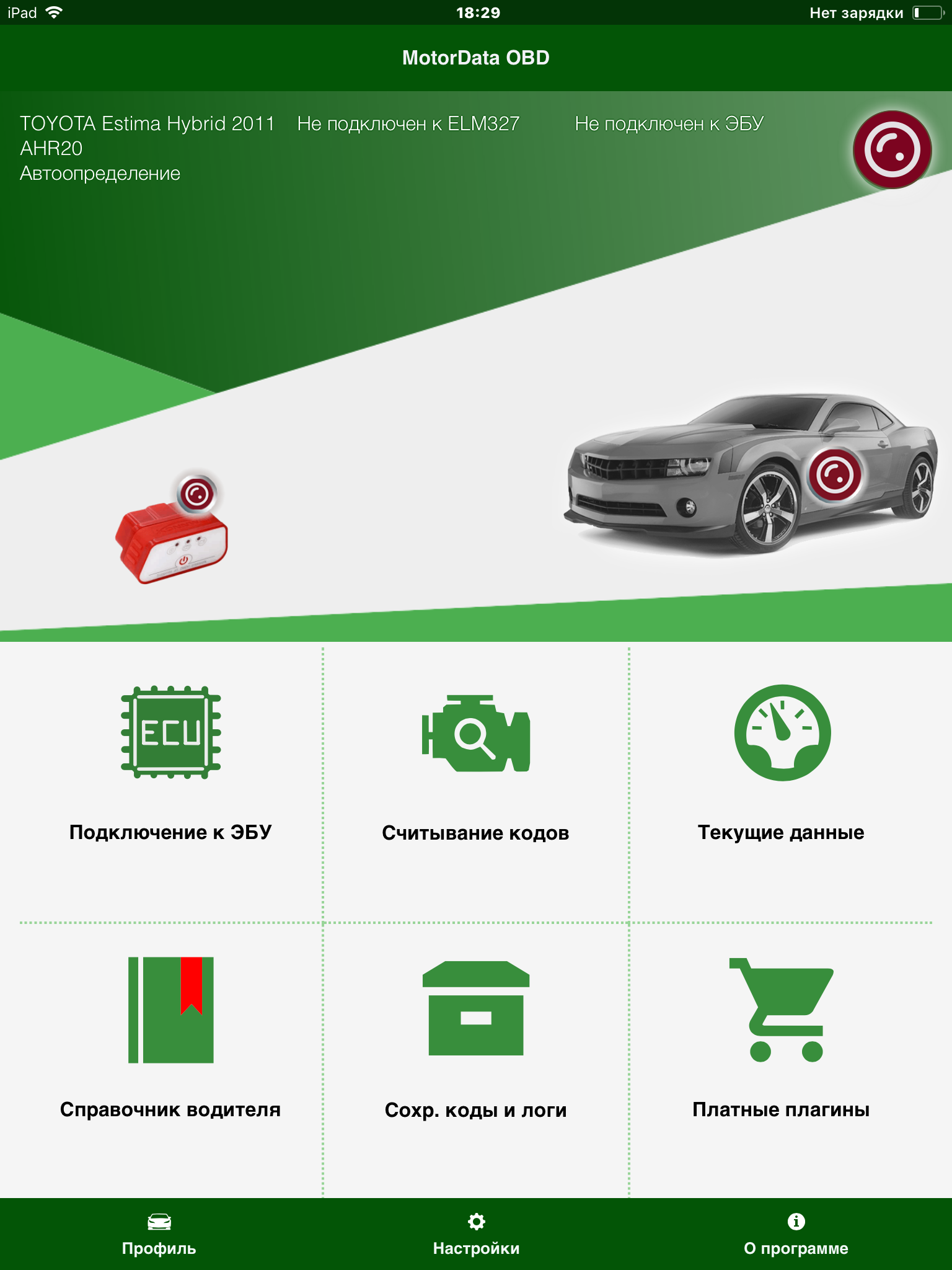
I am using this app with ELM32 Bluetooth connector. Working best with my Toyota Yaris Sedan 2007 (2SZfe). First I tried it's basic functions then purchased Toyota/Lexus plug-in and now It is giving me full access to all sensors and DTC,s. Graphics and table interface are not less than any high priced professional scanner. I am very satisfied "Nice work Developer"
Post a comment
To leave a comment, log in with your social network:
Or leave an anonymous comment. Your comment will be sent for moderation.
Post a comment
To leave a comment, log in with your social network:
Or leave an anonymous comment. Your comment will be sent for moderation.