



Moodle
27+
downloads4.4+
version Android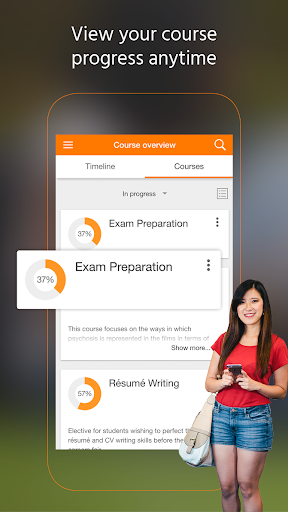
Added: Denis Rubinov
Version: 4.3.0
Size: 20.9 MB
Updated: 13.11.2023
Developer: Moodle Pty Ltd.
Age Limitations: Everyone
Authorizations: 14
Downloaded on Google Play: 33592198
Category: Education
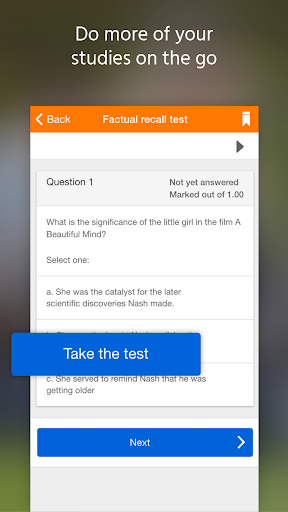
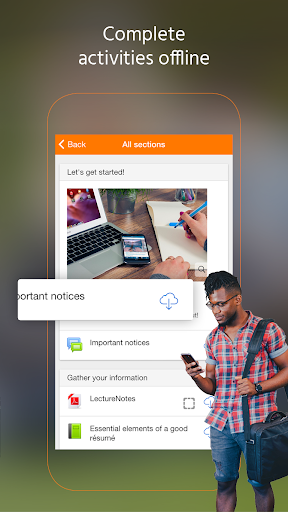
- There is an offline mode of operation.
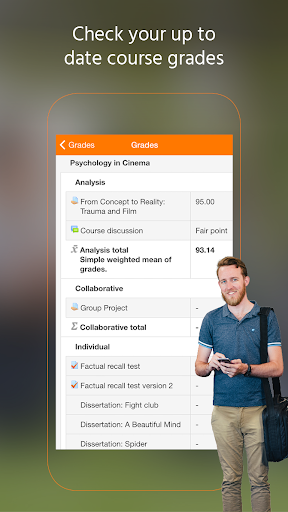
- Visual progress tracking.
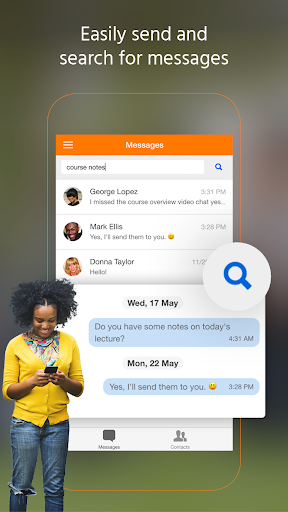
- Instant communication with teachers or students.
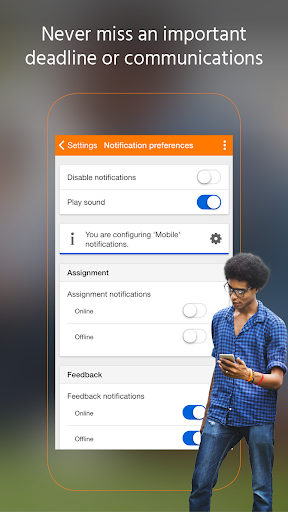
- Timely notifications.
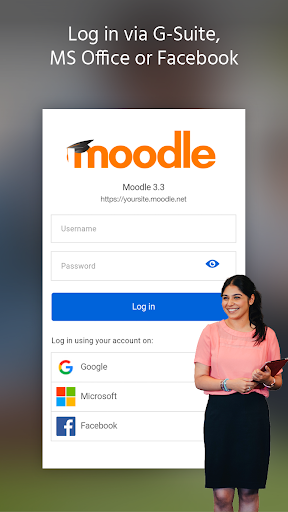
- You can log in with your Google, Facebook or Microsoft account.
Description
Application Moodle was checked by VirusTotal antivirus. As a result of the scan, no file infections were detected by all the latest signatures.
How to install Moodle
- Download APK file apps from apkshki.com.
- Locate the downloaded file. You can find it in the system tray or in the 'Download' folder using any file manager.
- If the file downloaded in .bin extension (WebView bug on Android 11), rename it to .apk using any file manager or try downloading the file with another browser like Chrome.
- Start the installation. Click on the downloaded file to start the installation
- Allow installation from unknown sources. If you are installing for the first time Moodle not from Google Play, go to your device's security settings and allow installation from unknown sources.
- Bypass Google Play protection. If Google Play protection blocks installation of the file, tap 'More Info' → 'Install anyway' → 'OK' to continue..
- Complete the installation: Follow the installer's instructions to complete the installation process.
How to update Moodle
- Download the new version apps from apkshki.com.
- Locate the downloaded file and click on it to start the installation.
- Install over the old version. There is no need to uninstall the previous version.
- Avoid signature conflicts. If the previous version was not downloaded from apkshki.com, the message 'Application not installed' may appear. In this case uninstall the old version and install the new one.
- Restart annex Moodle after the update.






Requesting an application update
Added Denis Rubinov
Version: 4.3.0
Size: 20.9 MB
Updated: 13.11.2023
Developer: Moodle Pty Ltd.
Age Limitations: Everyone
Authorizations:
Downloaded on Google Play: 33592198
Category: Education












Reviews for Moodle
Worked at first but now nothing, I keep getting an error saying "Error connecting to the server". I am able to access the course through my computer but not the app. I have uninstalled and reinstalled with no success :( Worked great and was very convenient though until recently!
Since the update, the app is really good. It is fluid, well-working and especially good-designed (although it is very simple). At least I now clearly see the point in using the app rather than the website.
This app was fantastic. I really enjoyed using it, however it has logged me out. I tried inputting my username and password but it just keeps refreshing then later telling me that the url is invalid ( but the same url works fine on my browser).
I enjoy using the app, I use it on my cell phone for all of the readings and its great. It seems to have improved stability from a couple years ago when I first started using it.
Having a platform that integrates all your academic programme correspondence into one hub is very efficient, and makes your learning experience a tad bit easier.
So slow. I tried to download my courses but it was so slow. I couldn't even download a single 2 minute video. My internet connection is not the problem
What do you mean you fixed it 🤦♀️ i cant even see my courses unless i uninstall and re-install it and see it for ONCE and then back with the white background, loading circle.
Post a comment
To leave a comment, log in with your social network:
Or leave an anonymous comment. Your comment will be sent for moderation.
Post a comment
To leave a comment, log in with your social network:
Or leave an anonymous comment. Your comment will be sent for moderation.