



magicplan
13+
downloads1.0+
version Android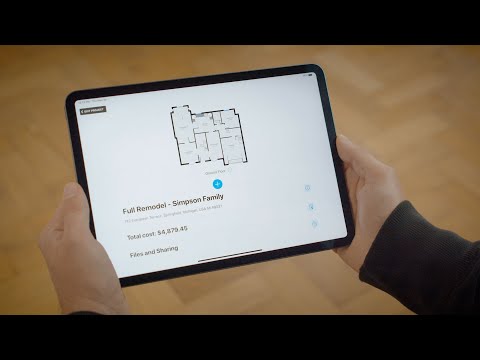
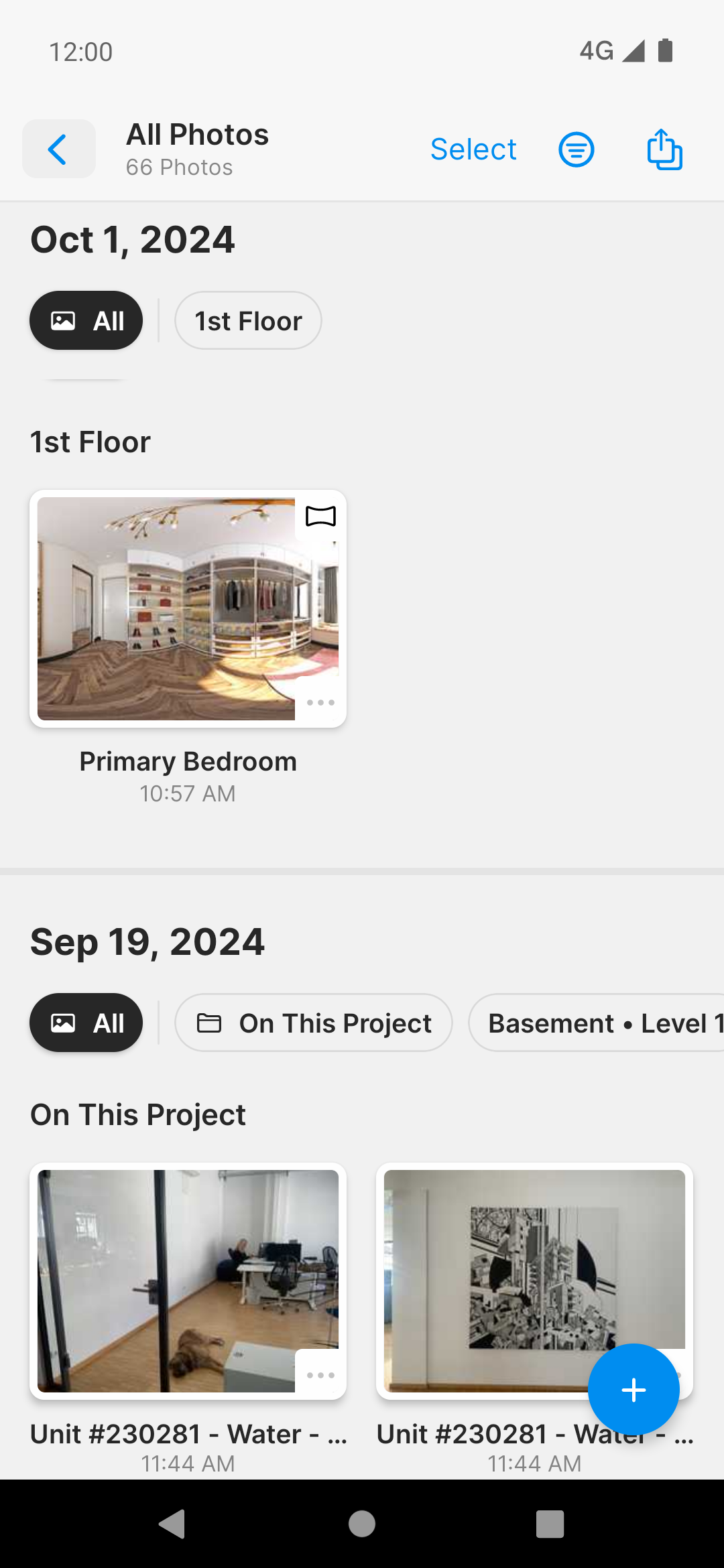
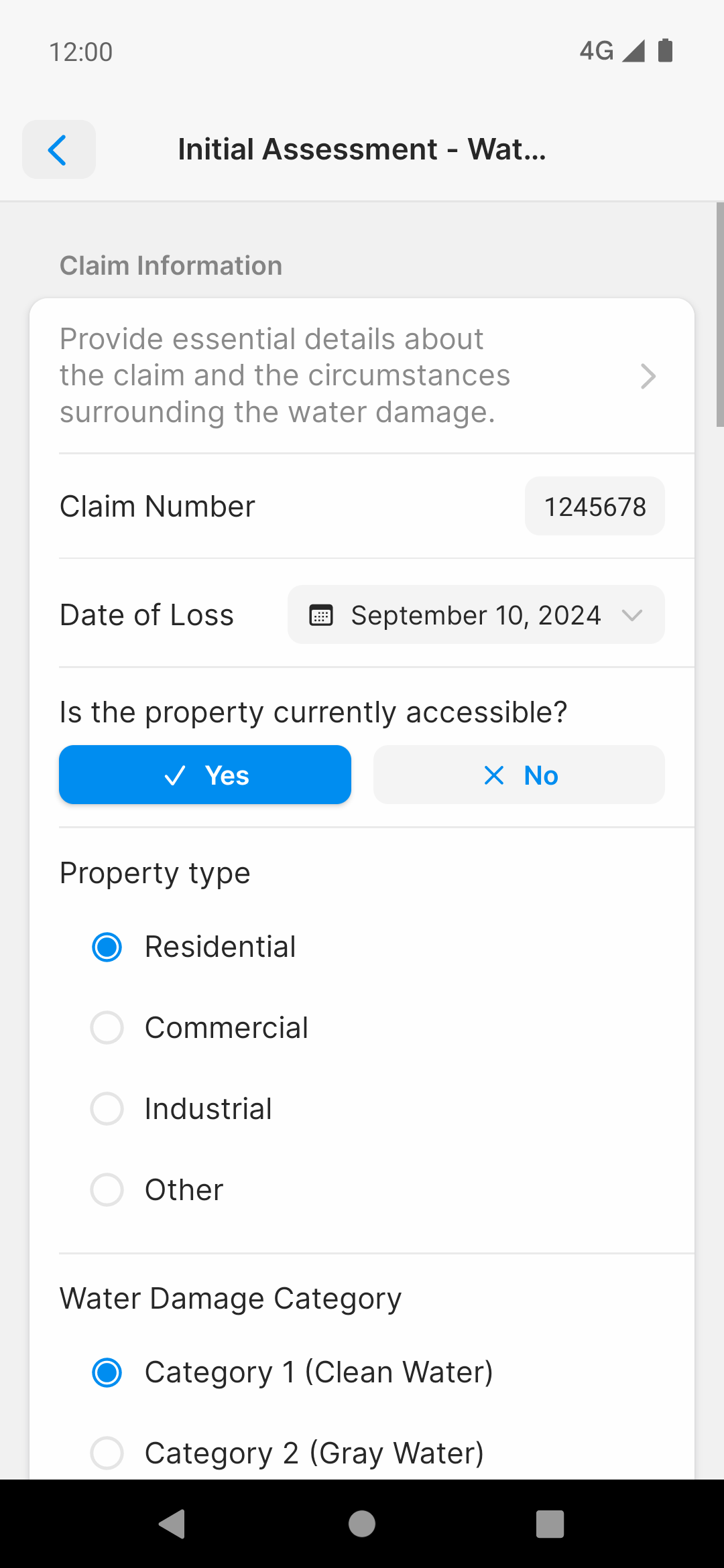
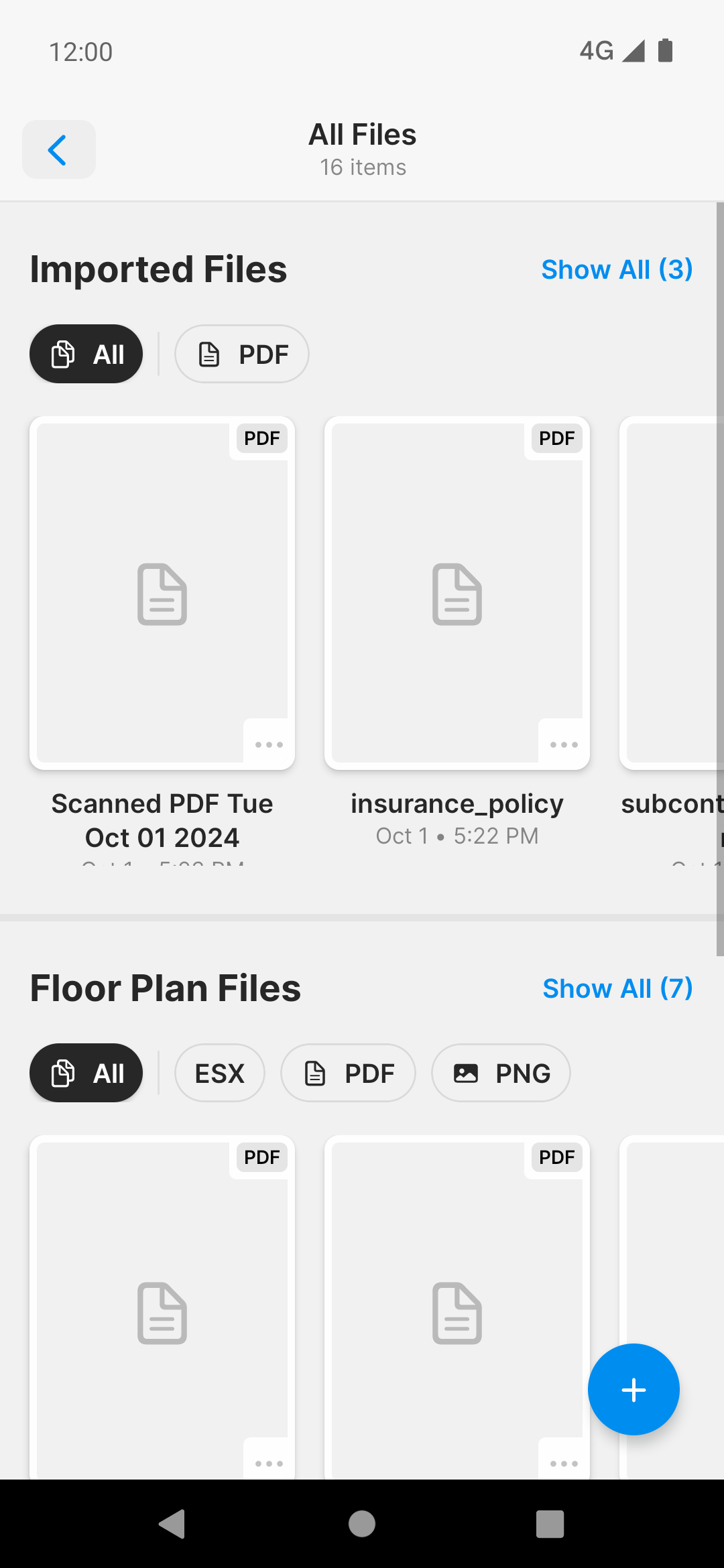
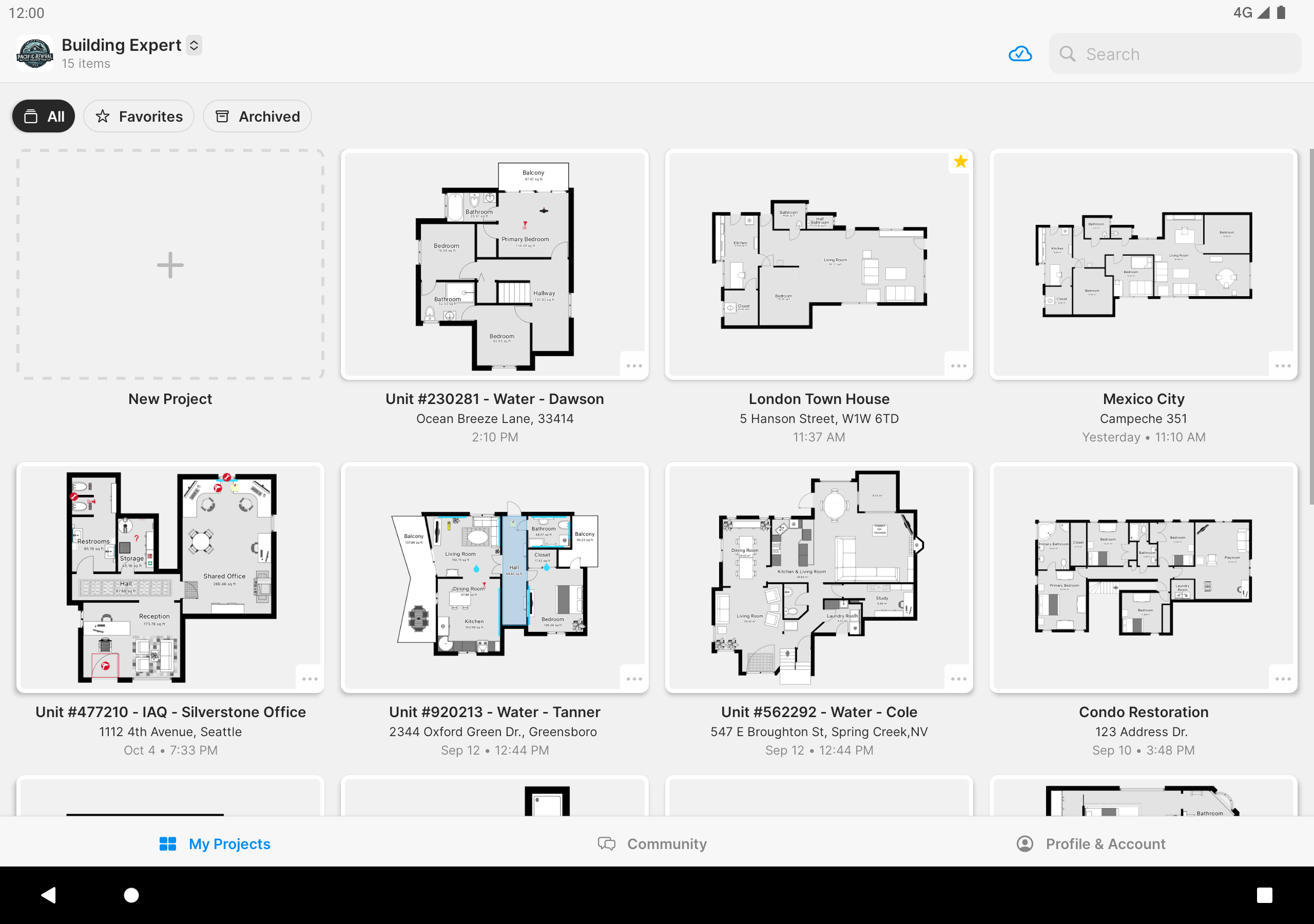
Added: Denis Rubinov
Version: 2025.22.0
Size: 170.4 MB
Updated: 24.06.2025
Developer: Sensopia Inc
Age Limitations: Everyone
Authorizations: 21
Downloaded on Google Play: 9917764
Category: Work
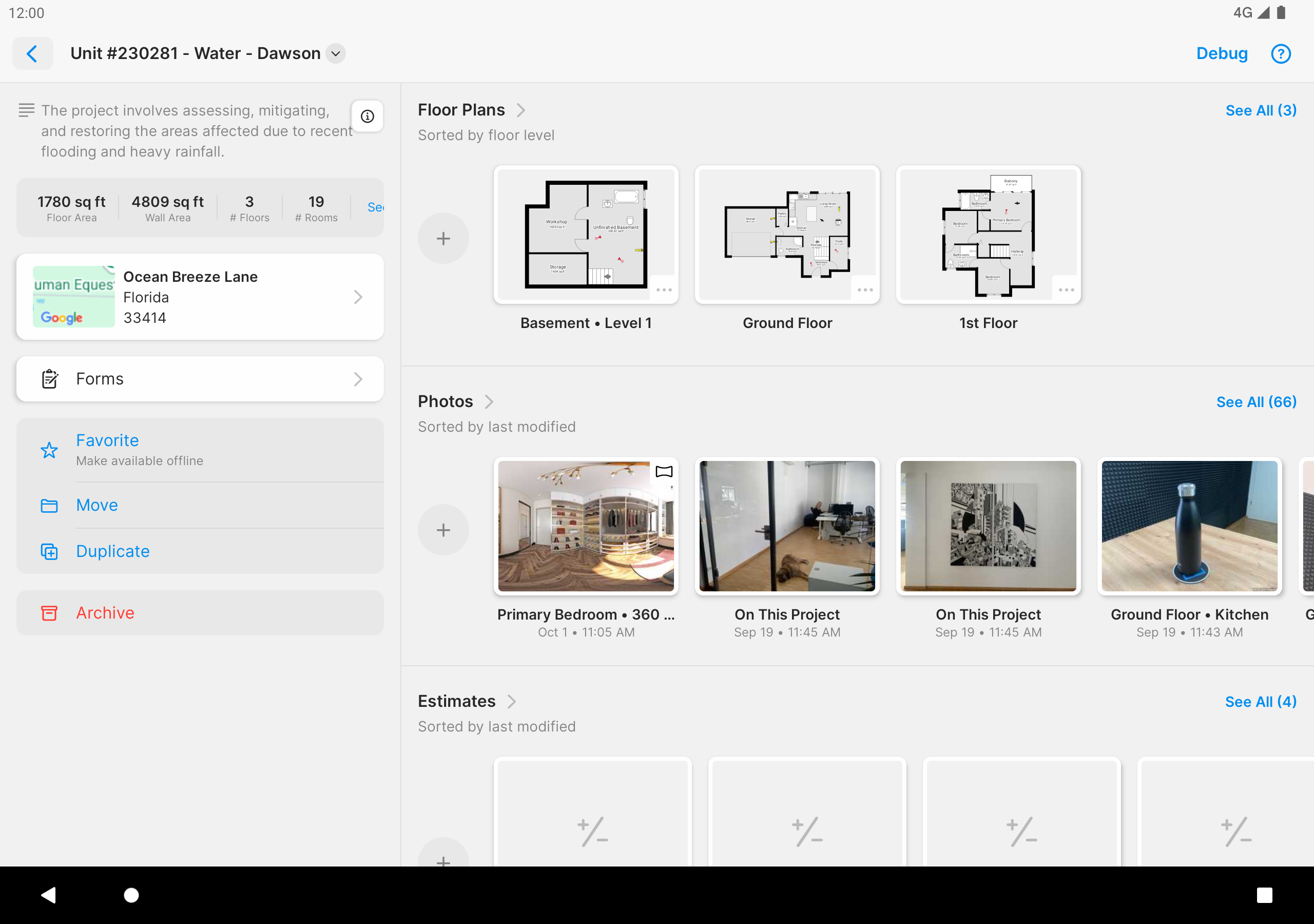
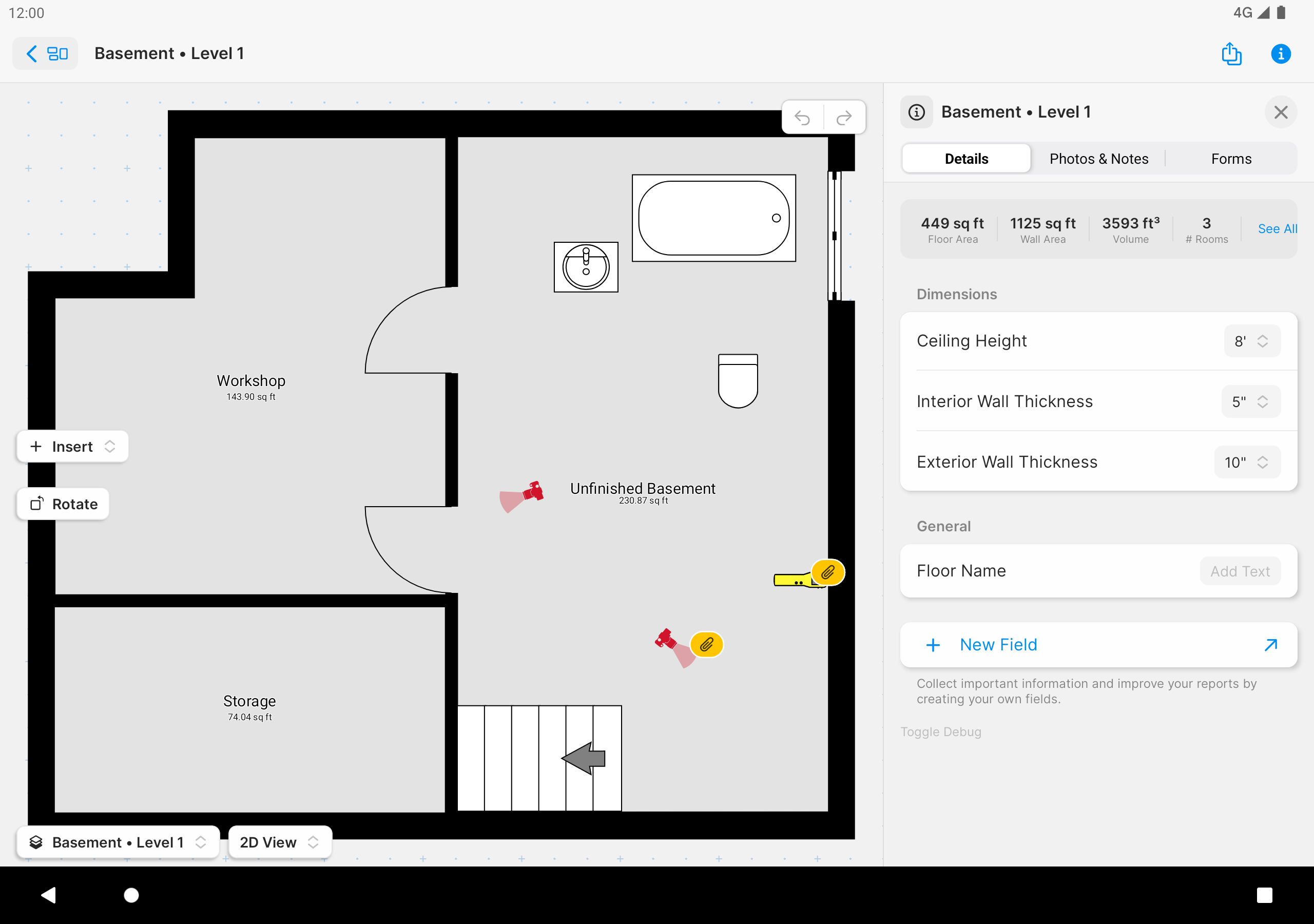
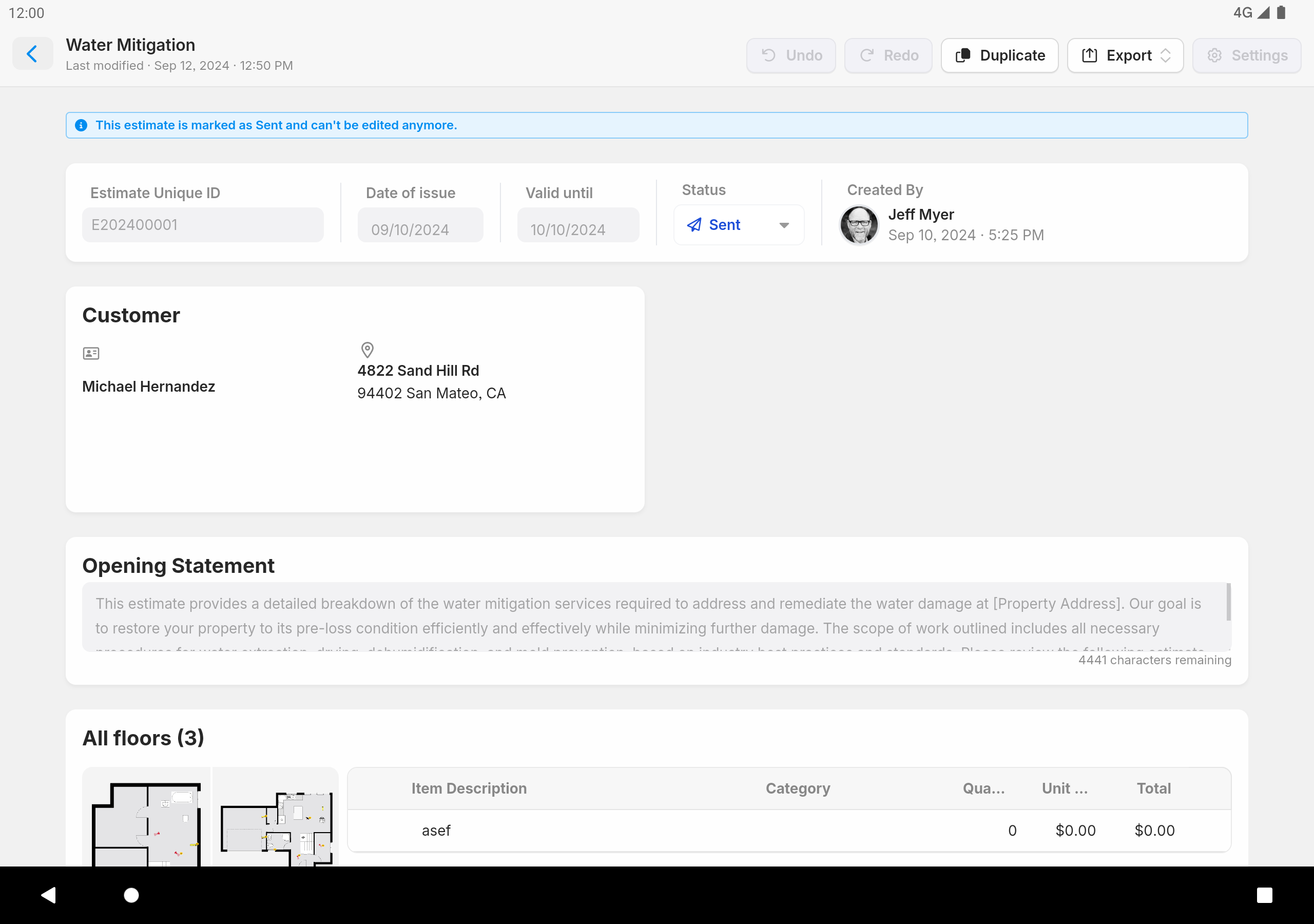
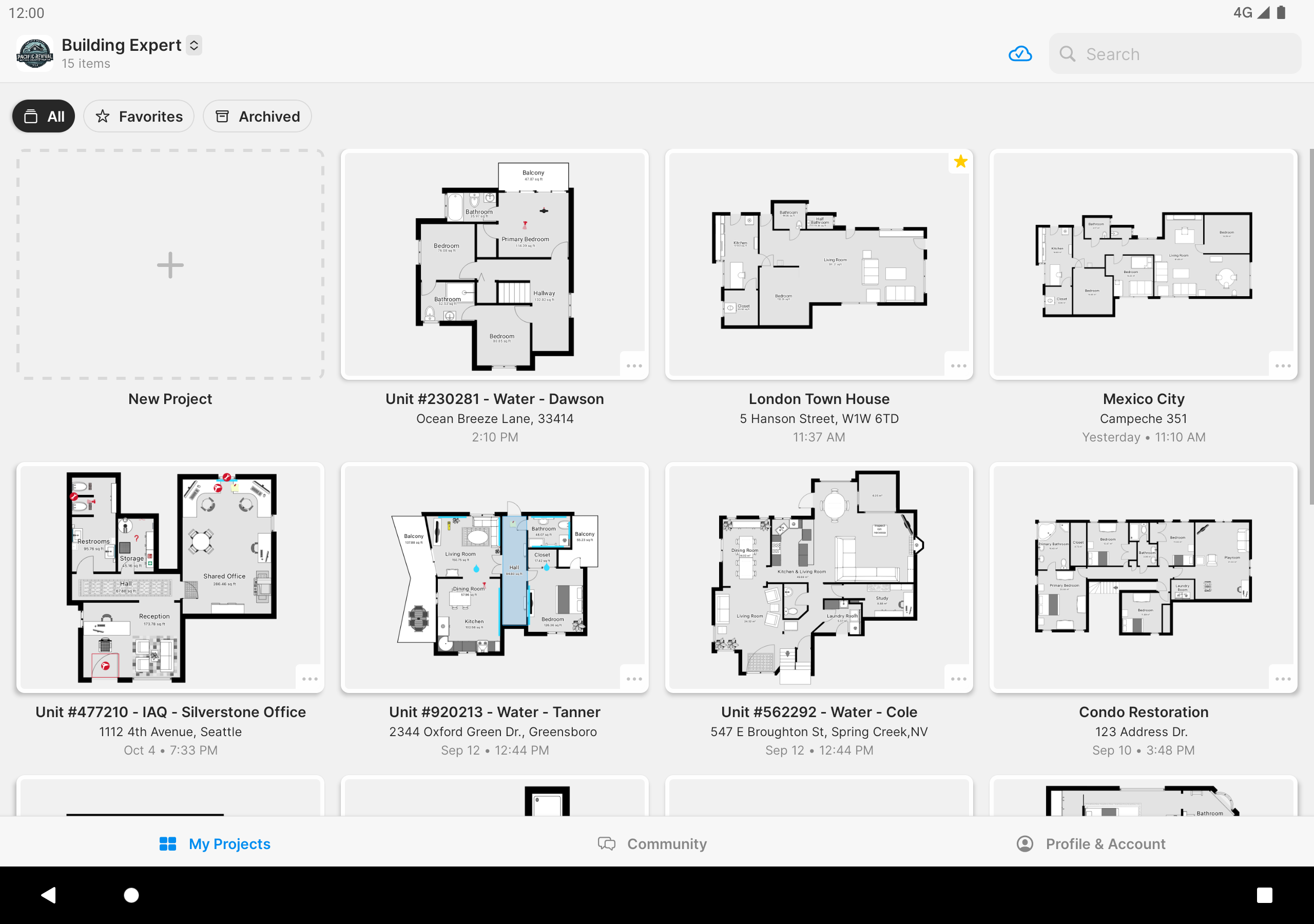
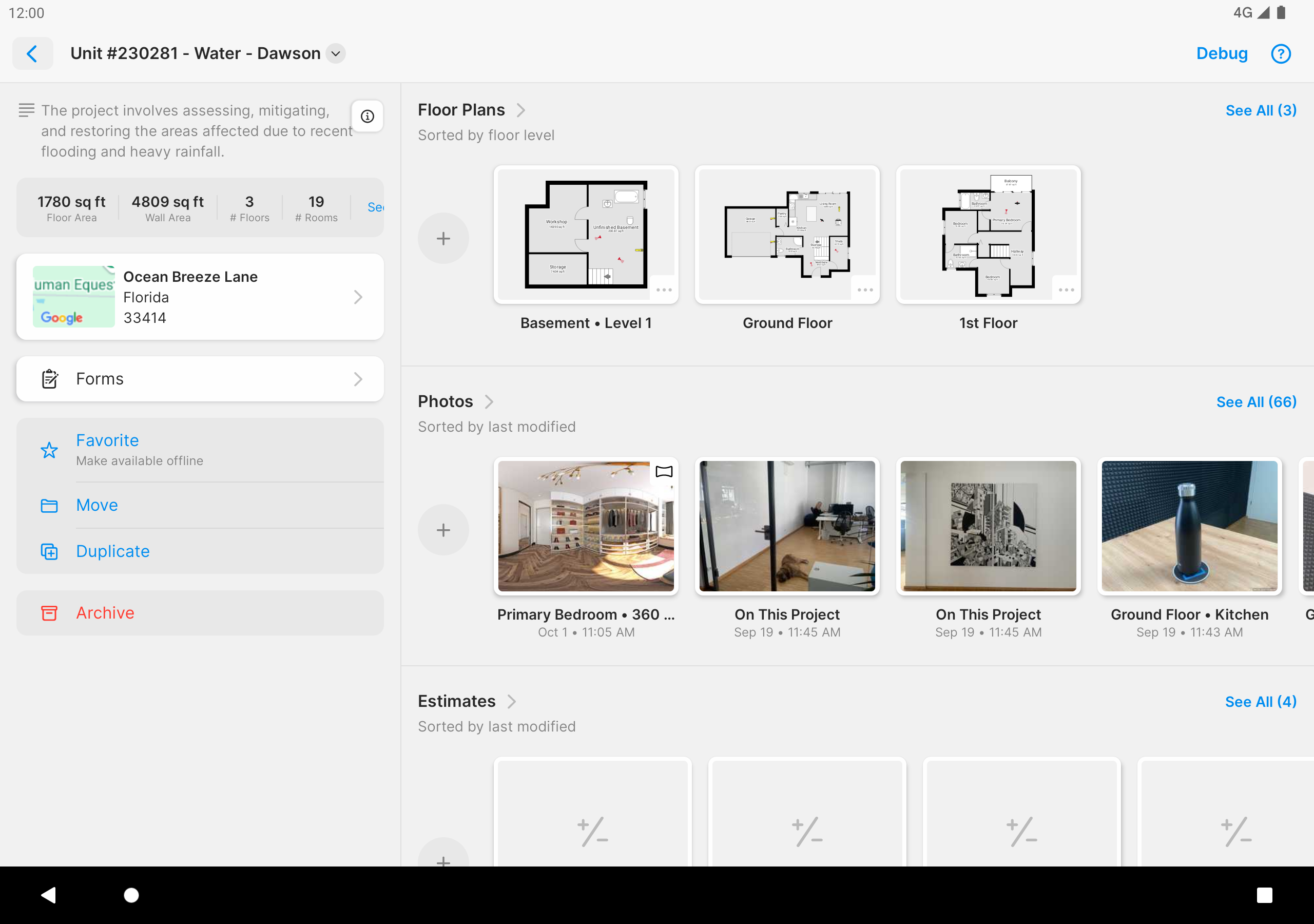
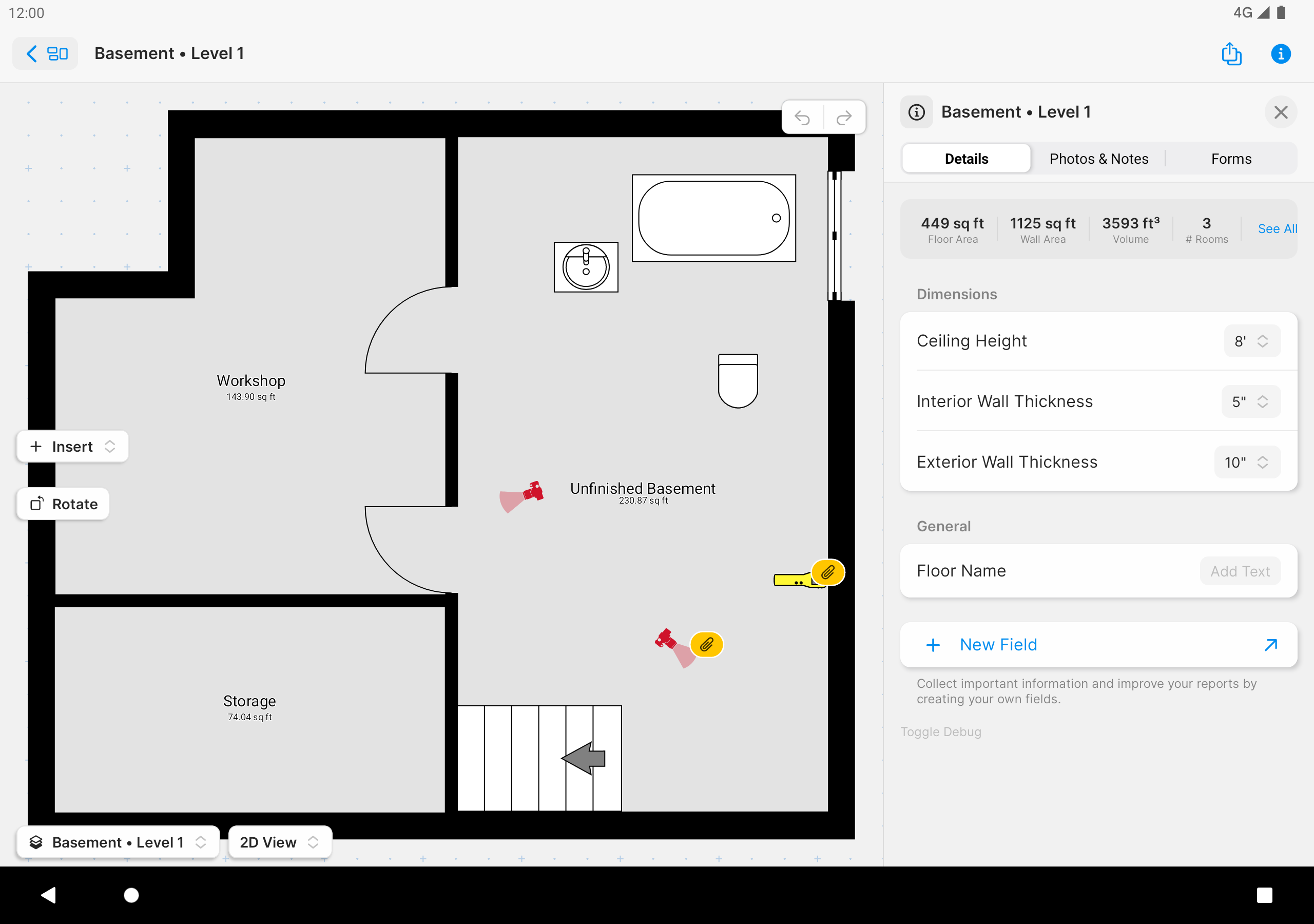
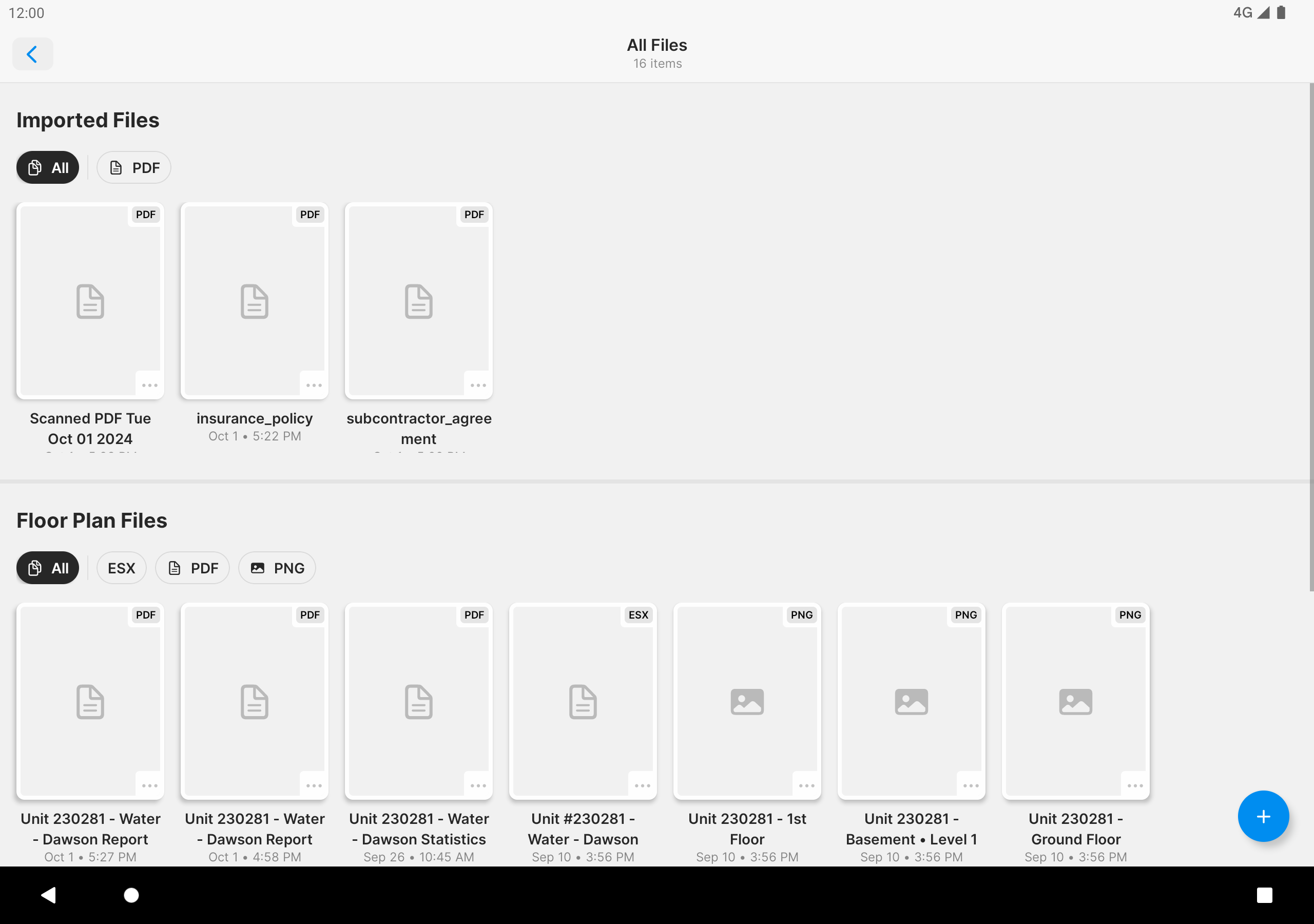
- Drawings can be generated automatically.
- High accuracy of work in automatic mode.
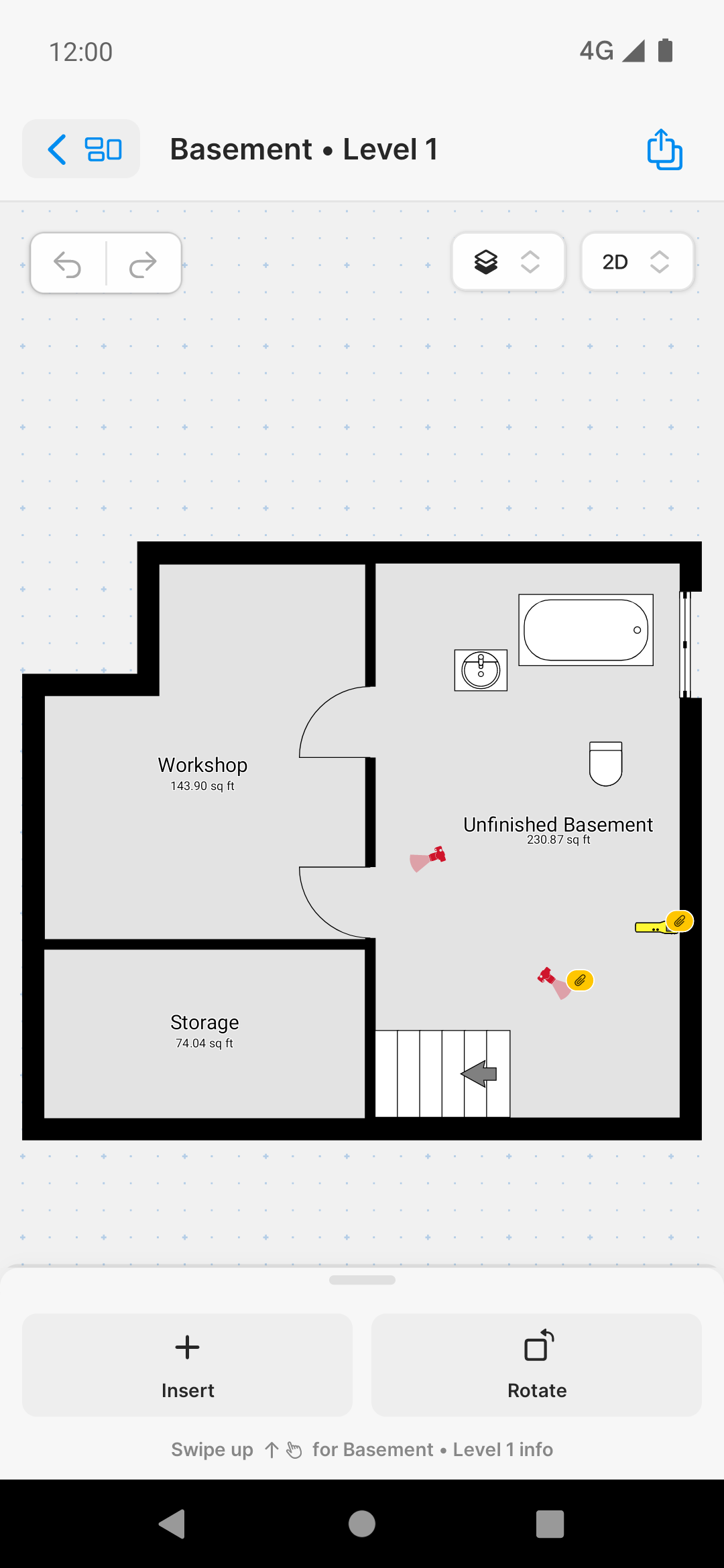
- Ability to correct drawings.
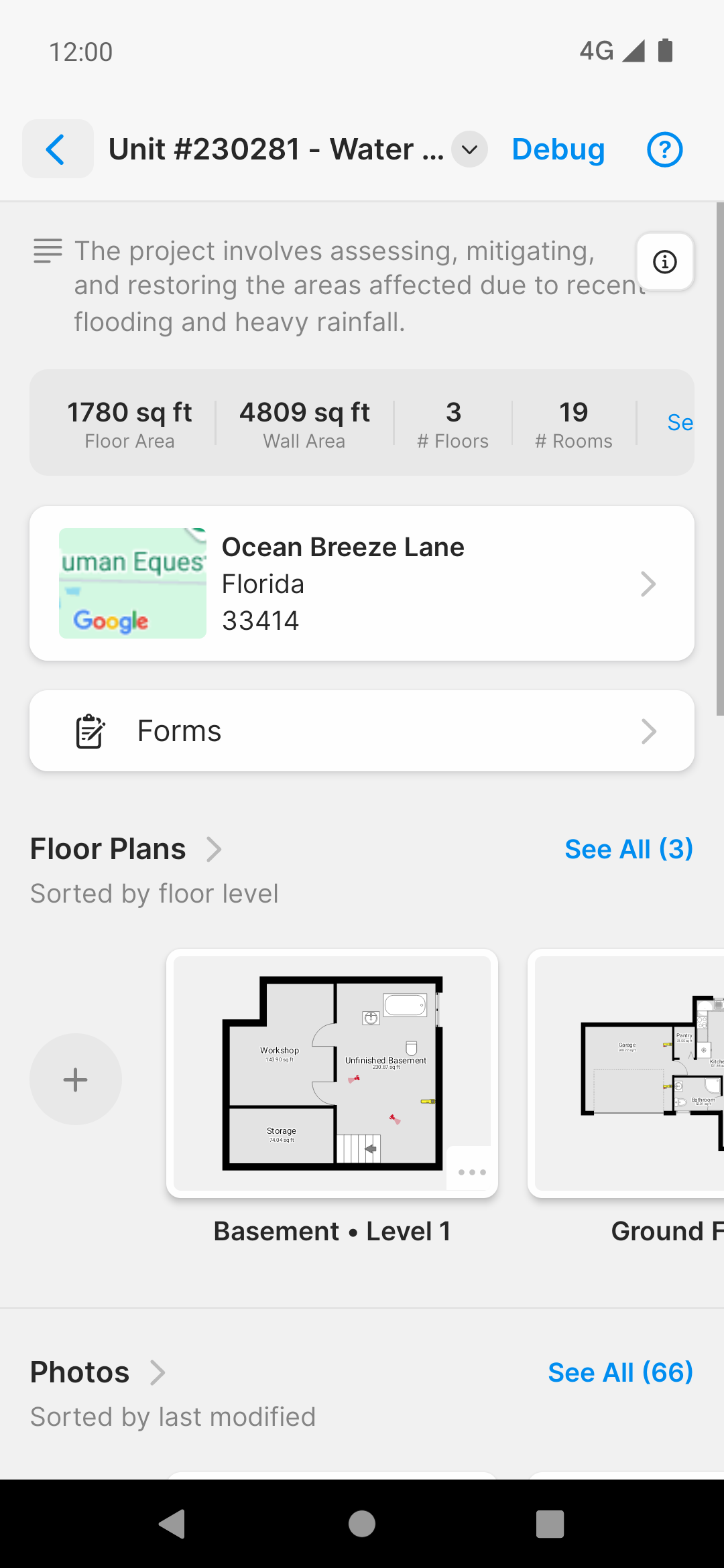
- Convenient addition of new objects.
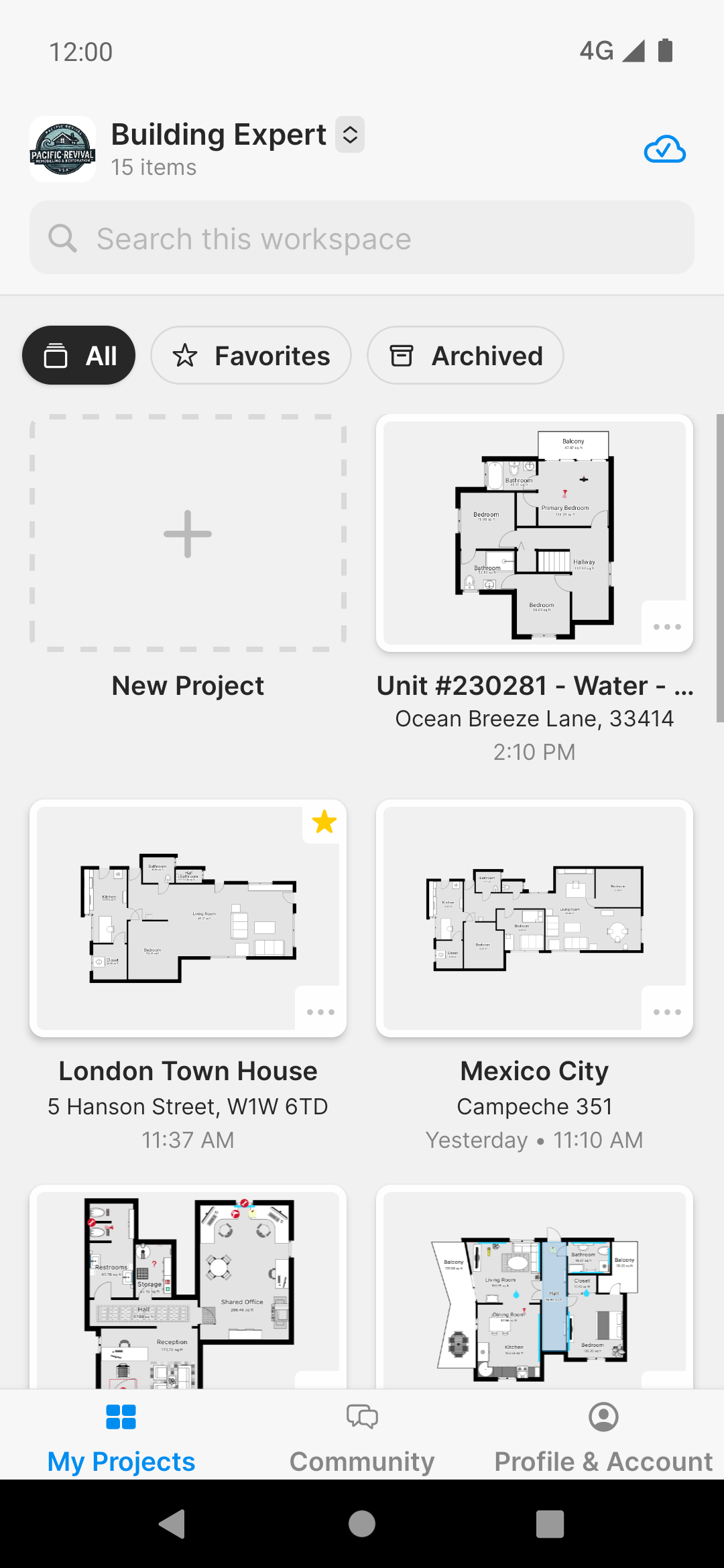
- You can create two projects in the free version.
Description
Application magicplan was checked by VirusTotal antivirus. As a result of the scan, no file infections were detected by all the latest signatures.
How to install magicplan
- Download APK file apps from apkshki.com.
- Locate the downloaded file. You can find it in the system tray or in the 'Download' folder using any file manager.
- If the file downloaded in .bin extension (WebView bug on Android 11), rename it to .apk using any file manager or try downloading the file with another browser like Chrome.
- Start the installation. Click on the downloaded file to start the installation
- Allow installation from unknown sources. If you are installing for the first time magicplan not from Google Play, go to your device's security settings and allow installation from unknown sources.
- Bypass Google Play protection. If Google Play protection blocks installation of the file, tap 'More Info' → 'Install anyway' → 'OK' to continue..
- Complete the installation: Follow the installer's instructions to complete the installation process.
How to update magicplan
- Download the new version apps from apkshki.com.
- Locate the downloaded file and click on it to start the installation.
- Install over the old version. There is no need to uninstall the previous version.
- Avoid signature conflicts. If the previous version was not downloaded from apkshki.com, the message 'Application not installed' may appear. In this case uninstall the old version and install the new one.
- Restart annex magicplan after the update.








Requesting an application update
Added Denis Rubinov
Version: 2025.22.0
Size: 170.4 MB
Updated: 24.06.2025
Developer: Sensopia Inc
Age Limitations: Everyone
Authorizations:
Downloaded on Google Play: 9917764
Category: Work












Reviews for magicplan
loved it
very nice 👌
bad apps
reliable and trustworthy app
Fantastic app. wasn't sure what to expect but it's very intuitive and once you understand the features, can quite quickly put together an entire floor plan. Developer has done a great job, not buggy, no issues experienced. Love the 3D view.
Magical, indeed!
Can't make more than 2 floor plans without a $10 per month/$100 per year subscription, which is outrageous when I'm not a business, just a homeowner trying to plan things around my home. Also can't delete existing floor plans to make new ones because the app does nothing when I try to delete one. EDIT: Knocking off another star for dev response. Only paid customers can delete floorplans? What kind of greed is that? What app have you ever heard of that charges you to DELETE stuff?
TURNS HAND DRAWING INTO FAKIE AI PICTURE
Camera scan keeping exclusive to ios is nothing more than move to discourage android. It should be available to all devices with AR capabilities update to the review replied: i appreciate your swift response so have increased rating to 3 . Yeah, i understand that Android doesn't have the hardware abilities in form of LIDAR capabilities . if you are not sure of giving equivalent result through AR, you may release camera scan for andorid as "Beta Camera scan" . This should fill the gaps created
Sigh, you had to jump on the "iOS-only" bandwagon. Scanning should be available to any device with AR capabilities. It's cumbersome to change units - this should be an easy-to-change function. I once paid for, and recommended this app but it almost feels like another low functioning planner app for hobbyists and not for professionals.
Im having a hard time setting dimensions of objects. I wish I could lock them in place so that when I zoom in and out I don't accidentally move something. Also I wish I could take screen shots. I'm guessing it's locked due to monetization reasons, but for personal use I wish I could share it with my friend that's helping me with my build. Overall im enjoying the app. With time I'm sure I'll become more efficient at the controls. Edit: to set object dimension click object then details. :)
Easy to use, but manual measurement is needed. Proportionally, it was correct, but over measured an additional 20%. I might need to calibrate something that I missed. But this is the fastest and easiest floor planning software I've ever used. Highly recommend with manual measurements. I like the built in automatic tutorials.
I am really enjoying the app. It is helping us a lot with renovations to my daughters house long distance. I have found a few things difficut to design. For example my daughters stairs from the 1st floor to the 2nd has a landing at the top and then the stairs turn and go up a couple more stairs. I am having difficult getting the landing to show up. The other problem I have is gettting the camera to measure properly when cabinets are in the way. Easier to just input the distances myself.
Only reason I give it a 4 is because sometimes, when you're trying to create a room using your phone's camera, the markers you make tend to glitch around. Tedious, yes. But at least it's not like those other architecture apps that are basically just pictures. Additionally this one actually allows you to place objects from scratch, instead of having permanent default places for furniture, like in one other app.
Tried to use this to reorganize my garage. Loved the app for setting up custom dimensions & locking them in place for the walls, doors, & windows. But if you are trying to change dimensions of other items like shelves, mowers, etc to your exact dimensions it won't let you at least not without a subscription. Like, if you change the width of something, it will automatically change the length. If you go to correct the length, it will change the width & you cant lock them in place.
Post a comment
To leave a comment, log in with your social network:
Or leave an anonymous comment. Your comment will be sent for moderation.
Post a comment
To leave a comment, log in with your social network:
Or leave an anonymous comment. Your comment will be sent for moderation.