



Link Messenger
5+
downloads5.0
version Android

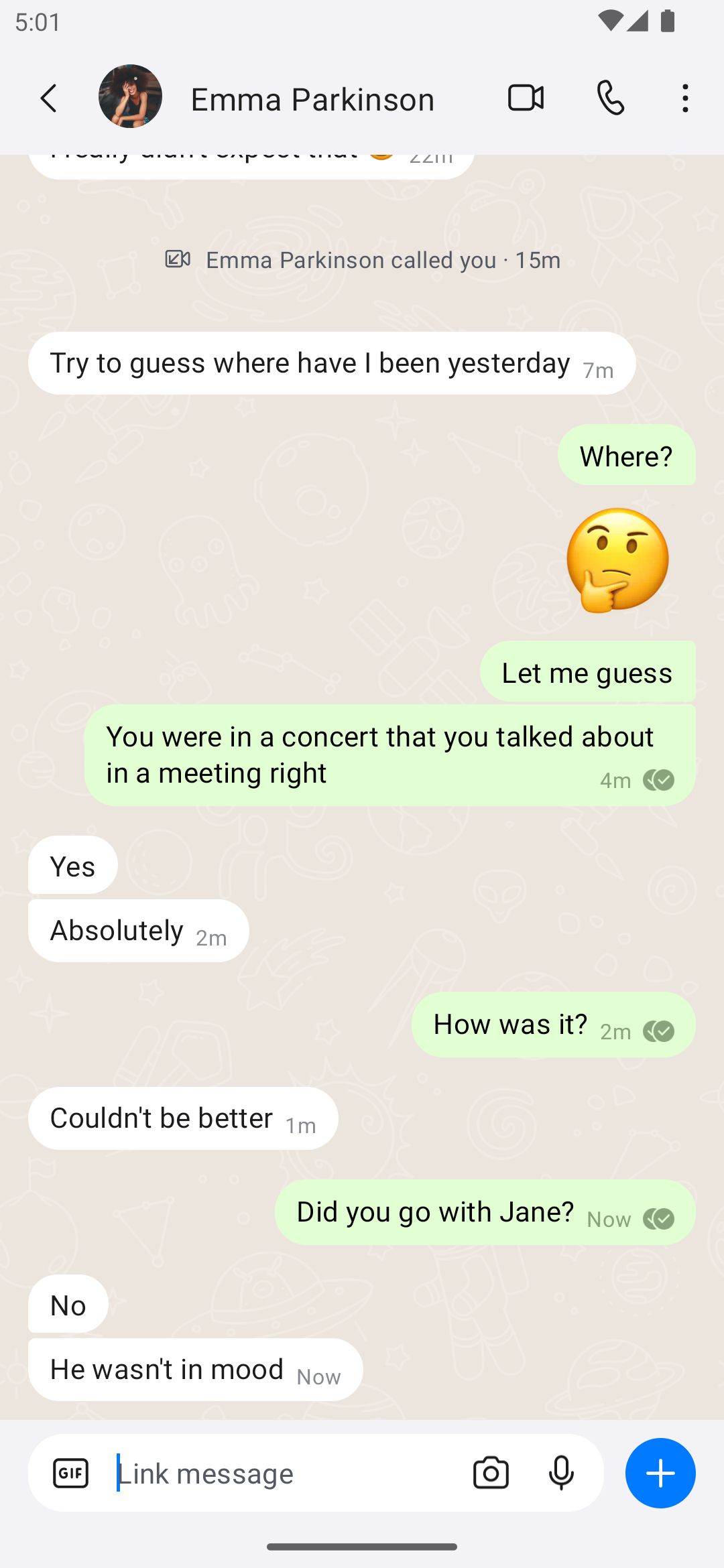
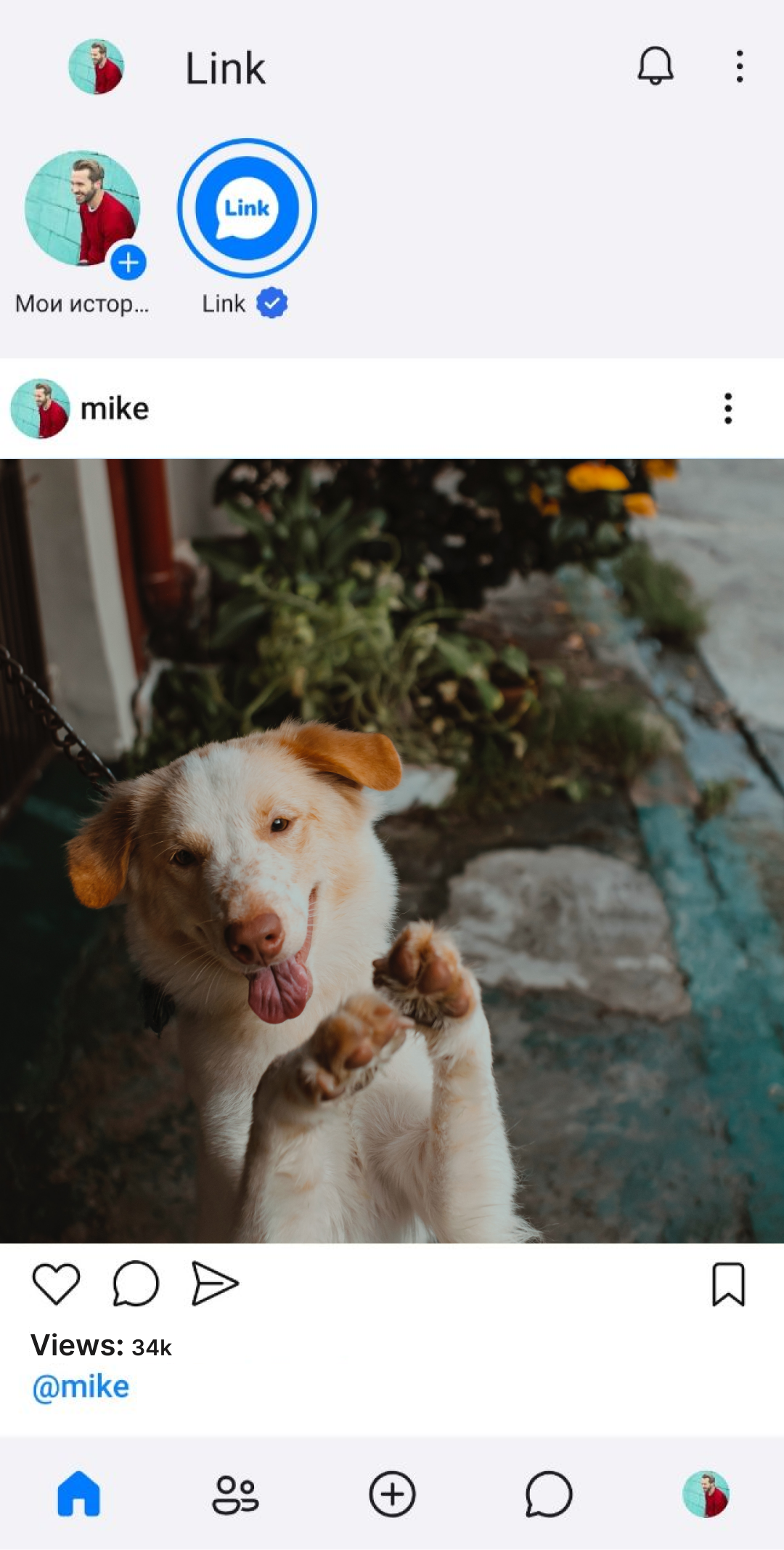
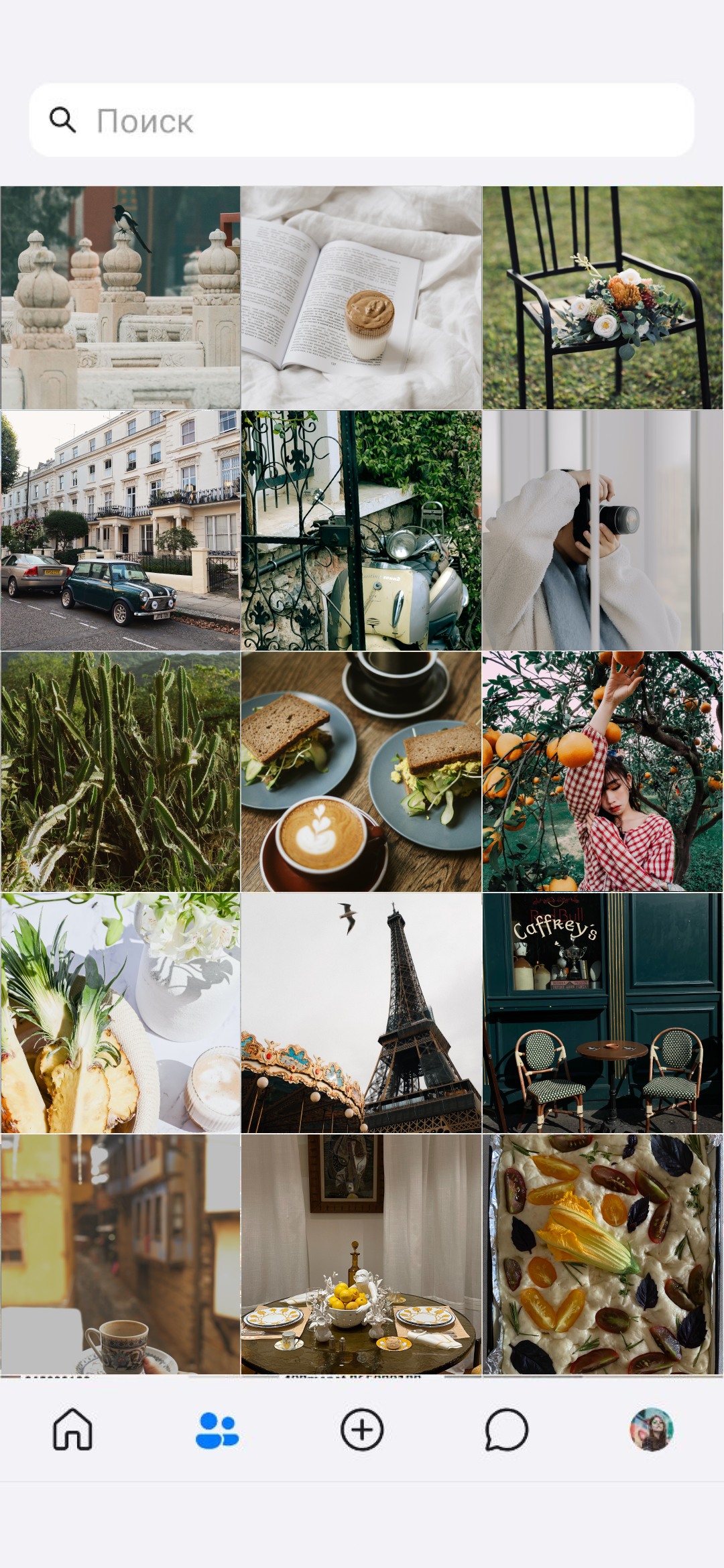
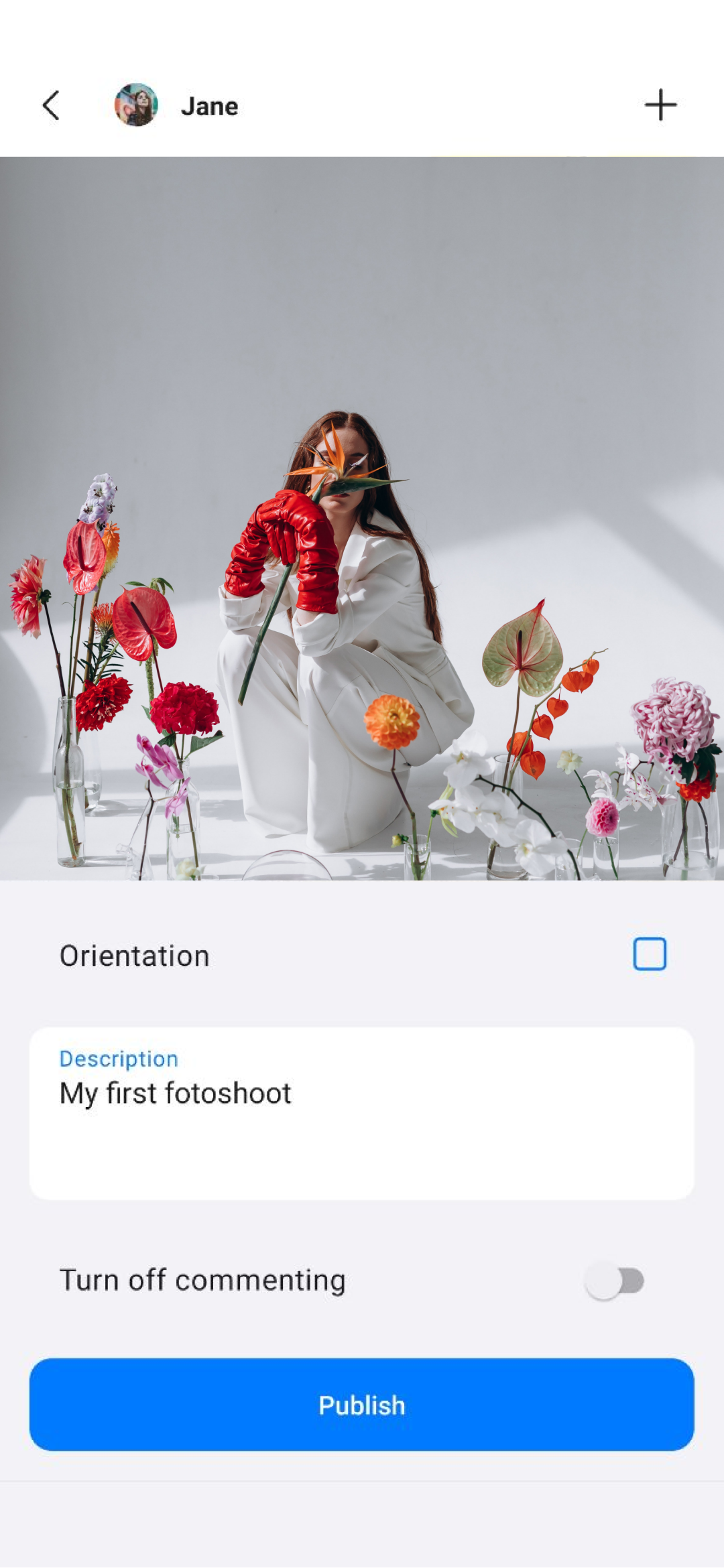
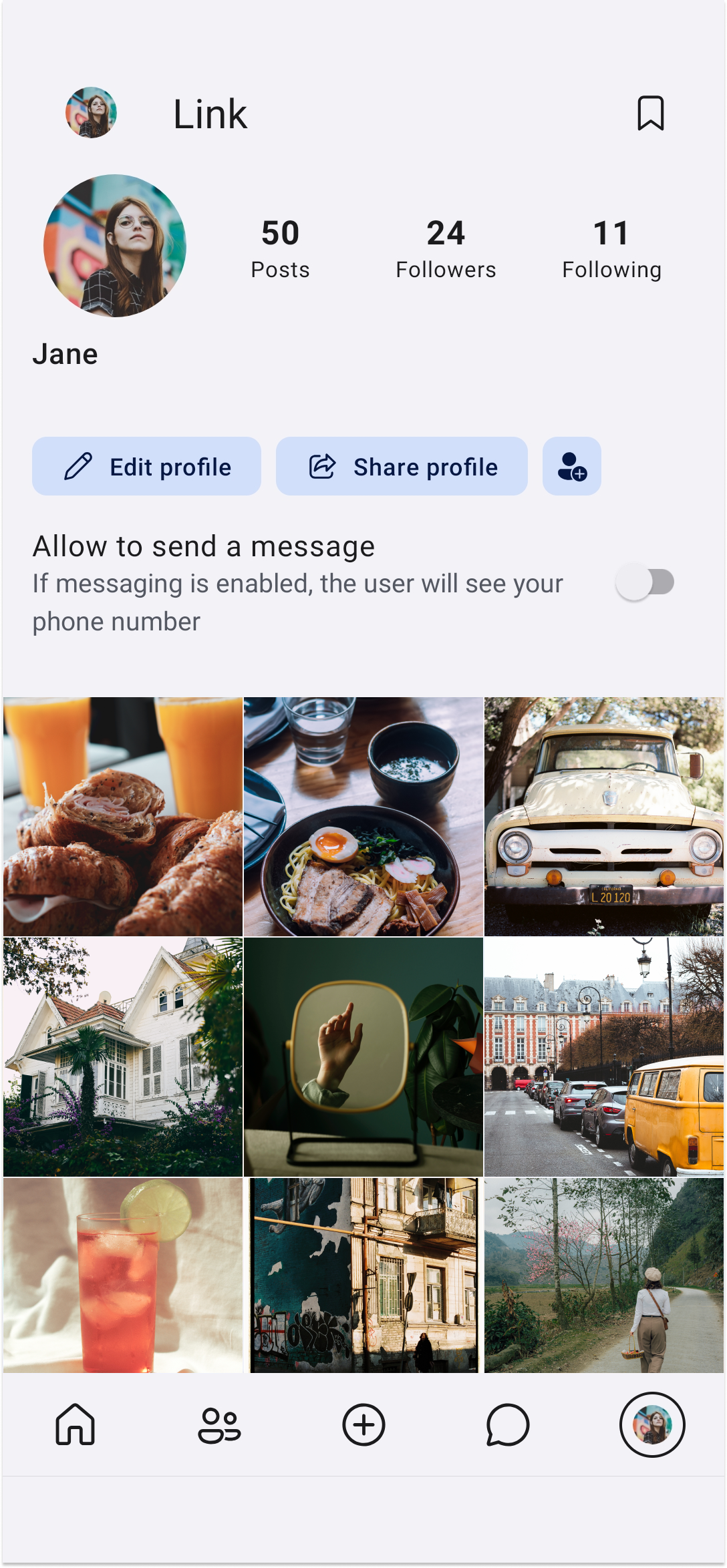
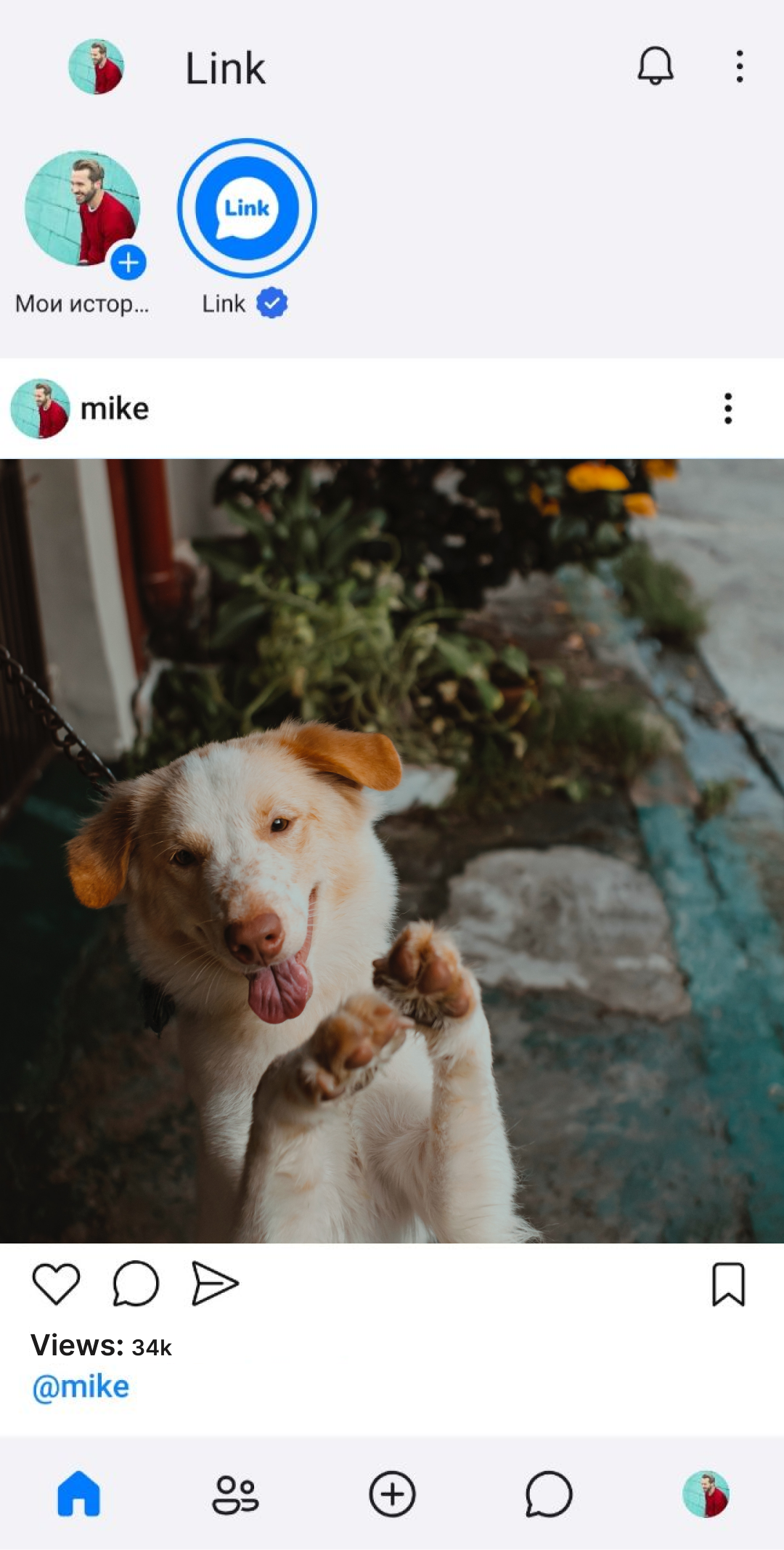
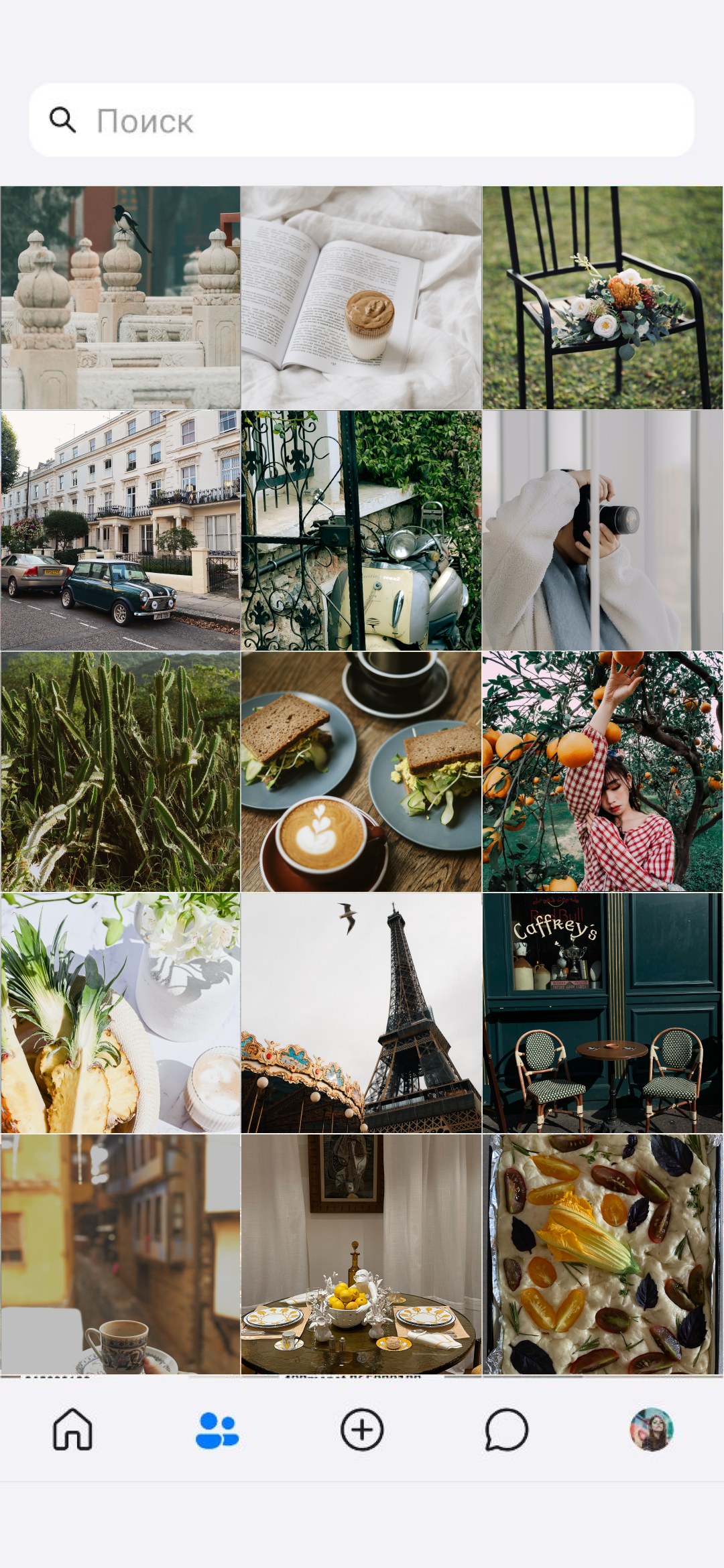
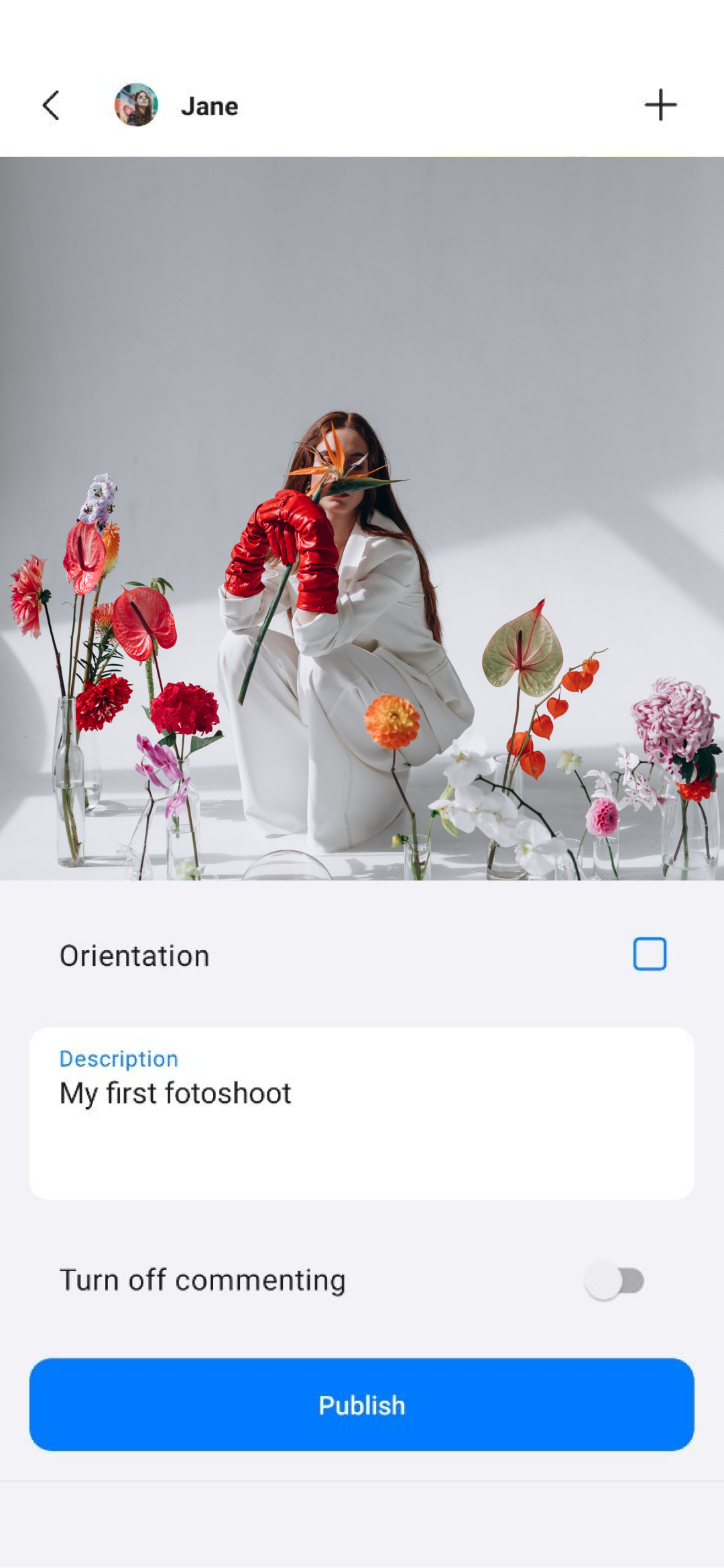
Added: Denis Rubinov
Version: 7.2.40
Size: 127.5 MB
Updated: 19.05.2025
Developer: Link Messenger
Age Limitations: Everyone
Authorizations: 36
Downloaded on Google Play: 1684913
Category: Contact
Description
Application Link Messenger was checked by VirusTotal antivirus. As a result of the scan, no file infections were detected by all the latest signatures.
How to install Link Messenger
- Download APK file apps from apkshki.com.
- Locate the downloaded file. You can find it in the system tray or in the 'Download' folder using any file manager.
- If the file downloaded in .bin extension (WebView bug on Android 11), rename it to .apk using any file manager or try downloading the file with another browser like Chrome.
- Start the installation. Click on the downloaded file to start the installation
- Allow installation from unknown sources. If you are installing for the first time Link Messenger not from Google Play, go to your device's security settings and allow installation from unknown sources.
- Bypass Google Play protection. If Google Play protection blocks installation of the file, tap 'More Info' → 'Install anyway' → 'OK' to continue..
- Complete the installation: Follow the installer's instructions to complete the installation process.
How to update Link Messenger
- Download the new version apps from apkshki.com.
- Locate the downloaded file and click on it to start the installation.
- Install over the old version. There is no need to uninstall the previous version.
- Avoid signature conflicts. If the previous version was not downloaded from apkshki.com, the message 'Application not installed' may appear. In this case uninstall the old version and install the new one.
- Restart annex Link Messenger after the update.








Requesting an application update
Added Denis Rubinov
Version: 7.2.40
Size: 127.5 MB
Updated: 19.05.2025
Developer: Link Messenger
Age Limitations: Everyone
Authorizations:
Downloaded on Google Play: 1684913
Category: Contact












Reviews for Link Messenger
bought link premium but they took my money and didn't give me my premium. Please solve the problem.
Perfect 🥰. but i have a little problem. The videos are not opening clearly when i download them😕
I was using this application with pleasure but then you banned my account because I posted a mustang photo in my post. I would be glad if you could help me. The ban is valid for 365 days.
everything is 👍🏻 👍🏻 👍🏻 👍🏻 👍🏻 👍🏻 👍🏻 even Better than I rated,,, recommending for every single person
❤️❤️❤️
Akli
super
very good
just trash
Boolshi
Sps
This app is pretty nice! Thanks a lot to developers of this apk. "Download" isn't working which is sad to know. It says saving but it doesn't 😐 if it works, I'll barely give 5 stars!
App is nice, but there r so many problems that should be solved. Sometimes, I can't watch the videos fully, when u click the video u chose from your collection, it starts with the first. Solve it
is good
Dear Developers, I can relate that you have no a decent knowledge in that sphere. I can relate that you have no experience and probably you just graduated school. So, here's my advice for you. First and foremost, delete this app from Play Store, don't make people use it. Secondly, if you don't want to delete, improve own application. And the last, but not least, start to learn more about coding and maybe with probability 20% you all will thrive. Wish you all good luck, btchs!
Post a comment
To leave a comment, log in with your social network:
Or leave an anonymous comment. Your comment will be sent for moderation.
Post a comment
To leave a comment, log in with your social network:
Or leave an anonymous comment. Your comment will be sent for moderation.