



Who is on my WiFi - WiFi Scan
3+
downloads4.0+
version Android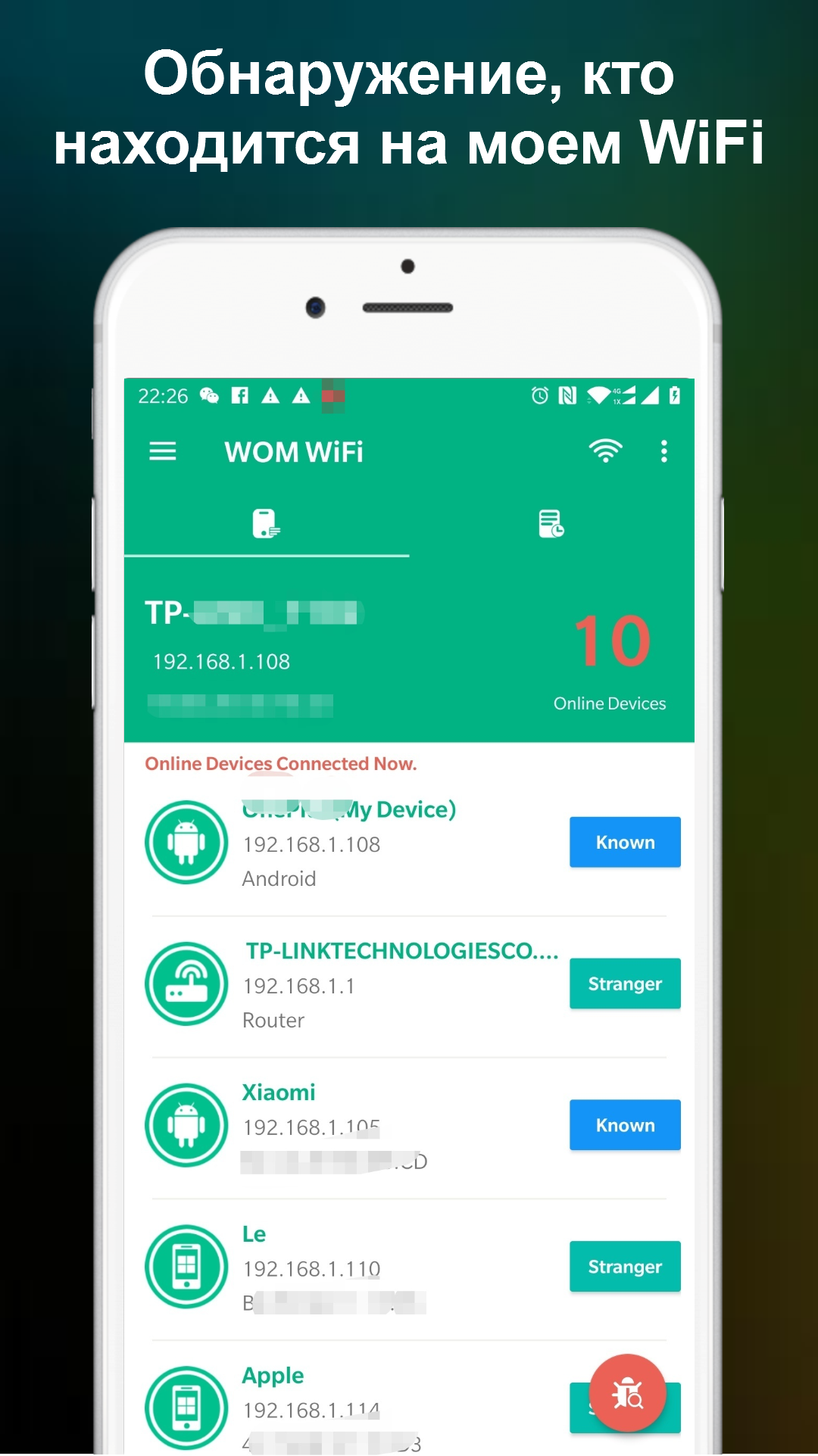
Added: Denis Rubinov
Version: 1.1.20
Size: 13.2 MB
Updated: 21.05.2025
Developer: Network Scanner - WiFi Scanner & Network Monitor
Age Limitations: Everyone
Authorizations: 11
Downloaded on Google Play: 10214755
Category: Tools
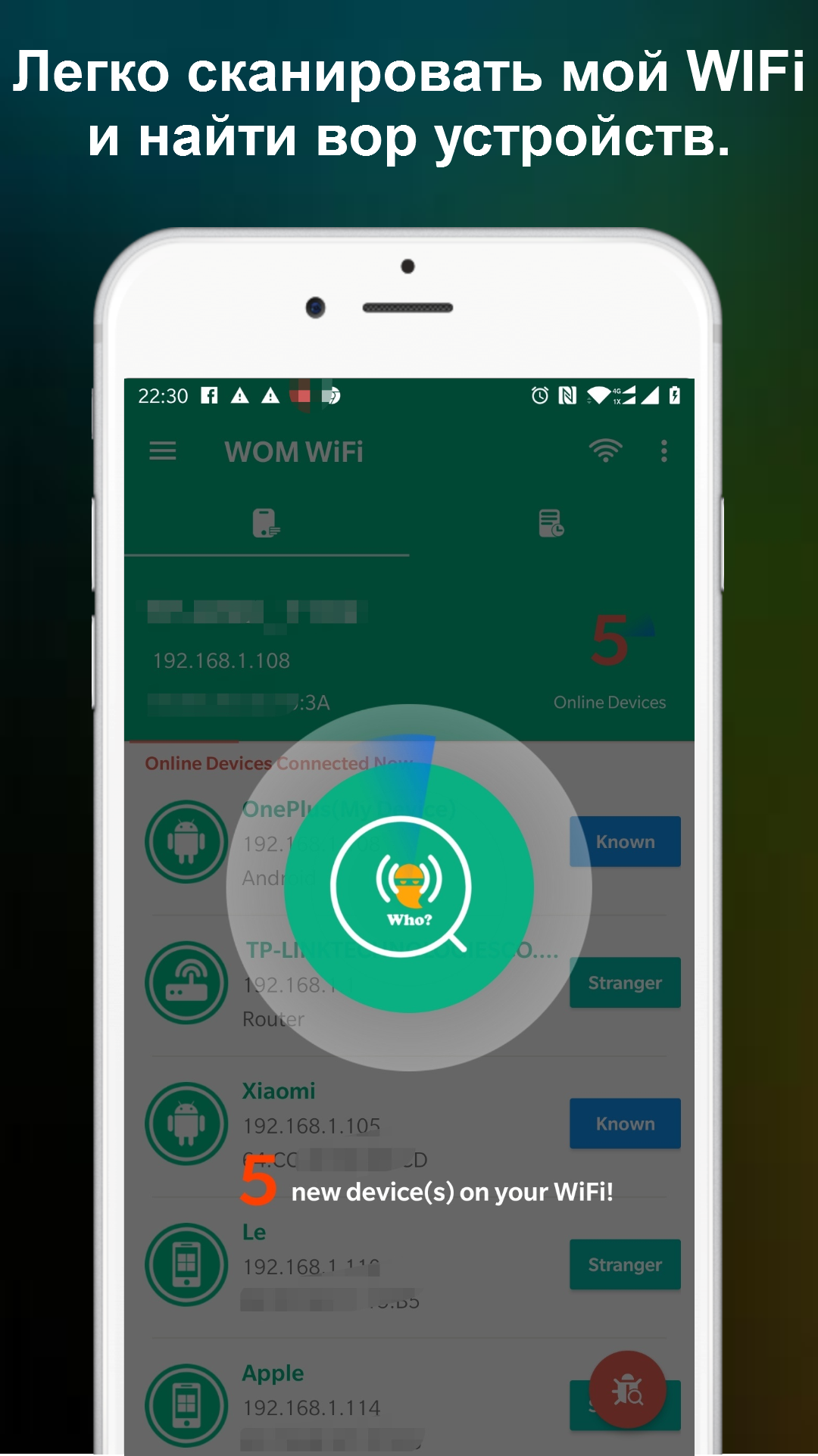
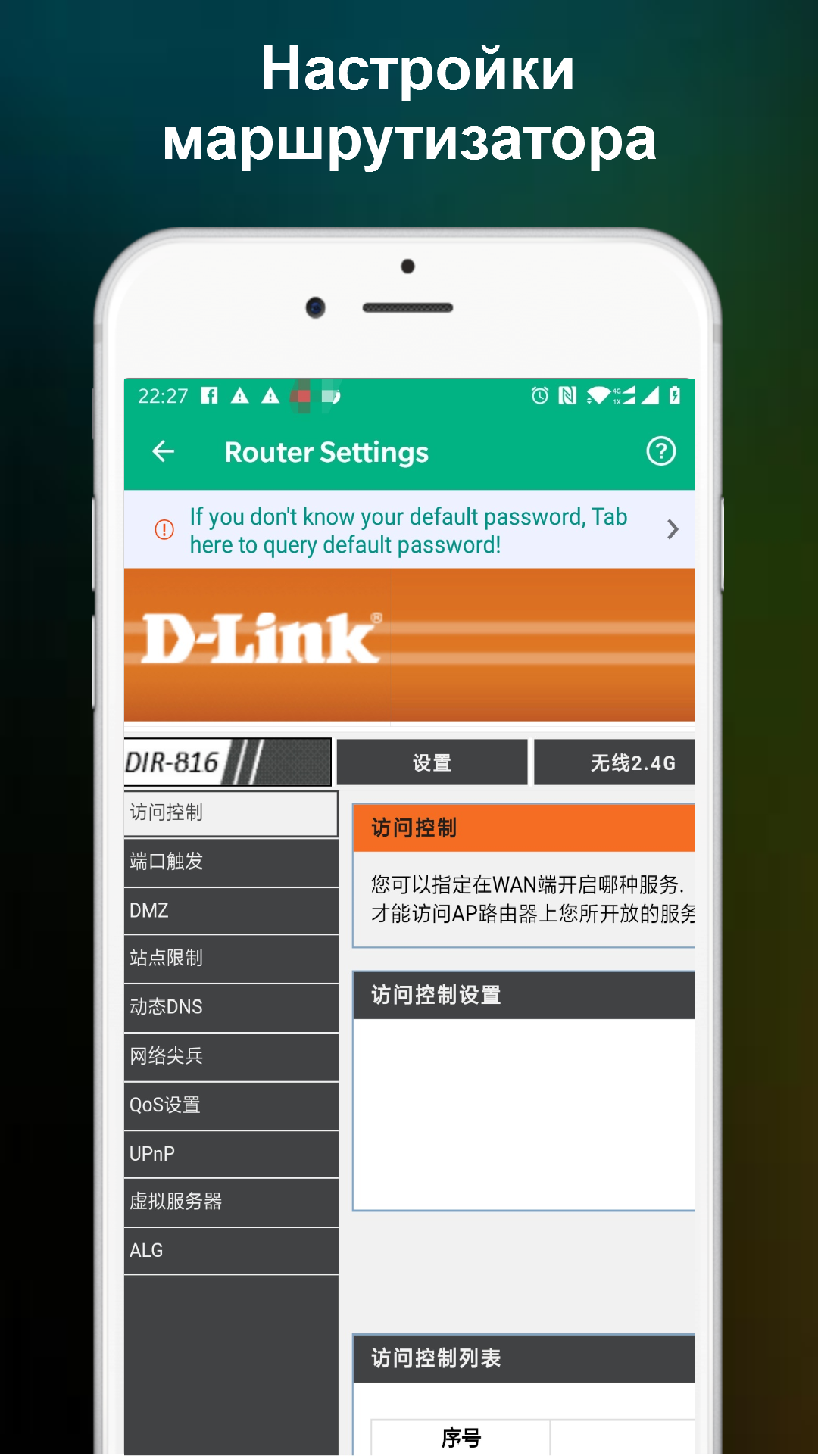
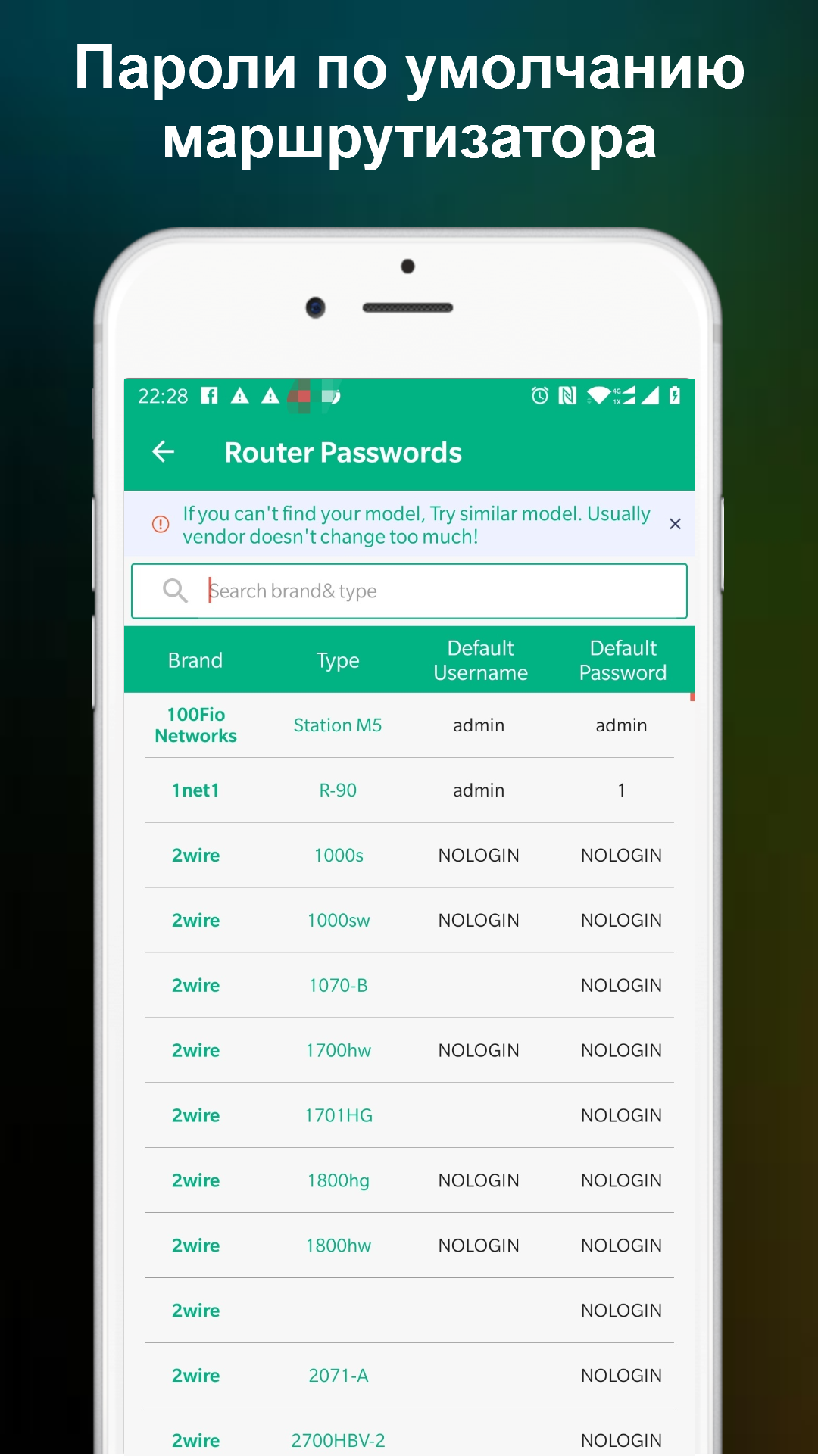
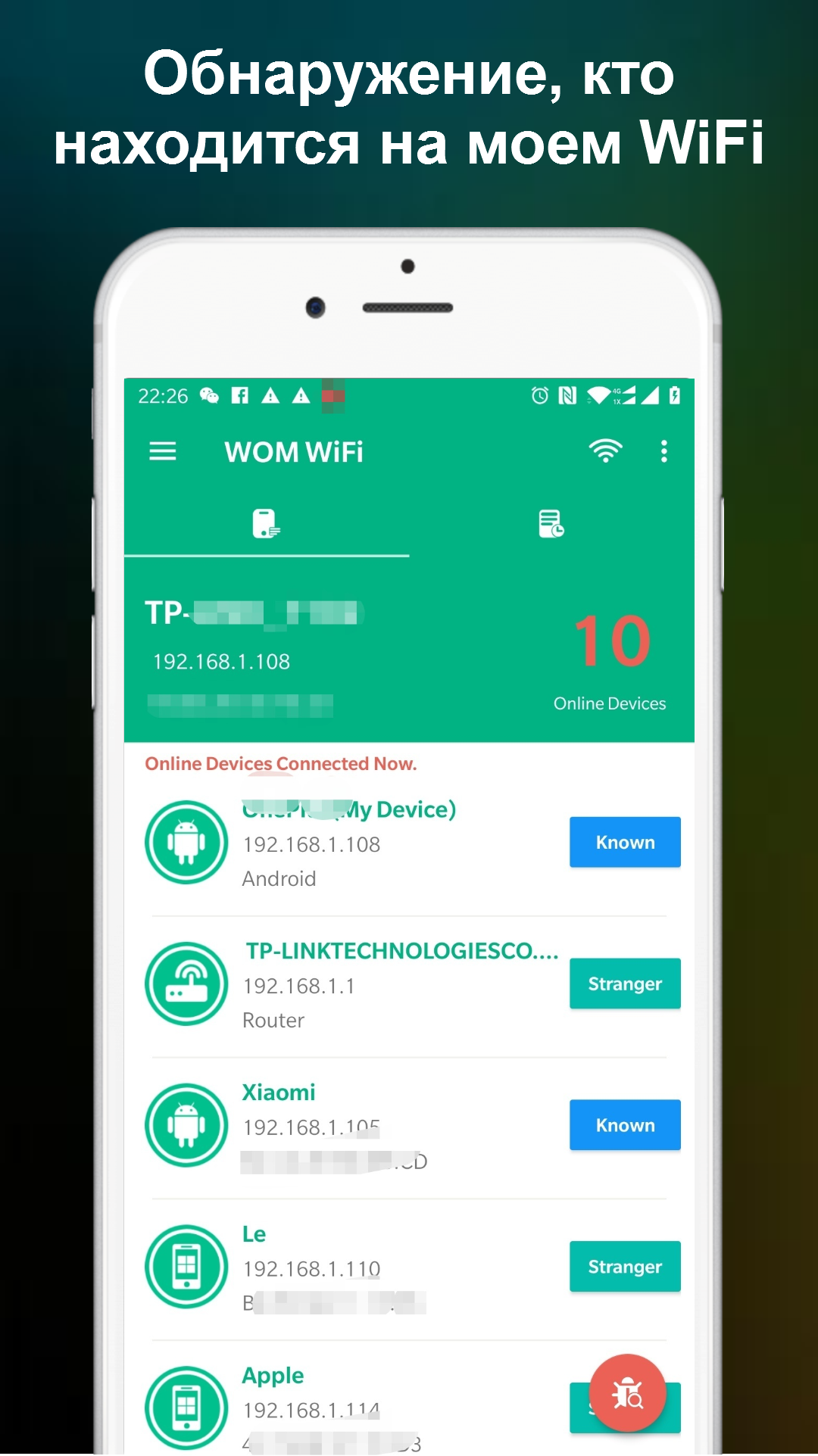
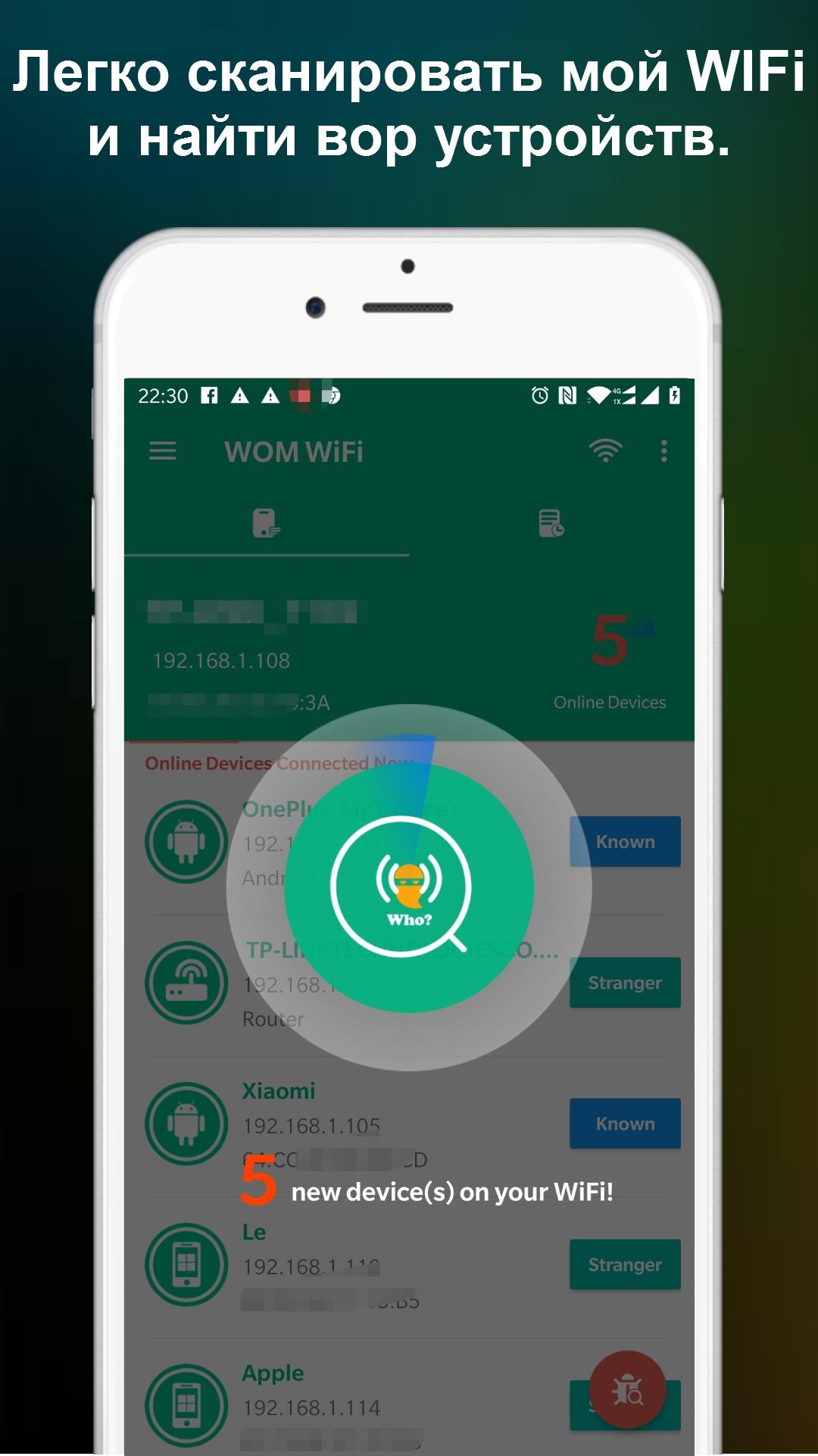
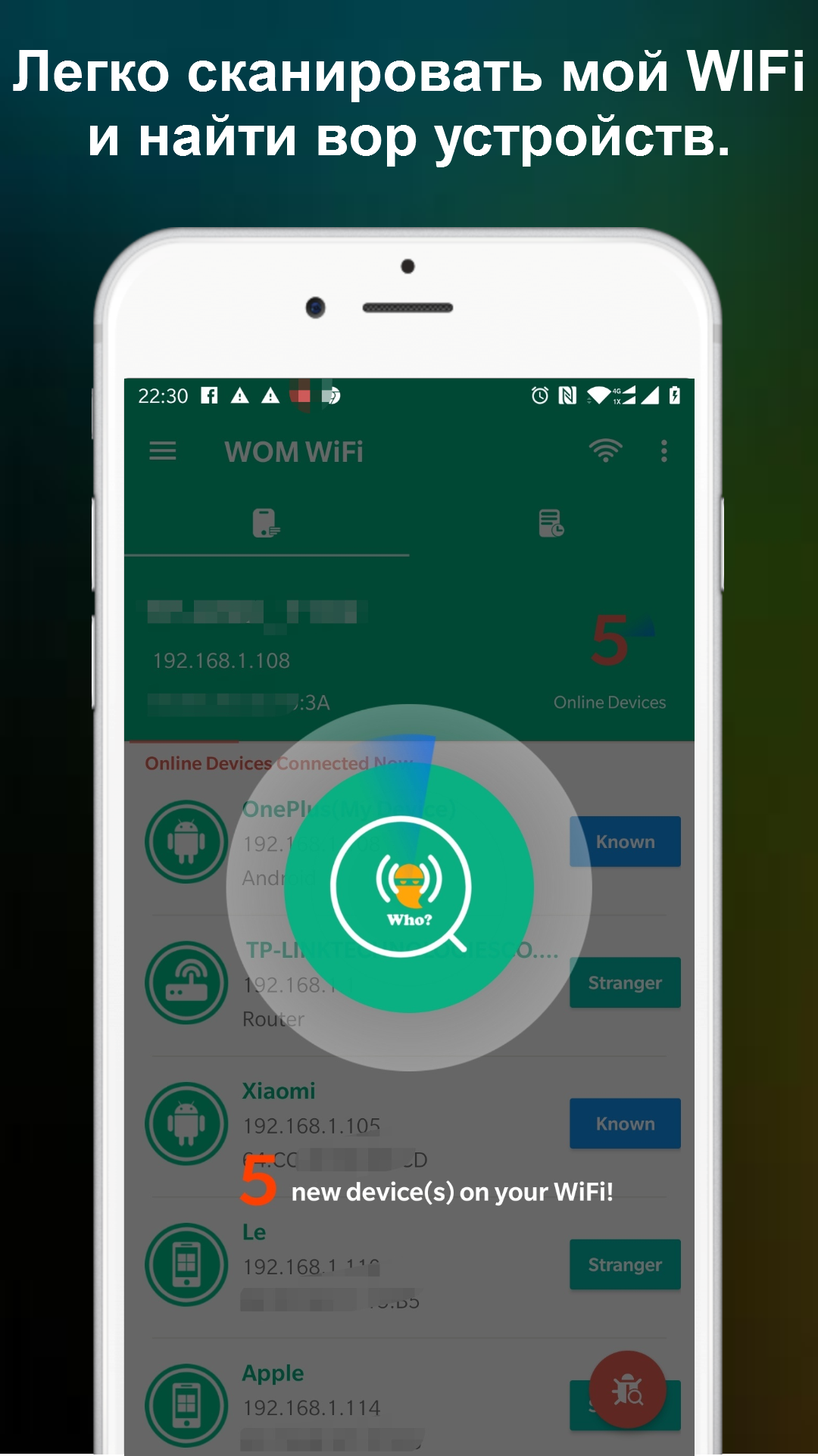
- Quickly scan Wi-Fi networks.
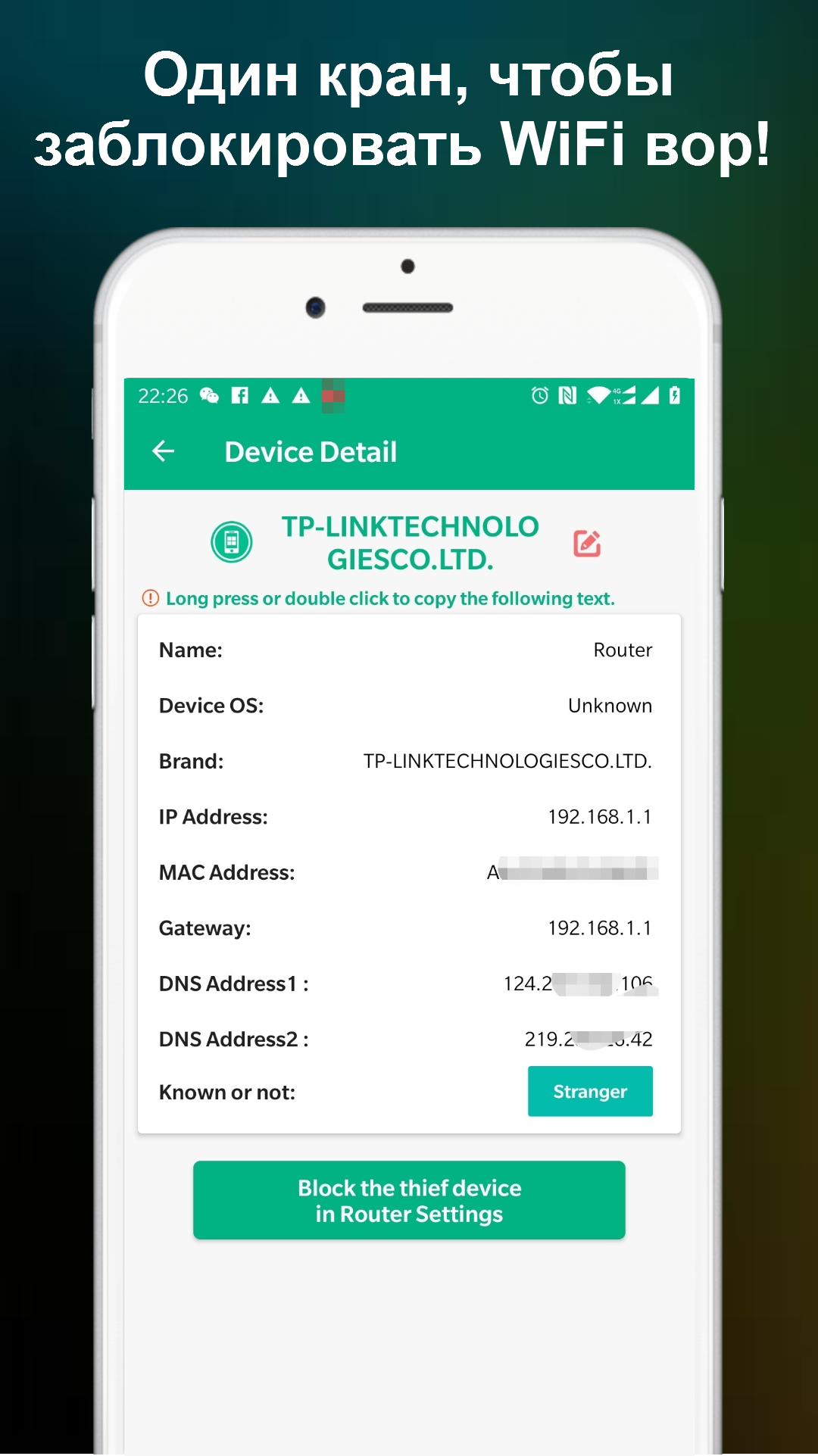
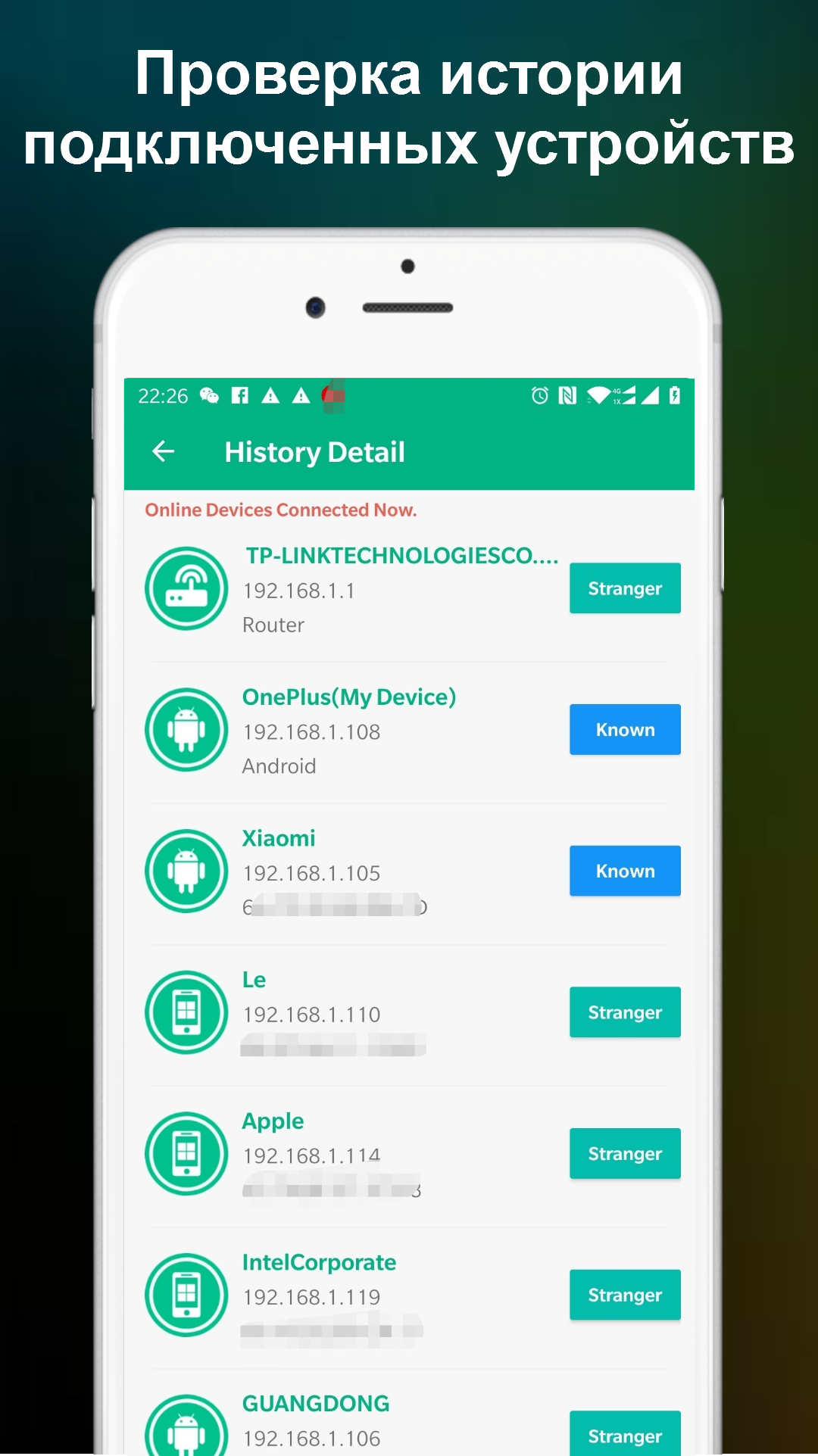
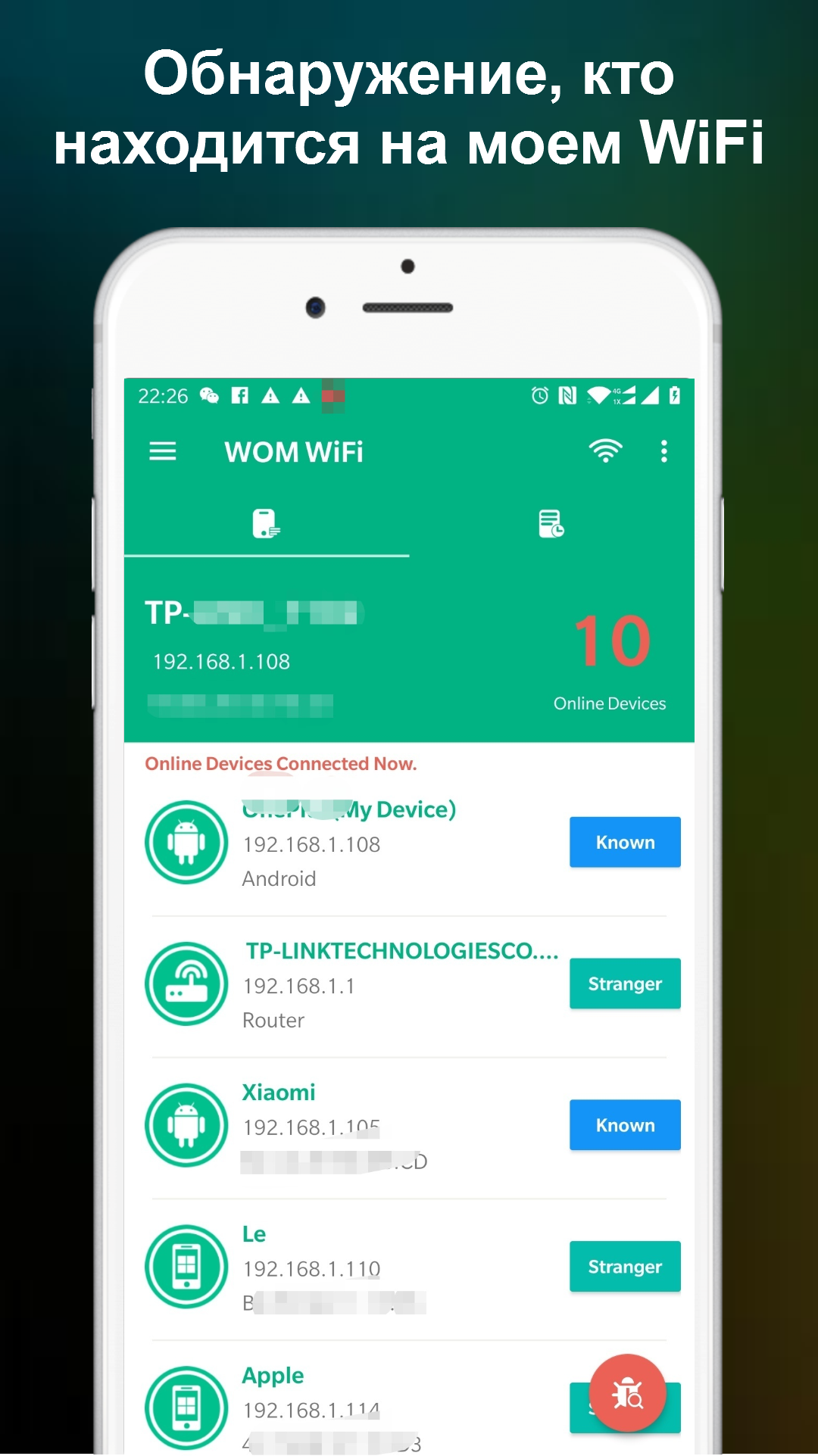
- Discovery of all connected devices.
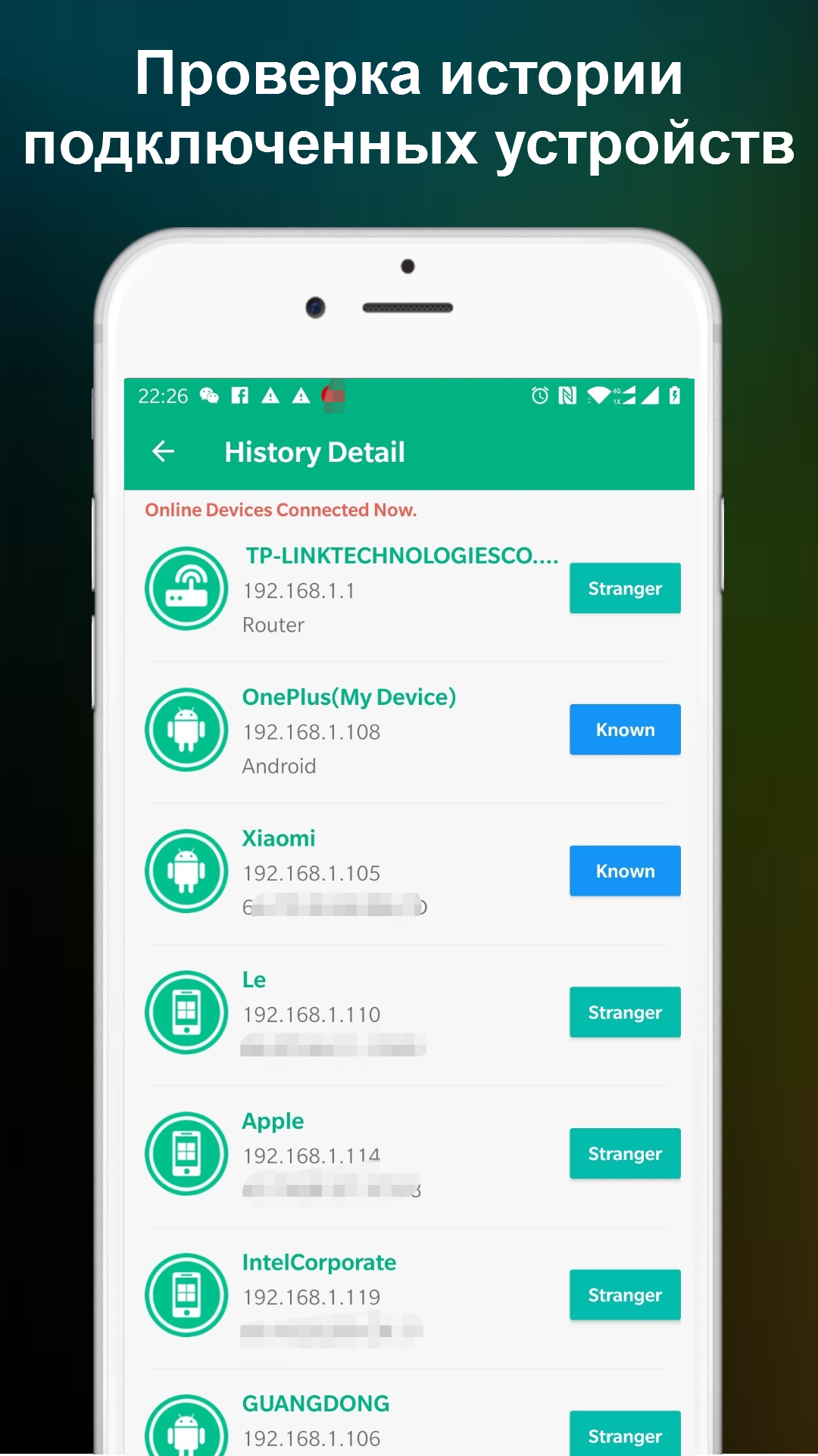
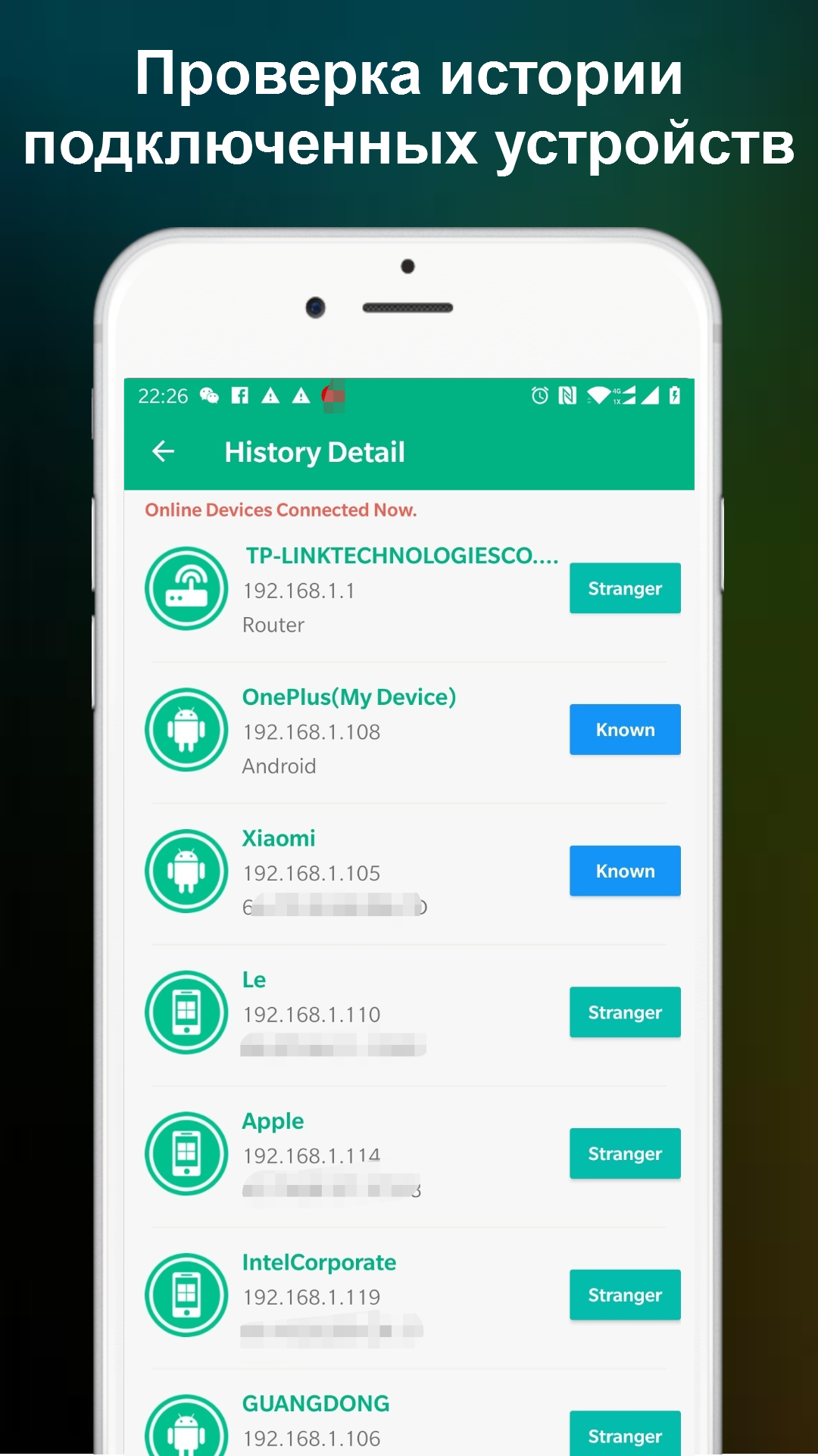
- You can check your connection history.
- No payment required.
- The interface is in Russian.
Description
Application Who is on my WiFi - WiFi Scan was checked by VirusTotal antivirus. As a result of the scan, no file infections were detected by all the latest signatures.
How to install Who is on my WiFi - WiFi Scan
- Download APK file apps from apkshki.com.
- Locate the downloaded file. You can find it in the system tray or in the 'Download' folder using any file manager.
- If the file downloaded in .bin extension (WebView bug on Android 11), rename it to .apk using any file manager or try downloading the file with another browser like Chrome.
- Start the installation. Click on the downloaded file to start the installation
- Allow installation from unknown sources. If you are installing for the first time Who is on my WiFi - WiFi Scan not from Google Play, go to your device's security settings and allow installation from unknown sources.
- Bypass Google Play protection. If Google Play protection blocks installation of the file, tap 'More Info' → 'Install anyway' → 'OK' to continue..
- Complete the installation: Follow the installer's instructions to complete the installation process.
How to update Who is on my WiFi - WiFi Scan
- Download the new version apps from apkshki.com.
- Locate the downloaded file and click on it to start the installation.
- Install over the old version. There is no need to uninstall the previous version.
- Avoid signature conflicts. If the previous version was not downloaded from apkshki.com, the message 'Application not installed' may appear. In this case uninstall the old version and install the new one.
- Restart annex Who is on my WiFi - WiFi Scan after the update.








Requesting an application update
Added Denis Rubinov
Version: 1.1.20
Size: 13.2 MB
Updated: 21.05.2025
Developer: Network Scanner - WiFi Scanner & Network Monitor
Age Limitations: Everyone
Authorizations:
Downloaded on Google Play: 10214755
Category: Tools












Reviews for Who is on my WiFi - WiFi Scan
Working very well
too many ads
good app
too many add
very accurate thank you very much for helping me final thoughts using my without my permission
Very nice
I vcan see, but cannot block?
very good app 😎
good
While installing the application, very unethical ads started appearing. I immediately uninstalled it.
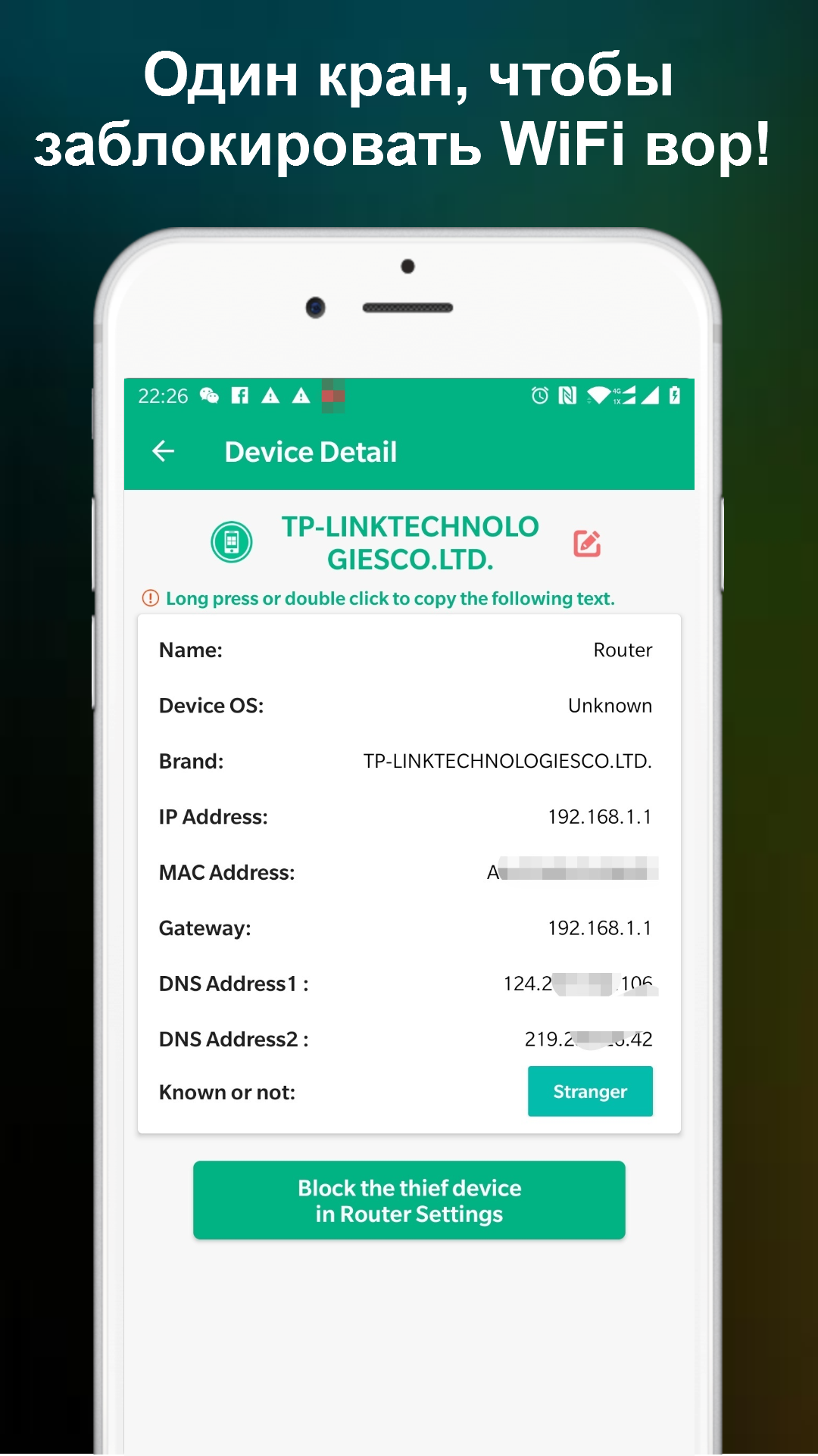
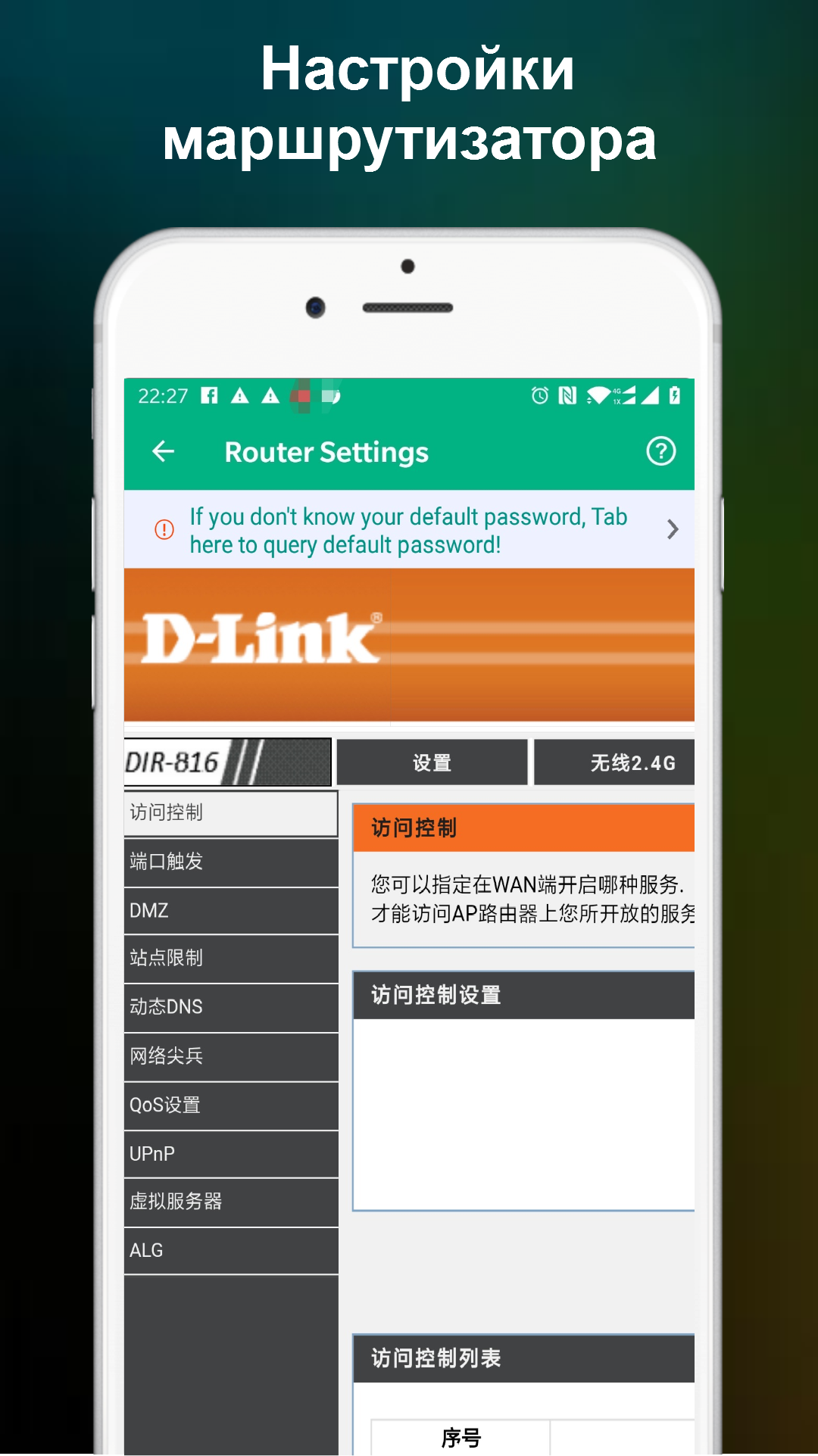
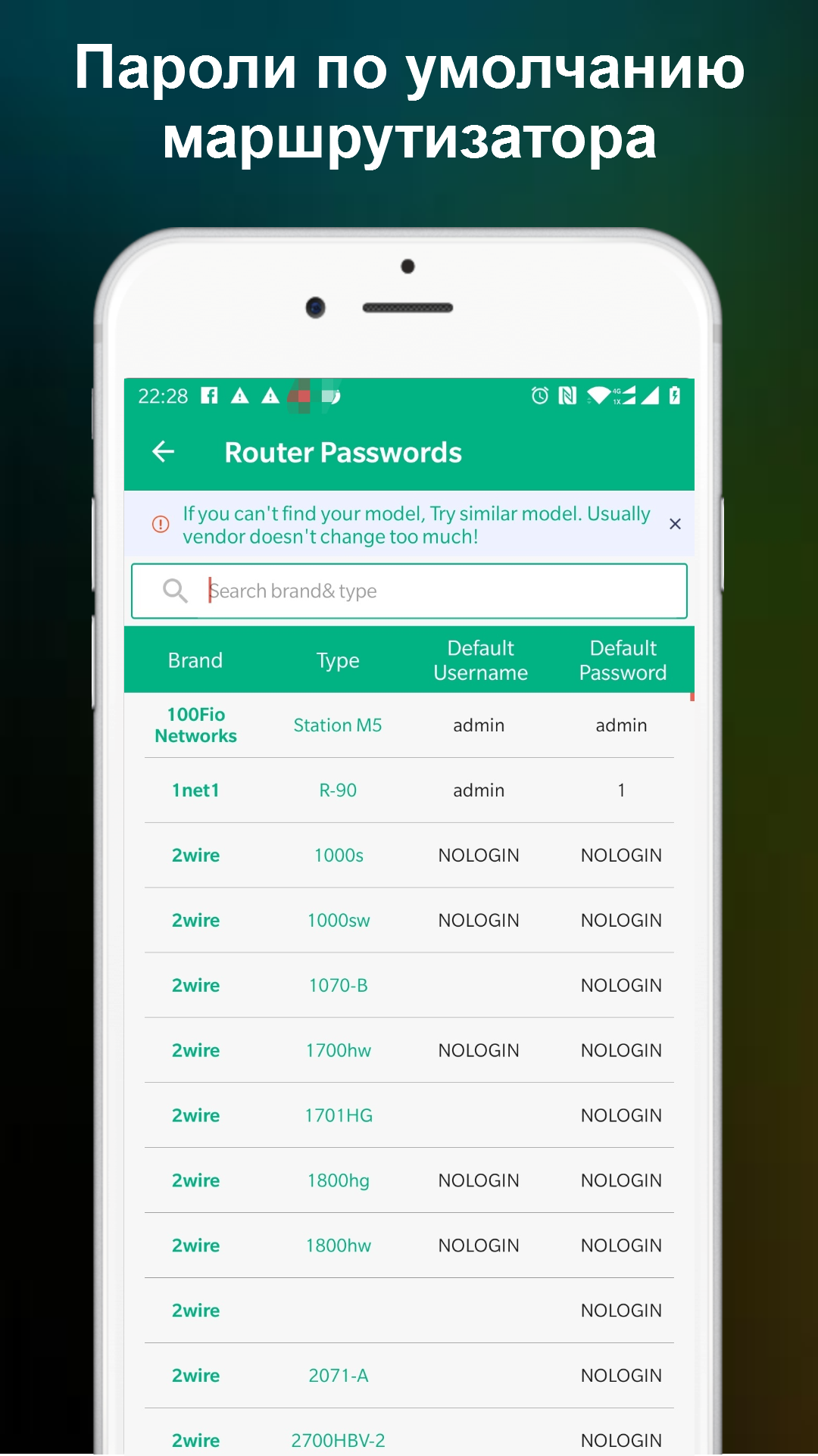
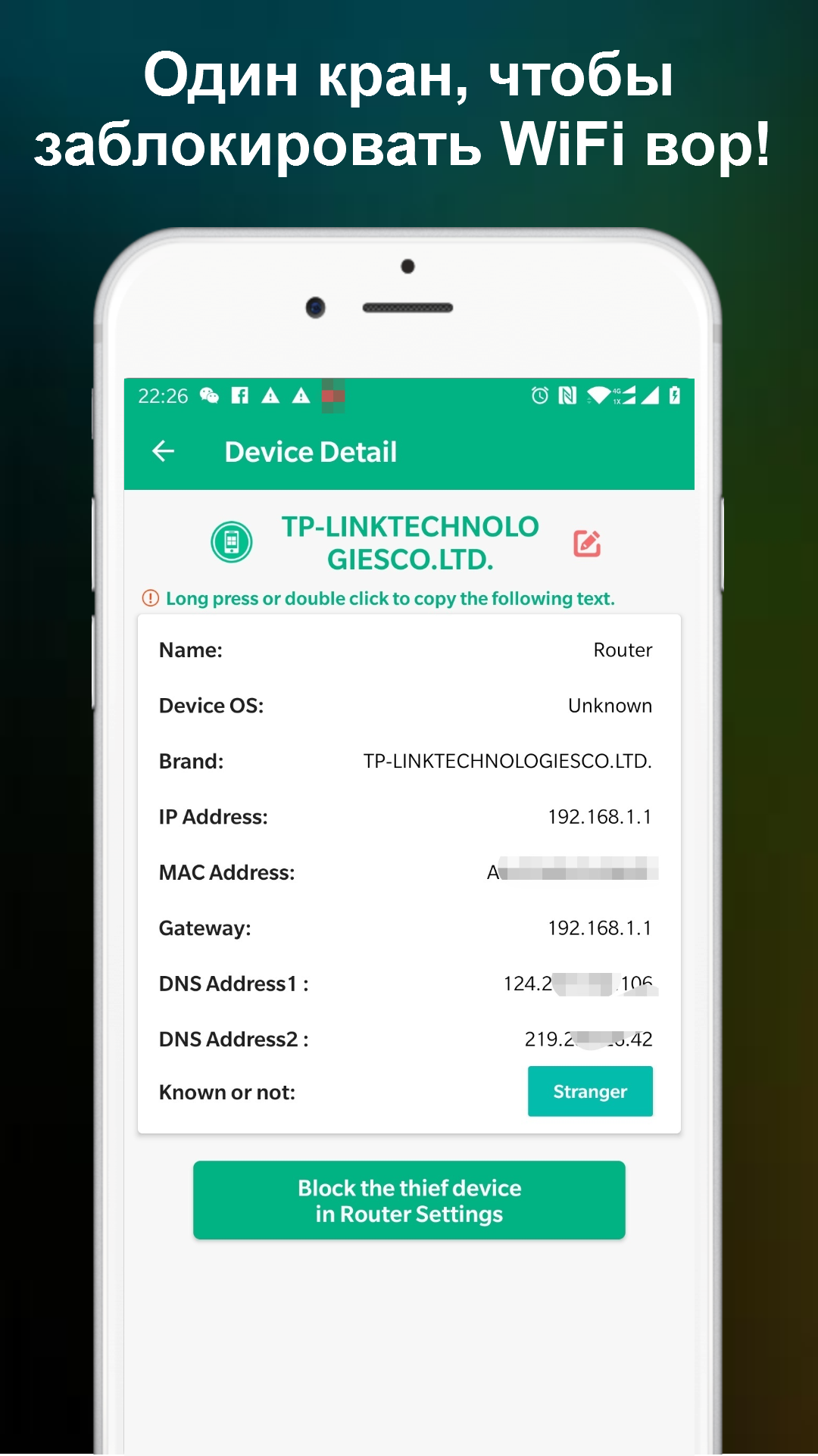
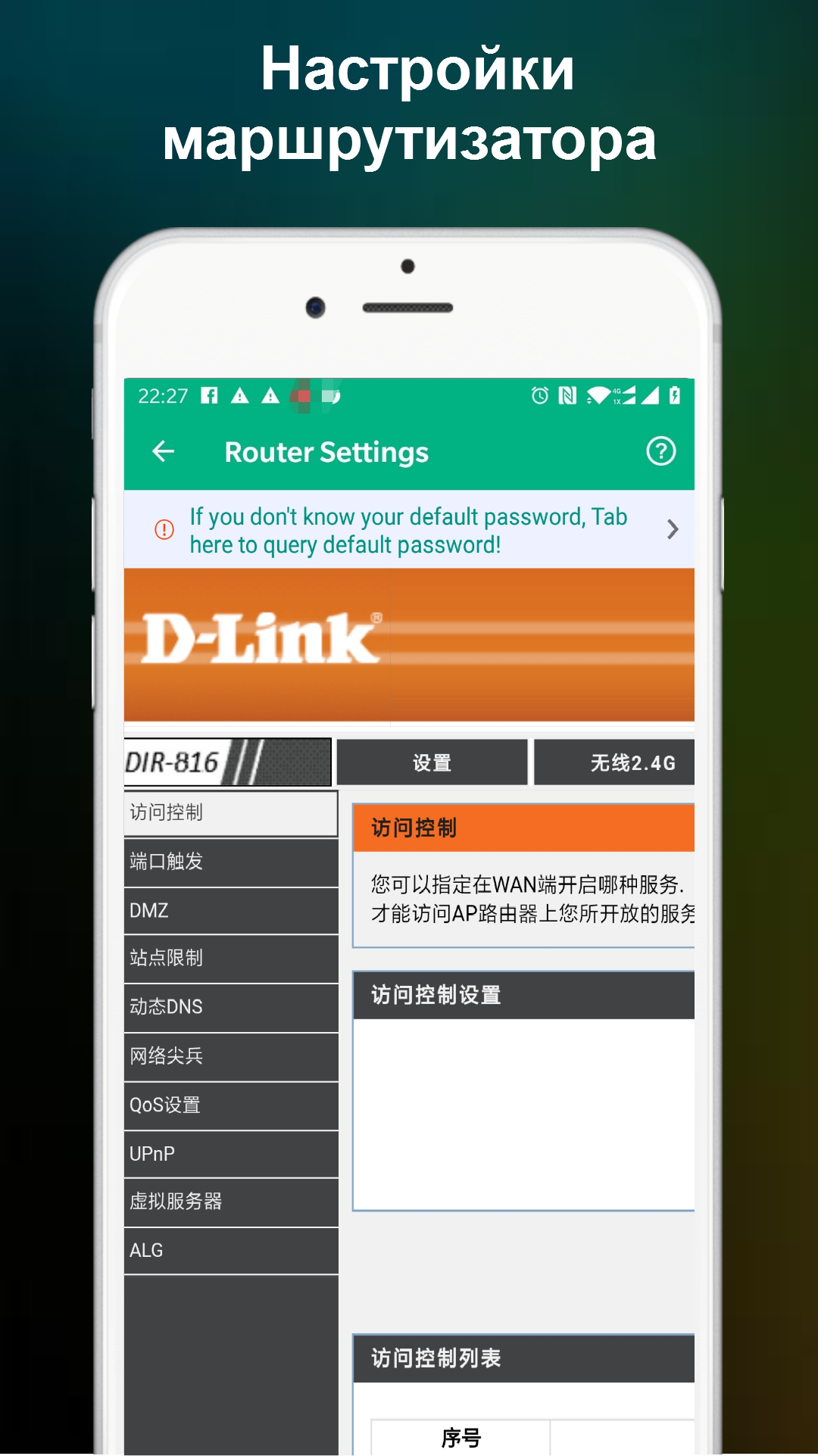
It was a great I actually can see all the devices that connected to the network, I can also block them and I also have the option to go to my router setting to change the password. GREAT APP!
I just downloaded the app and it's accurate about the devices information. Pls answer my question as I'm so torn right now. Is it possible to have 2 different MAC & IP address but same host name? I'm not sure if that device is both connected to 2.4G & 5G. PLS HELP!
This is running ALL THE TIME with no off switch or exit. I will be deleting this piece of shite and looking for a real app with controls. "A Feature without an "off" switch is a defect."
Superb app. Just a suggestion though, wish there were options to rename the devices connected. I don't memorize all the mac address of the gadgets connected. If i could rename them that would be so fantastic. Thanks
This App has more ads than the things you can do in the app. For every time you select an option there is an add and you have to wait until the add is over with which takes like 5-10 seconds . Uninstalled after one day of use.
Post a comment
To leave a comment, log in with your social network:
Or leave an anonymous comment. Your comment will be sent for moderation.
Post a comment
To leave a comment, log in with your social network:
Or leave an anonymous comment. Your comment will be sent for moderation.