



DjVU to PDF converter
11+
downloads4.0+
version Android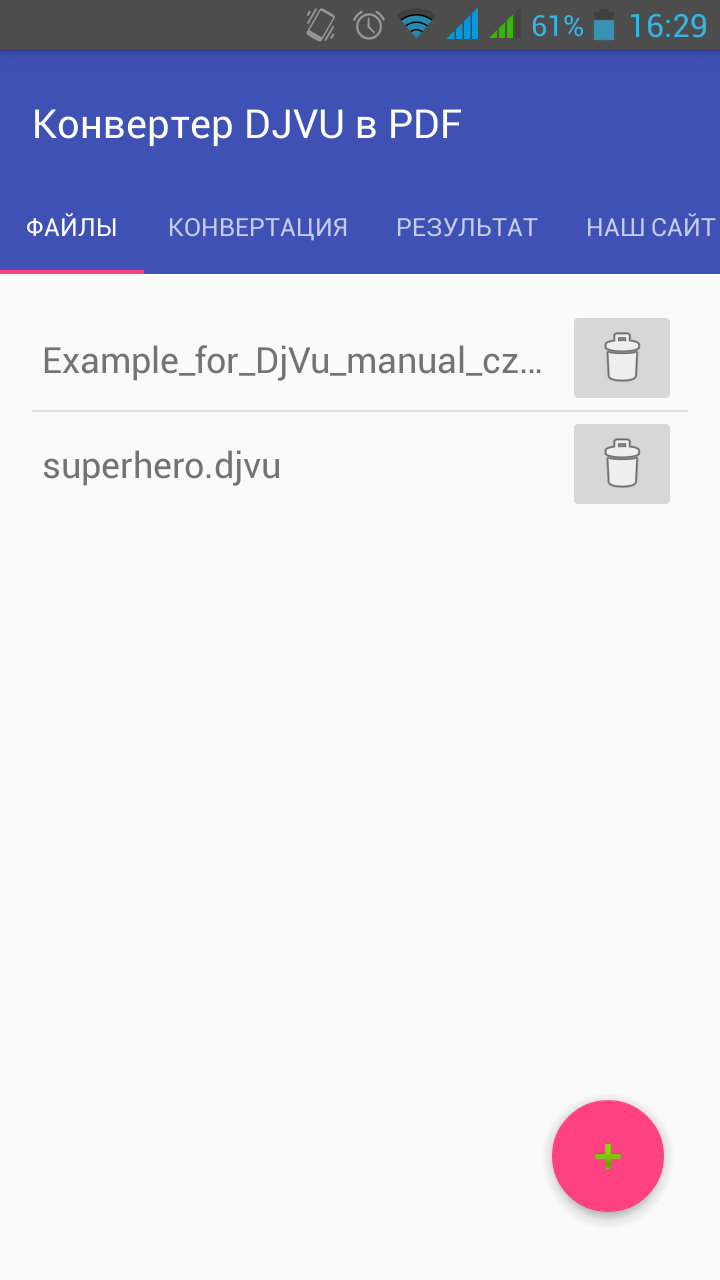
Added: Denis Rubinov
Version: 1.11
Size: 3.6 MB
Updated: 23.07.2020
Developer: OnlineConverting
Age Limitations: Everyone
Authorizations: 8
Downloaded on Google Play: 150722
Category: Tools
- Protect user anonymity.
- Files are deleted from the server one hour after conversion.
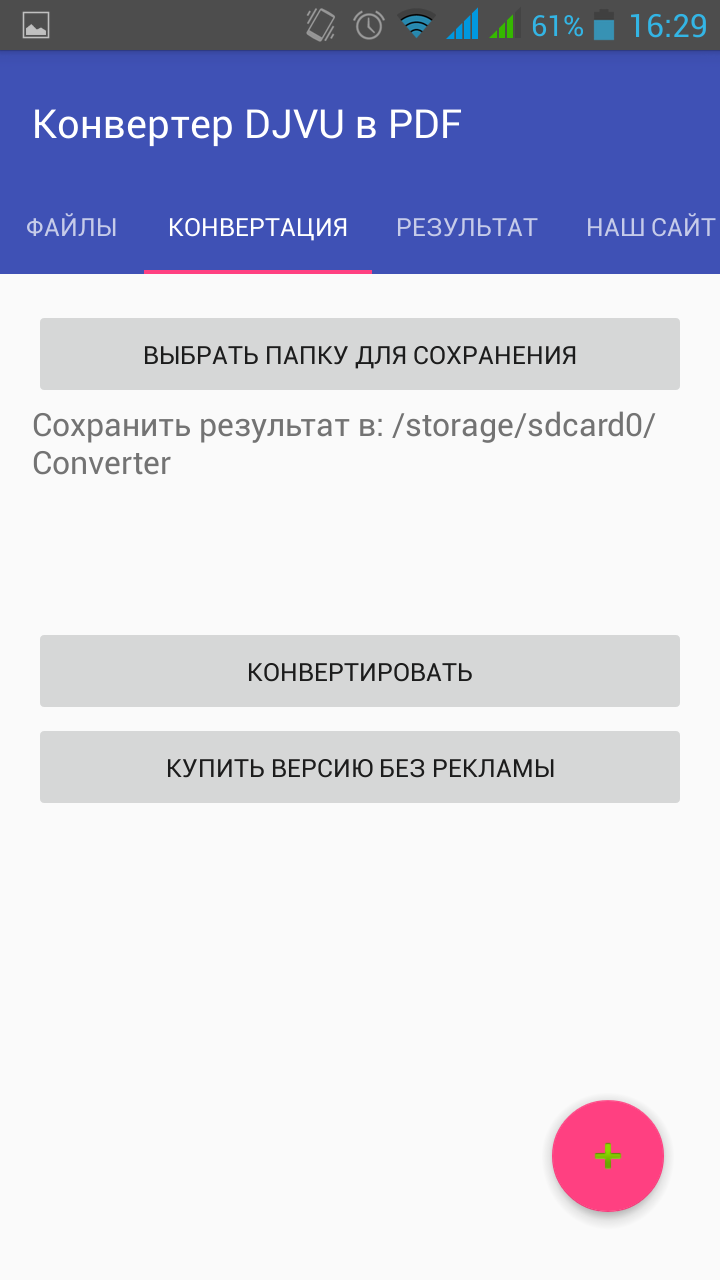
- Simple and intuitive interface.
- You can try the program's features for free.
Description
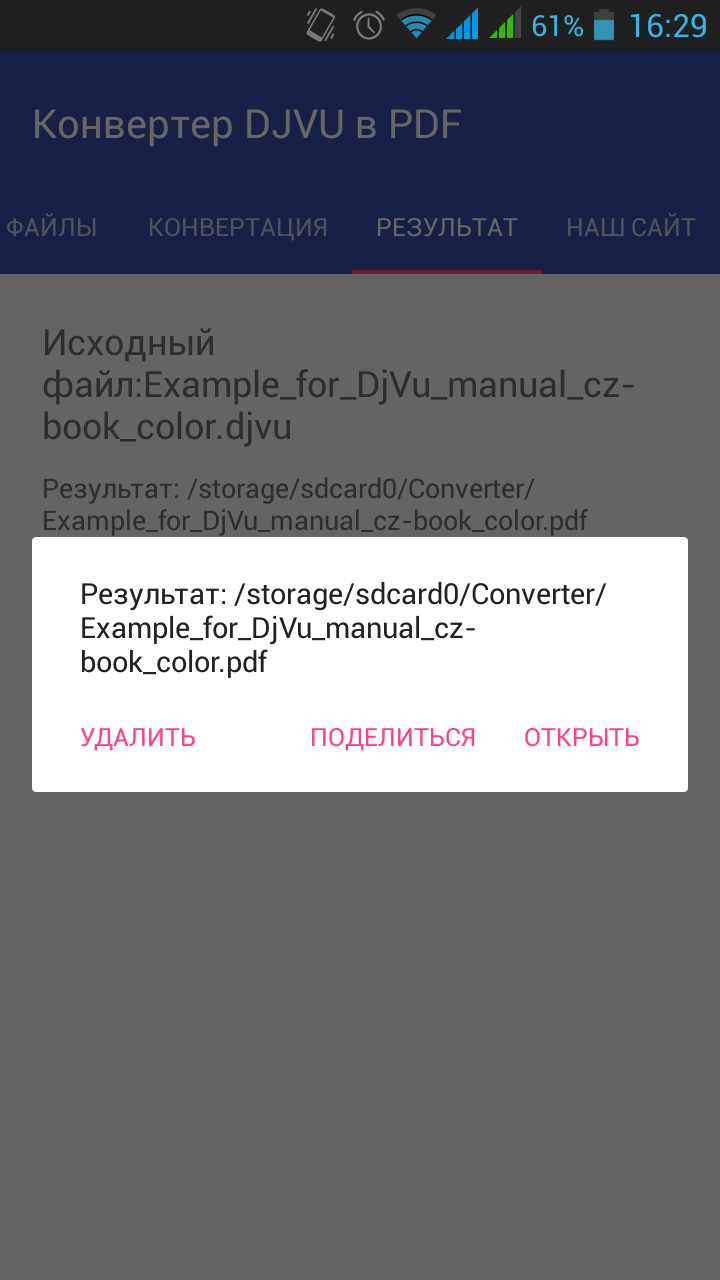
Application DjVU to PDF converter was checked by VirusTotal antivirus. As a result of the scan, no file infections were detected by all the latest signatures.
How to install DjVU to PDF converter
- Download APK file apps from apkshki.com.
- Locate the downloaded file. You can find it in the system tray or in the 'Download' folder using any file manager.
- If the file downloaded in .bin extension (WebView bug on Android 11), rename it to .apk using any file manager or try downloading the file with another browser like Chrome.
- Start the installation. Click on the downloaded file to start the installation
- Allow installation from unknown sources. If you are installing for the first time DjVU to PDF converter not from Google Play, go to your device's security settings and allow installation from unknown sources.
- Bypass Google Play protection. If Google Play protection blocks installation of the file, tap 'More Info' → 'Install anyway' → 'OK' to continue..
- Complete the installation: Follow the installer's instructions to complete the installation process.
How to update DjVU to PDF converter
- Download the new version apps from apkshki.com.
- Locate the downloaded file and click on it to start the installation.
- Install over the old version. There is no need to uninstall the previous version.
- Avoid signature conflicts. If the previous version was not downloaded from apkshki.com, the message 'Application not installed' may appear. In this case uninstall the old version and install the new one.
- Restart annex DjVU to PDF converter after the update.






Requesting an application update
Added Denis Rubinov
Version: 1.11
Size: 3.6 MB
Updated: 23.07.2020
Developer: OnlineConverting
Age Limitations: Everyone
Authorizations:
Downloaded on Google Play: 150722
Category: Tools












Reviews for DjVU to PDF converter
Difficult to use and requires online registration. Truly terrible!
This app is great.
I So fantastic app)
Not a app but ads show App with zero star
تطبيق مذهل... قمت بتحويل ملف من صيغة دي چاي ڨو إلى ملف بصيغة پي دي إف بكل سهولة... ٥ 🌟🌟🌟🌟🌟 Amazing app... I managed to convert a DjVU file to pdf easily... 5 🌟🌟🌟🌟🌟
Not working
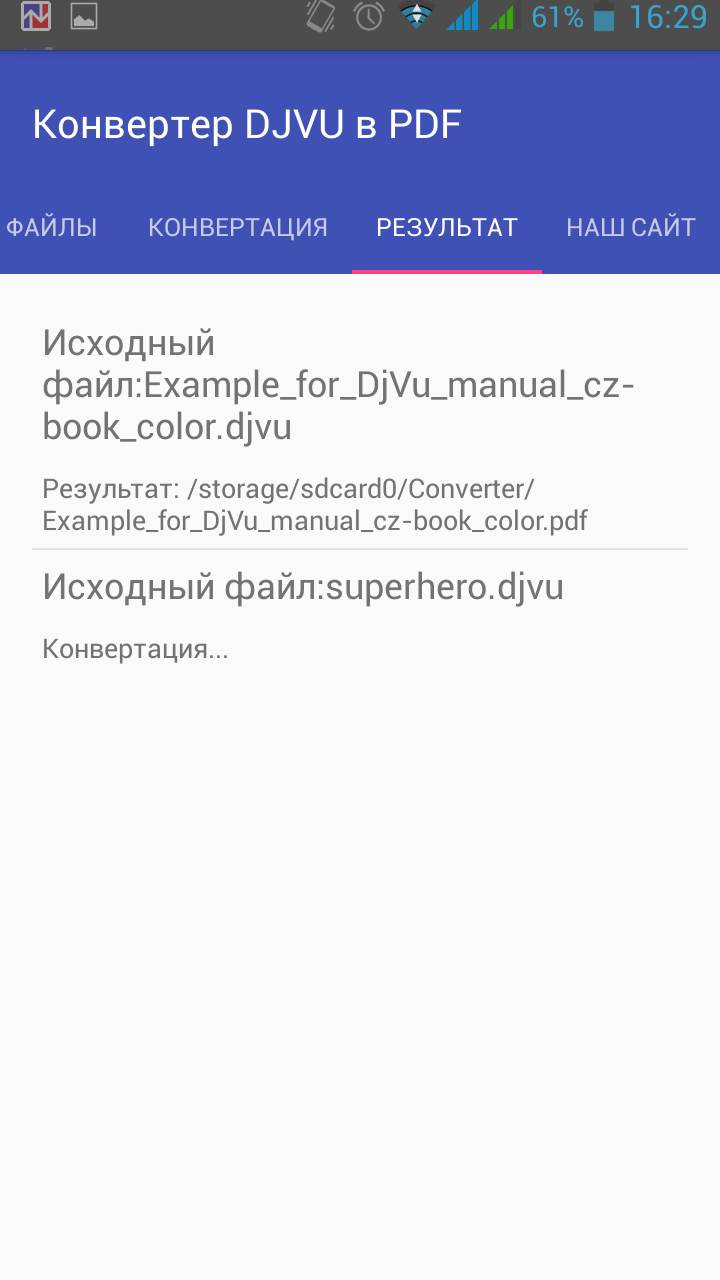
Garbage app. I thought it would convert it inside the app, but it just uploads it on their site.
Did not work
It's better to use websites to convert files. I thought this app can convert directly
Scum
Nice app but it should be some fast. But I like the app. I converted a 5mb djvu file into pdf, the converted file was 6 times bigger in size (i.e. 30mb).
i tried several times to convert a djvu, it didn't work even once, that's too simple a task,
Worst app. It will keep uploading the file and Result will always be" Site broken try again
Too cheap to open this one up. But it is there pumping away.
Cannot direct to folders and does not register to open djvu to convert. Waste of time to install.
Post a comment
To leave a comment, log in with your social network:
Or leave an anonymous comment. Your comment will be sent for moderation.
Post a comment
To leave a comment, log in with your social network:
Or leave an anonymous comment. Your comment will be sent for moderation.