



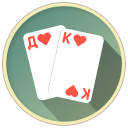
Classic Solitaire
2+
downloads4.0+
version Android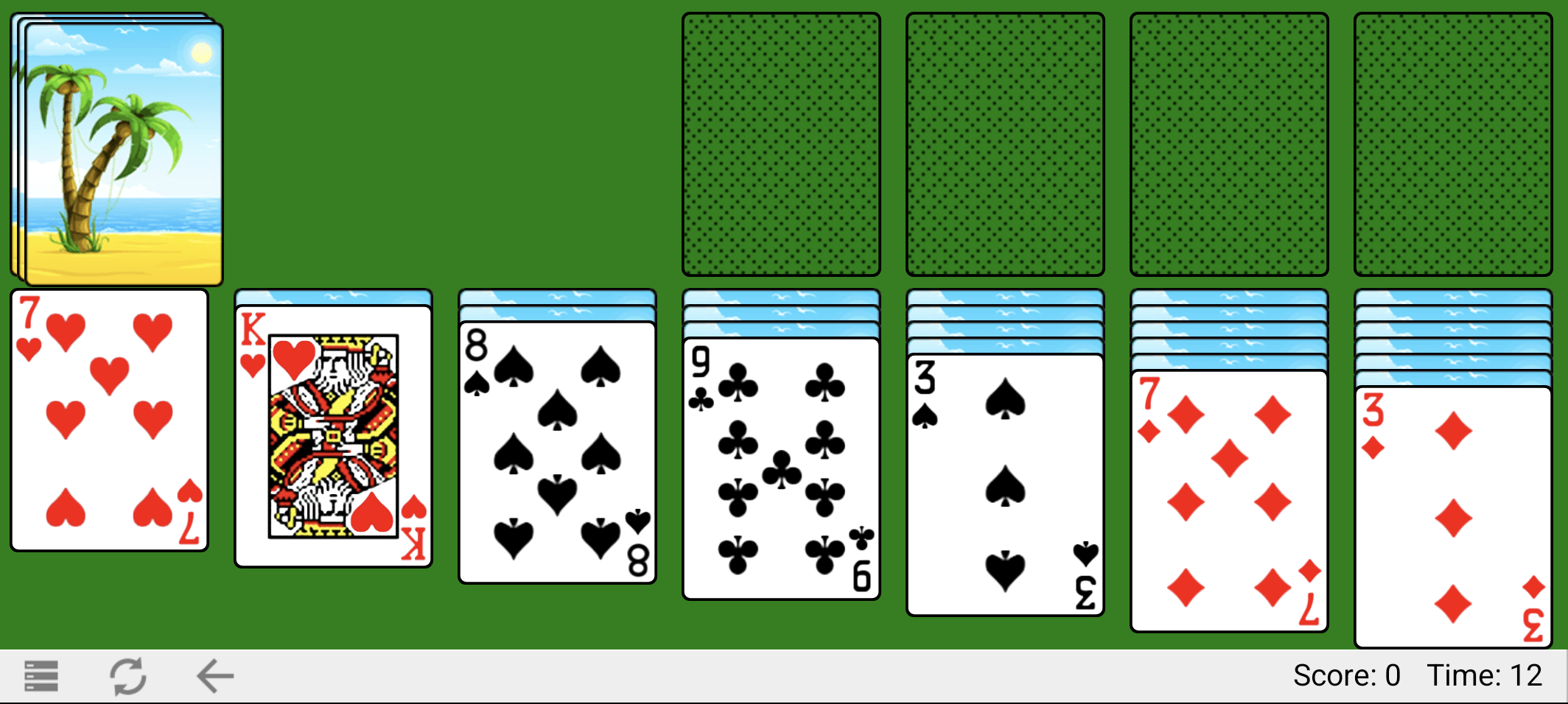
Added: Denis Rubinov
Version: 2.3.36
Size: 1.4 MB
Updated: 24.06.2025
Developer: RunServer
Age Limitations: Everyone
Authorizations: 3
Downloaded on Google Play: 1834648
Category: Board games
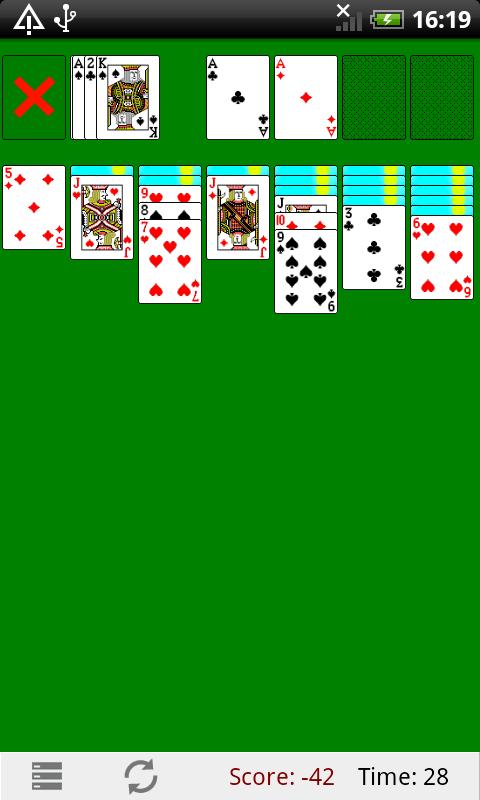
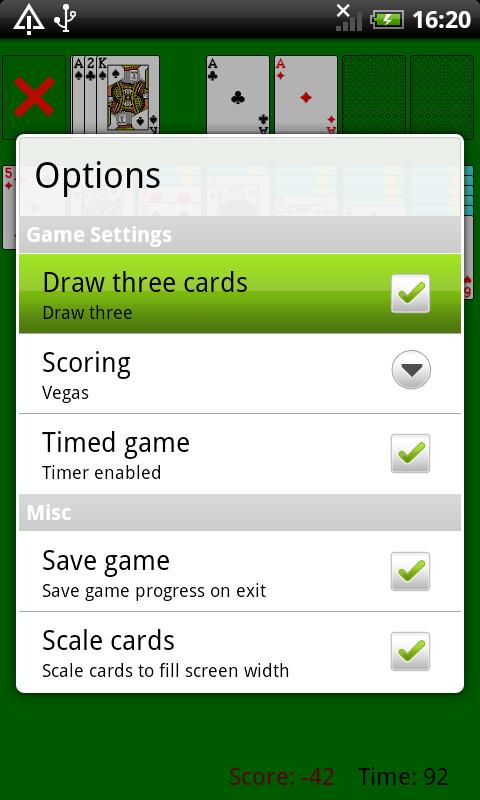
- Several levels of difficulty.
- Classic rules.
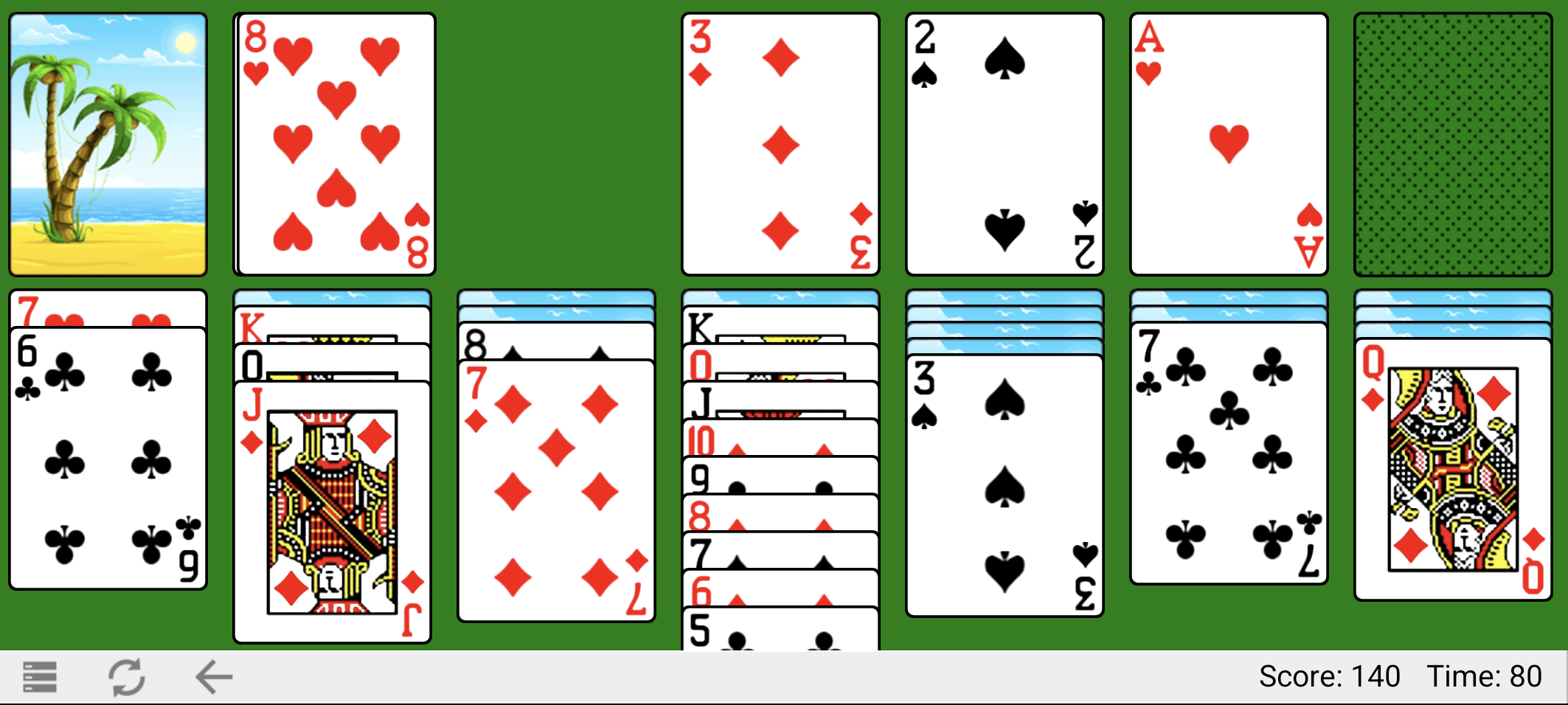
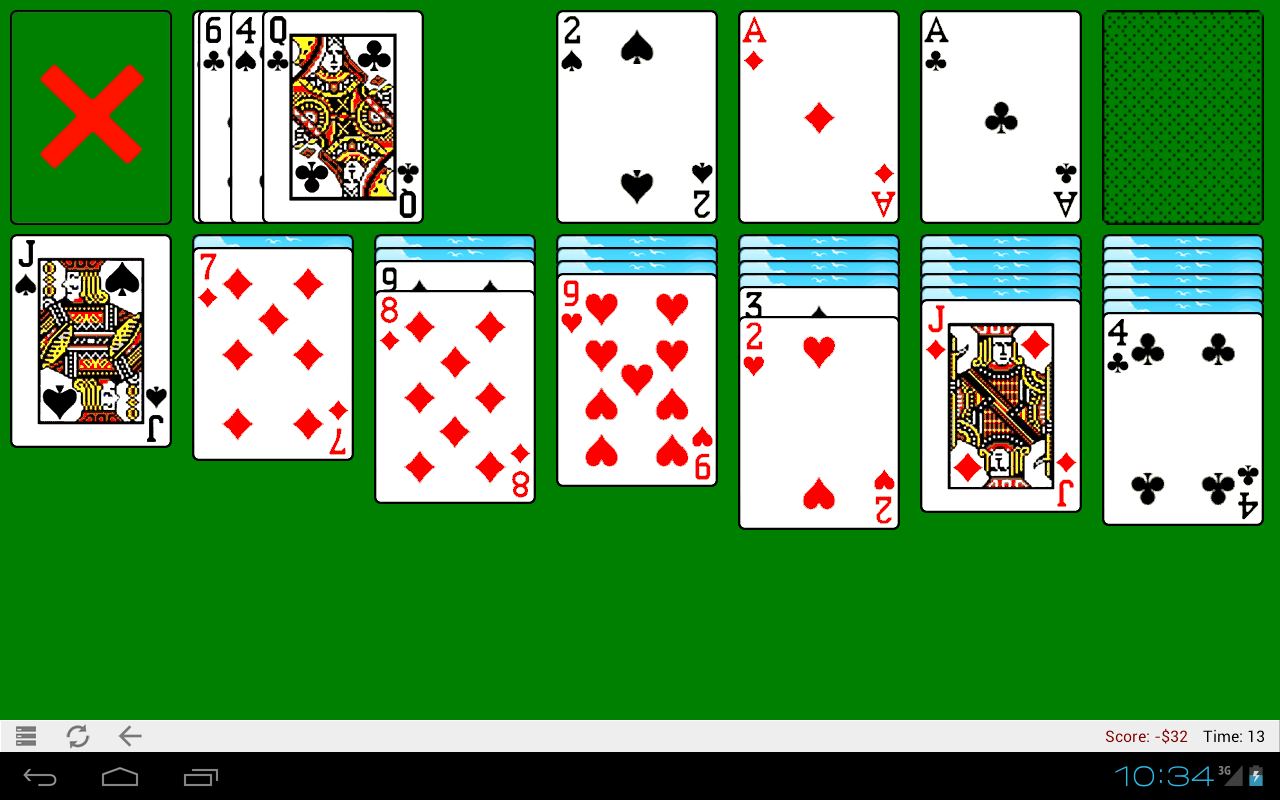
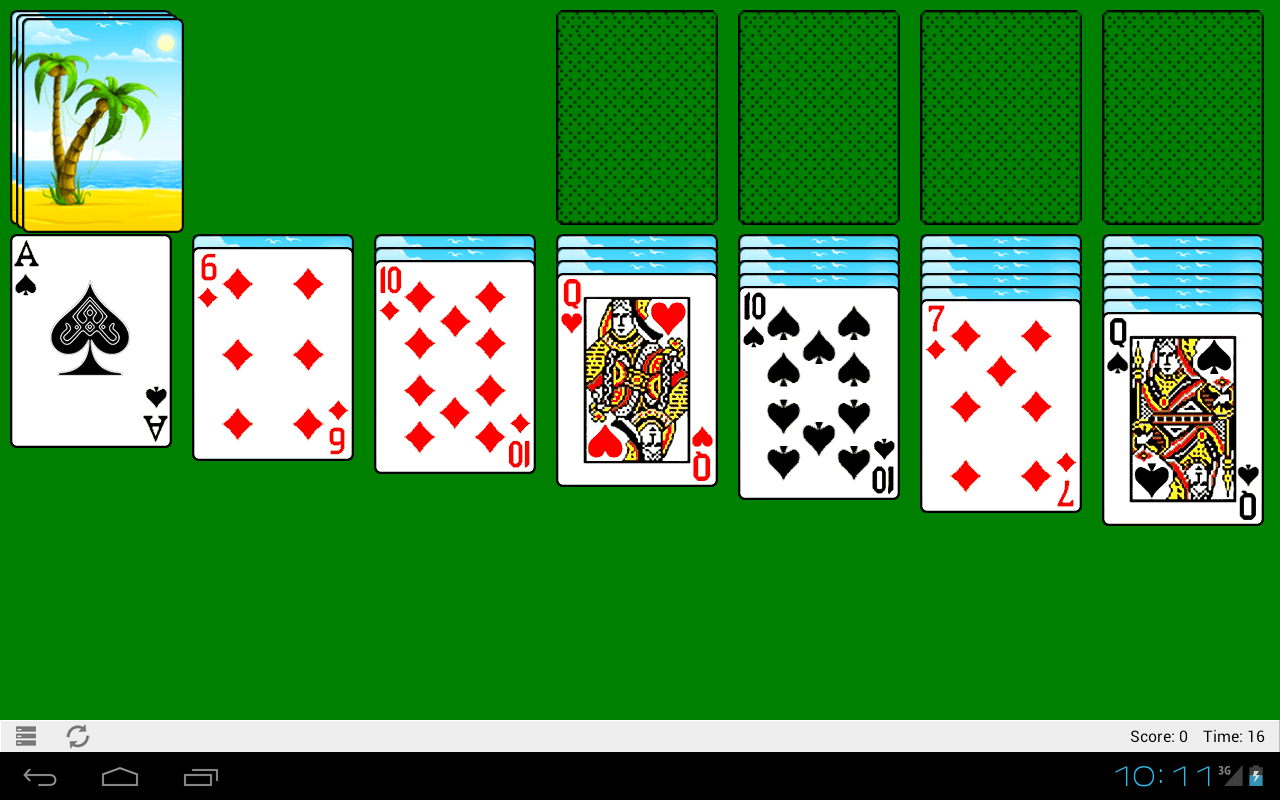
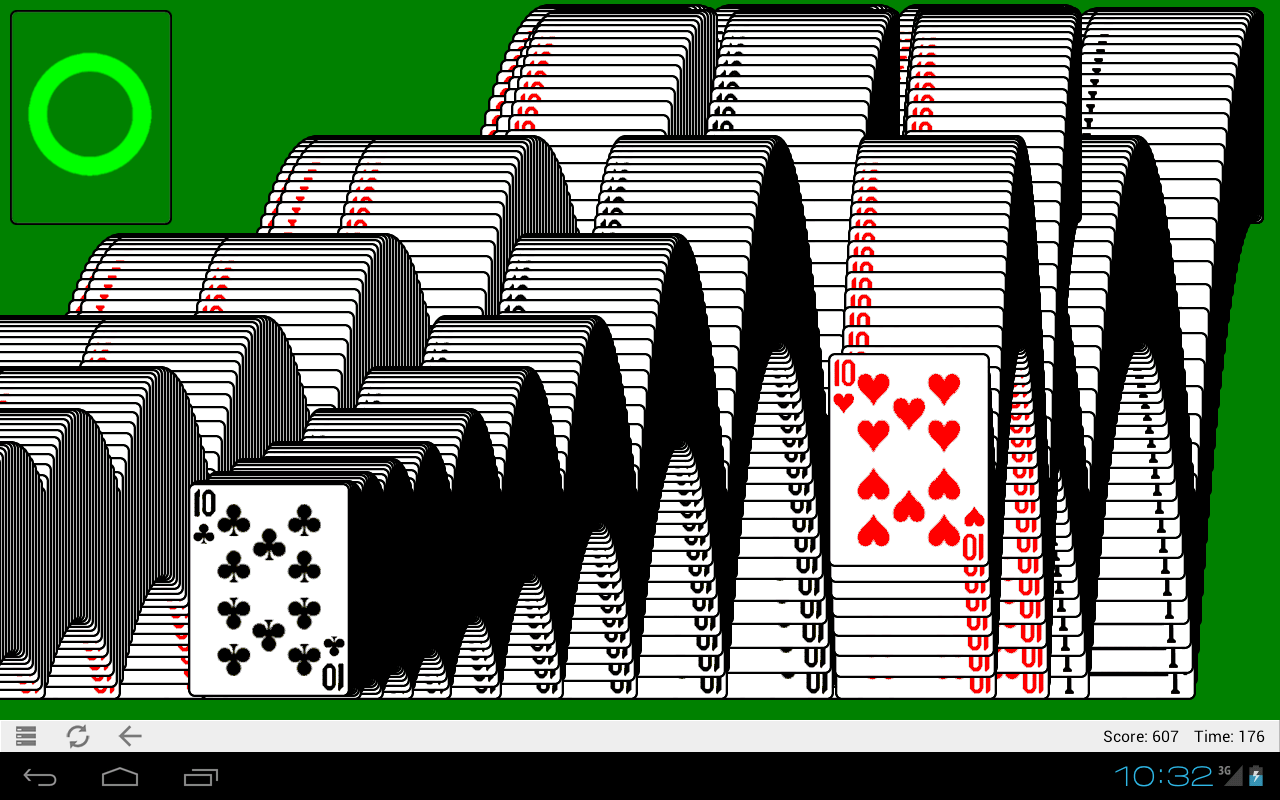
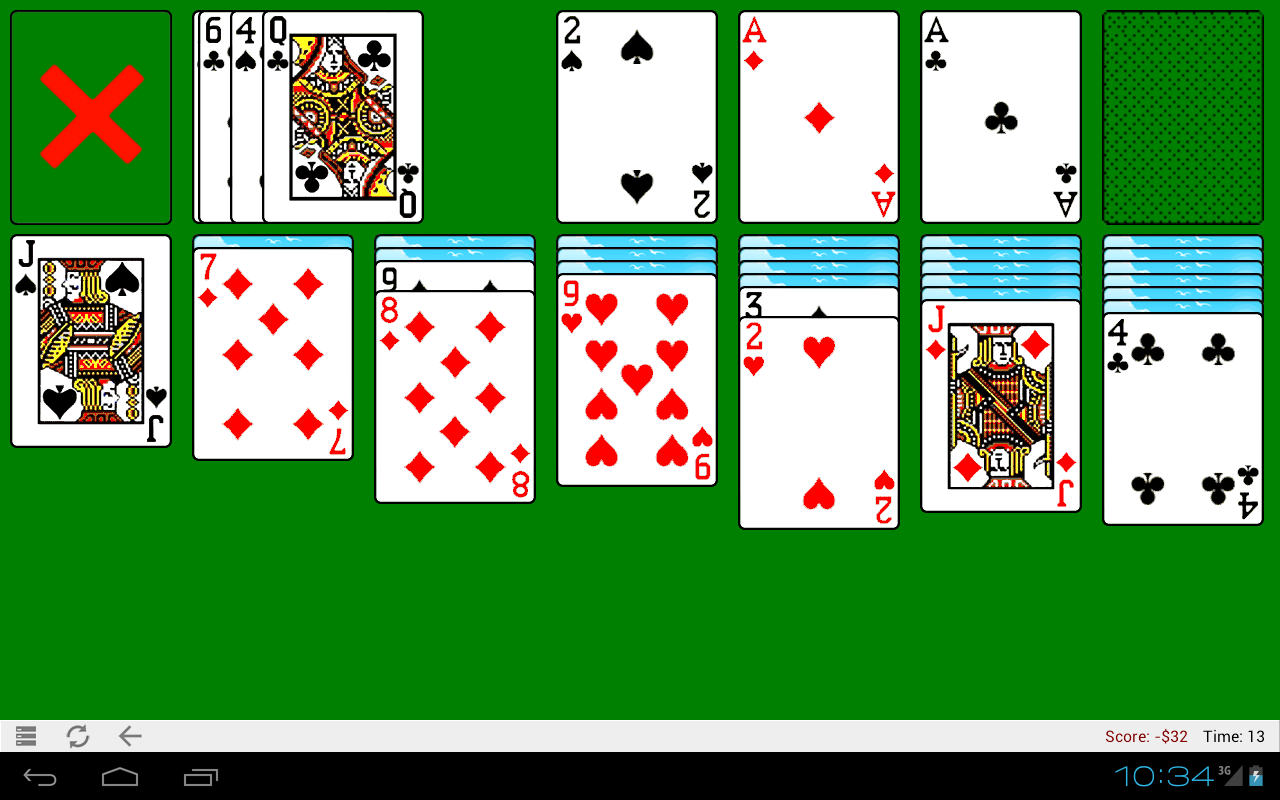
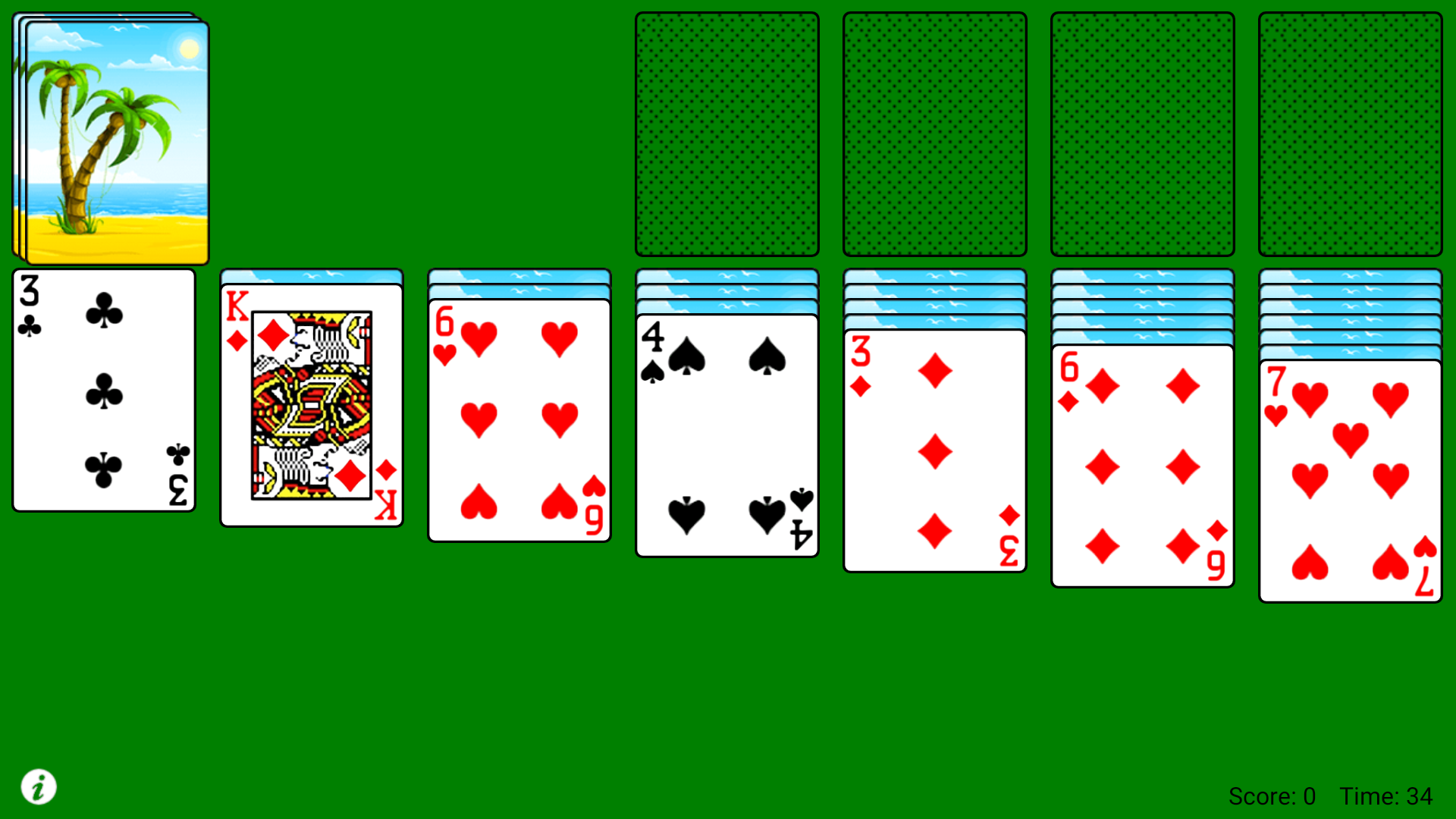
- Familiar design from the Klondike hat from Windows.
- No payment required.
- Change your shirt.
- Convenient management.
Description
Game Classic Solitaire has been checked by VirusTotal antivirus. As a result of the scan, no file infections were detected by all the latest signatures.
How to install Classic Solitaire
- Download APK file games from apkshki.com.
- Locate the downloaded file. You can find it in the system tray or in the 'Download' folder using any file manager.
- If the file downloaded in .bin extension (WebView bug on Android 11), rename it to .apk using any file manager or try downloading the file with another browser like Chrome.
- Start the installation. Click on the downloaded file to start the installation
- Allow installation from unknown sources. If you are installing for the first time Classic Solitaire not from Google Play, go to your device's security settings and allow installation from unknown sources.
- Bypass Google Play protection. If Google Play protection blocks installation of the file, tap 'More Info' → 'Install anyway' → 'OK' to continue..
- Complete the installation: Follow the installer's instructions to complete the installation process.
How to update Classic Solitaire
- Download the new version games from apkshki.com.
- Locate the downloaded file and click on it to start the installation.
- Install over the old version. There is no need to uninstall the previous version.
- Avoid signature conflicts. If the previous version was not downloaded from apkshki.com, the message 'Application not installed' may appear. In this case uninstall the old version and install the new one.
- Restart game Classic Solitaire after the update.






Requesting an application update
Added Denis Rubinov
Version: 2.3.36
Size: 1.4 MB
Updated: 24.06.2025
Developer: RunServer
Age Limitations: Everyone
Authorizations:
Downloaded on Google Play: 1834648
Category: Board games












Reviews for Classic Solitaire
Great App!
Edit: updated and the crash is fixed. Fast and efficient response from developers! I love this classical Windows 95 style Solitaire and did not find any as good. Ads are not intrusive and game is fluid. Original review: Doesn't work at all since today's update.
Game won't play after updating. Now game not scaling properly for my pixel 9 after update fix.
Thank you for fixing the bug. It has been my favourite solitaire game for years. Simple, and no fuss, but good.
Working, I love it
Cannot reach settings or start new game on Pixel 8 Pro.
Thanks for the fix. 👍
Crash fixed but screen doesn't size properly in either portrait or landscape now on a Pixel 7.
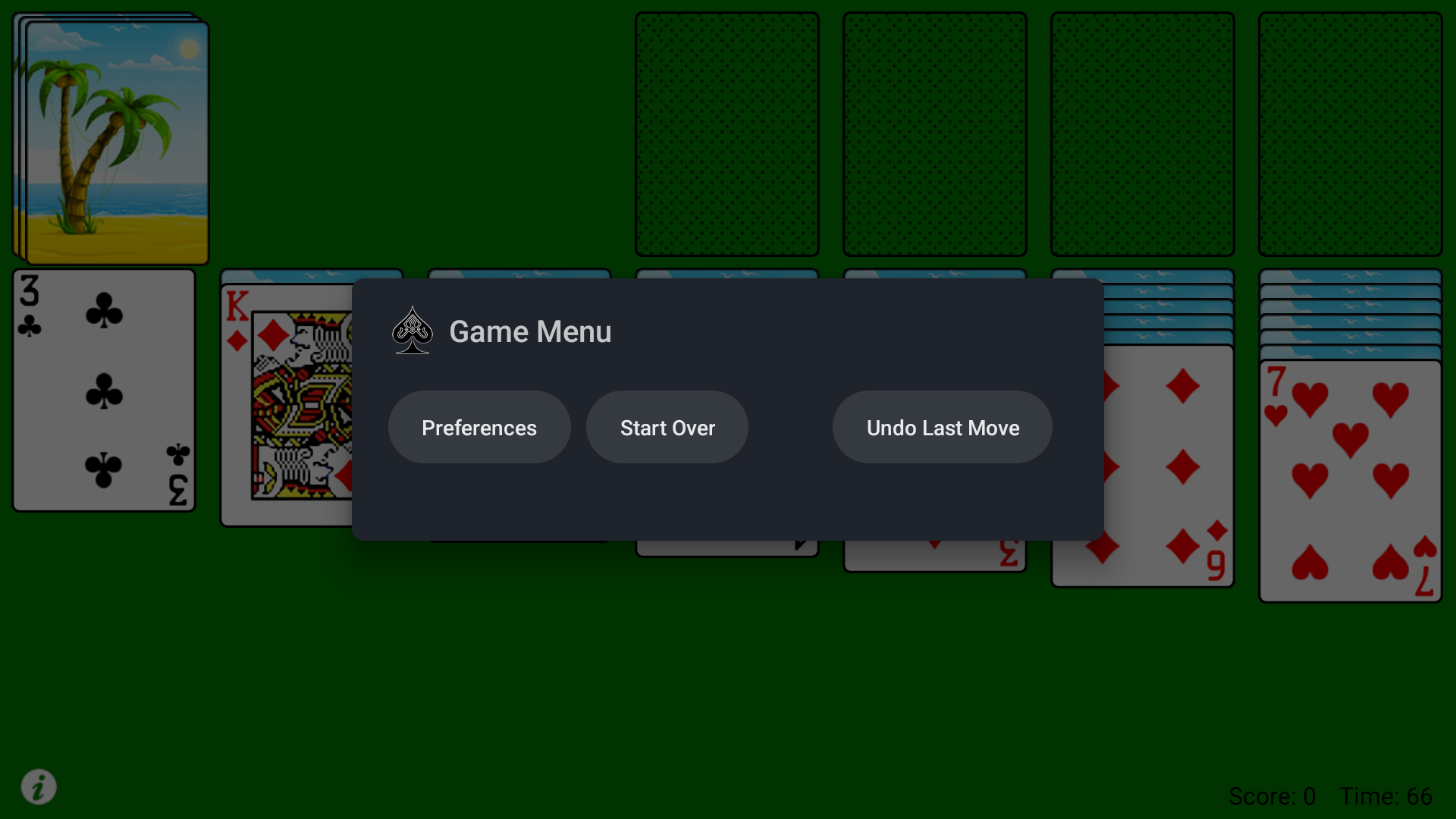
This release is unusable. The menu is now comletely inaccessible, makng it impossible to access 'undo' or start a new game. It was a great simple solitare game. ☹️
Maybe it could be updated to be easier to control on a Google TV, but the fact that it works there and it has a small size, makes it great. Edit: please add the "double tap" auto sorting.
Relaxing and challenging for an old man like me.
If you're looking for a simple solitaire game that plays in landscape mode, has large playing cards, and doesn't throw ads at you every game, well this is the game you've been looking for. Maybe could use a tweak, or two, but I'm happy with it.
Most addictive game next to hilclimb racing
Just like original solitare from Microsoft, when it was pre-installed on pcs years ago, including looking just like original version; very nostalgic. Takes up very little space on device. Basic, no frills ... my fave version of Solitare!
War propaganda pop up at start screen.
Post a comment
To leave a comment, log in with your social network:
Or leave an anonymous comment. Your comment will be sent for moderation.
Post a comment
To leave a comment, log in with your social network:
Or leave an anonymous comment. Your comment will be sent for moderation.