


Parental Control - Kidslox
21+
downloads7.0+
version Android
Added: Denis Rubinov
Version: 10.5.2
Size: 65.5 MB
Updated: 20.05.2025
Developer: Kidslox, Inc.
Age Limitations: Everyone
Downloaded on Google Play: 1616076
Category: Motherhood and childhood
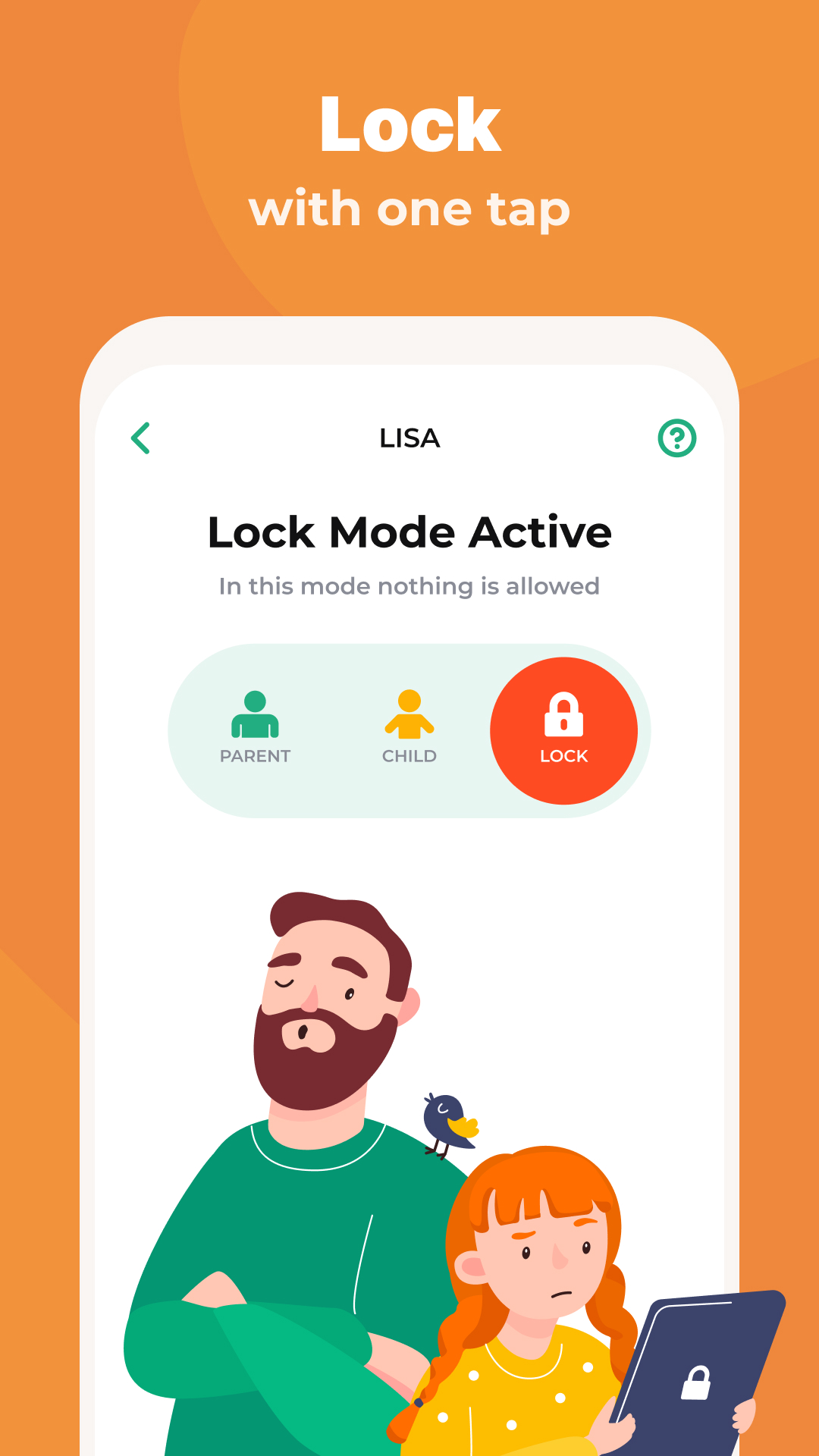
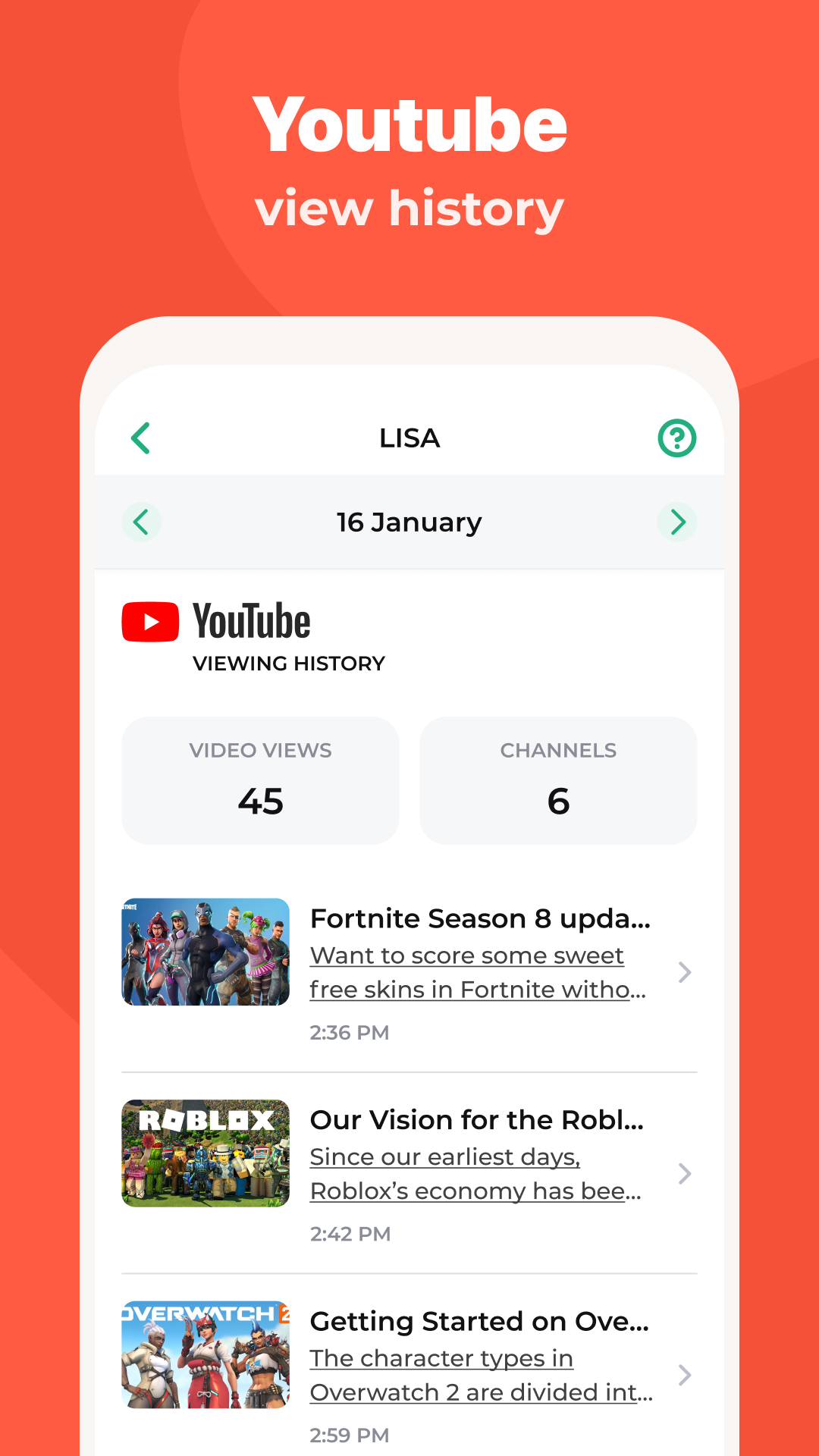
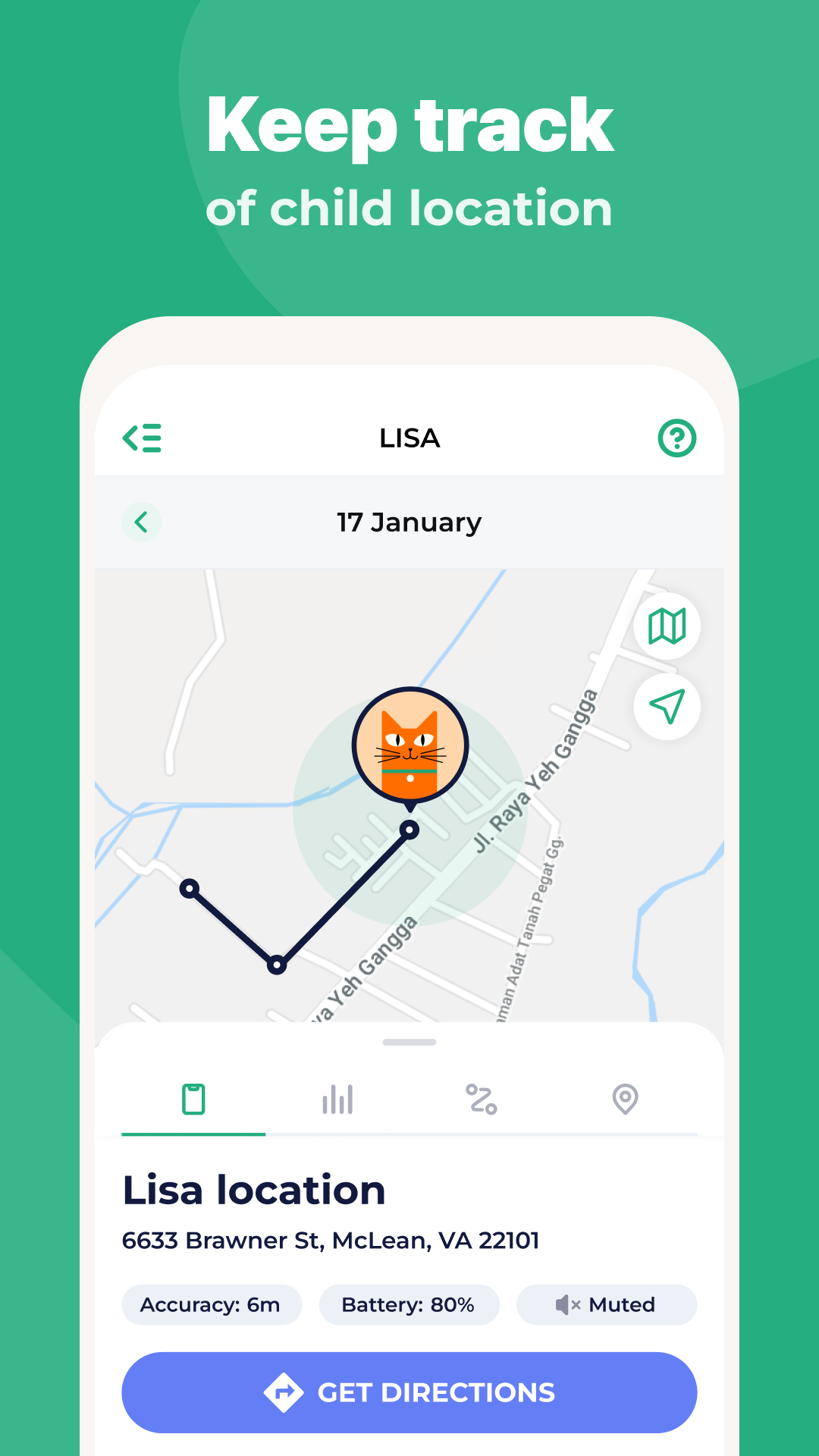
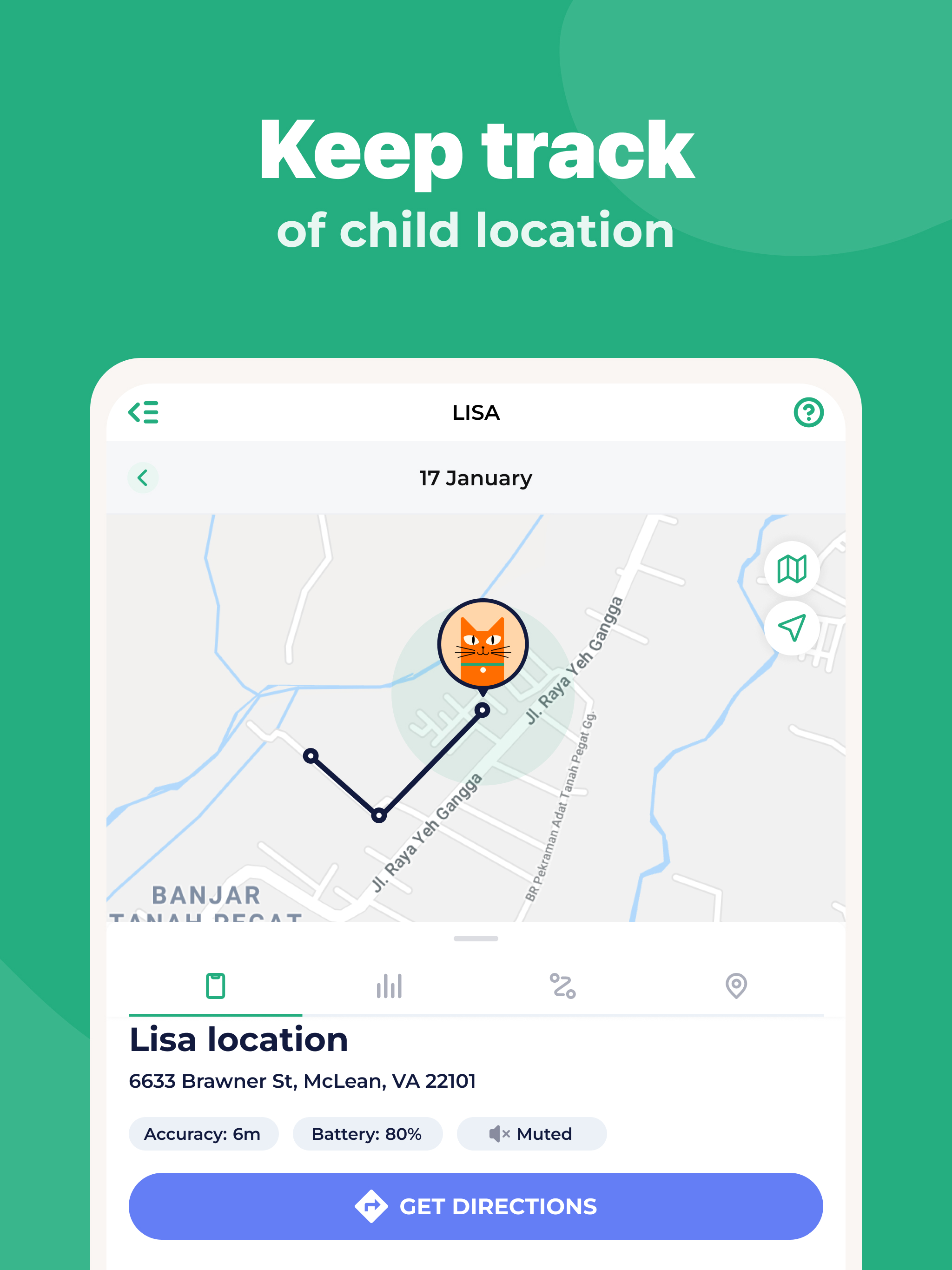
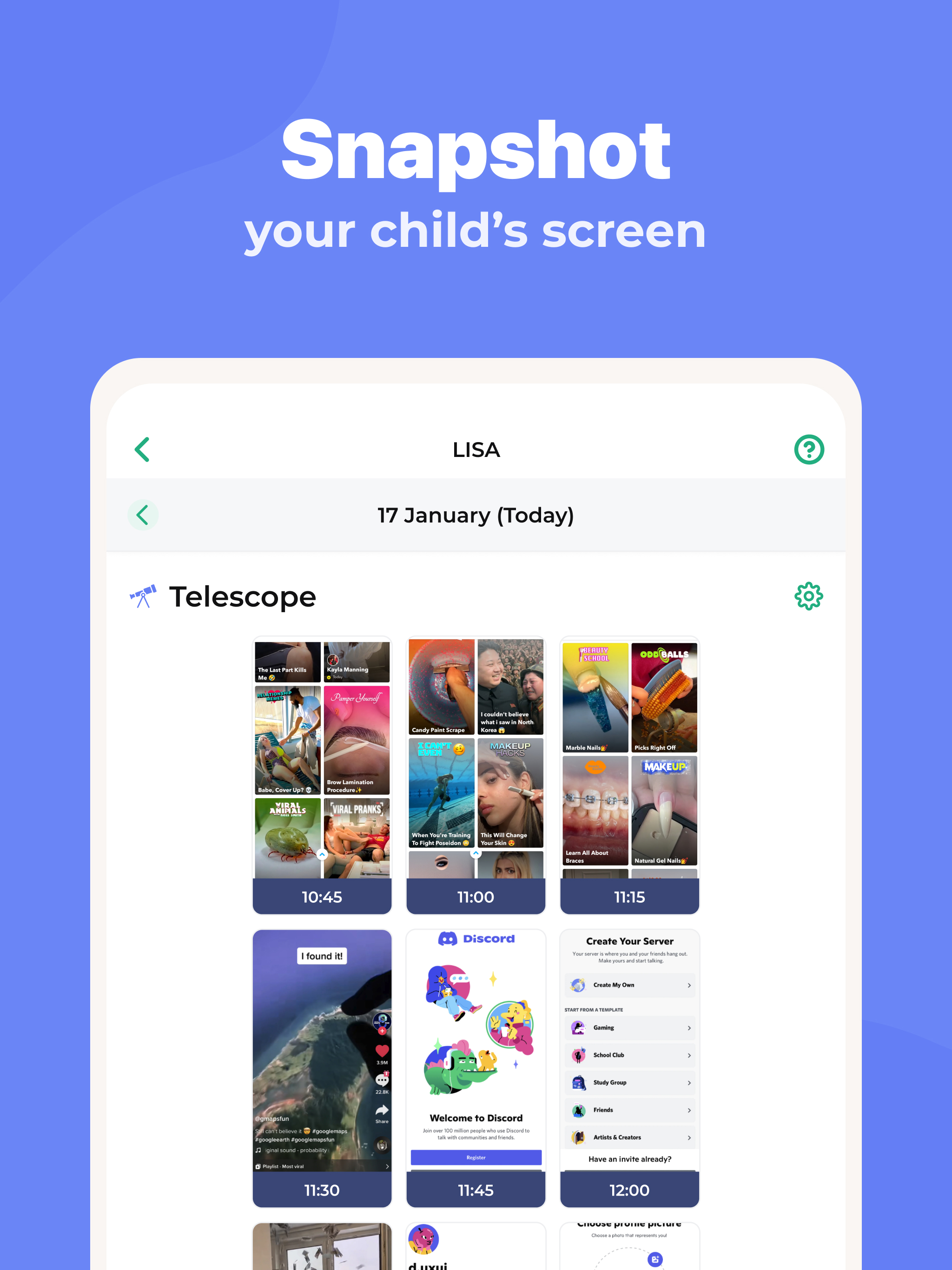
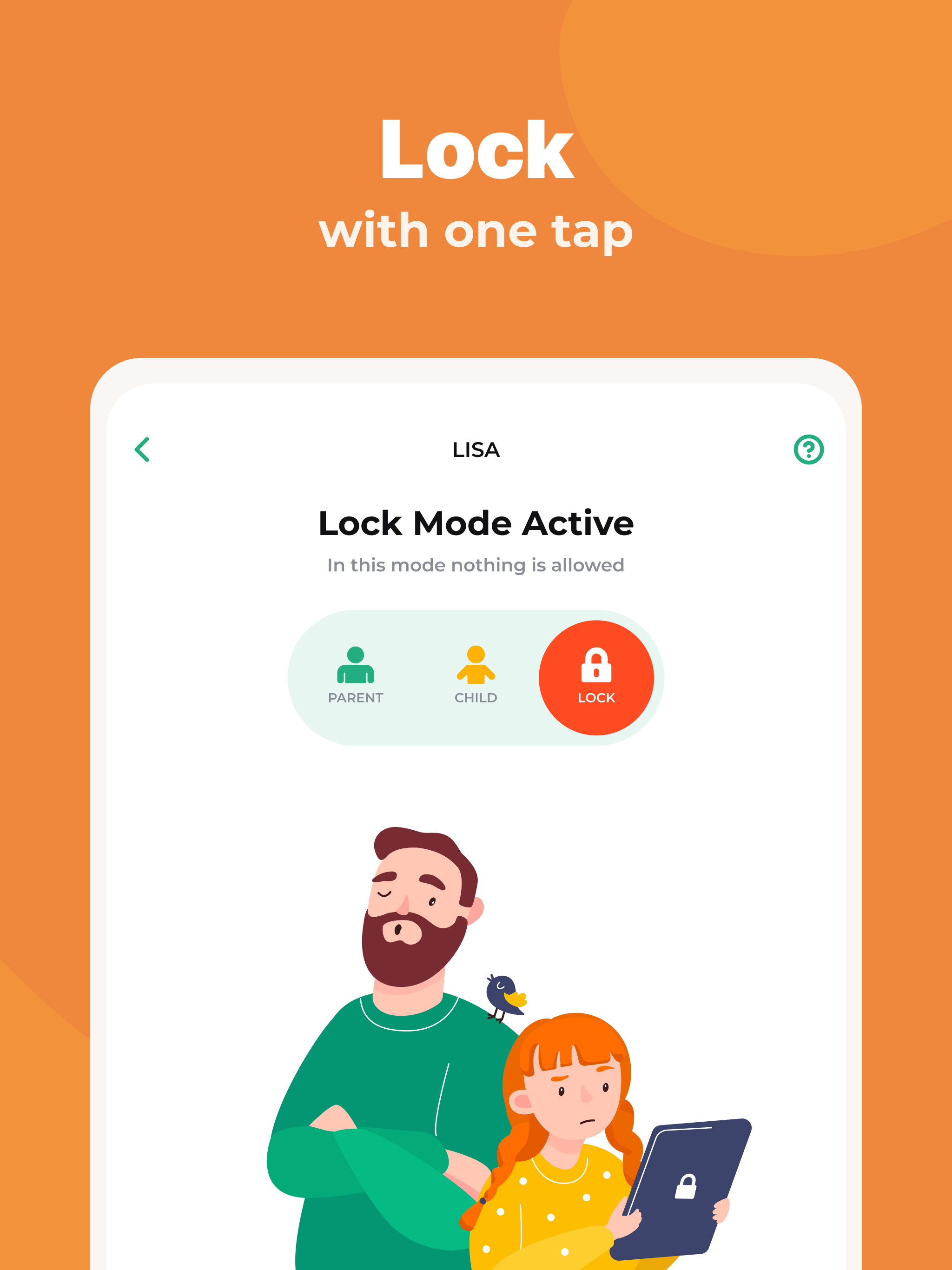
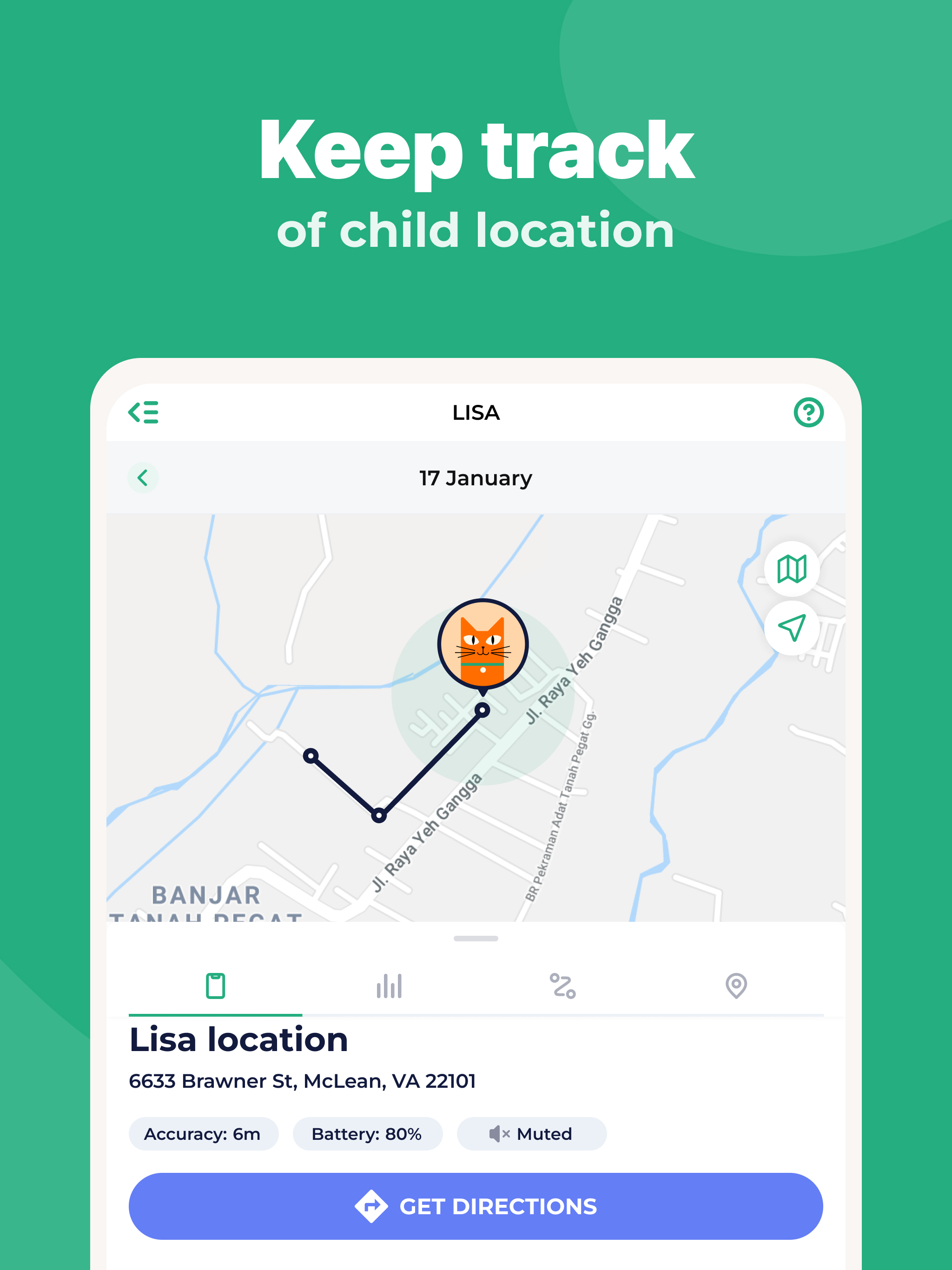
- Remote control of the child's device.
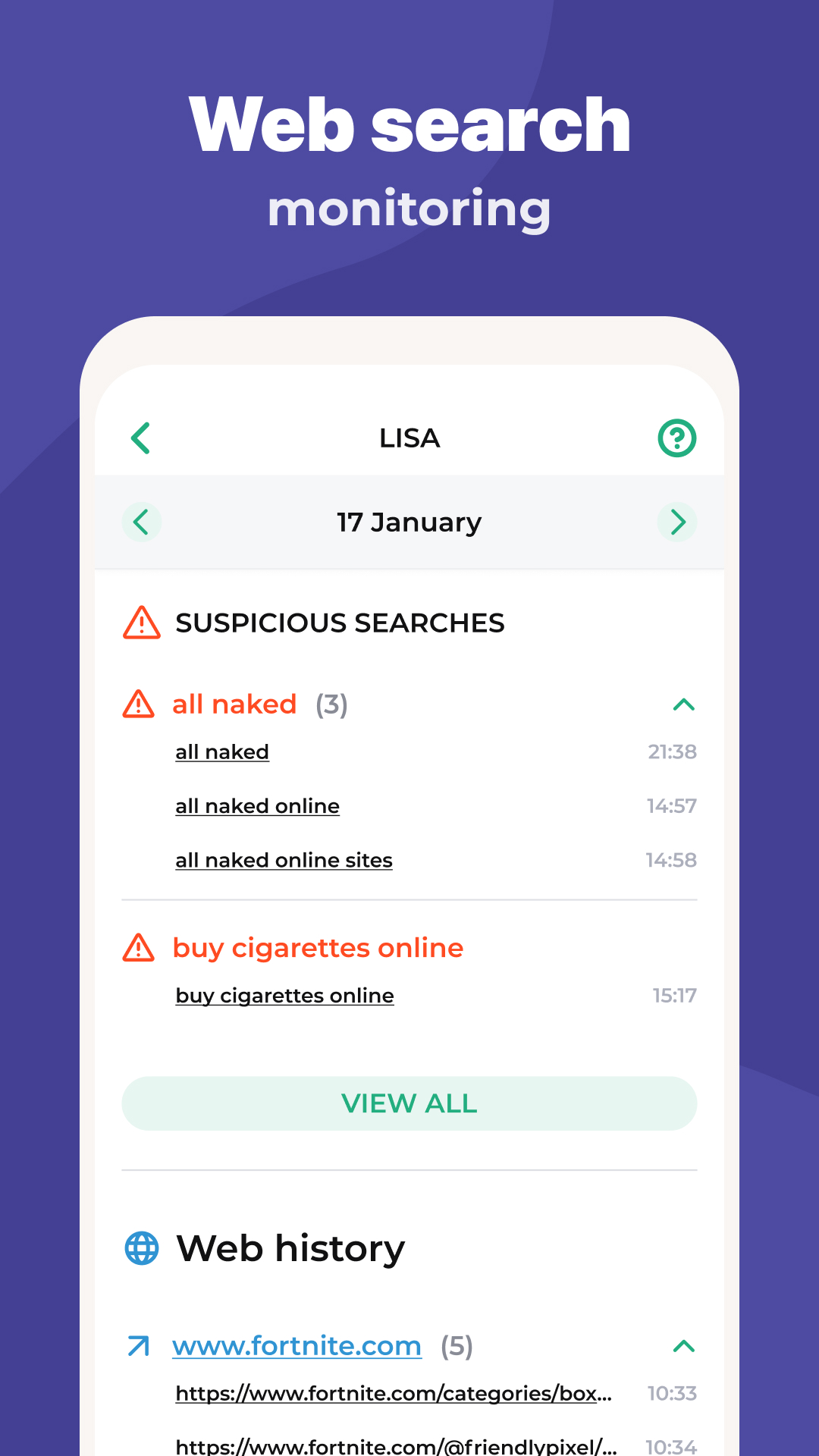
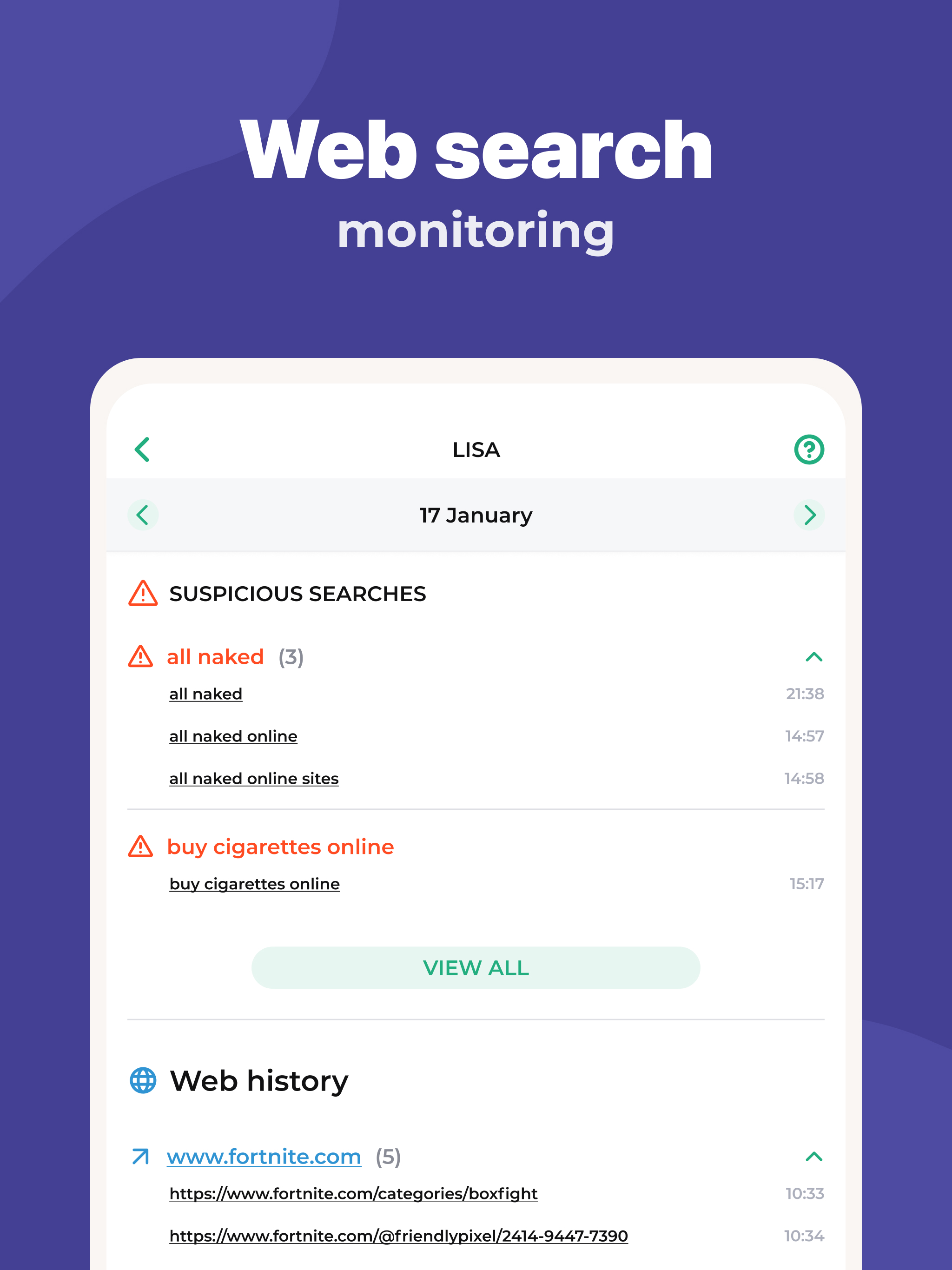
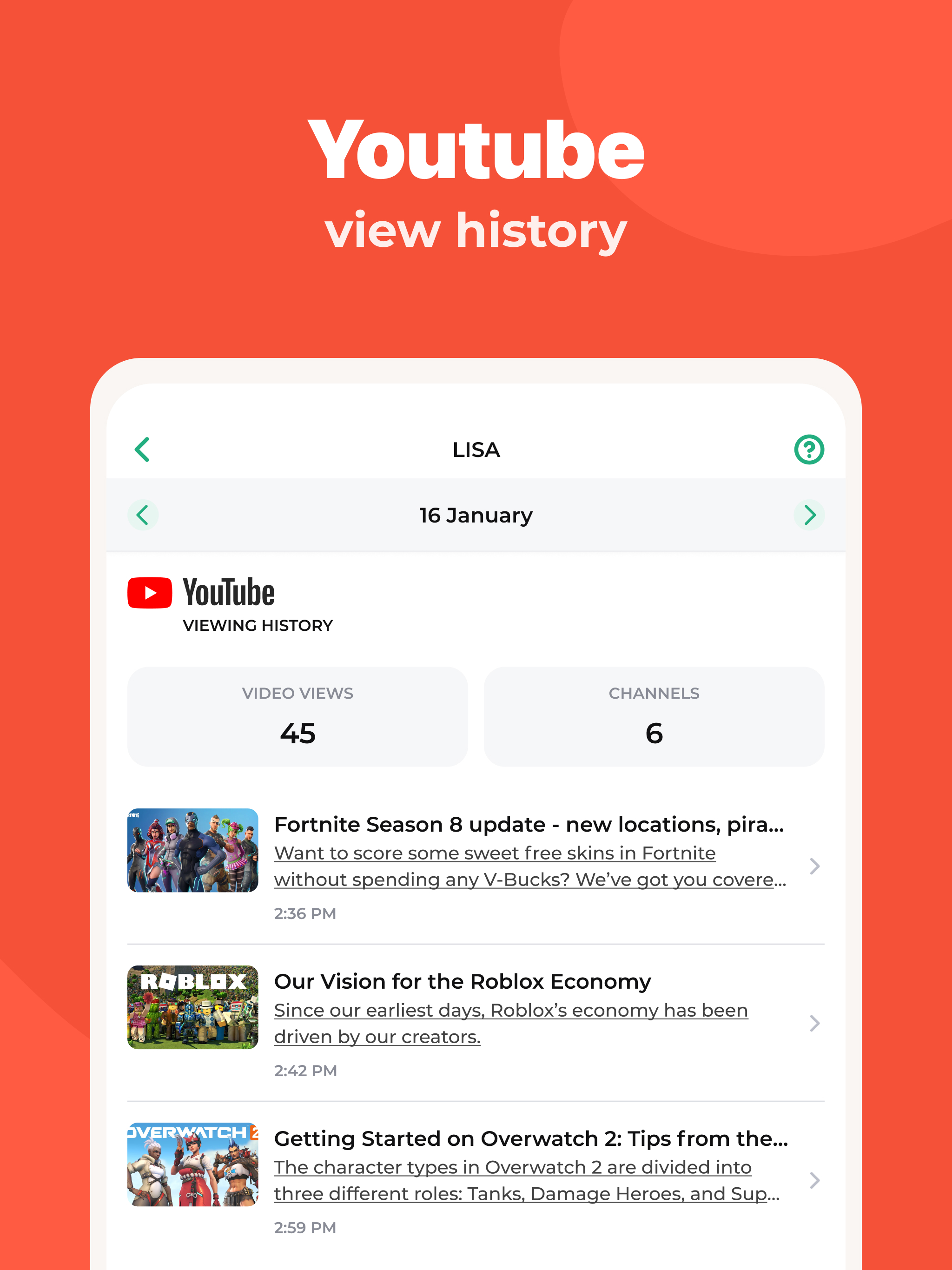
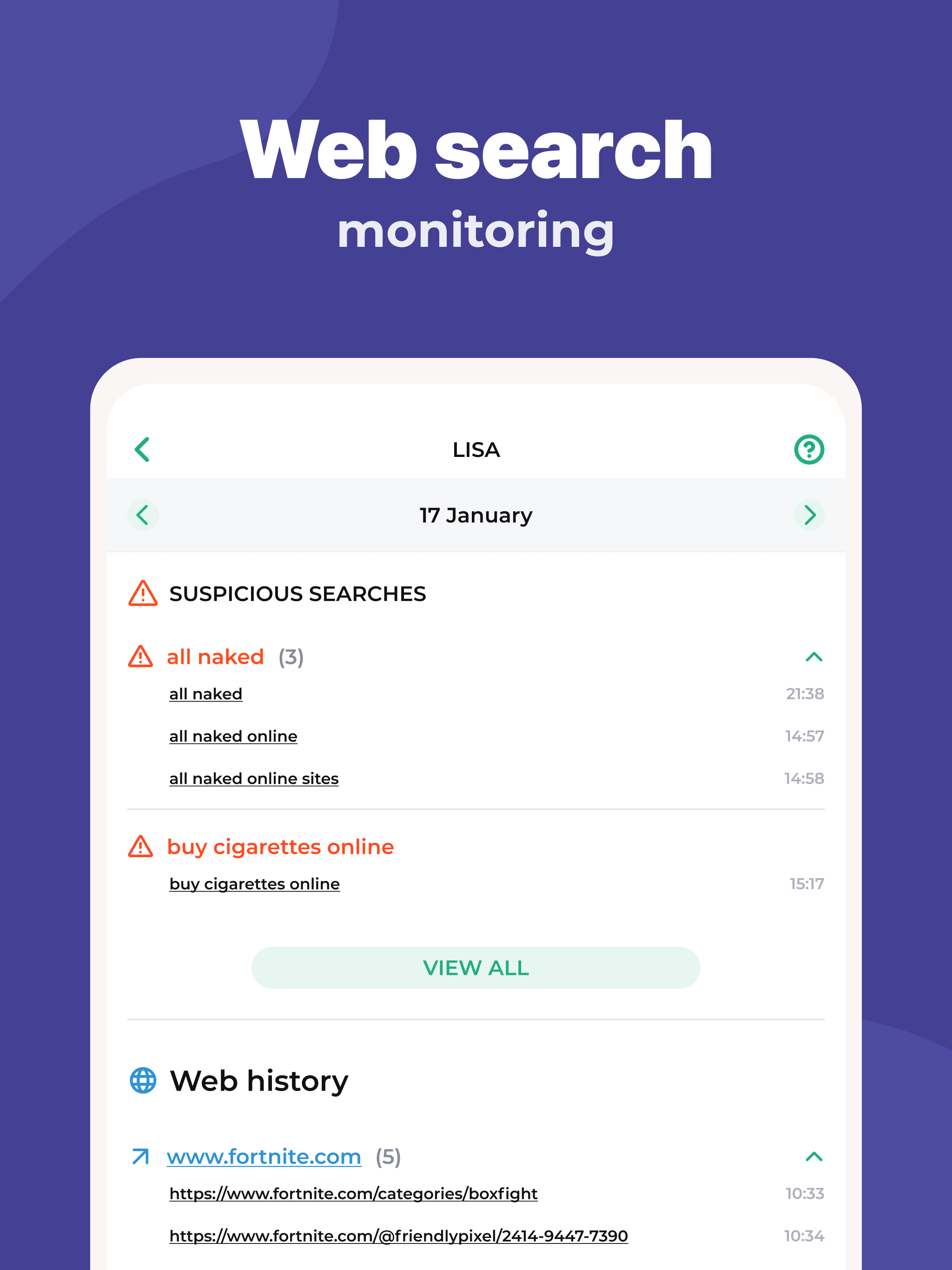
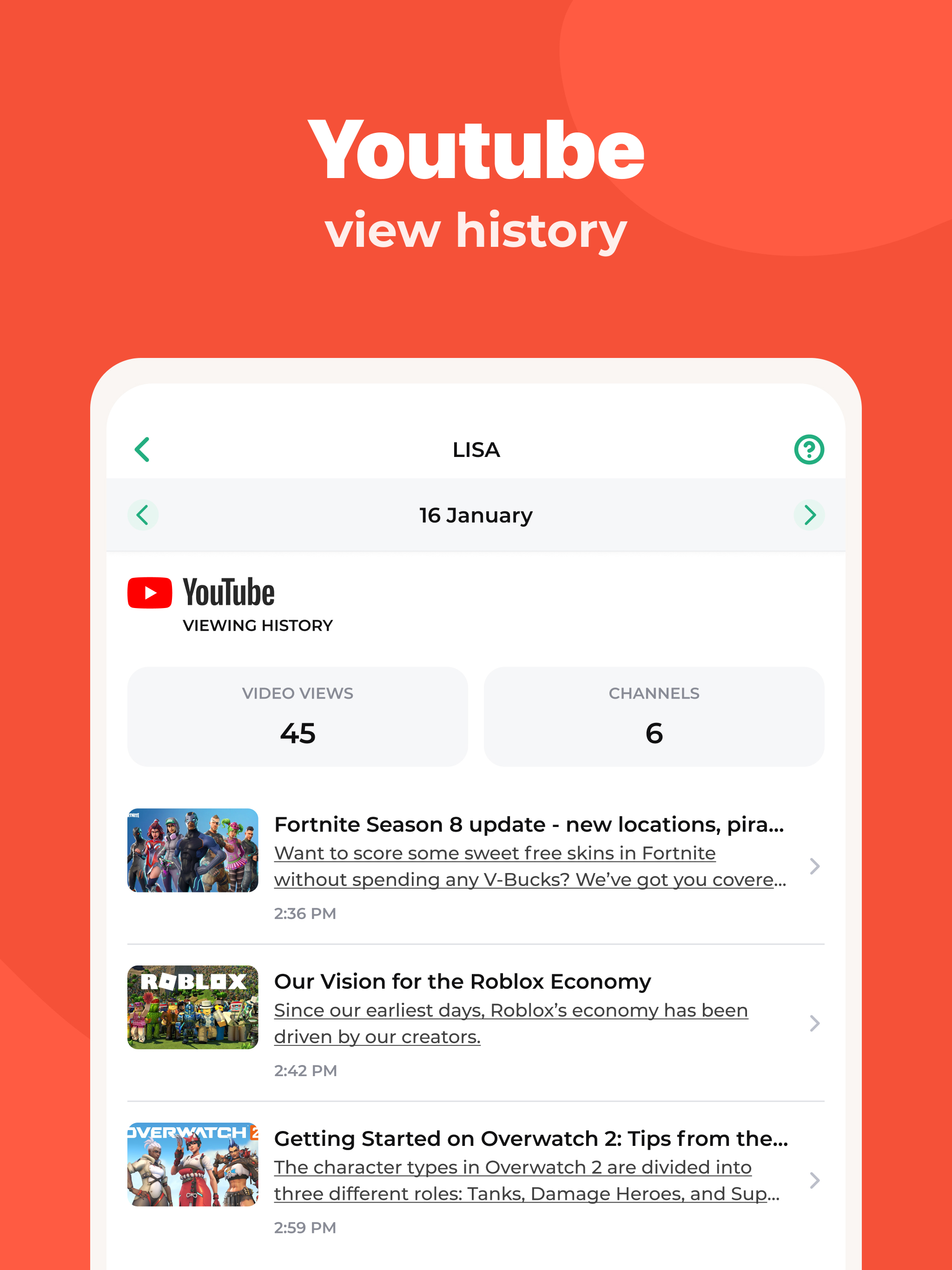
- Restrict access to inappropriate content.
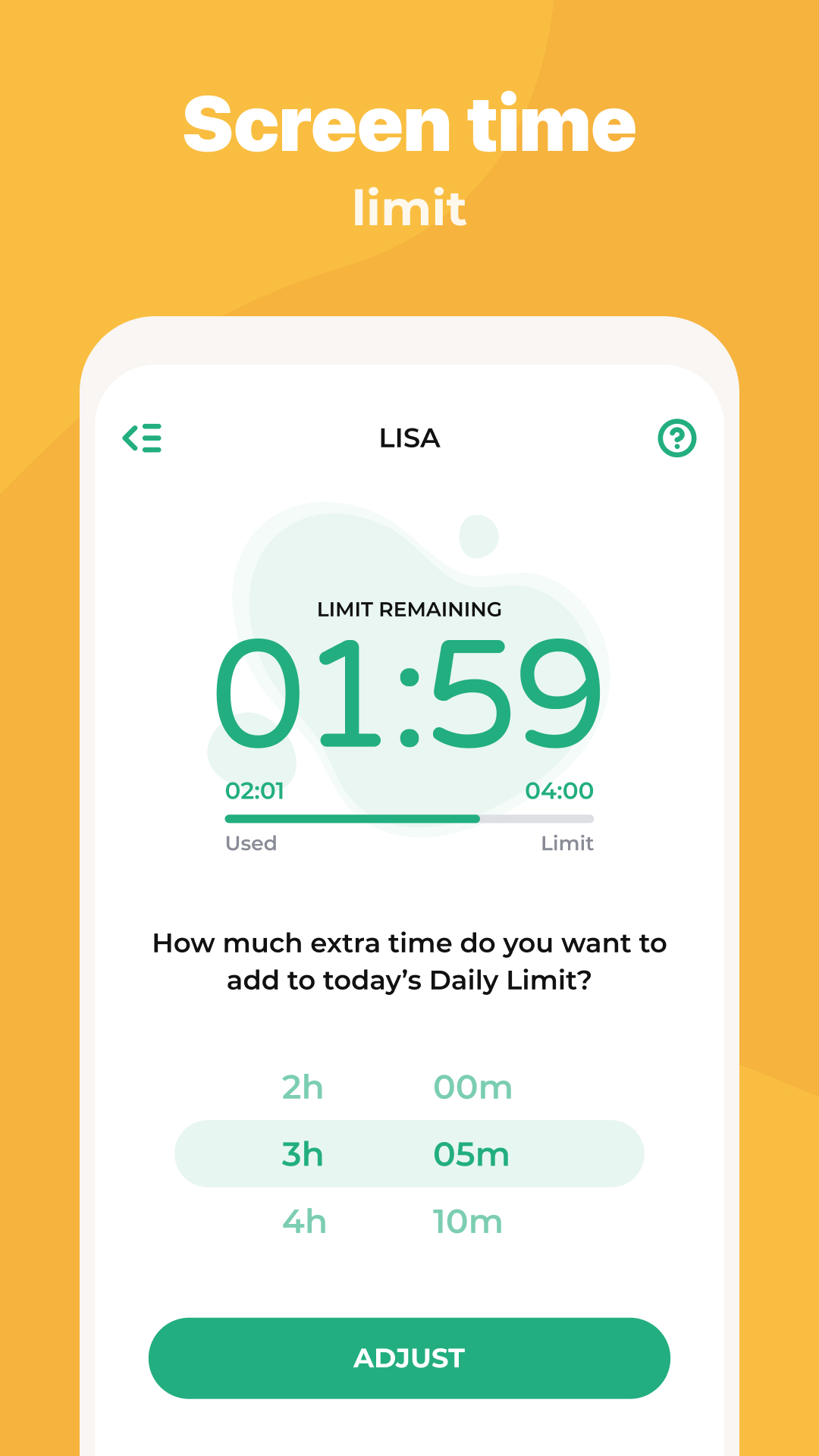
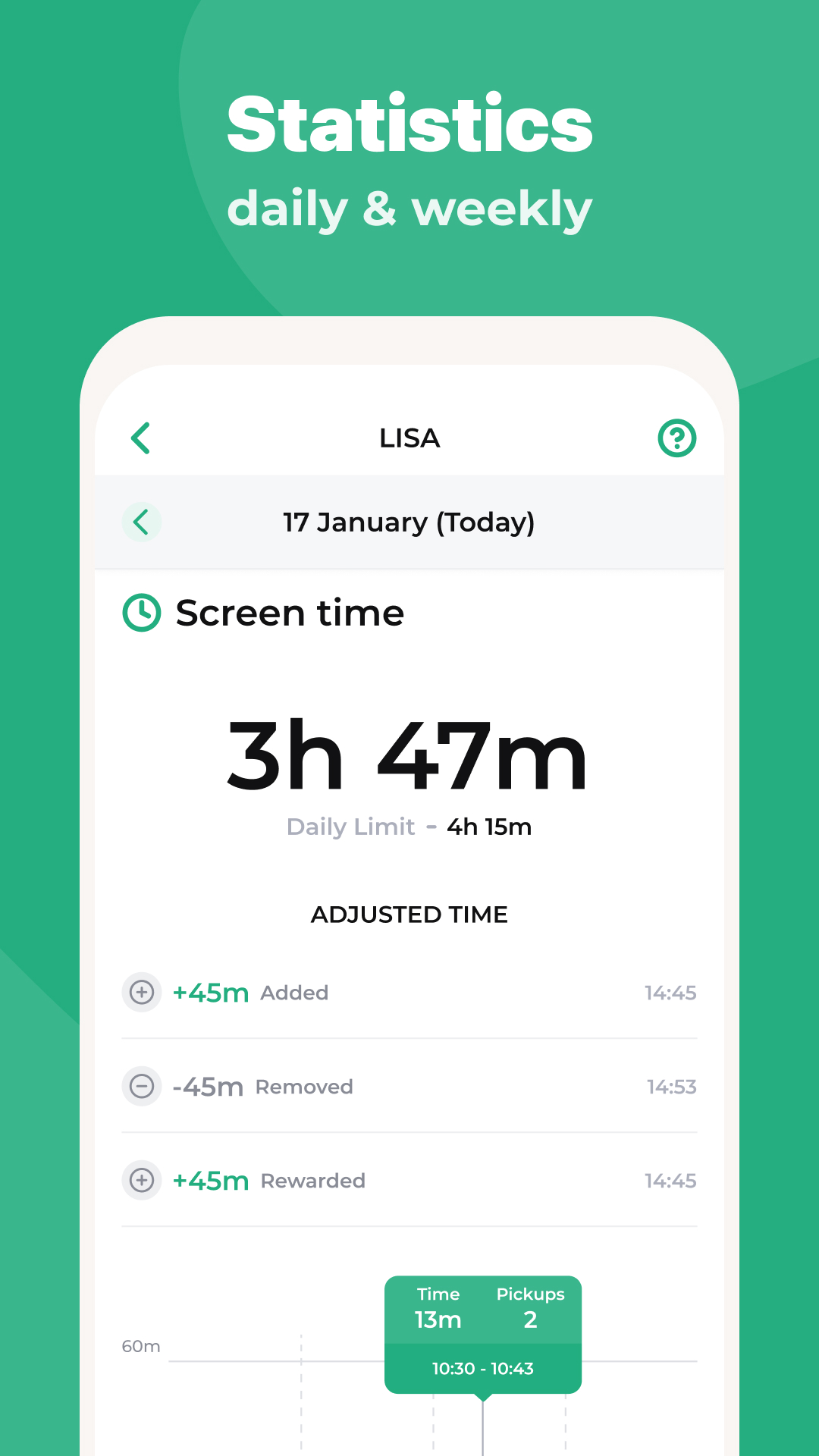
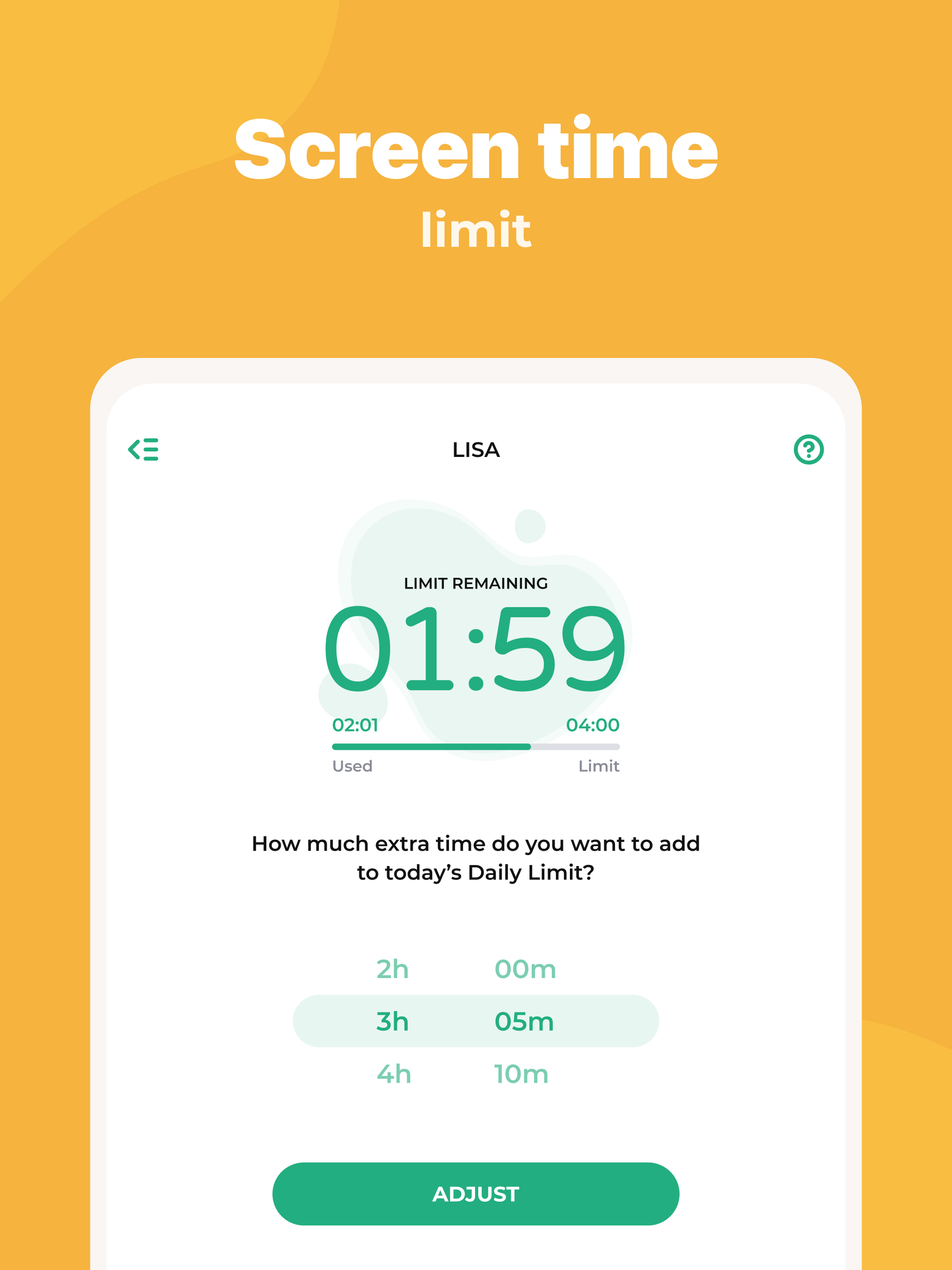
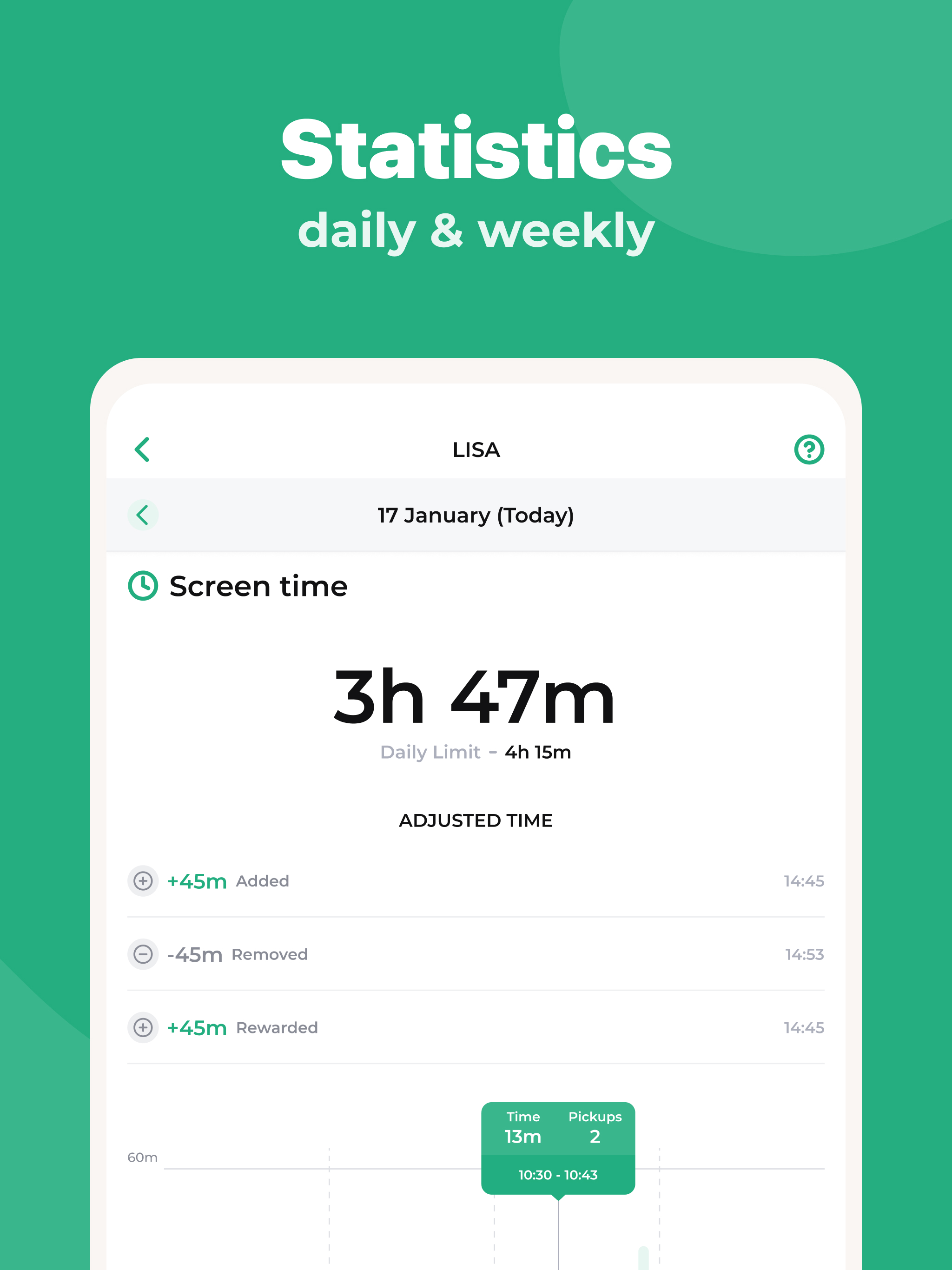
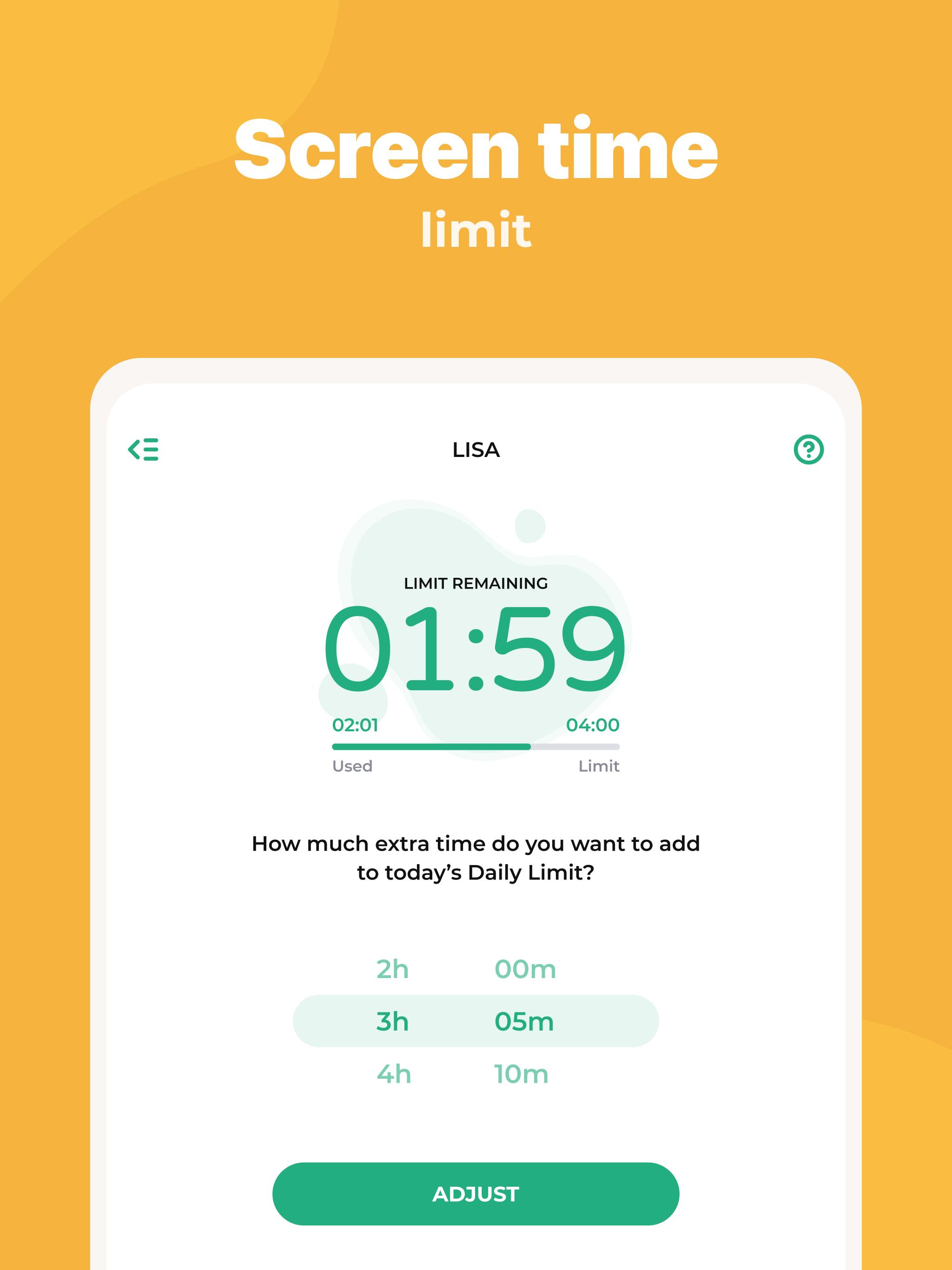
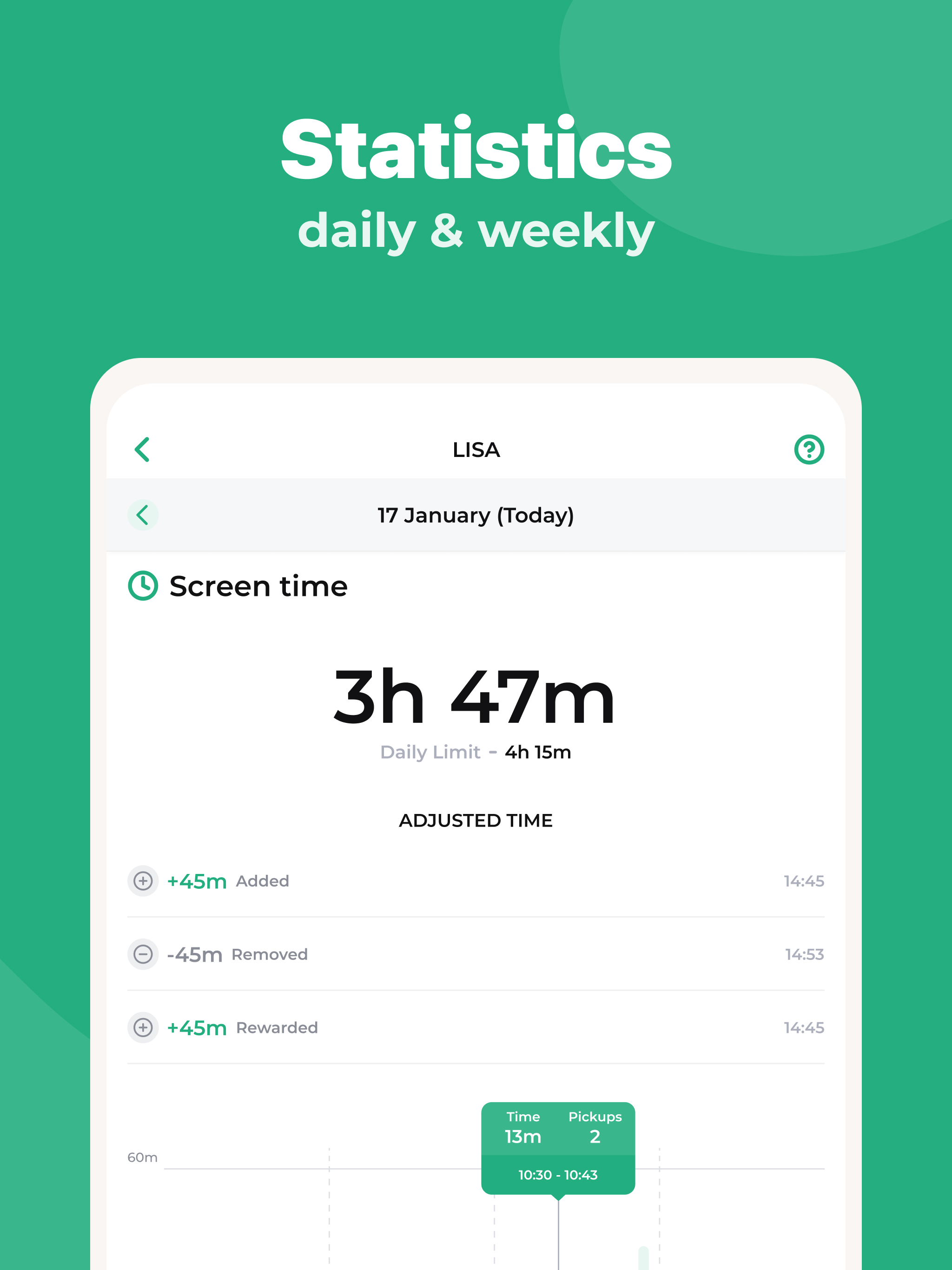
- Setting the timer for the duration of the device use.
- You can set a password to access the settings.
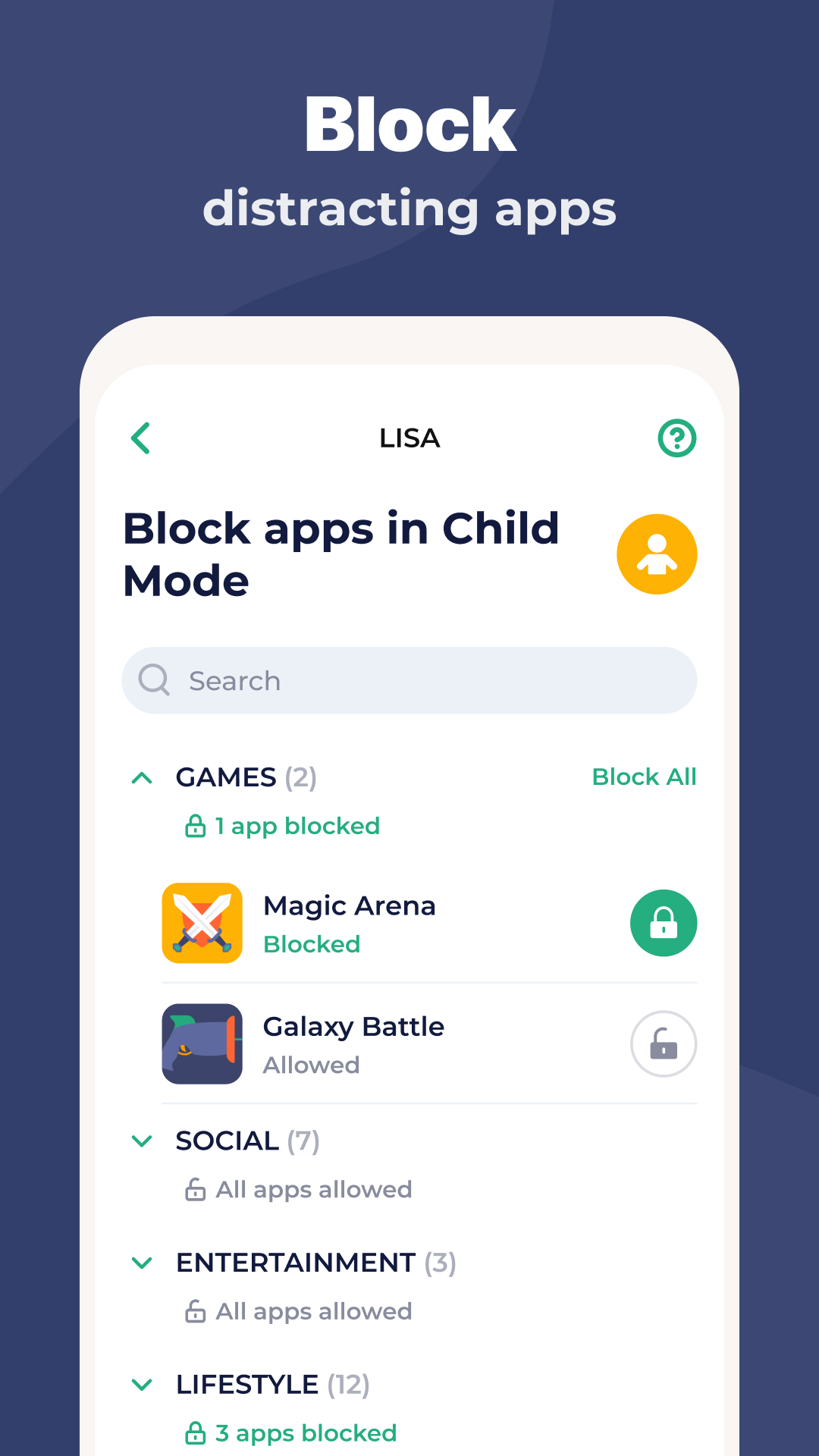
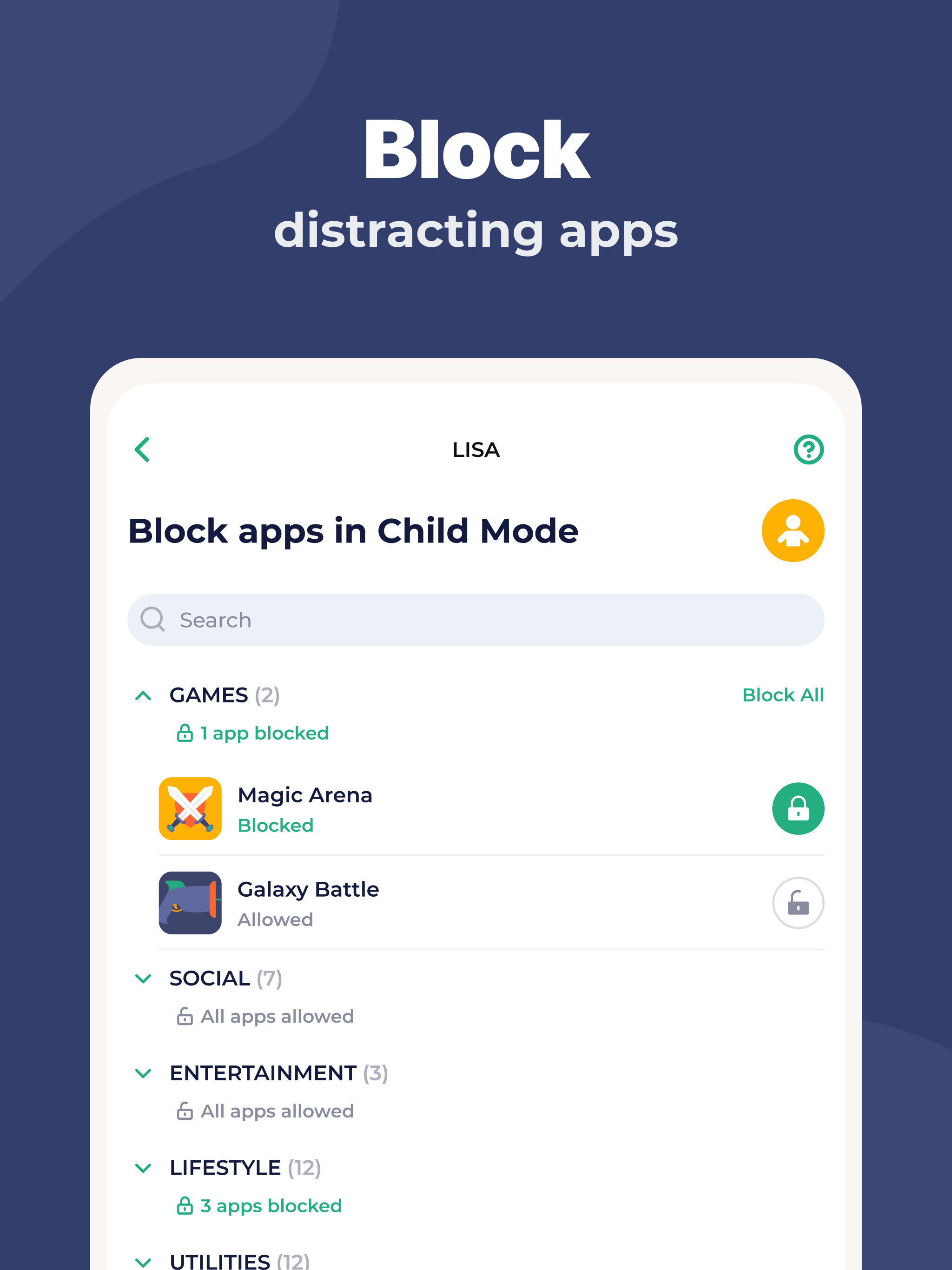
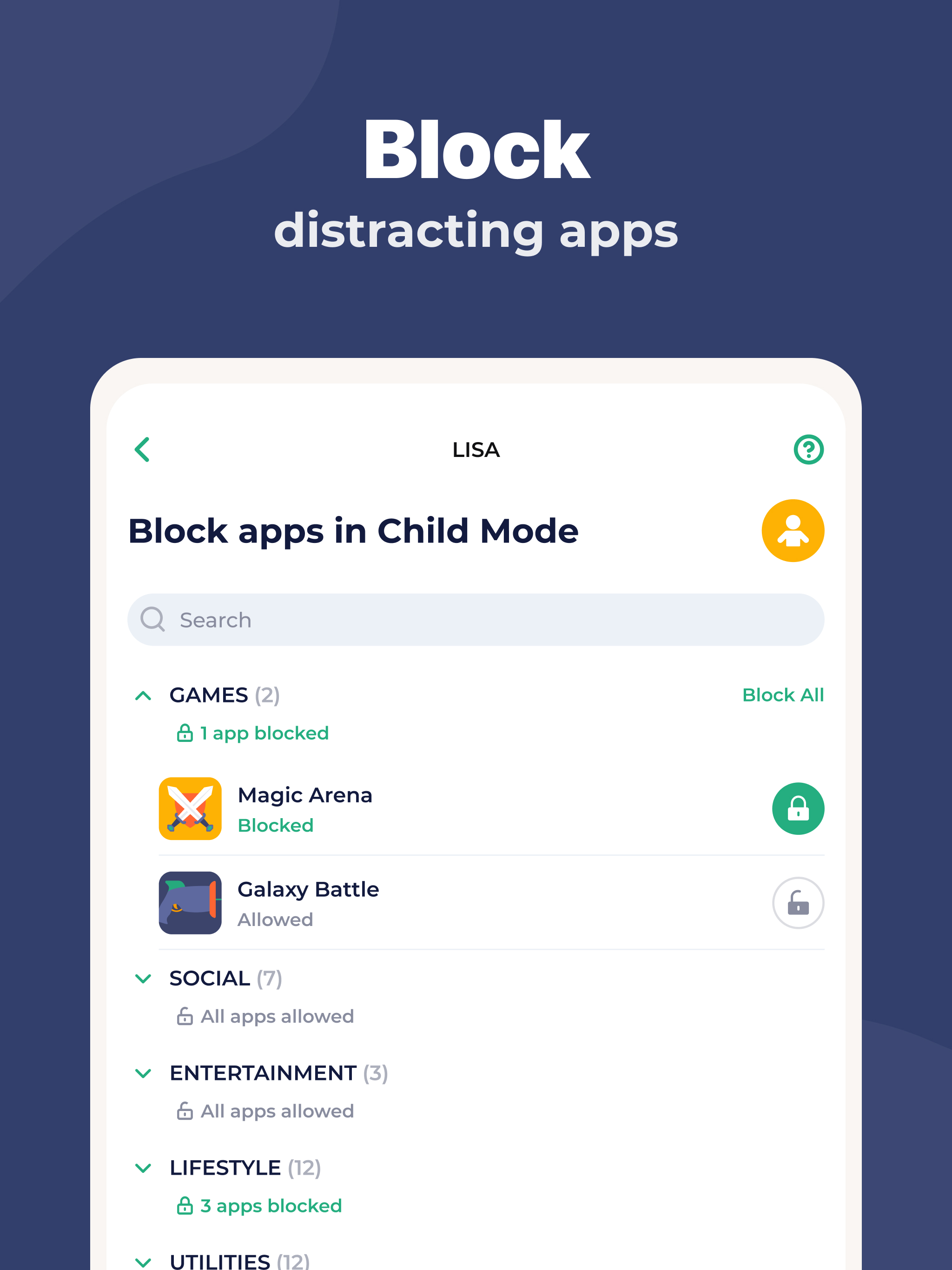
- Allows you to block not only applications, but also the camera.
- Offers a free trial.
Description
Application Parental Control - Kidslox was checked by VirusTotal antivirus. As a result of the scan, no file infections were detected by all the latest signatures.
How to install Parental Control - Kidslox
- Download APK file apps from apkshki.com.
- Locate the downloaded file. You can find it in the system tray or in the 'Download' folder using any file manager.
- If the file downloaded in .bin extension (WebView bug on Android 11), rename it to .apk using any file manager or try downloading the file with another browser like Chrome.
- Start the installation. Click on the downloaded file to start the installation
- Allow installation from unknown sources. If you are installing for the first time Parental Control - Kidslox not from Google Play, go to your device's security settings and allow installation from unknown sources.
- Bypass Google Play protection. If Google Play protection blocks installation of the file, tap 'More Info' → 'Install anyway' → 'OK' to continue..
- Complete the installation: Follow the installer's instructions to complete the installation process.
How to update Parental Control - Kidslox
- Download the new version apps from apkshki.com.
- Locate the downloaded file and click on it to start the installation.
- Install over the old version. There is no need to uninstall the previous version.
- Avoid signature conflicts. If the previous version was not downloaded from apkshki.com, the message 'Application not installed' may appear. In this case uninstall the old version and install the new one.
- Restart annex Parental Control - Kidslox after the update.

Kaspersky SafeKids with GPS
Motherhood and childhood

Advanced Parental Tools
Motherhood and childhood

Norton Family Parental Control
Tools
ParentsKit
Tools
Kids Place Parental Control
Tools

Screen Time - Restrain yoursel
Tools

Teen Time - Parental Control
Motherhood and childhood
Parental Control Kroha
Motherhood and childhood
Requesting an application update
Added Denis Rubinov
Version: 10.5.2
Size: 65.5 MB
Updated: 20.05.2025
Developer: Kidslox, Inc.
Age Limitations: Everyone
Downloaded on Google Play: 1616076
Category: Motherhood and childhood












Reviews for Parental Control - Kidslox
Users be aware: you can't uninstall without significant effort! Even if you haven't paid to use it, it won't allow you to cancel unless you email them to help you!
this app is rubbish it incompatible with my sons phone and you have £34.00 for subscription which you have taken out
Lots of flexibility with protections and different ways to monitor using a vpn. Excellent ap
Horrible.
didn't let my kids go on eny app a again and it made me buy them new tablets
nice
Excellent
broken, does not work Currently. can't change the mode from child to parent. my daughters tablet is stuck on child mode, i can not change it and the stupid device needs a software update and i cant do that on childs mode.
ugly
ridiculous needs payment!
I turned on my son's tablet after charging it. It hadn't been used in over a week and the battery had died. As soon as I turned it on, this app locked the tablet for using too much time. WTH?!?!? It hasn't been used in weeks. I approved additional time through the parent app and it refused to unlock still. Wish this was the first time this has happened but this is definitely the worst time. Enough is enough. Not worth the money.
Had to purchase one month to get access to premium functions but you have to install a desktop app to make those work. Then it fails to download due to errors in the address / connection not private warnings. It also rearranges the kids apps on their phones (rejoices them from folders) after locking overnight which. Family link was much better and free
At first I was really enjoying the app. Now I have issues like others. And some how children can add their own time even after their time is up. My kids can also control each other's devices. Looking for a new app that doesn't allow this.
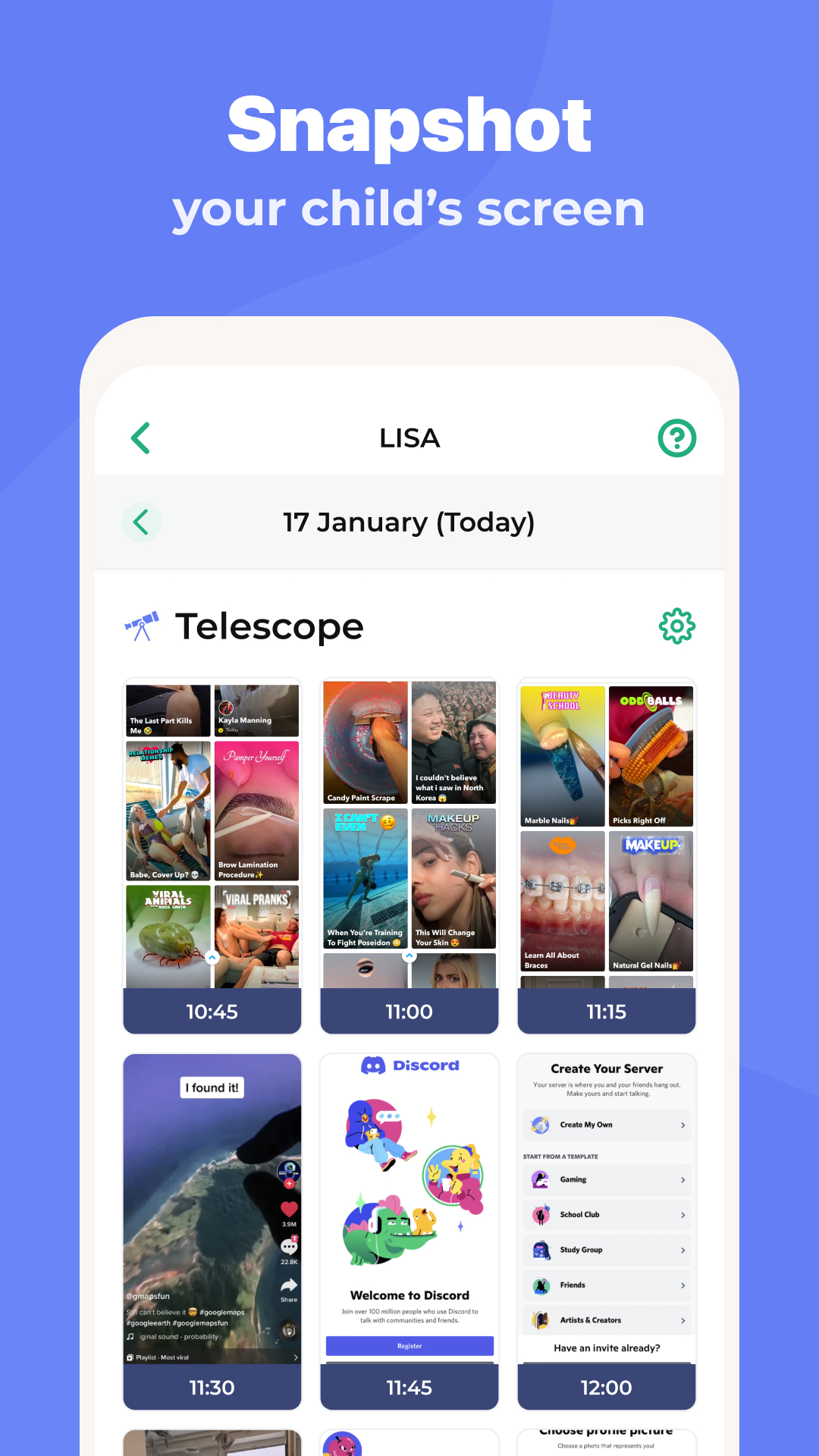
Too many bugs on the Android phones. I've lost confidence that this app is protecting my children. Telescope doesn't work anymore. Time tracking is off. I don't understand why this app suddenly has so many issues when it worked OK before.
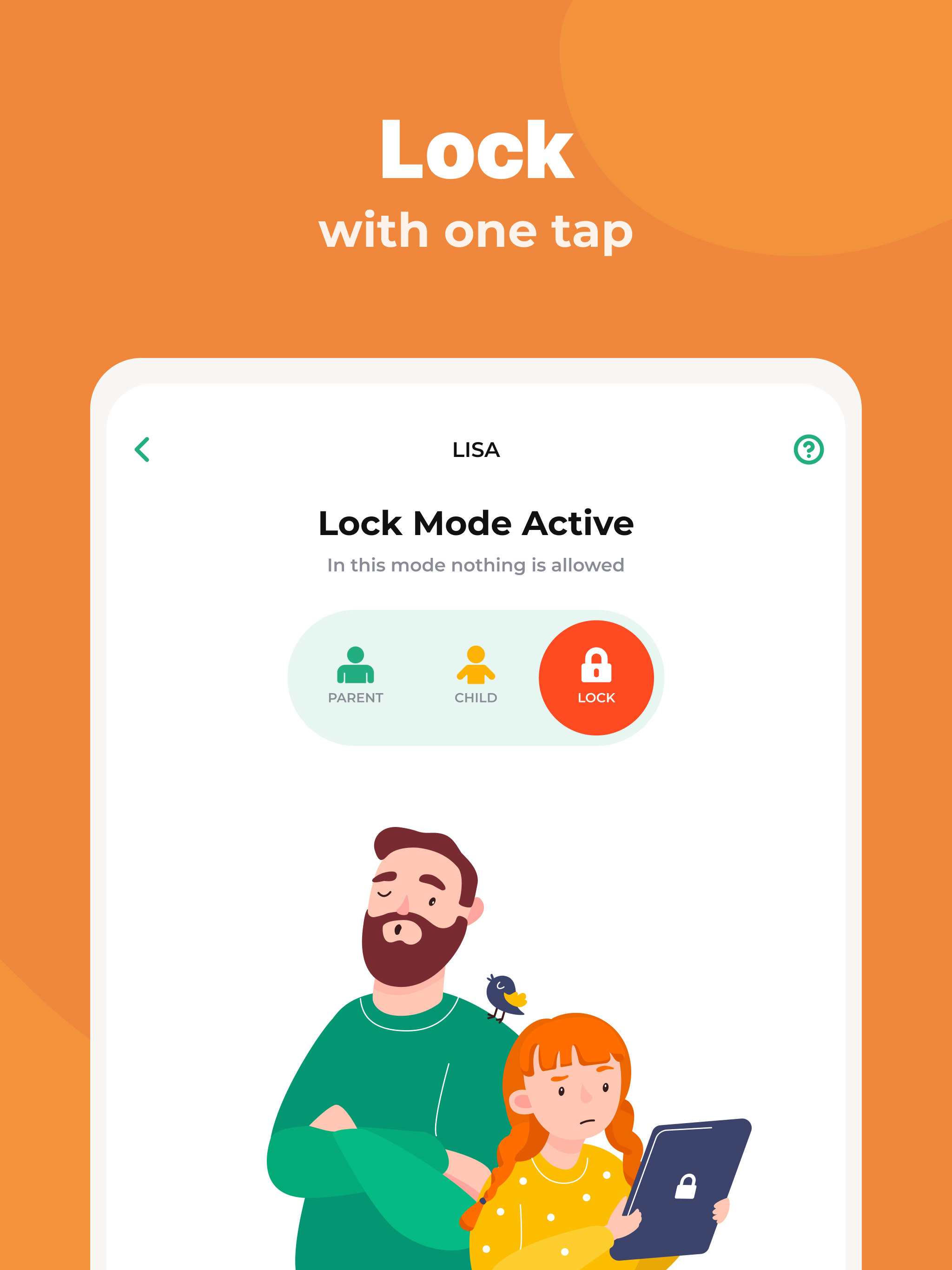
I tried so many of these sorts of apps looking for one that would be comfortable for my partner and parents to use (they're not very tech savvy). Kidslox is the best option I've found, though I still wouldn't want them to need to set it up. In fact, for most functions they still leave it to me to keep things running the way they should, but they can all use the toggle feature to block a phone or tablet if necessary.
Post a comment
To leave a comment, log in with your social network:
Or leave an anonymous comment. Your comment will be sent for moderation.
Post a comment
To leave a comment, log in with your social network:
Or leave an anonymous comment. Your comment will be sent for moderation.