


Blood Pressure Monitor
0+
downloads5.0
version Android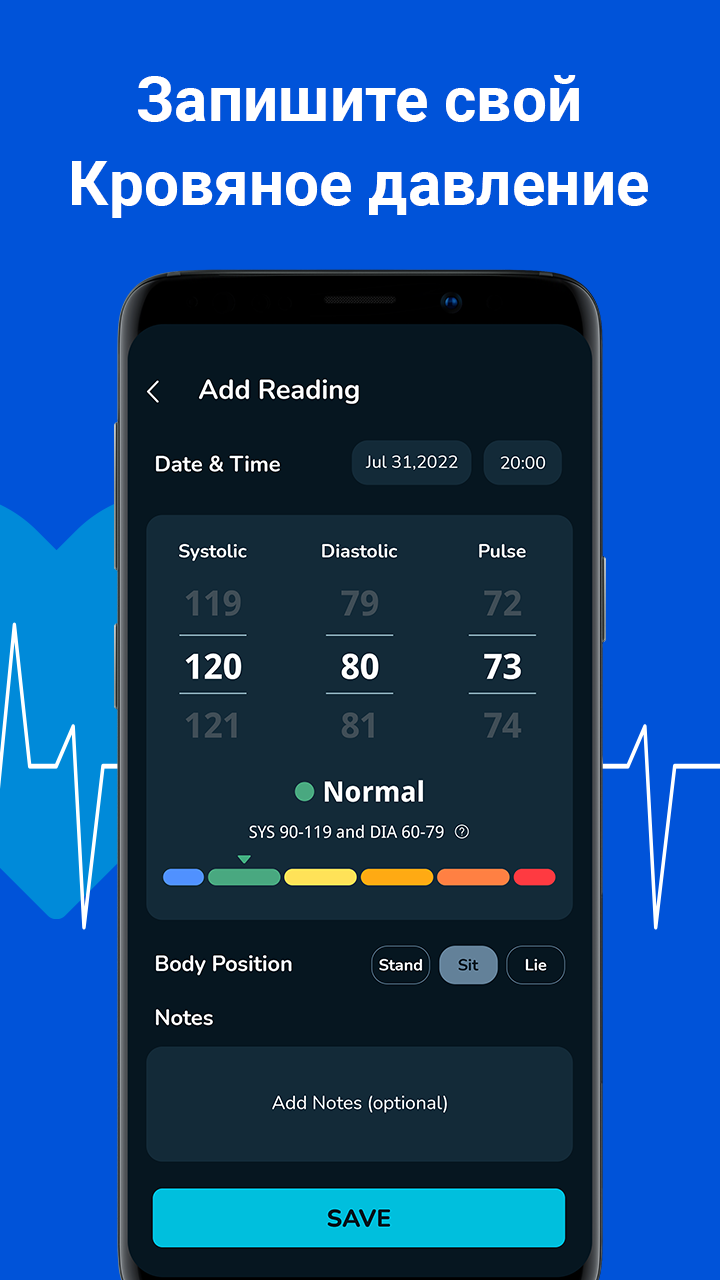
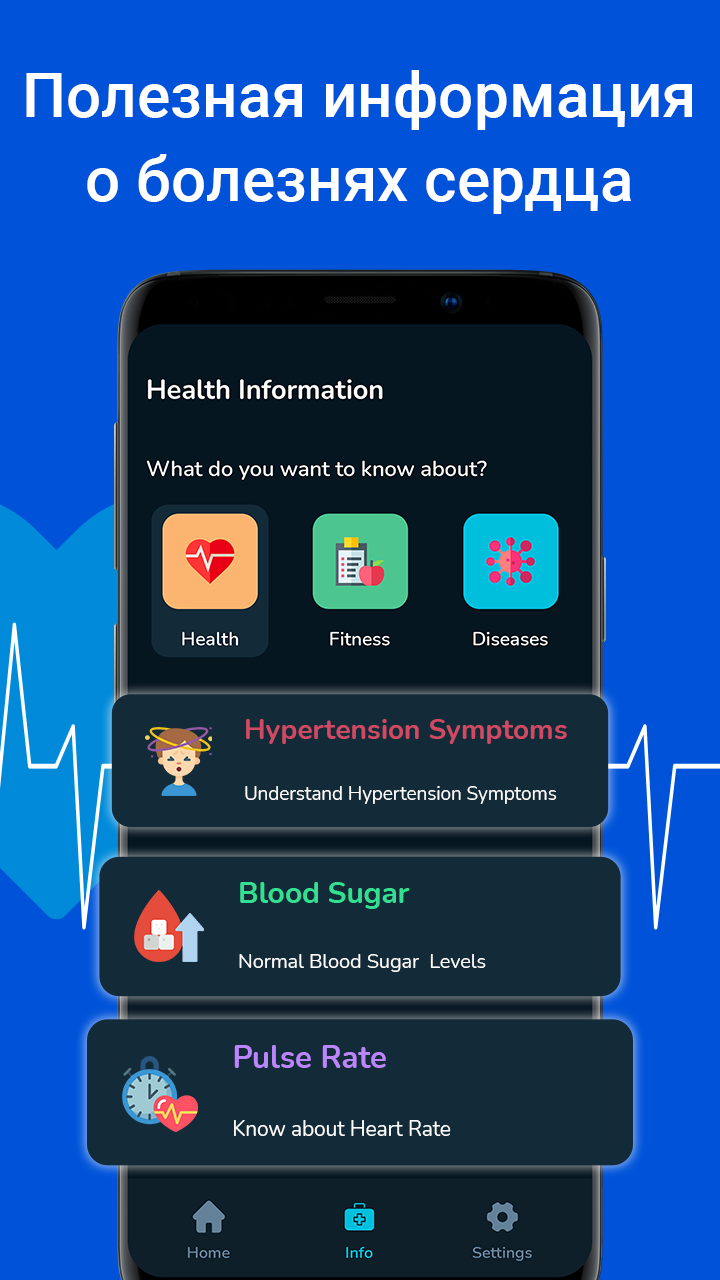
Added: Sergey Kuleshov
Version: 2.3
Size: 6.1 MB
Updated: 11.07.2023
Developer: Appnest
Authorizations: 4
Downloaded on Google Play: 39913
Category: Health & Fitness
Description
Application Blood Pressure Monitor was checked by VirusTotal antivirus. As a result of the scan, no file infections were detected by all the latest signatures.
How to install Blood Pressure Monitor
- Download APK file apps from apkshki.com.
- Locate the downloaded file. You can find it in the system tray or in the 'Download' folder using any file manager.
- If the file downloaded in .bin extension (WebView bug on Android 11), rename it to .apk using any file manager or try downloading the file with another browser like Chrome.
- Start the installation. Click on the downloaded file to start the installation
- Allow installation from unknown sources. If you are installing for the first time Blood Pressure Monitor not from Google Play, go to your device's security settings and allow installation from unknown sources.
- Bypass Google Play protection. If Google Play protection blocks installation of the file, tap 'More Info' → 'Install anyway' → 'OK' to continue..
- Complete the installation: Follow the installer's instructions to complete the installation process.
How to update Blood Pressure Monitor
- Download the new version apps from apkshki.com.
- Locate the downloaded file and click on it to start the installation.
- Install over the old version. There is no need to uninstall the previous version.
- Avoid signature conflicts. If the previous version was not downloaded from apkshki.com, the message 'Application not installed' may appear. In this case uninstall the old version and install the new one.
- Restart annex Blood Pressure Monitor after the update.








Requesting an application update
Added Sergey Kuleshov
Version: 2.3
Size: 6.1 MB
Updated: 11.07.2023
Developer: Appnest
Authorizations:
Downloaded on Google Play: 39913
Category: Health & Fitness












Reviews for Blood Pressure Monitor
Blood Pressure App: BP Track is very famous app i like very much&
Very nice and amazing application&
is amazing and best features and good ways &
Blood Pressure Monitor App is a convenient tool for individuals seeking to track and manage their blood pressure levels effectively. With user-friendly interfaces and intuitive features, it💔💔🩸💞💞💔🩸🩸♥️💞💞💔🩸♥️💞
Blood pressure is very useful and one of the greatest application &
Blood Pressure Monitor it is very famous app i like it $
Blood pressure app is very wonderful it is very useful $
Amazing app having nice features very beneficial for patients $
This application is very easy to use and very easy to install $
this isn't everything an awesome application &
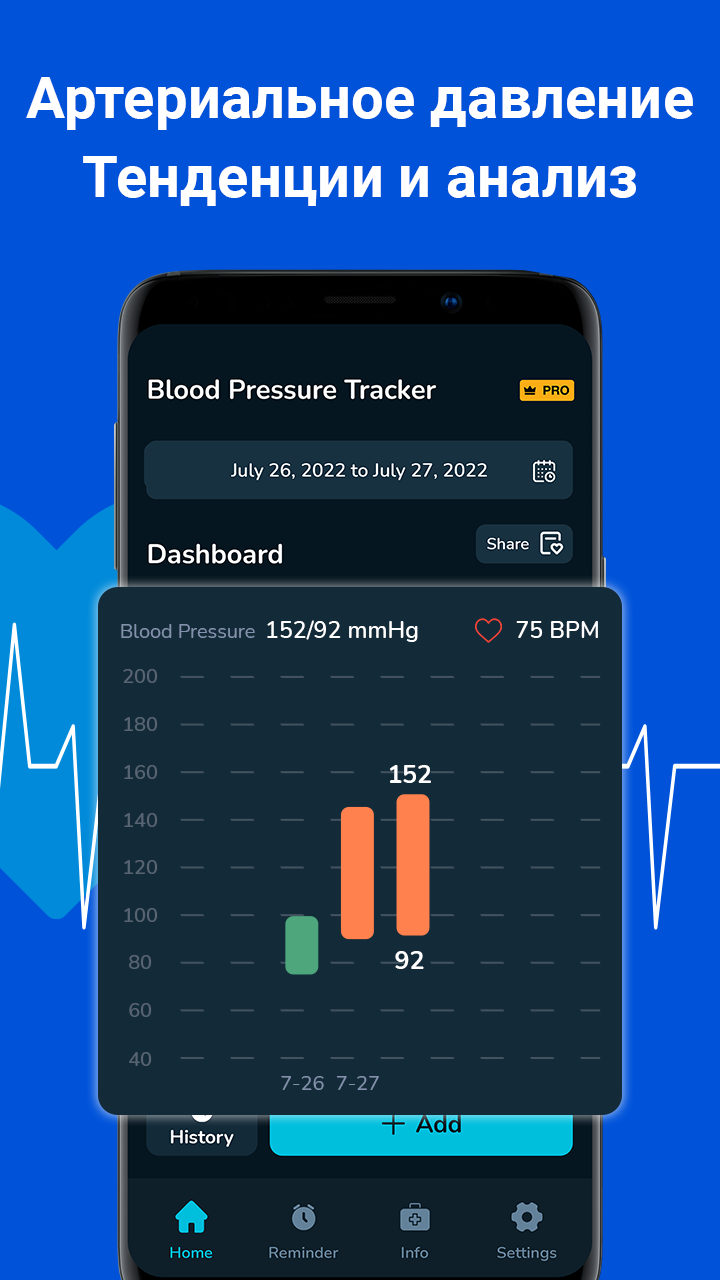
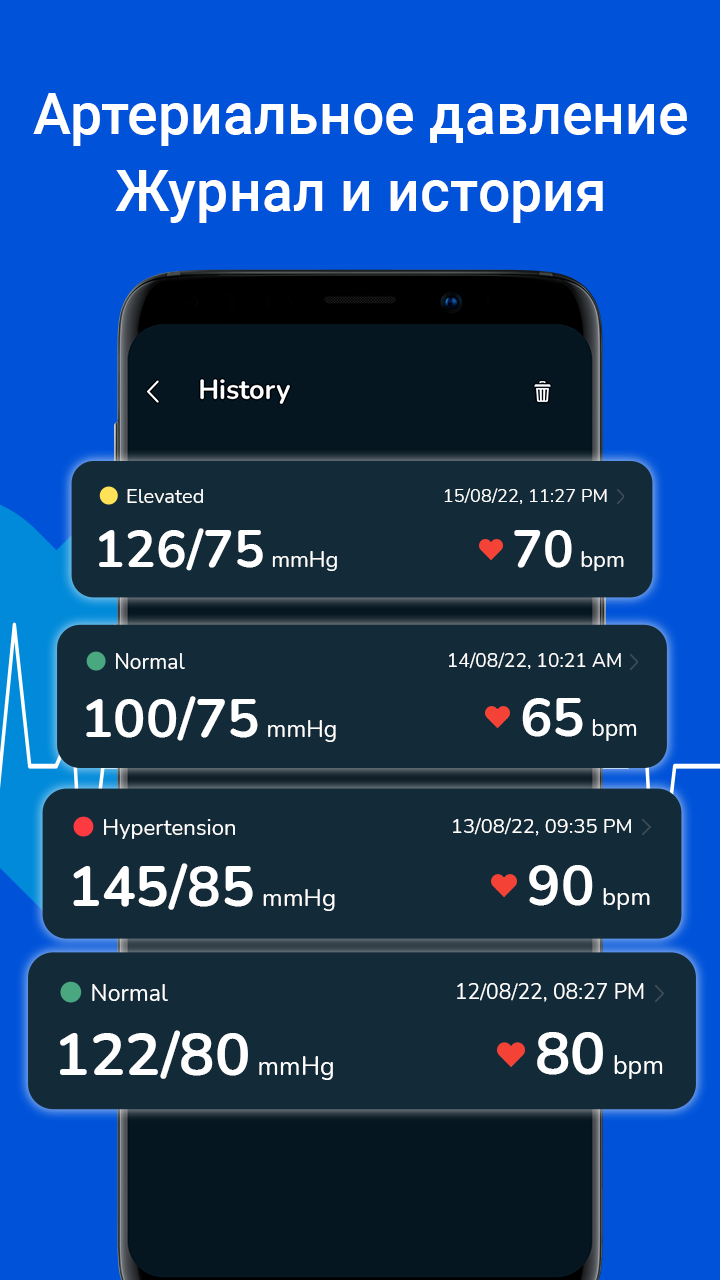
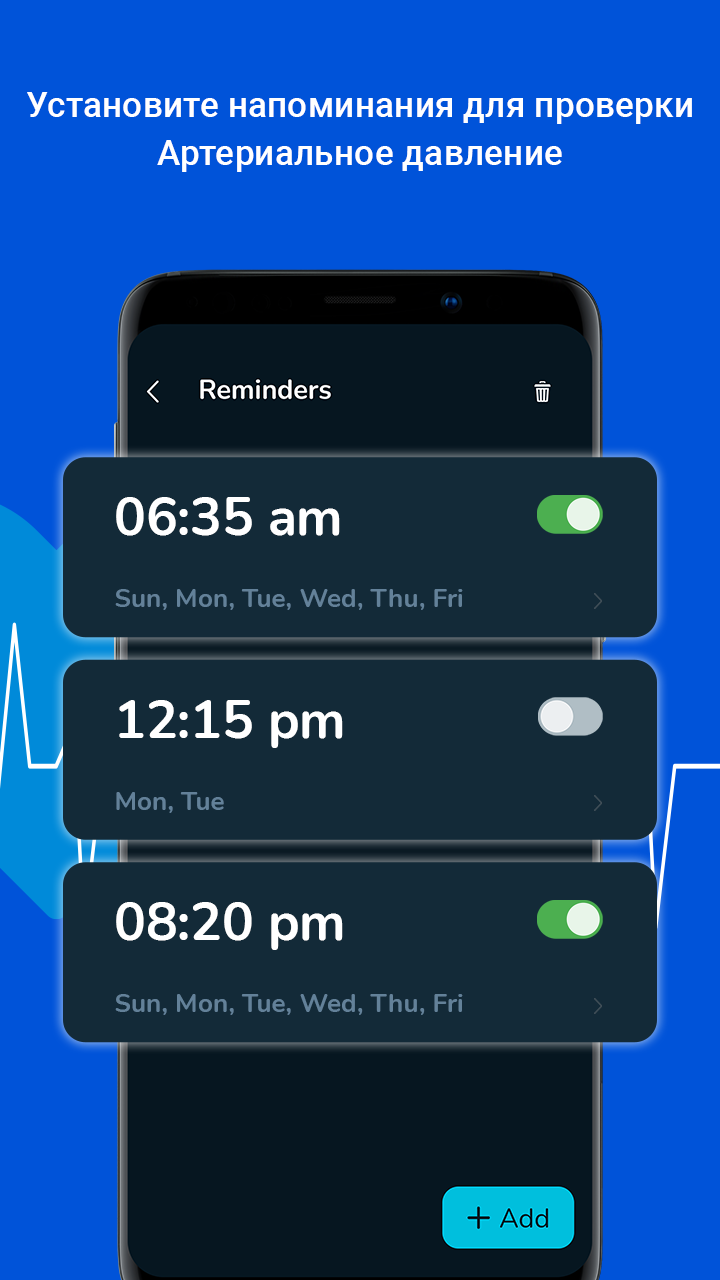
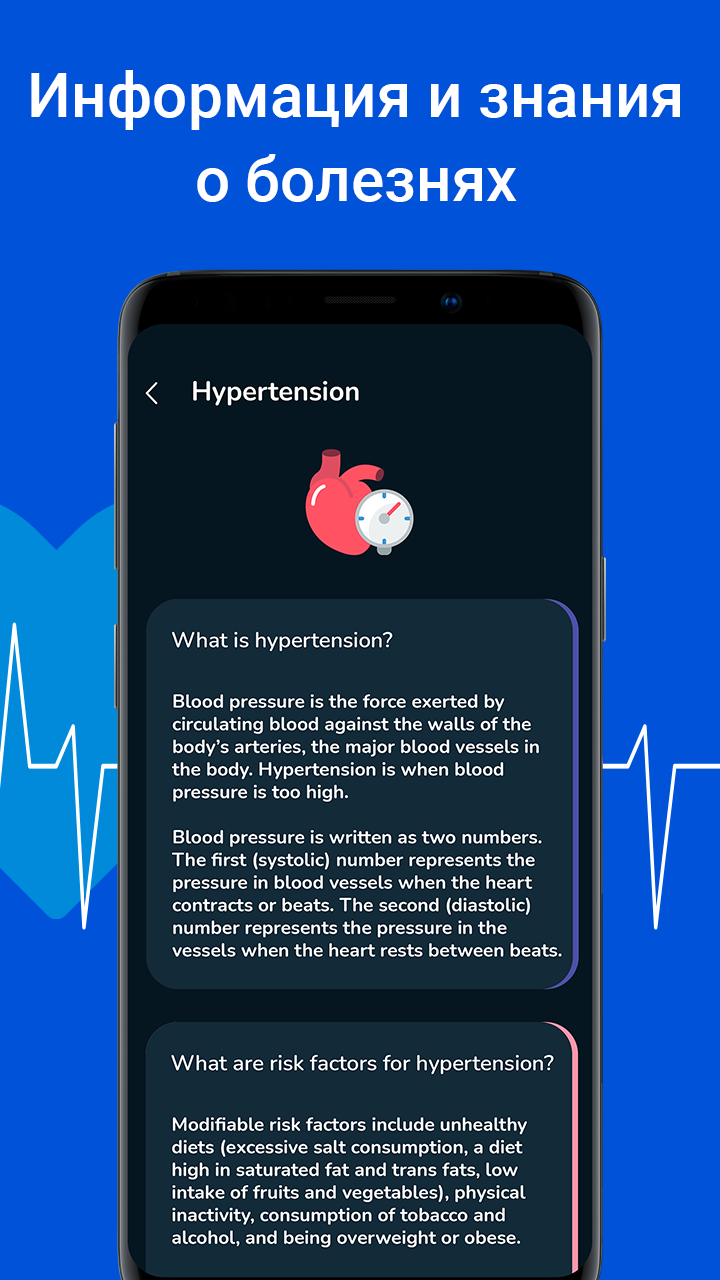
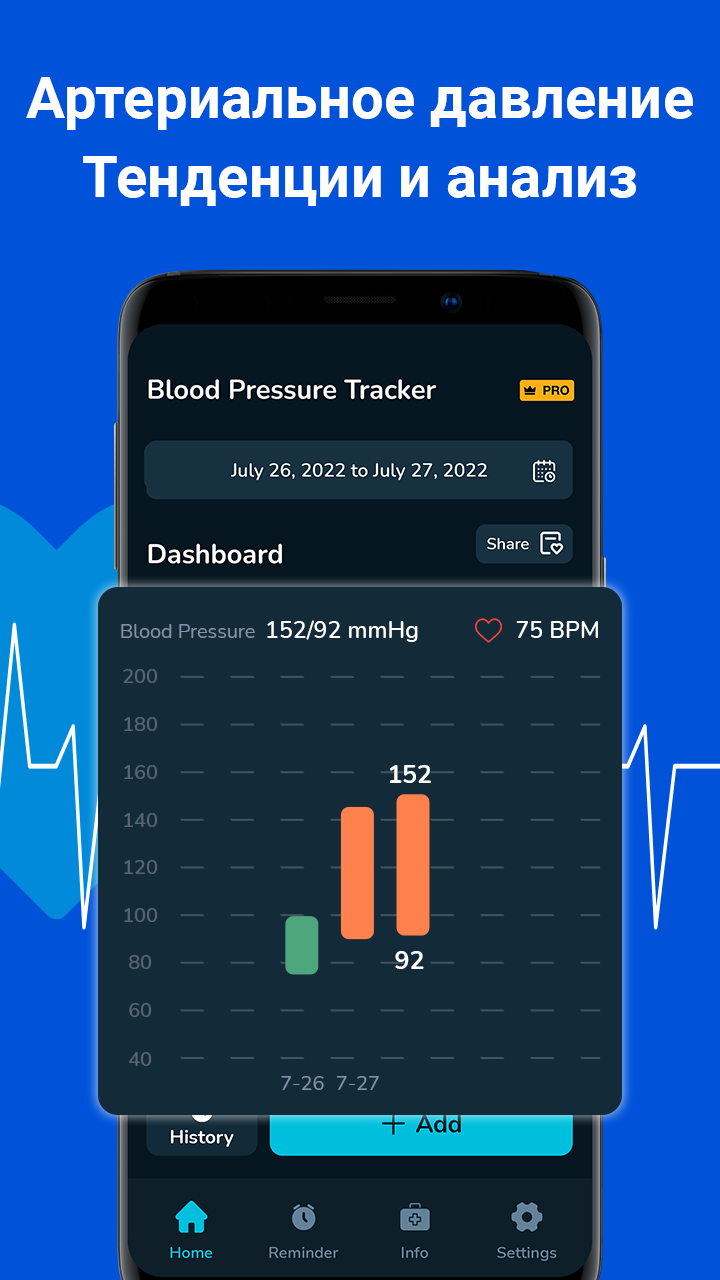
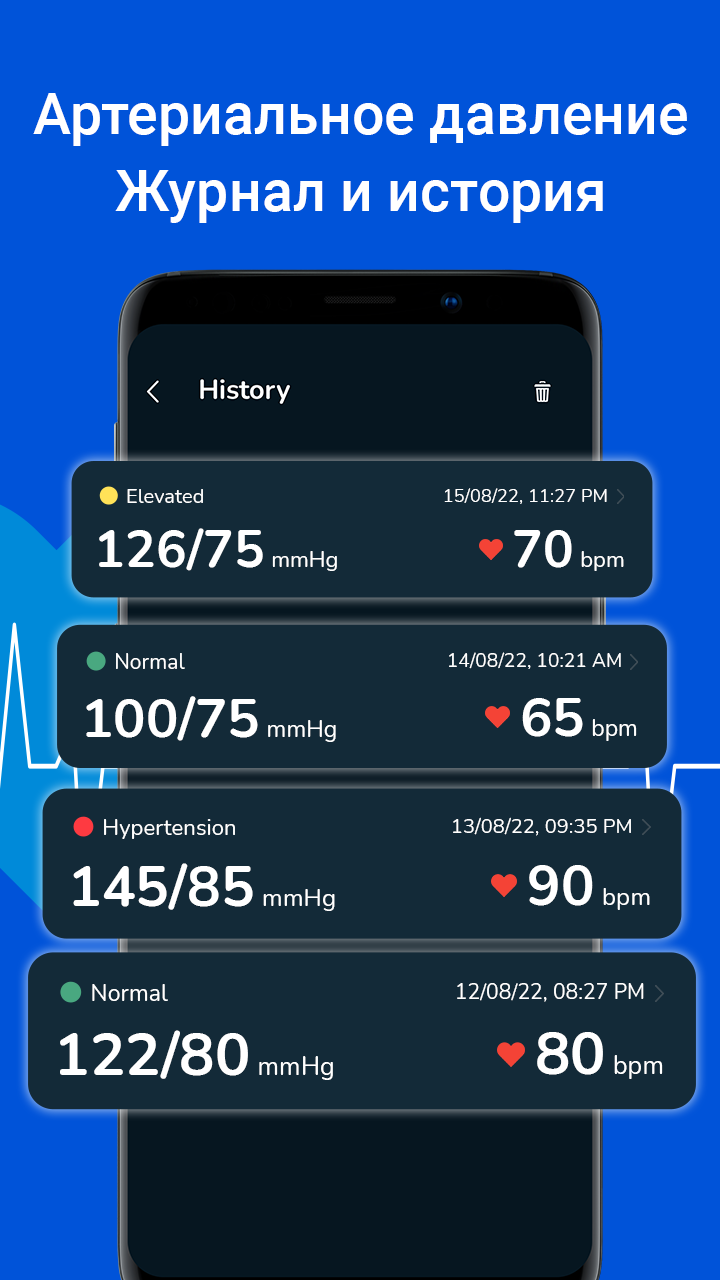
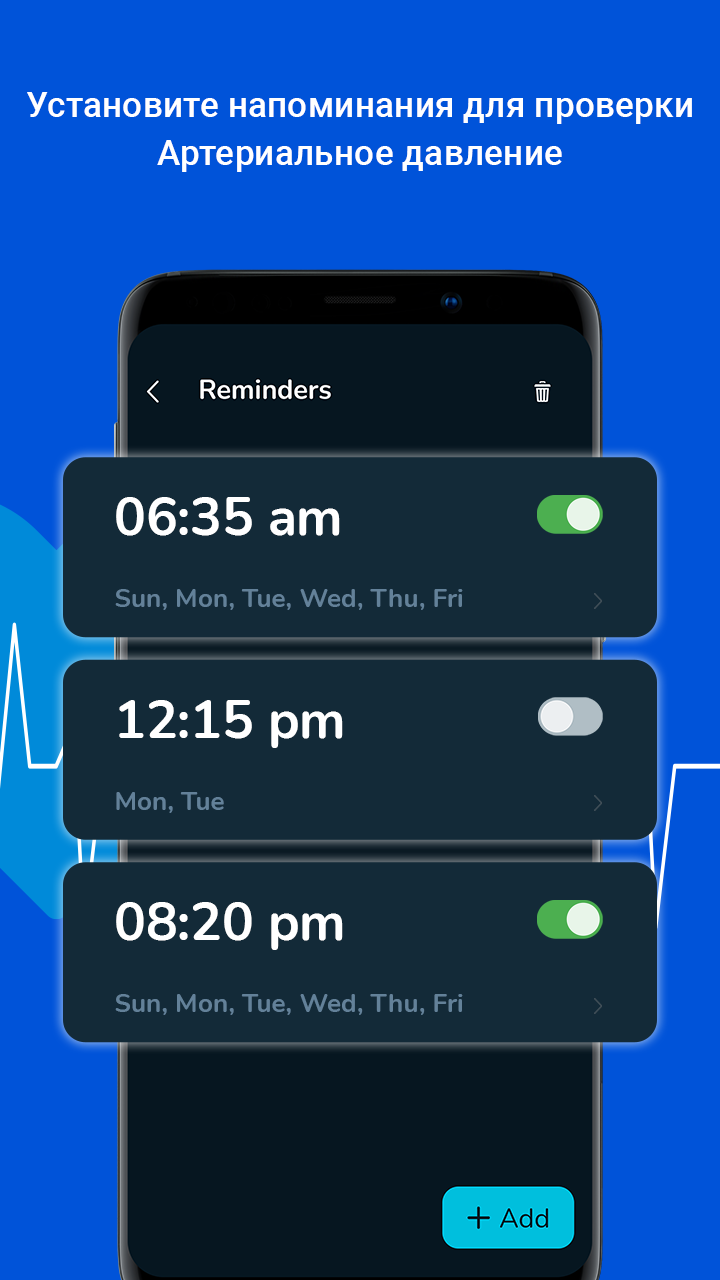
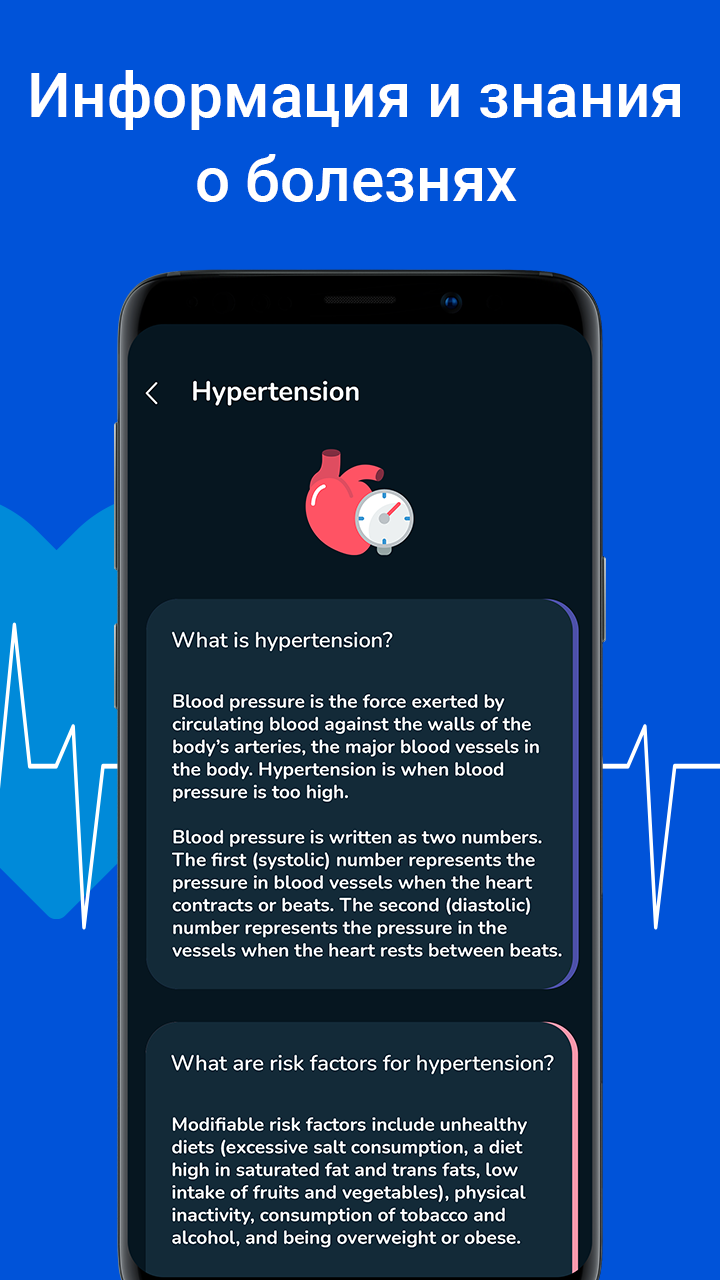
The Blood Pressure Monitor app offers a convenient solution for tracking and managing blood pressure levels. Its intuitive interface makes it easy to input readings, view trends over time, and set reminders for medication or appointments. The app also provides useful insights and tips for maintaining a healthy blood pressure. However, some users may find the free version limiting in features, with more advanced
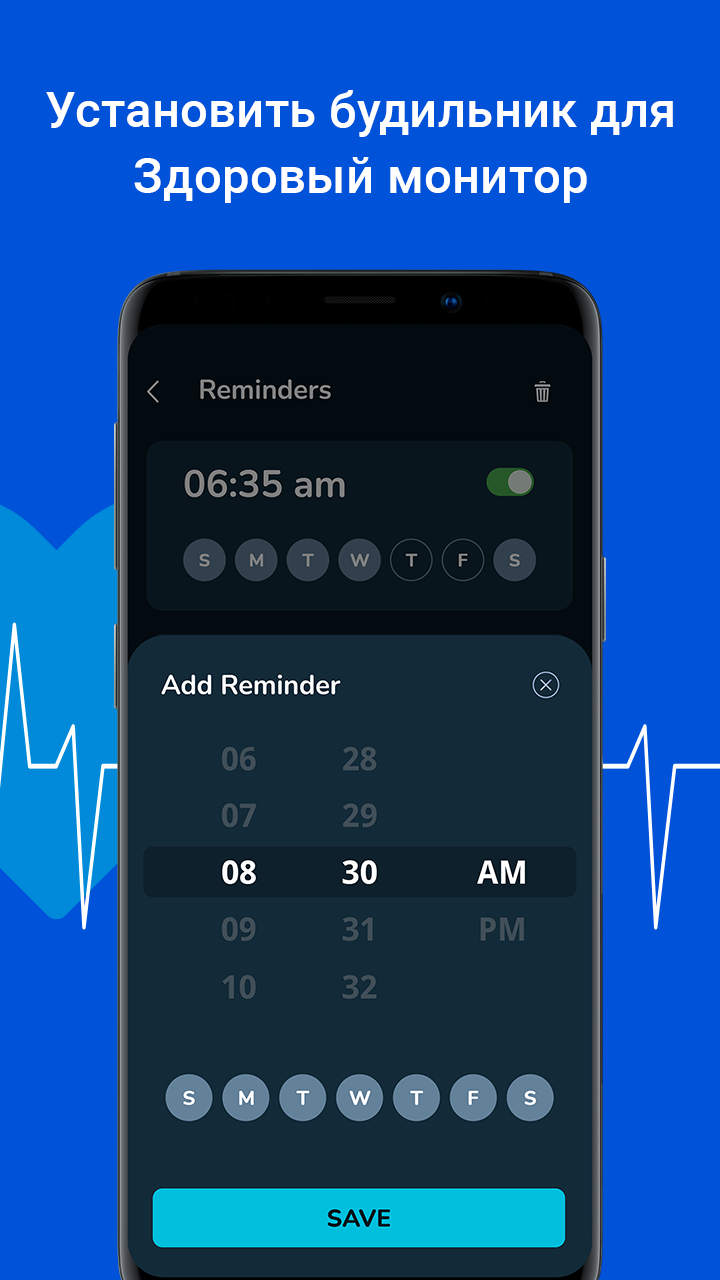
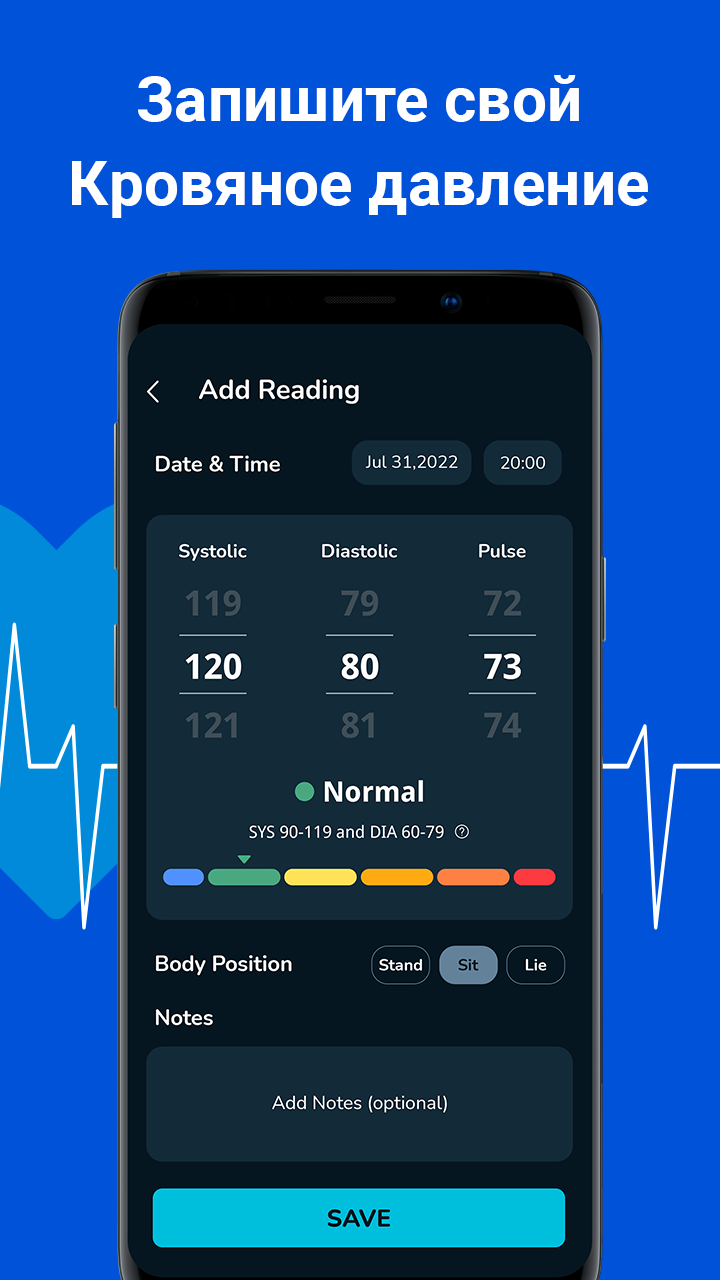
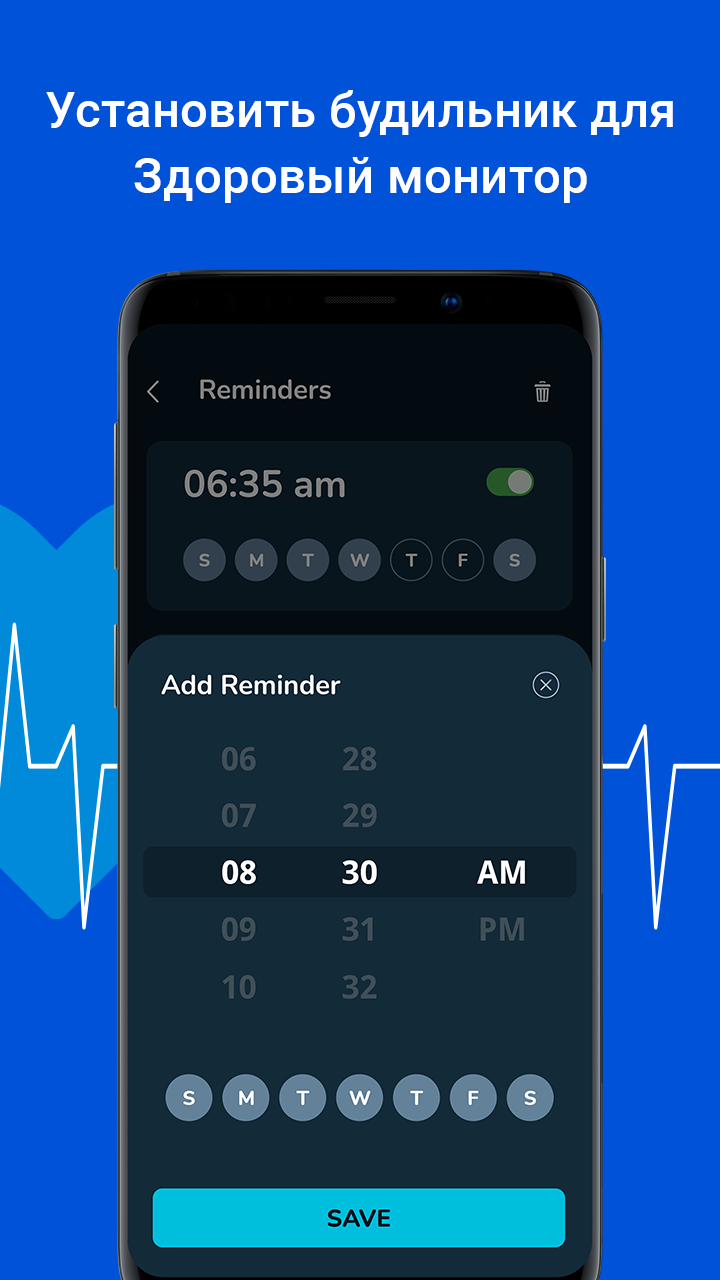
Key features of Blood Pressure App: BP Tracker * Blood pressure monitor with BP tracker * Easily share and export blood pressure and heart rate data as CSV files * Alerts for high or low blood pressure rate * Accurate pulse measurement & heart rate monitor in seconds * Track your heart rate and blood pressure monitor at no cost * Set daily reminders for entering blood pressure data
blood pressure is good heart rate checking app for all health problems easy way to monitoring blood pressure regulerly and best app for cardic patients
Blood Pressure is a mobile app designed to help users monitor and manage their blood pressure readings.
BLOOD PRESSURE MONITOR APP IS VERY EASY TO USE APP 🇱🇷
Post a comment
To leave a comment, log in with your social network:
Or leave an anonymous comment. Your comment will be sent for moderation.
Post a comment
To leave a comment, log in with your social network:
Or leave an anonymous comment. Your comment will be sent for moderation.