


HTML Reader/ Viewer
11+
downloads4.2+
version Android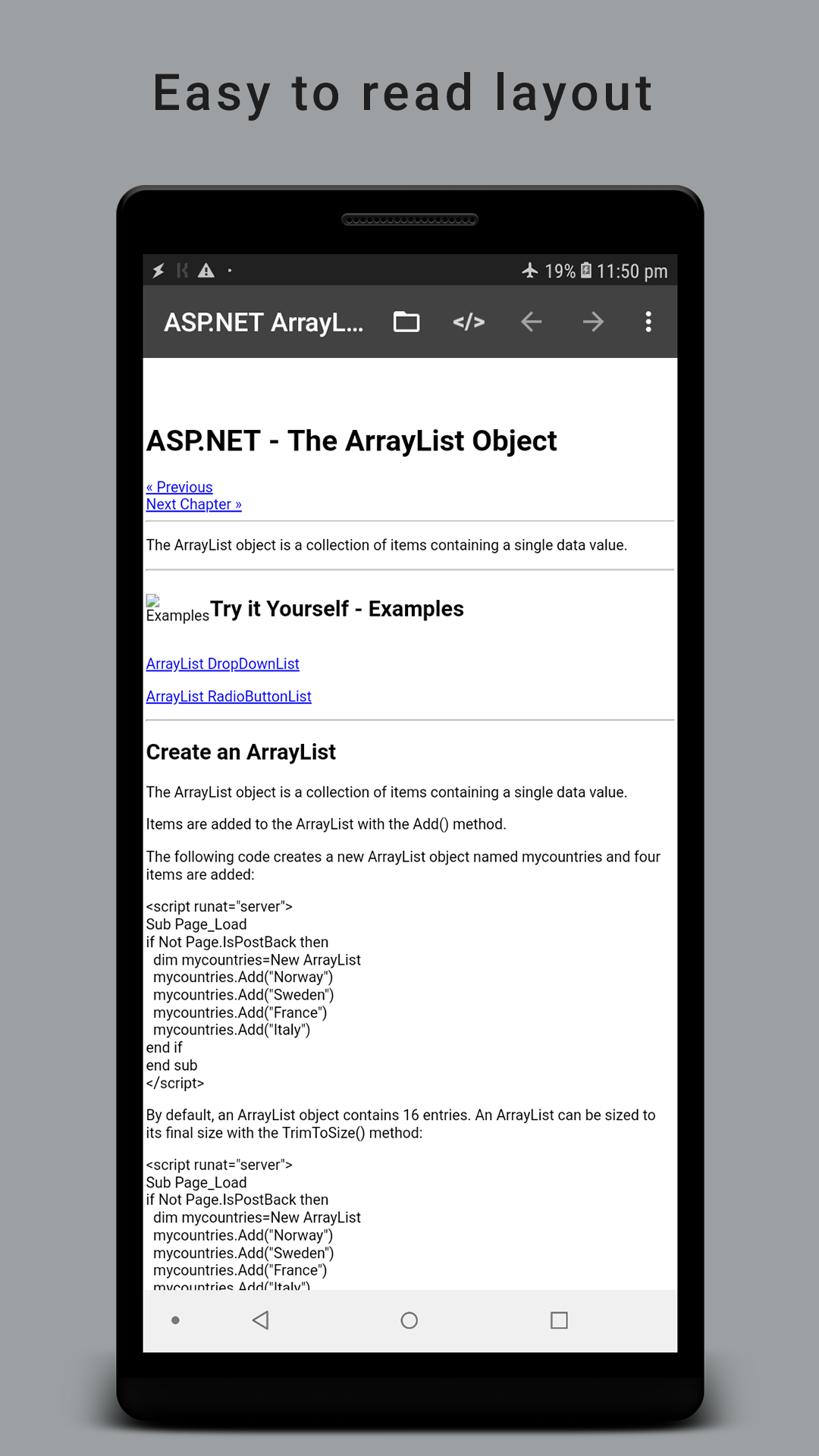
Added: Denis Rubinov
Version: 2.5.5
Size: 9.5 MB
Updated: 11.12.2021
Developer: VasuDev
Age Limitations: Everyone
Authorizations: 8
Downloaded on Google Play: 1676834
Category: Work
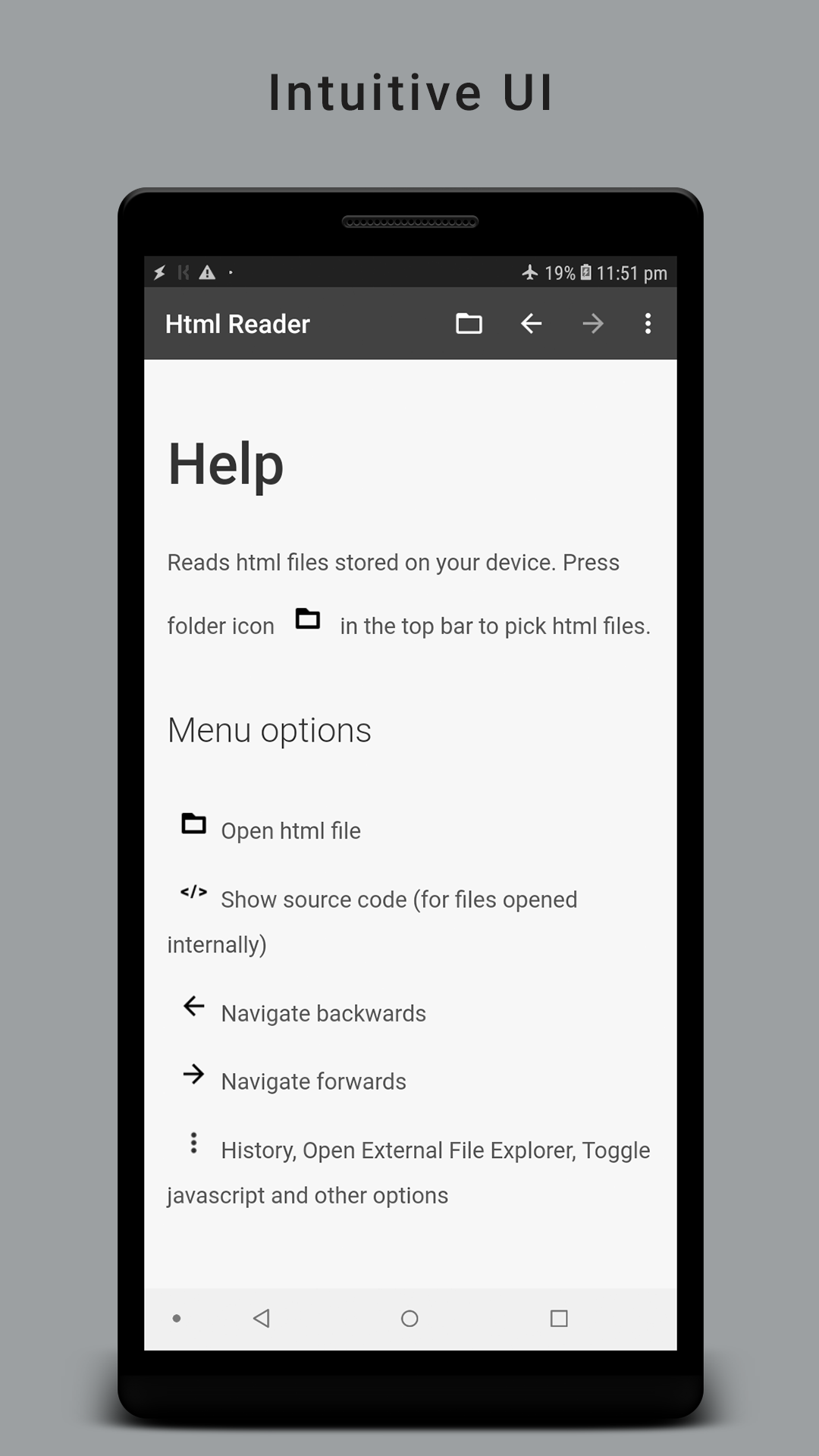
- Intuitive interface.
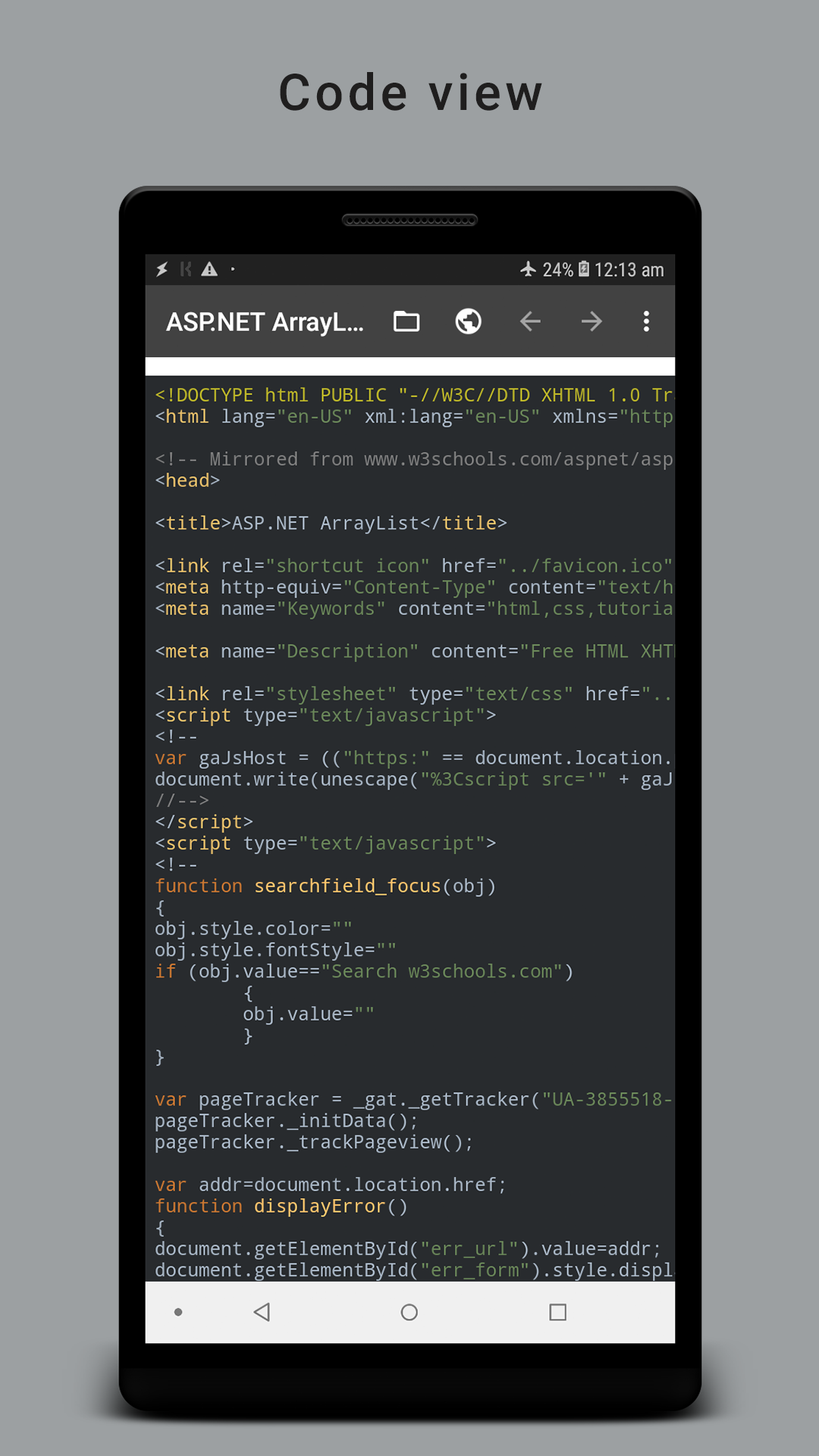
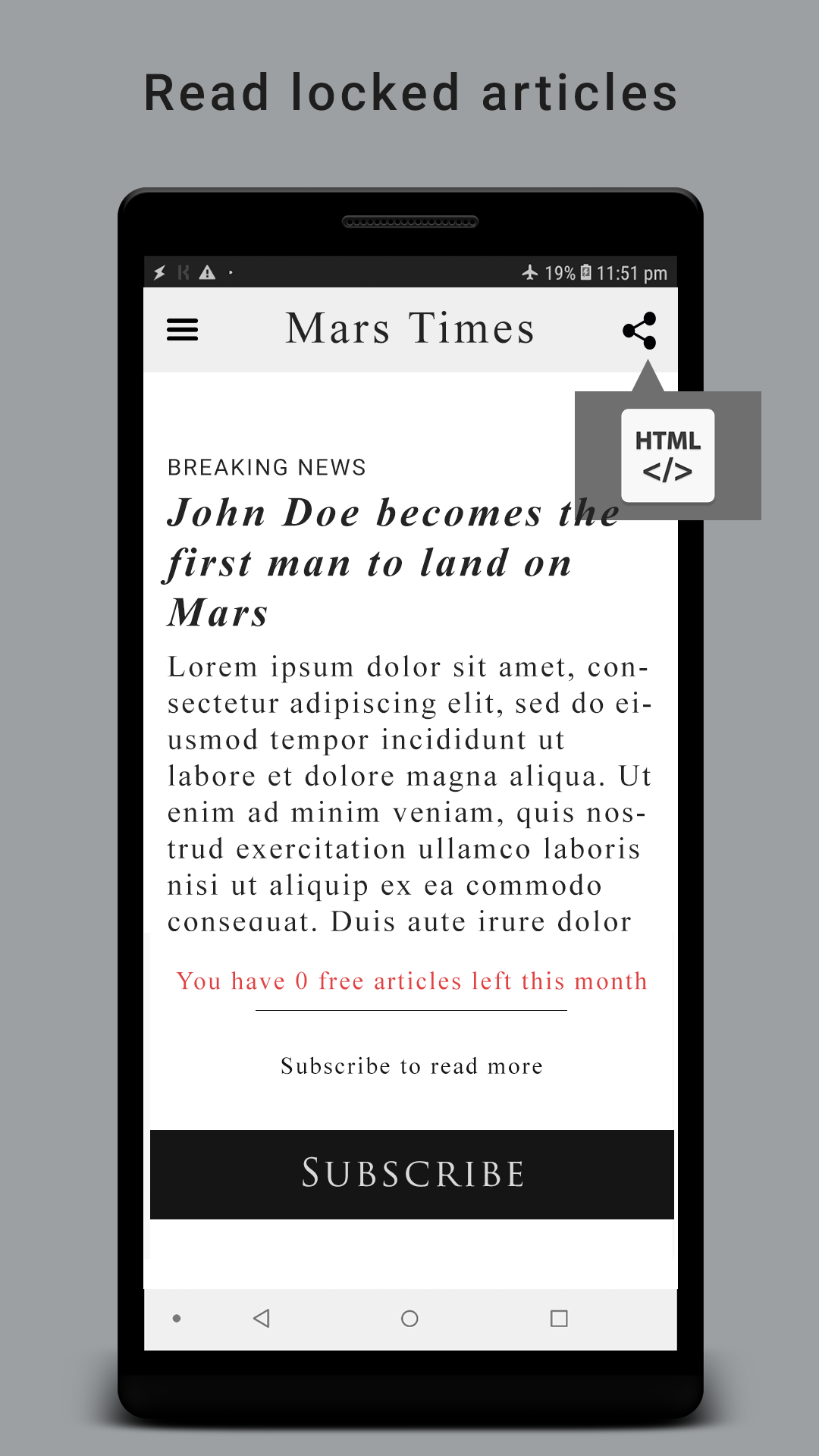
- Code Viewer.
- Turn JavaScript on and off.
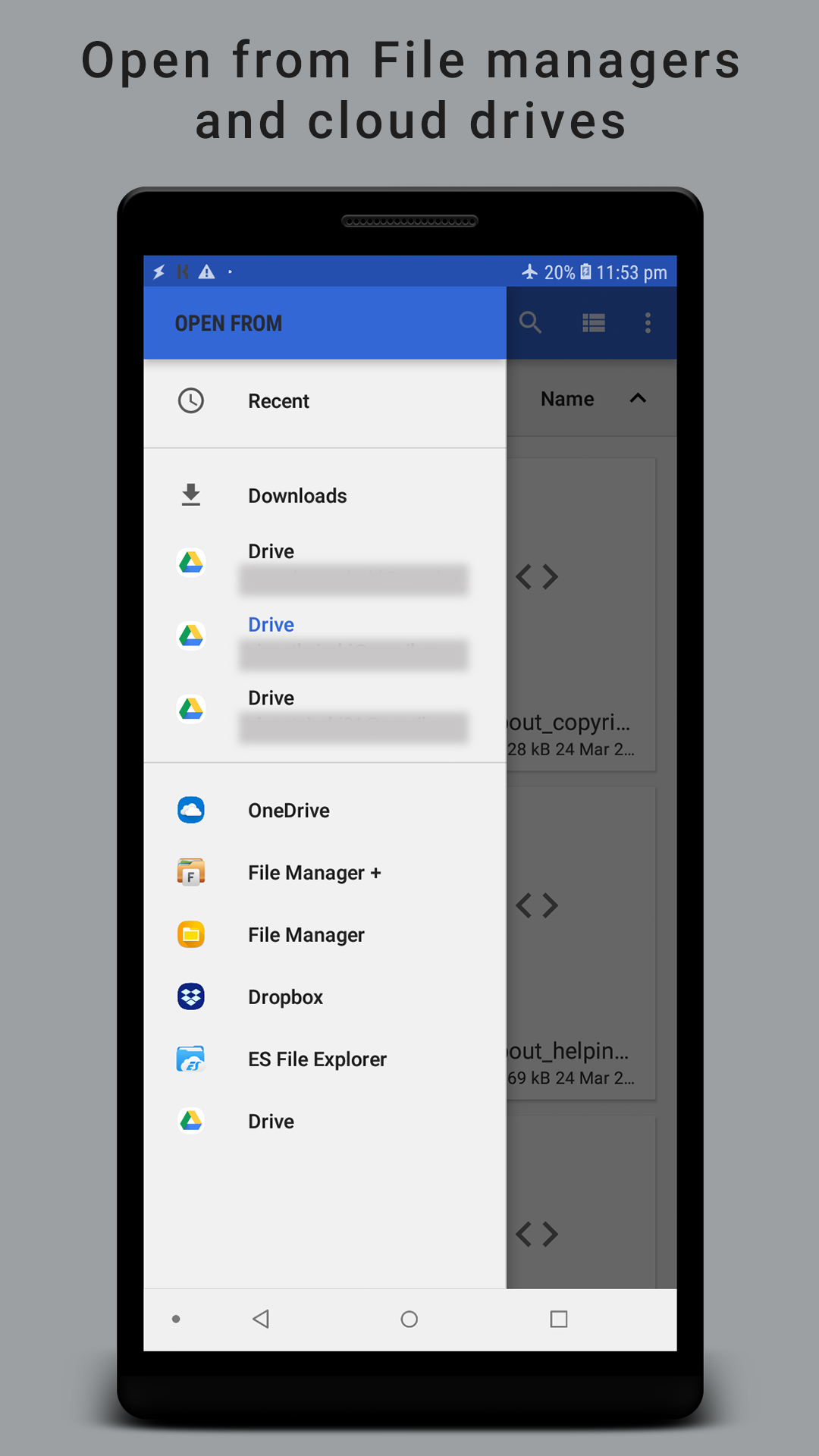
- Works with files saved to SD card.
- Works on almost any device.
Description
Application HTML Reader/ Viewer was checked by VirusTotal antivirus. As a result of the scan, no file infections were detected by all the latest signatures.
How to install HTML Reader/ Viewer
- Download APK file apps from apkshki.com.
- Locate the downloaded file. You can find it in the system tray or in the 'Download' folder using any file manager.
- If the file downloaded in .bin extension (WebView bug on Android 11), rename it to .apk using any file manager or try downloading the file with another browser like Chrome.
- Start the installation. Click on the downloaded file to start the installation
- Allow installation from unknown sources. If you are installing for the first time HTML Reader/ Viewer not from Google Play, go to your device's security settings and allow installation from unknown sources.
- Bypass Google Play protection. If Google Play protection blocks installation of the file, tap 'More Info' → 'Install anyway' → 'OK' to continue..
- Complete the installation: Follow the installer's instructions to complete the installation process.
How to update HTML Reader/ Viewer
- Download the new version apps from apkshki.com.
- Locate the downloaded file and click on it to start the installation.
- Install over the old version. There is no need to uninstall the previous version.
- Avoid signature conflicts. If the previous version was not downloaded from apkshki.com, the message 'Application not installed' may appear. In this case uninstall the old version and install the new one.
- Restart annex HTML Reader/ Viewer after the update.








Requesting an application update
Added Denis Rubinov
Version: 2.5.5
Size: 9.5 MB
Updated: 11.12.2021
Developer: VasuDev
Age Limitations: Everyone
Authorizations:
Downloaded on Google Play: 1676834
Category: Work












Reviews for HTML Reader/ Viewer
Functional but the HTML program resets whenever the device is flipped horizontally or vertically. Would give 5 stars if fixed.
the full screen mode is great and I like it but it shouldn't be enabled when I click on a button in the html page, this is ruining the experience of the app. Also there is no desktop mode which is really important sometimes.
Absolutely a GREAT application, surpassed only by the support keenly and unselfishly offerered by the developer who was polite enough to not even vaguely refer to my stupidity and lack of clear thinking. And I speak from a wealth of experience. Someone worth supporting. I cannot recommend this combination highly enough. Peter Kelly, Australia.
excellent option
Perfect for reading installed html Just what I wanted
A truly excellent app. My only suggestion, is to make it available for more than one device (at least two). I look forward to more products from this brand.
This application software is userfriendly
TOTALLY USELESS APP for "Android"!
ায়শসআএবহ হহব
Doesn't work it useless
Waste of time
Nice app
Nice app for reading uptodate
Very great! It taketh backgrounds, images, etc. I would give 5 stars if thou add edition tools (now, it is plain text and in my case, i can not edit directly on text view on app).
Excellent!
Post a comment
To leave a comment, log in with your social network:
Or leave an anonymous comment. Your comment will be sent for moderation.
Post a comment
To leave a comment, log in with your social network:
Or leave an anonymous comment. Your comment will be sent for moderation.