


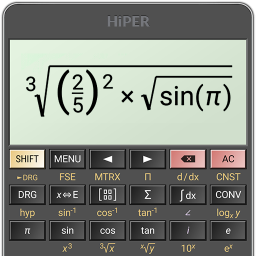
HiPER Scientific Calculator
35+
downloads4.1+
version Android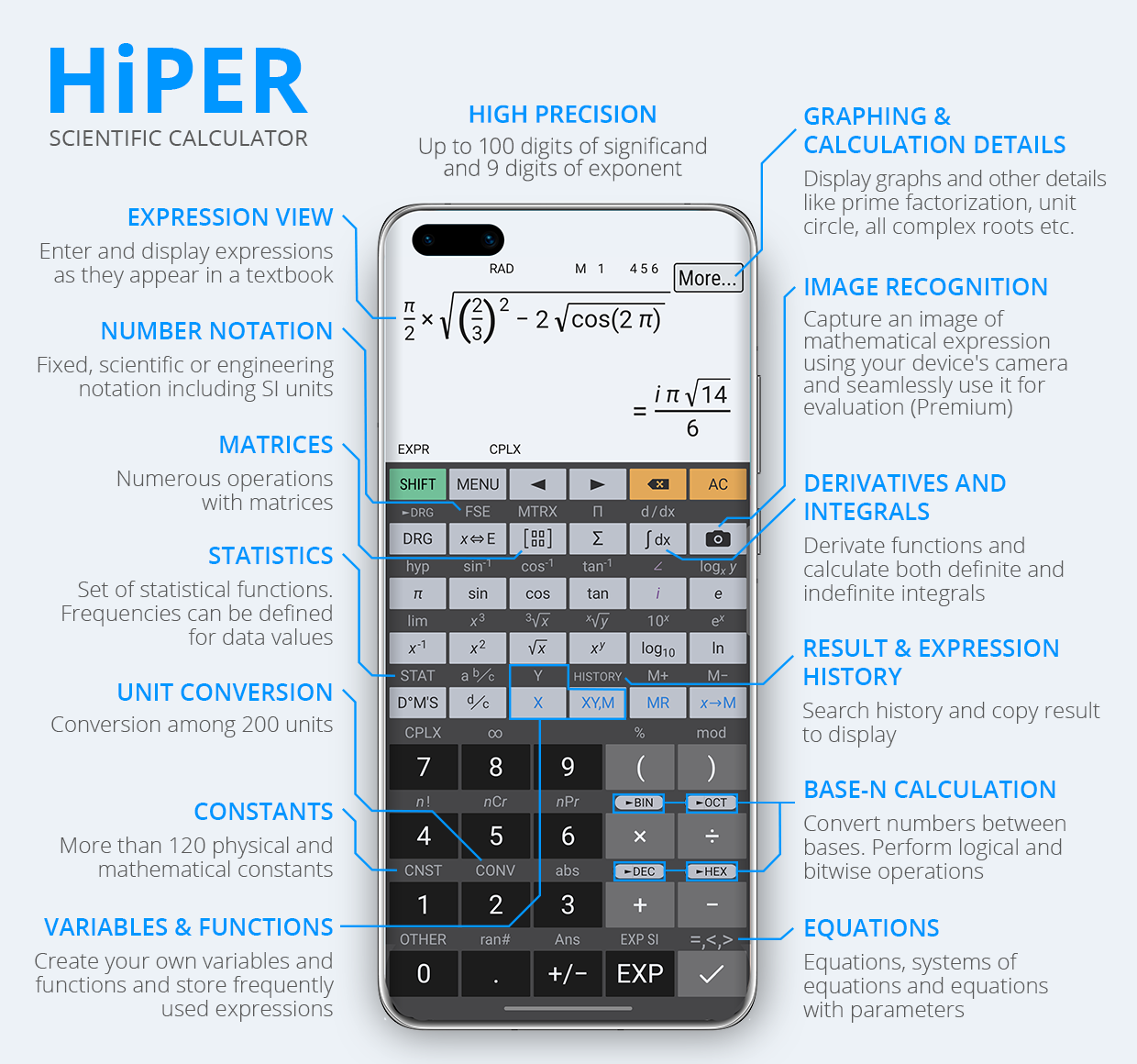
Added: Denis Rubinov
Version: 11.1.3
Size: 12.3 MB
Updated: 21.05.2025
Developer: HiPER Development Studio
Age Limitations: Everyone
Authorizations: 3
Downloaded on Google Play: 32715337
Category: Tools
Description
Application HiPER Scientific Calculator was checked by VirusTotal antivirus. As a result of the scan, no file infections were detected by all the latest signatures.
How to install HiPER Scientific Calculator
- Download APK file apps from apkshki.com.
- Locate the downloaded file. You can find it in the system tray or in the 'Download' folder using any file manager.
- If the file downloaded in .bin extension (WebView bug on Android 11), rename it to .apk using any file manager or try downloading the file with another browser like Chrome.
- Start the installation. Click on the downloaded file to start the installation
- Allow installation from unknown sources. If you are installing for the first time HiPER Scientific Calculator not from Google Play, go to your device's security settings and allow installation from unknown sources.
- Bypass Google Play protection. If Google Play protection blocks installation of the file, tap 'More Info' → 'Install anyway' → 'OK' to continue..
- Complete the installation: Follow the installer's instructions to complete the installation process.
How to update HiPER Scientific Calculator
- Download the new version apps from apkshki.com.
- Locate the downloaded file and click on it to start the installation.
- Install over the old version. There is no need to uninstall the previous version.
- Avoid signature conflicts. If the previous version was not downloaded from apkshki.com, the message 'Application not installed' may appear. In this case uninstall the old version and install the new one.
- Restart annex HiPER Scientific Calculator after the update.







Requesting an application update
Added Denis Rubinov
Version: 11.1.3
Size: 12.3 MB
Updated: 21.05.2025
Developer: HiPER Development Studio
Age Limitations: Everyone
Authorizations:
Downloaded on Google Play: 32715337
Category: Tools












Reviews for HiPER Scientific Calculator
floor and ceiling functions do not work. playstore do not allowed screenshots.
There is no pole and rec button .. in this calculator
very useful
Ok
excellent
best
it's great!
just amazing
It's just awesome
very nice app♥️♥️
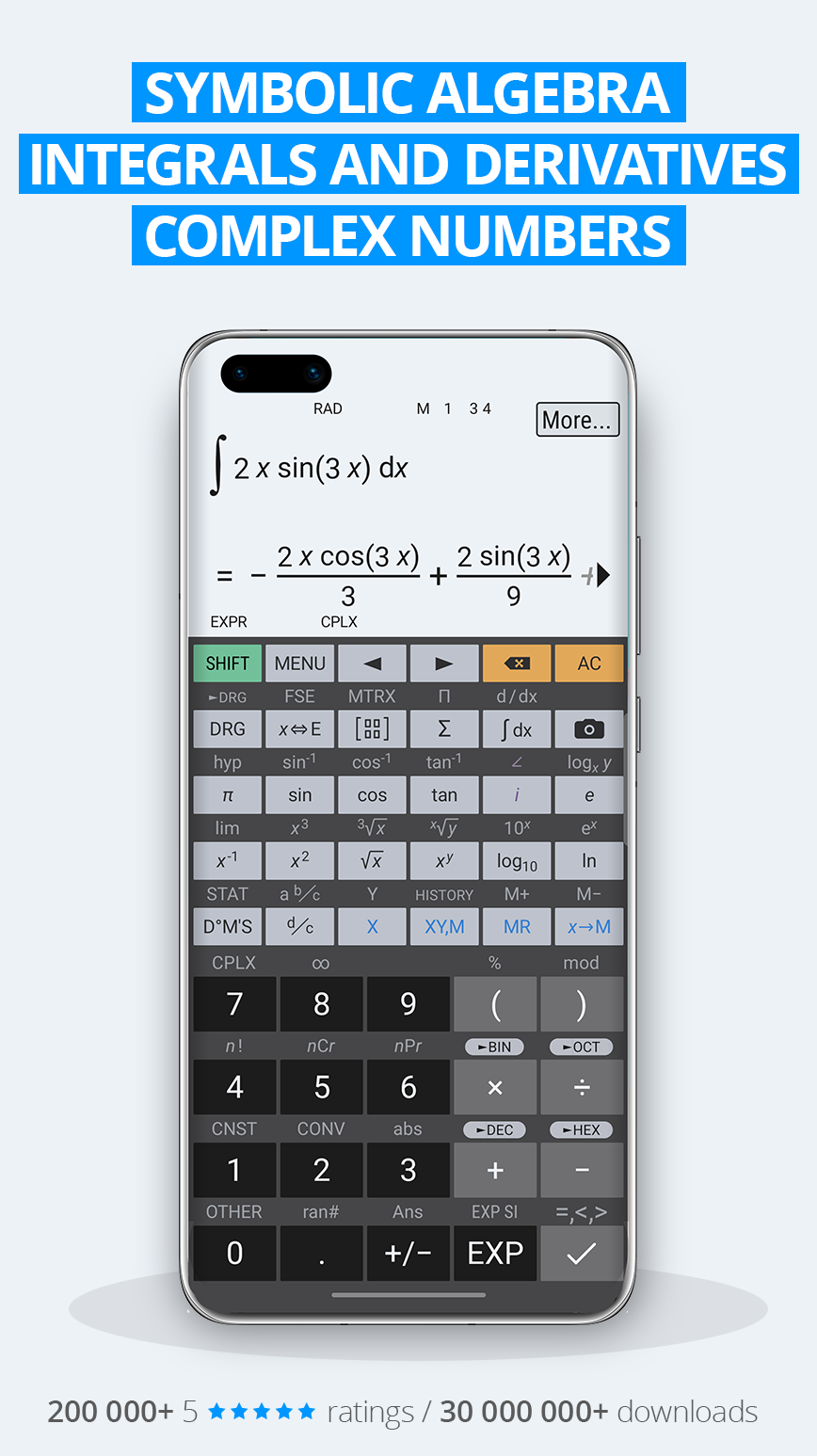
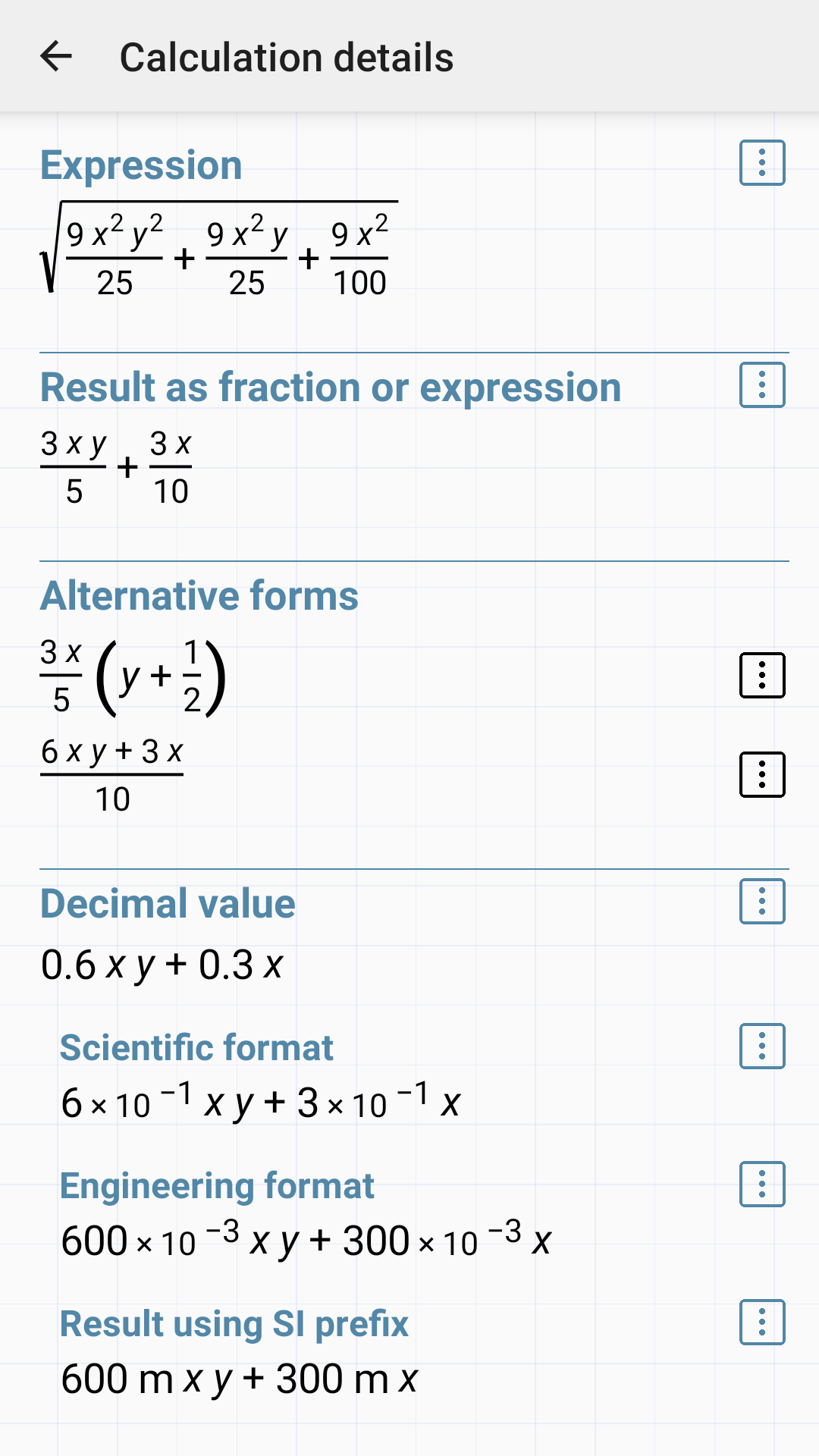
Finally, Just what I've been looking for! I love the historical record of my work and calculations. It saves me so much time by NOT having to repeat previous work again and again. Plus I can delete line items while saving others, That's excellent functionality! Awesome, all the various calculation capabilities this app has, from a simple calculator to advanced functions for physics, chemistry, both electrical & mechanical engineering to investments and even programming. THANK YOU!
This calculator is an amazing time saver, will buy the pro version. One request, if possible: please make the height of the operations frame adjustable in the expanded layout, so the buttons below can be a taller and easier to press without mistakes. Also, larger font would be nice on the button labels, in expanded layout. Thank you!
So apparently, there was a trial period for the expression part of the calculator which I find quite annoying. That was what I was using it mainly for anyways so that's disappointing to me for there to be a trial period. But the main thing that annoys me is why there's a trial period. I looked in the description and there wasn't any mention of a trial. I sure hope this thing isn't taking money from me because I didn't sign up for that. But aside from that, it's a good app. But without the expressions, it's like any other calculator. Actually, without the expressions it's like the calculator I use for school. But anyway it's a good app, but if you are getting it for the expressions, don't get it. It's a good app though.
Excellent, does most any kind of operation! Although, sometimes I may have a some difficulty in how produce and store some operation or it's reverse ahead of time, but that's probably just me. I haven't got an indication that it is incapable of something or other, unlike some calculators offered here!
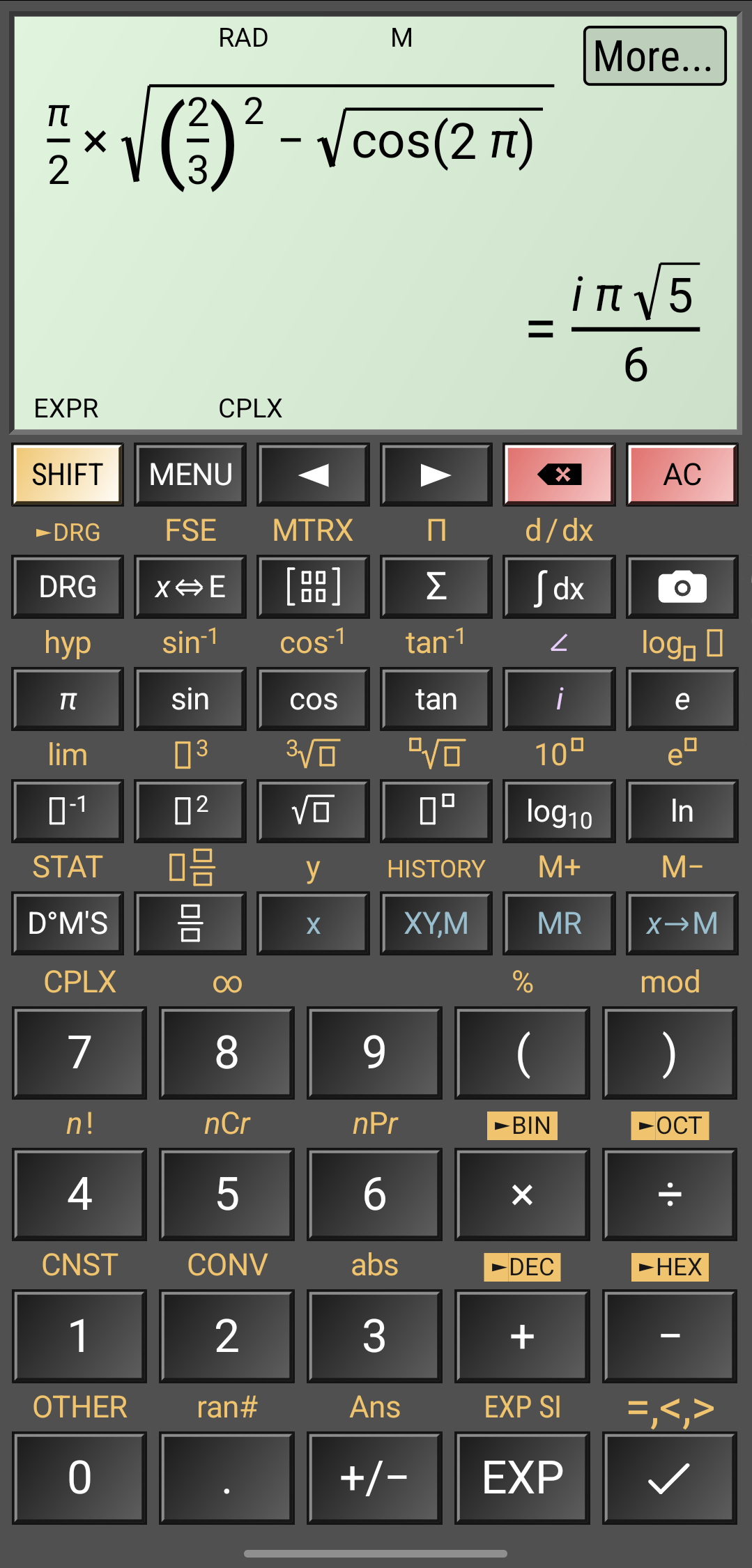
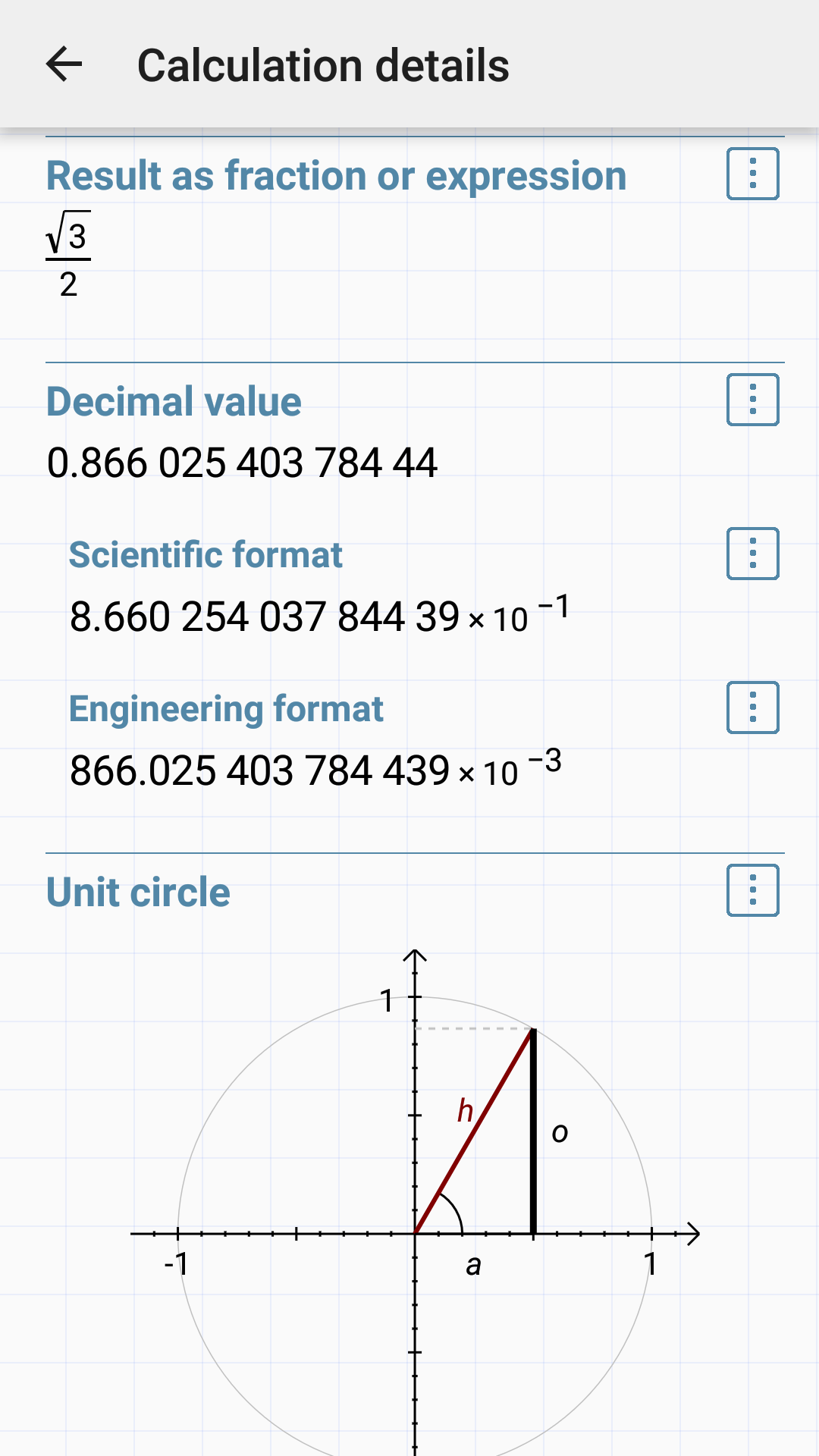
This is without a doubt the best calculator I've ever used. The only other one that is comparable is the one bundled with Windows 10, and the fact that this is on my phone renders it superior on portability alone. The universal constants with 45 digit accuracy are mindblowing. It's sufficient to measure the Solar System to the Planck Length. I plan on buying the full version as soon as possible. To the creator, thank you for all the obviously hard work in developing this quality product. 500!!
Post a comment
To leave a comment, log in with your social network:
Or leave an anonymous comment. Your comment will be sent for moderation.
Post a comment
To leave a comment, log in with your social network:
Or leave an anonymous comment. Your comment will be sent for moderation.