



Google Family Link
30+
downloads1.0+
version Android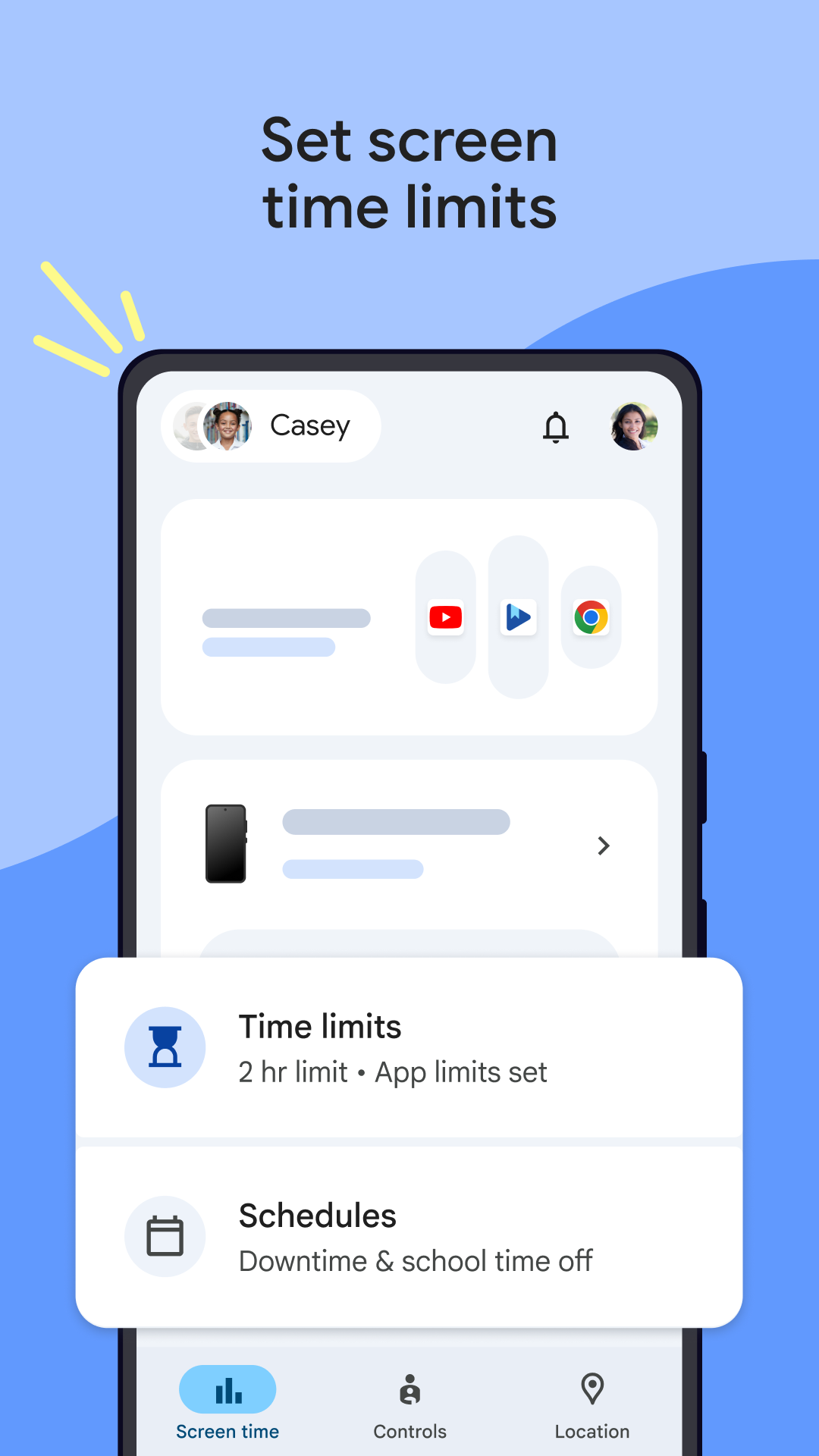
Added: Denis Rubinov
Version: 2.52.0.D.764426428
Size: 44.3 MB
Updated: 24.06.2025
Developer: Google LLC
Age Limitations: Everyone
Downloaded on Google Play: 122798100
Category: Motherhood and childhood
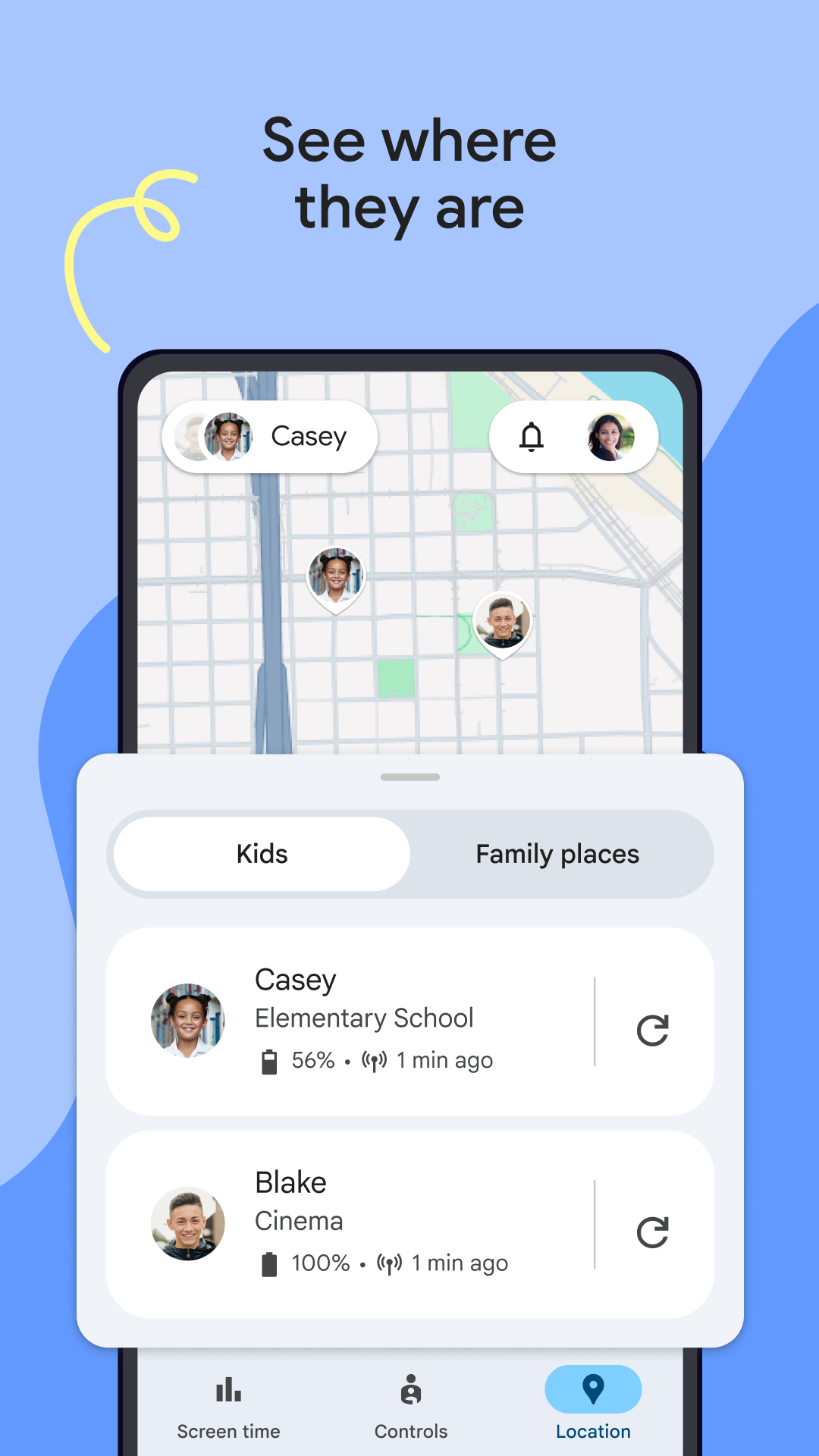
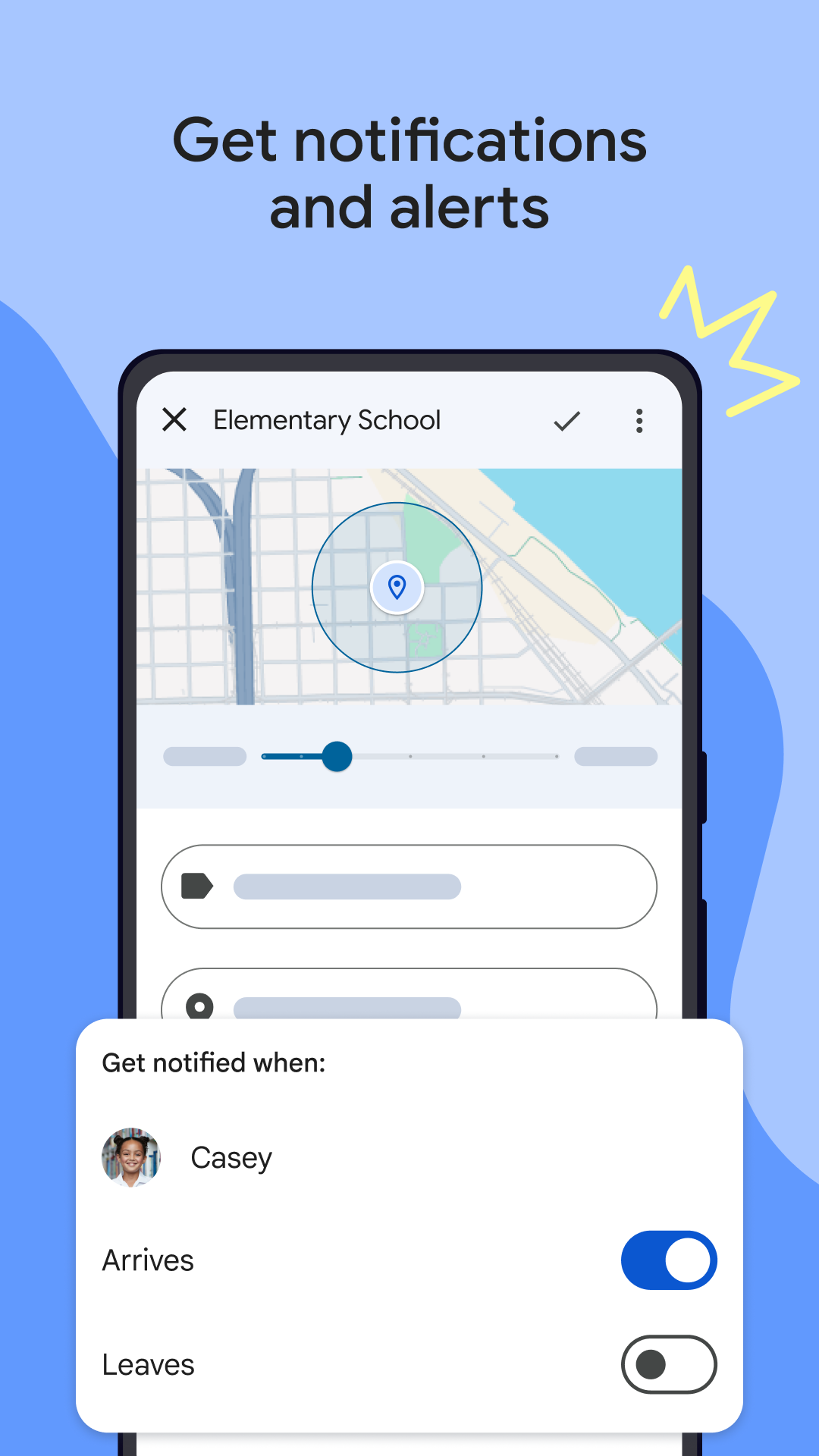
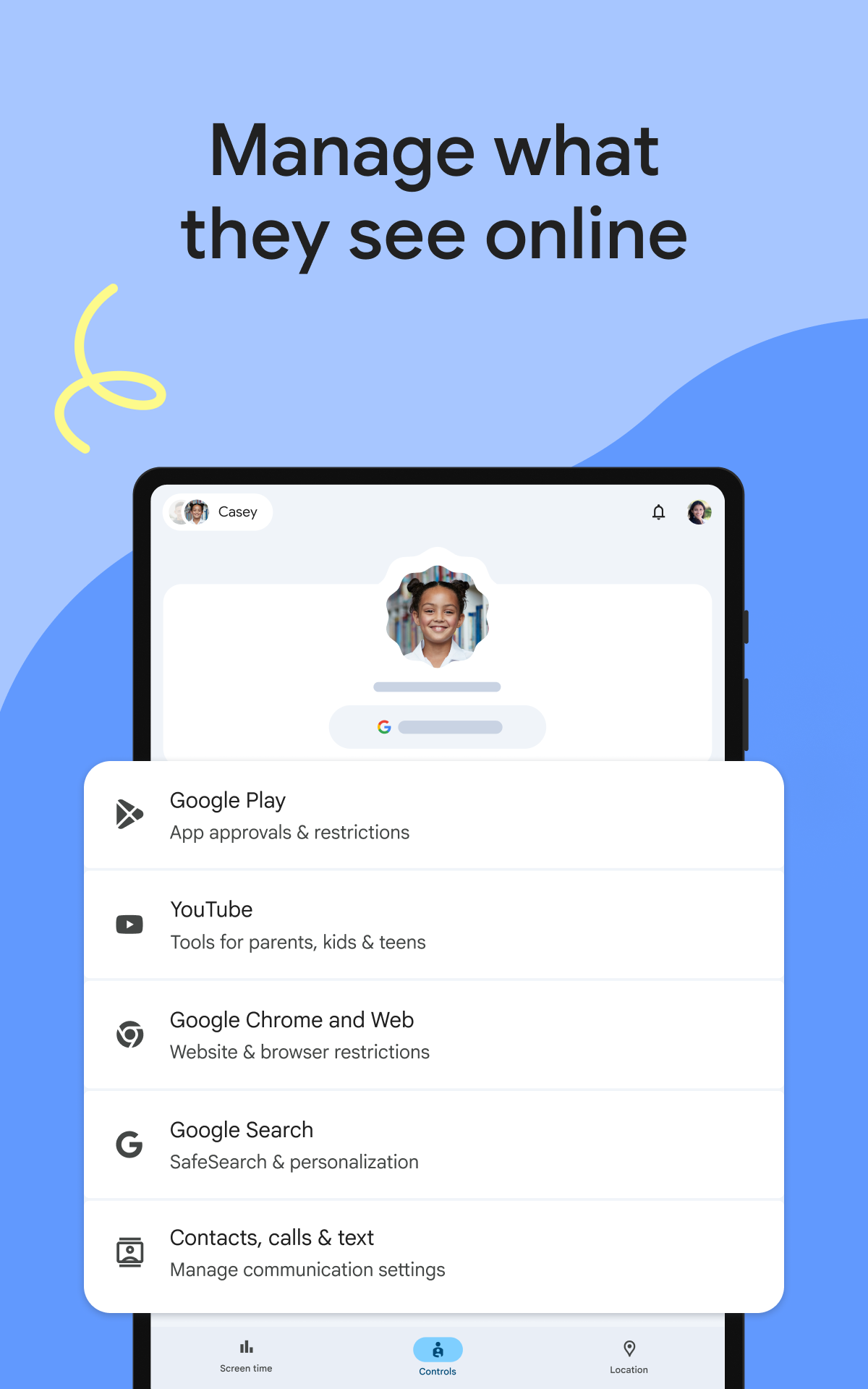
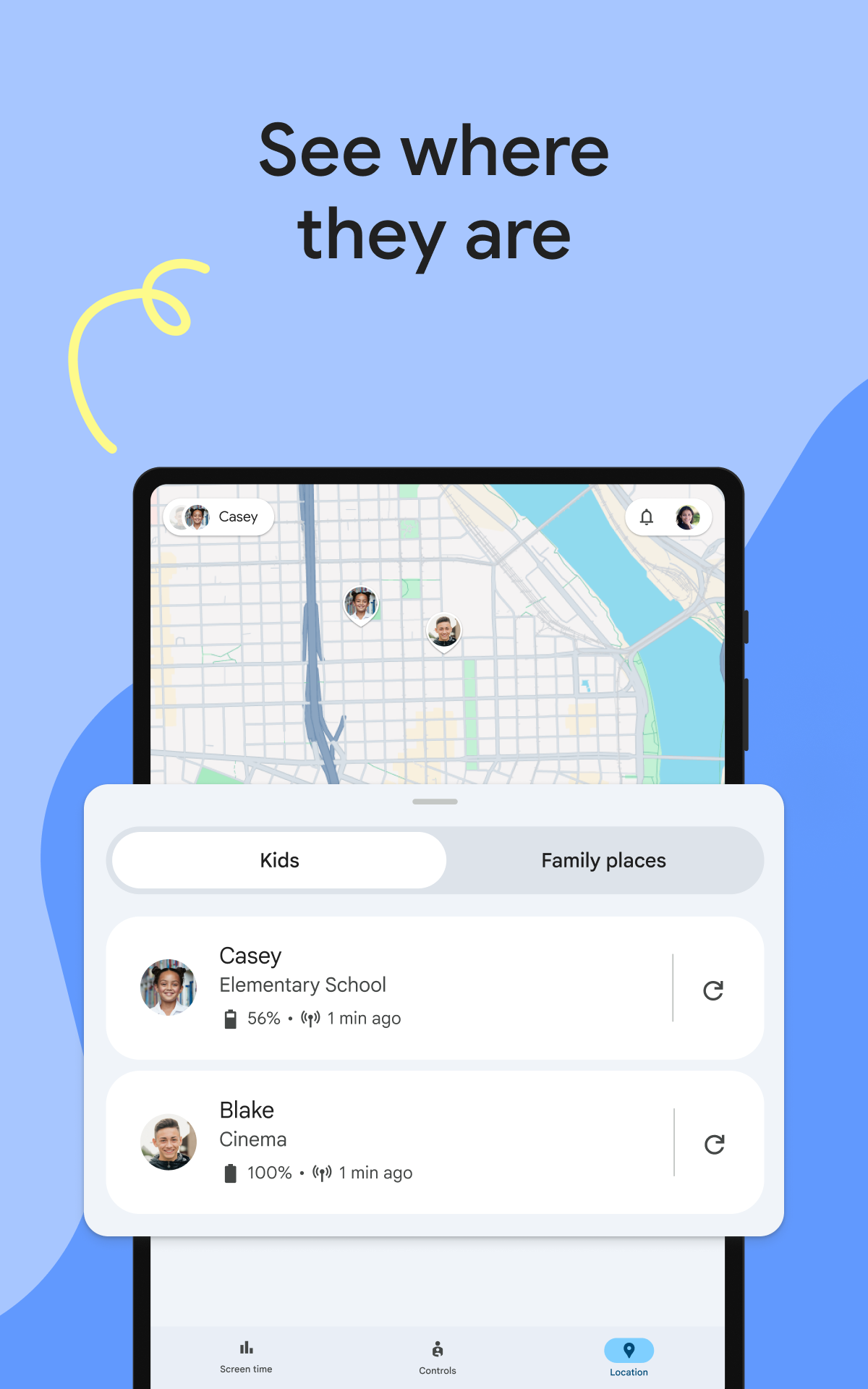
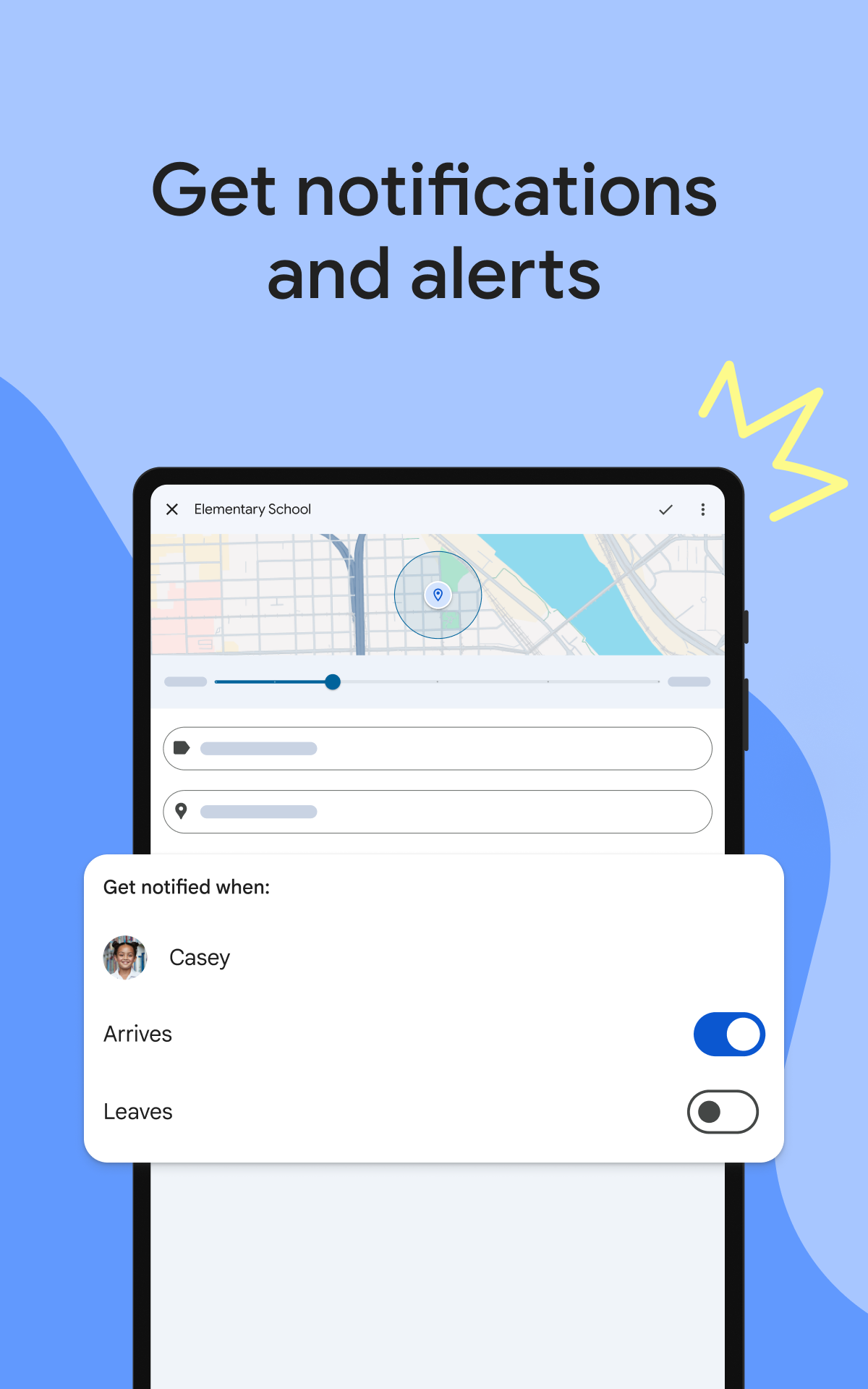
- Monitor the location of the child.
- Statistics of smartphone use by a child.
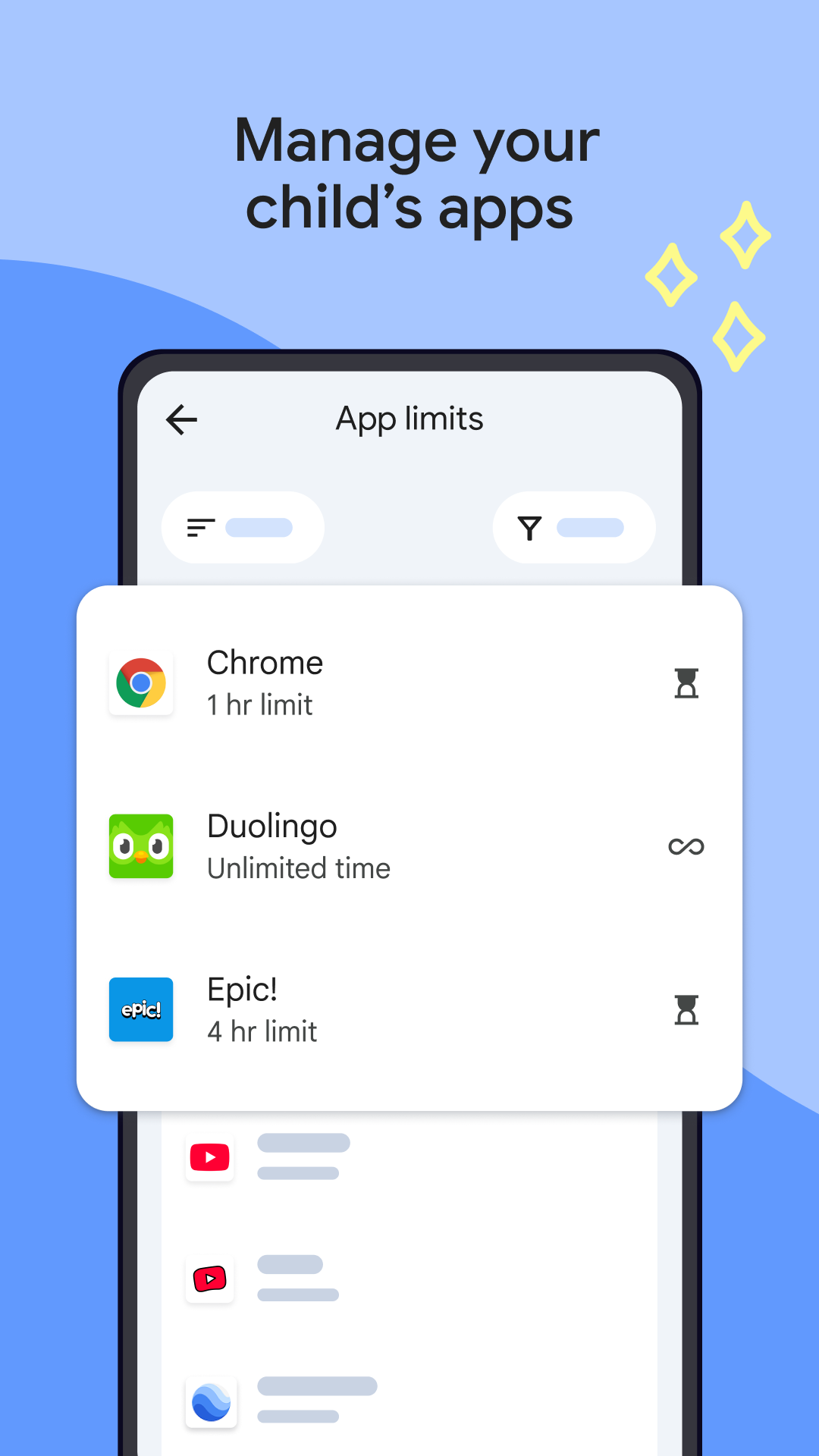
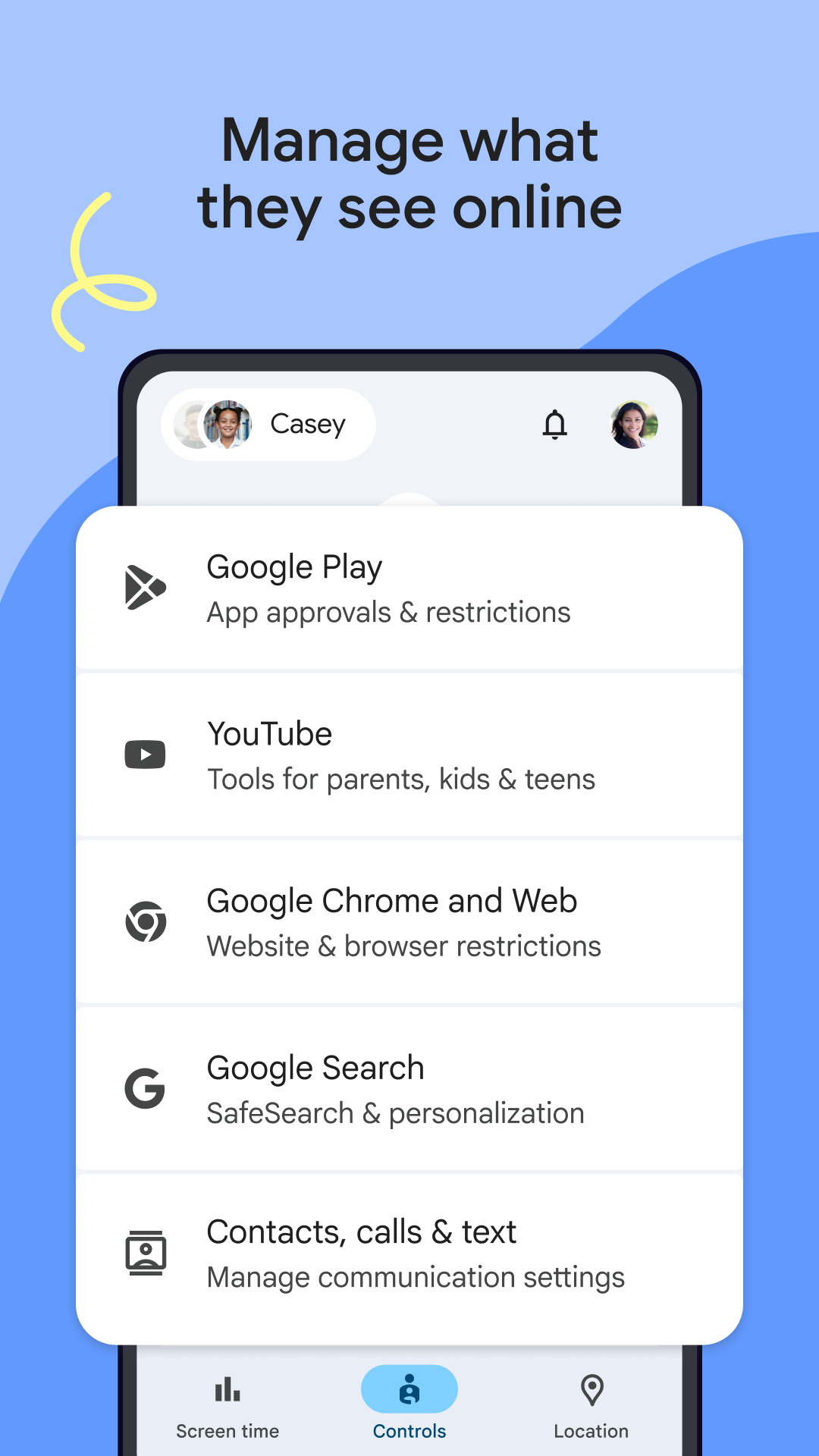
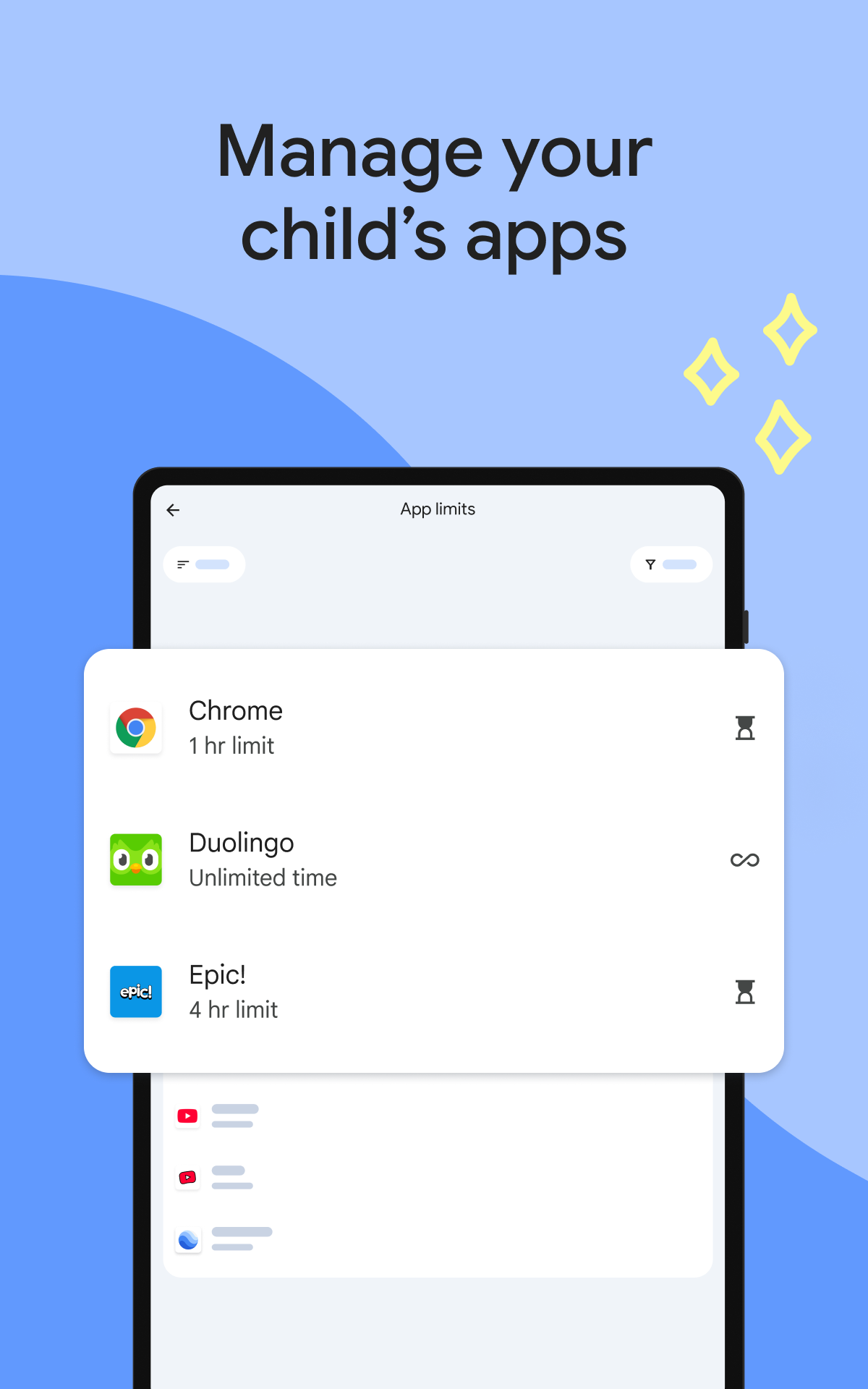
- Lists of Approved Software.
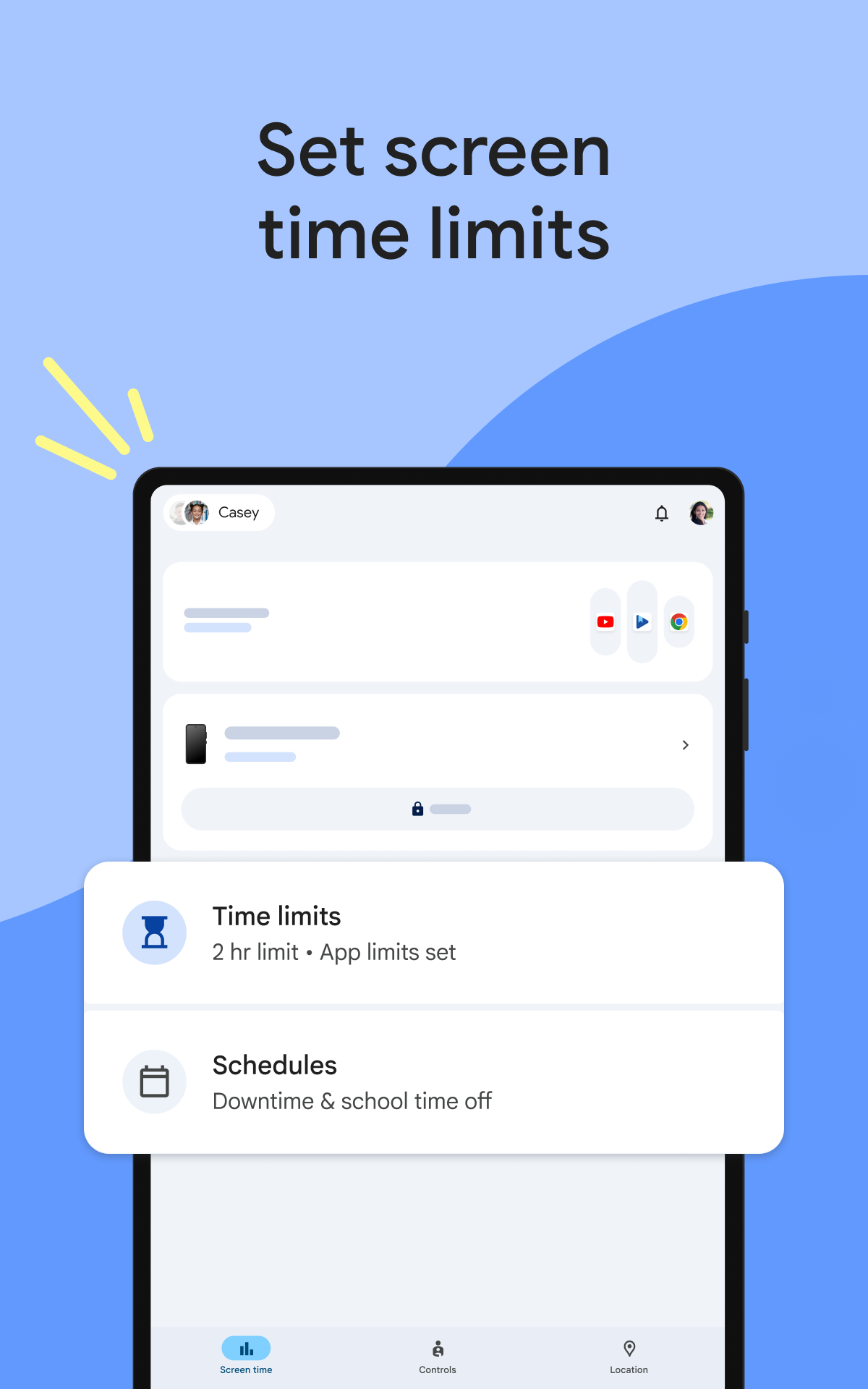
- Lock your gadget at night.
- Russian language support.
Description
Application Google Family Link was checked by VirusTotal antivirus. As a result of the scan, no file infections were detected by all the latest signatures.
How to install Google Family Link
- Download APK file apps from apkshki.com.
- Locate the downloaded file. You can find it in the system tray or in the 'Download' folder using any file manager.
- If the file downloaded in .bin extension (WebView bug on Android 11), rename it to .apk using any file manager or try downloading the file with another browser like Chrome.
- Start the installation. Click on the downloaded file to start the installation
- Allow installation from unknown sources. If you are installing for the first time Google Family Link not from Google Play, go to your device's security settings and allow installation from unknown sources.
- Bypass Google Play protection. If Google Play protection blocks installation of the file, tap 'More Info' → 'Install anyway' → 'OK' to continue..
- Complete the installation: Follow the installer's instructions to complete the installation process.
How to update Google Family Link
- Download the new version apps from apkshki.com.
- Locate the downloaded file and click on it to start the installation.
- Install over the old version. There is no need to uninstall the previous version.
- Avoid signature conflicts. If the previous version was not downloaded from apkshki.com, the message 'Application not installed' may appear. In this case uninstall the old version and install the new one.
- Restart annex Google Family Link after the update.









Kaspersky SafeKids with GPS
Motherhood and childhood

Advanced Parental Tools
Motherhood and childhood

Norton Family Parental Control
Tools
ParentsKit
Tools
Kids Place Parental Control
Tools

Screen Time - Restrain yoursel
Tools

Teen Time - Parental Control
Motherhood and childhood
Parental Control Kroha
Motherhood and childhood
Requesting an application update
Added Denis Rubinov
Version: 2.52.0.D.764426428
Size: 44.3 MB
Updated: 24.06.2025
Developer: Google LLC
Age Limitations: Everyone
Downloaded on Google Play: 122798100
Category: Motherhood and childhood











Reviews for Google Family Link
I hate it so much! I hope this app will not see again 😡😡😡
amazing
I changed my review after using the app for a year, it lacks the ability to control well more than one device per child it assumes they are all the same. It does not have controls by geo fencing, or any other context than time. It works but it is not good enough for a child using devices to learn and play.
best AAP 😃
I don't like it at all ik it's useful but it gets on my nerves sometimes yk
the worst application of playstore
this is horrible. it's ruined one of my phones that I can't even get into. I've asked for help with no response. there's no location history. most of the time I can't even see my child's location for unknown reason. it's not worth it
this app isn't the best it's just a waste of time . This app just feels like every move I make one of my parents are breathing on my shoulder. I'm almost 17 years old . So parents just don't get this app
this was a great app to manage my childs phone but after the update its just not working properly. either the phone will be locked forever or never lock on time. also if i lock or unlock it it wont work please fix it it was the best ap ever
this app is indeed good for parents who want to keep the child's phone, and I do recommend this app. however, I also as a child where my parents use this app for my device and I am only given 2 hours to hold the phone. because of this too I often skip online assignments from teachers.
There are no perfect parental control systems, but Family Link is quite good, as long as everyone is on an android device. The only feature I feel is truly missing is the ability to set certain apps to be always available, even if the phone is locked down for the night. I would like to allow my kids to listen to their music or have access to certain school apps, even if everything else is shut off. Overall, it's easy to use and functions pretty intuitively.
Wow, this is exceptionally bad experience design to be coming from Google. This app deletes all accounts on a device except the one being monitored! We don't have a dedicated device for each child. This app also locks whichever account is being used to the device. So I can't let my child use my tablet while I use my phone! Also, during setup, there is no easy way to cancel. The cancel button gives you the option of resuming setup or starting over, but not exiting completely. Terrible!
The best controlling app I've used so far. I can set schedules for different days and multiples things. I can locate the phone as well as track the exact location, when it's lost in the home I just use the find my device button to ring the phone to find it. You can give them extra time or lock it whenever you feel like. You can block each app you want and change the rating for the age as well. I just wish there was something to locate the exact position of the phone like finding an apple air tag
Overall, it's ok and gradually improving, but one of the most important features is unreliable. When I go to ping the location of her phone, 4 times out of 5 it just won't update. It acts like the passive sharing that Google maps does, rather than actively giving me her current location at the moment I hit the button. It used to, but they changed something and now it doesn't. Big problem that I hope they fix asap.
I have loved this app! It's been a great way for me to monitor the usage of my children's media devices. I can control what time the device turns off and on-so no worrying about usage during homework/bedtime. I can even individually control what apps they're allowed to access. If they try to download a new app, system waits until I've approved it. All monitoring done from my phone! I only wish I could view browsing history, so that I could allow them access to things like you tube, ECT.
Post a comment
To leave a comment, log in with your social network:
Or leave an anonymous comment. Your comment will be sent for moderation.
Post a comment
To leave a comment, log in with your social network:
Or leave an anonymous comment. Your comment will be sent for moderation.