





Added: Denis Rubinov
Version: 2.1.9
Size: 12.8 MB
Updated: 11.12.2021
Developer: SameBits
Age Limitations: Everyone
Category: Photo
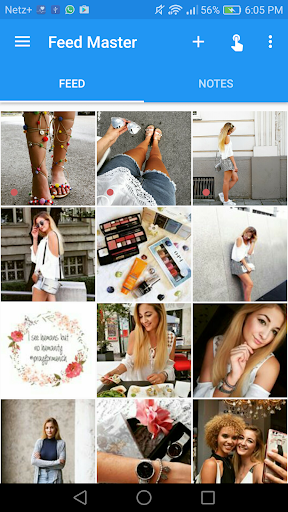
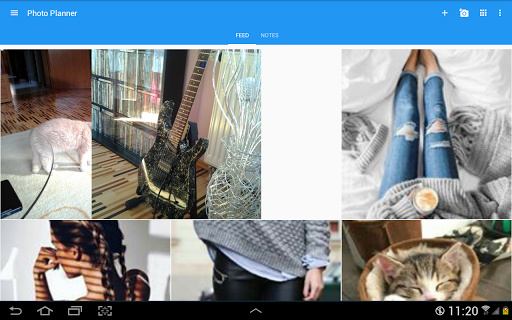
- You can upload their real Instagram feed.
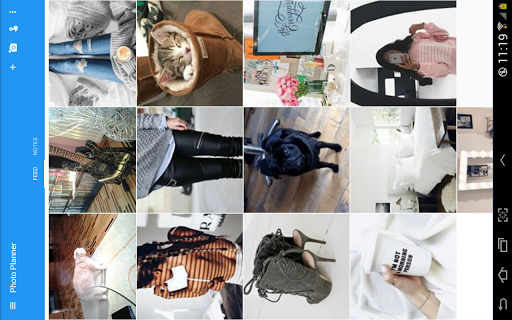
- Upload photos from device memory or cloud.
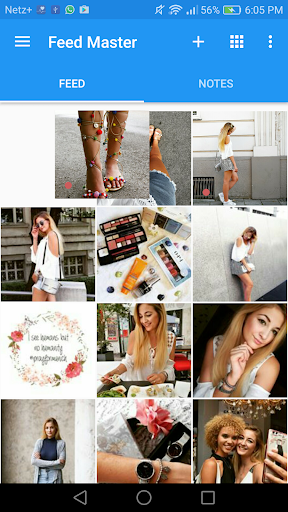
- Replacing photos as easy as possible.
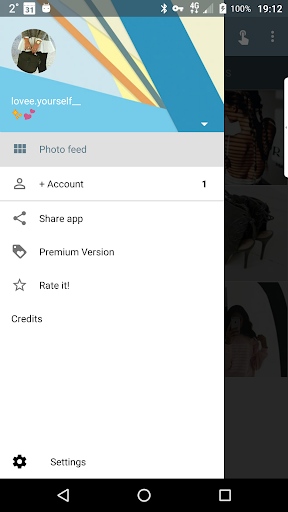
- Add multiple Instagram accounts.
- Fast loading on Instagram.
Description
Application Feed Master for Instagram was checked by VirusTotal antivirus. As a result of the scan, no file infections were detected by all the latest signatures.
How to install Feed Master for Instagram
- Download APK file apps from apkshki.com.
- Locate the downloaded file. You can find it in the system tray or in the 'Download' folder using any file manager.
- If the file downloaded in .bin extension (WebView bug on Android 11), rename it to .apk using any file manager or try downloading the file with another browser like Chrome.
- Start the installation. Click on the downloaded file to start the installation
- Allow installation from unknown sources. If you are installing for the first time Feed Master for Instagram not from Google Play, go to your device's security settings and allow installation from unknown sources.
- Bypass Google Play protection. If Google Play protection blocks installation of the file, tap 'More Info' → 'Install anyway' → 'OK' to continue..
- Complete the installation: Follow the installer's instructions to complete the installation process.
How to update Feed Master for Instagram
- Download the new version apps from apkshki.com.
- Locate the downloaded file and click on it to start the installation.
- Install over the old version. There is no need to uninstall the previous version.
- Avoid signature conflicts. If the previous version was not downloaded from apkshki.com, the message 'Application not installed' may appear. In this case uninstall the old version and install the new one.
- Restart annex Feed Master for Instagram after the update.








Requesting an application update
Added Denis Rubinov
Version: 2.1.9
Size: 12.8 MB
Updated: 11.12.2021
Developer: SameBits
Age Limitations: Everyone
Category: Photo












Reviews for Feed Master for Instagram
sucks I have used 3 other apps like this and they all suck but this is the wearst it actully lets me reange my feed but wont show my whole fed so I cant reange the photes I want to becuse they dont show. and on top of that I cant figuer out haw to make the changes I make perminet so the changes will show on my real insta oc. it
It's okay , it's usable but can be improved. If I'm working on different accounts give me different feed pages to work on. Not only one option.
Please, someone explain how this app is working?! It's been hours and I'm still trying to figure out how am I put multiple photos in one place. It's so Annoying!!
You guys should include update to select multiple photos to be uploaded into the feed. Thank you.
Tried to upload photos on the app nothing happened. I even reboot my phone, the results are the same
Definitely not the best app for this service and can't use unless paid! Better options out there.
I can't use this app. Whenever I wanna upload it from gallery, there is no photo show up.
used this for a long time but after i updated it keeps crashing and telling me to log in 😐
It is of no use to me if I can't drag and swap photos in the app, fix this will you?
I couldnt upload my picures. I can choose only for camera. Not from gallery. How come?? Please help
Post a comment
To leave a comment, log in with your social network:
Or leave an anonymous comment. Your comment will be sent for moderation.
Post a comment
To leave a comment, log in with your social network:
Or leave an anonymous comment. Your comment will be sent for moderation.