


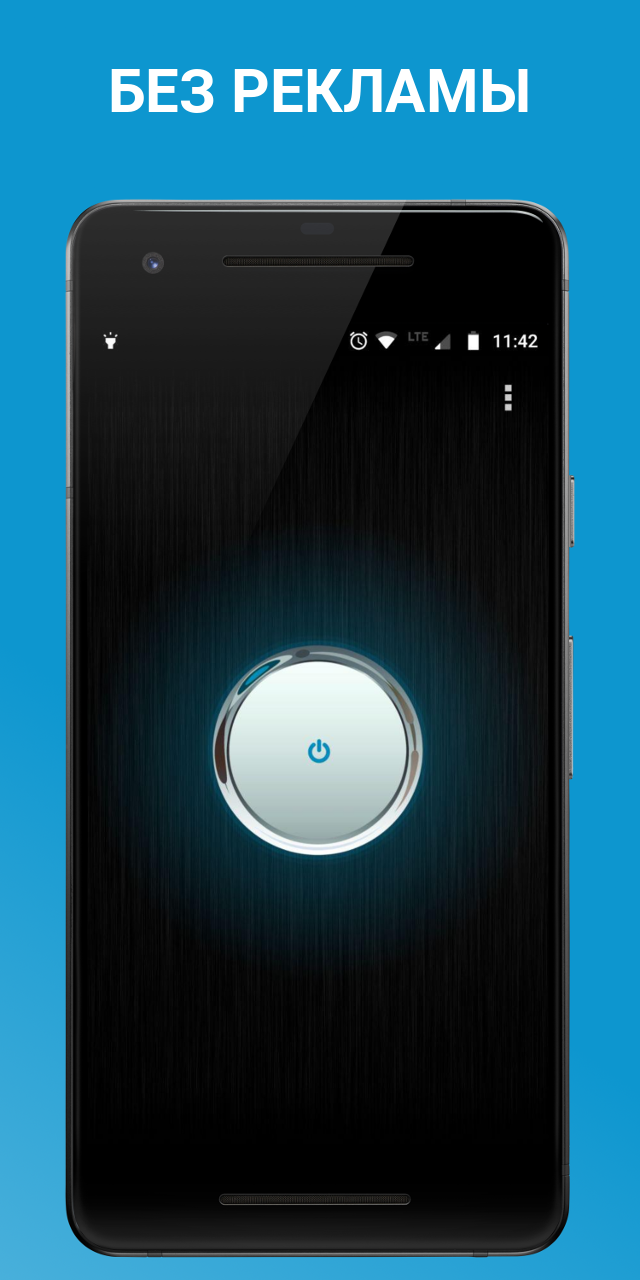
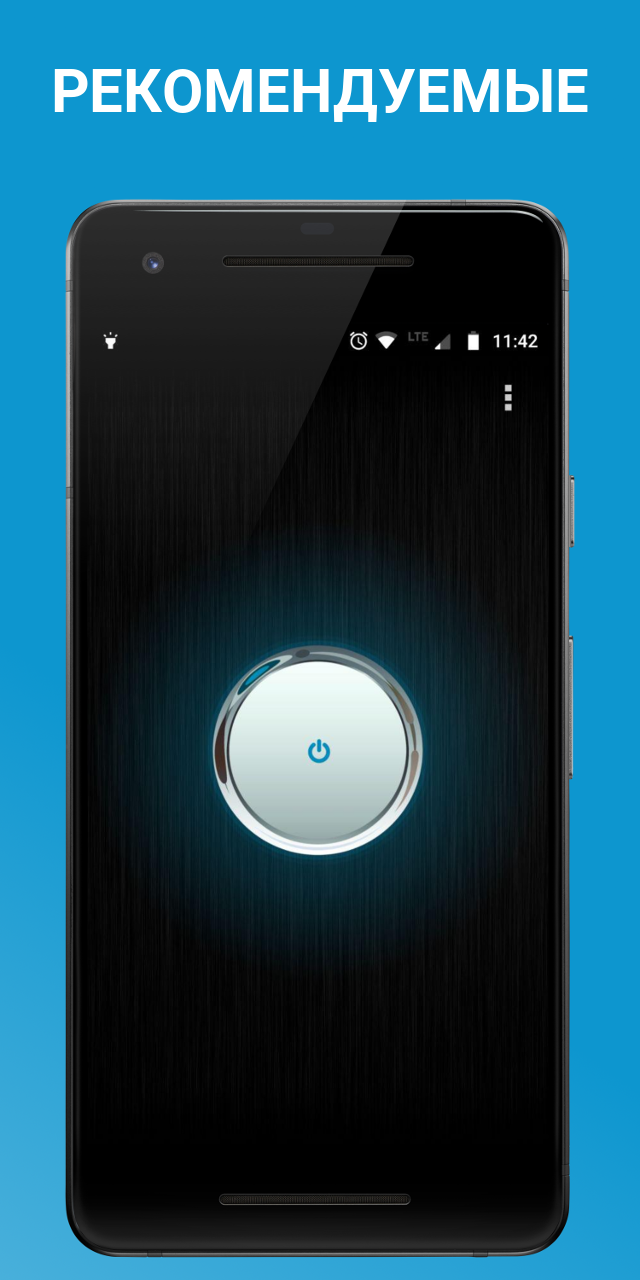
Flashlight
5+
downloads4.1+
version Android
Added: Denis Rubinov
Version: 5.28
Size: 1.9 MB
Updated: 24.06.2025
Developer: FreeApps.mobi
Age Limitations: Everyone
Downloaded on Google Play: 10353216
Category: Tools
Description
Application Flashlight was checked by VirusTotal antivirus. As a result of the scan, no file infections were detected by all the latest signatures.
How to install Flashlight
- Download APK file apps from apkshki.com.
- Locate the downloaded file. You can find it in the system tray or in the 'Download' folder using any file manager.
- If the file downloaded in .bin extension (WebView bug on Android 11), rename it to .apk using any file manager or try downloading the file with another browser like Chrome.
- Start the installation. Click on the downloaded file to start the installation
- Allow installation from unknown sources. If you are installing for the first time Flashlight not from Google Play, go to your device's security settings and allow installation from unknown sources.
- Bypass Google Play protection. If Google Play protection blocks installation of the file, tap 'More Info' → 'Install anyway' → 'OK' to continue..
- Complete the installation: Follow the installer's instructions to complete the installation process.
How to update Flashlight
- Download the new version apps from apkshki.com.
- Locate the downloaded file and click on it to start the installation.
- Install over the old version. There is no need to uninstall the previous version.
- Avoid signature conflicts. If the previous version was not downloaded from apkshki.com, the message 'Application not installed' may appear. In this case uninstall the old version and install the new one.
- Restart annex Flashlight after the update.




Requesting an application update
Added Denis Rubinov
Version: 5.28
Size: 1.9 MB
Updated: 24.06.2025
Developer: FreeApps.mobi
Age Limitations: Everyone
Downloaded on Google Play: 10353216
Category: Tools












Reviews for Flashlight
love it
working great
Always works well.
it's so simple. there is no unnecessary features just straight up flashlight. and no ads works great for my grandma's phone
like the convenience!!
so handy. no ads. no glitches. easy to use. great for poor eyesight. can't read the instructions on a bag or a box? shine this little light. very bright.
it's good 👍 and longer than that it's good for all of us to come for getaway for internet connection for Android phone number
works great with no adds. thank you
Anmol
fun and easy
I have had several flashlights. Some causing low battery or looking around in your phone or contacts they're pushing ads of some kind.. Comes on if you barely touch the app point, without going to the start button, which does come right up which you can use to turn it off and on again. what I did was put the flashlight app on my second page, thumb right to it and Bam! all the light you need. Daytime might not see that I had touched the app sliding the phone into my belt case.
I've used the app for about 3 years now. It does what it says it does and doesn't have a bunch of useless features (which conserves on storage space). There are some settings that give enough adaptability to meet my expectations. Ads can be turned off, however I leave them on to keep the app free- no big deal to me since I'm not forced to spend a bunch of time looking at the ads when using the app.
I like it. And I like the ability to use the app without the barrage of banner ads telling me that my phone is "infected with 4 virus!" or pop-up ads about greasy politicians & really bad TV shows. Thanks for keeping the spirit of information technology alive without trying to chisel the consumer for every nickel & dime along the way... Oh, the flashlight works just fine, too.
The application works as intended, but I found another application that is smaller in application size to install and use. The other application is truly ad free with no option to have ads. The option is not even available in the settings of the application. I found a few flashlights had some more functionality on them. I do not remember exactly what they were though. Ads to enable or disable are located in the settings tab in the app; if it has in the settings menu.
Solid. Very simple and fast, which is great for a flashlight app. I like it... It has a (selectable) feature that turns it on or off anytime by shaking the phone horizontally twice: neat and usefull.... Cool. Its not perfect- it doesnt allow one to change the color or intensity, but it always works and had a good price (free), and no ads or without peemission. A setting for a blue shade to conserve one's night vision would be awesome. Anyway, 4/5 stars.
Post a comment
To leave a comment, log in with your social network:
Or leave an anonymous comment. Your comment will be sent for moderation.
Post a comment
To leave a comment, log in with your social network:
Or leave an anonymous comment. Your comment will be sent for moderation.