


Files Shortcut
0+
downloads6.0
version Android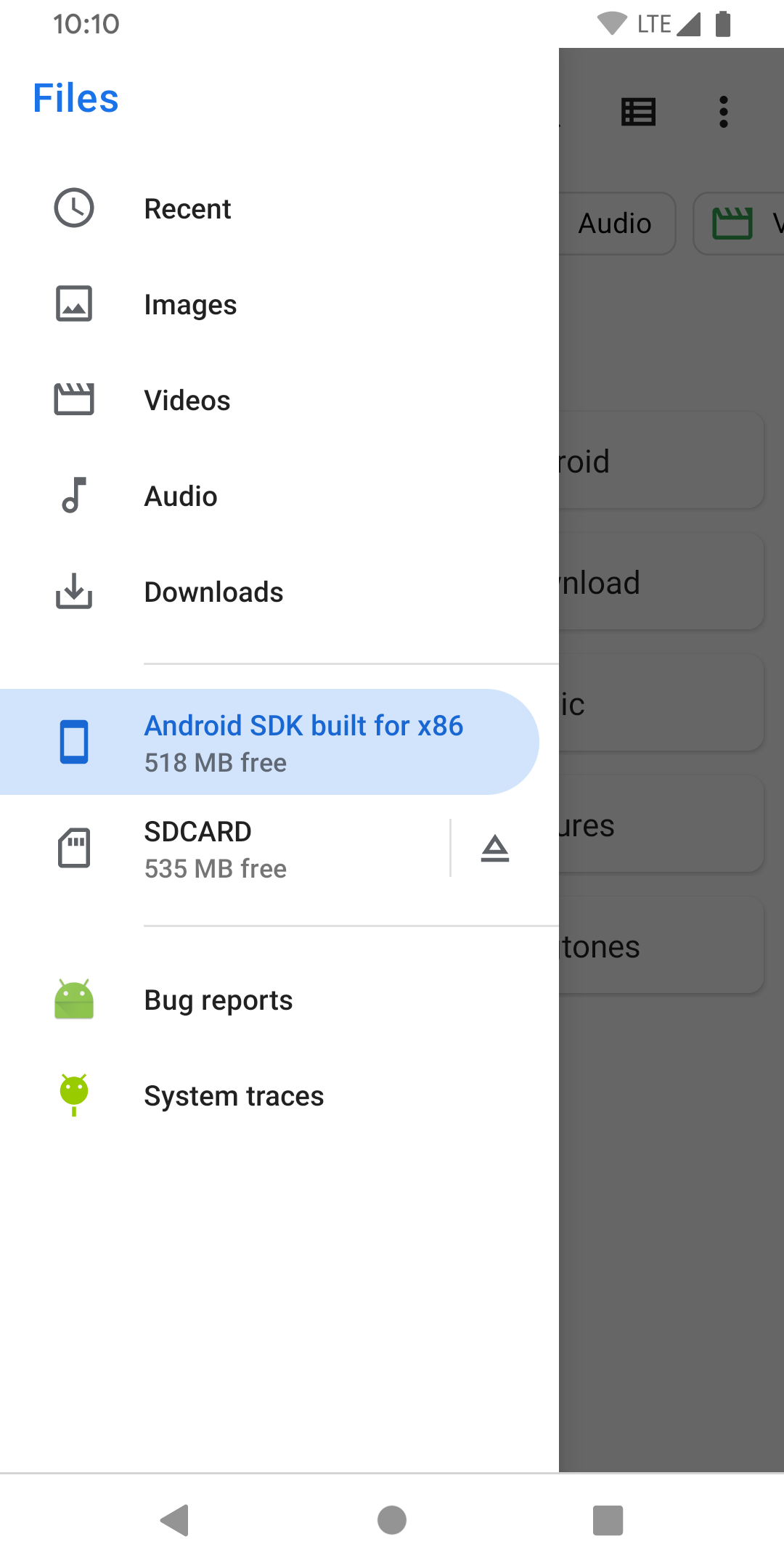
Added: Denis Rubinov
Version: 23.02.05
Size: 0 MB
Updated: 03.12.2023
Developer: Delta 8 Studio
Age Limitations: Everyone
Downloaded on Google Play: 755426
Category: Work
Description
Application Files Shortcut was checked by VirusTotal antivirus. As a result of the scan, no file infections were detected by all the latest signatures.
How to install Files Shortcut
- Download APK file apps from apkshki.com.
- Locate the downloaded file. You can find it in the system tray or in the 'Download' folder using any file manager.
- If the file downloaded in .bin extension (WebView bug on Android 11), rename it to .apk using any file manager or try downloading the file with another browser like Chrome.
- Start the installation. Click on the downloaded file to start the installation
- Allow installation from unknown sources. If you are installing for the first time Files Shortcut not from Google Play, go to your device's security settings and allow installation from unknown sources.
- Bypass Google Play protection. If Google Play protection blocks installation of the file, tap 'More Info' → 'Install anyway' → 'OK' to continue..
- Complete the installation: Follow the installer's instructions to complete the installation process.
How to update Files Shortcut
- Download the new version apps from apkshki.com.
- Locate the downloaded file and click on it to start the installation.
- Install over the old version. There is no need to uninstall the previous version.
- Avoid signature conflicts. If the previous version was not downloaded from apkshki.com, the message 'Application not installed' may appear. In this case uninstall the old version and install the new one.
- Restart annex Files Shortcut after the update.




Requesting an application update
Added Denis Rubinov
Version: 23.02.05
Size: 0 MB
Updated: 03.12.2023
Developer: Delta 8 Studio
Age Limitations: Everyone
Downloaded on Google Play: 755426
Category: Work












Reviews for Files Shortcut
tolii
Small tiny first day
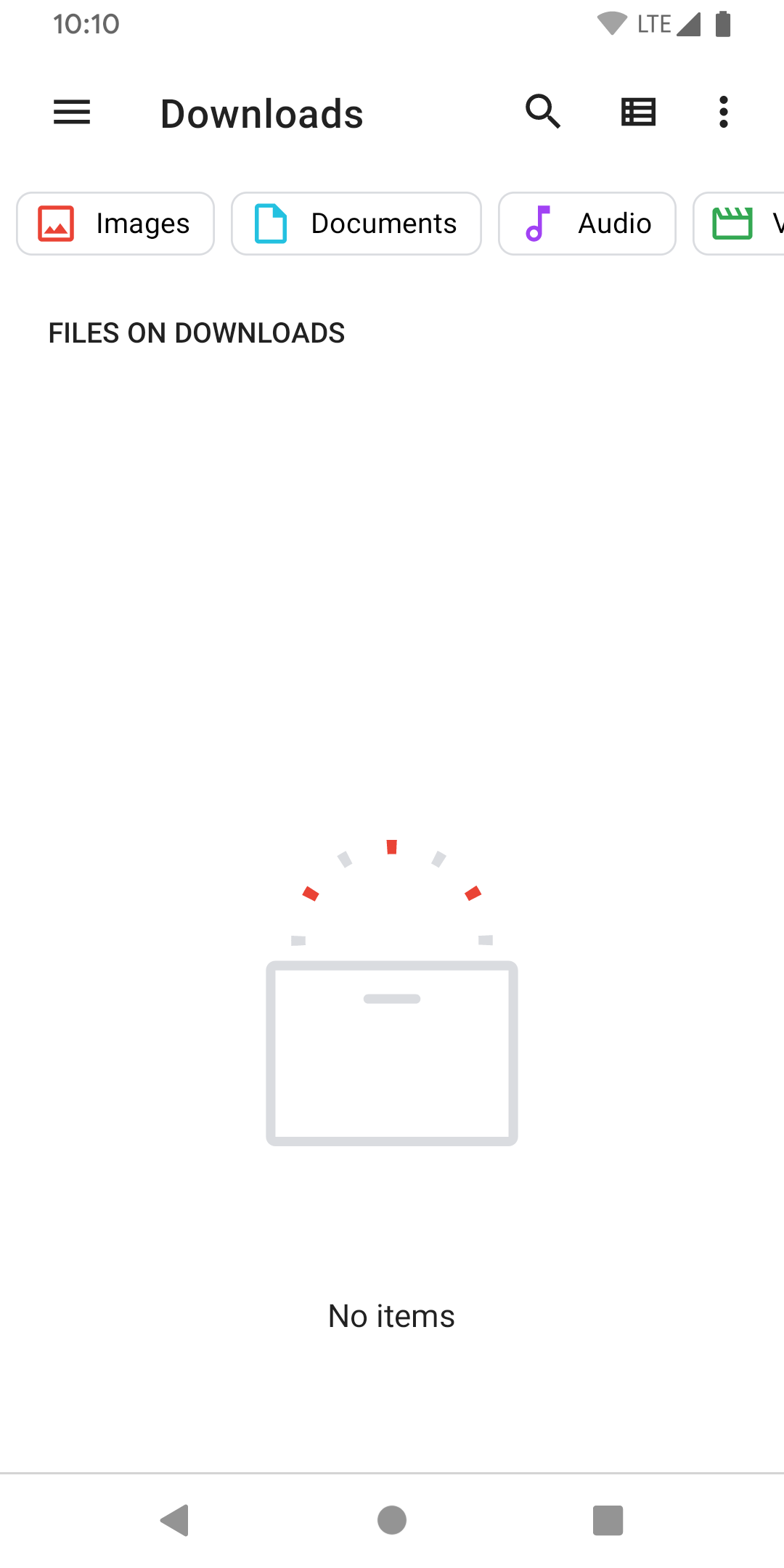
Great workaround for the newer locked down androids, was the only way to get access to the read only file system on device!, many thanks for your assistance!
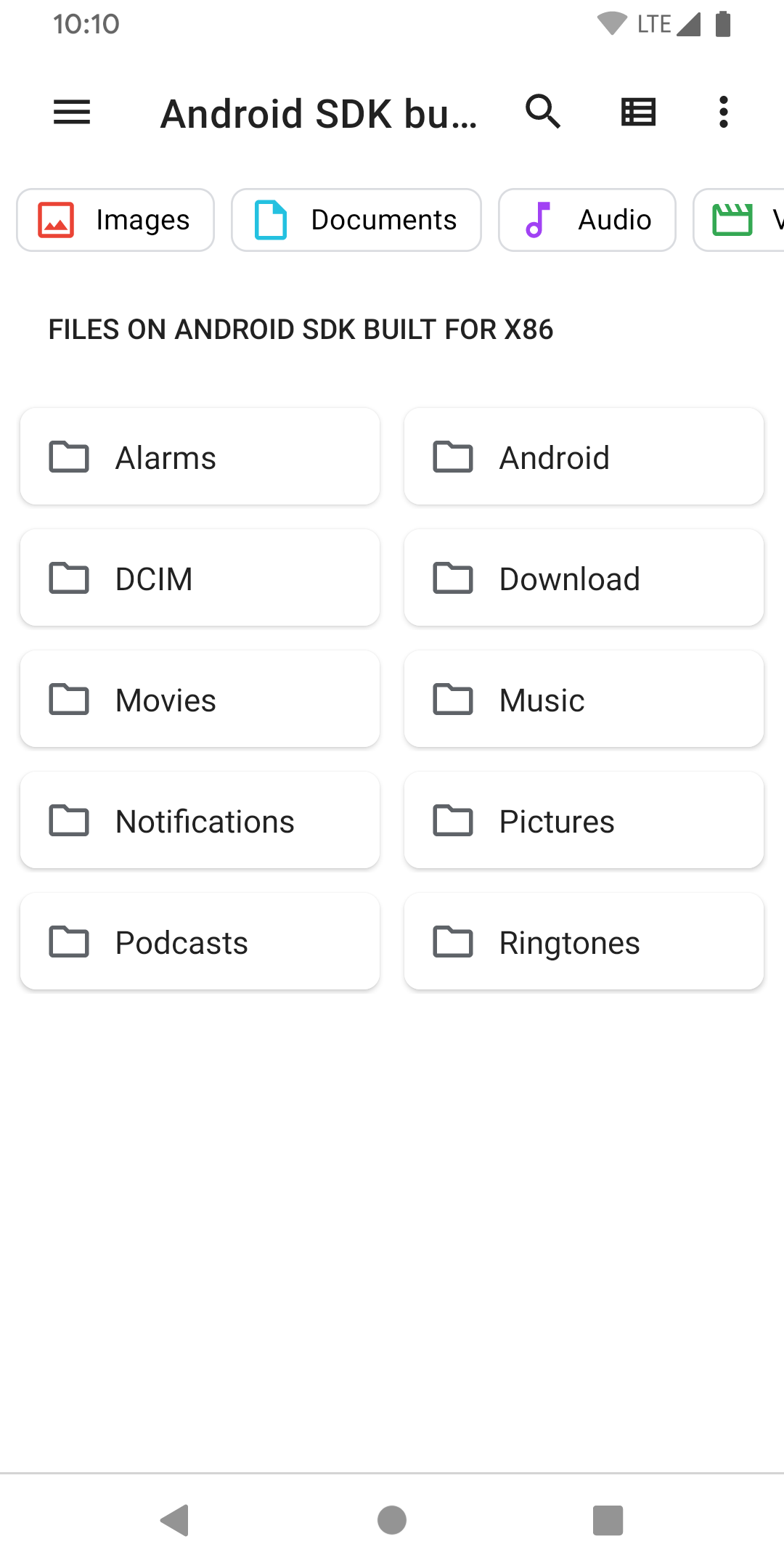
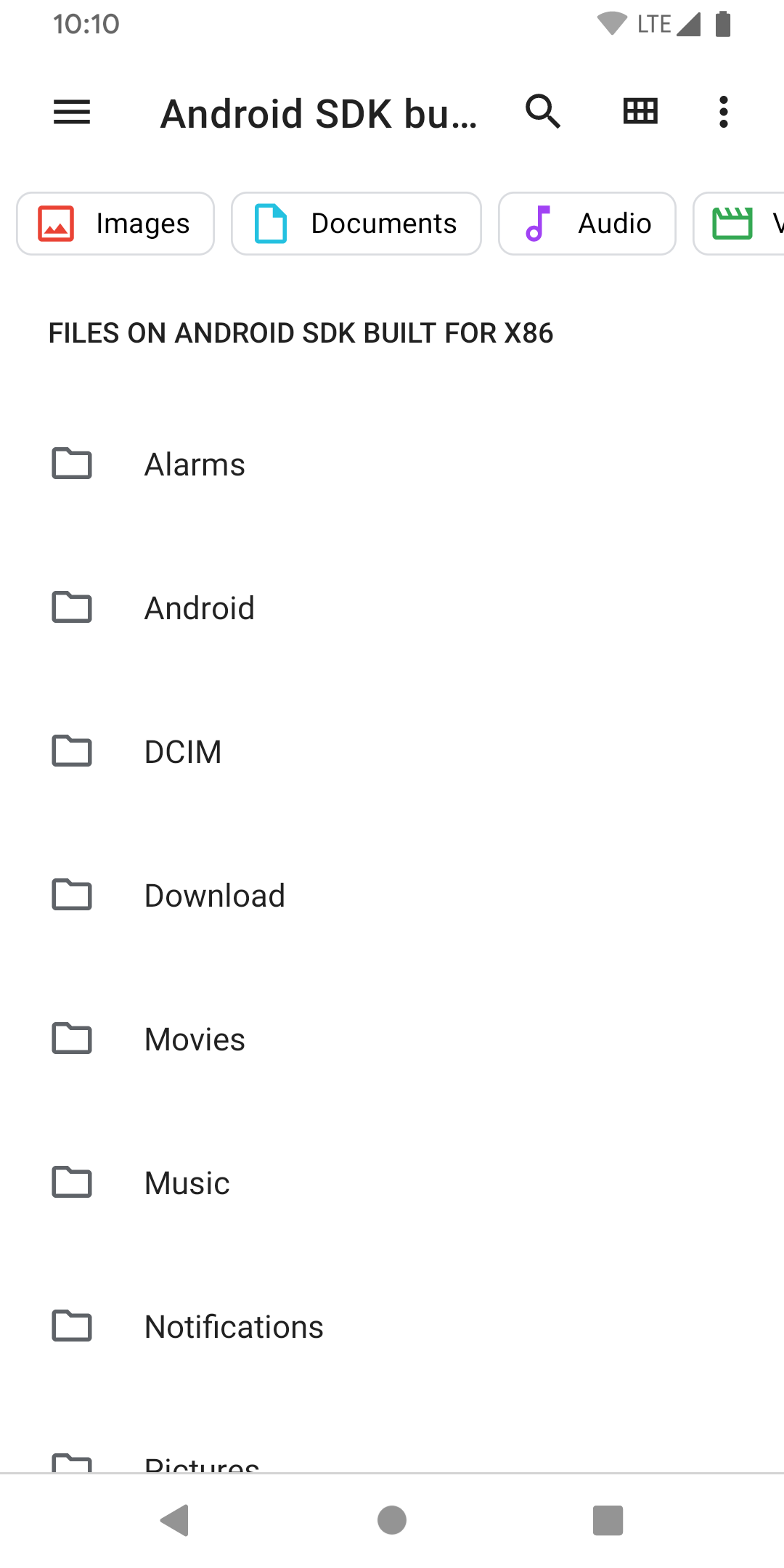
gains access to stock file manager, excellent
Op
Sajjadkhan
Does exactly what I wanted.
Works and Useful Not much to it. Does what it is intended to do. Check your privacy and permission settings. That's it.
Awesome. Motorola's dumb for hiding their own file explorer & the Google Files one looks like shady AI bs. Thank you!
I love it.
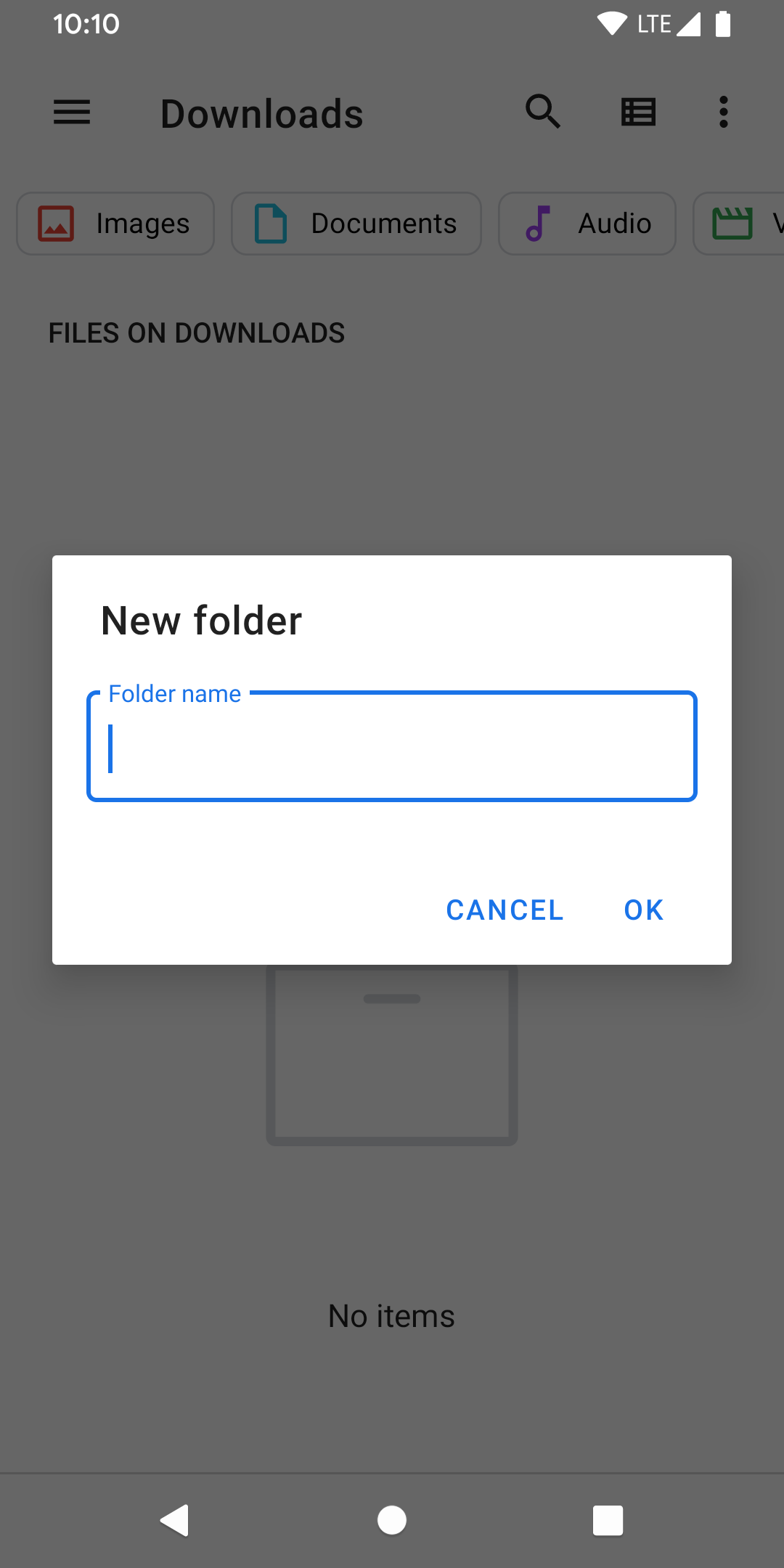
Moto G 5G has a difficult, multi-step access to the built-in file manager, which can't be placed as a shortcut. This tiny app allows for that. Nice. No additional File Manager app required.
Thanks for adding this... I had read how to create a shortcut myself, but have had little need to do this for other system apps so why reinvent the wheel. Now if you can convince google to just add it by default, then all the better. I was looking for it because I'd rather access the native File app just like all other apps... while this can be opened from my notifications when I attach external storage, the shortcut in my apps folder is less awkward to use.
Finally Didabled google files and now i can access the better stock android files app
Best app as it opens the Default Files app from Android for connecting other USB devices and using them to transfer files. I've been searching for this for a while now. Thanks
This lets you open the best file manager on android, which is part of the OS! Better than files by Google, Samsung, anyone else. Thanks developers!!!
Post a comment
To leave a comment, log in with your social network:
Or leave an anonymous comment. Your comment will be sent for moderation.
Post a comment
To leave a comment, log in with your social network:
Or leave an anonymous comment. Your comment will be sent for moderation.