


FBReader: Favorite Book Reader
57+
downloads1.0+
version Android
Added: Denis Rubinov
Version: 4.0
Size: 21.3 MB
Updated: 24.06.2025
Developer: FBReader.ORG Limited
Age Limitations: Teen
Authorizations: 8
Downloaded on Google Play: 28720293
Category: Books and Reference
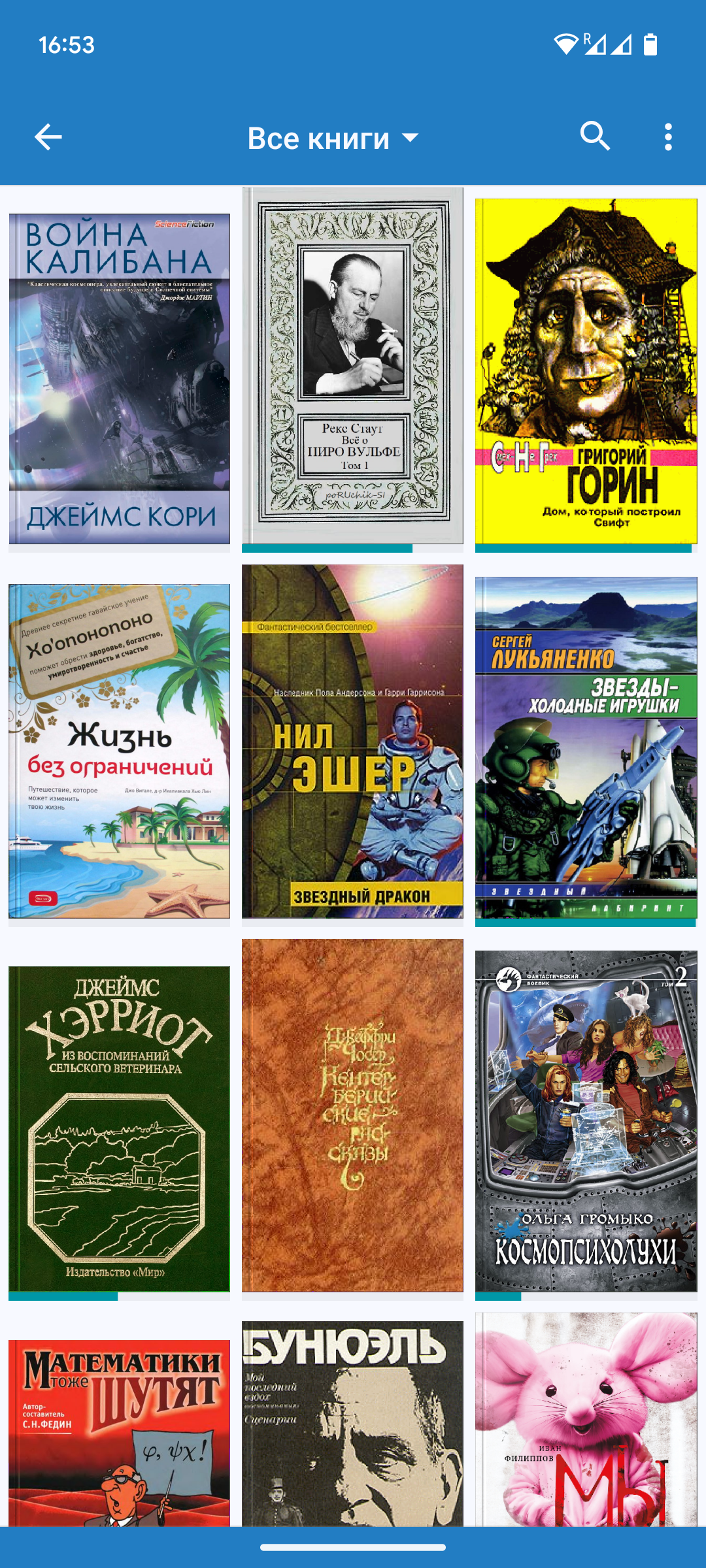
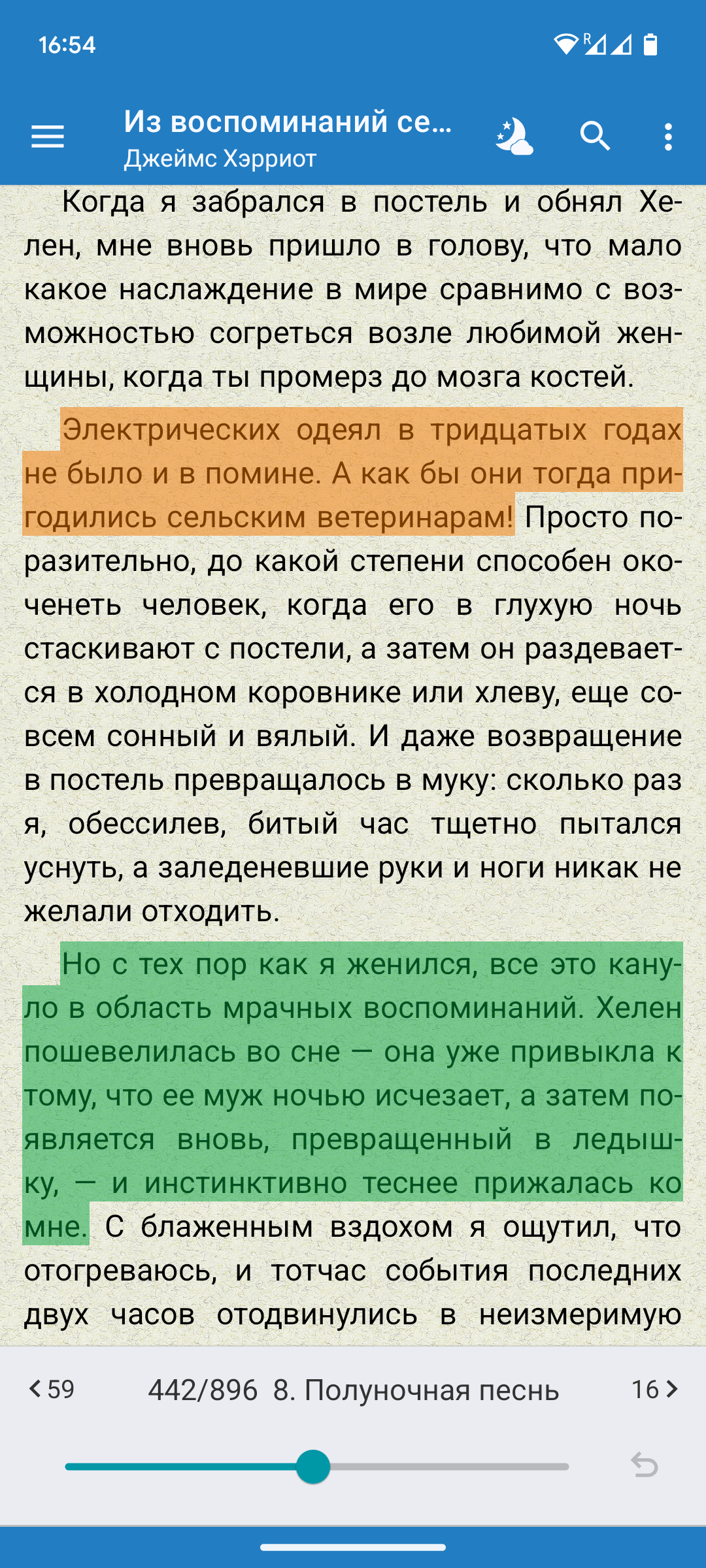
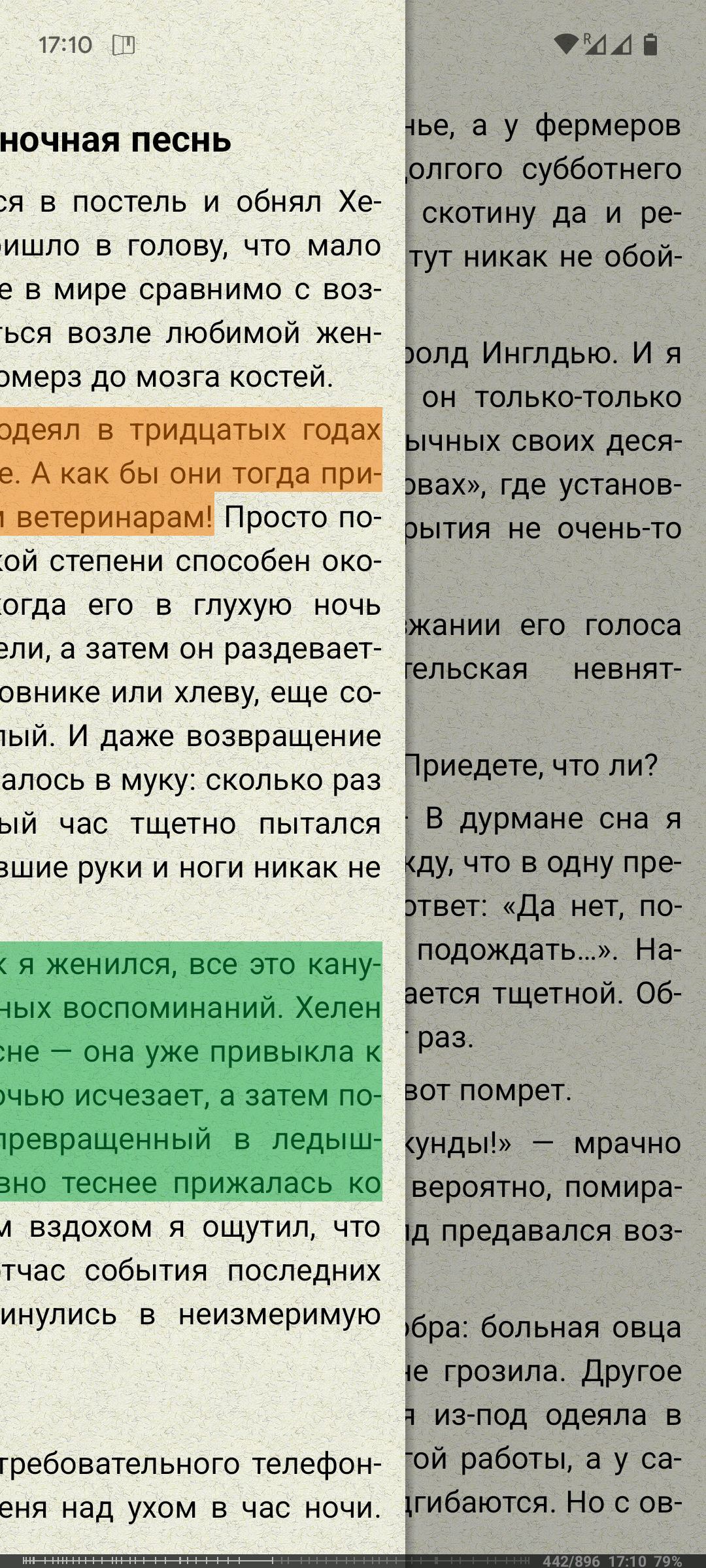
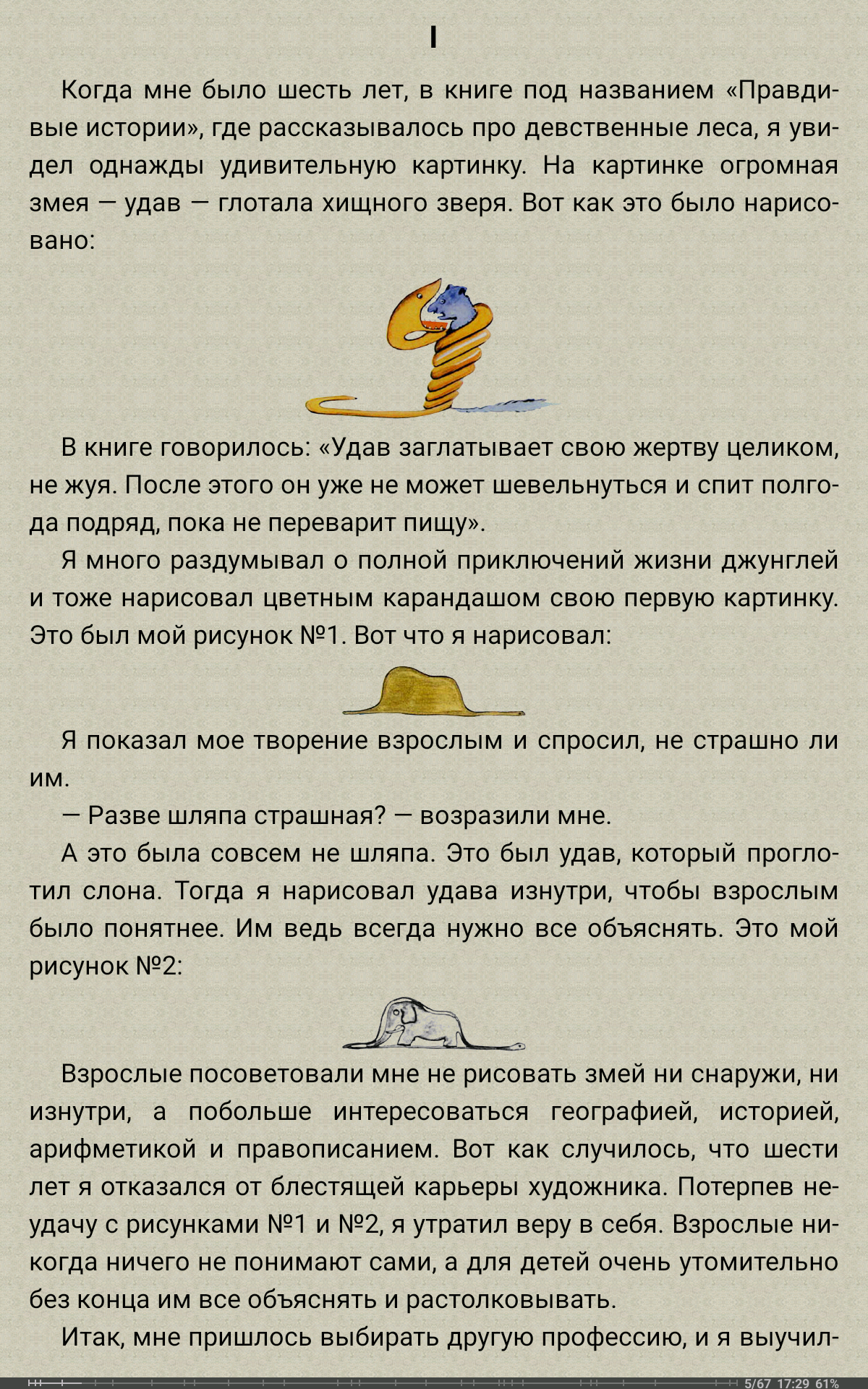
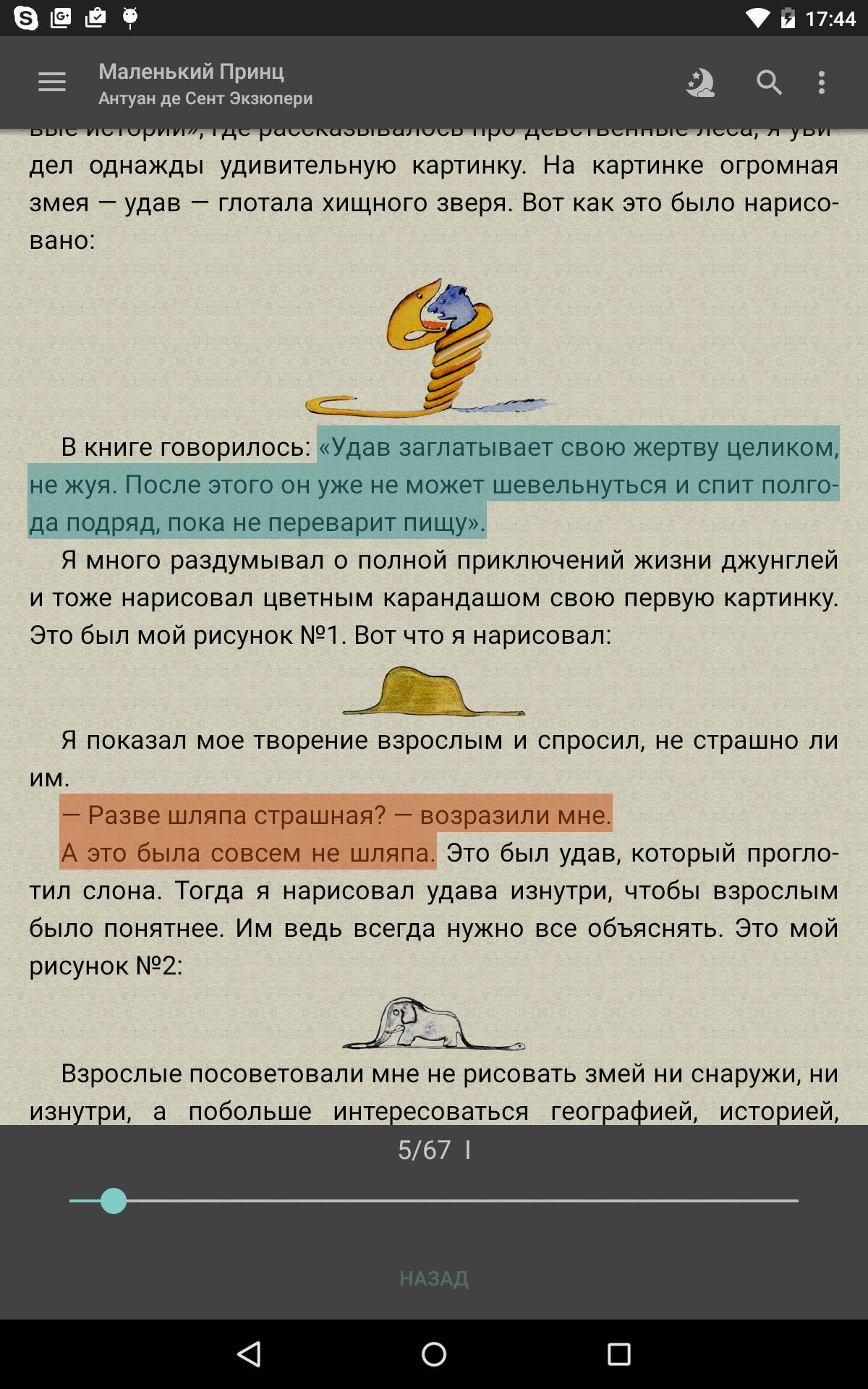
- Support for most book formats.
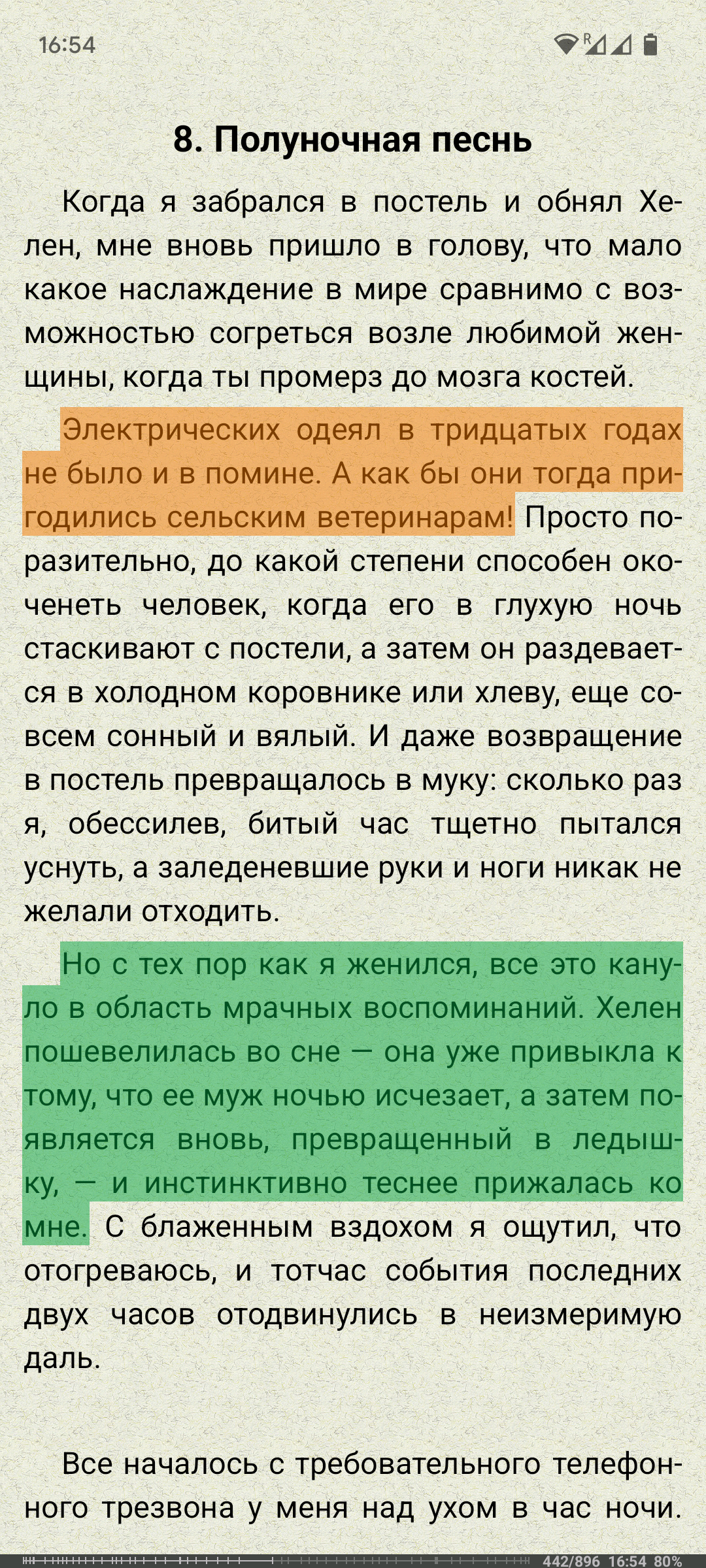
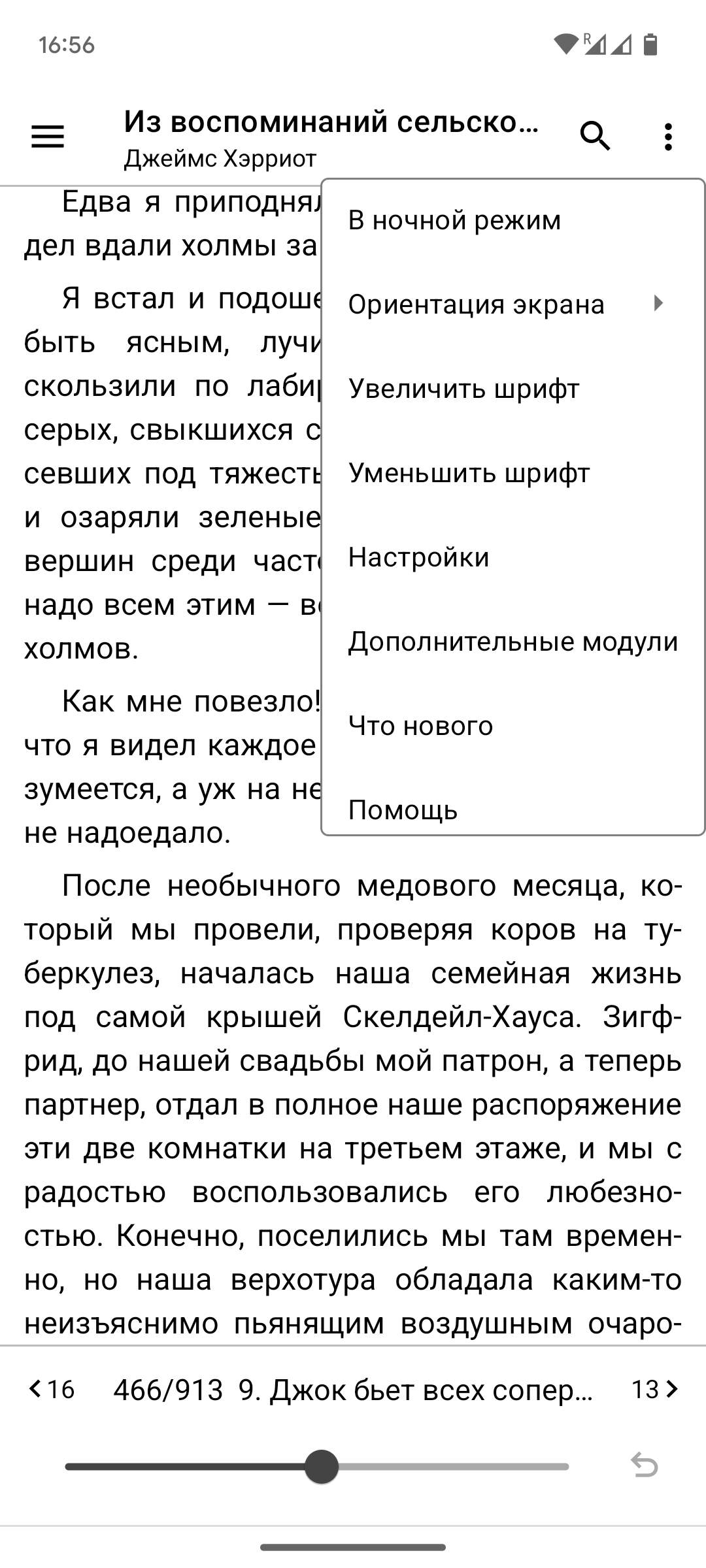
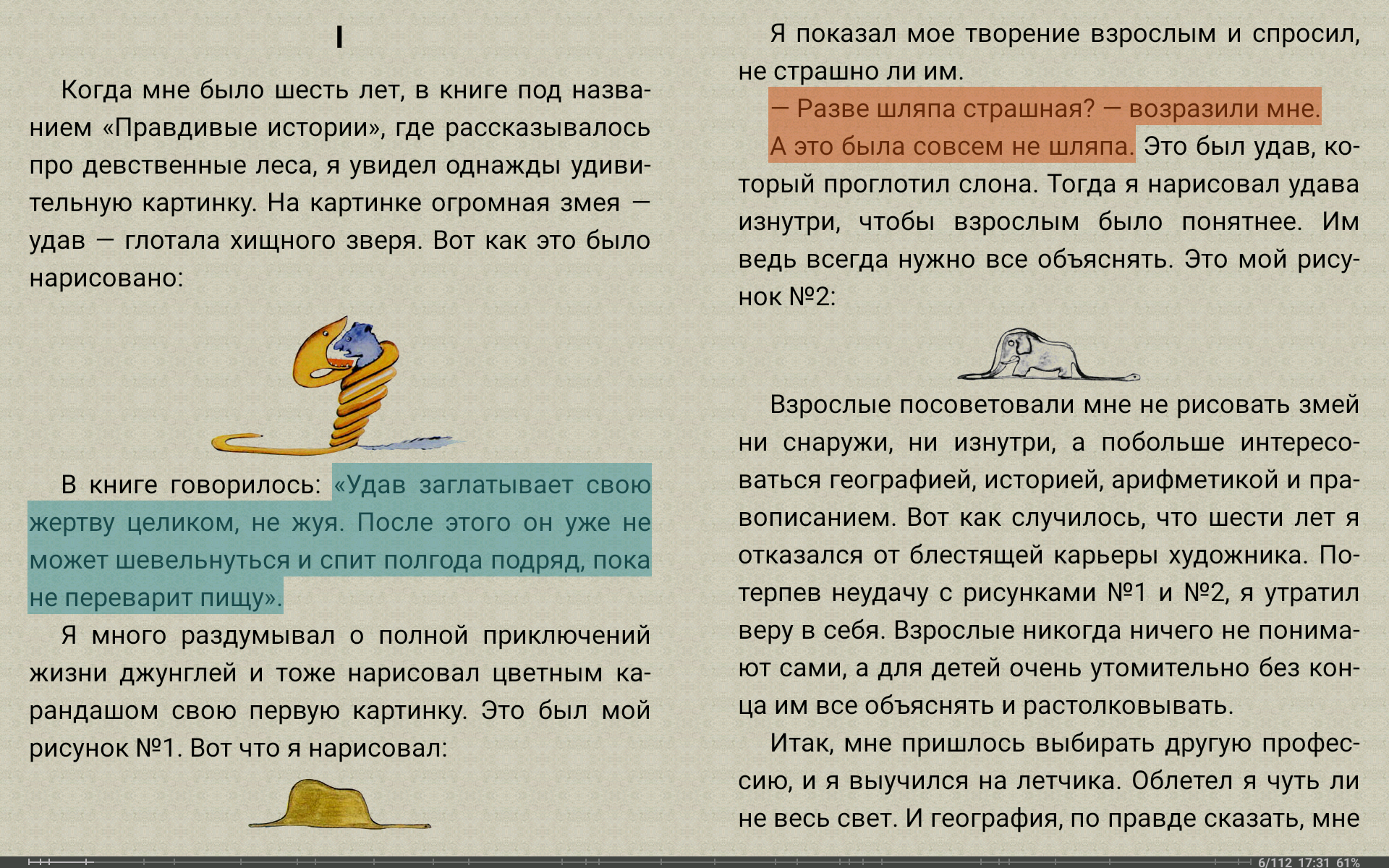
- Comfortable reading on devices with any screen size.
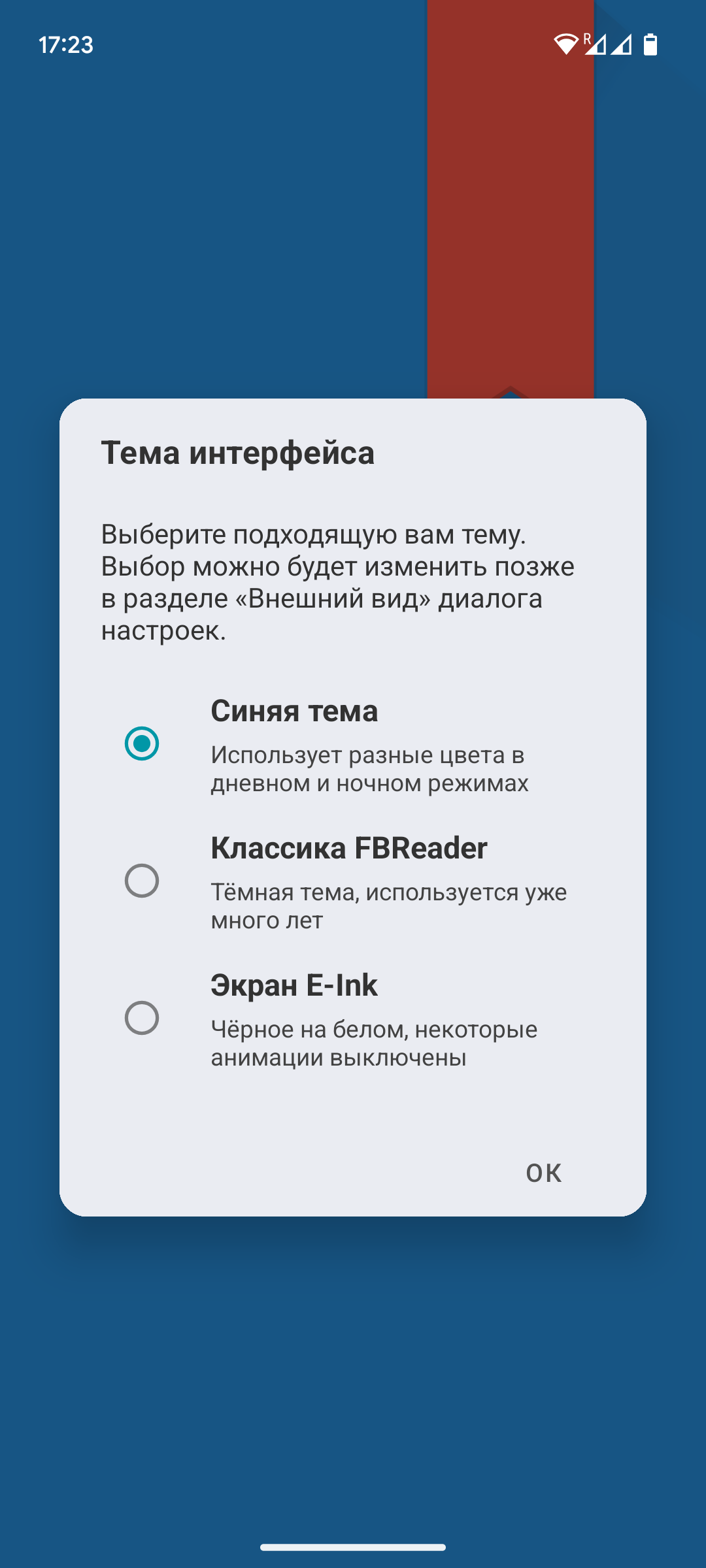
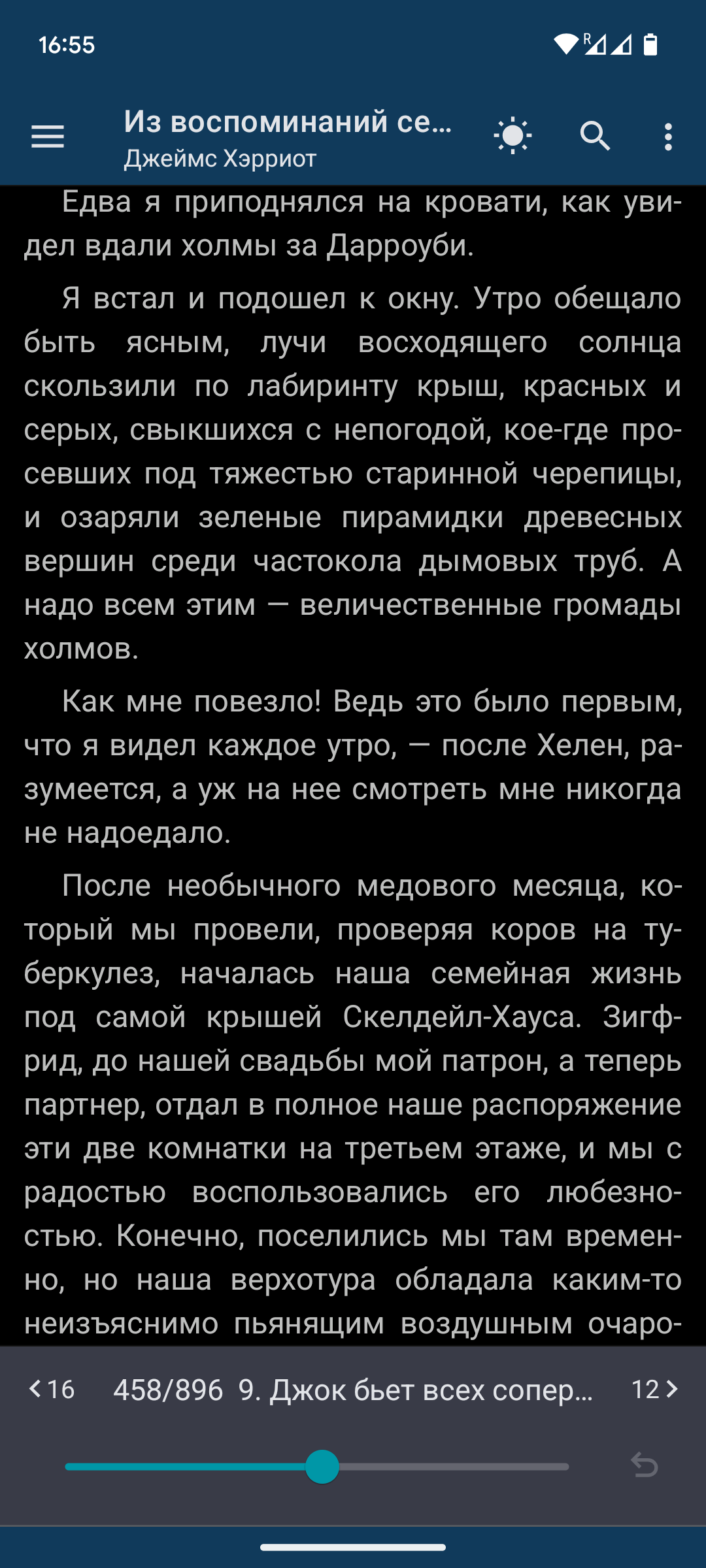
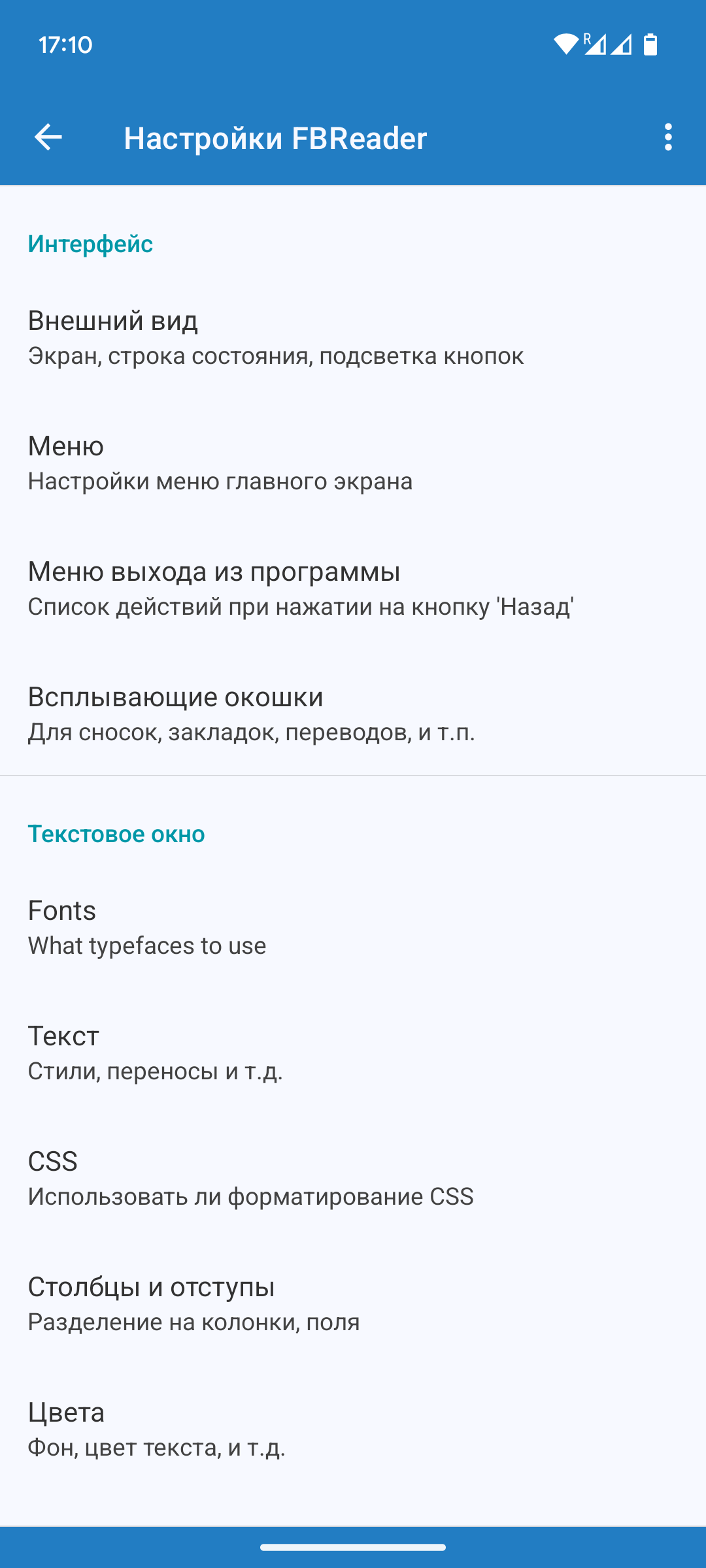
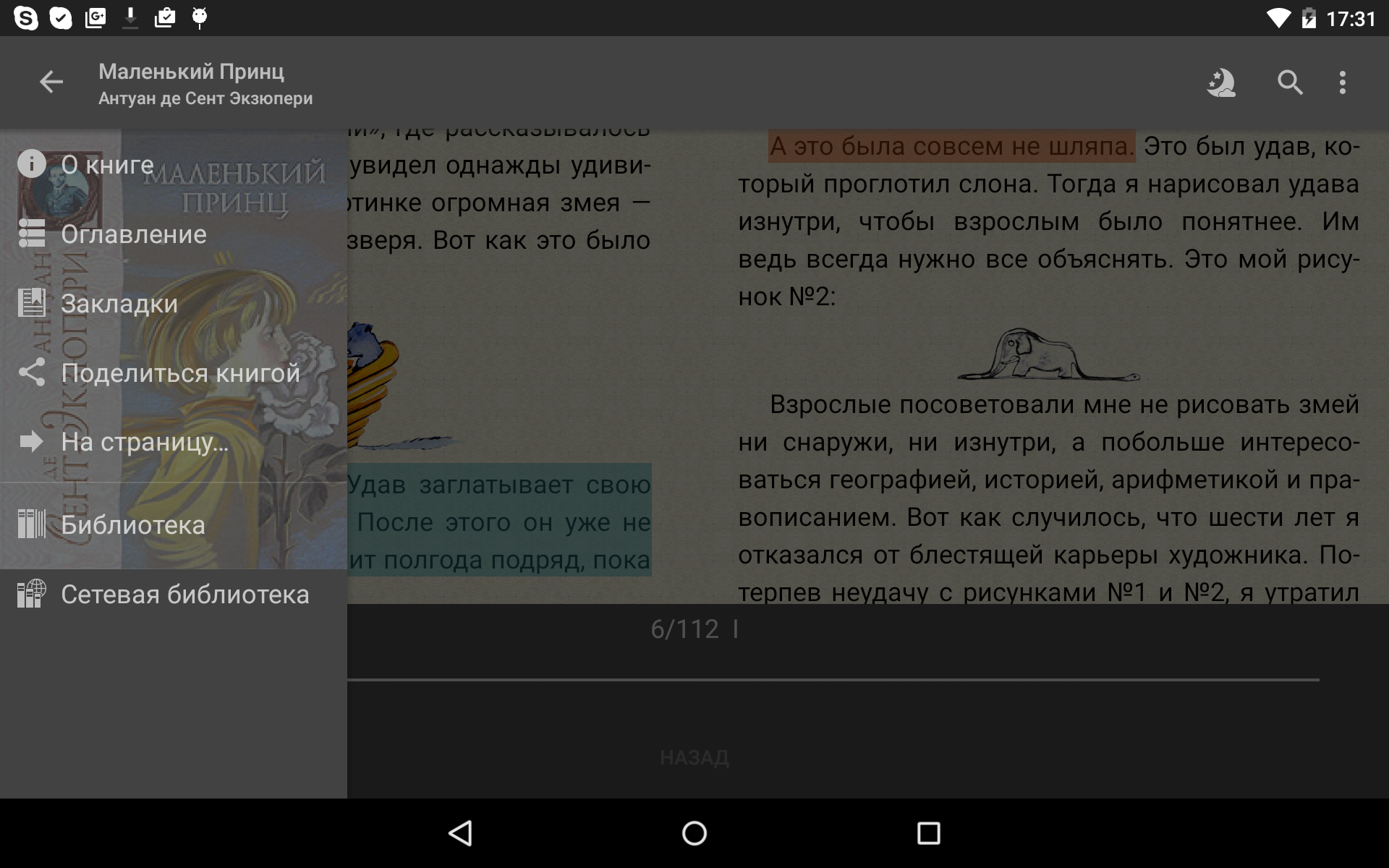
- Customizable skin.
- Choose from several ways to turn pages.
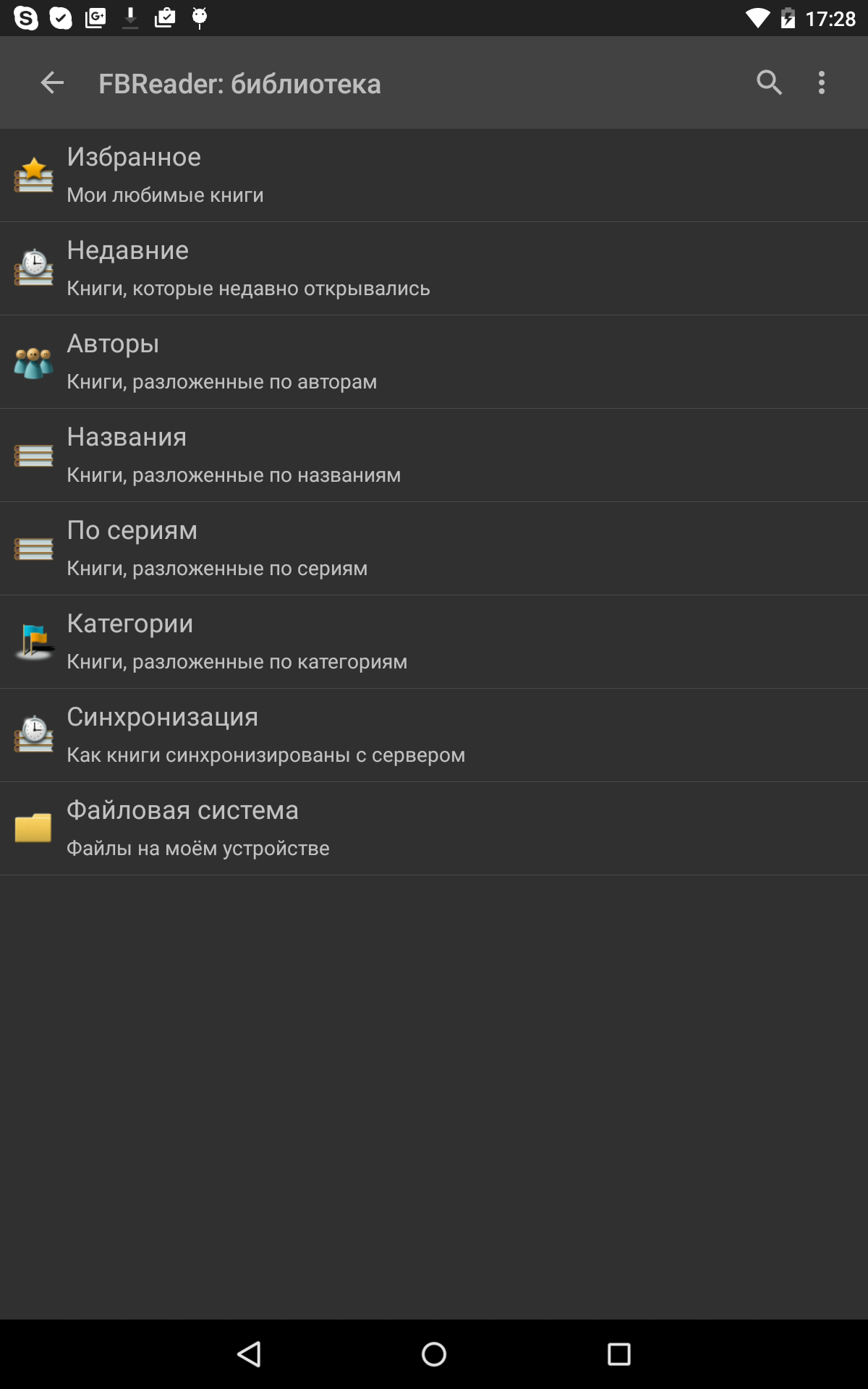
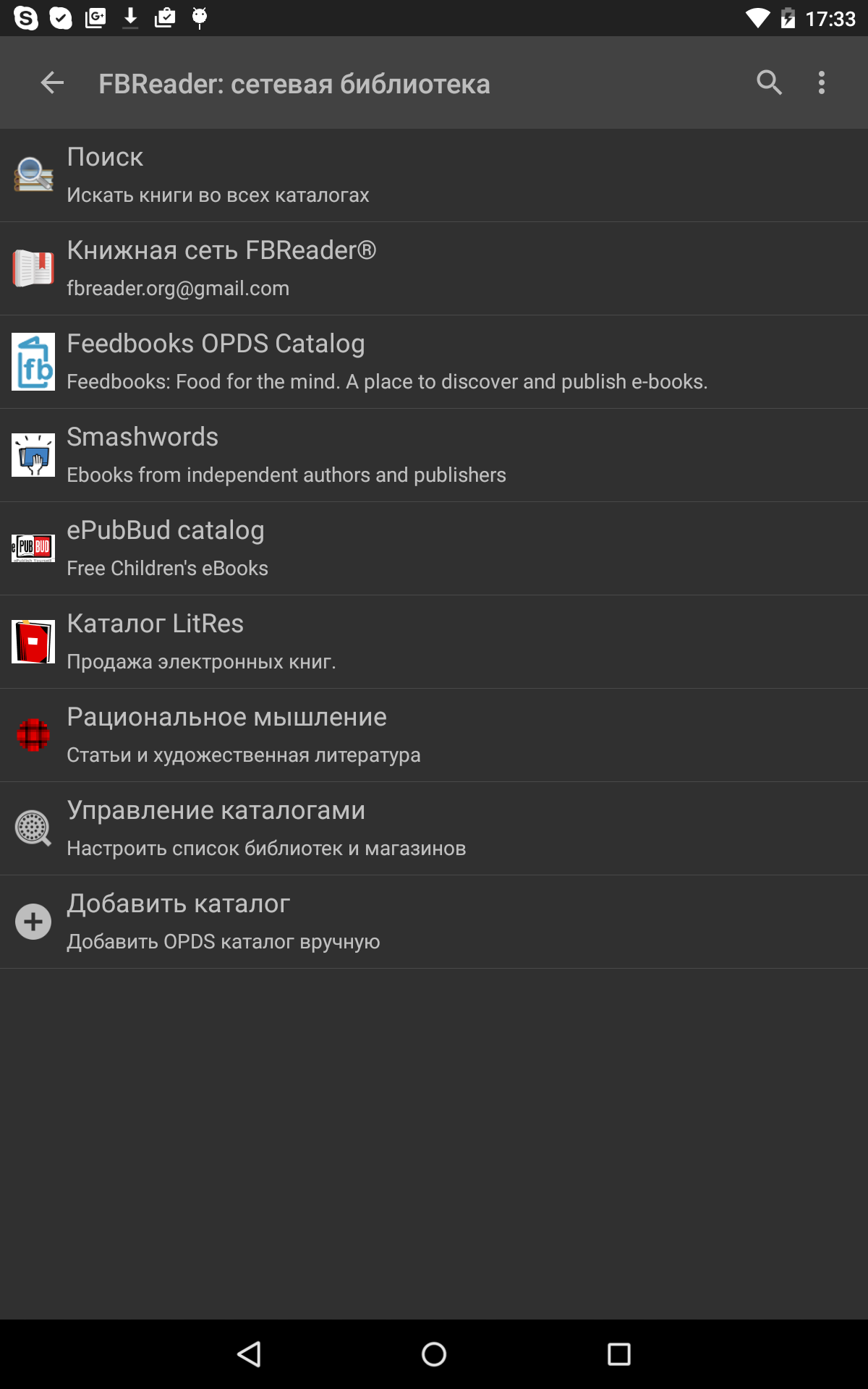
- Support for network libraries.
- Can be used offline.
- The program is distributed free of charge.
Description
Application FBReader: Favorite Book Reader was checked by VirusTotal antivirus. As a result of the scan, no file infections were detected by all the latest signatures.
How to install FBReader: Favorite Book Reader
- Download APK file apps from apkshki.com.
- Locate the downloaded file. You can find it in the system tray or in the 'Download' folder using any file manager.
- If the file downloaded in .bin extension (WebView bug on Android 11), rename it to .apk using any file manager or try downloading the file with another browser like Chrome.
- Start the installation. Click on the downloaded file to start the installation
- Allow installation from unknown sources. If you are installing for the first time FBReader: Favorite Book Reader not from Google Play, go to your device's security settings and allow installation from unknown sources.
- Bypass Google Play protection. If Google Play protection blocks installation of the file, tap 'More Info' → 'Install anyway' → 'OK' to continue..
- Complete the installation: Follow the installer's instructions to complete the installation process.
How to update FBReader: Favorite Book Reader
- Download the new version apps from apkshki.com.
- Locate the downloaded file and click on it to start the installation.
- Install over the old version. There is no need to uninstall the previous version.
- Avoid signature conflicts. If the previous version was not downloaded from apkshki.com, the message 'Application not installed' may appear. In this case uninstall the old version and install the new one.
- Restart annex FBReader: Favorite Book Reader after the update.







Requesting an application update
Added Denis Rubinov
Version: 4.0
Size: 21.3 MB
Updated: 24.06.2025
Developer: FBReader.ORG Limited
Age Limitations: Teen
Authorizations:
Downloaded on Google Play: 28720293
Category: Books and Reference












Reviews for FBReader: Favorite Book Reader
The latest update killed the app. Books do not open now, you have to search for them on your device. In addition, vertical scrolling when reading a book is terribly slow with stutters. Fix it please
Did not even start. Always asked for notification permissions when denied. Even though it claims to work without.
Was a great app. About a month ago, after update, stopped loading a lot of books with an error "Cannot extract the book content" including those, which worked earlier. Had to switch to another app. New updates do not solve the problem.
после апгрейда не могу пользываться.
last updates broke APK, can't access SD card.
you have to pay to use Google translate.
Downloaded this looking for a voice reader with high quality voices. Turns out the voice function is completely disabled in the standard version - you cannot even sample the voices to see if they're worth paying for. Absolutely ZERO chance I'd ever pay the $12 for the Premium version without at least sampling the quality. Uninstalling.
After the v3.8.8 update from v3.7.7 my go-to reader app is crashing non-stop on Android 14. Please fix it as soon as possible. UPDATE: v3.8.9 still crashes. Updated without my permission
the best app for reading books on your phone
Still using FBreader, 4 phones past my first use. Now on Pixel 7.
Everything is ok. But. I've ran into a problem. When we highlight a text on Android we can see the features list. One of them is translating. Almost all time we can use the native Google translate. But not using this app. Why should I use the unnoun Dictan? Do you know that no one have a .zd dictionaries in 2k19?
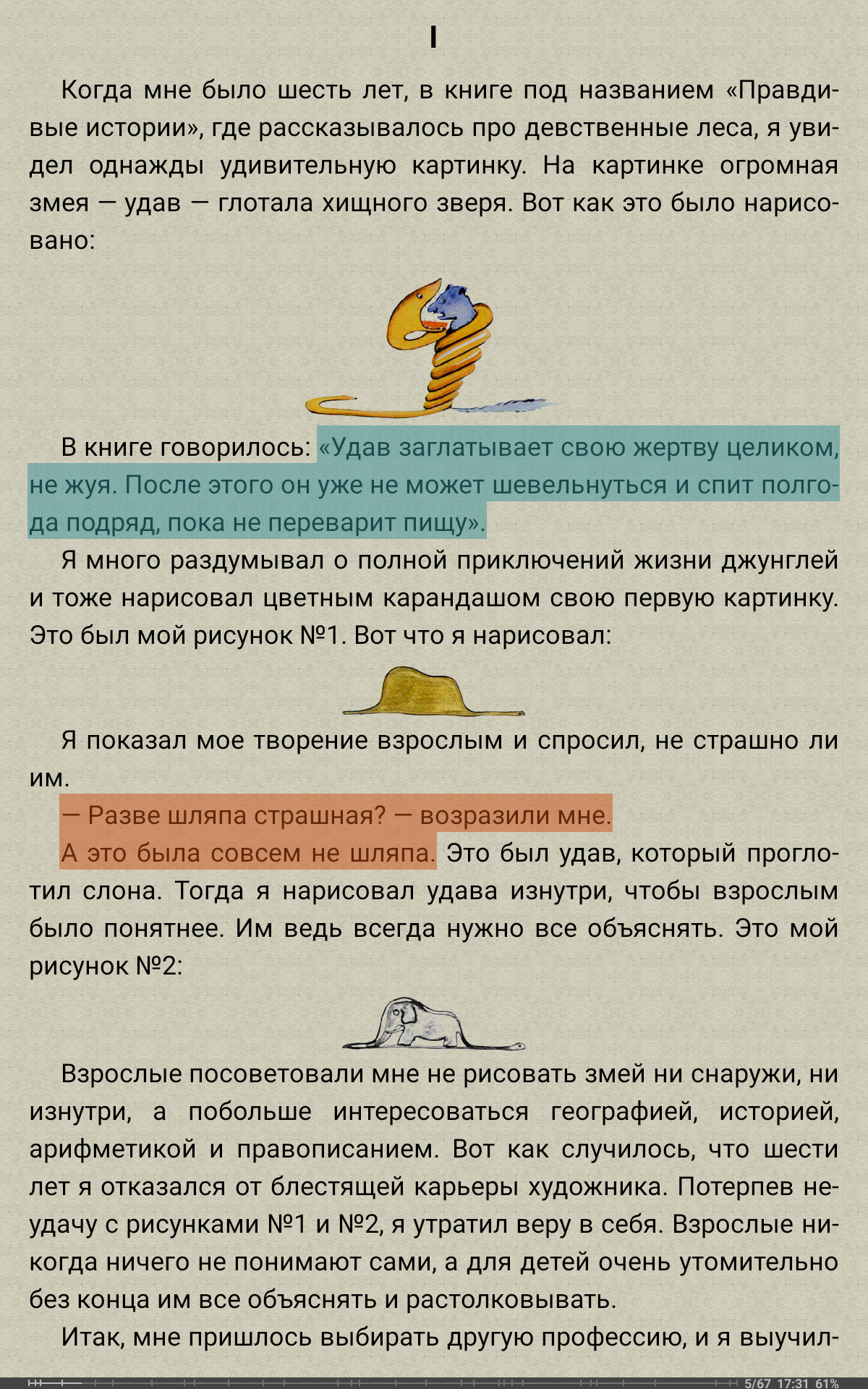
The app is neat and well designed. It is easy to configure and the menu has the right functions. The bookmark/note button is clever; the text selection sliding the page and the cloud library/backup are convenient. It has less but is better than MoonReader. But it doesn't export notes like Lithium, and this is very disappointing.
It's a nice e-reader with a clean interface and some nice features. The library sorts are fairly intuitive, and the app runs quickly. Handy brightness and font adjustments when reading. I'm frustrated by the fact that the library doesn't seem to update or refresh epub metadata. Whatever you have for author or series metadata when you load the app, you're stuck with even if you change the metadata later (for example, if you have authors with some epub files sorted firstname - lastname and some sorted lastname-firstname, it'll stay that way in FB Reader libraries even if you edit the metadata. Also the only dictionary app I can get to work with FB Reader is Dictan, and that isn't the most user-friendly interface.
4.75/5 Wish the file scanning and folder adding were improved slightly (I appreciate the Linux information provided, but the actual adding/scanning of folders doesn't always work well. If they'd go a step further and provide some sort of rudimentary shell access for basic stuff that would be INCREDIBLE. Still the best ebook reader I've used so far. GREAT ZOOM/LIGHTING/4EXT SIZE/ ETC. FEATURES. For the free version it gives important ones: epub, mobi, etc. Pdf might be paywall, don't remember.
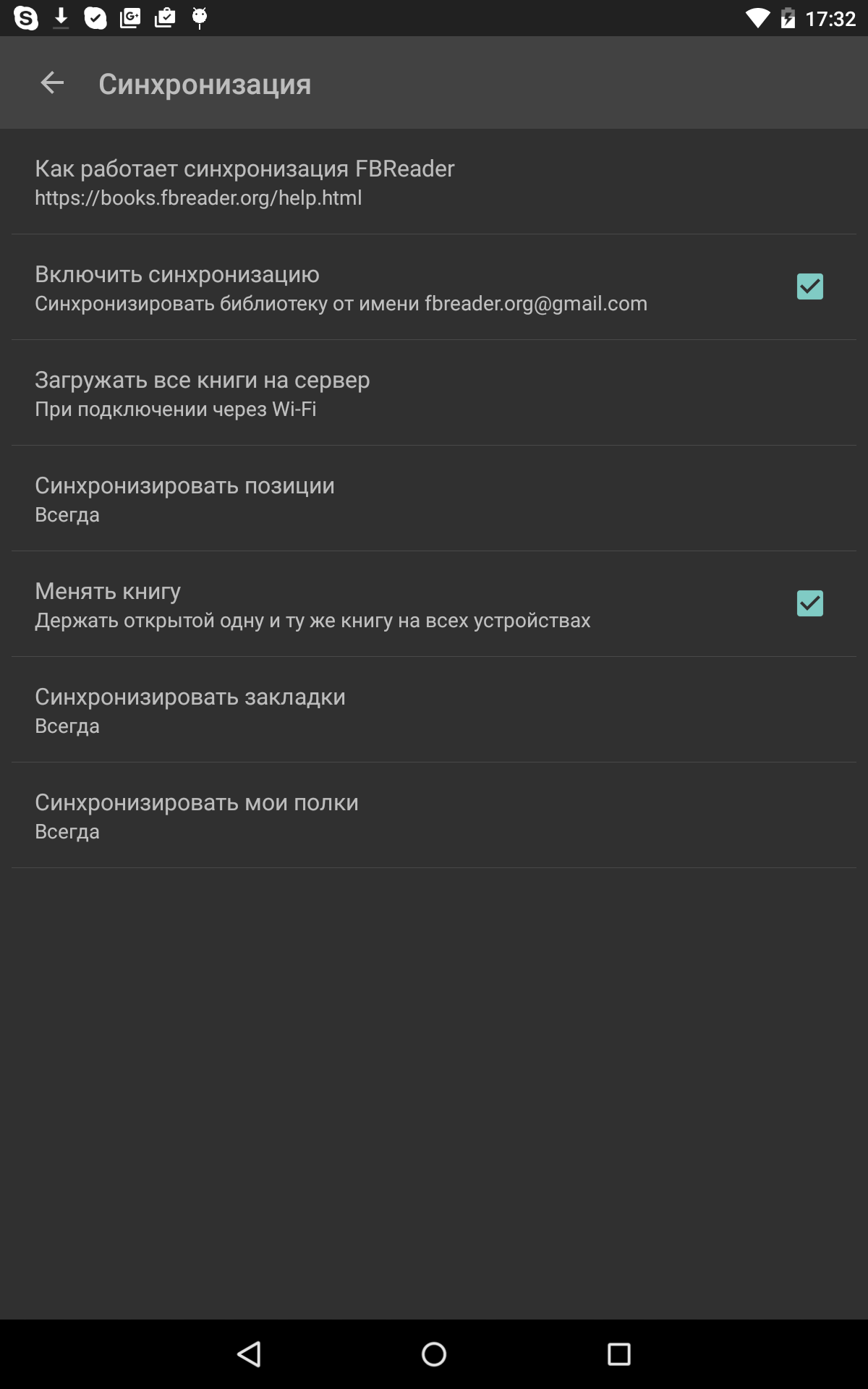
It's ok. Certain basic functions are missing and need additional plug ins. What's worse, is it can't keep the right book loaded. Switch away and back and it's changed what book is open so you have to reload what you are reading. There are better options.
Post a comment
To leave a comment, log in with your social network:
Or leave an anonymous comment. Your comment will be sent for moderation.
Post a comment
To leave a comment, log in with your social network:
Or leave an anonymous comment. Your comment will be sent for moderation.