



Eyecon Caller ID & Spam Block
336+
downloads4.1+
version Android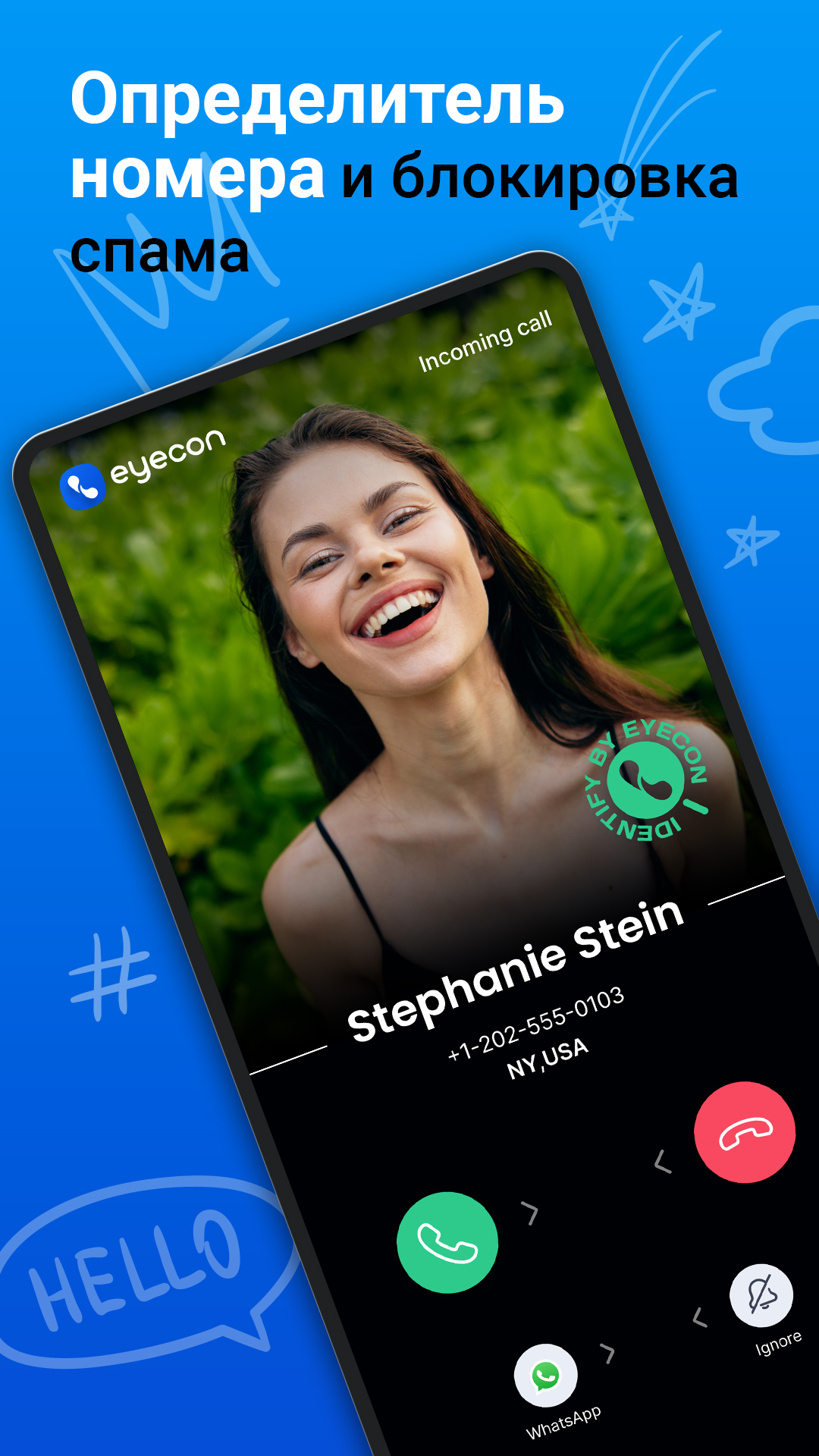
Added: Denis Rubinov
Version: 4.2025.06.10.2021
Size: 49.7 MB
Updated: 24.06.2025
Developer: Eyecon Phone Dialer & Contacts
Age Limitations: Everyone
Authorizations: 32
Downloaded on Google Play: 77237294
Category: Contact
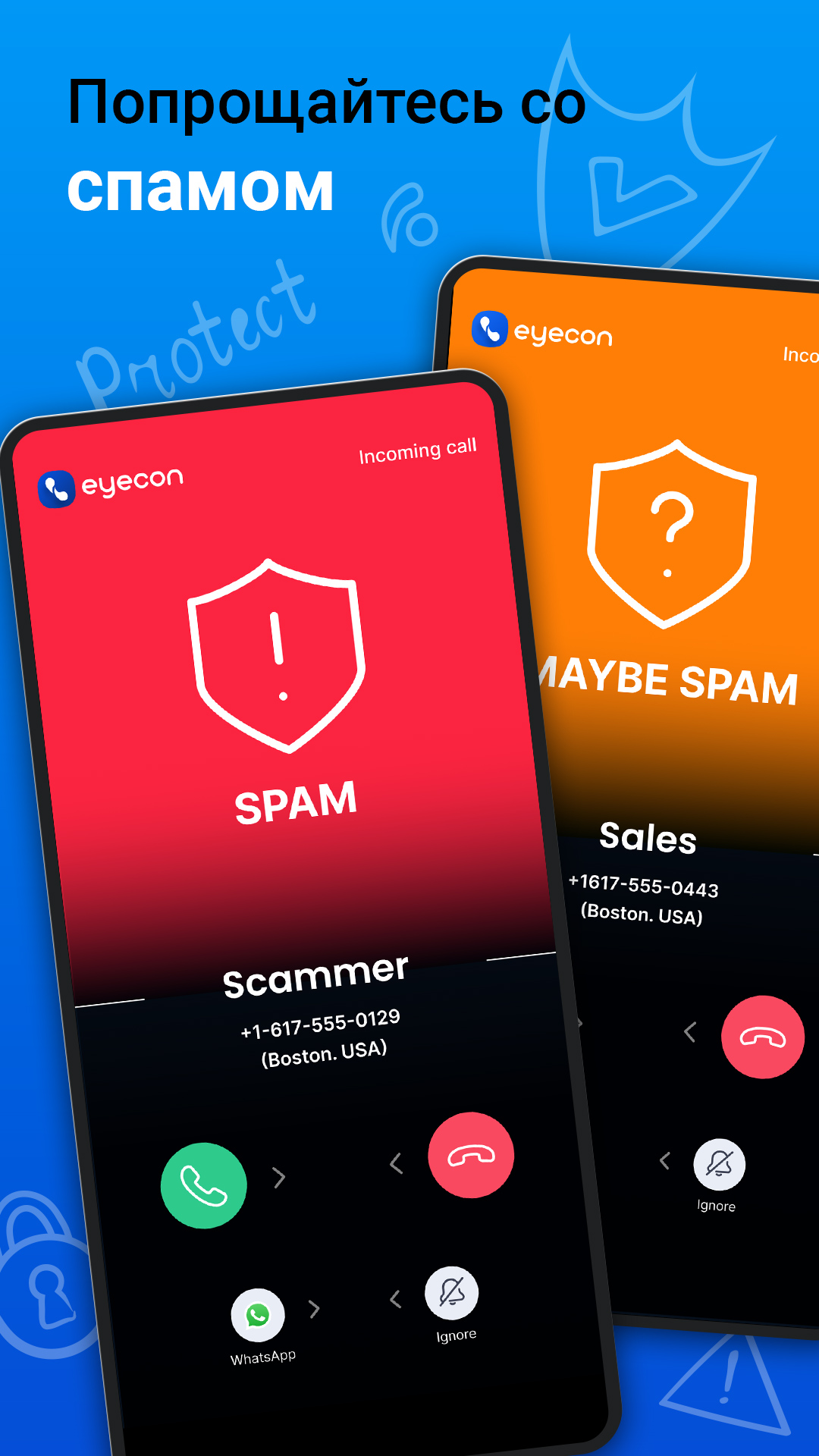
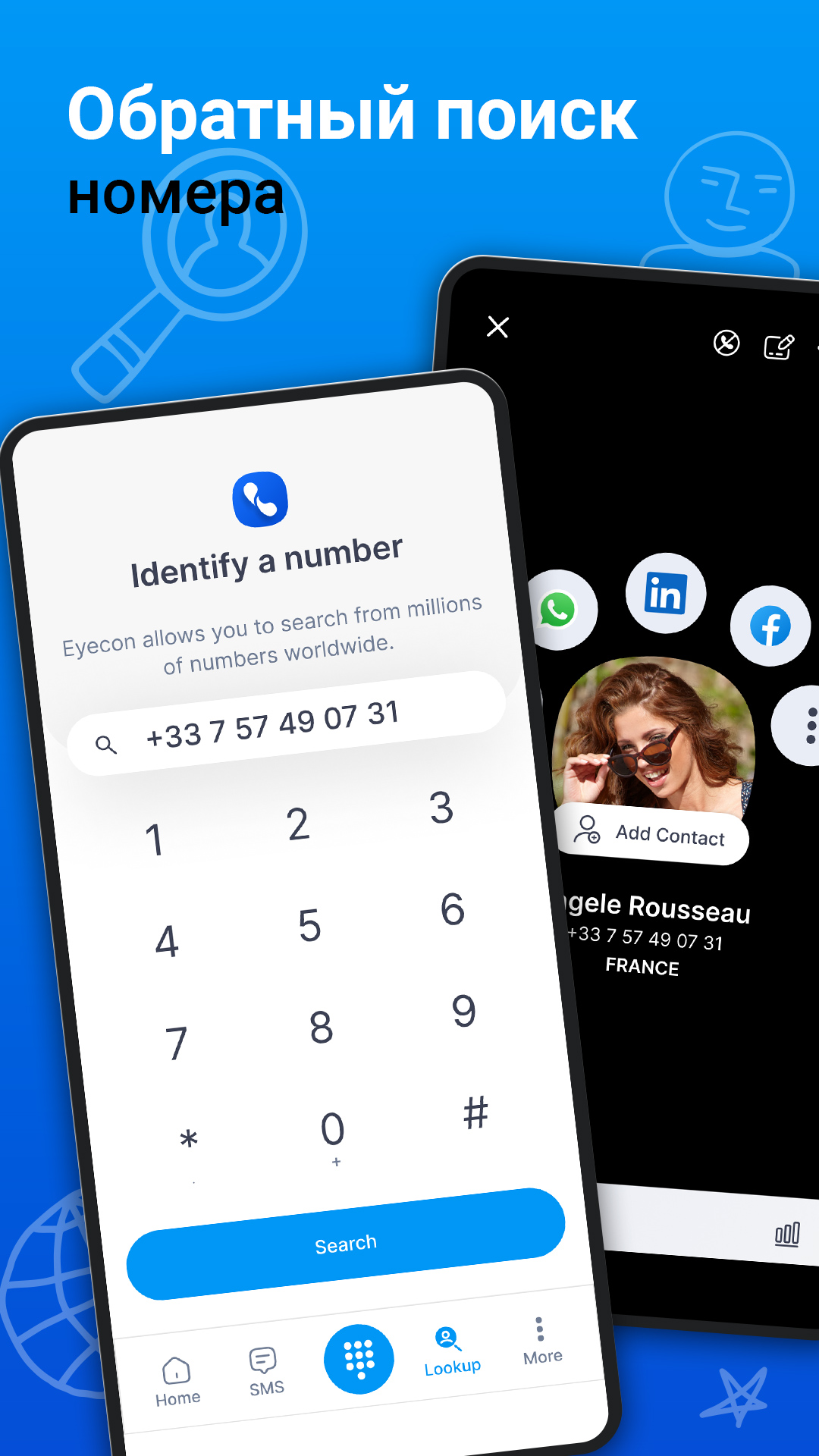
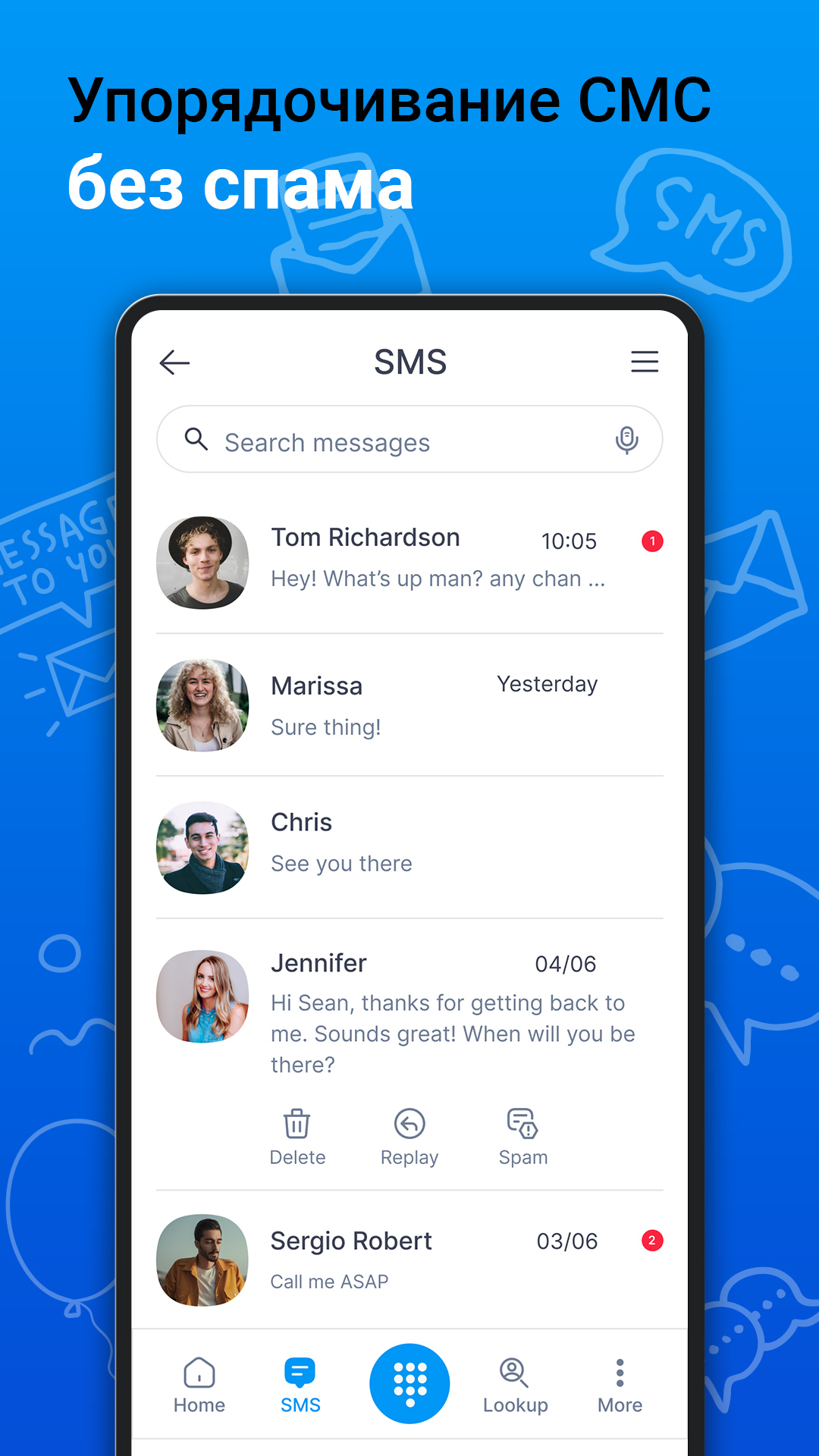
- Protection against spam and unwanted calls.
- No registration required.
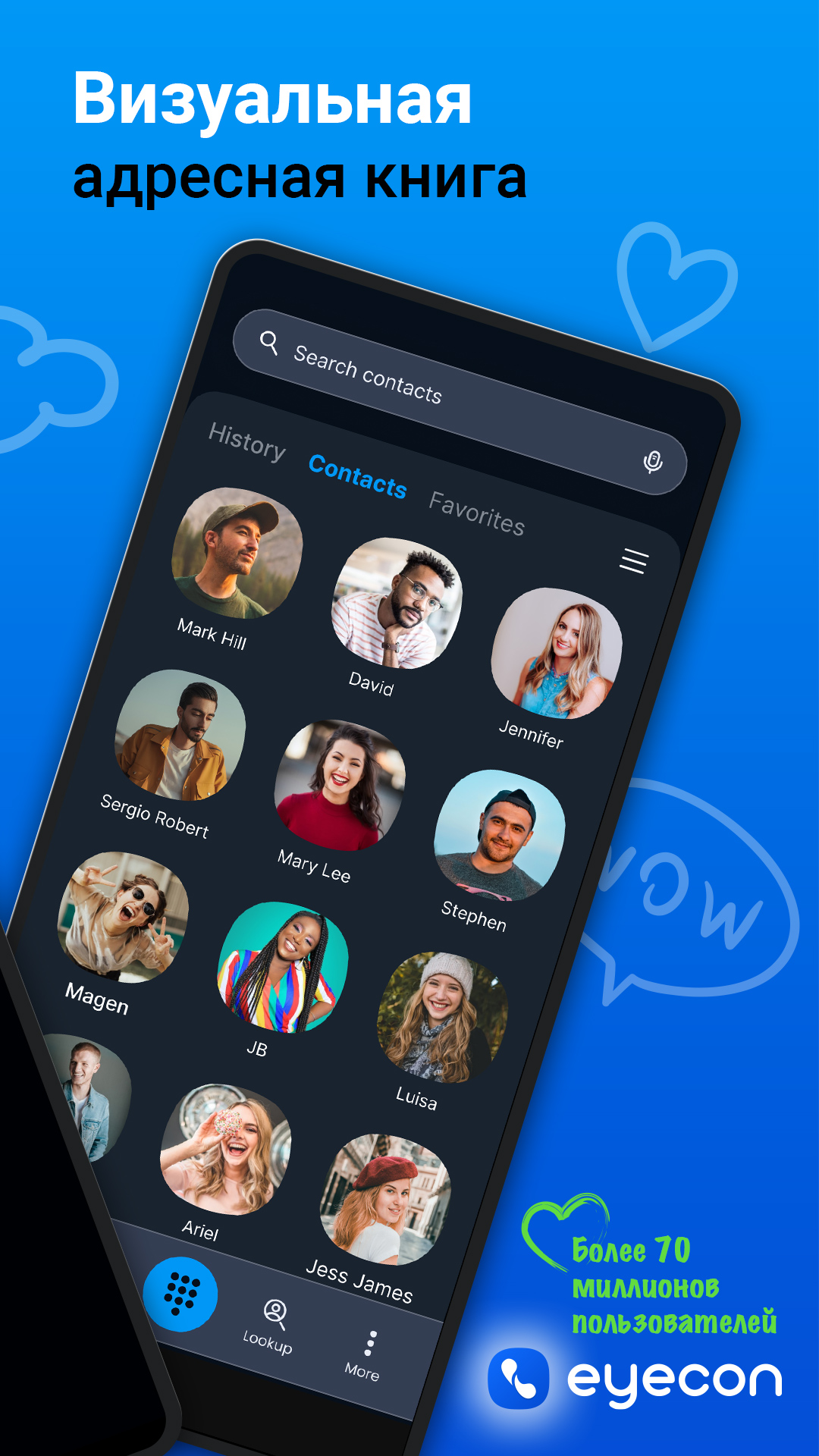
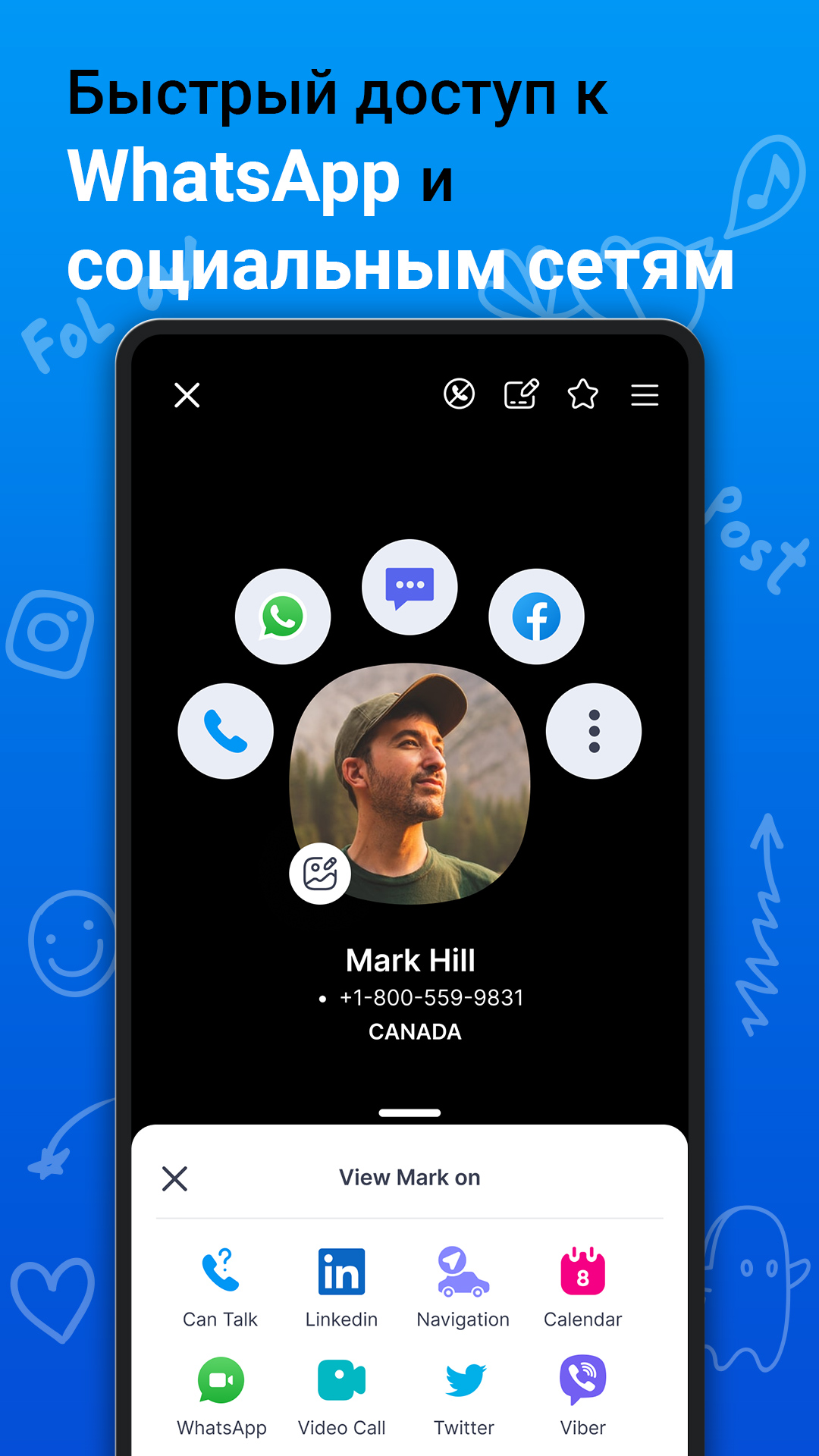
- Automatic download of photos for contacts, from social networks.
- Free to use.
- Checking the subscriber's availability before calling.
Description
Application Eyecon Caller ID & Spam Block was checked by VirusTotal antivirus. As a result of the scan, no file infections were detected by all the latest signatures.
How to install Eyecon Caller ID & Spam Block
- Download APK file apps from apkshki.com.
- Locate the downloaded file. You can find it in the system tray or in the 'Download' folder using any file manager.
- If the file downloaded in .bin extension (WebView bug on Android 11), rename it to .apk using any file manager or try downloading the file with another browser like Chrome.
- Start the installation. Click on the downloaded file to start the installation
- Allow installation from unknown sources. If you are installing for the first time Eyecon Caller ID & Spam Block not from Google Play, go to your device's security settings and allow installation from unknown sources.
- Bypass Google Play protection. If Google Play protection blocks installation of the file, tap 'More Info' → 'Install anyway' → 'OK' to continue..
- Complete the installation: Follow the installer's instructions to complete the installation process.
How to update Eyecon Caller ID & Spam Block
- Download the new version apps from apkshki.com.
- Locate the downloaded file and click on it to start the installation.
- Install over the old version. There is no need to uninstall the previous version.
- Avoid signature conflicts. If the previous version was not downloaded from apkshki.com, the message 'Application not installed' may appear. In this case uninstall the old version and install the new one.
- Restart annex Eyecon Caller ID & Spam Block after the update.








Requesting an application update
Added Denis Rubinov
Version: 4.2025.06.10.2021
Size: 49.7 MB
Updated: 24.06.2025
Developer: Eyecon Phone Dialer & Contacts
Age Limitations: Everyone
Authorizations:
Downloaded on Google Play: 77237294
Category: Contact












Reviews for Eyecon Caller ID & Spam Block
the great 👍 app on play sore
اچھی ایپ ہیں
চচণ
i highly recommend this fantastic app..
good
helpful app
I don't use this app this app uses me. Ask a lot for permissions and can't use it according to my needs
ew aw#az"🍊l
Very reliable.. I love it
excellent
Well it's amazing application when phone will ring then number will be appears on screen with the ID .So, in this way it's very helpful who's calling and from where even we didn't save the number.
its so amezing app but one thing. whenewer we save some numbers to phone by any other number because we don't know that. we save an other name but caller id i mean Eyecon is not showing the origional name its showing that name those we save to our mobile phone. if its possable so kindly solve this problem .thank you.
Dear software developer till now my experience was good with the software.... But when you search somebody's name by pressing number buttons related to his name initial then a huge white dialogue box appears.... behind which all the possible contacts are hidden.. only top contacts are visible... So we are not able to remove that dialogue box to view the other matching contacts.. Due to which we face problem in locating our contact.. Kindly modify interface so that search of contacts become easy
If you're more concerned with photos everywhere than operation of the phone, this is the photo app for you. My Google phone app was a black screen with every incoming call since their latest update and I need a replacement. Ads are ok. A few photos are too. But I need function and this is all fashion. Maybe that's what you want. I'm still searching. Looks like I may have to fork out a few for robokiller. These guys worry me they're using my photos.
I don't Understand usefulness of this app, it's just a caller ID for my contacts, every other call I've gotten it's never shown anything but the number. My phone on its own does that. It doesn't identify spam or anything and I've had it for months
Post a comment
To leave a comment, log in with your social network:
Or leave an anonymous comment. Your comment will be sent for moderation.
Post a comment
To leave a comment, log in with your social network:
Or leave an anonymous comment. Your comment will be sent for moderation.