



DevCheck Device & System Info
10+
downloads4.1+
version Android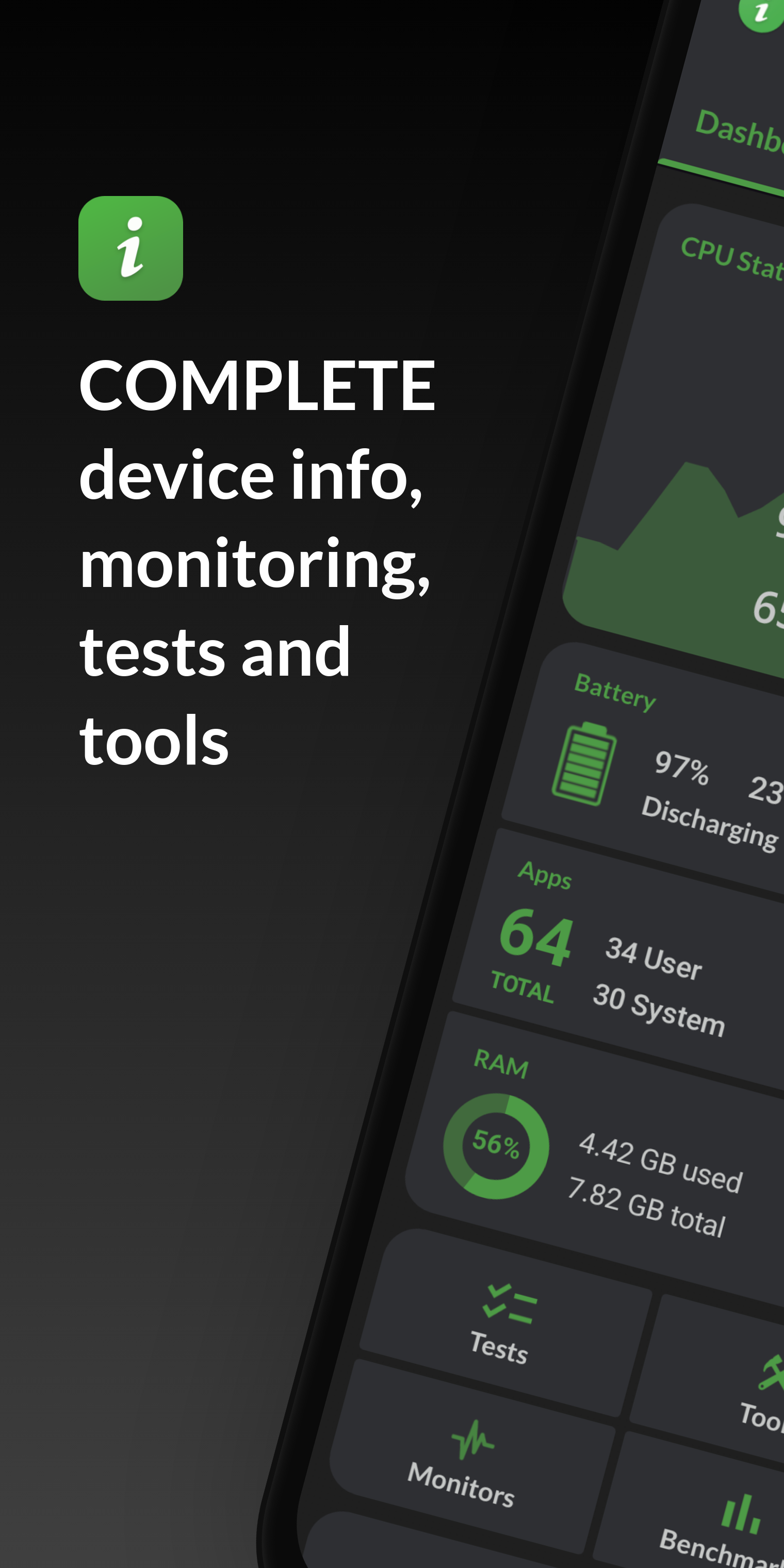
Added: Denis Rubinov
Version: 5.40
Size: 9.9 MB
Updated: 22.05.2025
Developer: flar2
Age Limitations: Everyone
Authorizations: 18
Downloaded on Google Play: 3731339
Category: Tools
- Russian interface language.
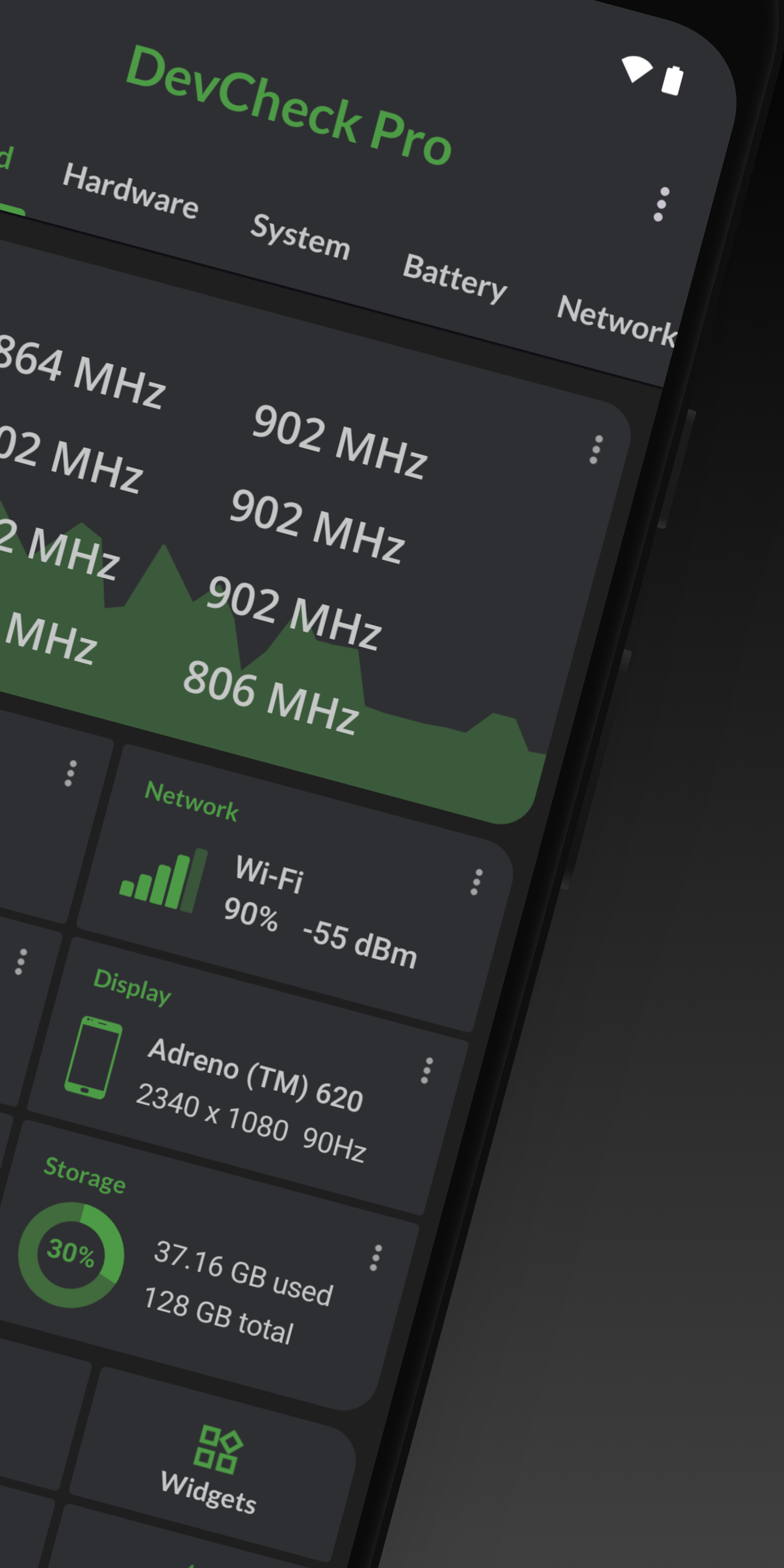
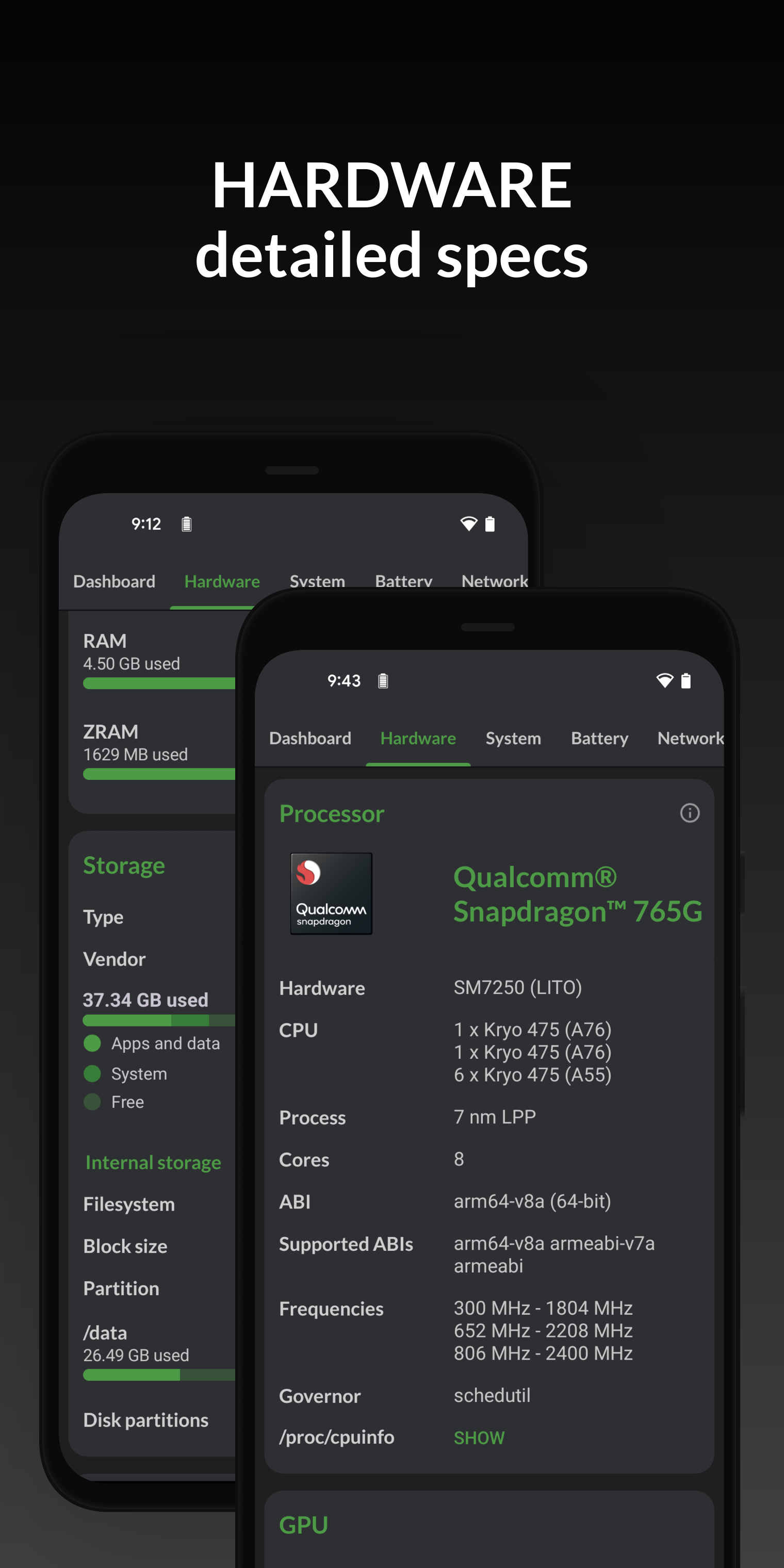
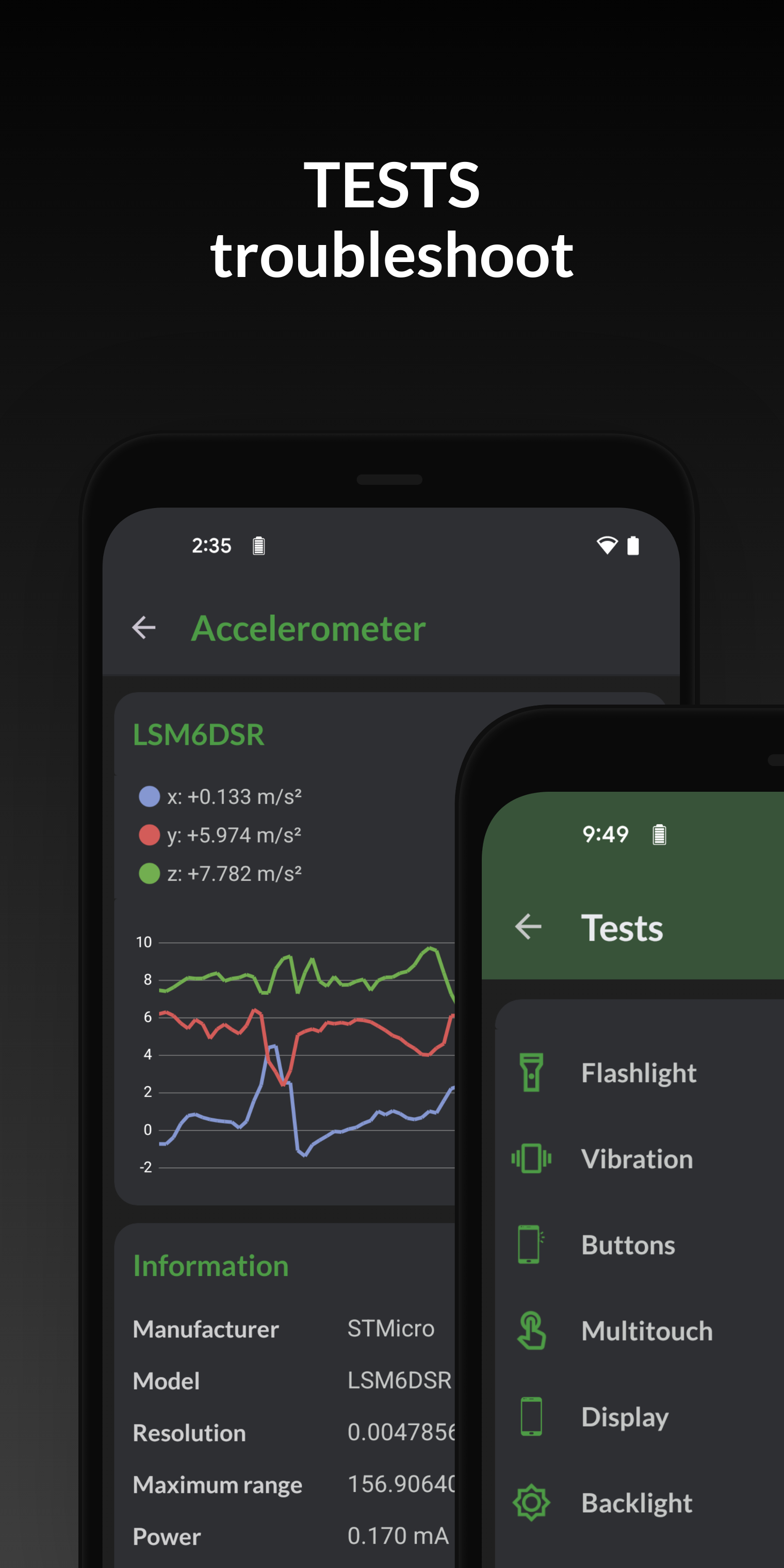
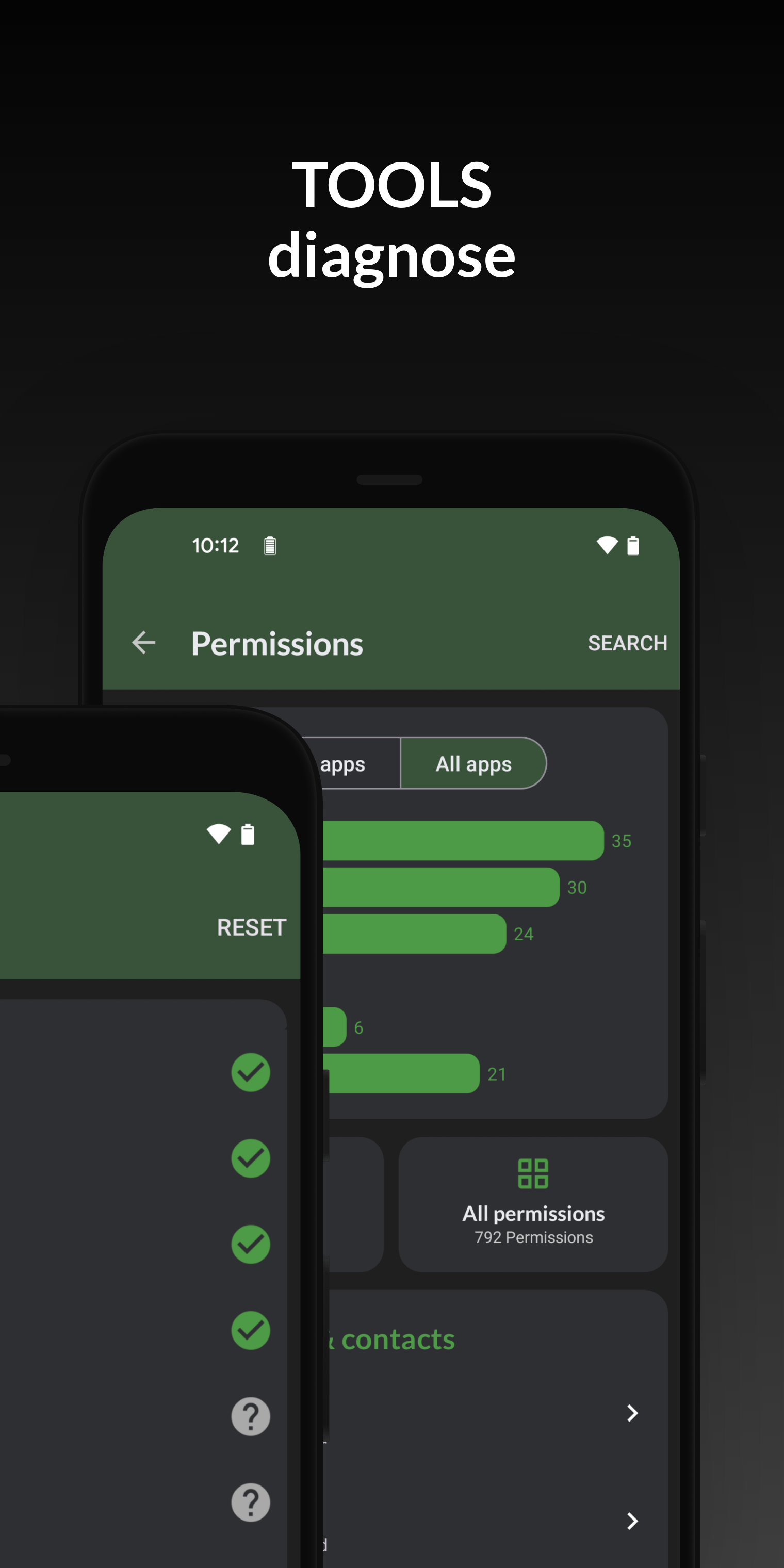
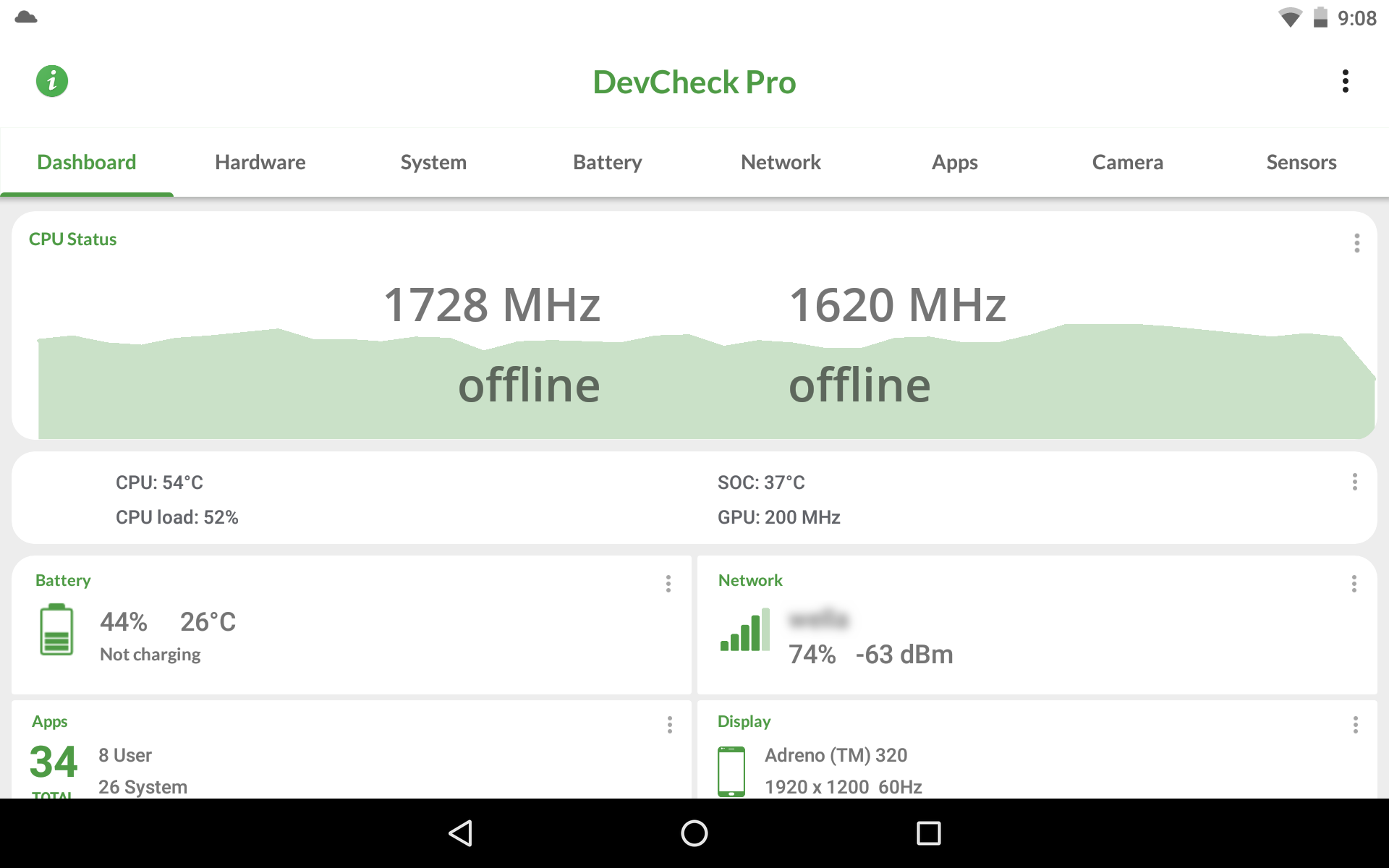
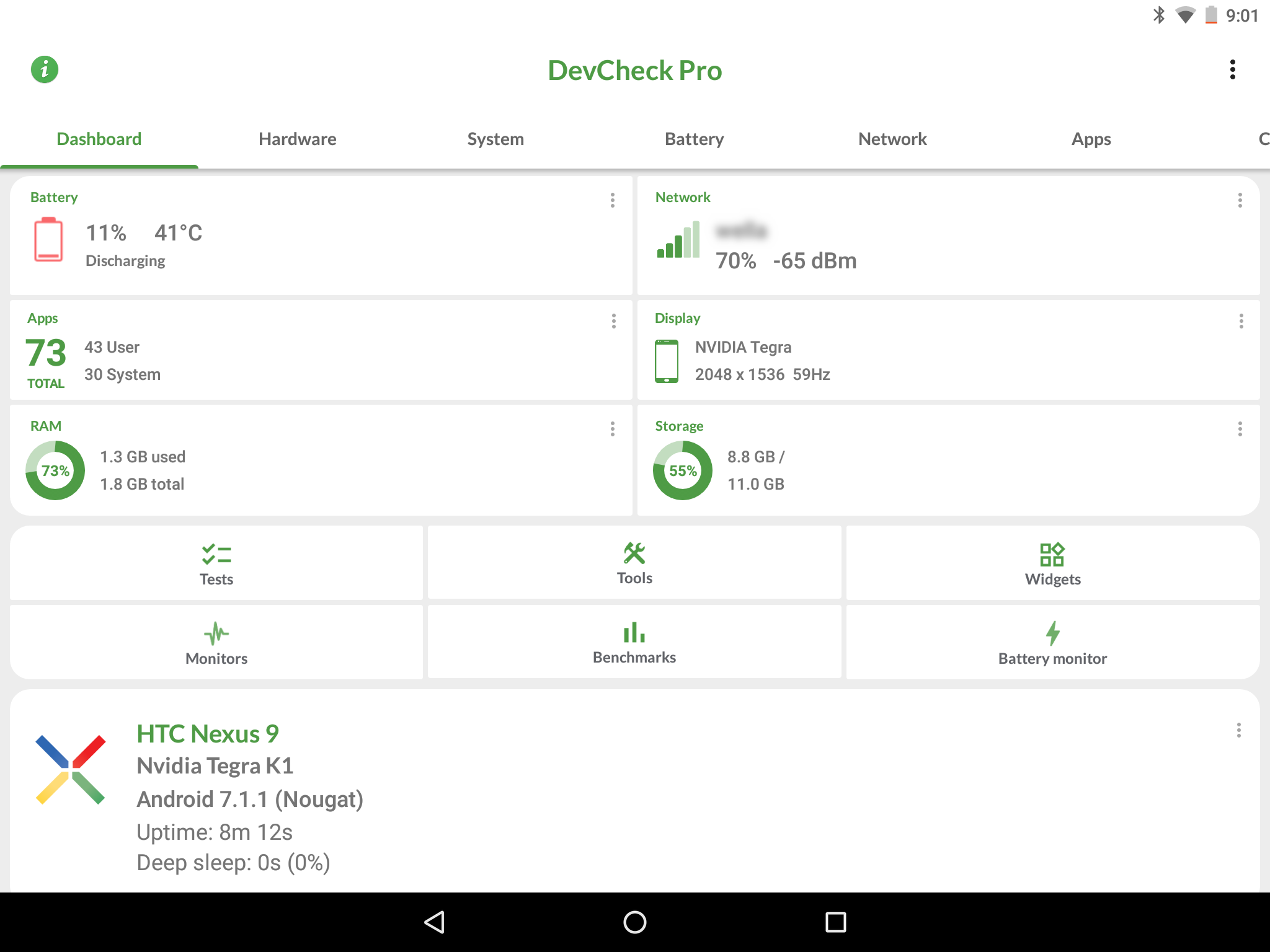
- Accurate information about all hardware.
- Grouping information by tabs.
- Units of measurement can be selected.
- Takes up very little space.
- Works for free.
Description
Application DevCheck Device & System Info was checked by VirusTotal antivirus. As a result of the scan, no file infections were detected by all the latest signatures.
How to install DevCheck Device & System Info
- Download APK file apps from apkshki.com.
- Locate the downloaded file. You can find it in the system tray or in the 'Download' folder using any file manager.
- If the file downloaded in .bin extension (WebView bug on Android 11), rename it to .apk using any file manager or try downloading the file with another browser like Chrome.
- Start the installation. Click on the downloaded file to start the installation
- Allow installation from unknown sources. If you are installing for the first time DevCheck Device & System Info not from Google Play, go to your device's security settings and allow installation from unknown sources.
- Bypass Google Play protection. If Google Play protection blocks installation of the file, tap 'More Info' → 'Install anyway' → 'OK' to continue..
- Complete the installation: Follow the installer's instructions to complete the installation process.
How to update DevCheck Device & System Info
- Download the new version apps from apkshki.com.
- Locate the downloaded file and click on it to start the installation.
- Install over the old version. There is no need to uninstall the previous version.
- Avoid signature conflicts. If the previous version was not downloaded from apkshki.com, the message 'Application not installed' may appear. In this case uninstall the old version and install the new one.
- Restart annex DevCheck Device & System Info after the update.




Requesting an application update
Added Denis Rubinov
Version: 5.40
Size: 9.9 MB
Updated: 22.05.2025
Developer: flar2
Age Limitations: Everyone
Authorizations:
Downloaded on Google Play: 3731339
Category: Tools












Reviews for DevCheck Device & System Info
Wonderful app. Provided plenty of info.
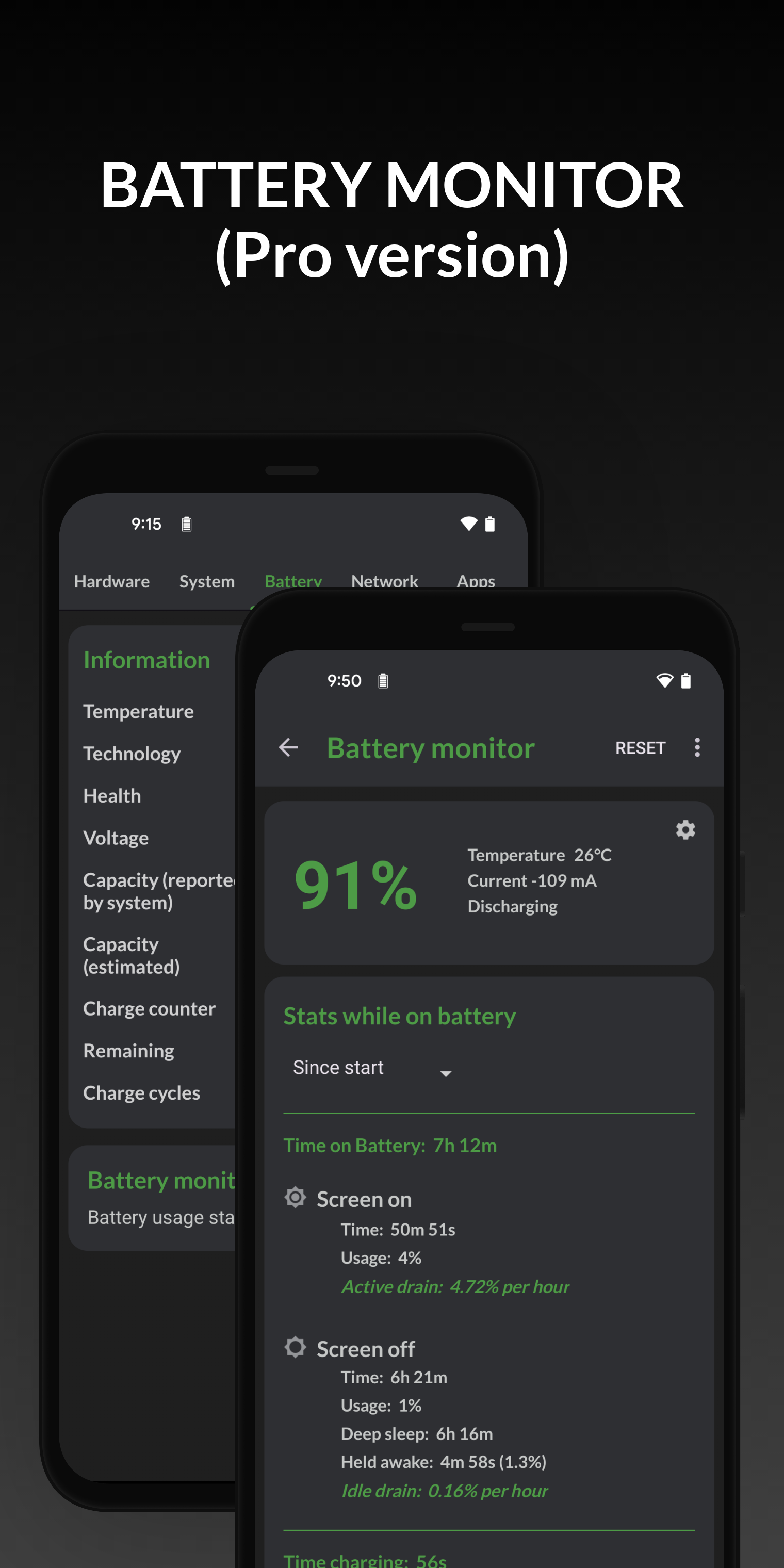
please add option for battery monitor start from fully charged
Perfect why have you removed information from the battery section while charging? as to the response, it's definitely removed..and the many other reviews stating problems with the battery section too would seem to indicate there are issues. so either everyone else is wrong or it's something on your end. so it has been changed. attitude isn't helpful, you've changed things and it's causing issues and are arguing with those reporting it. 1 star. do better
good information, keep up the good work
best
Good app!
No complaints. Just EXCELLENT.
Phenomenal.
easy to use and provide information briefly 👍
okay its
Free version works great. Didn't even force me to buy paid because free already have everything I need. I rooted my Galaxy S10 and overclocked the GPU and this app shows my GPU is overclocked, so it's working fine. Also can see everything else and it can also bring system setting up if you need it. Just tap on one and it opens up phone's setting. Very convenient.
Best app
This app usefull and simple UI and easy to Use App 😁
Top
Tell us more (optional)
Post a comment
To leave a comment, log in with your social network:
Or leave an anonymous comment. Your comment will be sent for moderation.
Post a comment
To leave a comment, log in with your social network:
Or leave an anonymous comment. Your comment will be sent for moderation.