



Business Calendar 2 Planner
5+
downloads5.0+
version Android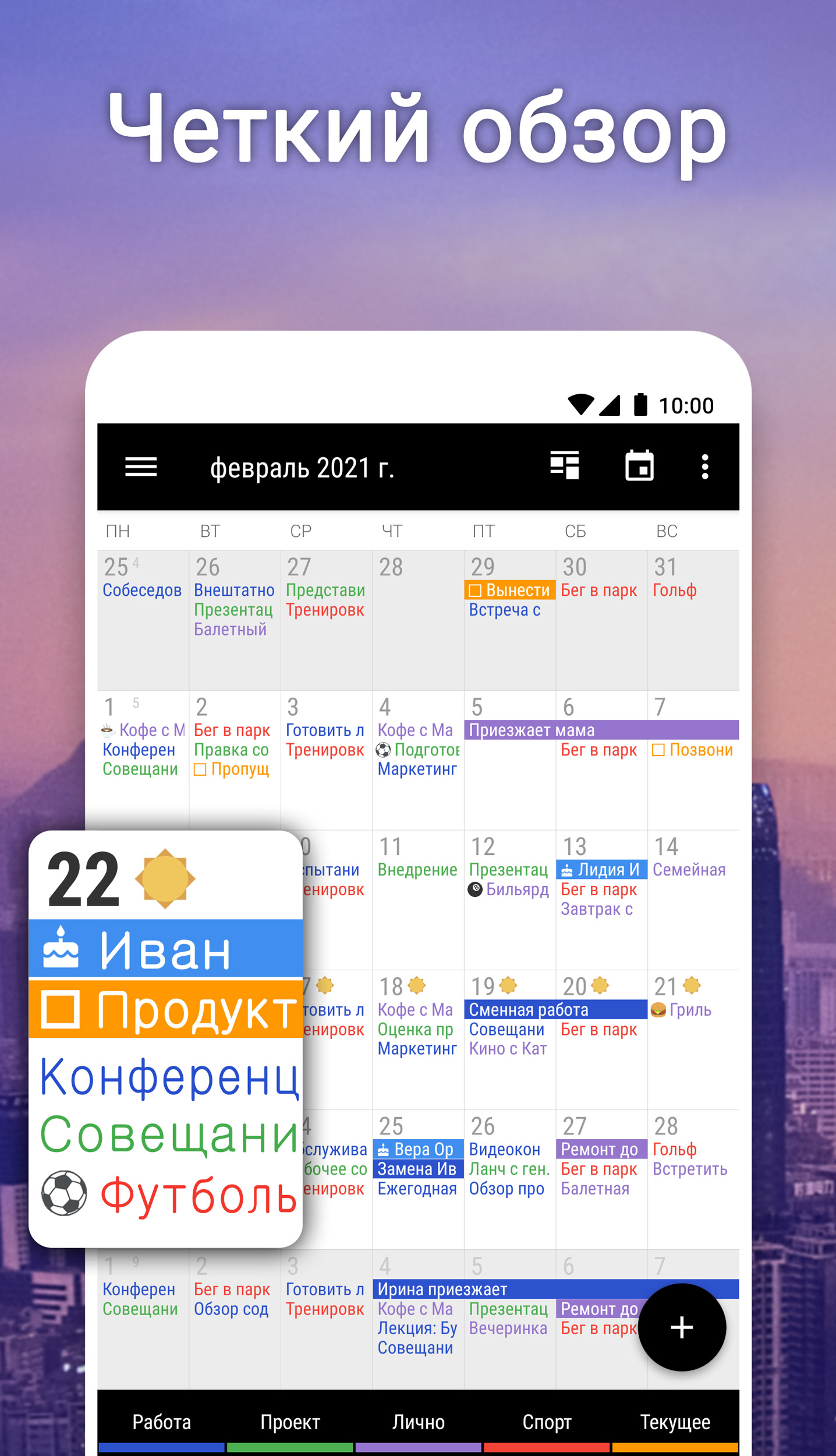
Added: Denis Rubinov
Version: 2.52.0
Size: 26.6 MB
Updated: 24.06.2025
Developer: Appgenix Software
Age Limitations: Everyone
Authorizations: 20
Downloaded on Google Play: 10632202
Category: Work
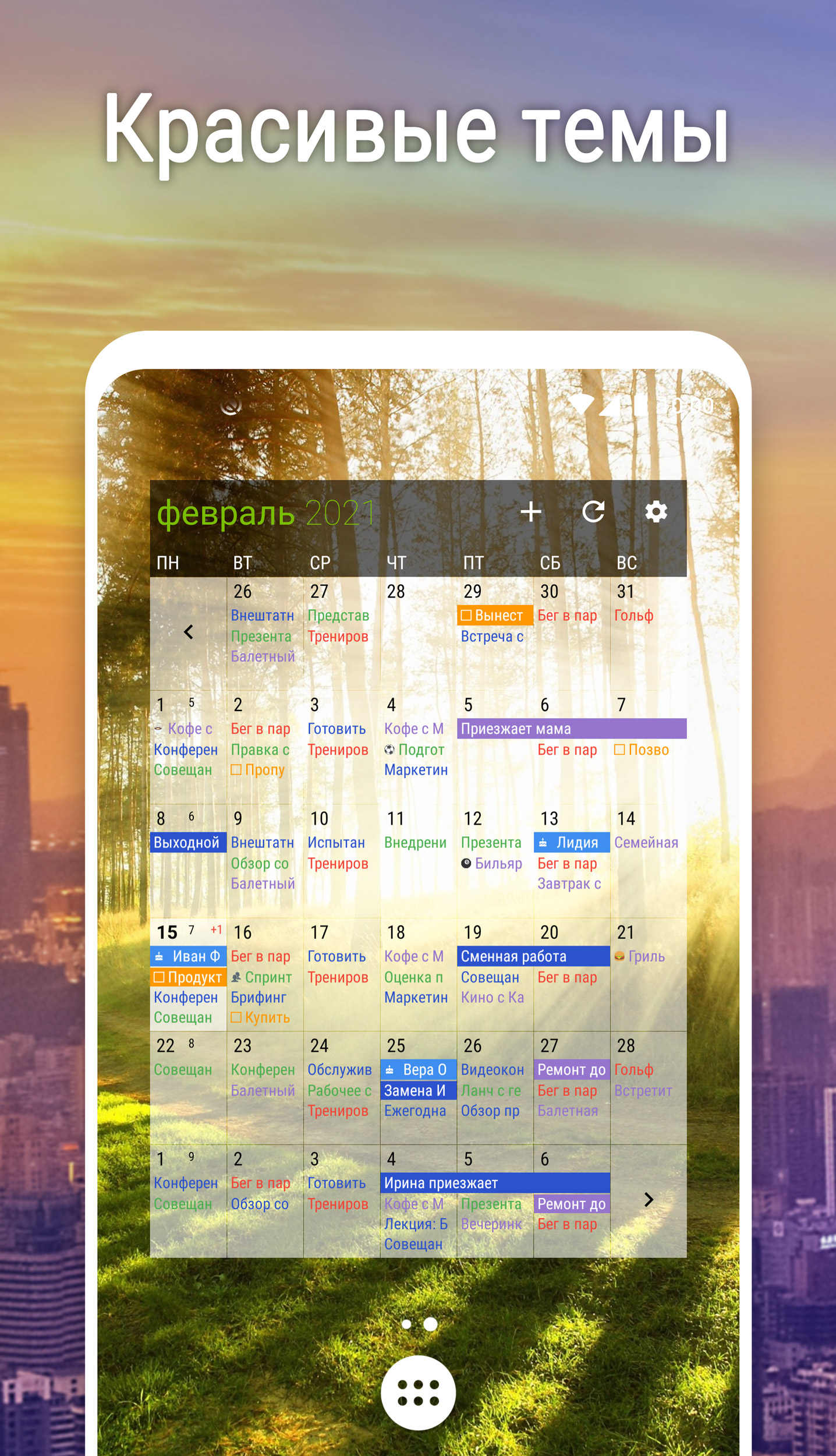
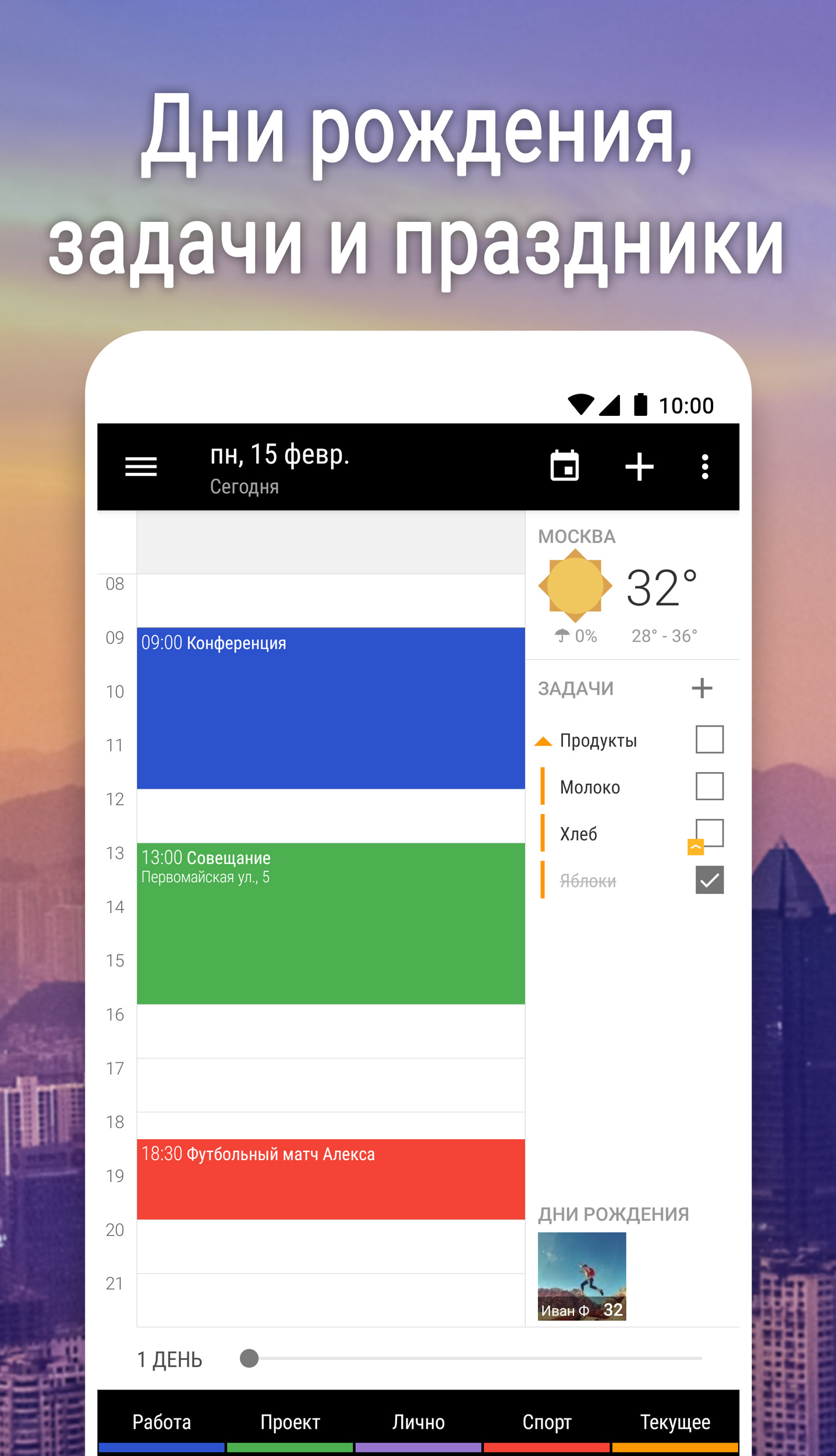
- Sync with Google Calendar and Outlook.
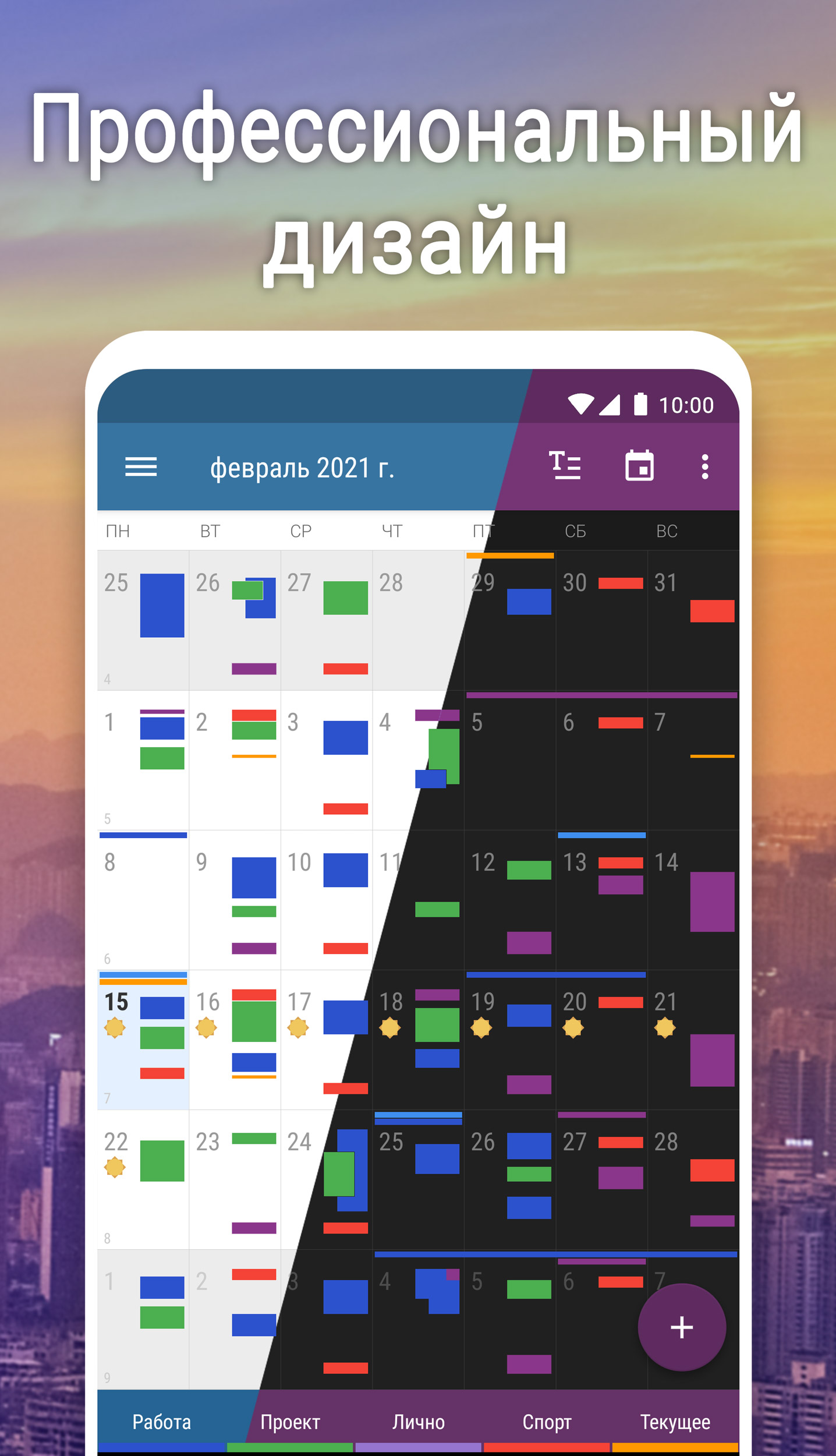
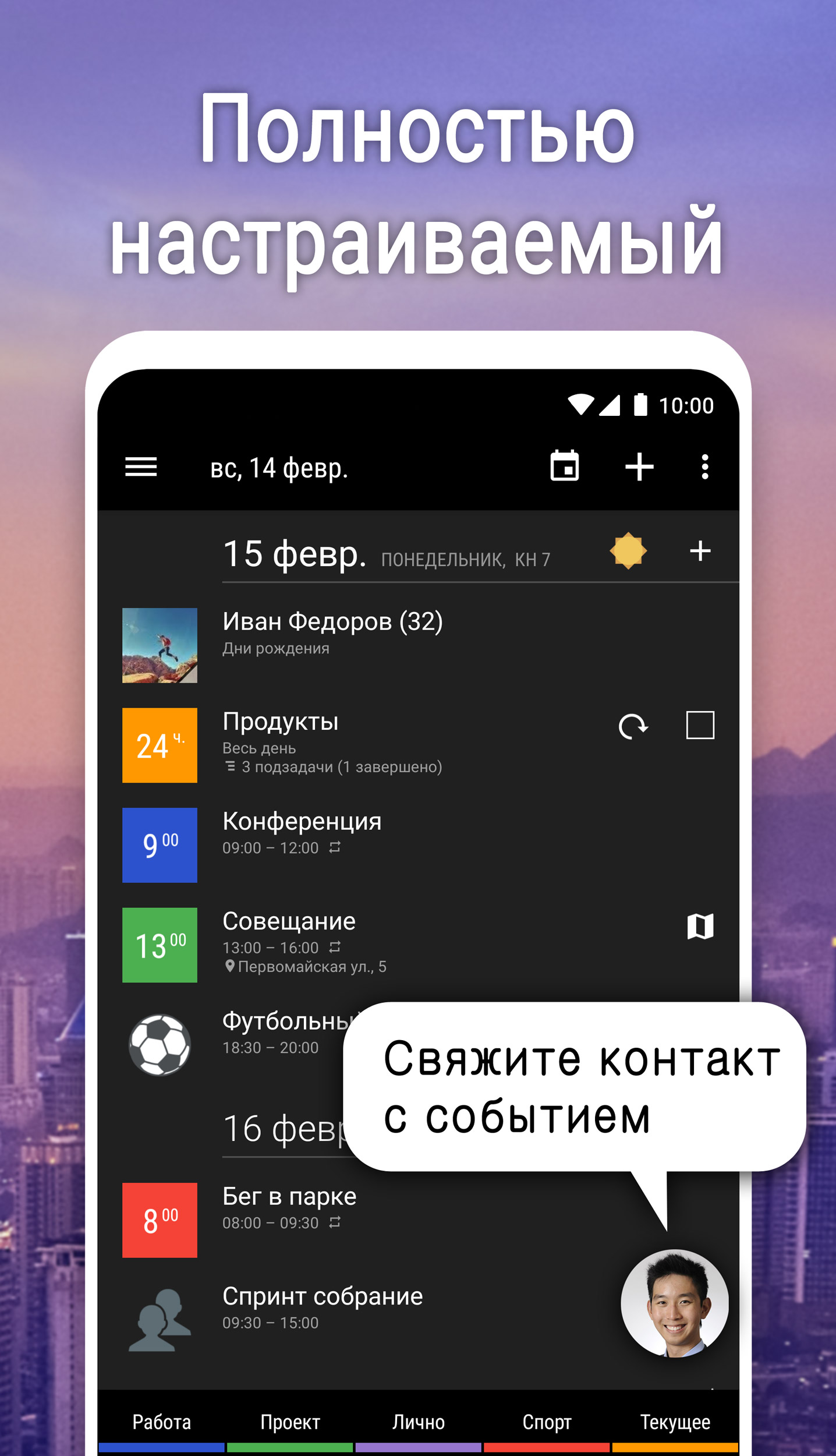
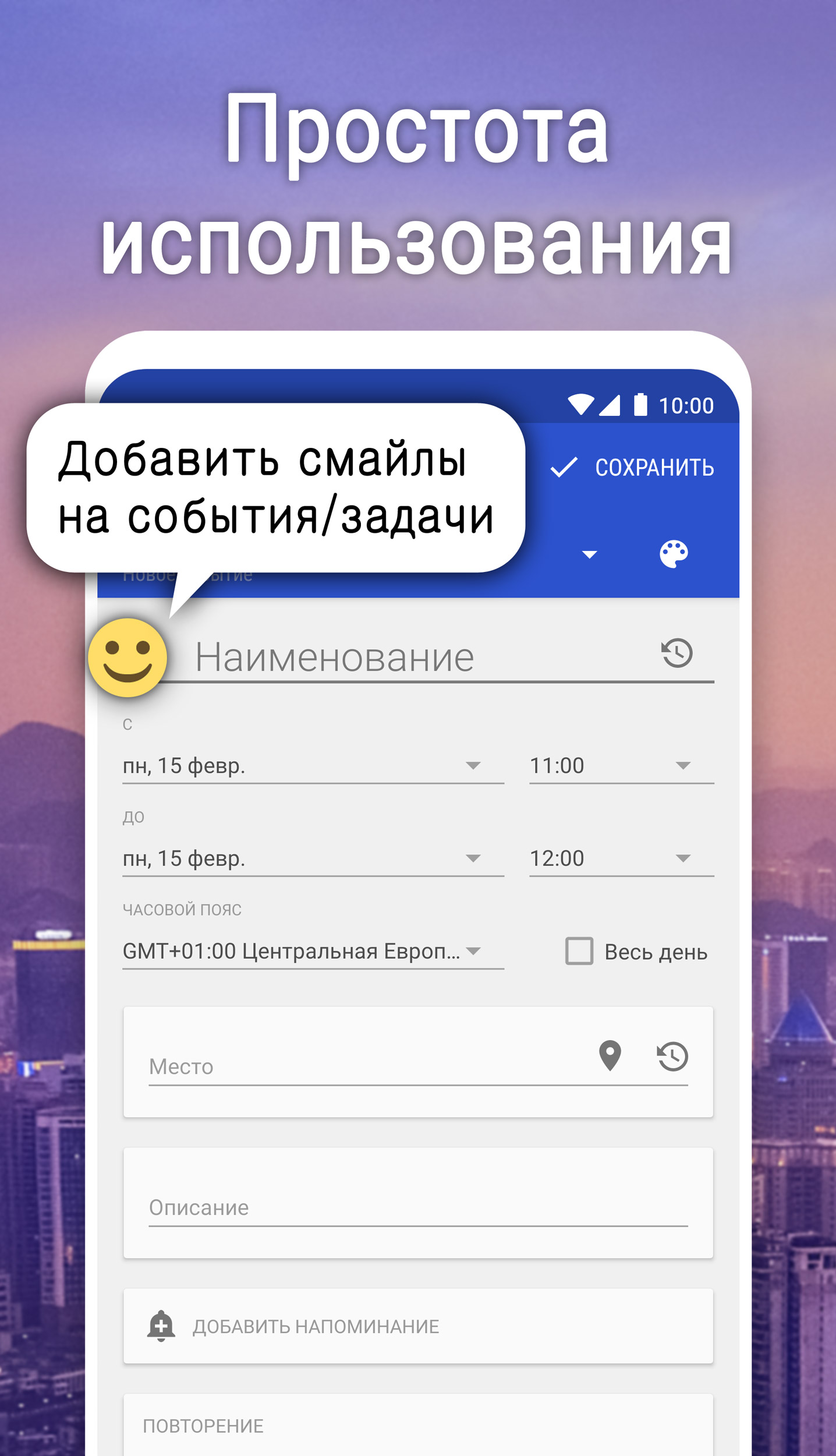
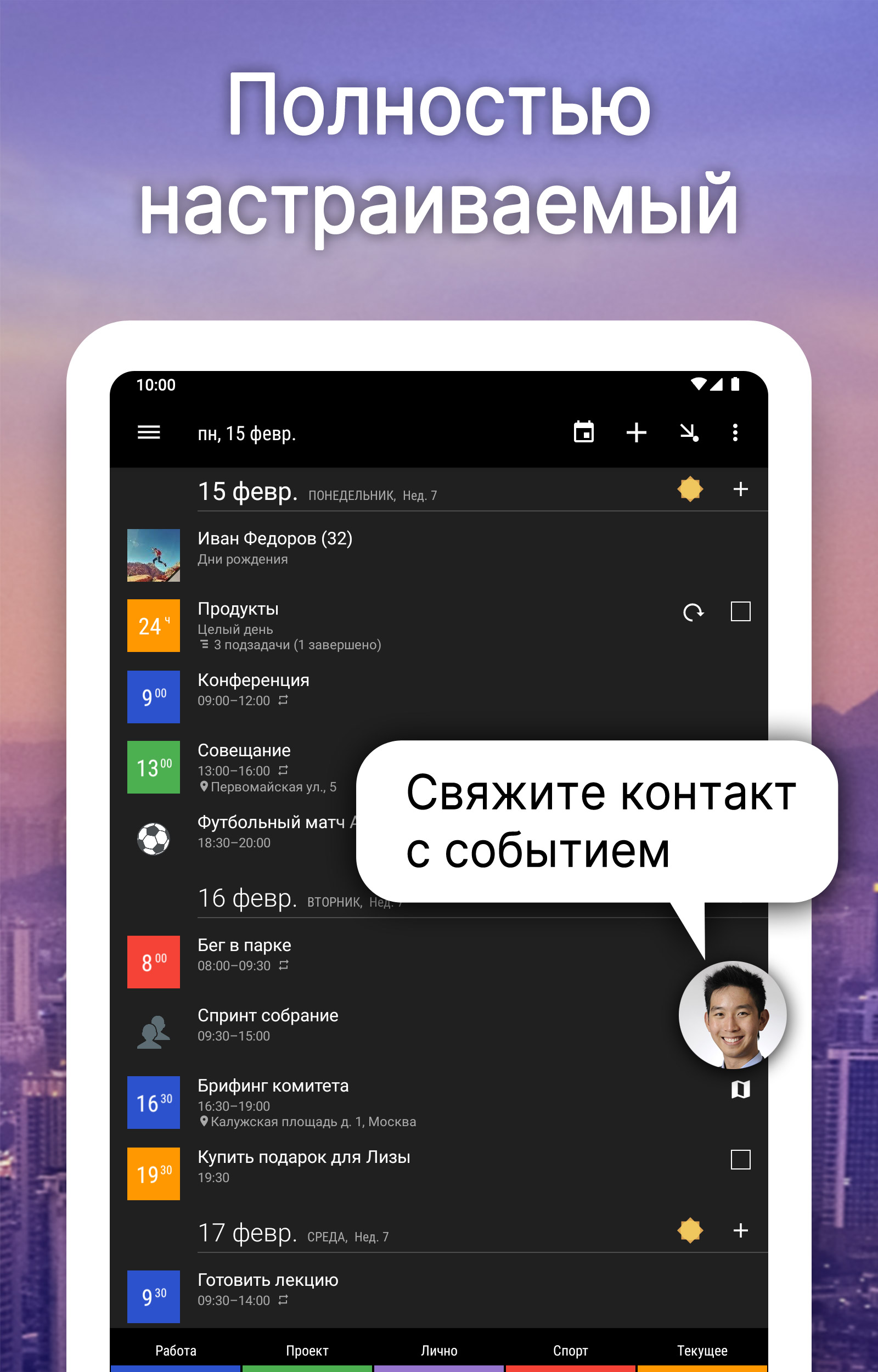
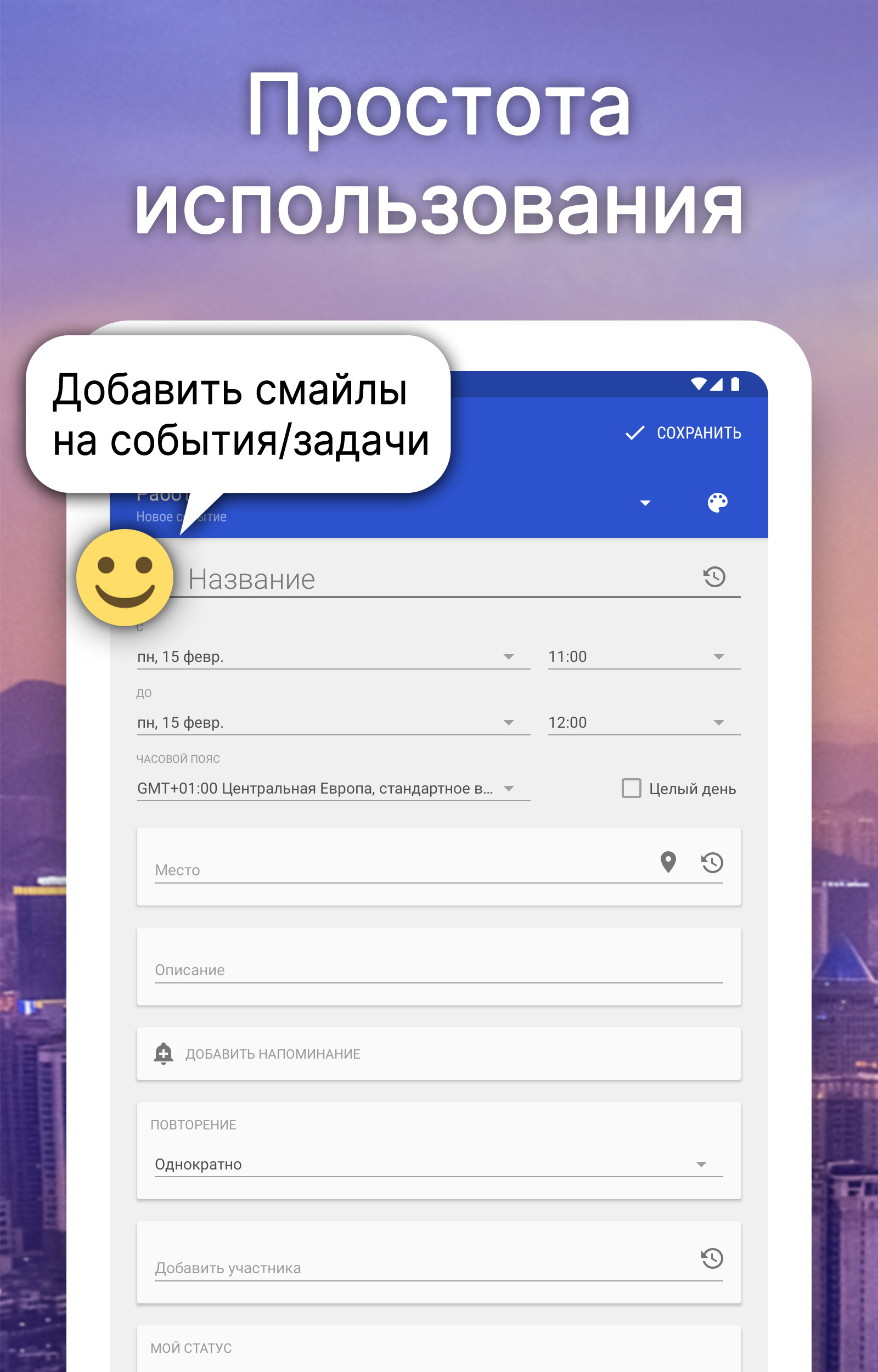
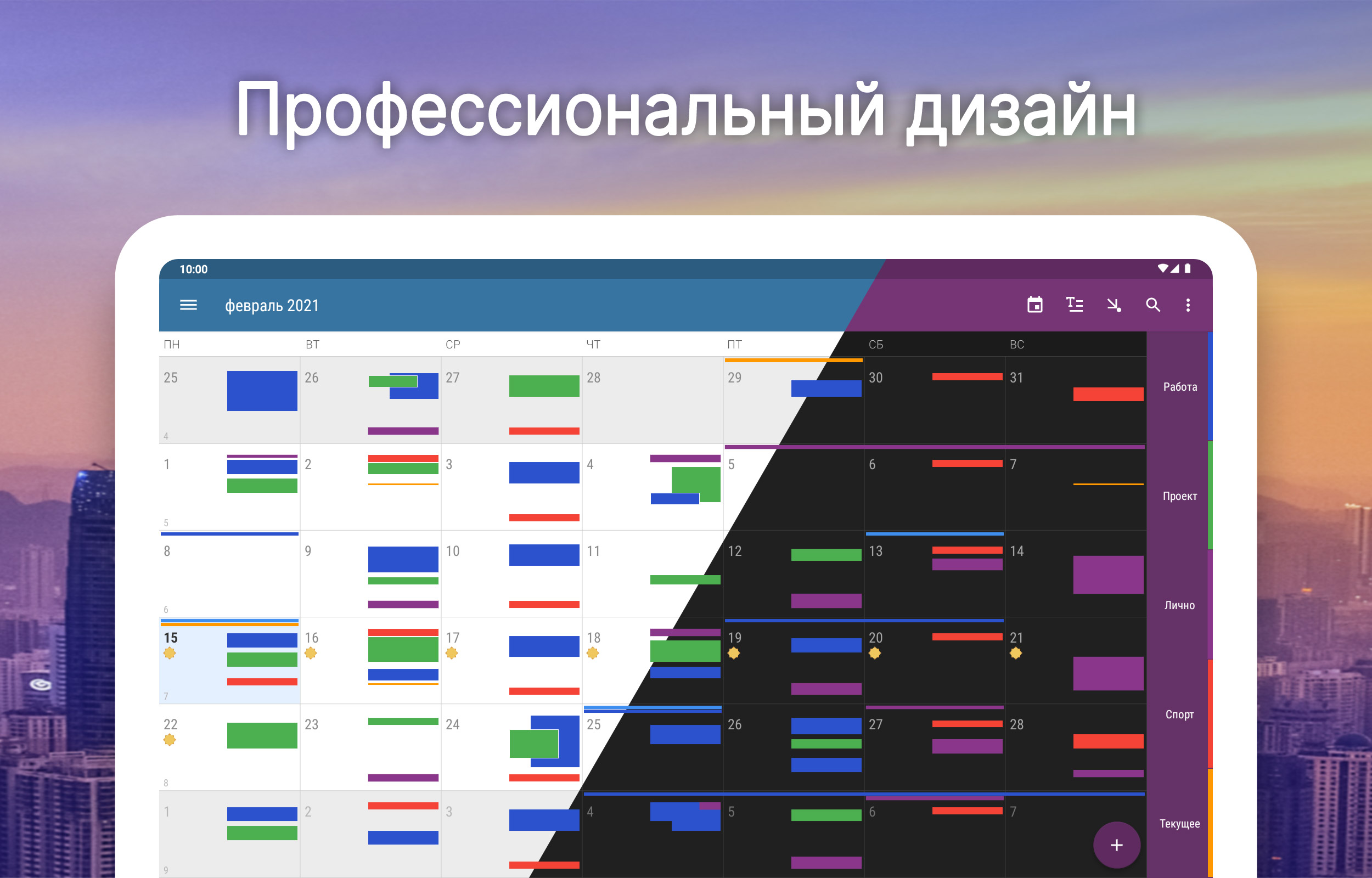
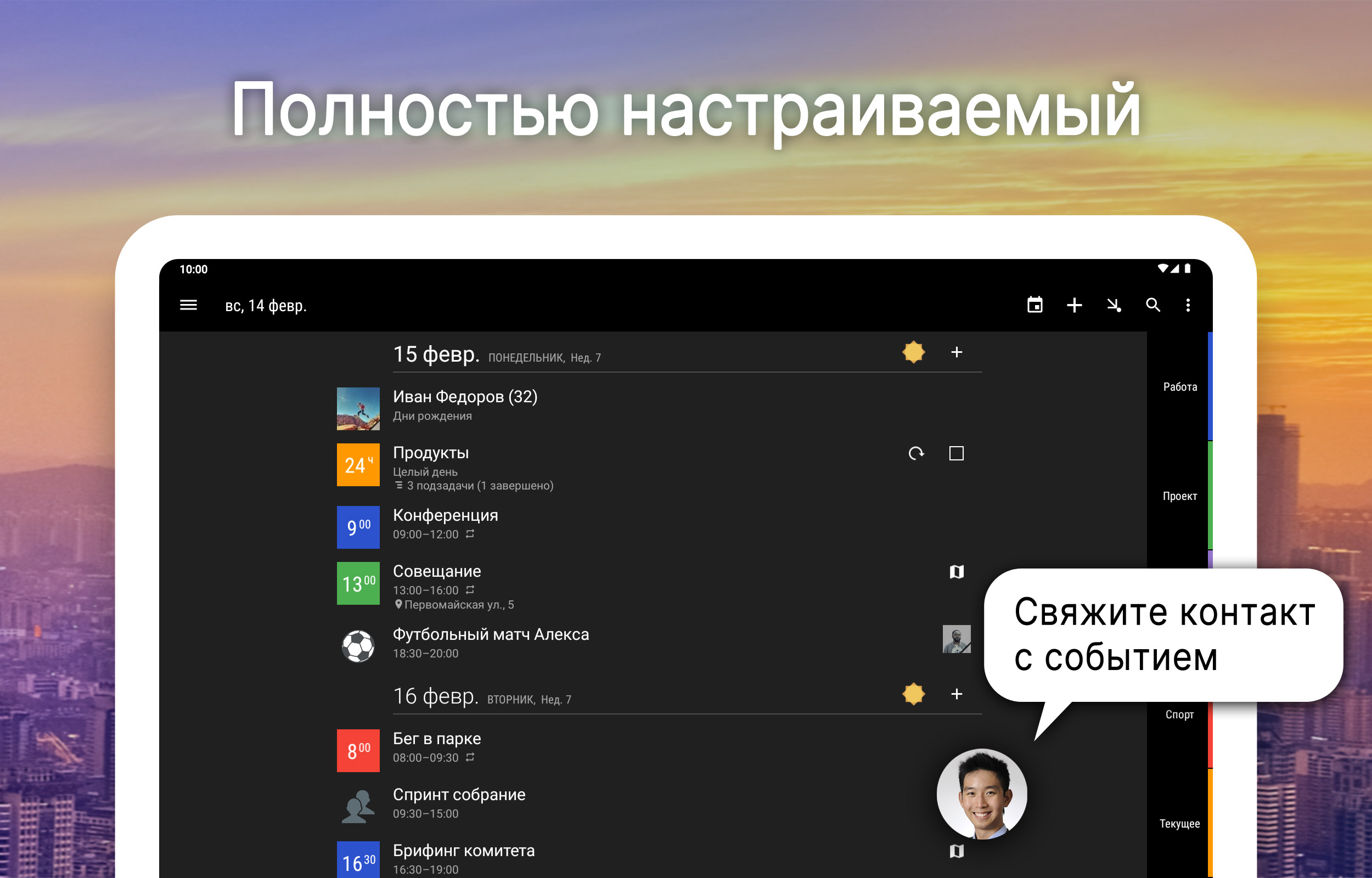
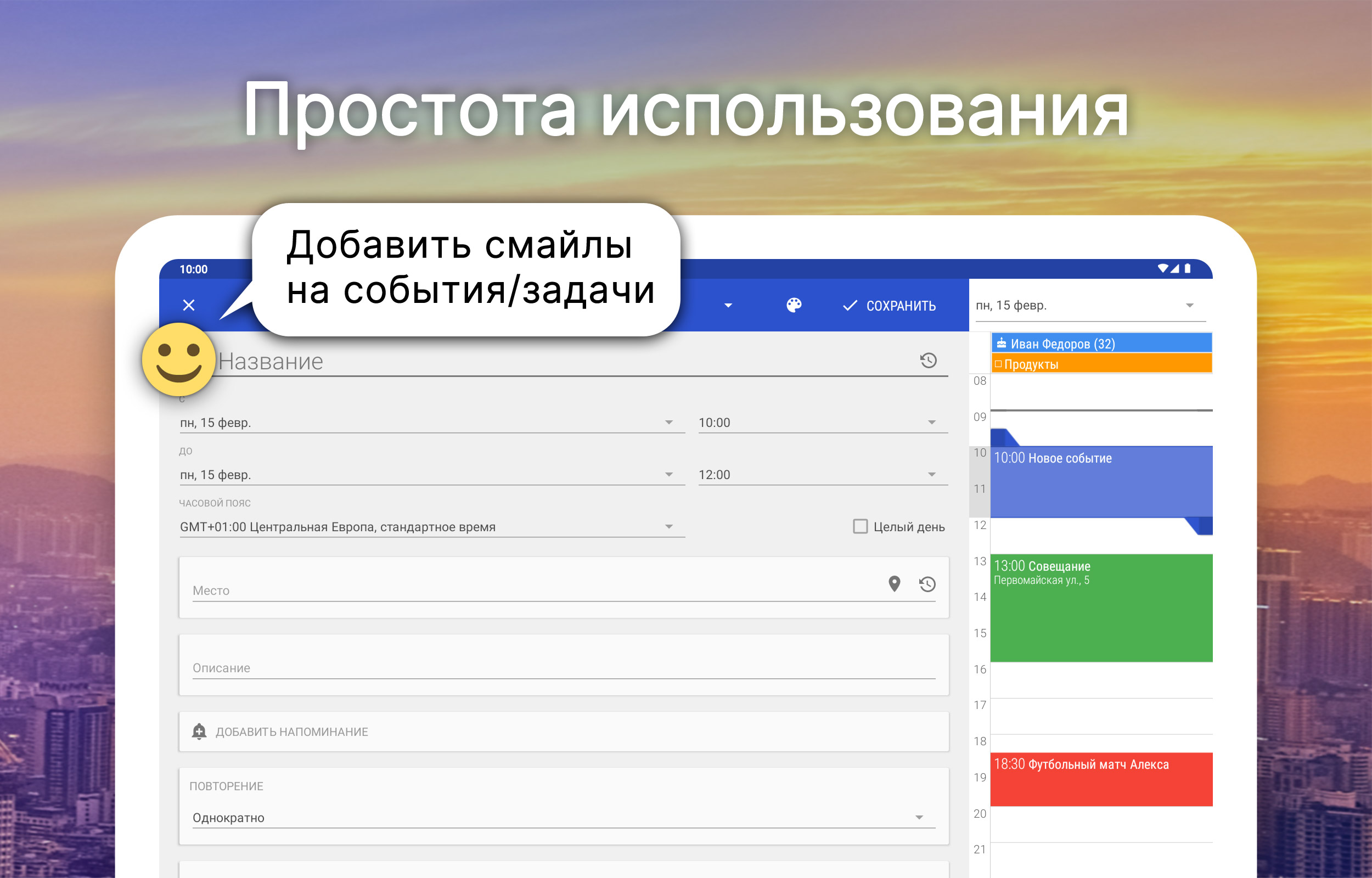
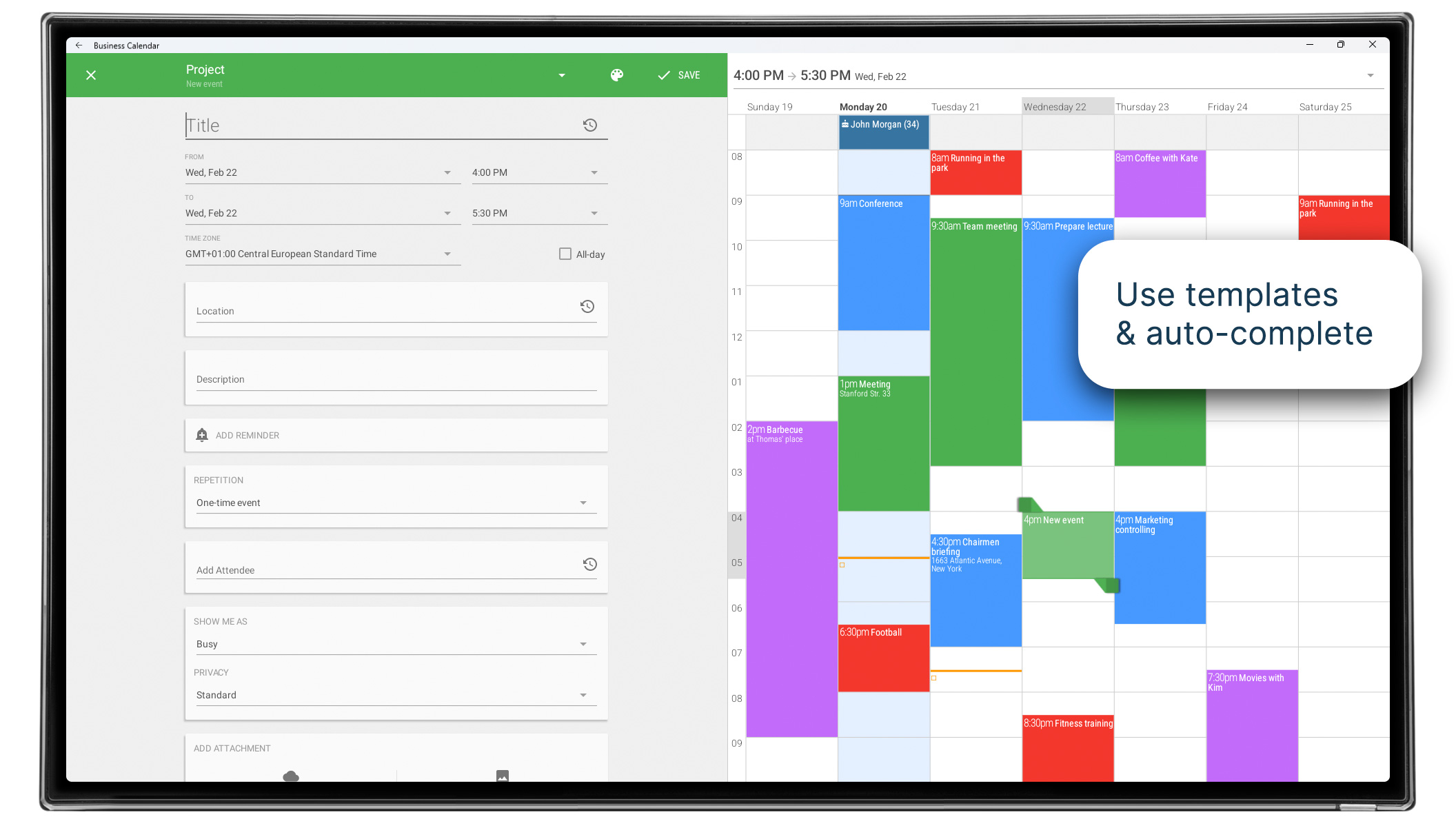
- Intuitive interface.
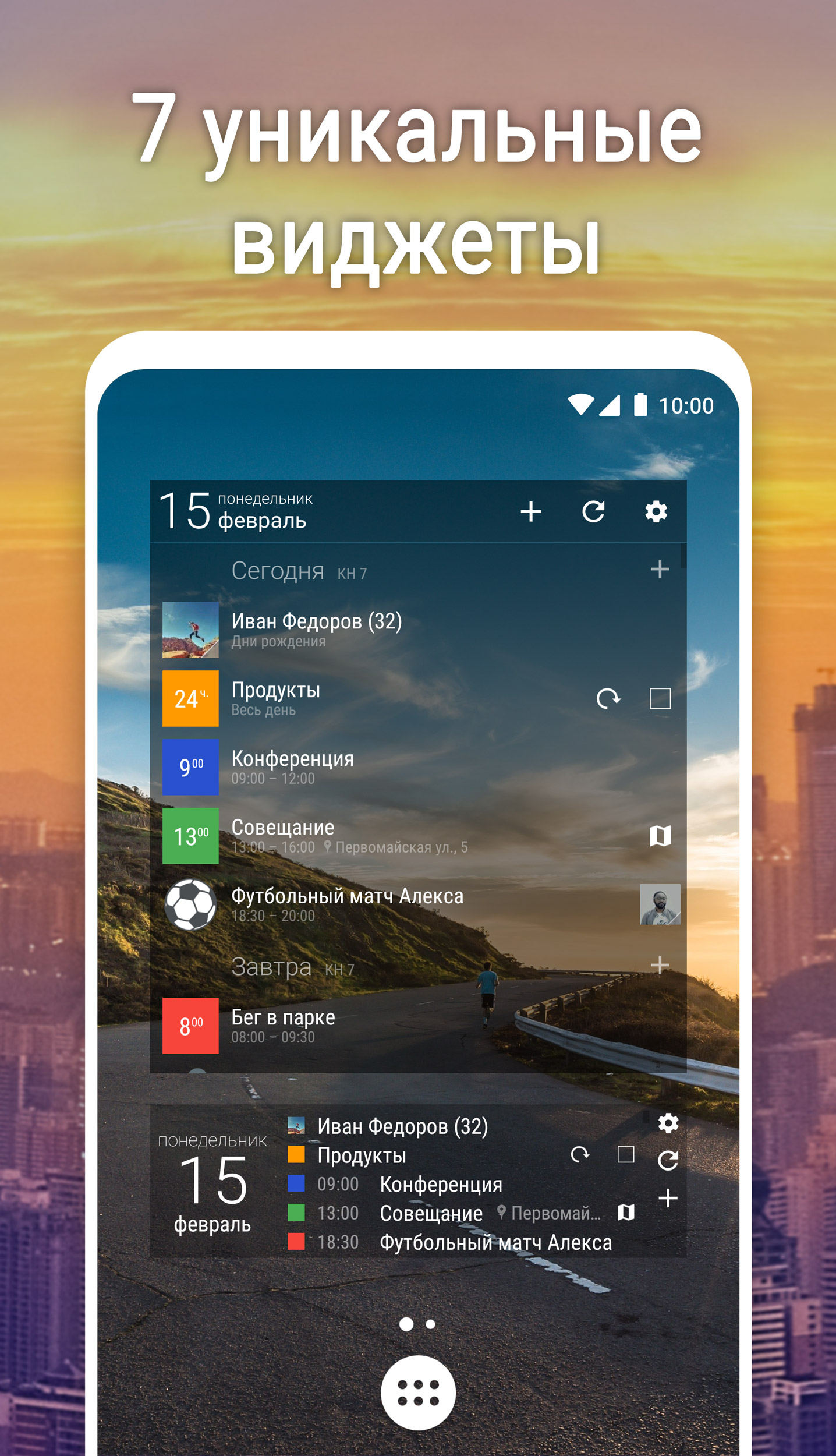
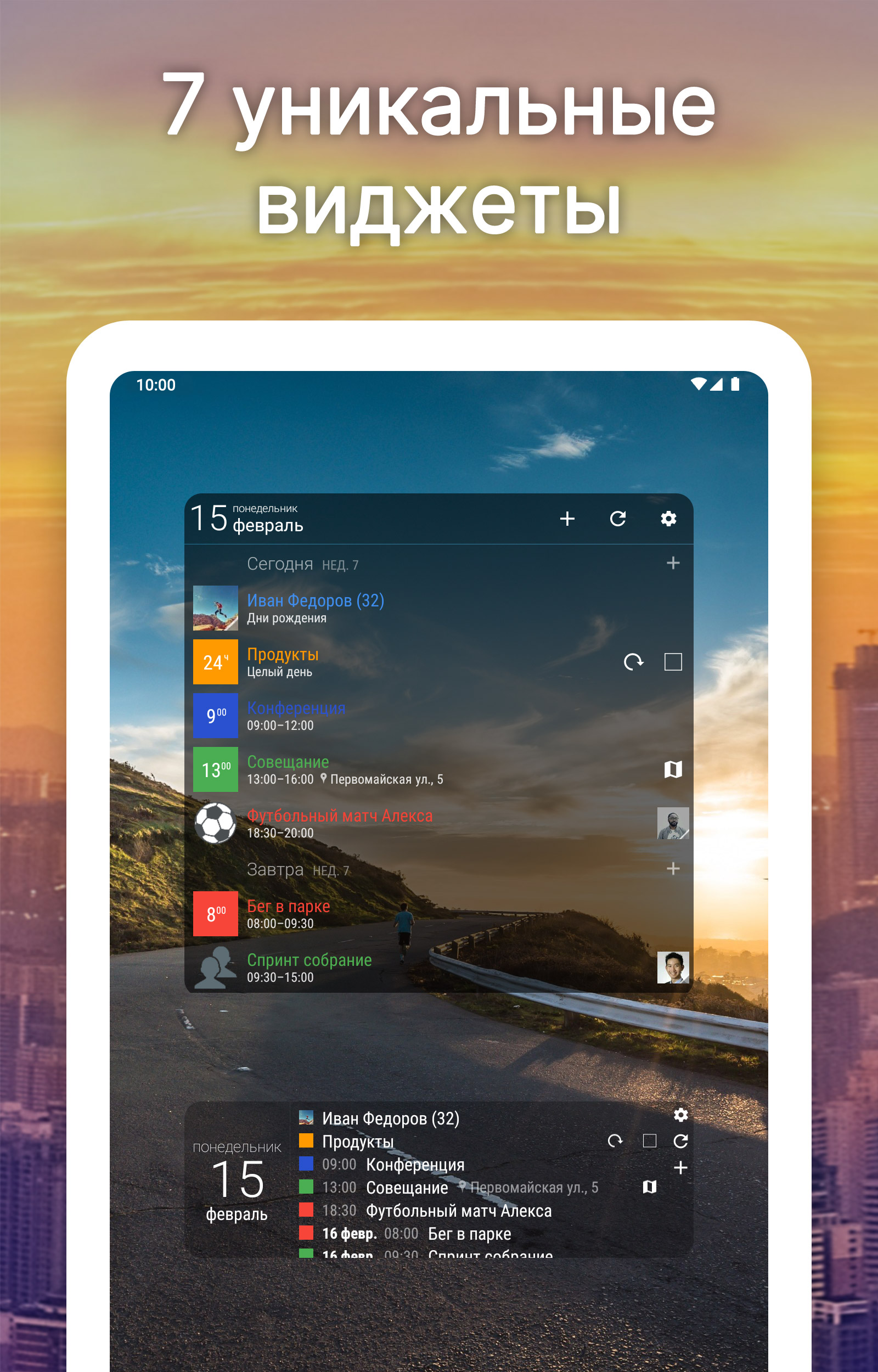
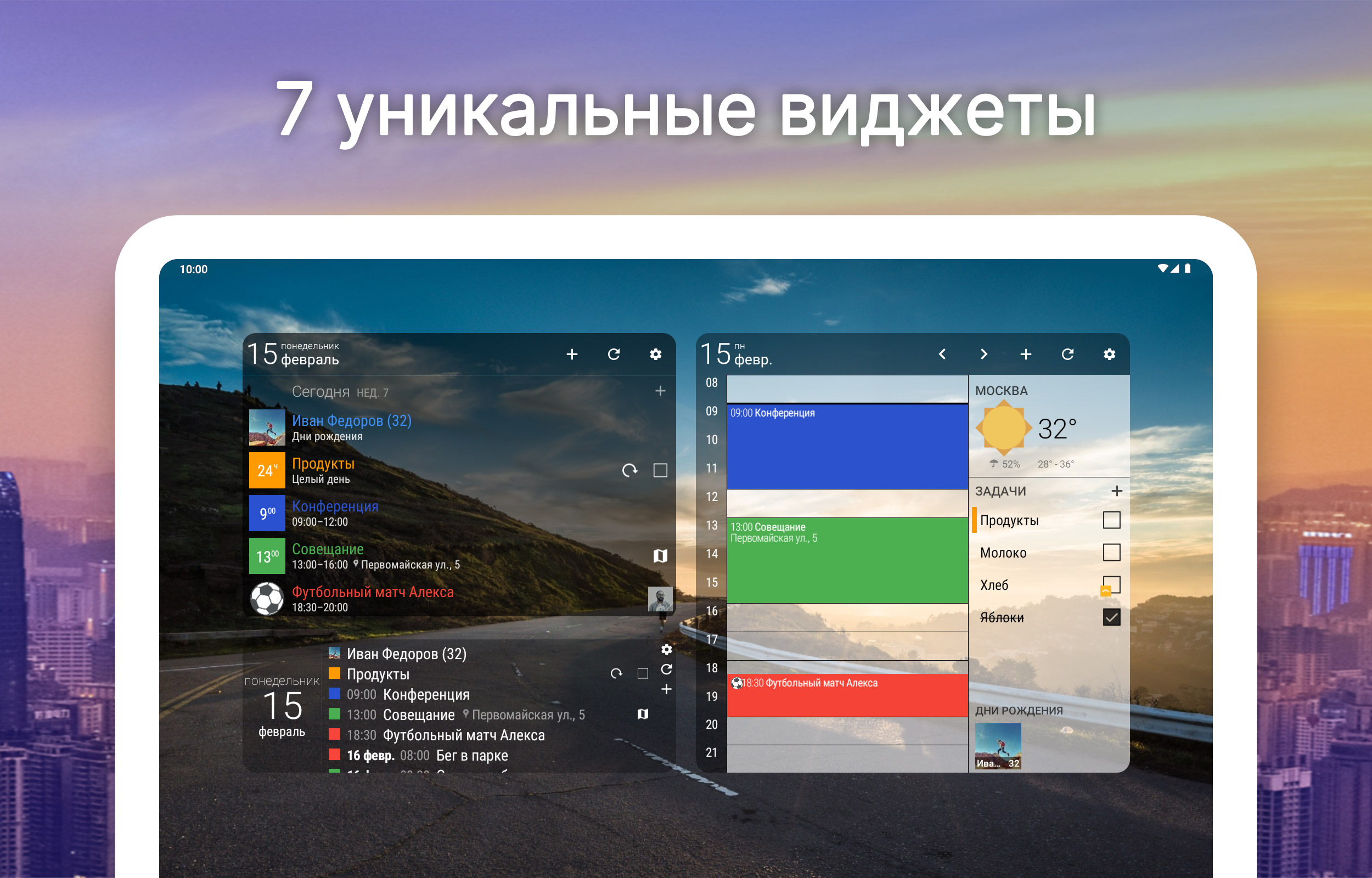
- Support for widgets.
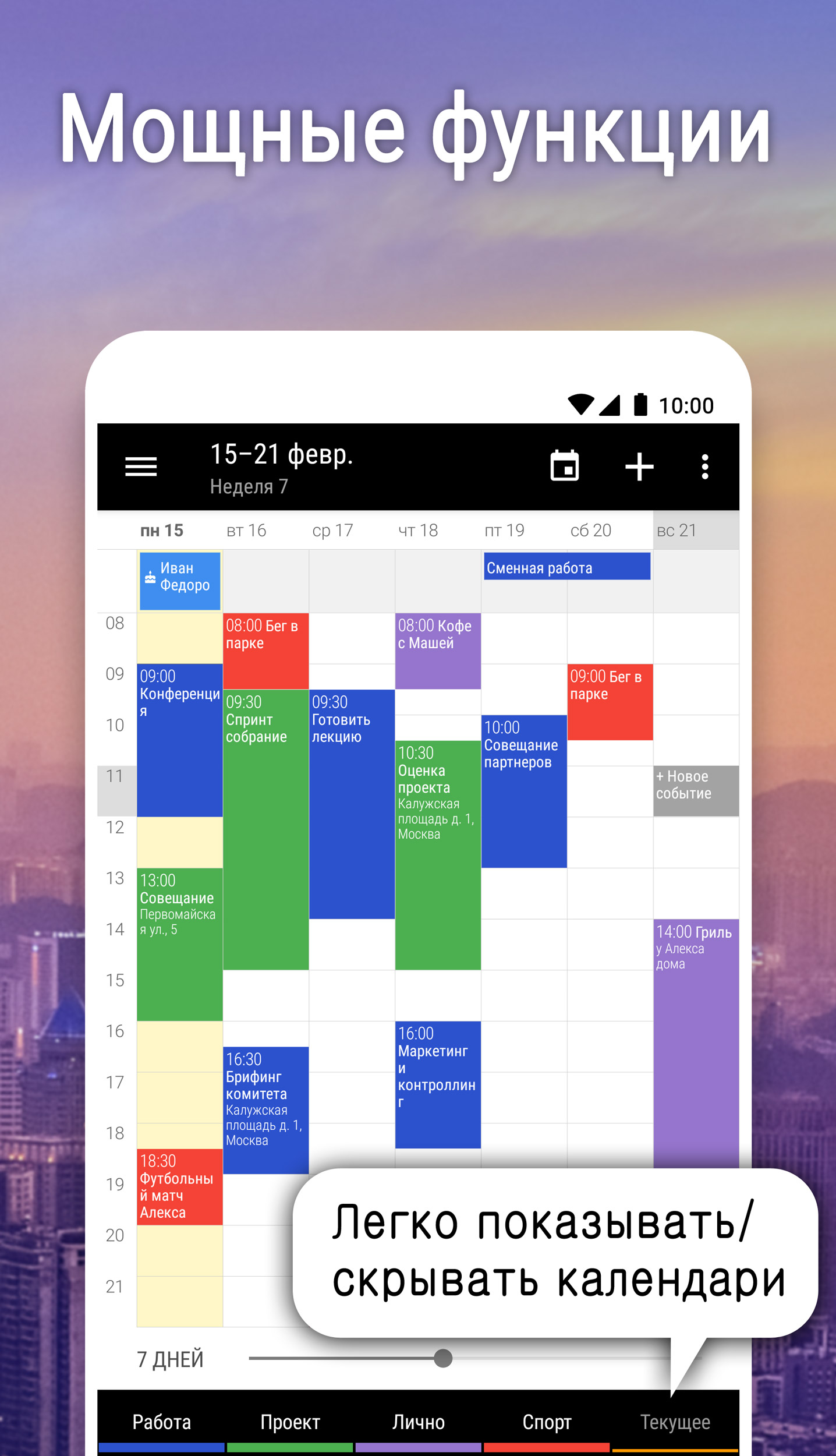
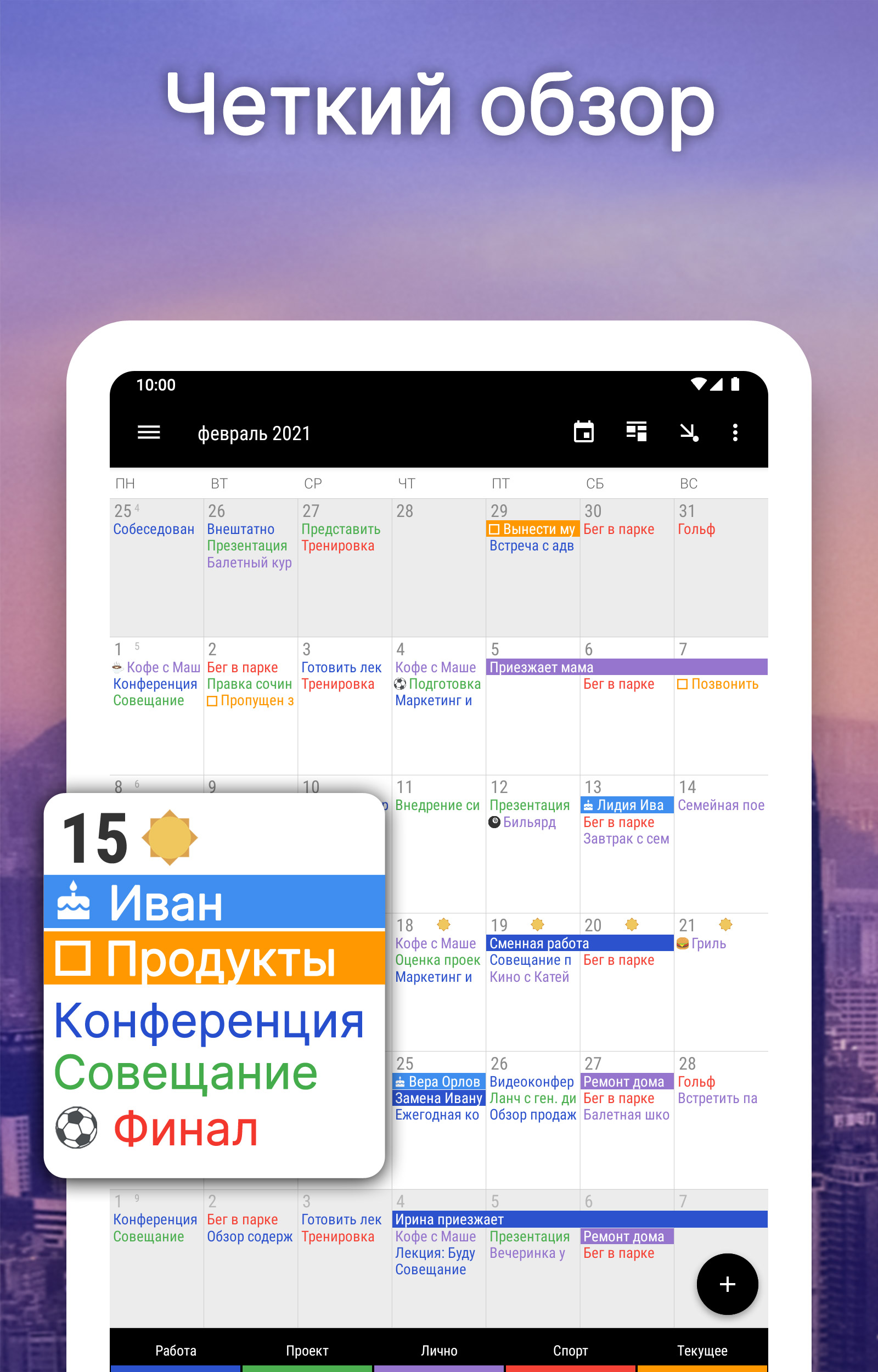
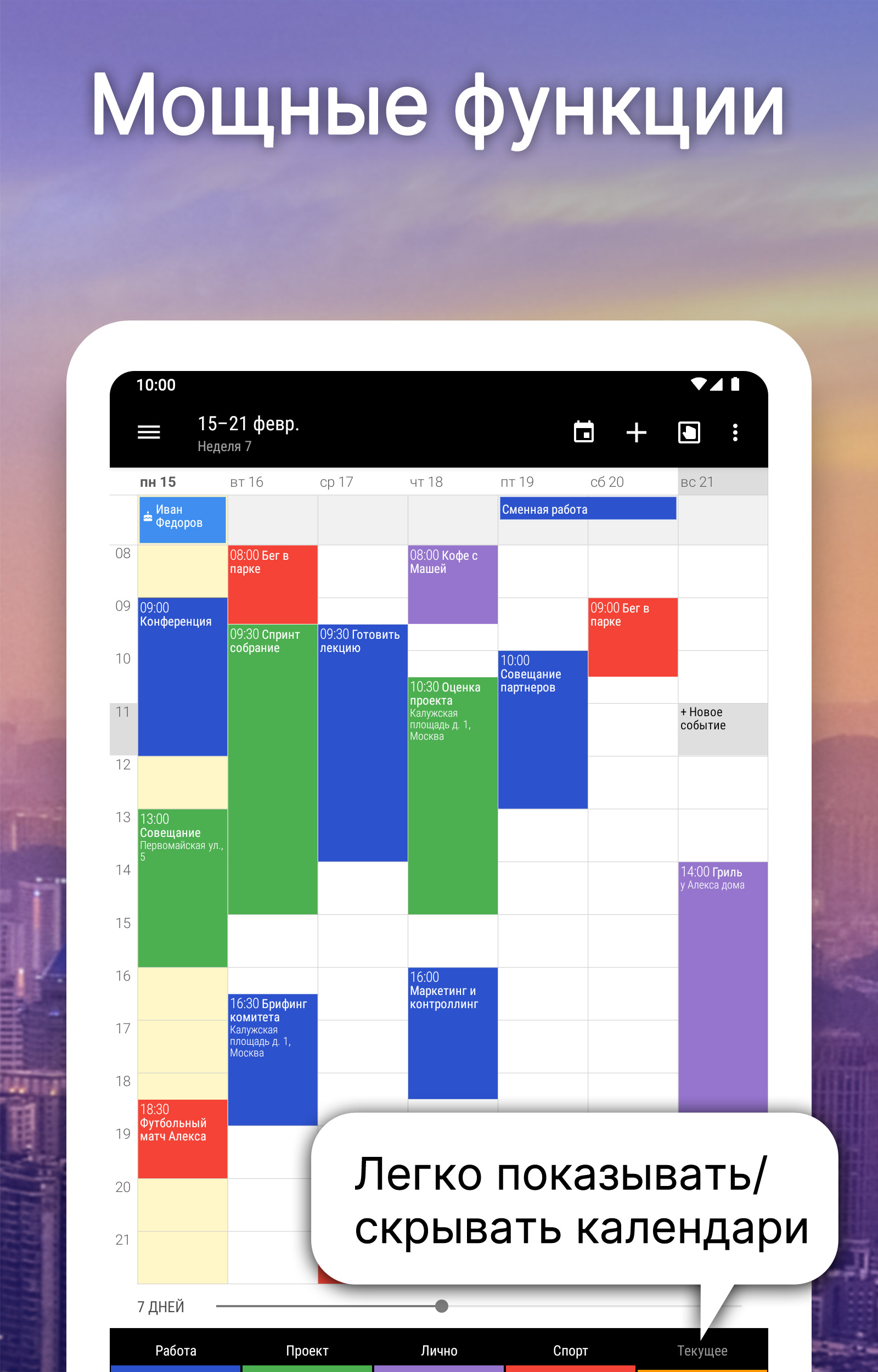
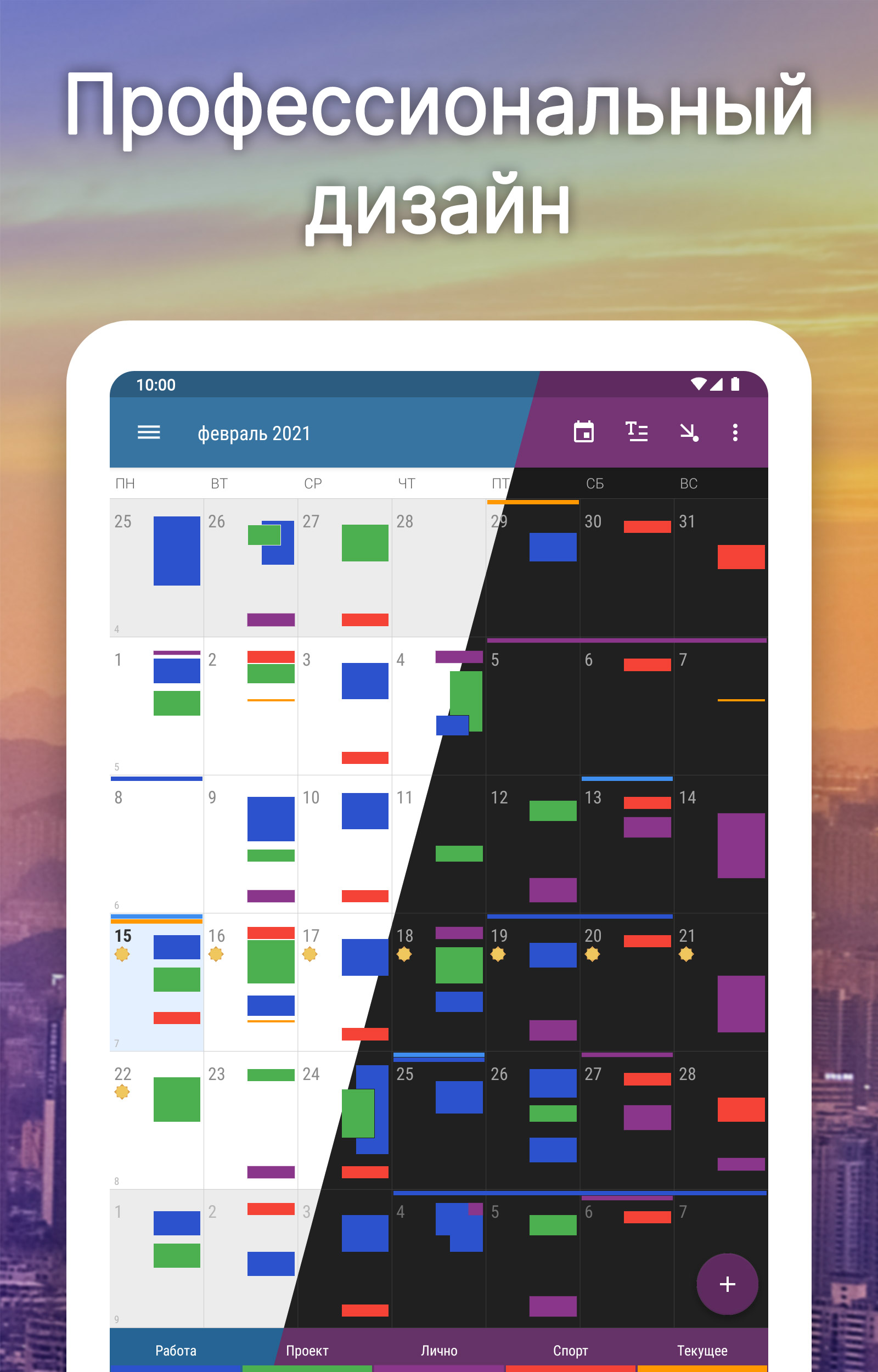
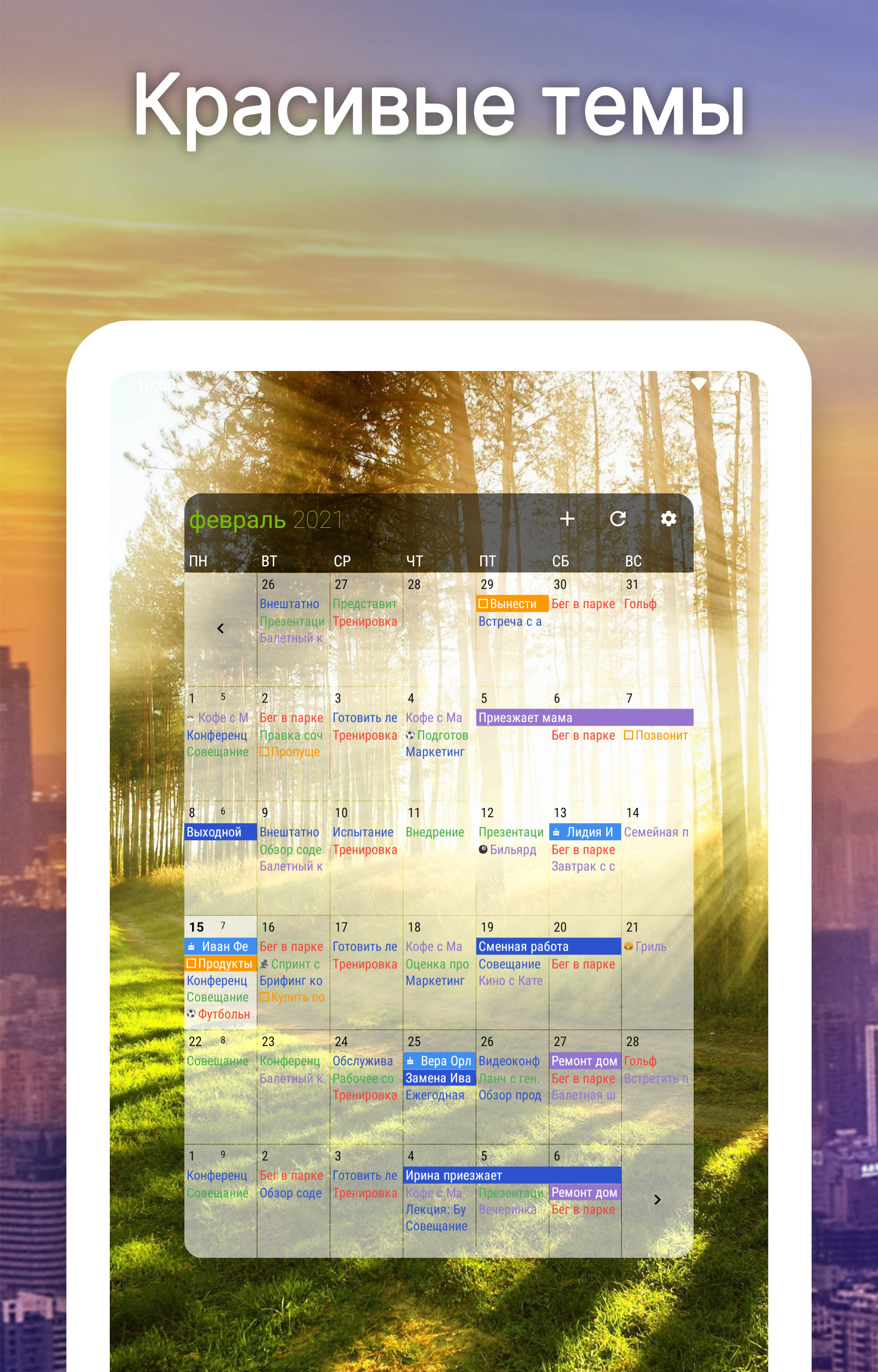
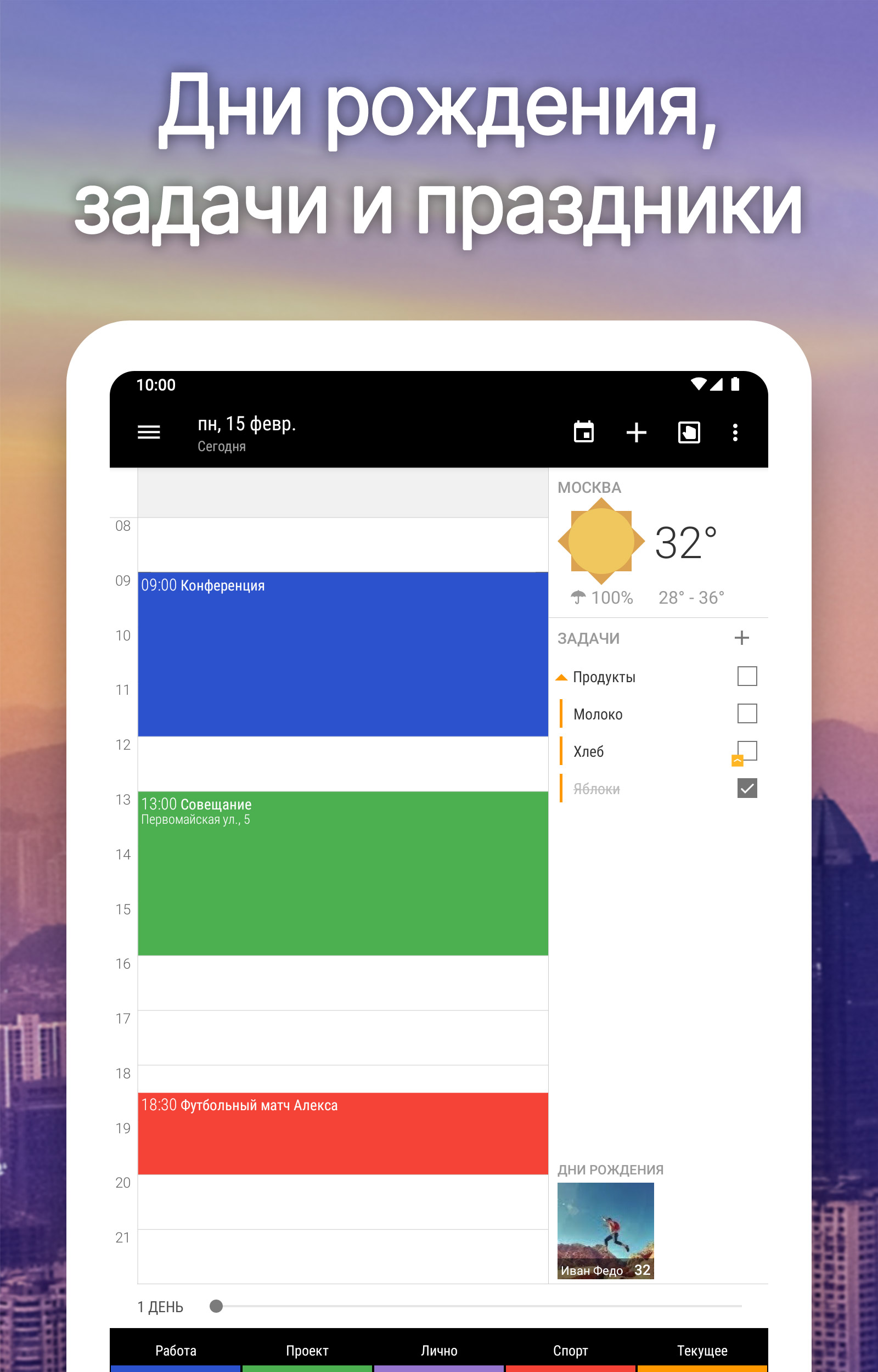
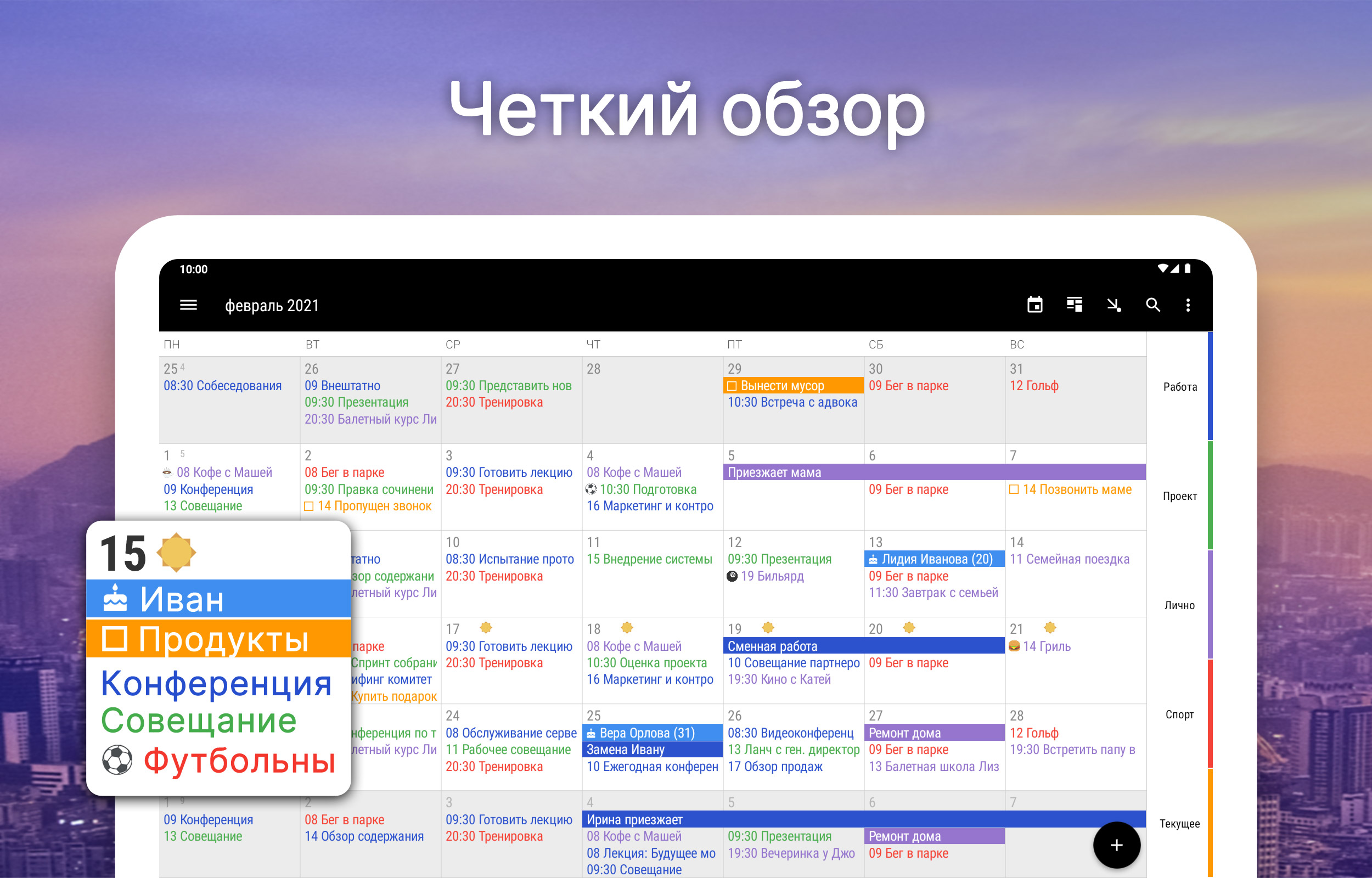
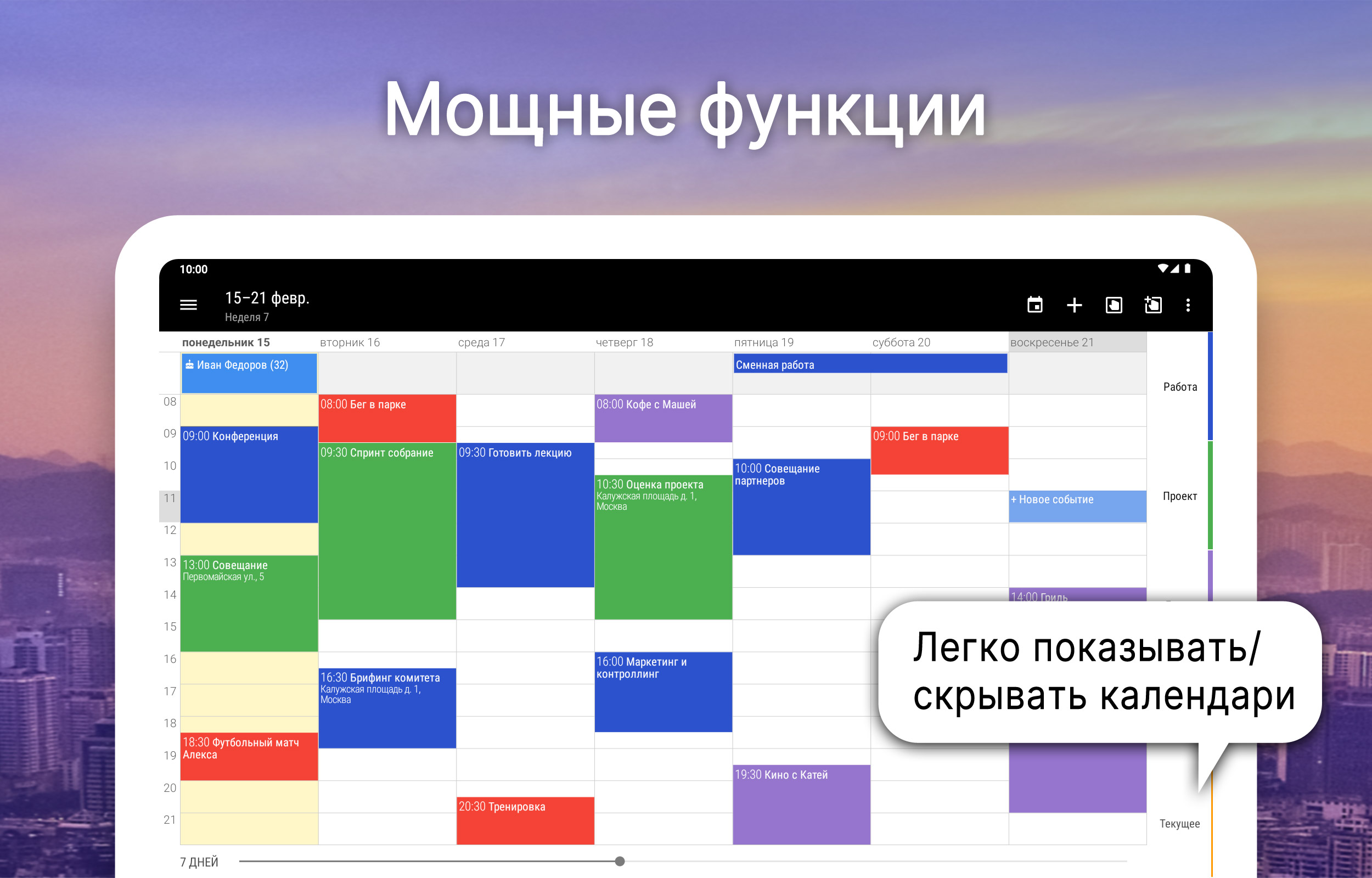
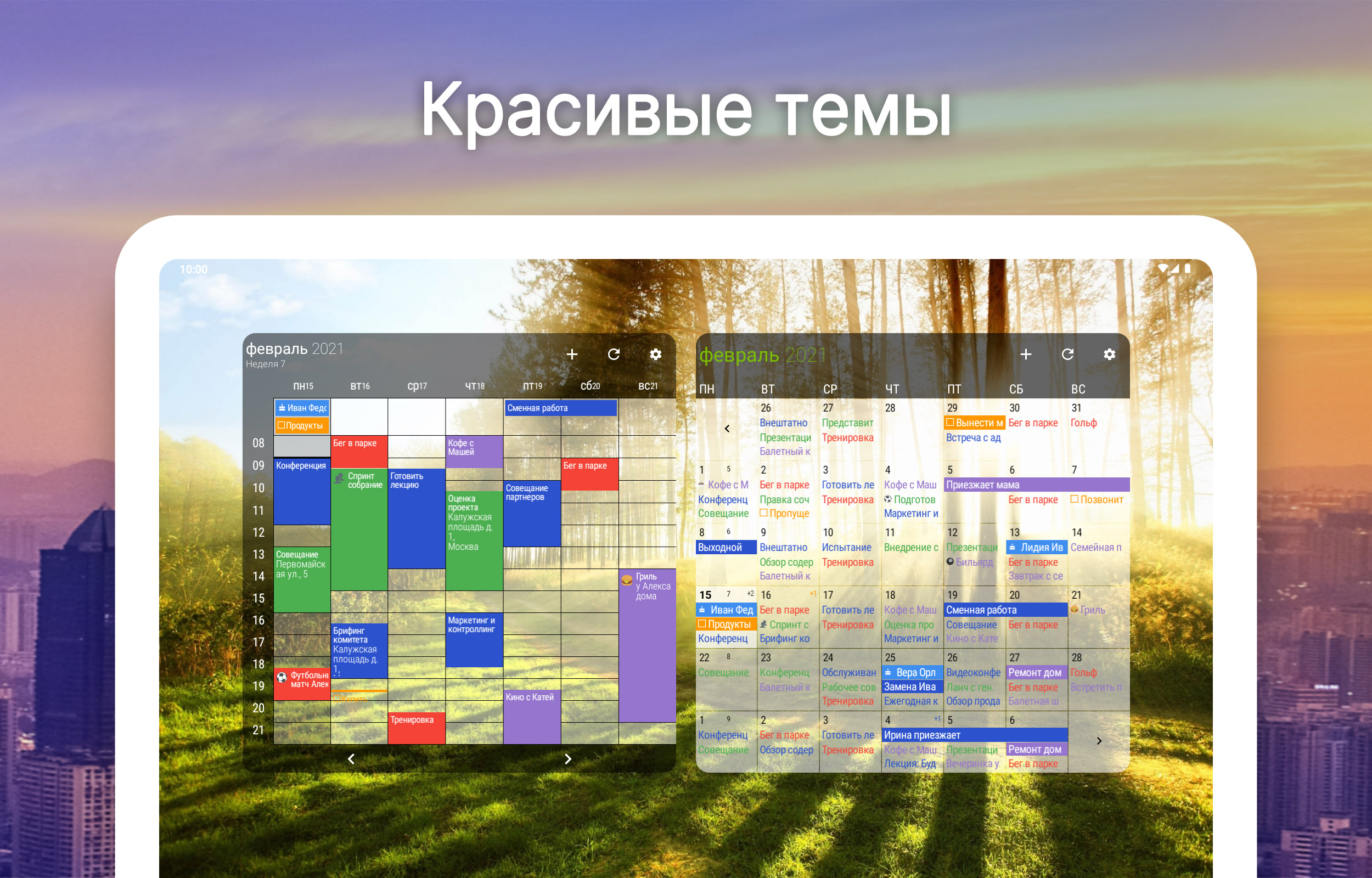
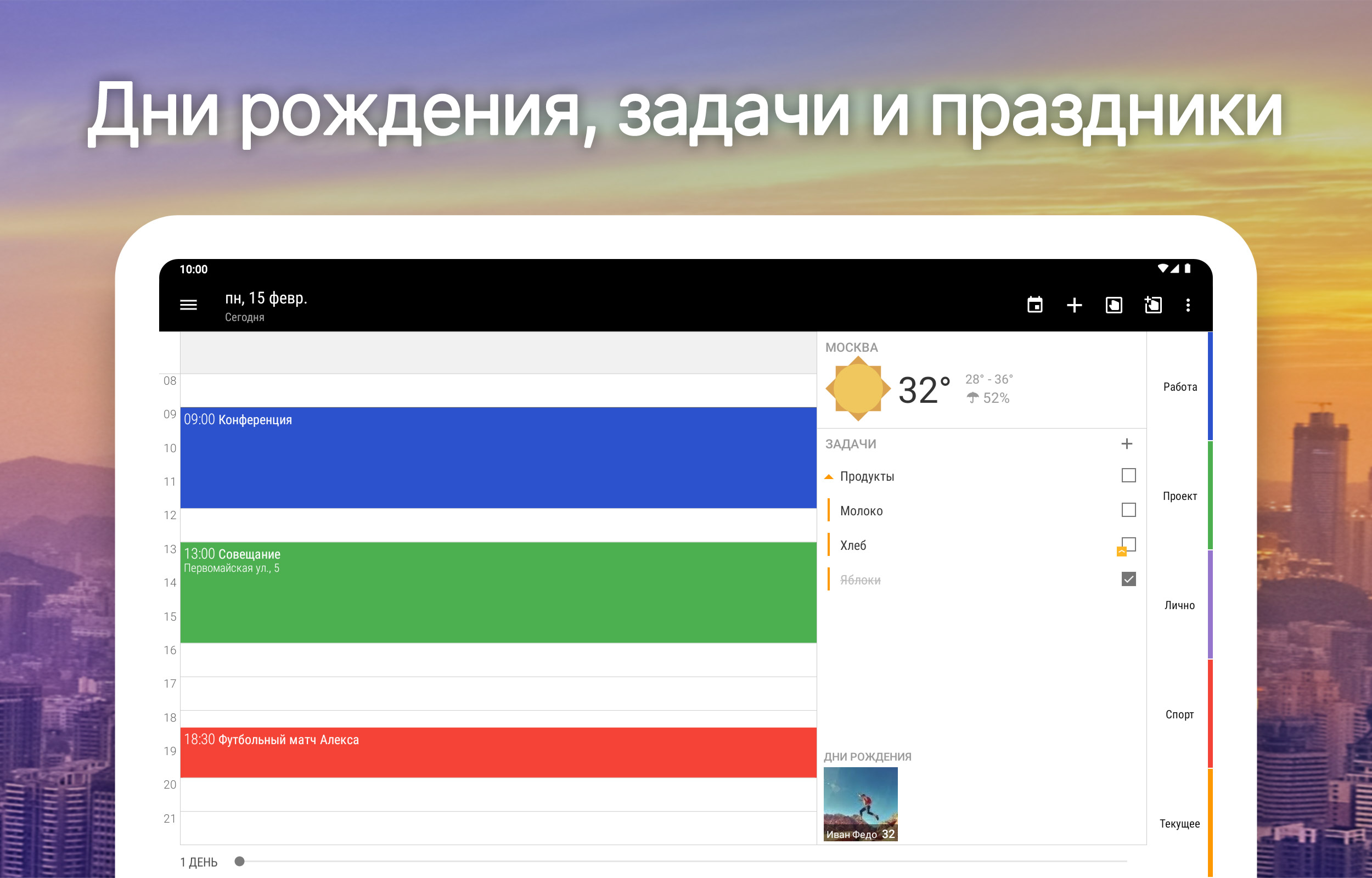
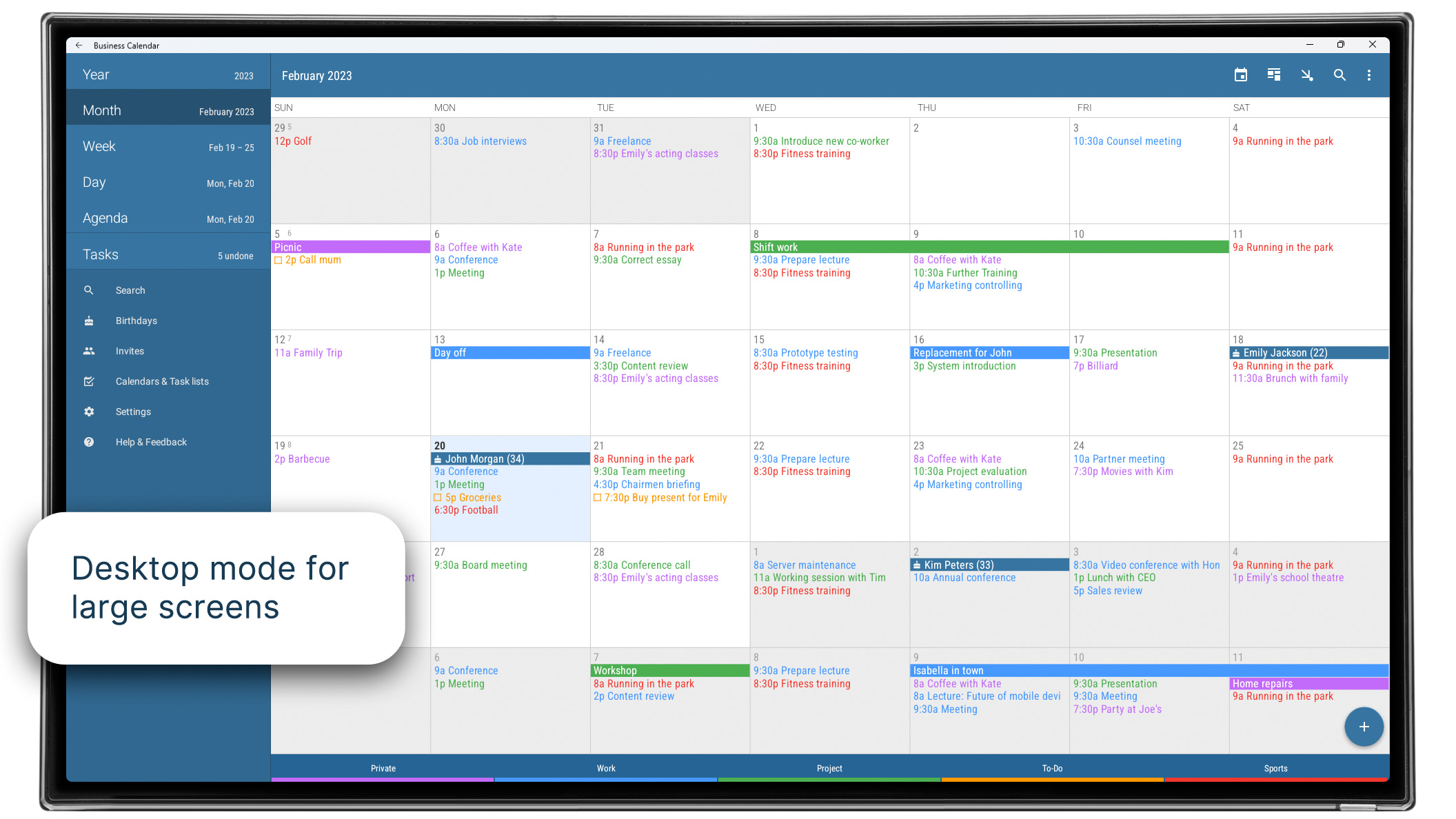
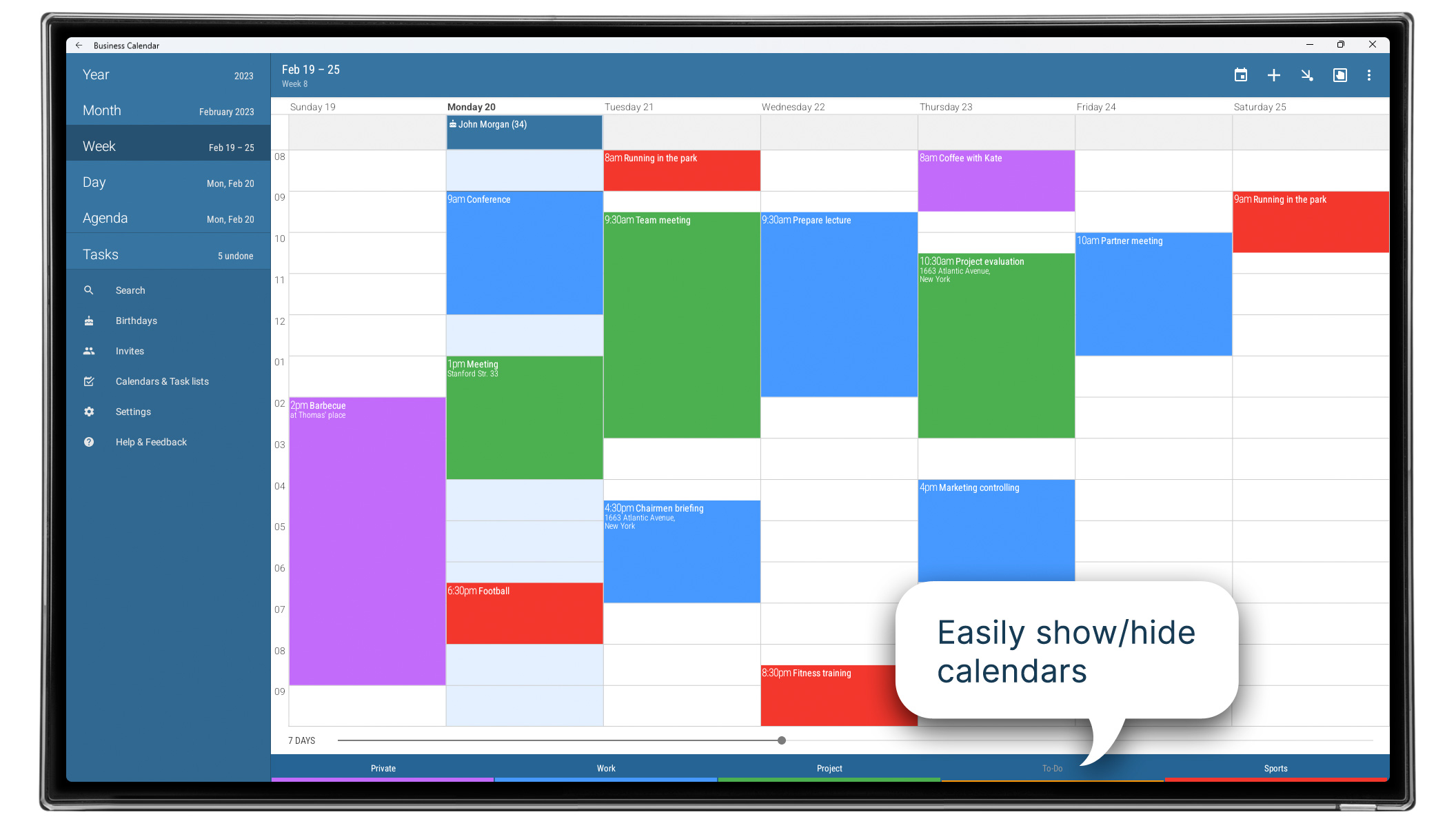
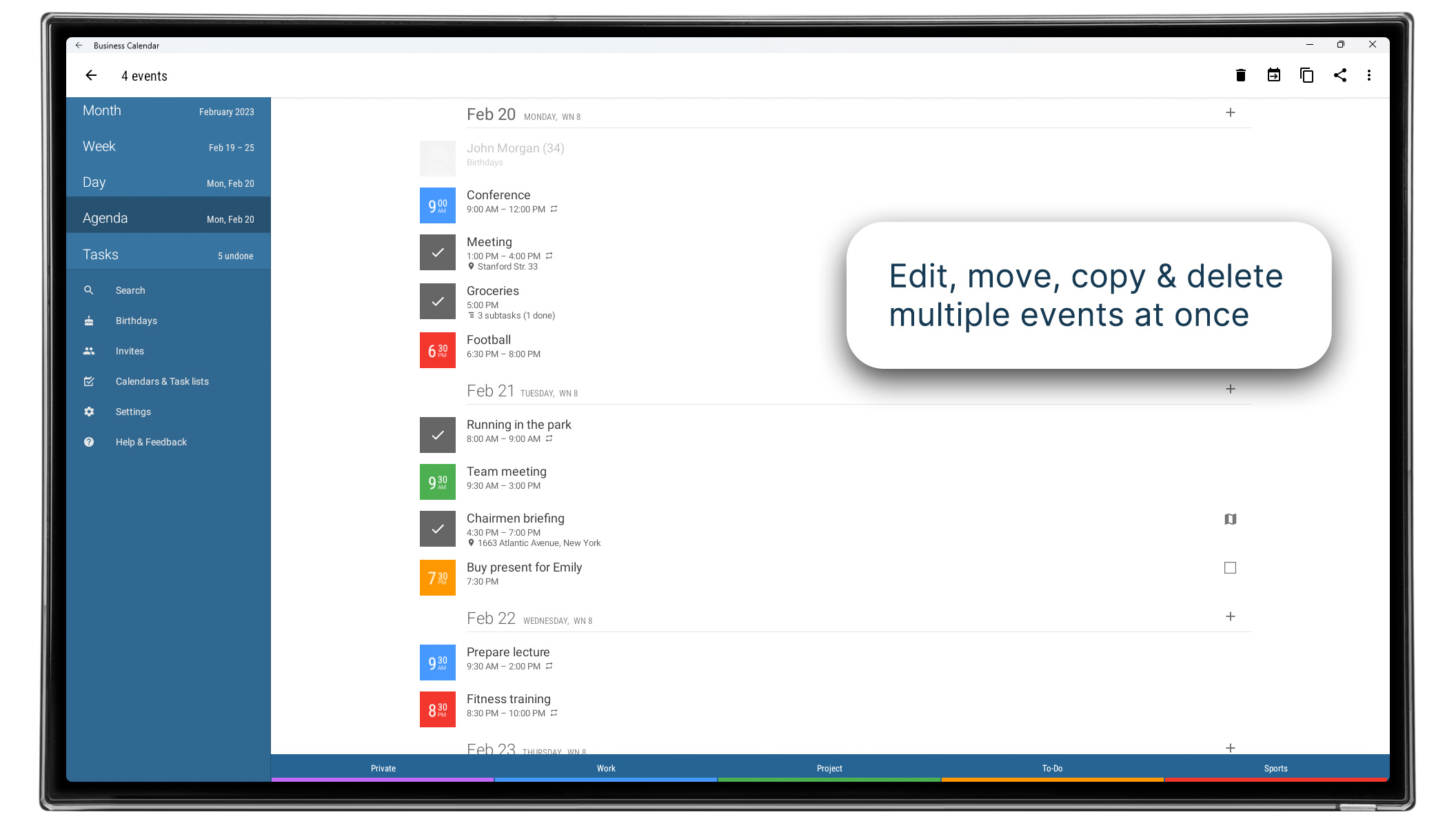
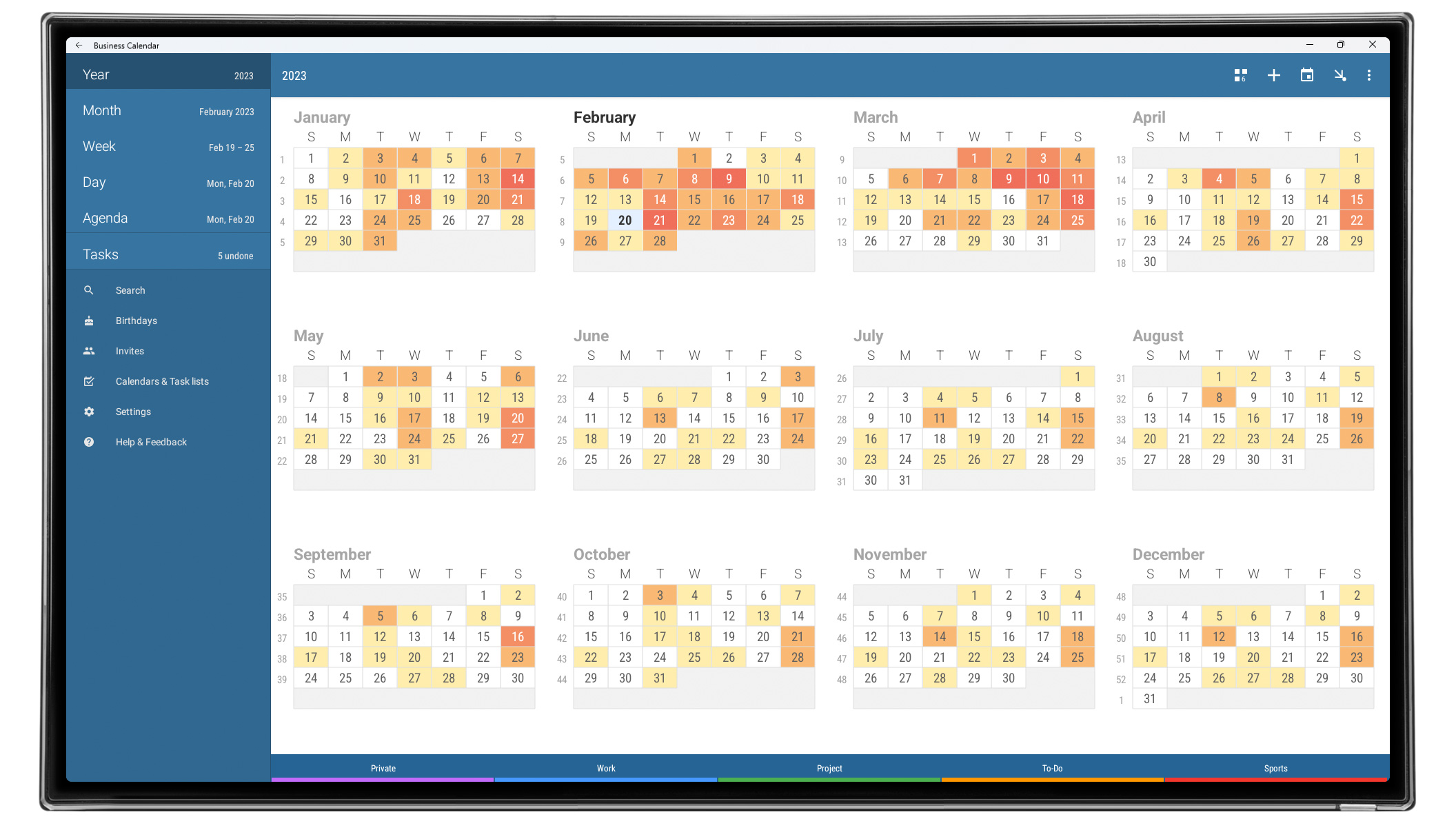
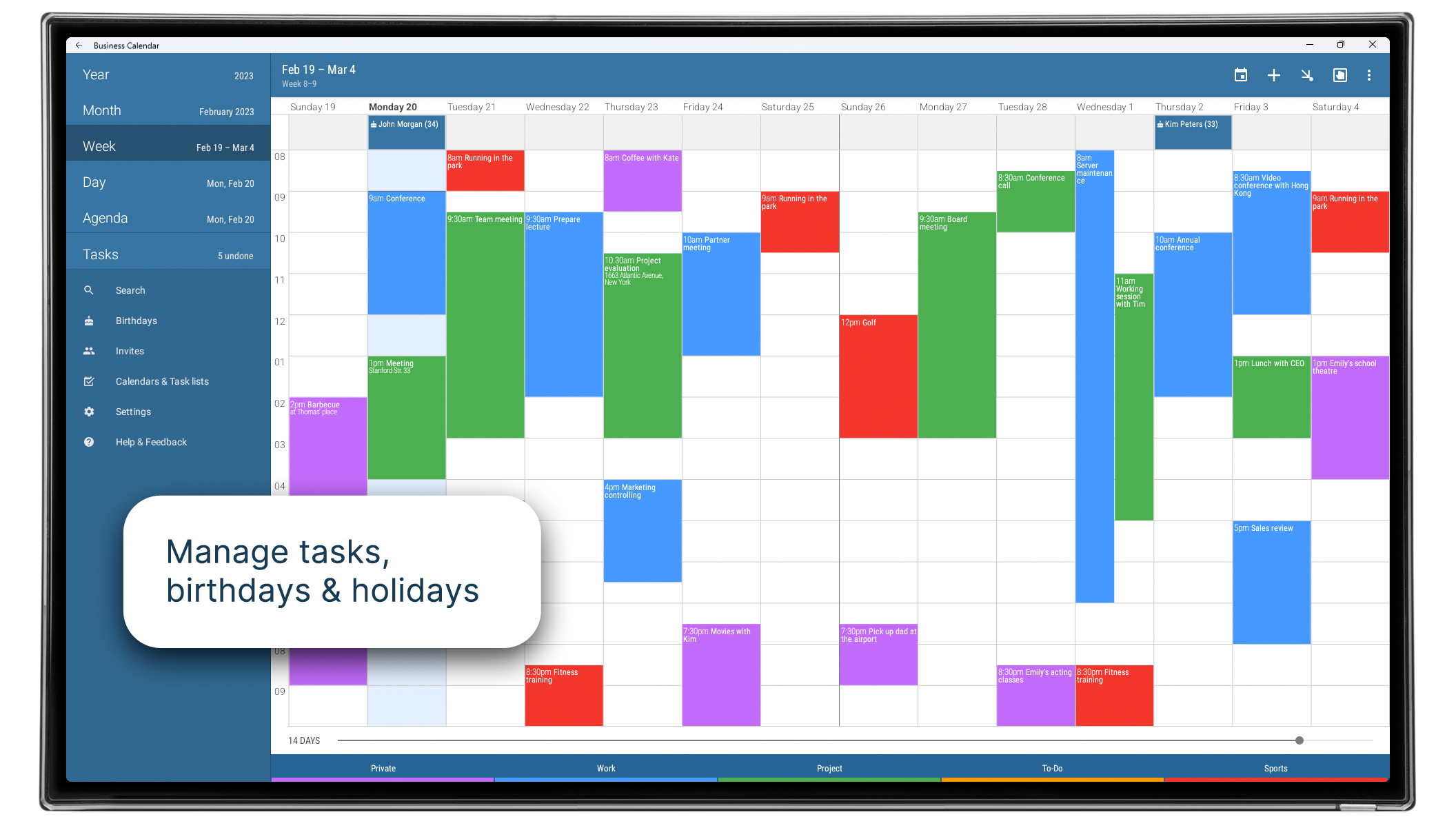
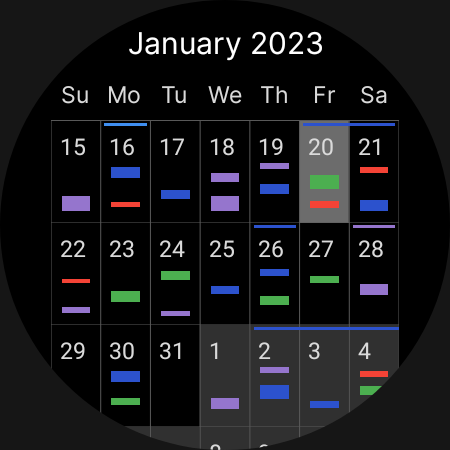
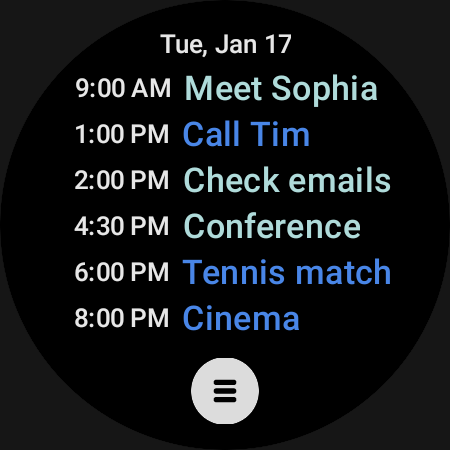
- Visual display of events on the calendar.
- Russian translation.
Description
Application Business Calendar 2 Planner was checked by VirusTotal antivirus. As a result of the scan, no file infections were detected by all the latest signatures.
How to install Business Calendar 2 Planner
- Download APK file apps from apkshki.com.
- Locate the downloaded file. You can find it in the system tray or in the 'Download' folder using any file manager.
- If the file downloaded in .bin extension (WebView bug on Android 11), rename it to .apk using any file manager or try downloading the file with another browser like Chrome.
- Start the installation. Click on the downloaded file to start the installation
- Allow installation from unknown sources. If you are installing for the first time Business Calendar 2 Planner not from Google Play, go to your device's security settings and allow installation from unknown sources.
- Bypass Google Play protection. If Google Play protection blocks installation of the file, tap 'More Info' → 'Install anyway' → 'OK' to continue..
- Complete the installation: Follow the installer's instructions to complete the installation process.
How to update Business Calendar 2 Planner
- Download the new version apps from apkshki.com.
- Locate the downloaded file and click on it to start the installation.
- Install over the old version. There is no need to uninstall the previous version.
- Avoid signature conflicts. If the previous version was not downloaded from apkshki.com, the message 'Application not installed' may appear. In this case uninstall the old version and install the new one.
- Restart annex Business Calendar 2 Planner after the update.








Requesting an application update
Added Denis Rubinov
Version: 2.52.0
Size: 26.6 MB
Updated: 24.06.2025
Developer: Appgenix Software
Age Limitations: Everyone
Authorizations:
Downloaded on Google Play: 10632202
Category: Work












Reviews for Business Calendar 2 Planner
Use it daily. works well.
nice app
I loved this app until recently, when all notifications quit working except pop-ups. no vibration and no sound. I need adible and / or vibration notifications. Otherwise, the app is useless to me. I like Callander, and im still trying to figure out why the notifications quit working
I've been using this app for years and it's still the best I've found.. fully customisable and frequently updated.. Great job guys ❤️
Business Calendar 2 is still one of the best apps I used daily. Would give 6 stars if I could. Been using for nearly 10 years, and I've not seen anything done to "break" the app in the name of improvements like so many other apps. Great job!
Superior to the built-in calendar.
The interface looks fine but if you go to edit an event and change the start date, the end date will change by itself. Google calendar does this too, and family wall. Totally useless feature that you can't turn off!!!!!! Basically impossible to use as the program ruins the data from the user. Such a shame. ///Update/// my fault, I had not looked at the drag handles on the month view which accomplishes what I want - thank you devs for pointing that out. It's a great interface - 5 stars!
good reminder app
great easy and has a great widget
New "old" problem: synchronization. Pressing "Synchronize" does not synchronize; to see the current (synchronized) calendar, you must abort the program and start it again. -> 4* Previous opinion: Configurable, easy-to-use, with a highly ergonomic interface, what more can I say after many years of use? If only the user could be able to block the configuration changes on the main screen... Edit: After the last developer's explanation, everything is fine, so 5 stars :-)
I really, really love this app when it works and syncs. The problem is, I have 6 accounts with Google... and every now and then it would stop syncing or disappears my recurring appts on one of the calendar. All I can do is add a new recurring one. Problem is, if I go onto my web browser or anywhere else, it'll show 2 entries!! If I delete them, they'll be removed from this app. It gets super annoying when one is fixed, and then the other disappears. I've had this issue on my prior phone to now.
The widget shows only two weeks even though I chose to show month view with 6 weeks. I changed the widget settings, and resized it to full screen, still showed just two weeks. The application itself works fine. Please note that I did not mix up the main app settings and the widget setting. The "shrinking content" did the trick.
Planners are the tools for success, wouldn't use anything else. I have found this app the best for my needs. Couple issues would make it better ( hence the 4 stars now) With the task side bar up in day view, it would be nice in my personal day planning if I could just 'drag and drop' the task into the day schedule calendar. Other issue: I can't get my Google account tasks to go into the day side window. ( They only show up on the full task tab) Anyways all the versitility is what's great!
Post a comment
To leave a comment, log in with your social network:
Or leave an anonymous comment. Your comment will be sent for moderation.
Post a comment
To leave a comment, log in with your social network:
Or leave an anonymous comment. Your comment will be sent for moderation.