



Business Calendar
9+
downloads4.1+
version Android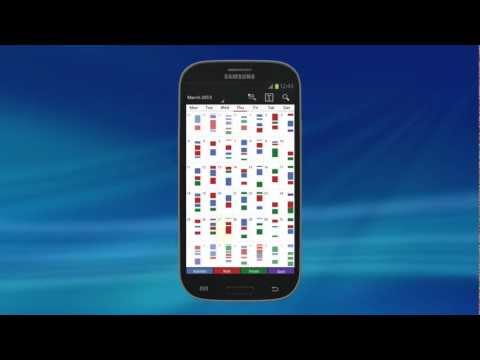
Added: Denis Rubinov
Version: 1.6.1.3
Size: 12.2 MB
Updated: 24.06.2025
Developer: Appgenix Software
Age Limitations: Everyone
Authorizations: 12
Downloaded on Google Play: 6848152
Category: Work
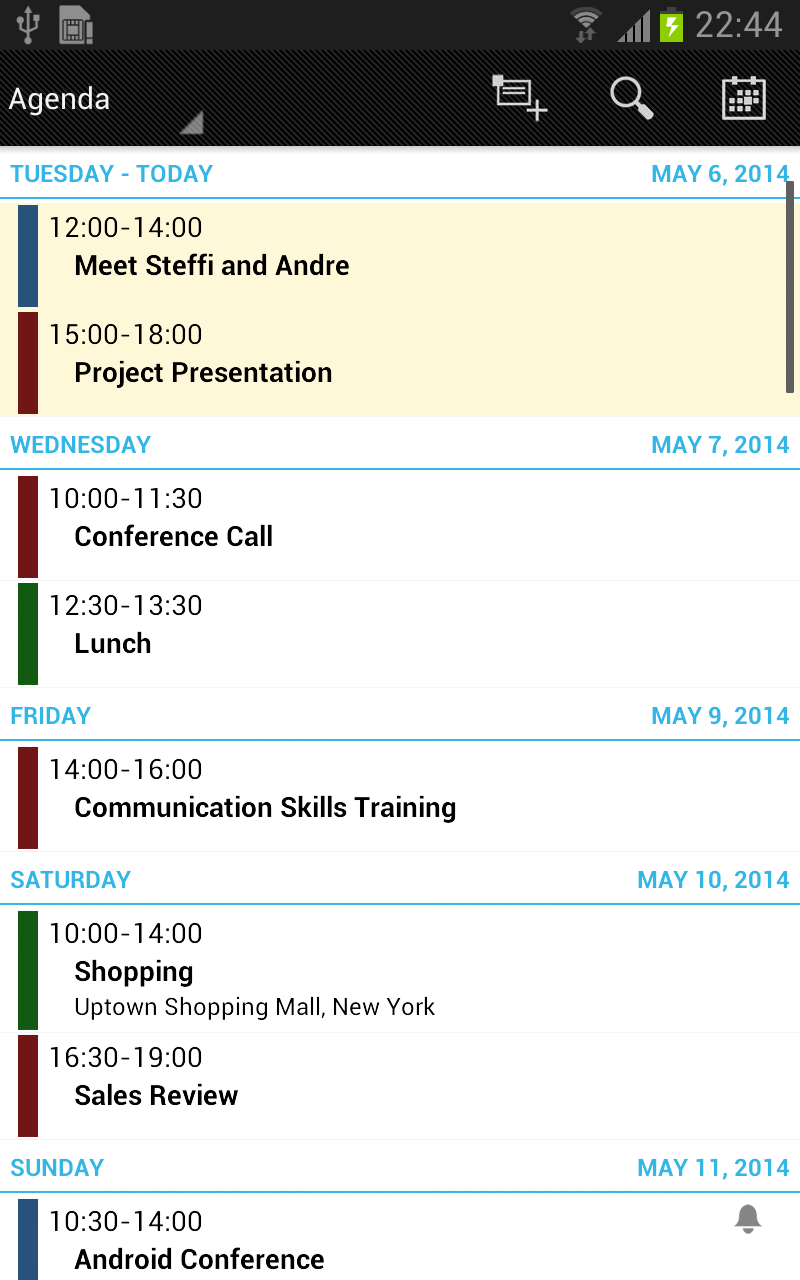
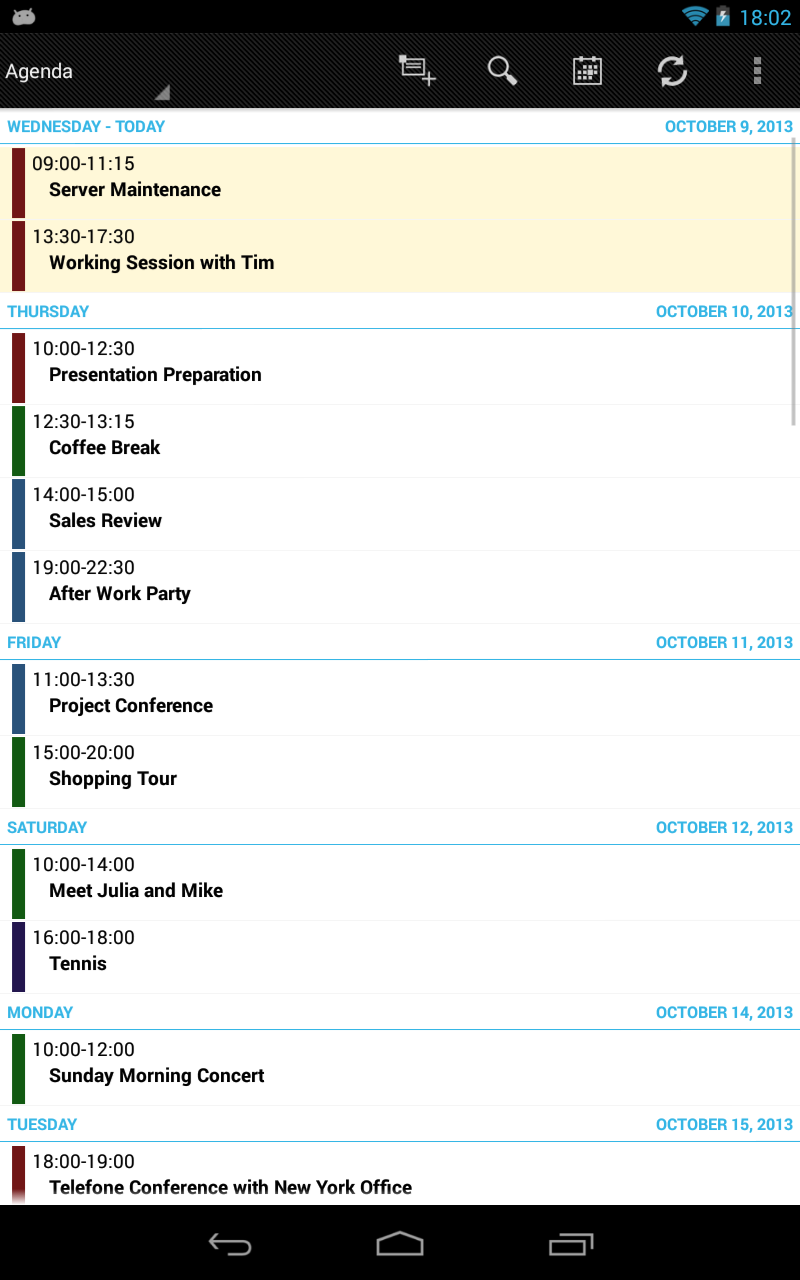
- Convenient keyword search.
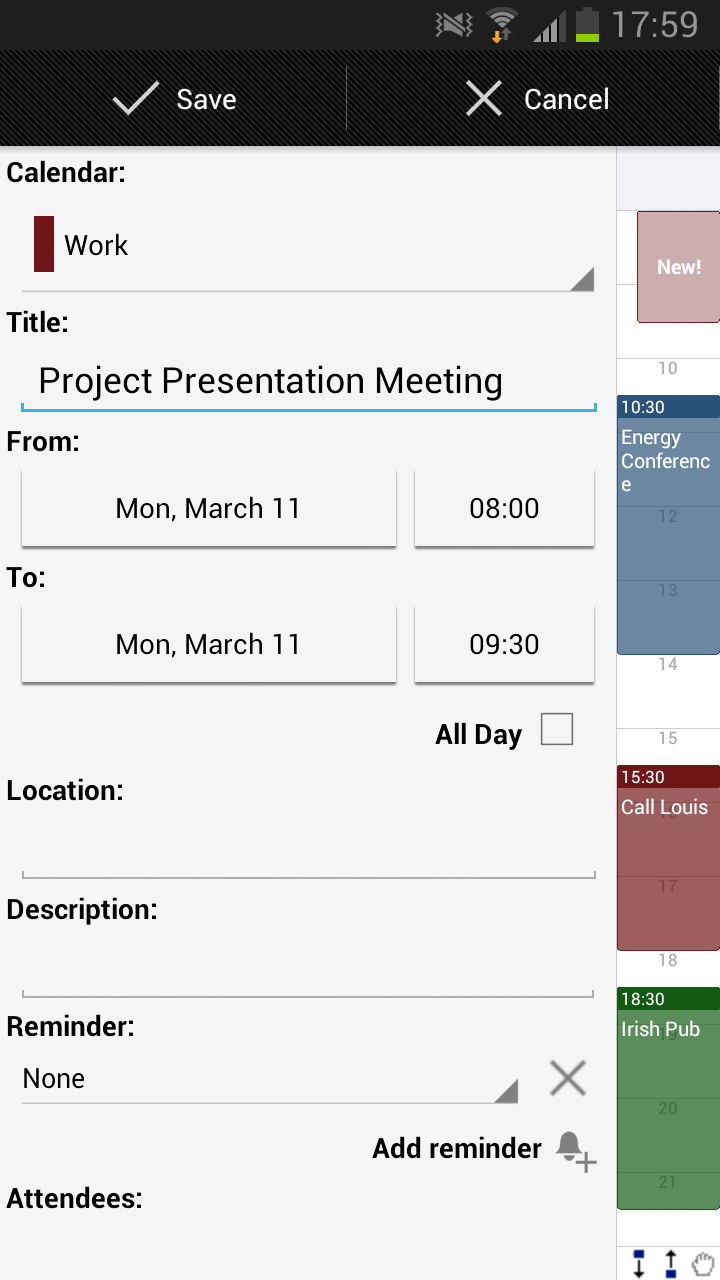
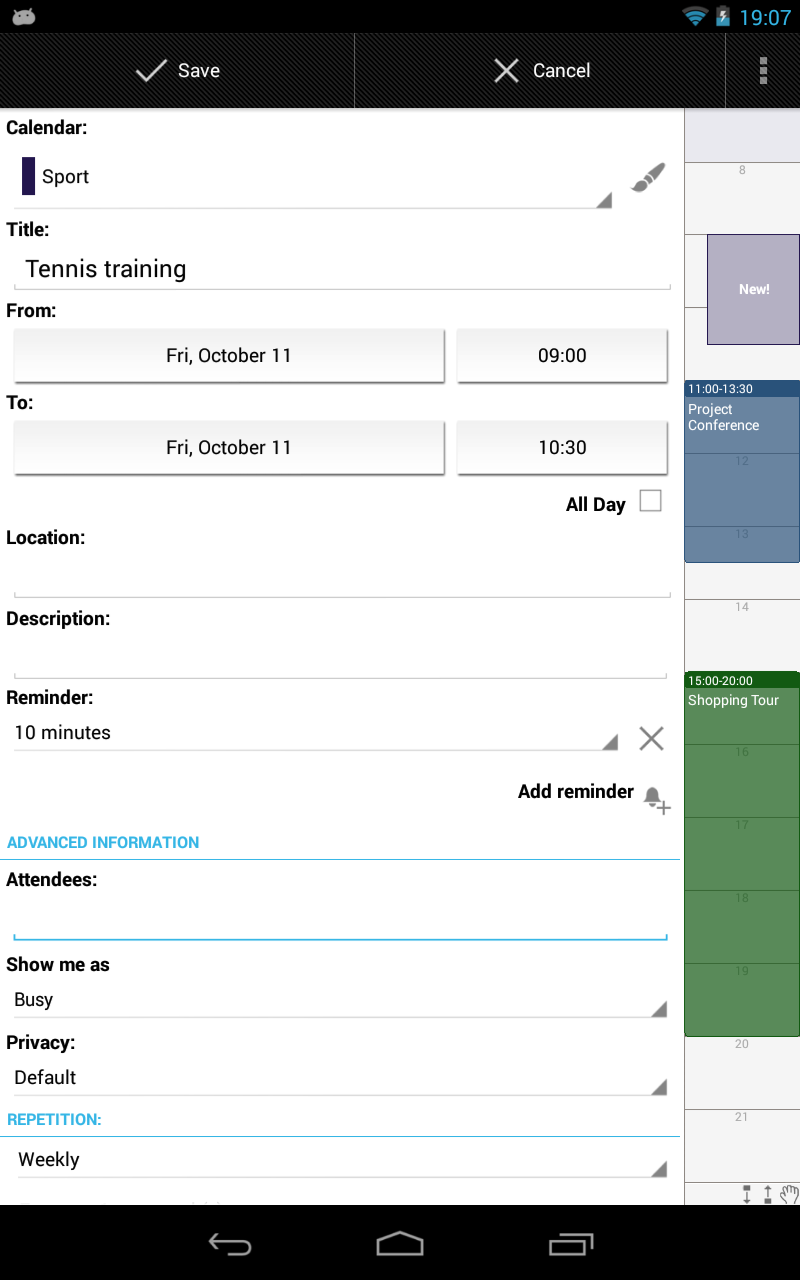
- Support for recurring events.
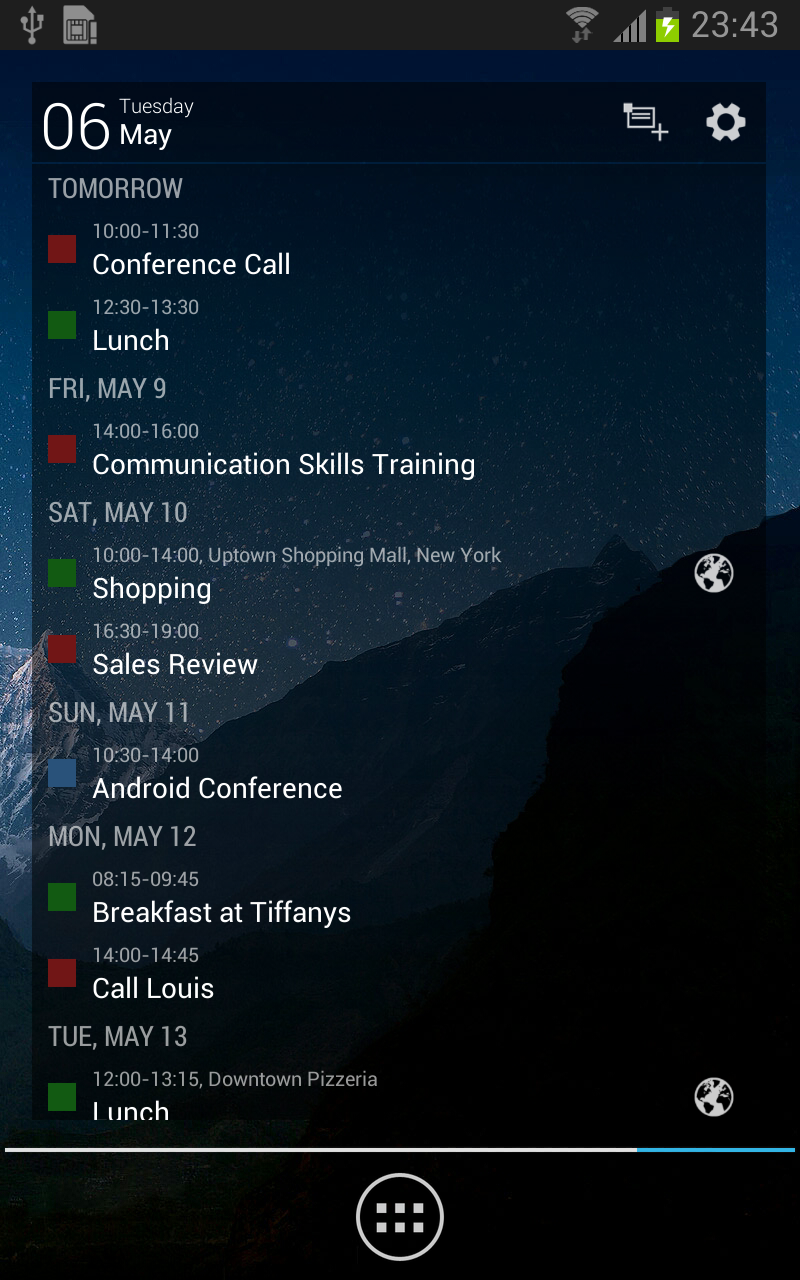
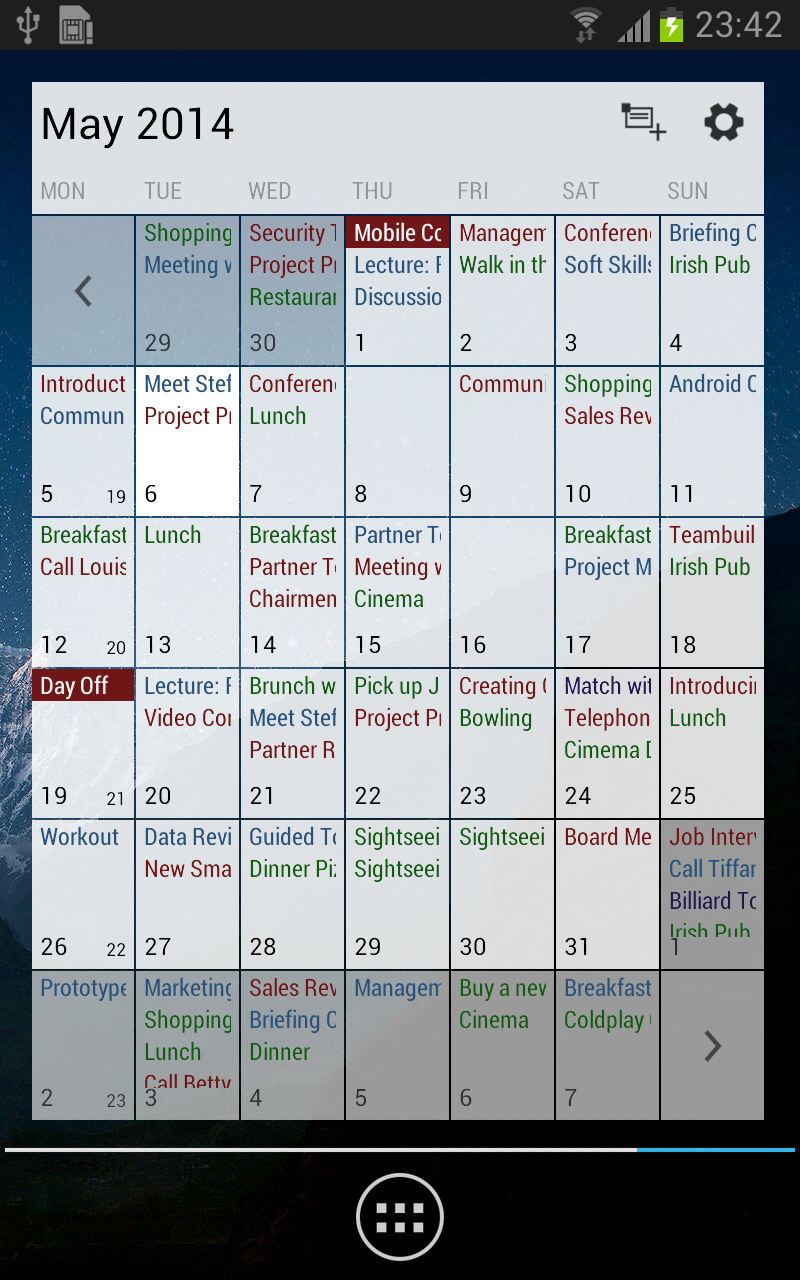
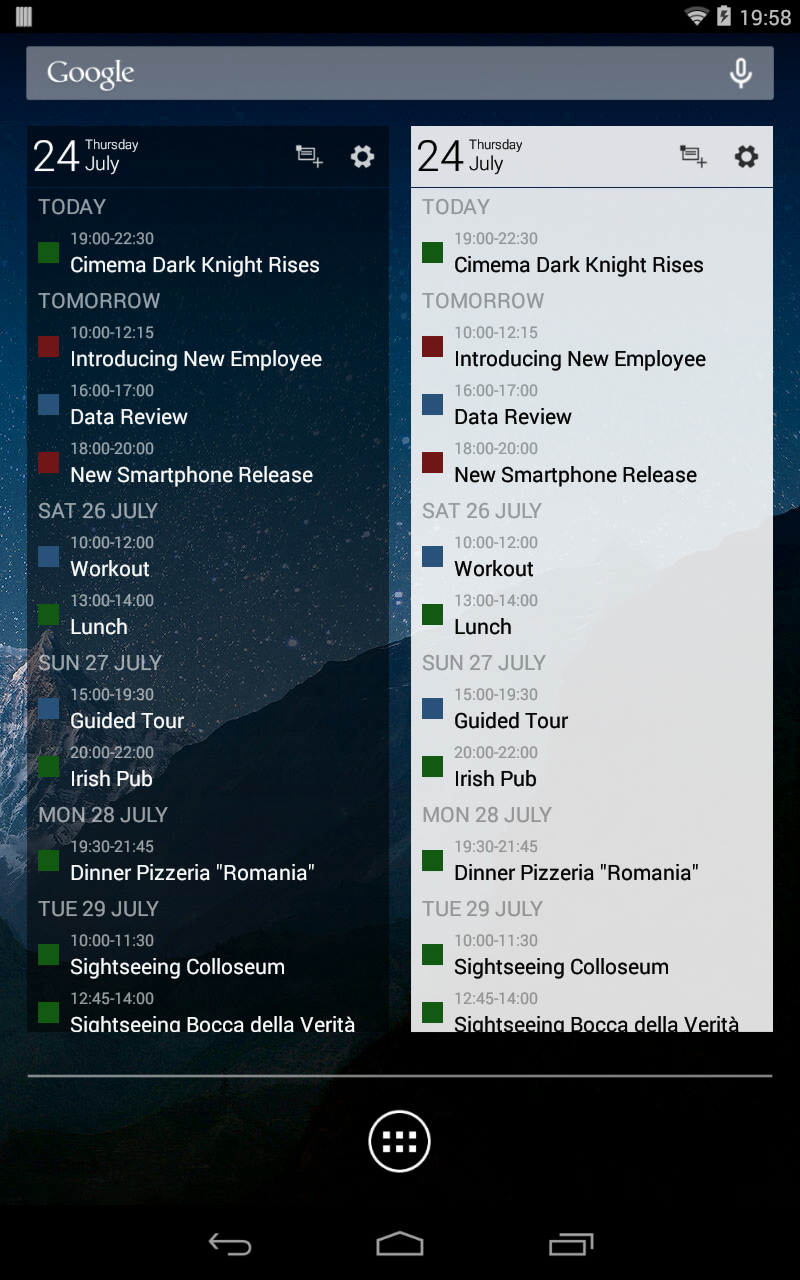
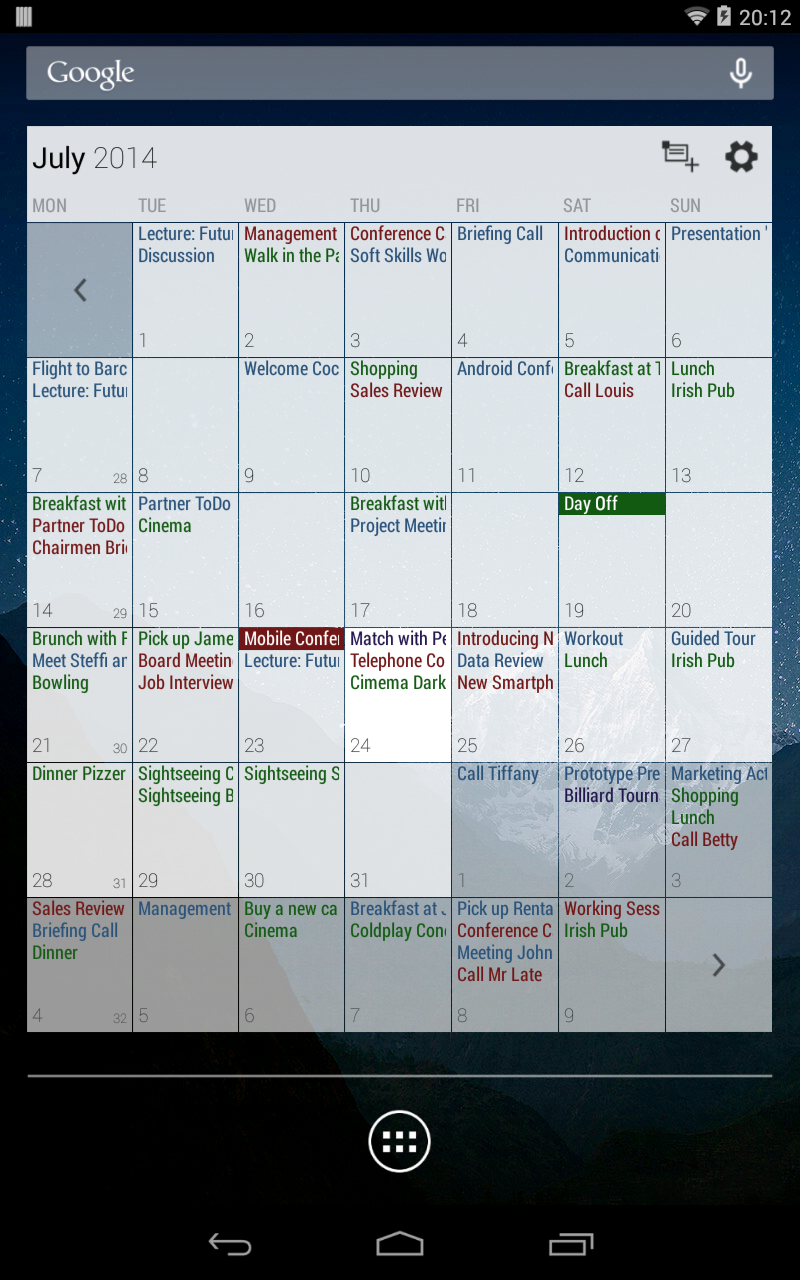
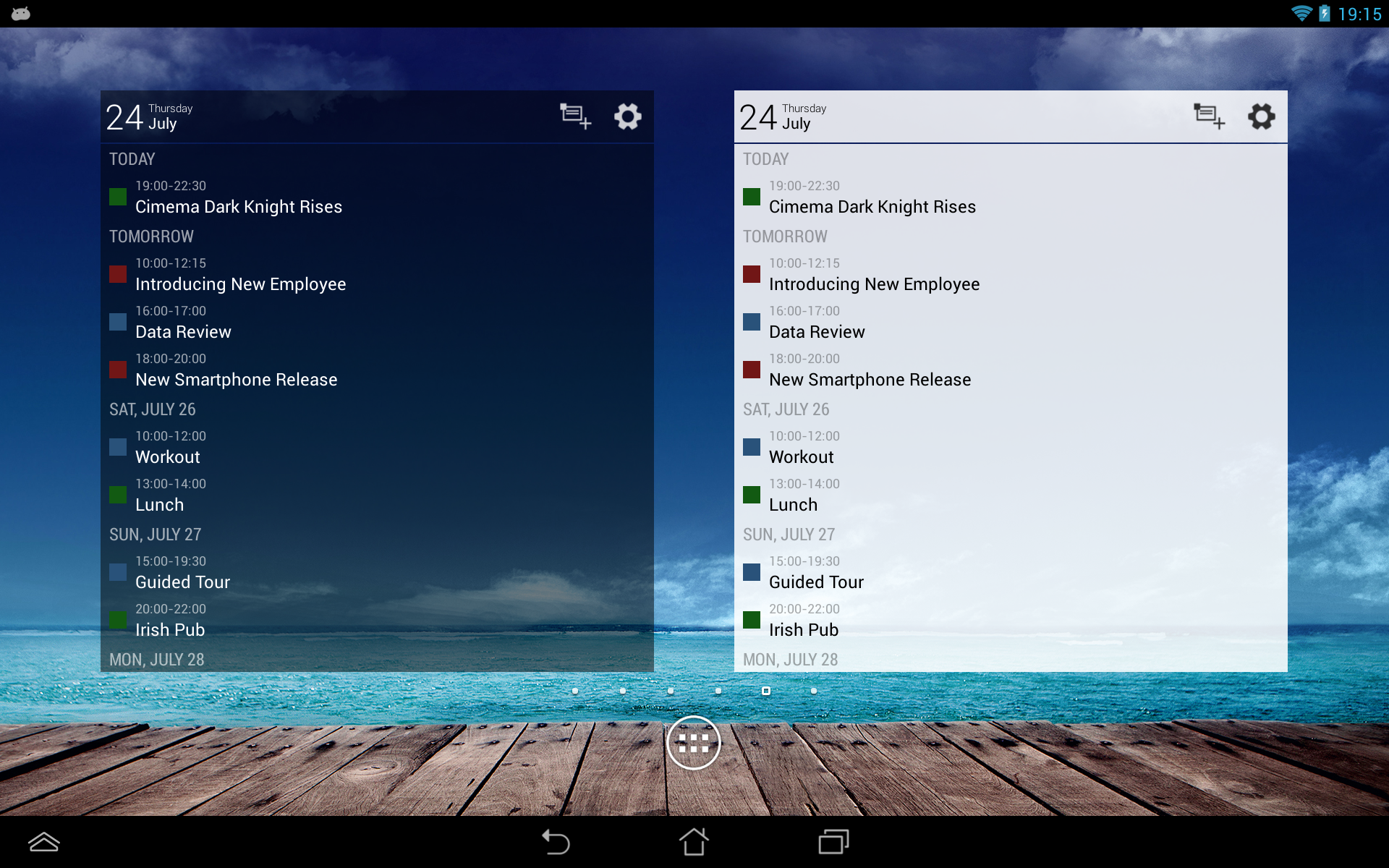
- Availability of handy widgets.
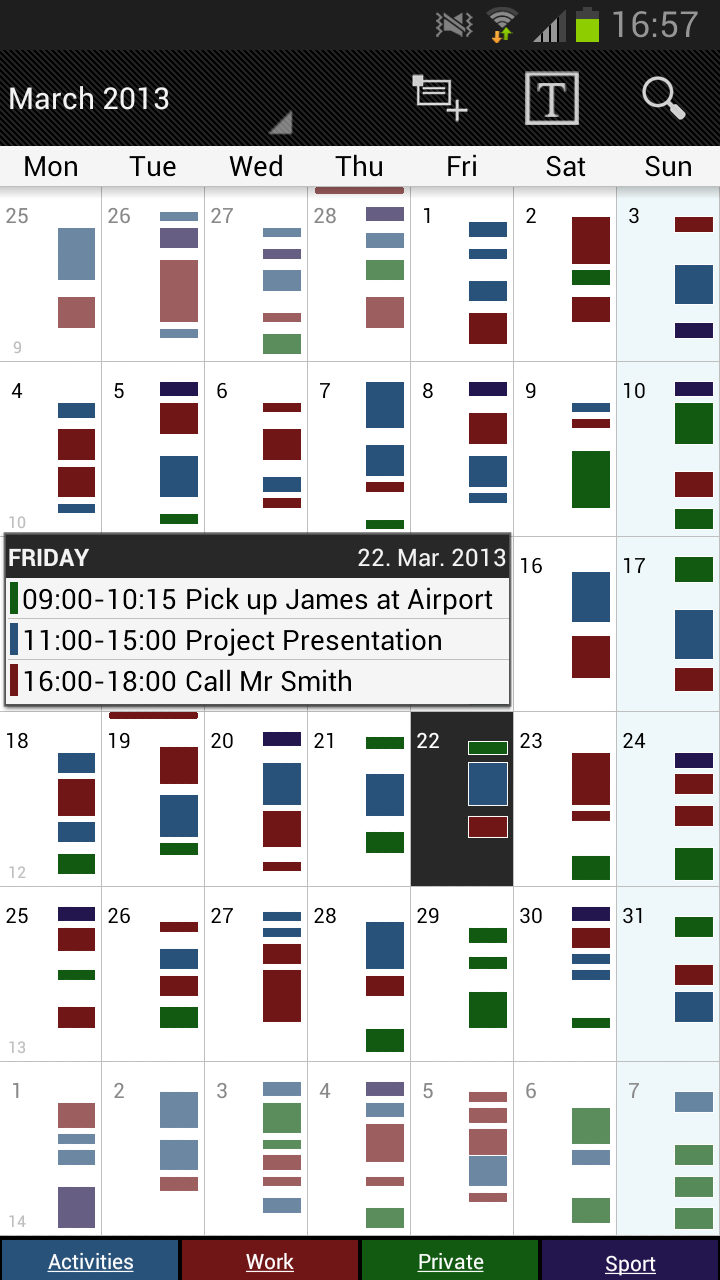
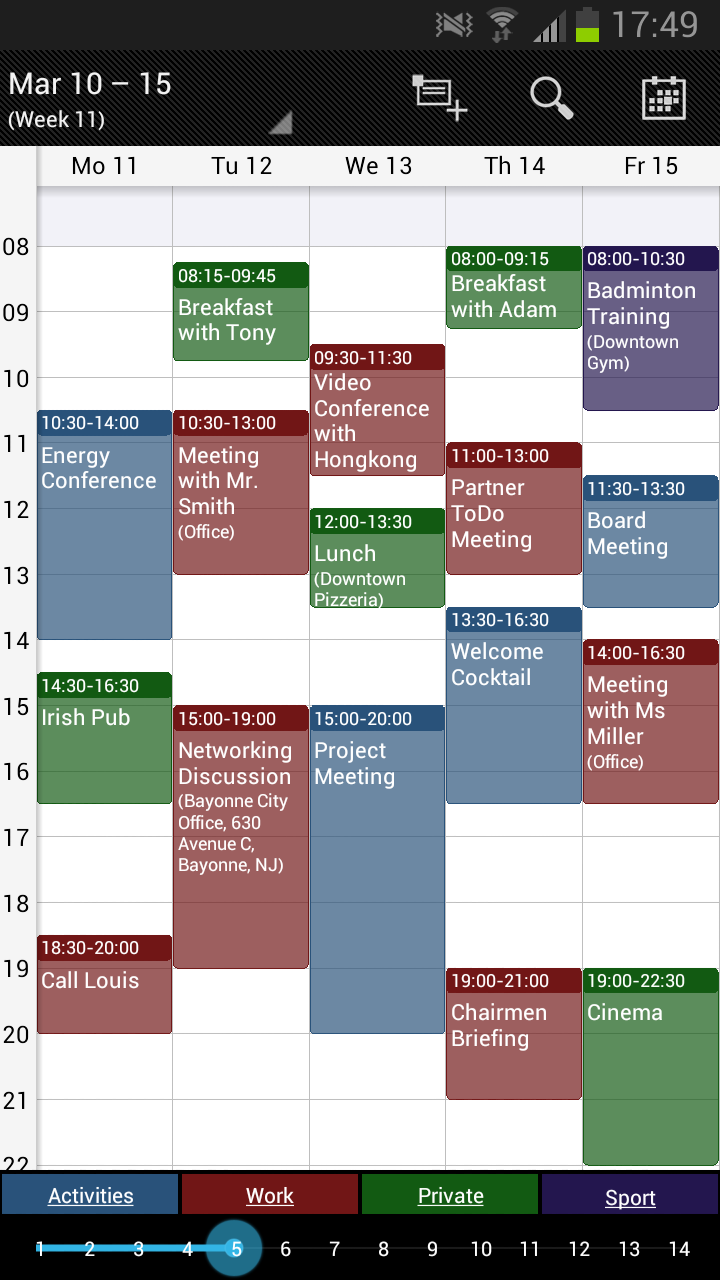
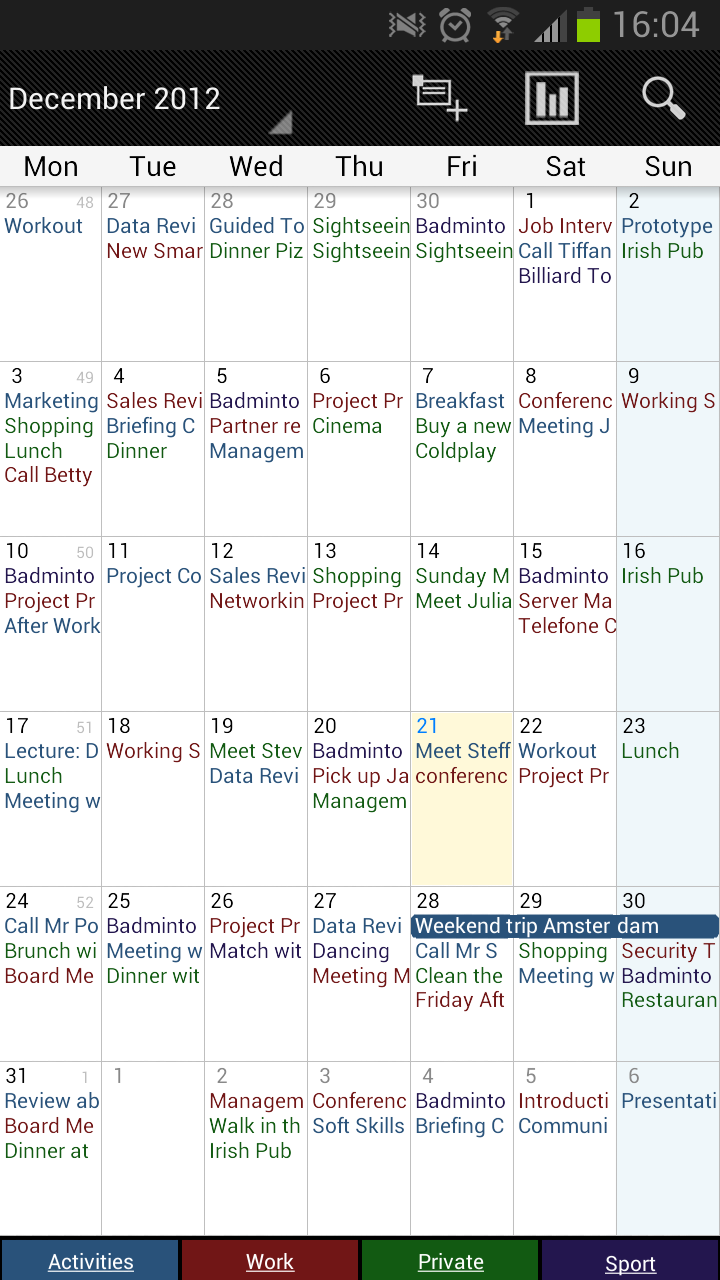
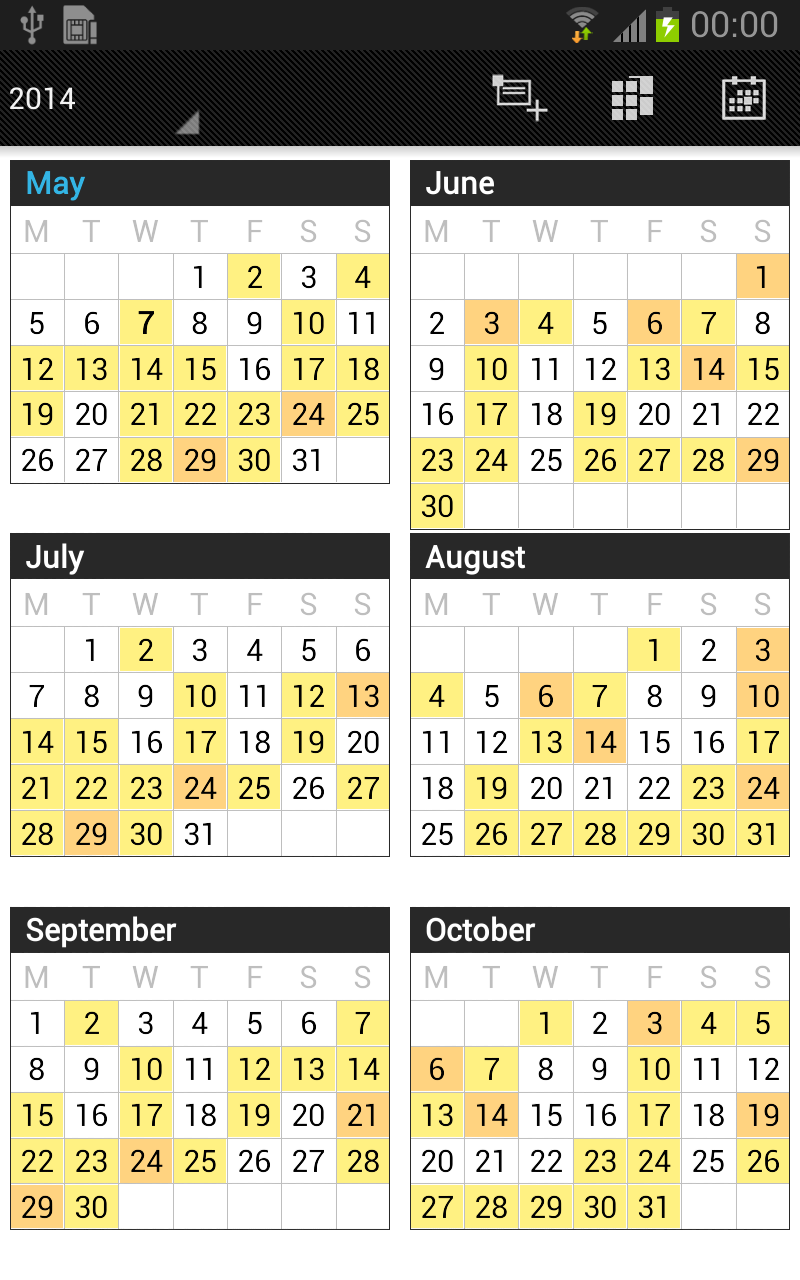
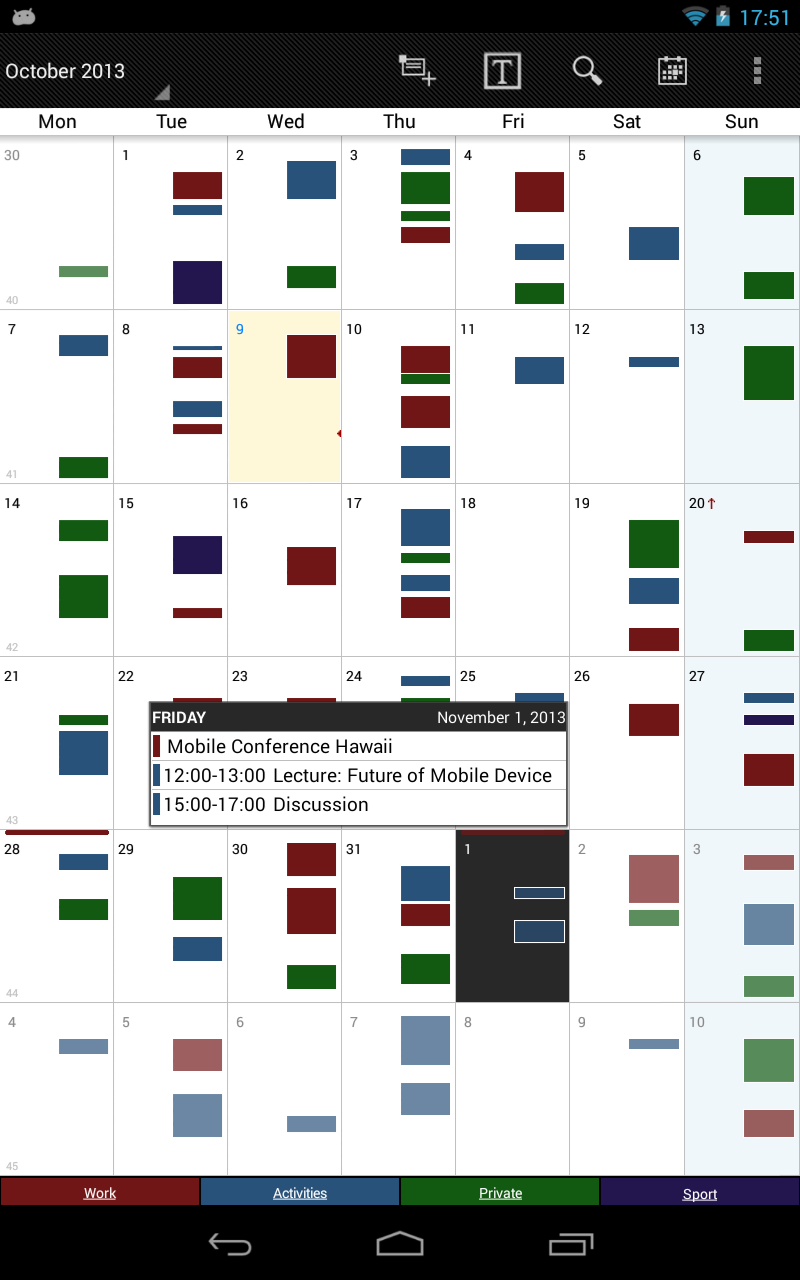
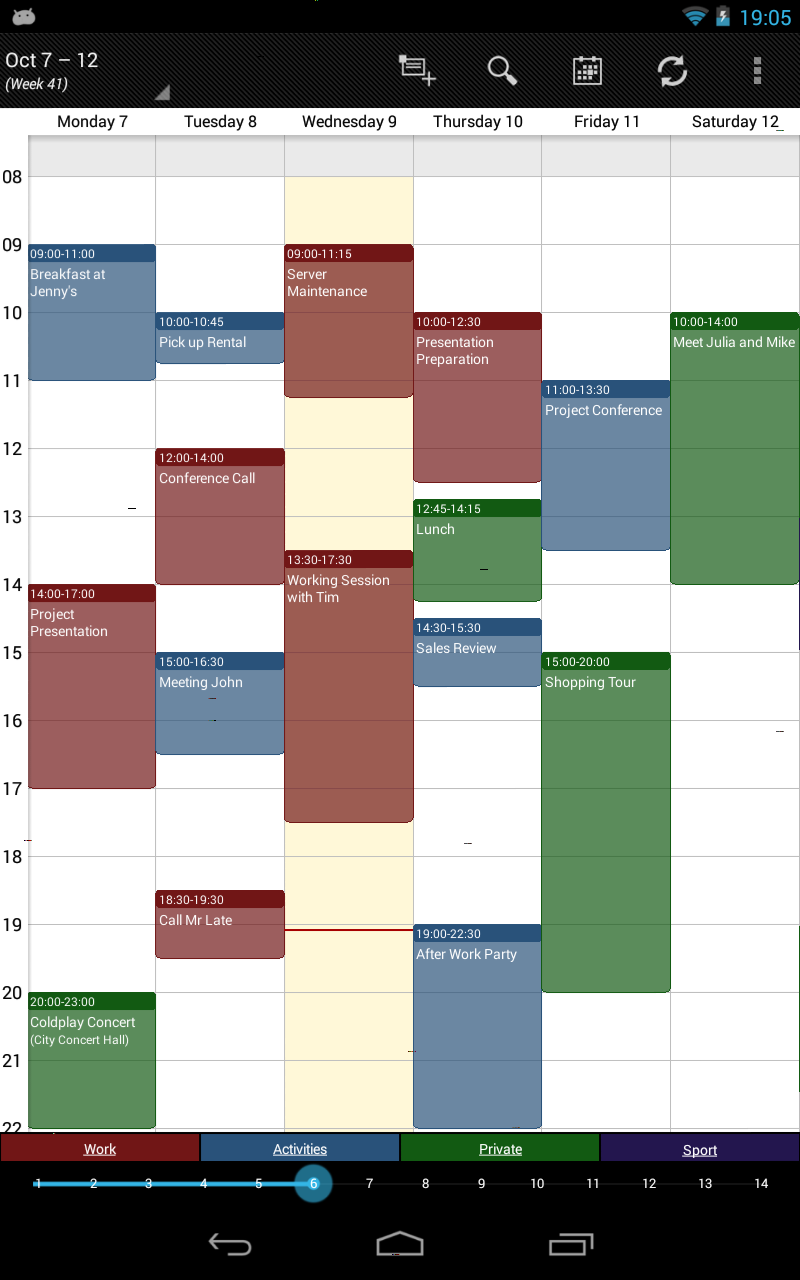
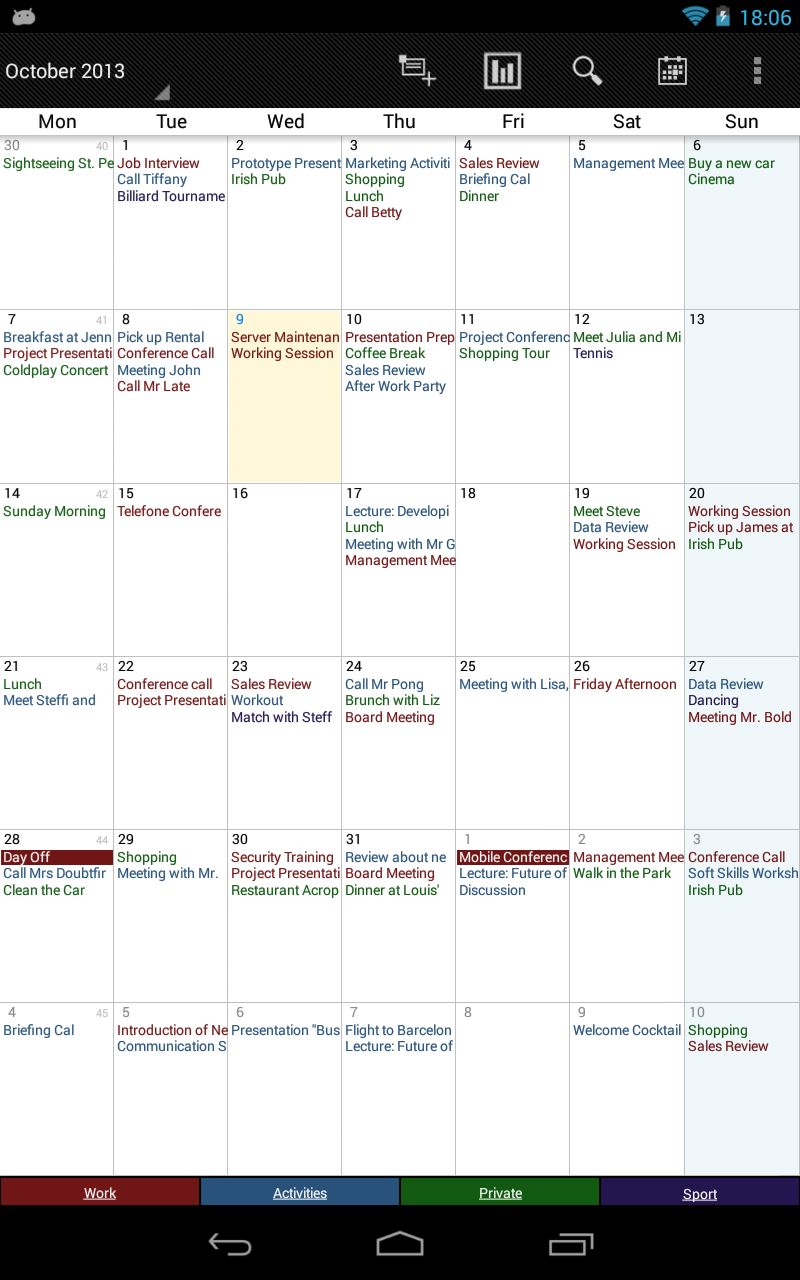
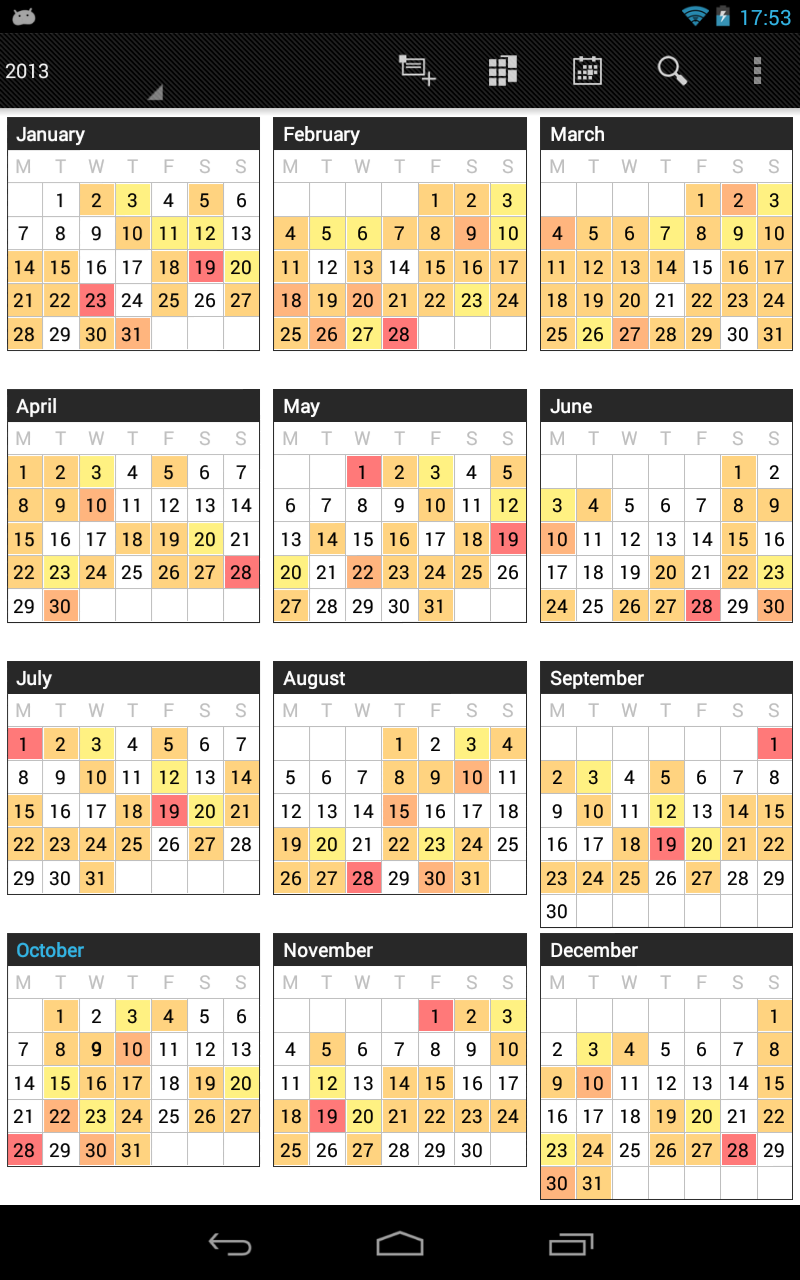
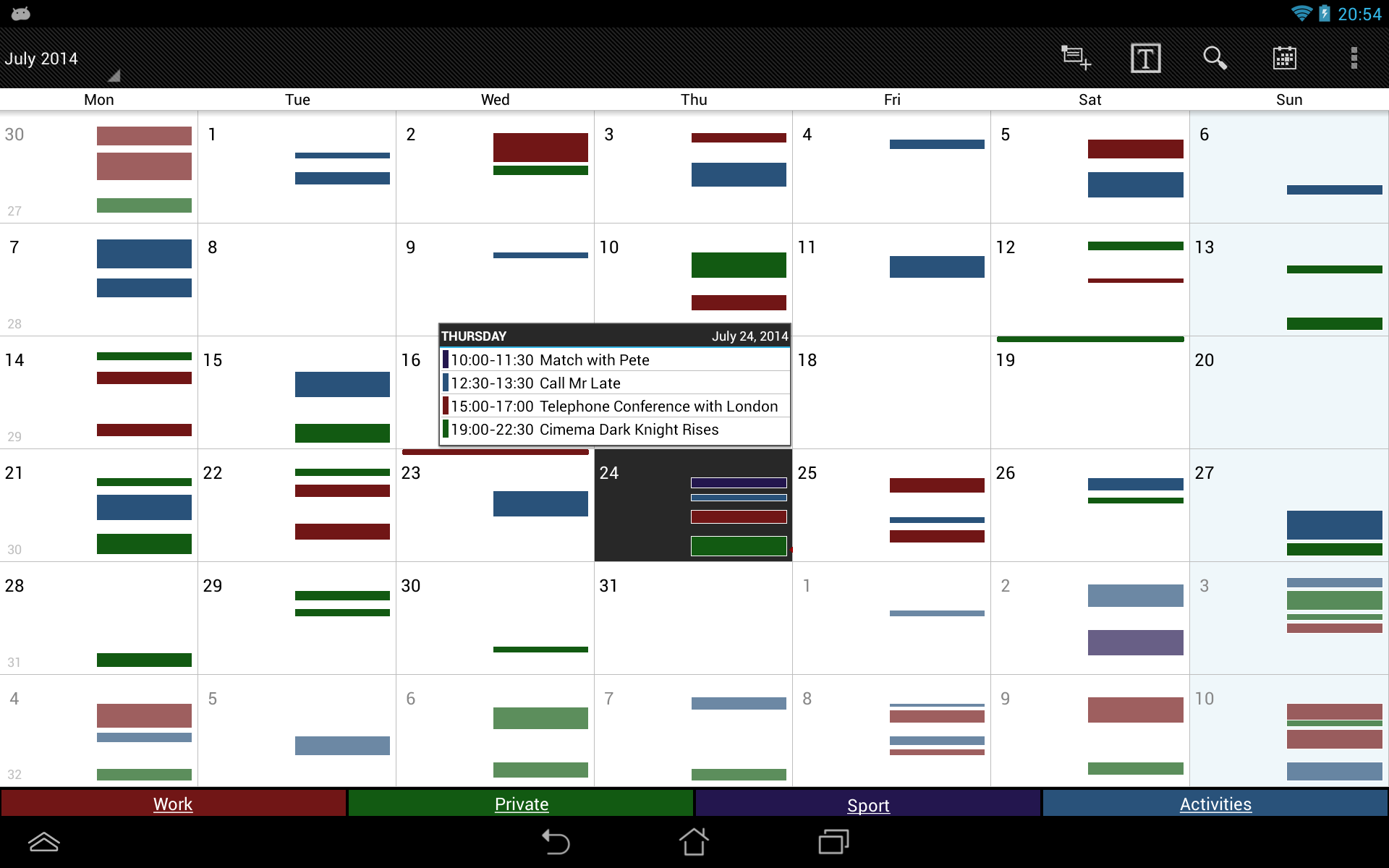
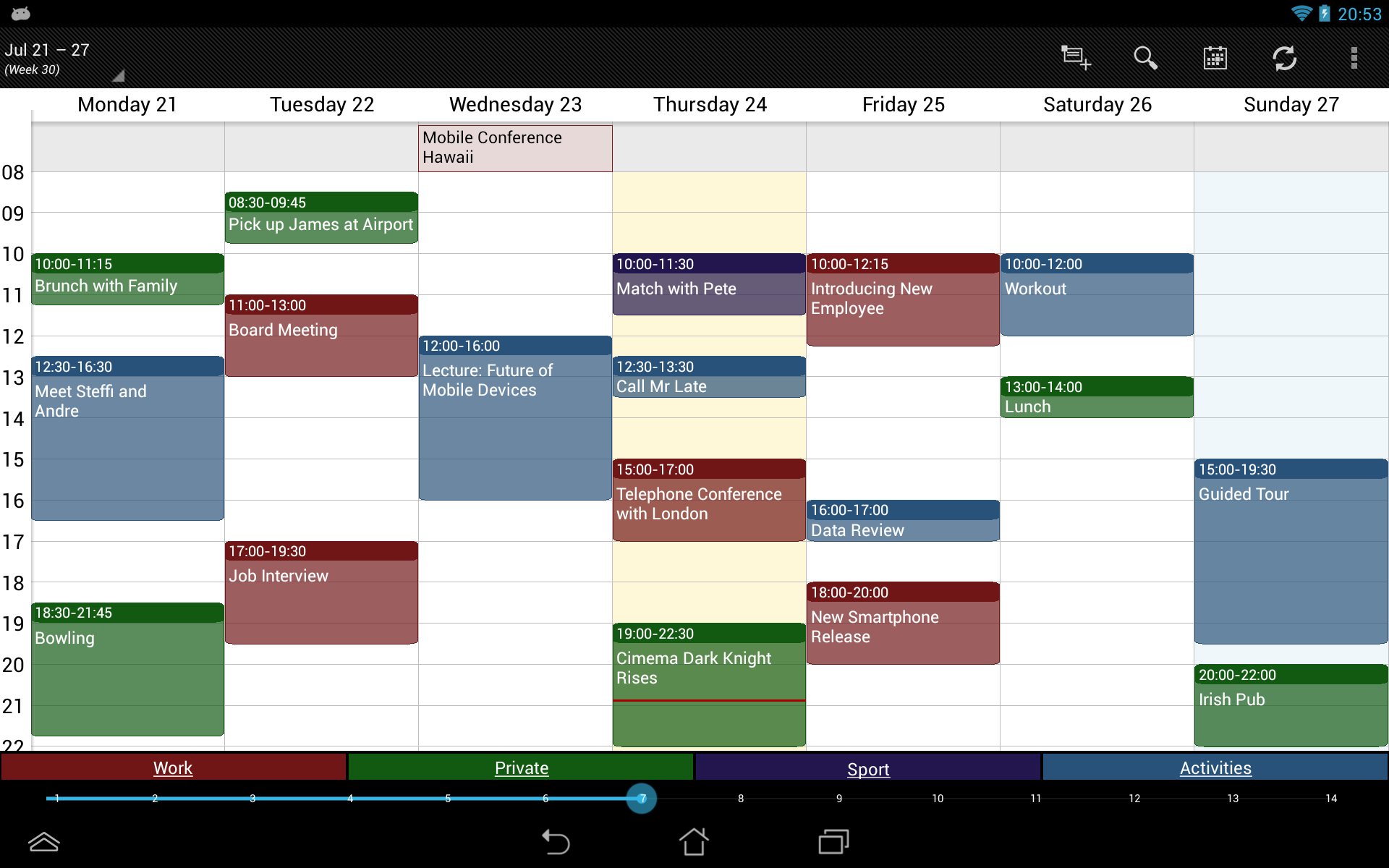
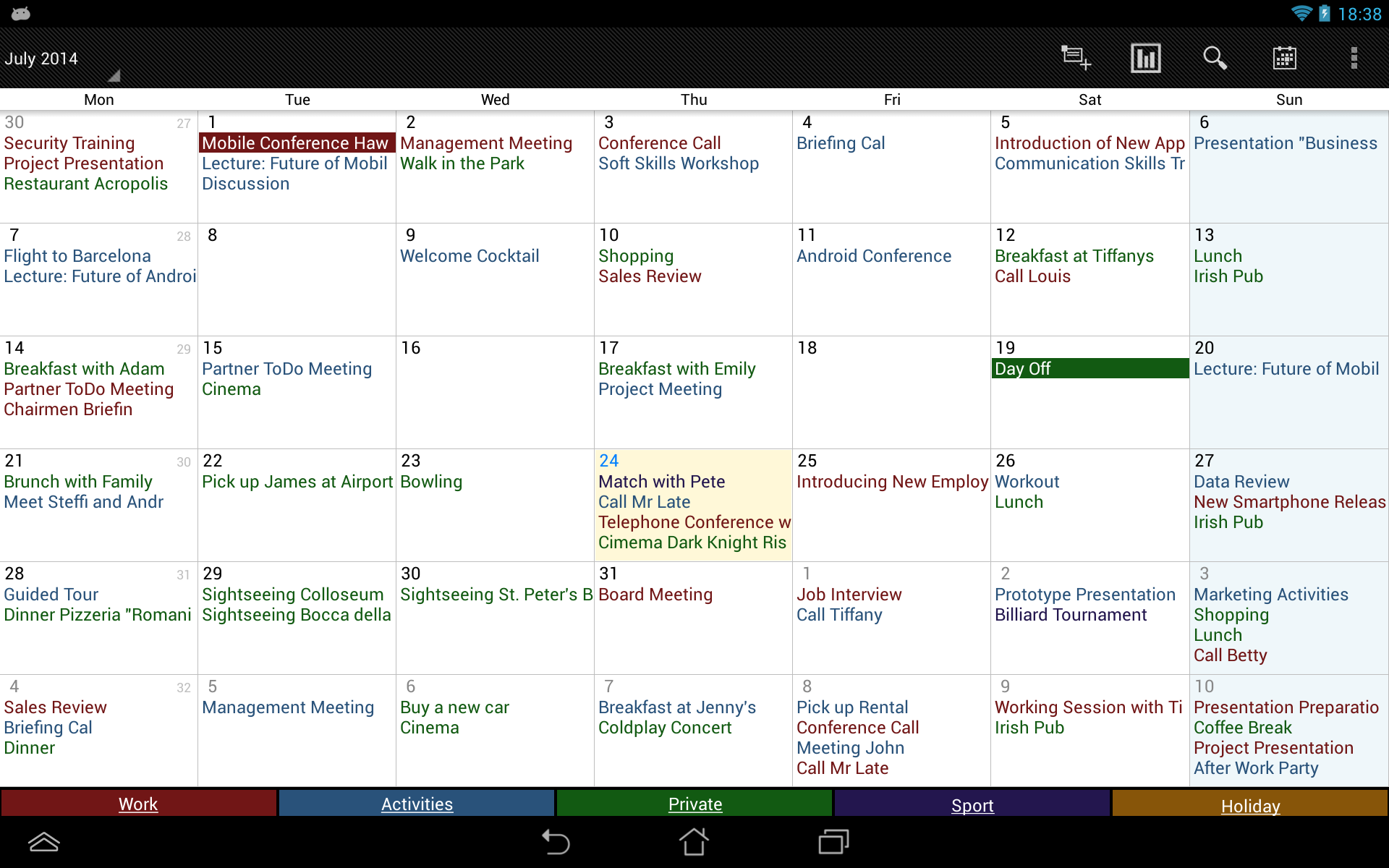
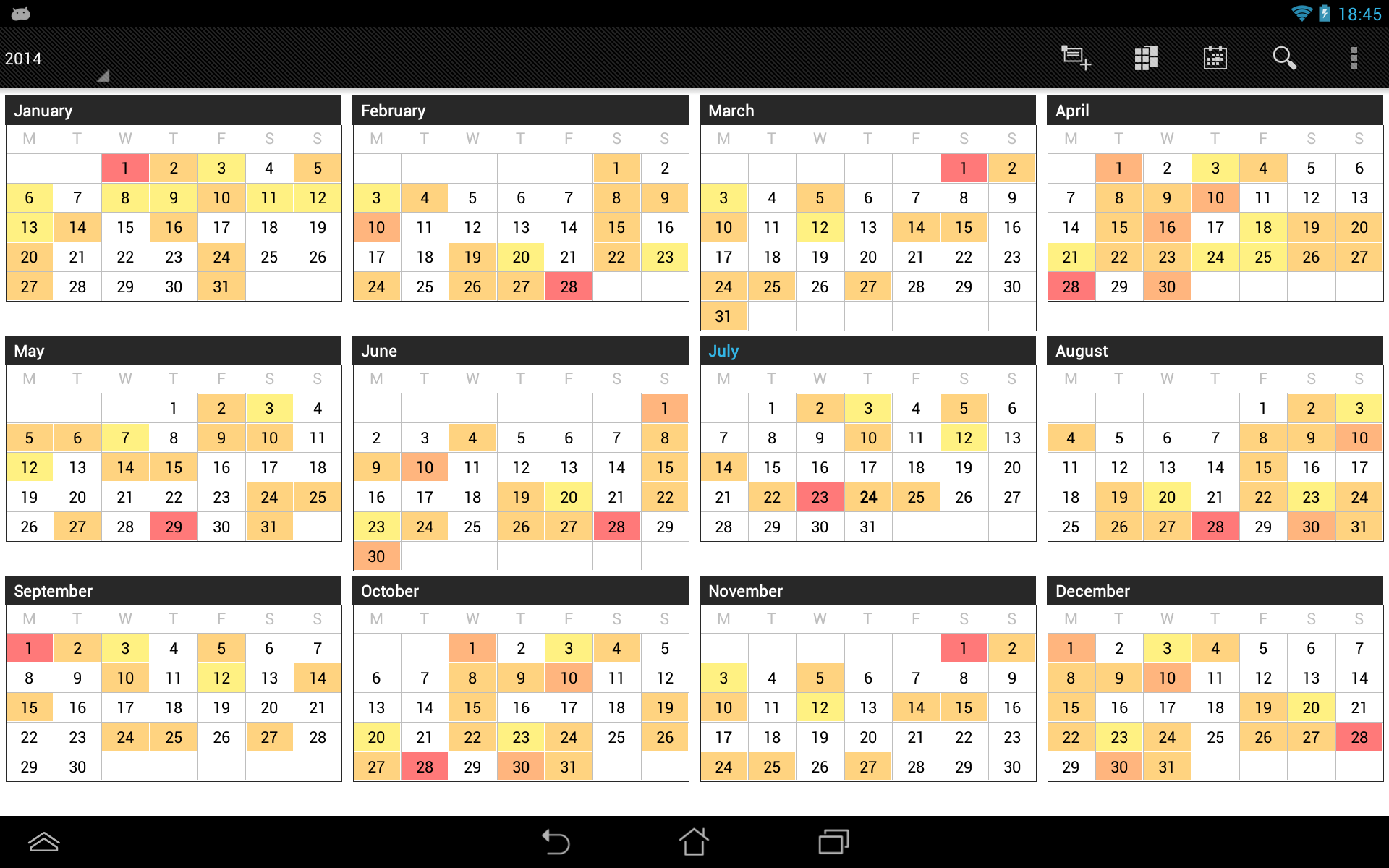
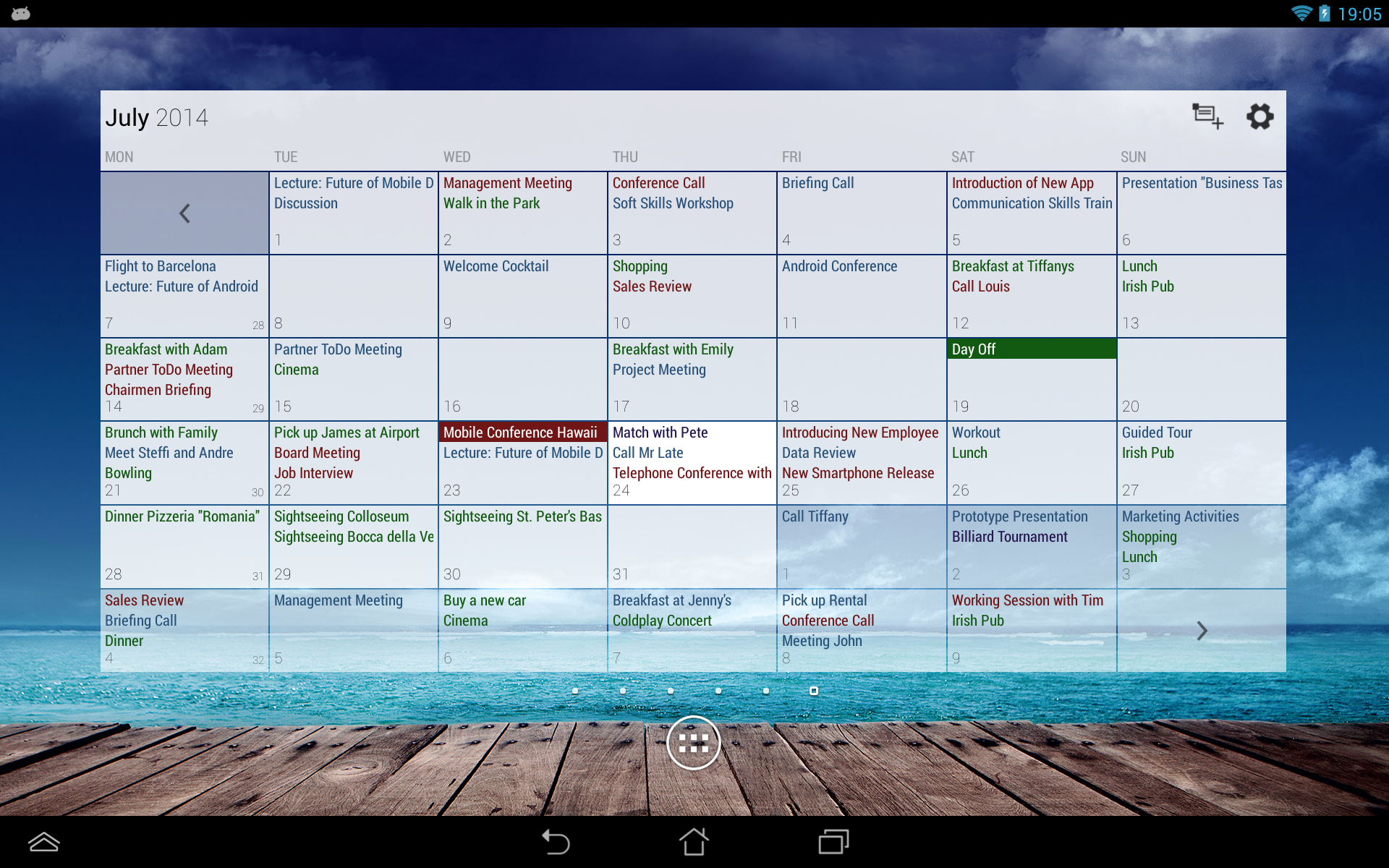
- View your calendar by week, month, or year.
- Nice design.
- Free to use.
- Russian interface language.
Description
Application Business Calendar was checked by VirusTotal antivirus. As a result of the scan, no file infections were detected by all the latest signatures.
How to install Business Calendar
- Download APK file apps from apkshki.com.
- Locate the downloaded file. You can find it in the system tray or in the 'Download' folder using any file manager.
- If the file downloaded in .bin extension (WebView bug on Android 11), rename it to .apk using any file manager or try downloading the file with another browser like Chrome.
- Start the installation. Click on the downloaded file to start the installation
- Allow installation from unknown sources. If you are installing for the first time Business Calendar not from Google Play, go to your device's security settings and allow installation from unknown sources.
- Bypass Google Play protection. If Google Play protection blocks installation of the file, tap 'More Info' → 'Install anyway' → 'OK' to continue..
- Complete the installation: Follow the installer's instructions to complete the installation process.
How to update Business Calendar
- Download the new version apps from apkshki.com.
- Locate the downloaded file and click on it to start the installation.
- Install over the old version. There is no need to uninstall the previous version.
- Avoid signature conflicts. If the previous version was not downloaded from apkshki.com, the message 'Application not installed' may appear. In this case uninstall the old version and install the new one.
- Restart annex Business Calendar after the update.








Requesting an application update
Added Denis Rubinov
Version: 1.6.1.3
Size: 12.2 MB
Updated: 24.06.2025
Developer: Appgenix Software
Age Limitations: Everyone
Authorizations:
Downloaded on Google Play: 6848152
Category: Work












Reviews for Business Calendar
Great app
Very nice
Owner stopped supporting it and updating app. I am about to report it. Love the app, but with last updates to IOS the app won't auto synch anymore. I have cleared data and cach and setup my calendars and widgets again. I even checked the Android Calendar default app and that updates every 24 hours. So this app right now doesn't work! Plus, the full page ads are horrible!!!!!!!! I tried to contact developers directly but they have shut down. Sadly I loved this app...but no more.
Used to be a great free app with unobtrusive ads but recent update has blown that up. I know the bills have to be paid, but this is too much. Going back to stock calendar.
One of the BEST calendars.
It is no longer supported! App started having issues with new Droid versions. Contacted developer with no response. Went to their website and still no response. All avenues of communication are dead silent. Check out the time of their last update. That says everything you need to know DO NOT SPEND MONEY ON PRO VERSION!
Super simple and so much customization! - only ask is you can also add the option to not show weekends on the week view as well? I would like to be able to see the work week only.
7/24/19 best calendar app. Edited review: 6/15/2022 Upgraded to pro to get away from length game ads and stupid "got you to open up an ad you were trying to delete." I think this was a great free app till the ads came. If it wasn't, I would have found a new app rather than pay for a subscription. Nevertheless, I'm still a customer and this app works well for my needs ad free!!!
Post a comment
To leave a comment, log in with your social network:
Or leave an anonymous comment. Your comment will be sent for moderation.
Post a comment
To leave a comment, log in with your social network:
Or leave an anonymous comment. Your comment will be sent for moderation.