



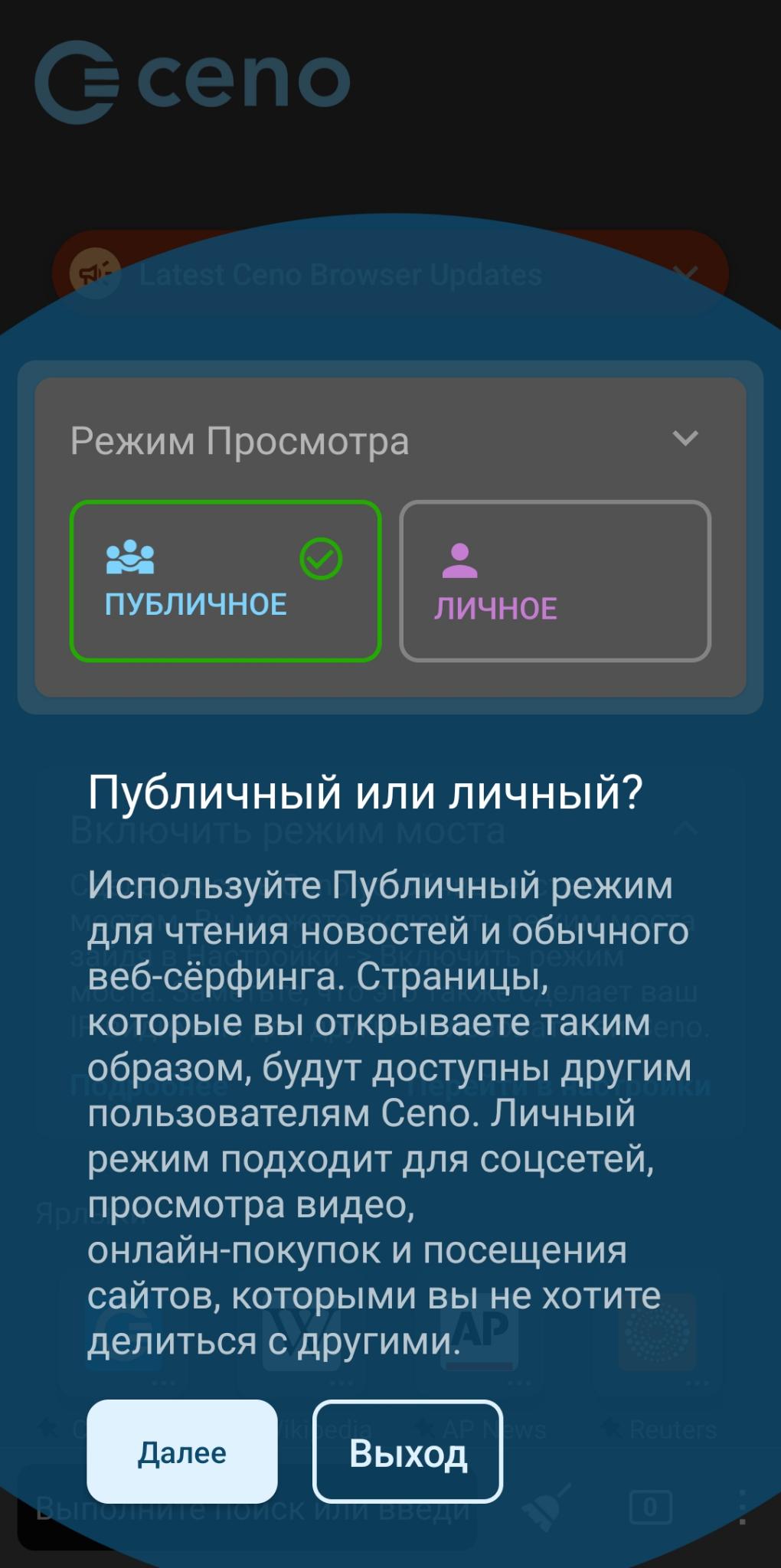
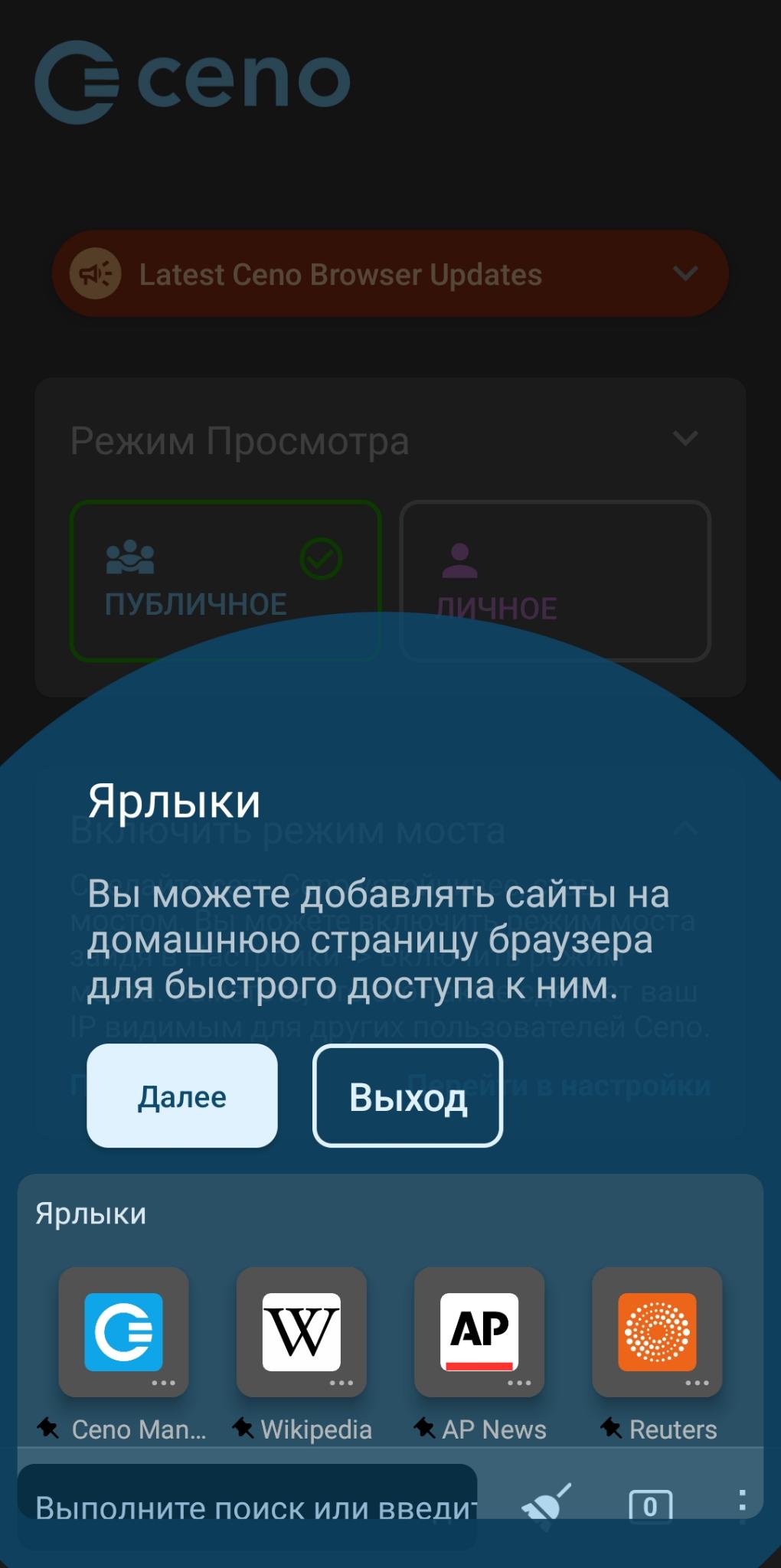
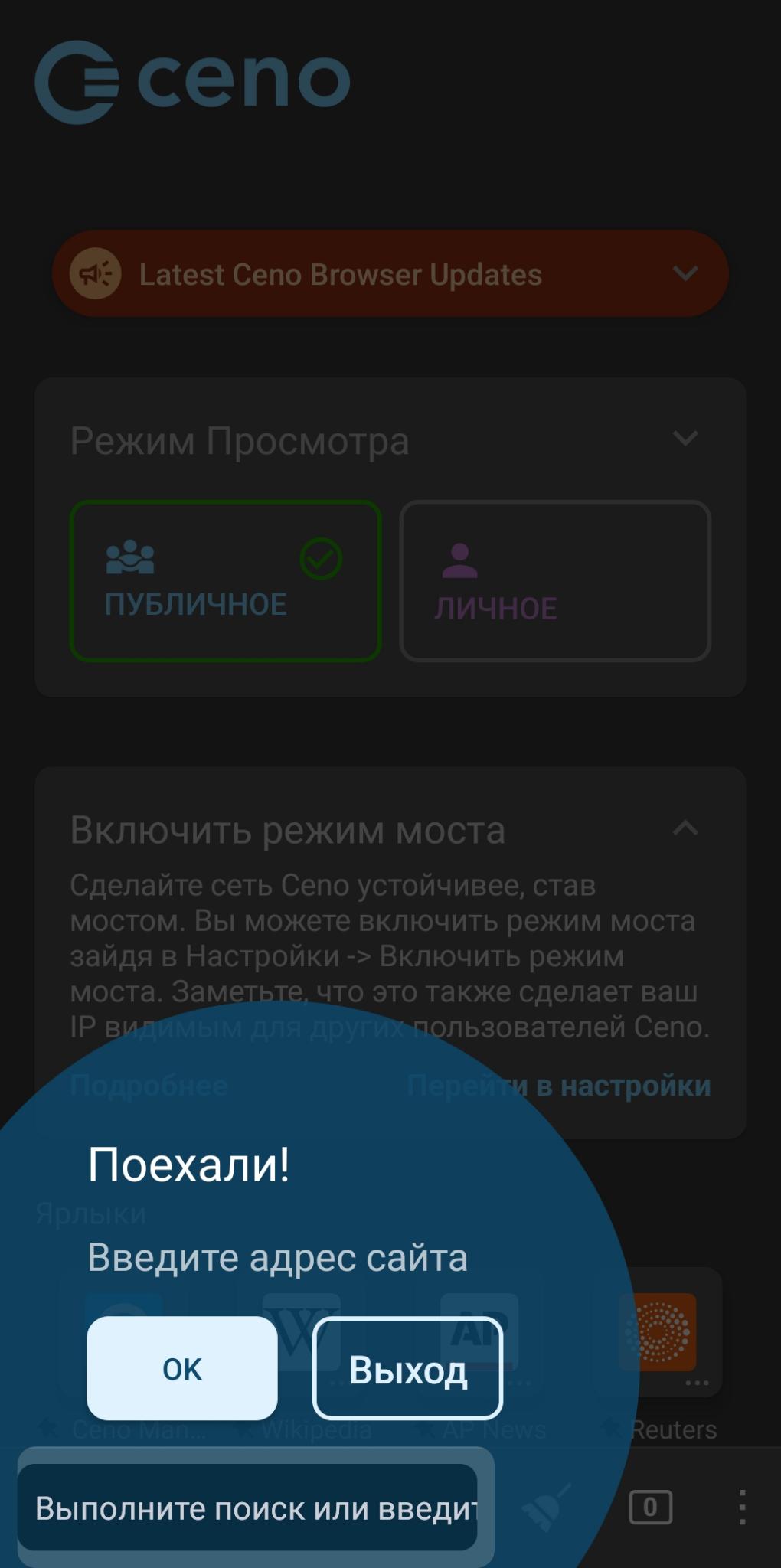
Ceno Browser: Share the Web
78+
downloads5.0
version Android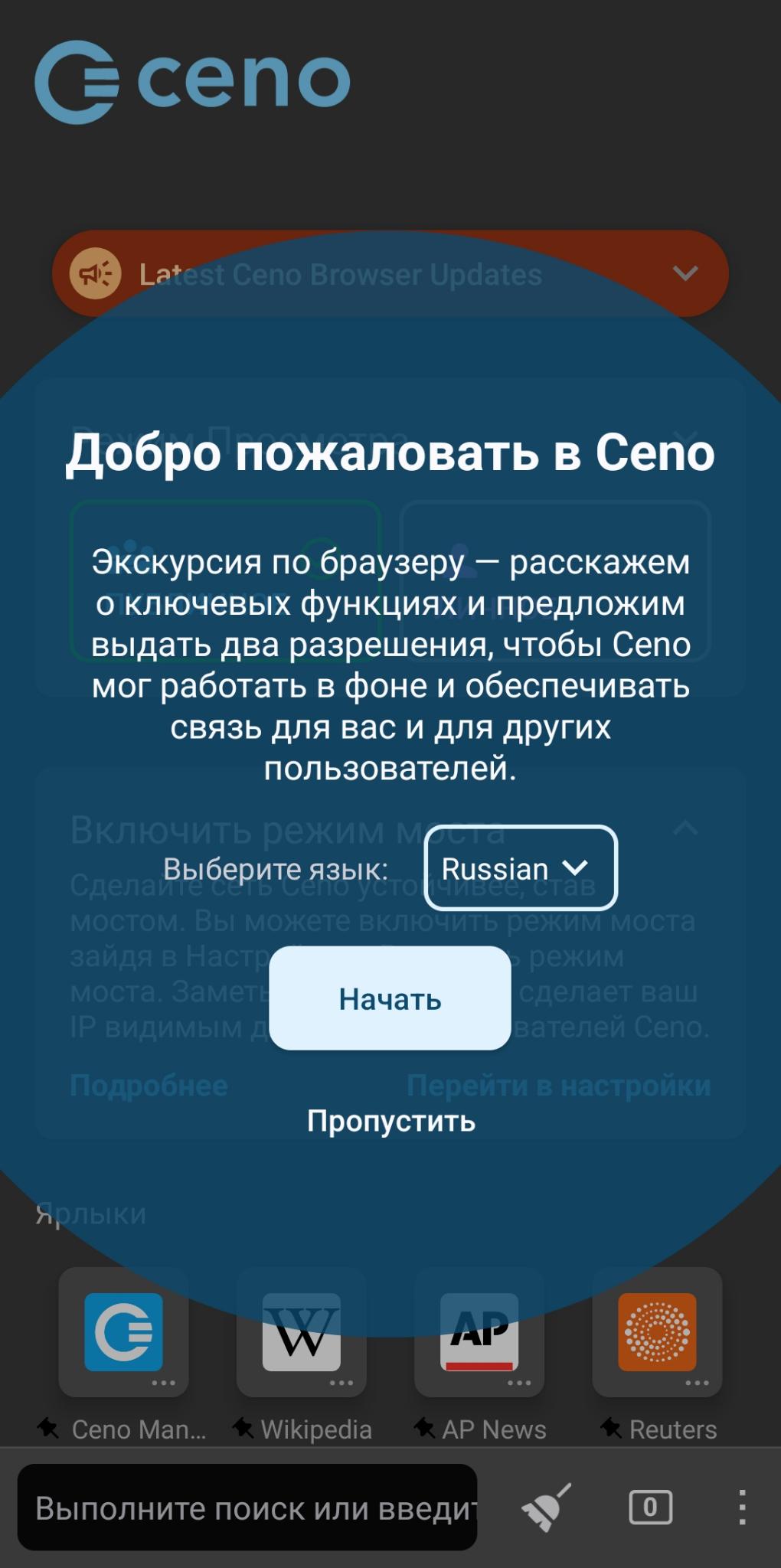
Added: Denis Rubinov
Version: 2.4.5
Size: 208.6 MB
Updated: 24.06.2025
Developer: eQualitie
Age Limitations: Everyone
Authorizations: 15
Downloaded on Google Play: 231058
Category: Contact
Description
Application Ceno Browser: Share the Web was checked by VirusTotal antivirus. As a result of the scan, no file infections were detected by all the latest signatures.
How to install Ceno Browser: Share the Web
- Download APK file apps from apkshki.com.
- Locate the downloaded file. You can find it in the system tray or in the 'Download' folder using any file manager.
- If the file downloaded in .bin extension (WebView bug on Android 11), rename it to .apk using any file manager or try downloading the file with another browser like Chrome.
- Start the installation. Click on the downloaded file to start the installation
- Allow installation from unknown sources. If you are installing for the first time Ceno Browser: Share the Web not from Google Play, go to your device's security settings and allow installation from unknown sources.
- Bypass Google Play protection. If Google Play protection blocks installation of the file, tap 'More Info' → 'Install anyway' → 'OK' to continue..
- Complete the installation: Follow the installer's instructions to complete the installation process.
How to update Ceno Browser: Share the Web
- Download the new version apps from apkshki.com.
- Locate the downloaded file and click on it to start the installation.
- Install over the old version. There is no need to uninstall the previous version.
- Avoid signature conflicts. If the previous version was not downloaded from apkshki.com, the message 'Application not installed' may appear. In this case uninstall the old version and install the new one.
- Restart annex Ceno Browser: Share the Web after the update.








Requesting an application update
Added Denis Rubinov
Version: 2.4.5
Size: 208.6 MB
Updated: 24.06.2025
Developer: eQualitie
Age Limitations: Everyone
Authorizations:
Downloaded on Google Play: 231058
Category: Contact












Reviews for Ceno Browser: Share the Web
no work in iran
Amazing! Wonderful gadget 👌❤️
🤎
how use this app, dont connect
Не работает
🔥🔥
Most of the time, it doesn't work; and when it does, it's slow as hell. I prefer using regular browsers with a VPN; and it doesn't even need to be a premium quality one with high speed. Thanks a lot.
Most of time of opening it is giving notifications to stop although catches are 4.6Mb per minute. Worst of all.
Keeps stopping.
در ایران خیلی کنده و حتی نمیتونه سایتای سبکی مثل توییتر رو باز کنه.
Didn't work on my android. Crashed 3 times. Uninstalled.
Very bad and very slowly browwser
A string CENO is very well known was it not that backs the search slash equal q as well. The coolest strings! Come even after CENO in the string doubles credibility a secure web connection.
Update
The developer should check the zoom and page reload sensitivity. The browser interprits most zoom text gestures as both zoom and page reload. While you can zoom very slowly and prevent page reload every other Android browser I've used has been able to zoom text/picture focus quickly without reloading the page.
Post a comment
To leave a comment, log in with your social network:
Or leave an anonymous comment. Your comment will be sent for moderation.
Post a comment
To leave a comment, log in with your social network:
Or leave an anonymous comment. Your comment will be sent for moderation.