


Cardio Journal — Blood Pressur
2+
downloads4.1+
version Android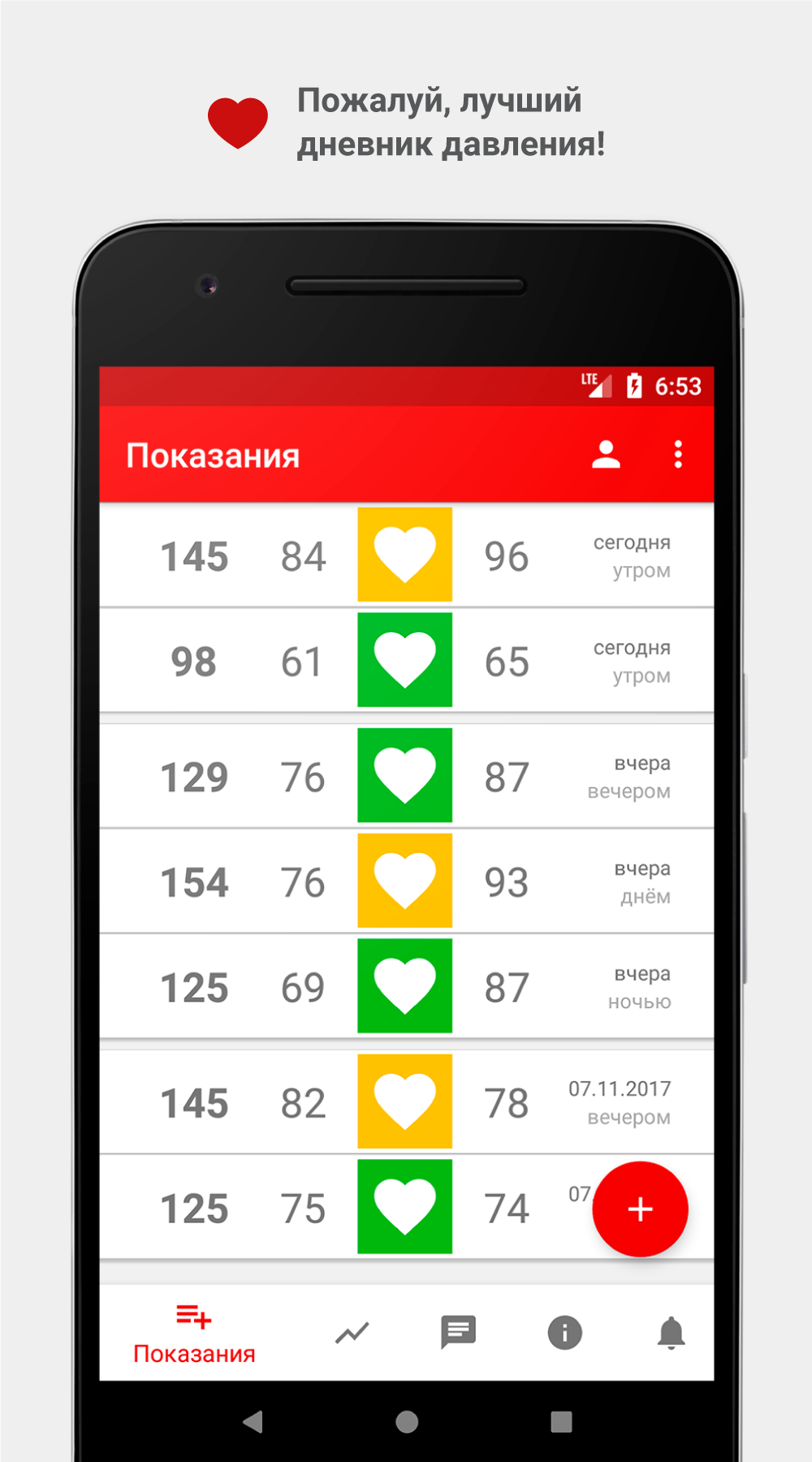
Added: Denis Rubinov
Version: 3.2.10
Size: 6.6 MB
Updated: 15.08.2022
Developer: MDHelp
Age Limitations: Everyone
Downloaded on Google Play: 1390956
Category: Health & Fitness
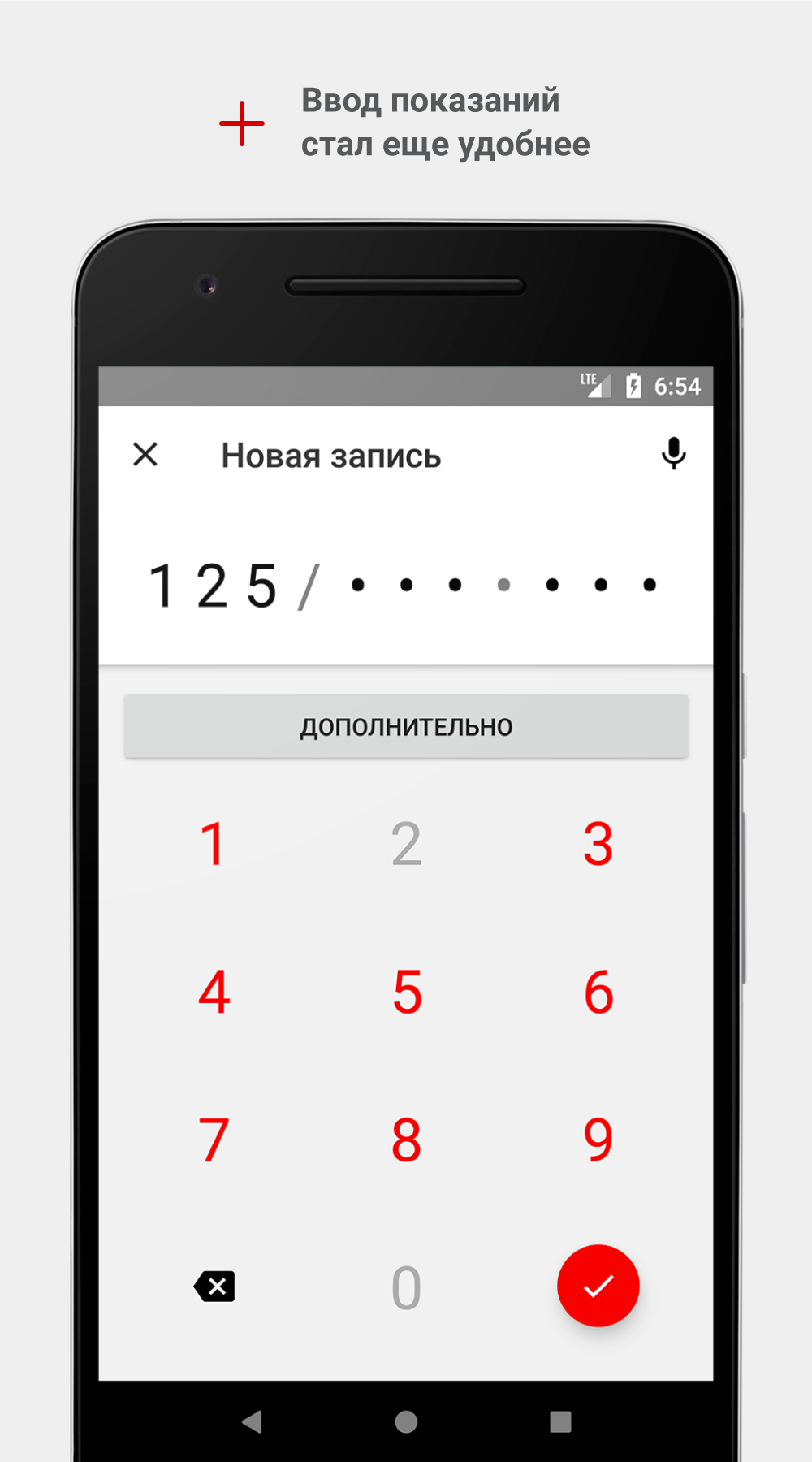
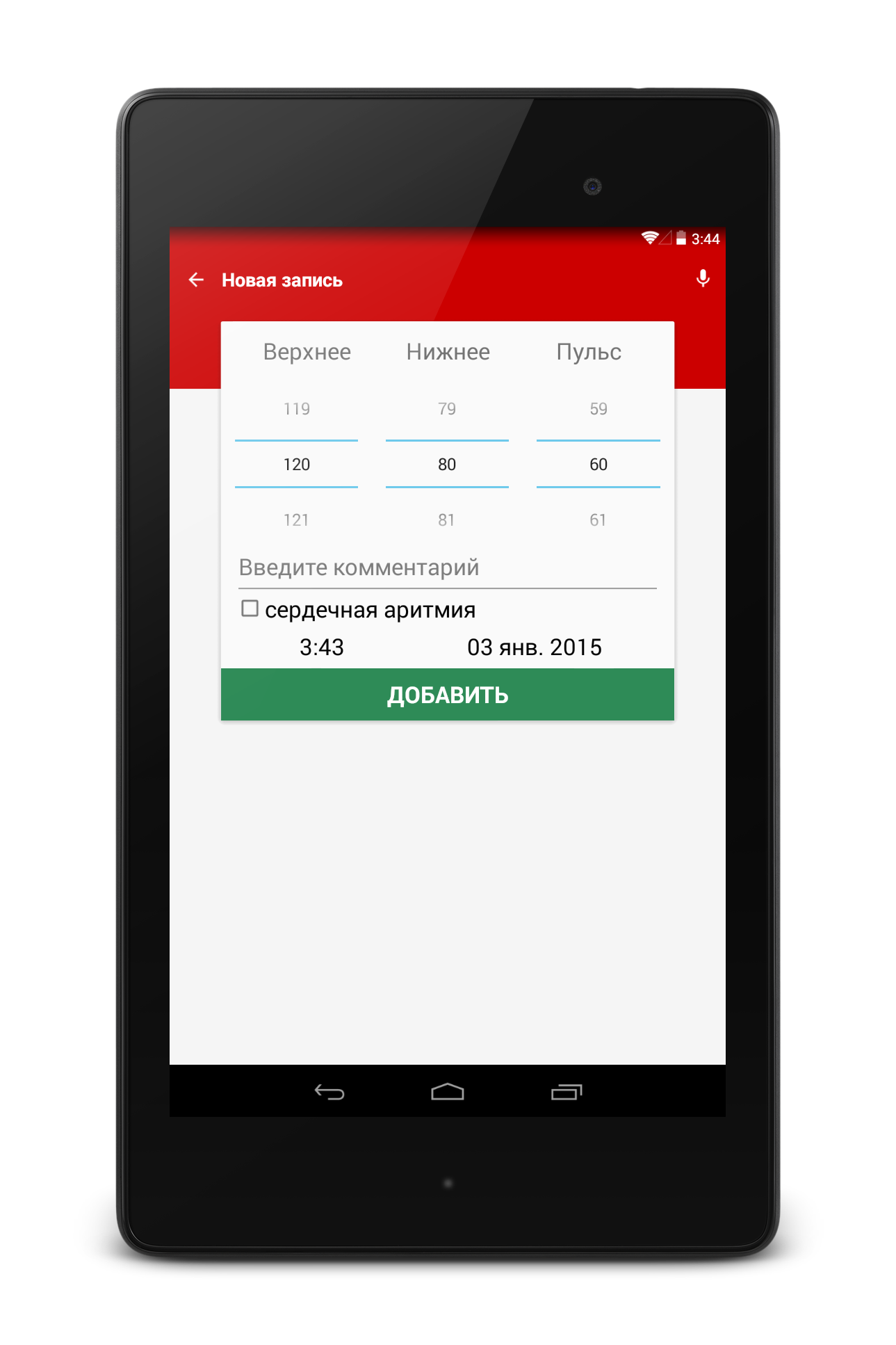
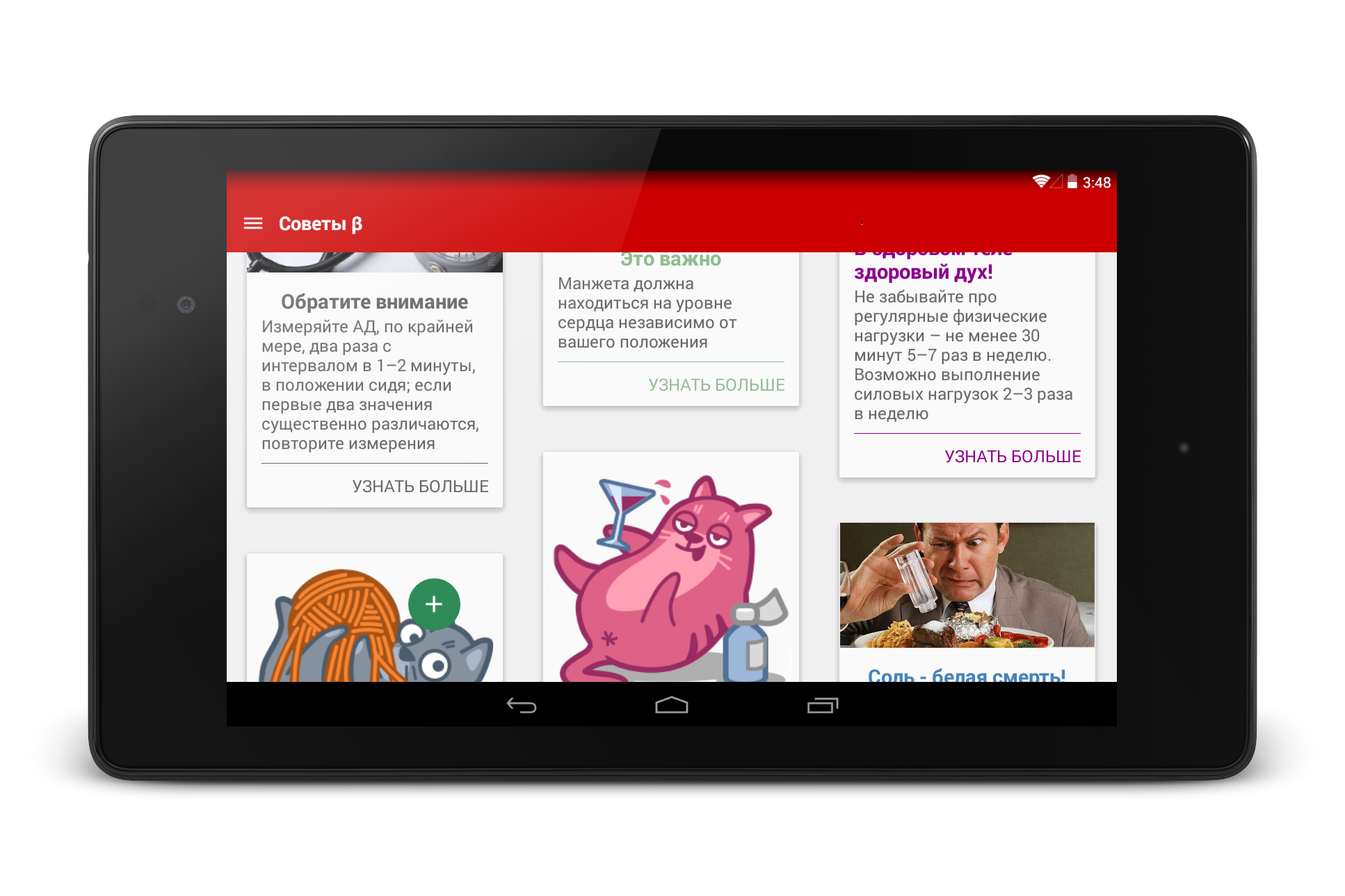
- Convenient data entry.
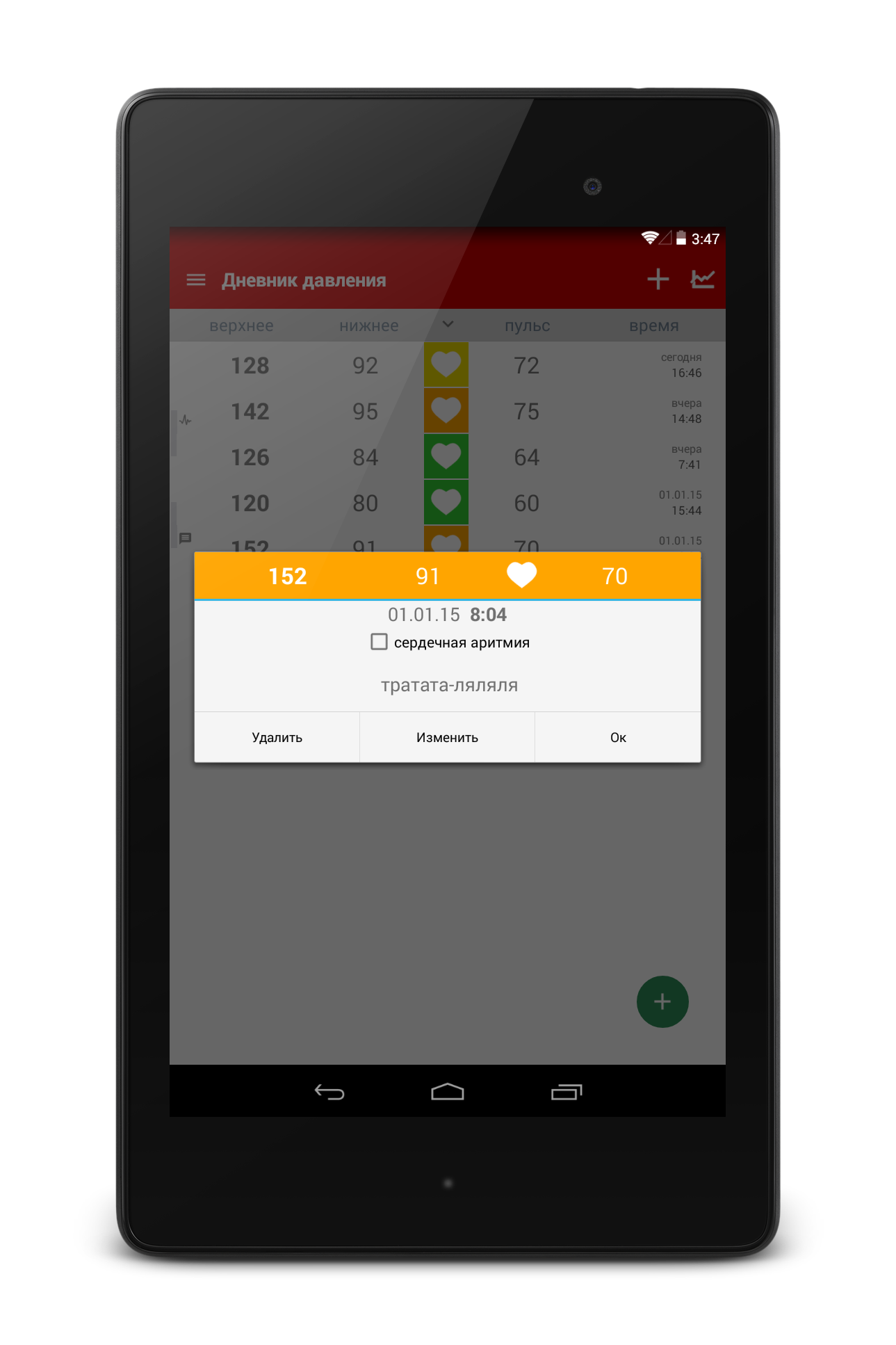
- Visual display of measurement history.
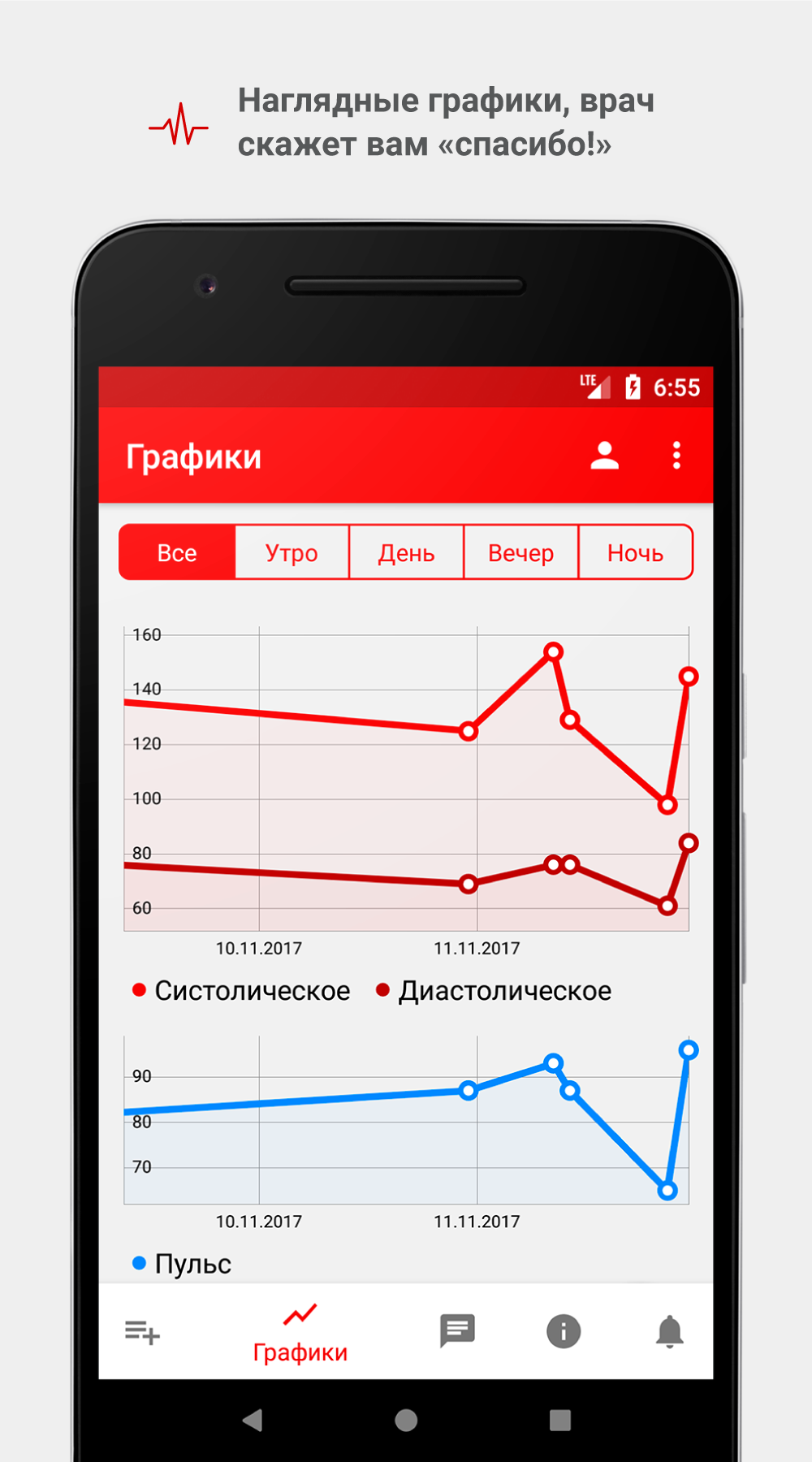
- Formation of graphs.
- No ads or paid features.
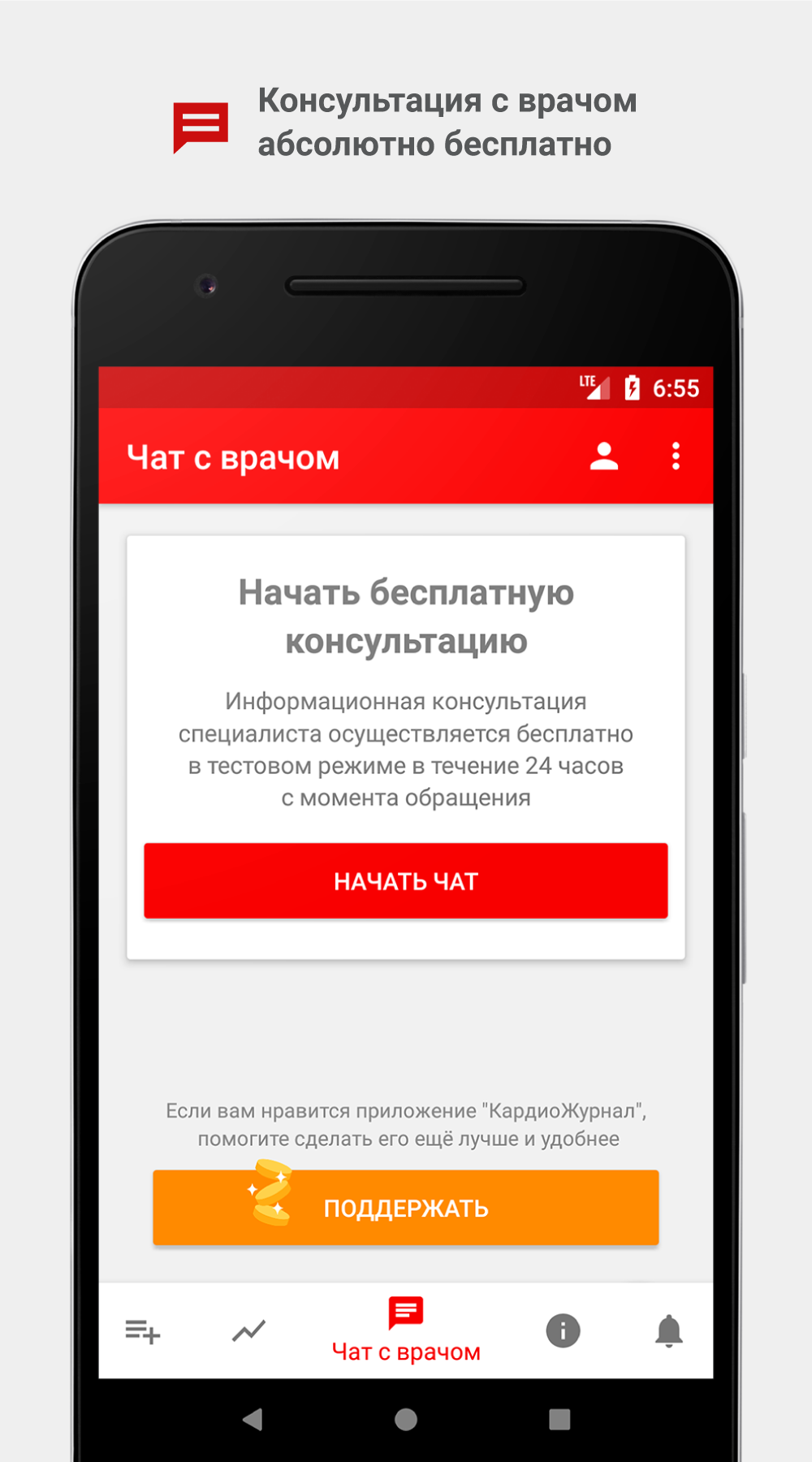
- Free chat with a doctor.
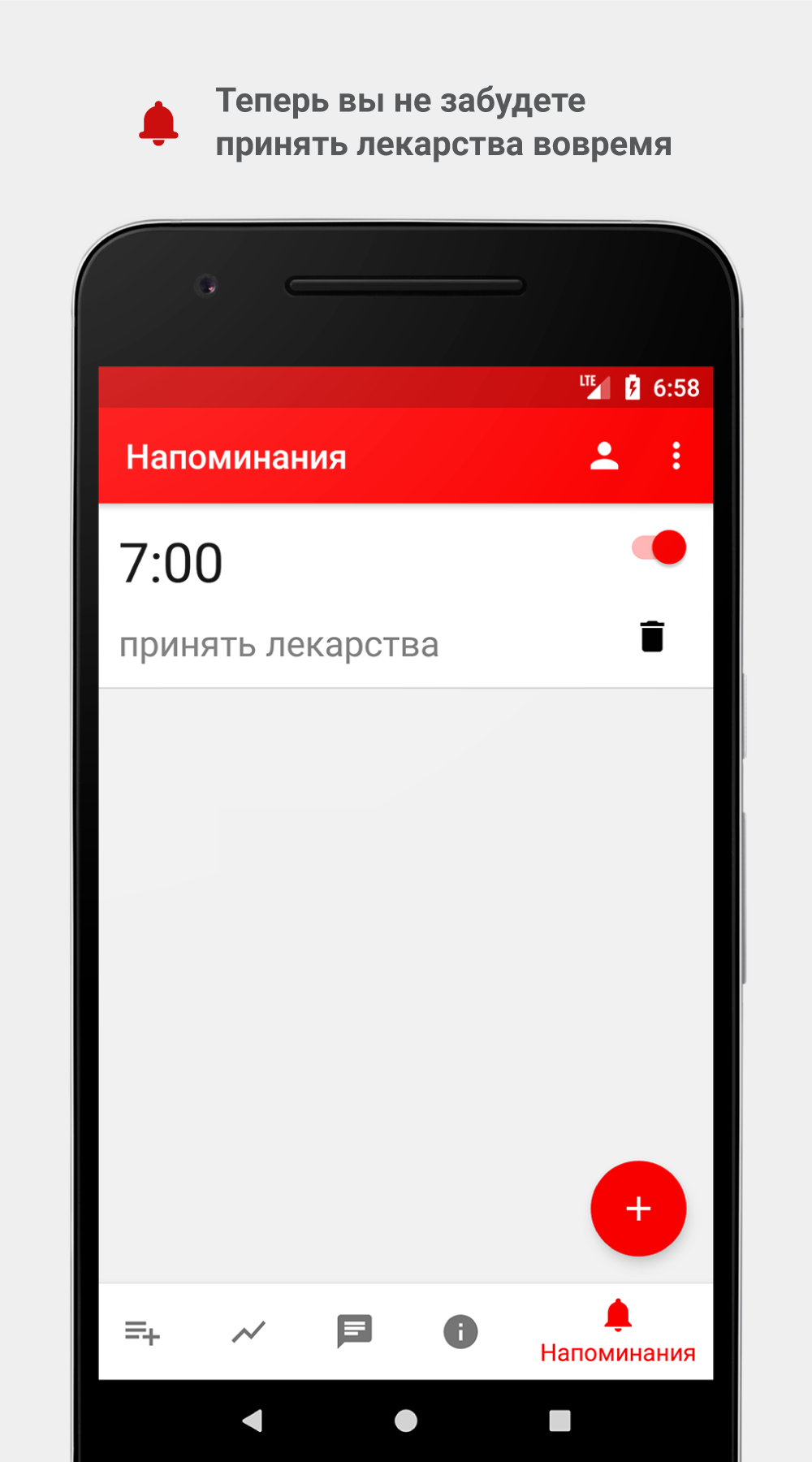
- Set reminders.
- The program is completely in Russian.
Description
Application Cardio Journal — Blood Pressur was checked by VirusTotal antivirus. As a result of the scan, no file infections were detected by all the latest signatures.
How to install Cardio Journal — Blood Pressur
- Download APK file apps from apkshki.com.
- Locate the downloaded file. You can find it in the system tray or in the 'Download' folder using any file manager.
- If the file downloaded in .bin extension (WebView bug on Android 11), rename it to .apk using any file manager or try downloading the file with another browser like Chrome.
- Start the installation. Click on the downloaded file to start the installation
- Allow installation from unknown sources. If you are installing for the first time Cardio Journal — Blood Pressur not from Google Play, go to your device's security settings and allow installation from unknown sources.
- Bypass Google Play protection. If Google Play protection blocks installation of the file, tap 'More Info' → 'Install anyway' → 'OK' to continue..
- Complete the installation: Follow the installer's instructions to complete the installation process.
How to update Cardio Journal — Blood Pressur
- Download the new version apps from apkshki.com.
- Locate the downloaded file and click on it to start the installation.
- Install over the old version. There is no need to uninstall the previous version.
- Avoid signature conflicts. If the previous version was not downloaded from apkshki.com, the message 'Application not installed' may appear. In this case uninstall the old version and install the new one.
- Restart annex Cardio Journal — Blood Pressur after the update.








Requesting an application update
Added Denis Rubinov
Version: 3.2.10
Size: 6.6 MB
Updated: 15.08.2022
Developer: MDHelp
Age Limitations: Everyone
Downloaded on Google Play: 1390956
Category: Health & Fitness












Reviews for Cardio Journal — Blood Pressur
All it does is just spin,don't see nothing
Perfect for years, until I bought a new phone. I try to log in, the app tells me wrong password, even though it is not. I try to reset, app tells me a link has been sent but nothing in inbox or spam filter.
All it takes to make it simple and comprehensive!
Very convenient to use.
Working again!! 10/24/2023
I like the app so much, it keeps my BP records very well
very useful tool to keep my recordings in for doctors visits
Putting in date of birth takes a long time, tapping back through all the months and years or did I miss something. But a handy and simple way of recording information.
Great. Only the import from csv is missing.
It works well no bugs or problems
After update to 12 Android, application doesn't work
Post a comment
To leave a comment, log in with your social network:
Or leave an anonymous comment. Your comment will be sent for moderation.
Post a comment
To leave a comment, log in with your social network:
Or leave an anonymous comment. Your comment will be sent for moderation.