


eBook Reader: PDF, EPUB, HTML
22+
downloads4.0+
version Android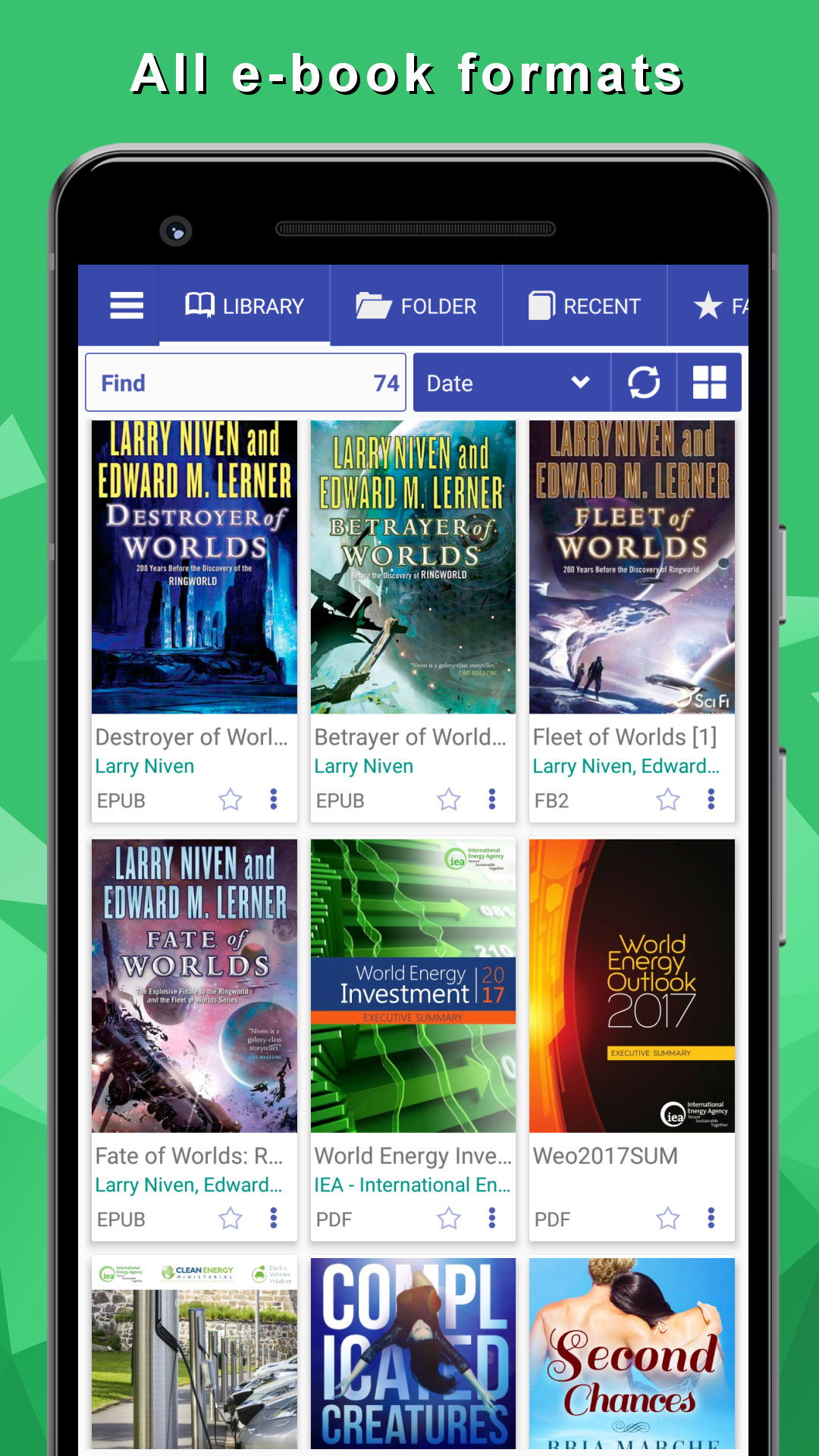
Added: Denis Rubinov
Version: 8.9.183
Size: 23.3 MB
Updated: 24.06.2025
Developer: Librera
Age Limitations: Everyone
Authorizations: 6
Downloaded on Google Play: 1347414
Category: Books and Reference
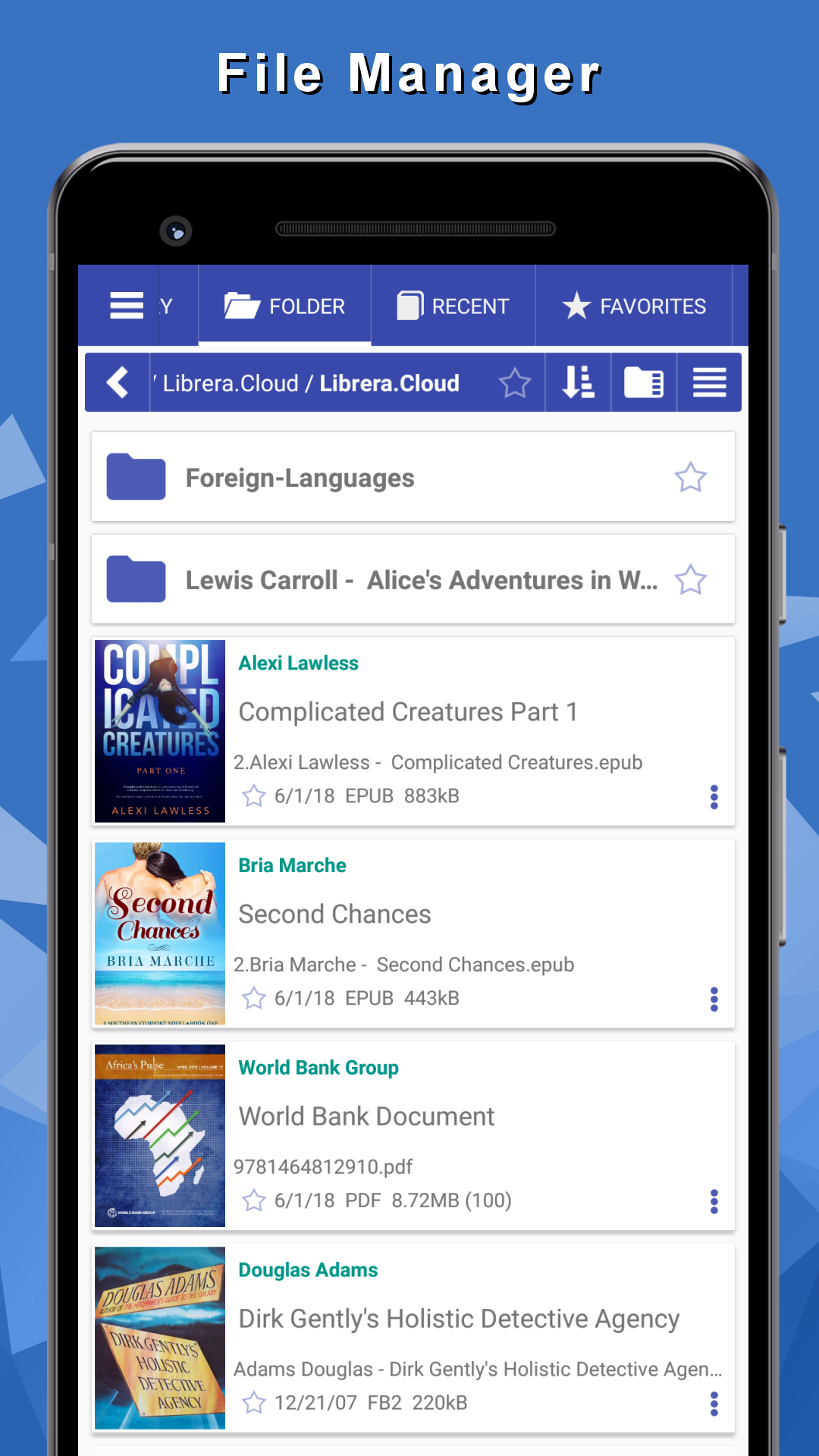
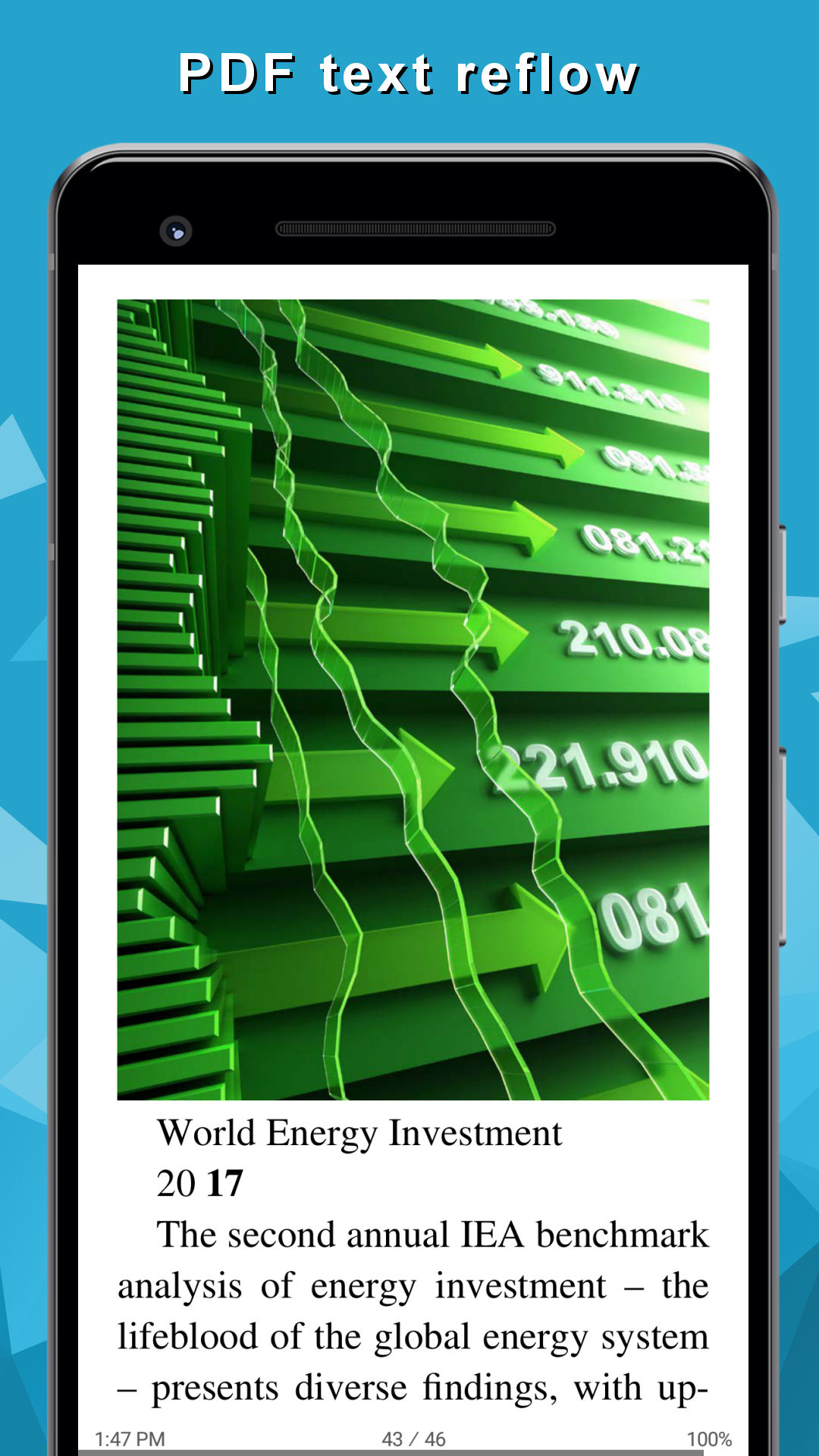
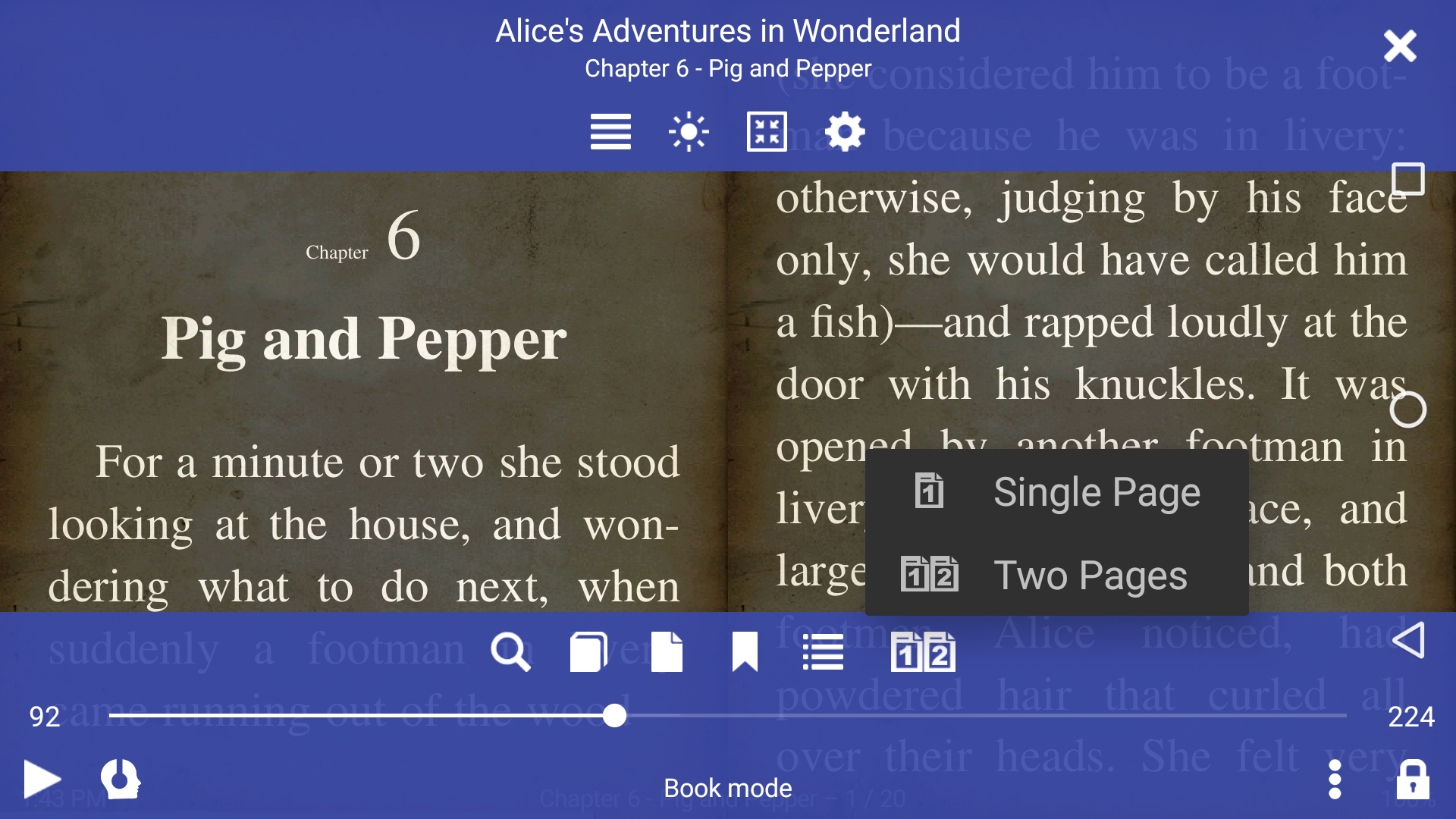
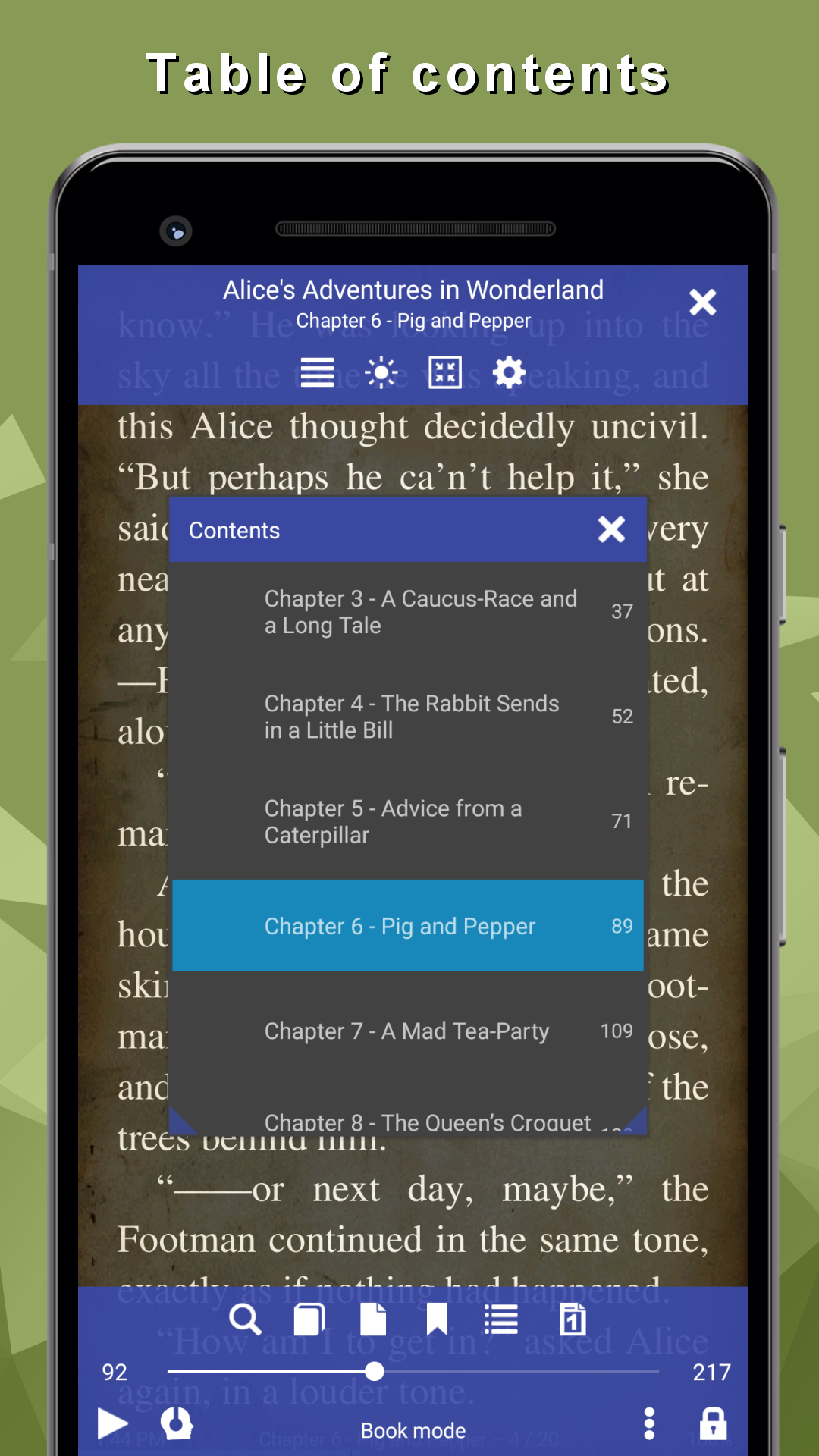
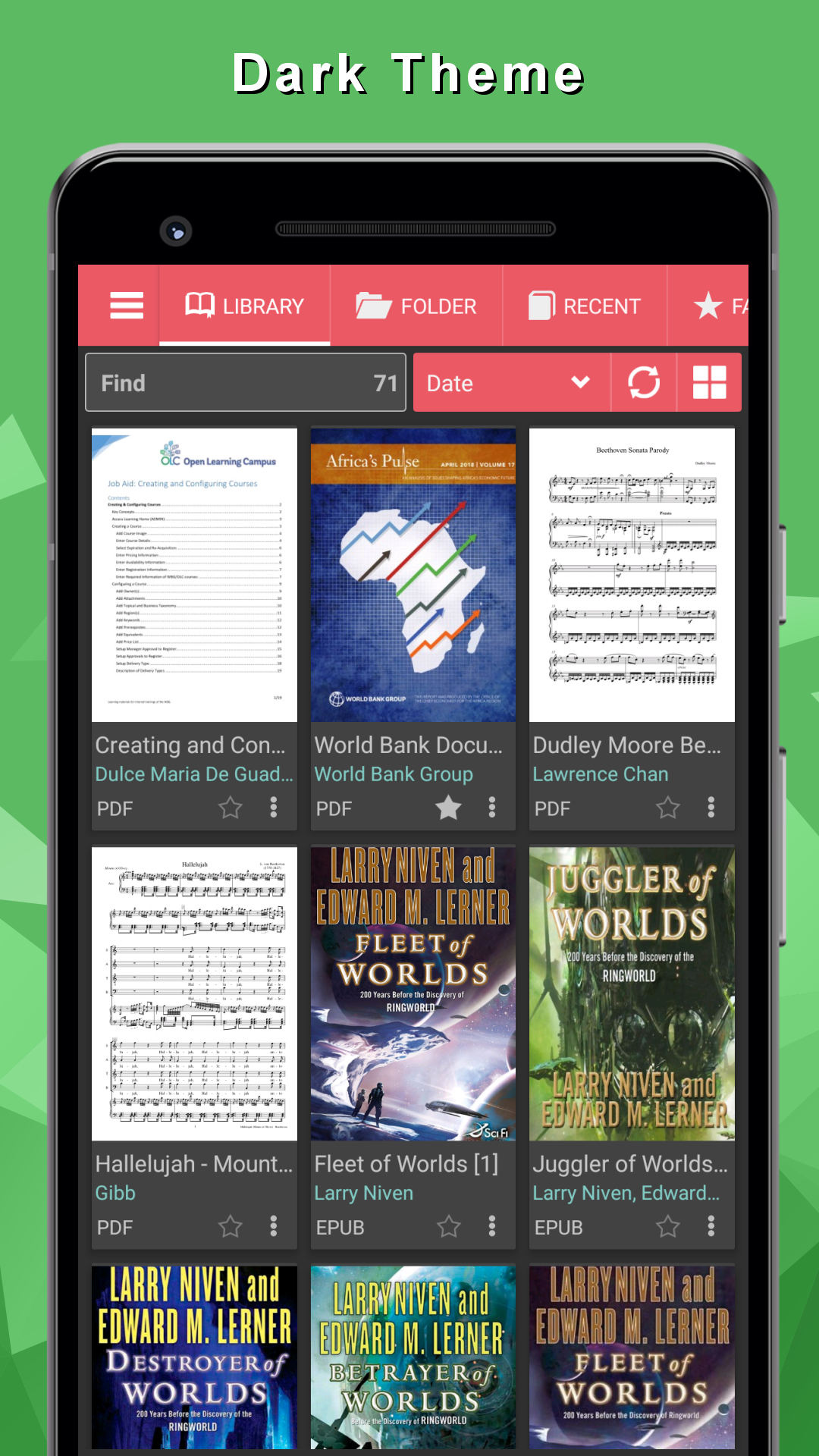
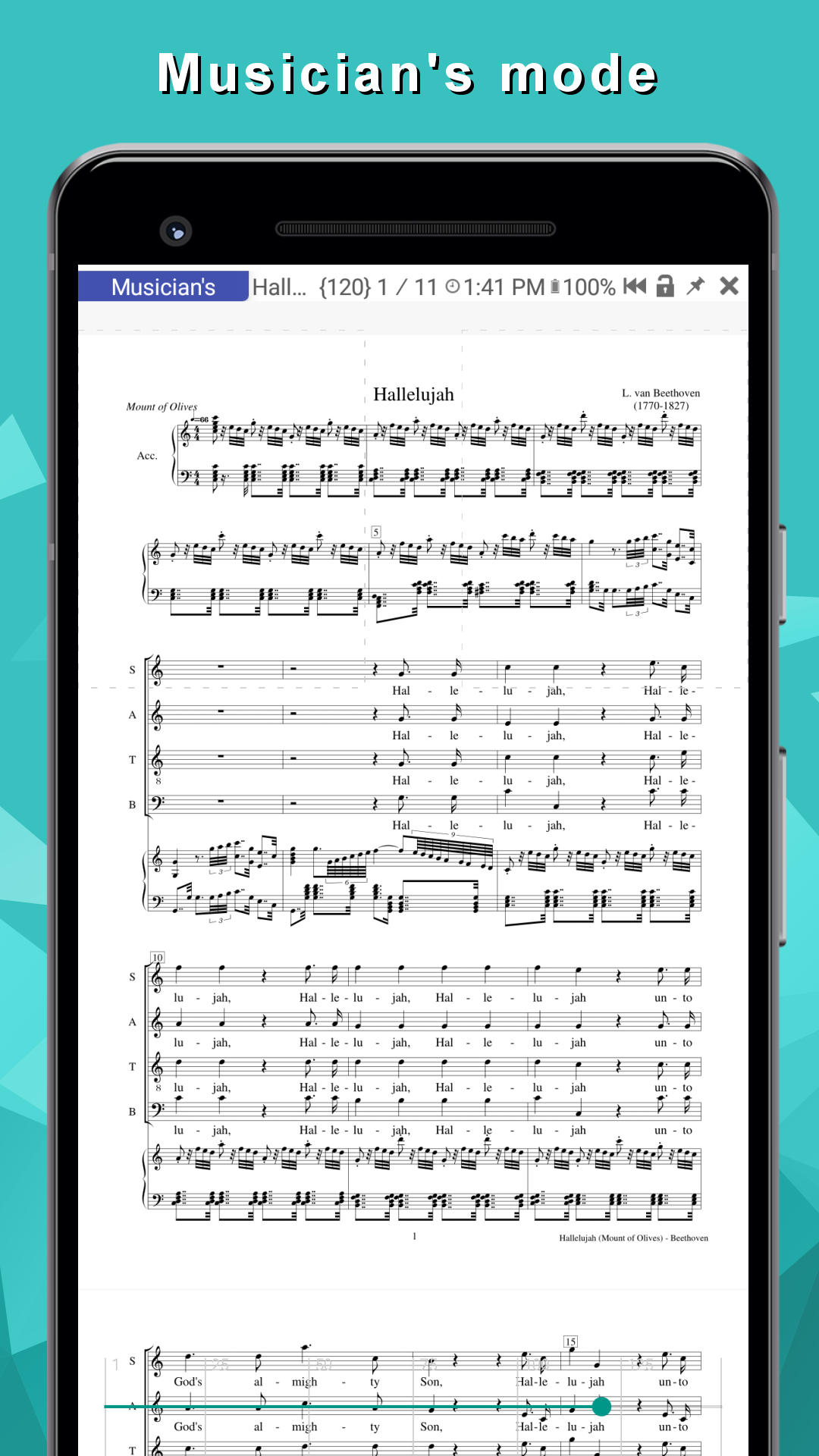
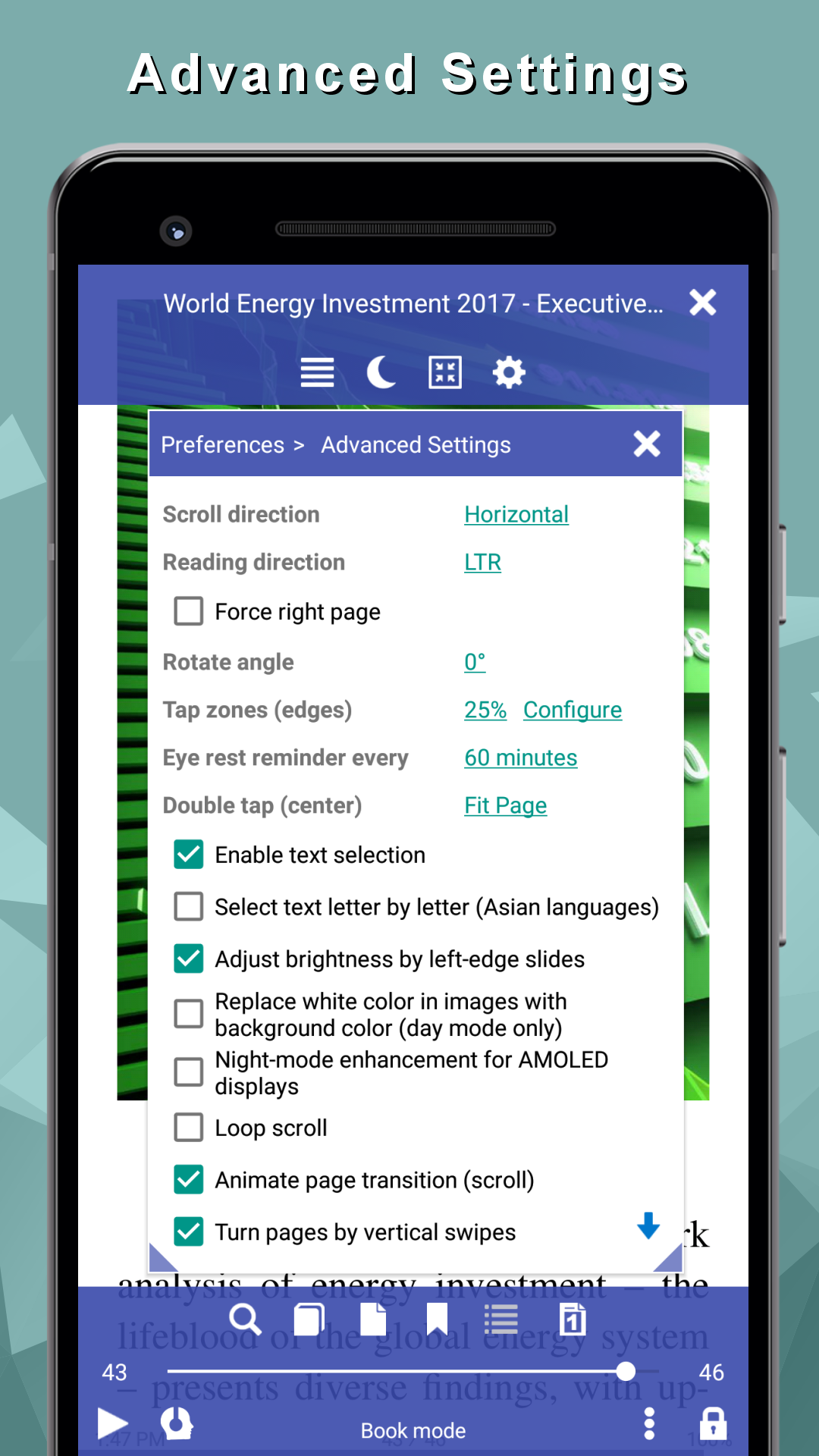
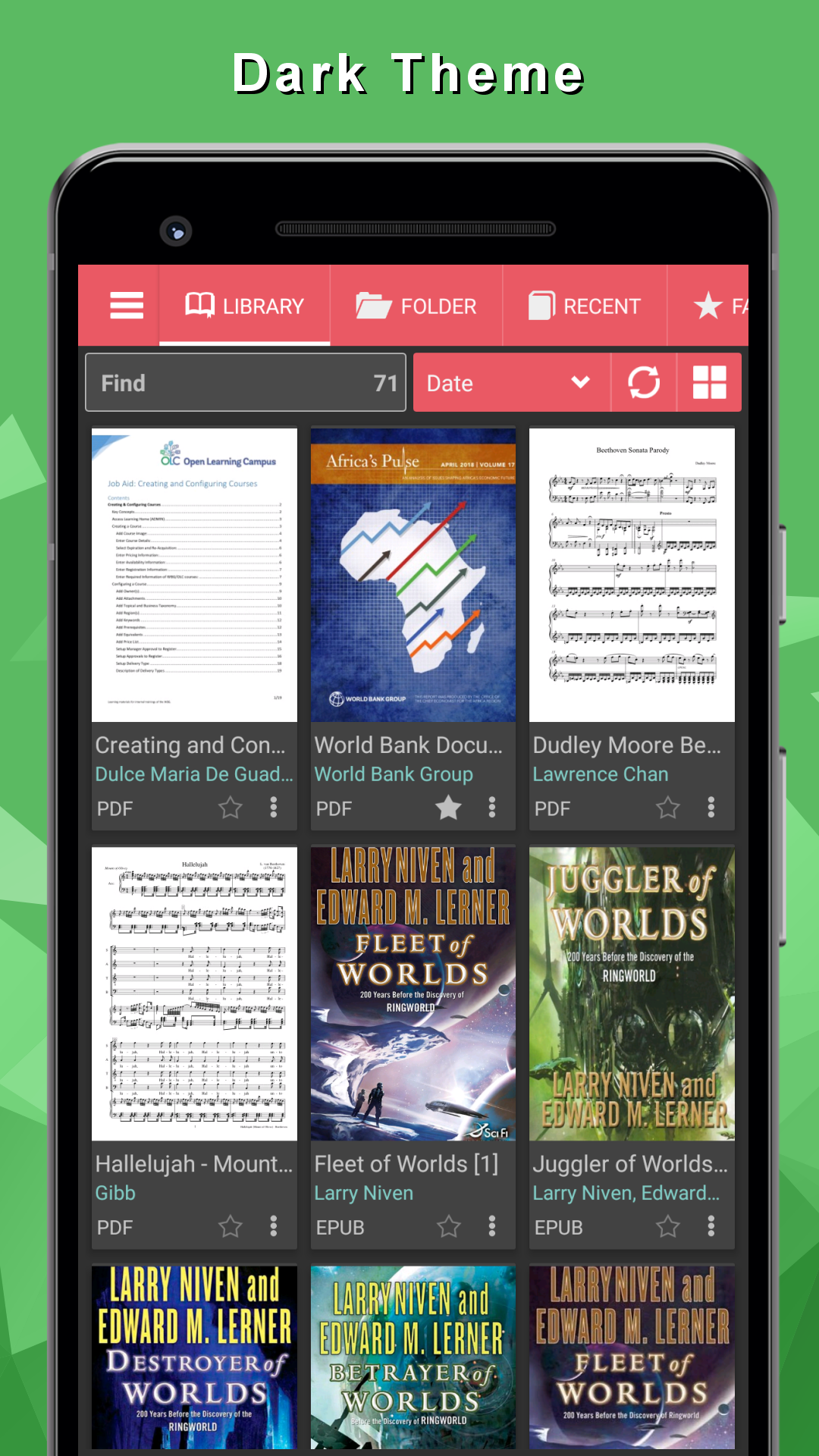
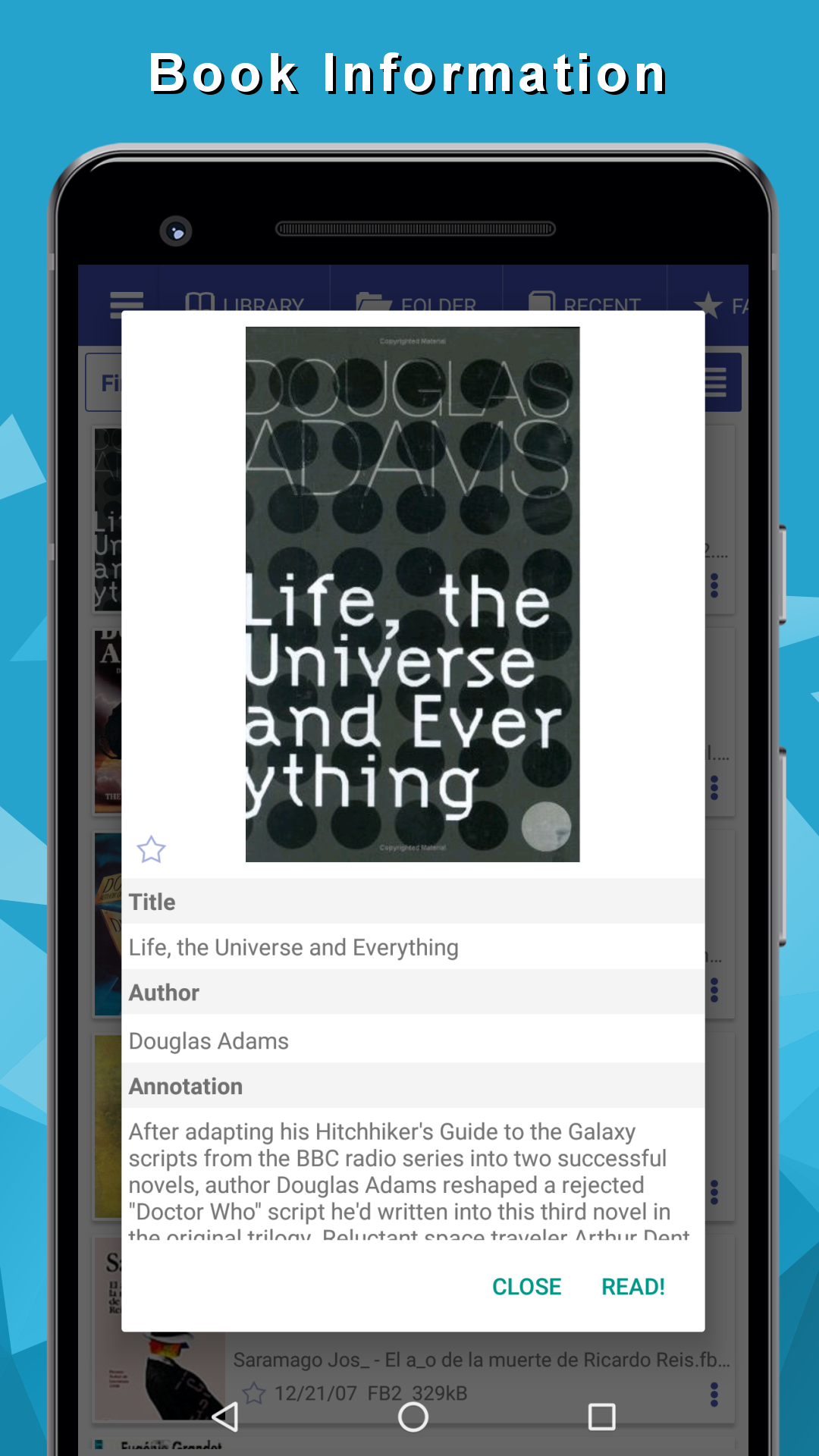
- Support for most book formats.
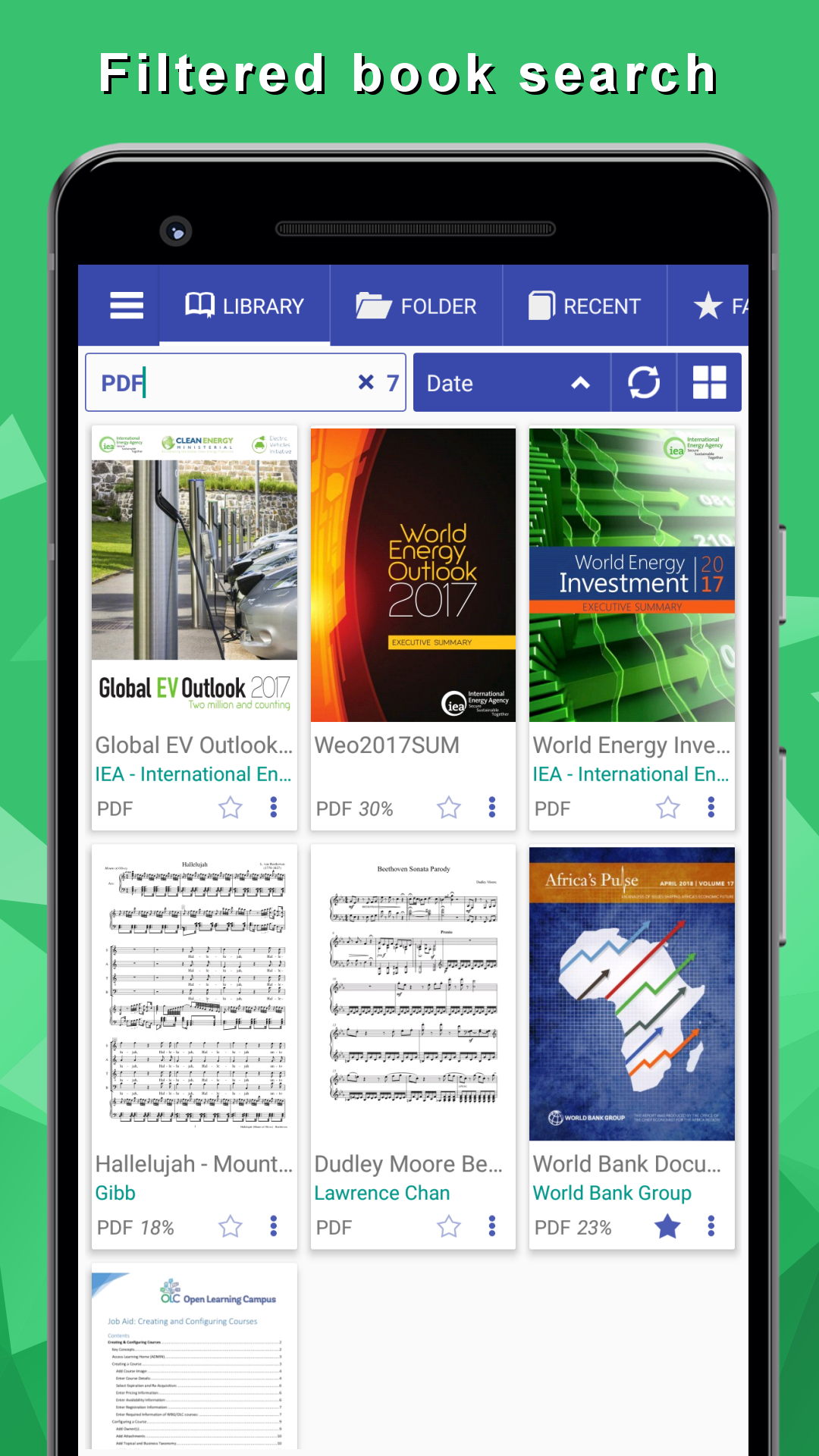
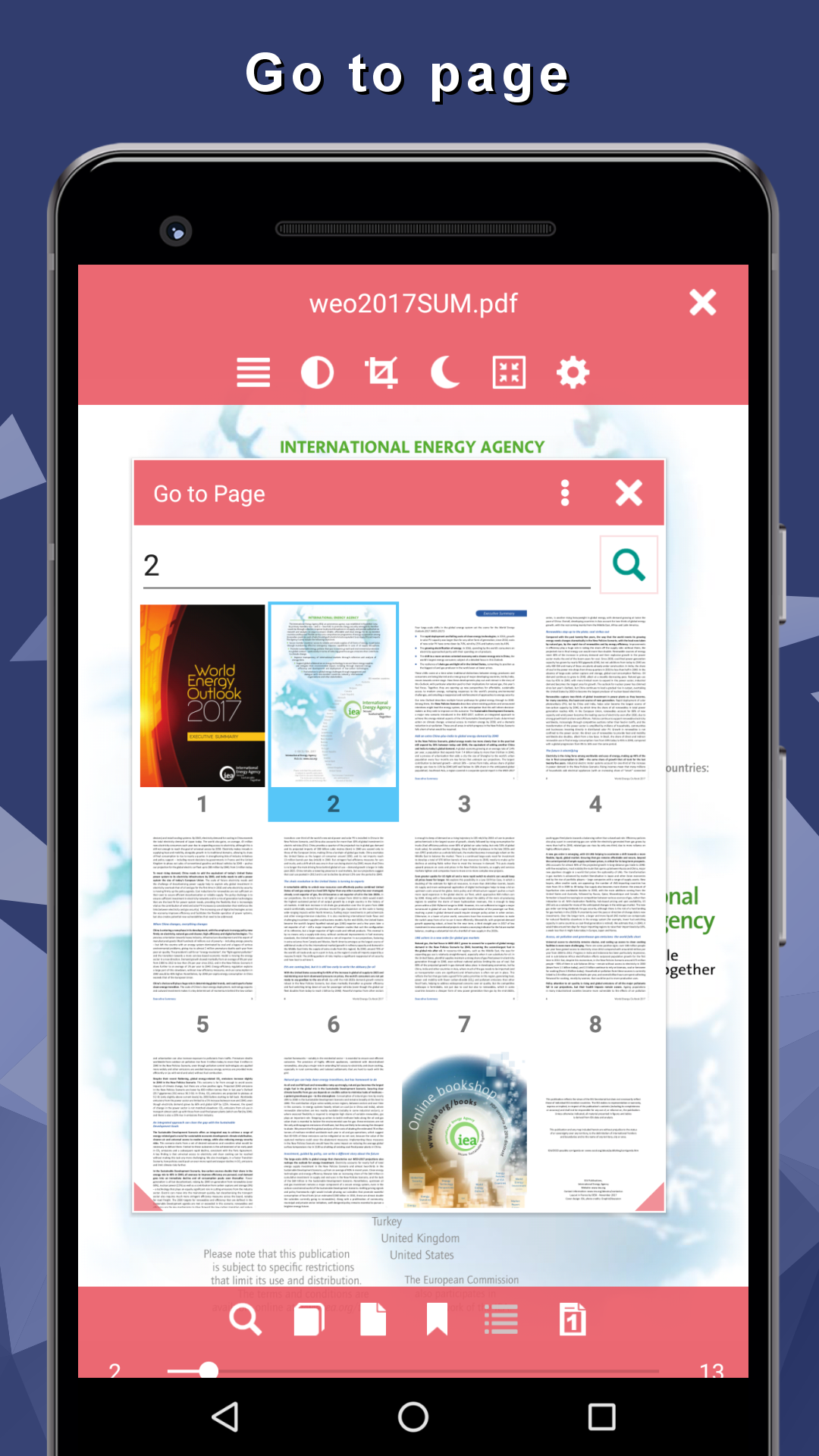
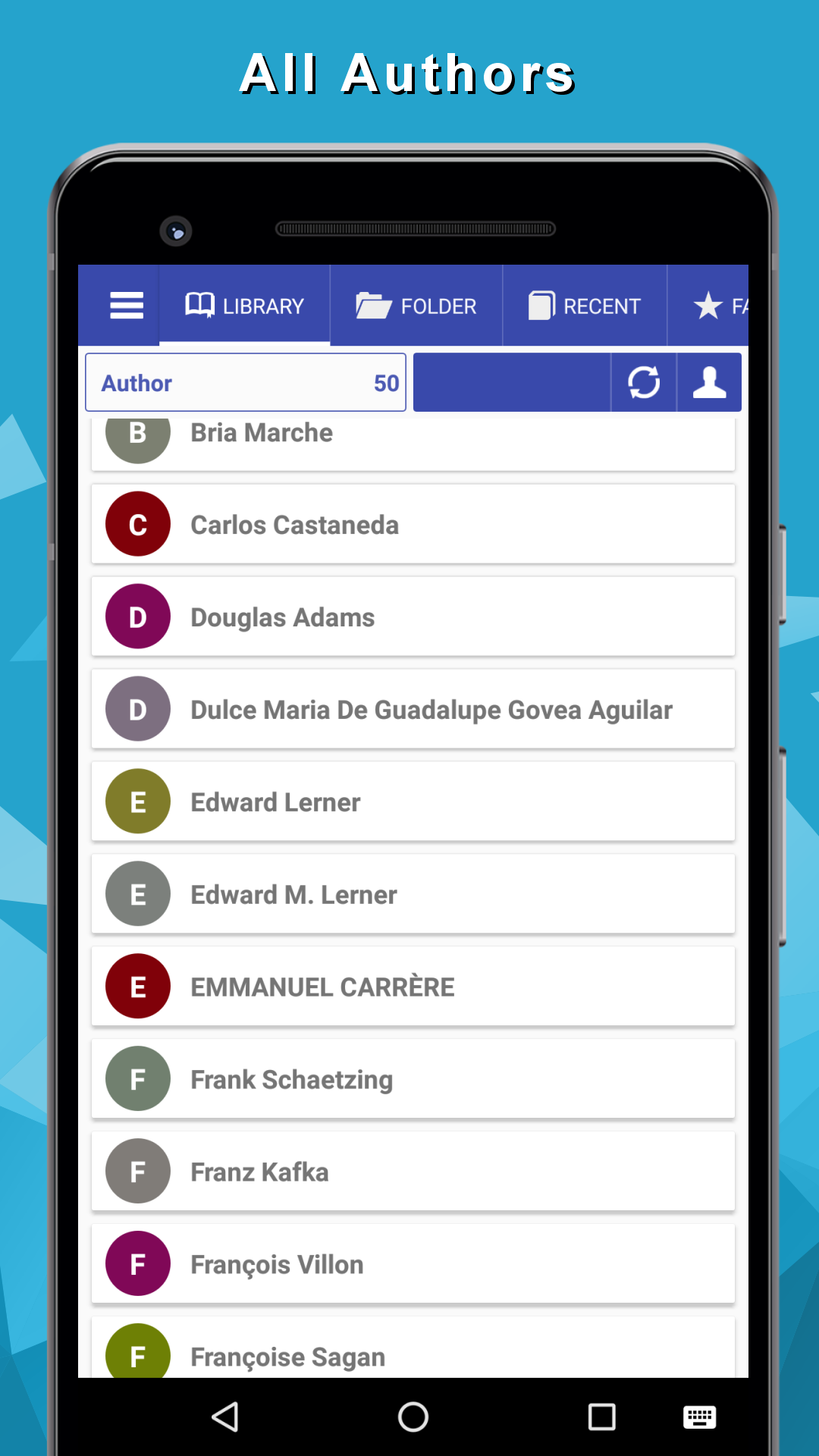
- Convenient search with filter support.
- Built-in audiobook player
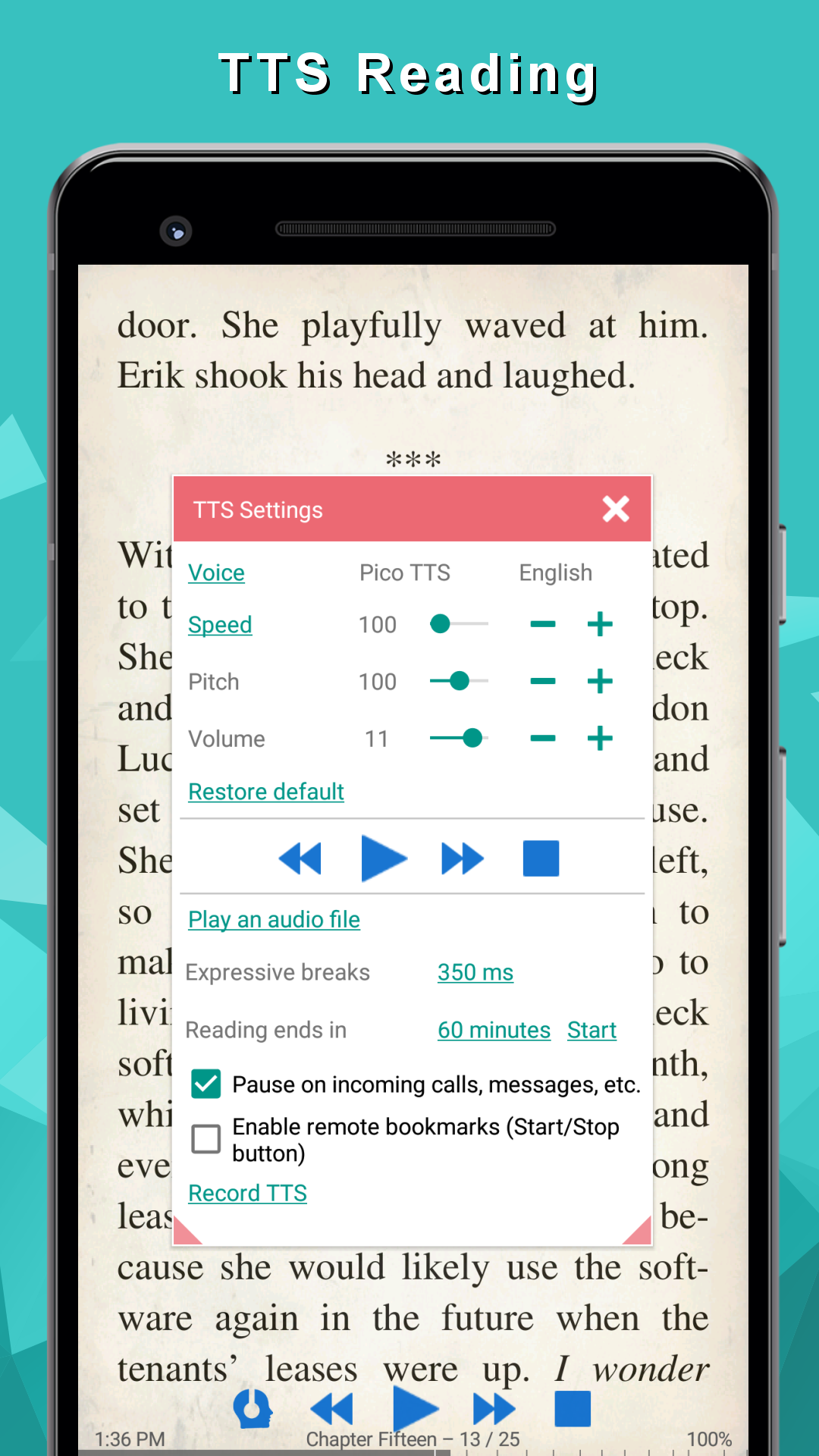
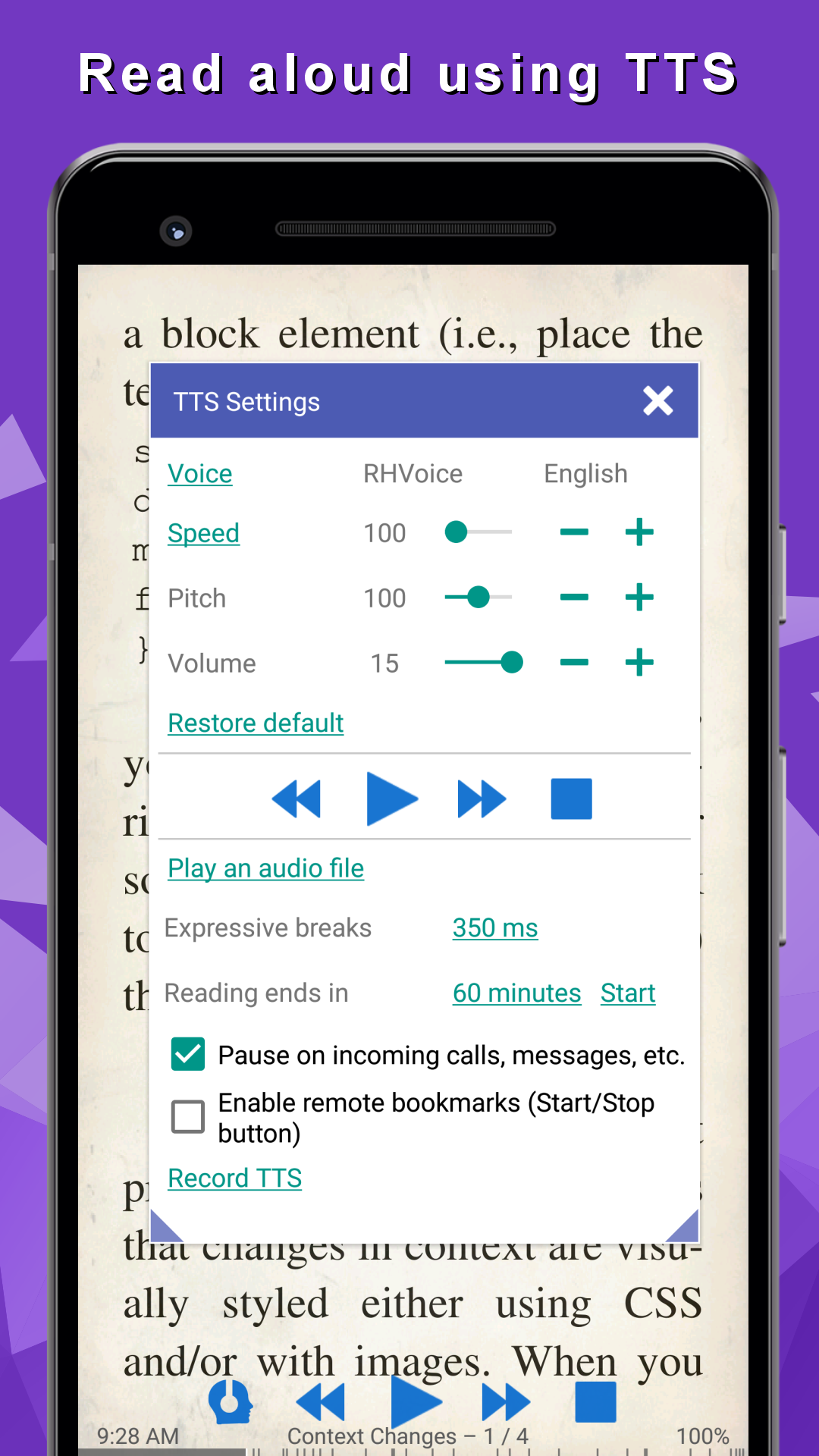
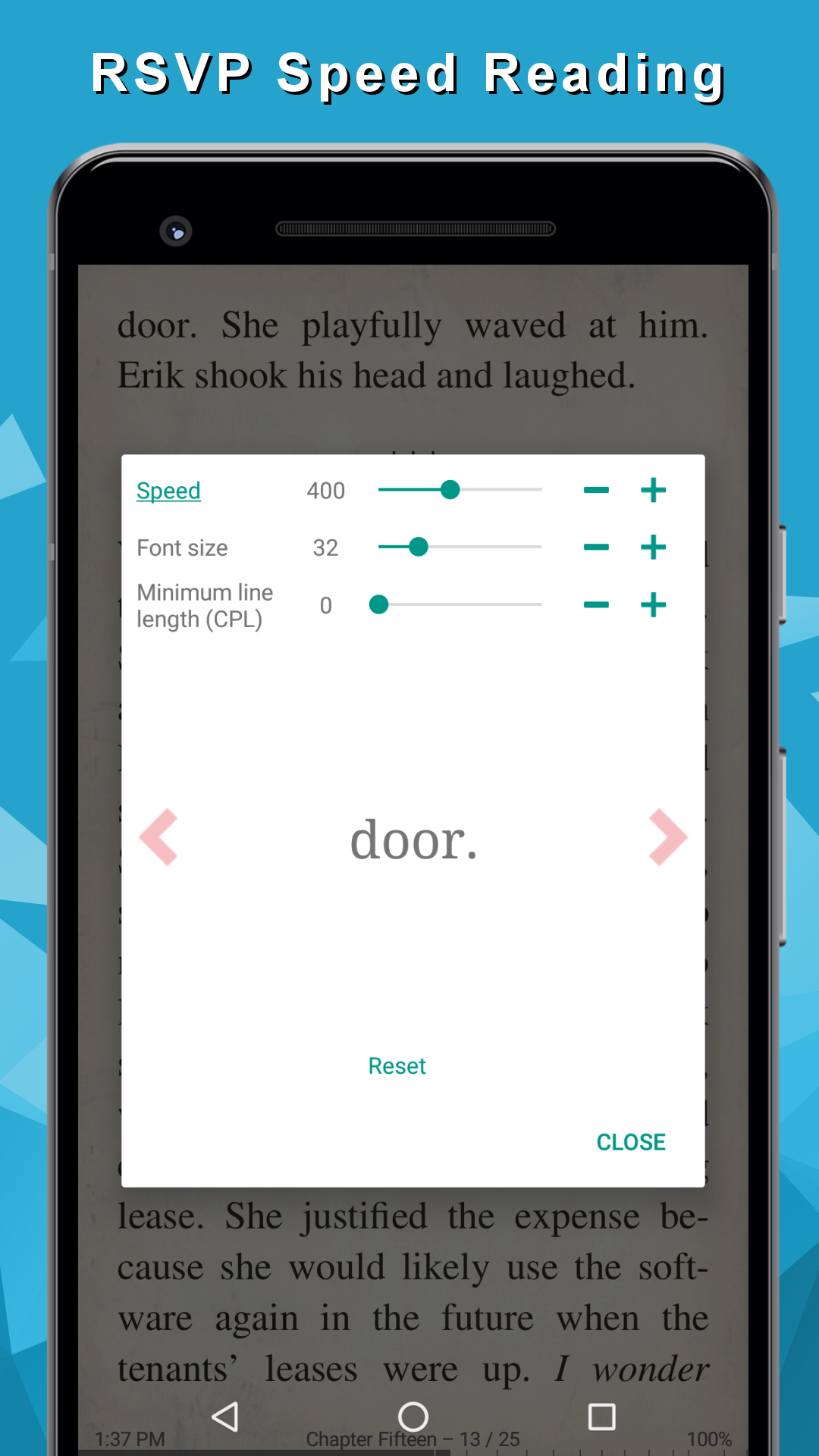
- Read aloud function.
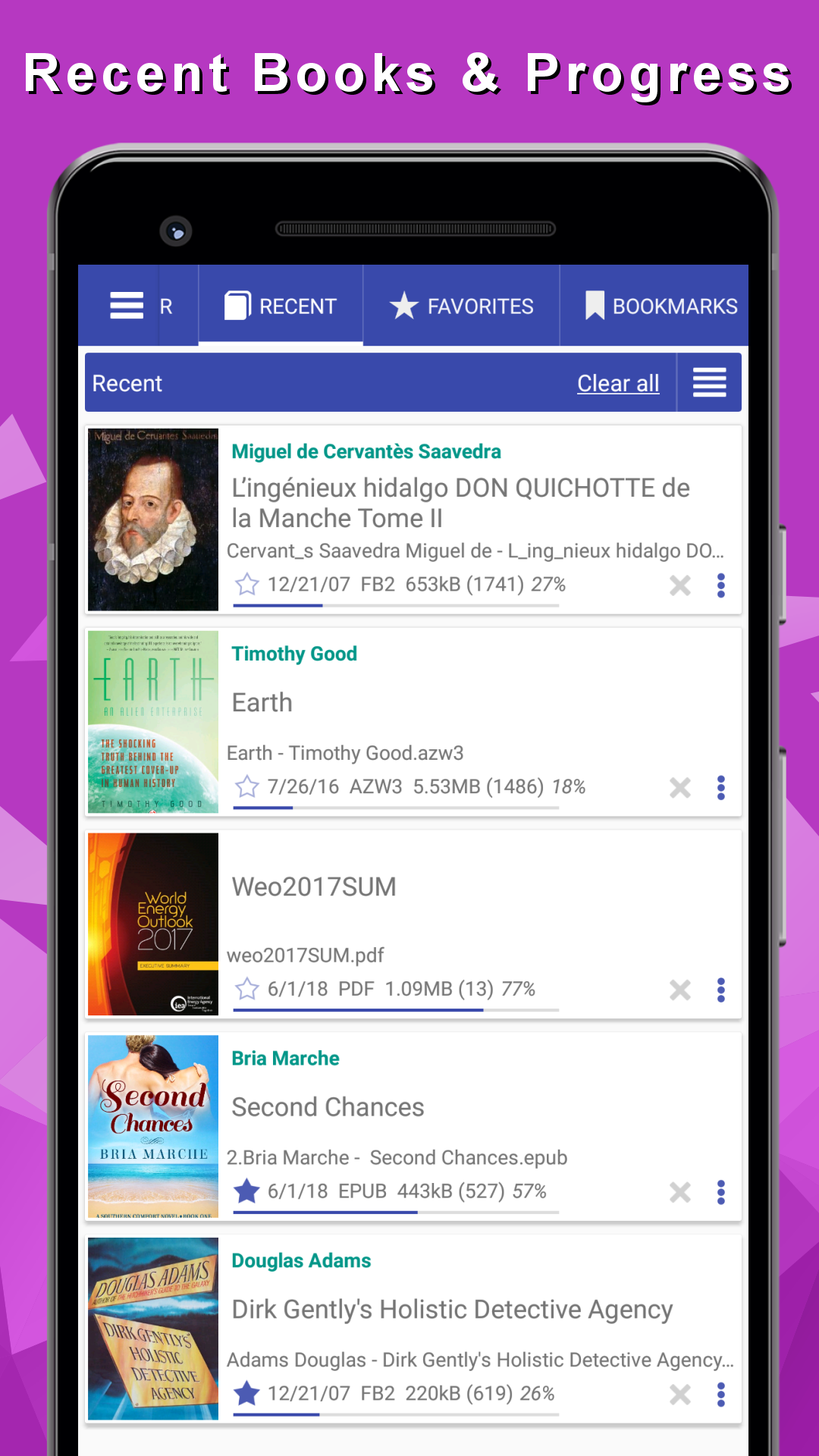
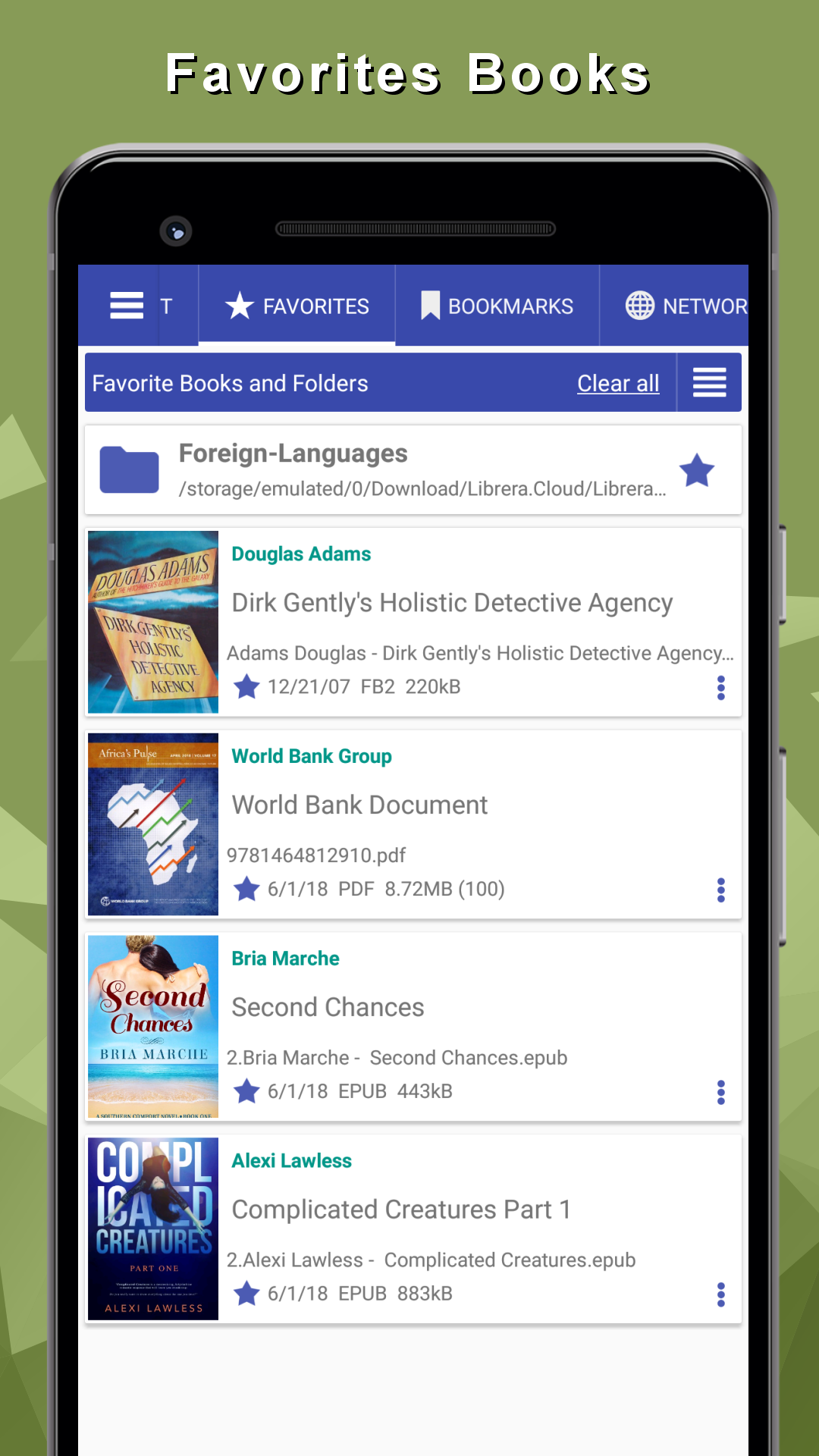
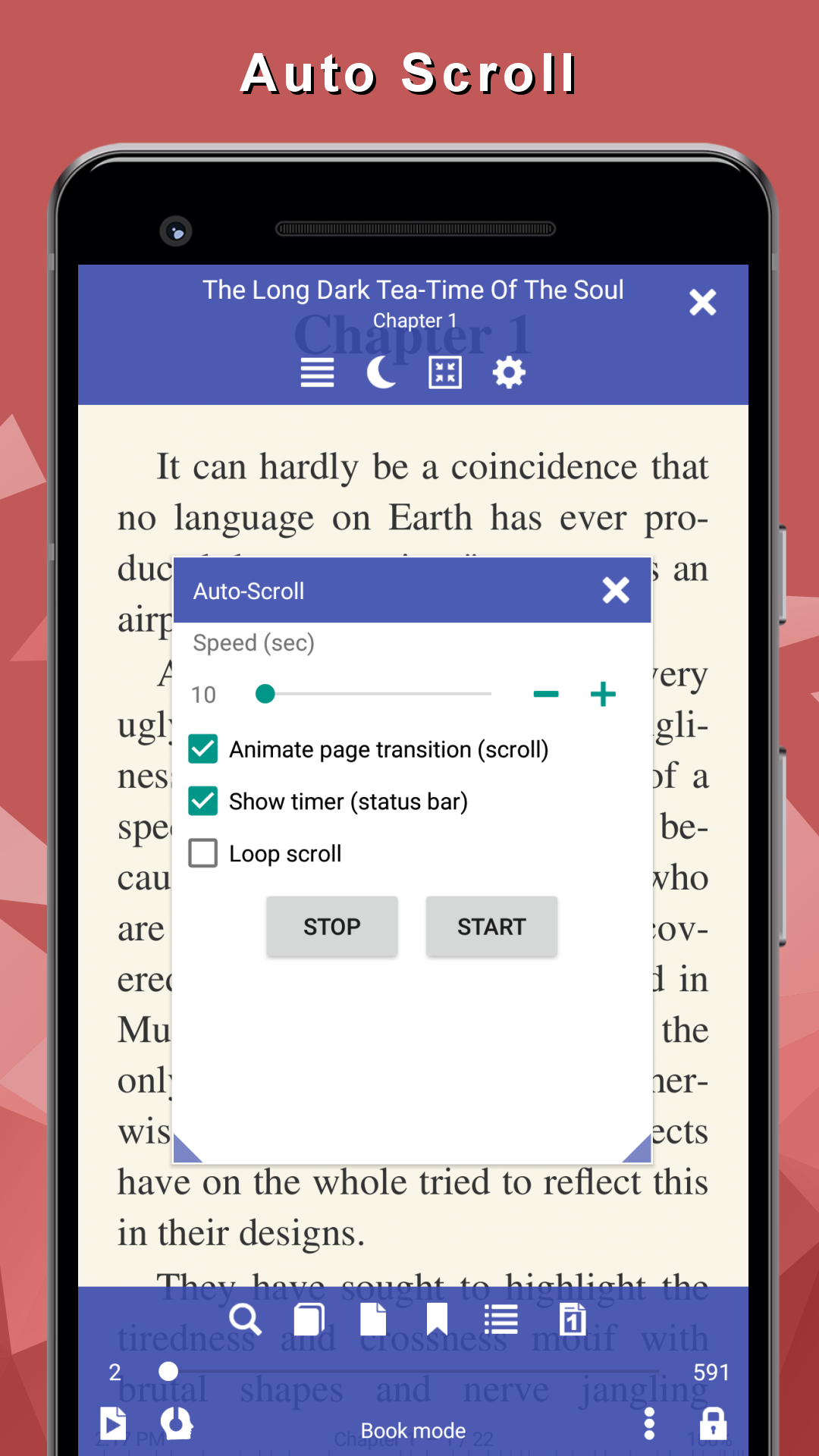
- Save reading progress.
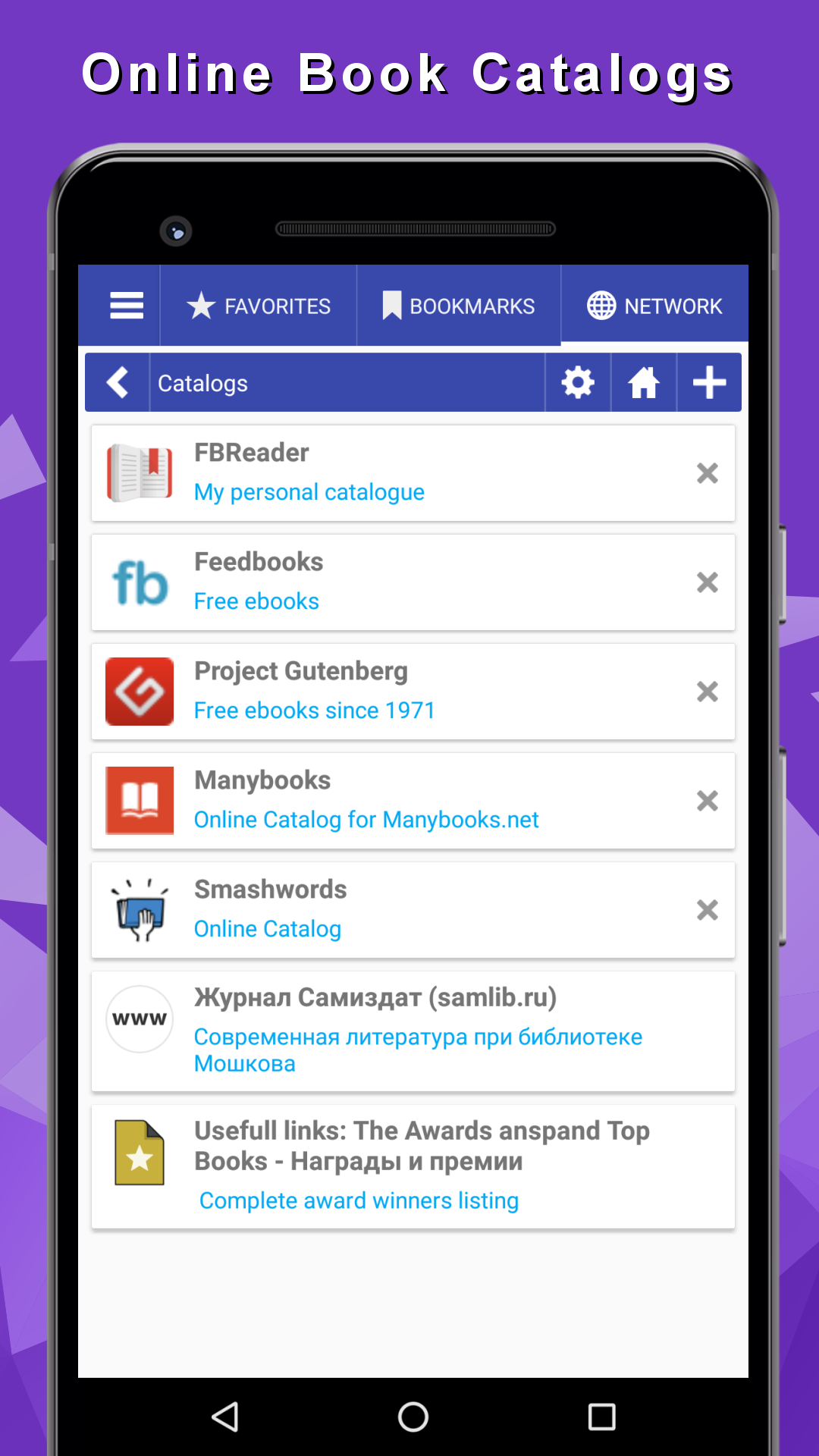
- Search built-in and online dictionaries.
- Works for free.
Description
Application eBook Reader: PDF, EPUB, HTML was checked by VirusTotal antivirus. As a result of the scan, no file infections were detected by all the latest signatures.
How to install eBook Reader: PDF, EPUB, HTML
- Download APK file apps from apkshki.com.
- Locate the downloaded file. You can find it in the system tray or in the 'Download' folder using any file manager.
- If the file downloaded in .bin extension (WebView bug on Android 11), rename it to .apk using any file manager or try downloading the file with another browser like Chrome.
- Start the installation. Click on the downloaded file to start the installation
- Allow installation from unknown sources. If you are installing for the first time eBook Reader: PDF, EPUB, HTML not from Google Play, go to your device's security settings and allow installation from unknown sources.
- Bypass Google Play protection. If Google Play protection blocks installation of the file, tap 'More Info' → 'Install anyway' → 'OK' to continue..
- Complete the installation: Follow the installer's instructions to complete the installation process.
How to update eBook Reader: PDF, EPUB, HTML
- Download the new version apps from apkshki.com.
- Locate the downloaded file and click on it to start the installation.
- Install over the old version. There is no need to uninstall the previous version.
- Avoid signature conflicts. If the previous version was not downloaded from apkshki.com, the message 'Application not installed' may appear. In this case uninstall the old version and install the new one.
- Restart annex eBook Reader: PDF, EPUB, HTML after the update.







Requesting an application update
Added Denis Rubinov
Version: 8.9.183
Size: 23.3 MB
Updated: 24.06.2025
Developer: Librera
Age Limitations: Everyone
Authorizations:
Downloaded on Google Play: 1347414
Category: Books and Reference












Reviews for eBook Reader: PDF, EPUB, HTML
Love it.
The best app so far I use it everyday
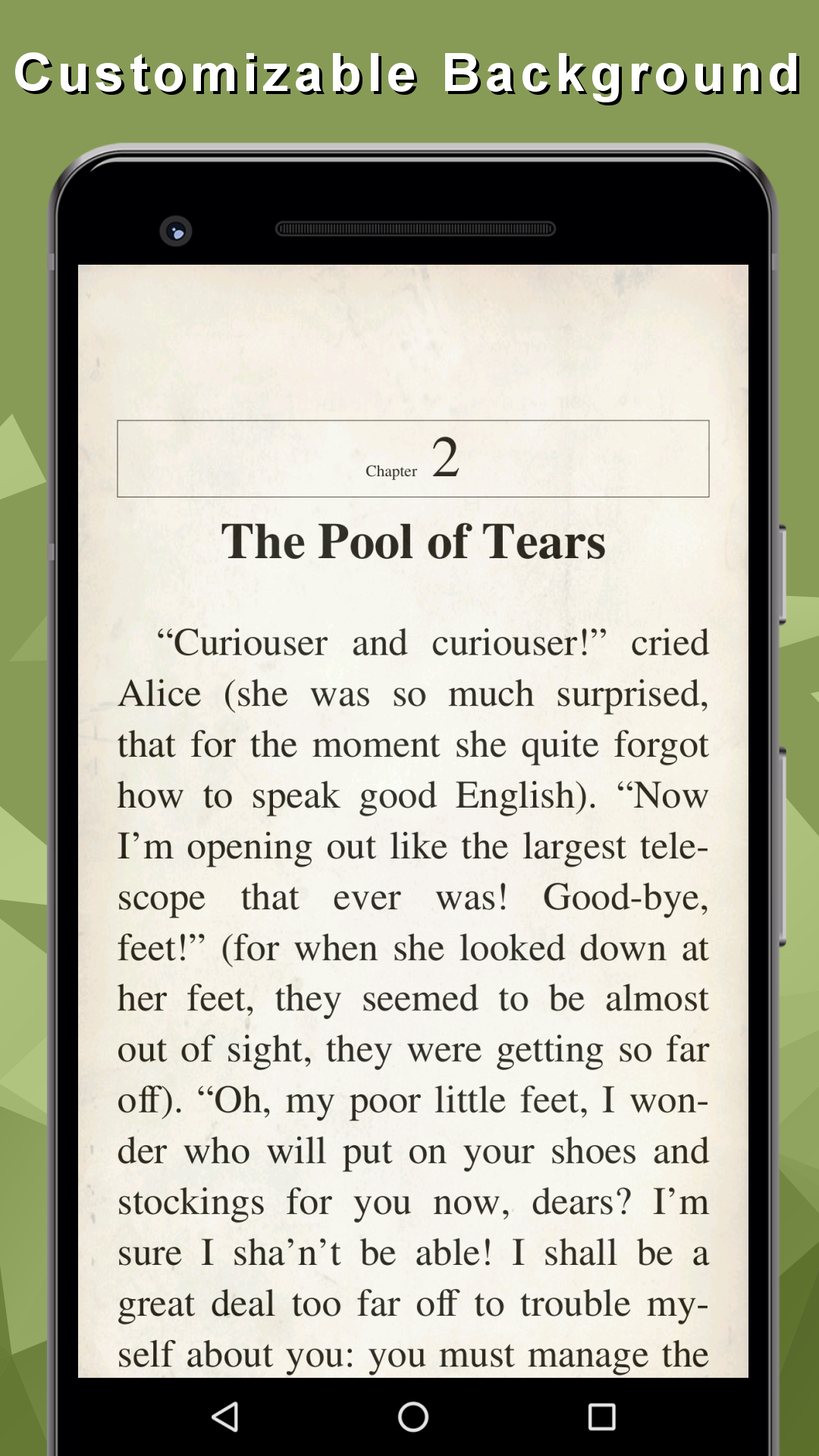
The app is wonderful but the only issue that am currently facing is that after personalizing the fonts and background to my taste in less than week it will automatically go back to default mode. Please look into this and fix ot
Nothing wrong with the app has everything u need and more which other apps dont
Super
My Favorite
Best ever the only one i use to read all my formats pdf epub and comics 😭🤓
Best ebook reader with Text to Speech i have used, very customizable app! A++++
Exceptional
Uninstalled within 20 seconds because as soon as I launched the App it immediately asked for permission to use my data and share my data with others. There was no way to globally refuse. I would have had to go through every single permission and physically say no to each one and there were hundreds of them.
when you say ALL formats you mean it. I've tried many e-readers and was alwas let down. There was always that one format that i needed and wasn't included. Now I don't need multiple apps to cover all my reading needs. Thank you so much. I'm recomending it to everyone who looking for a great reader app.
I love it. Great app for students and corporate individuals..great options for TTS reading and amazing night and day mode.Very Intricate and Customizable interface. The only request is to include an undo button for highliting or underlining texts.
Hi! Great app! Need a fast forward function for TTS so I can skip over contents menus and tables sections of my physics textbook without skipping important info :) Please let me know if there is a helpful alternative to this for TTS. Cheers!
Excellent. Night mode. We can adjust the voice, sound, pitch, speed of the reading. Pause reading when external call comes, and many more..., I need to explore.
The best apps for student and fast readers. I like most this app and using around 2 years .it makes me easy to learn any books or PDF in a short periods of time with tts support.I use whole day even when I have any exam First I make all notes PDF and then revise faster with this app and score more in short time with better performance. Thanks a lot for improving time to time.
Post a comment
To leave a comment, log in with your social network:
Or leave an anonymous comment. Your comment will be sent for moderation.
Post a comment
To leave a comment, log in with your social network:
Or leave an anonymous comment. Your comment will be sent for moderation.