



Auto Redial
10+
downloads4.1+
version Android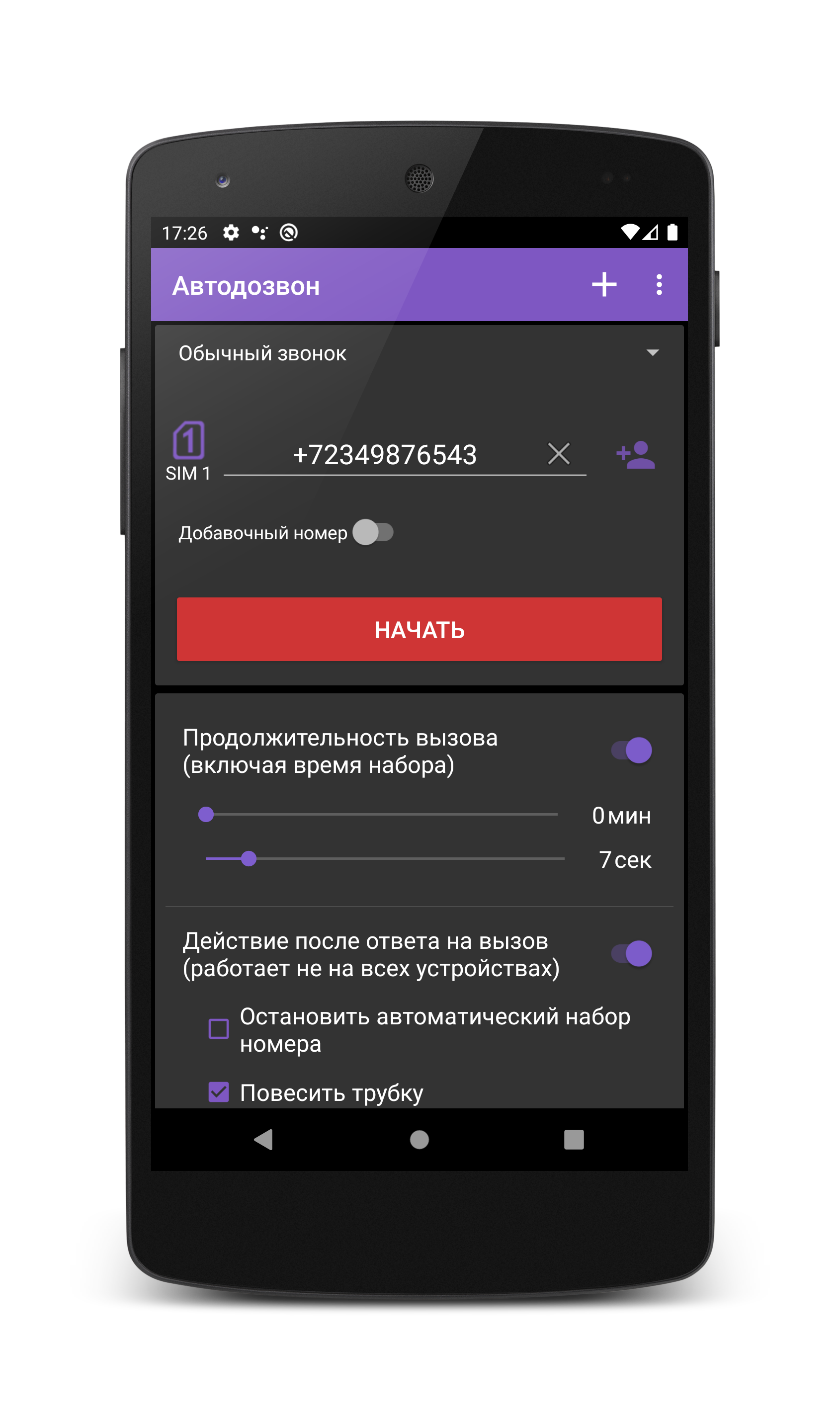
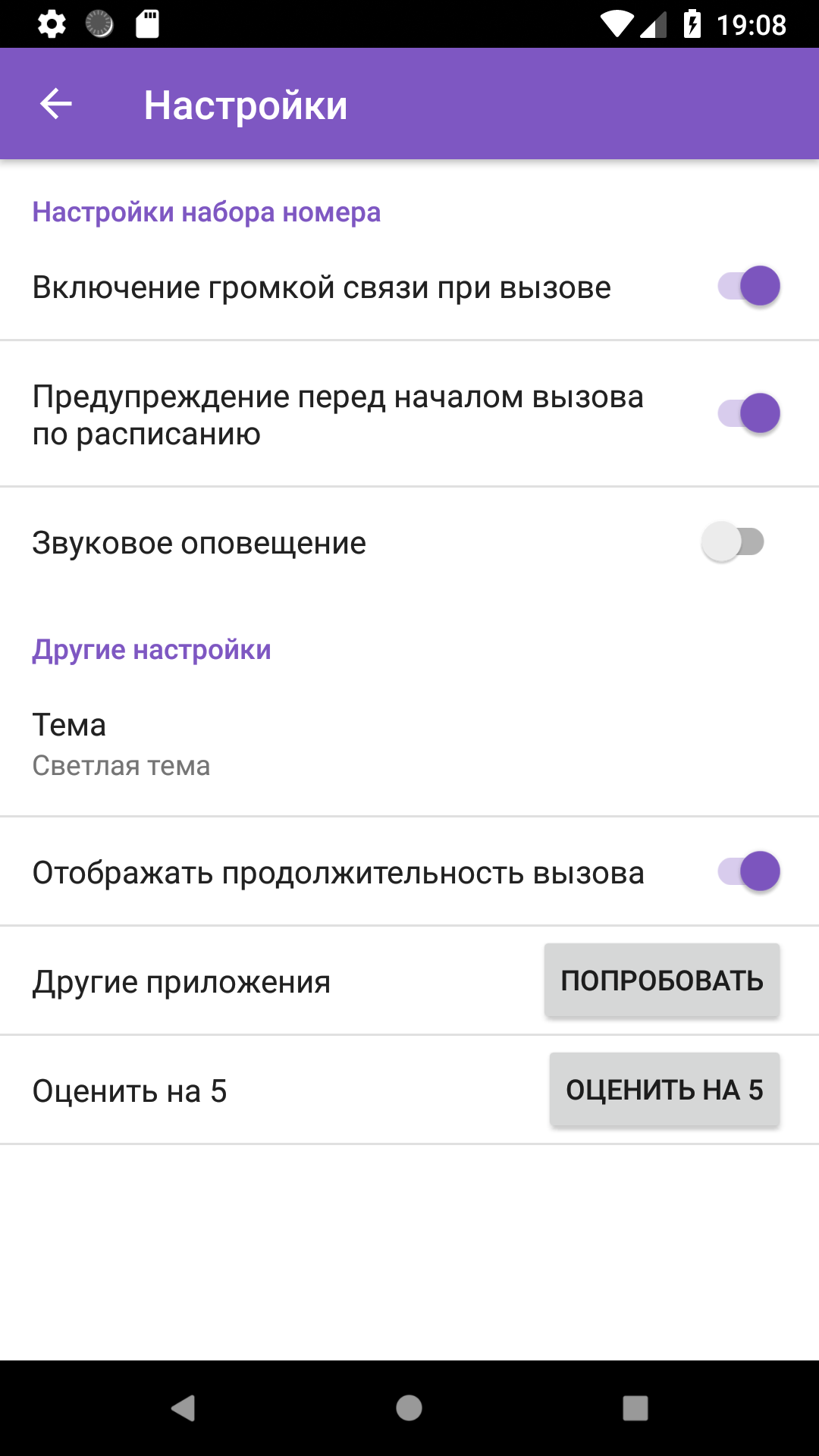
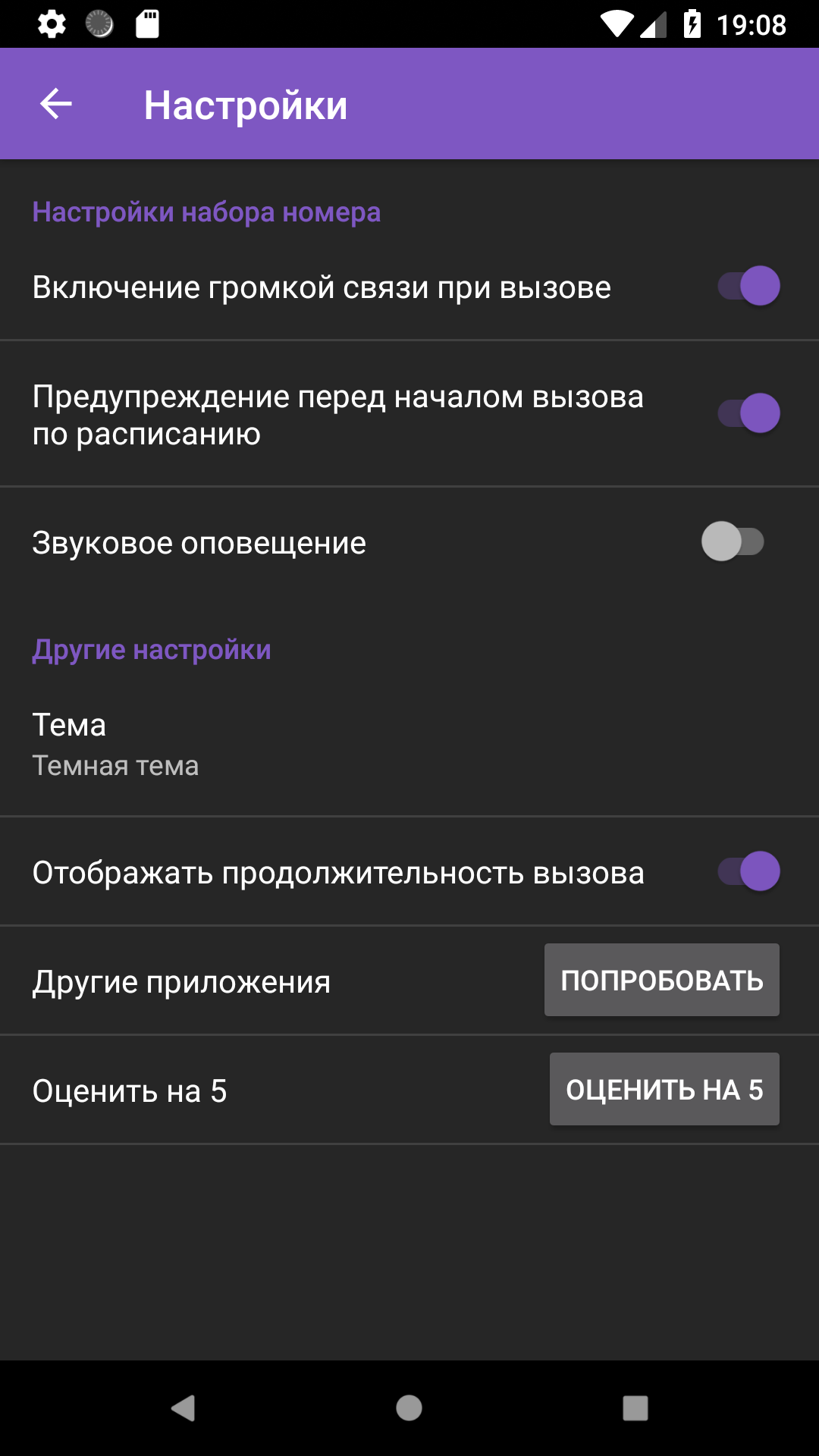
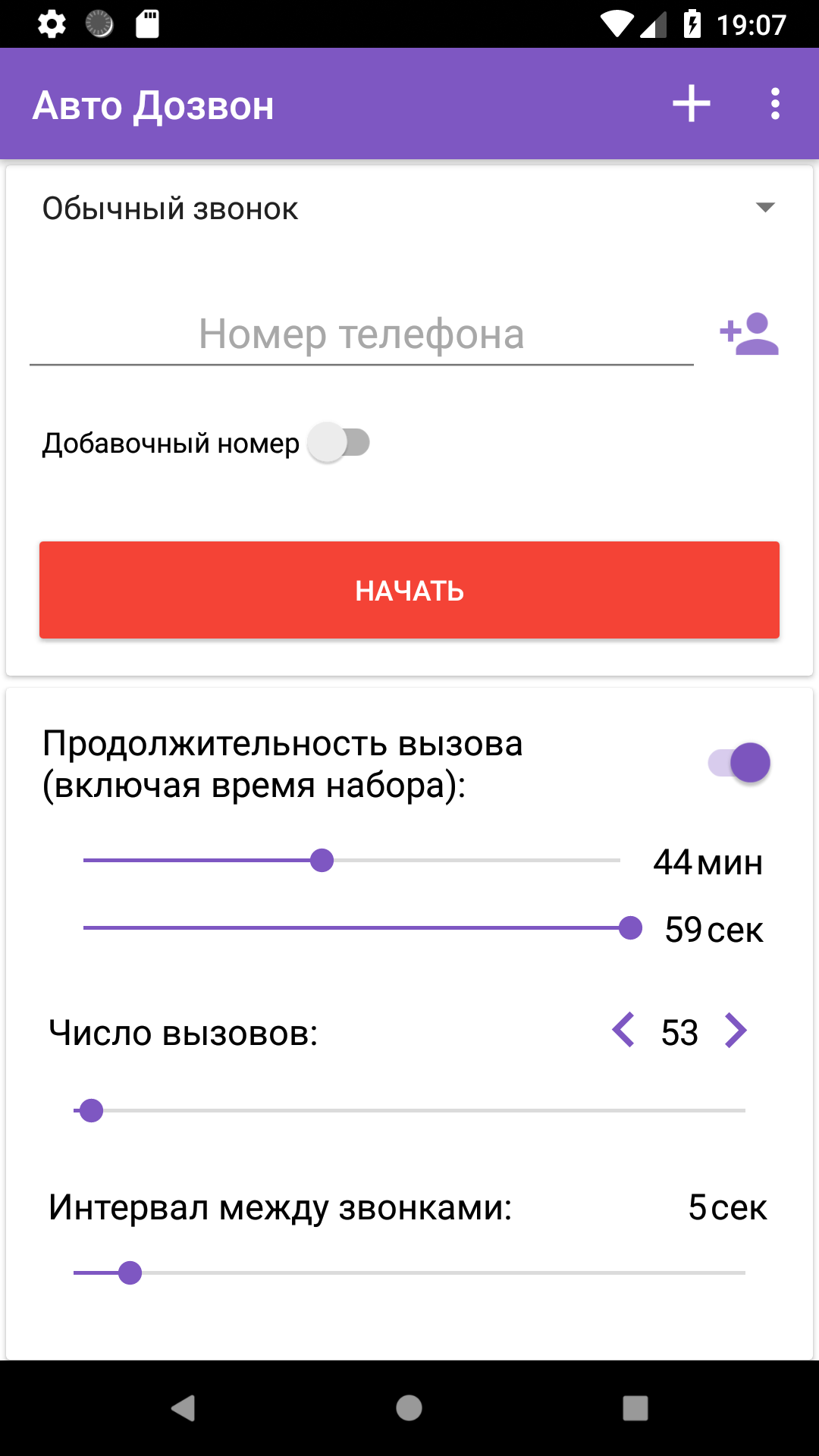
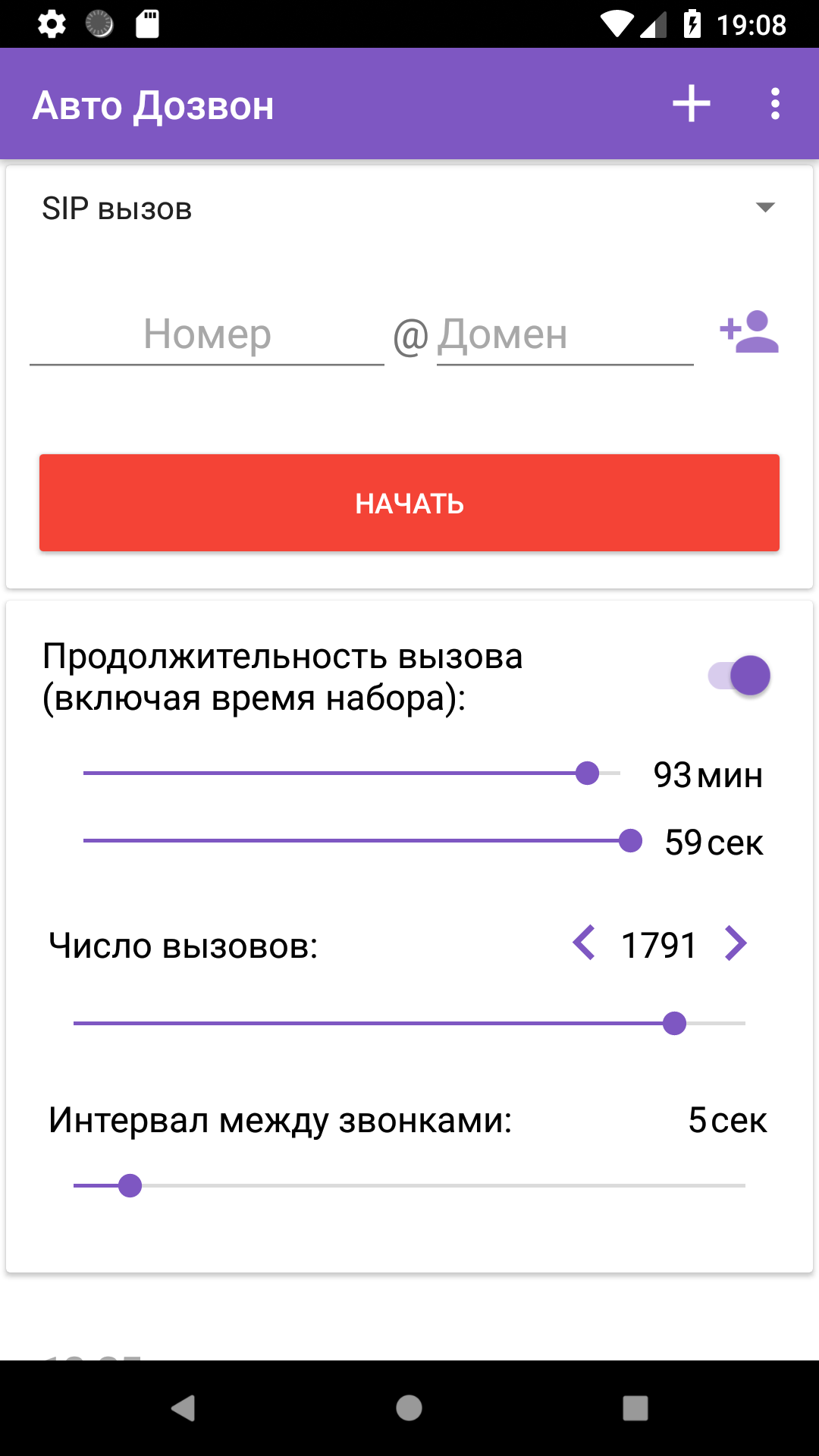
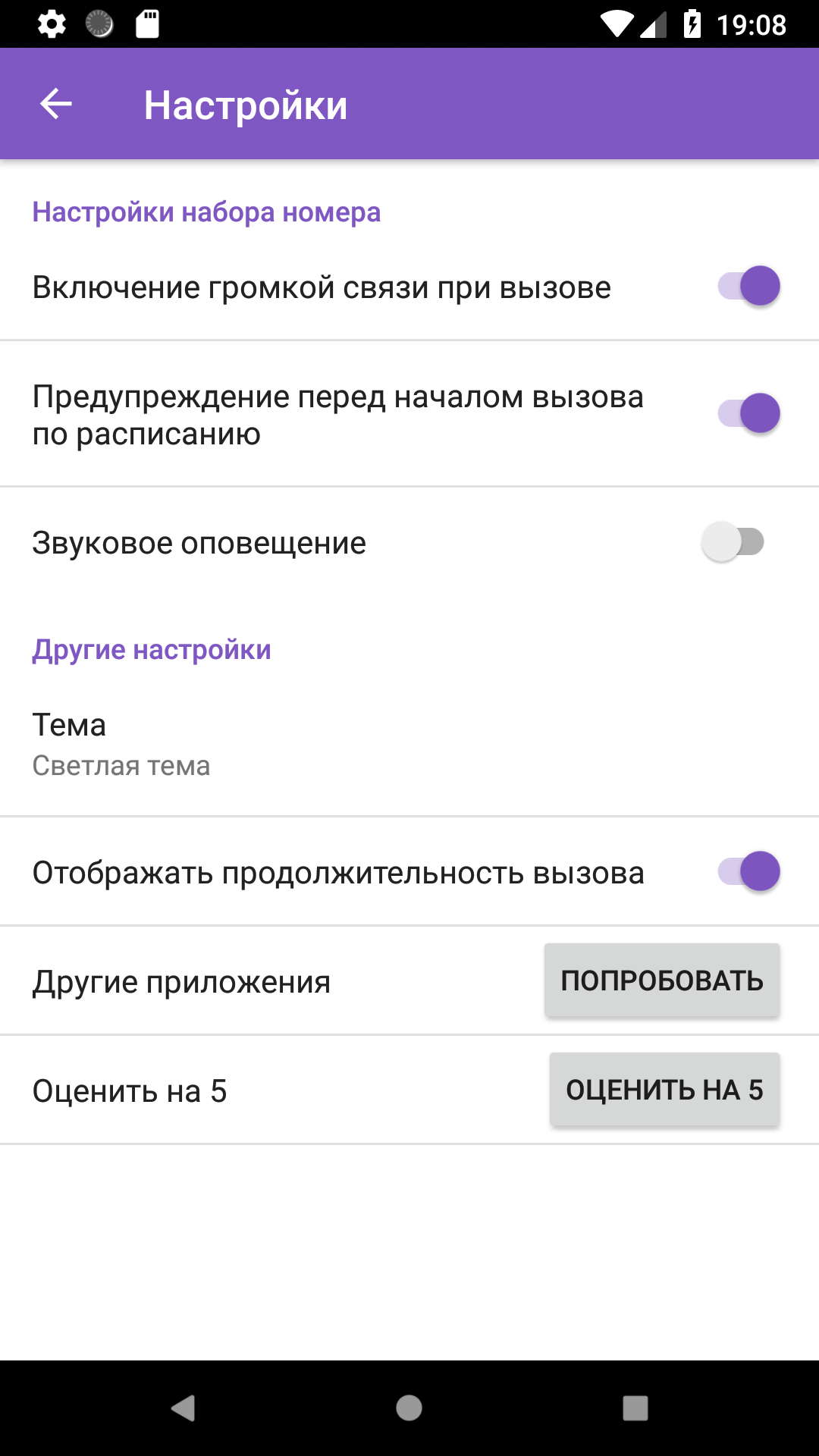
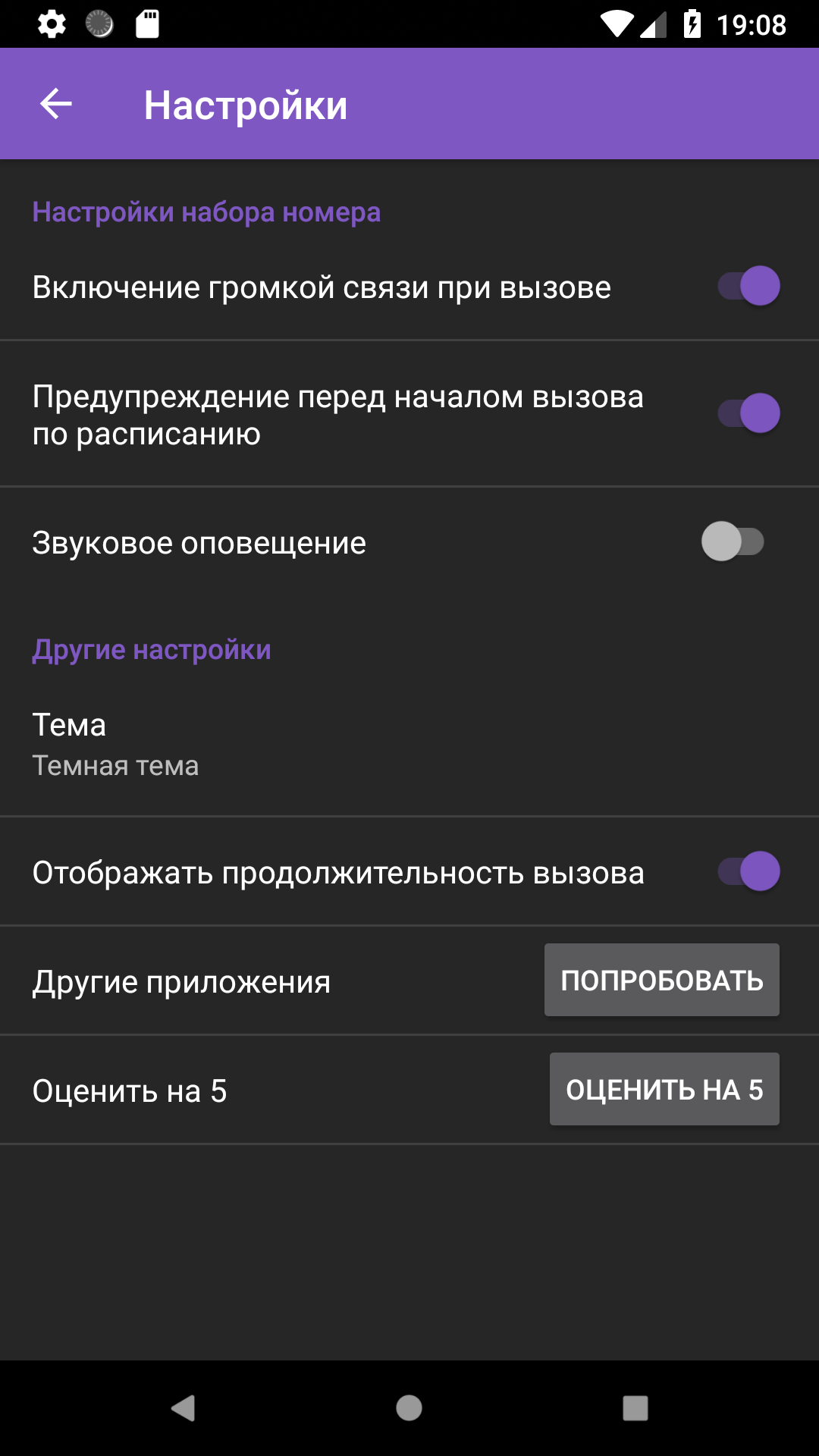
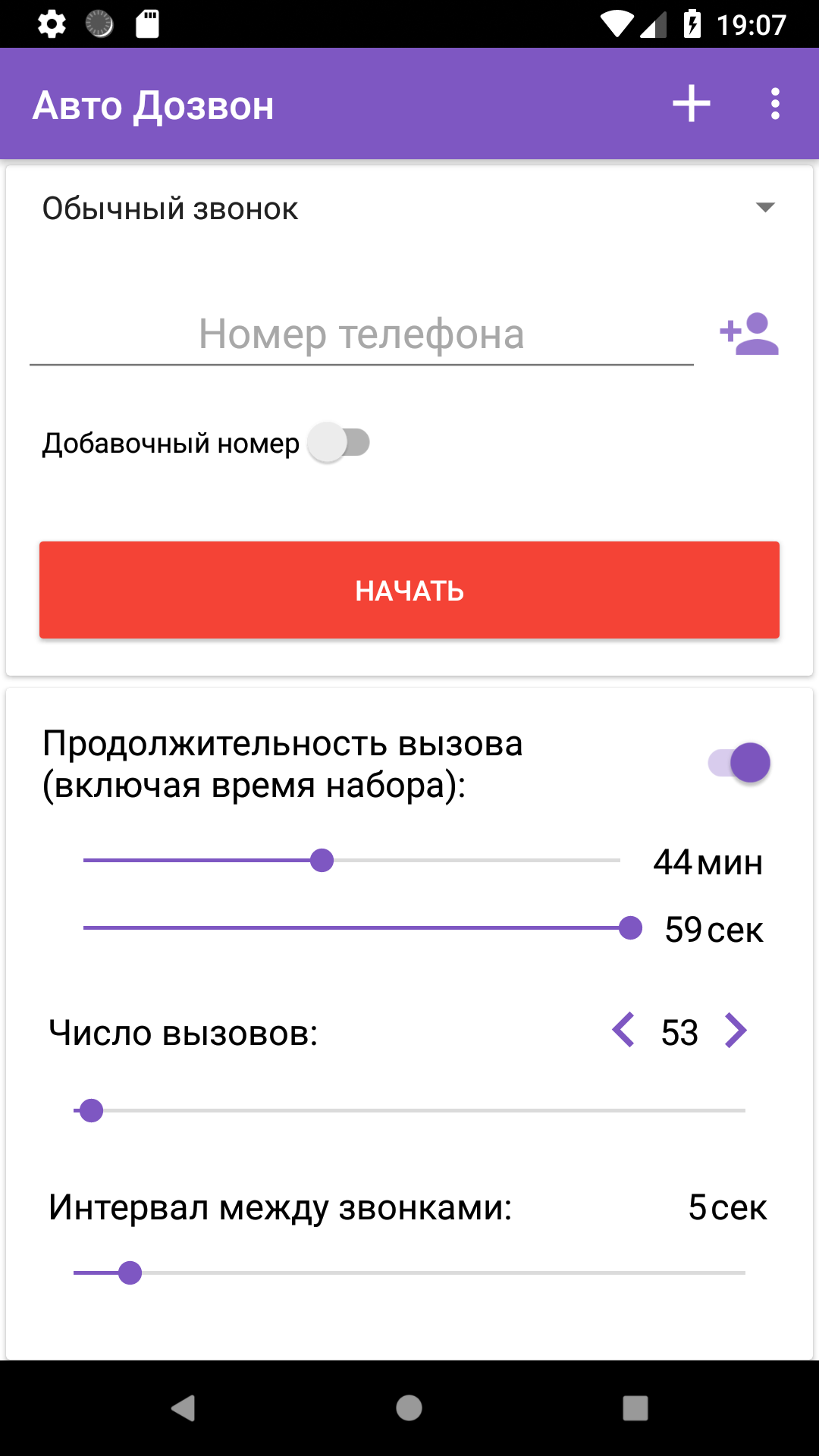
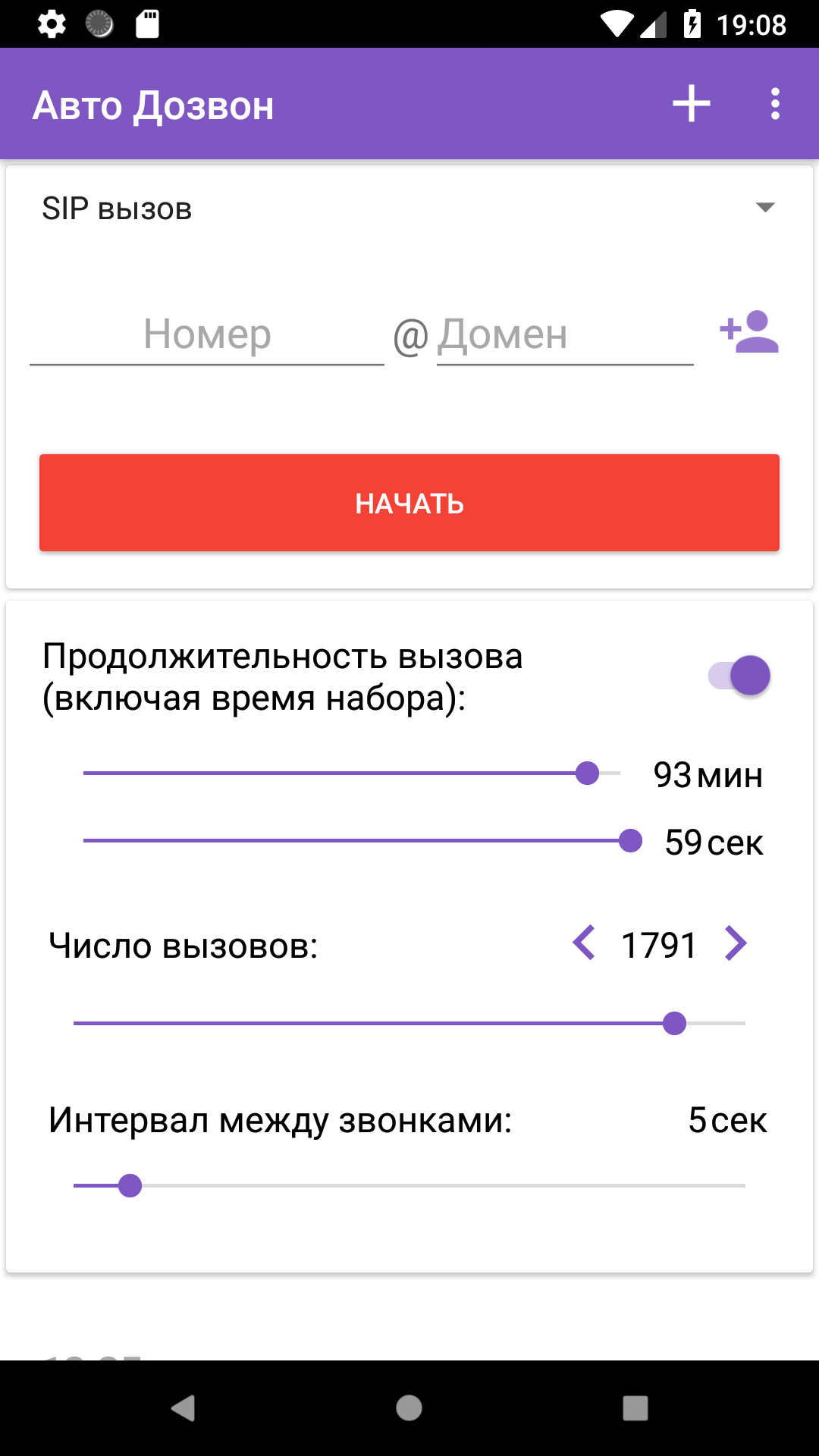
Added: Denis Rubinov
Version: 6.50
Size: 35.1 MB
Updated: 20.05.2025
Developer: lithiumS
Age Limitations: Everyone
Authorizations: 10
Downloaded on Google Play: 3492055
Category: Contact
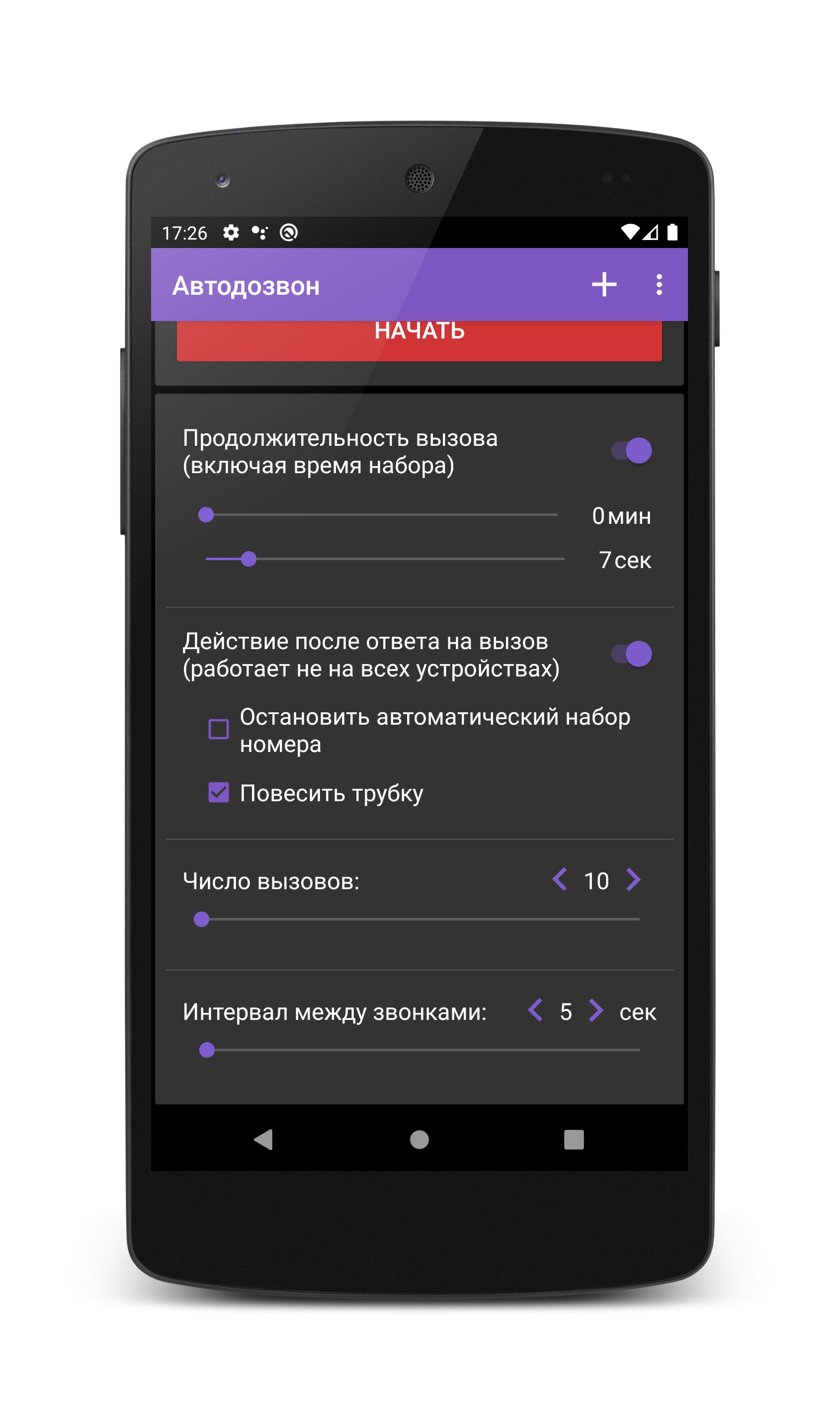
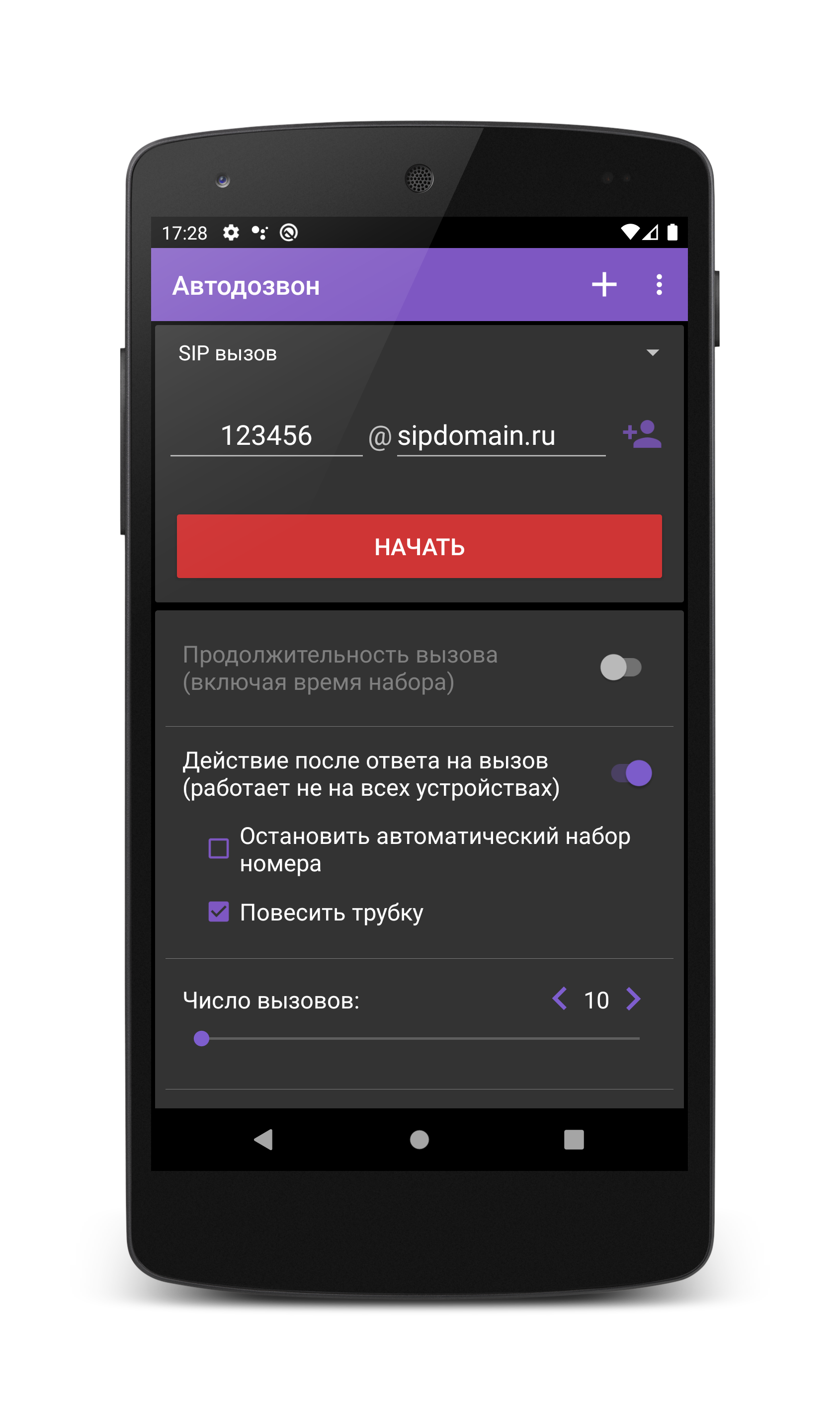
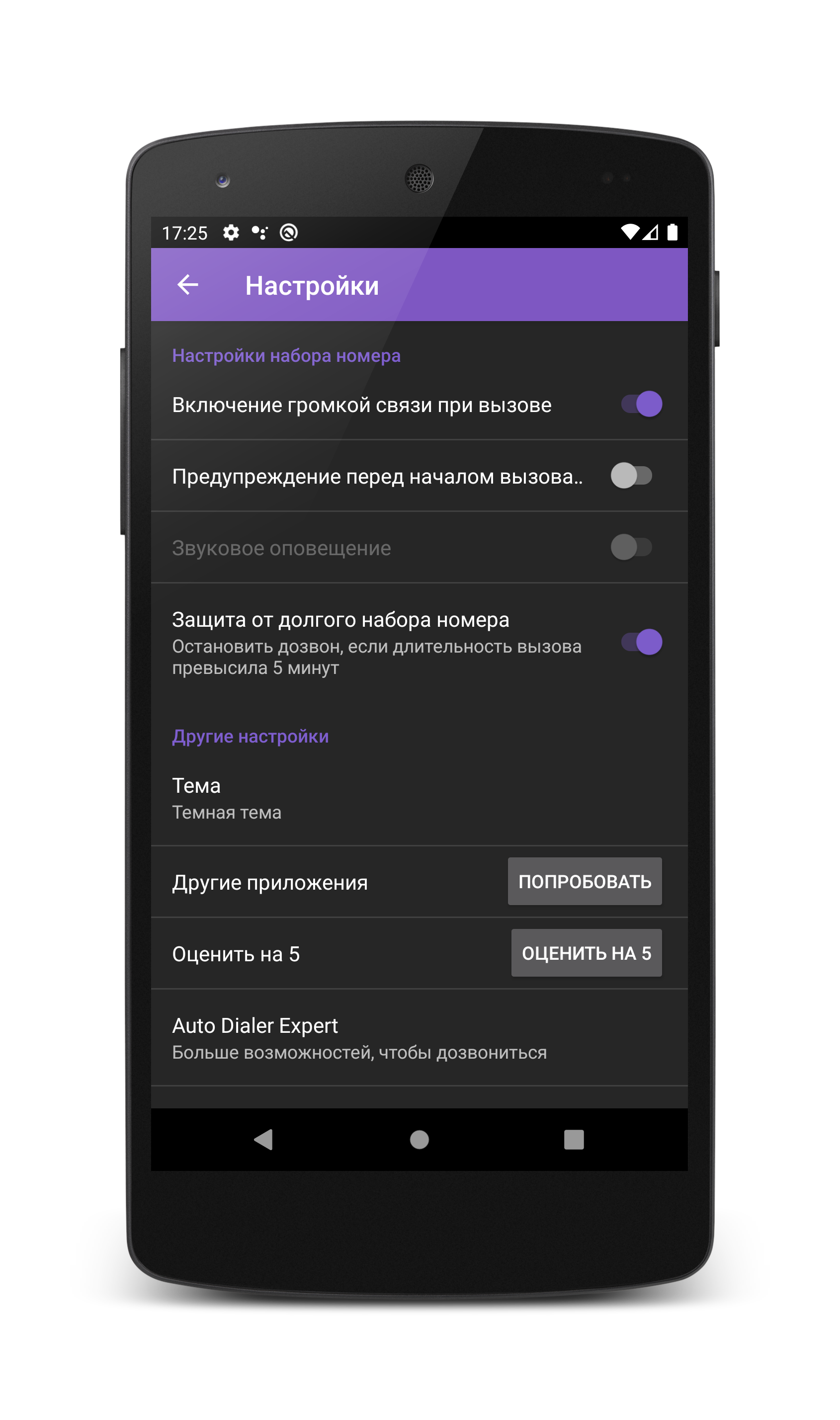
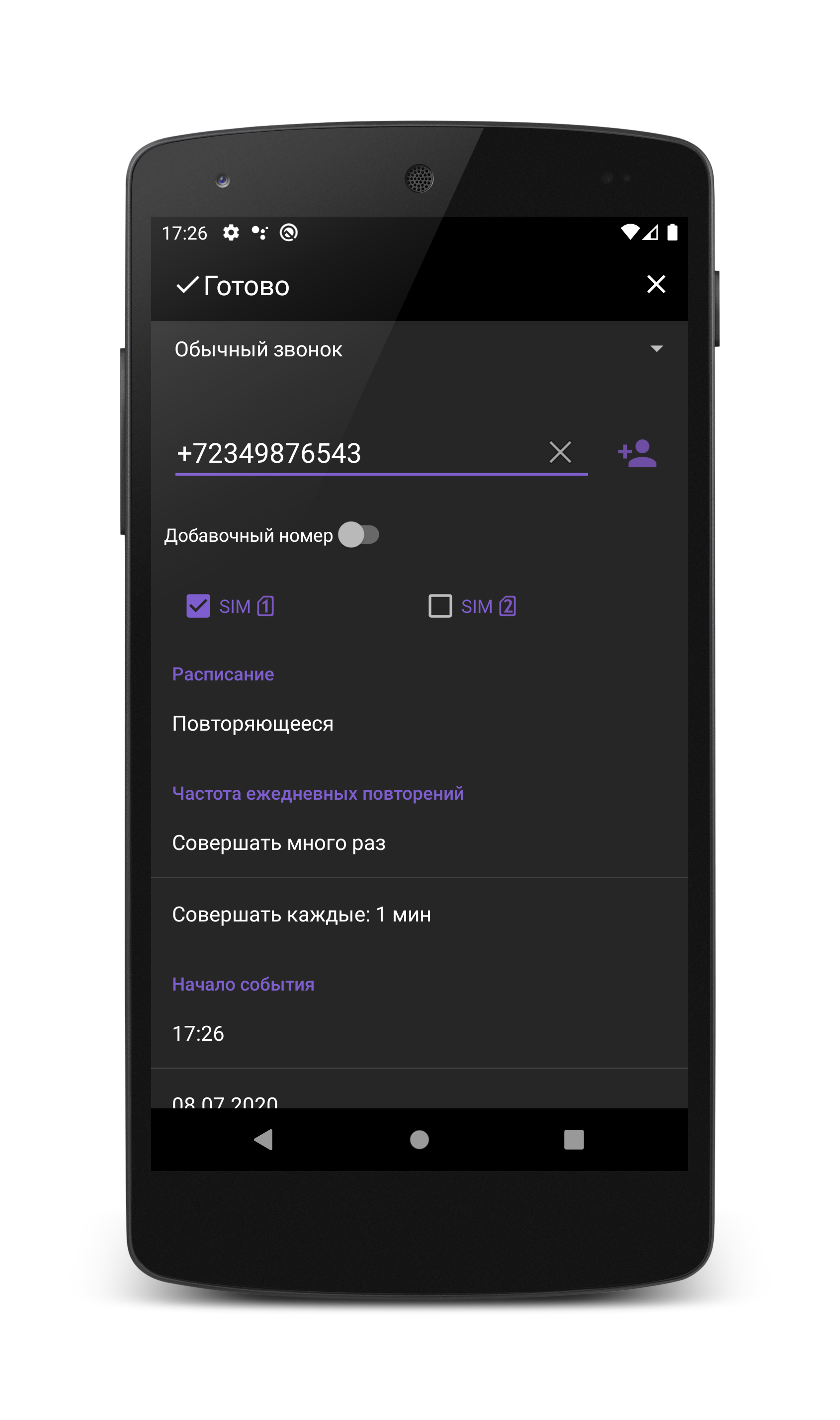
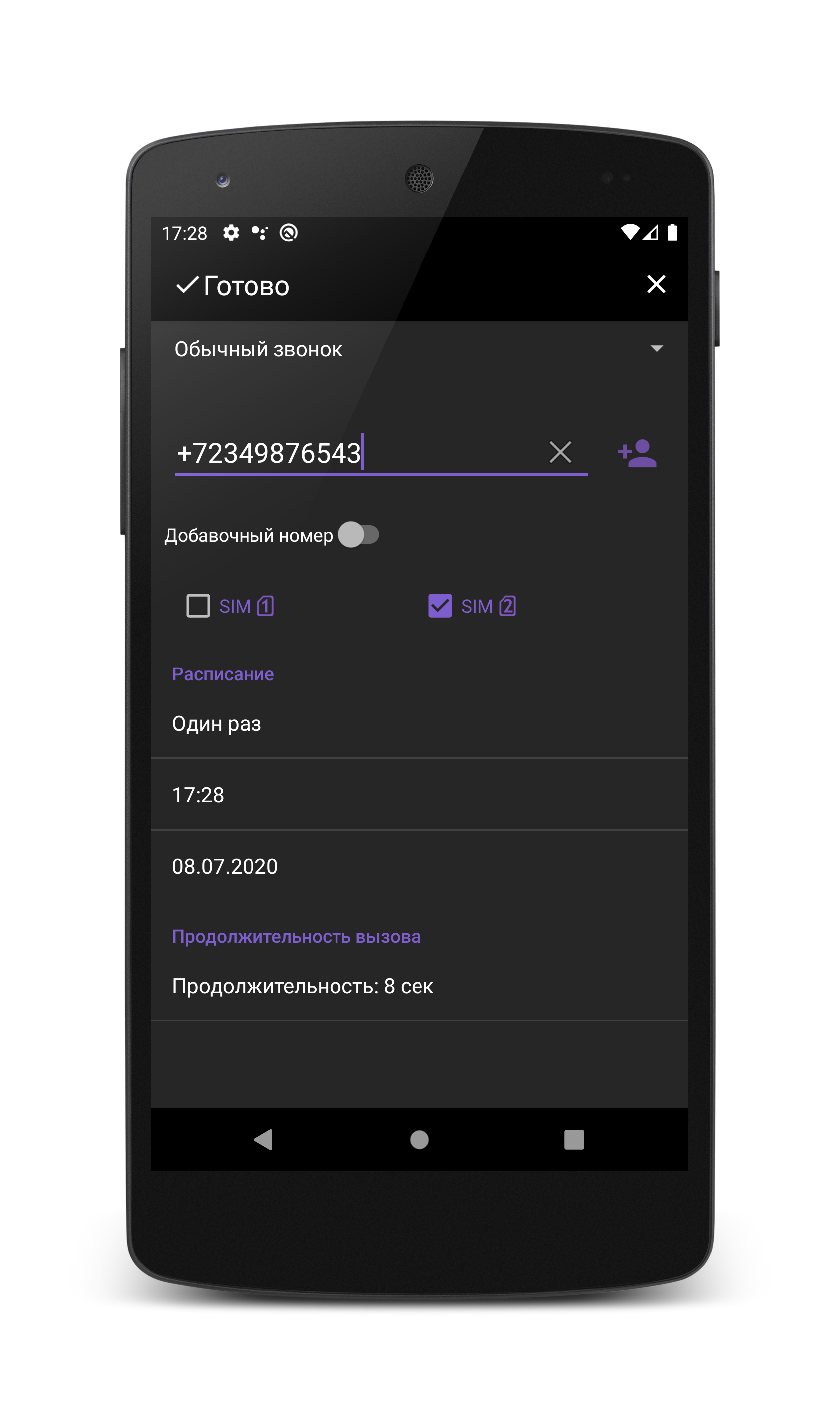
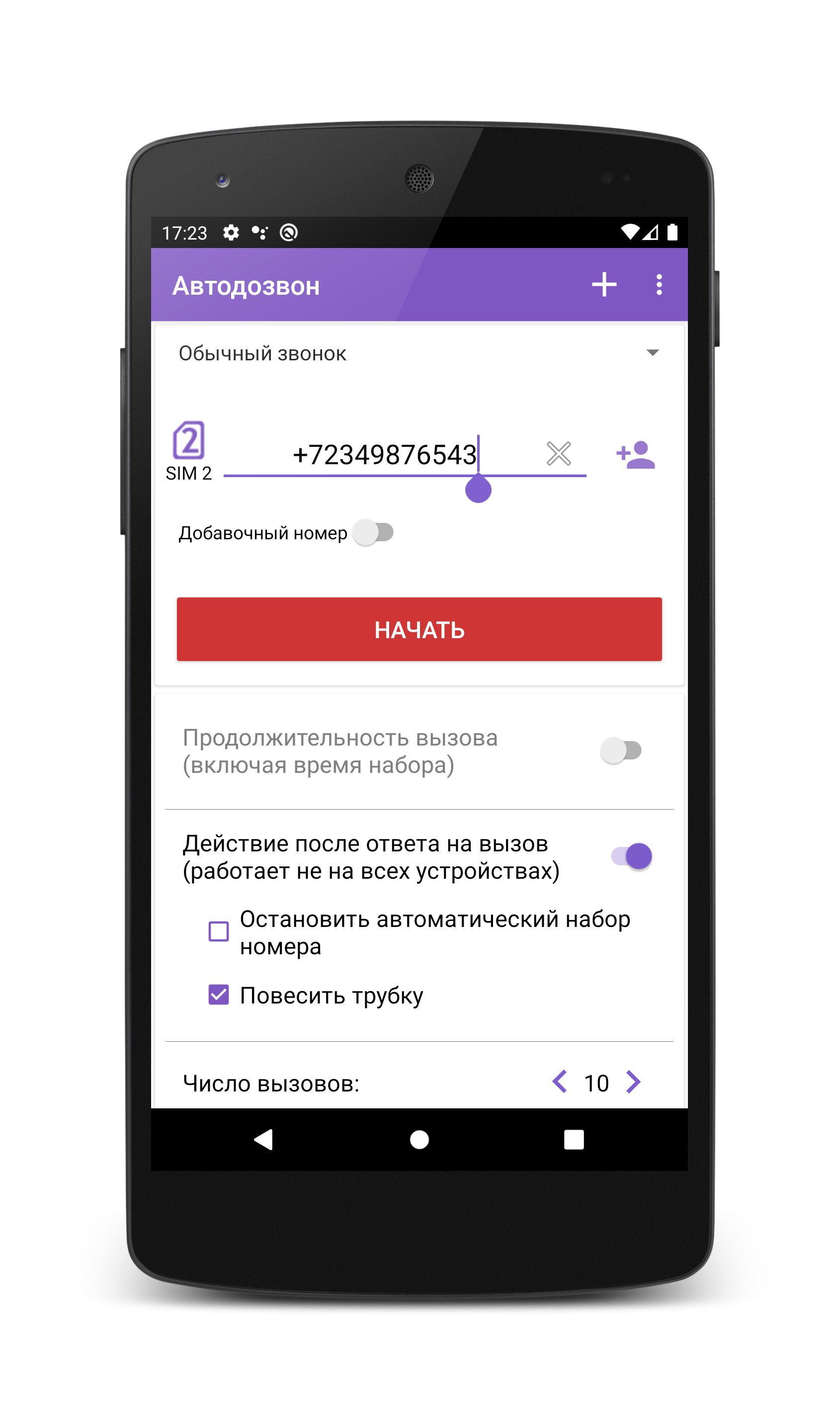
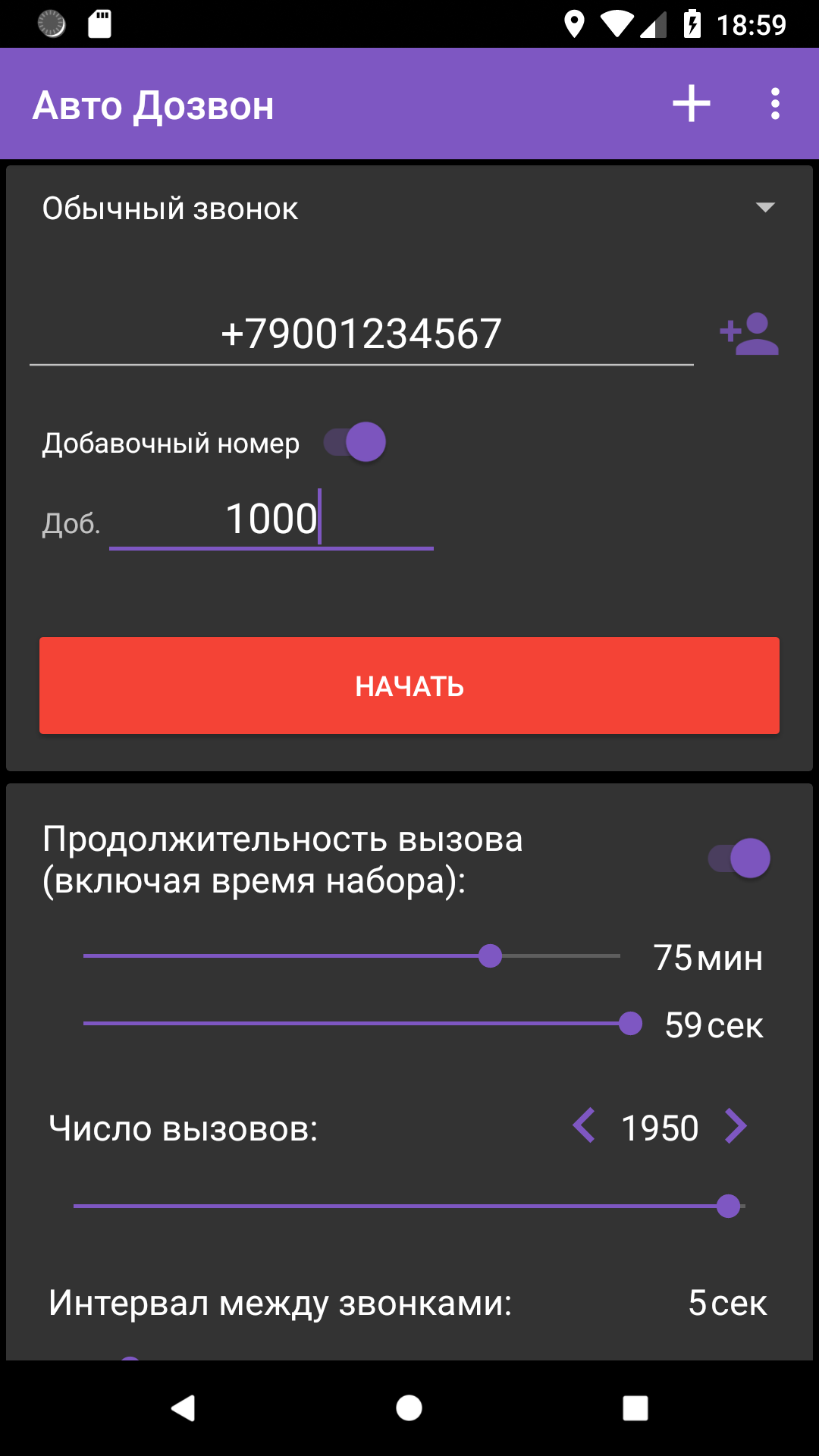
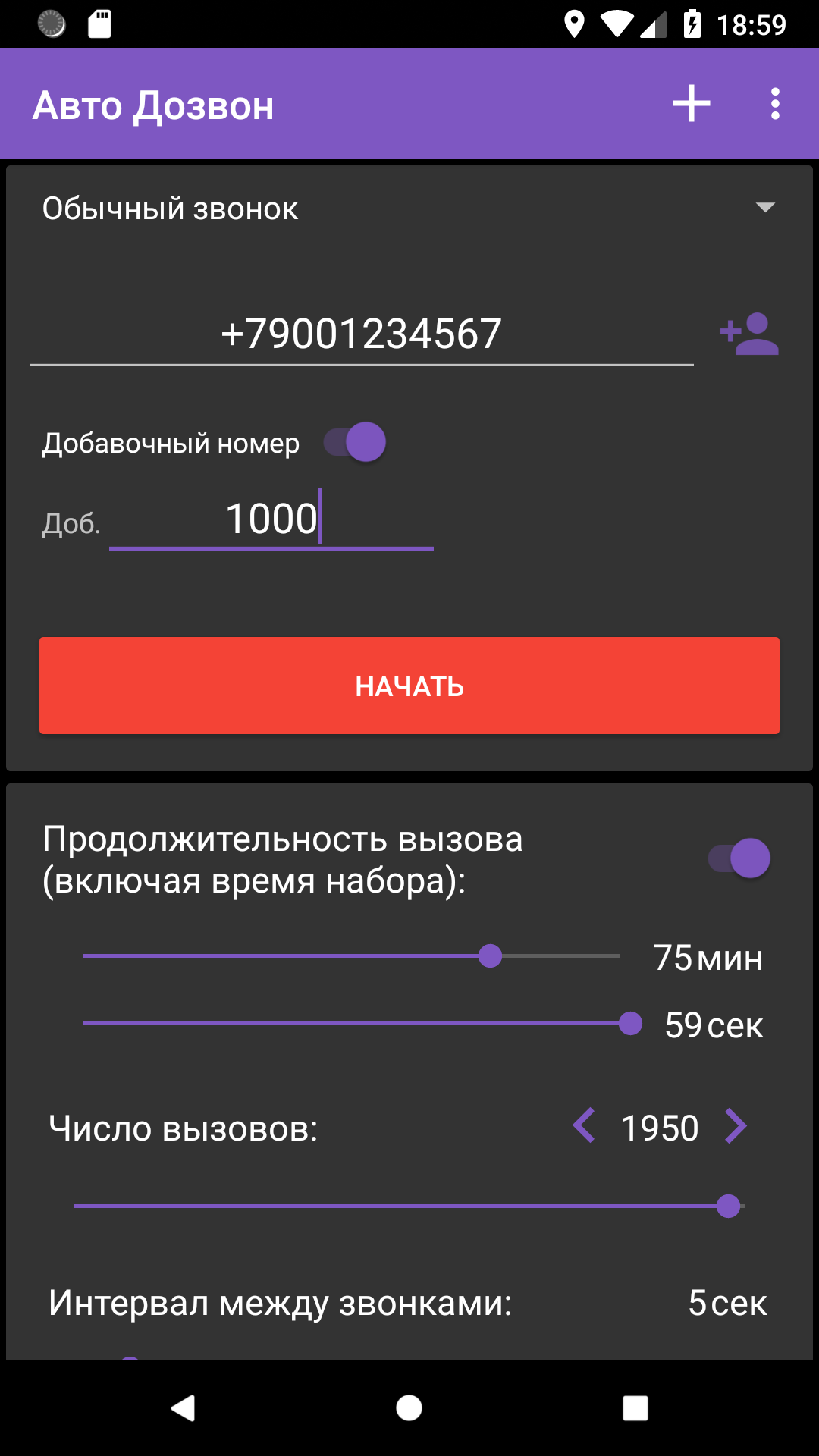
- Auto redial to the specified number.
- Supports 2 SIM devices.
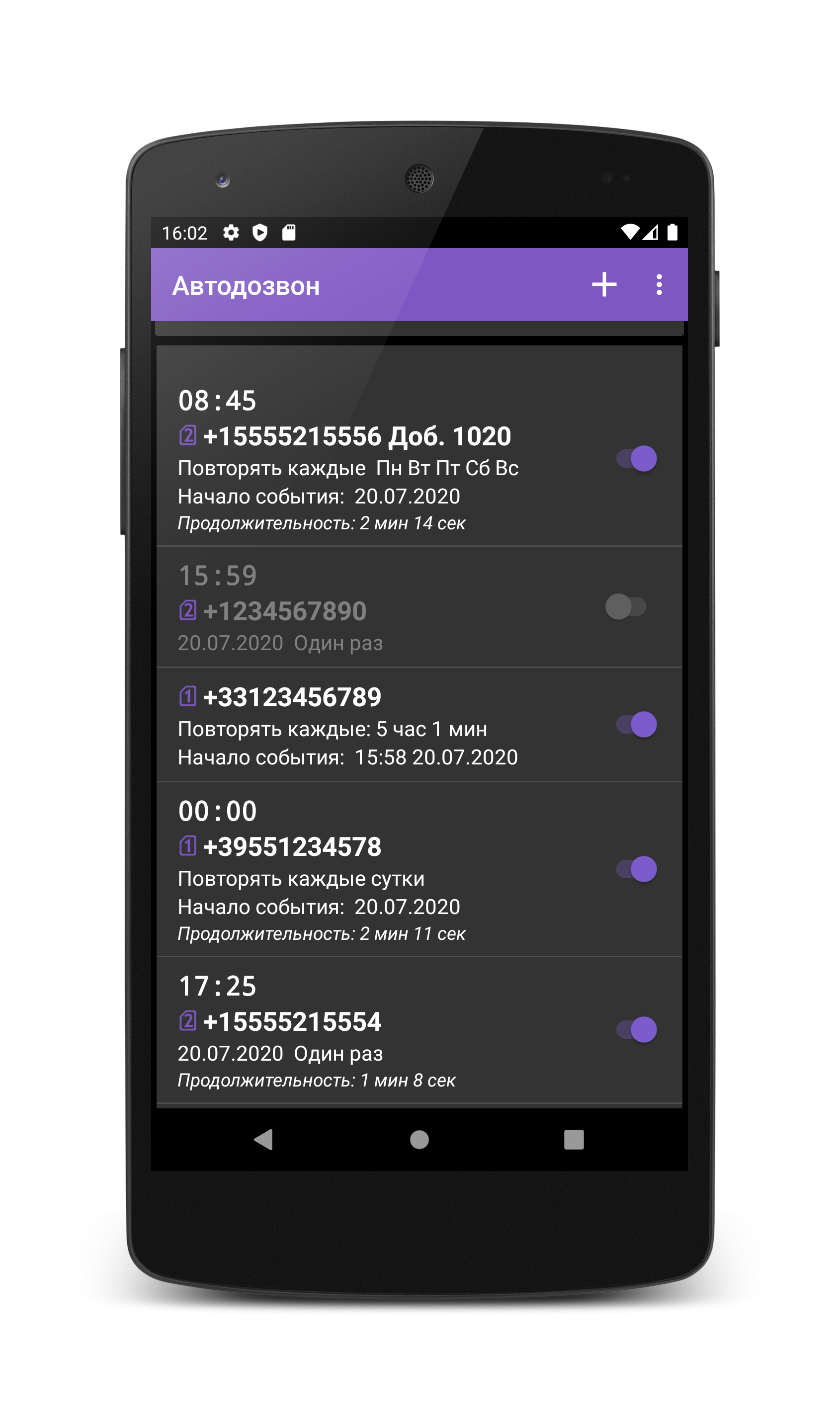
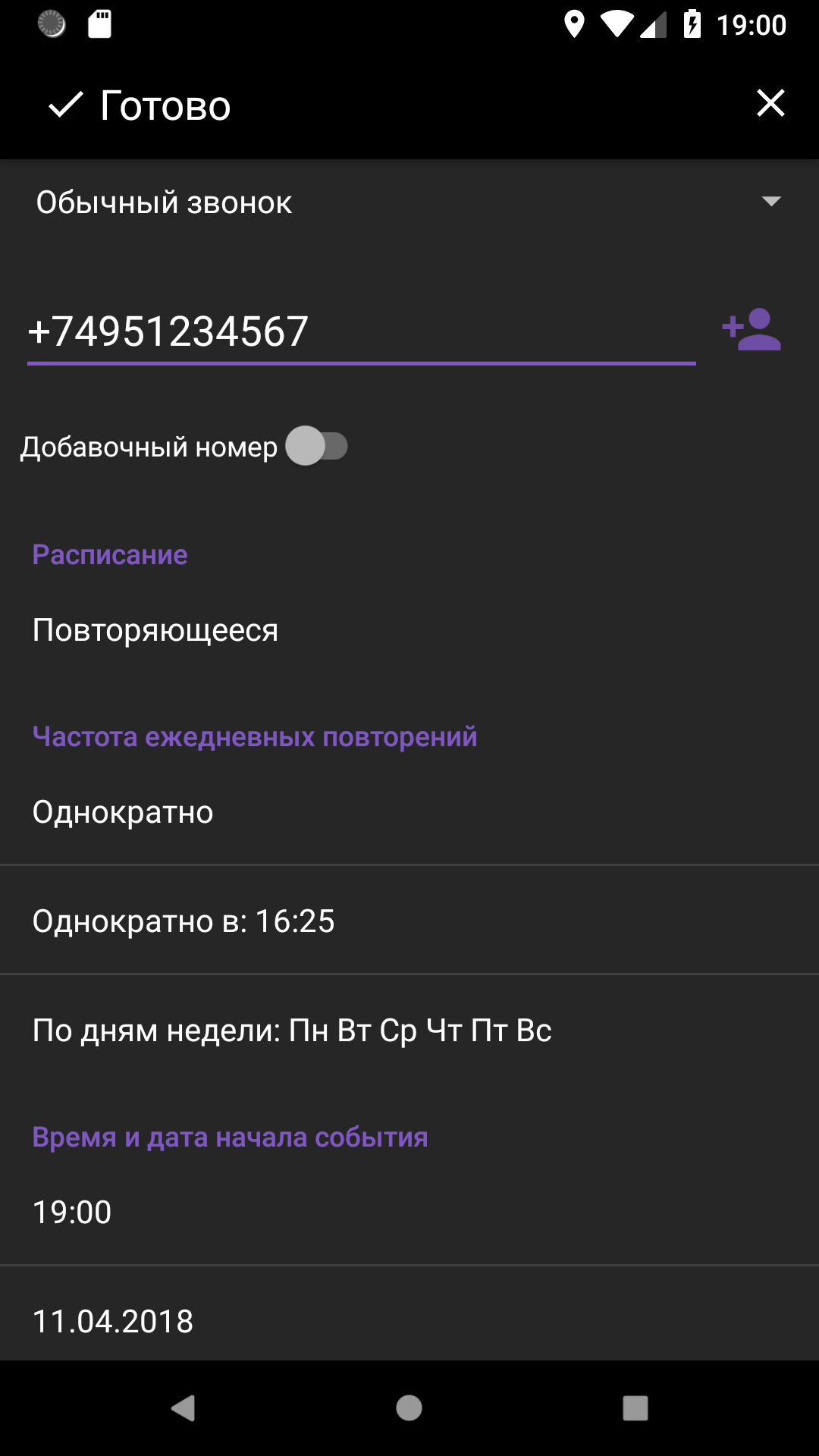
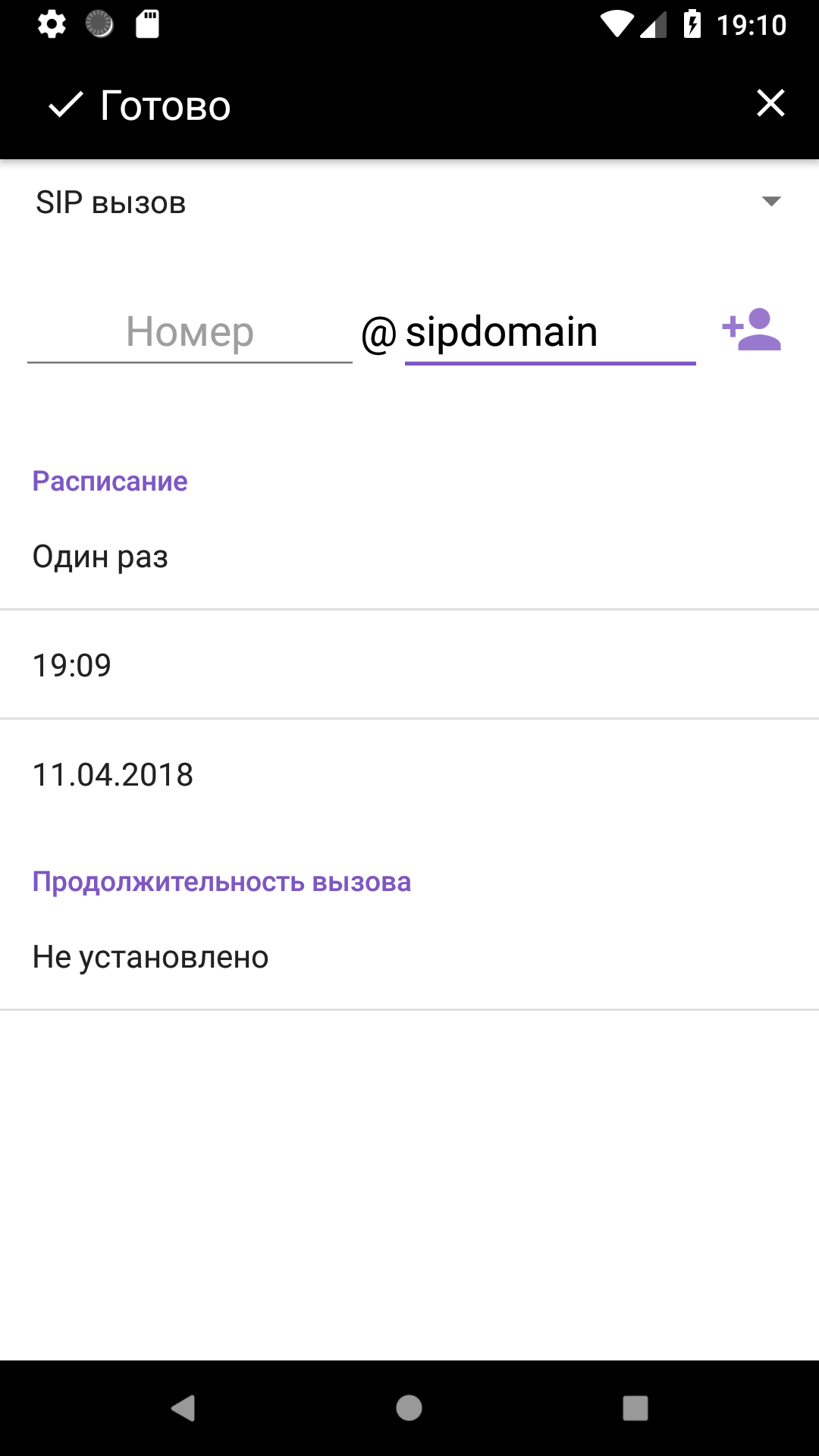
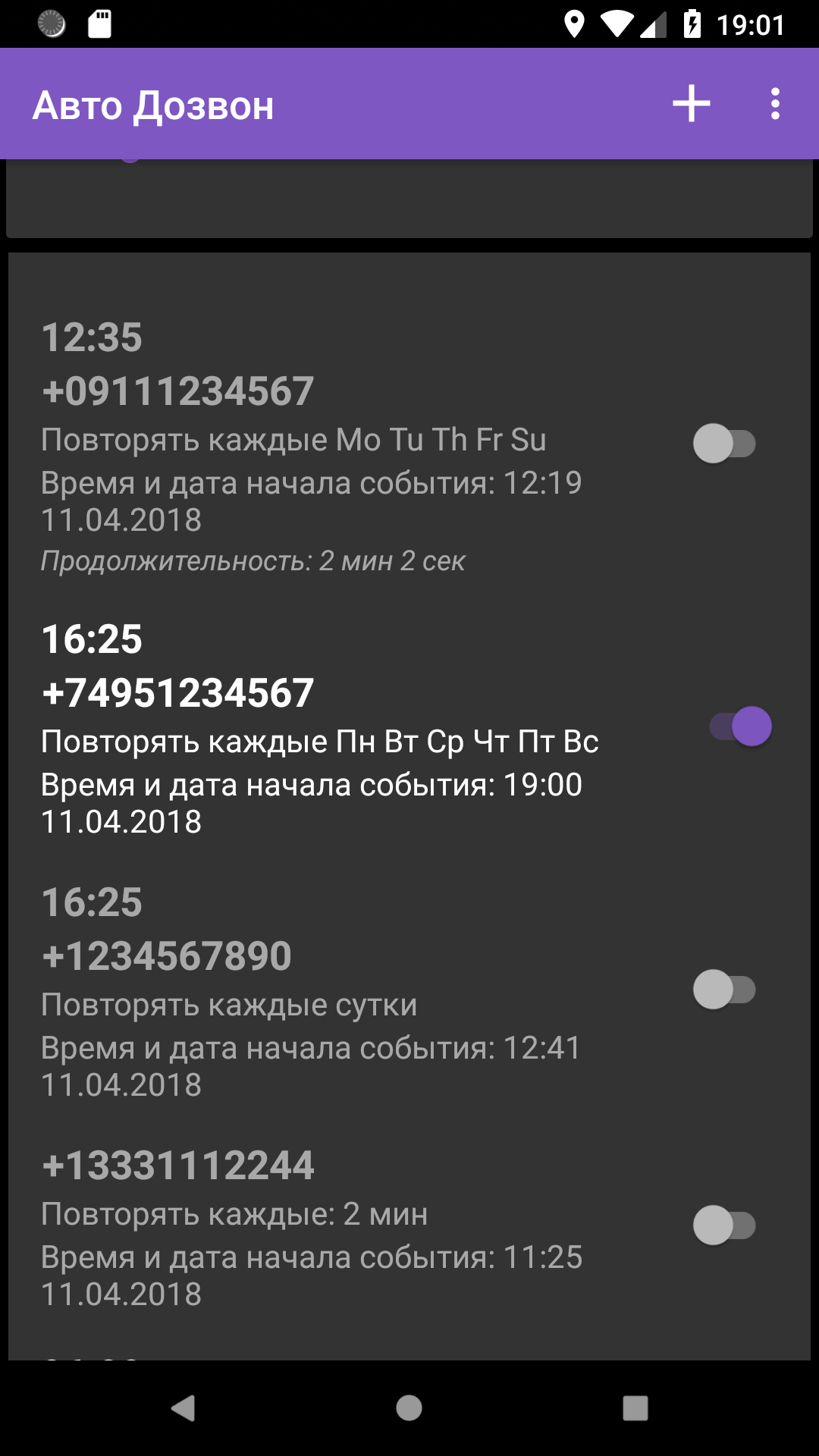
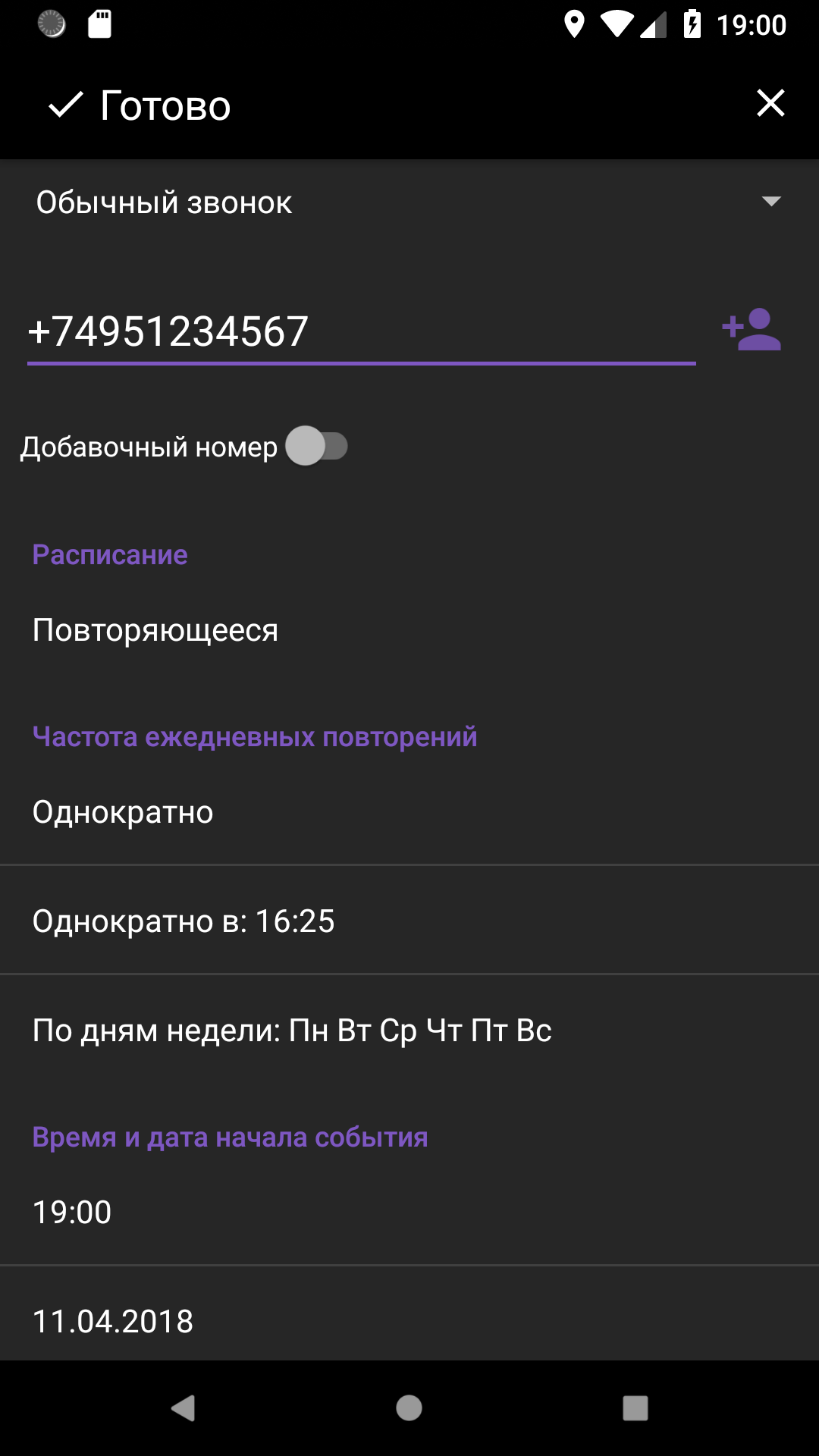
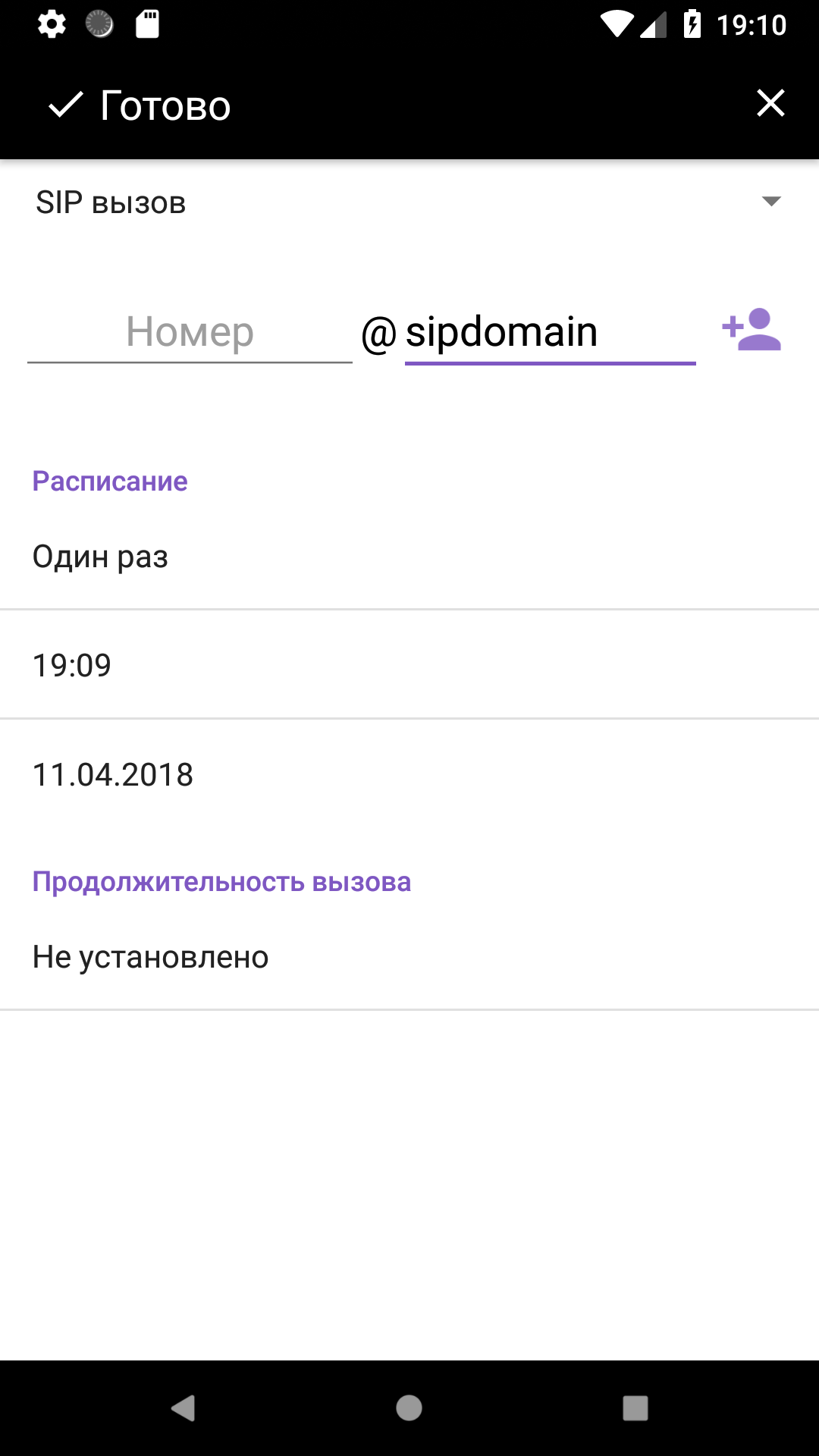
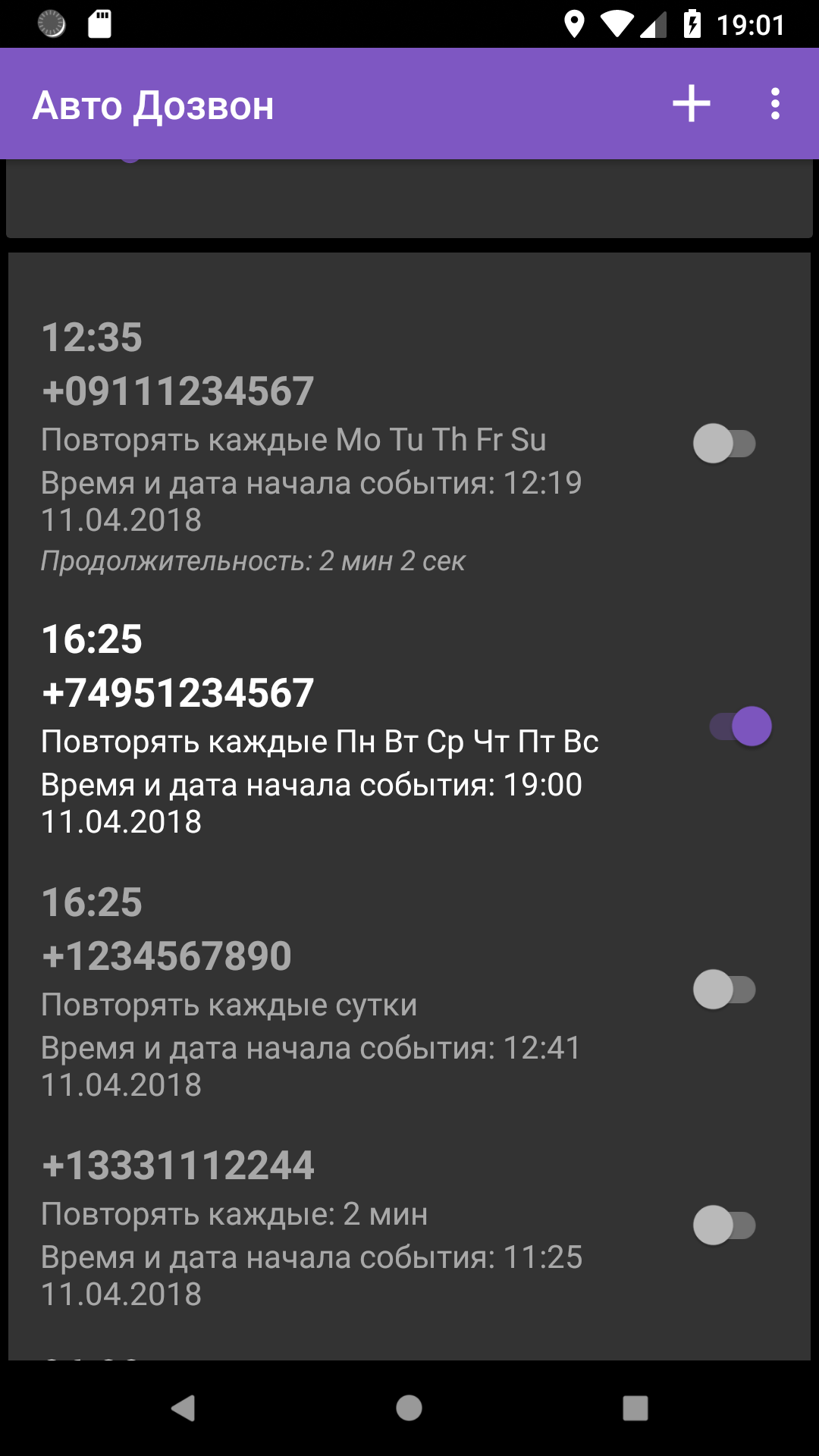
- Calls are scheduled.
- Select the action to take after answering the call.
- Interface in Russian.
- Free to use.
Description
Application Auto Redial was checked by VirusTotal antivirus. As a result of the scan, no file infections were detected by all the latest signatures.
How to install Auto Redial
- Download APK file apps from apkshki.com.
- Locate the downloaded file. You can find it in the system tray or in the 'Download' folder using any file manager.
- If the file downloaded in .bin extension (WebView bug on Android 11), rename it to .apk using any file manager or try downloading the file with another browser like Chrome.
- Start the installation. Click on the downloaded file to start the installation
- Allow installation from unknown sources. If you are installing for the first time Auto Redial not from Google Play, go to your device's security settings and allow installation from unknown sources.
- Bypass Google Play protection. If Google Play protection blocks installation of the file, tap 'More Info' → 'Install anyway' → 'OK' to continue..
- Complete the installation: Follow the installer's instructions to complete the installation process.
How to update Auto Redial
- Download the new version apps from apkshki.com.
- Locate the downloaded file and click on it to start the installation.
- Install over the old version. There is no need to uninstall the previous version.
- Avoid signature conflicts. If the previous version was not downloaded from apkshki.com, the message 'Application not installed' may appear. In this case uninstall the old version and install the new one.
- Restart annex Auto Redial after the update.








Requesting an application update
Added Denis Rubinov
Version: 6.50
Size: 35.1 MB
Updated: 20.05.2025
Developer: lithiumS
Age Limitations: Everyone
Authorizations:
Downloaded on Google Play: 3492055
Category: Contact












Reviews for Auto Redial
mind blowing 😎
very good
op app
very nice app it save time and also it dials faster
awesome app easy to use
not bad
perfect
good
good app😂🤣🤣😂
Simple to use. Room to improve: - some options in the Settings have too long a text whose last part is not visible and the UI does not rotate to Landscape mode - countdown during 1st dialing seems superfluous and could be skipped - the app could enable memorizing a few numbers (with custom labels) such that a user does not have to enter them every time (such as doctors' numbers).
I have the Note 10+. For the redialer, I keep getting an error after a couple attempted calls saying call not sent. The redialer then stops retrying unless I hit the green call button from within the app, then it attempts a couple more times and rinse and repeat. So I've gone the schedule route, which also gets the call not sent error, but at least because I have it scheduled, it automatically retries every minute. Adding on more, it's crashed my phone twice now. I'm not sure exactly of the cause, but my phone just freezes, can't do anything. Eventually a message will say System UI has stopped responding and I can either wait or close. Neither work and I have to force my phone to shutdown.
Doesn't hang up and redial when phone number I'm calling has a busy signal. What's the point of a redial app if it can't detect a busy signal and hang up and redial?! Also, in settings the "turn speaker on" was checked but the speaker never turned on, I had to keep doing it all manually: turning on speaker and hanging up. What I want is an app that hangs up for me when there's a busy signal and redials.
Worked but VERY finicky. Would quit or lock up (either the app or my whole effi phone) if any of the following happened while running the app: - I received text, email, message or any notifications at all. - I tried to switch to another app while redialing (i.e. let it run in the background while I multitasked) - my phone went to sleep - I bumped the screen/a button - I sneezed - Day of the week ended in the letter "y" Never did get thru to the number. Installing another app. Android V10
Virtually useless. Doesn't actually detect busy signals, just dials numbers for you. However, if you are lucky enough that the call is rejected and terminates because all circuits are busy, etc. then the app will do its job. Otherwise it might save you a screen press or two compared to redialing without the app.
I downloaded this in order to continue to call the UI office. It redials for about 100 calls (you can set a very high limit). After this, my office freezes up and it takes me forever to get it to restart. Although inconvenient, it's faster for me to just manually redial.
Post a comment
To leave a comment, log in with your social network:
Or leave an anonymous comment. Your comment will be sent for moderation.
Post a comment
To leave a comment, log in with your social network:
Or leave an anonymous comment. Your comment will be sent for moderation.