



apk-signer
30+
downloads4.4+
version Android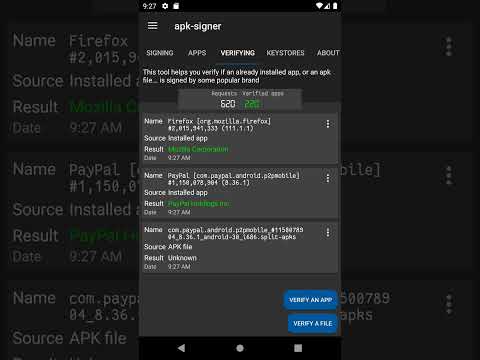
Added: Denis Rubinov
Version: 7.1.9
Size: 30 MB
Updated: 05.02.2024
Developer: Hai Bison
Age Limitations: Everyone
Authorizations: 5
Downloaded on Google Play: 717696
Category: Tools
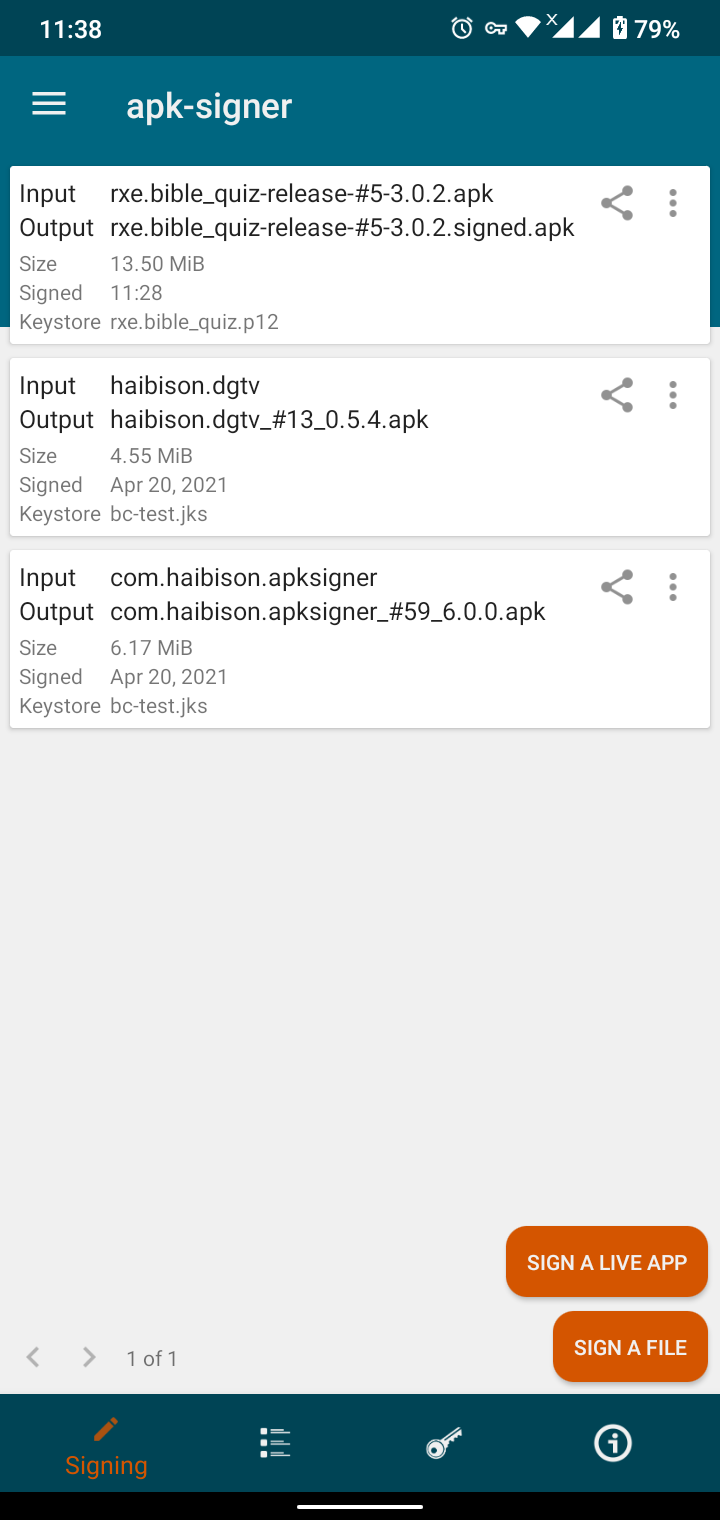
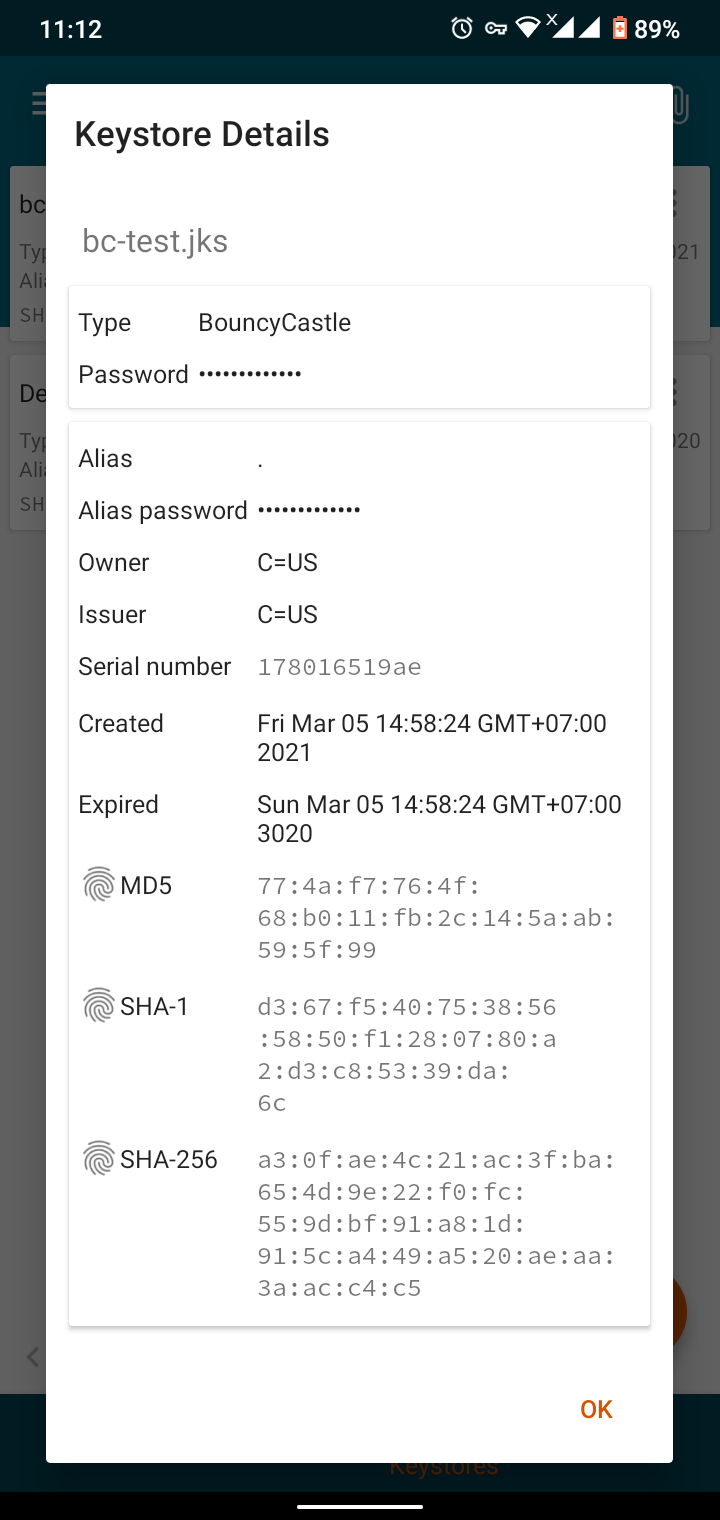
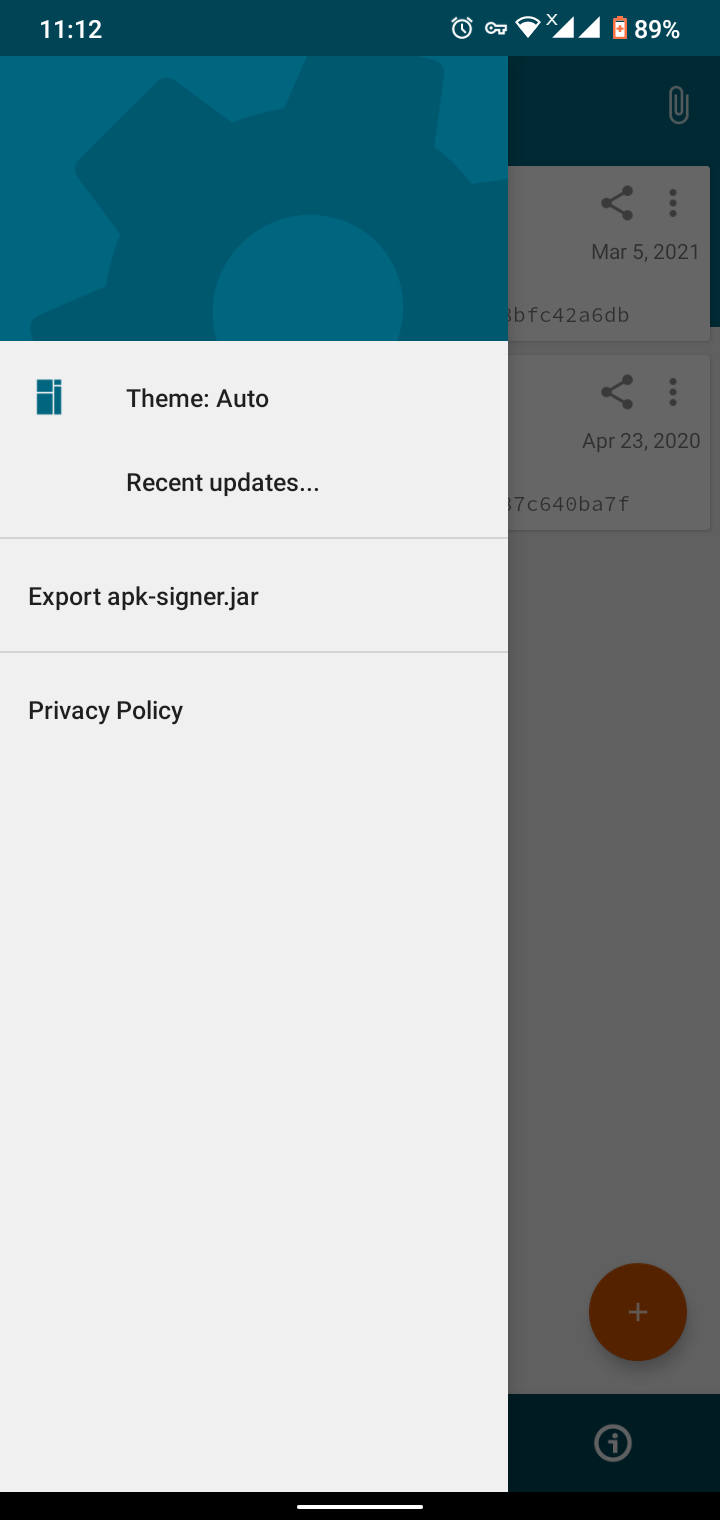
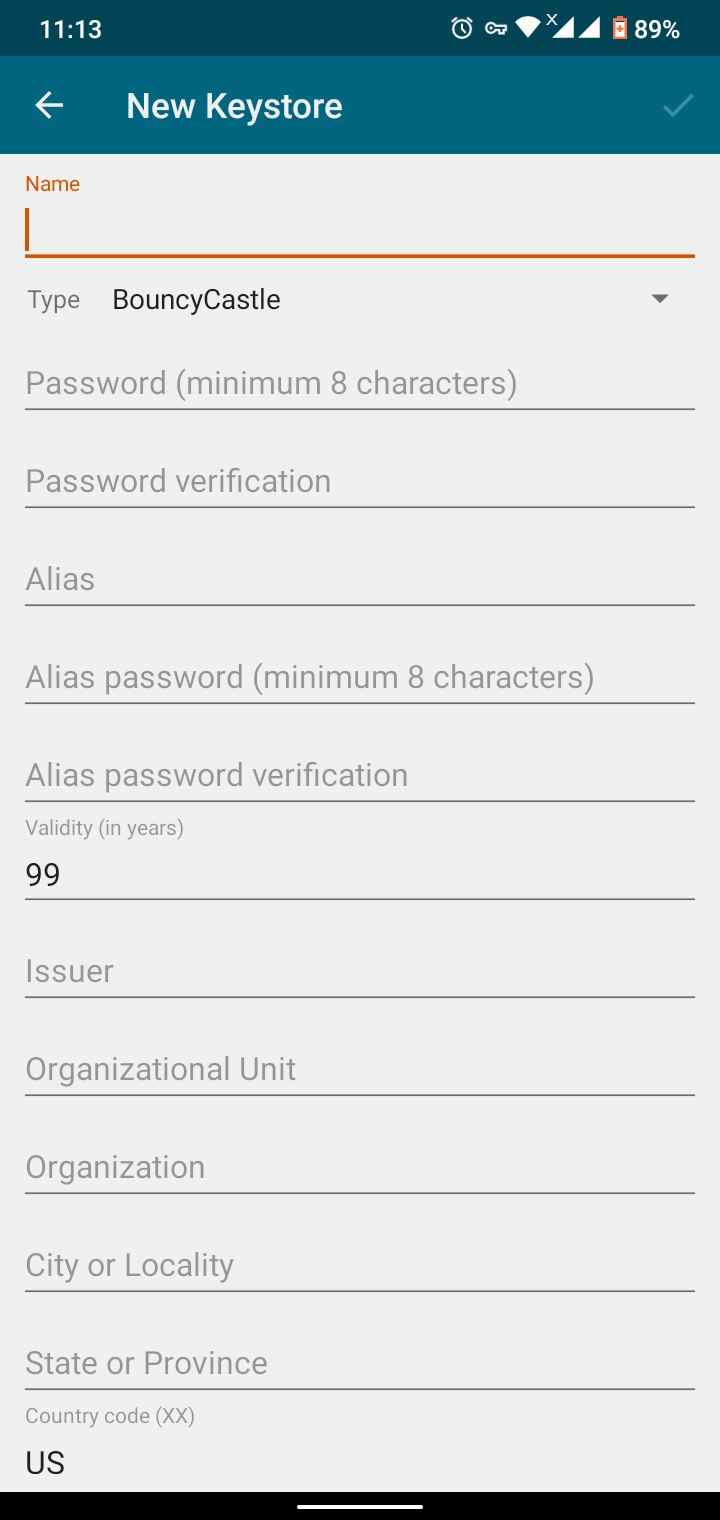
- Allows you to independently sign files.
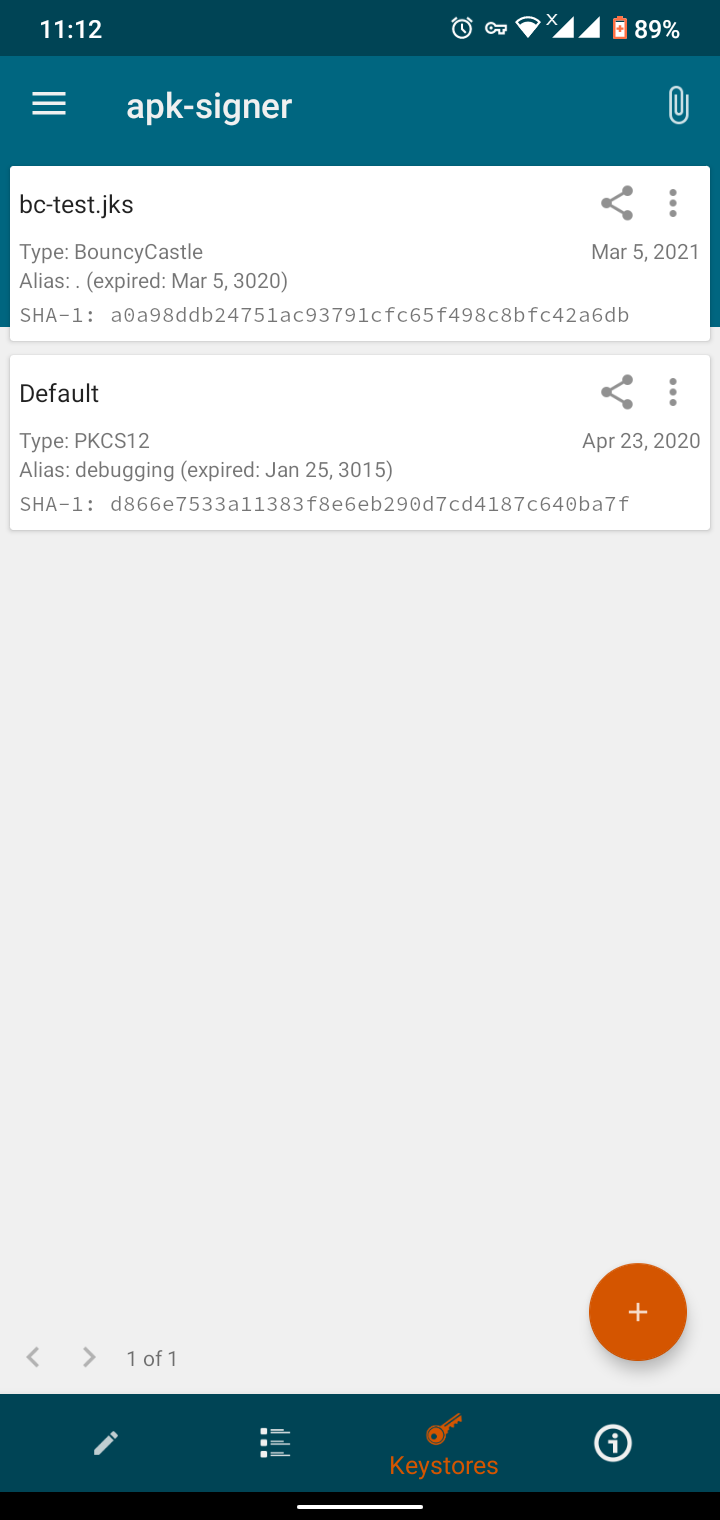
- Quick import and export of keys.
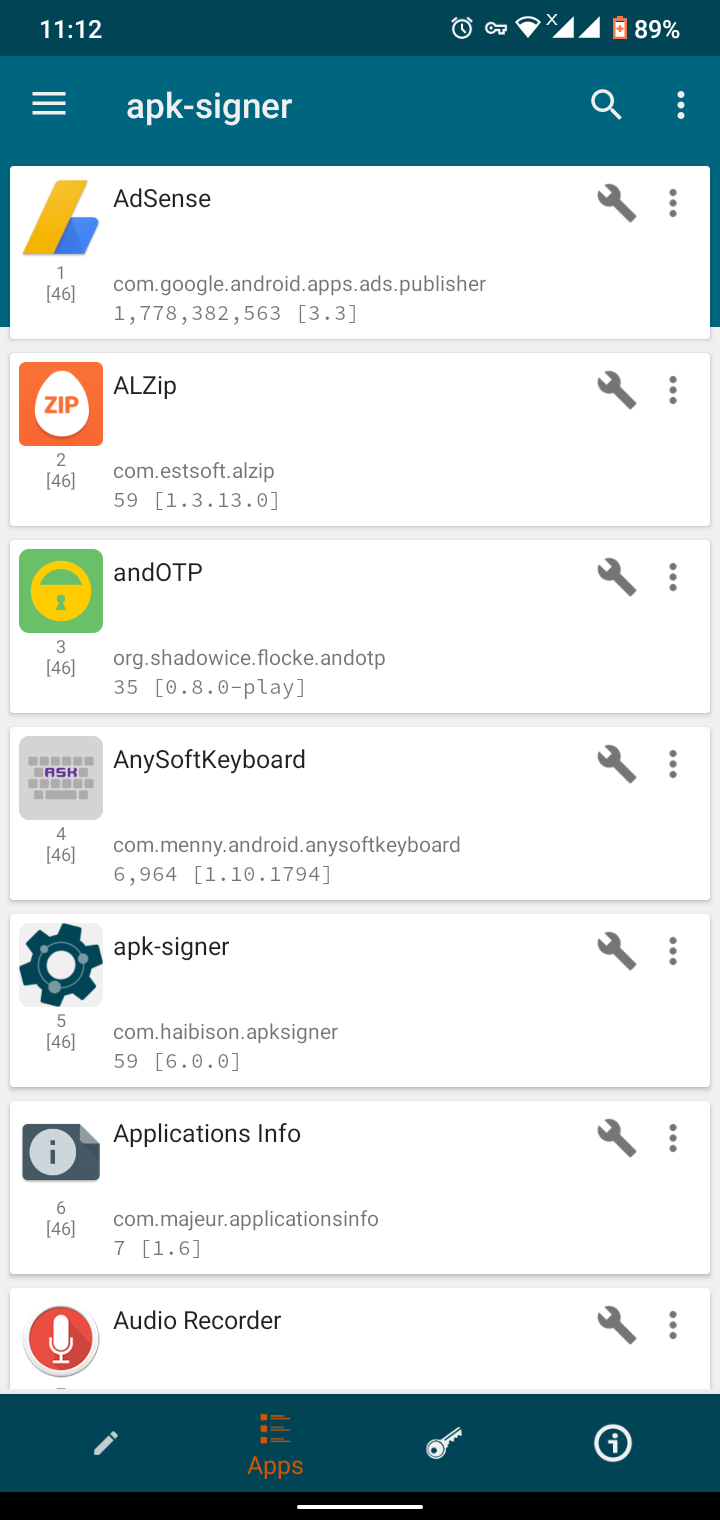
- Simple and straightforward interface.
- Several skins.
- You can use the program for free.
Description
Application apk-signer was checked by VirusTotal antivirus. As a result of the scan, no file infections were detected by all the latest signatures.
How to install apk-signer
- Download APK file apps from apkshki.com.
- Locate the downloaded file. You can find it in the system tray or in the 'Download' folder using any file manager.
- If the file downloaded in .bin extension (WebView bug on Android 11), rename it to .apk using any file manager or try downloading the file with another browser like Chrome.
- Start the installation. Click on the downloaded file to start the installation
- Allow installation from unknown sources. If you are installing for the first time apk-signer not from Google Play, go to your device's security settings and allow installation from unknown sources.
- Bypass Google Play protection. If Google Play protection blocks installation of the file, tap 'More Info' → 'Install anyway' → 'OK' to continue..
- Complete the installation: Follow the installer's instructions to complete the installation process.
How to update apk-signer
- Download the new version apps from apkshki.com.
- Locate the downloaded file and click on it to start the installation.
- Install over the old version. There is no need to uninstall the previous version.
- Avoid signature conflicts. If the previous version was not downloaded from apkshki.com, the message 'Application not installed' may appear. In this case uninstall the old version and install the new one.
- Restart annex apk-signer after the update.








Requesting an application update
Added Denis Rubinov
Version: 7.1.9
Size: 30 MB
Updated: 05.02.2024
Developer: Hai Bison
Age Limitations: Everyone
Authorizations:
Downloaded on Google Play: 717696
Category: Tools











Reviews for apk-signer
Great
Great app but if we could change the name of the generated RSA and SF files, it would be great. The default names should atleast be the key's alias instead of some random numbers or we can choose a name for them.
I can download on this but isn't download working but I need help
Trash app
Doesn't remove app from getting play store updates, thought it used to?
Just ads
This app works really well. I don't know what wrong with others, but for me it works well😌🧡
signing an apk prevent it from being installed
Holy s... this worked. i modified a game in pc and repacked it and couldn't install it no matter how much i tried. and also tried chat gpt as well. but this done it in minutes. simply awsome. by the way do you have a github page or something in case google remove this app?
p Diddy my uncle would love this
Somewhat unclear in places, but it did the job just fine. I use this to re-sign apps when they implement features that I don't like or remove features that I do like: Step 1 - Find the apk for the version before the unwanted change. Step 2 - Uninstall the app and reinstall it from that apk. Step 3 - Use apk-signer to sign the app. After doing this the app has a new signature which won't match the one in the play store, and thus it won't pester you to update it any more.
nice!! ♥♥
it keeps deleting the files i upload, its annoying, i couldn't upload nothing
I think it worked thanks
please add signature kill
Post a comment
To leave a comment, log in with your social network:
Or leave an anonymous comment. Your comment will be sent for moderation.
Post a comment
To leave a comment, log in with your social network:
Or leave an anonymous comment. Your comment will be sent for moderation.