



Added: Denis Rubinov
Version: 3.10.0
Size: 110.1 MB
Updated: 24.06.2025
Developer: 70mai Co.,Ltd
Age Limitations: Everyone
Authorizations: 19
Downloaded on Google Play: 138649
Category: Cars and transportation
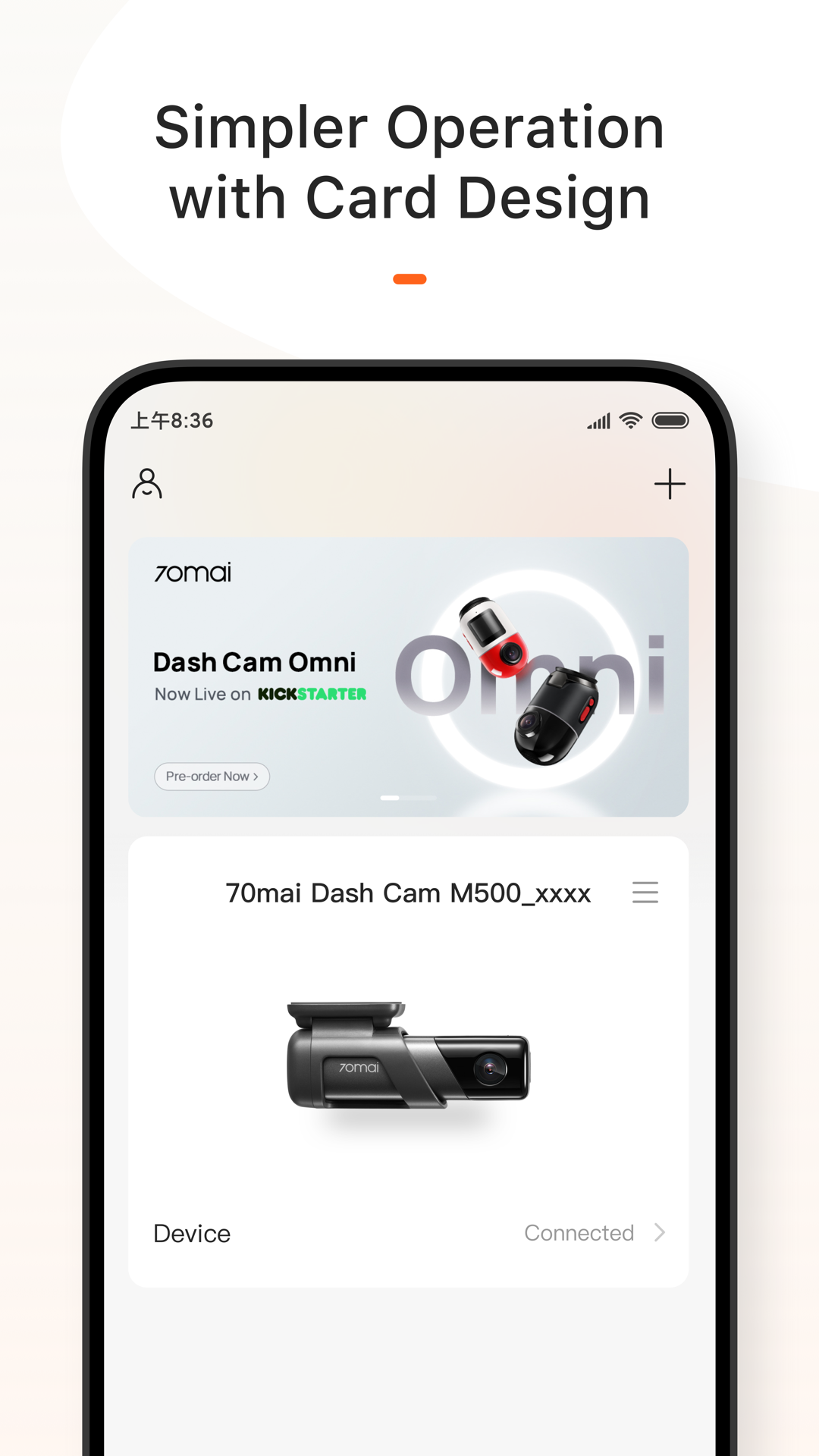
- Convenient binding of new gadgets.
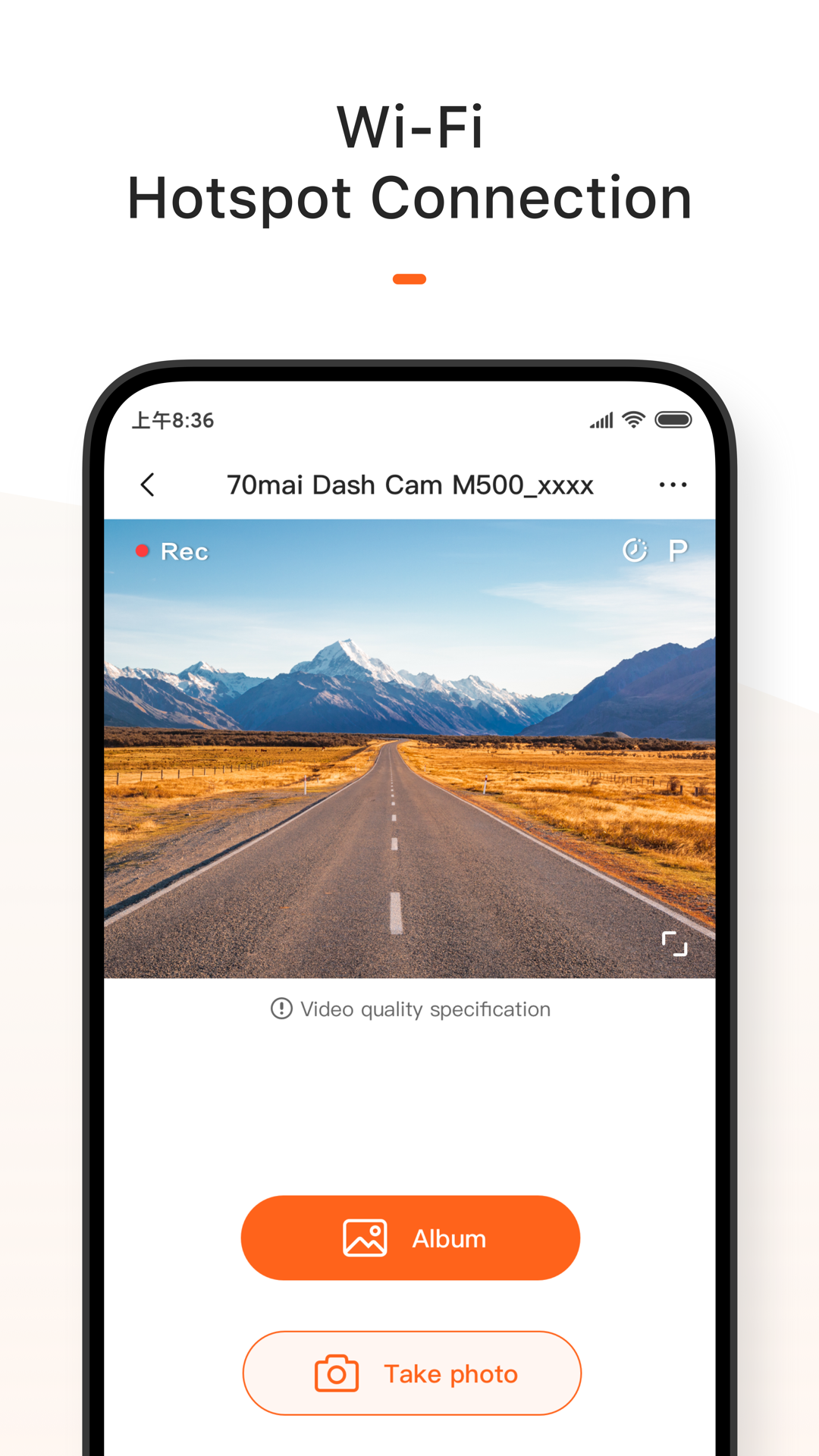
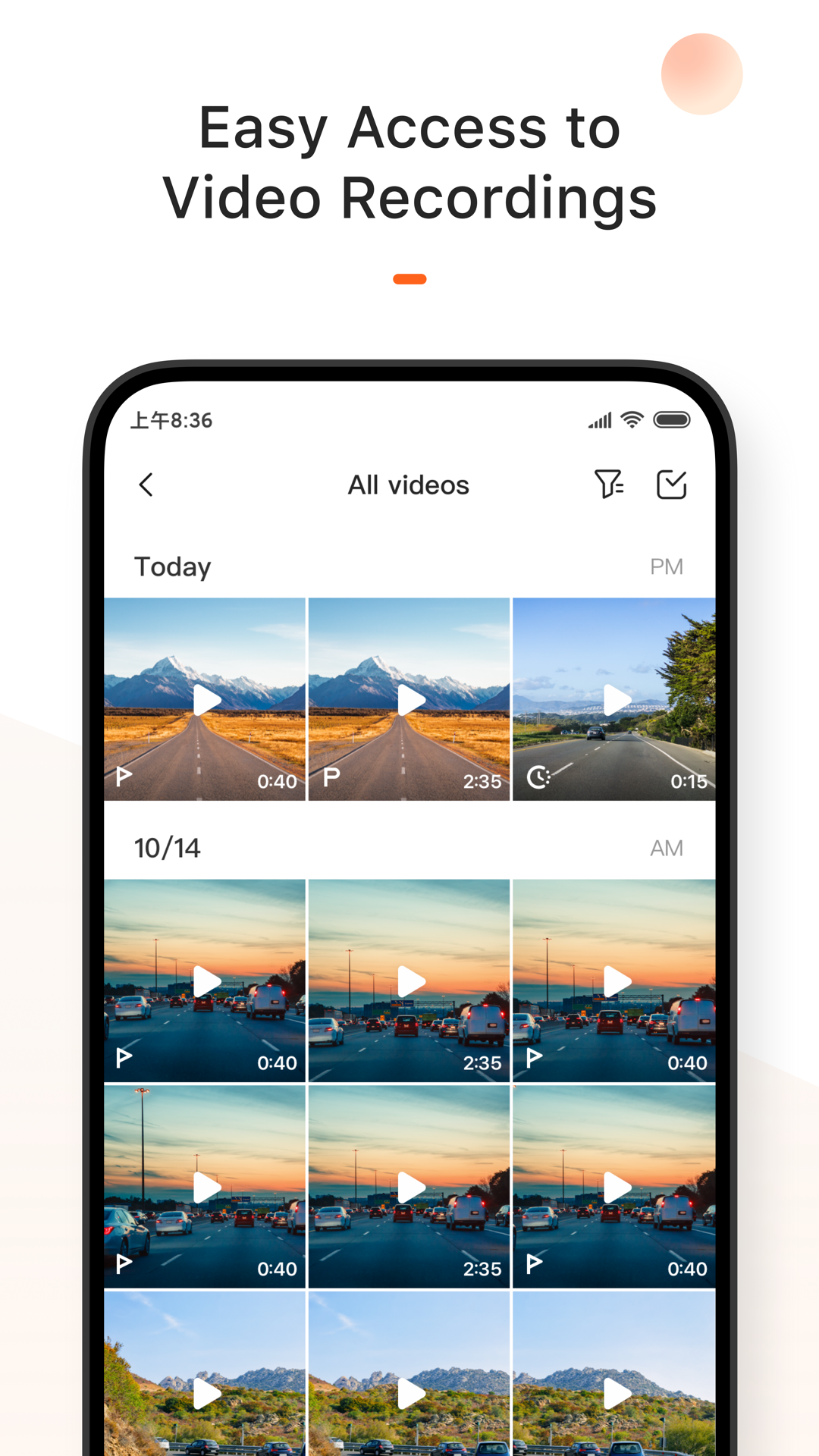
- Watching video from a dash cam or a rearview mirror on a smartphone screen.
- Create photos with instant transfer to your smartphone.
- Check for and install updates.
Description
Application 70mai was checked by VirusTotal antivirus. As a result of the scan, no file infections were detected by all the latest signatures.
How to install 70mai
- Download APK file apps from apkshki.com.
- Locate the downloaded file. You can find it in the system tray or in the 'Download' folder using any file manager.
- If the file downloaded in .bin extension (WebView bug on Android 11), rename it to .apk using any file manager or try downloading the file with another browser like Chrome.
- Start the installation. Click on the downloaded file to start the installation
- Allow installation from unknown sources. If you are installing for the first time 70mai not from Google Play, go to your device's security settings and allow installation from unknown sources.
- Bypass Google Play protection. If Google Play protection blocks installation of the file, tap 'More Info' → 'Install anyway' → 'OK' to continue..
- Complete the installation: Follow the installer's instructions to complete the installation process.
How to update 70mai
- Download the new version apps from apkshki.com.
- Locate the downloaded file and click on it to start the installation.
- Install over the old version. There is no need to uninstall the previous version.
- Avoid signature conflicts. If the previous version was not downloaded from apkshki.com, the message 'Application not installed' may appear. In this case uninstall the old version and install the new one.
- Restart annex 70mai after the update.








Requesting an application update
Added Denis Rubinov
Version: 3.10.0
Size: 110.1 MB
Updated: 24.06.2025
Developer: 70mai Co.,Ltd
Age Limitations: Everyone
Authorizations:
Downloaded on Google Play: 138649
Category: Cars and transportation












Reviews for 70mai
I manage multiple vehicles and the was easy to install and sync. viewing video files is fast and seamless. No issues
great app
App won't let me register. Useless products if I can't register. No error message just says exception. Edit - Fixed with few hours of reporting on whatsapp helpline.Great support team.
The app and my dash cam have basically become useless: I can't access the videos anymore.
The app and my 810A front and rear camera work well. Very automatic, doesn't require much user interaction, which I like. I check the app in the Google Play Store at every oil change for updates to the app and the dash cam firmware. There seems to be steady firmware releases, which I like because it shows that the camera co tinues to be developed and improved.
Outdated
I'm just wondering if anyone reads these reviews (like the ones who wrote the app). This app sucks! I have uninstalled and reinstalled the app, restarted my phone, followed all the instructions, and held my mouth just right. The only way I could download videos is to take the memory card out of the camera and put it in my computer. It will not connect via the cameras on board wifi Hotspot. I'll be looking for another dashcam.
A dash cam app should not need an account. Greedy data harvesting.
Won't let me down load.
Why does it needs location permission? All the time ... spyware ... Device does not even has gps. App keeps forgetting credentials. STOP forced logout!!! STOP FORCED LOGOUT!!!!!! Fix token expiration!!!!
No security code, can't log in. Can't find the security code. Can't use the app. Can't sign up.
The app froze everytime when connecting to my phone. I have a note 9 android pie. Update: to solve this issue, you need to turn off data from your phone before connecting to the cam. I'm updating from 1 star to 2 stars because I never got support from 70mai which is really disappointing. I had to figure out this myself. Edit: 1 Star due to no costumer servive.
Needs a lot of fixing. So far I do not like the fact that Wi-Fi connection does not stay connected to the phone app. I feel like once we connect our device to this app. we should be able to latch on to it and not have to reconnect it. only had this device for a day and that's the one thing that seems to get on my nerves. I every time I open the app I shouldn't have to reconnect my device to the app...
The app works fine for me simple enough to use and understand. Setup did not have any issues.
The app does not stay connected. So if you shut your car off and run into a store and come back, you have to start the app, wait for it to connect to wifi all over again... This is not going to work for most people. Honestly they should have used a bluetooth connection instead.
Post a comment
To leave a comment, log in with your social network:
Or leave an anonymous comment. Your comment will be sent for moderation.
Post a comment
To leave a comment, log in with your social network:
Or leave an anonymous comment. Your comment will be sent for moderation.