


Xodo PDF | PDF Reader & Editor
30+
downloads4.1+
version Android

Added: Denis Rubinov
Version: 9.13.1
Size: 42.2 MB
Updated: 19.05.2025
Developer: Xodo Technologies Inc.
Age Limitations: Everyone
Downloaded on Google Play: 25611996
Category: Work
Description
Application Xodo PDF | PDF Reader & Editor was checked by VirusTotal antivirus. As a result of the scan, no file infections were detected by all the latest signatures.
How to install Xodo PDF | PDF Reader & Editor
- Download APK file apps from apkshki.com.
- Locate the downloaded file. You can find it in the system tray or in the 'Download' folder using any file manager.
- If the file downloaded in .bin extension (WebView bug on Android 11), rename it to .apk using any file manager or try downloading the file with another browser like Chrome.
- Start the installation. Click on the downloaded file to start the installation
- Allow installation from unknown sources. If you are installing for the first time Xodo PDF | PDF Reader & Editor not from Google Play, go to your device's security settings and allow installation from unknown sources.
- Bypass Google Play protection. If Google Play protection blocks installation of the file, tap 'More Info' → 'Install anyway' → 'OK' to continue..
- Complete the installation: Follow the installer's instructions to complete the installation process.
How to update Xodo PDF | PDF Reader & Editor
- Download the new version apps from apkshki.com.
- Locate the downloaded file and click on it to start the installation.
- Install over the old version. There is no need to uninstall the previous version.
- Avoid signature conflicts. If the previous version was not downloaded from apkshki.com, the message 'Application not installed' may appear. In this case uninstall the old version and install the new one.
- Restart annex Xodo PDF | PDF Reader & Editor after the update.




Requesting an application update
Added Denis Rubinov
Version: 9.13.1
Size: 42.2 MB
Updated: 19.05.2025
Developer: Xodo Technologies Inc.
Age Limitations: Everyone
Downloaded on Google Play: 25611996
Category: Work












Reviews for Xodo PDF | PDF Reader & Editor
A lot of benefits!
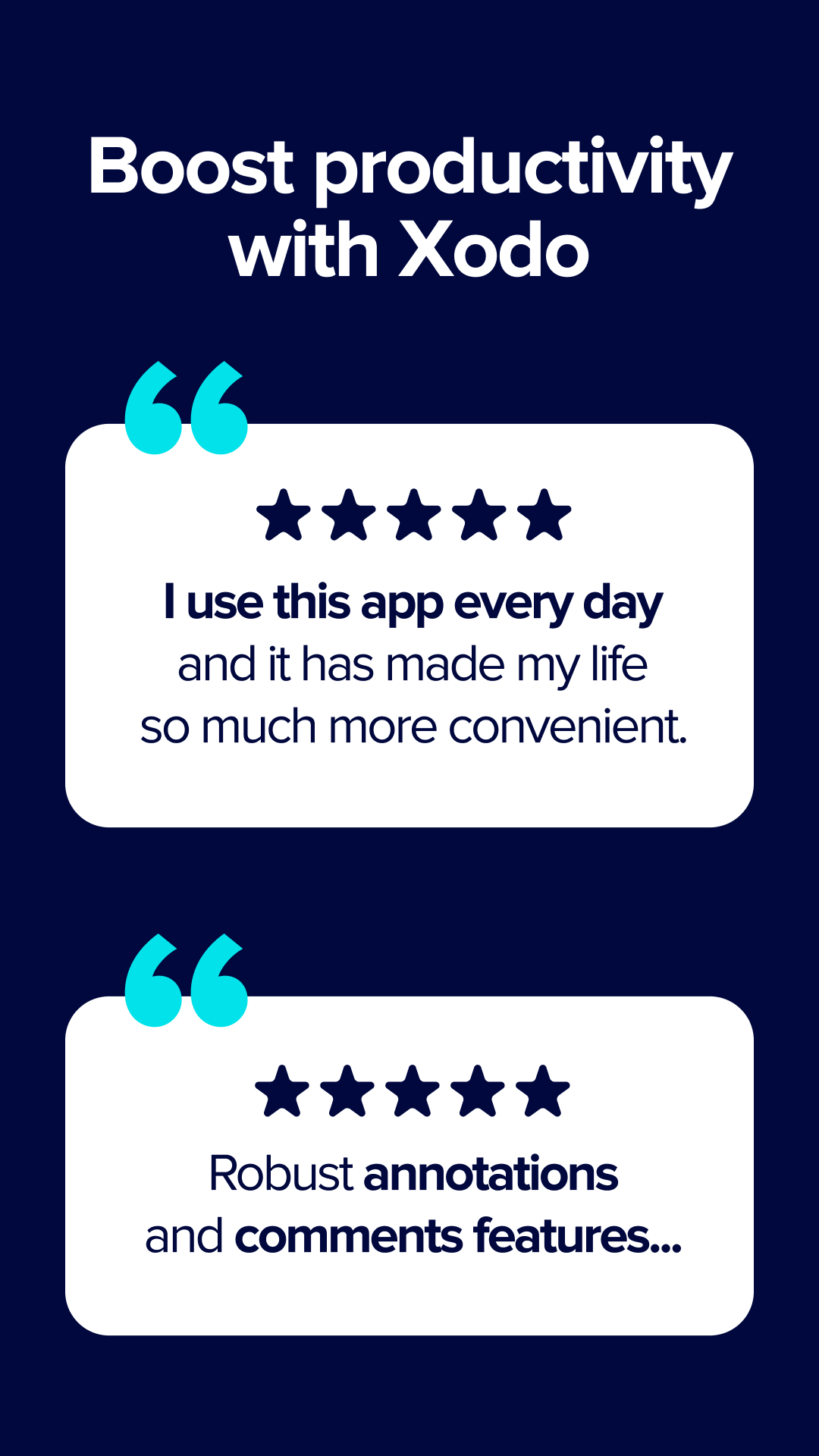
Very good app for pdf annotation.It offered variety of tools for annotation.😍
The app has too many bugs , i use with my tab and stylus, the app randomly stops working, or if eraser is used the writing is still not removed or the option to change pen doesn't come, sometimes even scrolling is not smooth have to change to something else for it to work. The experience is very bad, The eraser works with highlighter when use click an select it but does not work when is directly use s pen and many such problems.
The best pdf reader app the features which it provides no one
its not worth of updating this app, they mess up functions, which used to work fo free. cant share doc directly anymore.
excellent
best free pdf editer
Xodo is slowly becoming worse & worse. Now I cannot draw and then select text. Each time I want to draw & then highlight, I have to quit and restart. I cannot even erase/remove a scribble without restarting. I'm sorry to say that an excellent tool has become worse than mediocre. Now I have discovered that the a file that is locked against annotation, cannot be saved in an annotation-capable format. Xodo says that the file will be watermarked, but it does not save it. Nearly unusable.
I recommend to other
Love the ability to access multiple documents at the same time
The best pdf app I have ever seen!😊
very good in chromebok
Fast and easy to use. Great options for annotations
Phenomenal 😍😍😍
It does what I need it to do.
Post a comment
To leave a comment, log in with your social network:
Or leave an anonymous comment. Your comment will be sent for moderation.
Post a comment
To leave a comment, log in with your social network:
Or leave an anonymous comment. Your comment will be sent for moderation.