



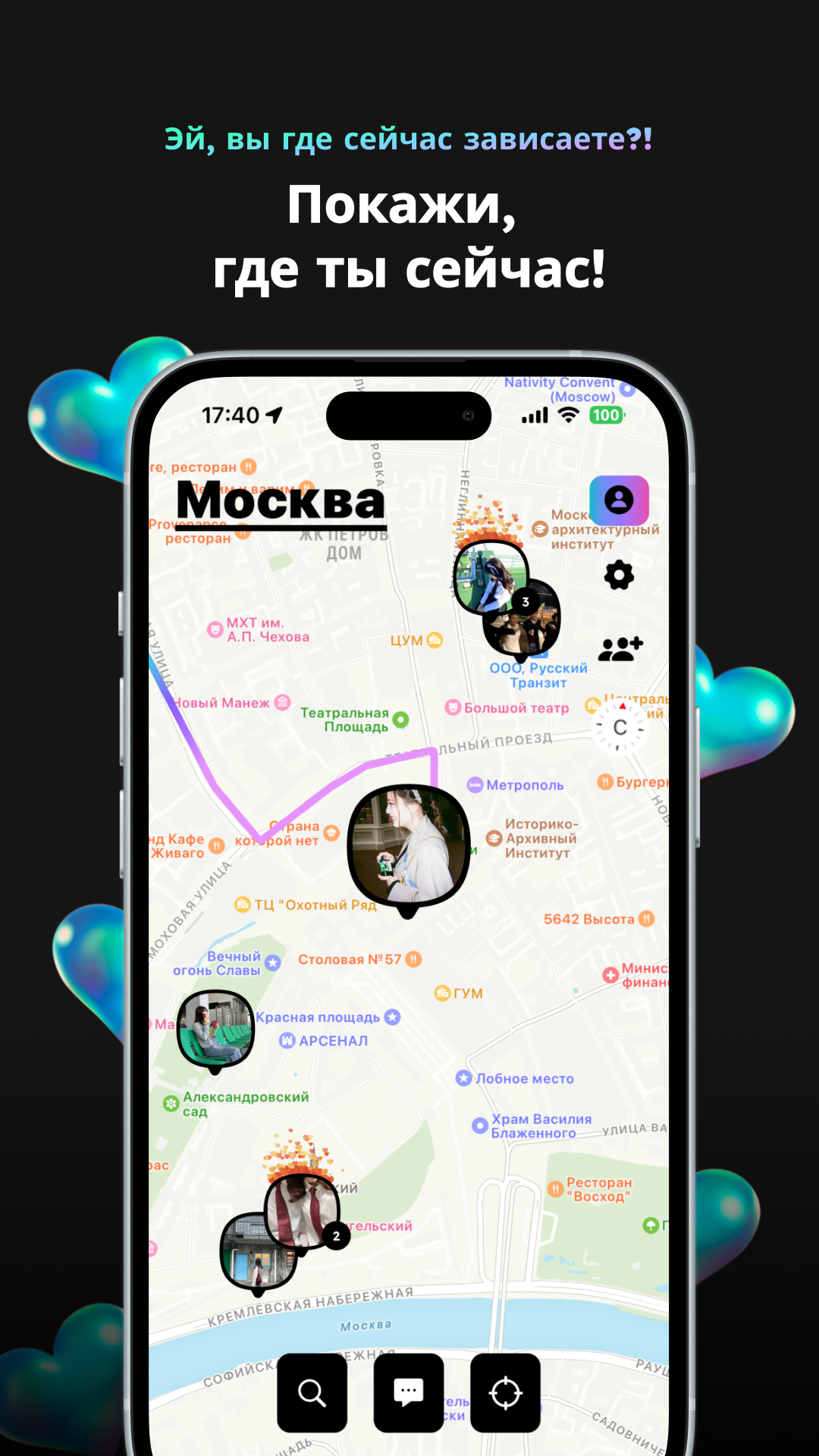
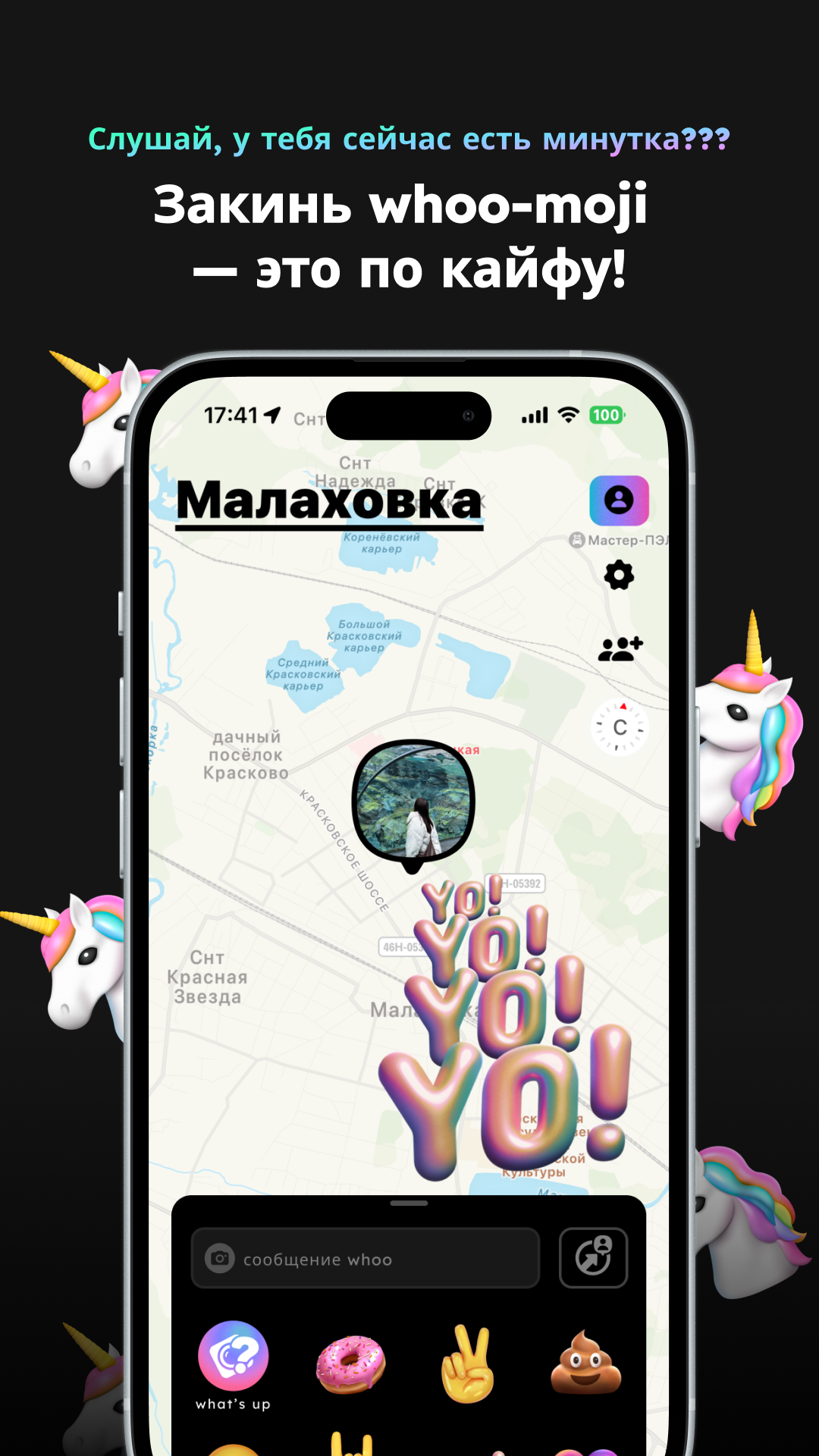
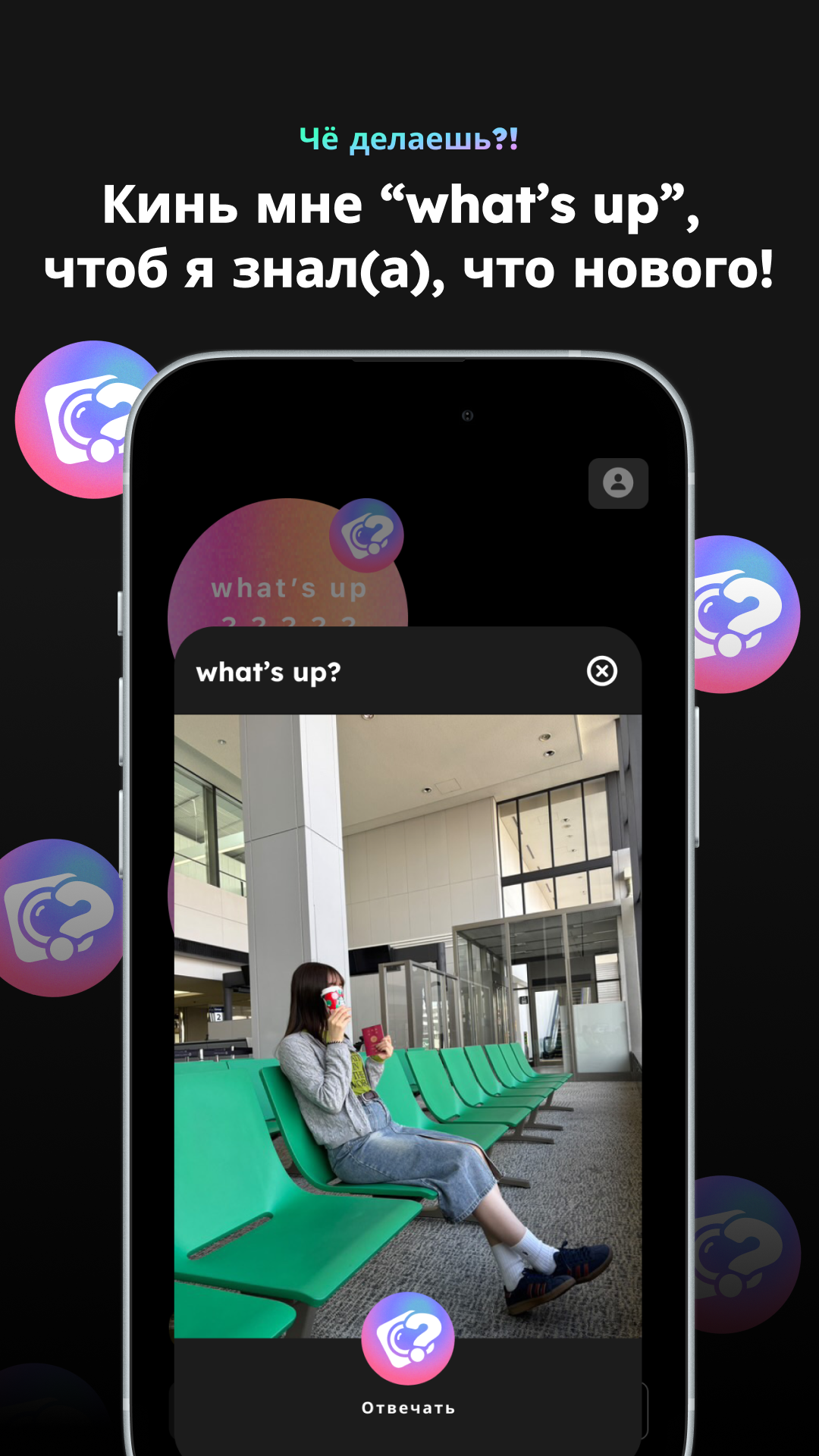
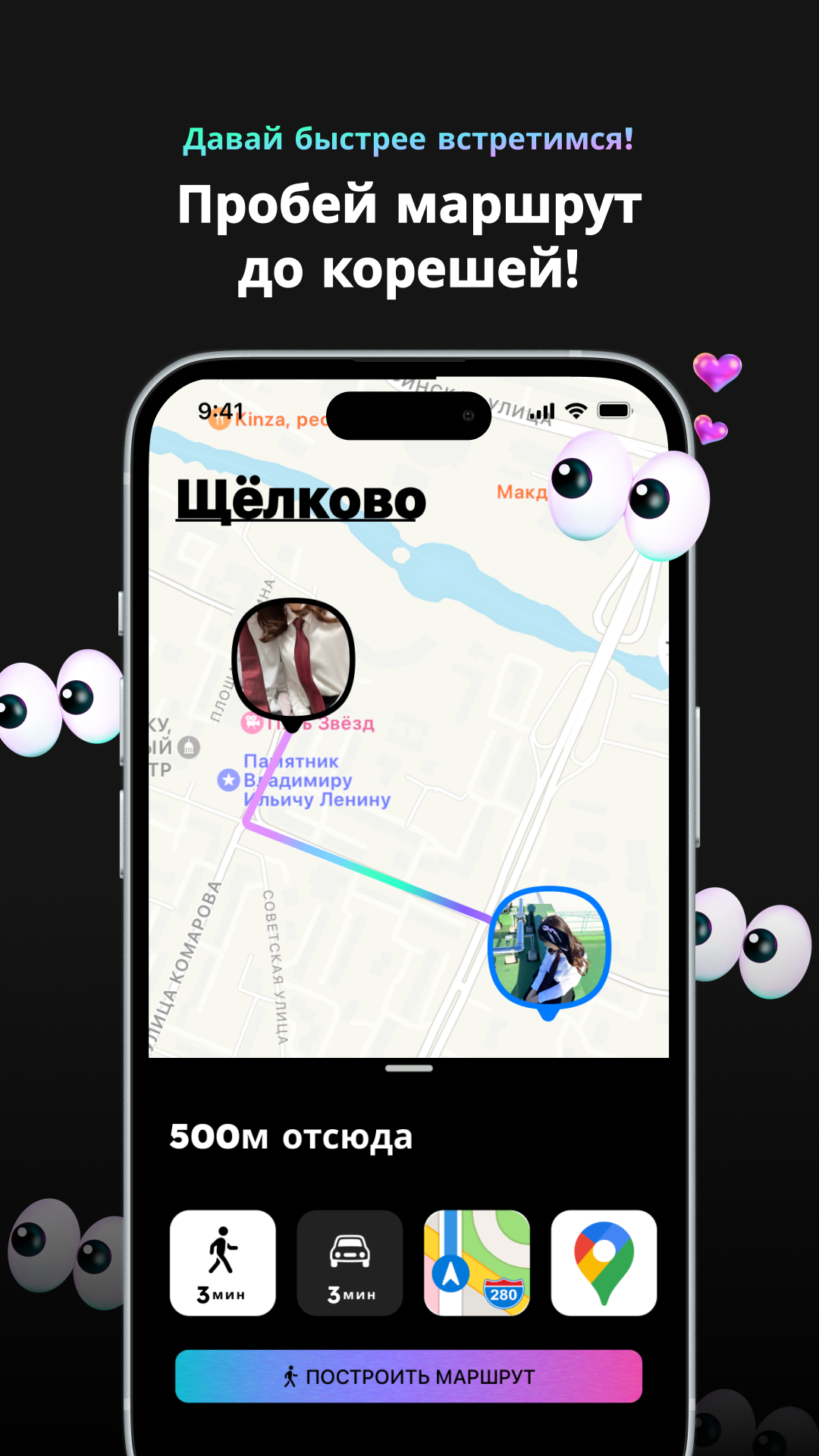
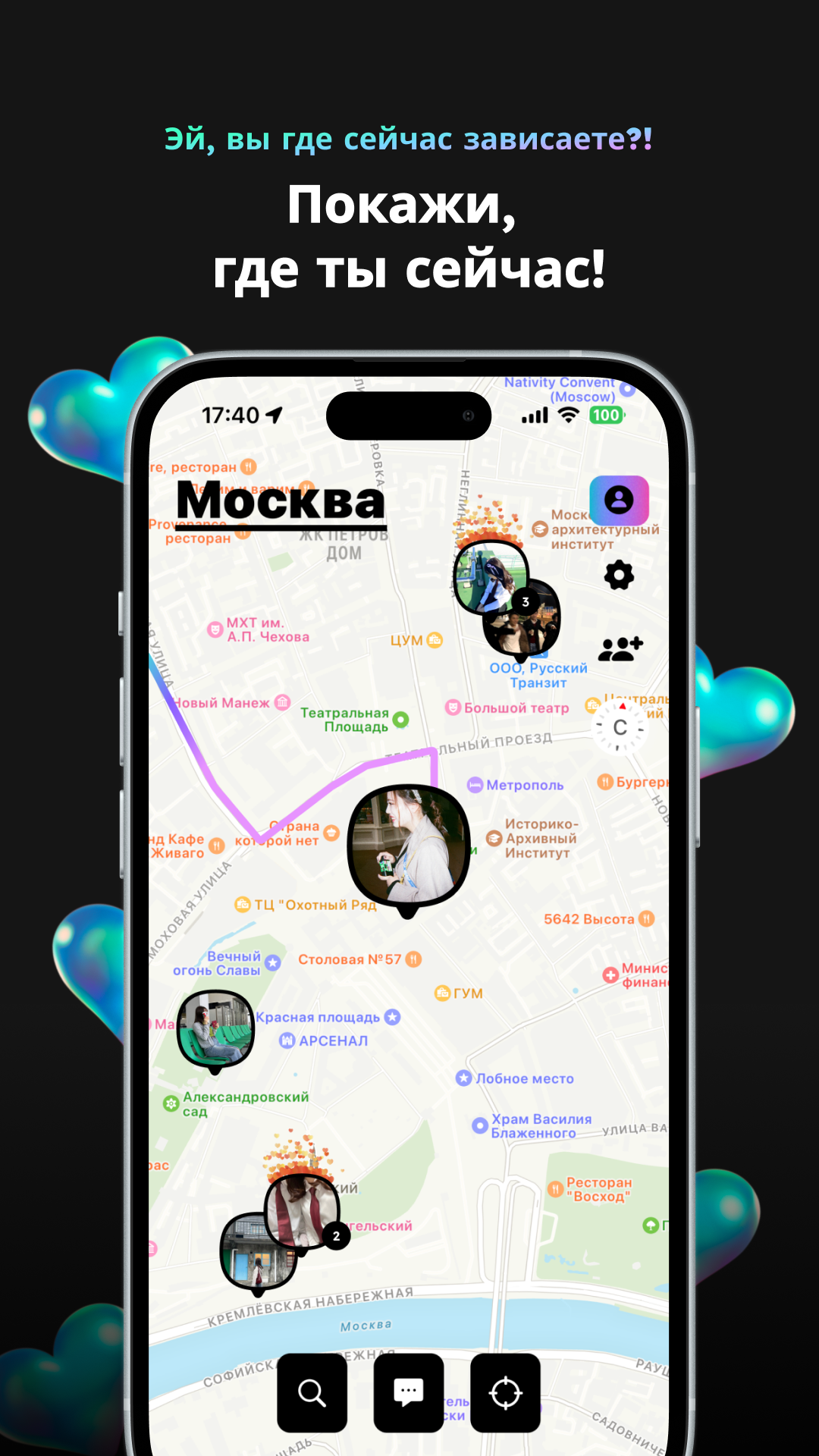
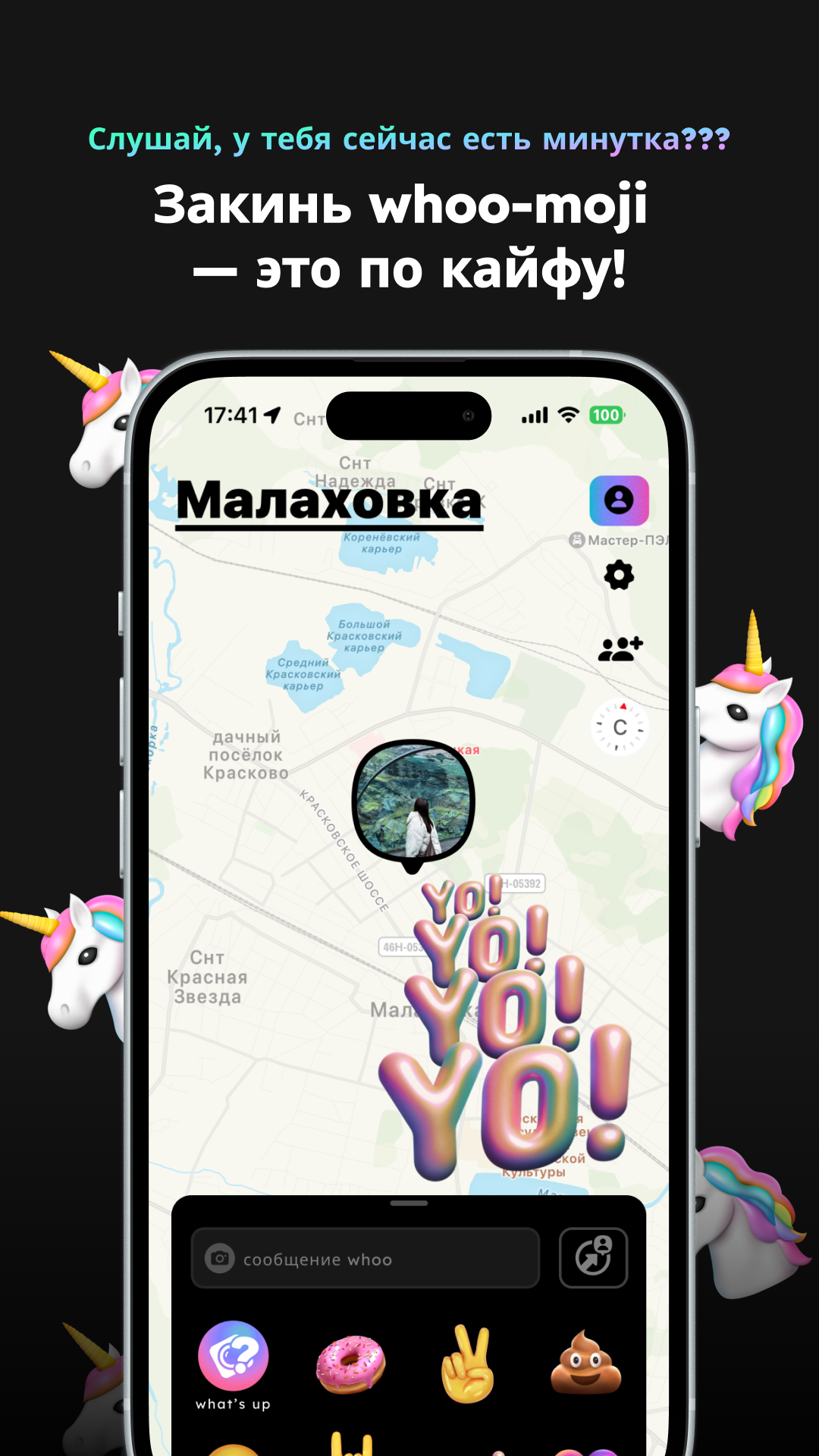
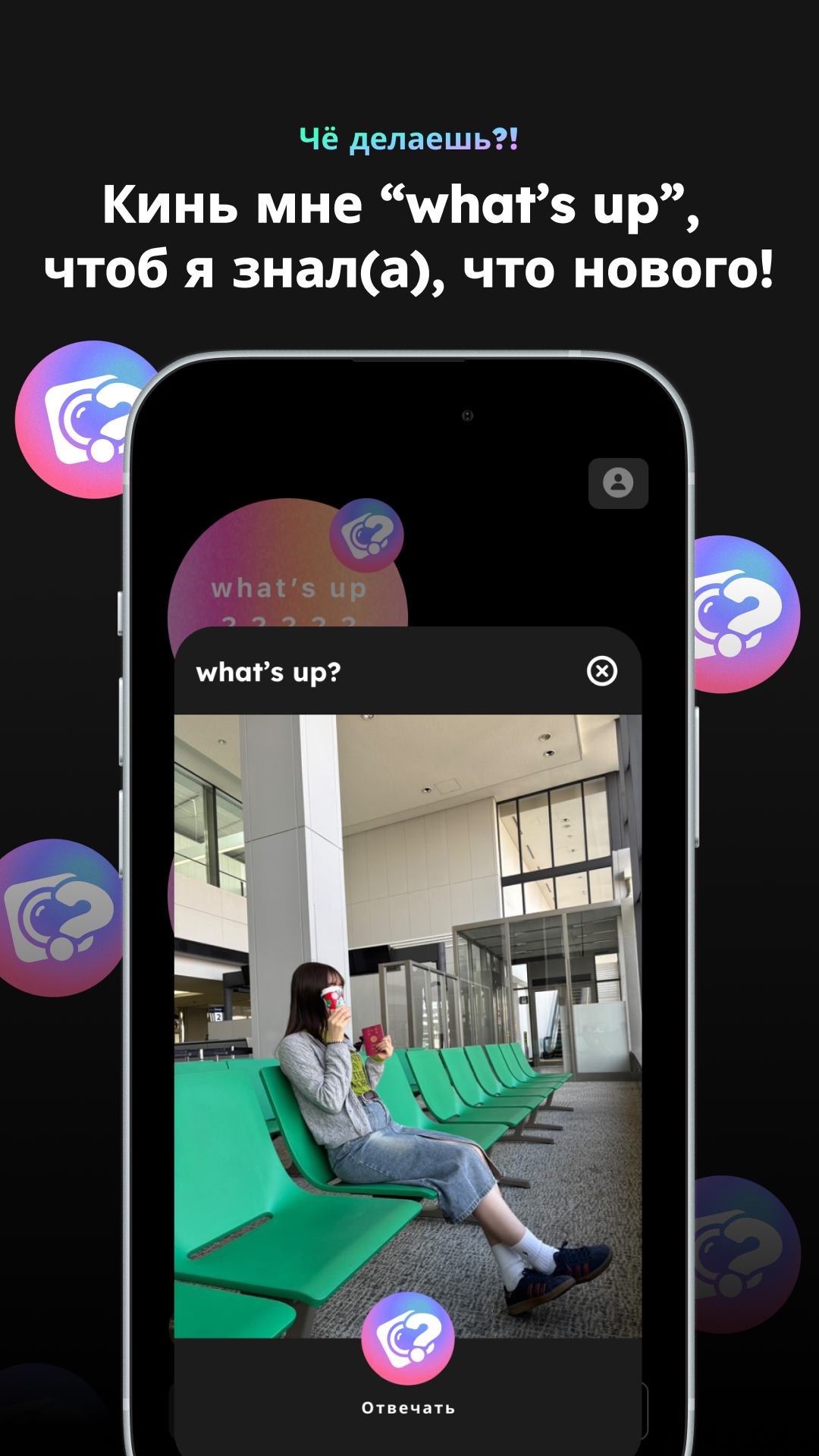
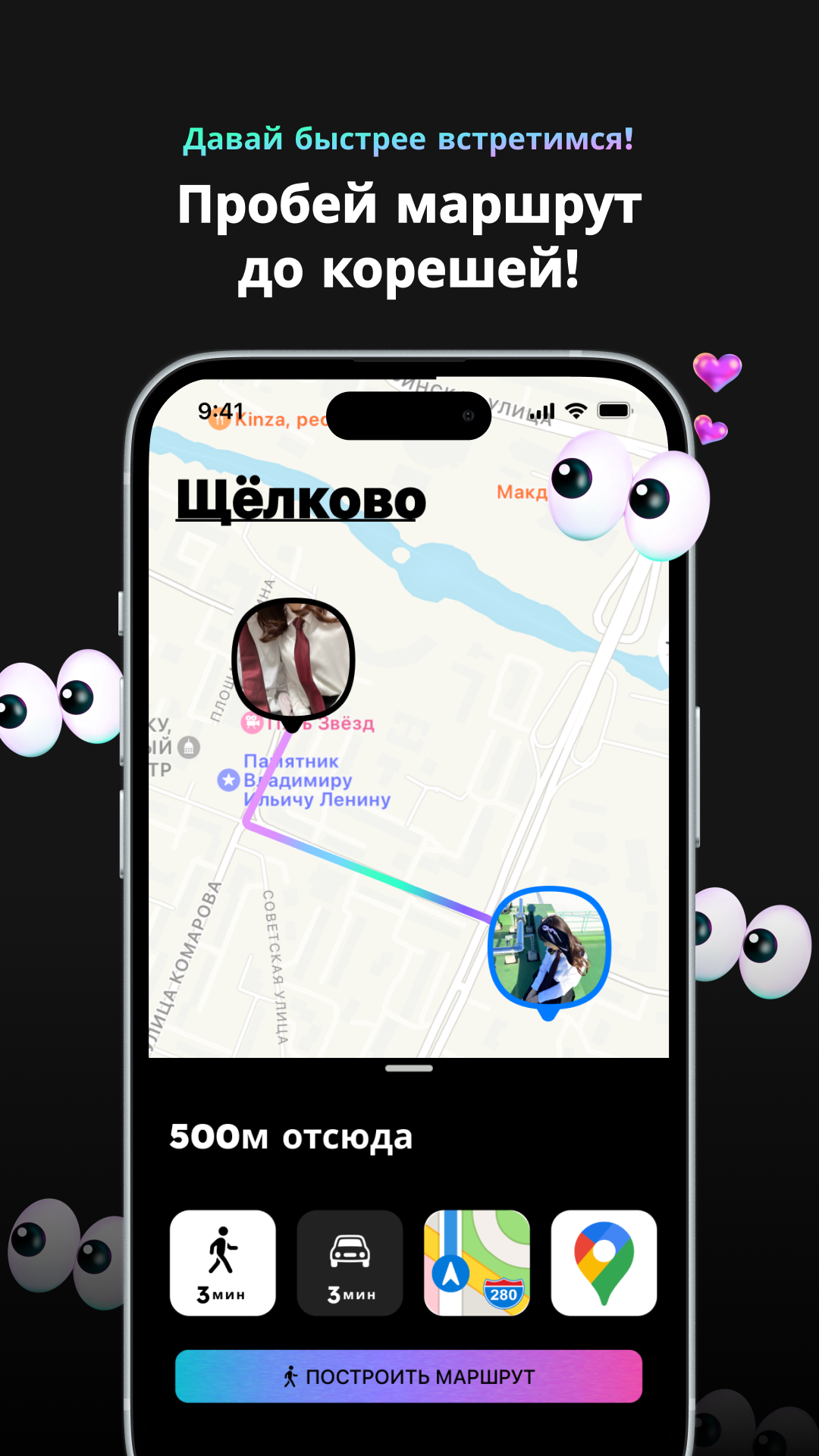
whoo - your world
27+
downloads9
version Android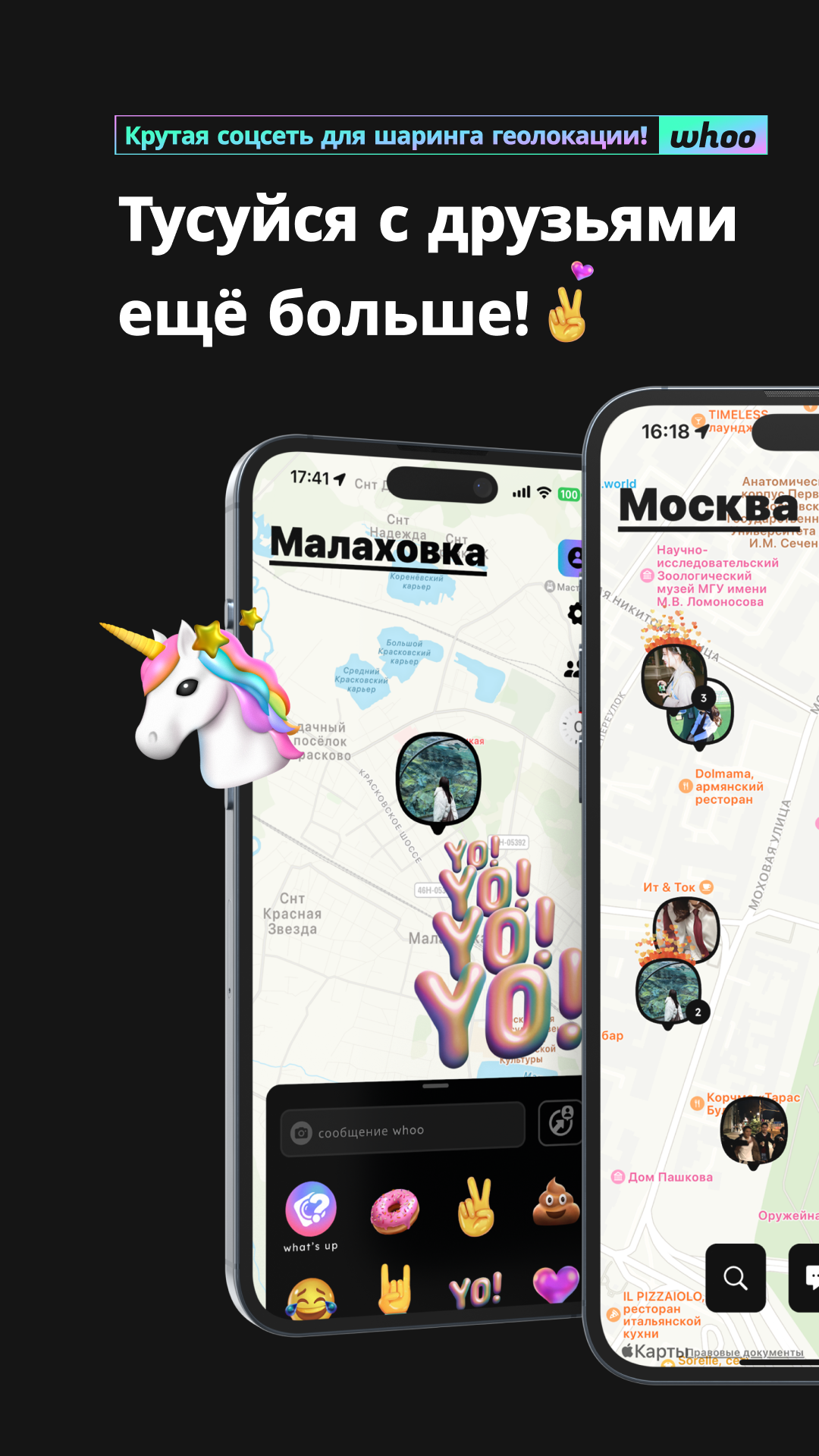
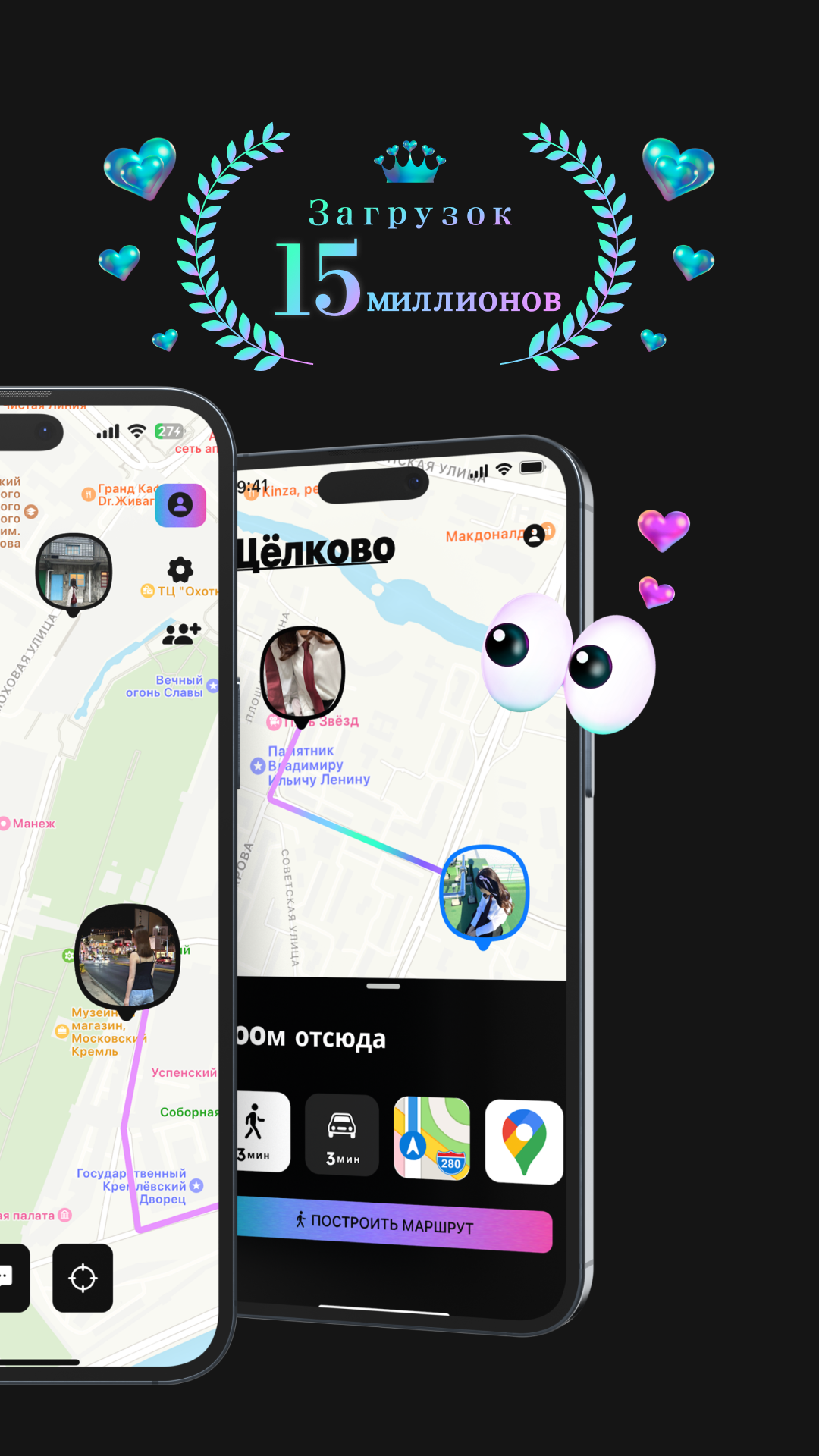
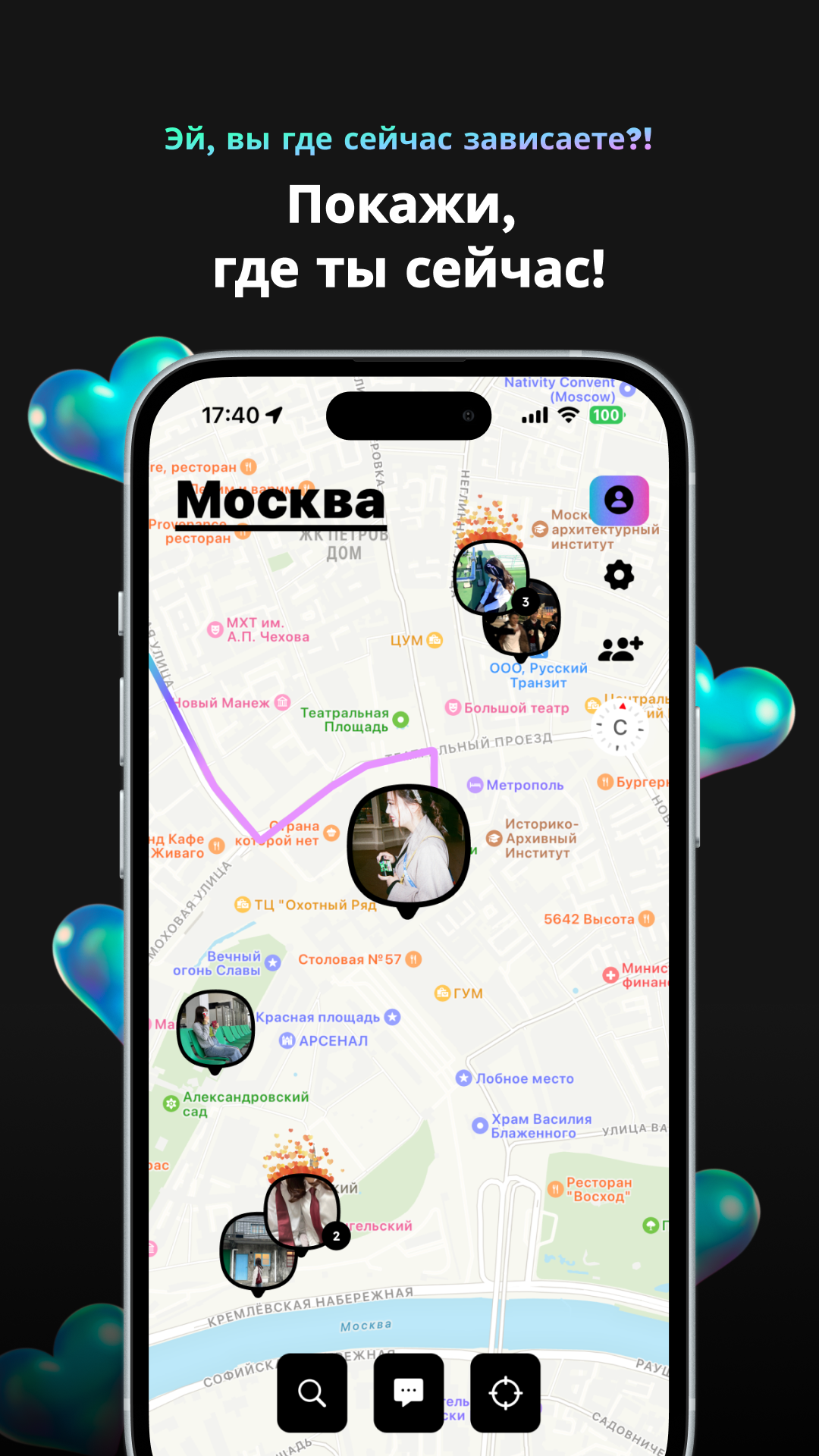
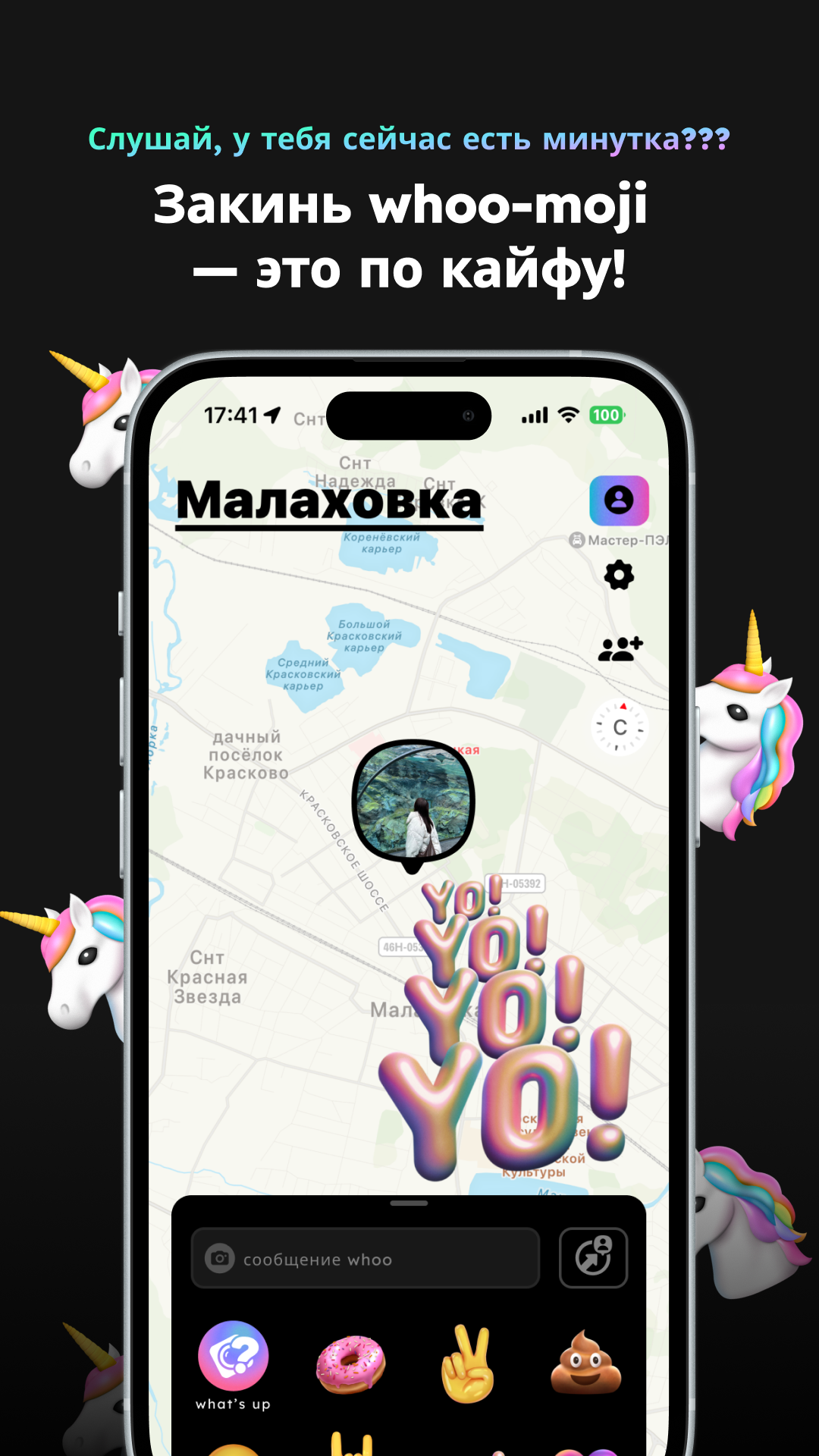
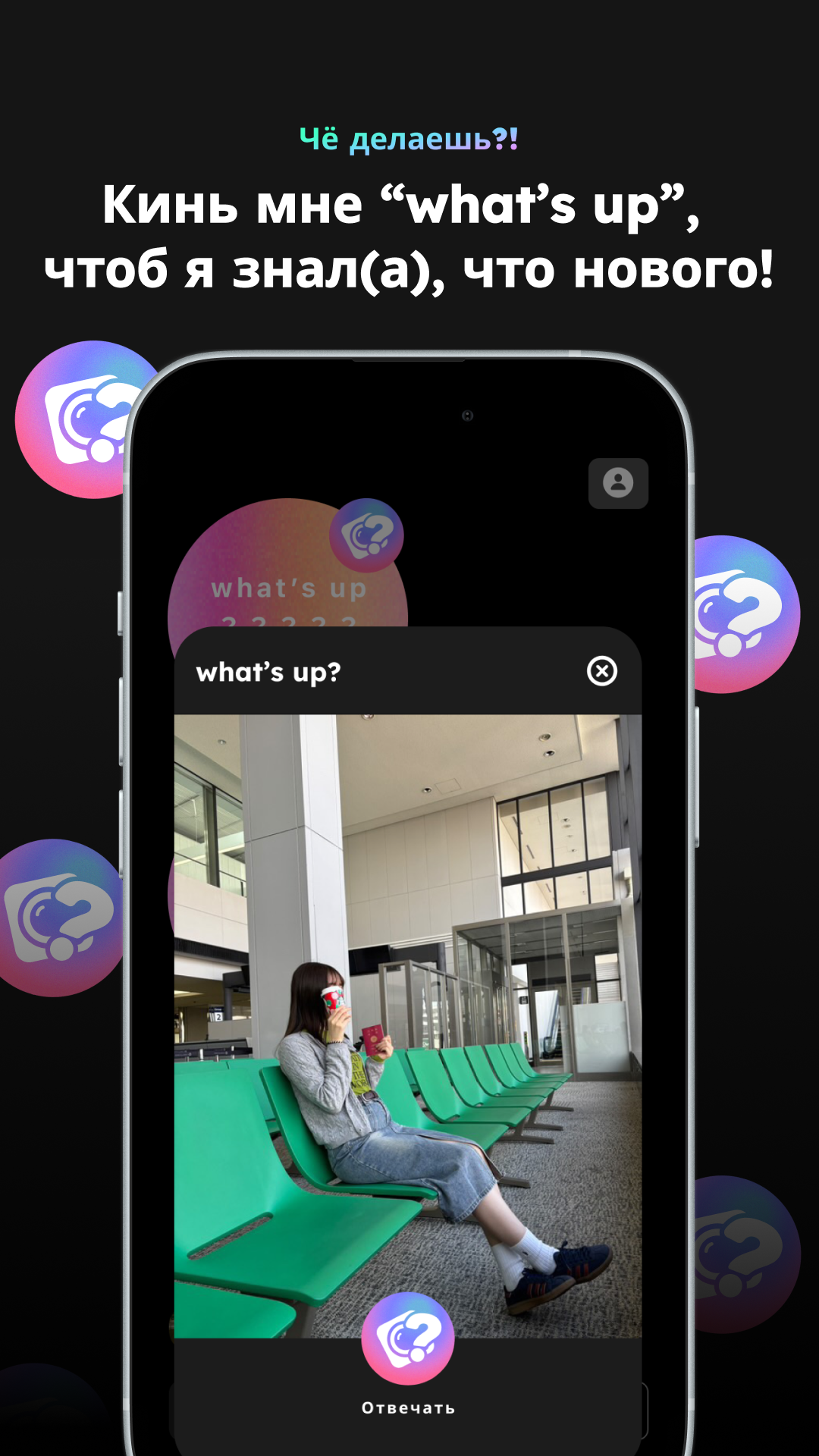
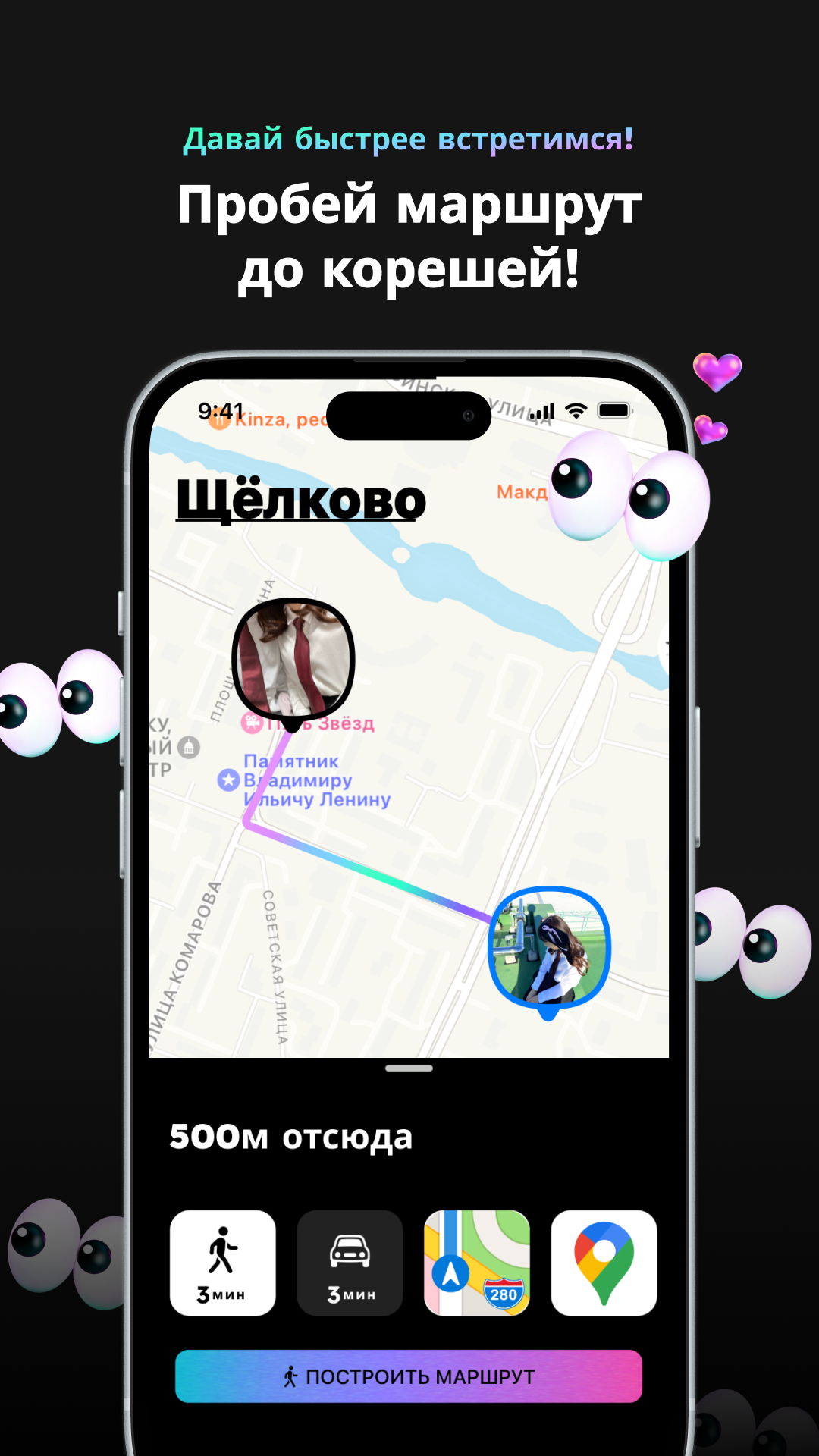
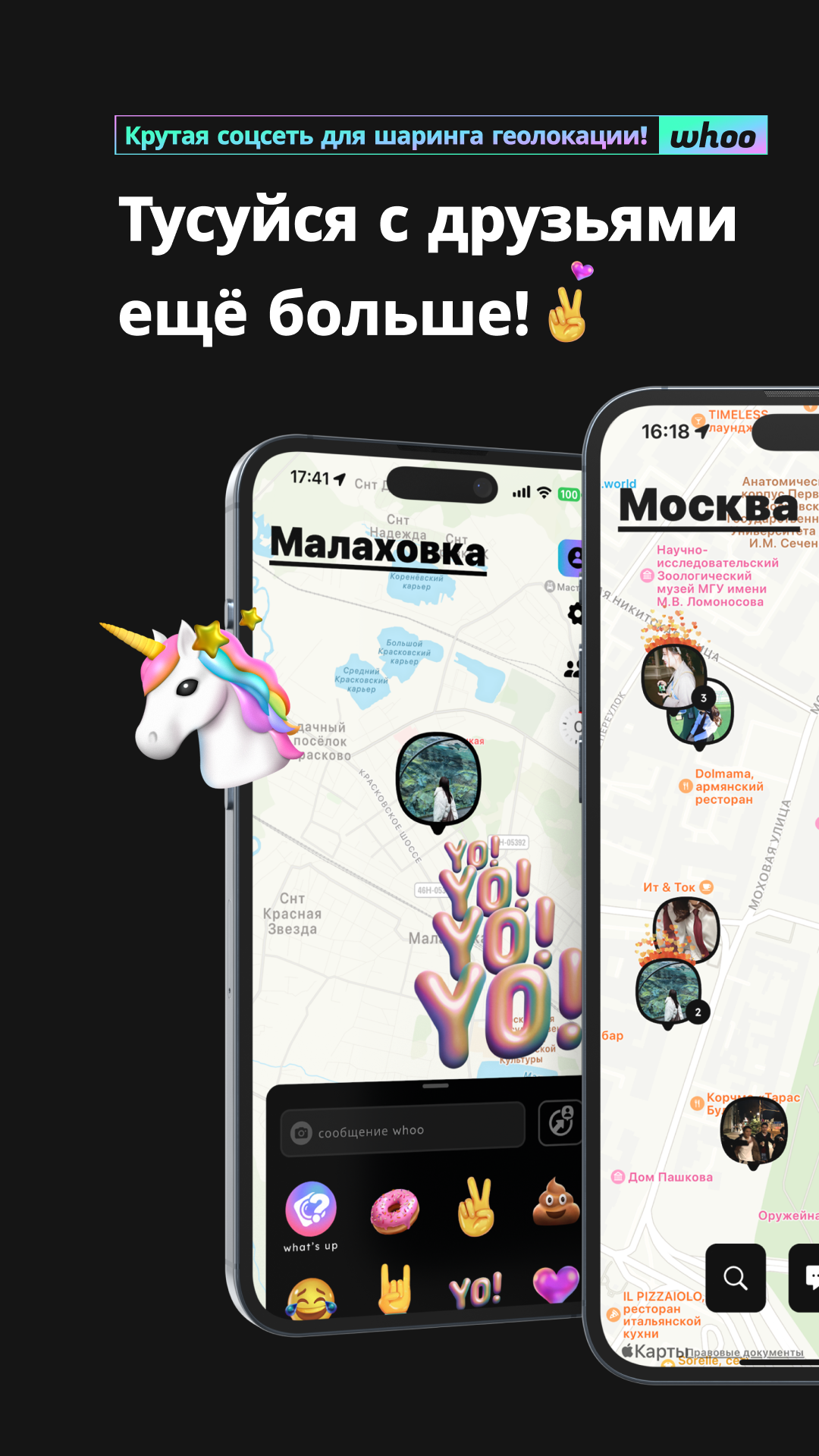
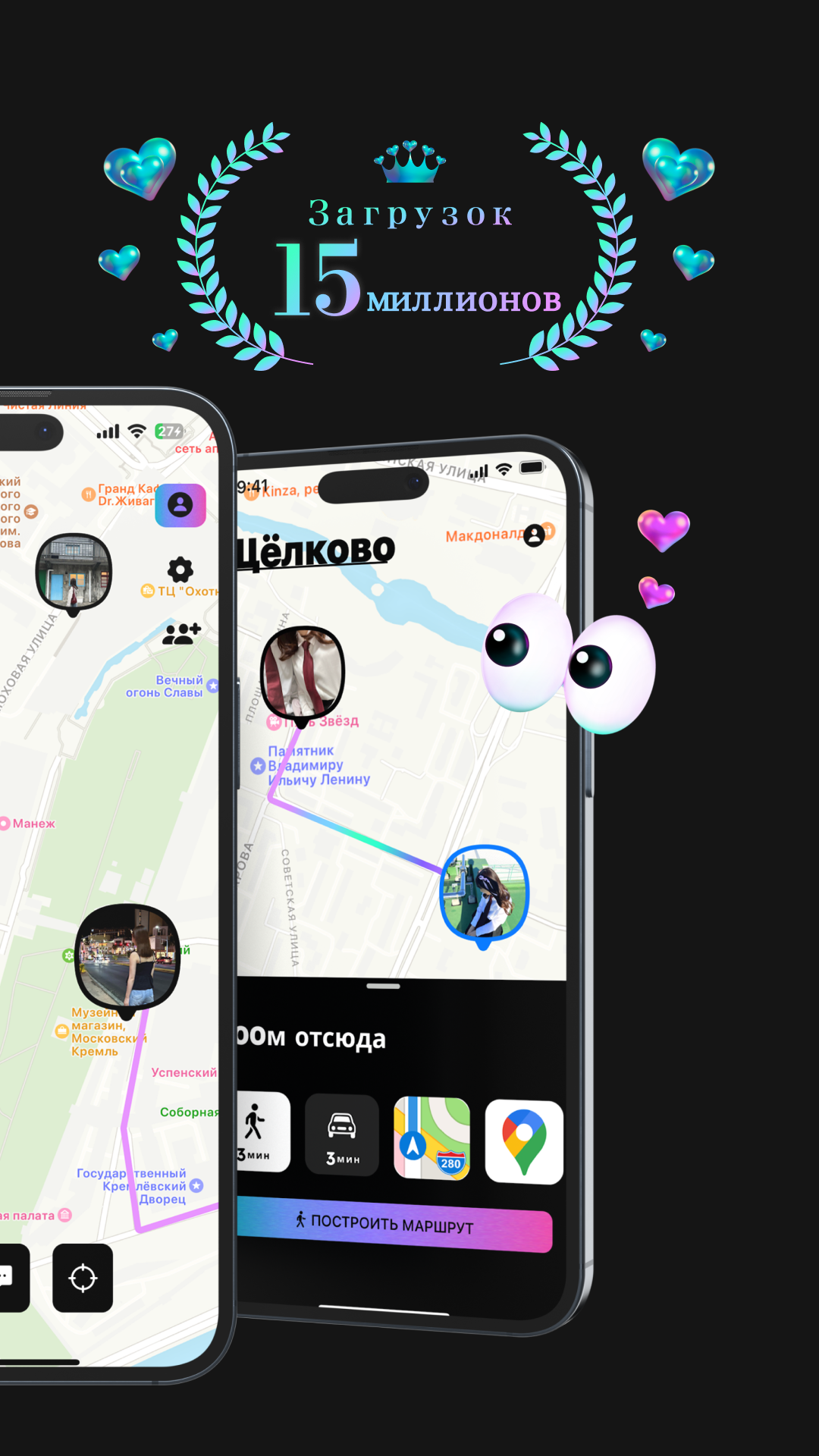
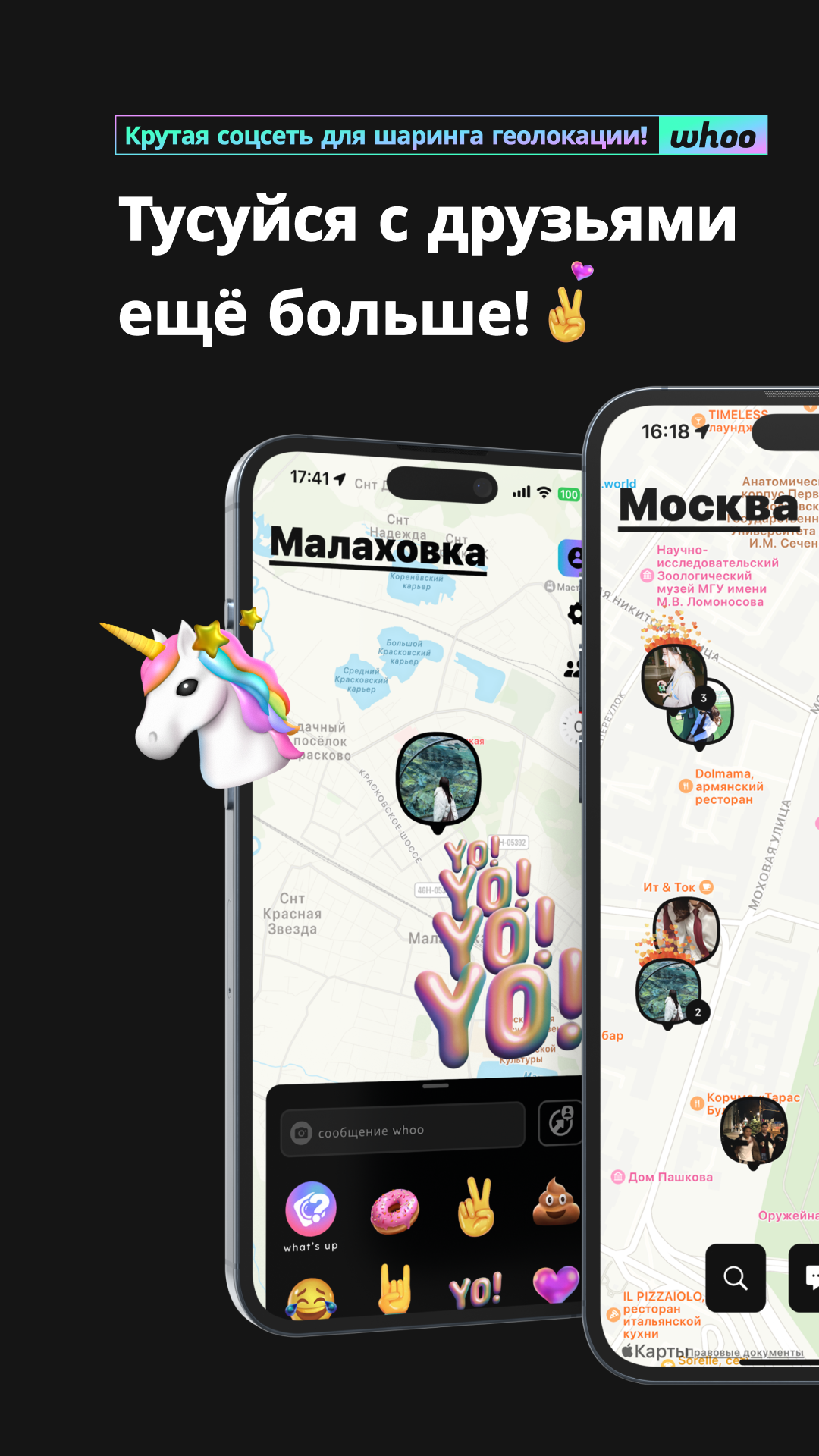
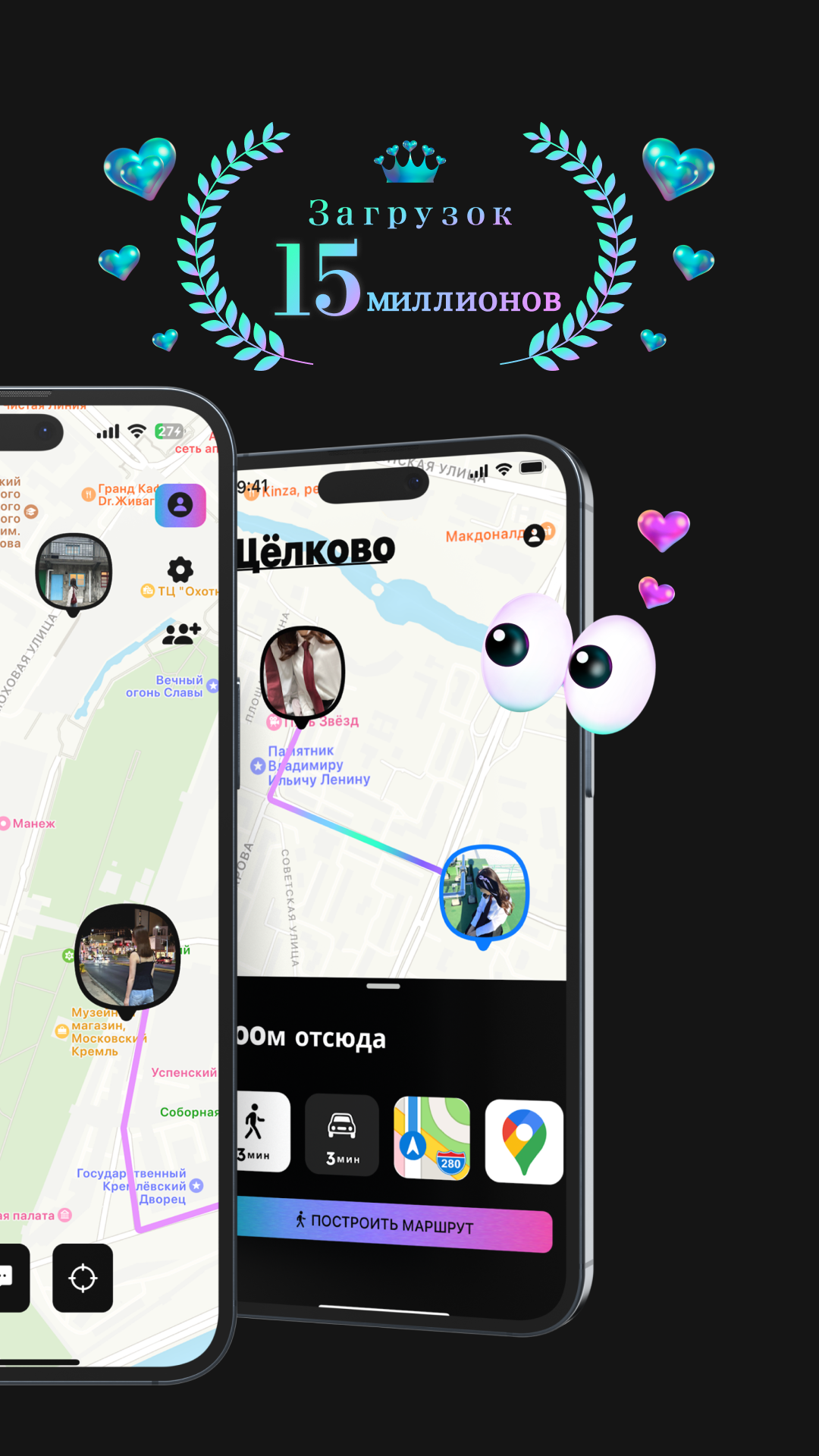
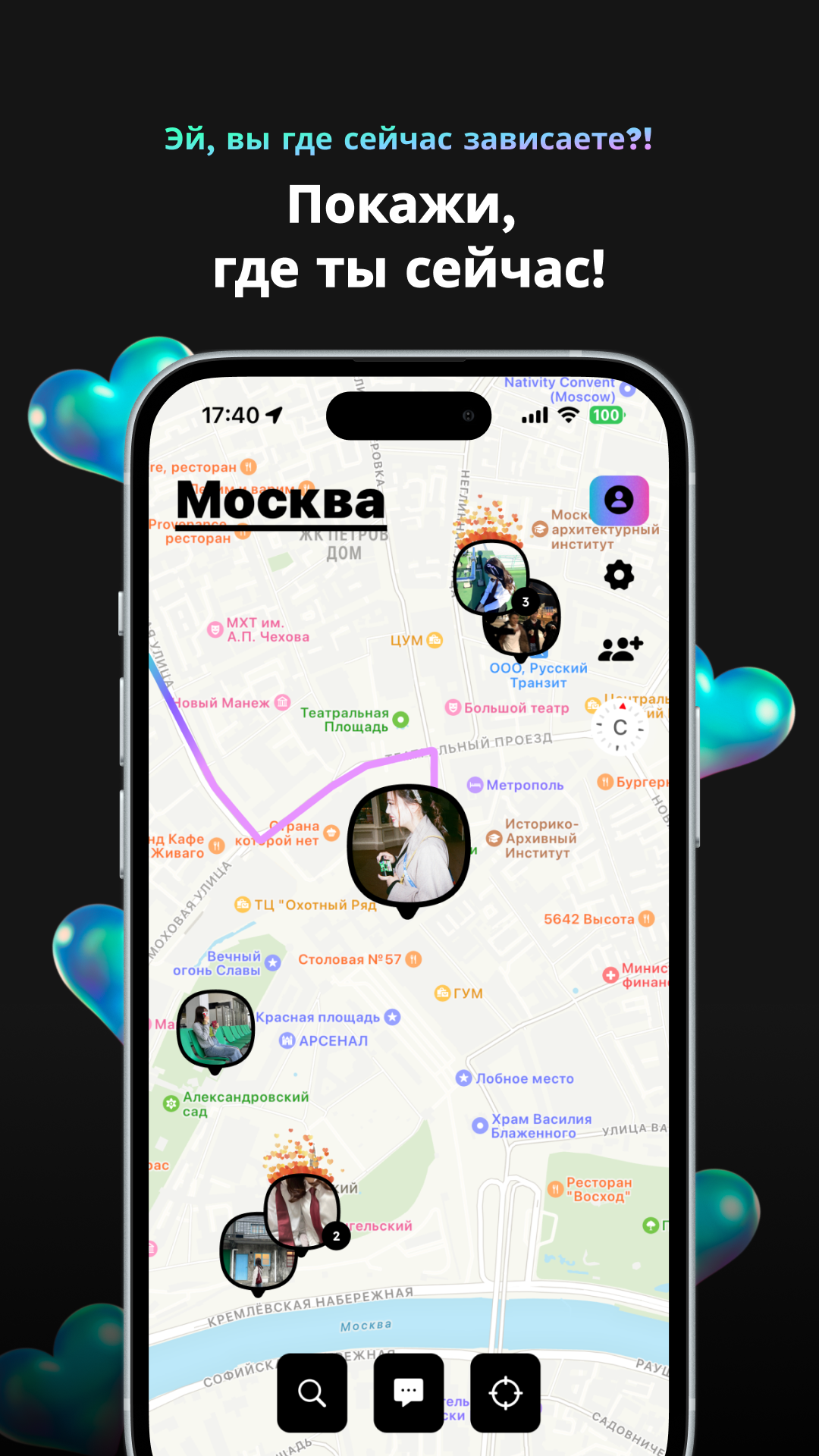
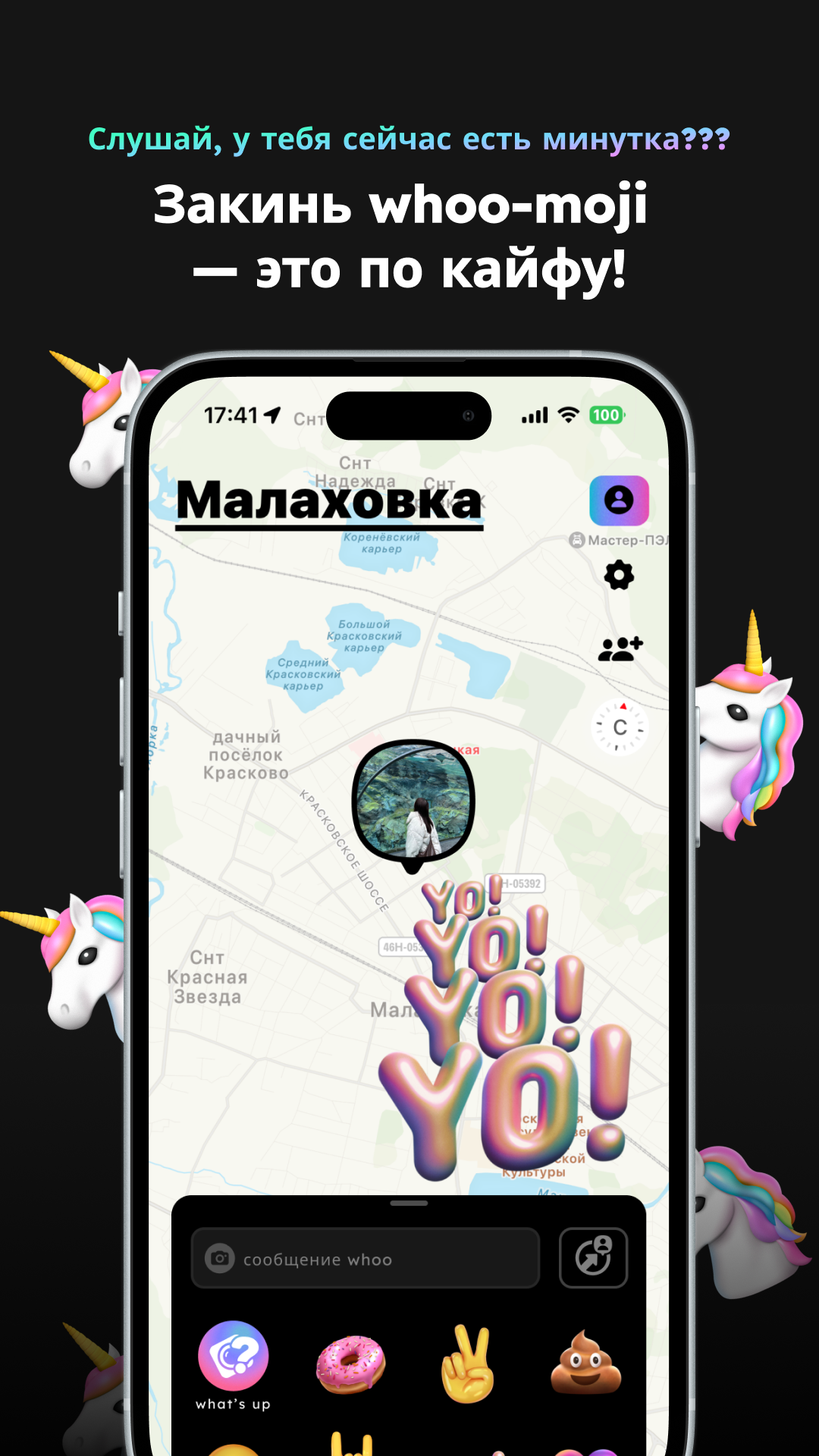
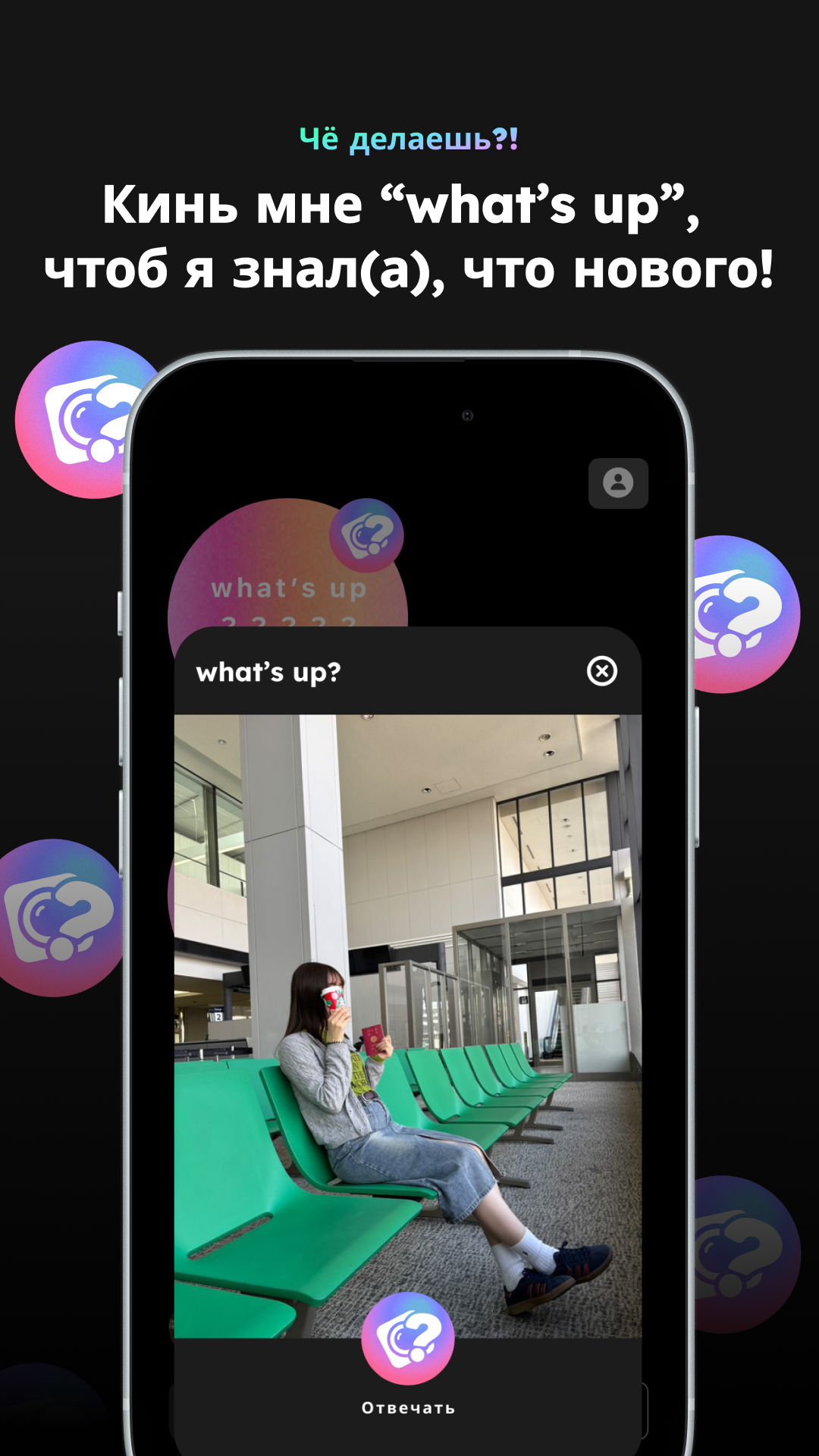
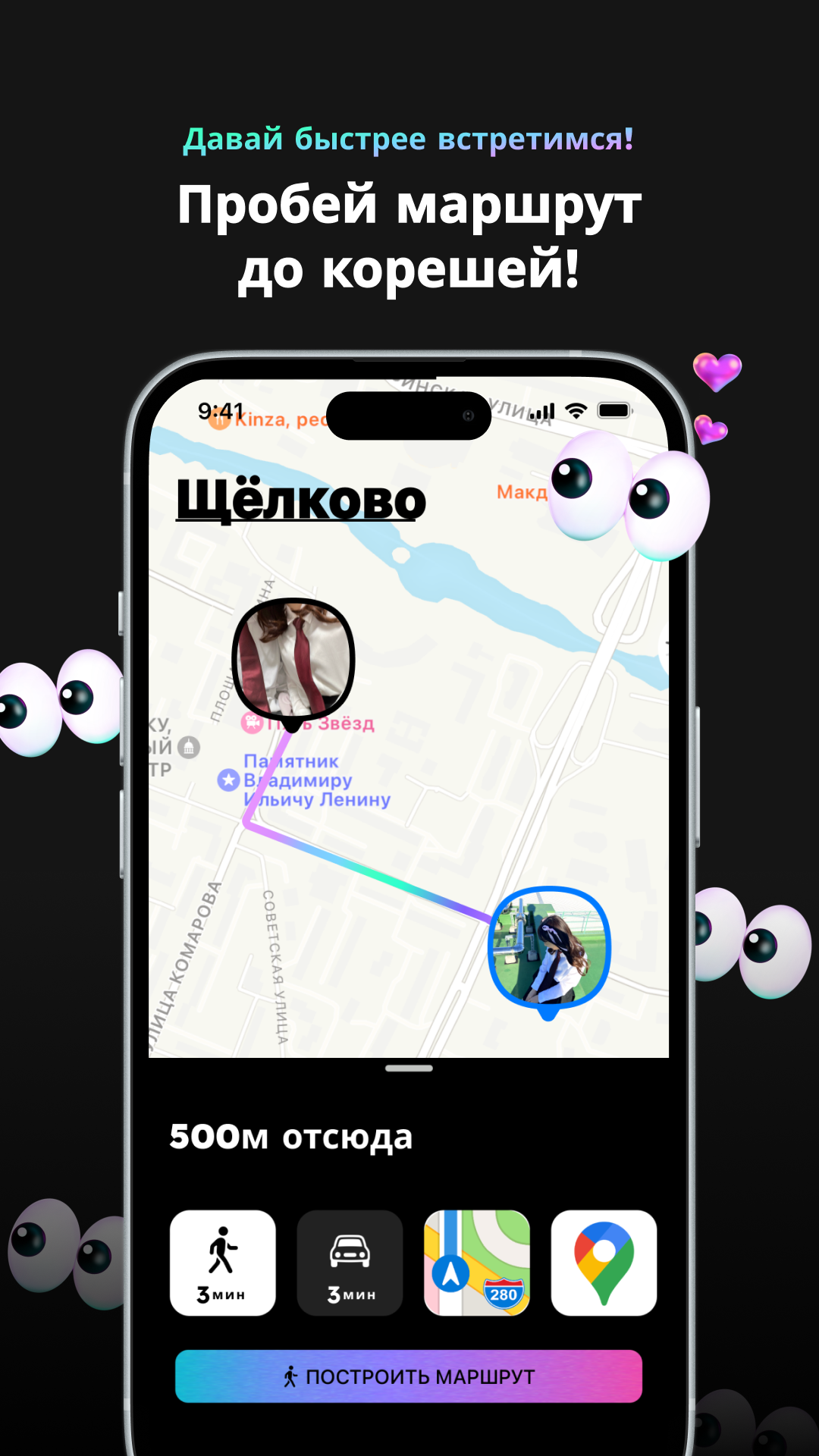
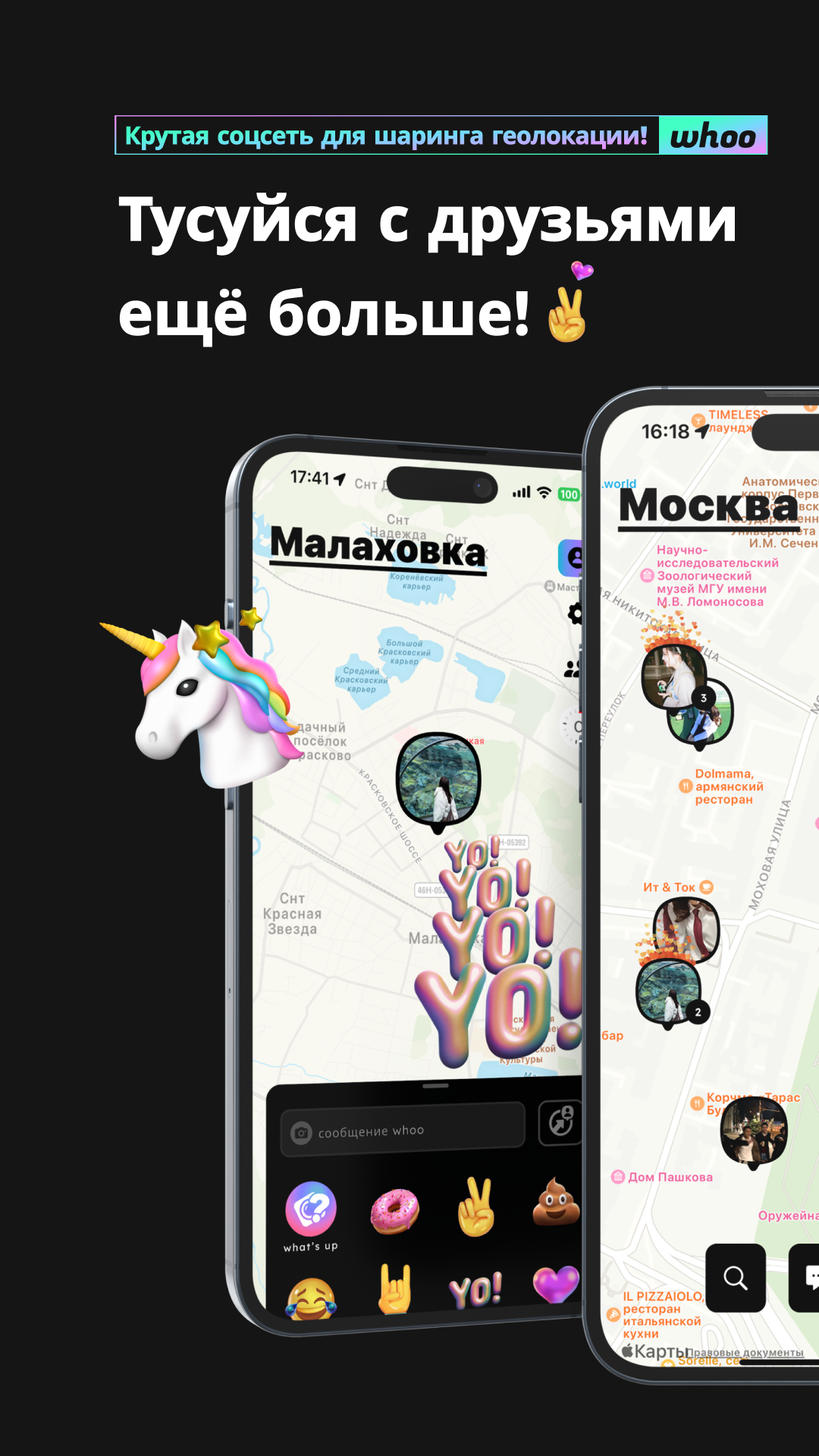
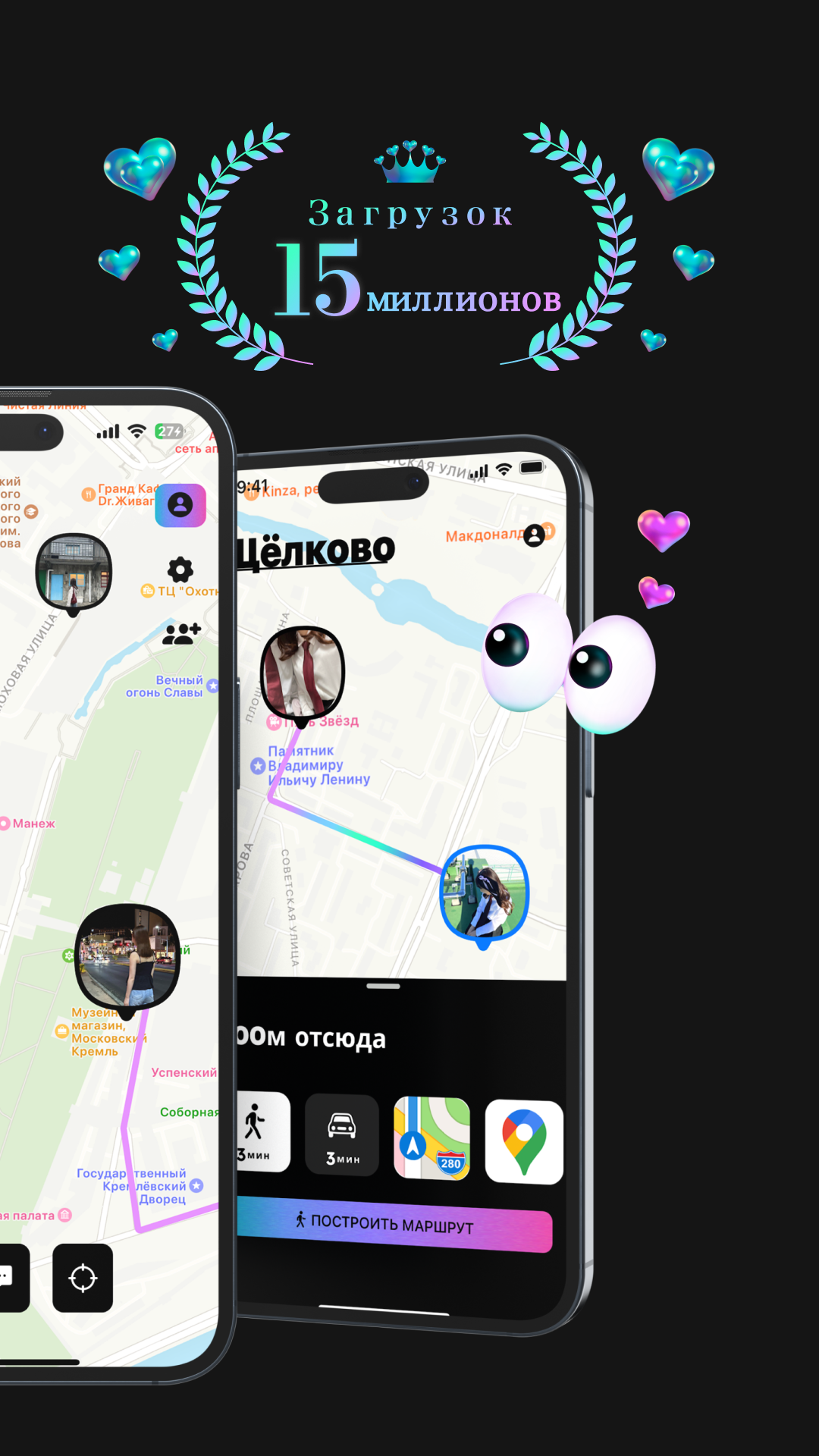
Added: Denis Rubinov
Version: 0.67.0
Size: 59 MB
Updated: 24.06.2025
Developer: LinQ,inc.
Age Limitations: Everyone
Authorizations: 13
Downloaded on Google Play: 1892348
Category: Social
Description
Application whoo - your world was checked by VirusTotal antivirus. As a result of the scan, no file infections were detected by all the latest signatures.
How to install whoo - your world
- Download APK file apps from apkshki.com.
- Locate the downloaded file. You can find it in the system tray or in the 'Download' folder using any file manager.
- If the file downloaded in .bin extension (WebView bug on Android 11), rename it to .apk using any file manager or try downloading the file with another browser like Chrome.
- Start the installation. Click on the downloaded file to start the installation
- Allow installation from unknown sources. If you are installing for the first time whoo - your world not from Google Play, go to your device's security settings and allow installation from unknown sources.
- Bypass Google Play protection. If Google Play protection blocks installation of the file, tap 'More Info' → 'Install anyway' → 'OK' to continue..
- Complete the installation: Follow the installer's instructions to complete the installation process.
How to update whoo - your world
- Download the new version apps from apkshki.com.
- Locate the downloaded file and click on it to start the installation.
- Install over the old version. There is no need to uninstall the previous version.
- Avoid signature conflicts. If the previous version was not downloaded from apkshki.com, the message 'Application not installed' may appear. In this case uninstall the old version and install the new one.
- Restart annex whoo - your world after the update.








Requesting an application update
Added Denis Rubinov
Version: 0.67.0
Size: 59 MB
Updated: 24.06.2025
Developer: LinQ,inc.
Age Limitations: Everyone
Authorizations:
Downloaded on Google Play: 1892348
Category: Social












Reviews for whoo - your world
I actually already entered and followed all the steps that it tells me to but it won't allow me in no matter what
low location, sometimes I see my location not right
Good Thanks you
always need to refresh because working slow late than real time
Subject: WHOO App Keeps Vibrating even the notification turned off Hi WHOO Support, I’m using the WHOO app on my Vivo phone, and even though I’ve turned off all notifications and vibration settings (both in the app and in my phone’s system settings), the app still keeps making vibration sounds. I’ve checked: WHOO app settings (no vibration option found), Phone settings > Notifications > WHOO (vibration off), Can u fix it? Thanks in advance.
This app consumes a lot of power.
if we could see when they have woked up so used the phomde that would be great and when they stopped using it for more than 8hrs prob overnight slept
gajelas tod
buggy app, why i am in japonia😭🤣
Good
Awful...never updates.
app tolol idioot
I can't rate even one star please fix and upgrade and update. I can't just post my review if I don't click one star
actually trash.
Amazing app 100% recommended. Amazing support, innovative features and awesome ways to interact with contacts. It even includes a chat. Whoo showed big tech like apple how nice will can make better apps than their find my
Post a comment
To leave a comment, log in with your social network:
Or leave an anonymous comment. Your comment will be sent for moderation.
Post a comment
To leave a comment, log in with your social network:
Or leave an anonymous comment. Your comment will be sent for moderation.