


Cut Paste Photo Seamless Edit
9+
downloads4.1+
version Android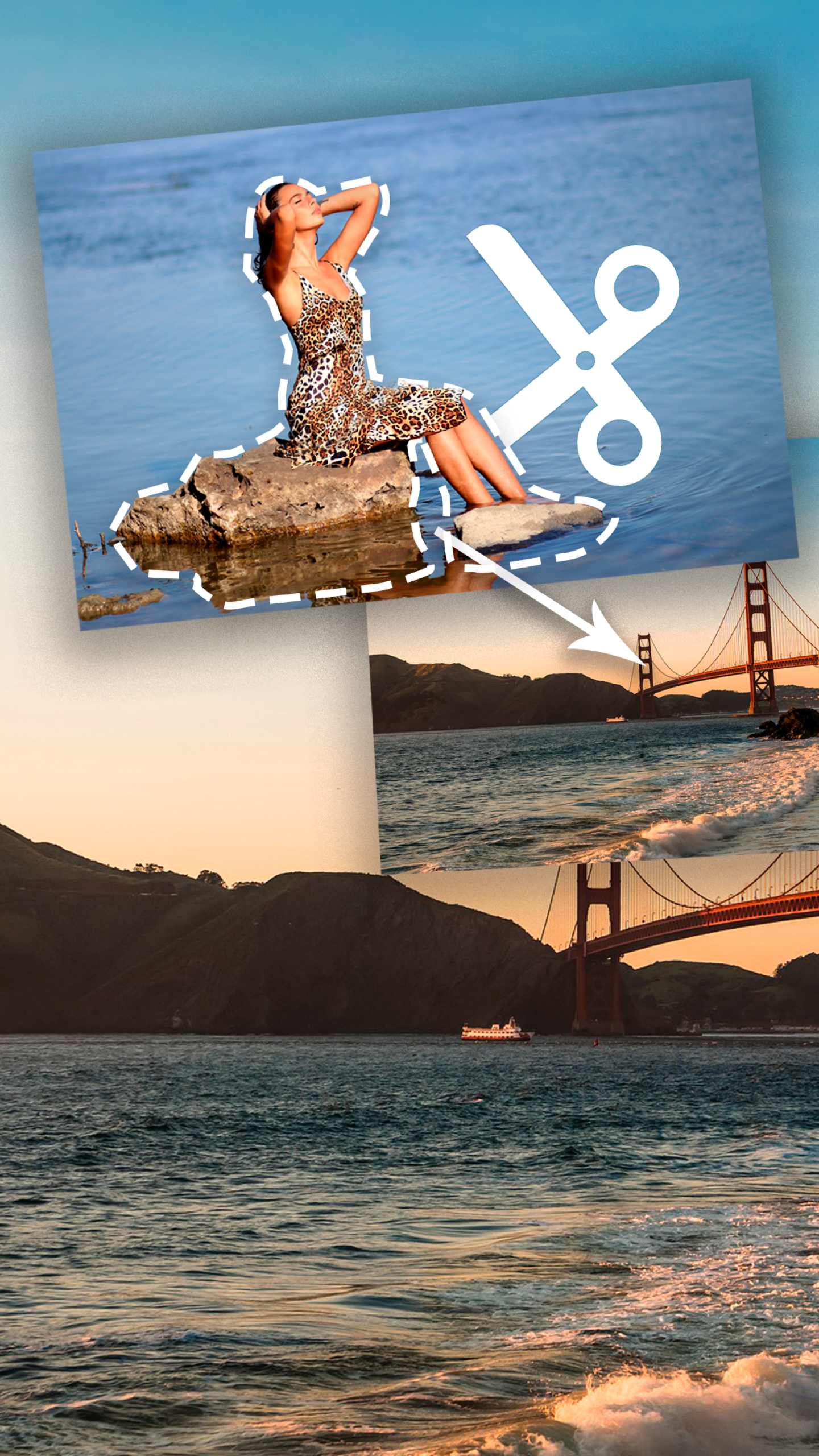



Added: Denis Rubinov
Version: 35.2
Size: 8.9 MB
Updated: 02.02.2024
Developer: Photo2Photo
Age Limitations: Everyone
Authorizations: 6
Downloaded on Google Play: 67778830
Category: Photo
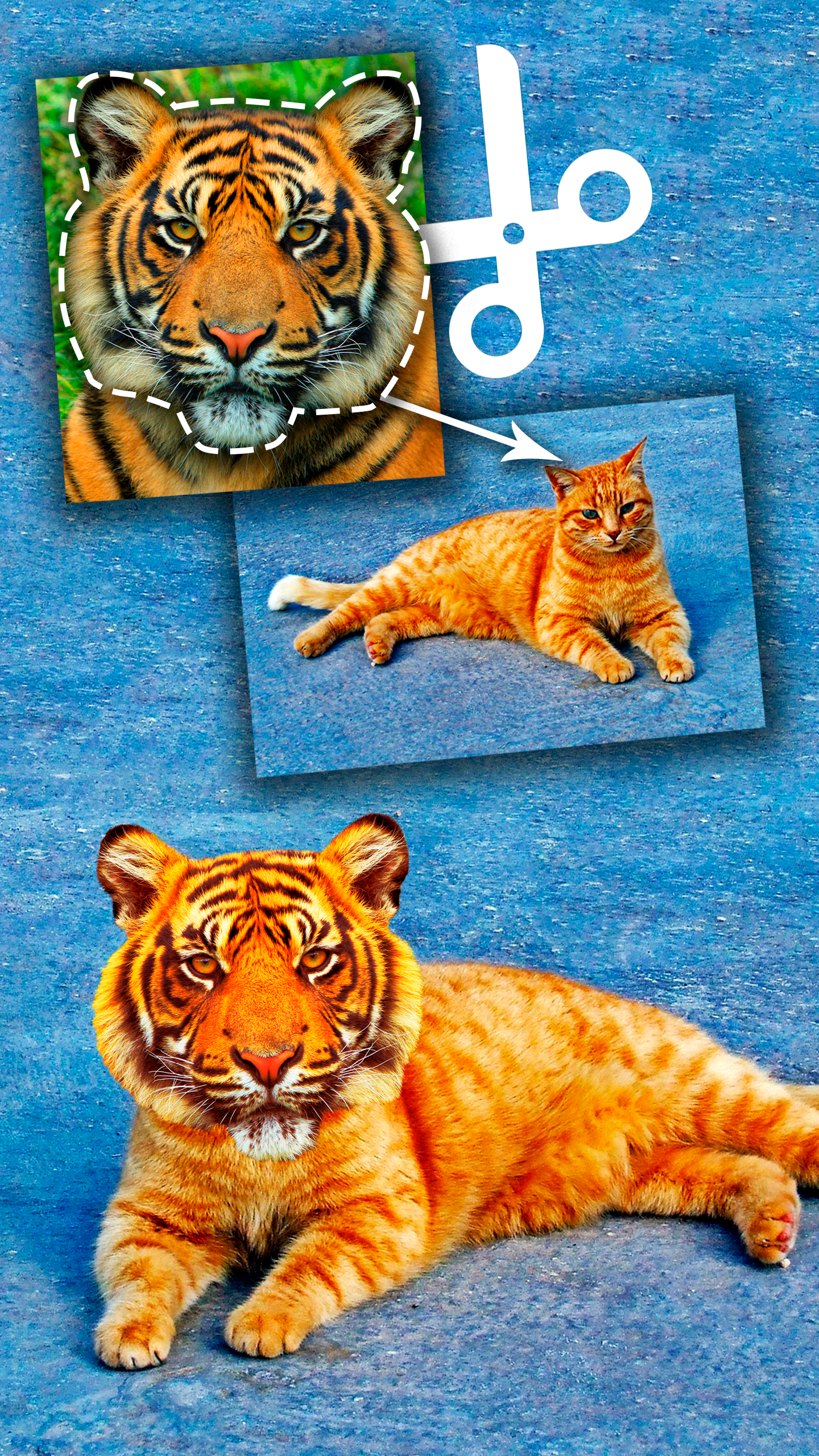
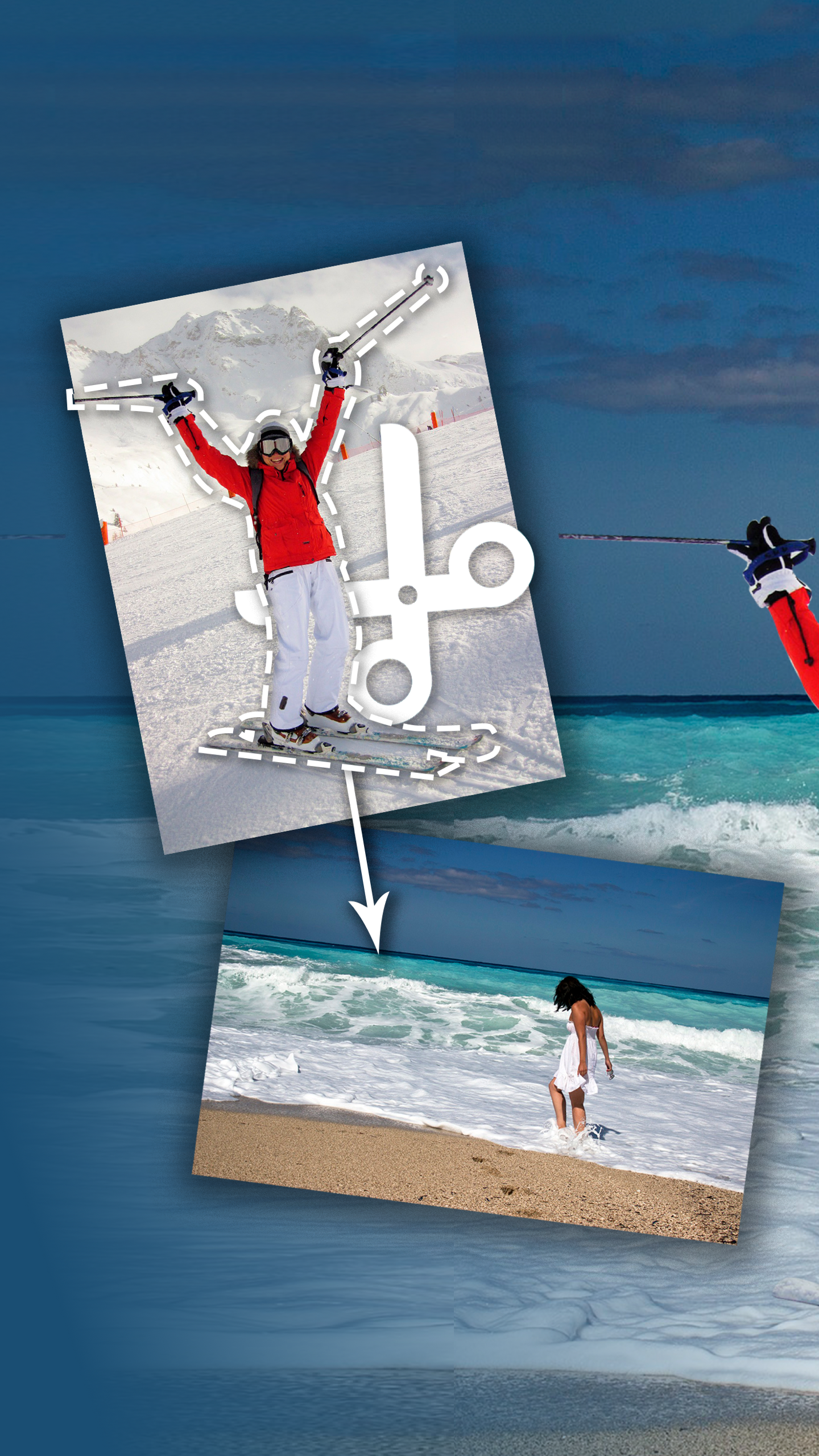
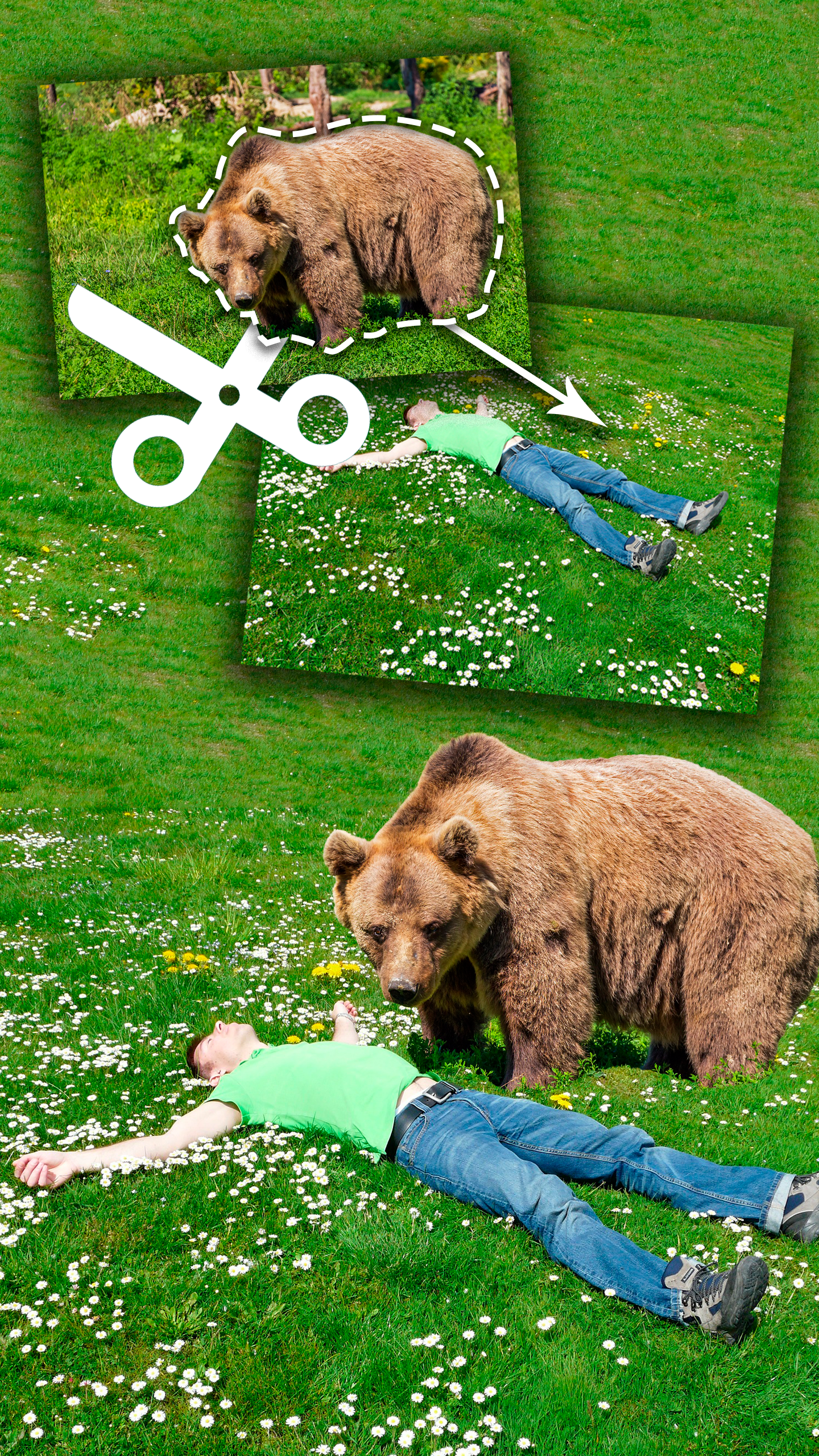
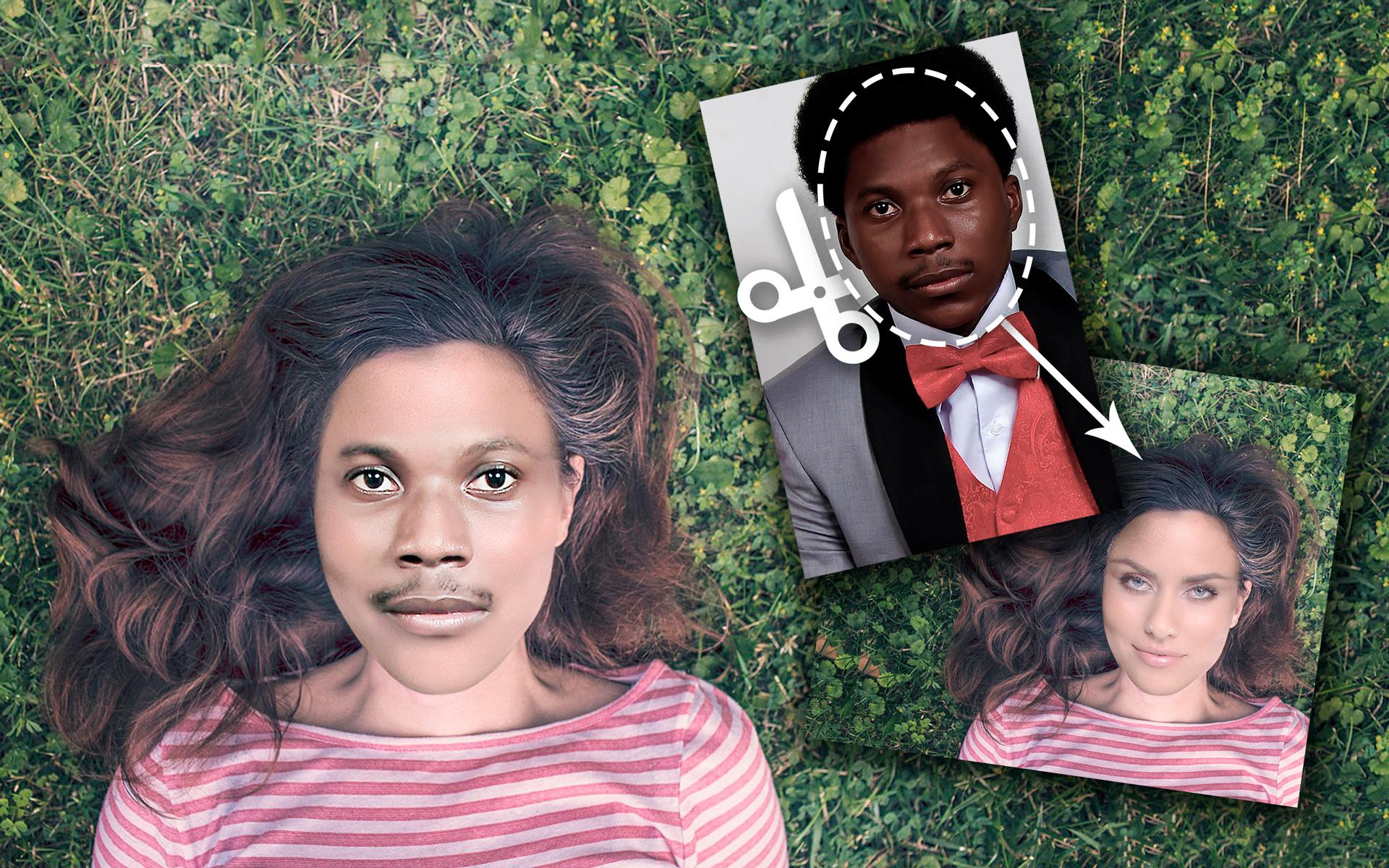
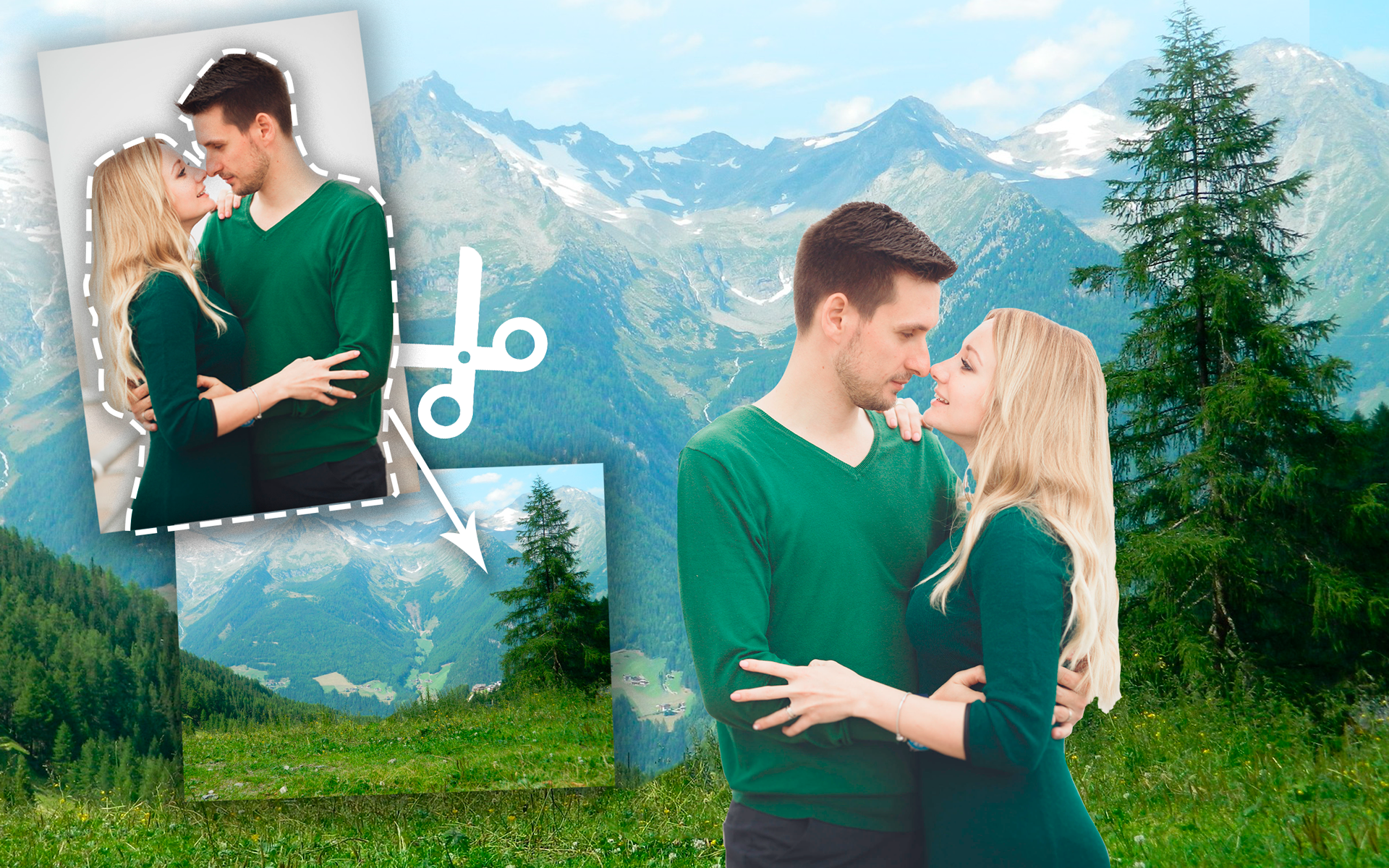
- Using photos from the Internet or from the device memory.
- The easiest and fastest way to change the background on images.
- The created images can be instantly shared with friends via social networks.
- The program is free to use.
Description
Application Cut Paste Photo Seamless Edit was checked by VirusTotal antivirus. As a result of the scan, no file infections were detected by all the latest signatures.
How to install Cut Paste Photo Seamless Edit
- Download APK file apps from apkshki.com.
- Locate the downloaded file. You can find it in the system tray or in the 'Download' folder using any file manager.
- If the file downloaded in .bin extension (WebView bug on Android 11), rename it to .apk using any file manager or try downloading the file with another browser like Chrome.
- Start the installation. Click on the downloaded file to start the installation
- Allow installation from unknown sources. If you are installing for the first time Cut Paste Photo Seamless Edit not from Google Play, go to your device's security settings and allow installation from unknown sources.
- Bypass Google Play protection. If Google Play protection blocks installation of the file, tap 'More Info' → 'Install anyway' → 'OK' to continue..
- Complete the installation: Follow the installer's instructions to complete the installation process.
How to update Cut Paste Photo Seamless Edit
- Download the new version apps from apkshki.com.
- Locate the downloaded file and click on it to start the installation.
- Install over the old version. There is no need to uninstall the previous version.
- Avoid signature conflicts. If the previous version was not downloaded from apkshki.com, the message 'Application not installed' may appear. In this case uninstall the old version and install the new one.
- Restart annex Cut Paste Photo Seamless Edit after the update.







Requesting an application update
Added Denis Rubinov
Version: 35.2
Size: 8.9 MB
Updated: 02.02.2024
Developer: Photo2Photo
Age Limitations: Everyone
Authorizations:
Downloaded on Google Play: 67778830
Category: Photo












Reviews for Cut Paste Photo Seamless Edit
hoping it's perfect for edithing, i want to try it.
Amazing editor
ভেরি গুড
Rubbish
good
nice
useless
I couldn't figure out how to cut and paste which is all it's supposed to do.
The best app in ever. ❤️❤️
Cheers for blasting adverts about upgrading to pro. App didnt even work, everything I touched on screen would sent me to the subscription page to attempt to make me pay. Clicking the "x" on the pop up also takes you there, rather than closing the pop up like it should. I had this app downloaded for a total of 2 minutes. Useless. (And normally I dont bother writing reviews, so what does that tell ya)
Great app, it really does eliminate seams! It essentially changes the colour of what you cut out to blend almost perfectly with the photo. However if you updated the app so it processes the photo slightly more, that would be even better as you can still just make out the seam if you look very closely. But if that is improved I will consider 5 stars ⭐
Not very user friendly. Not very intuitive. Basic version is very difficult to get cut items pasted into another picture. I'm generally pretty good with GUI's but this one had me stumped for over 1/2 an hour trying to cut and paste. For a free version with ads, the number of ads was over the top.
3 day trial. Difficult to navigate albums on my phone. Not intuitive. Adding a photo results in a spinning progress wheel that spins eternally. Watch ads and good luck trying to navigate away from the messaging asking for a $30+ per year subscription fee. For one app I use occasionally at best? Nope.
Absolute rubbish. The opposite of "seamless". Awful user interface constantly interrupted with ads and pressure to buy Pro version. Why would I do that when I haven't yet even had a chance to try the free version? No basic geometry cutouts offered, like circles and ovals. No 'magnetic' object selection. When resizing to paste, object immediately distorts, then once pasted an original-sized copy of the cutout is pasted along with it, right smack in the middle of the pic. Just WOEFUL.
this app was a great way to quickly throw something together, once you got the hang of it, you could edit a photograph that looks as good as something done with a fancy program on a PC. Ads ruined this, there were some before but now you are bombarded, have to wait to skip them, get a second "why wont you try it?" ad after clicking the ×, and some ads wont even go away aftet clicking the ×. Great job capatalizing a nice app, enjoy the extra money. uninstalled.
Post a comment
To leave a comment, log in with your social network:
Or leave an anonymous comment. Your comment will be sent for moderation.
Post a comment
To leave a comment, log in with your social network:
Or leave an anonymous comment. Your comment will be sent for moderation.