


Video Player All Format
104+
downloads4.3+
version Android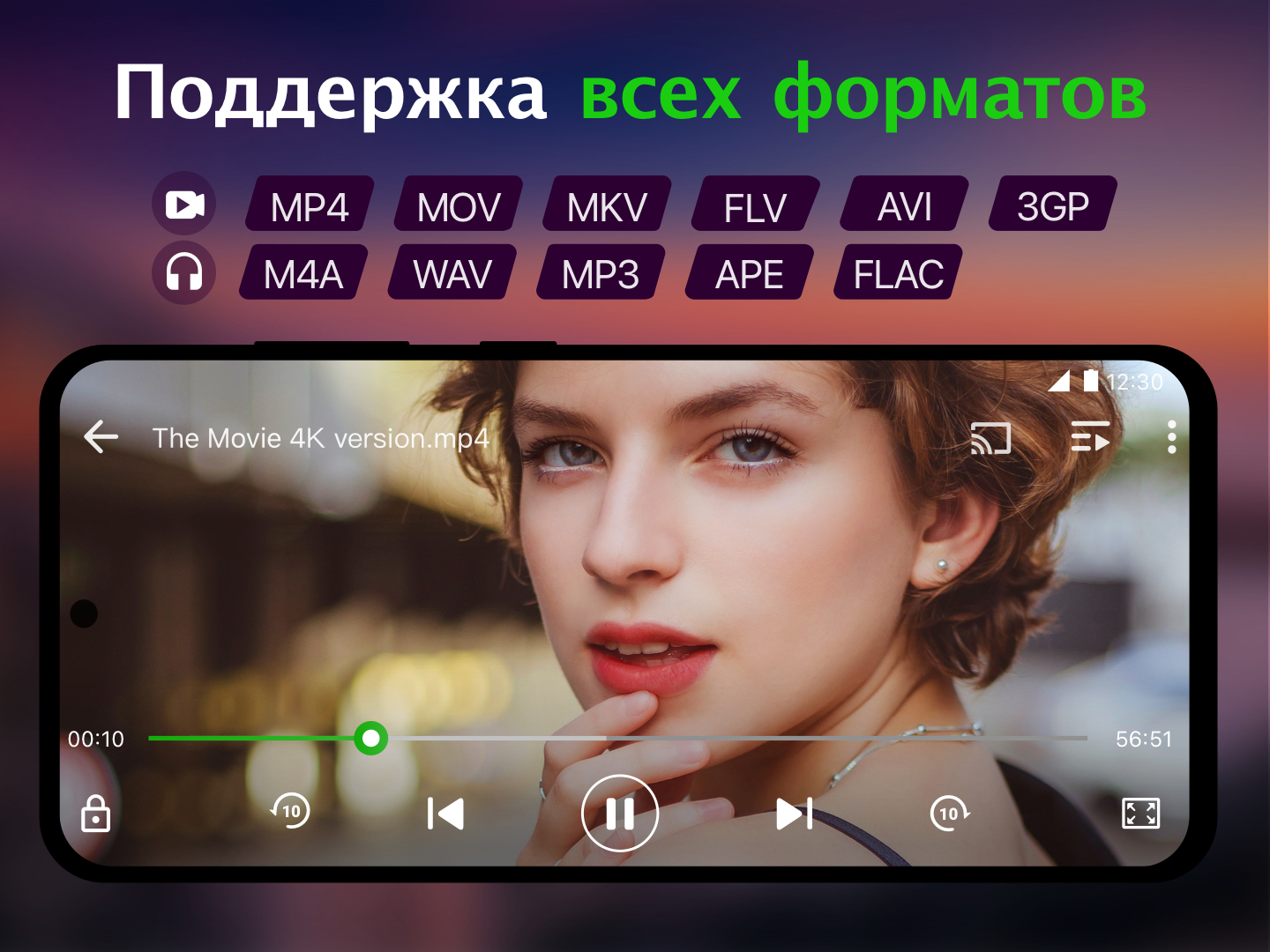
Added: Denis Rubinov
Version: 2.4.6.3
Size: 56.5 MB
Updated: 24.06.2025
Developer: InShot Inc.
Age Limitations: Everyone
Authorizations: 10
Downloaded on Google Play: 107448386
Category: Video Players & Editors
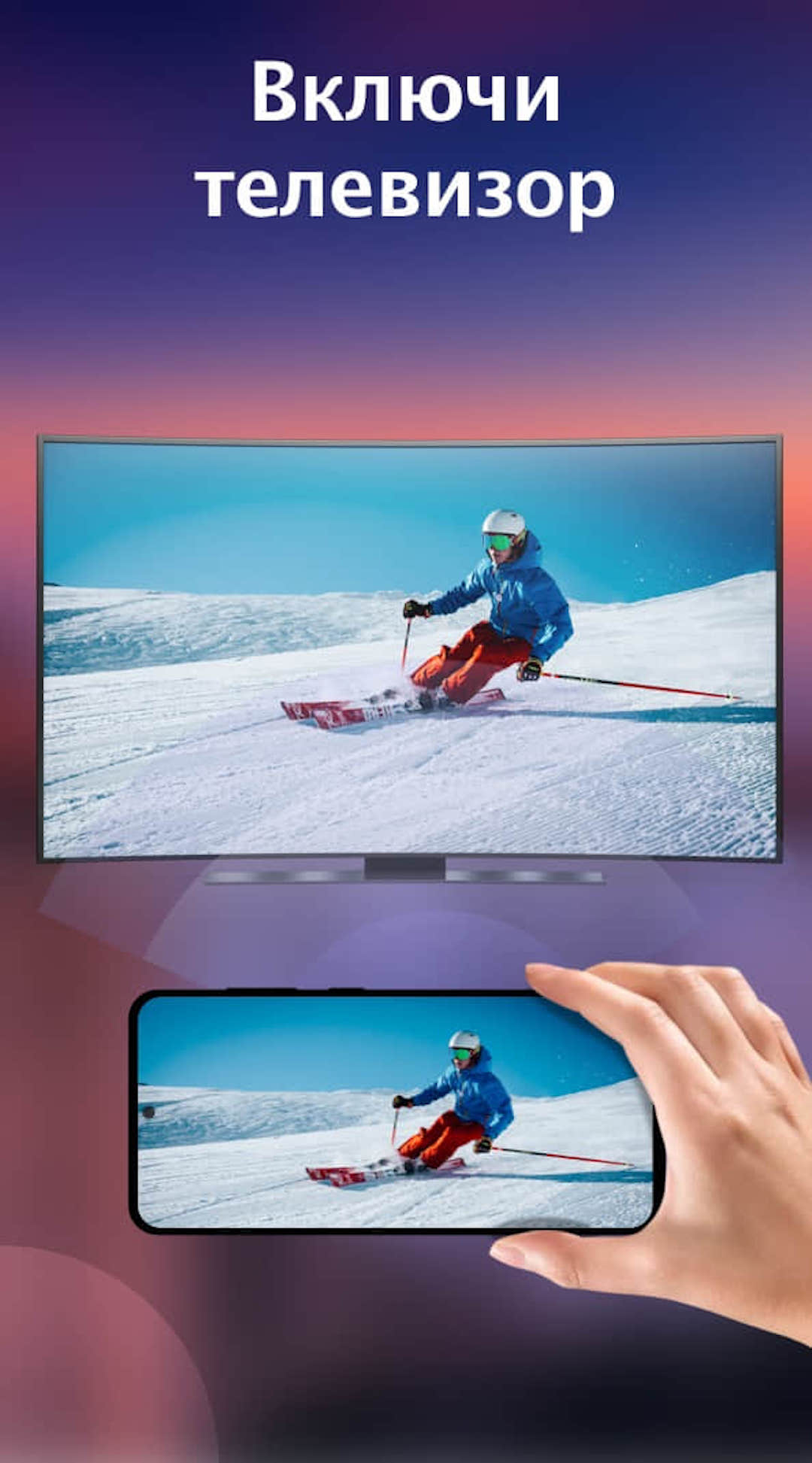
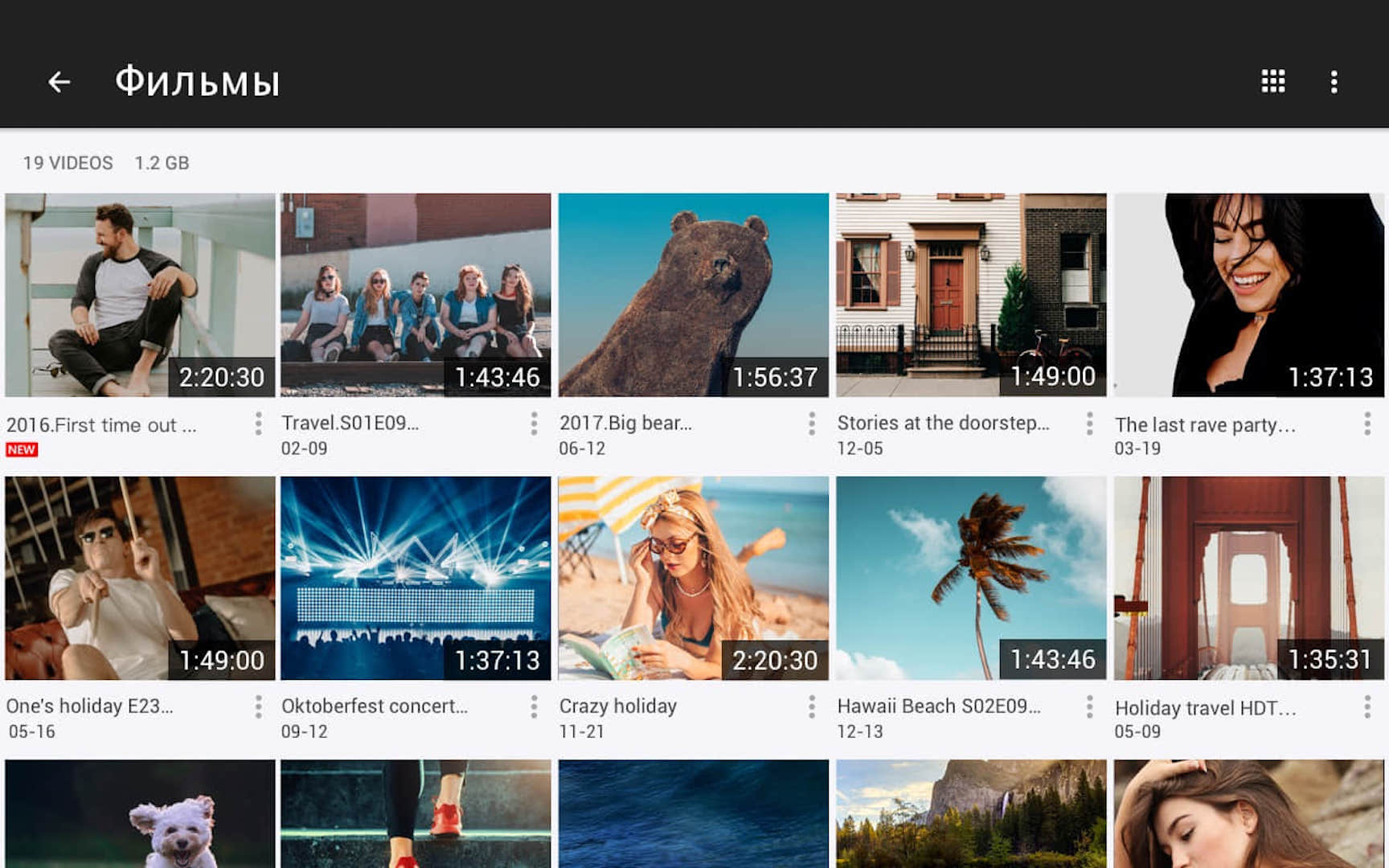
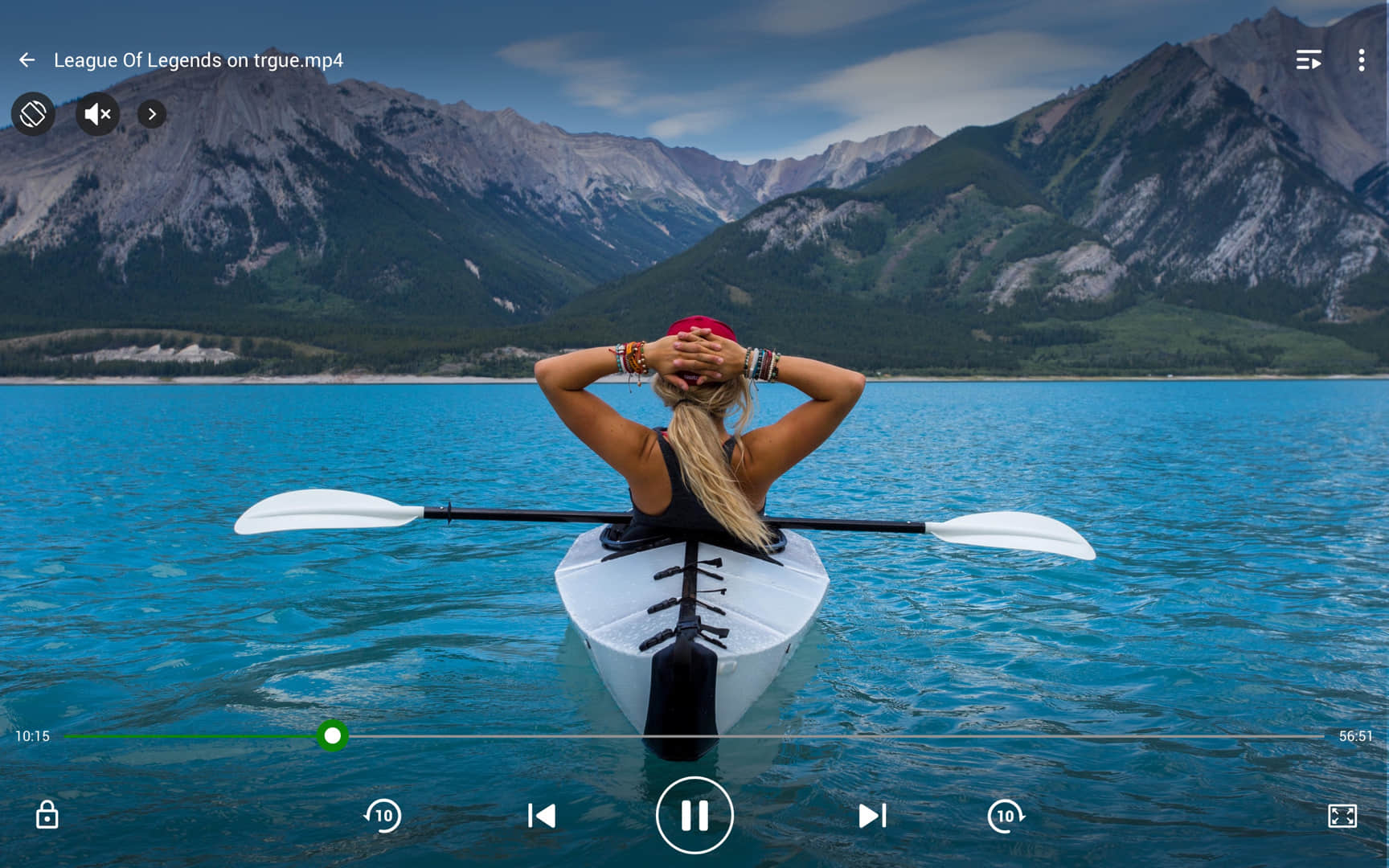
- Popular video file formats are supported.
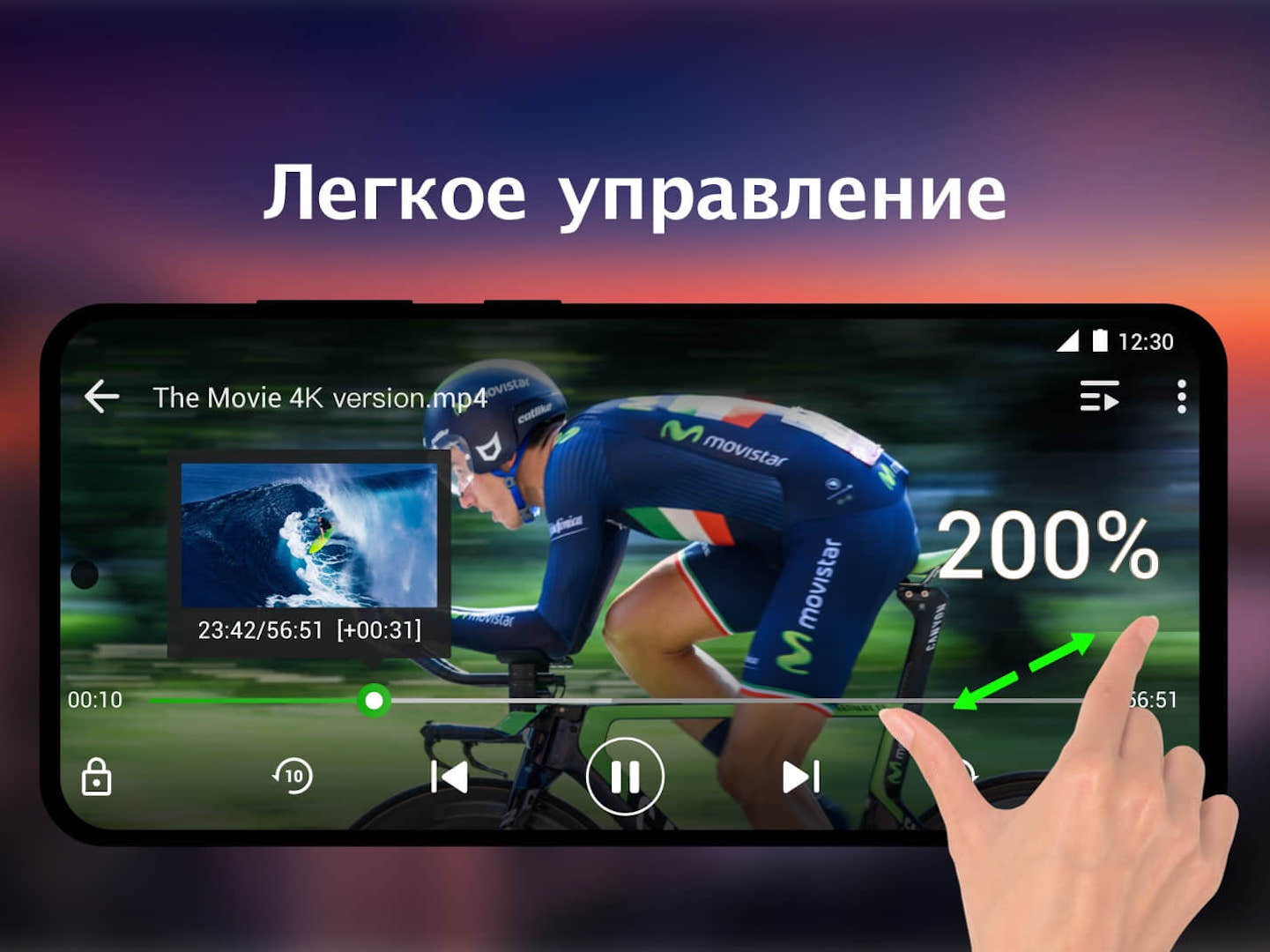
- Ability to play 4K video.
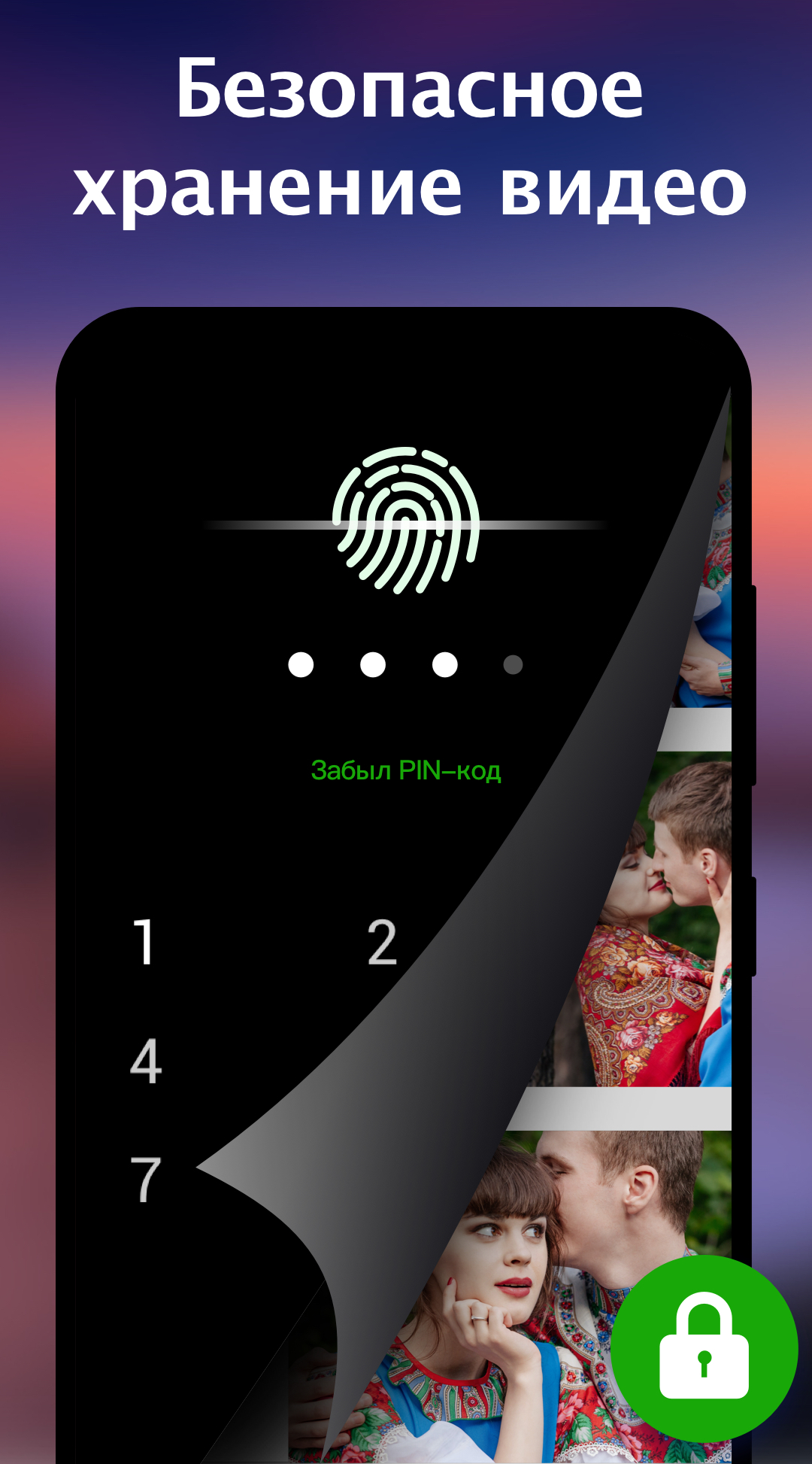
- Protect against use by another person and private folder.
- Ability to post videos on social media.
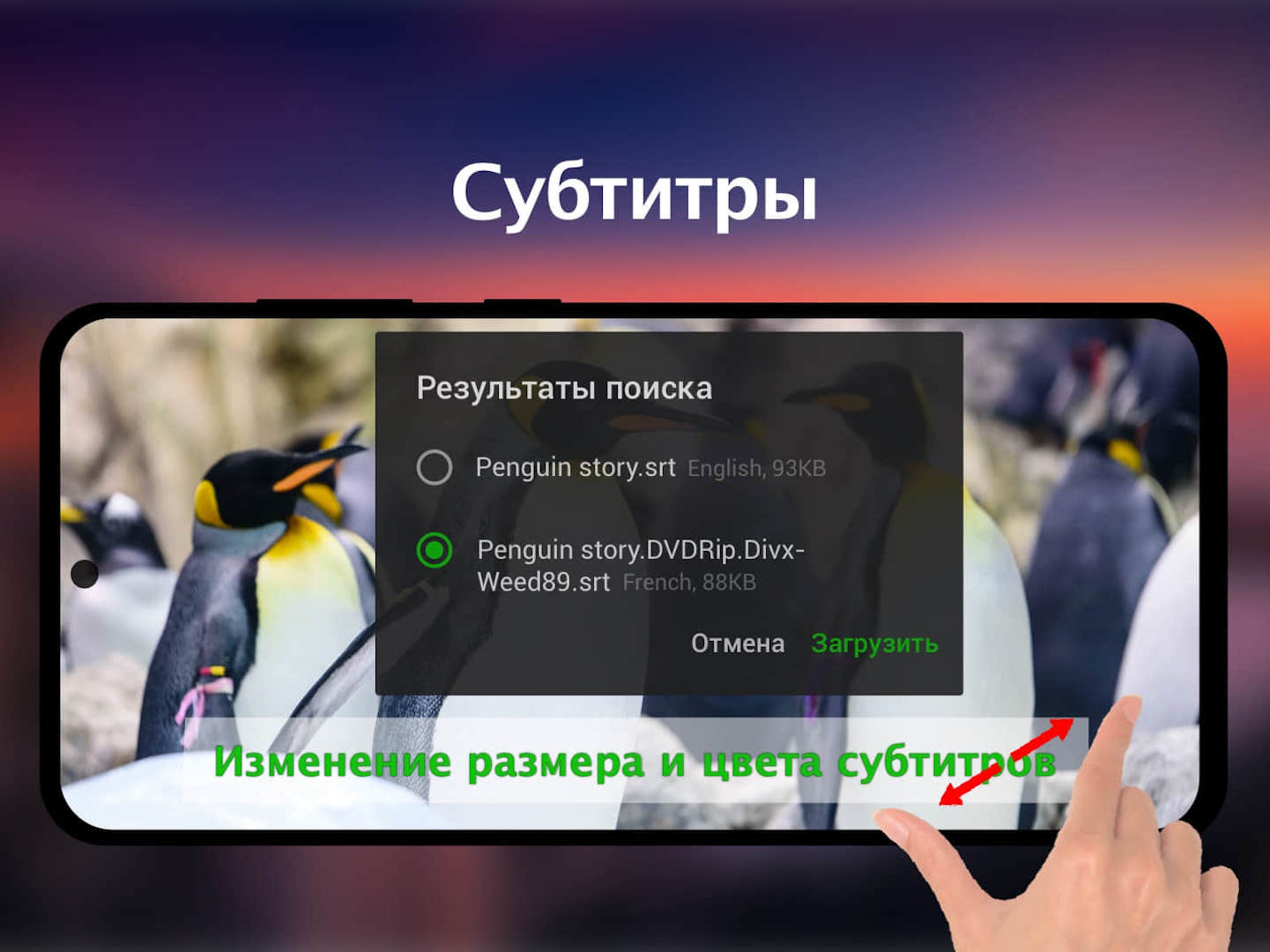
- You can select and enable subtitles.
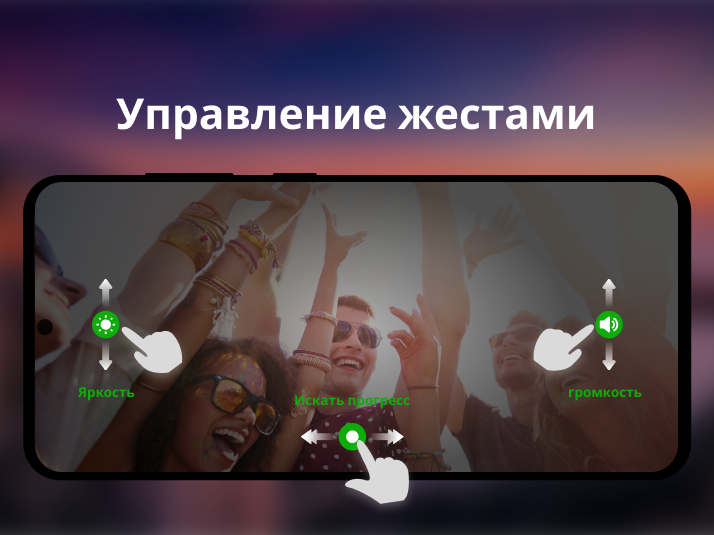
- Convenient file search.
Description
Application Video Player All Format was checked by VirusTotal antivirus. As a result of the scan, no file infections were detected by all the latest signatures.
How to install Video Player All Format
- Download APK file apps from apkshki.com.
- Locate the downloaded file. You can find it in the system tray or in the 'Download' folder using any file manager.
- If the file downloaded in .bin extension (WebView bug on Android 11), rename it to .apk using any file manager or try downloading the file with another browser like Chrome.
- Start the installation. Click on the downloaded file to start the installation
- Allow installation from unknown sources. If you are installing for the first time Video Player All Format not from Google Play, go to your device's security settings and allow installation from unknown sources.
- Bypass Google Play protection. If Google Play protection blocks installation of the file, tap 'More Info' → 'Install anyway' → 'OK' to continue..
- Complete the installation: Follow the installer's instructions to complete the installation process.
How to update Video Player All Format
- Download the new version apps from apkshki.com.
- Locate the downloaded file and click on it to start the installation.
- Install over the old version. There is no need to uninstall the previous version.
- Avoid signature conflicts. If the previous version was not downloaded from apkshki.com, the message 'Application not installed' may appear. In this case uninstall the old version and install the new one.
- Restart annex Video Player All Format after the update.

Video Editor & Maker - InShot
Video Players & Editors

YouCut - Video Editor & Maker
Video Players & Editors

Video Maker
Video Players & Editors

All Video Downloader - V
Video Players & Editors

MP3 Cutter and Ringtone Maker
Music and audio

Video to MP3 - Video to Audio
Video Players & Editors

Video Editor&Maker - VideoCook
Video Players & Editors

Photo Editor - Collage Maker
Photo

Alight Motion
Video Players & Editors

Likee - Short Video Community
Video Players & Editors

YouTube
Video Players & Editors

Funimate Video Editor & Maker
Video Players & Editors

Slideshow Maker, Video Editor
Video Players & Editors

MX Player Codec (ARMv6 VFP)
Video Players & Editors

Google TV
Video Players & Editors

PowerDirector - Video Editor
Video Players & Editors
Requesting an application update
Added Denis Rubinov
Version: 2.4.6.3
Size: 56.5 MB
Updated: 24.06.2025
Developer: InShot Inc.
Age Limitations: Everyone
Authorizations:
Downloaded on Google Play: 107448386
Category: Video Players & Editors












Reviews for Video Player All Format
good 👍
I can't download some subtitles the app is really great but can u guys make it possible to download all movies subtitles
forest application, don't download anyone, there some bug issues in this application
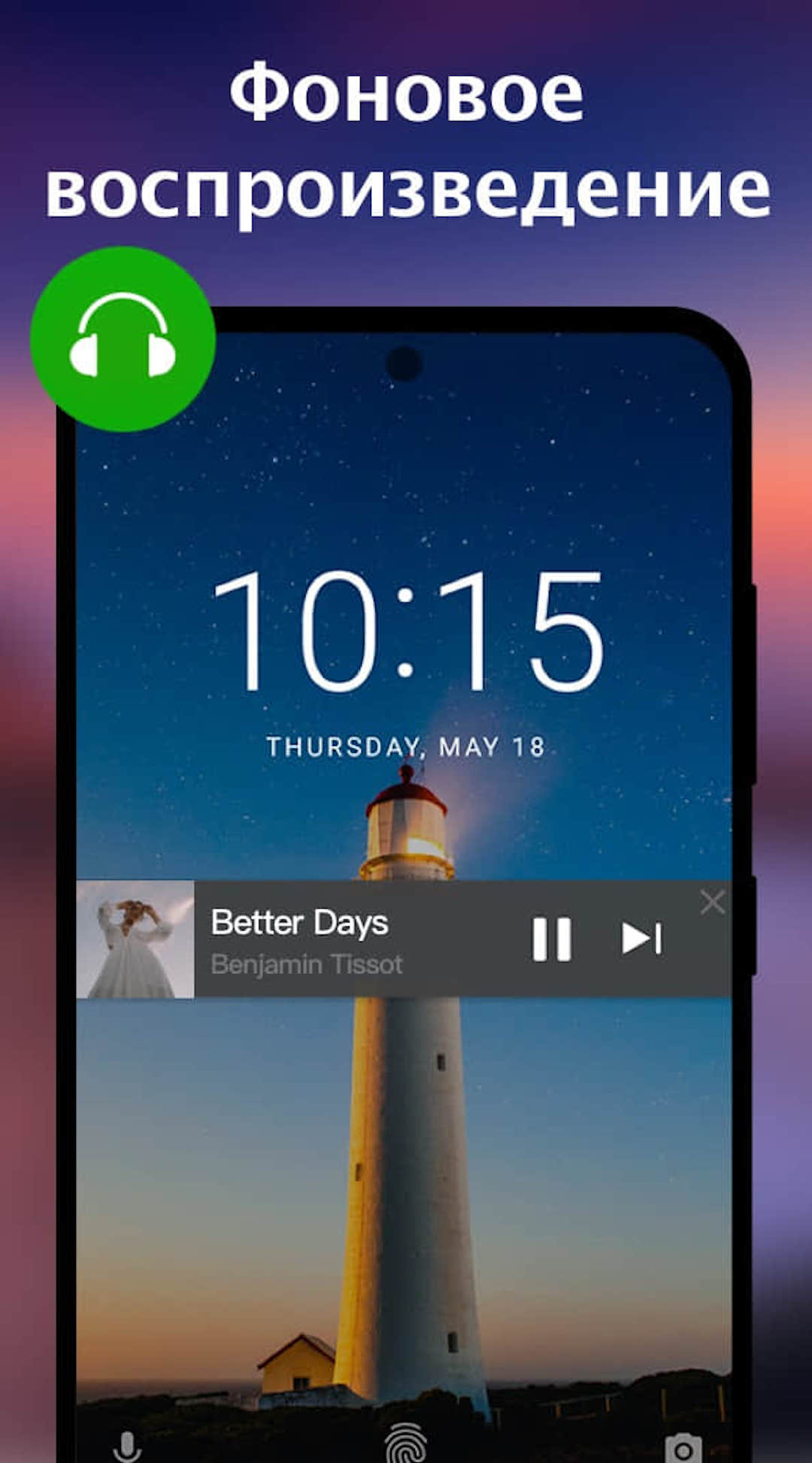
very comfortable and reliable for playing all music and vedios
Very good
not too bad!!
Subtitle is working... I just pray it doesn't misbehave like other app at the long run. subtitle still working after 5 years of using it but couldn't get more options for subtitles like before.
Yeah!
wow amezing
nice
Pleasantly surprised. I can't get much to work on this very basic tablet. Nothing works very well. Choppy and slow processes makes me wanna toss it in the ocean. But this video player gives me a real boost as it works smoothly with no noticable lag, no chop, no drag. Thanks to the developers. Thanks folks. I've only tried it offline with an Xvid rip of ancient aliens and it annoying as on the best Samsung wide screen. Thanks again for helping during these trying times, no thanks to covid.
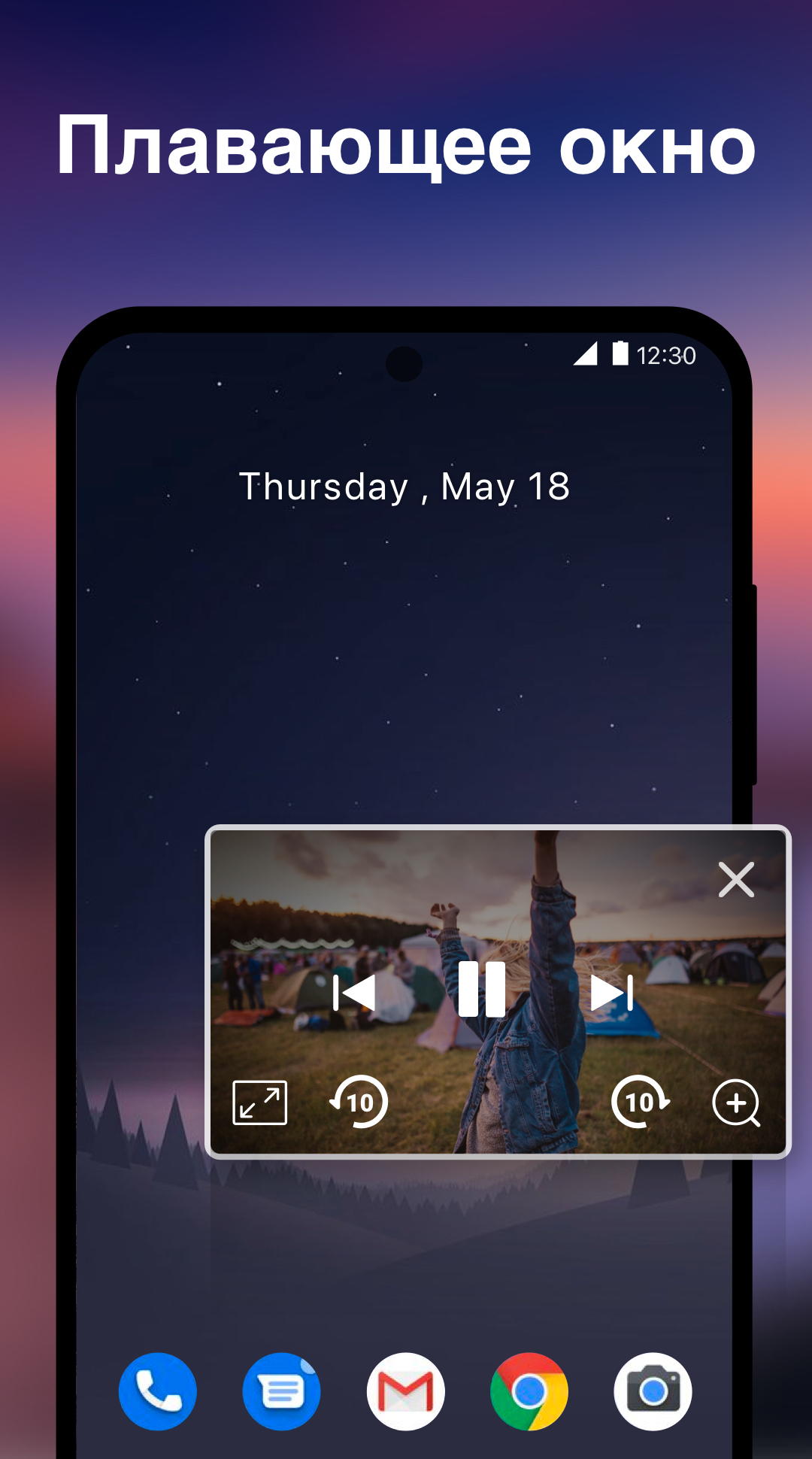
This is a solid app. The ads aren't too intrusive and it has a lot of playback options. I like it a lot but I have a couple things I would need improved before I would pay for ad removal. First sliding your finger along the screen skips ahead in the video and doesn't have a way to be turned off in the settings (as far as I can tell). It's very awkward. Secondly changing between landscape and pop up mode momentarily pauses the volume. Otherwise it's a great app for watching long videos
Previously had the MX player, but kept having problems with it and finally uninstalled it. I got this one, have been only delighted with it. I especially like being able to scroll forward or back to a specific point without adversely affecting the video. I had difficulty doing with the MX, that being one of the issues with that particular app. So far, this is outstanding ! I also still have the VLC player, but truly have no need to revert to it. And the scrolling function on this is far superior.
Two years ago, I was looking for the same app as VLC when it failed to work on my previous phone (well, back then my phone was just a mid-range phone). I found this app and downloaded it right away without looking at the reviews. This is one of the apps I am thankful that it was created. Very useful, and everything you would need for an AUDIO & VIDEO PLAYER is here. I wish we could also change the theme color of the app itself. Otherwise it's perfect and is doing an excellent job! Kudos!
This app is really annoying. It automatically plays whatever it was last playing every time the phone connects to a blue tooth device, or, for example, after i listen to a voice message, it will automatically blare from the phone's speaker. I can't find any setting to stop this behavior. Even when you close the app it still plays all the time, so you have to open the app THEN stop the sound. It's pretty horrible and embarrassing. I had to uninstall it.
Post a comment
To leave a comment, log in with your social network:
Or leave an anonymous comment. Your comment will be sent for moderation.
Post a comment
To leave a comment, log in with your social network:
Or leave an anonymous comment. Your comment will be sent for moderation.