



Magnifier
46+
downloads4.3+
version Android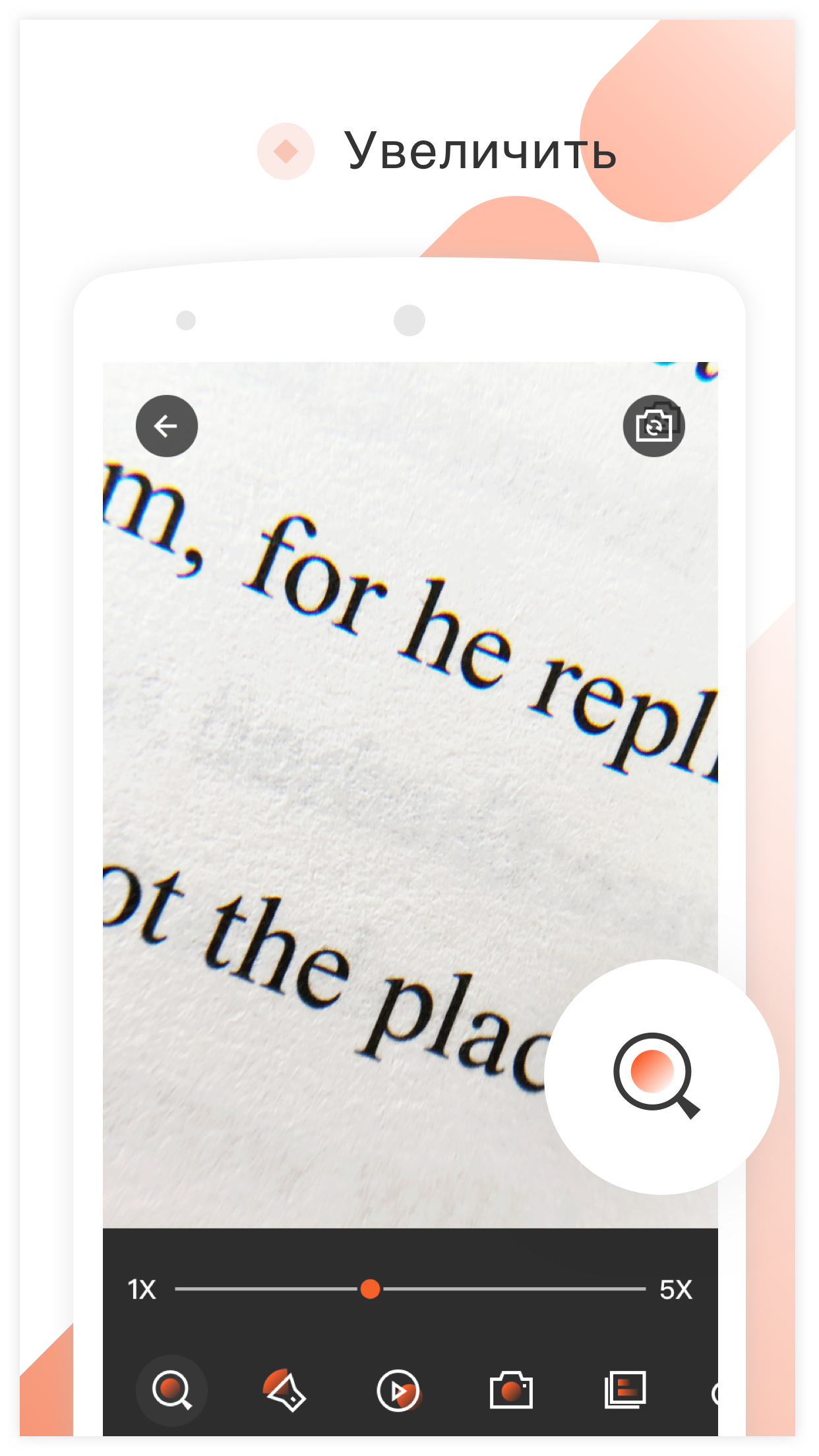
Added: Denis Rubinov
Version: 4.8.2
Size: 5.7 MB
Updated: 24.06.2025
Developer: Pony Mobile
Age Limitations: Everyone
Authorizations: 7
Downloaded on Google Play: 2417109
Category: Tools
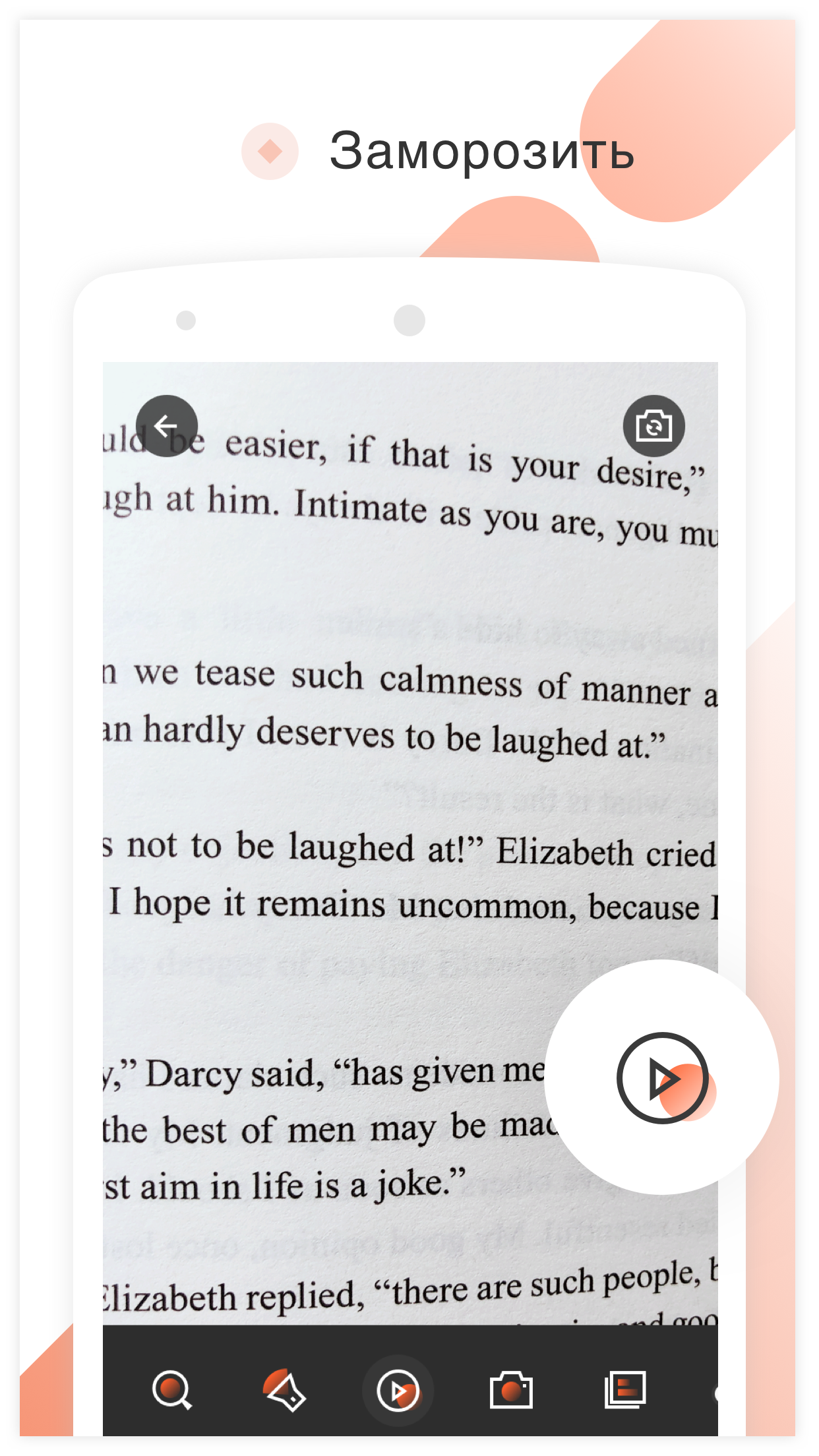
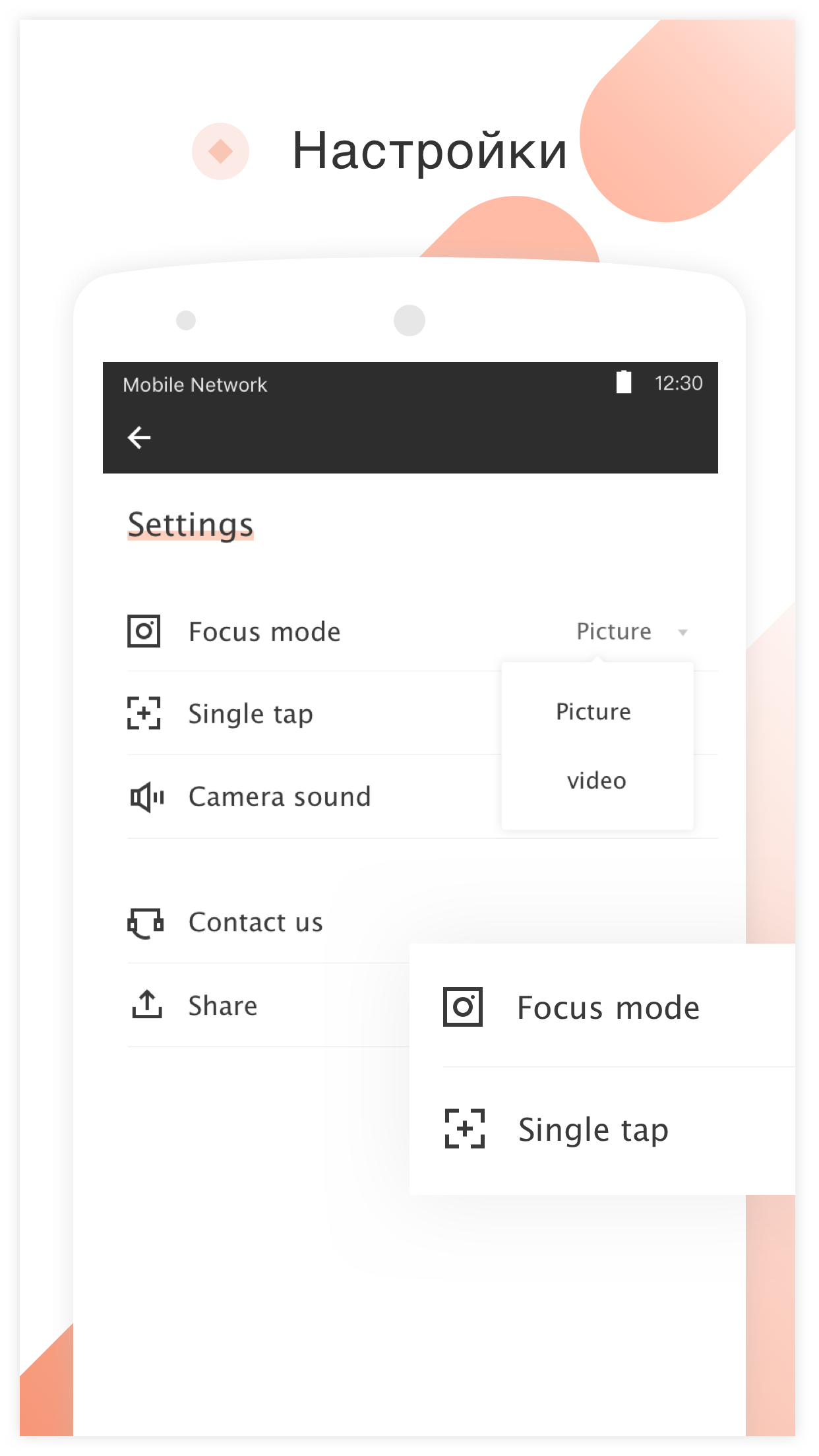
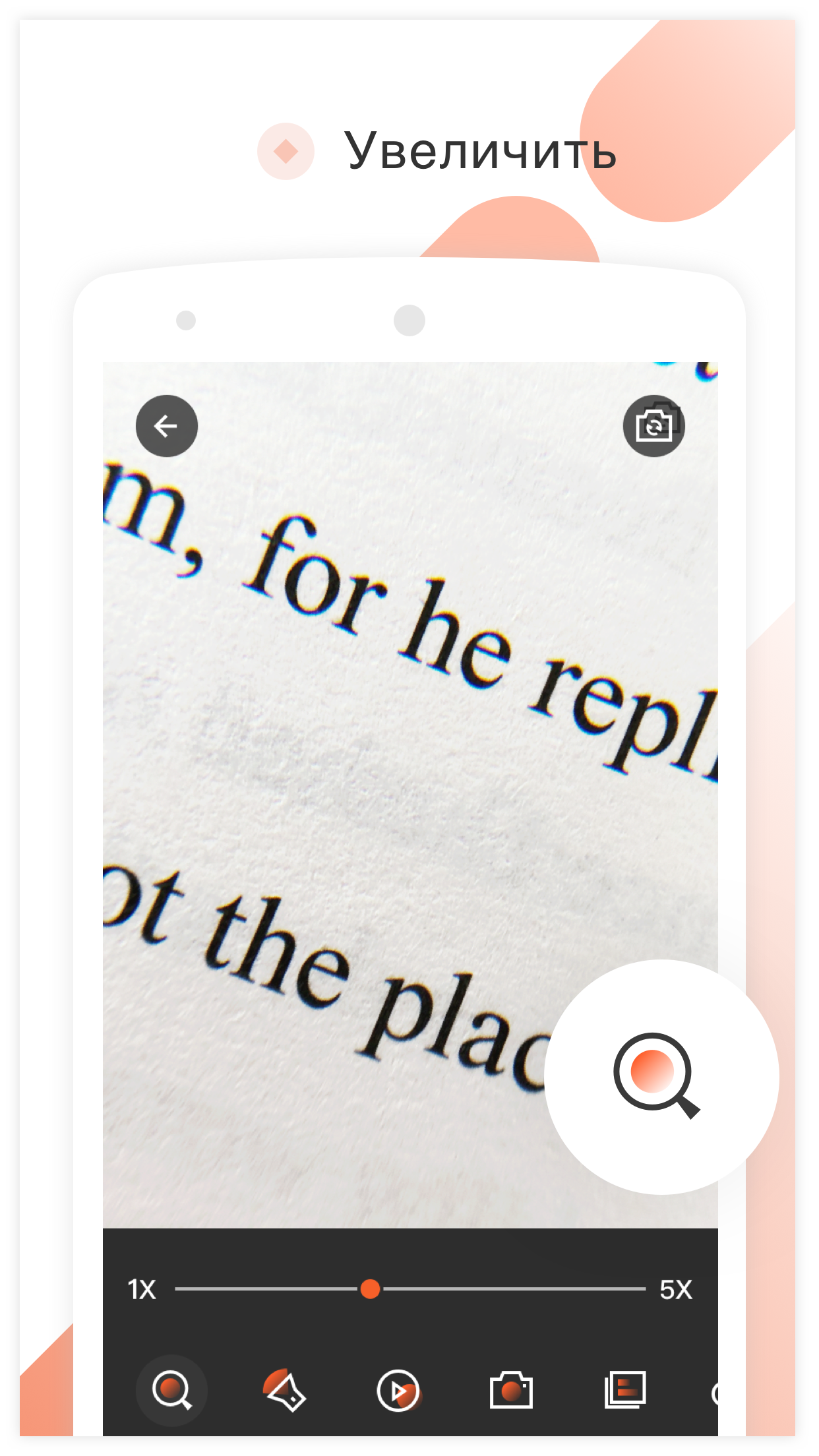
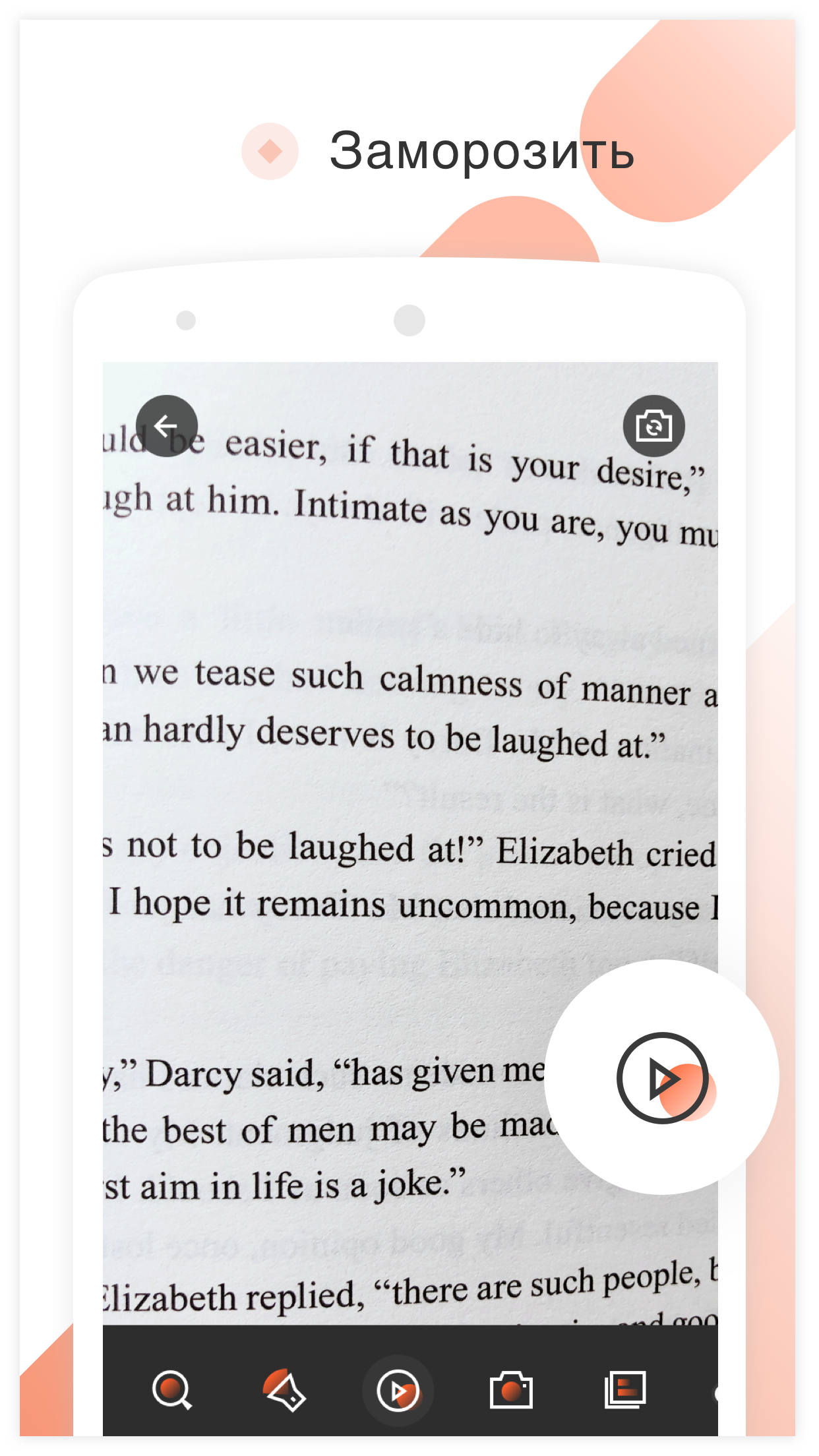
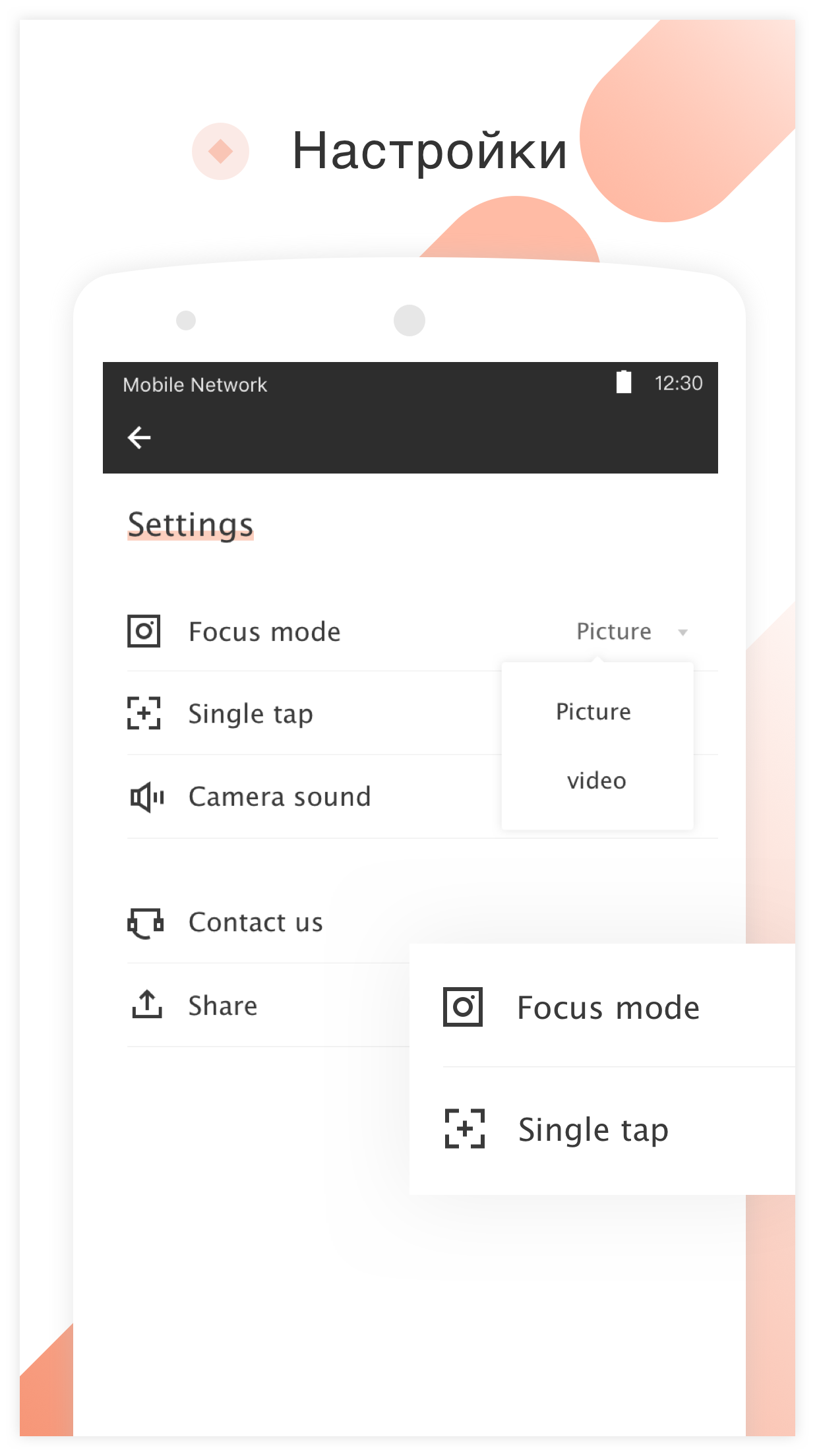
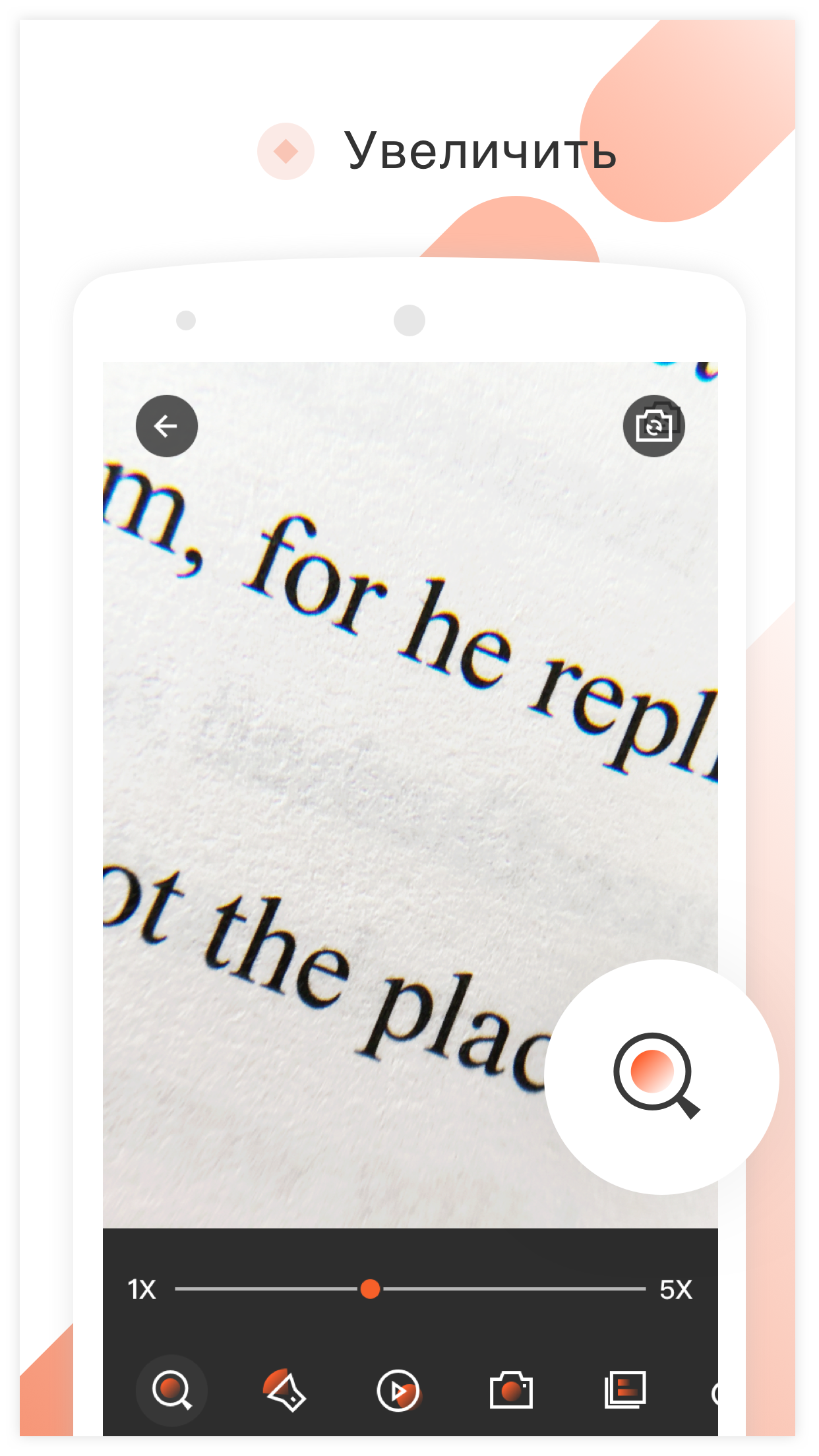
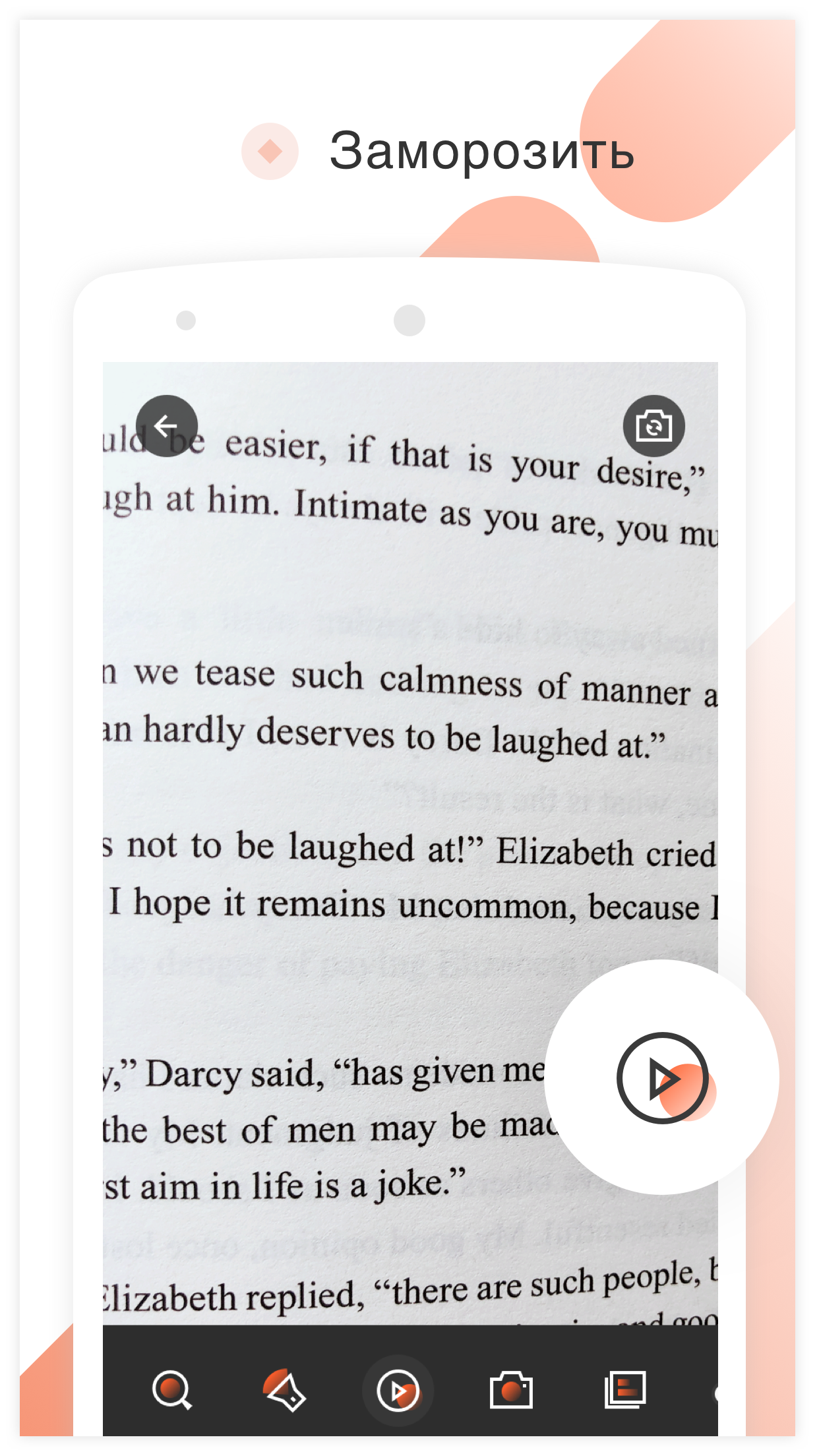
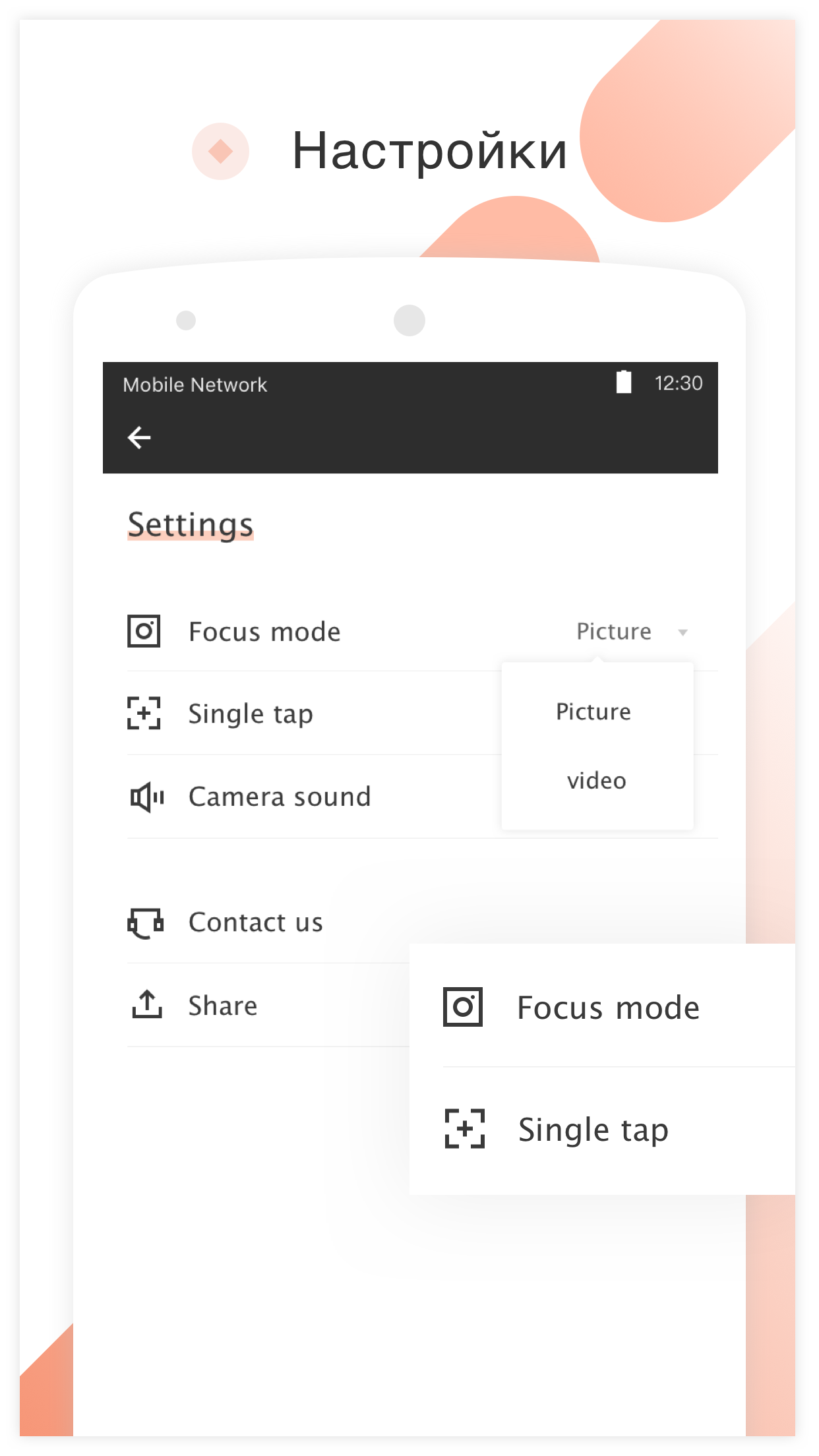
- Simple controls.
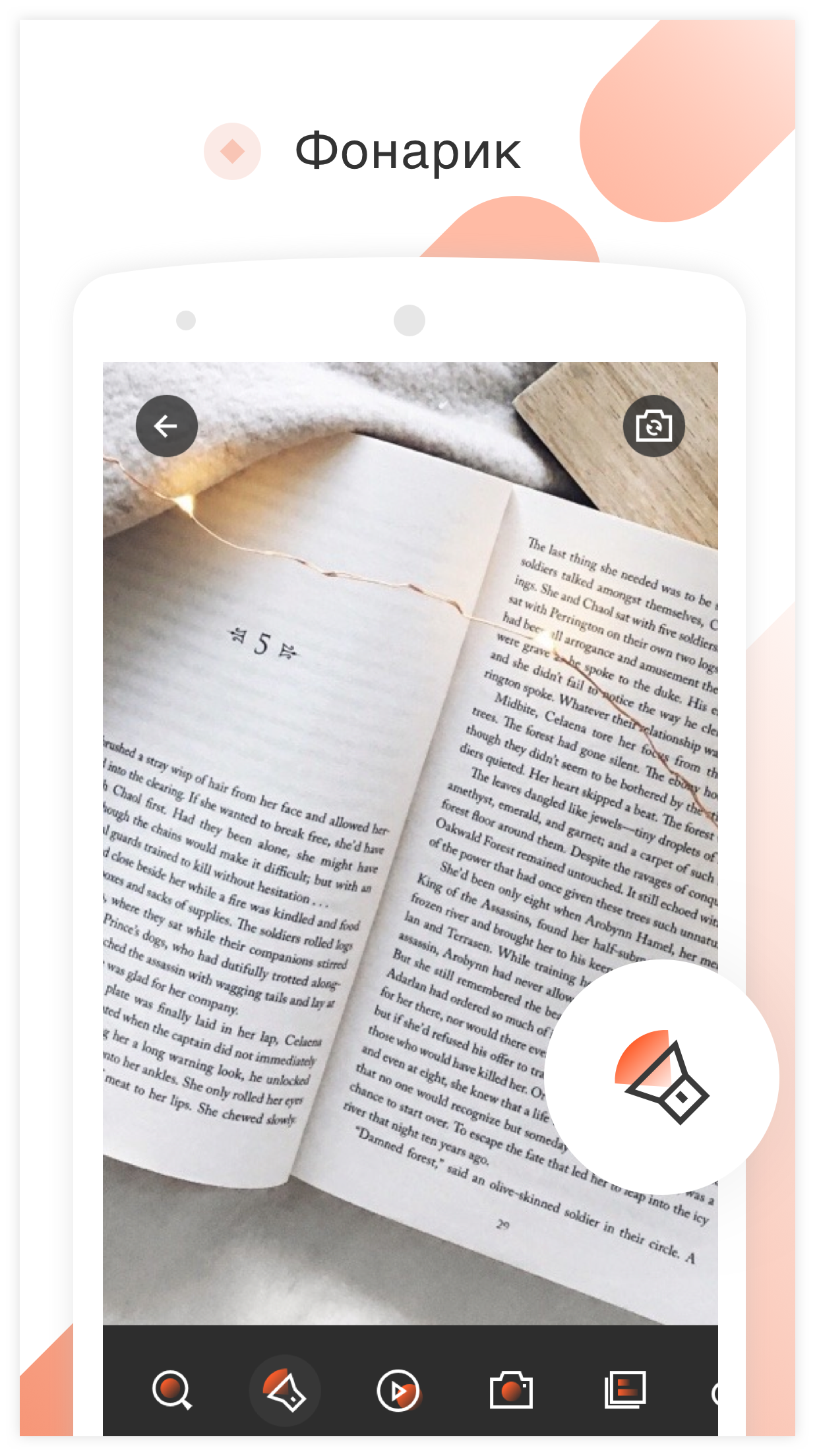
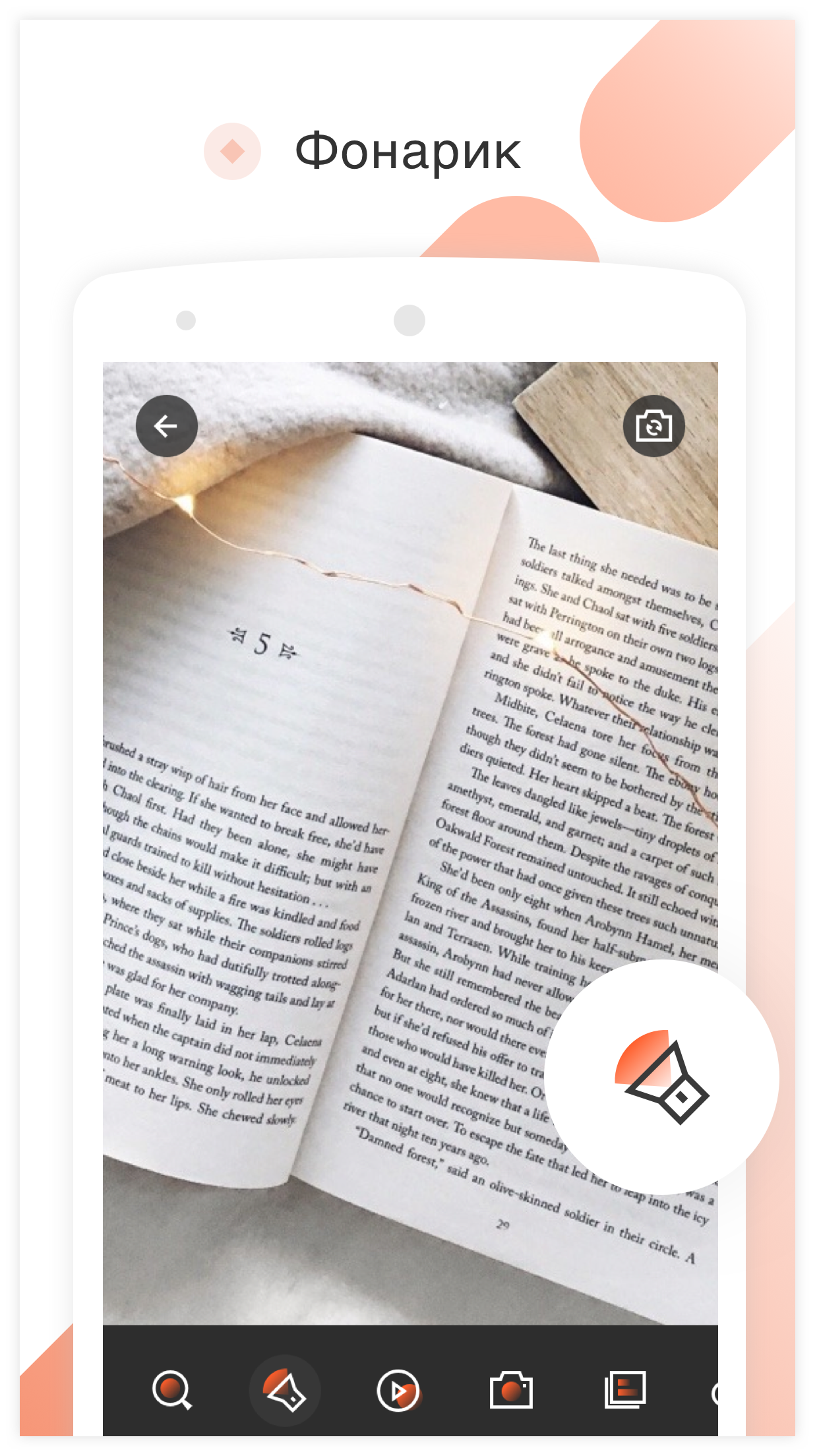
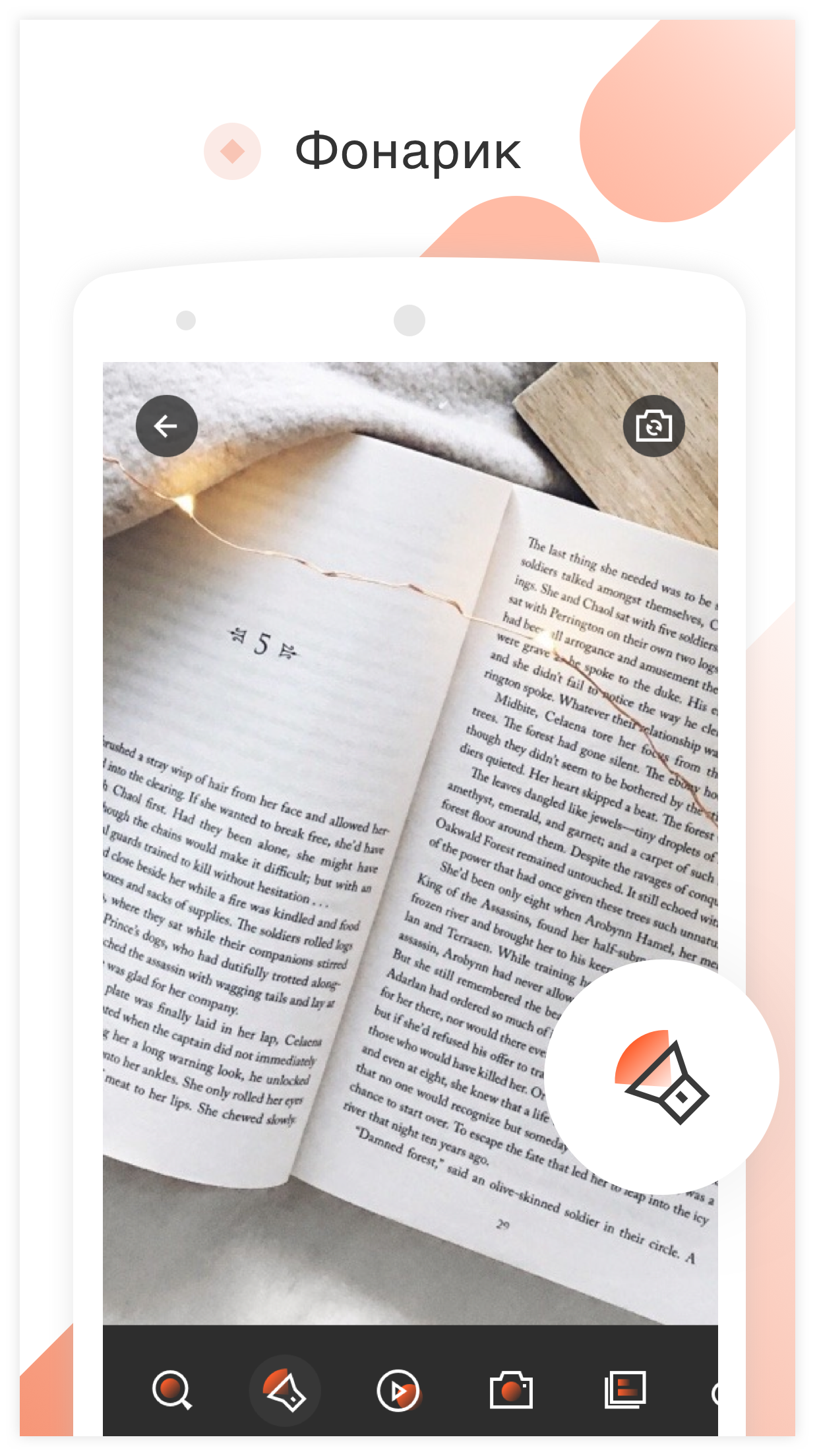
- Built-in flashlight.
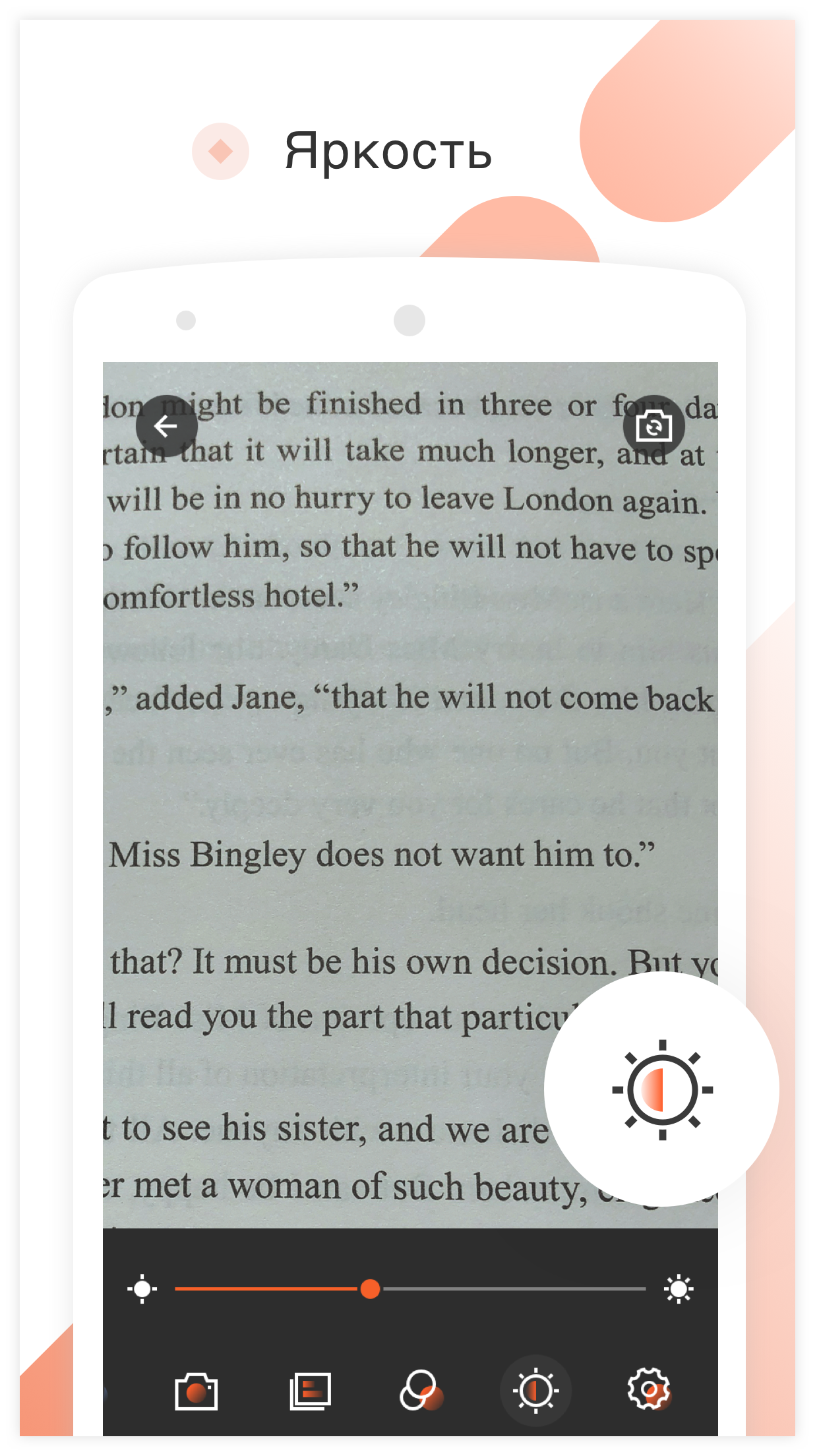
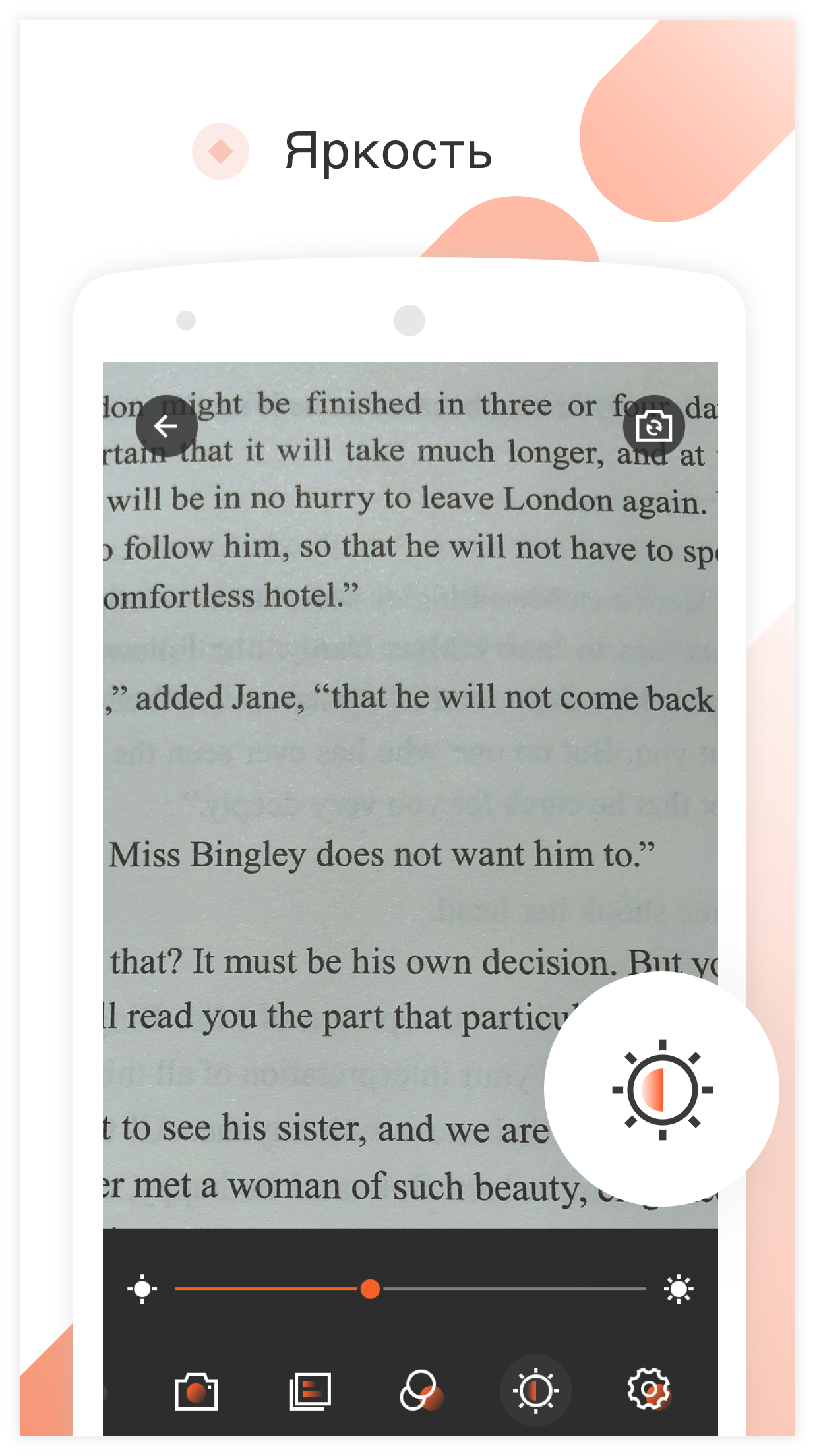
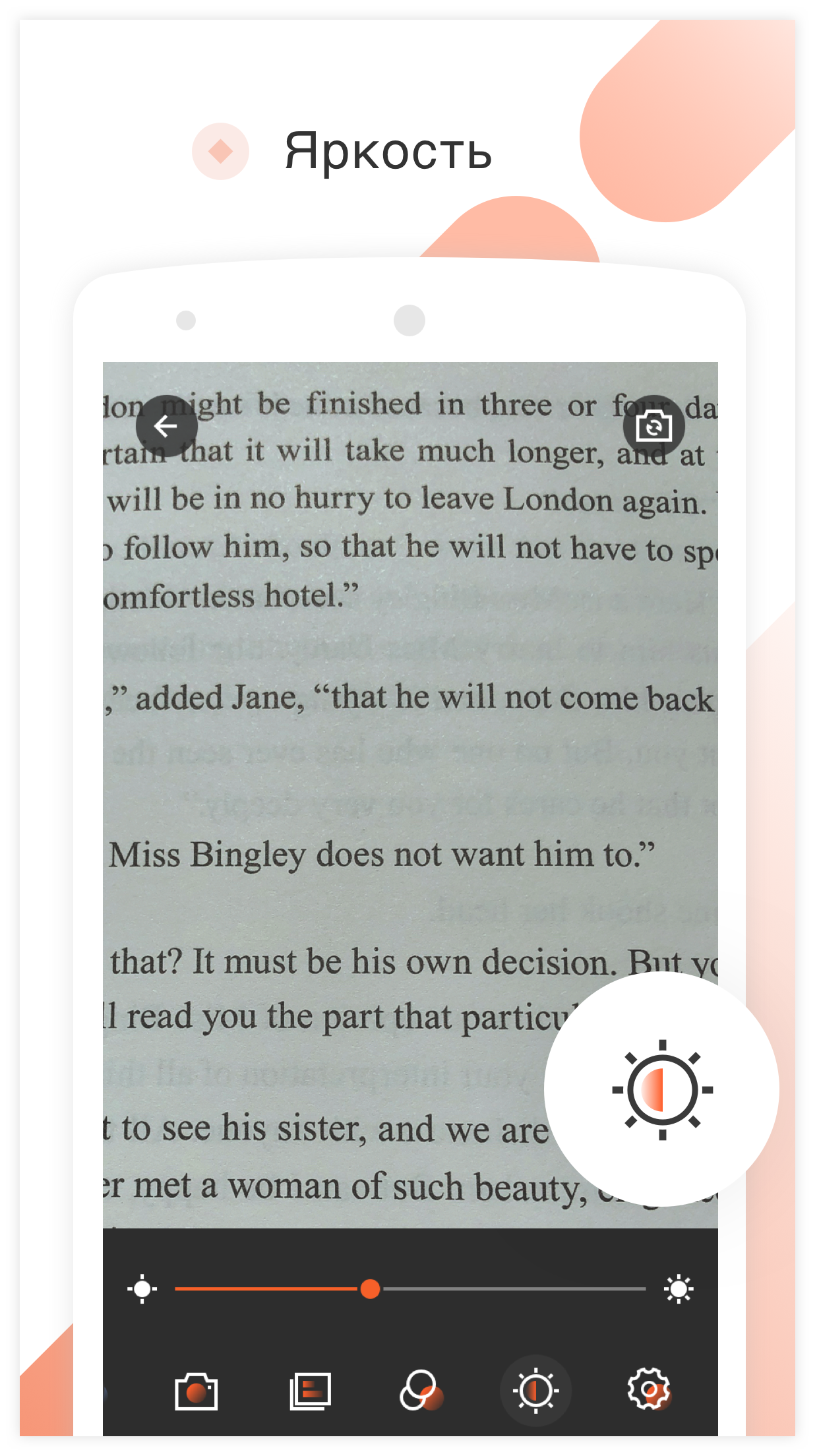
- Adjust brightness.
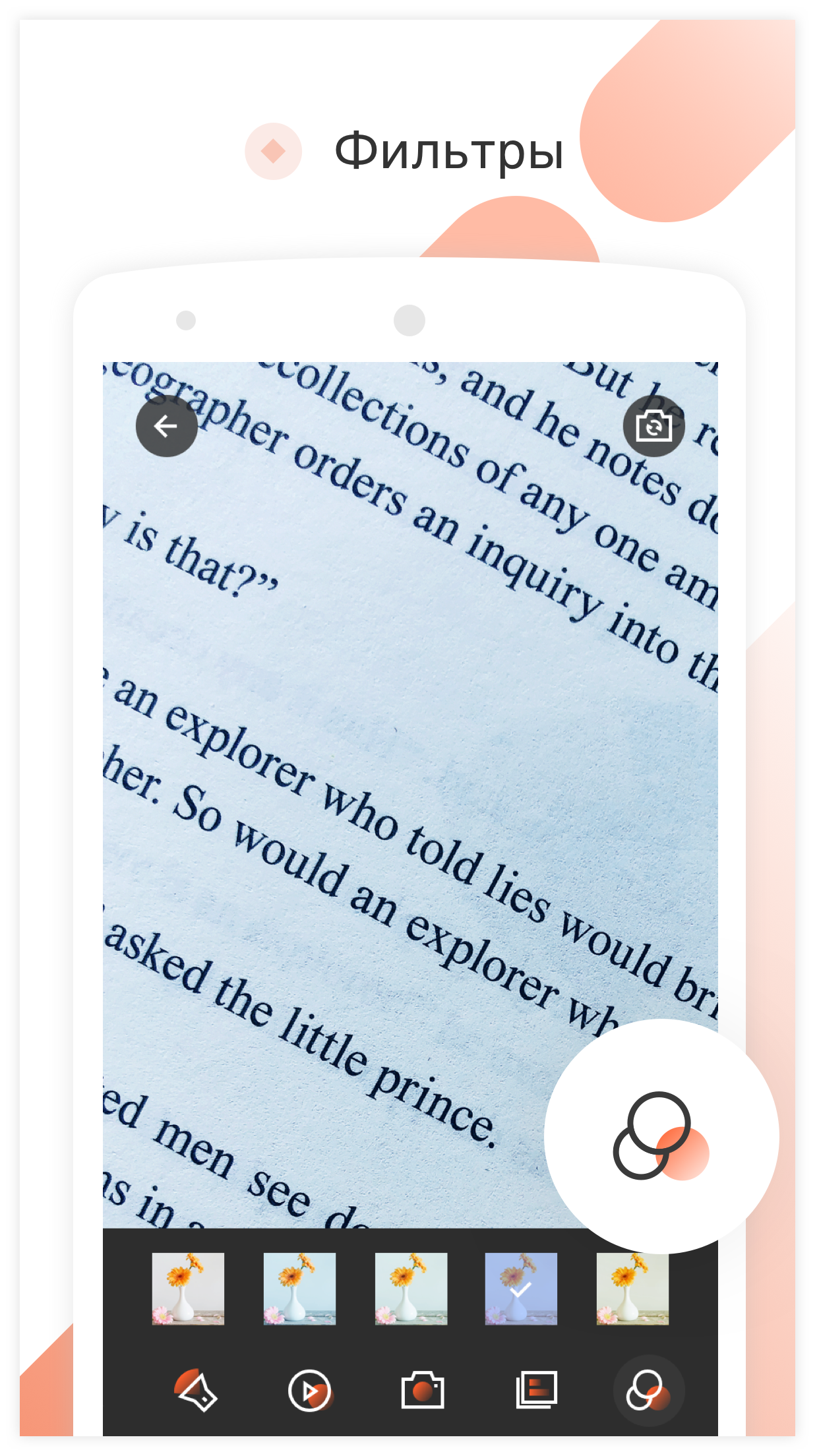
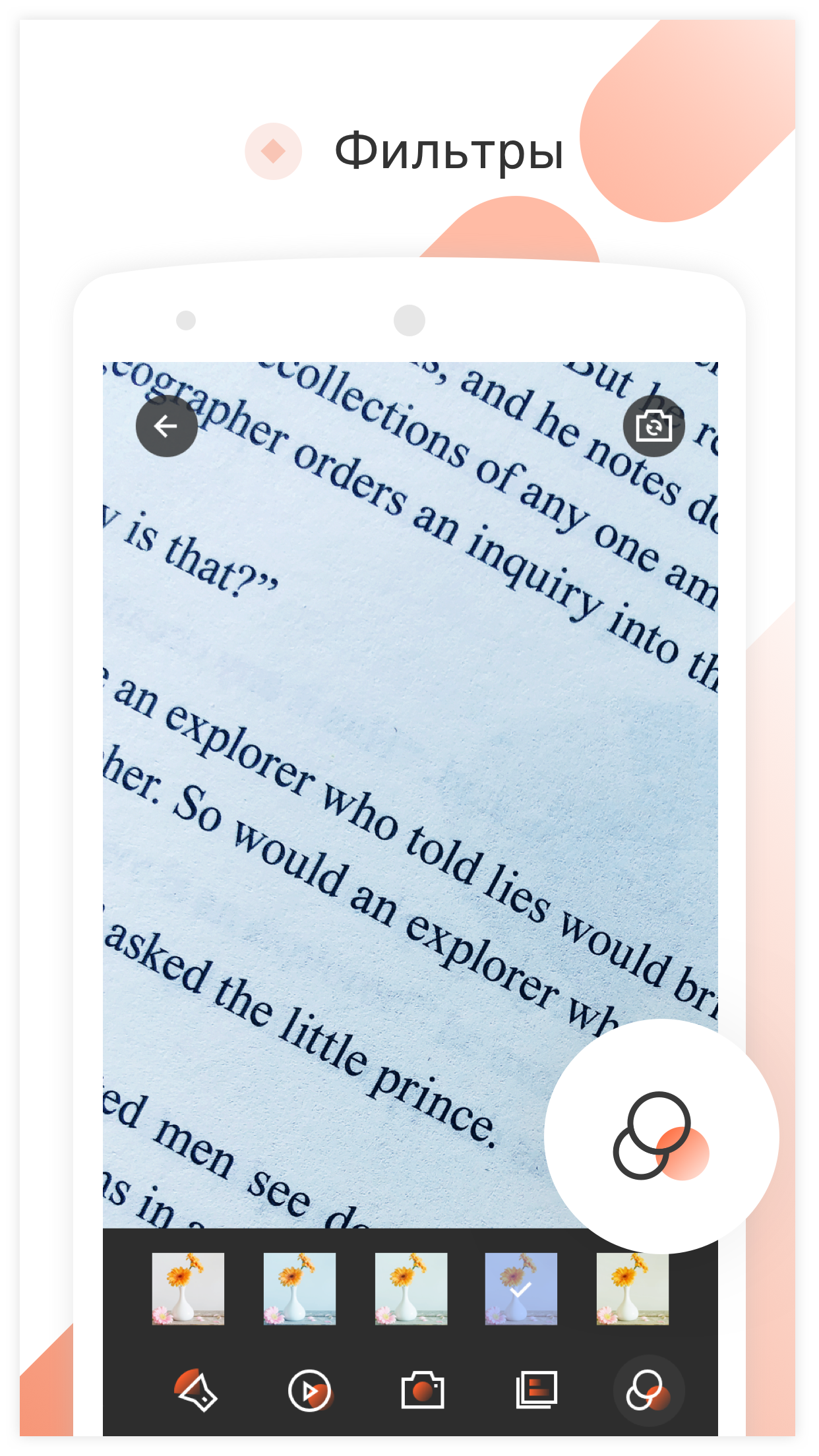
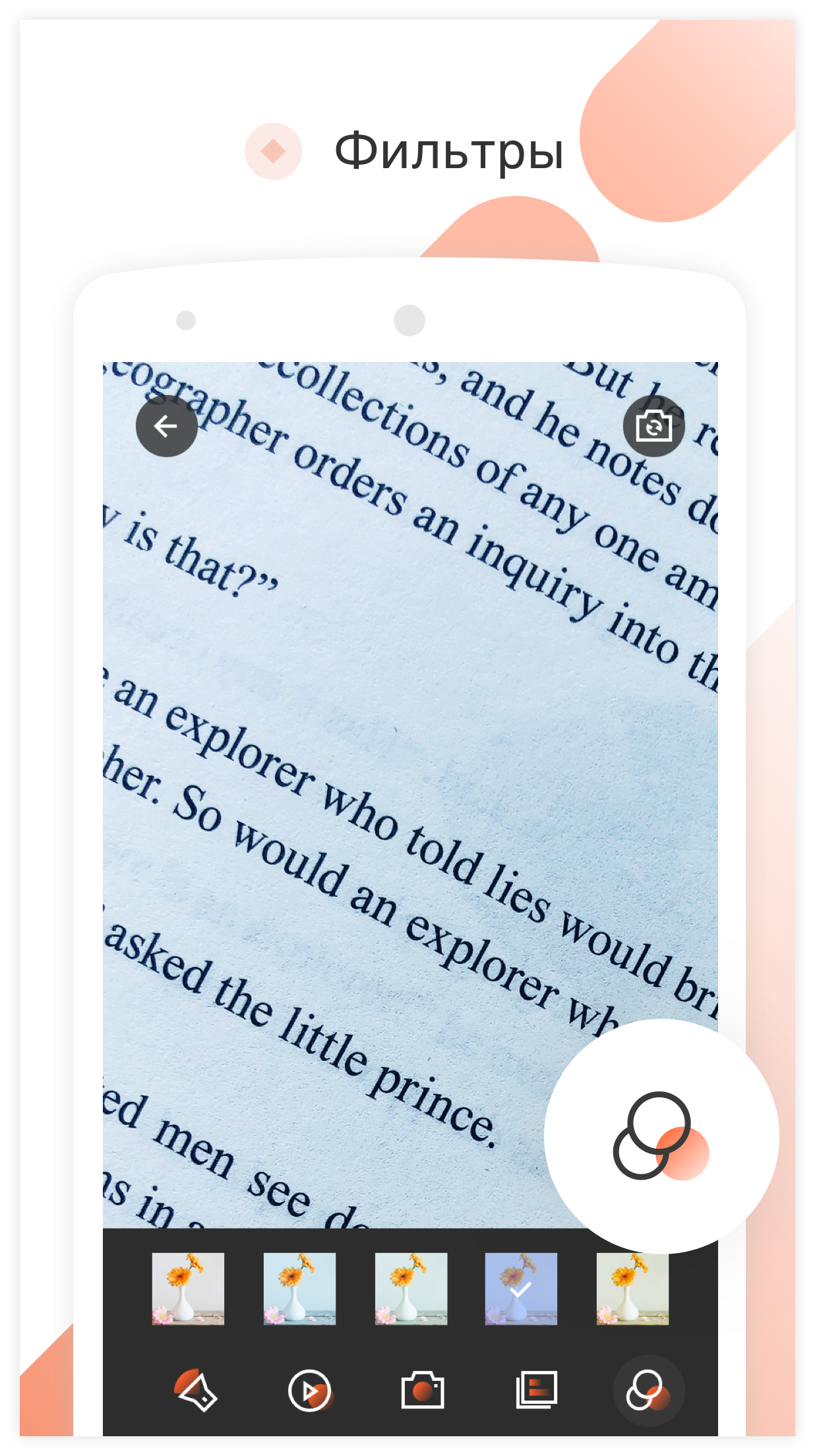
- Apply filters.
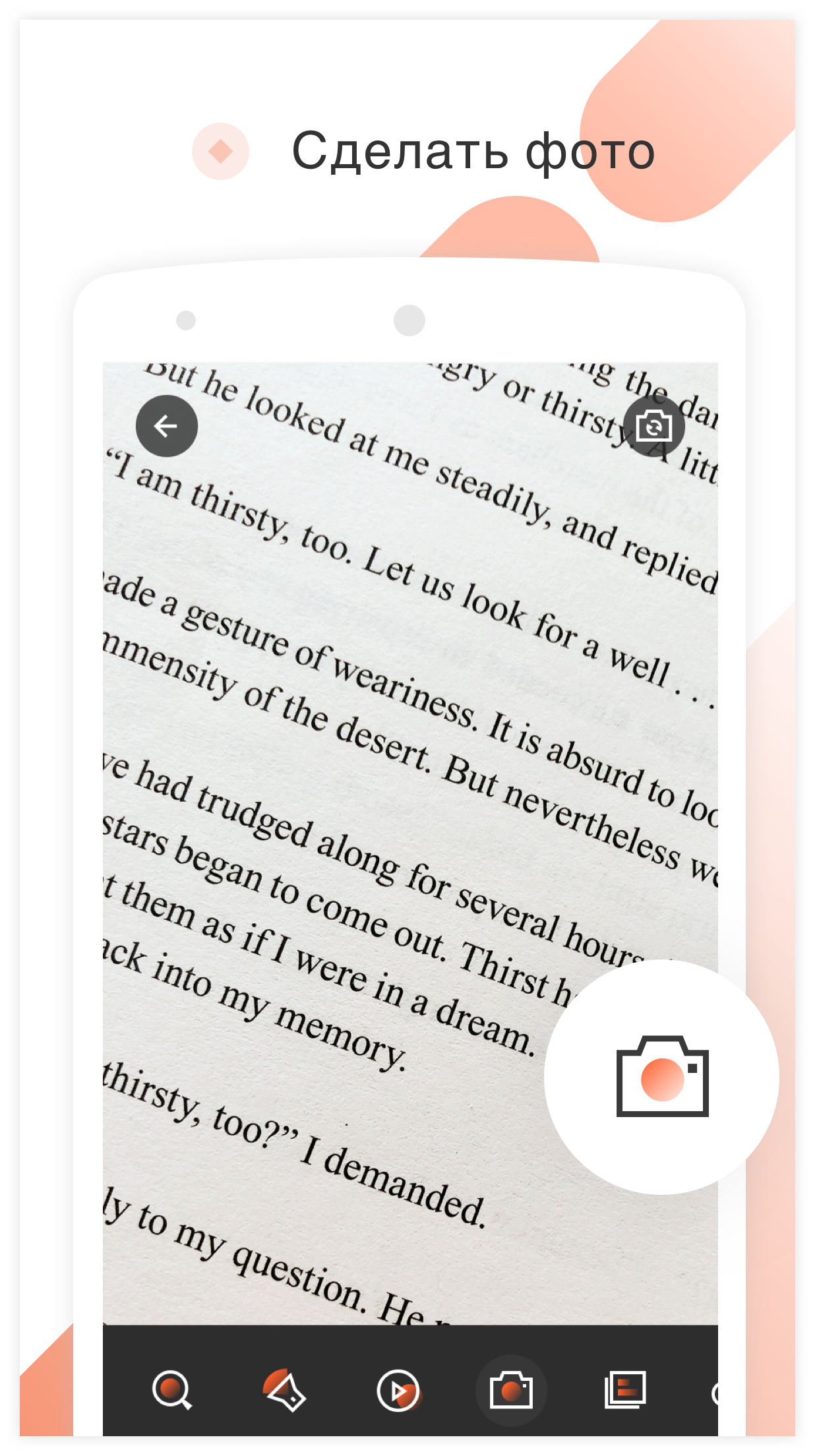
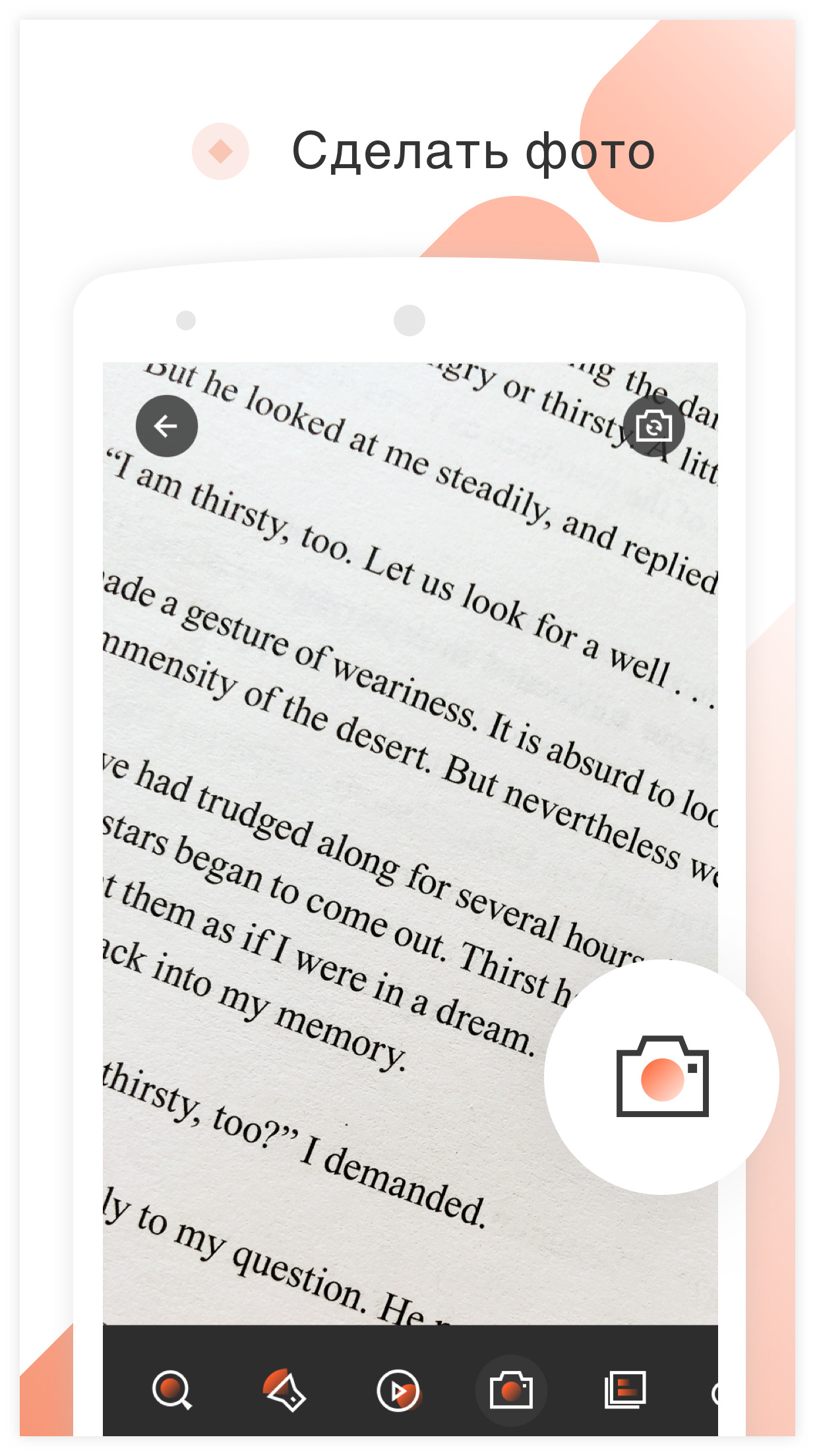
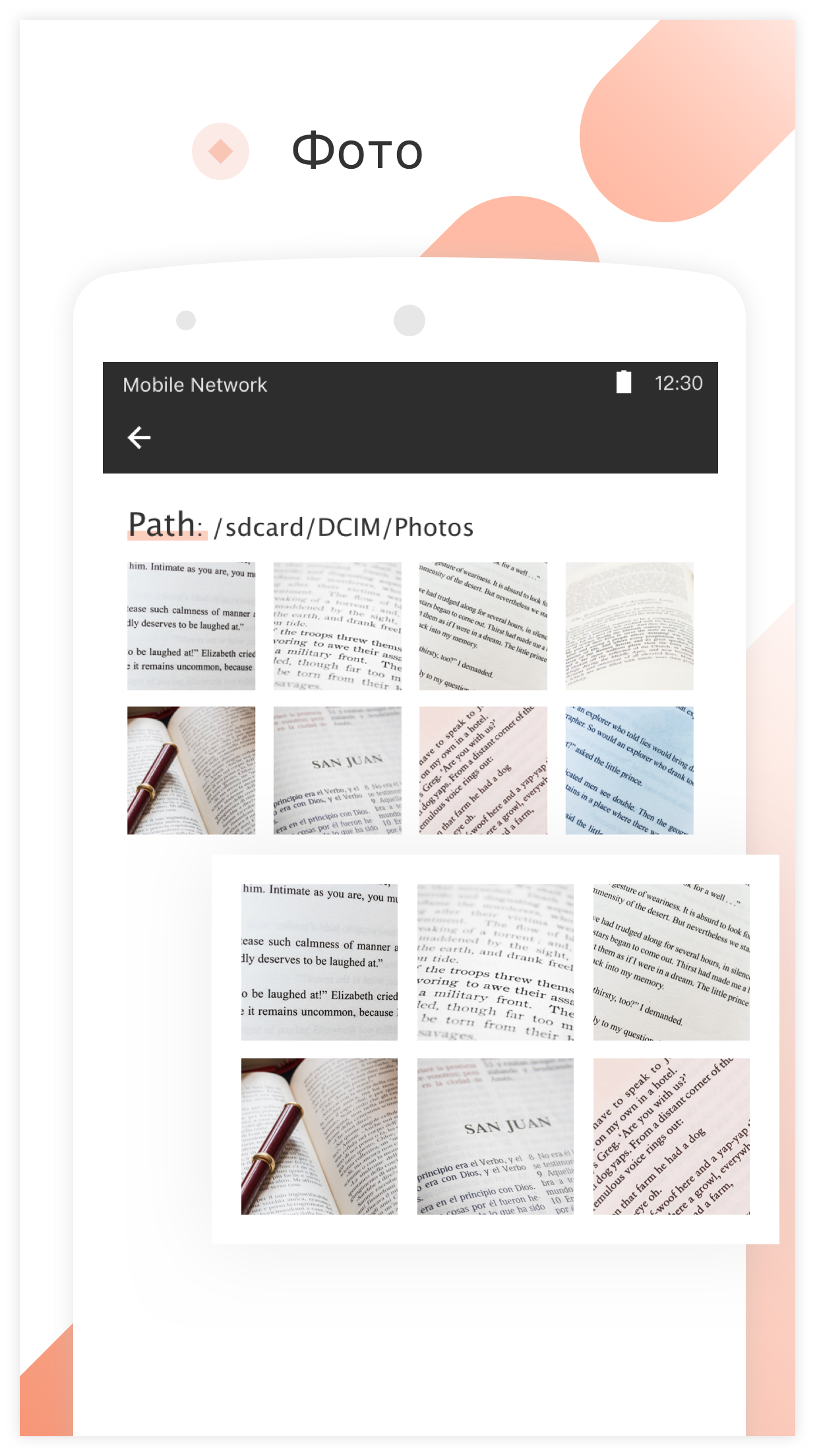
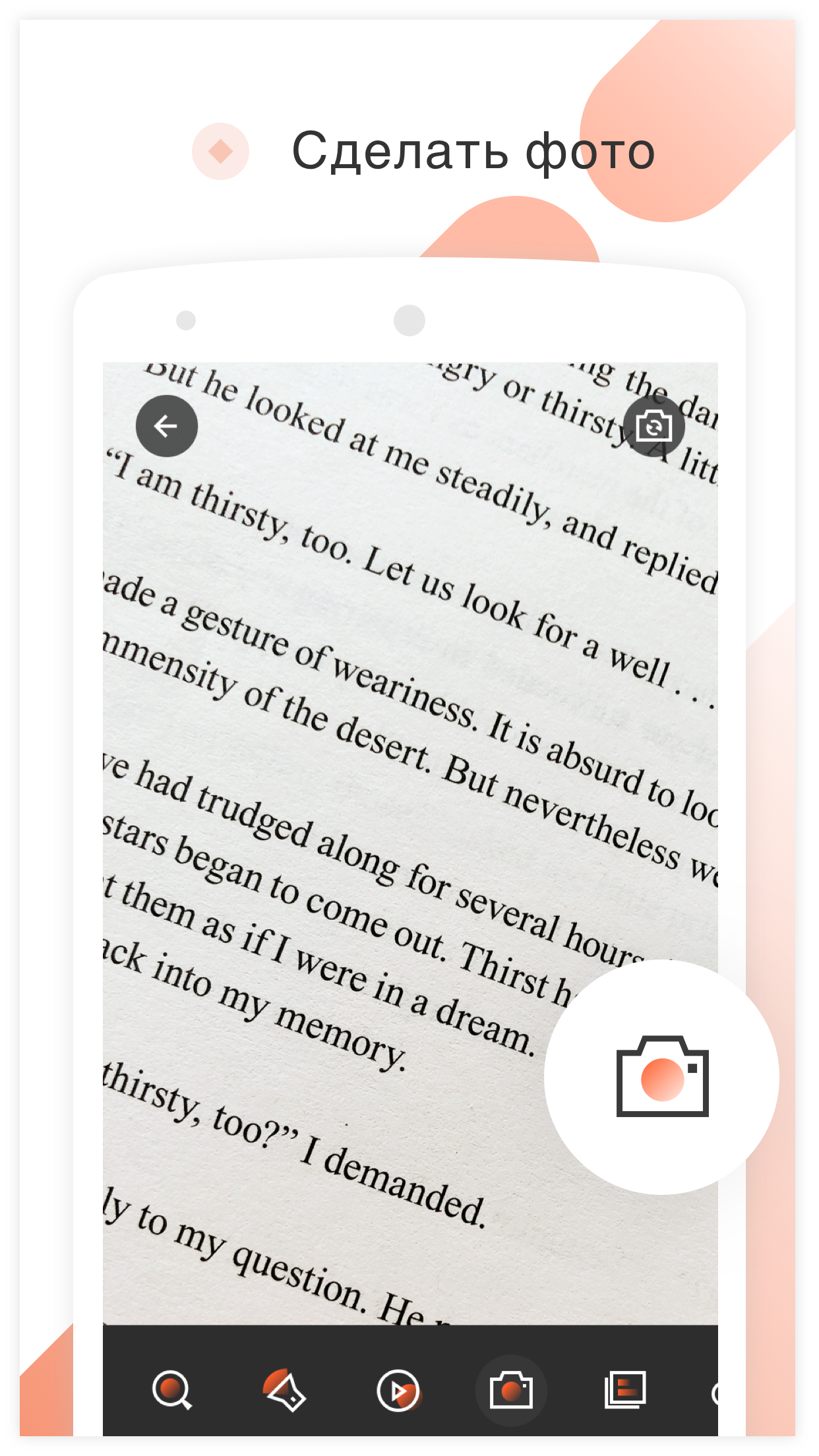
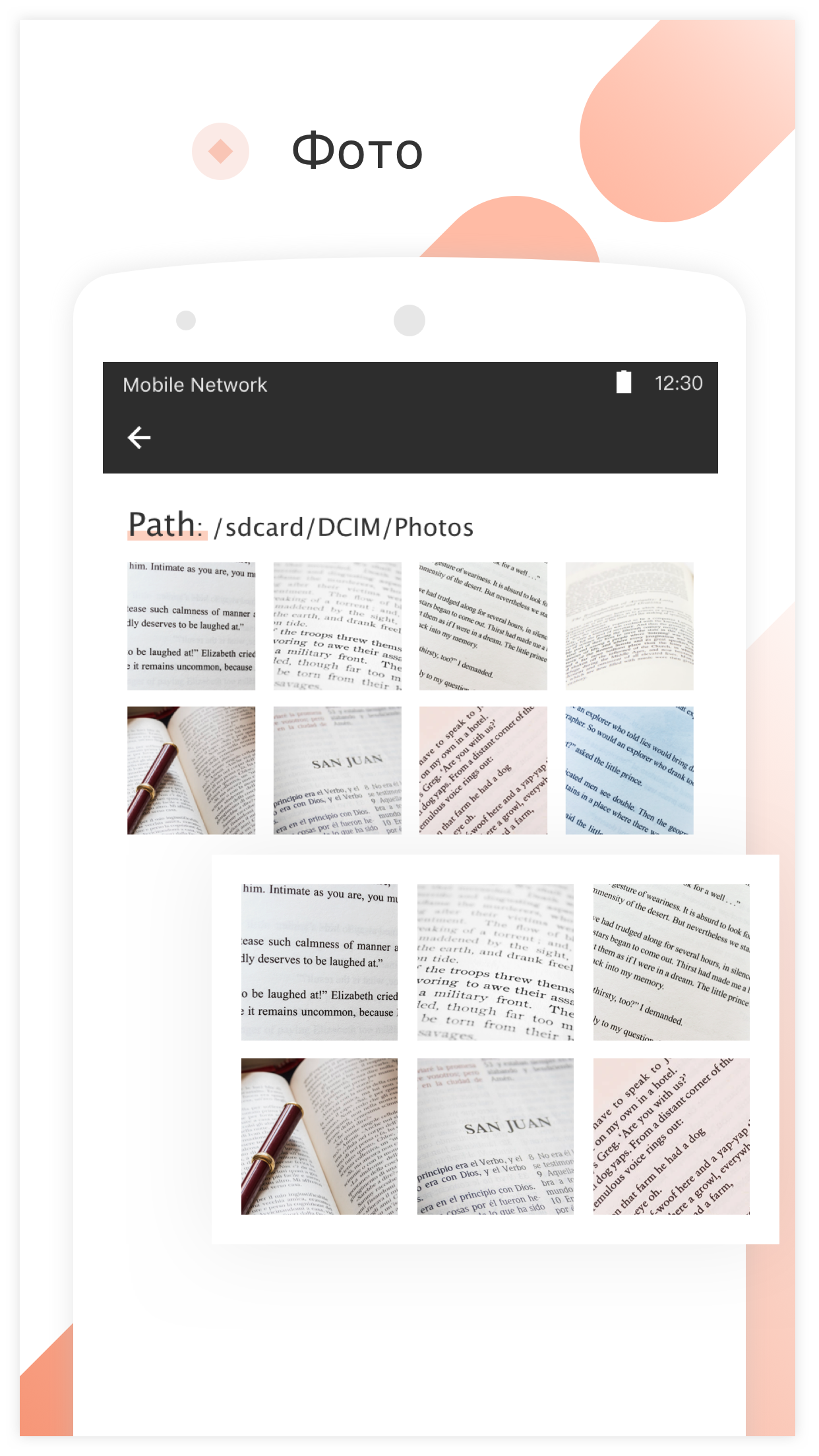
- Take a photo.
Description
Application Magnifier was checked by VirusTotal antivirus. As a result of the scan, no file infections were detected by all the latest signatures.
How to install Magnifier
- Download APK file apps from apkshki.com.
- Locate the downloaded file. You can find it in the system tray or in the 'Download' folder using any file manager.
- If the file downloaded in .bin extension (WebView bug on Android 11), rename it to .apk using any file manager or try downloading the file with another browser like Chrome.
- Start the installation. Click on the downloaded file to start the installation
- Allow installation from unknown sources. If you are installing for the first time Magnifier not from Google Play, go to your device's security settings and allow installation from unknown sources.
- Bypass Google Play protection. If Google Play protection blocks installation of the file, tap 'More Info' → 'Install anyway' → 'OK' to continue..
- Complete the installation: Follow the installer's instructions to complete the installation process.
How to update Magnifier
- Download the new version apps from apkshki.com.
- Locate the downloaded file and click on it to start the installation.
- Install over the old version. There is no need to uninstall the previous version.
- Avoid signature conflicts. If the previous version was not downloaded from apkshki.com, the message 'Application not installed' may appear. In this case uninstall the old version and install the new one.
- Restart annex Magnifier after the update.








Requesting an application update
Added Denis Rubinov
Version: 4.8.2
Size: 5.7 MB
Updated: 24.06.2025
Developer: Pony Mobile
Age Limitations: Everyone
Authorizations:
Downloaded on Google Play: 2417109
Category: Tools











Reviews for Magnifier
I didn't like it. too many ads.
great
Unavoidable ads
It's very useful. It's great. Thank you!
great tool
great for reading dates on old coins!
love it
This app is extremely useful, allowing me to read very small print and examine fine details of a wide variety of mechanical components.
very good
Ad after ad after ad!!! I try to watch it sideways, more viewing area, it starts one ad, that rotates the screen, I close the ad, it rotates the screen and before the image can even come up, a second ad appears and then a third and a fourth and this seems like it'll go on for all of eternity...
Useful to have we always use our phones so having many apps and the nagnifieer is one
Simple & easy to use.
I first got magnifier about a year or so ago. Worked great. Now it's nothing but a pain. Goes in and out of focus like a beating heart. Can't find anyway to increase magnifier and everytime I try to do anything,a darn ad shows up and messes up what little headway I might of made. Can't get camera to work for some mystery reason. I could go on. Bottom line, what wasa great, easy to use magnifier, is now worthless. Trying to edit messed up dates. 2020, 1st loving it review, then edits
Nice and easy for viewing far distance.
Very high magnification for a phone. impressed
Post a comment
To leave a comment, log in with your social network:
Or leave an anonymous comment. Your comment will be sent for moderation.
Post a comment
To leave a comment, log in with your social network:
Or leave an anonymous comment. Your comment will be sent for moderation.