


Sound Booster・Increase Volume
20+
downloads4.1+
version Android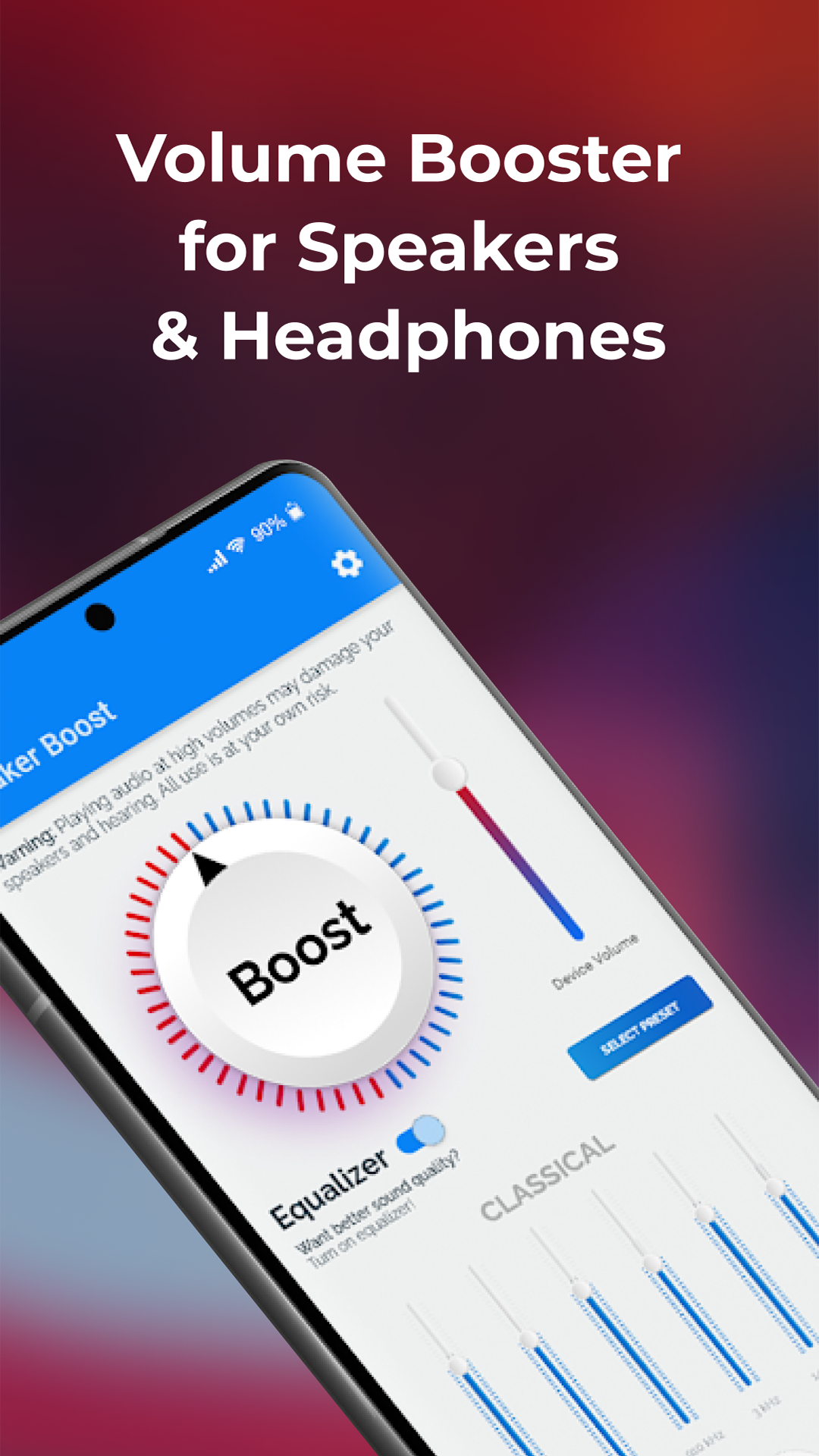

Added: Denis Rubinov
Version: 3.7.4
Size: 14.8 MB
Updated: 24.06.2025
Developer: Prometheus Interactive LLC
Age Limitations: Everyone
Authorizations: 7
Downloaded on Google Play: 25716366
Category: Tools
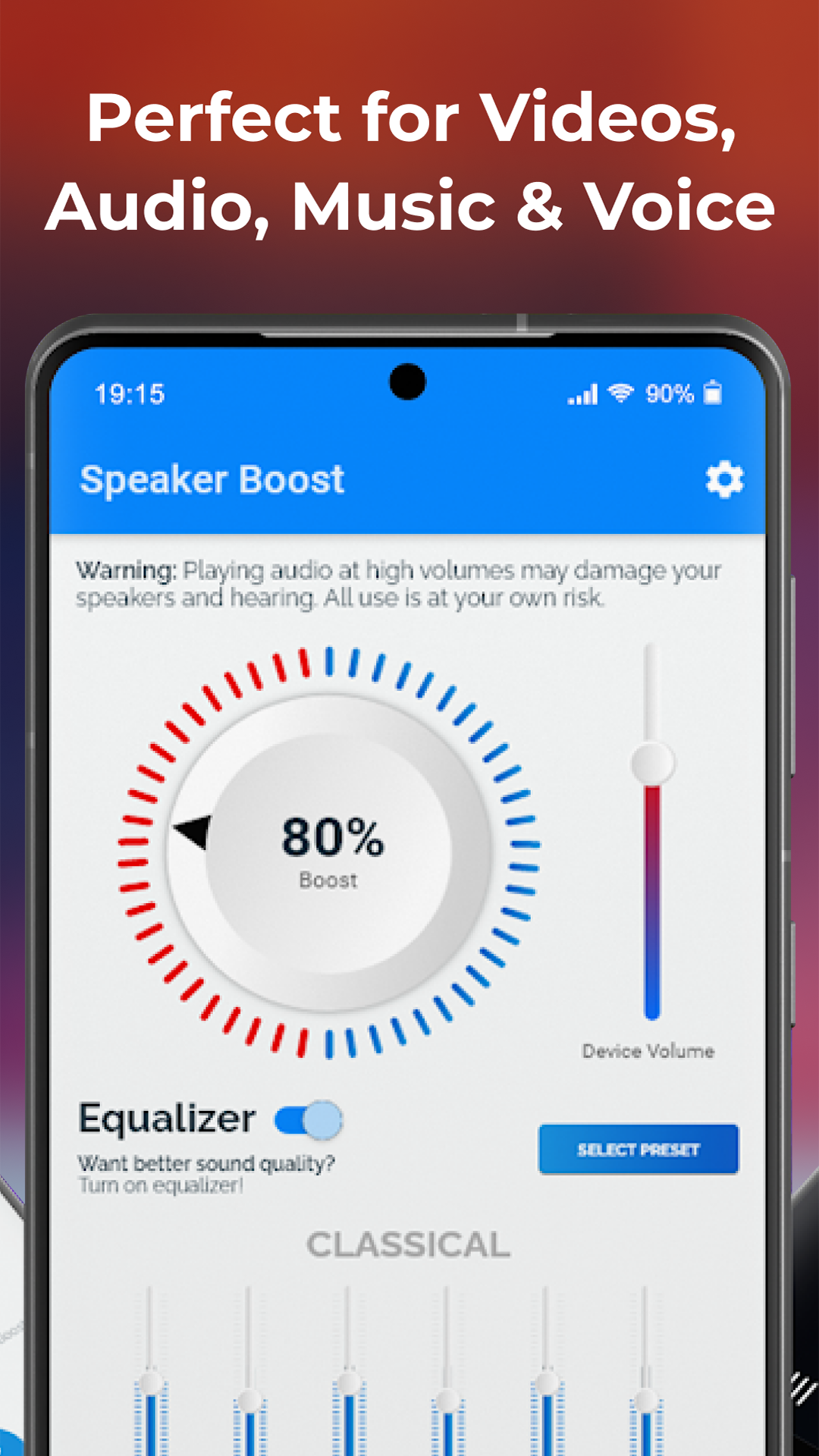
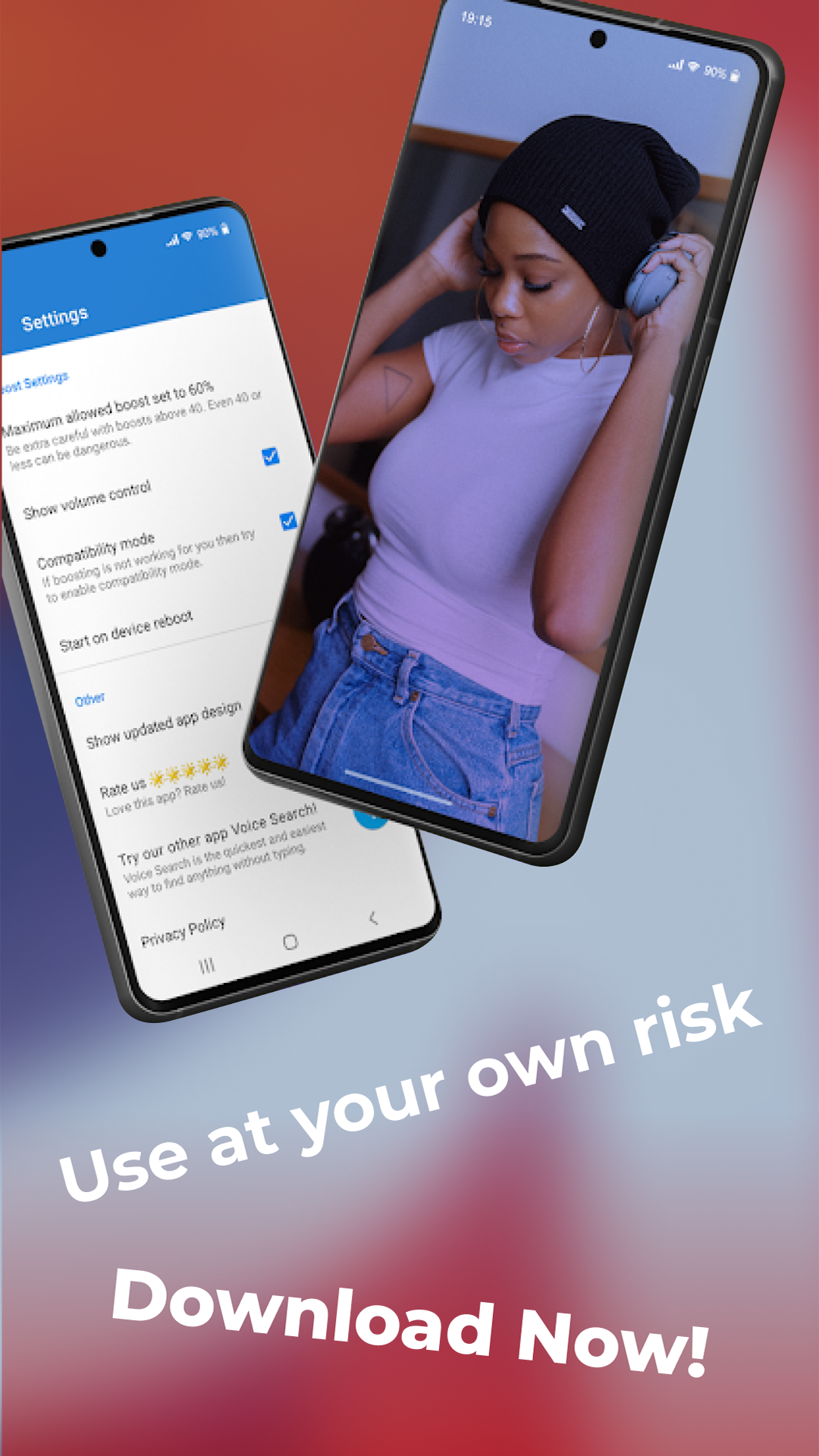
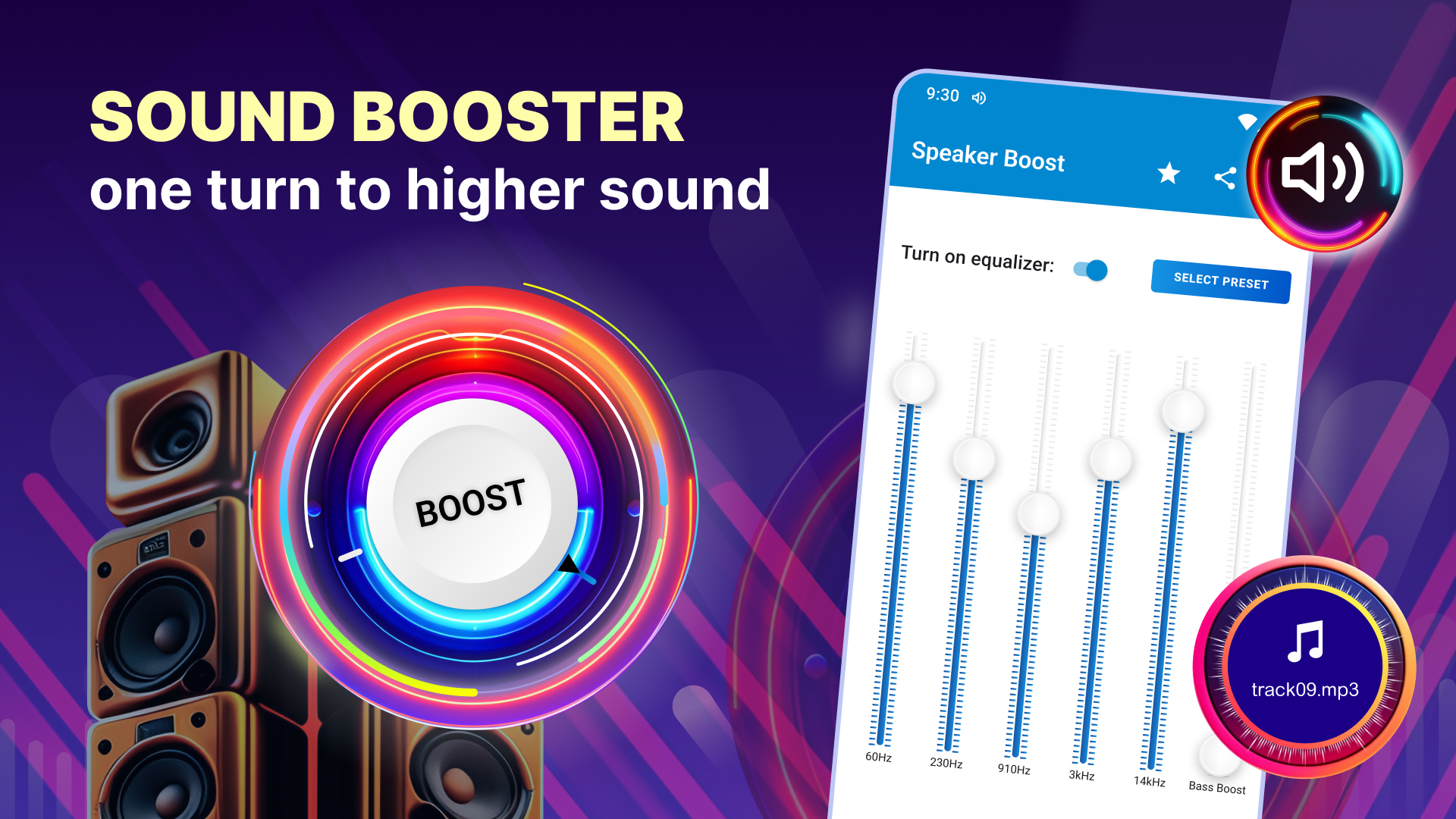
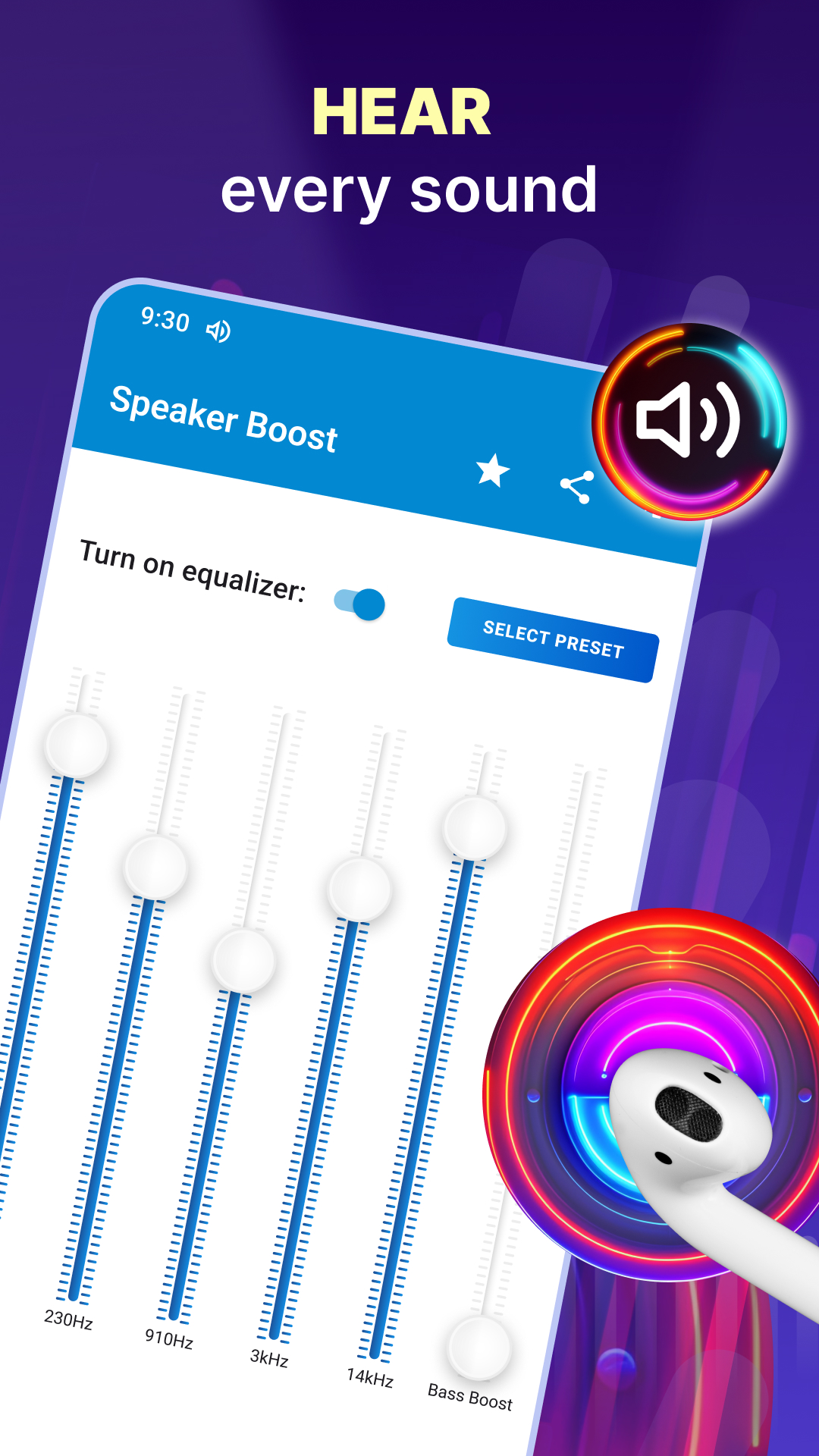
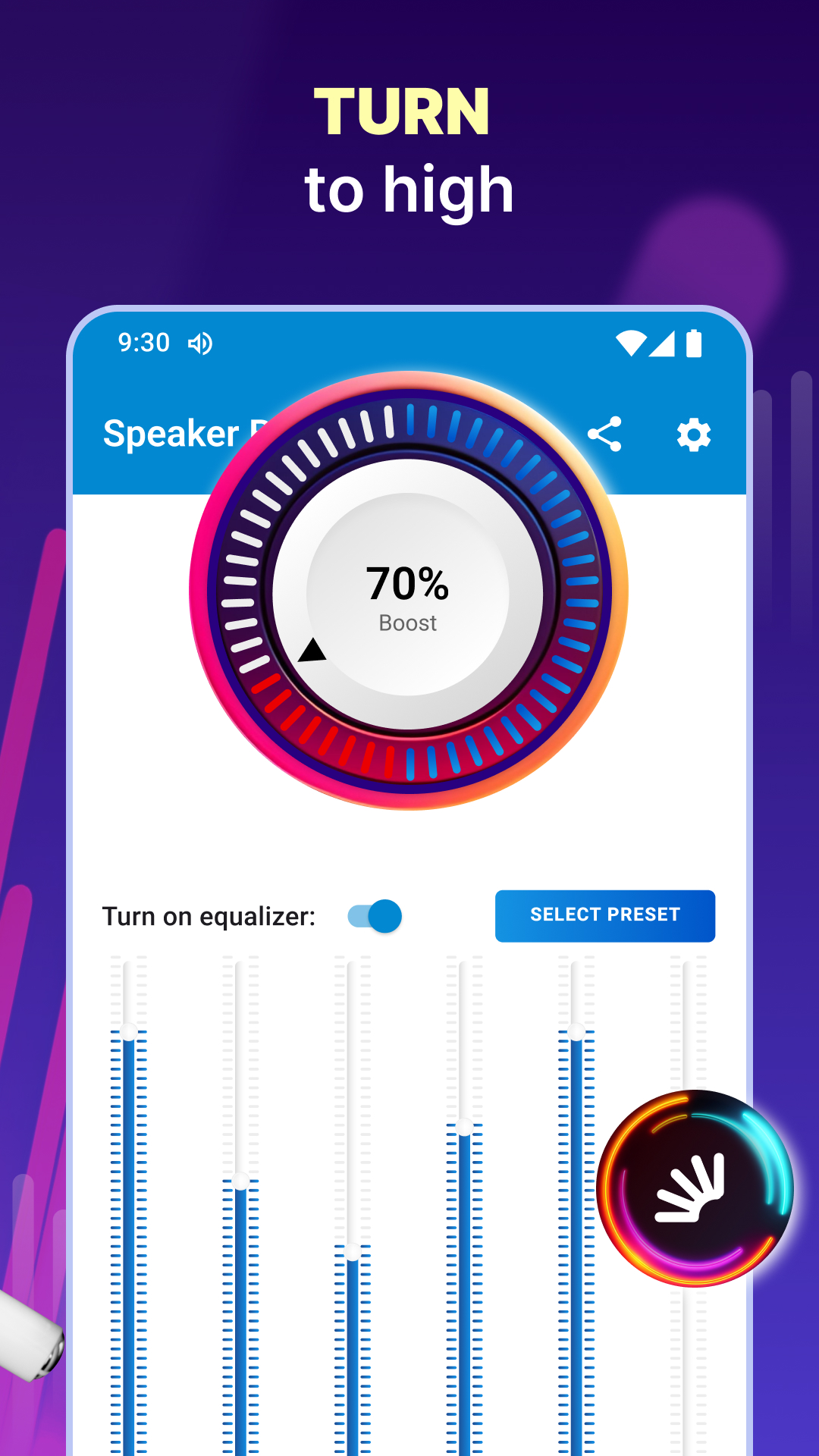
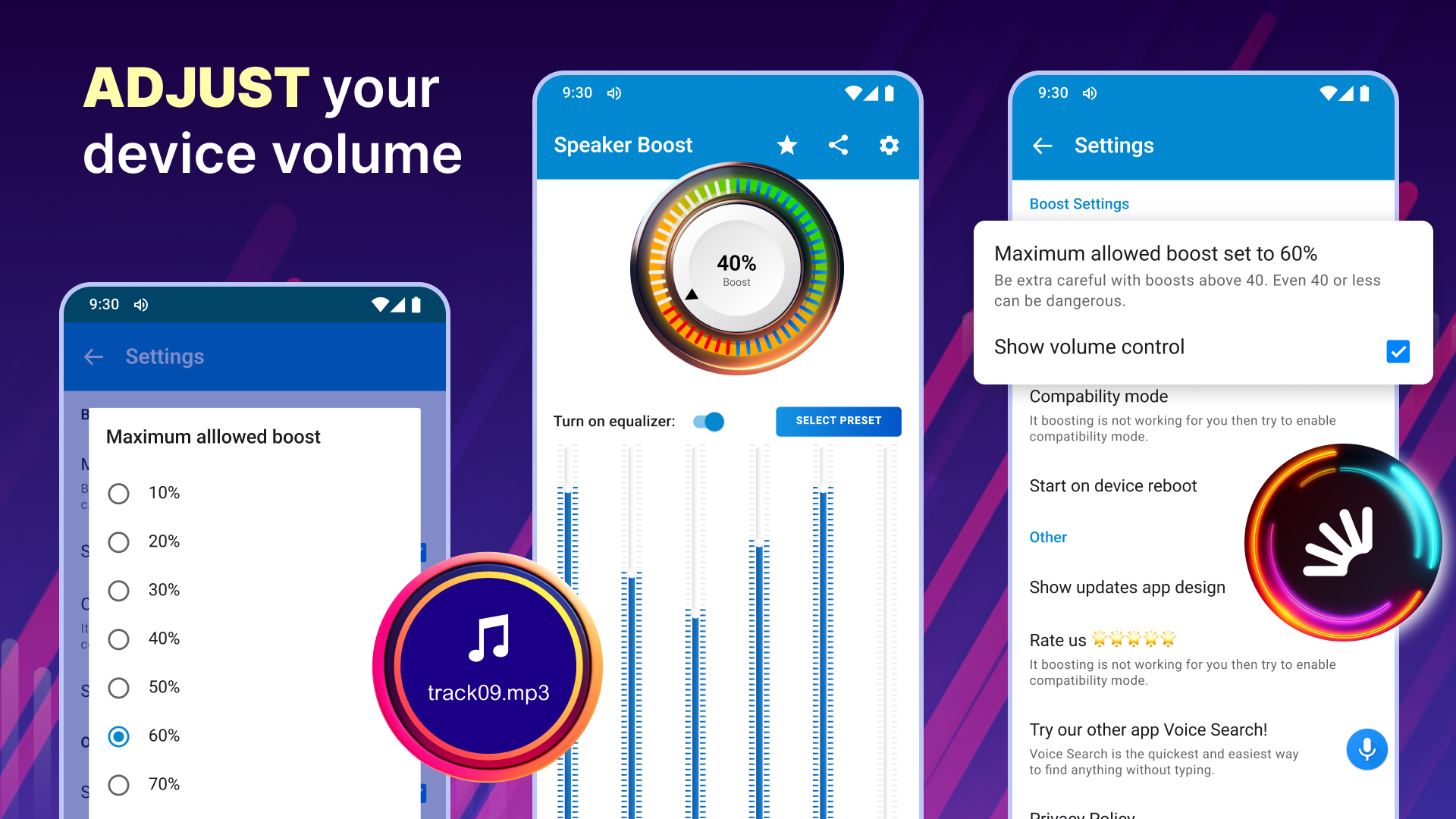
- A number of built-in EQ presets.
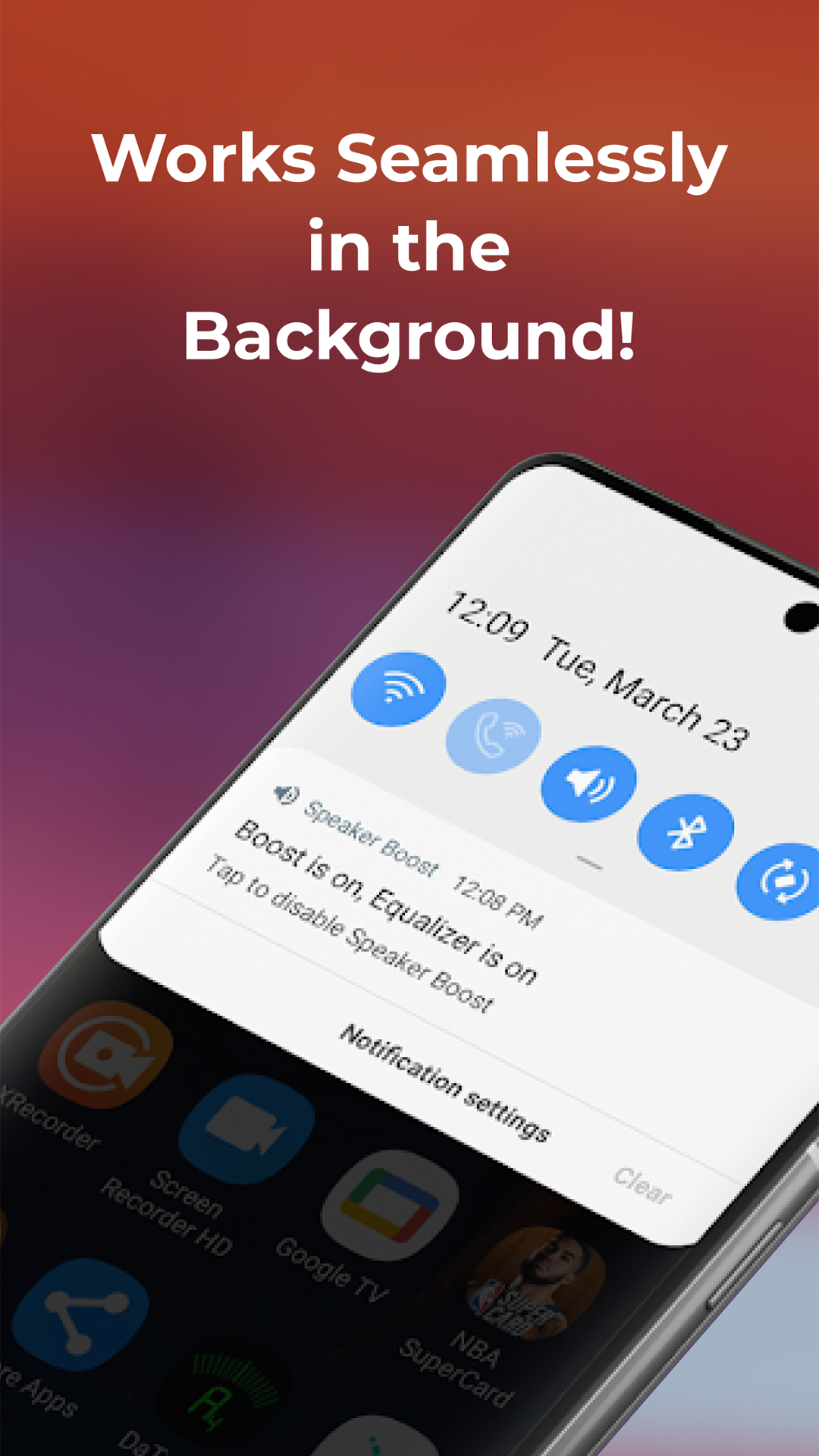
- Autostart on device reboot.
- The interface is in Russian.
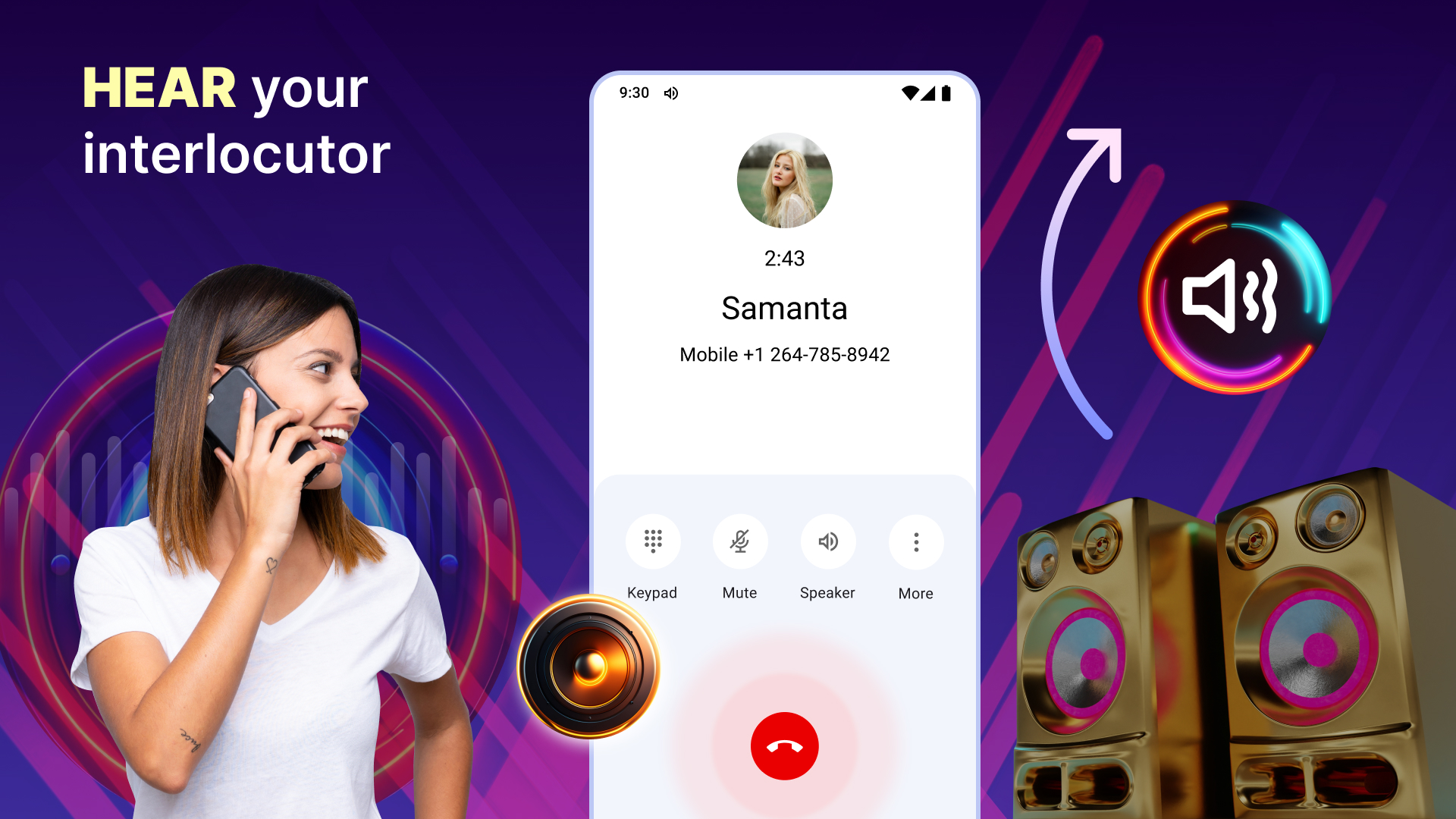
- Convenient audio gain control.
Description
Application Sound Booster・Increase Volume was checked by VirusTotal antivirus. As a result of the scan, no file infections were detected by all the latest signatures.
How to install Sound Booster・Increase Volume
- Download APK file apps from apkshki.com.
- Locate the downloaded file. You can find it in the system tray or in the 'Download' folder using any file manager.
- If the file downloaded in .bin extension (WebView bug on Android 11), rename it to .apk using any file manager or try downloading the file with another browser like Chrome.
- Start the installation. Click on the downloaded file to start the installation
- Allow installation from unknown sources. If you are installing for the first time Sound Booster・Increase Volume not from Google Play, go to your device's security settings and allow installation from unknown sources.
- Bypass Google Play protection. If Google Play protection blocks installation of the file, tap 'More Info' → 'Install anyway' → 'OK' to continue..
- Complete the installation: Follow the installer's instructions to complete the installation process.
How to update Sound Booster・Increase Volume
- Download the new version apps from apkshki.com.
- Locate the downloaded file and click on it to start the installation.
- Install over the old version. There is no need to uninstall the previous version.
- Avoid signature conflicts. If the previous version was not downloaded from apkshki.com, the message 'Application not installed' may appear. In this case uninstall the old version and install the new one.
- Restart annex Sound Booster・Increase Volume after the update.










Requesting an application update
Added Denis Rubinov
Version: 3.7.4
Size: 14.8 MB
Updated: 24.06.2025
Developer: Prometheus Interactive LLC
Age Limitations: Everyone
Authorizations:
Downloaded on Google Play: 25716366
Category: Tools











Reviews for Sound Booster・Increase Volume
good app. 😄😄😄😃😃😃🔥🔥
don't use this app
nice app 👍💯
best app
good
it really works
very good
thik hai
I love this app! I've used it for a couple years now and it always works fantastic. Only reason I didn't give it 5 stars is because lately I've gotten a lot of ads and the little on-screen pop-up in the middle that shows the volume controls has changed and I liked the old version. But this is the only Speaker booster app that I have found that seems to Julie work. I work construction and I work in a loud Warehouse and it boost my Bluetooth headphones so that I can actually hear what's playing. Love it thanks!
Worked perfectly before the last update! Stops boosting intermittently, forcing you to open the app to get bombarded with ads, just to tap the volume control. Before it ran in the background, requiring little to no interaction, now it's a constant headache. I recommend virtually any other boosting app. Cupping your hand behind the speaker is less cumbersome than this one.
Out of all the speaker boost apps i have used, this has been the best. It does what it says, delivers immediately, doesn't kill your battery. The only down sides that i don't care for is as follows. When I want to close it, it should be a simple task but it is not. Always runs at times, this is a lag when running multiple apps. If you do not close it out efficiently. There are tips on YouTube to help with that. Remember, you are an adult, & you can Google anything. Research, then argue. Night.
I like Speakerboost because neither of my devices have all the volume they need. You do have to be careful though, not because it might damage one's speakers, though it might, but rather because the app sometimes distorts the sound so background music can be louder than the spoken word. Using it a boost of 20 to 30 % is plenty and it should be used only if the music on the TV show you're watching isn't already overbearing.
ads ruin this app. it used to be good! But I've come across two problems. 1st the sound booster doesn't stay on. 2nd, when i go into the app to adjust it, there's now these pop up ads that dont go away! They're really huge and annoying and also exing out of ad doesn't work it only kicks me out of the app. i don't usually mind ads. as long as i can use the app its fine. But these ads are horrible. Change the way the ads are and I'll be back...
The app works as advertised on certain streaming services, but not on all. Works great on Amazon. Some it has no effect at all. There is only one add when you start the app. Way less than I honestly expected for a free app. Better than others. But limited to certain sound sources. The paid version may be better, or work on more apps. But I have not tried it yet.
Have had this app or sometime and have always enjoyed it and it works well on this device! However, the latest update seems to require a data connection before you can open this app which makes it useless for me I am going to see if I can find an older version a warning to those who are thinking of upgrading to this version do not do it if you enjoyed the older version of the app! Unless you want a half to go online and see ads just to get to the screen to adjust the volume!
Post a comment
To leave a comment, log in with your social network:
Or leave an anonymous comment. Your comment will be sent for moderation.
Post a comment
To leave a comment, log in with your social network:
Or leave an anonymous comment. Your comment will be sent for moderation.