


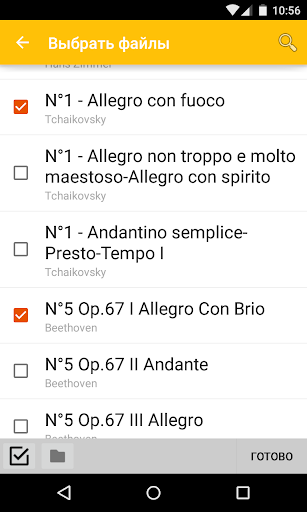
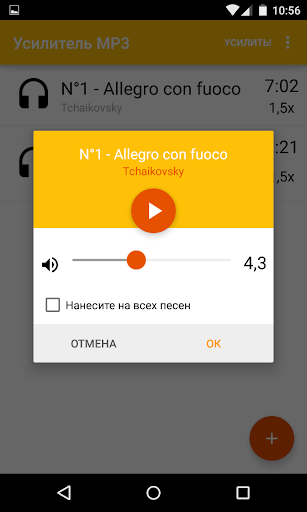
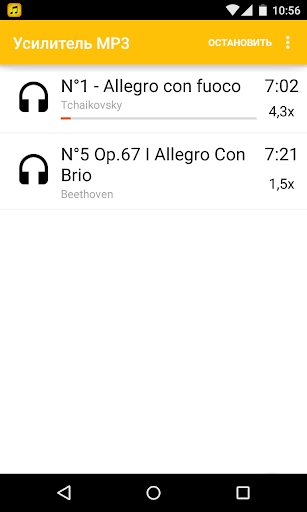
MP3 Amplifier
7+
downloads2.3+
version Android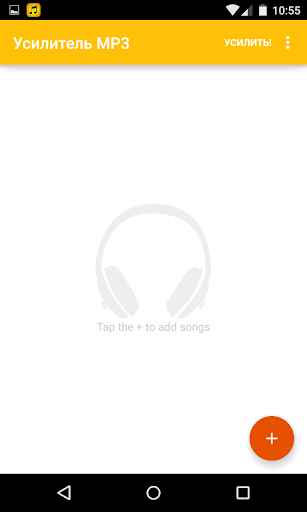
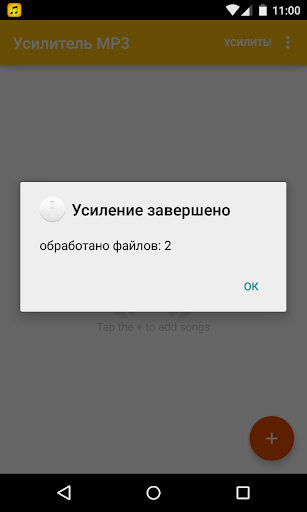
Added: Denis Rubinov
Version: 2.1.6
Size: 4.9 MB
Updated: 02.05.2020
Developer: Eper Apps
Age Limitations: Everyone
Downloaded on Google Play: 6407599
Category: Music and audio
Description
Application MP3 Amplifier was checked by VirusTotal antivirus. As a result of the scan, no file infections were detected by all the latest signatures.
How to install MP3 Amplifier
- Download APK file apps from apkshki.com.
- Locate the downloaded file. You can find it in the system tray or in the 'Download' folder using any file manager.
- If the file downloaded in .bin extension (WebView bug on Android 11), rename it to .apk using any file manager or try downloading the file with another browser like Chrome.
- Start the installation. Click on the downloaded file to start the installation
- Allow installation from unknown sources. If you are installing for the first time MP3 Amplifier not from Google Play, go to your device's security settings and allow installation from unknown sources.
- Bypass Google Play protection. If Google Play protection blocks installation of the file, tap 'More Info' → 'Install anyway' → 'OK' to continue..
- Complete the installation: Follow the installer's instructions to complete the installation process.
How to update MP3 Amplifier
- Download the new version apps from apkshki.com.
- Locate the downloaded file and click on it to start the installation.
- Install over the old version. There is no need to uninstall the previous version.
- Avoid signature conflicts. If the previous version was not downloaded from apkshki.com, the message 'Application not installed' may appear. In this case uninstall the old version and install the new one.
- Restart annex MP3 Amplifier after the update.

Yandex Music, Books & Podcasts
Music and audio

Zaycev.Net: music for everyone
Music and audio

Mp3Mp4U Download mp3
Music and audio

Spotify: Music and Podcasts
Music and audio
Music Equalizer - Bass Booster
Music and audio

Music Player - Mp3 Player
Music and audio

DJ Loop Pads
Music and audio

Просто Радио онлайн
Music and audio
Requesting an application update
Added Denis Rubinov
Version: 2.1.6
Size: 4.9 MB
Updated: 02.05.2020
Developer: Eper Apps
Age Limitations: Everyone
Downloaded on Google Play: 6407599
Category: Music and audio












Reviews for MP3 Amplifier
Good batch mp3 gain editor! Would be nice if converted files could be written with the SAME filename as original, just sent to a different directory. As it is , one has to MANUALLY rename back to original name. Doing this with 35 files is not fun!!
I am wondering why this app is not having rating more than 4. It's very good app. The other apps that I had tried was decreasing the song quality when it increase the volume. But this is not like that. I am well satisfied with this app.
all this app can do is make an mp3 exactly 50% louder, that's it. it's trash. there's need for something actually loudening. all the positive reviews are fake. this app is complete and utter trash.
I love it i didn't know this app existed By the way those who rate it 1★ and says that the sounds get distorted they dont know how decibels works. 1.7 dB is enough for a single song “I super recommend the app"
it works amazing..i make the loudest song ..from my favourite ballad songs and music eventhough the song came from whispering quality ..no change in music clarity too..thanks for making this application its very useful to my hobby..
Unintuitive, Song became silent. Totally no sound! Tried many times. App also crashed.
No difference in sound. No difference in sound!! The explanation marks are louder in my review, than you'll get in this app.
Please don't dl, it lets you listen to one song at any volume then stops working. Try other and save yourself the time
It didn't boost the MP3 volume to any higher volume level than it originally was.
excellent app i amplified many songs that have very low sound and it works. thank you!!!
Post a comment
To leave a comment, log in with your social network:
Or leave an anonymous comment. Your comment will be sent for moderation.
Post a comment
To leave a comment, log in with your social network:
Or leave an anonymous comment. Your comment will be sent for moderation.