


USB Driver for Android Devices
8+
downloads4.1+
version Android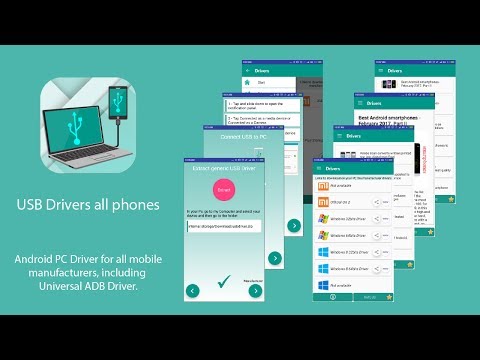
Added: Denis Rubinov
Version: 3.44
Size: 38.1 MB
Updated: 20.05.2025
Developer: HEXAMOB S.L.
Age Limitations: Everyone
Authorizations: 5
Downloaded on Google Play: 10928742
Category: Tools
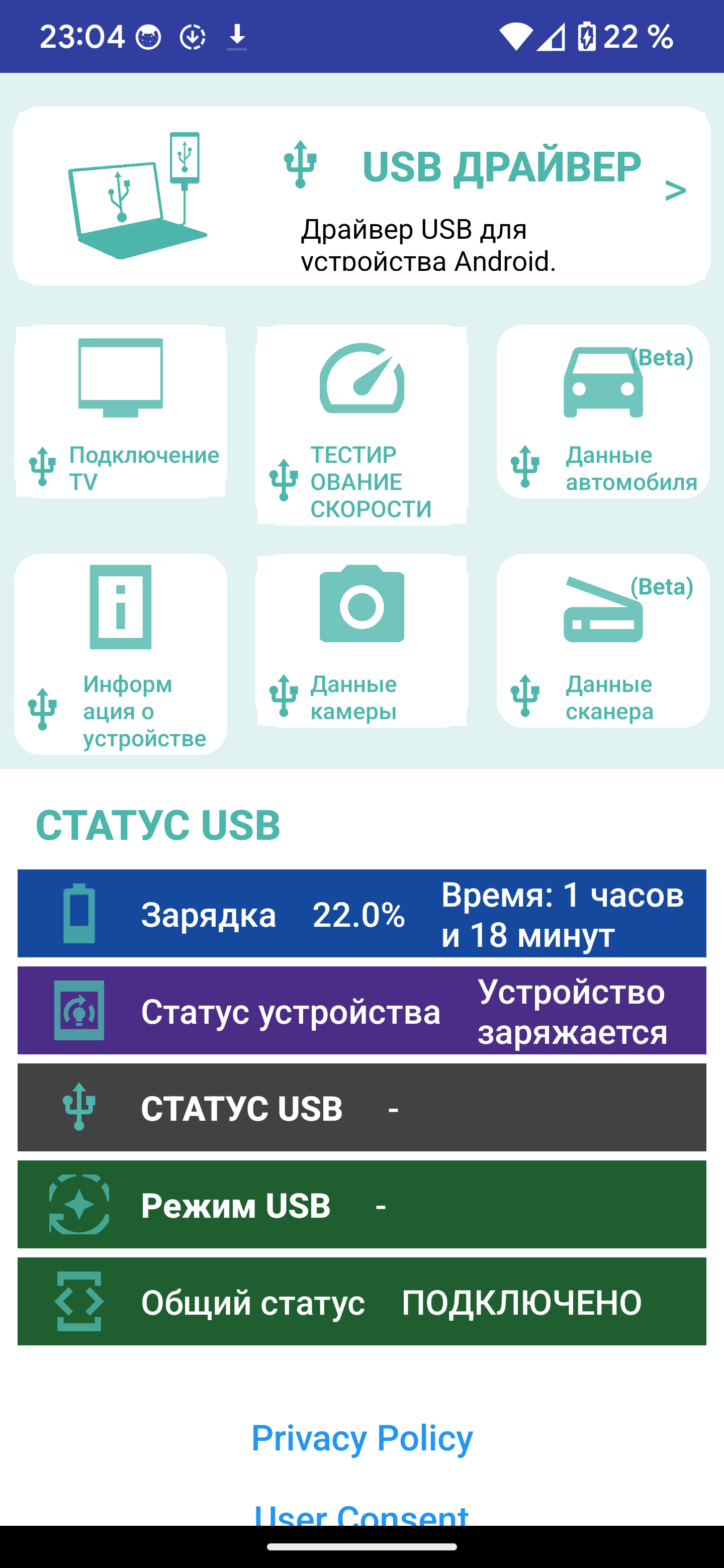
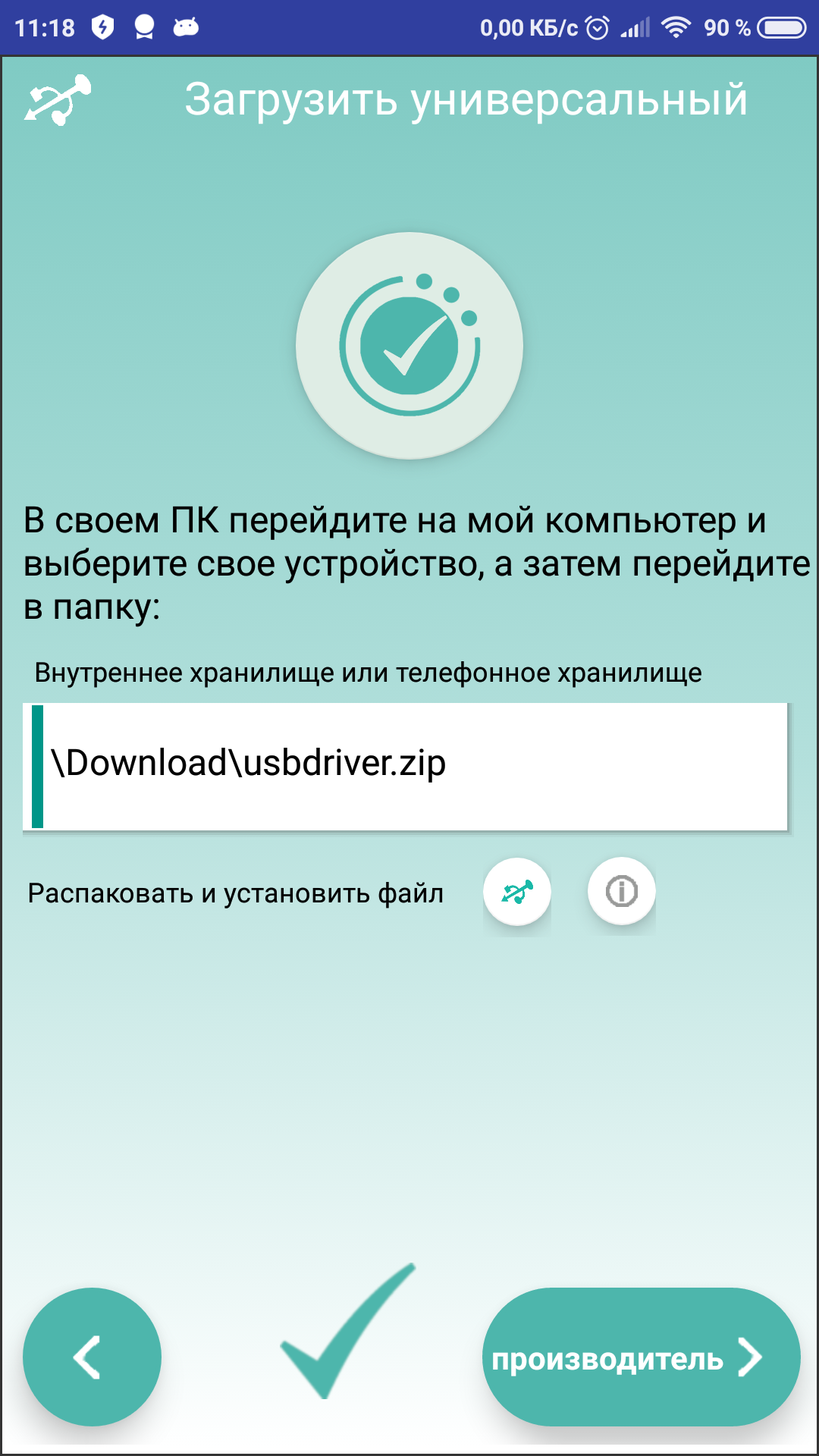
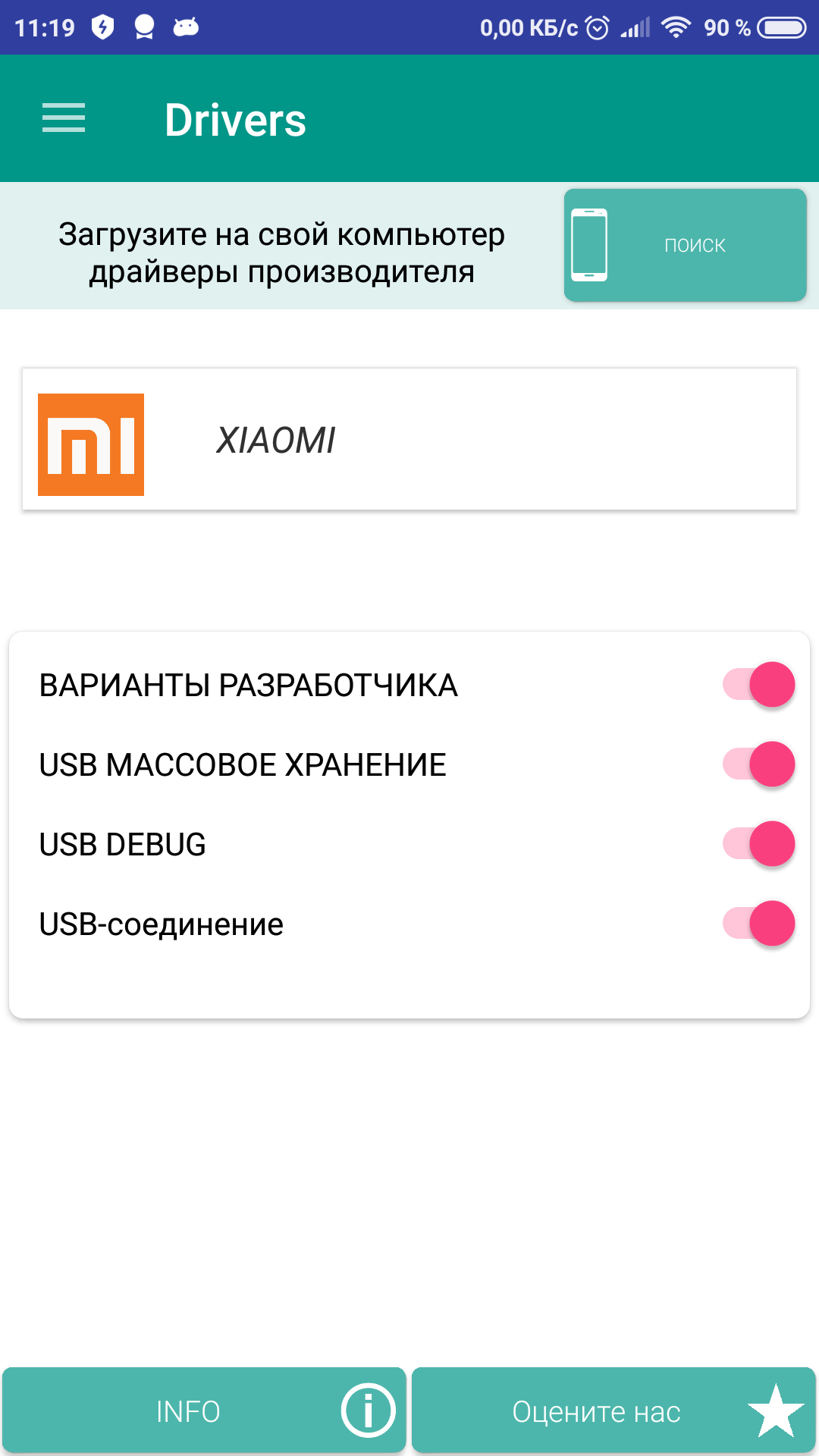
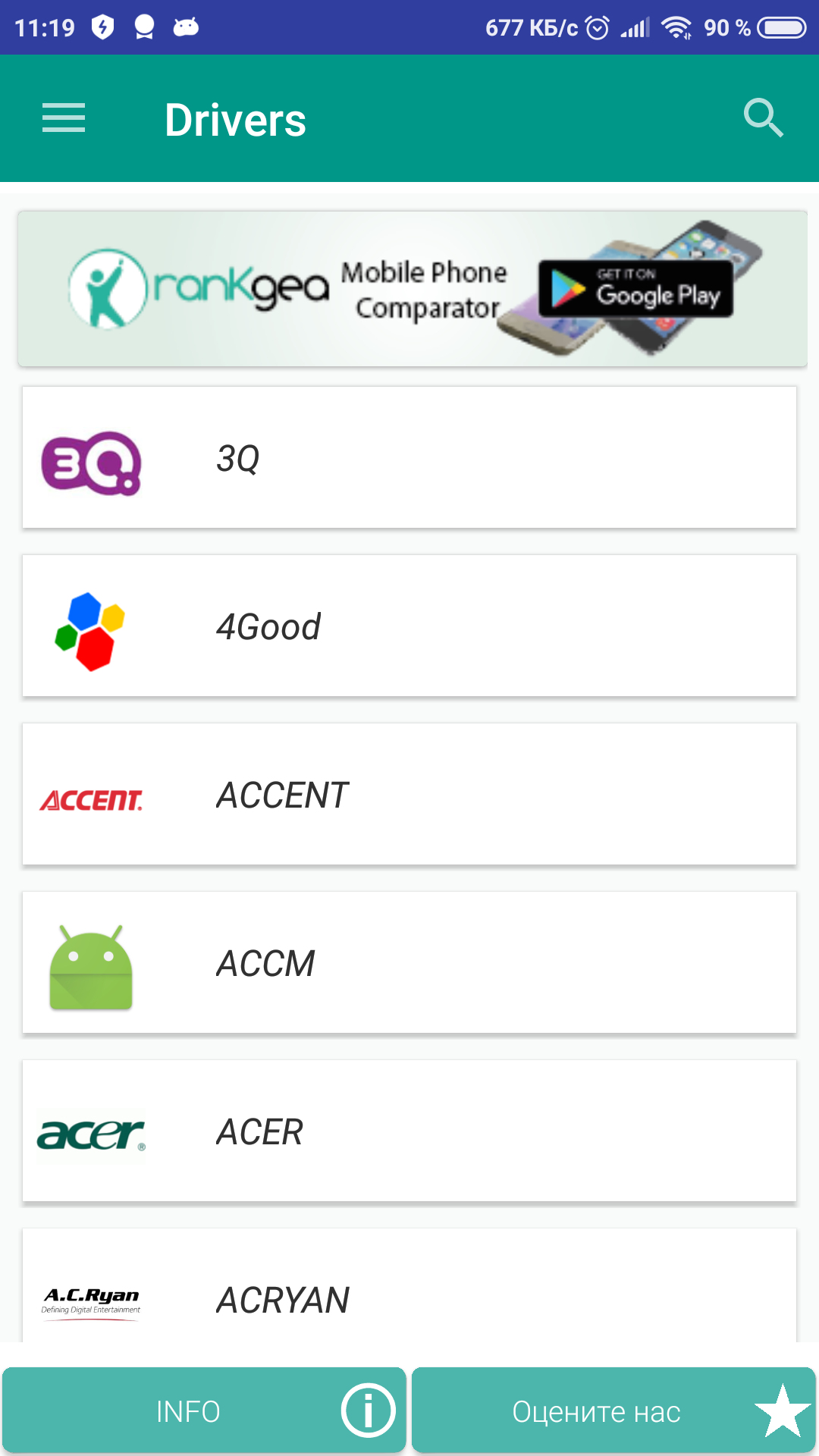
- Drivers for hundreds of phone models.
- Generic ADB driver present.
- Russian language support.
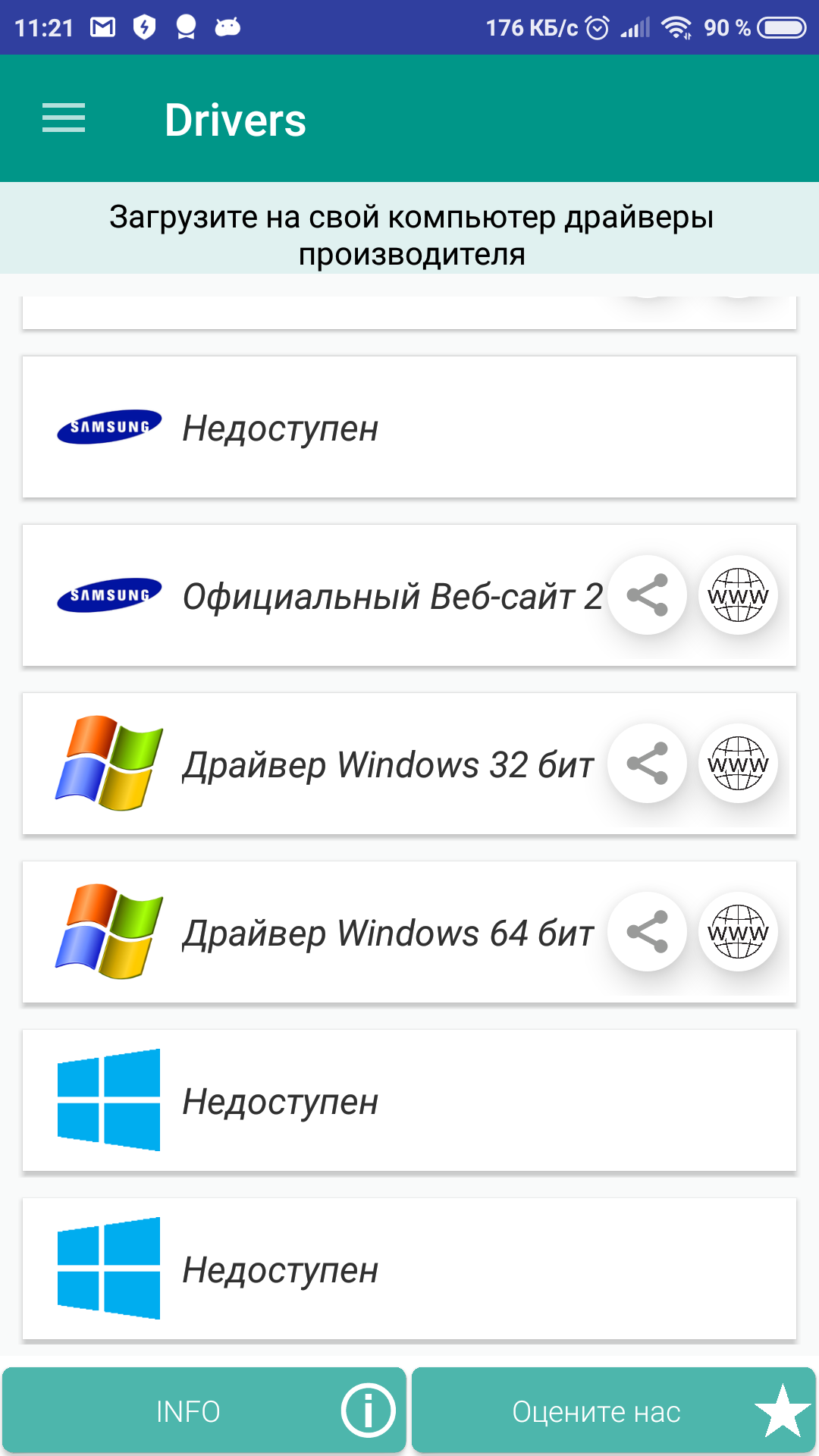
- Links to proprietary software from smartphone manufacturers.
Description
Application USB Driver for Android Devices was checked by VirusTotal antivirus. As a result of the scan, no file infections were detected by all the latest signatures.
How to install USB Driver for Android Devices
- Download APK file apps from apkshki.com.
- Locate the downloaded file. You can find it in the system tray or in the 'Download' folder using any file manager.
- If the file downloaded in .bin extension (WebView bug on Android 11), rename it to .apk using any file manager or try downloading the file with another browser like Chrome.
- Start the installation. Click on the downloaded file to start the installation
- Allow installation from unknown sources. If you are installing for the first time USB Driver for Android Devices not from Google Play, go to your device's security settings and allow installation from unknown sources.
- Bypass Google Play protection. If Google Play protection blocks installation of the file, tap 'More Info' → 'Install anyway' → 'OK' to continue..
- Complete the installation: Follow the installer's instructions to complete the installation process.
How to update USB Driver for Android Devices
- Download the new version apps from apkshki.com.
- Locate the downloaded file and click on it to start the installation.
- Install over the old version. There is no need to uninstall the previous version.
- Avoid signature conflicts. If the previous version was not downloaded from apkshki.com, the message 'Application not installed' may appear. In this case uninstall the old version and install the new one.
- Restart annex USB Driver for Android Devices after the update.








Requesting an application update
Added Denis Rubinov
Version: 3.44
Size: 38.1 MB
Updated: 20.05.2025
Developer: HEXAMOB S.L.
Age Limitations: Everyone
Authorizations:
Downloaded on Google Play: 10928742
Category: Tools











Reviews for USB Driver for Android Devices
nice work guys
ok
videos start to buffer on this app
Did nothing whatsoever.
It did not work for me. Then it wouldn't let me uninstall it. I had to go into my home screen.Find uninstall the app that way. instead of just uninstalling it from the google play store.
so far I love this app so far is connecting I hope it goes all the way
power app
not working and useful
Good
Excellent app the driver worked it did comect to the computer. Just one thing. Every smart phone manufacturer has support for same as your app for drivers and its FREE 🚫🚫 SO TECHNICLY YOUR APP IS REAPING PEOPLE OFF YOU SHOULD LET THE PUBLIC KNOW THAT THEY HAVE THE FREE OPTION IF THEY HAVE THE TIME
Only just opened the app and it is asking me to rate it. Can't do anything with it till I rate it. At least it opened, so top marks for that, as other apps I tried did not work. Will need to test further before being able to rate further... Not impressed with being forced into rating app as soon as you start to use it. Should ask you after a month or so to get a genuine feel for the app.
so far i give it 4. only if i can use this app for what i inteded it for then ill give it 5. if not then ill delete my rating and uninstall the app so it doesnt give anyone false hope. im trying to connect a Tomlov digital usb coin microscope.
I did not transfer yet due to my PC system was unable to detect the connected phone. However, I believe this is good working condition and should perform tasks accordingly.
It works well. Great app, saves a lot of time searching for suitable drivers. Just follow the instructions.
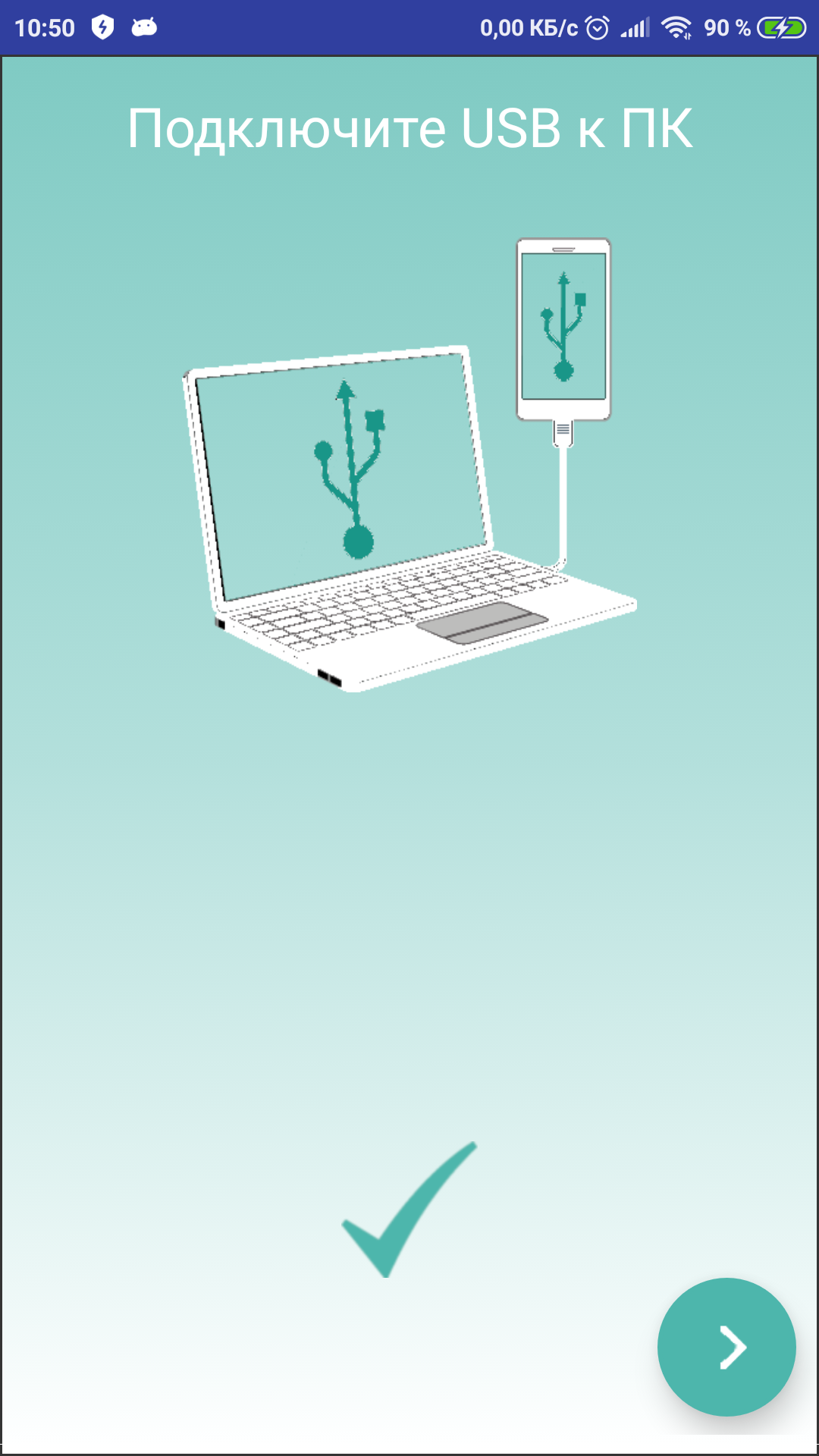
Waste of time. It asks you to rate the app as soon as you open it. Doesn't do what it says it can do. Tells me to connect my phone to PC and open media storage. How can I do that when the PC won't detect my phone? That's the problem you are supposed to solve!
Post a comment
To leave a comment, log in with your social network:
Or leave an anonymous comment. Your comment will be sent for moderation.
Post a comment
To leave a comment, log in with your social network:
Or leave an anonymous comment. Your comment will be sent for moderation.