


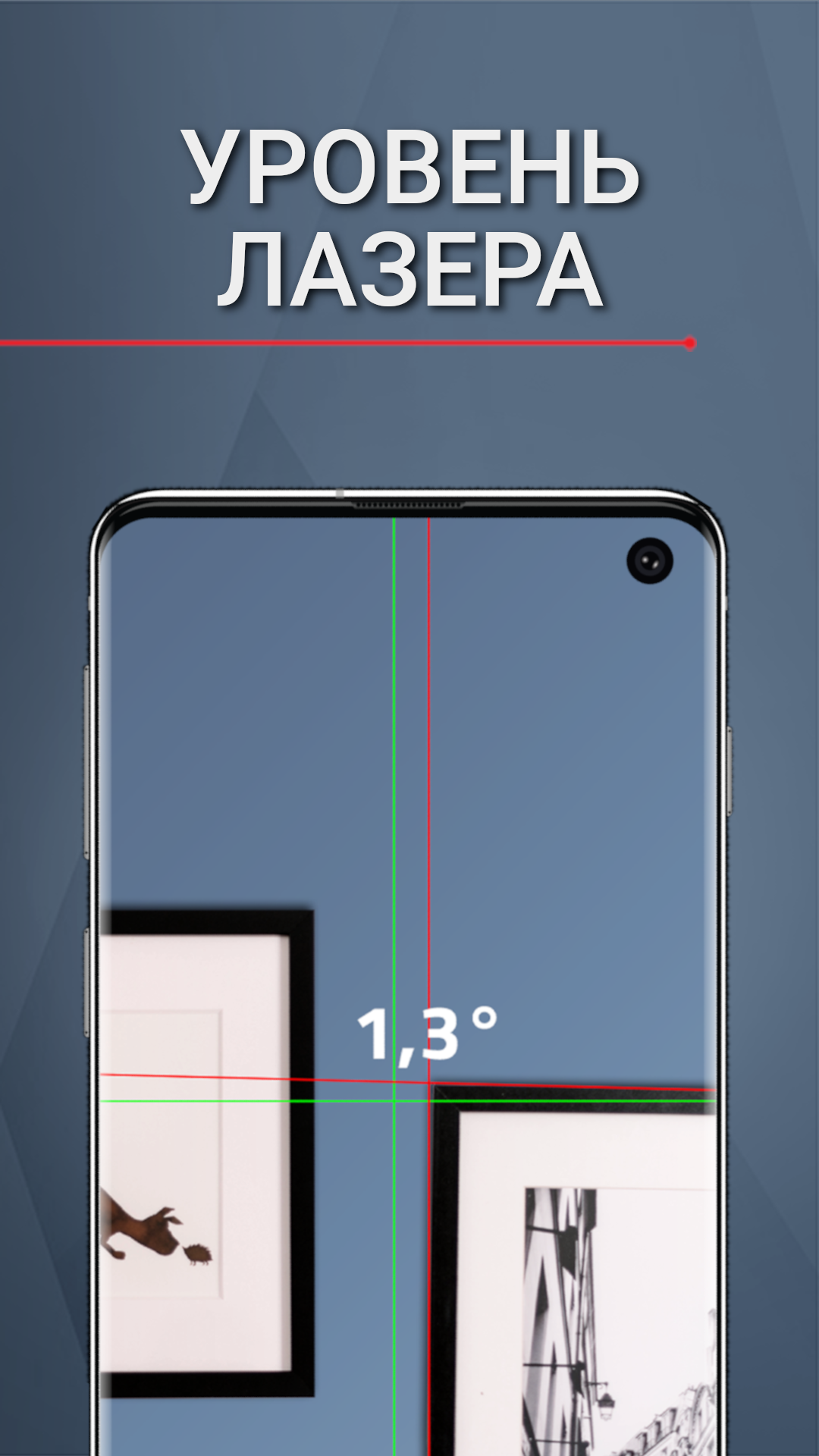
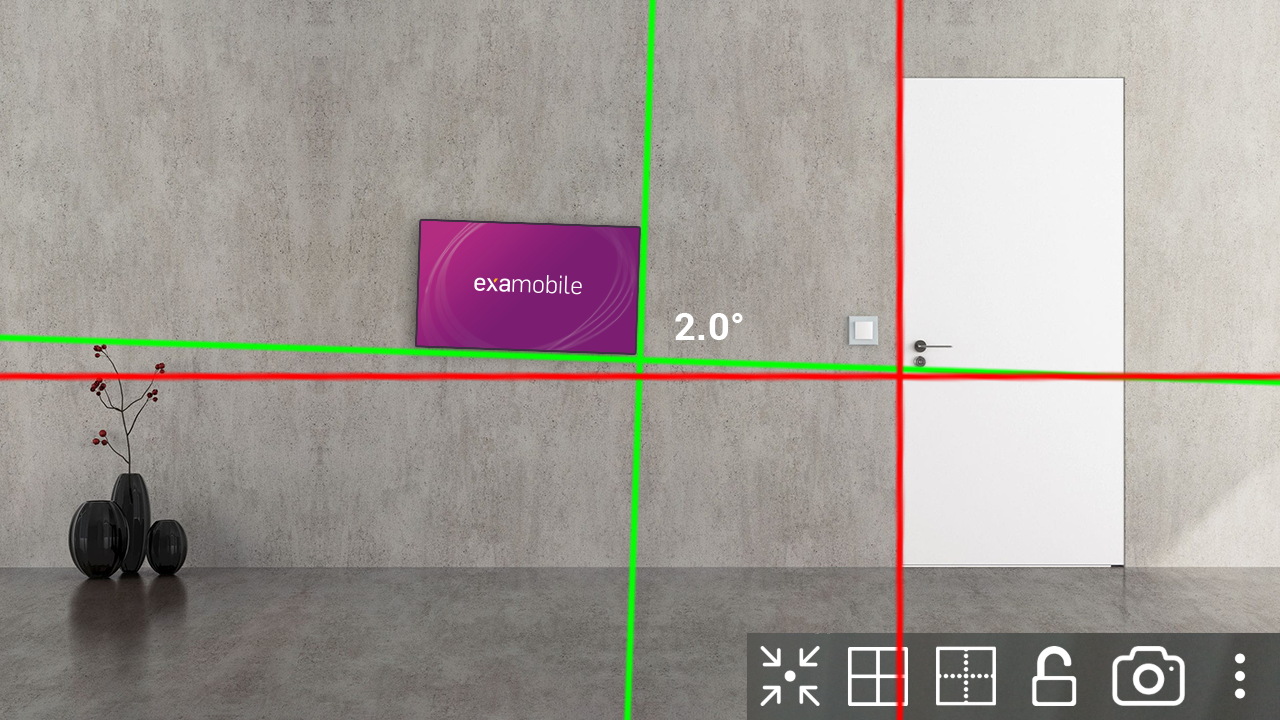
Laser Level
2+
downloads4.1+
version Android
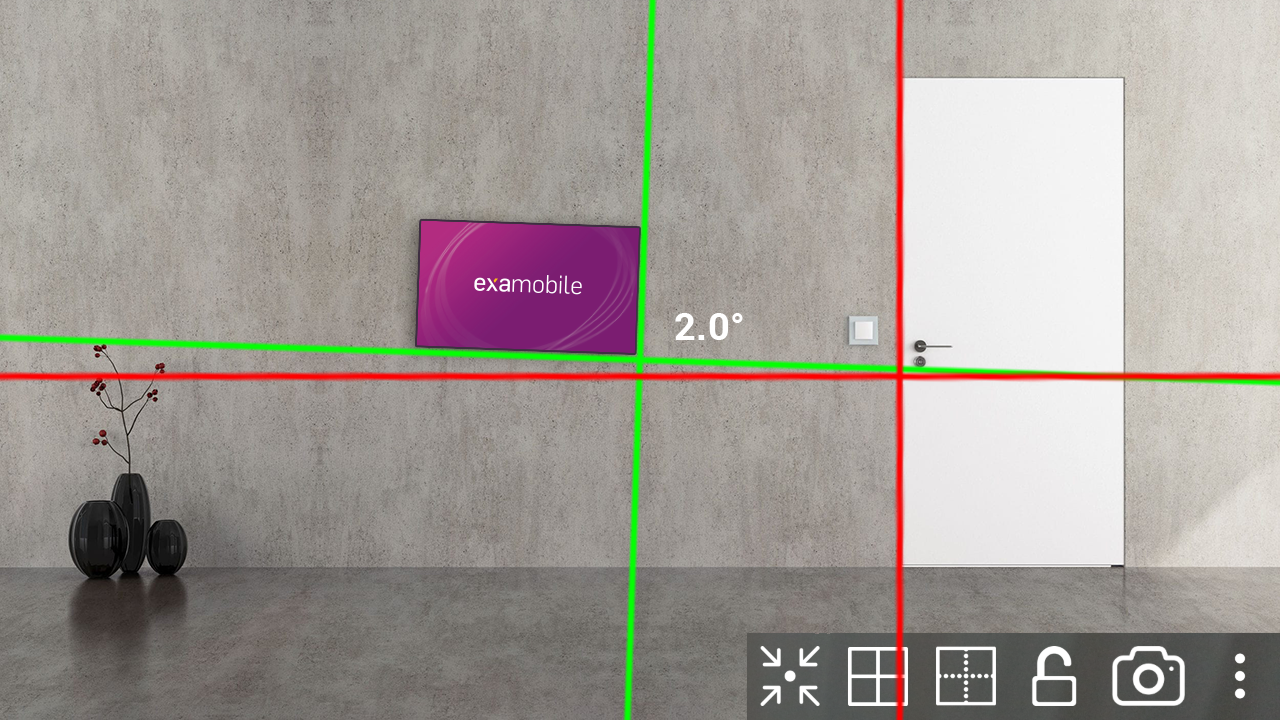
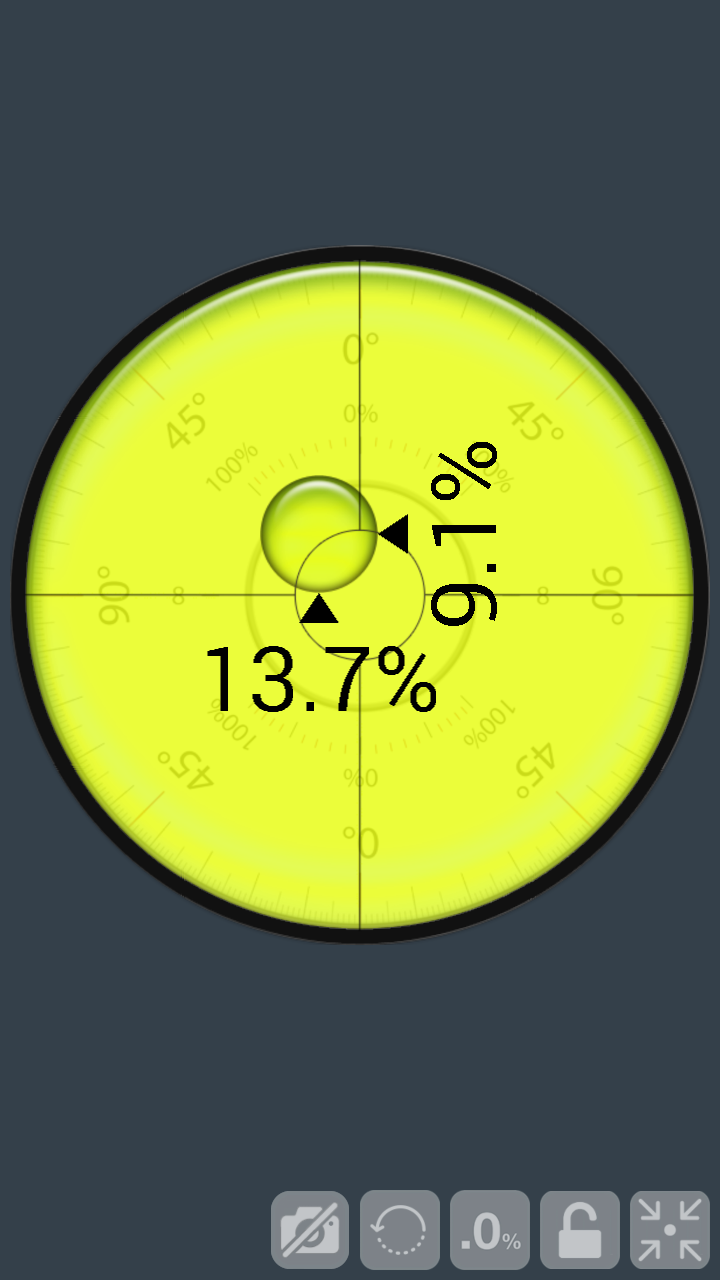
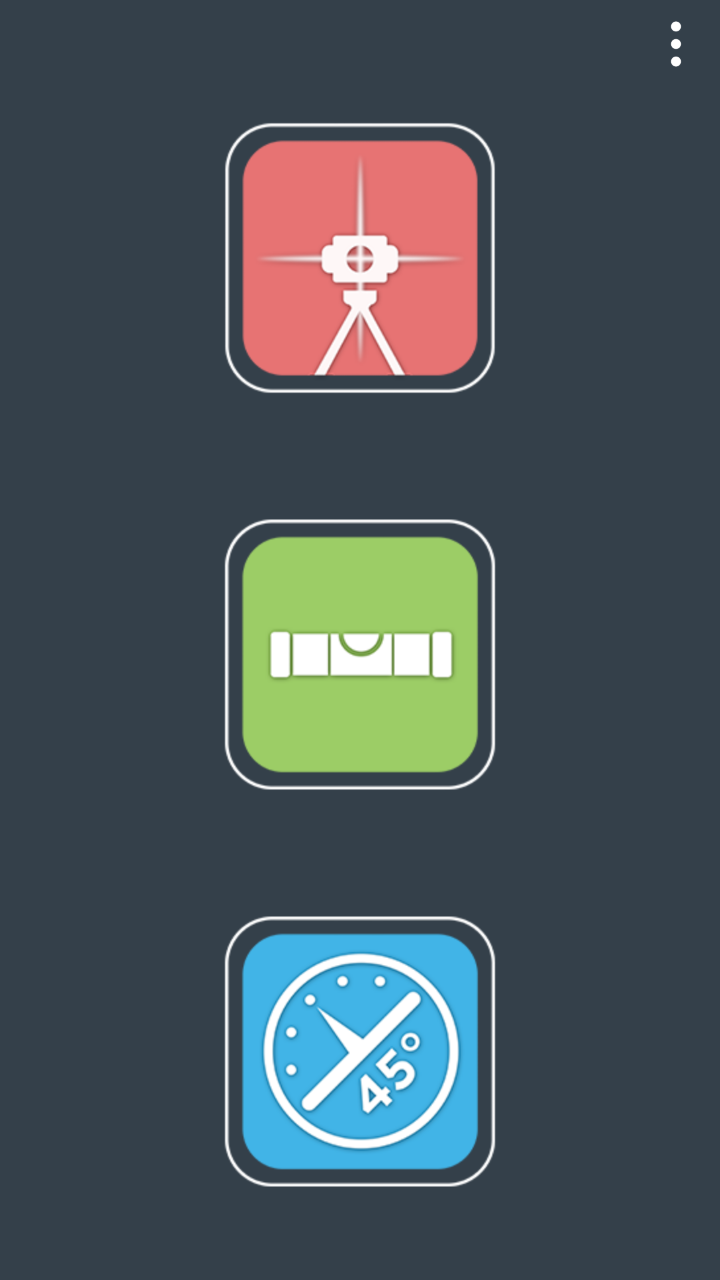
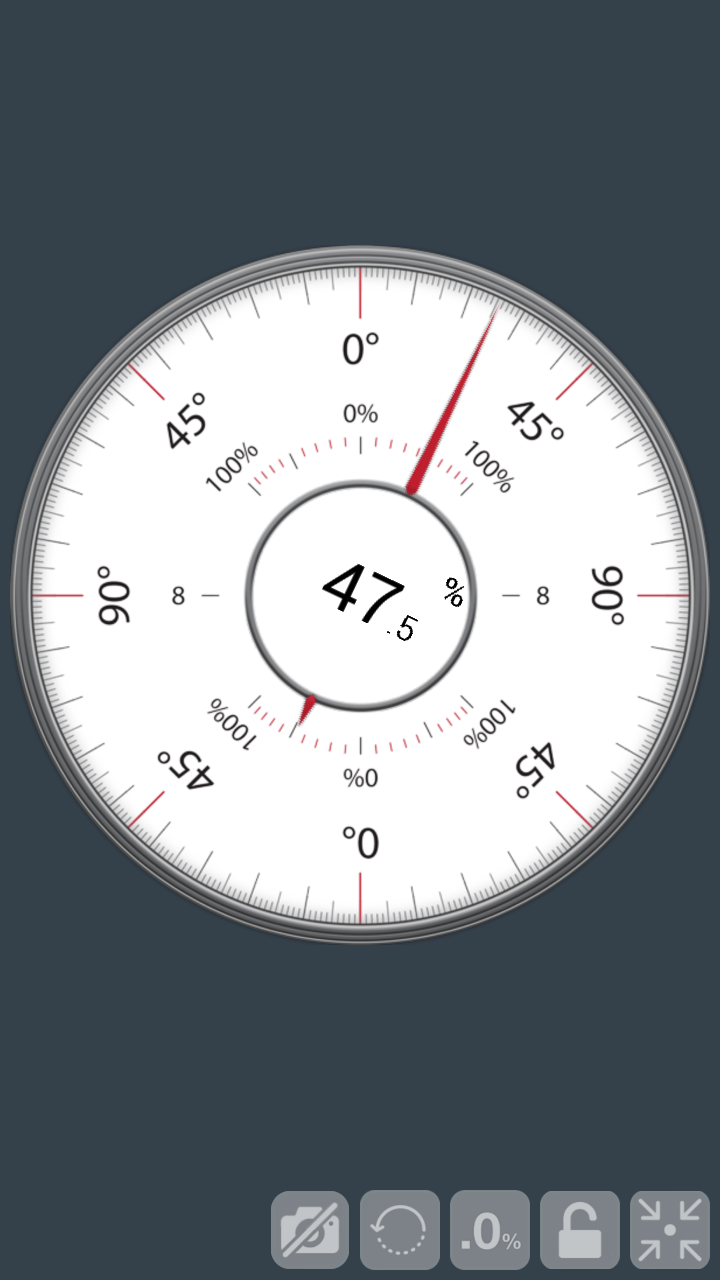
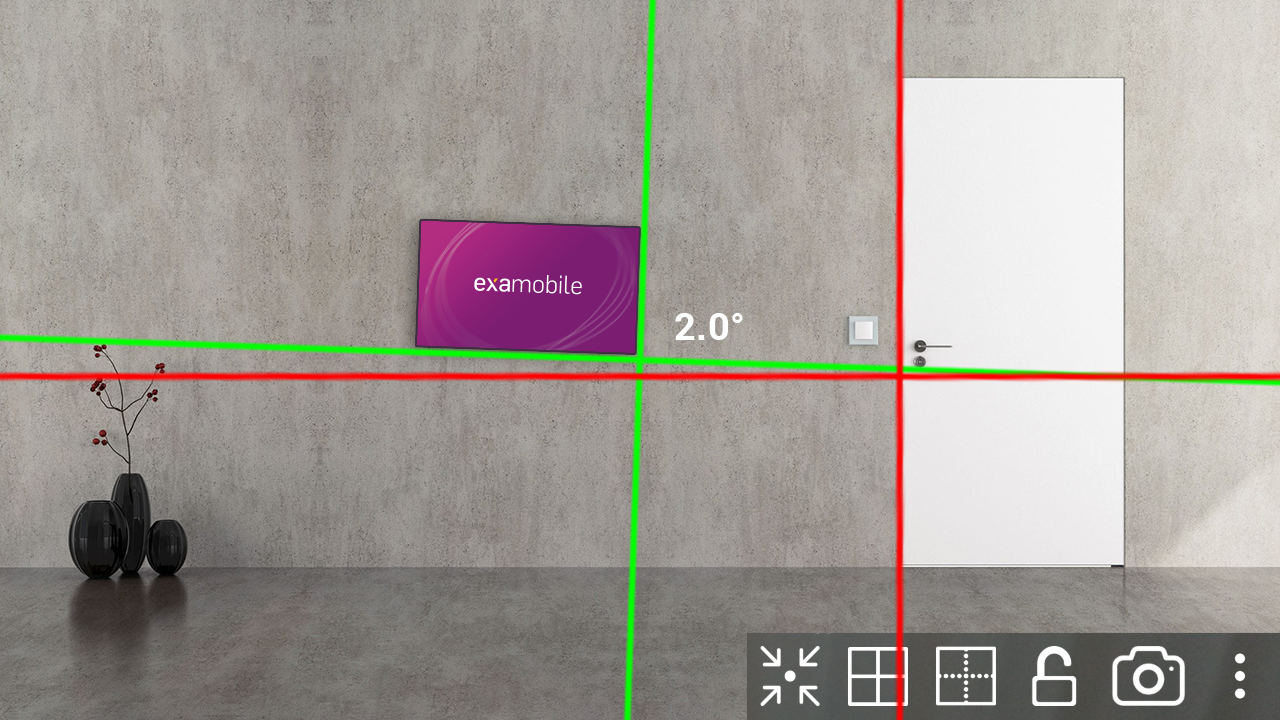
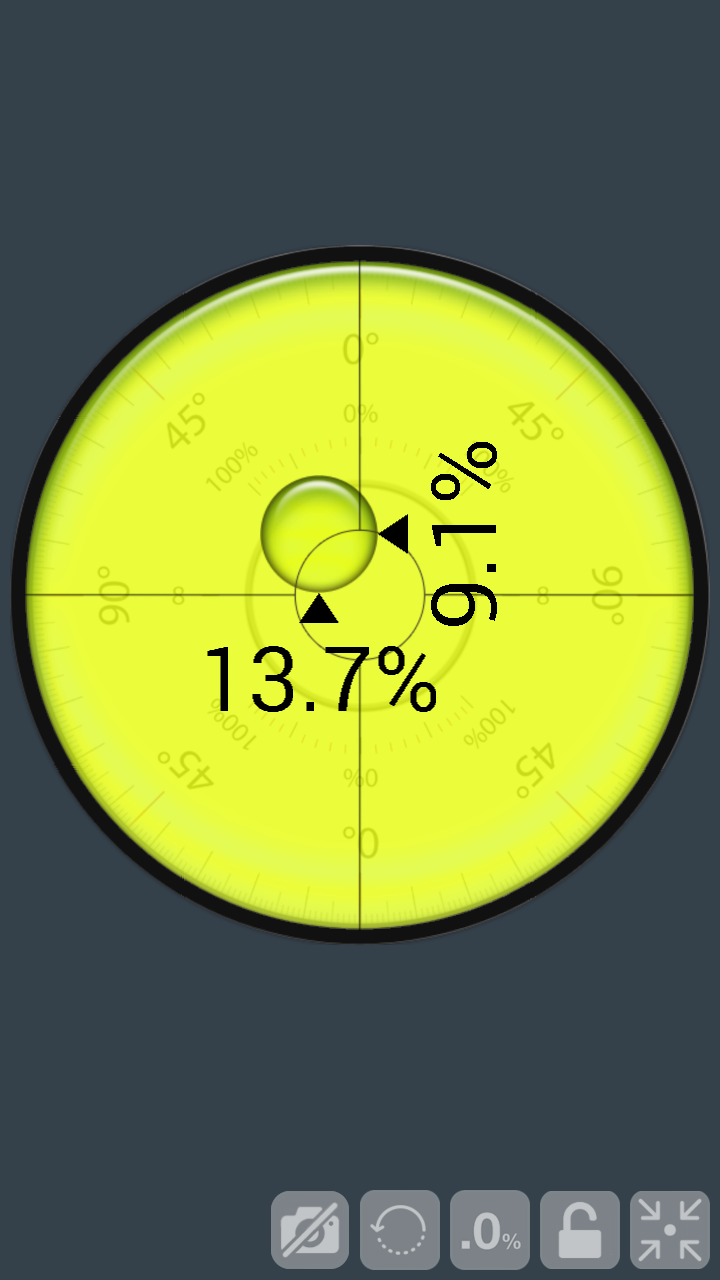
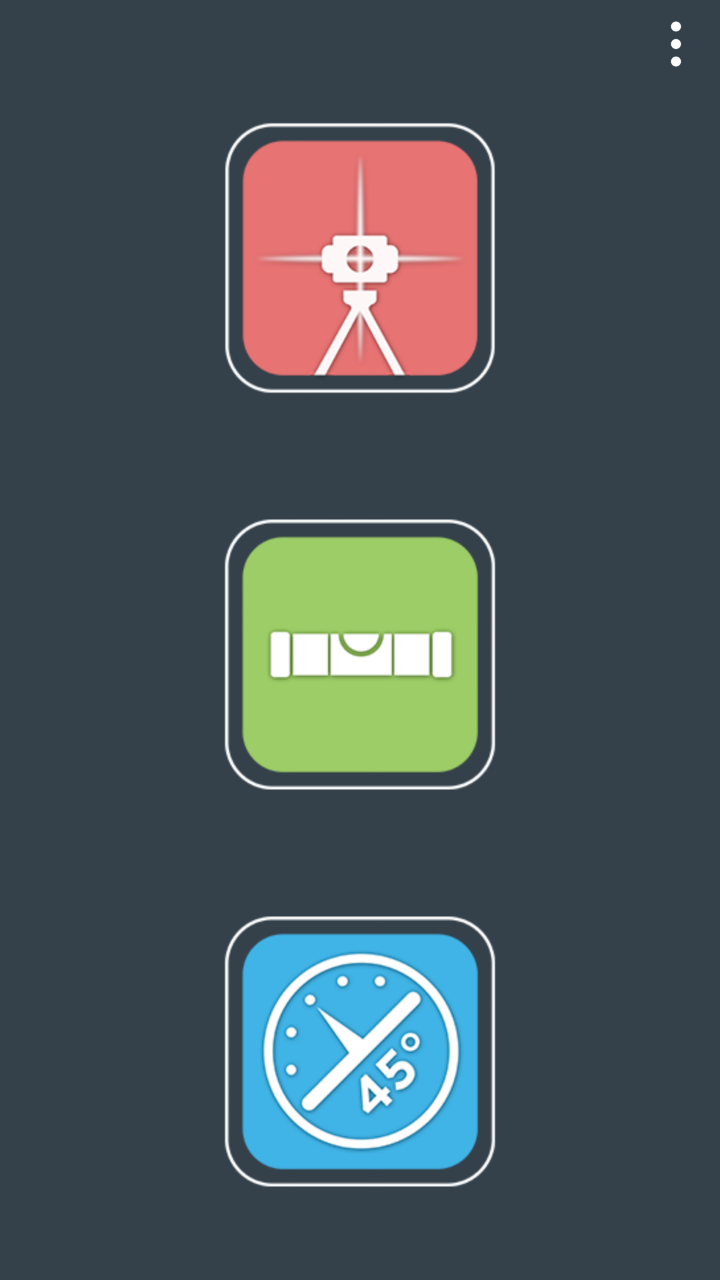
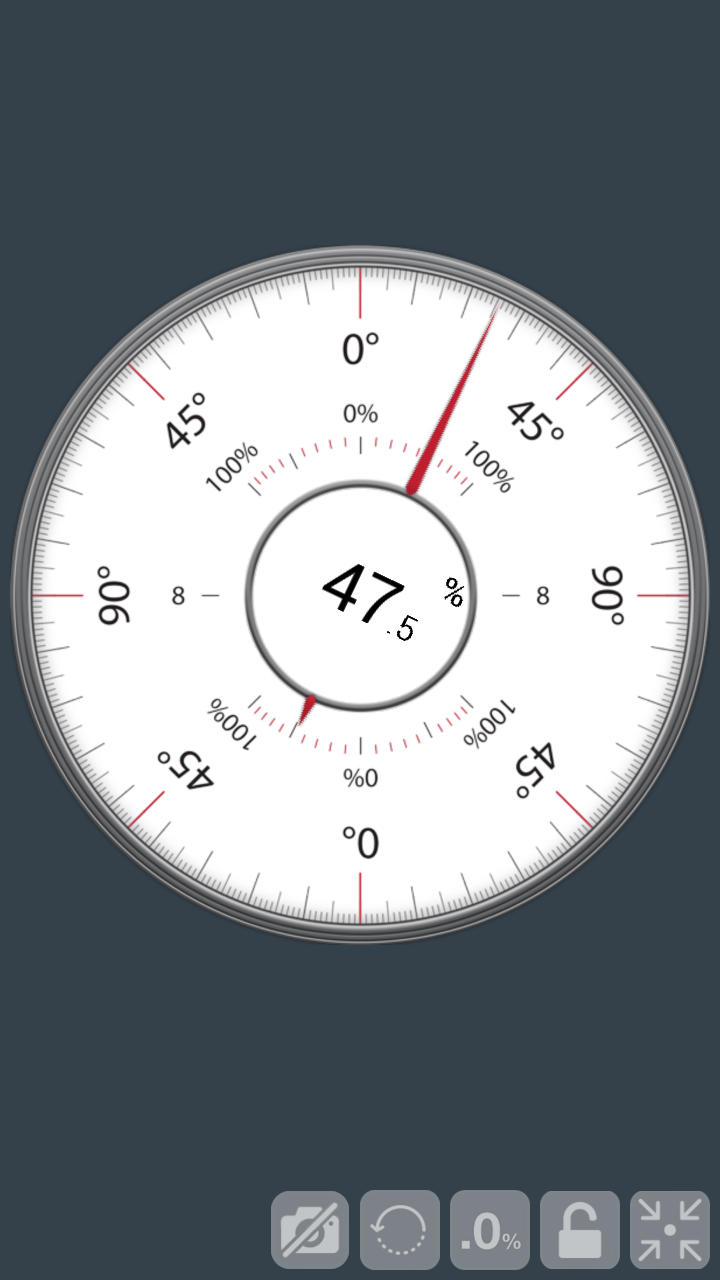
Added: Denis Rubinov
Version: 2.1.00
Size: 7.2 MB
Updated: 24.06.2025
Developer: EXA Tools
Age Limitations: Everyone
Downloaded on Google Play: 13145103
Category: Tools
Description
Application Laser Level was checked by VirusTotal antivirus. As a result of the scan, no file infections were detected by all the latest signatures.
How to install Laser Level
- Download APK file apps from apkshki.com.
- Locate the downloaded file. You can find it in the system tray or in the 'Download' folder using any file manager.
- If the file downloaded in .bin extension (WebView bug on Android 11), rename it to .apk using any file manager or try downloading the file with another browser like Chrome.
- Start the installation. Click on the downloaded file to start the installation
- Allow installation from unknown sources. If you are installing for the first time Laser Level not from Google Play, go to your device's security settings and allow installation from unknown sources.
- Bypass Google Play protection. If Google Play protection blocks installation of the file, tap 'More Info' → 'Install anyway' → 'OK' to continue..
- Complete the installation: Follow the installer's instructions to complete the installation process.
How to update Laser Level
- Download the new version apps from apkshki.com.
- Locate the downloaded file and click on it to start the installation.
- Install over the old version. There is no need to uninstall the previous version.
- Avoid signature conflicts. If the previous version was not downloaded from apkshki.com, the message 'Application not installed' may appear. In this case uninstall the old version and install the new one.
- Restart annex Laser Level after the update.








Requesting an application update
Added Denis Rubinov
Version: 2.1.00
Size: 7.2 MB
Updated: 24.06.2025
Developer: EXA Tools
Age Limitations: Everyone
Downloaded on Google Play: 13145103
Category: Tools











Reviews for Laser Level
works great! ❤️
not for everything (obviously) ,but sometimes when you just need to know if you're close, it comes in handy.
I like to see things built correctly. this level actually works. I lined it up with my stabilla and it's perfectly right. I love having perfect in my pocket.
very useful
fantastic
on trial
very useful, advised to have all 3 axes
good 👍
It's working well when you take patient to understand application system. Yes, its taken length of time before using it perfectly.
works good
It seems to be a nice app but the digital measurement are from the camera to the object. I needed one that measures the object/wall horizontal or vertical.
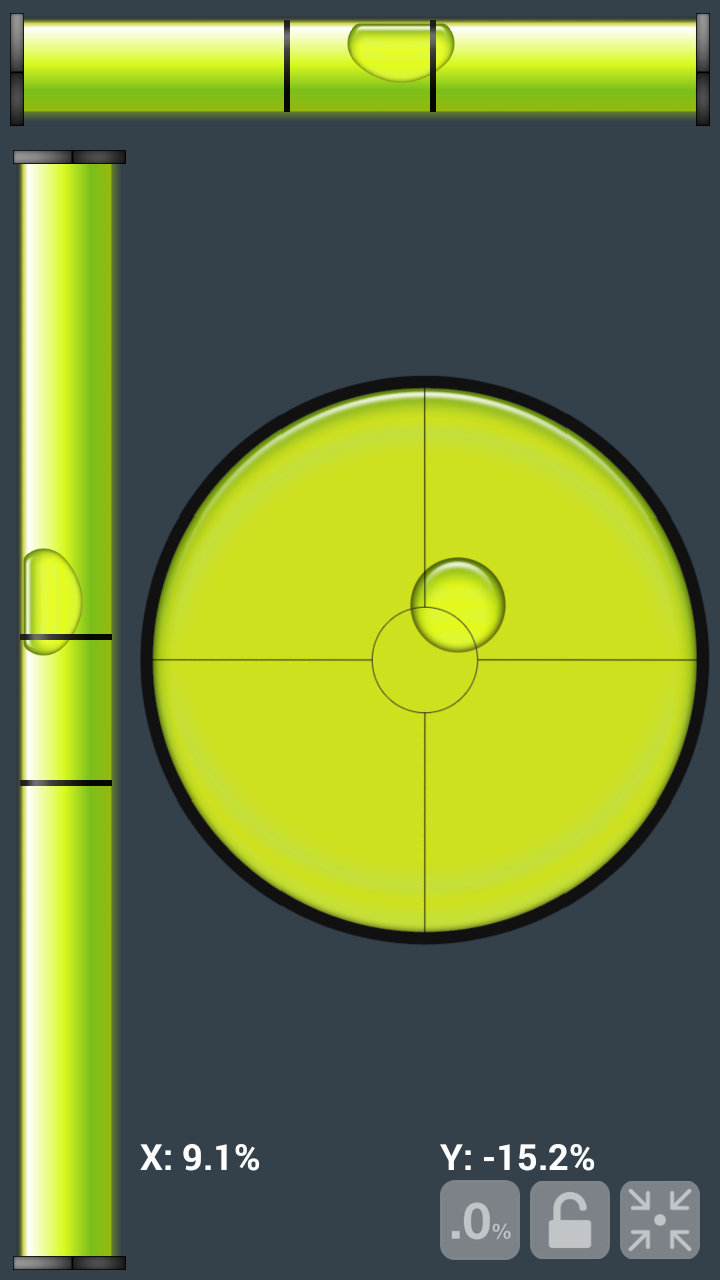
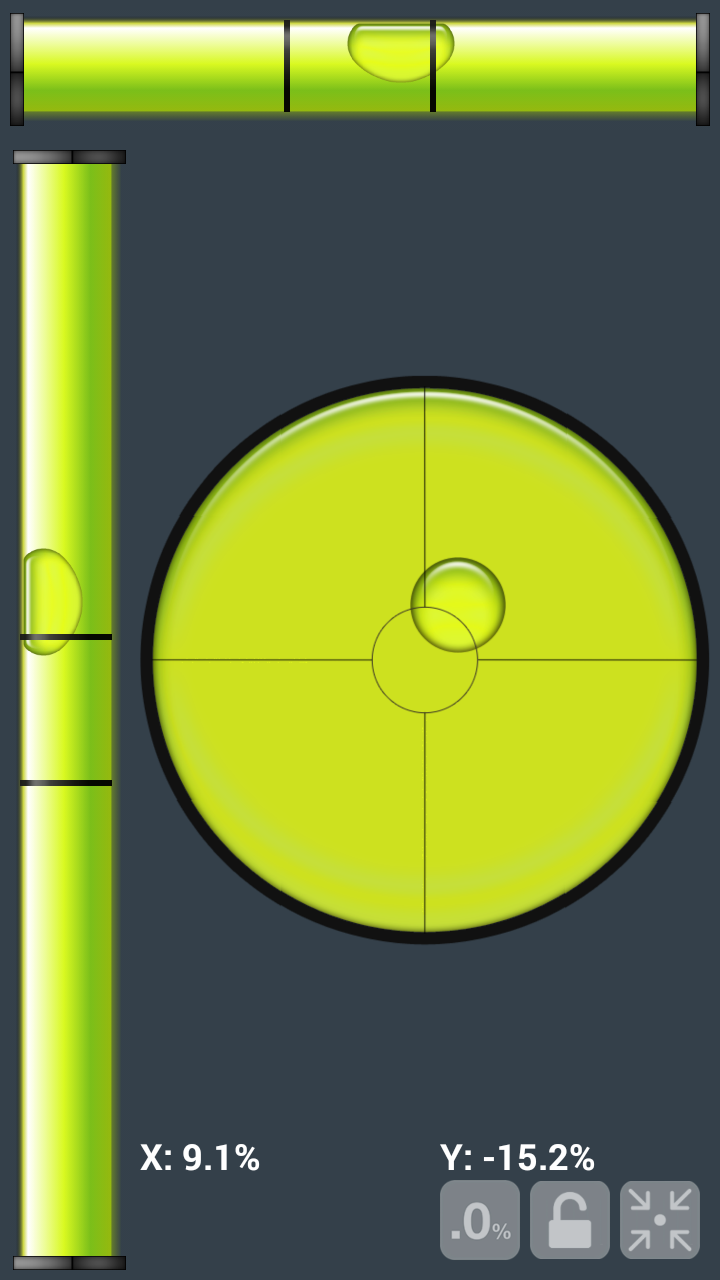
Only the laser level works, the others are totally useless.The bulls eye bubble only centres when you hold phone vertically @45 degree angle. I was going to buy before trying, glad I didn't!
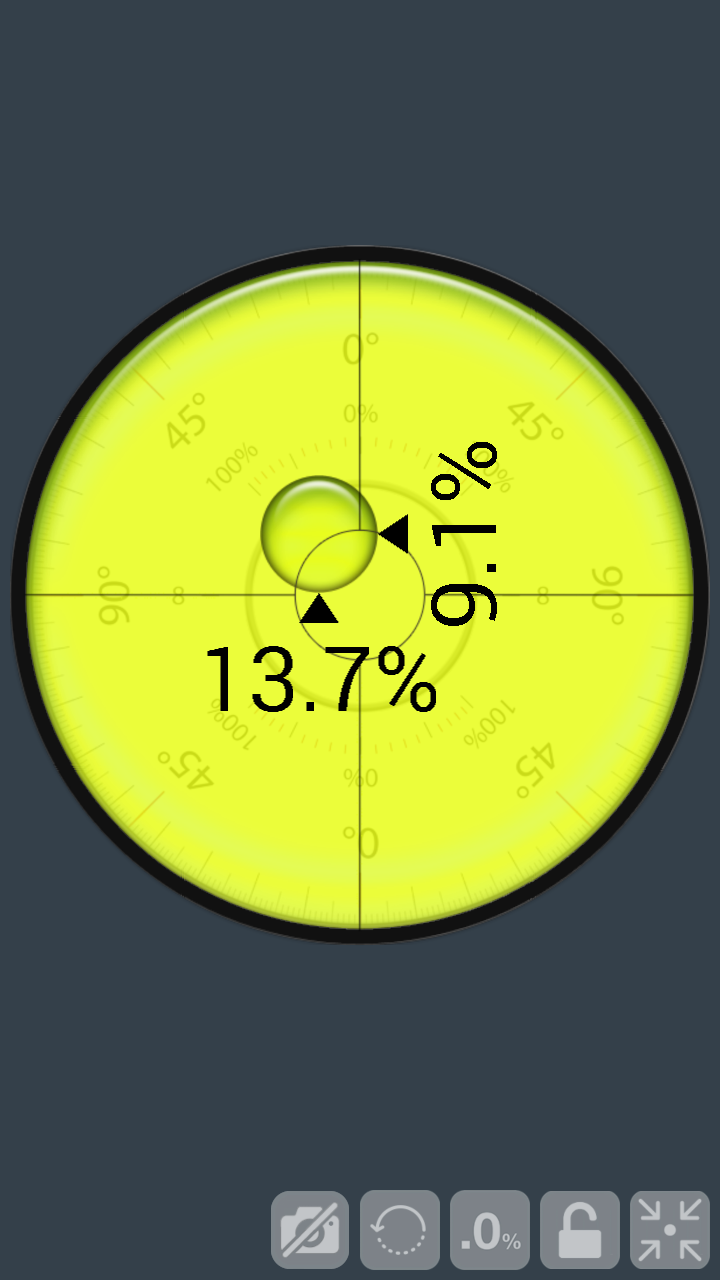
Confusing calibration, no instructions even if you watch the YouTube video. Has huge promise and with some very simple effort could be a very good app. Why present angles and percentages - your app is very confusing Uninstalled in favour of a much clearer app
another app that drives ad revenue rather than focusing on the user. had the app open for 2 minutes and bombarded with ads for 90 of 120 seconds. NO THANKS!
This app is extremely intuitive and very helpful. It cuts my workload of measuring by half at least. Love this app, but I love my laser even more!
Post a comment
To leave a comment, log in with your social network:
Or leave an anonymous comment. Your comment will be sent for moderation.
Post a comment
To leave a comment, log in with your social network:
Or leave an anonymous comment. Your comment will be sent for moderation.