



Video Player All Format
164+
downloads1.0+
version Android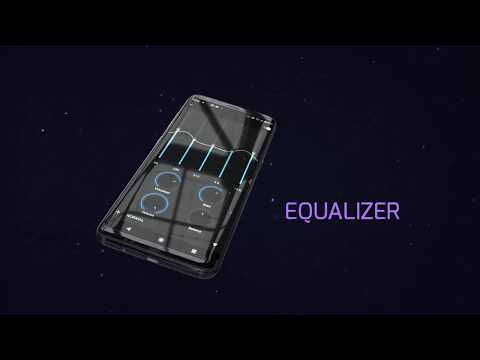
Added: Denis Rubinov
Version: 2.6.5
Size: 44.4 MB
Updated: 20.05.2025
Developer: UPlayer
Age Limitations: Everyone
Authorizations: 15
Downloaded on Google Play: 21638111
Category: Video Players & Editors
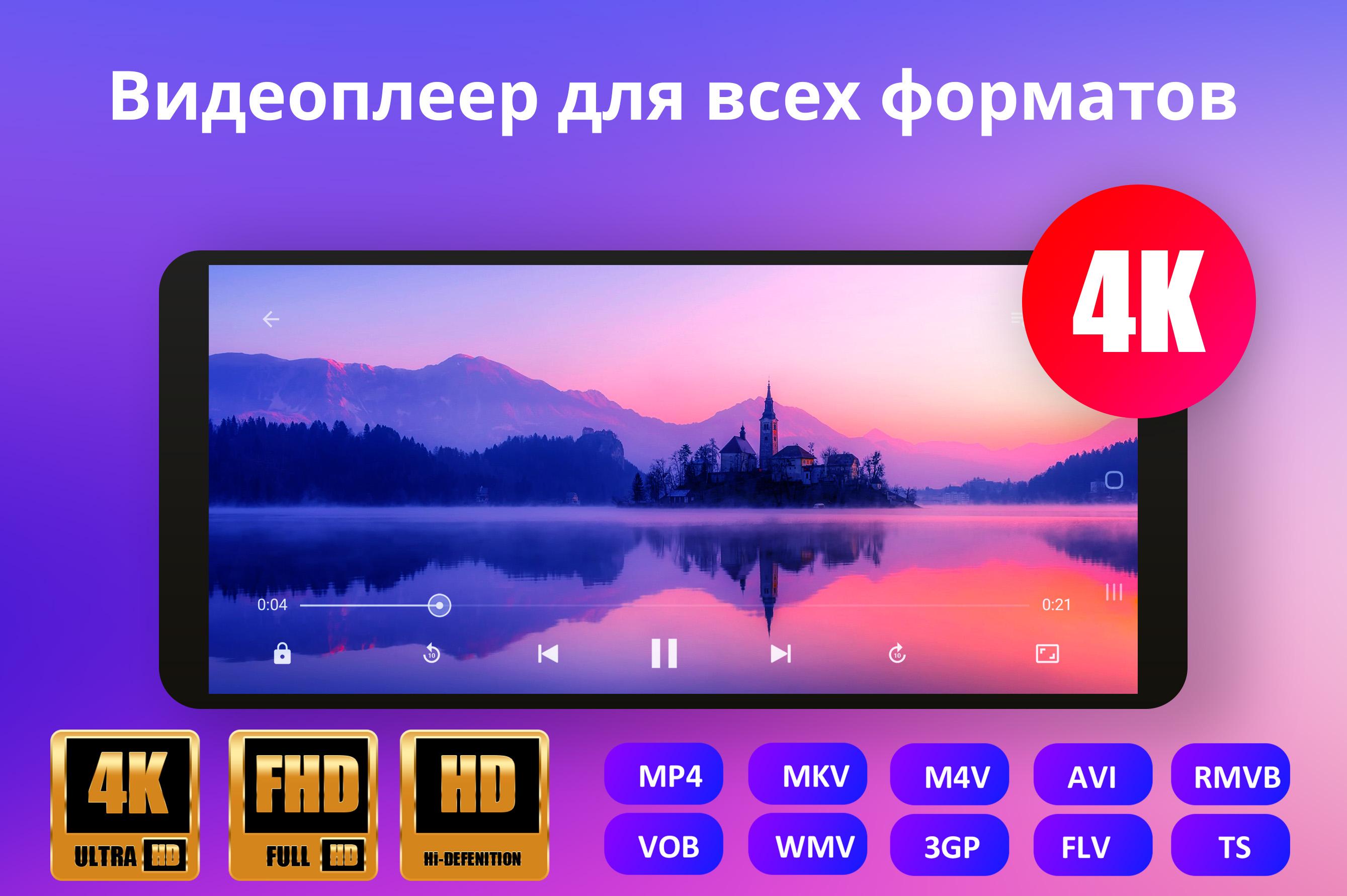
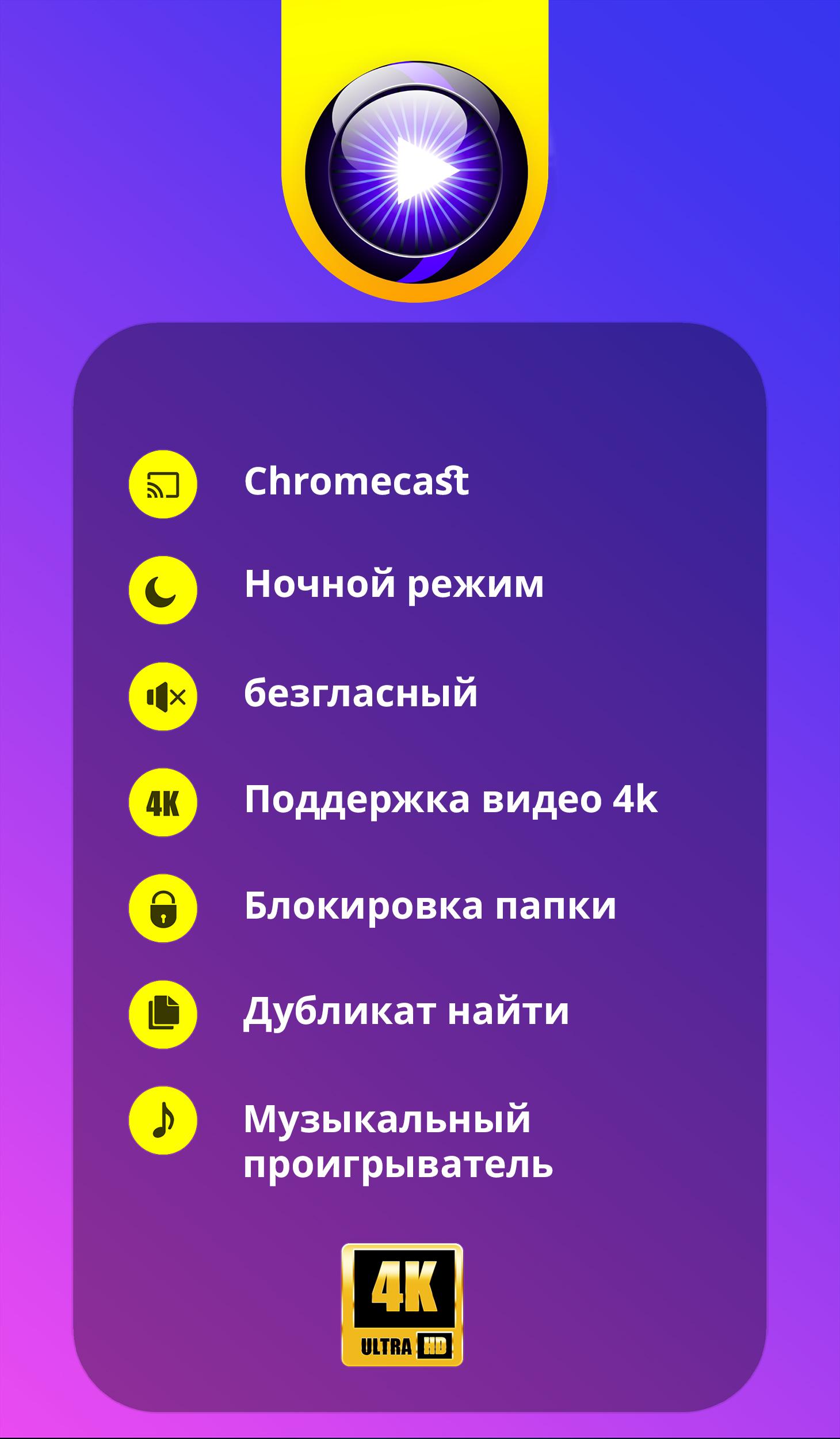
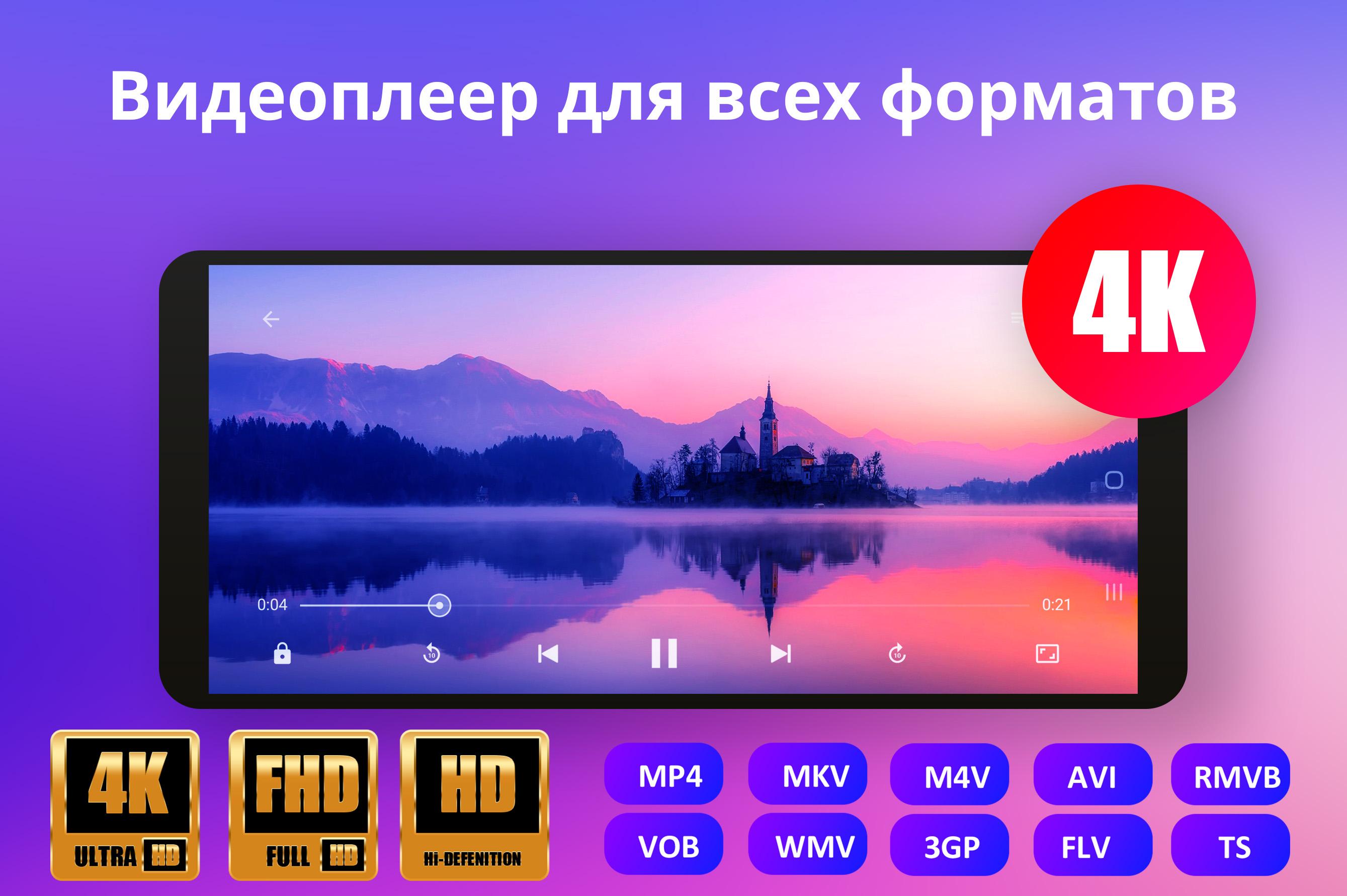
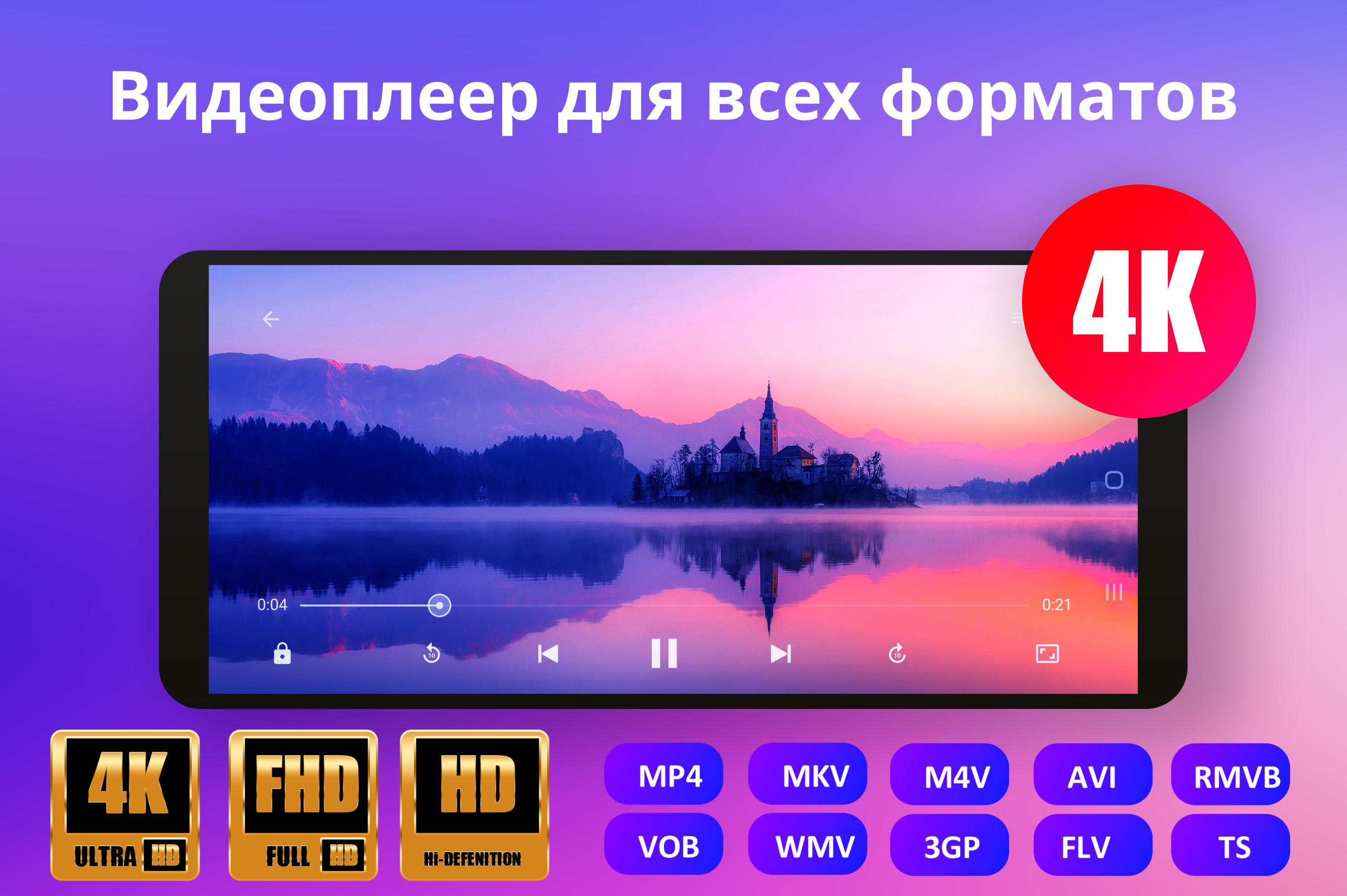
- Support for most popular formats.
- Adjust the video playback speed.
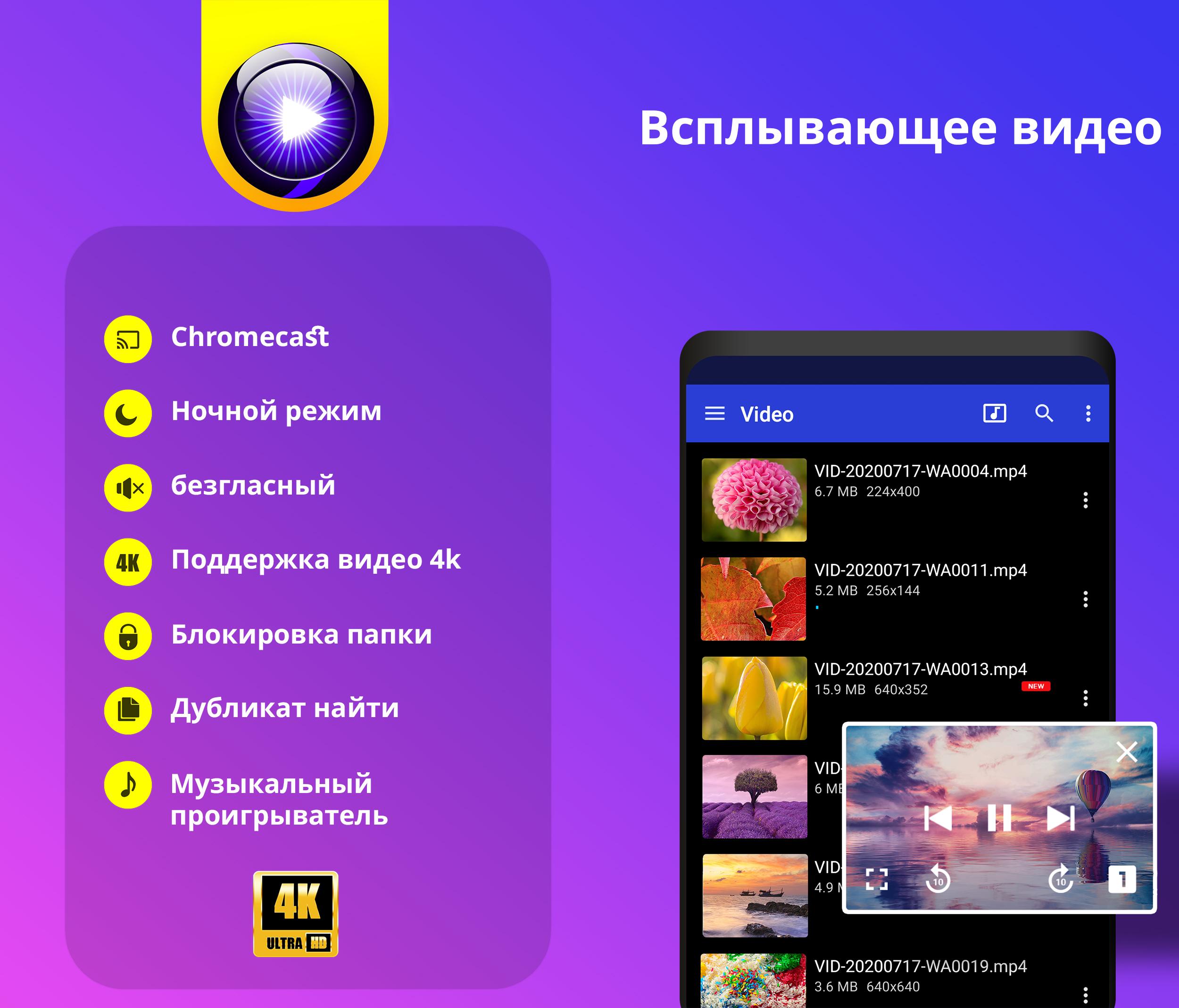
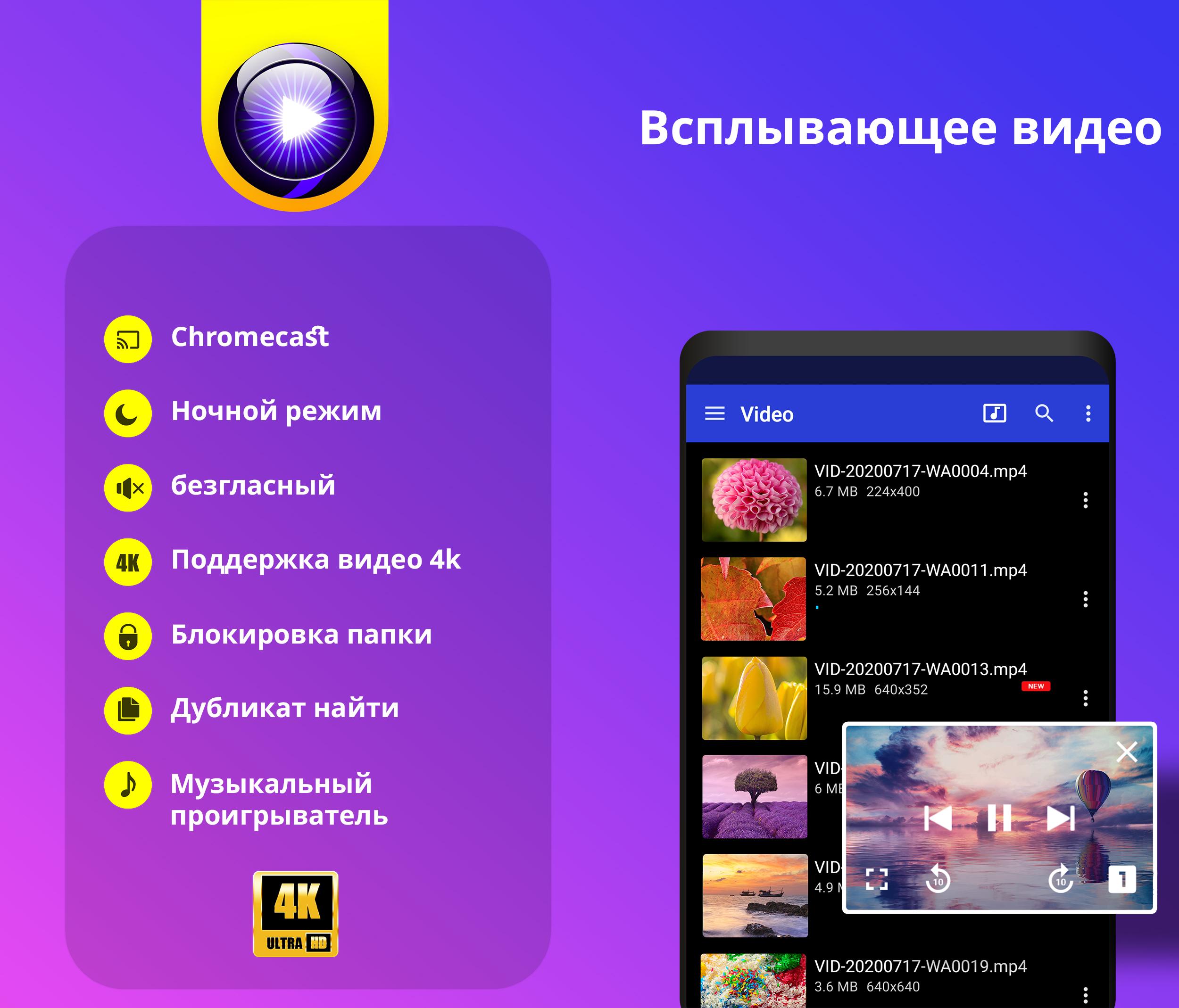
- Availability of night mode.
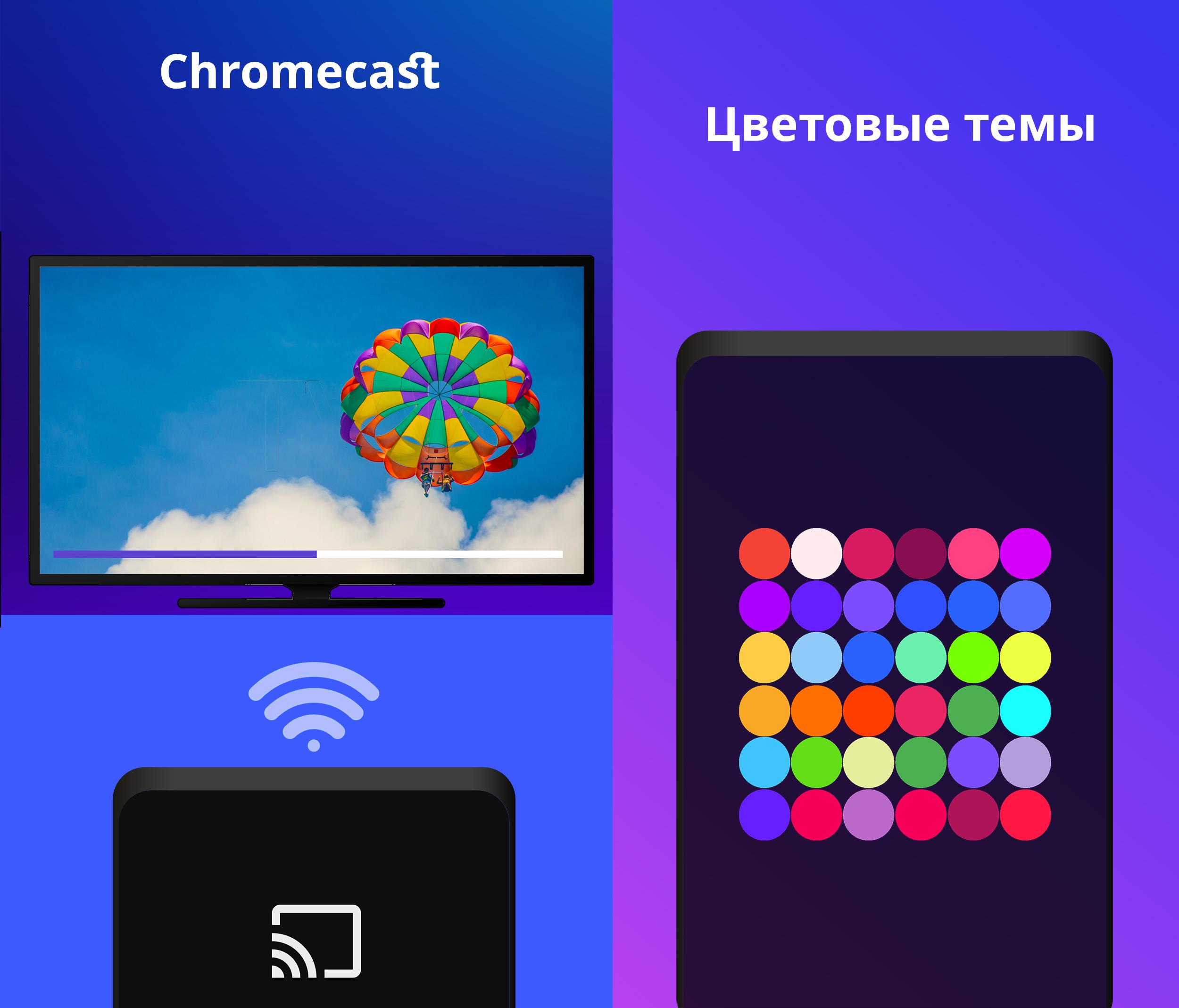
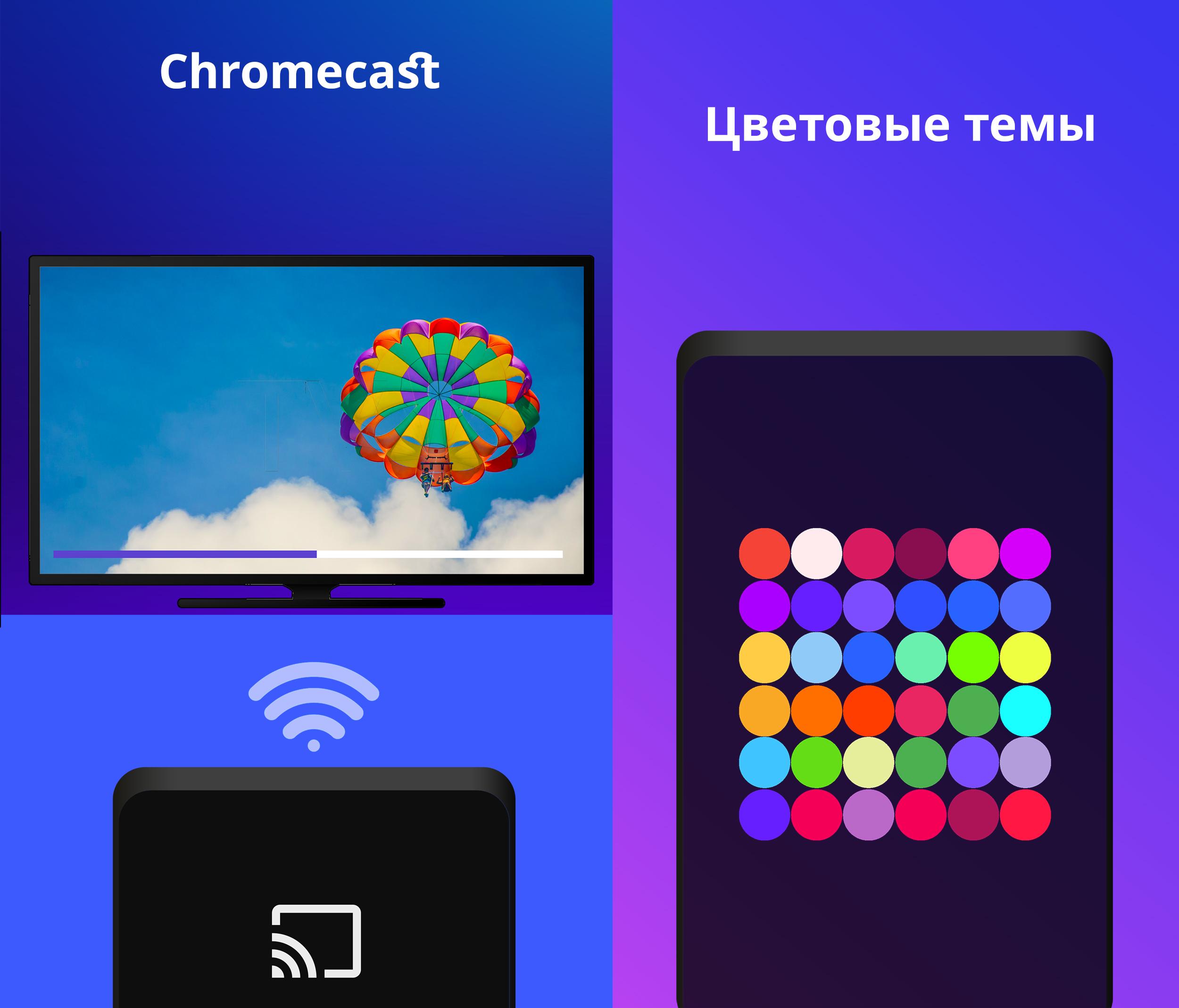
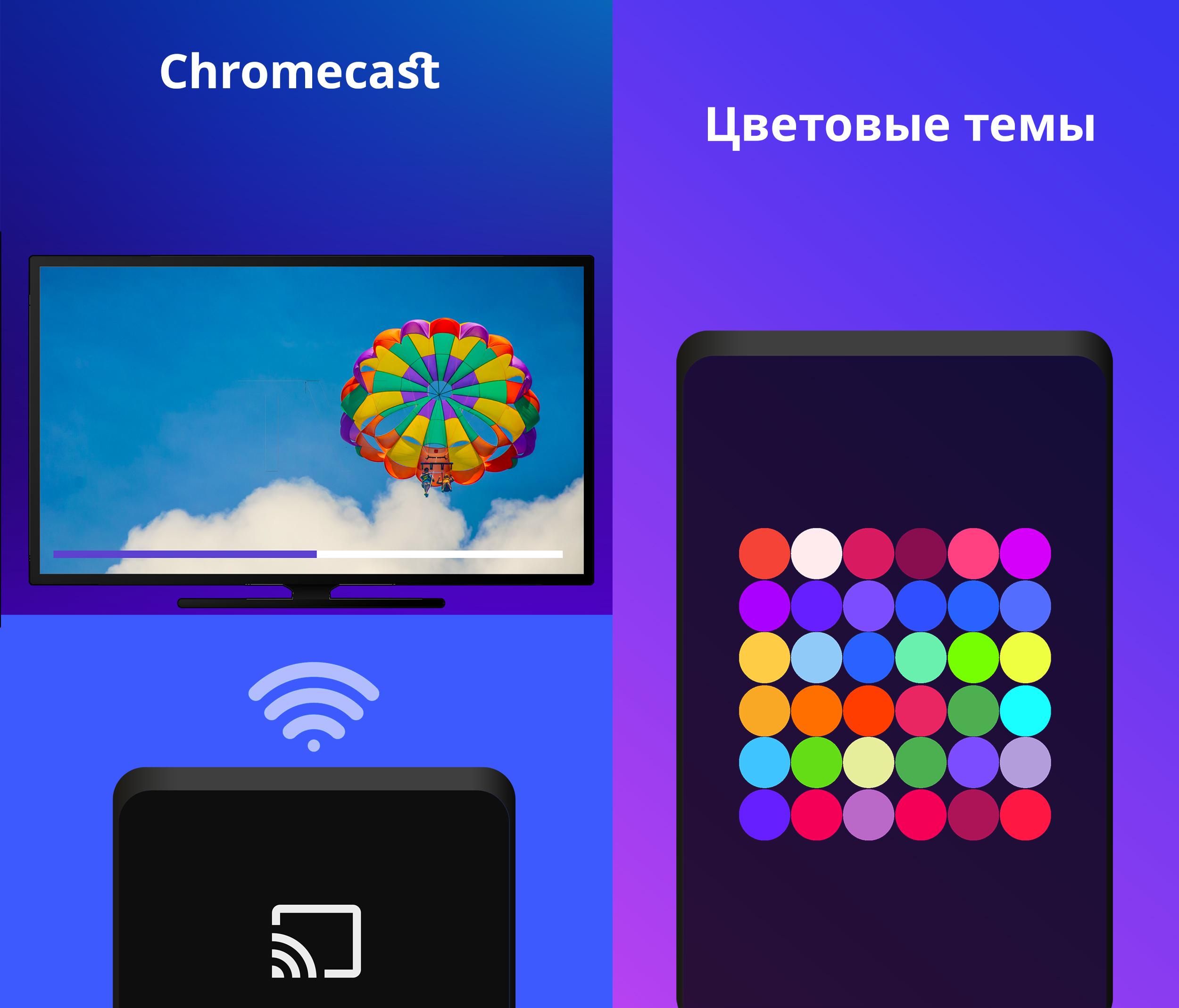
- Chromecast support.
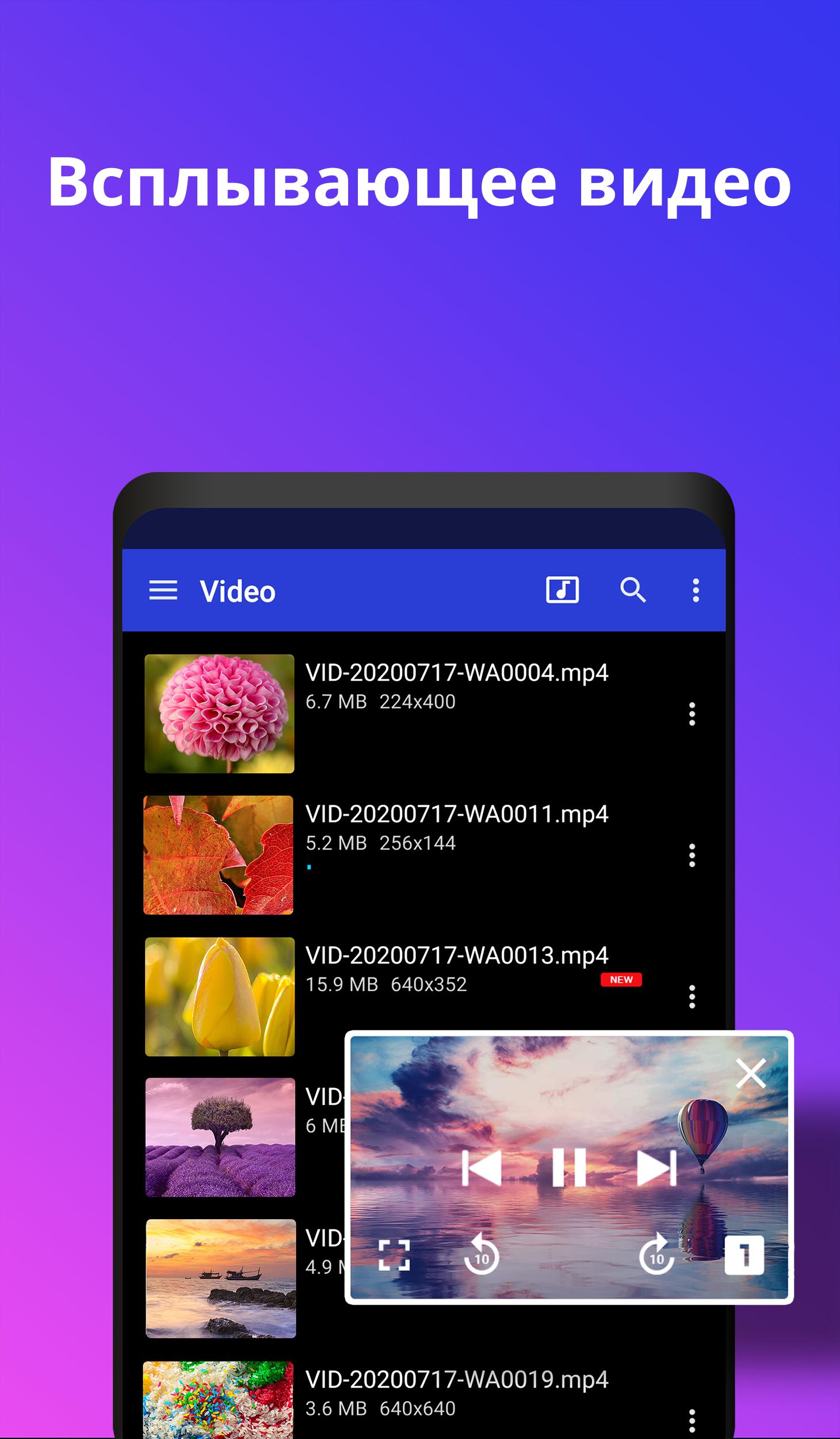
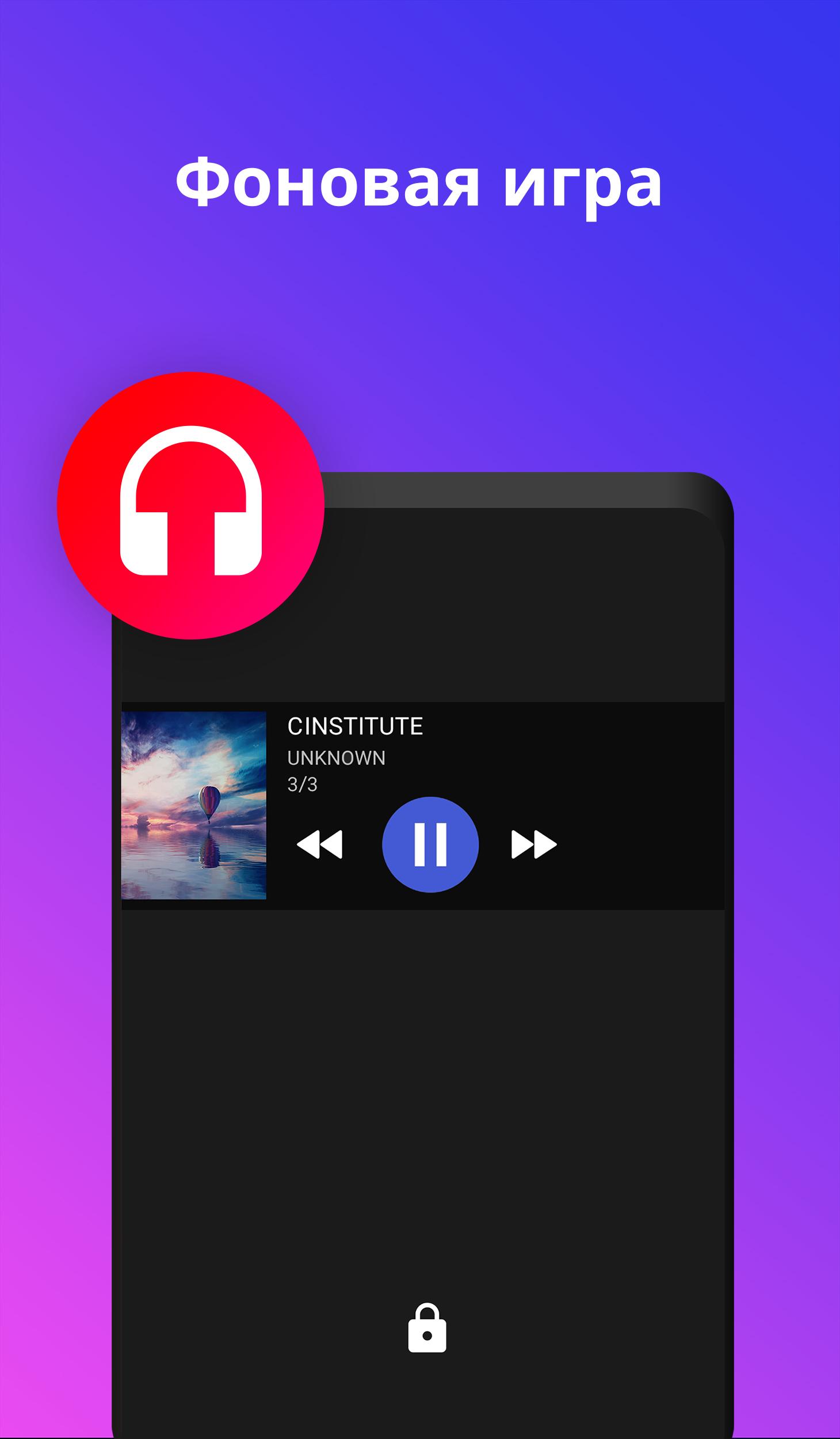
- Play video in a floating window.
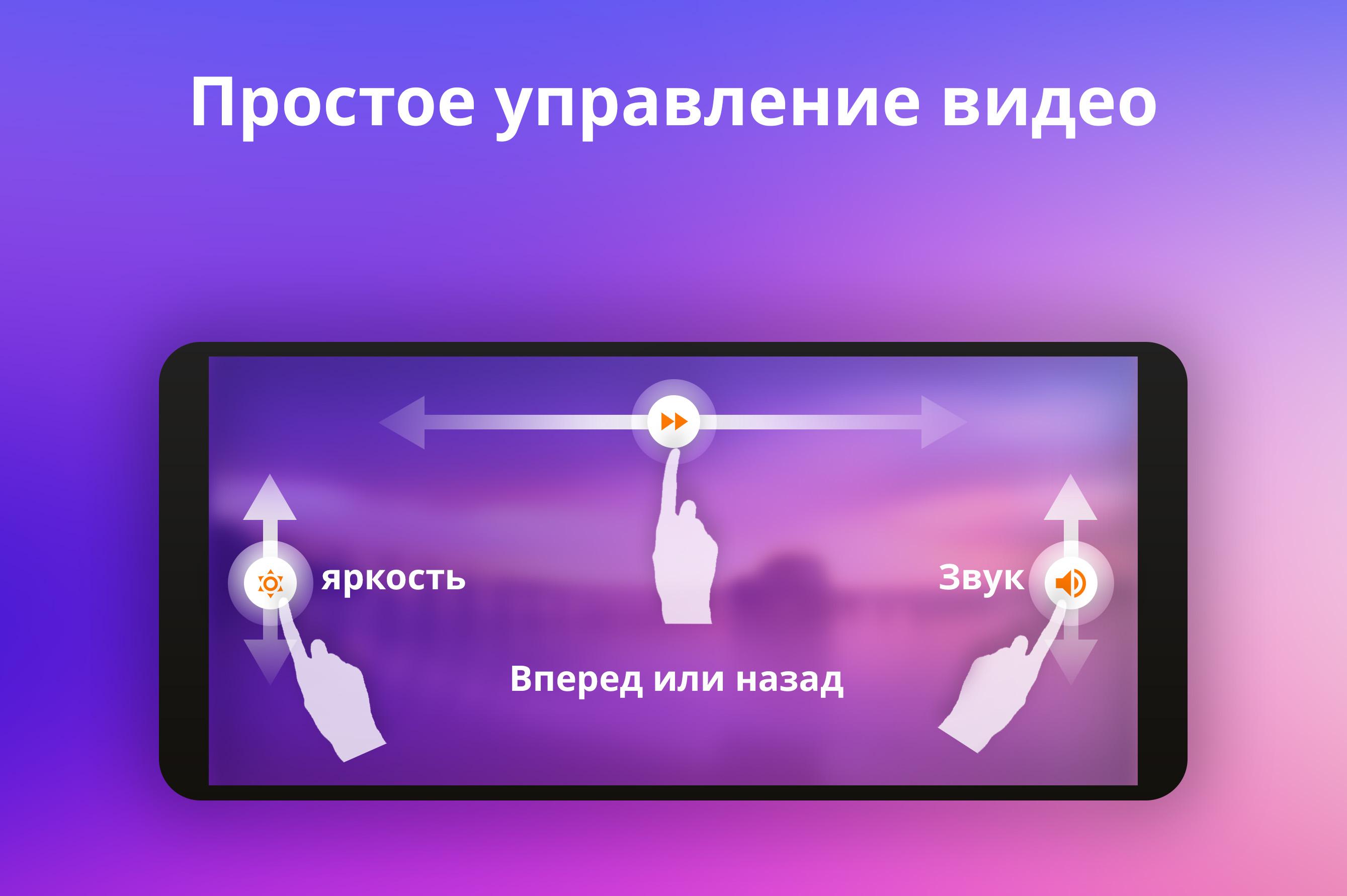
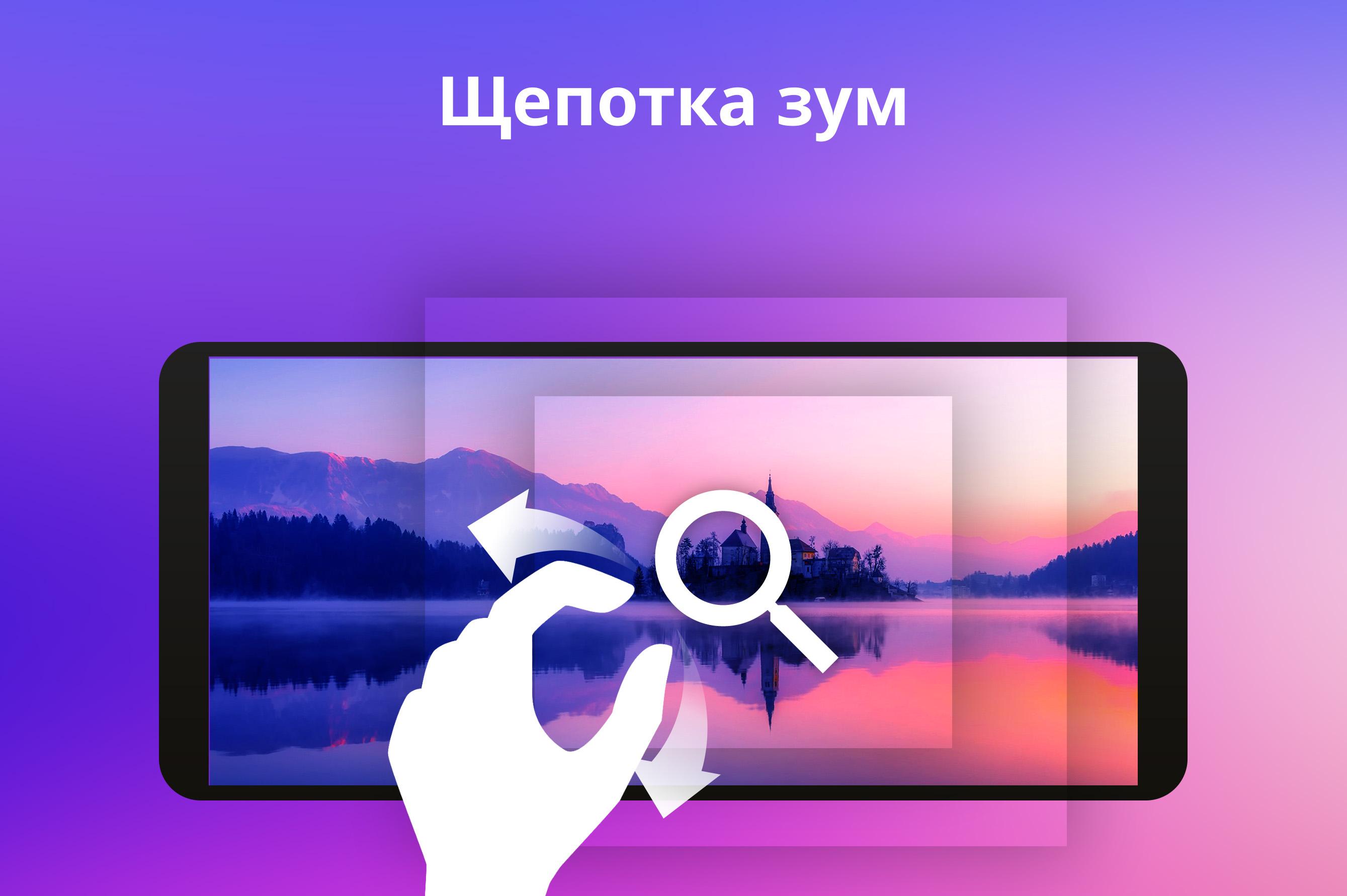
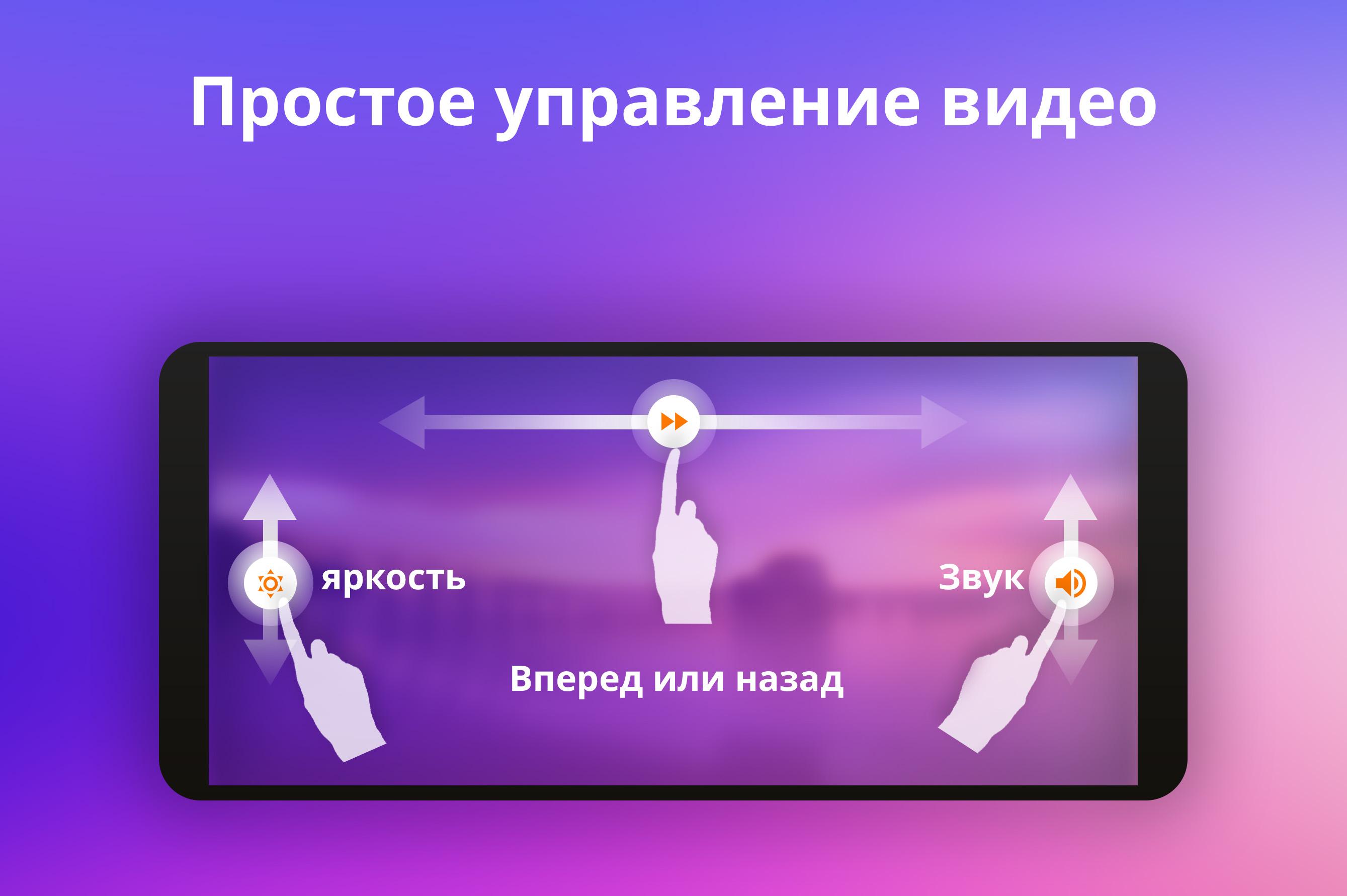
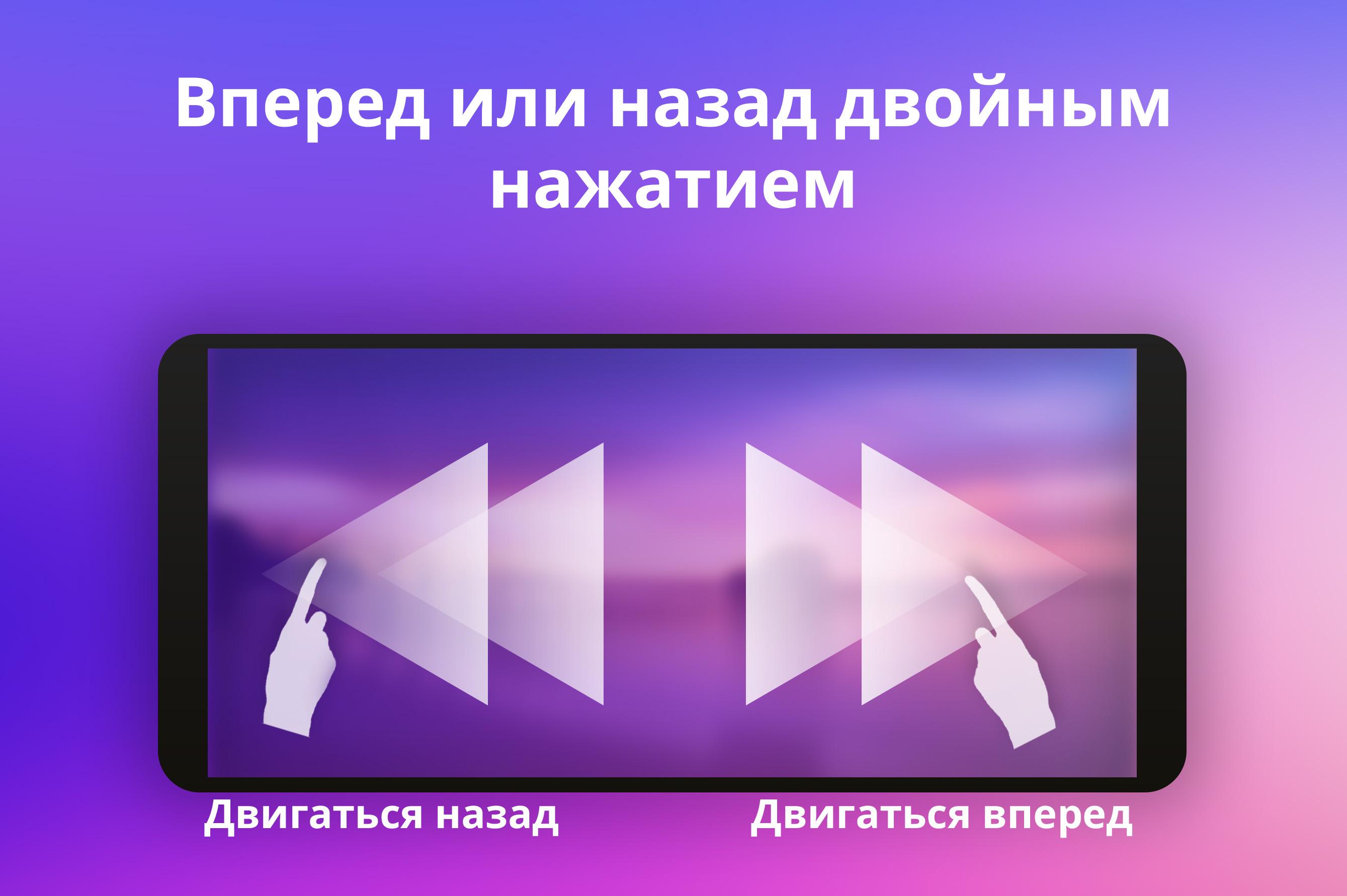
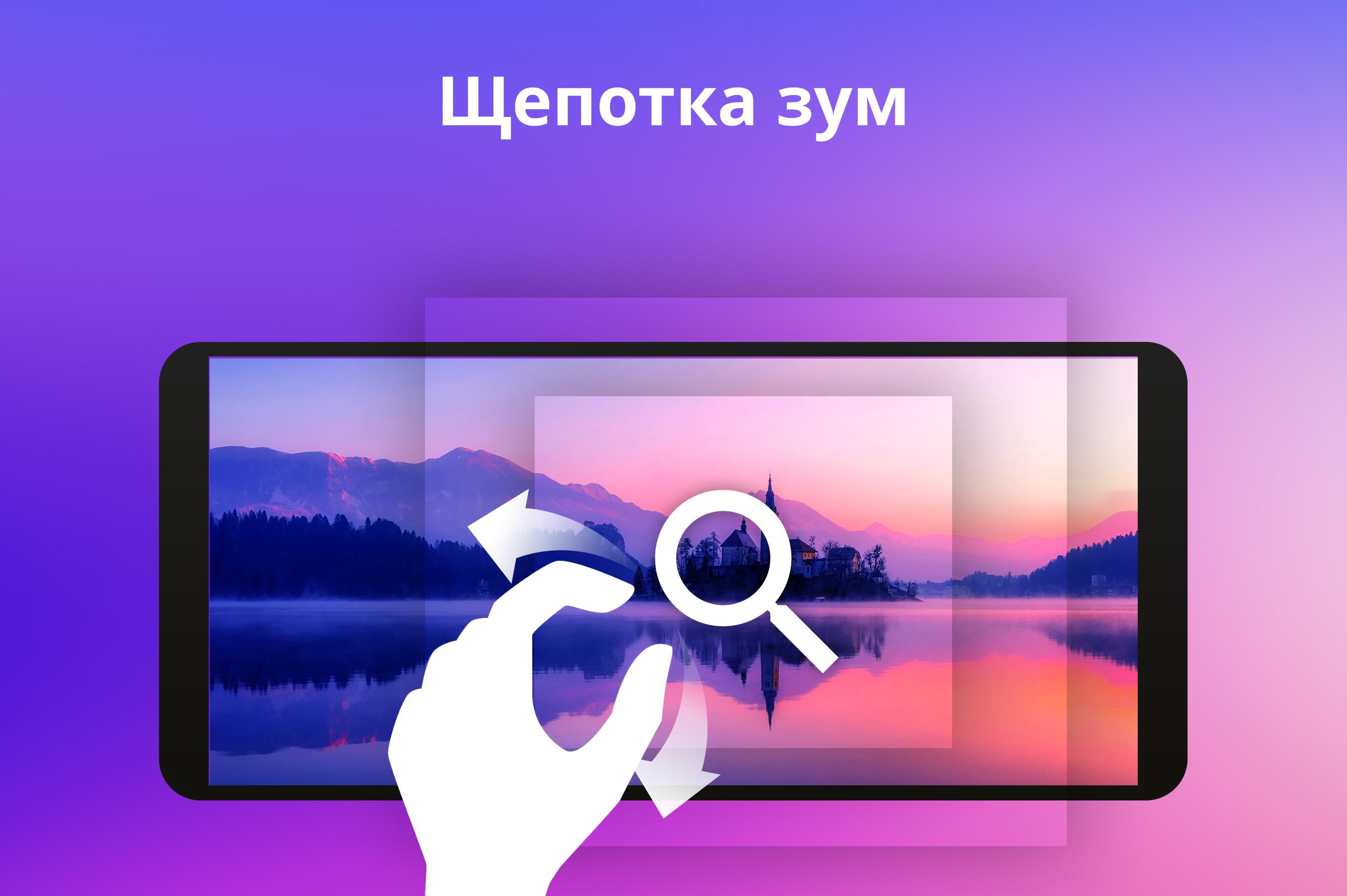
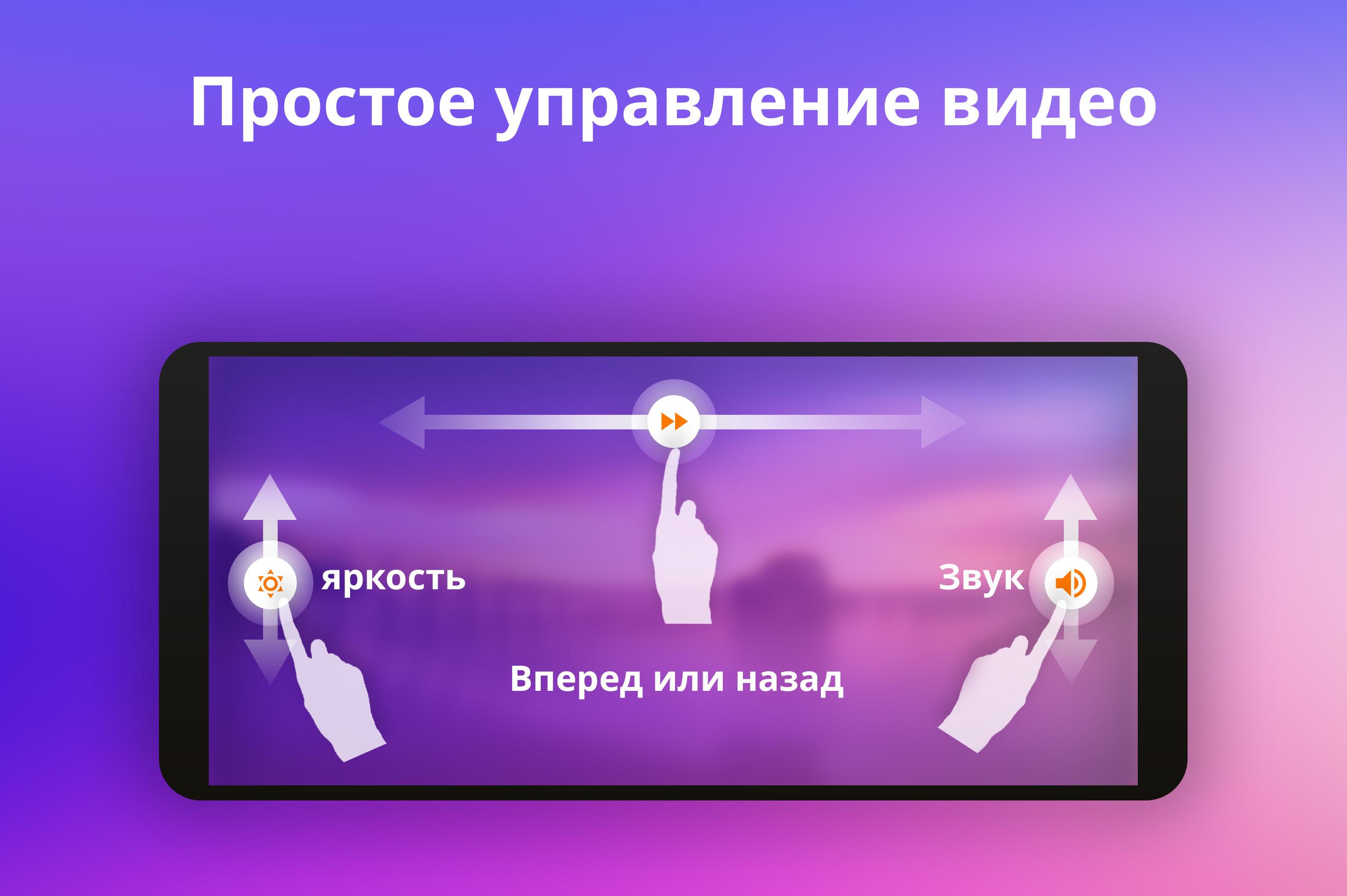
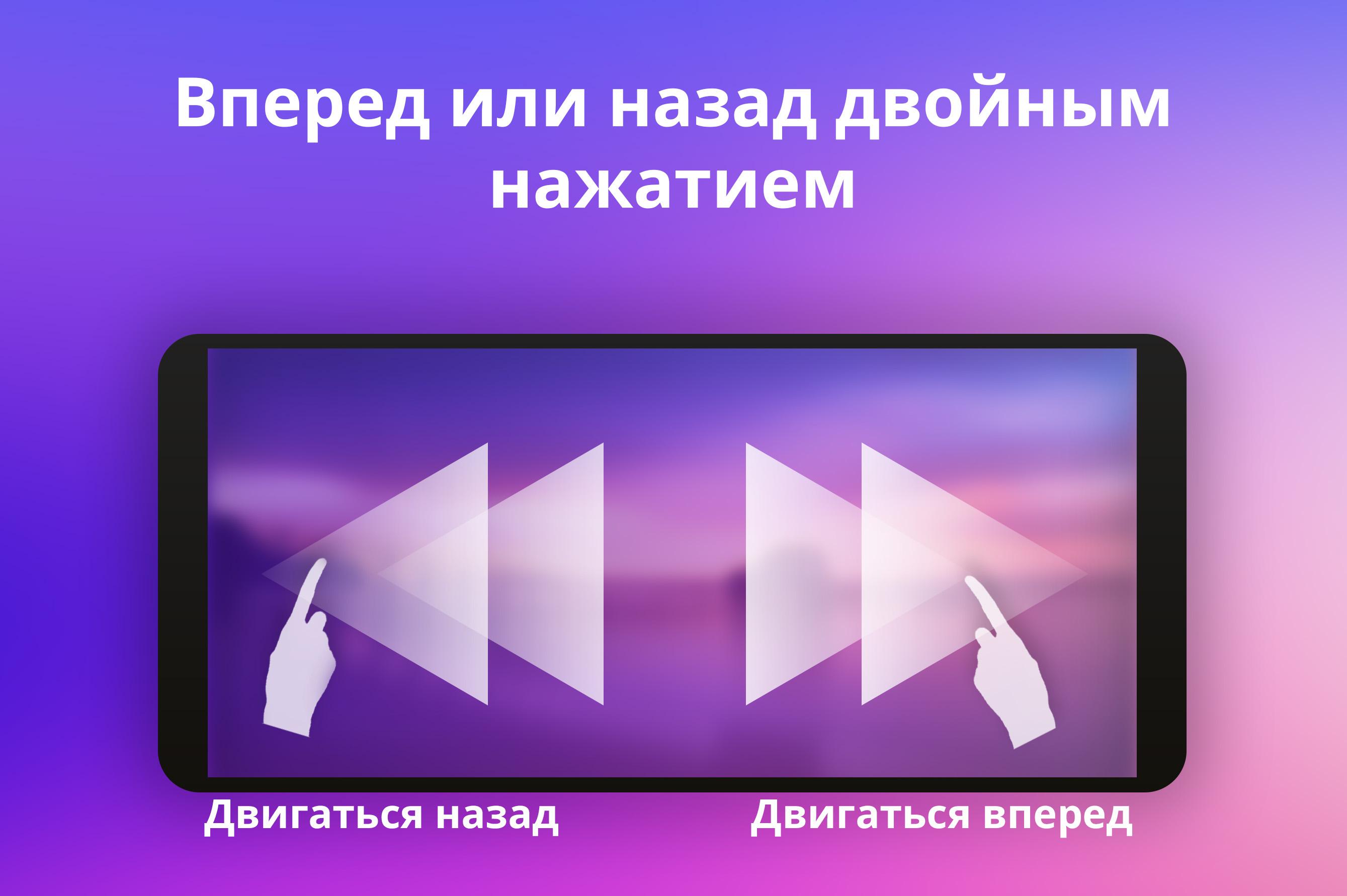
- Control with gestures.
Description
Application Video Player All Format was checked by VirusTotal antivirus. As a result of the scan, no file infections were detected by all the latest signatures.
How to install Video Player All Format
- Download APK file apps from apkshki.com.
- Locate the downloaded file. You can find it in the system tray or in the 'Download' folder using any file manager.
- If the file downloaded in .bin extension (WebView bug on Android 11), rename it to .apk using any file manager or try downloading the file with another browser like Chrome.
- Start the installation. Click on the downloaded file to start the installation
- Allow installation from unknown sources. If you are installing for the first time Video Player All Format not from Google Play, go to your device's security settings and allow installation from unknown sources.
- Bypass Google Play protection. If Google Play protection blocks installation of the file, tap 'More Info' → 'Install anyway' → 'OK' to continue..
- Complete the installation: Follow the installer's instructions to complete the installation process.
How to update Video Player All Format
- Download the new version apps from apkshki.com.
- Locate the downloaded file and click on it to start the installation.
- Install over the old version. There is no need to uninstall the previous version.
- Avoid signature conflicts. If the previous version was not downloaded from apkshki.com, the message 'Application not installed' may appear. In this case uninstall the old version and install the new one.
- Restart annex Video Player All Format after the update.


Alight Motion
Video Players & Editors

Likee - Short Video Community
Video Players & Editors

YouTube
Video Players & Editors

Funimate Video Editor & Maker
Video Players & Editors

Slideshow Maker, Video Editor
Video Players & Editors

MX Player Codec (ARMv6 VFP)
Video Players & Editors

Google TV
Video Players & Editors

PowerDirector - Video Editor
Video Players & Editors
Requesting an application update
Added Denis Rubinov
Version: 2.6.5
Size: 44.4 MB
Updated: 20.05.2025
Developer: UPlayer
Age Limitations: Everyone
Authorizations:
Downloaded on Google Play: 21638111
Category: Video Players & Editors












Reviews for Video Player All Format
Why does my new converted audios doesn't went into the apps?
more fire I like it 🔥 fire akuti booom
ek dum gadiya gar app hai i really love it
excellent
This doesn't have a screen shot. Plus it crashes when Google play store stops running. Bad news for this video player app.. And the Ads don't make the video player any better either.
It has a very reliable functional power to empower the user...
good
nice app
disgusting 🤢
good app to get
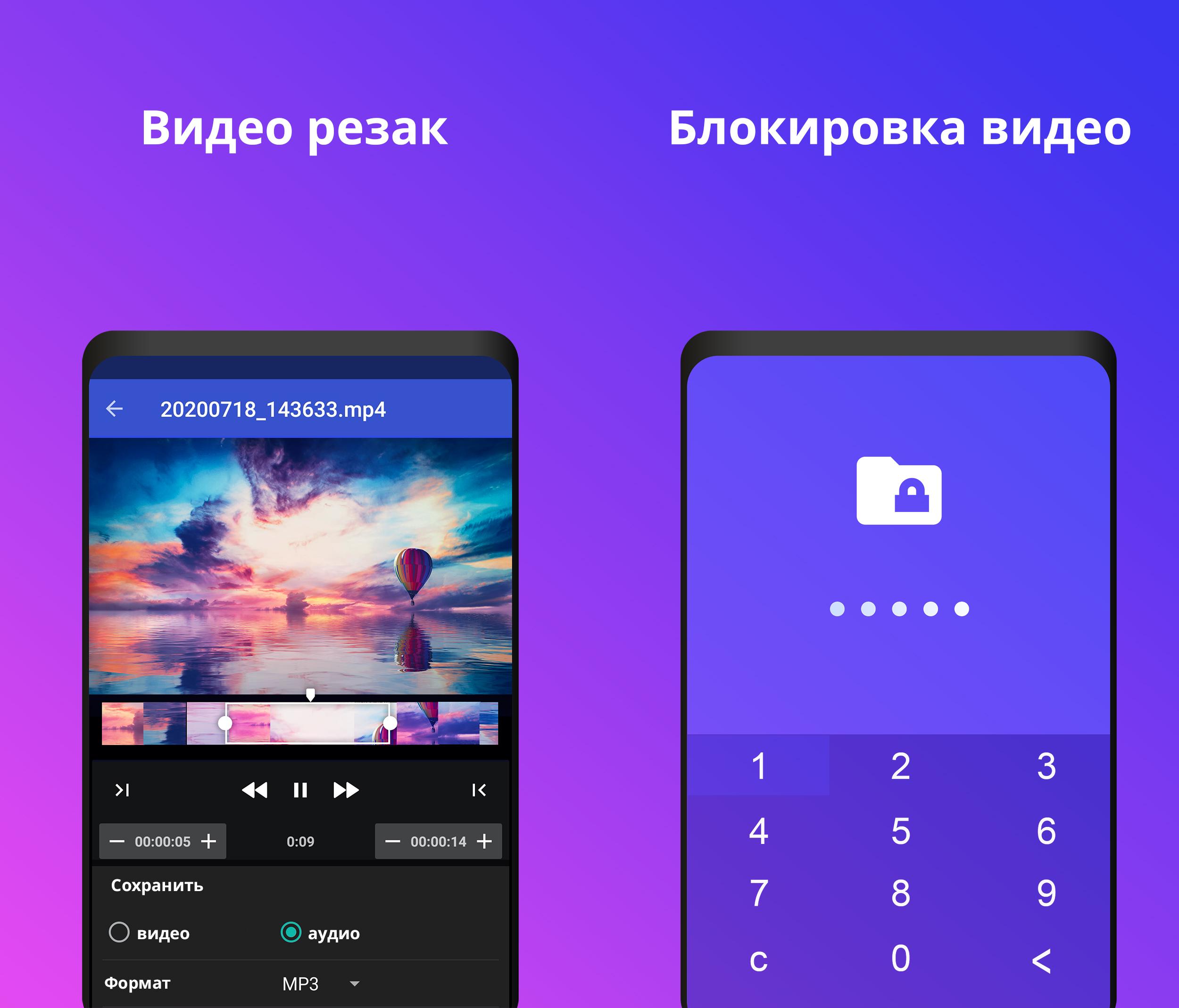
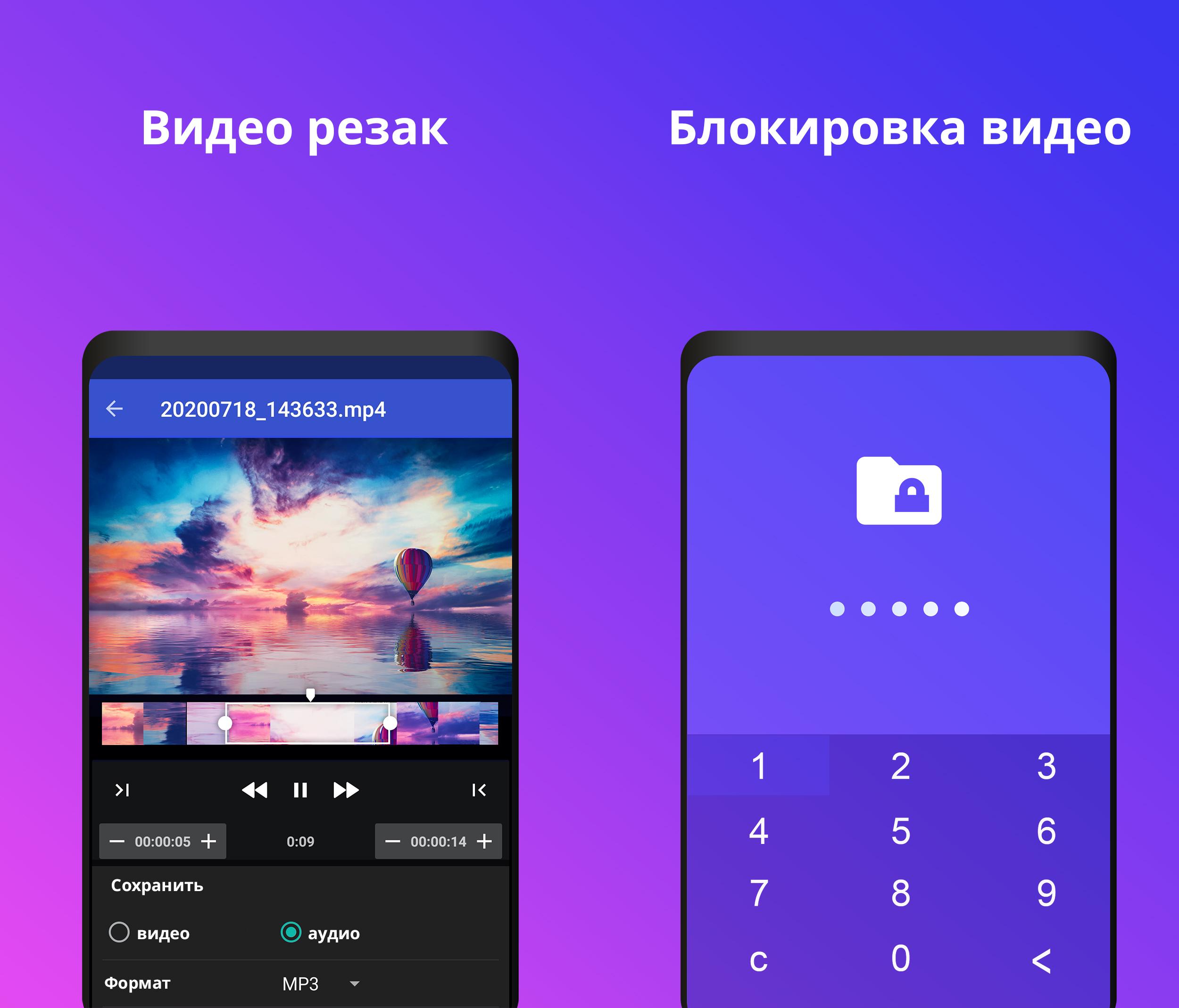
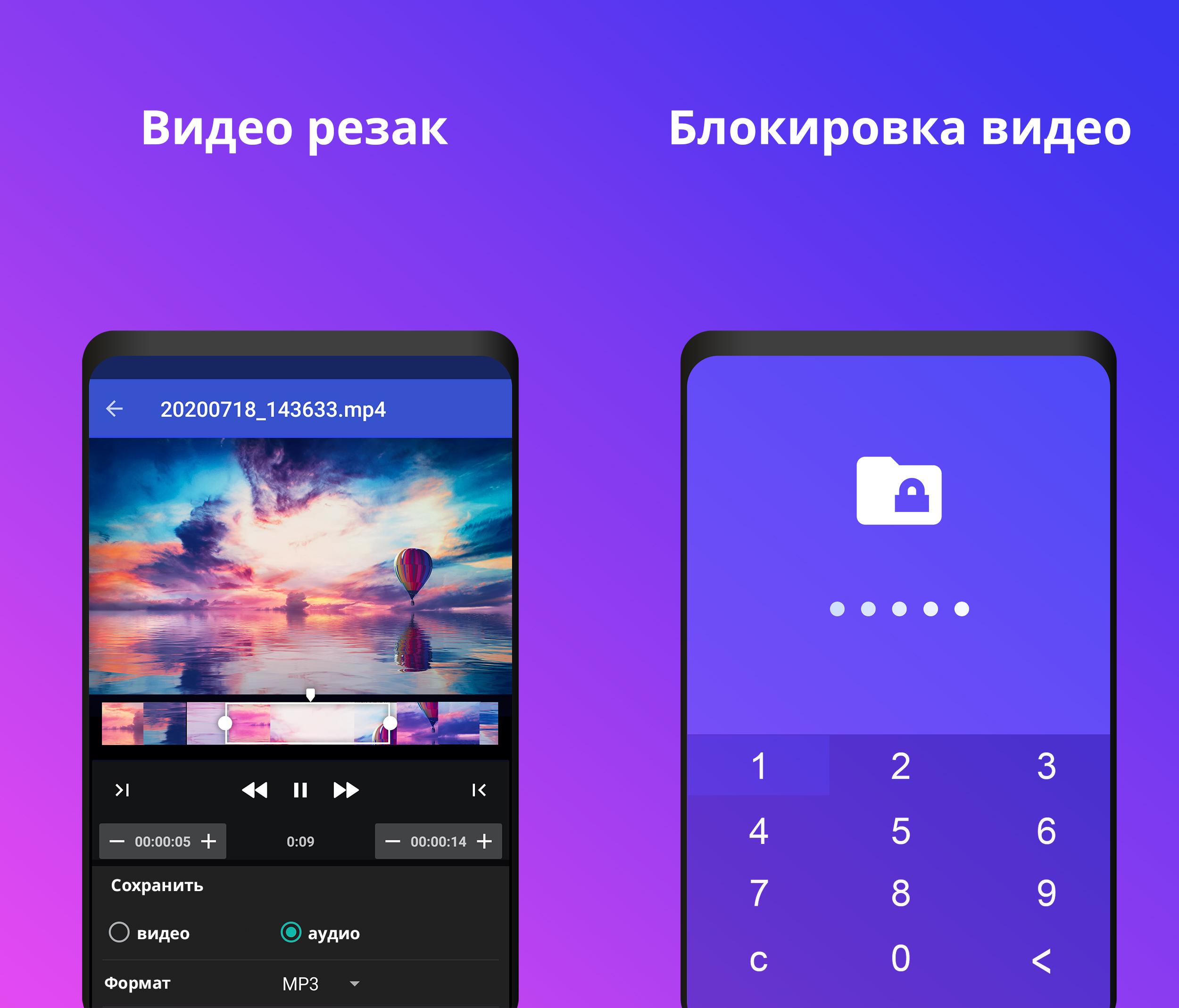
GREAT APP!!! My favorite media player/converter plus a simple cutter built right in! It's this cutter that gets the app the 5th star and my favorite. The cutter is just that -cuts at either or both ends- , what makes it so great to me is that it's more accurate than any of the many, many cutter/editor apps I've used before. Not only does it have the slider like all the others, that is difficult to stop, this cutter has +/- time counter the allows you to adjust cut times to the 10th of a second
I love this app. The fluid ease of the controlls are hands down the best I've ever come across. You control search forward or back, volume, brightness, and even video size with just one light and intuitive brush of your finger. It also has every feature l want. Nothing annoys me more been trying to remember which app is missing what feature when I open up a video. Add to this the ads are very frugally implemented. This app is truly a breath of fresh air.
So far I really like this app. I like that I can put my videos in a playlist and play them in the background. My only issue is that I can't control what my earbud mic button does. I would like it to turn off what I'm listening to, be it audio or video. Right now all it does is manage the audio.
I would like to see a sub-option added to the autoplay option. If checked, it would only be valid for that particular page of songs. It should also allow new songs to be added or deleted from that list of songs, unless all were deleted. This sub-option would also be available to other pages, should they exist.
The excess ads in the free version make it unusable. Tried to edit a video; EVERY time I pause, an ad pops up and obscures the majority of the video, making editing extremely frustrating. The slow mo function is nice although limited, not slow enough to stop at a specific frame you want, and there is no way to go back or forward by one frame. The various video editing problems have meant every video I edit with this end up seeming sloppily slapped together and imprecise. Gonna have to uninstall.
Post a comment
To leave a comment, log in with your social network:
Or leave an anonymous comment. Your comment will be sent for moderation.
Post a comment
To leave a comment, log in with your social network:
Or leave an anonymous comment. Your comment will be sent for moderation.