


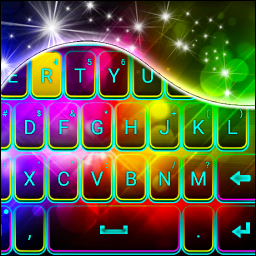
Color Theme Keyboard
16+
downloads4.2+
version Android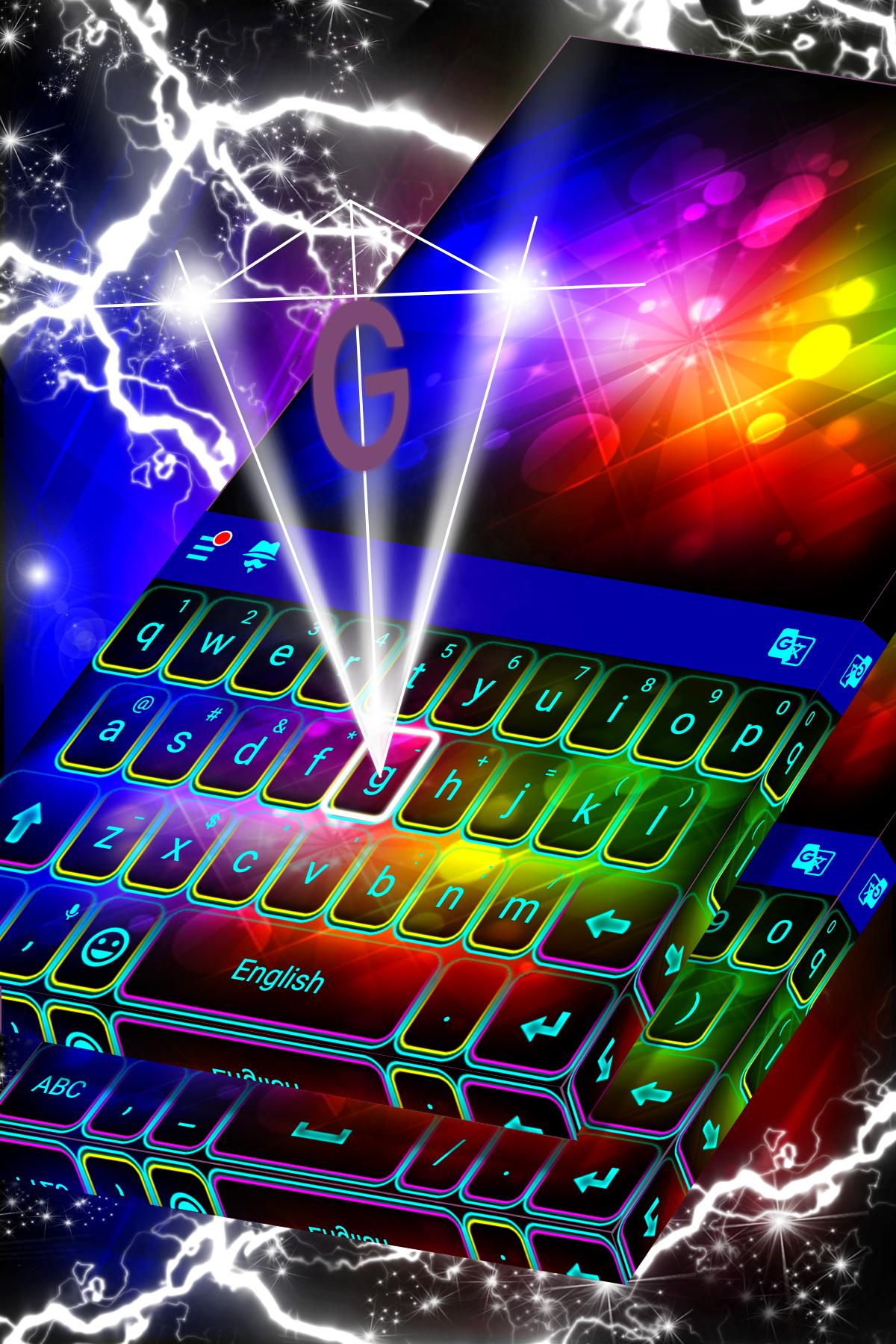



Added: Denis Rubinov
Version: 53.0
Size: 65.6 MB
Updated: 03.02.2024
Developer: Free 2019 Themes & Livewallpapers
Age Limitations: Everyone
Authorizations: 12
Downloaded on Google Play: 6790236
Category: Personalization
- Works for free.
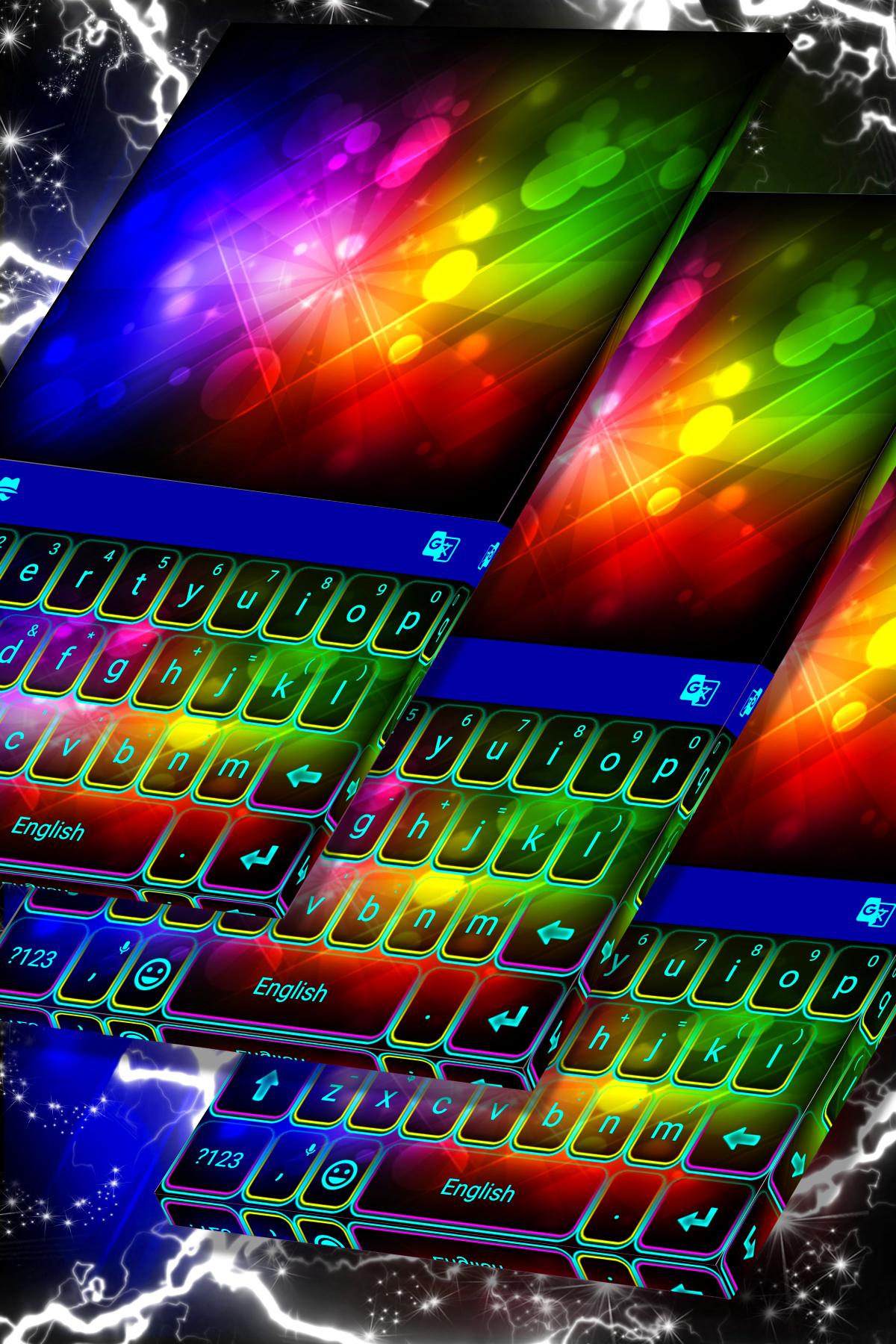
- Combine colorful effects.
- Small size of software.
- Easy installation of themes.
- Can be used as live wallpaper.
Description
Application Color Theme Keyboard was checked by VirusTotal antivirus. As a result of the scan, no file infections were detected by all the latest signatures.
How to install Color Theme Keyboard
- Download APK file apps from apkshki.com.
- Locate the downloaded file. You can find it in the system tray or in the 'Download' folder using any file manager.
- If the file downloaded in .bin extension (WebView bug on Android 11), rename it to .apk using any file manager or try downloading the file with another browser like Chrome.
- Start the installation. Click on the downloaded file to start the installation
- Allow installation from unknown sources. If you are installing for the first time Color Theme Keyboard not from Google Play, go to your device's security settings and allow installation from unknown sources.
- Bypass Google Play protection. If Google Play protection blocks installation of the file, tap 'More Info' → 'Install anyway' → 'OK' to continue..
- Complete the installation: Follow the installer's instructions to complete the installation process.
How to update Color Theme Keyboard
- Download the new version apps from apkshki.com.
- Locate the downloaded file and click on it to start the installation.
- Install over the old version. There is no need to uninstall the previous version.
- Avoid signature conflicts. If the previous version was not downloaded from apkshki.com, the message 'Application not installed' may appear. In this case uninstall the old version and install the new one.
- Restart annex Color Theme Keyboard after the update.






Requesting an application update
Added Denis Rubinov
Version: 53.0
Size: 65.6 MB
Updated: 03.02.2024
Developer: Free 2019 Themes & Livewallpapers
Age Limitations: Everyone
Authorizations:
Downloaded on Google Play: 6790236
Category: Personalization












Reviews for Color Theme Keyboard
Perfect tq
The app is good
Excellent
Blinking wallpaper
It works well
Very Cool. Love it!
Good
I love this app I like changing my keyboard to all the pretty colors
Teacher
Nice
Im loving it, its different, my phone looks dramatic in a good way
I really like it it has a live wallpaper and its so realistic its like you touch wayer but you cant feel the water and the keyboard is amazing
love the colors, but I lost my speak and text microphone icon thats usually next to the emoji button and the numbers button, other then that I really like it
Quite pretty, of course, dont use ugly. Keyboard is big enough to see. Gooooood. Thanks. Keep it up.
I'm very disappointed I thought the themes were free. But it says I have to download an app with it,and I wants to charge a fee.The apps used to be free.😡
Post a comment
To leave a comment, log in with your social network:
Or leave an anonymous comment. Your comment will be sent for moderation.
Post a comment
To leave a comment, log in with your social network:
Or leave an anonymous comment. Your comment will be sent for moderation.