


Total Commander - file manager
54+
downloads2.0+
version Android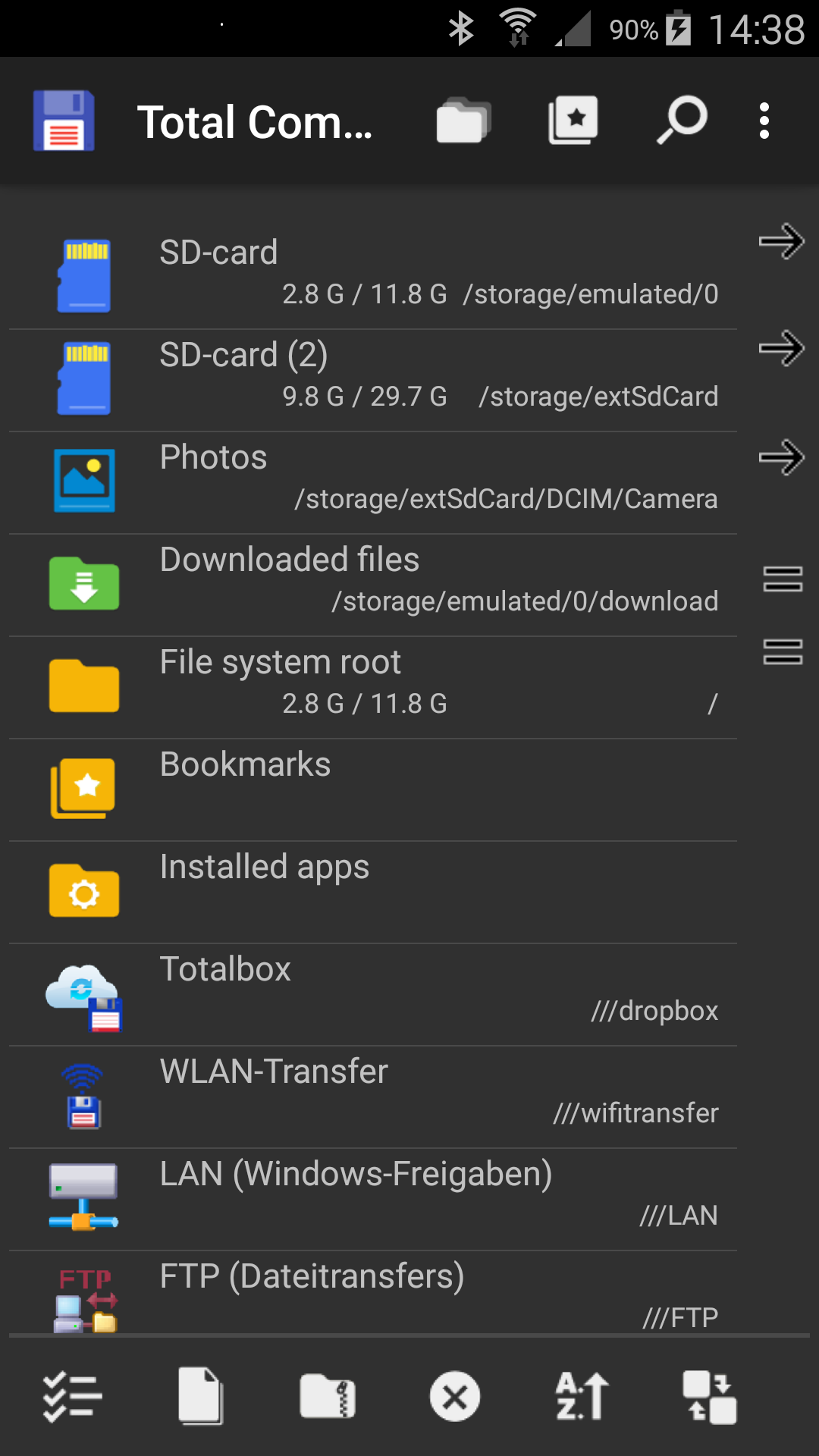
Added: Denis Rubinov
Version: 3.60b4d
Size: 4.9 MB
Updated: 20.05.2025
Developer: C. Ghisler
Age Limitations: Everyone
Authorizations: 8
Downloaded on Google Play: 33397729
Category: Tools
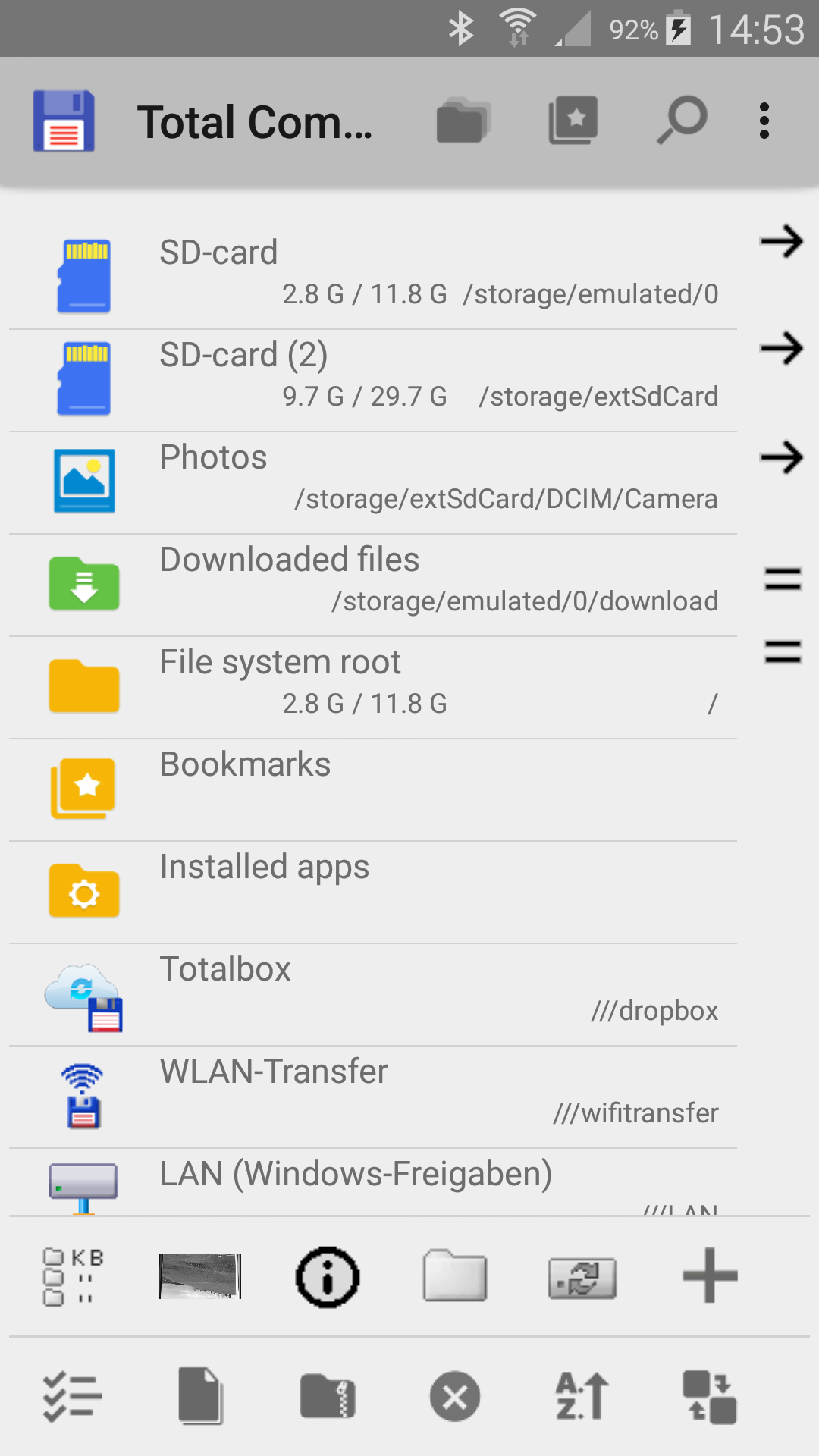
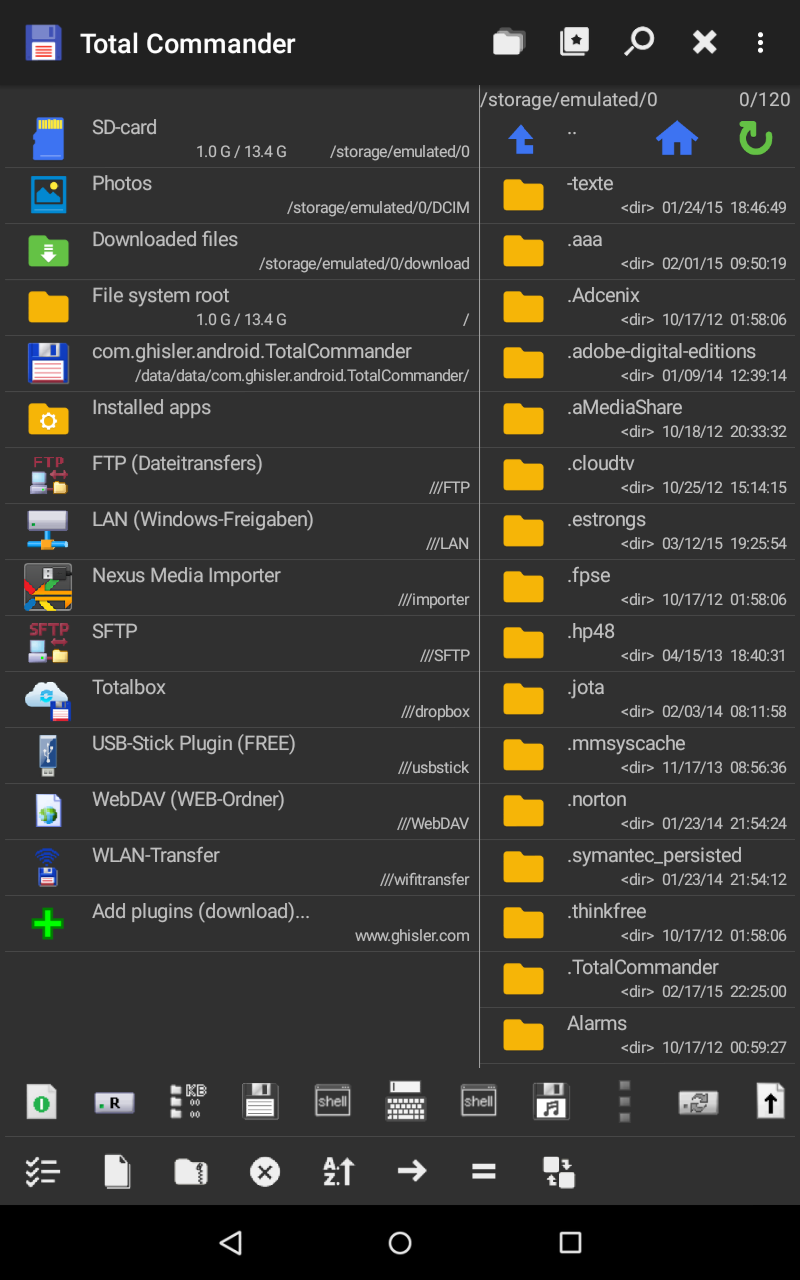
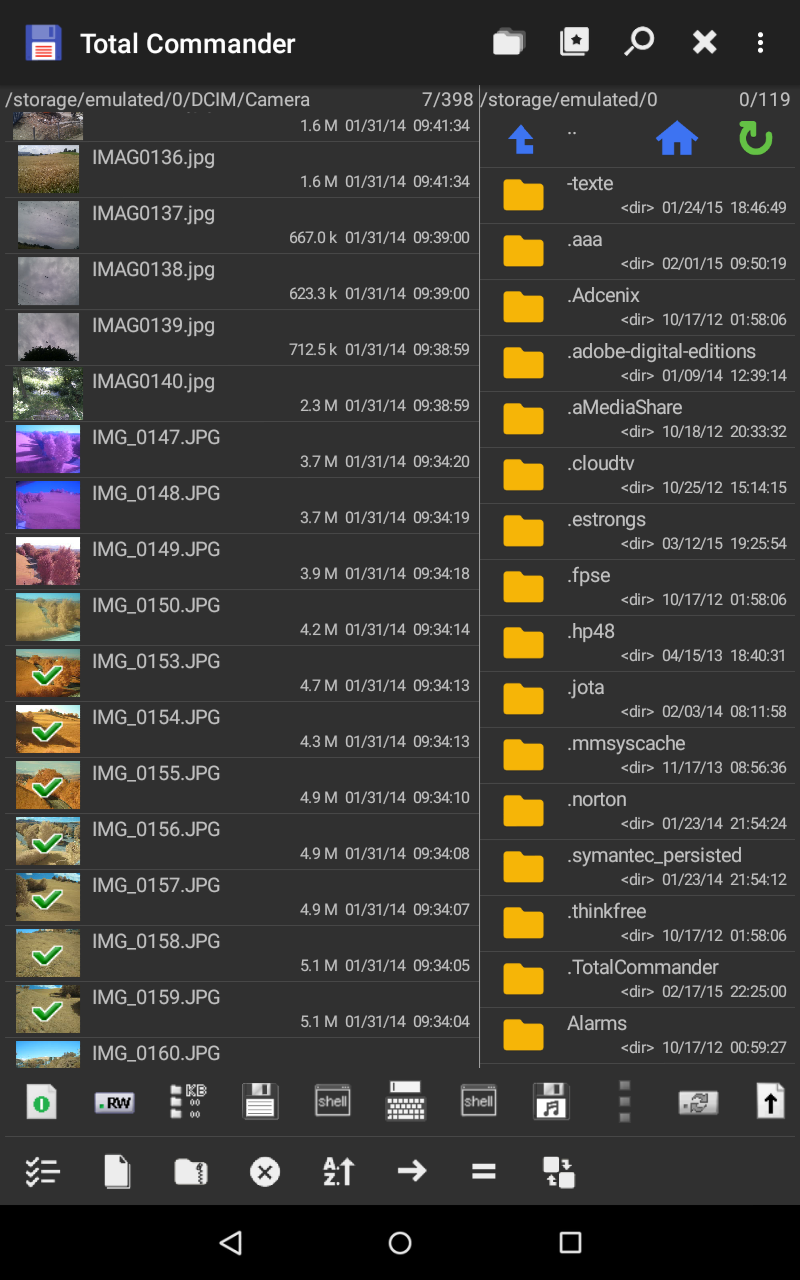
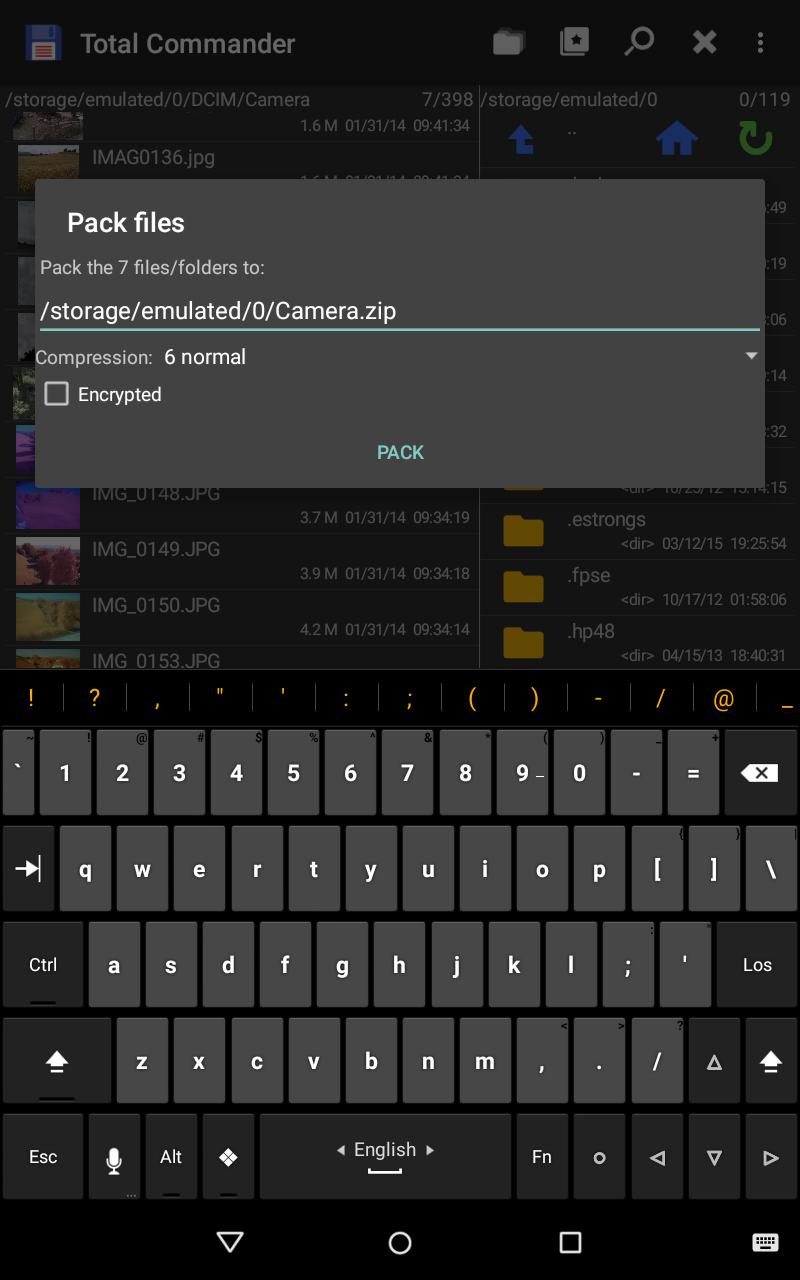
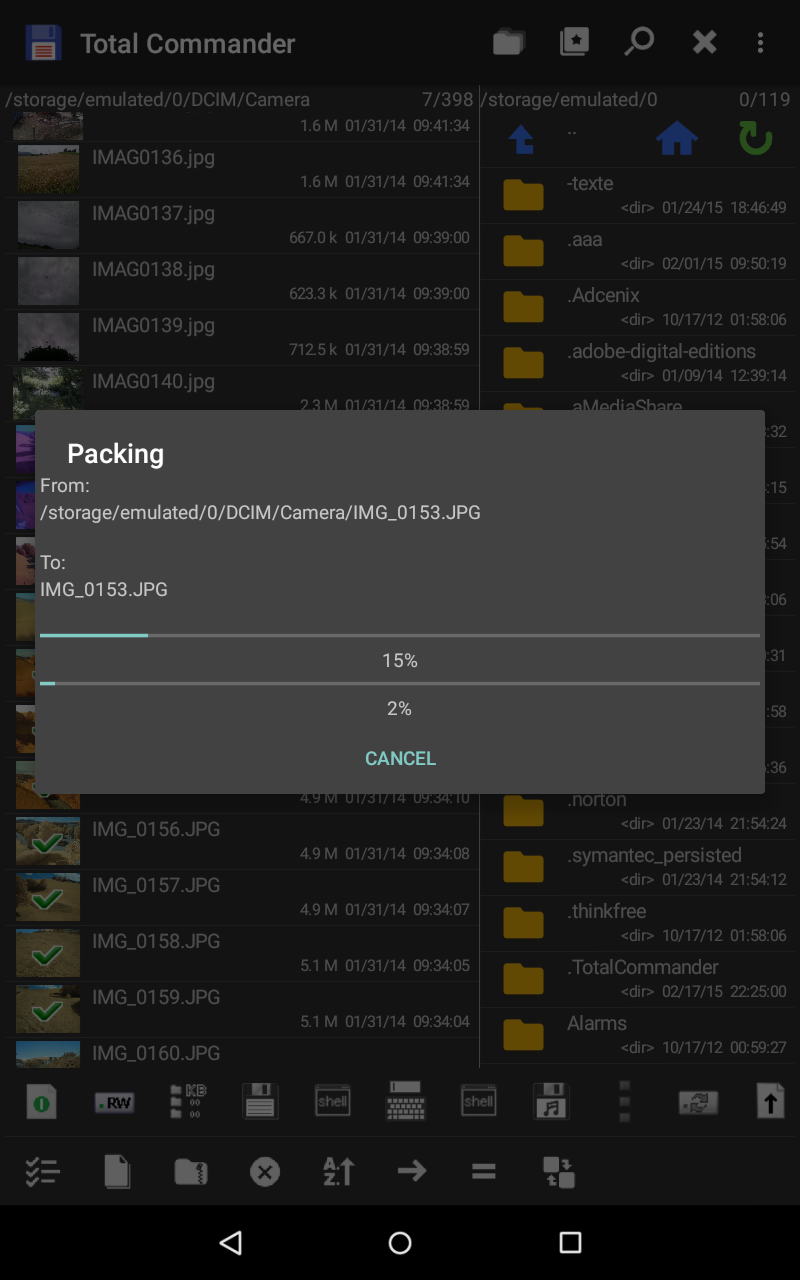
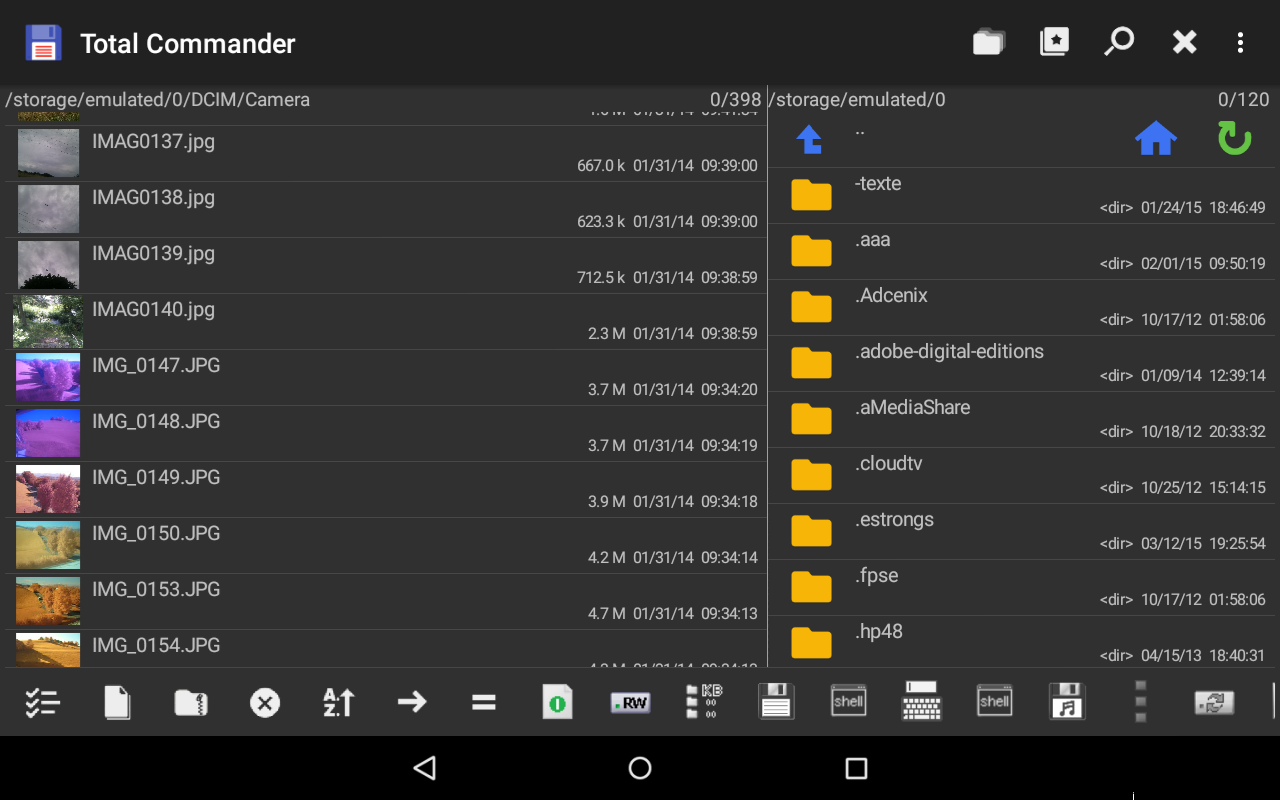
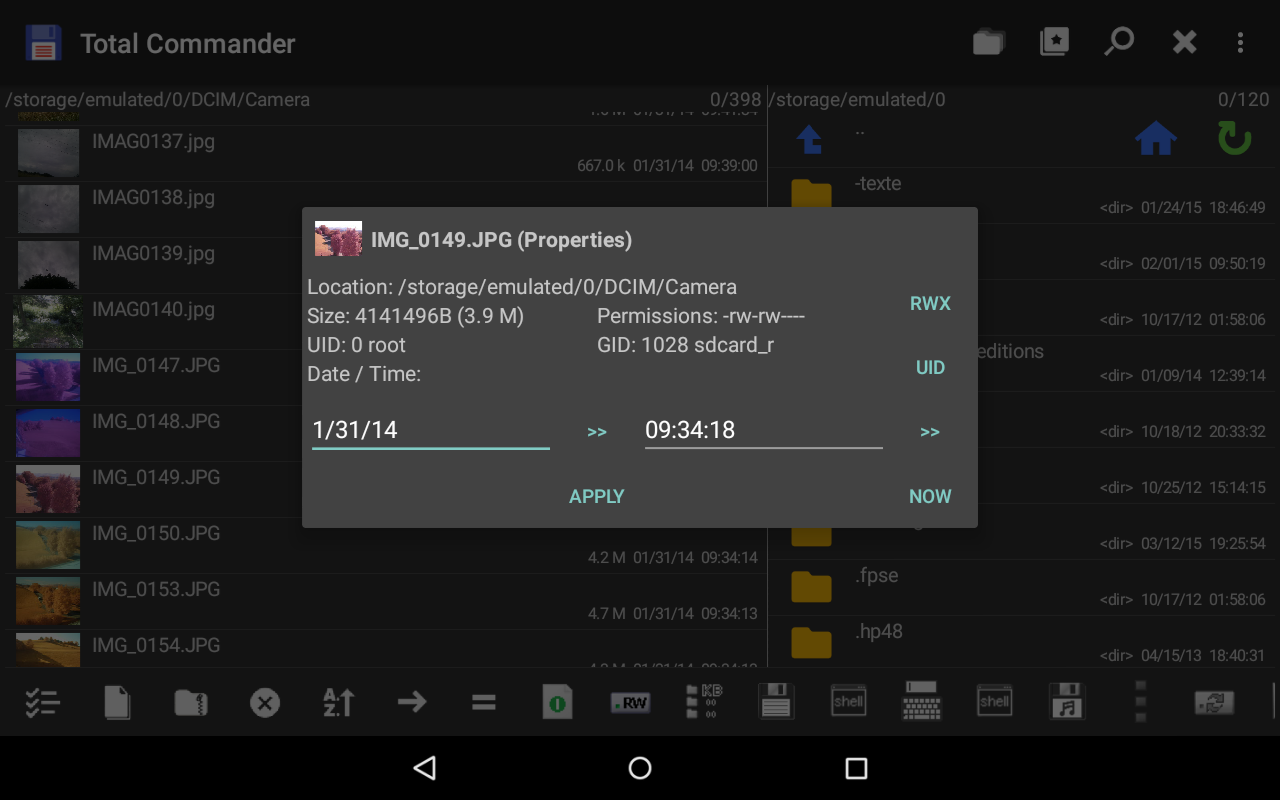
- Convenient file management.
- Plugin support.
- No ads or paid features.
- Additional features, if you have root.
- Drag & Drop support.
- Russian translation.
Description
Application Total Commander - file manager was checked by VirusTotal antivirus. As a result of the scan, no file infections were detected by all the latest signatures.
How to install Total Commander - file manager
- Download APK file apps from apkshki.com.
- Locate the downloaded file. You can find it in the system tray or in the 'Download' folder using any file manager.
- If the file downloaded in .bin extension (WebView bug on Android 11), rename it to .apk using any file manager or try downloading the file with another browser like Chrome.
- Start the installation. Click on the downloaded file to start the installation
- Allow installation from unknown sources. If you are installing for the first time Total Commander - file manager not from Google Play, go to your device's security settings and allow installation from unknown sources.
- Bypass Google Play protection. If Google Play protection blocks installation of the file, tap 'More Info' → 'Install anyway' → 'OK' to continue..
- Complete the installation: Follow the installer's instructions to complete the installation process.
How to update Total Commander - file manager
- Download the new version apps from apkshki.com.
- Locate the downloaded file and click on it to start the installation.
- Install over the old version. There is no need to uninstall the previous version.
- Avoid signature conflicts. If the previous version was not downloaded from apkshki.com, the message 'Application not installed' may appear. In this case uninstall the old version and install the new one.
- Restart annex Total Commander - file manager after the update.




Requesting an application update
Added Denis Rubinov
Version: 3.60b4d
Size: 4.9 MB
Updated: 20.05.2025
Developer: C. Ghisler
Age Limitations: Everyone
Authorizations:
Downloaded on Google Play: 33397729
Category: Tools












Reviews for Total Commander - file manager
Google made it to where you can not erase unwanted apps. That is evil. Letting others remotely add apk files to control and monitor any device. This app used to let you edit your device to prevent dirty cops, feds, or Hackers. Erase the app from Google play store if your not going to let the app function anymore.
A go to file manager since even before Android exists! A must in Windows, now in Android! Wonderful!
Very solid app, it uses plugins for Ftps, GDrive, SMB and the main app is therefore clean from the start. No Ads! The only downside is the ugly logo. 😅
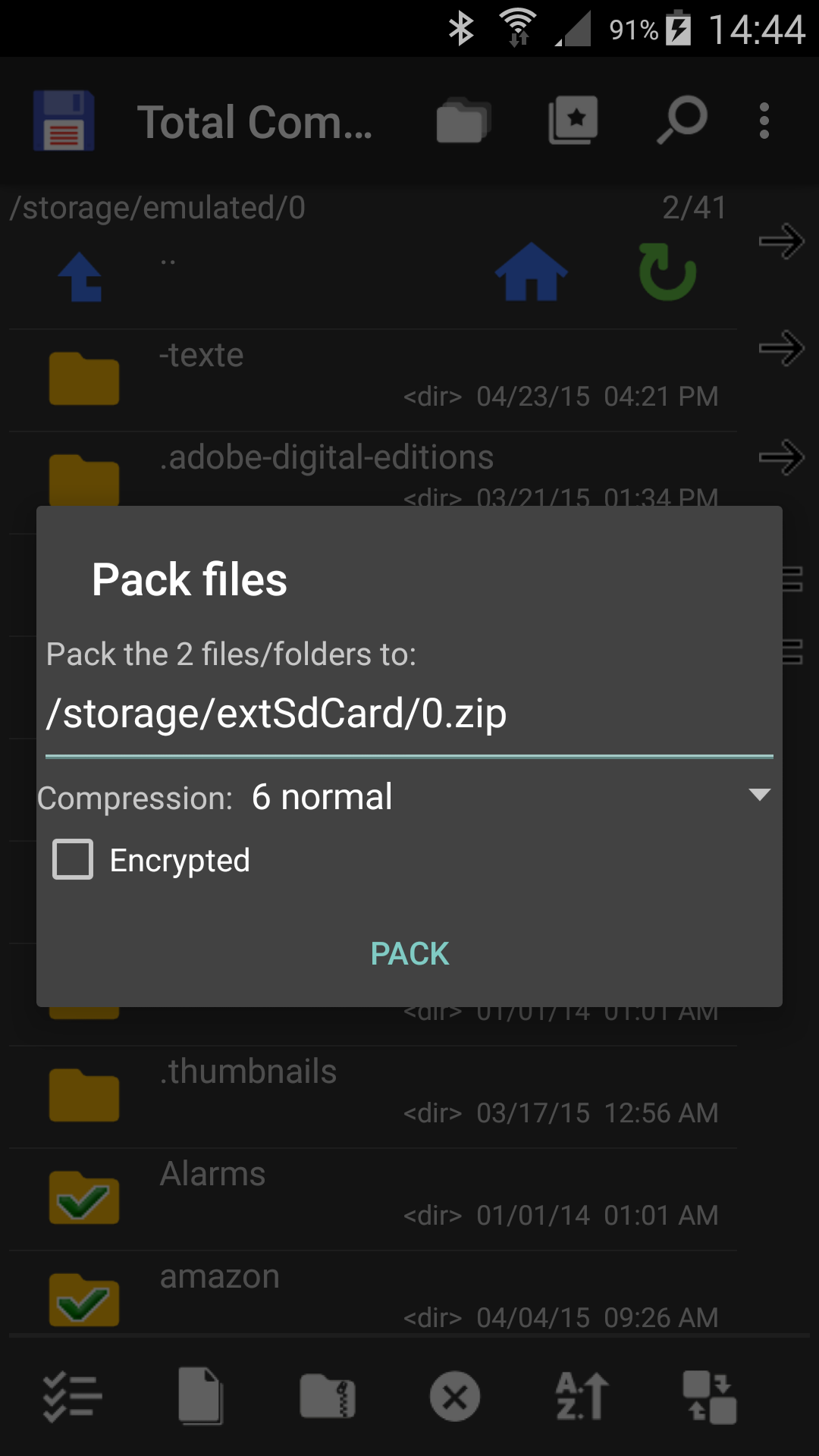
Did not see any way to unzip files.
copy paste not working always failed
Awesome. light and efficient. UI is for experts.
The entire point of installing was so I could transfer files from my Android phone to my 1TB NFTS external SSD drive. But not only would it refuse to transfer the any files, it refused to create the needed folders. Complete waste of time and energy.
seems legit
There doesn't seem to be an easy and efficient way to browse images over the LAN.
I have dozens of folders with hundreds/ thousands of images. ⛔️There does not seems to be an option to customize view: No grid view. No option to make thumbnails larger. No option to have grid view + filename. ⛔️No native internal image viewer. The internal "TC media player" only works with music and movie files,it seems. ⛔️There is a recycle bin, but it can't be opened or customized (e.g. delete after 30 days). Deletion is thus permanent. ⛔There also needs to be a PW lock for app / recycle bin.
Gui is extremely non intuitive. Could not figure out how to copy files from my internal download folder to an external USB drive mounted with the paragon ntfs driver. Multiple copy/paste options in the gui that all didn't work. Trying to multiplex file copy operations with Bluetooth seems wrong and cool at the same time. Please update the user interface.
In the past this was a (great) file manager; now, unfortunately, it has turned into YET ANOTHER CENSORSHIP TOOL: Using it for browsing the file folders, a user cannot install .apk files. That's right: even if you have .apk associated with the installer on the system-wide level, Total Commander will intrude to block that association and prevent you from "opening by default" the file. The program is no longer usable as a file manager, unless you start using fishy ways to circumvent its censorship.
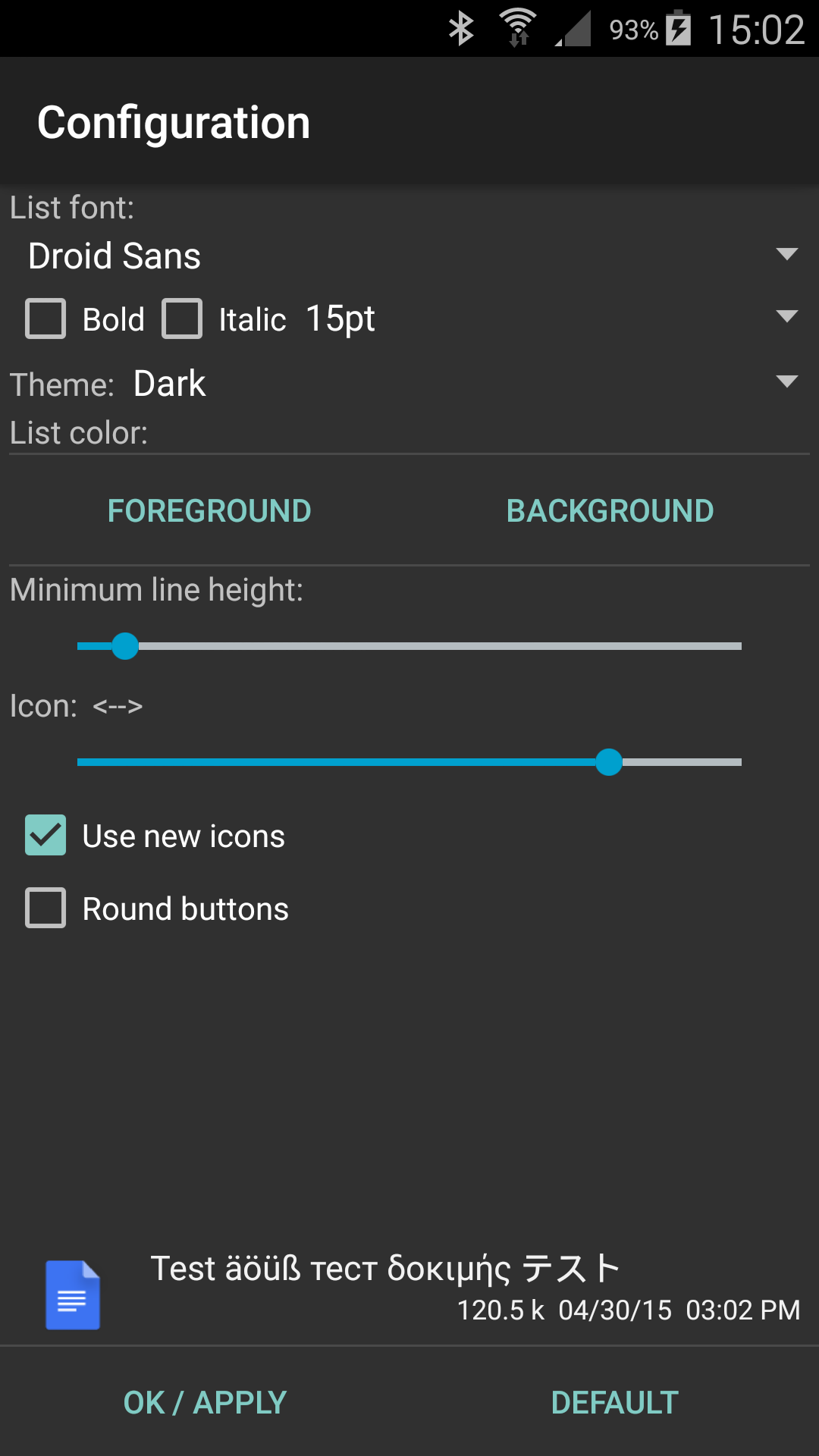
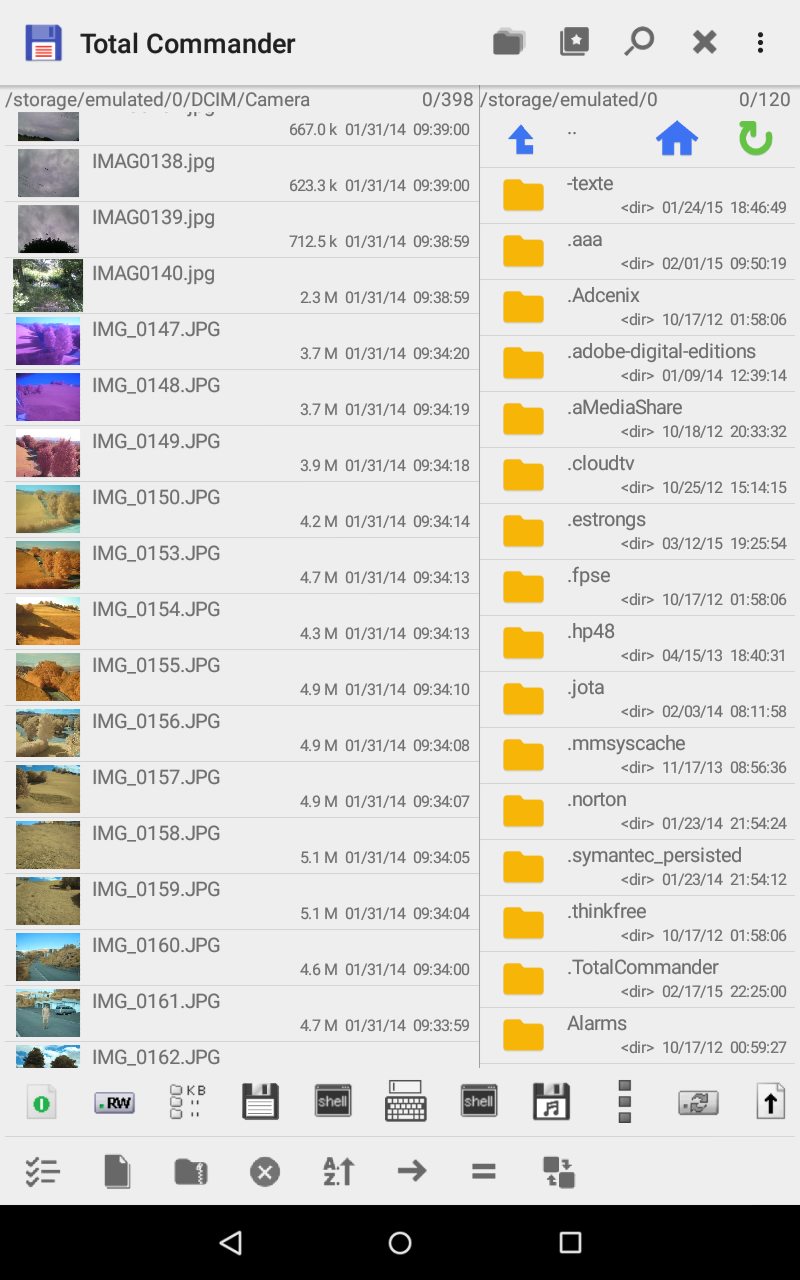
Excellent improvements: Dark theme, font options. 1. Can you please tell me how to remove the vertical sidebar? I don't use it and I need the screen space. 2. The folder icons never seem to align perfectly with the text. No big deal but it has been this way for years already. 3. Cannot open images directly into Google Photos "edit" mode; instead, they ooens in Google photos "viewer" mode, with icons at the bottom of the screen, for "share," and "Lens", but no edit options
Been using this for quite a while with good success and satisfaction. Recently however the media player seems to be acting up. I use "Play Background" to play a folder of mp3 files and recently the player won't start unless I go into the speedup controls and change the speed around. The player also sometimes jumps from one mp3 file to the next even though the original file hasn't finished playing. I am running Android 6. I suspect this bug crept into Version 3.10 when the option to change playback speed was introduced. Hope you can get this fixed, I want to stick with this app. 1/6/21 Update: The problem persists and seems to be related to the graphic equalizer, balance control, and playback speed control. Increasing the playback speed seems to get the playback queue working again, but then the balance control skews far towards one channel. If I manually set the balance back to the middle, and then change the playback speed again, the balance setting go way off balance again. Also, turning the equalizer on or off seems to stabilize things, but the settings are forgotten and/or seem to change by themselves. I am running Android 6, maybe you are not supporting that anymore or some of your newer features are not backward compatible.
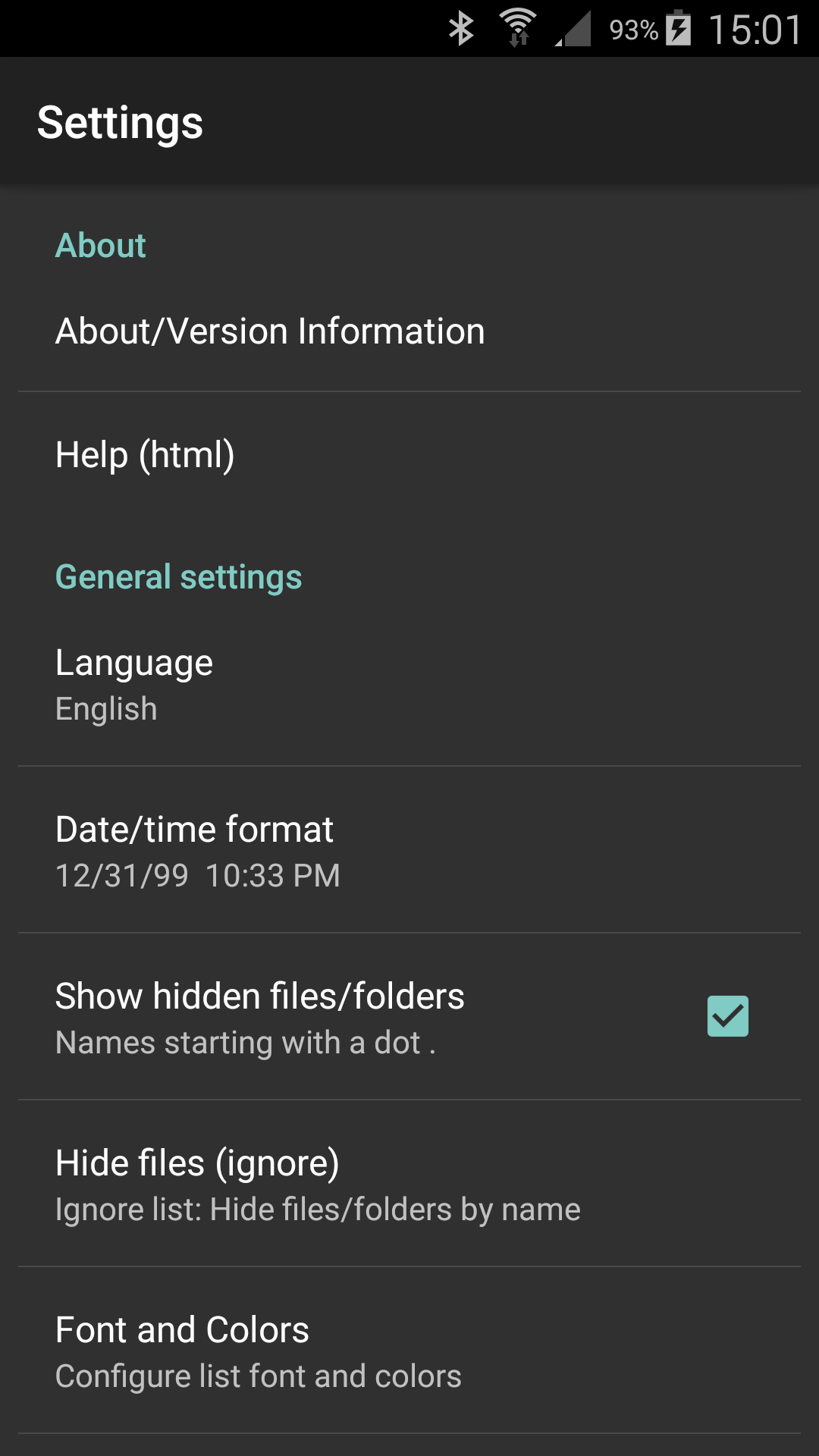
I love this app and wish it came as the default file manager. Way better than any other file manager I have used. One thing I haven't seen in the app is a cleanup tool for unwanted storage junk. Is there one and I missed it? Add that feature and it would make this great program even better. I love that I can customize my font and colors too from within the app. 5 stars!!
Post a comment
To leave a comment, log in with your social network:
Or leave an anonymous comment. Your comment will be sent for moderation.
Post a comment
To leave a comment, log in with your social network:
Or leave an anonymous comment. Your comment will be sent for moderation.