


The Weather Channel - Radar
18+
downloads1.0+
version Android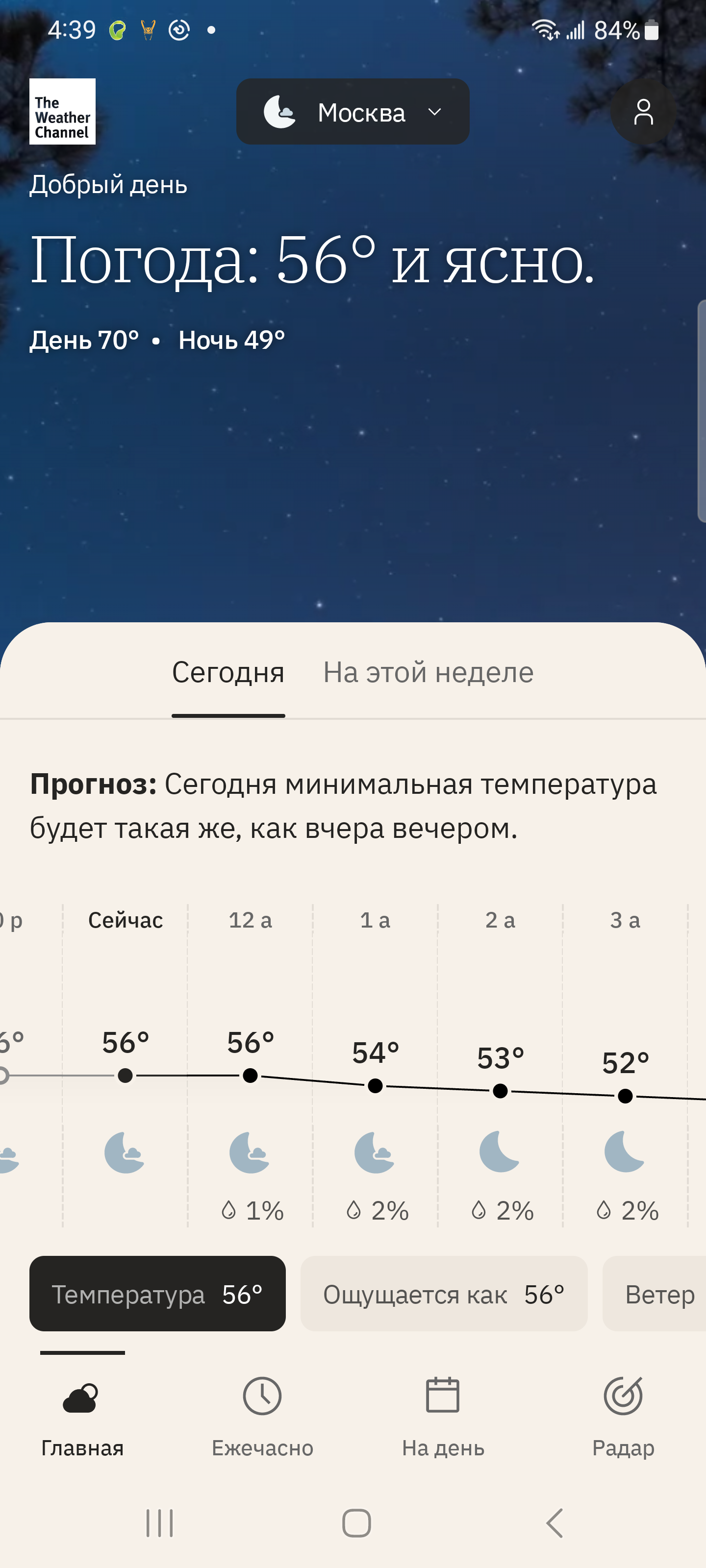
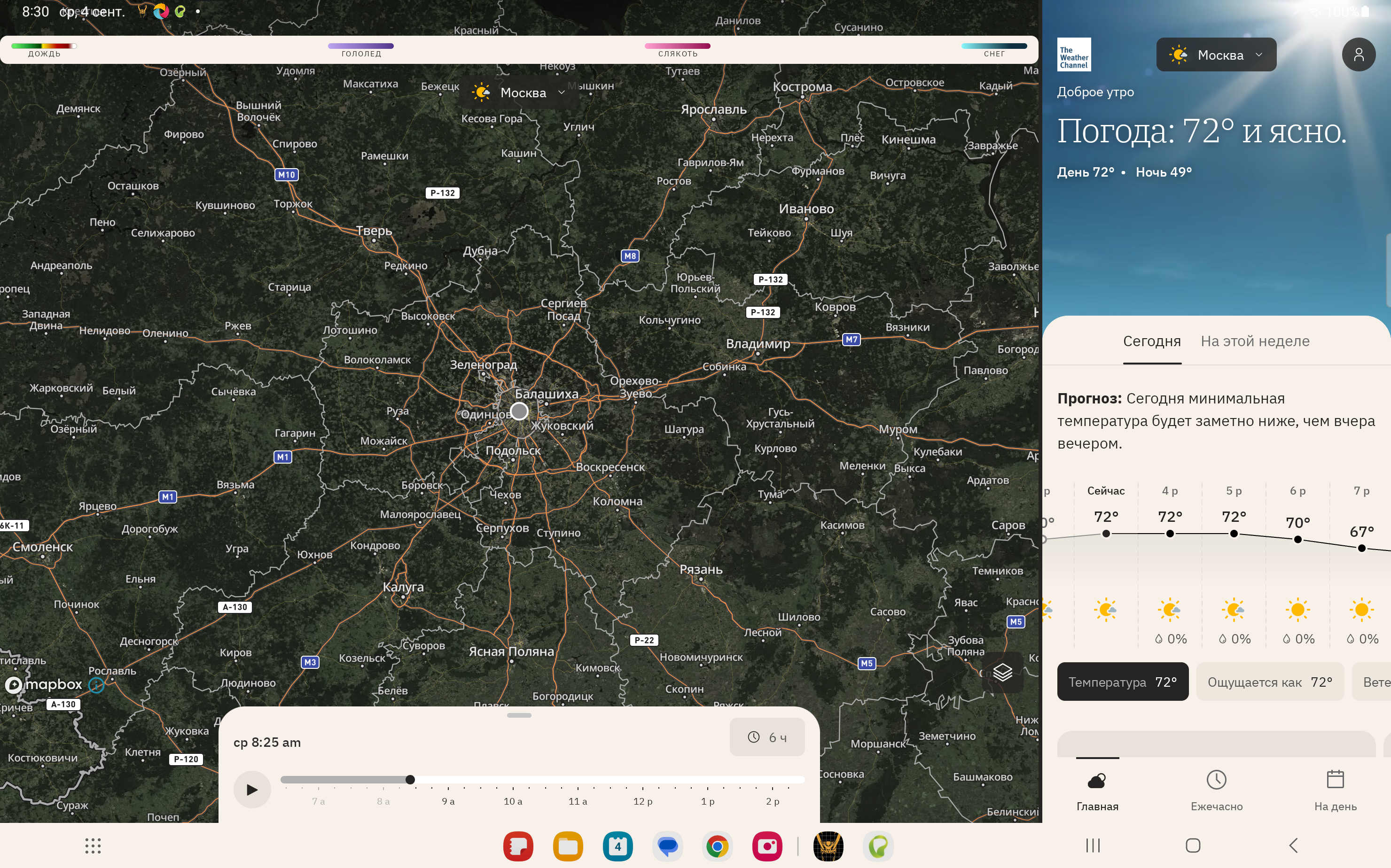
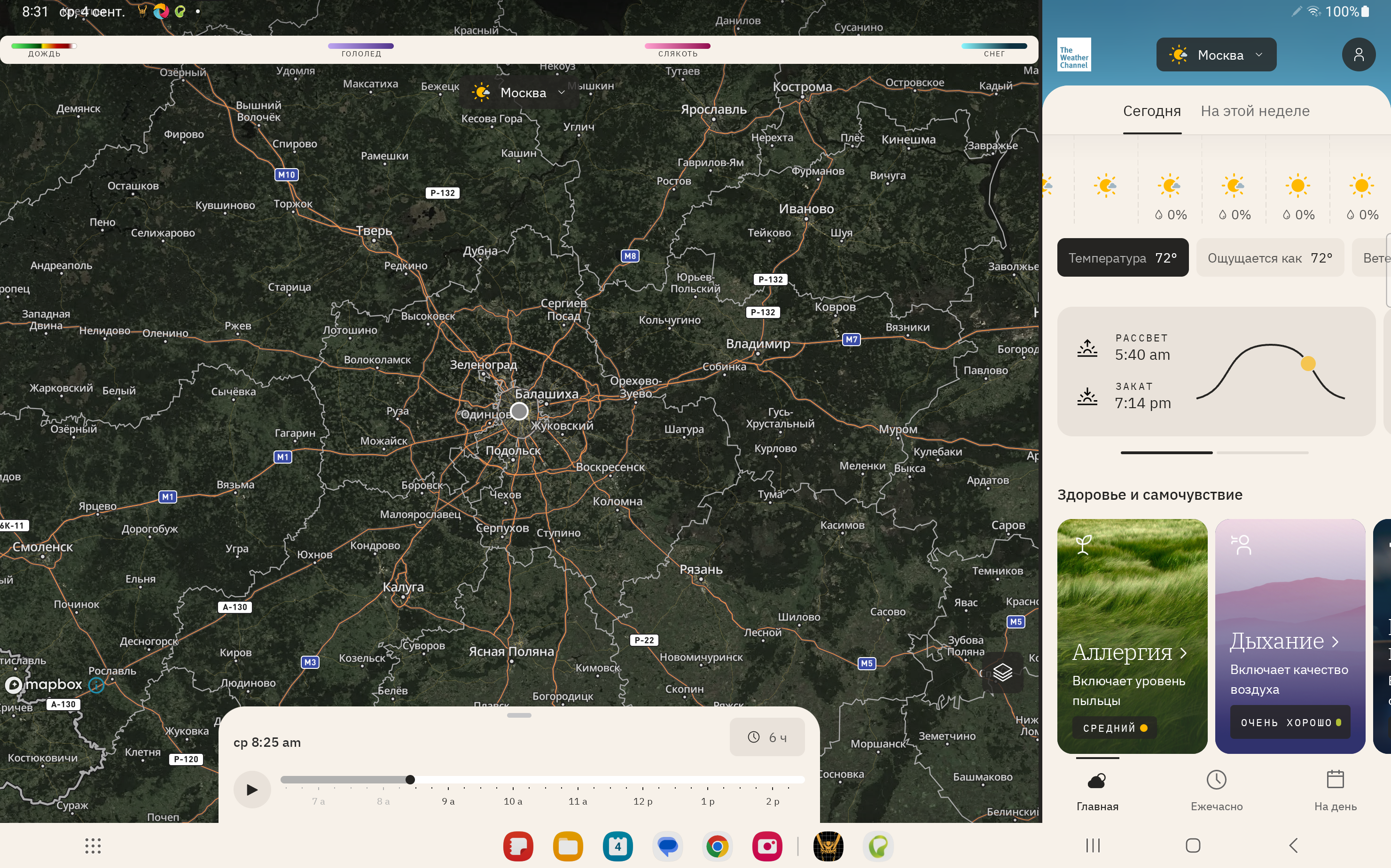
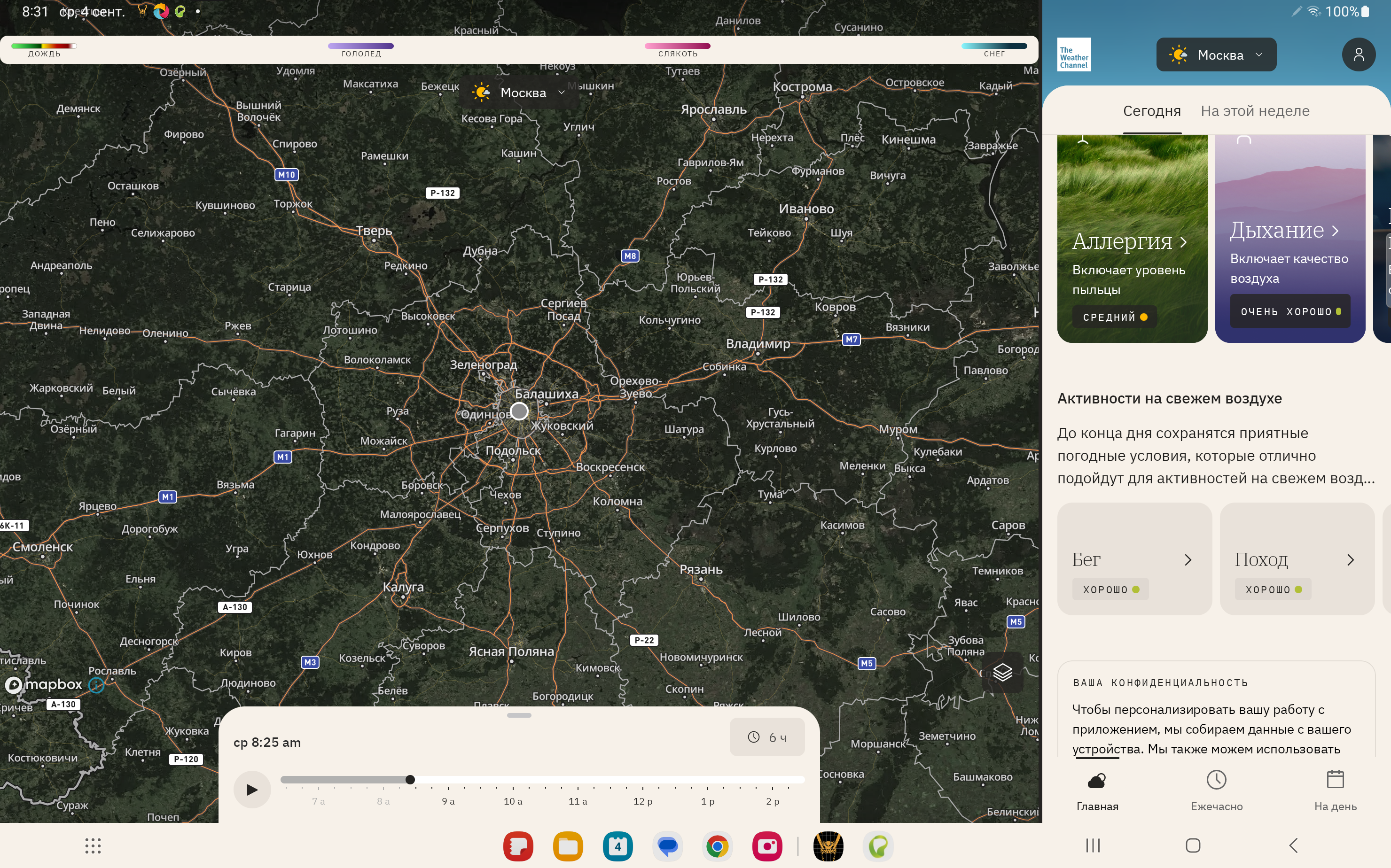
Added: Denis Rubinov
Version: 14.24.0
Size: 145.6 MB
Updated: 24.06.2025
Developer: The Weather Channel
Age Limitations: Everyone
Authorizations: 13
Downloaded on Google Play: 140575093
Category: Weather
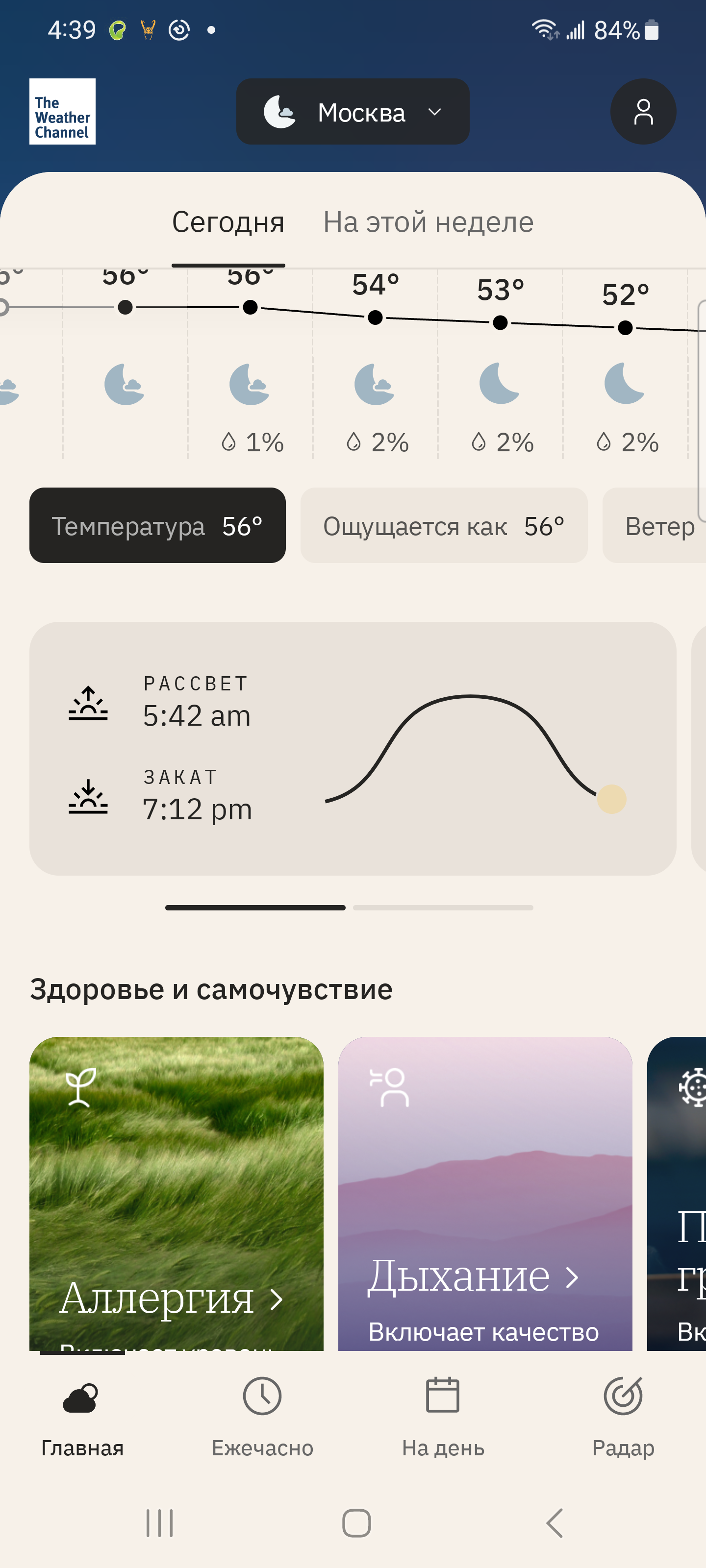
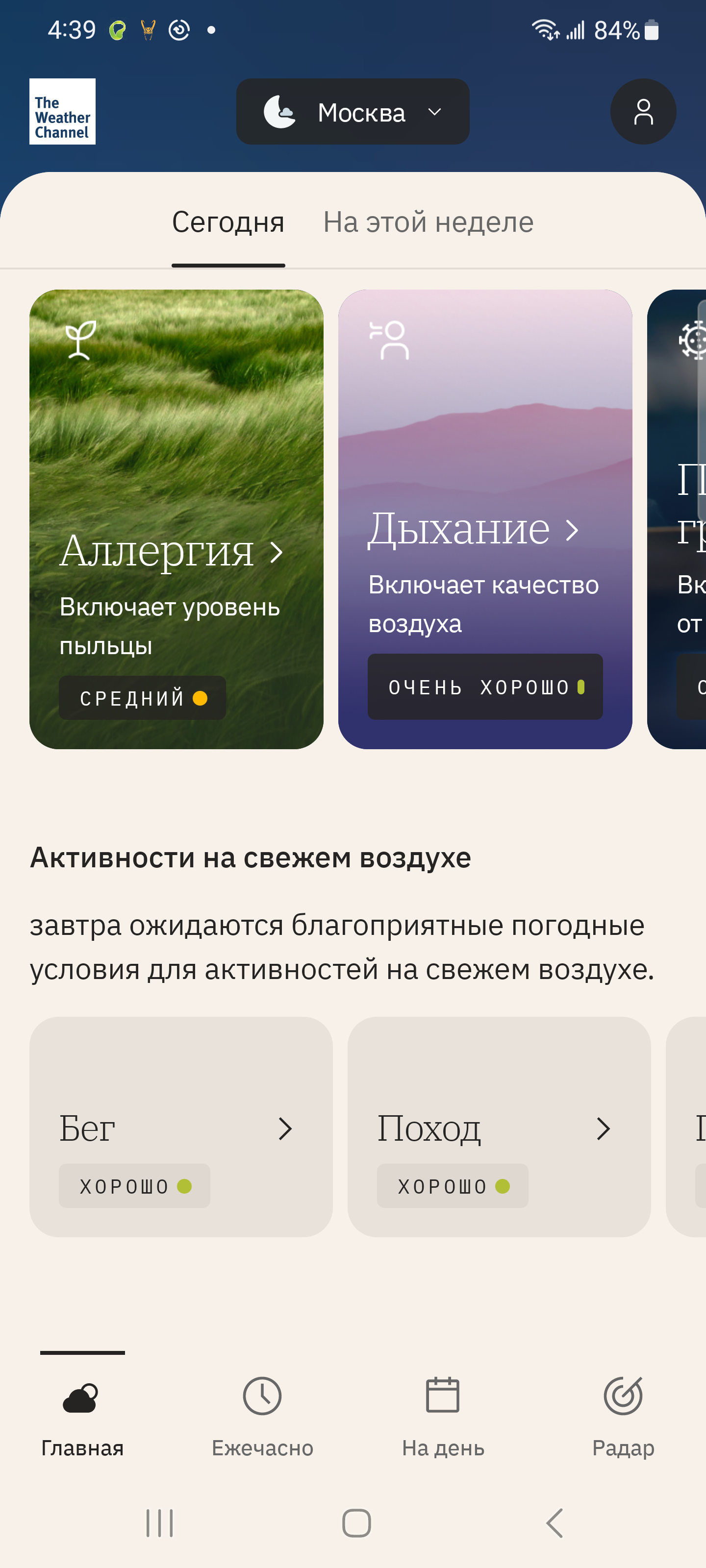
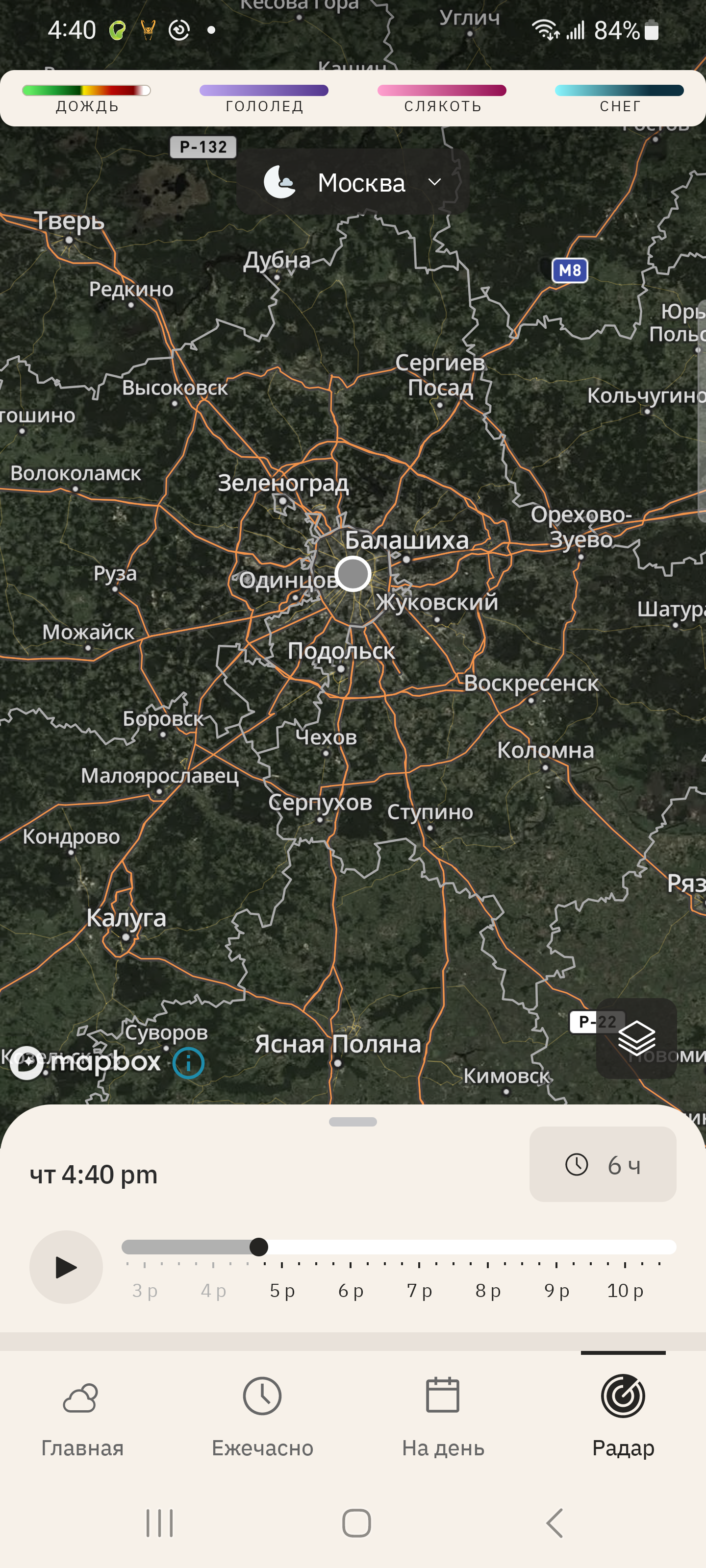
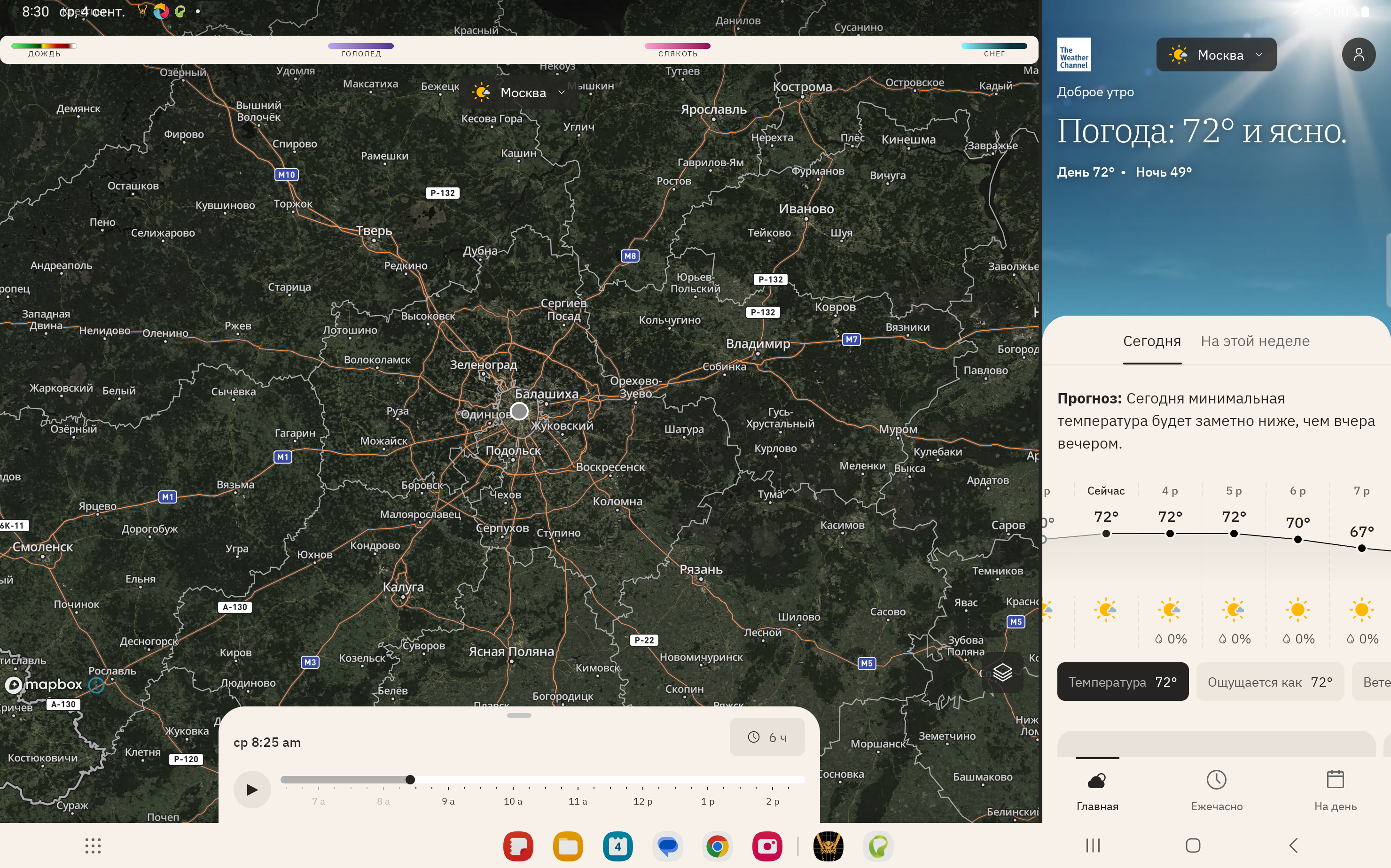
- Radar map with 6 o'clock forecast.
- Actual weather data.
- Automatic or manual city selection.
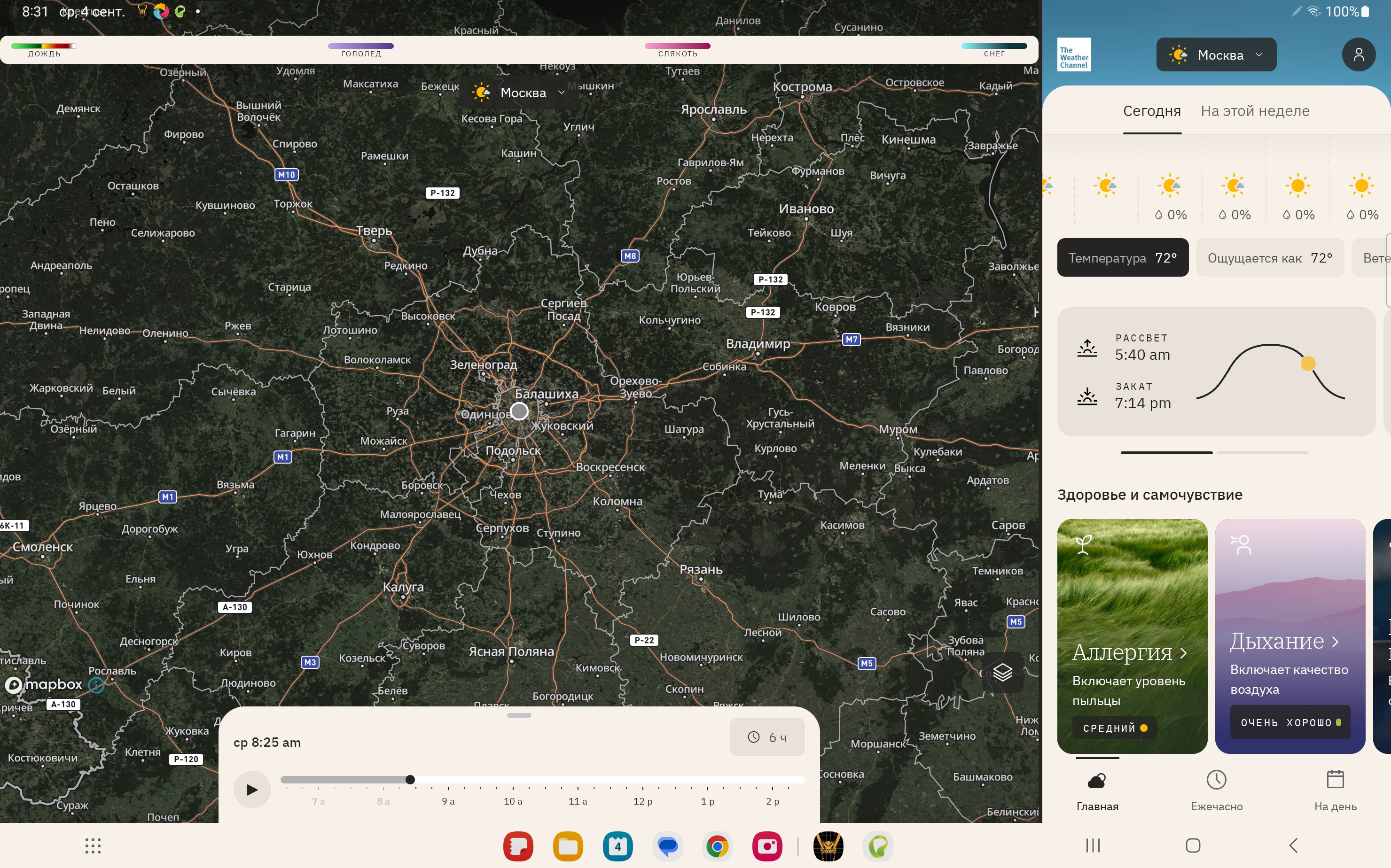
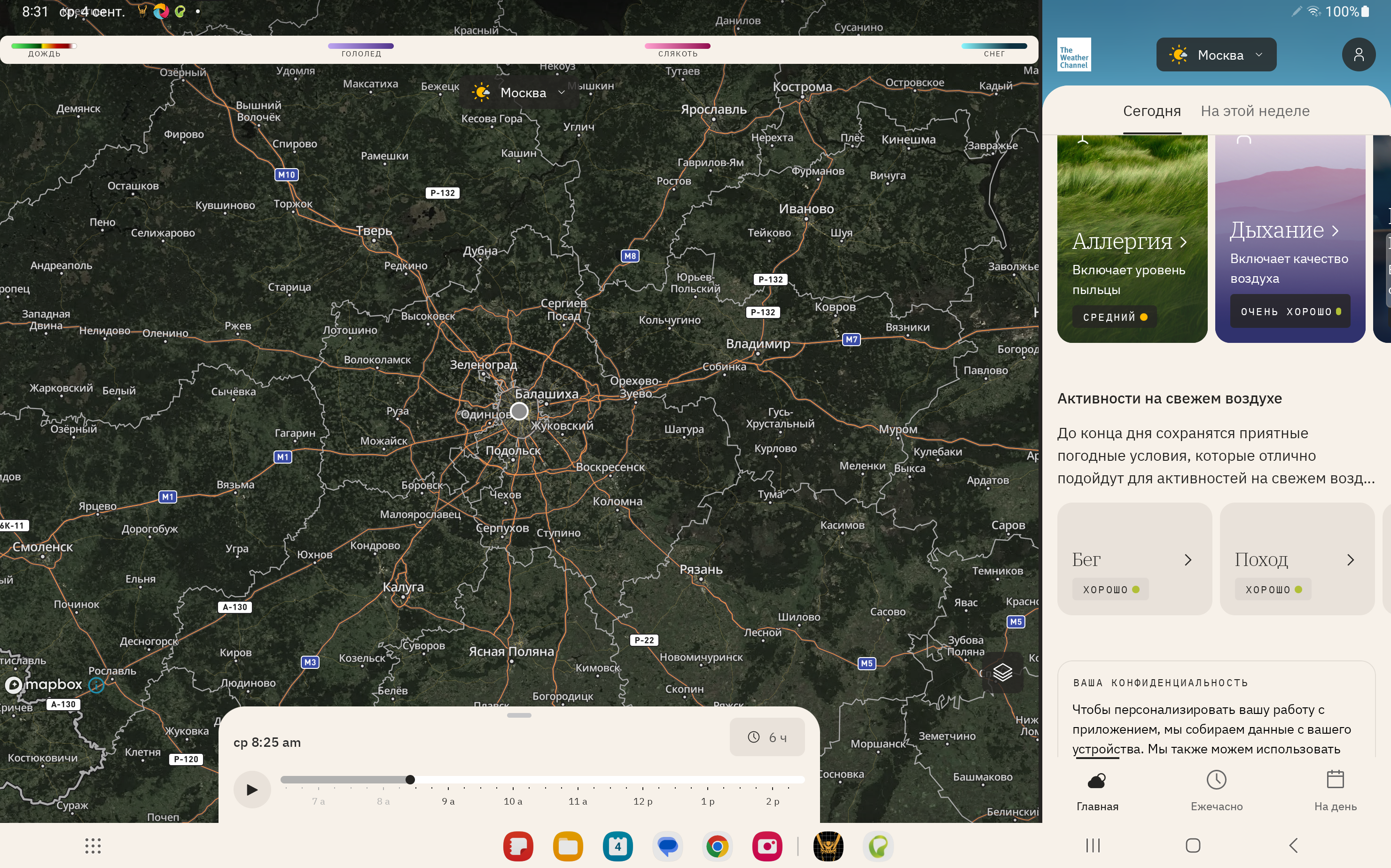
- Detailed weather information.
- 15 days forecast.
- Russian interface language.
Description
Application The Weather Channel - Radar was checked by VirusTotal antivirus. As a result of the scan, no file infections were detected by all the latest signatures.
How to install The Weather Channel - Radar
- Download APK file apps from apkshki.com.
- Locate the downloaded file. You can find it in the system tray or in the 'Download' folder using any file manager.
- If the file downloaded in .bin extension (WebView bug on Android 11), rename it to .apk using any file manager or try downloading the file with another browser like Chrome.
- Start the installation. Click on the downloaded file to start the installation
- Allow installation from unknown sources. If you are installing for the first time The Weather Channel - Radar not from Google Play, go to your device's security settings and allow installation from unknown sources.
- Bypass Google Play protection. If Google Play protection blocks installation of the file, tap 'More Info' → 'Install anyway' → 'OK' to continue..
- Complete the installation: Follow the installer's instructions to complete the installation process.
How to update The Weather Channel - Radar
- Download the new version apps from apkshki.com.
- Locate the downloaded file and click on it to start the installation.
- Install over the old version. There is no need to uninstall the previous version.
- Avoid signature conflicts. If the previous version was not downloaded from apkshki.com, the message 'Application not installed' may appear. In this case uninstall the old version and install the new one.
- Restart annex The Weather Channel - Radar after the update.




Requesting an application update
Added Denis Rubinov
Version: 14.24.0
Size: 145.6 MB
Updated: 24.06.2025
Developer: The Weather Channel
Age Limitations: Everyone
Authorizations:
Downloaded on Google Play: 140575093
Category: Weather












Reviews for The Weather Channel - Radar
It is great to have some wonderful weather like this morning.
very informative
temperatures and rain percentage is always wrong and the radar is always wrong. fix it
Please fix radar! I have loved this app for years, but the latest update makes the radar section useless. I miss being able to slide the bar forward to display future radar or movement of storms.
the radar never loads anything in the app. it used to, then just stopped. glad I didn't pay for premium.
Big disappointment. Had this app for many years across a variety of phones and tablets without any problems, until now. Can't get it to keep working consistently. I have tried uninstalling and reinstalling, and it'll work at first for a week or so. After that it'll crash, if I can get it to open up at all. I used to love this app but now it's just a big bummer. I'm done trying. Uninstalling permanently!
Works perfectly for me
I open the app and it just keeps endlessly loading and I'm rarely ever able to check the weather anymore. The latest ugly UI update keeps crashing constantly. I need to find another app since this is no longer working or in service apparently.
I pay for the subscription on this app and I am beginning to get extremely frustrated with it. it constantly makes me have to sign back into the app for my subscription. I noticed this happening ever since the app completed revamped. - reply to dev- my app is current and up to date. I will edit review when I see results. thank you.
Great app love the new look
It's a solid, well established app of course but I am finished with it. Just done. The full screen pop up ads are obnoxious to say the least.
The Best weather apps very accurate 5 stars
The full screen ads that can't be dismissed with an Android phone's back button (even after the minimum time has elapsed) are absurd. I force closed the app every time I got those rather than risk mis-clicking the close button and getting sent to some trash Temu landing page. Finally got sick of it and uninstalled the app.
Very Rarely Accurate 👎
App does not follow and update. Middle of night and shows 90°+ & Sunny. I have option to follow, but it doesn't do that.
Post a comment
To leave a comment, log in with your social network:
Or leave an anonymous comment. Your comment will be sent for moderation.
Post a comment
To leave a comment, log in with your social network:
Or leave an anonymous comment. Your comment will be sent for moderation.