


Bubble Level, Spirit Level
7+
downloads4.2+
version Android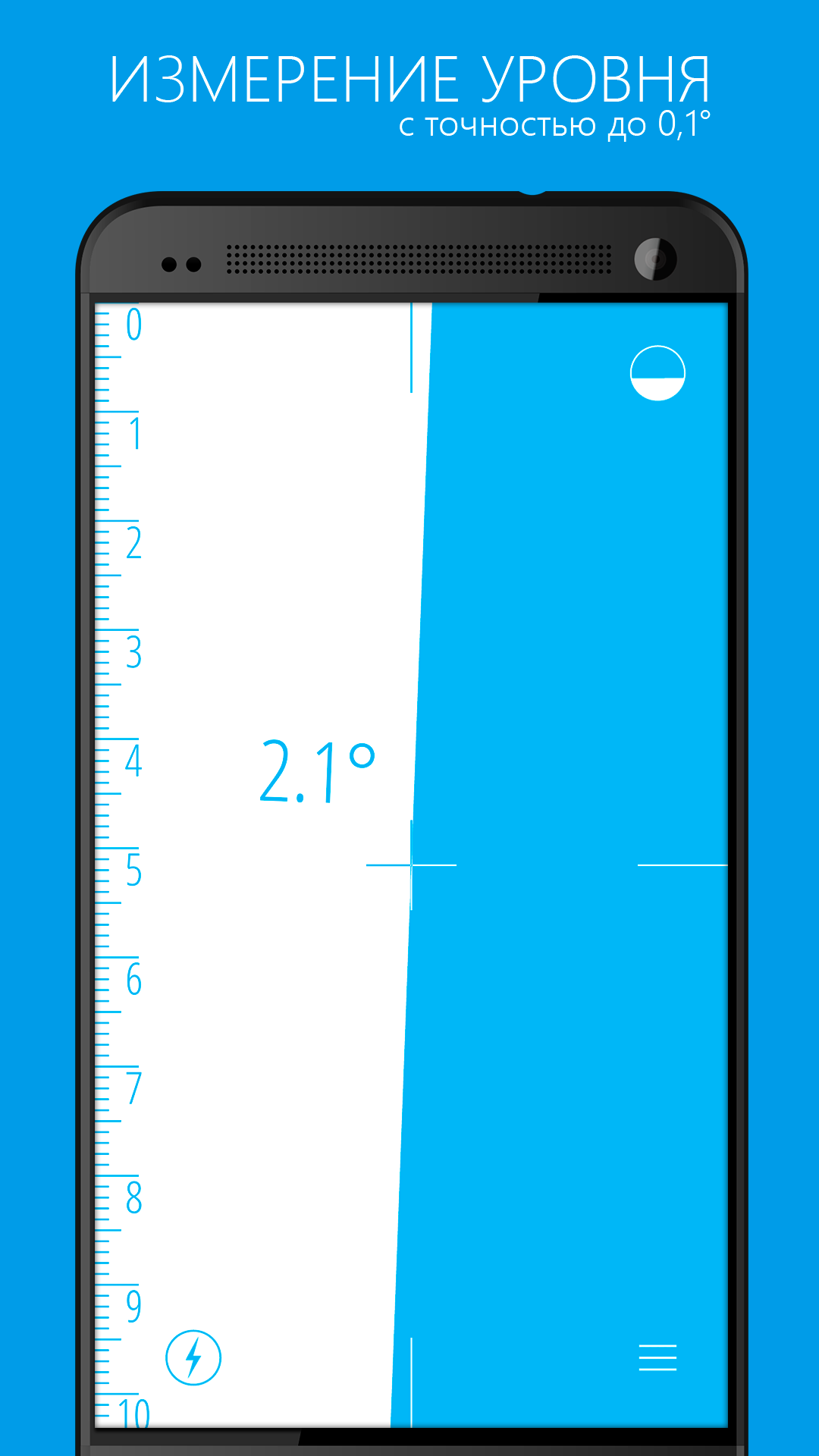
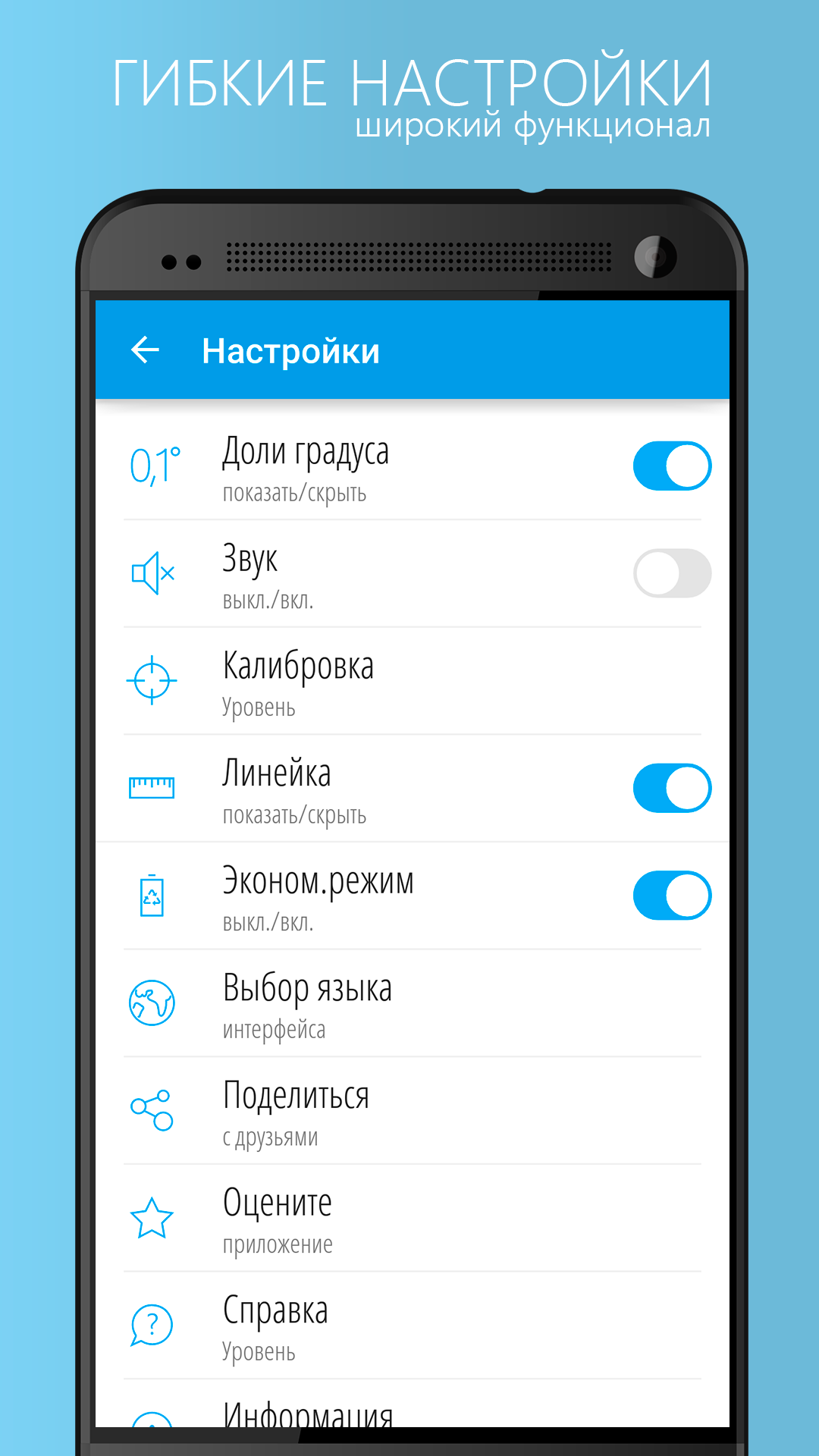
Added: Denis Rubinov
Version: 7.2
Size: 10.6 MB
Updated: 19.05.2025
Developer: NixGame
Age Limitations: Everyone
Authorizations: 4
Downloaded on Google Play: 6755791
Category: Tools
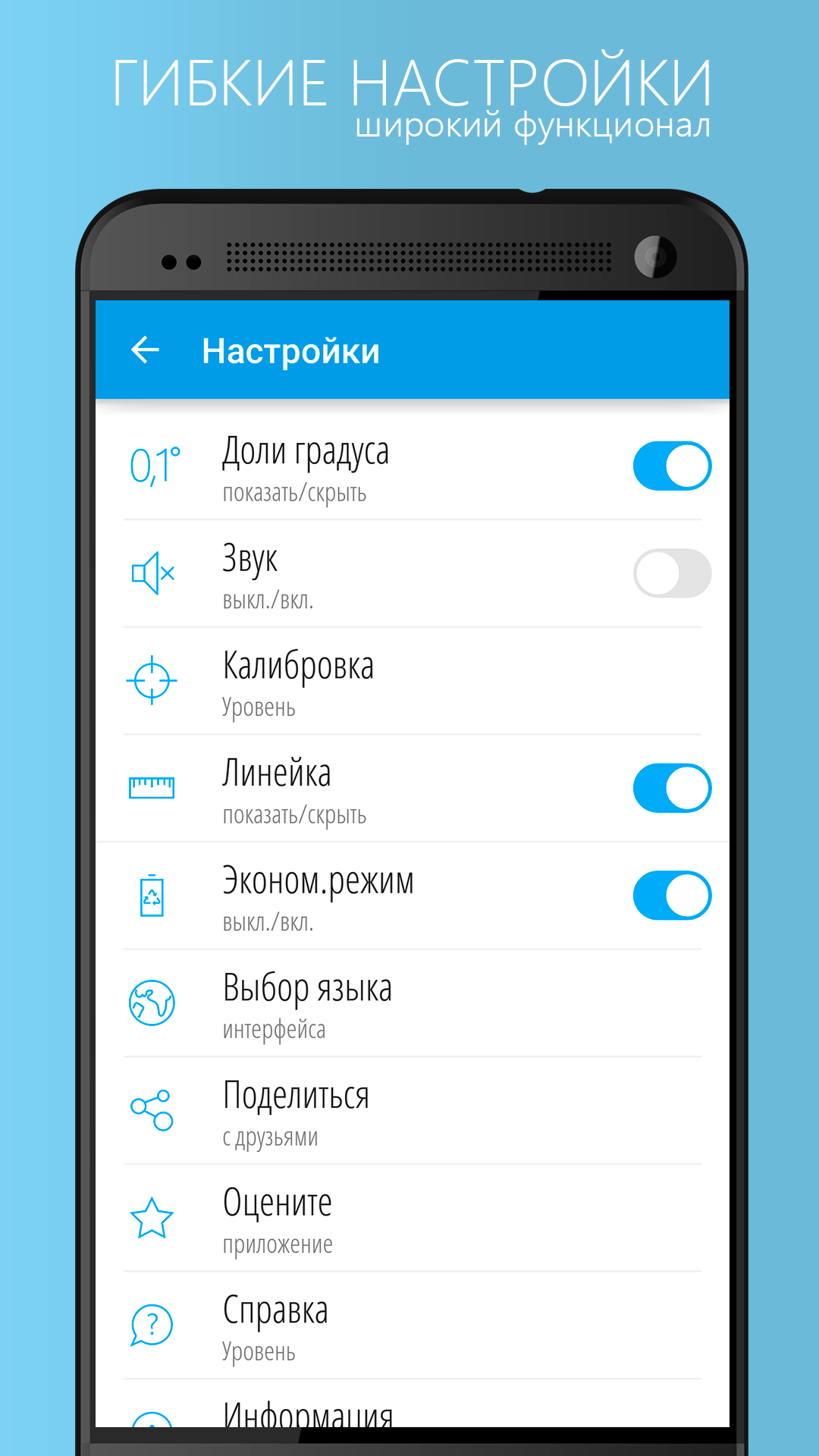
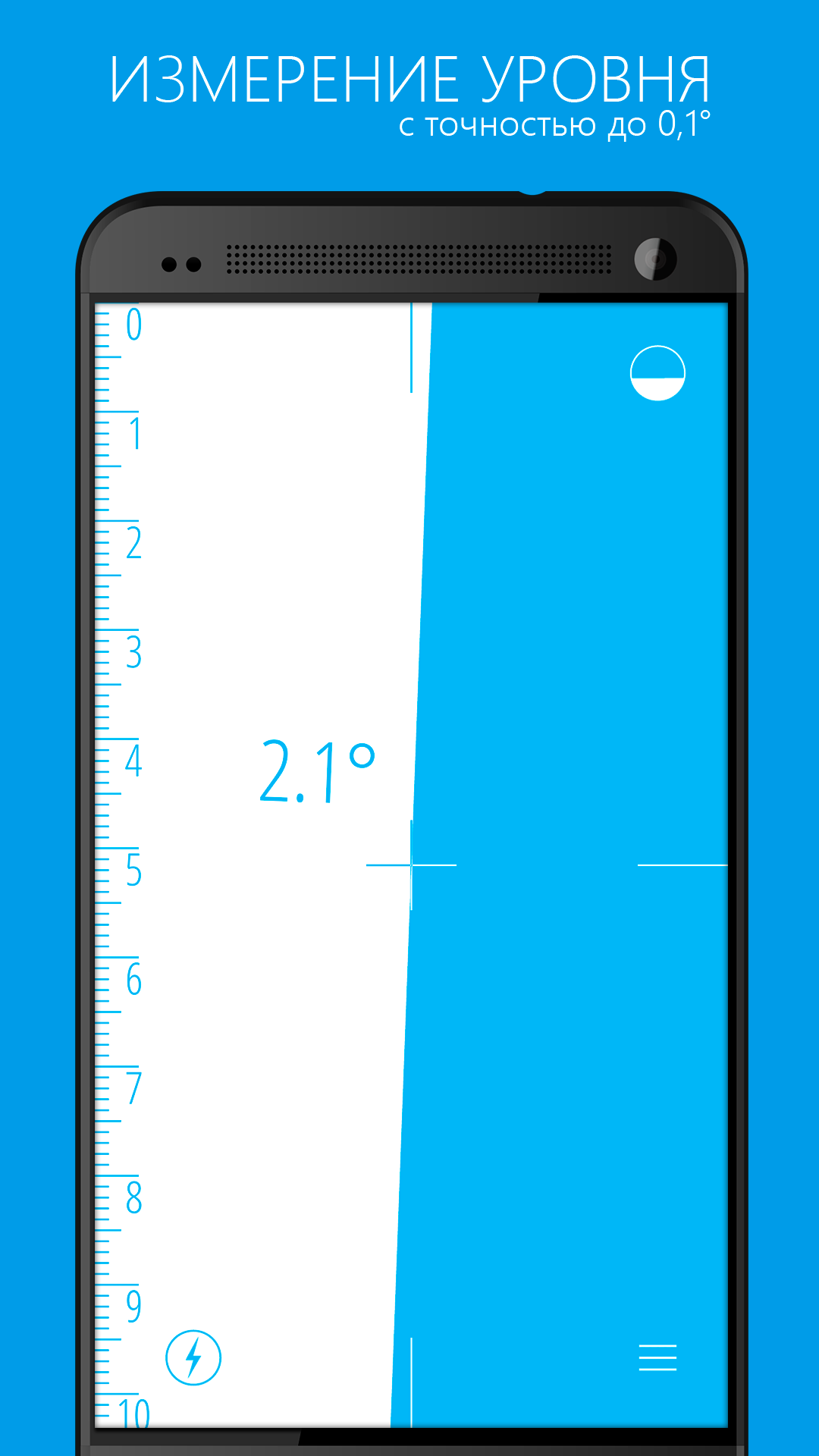
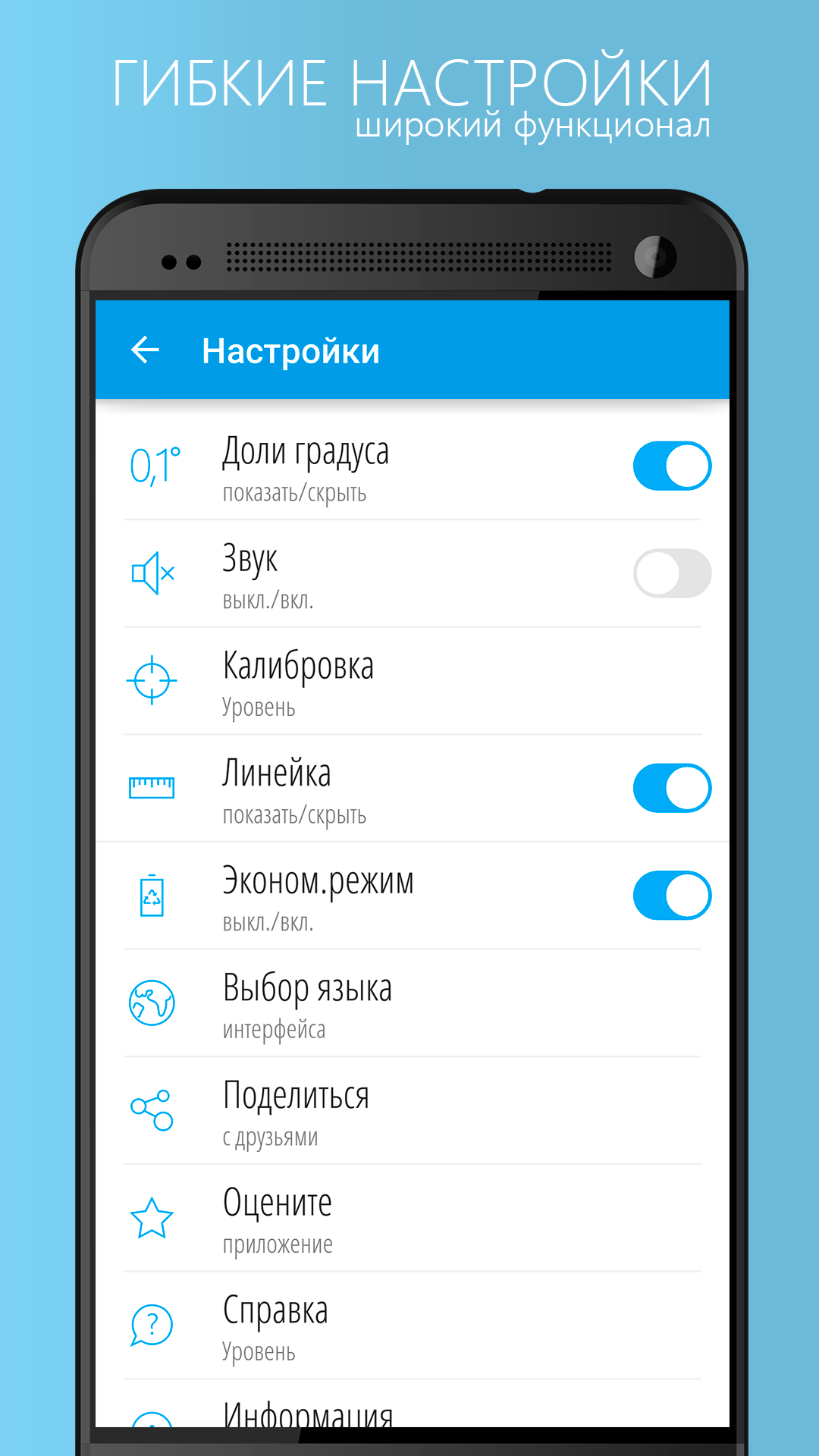
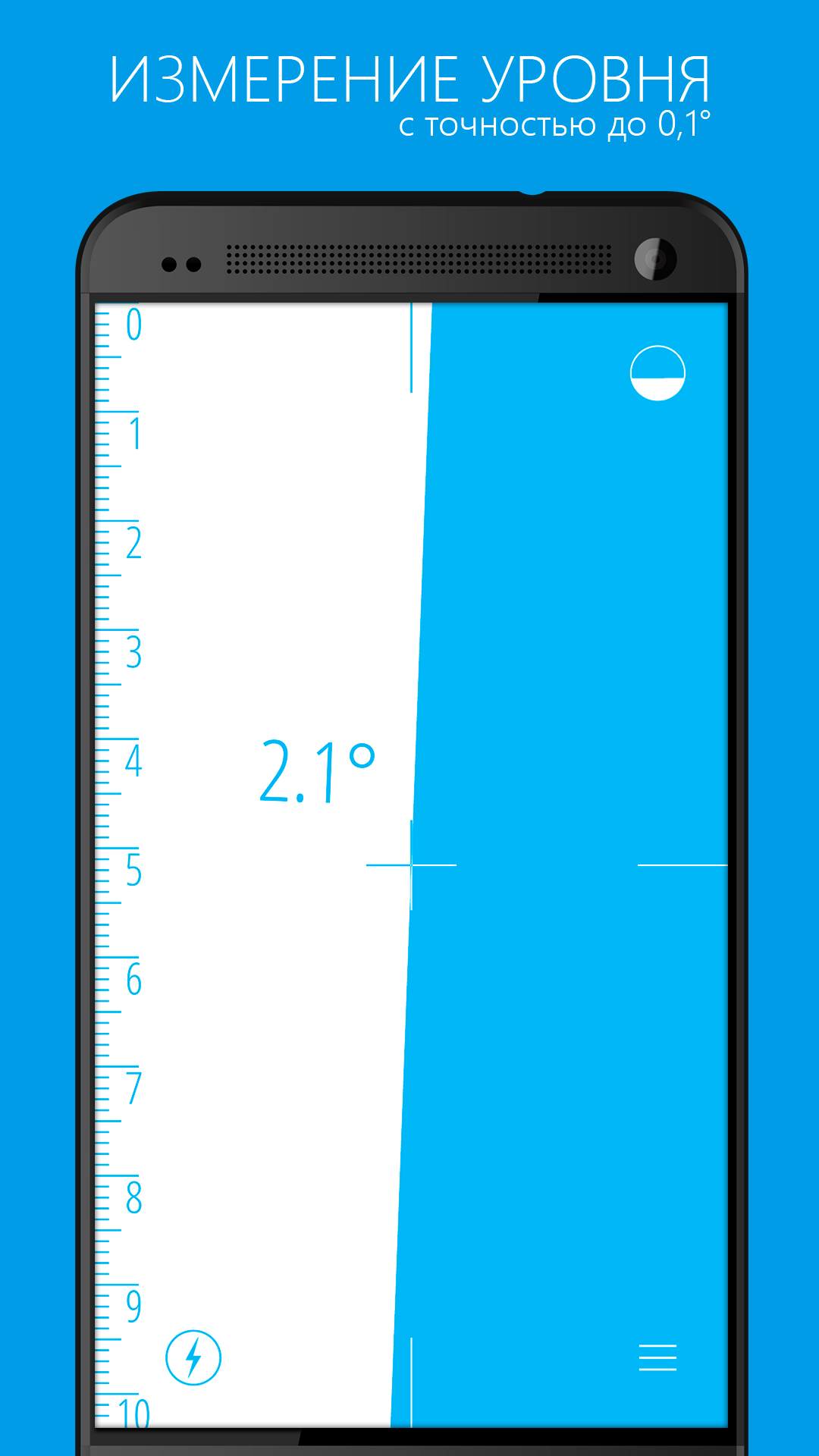
- Accurate measurements.
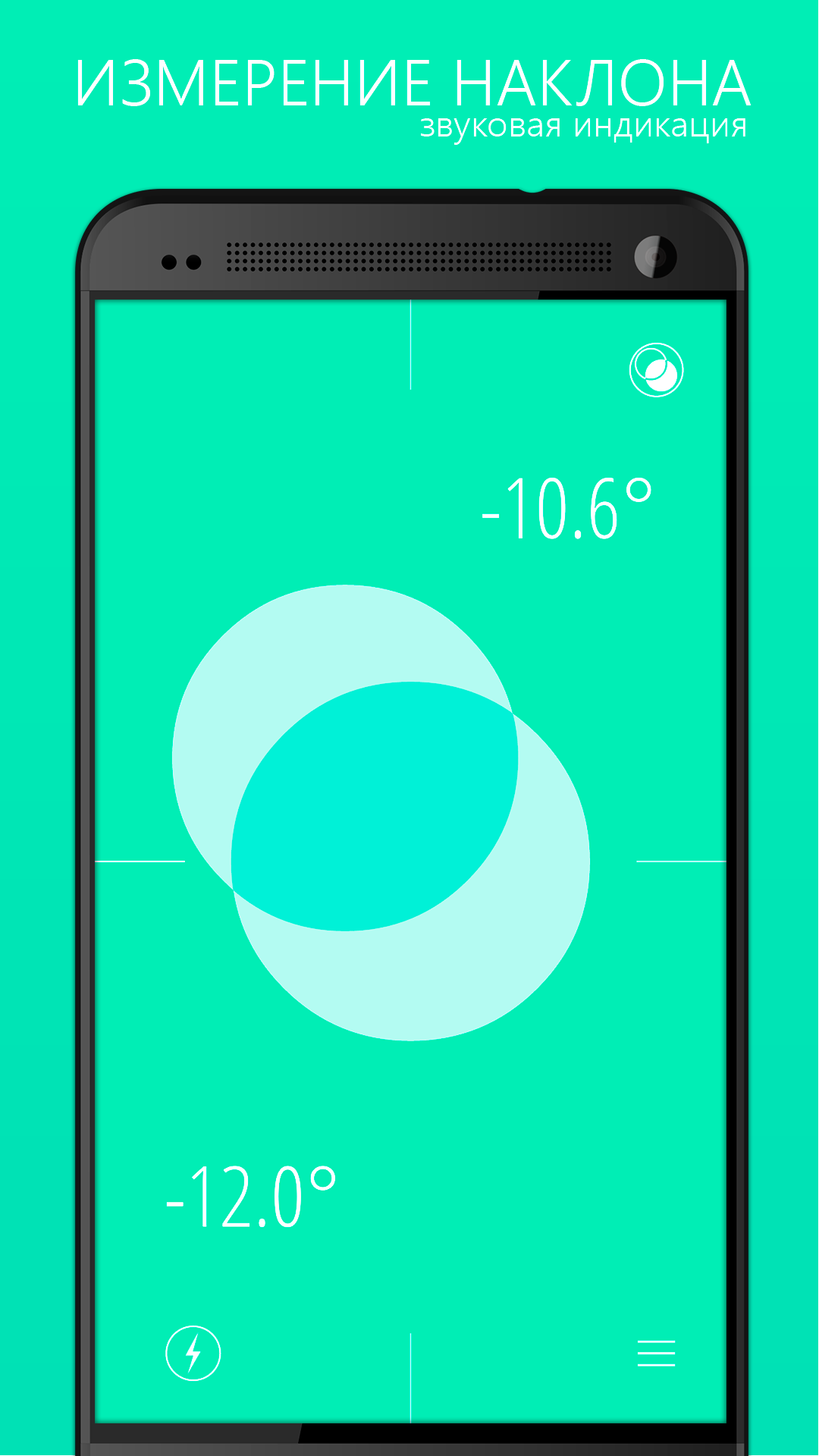
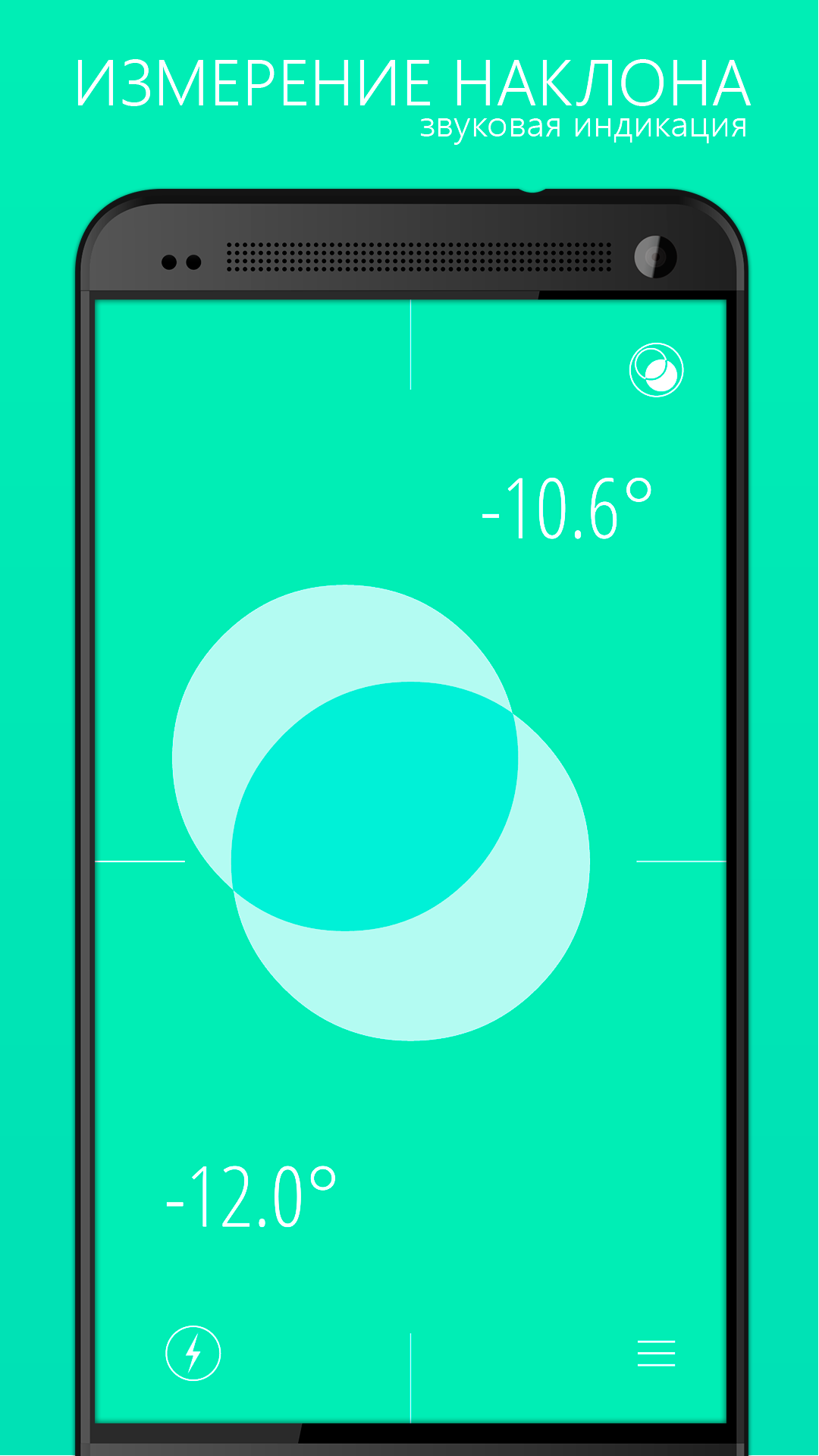
- Nice design.
- Easy calibration.
- Russian translation.
Description
Application Bubble Level, Spirit Level was checked by VirusTotal antivirus. As a result of the scan, no file infections were detected by all the latest signatures.
How to install Bubble Level, Spirit Level
- Download APK file apps from apkshki.com.
- Locate the downloaded file. You can find it in the system tray or in the 'Download' folder using any file manager.
- If the file downloaded in .bin extension (WebView bug on Android 11), rename it to .apk using any file manager or try downloading the file with another browser like Chrome.
- Start the installation. Click on the downloaded file to start the installation
- Allow installation from unknown sources. If you are installing for the first time Bubble Level, Spirit Level not from Google Play, go to your device's security settings and allow installation from unknown sources.
- Bypass Google Play protection. If Google Play protection blocks installation of the file, tap 'More Info' → 'Install anyway' → 'OK' to continue..
- Complete the installation: Follow the installer's instructions to complete the installation process.
How to update Bubble Level, Spirit Level
- Download the new version apps from apkshki.com.
- Locate the downloaded file and click on it to start the installation.
- Install over the old version. There is no need to uninstall the previous version.
- Avoid signature conflicts. If the previous version was not downloaded from apkshki.com, the message 'Application not installed' may appear. In this case uninstall the old version and install the new one.
- Restart annex Bubble Level, Spirit Level after the update.









Requesting an application update
Added Denis Rubinov
Version: 7.2
Size: 10.6 MB
Updated: 19.05.2025
Developer: NixGame
Age Limitations: Everyone
Authorizations:
Downloaded on Google Play: 6755791
Category: Tools











Reviews for Bubble Level, Spirit Level
Works great..
not usable because of annoying adds you cannot close.
excellent, easy to use. takes the guess work out if degrees and level.
does what it is supposed to.
sensitive, accurate, used for window blinds and was invaluable for the workspace available, brilliant.
works well
I haven't used it much but this is exactly what I was looking for in an angle finding app.
Great, and extremely useful.
you know it's good when 500 'legitimate vendors' want to harvest your data from a 9MB app that puts a user interface on a basic feature. honestly despise phone developers and modern freeware.
cool
Amazing app! As this is a free app, there are ads. However, they're brief, and where as other apps place ads in places that are obstructive, the ads are not This app has helped me so many times to accurately work out existing angles and angles needed. Thank you.
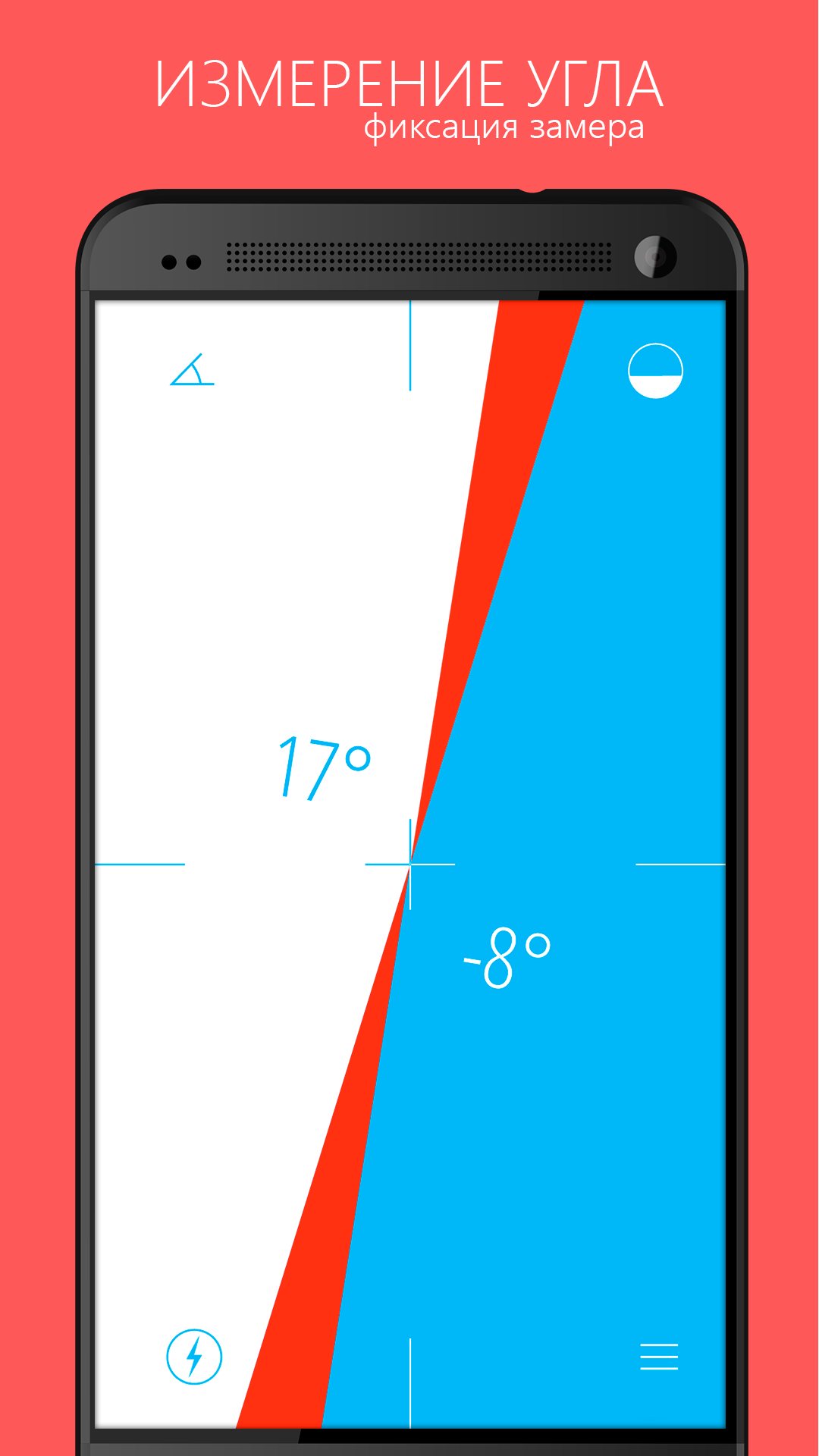
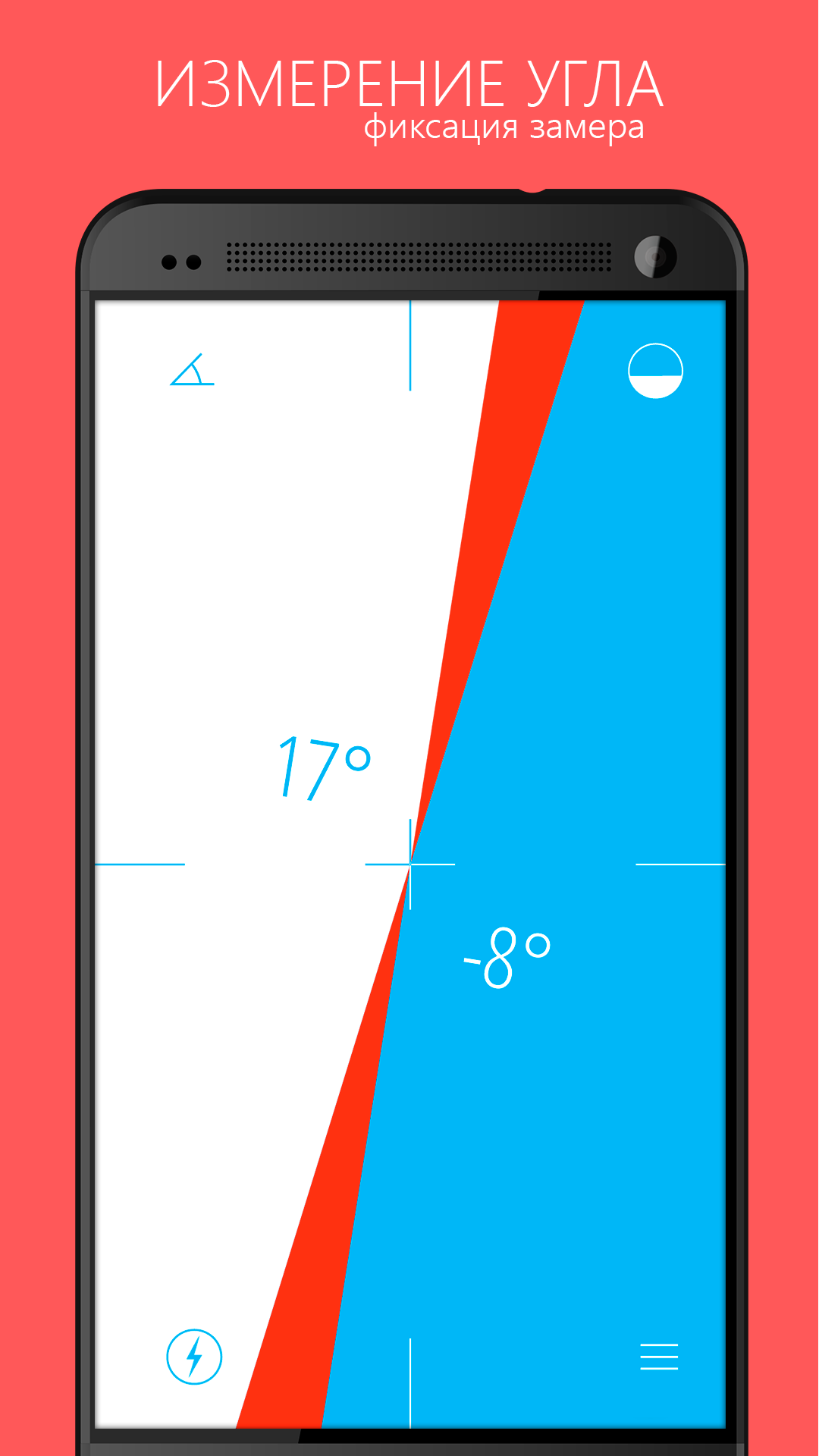
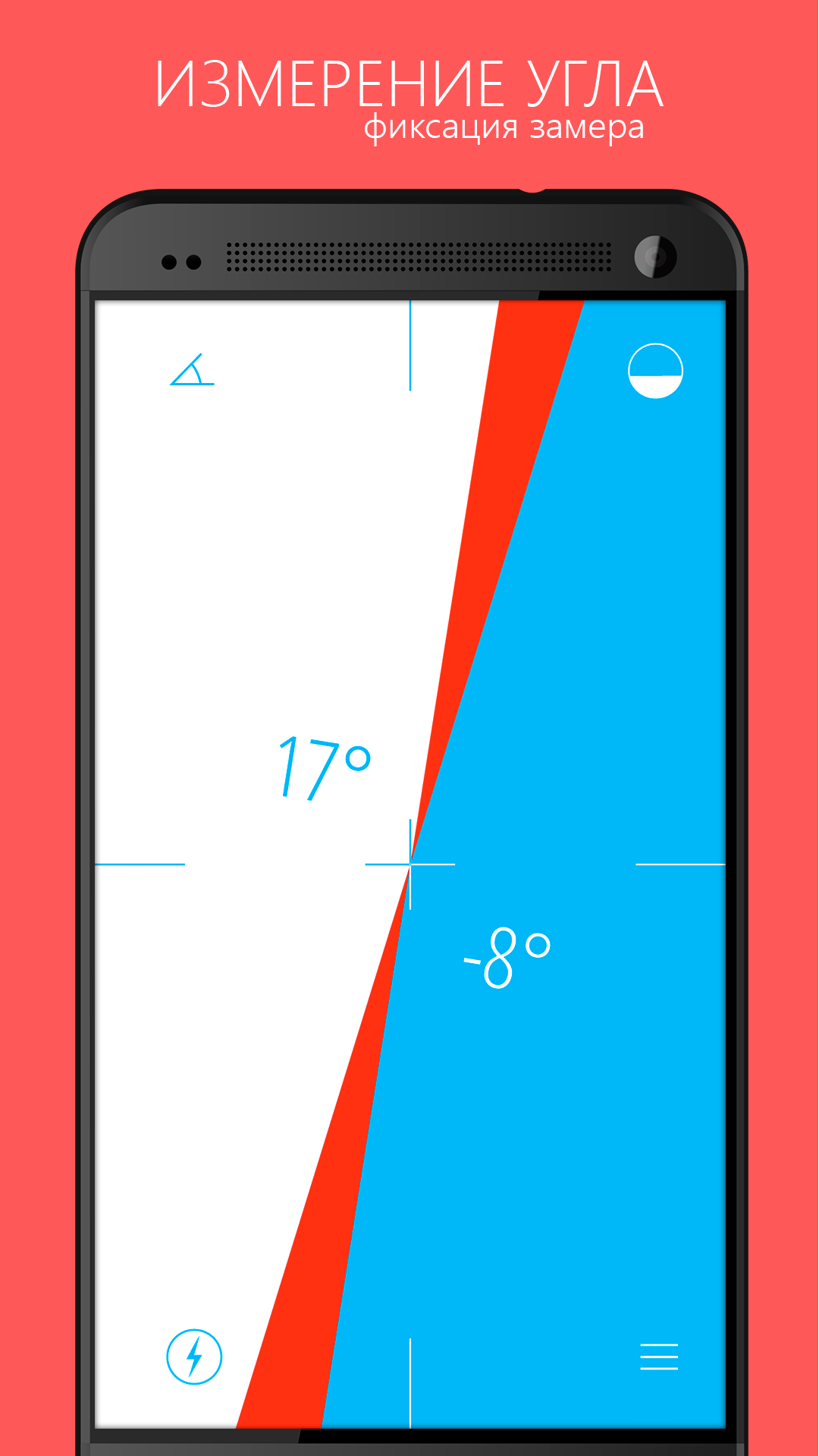
Handy and simple with a clean UI. The ability to set a base angle and get a deviation from it is very useful.
Yes I found the app via video on YouTube. I was trying to get the height of an airplane stuck in a tree and it gave me the angle I needed to get the height position and then measure out how far it was, it gave me the angle. I wish it had the ability to give the same angles while holding the phone so you can look at the screen and get the same angle as opposed to having the phone sideways that you have to sight down the edge of the phone and then move your head to look at the screen!!
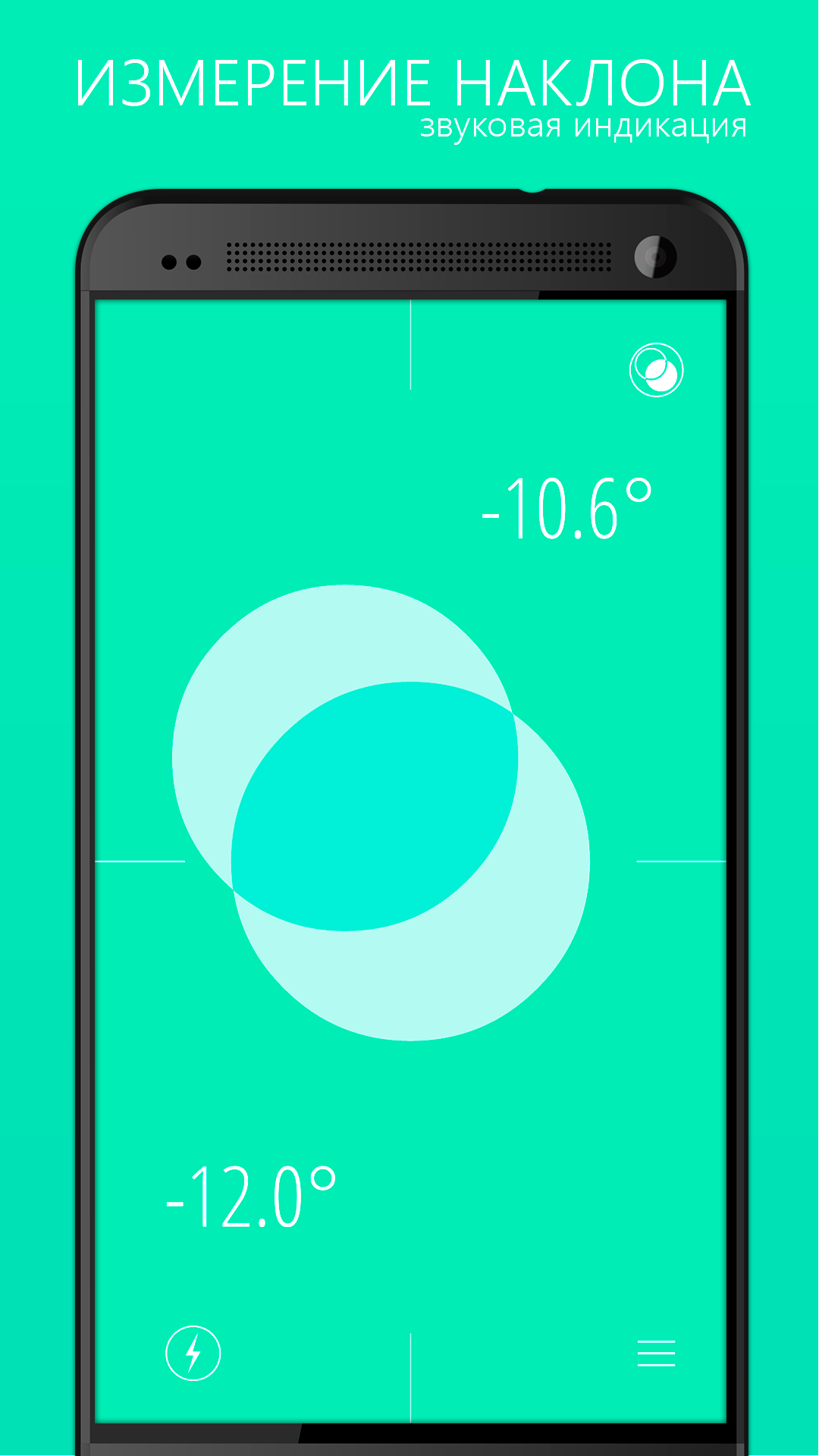
This is an awesome spirit level. I thought of buying a digital angle finder, but are now using this app instead. I love the various ways it can operate with either a bubble, vertical line or horizontal line. Thanks, A++
Bad UX. Right as you pass some threshold while tilting it, the UI suddenly changes and you can no longer see the same angle. Very frustrating to use. While it looks pretty, save ypurself the trouble and choose another level app.
Post a comment
To leave a comment, log in with your social network:
Or leave an anonymous comment. Your comment will be sent for moderation.
Post a comment
To leave a comment, log in with your social network:
Or leave an anonymous comment. Your comment will be sent for moderation.