



Added: Denis Rubinov
Version: 1.3.3.166
Size: 14.9 MB
Updated: 11.12.2021
Developer: PP SPUTNIK, OOO
Age Limitations: Everyone
Downloaded on Google Play: 416827
Category: Contact
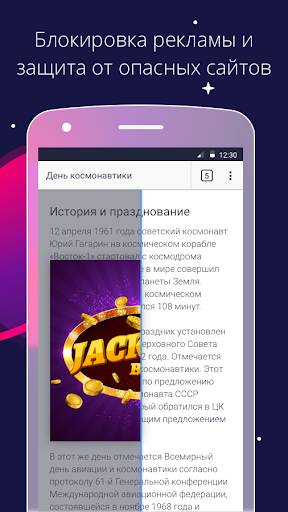
- Blocking ads and various threats.
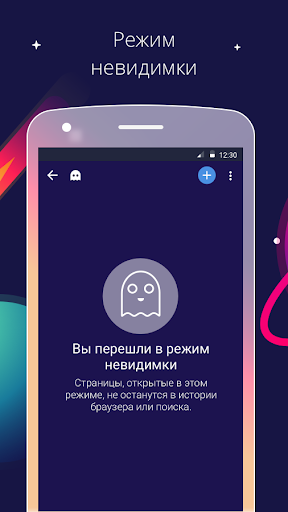
- Supports Stealth mode.
- Good optimization.
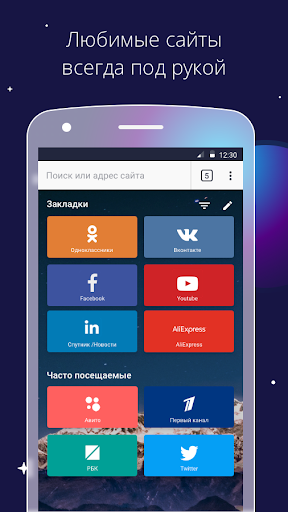
- Customizable skin.
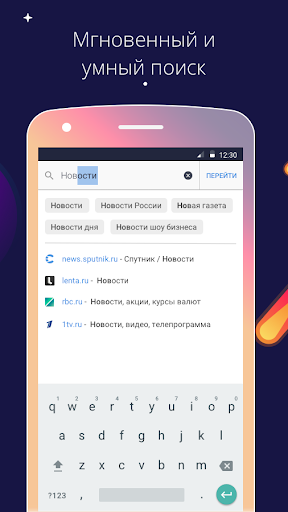
- Supports voice input.
- You can save pages for offline viewing.
- Suitable for smartphones and tablets.
Description
Application Спутник / Браузер was checked by VirusTotal antivirus. As a result of the scan, no file infections were detected by all the latest signatures.
How to install Спутник / Браузер
- Download APK file apps from apkshki.com.
- Locate the downloaded file. You can find it in the system tray or in the 'Download' folder using any file manager.
- If the file downloaded in .bin extension (WebView bug on Android 11), rename it to .apk using any file manager or try downloading the file with another browser like Chrome.
- Start the installation. Click on the downloaded file to start the installation
- Allow installation from unknown sources. If you are installing for the first time Спутник / Браузер not from Google Play, go to your device's security settings and allow installation from unknown sources.
- Bypass Google Play protection. If Google Play protection blocks installation of the file, tap 'More Info' → 'Install anyway' → 'OK' to continue..
- Complete the installation: Follow the installer's instructions to complete the installation process.
How to update Спутник / Браузер
- Download the new version apps from apkshki.com.
- Locate the downloaded file and click on it to start the installation.
- Install over the old version. There is no need to uninstall the previous version.
- Avoid signature conflicts. If the previous version was not downloaded from apkshki.com, the message 'Application not installed' may appear. In this case uninstall the old version and install the new one.
- Restart annex Спутник / Браузер after the update.








Requesting an application update
Added Denis Rubinov
Version: 1.3.3.166
Size: 14.9 MB
Updated: 11.12.2021
Developer: PP SPUTNIK, OOO
Age Limitations: Everyone
Downloaded on Google Play: 416827
Category: Contact












Reviews for Спутник / Браузер
Por Ahora Bien Habra que esperar
It's useful app.Although i do not kmow how to change the language. I think it has been written all the names of the apps on the surface and it's setting statements by Russian only.
1000%good
A very good server, easy to use with a selection of engines,,
Здравствуйте, очень понравился браузер ! Продолжайте его делать простым и не сильно нагружающим устройство , нашел только основные функции ,и это хорошо. Но есть пару НО 1)Сделайте установку других языков , у меня планшет поддерживает только английский , и приложение ставит именно его , в настройках настройки языка я не нашел 2) При заходе в браузер открывается его пк версия (Яндекс)а не мобильная , скорее я опять что-то не нашел , но сделайте настройку более интуитивной Желаю удачи !
Super läuft gut und schnell. Macht was er soll!
Very good browser
Nice search engine for world 4G, 5G Users please English language not working do that for Us and where is selection language option
Reliable, is Russian premium quality, my preferred Search tool with several devices. So let's solve some mysterious minded demons for the future of the entire worlds doubts regarding human behaviour and the negative effects on communities. Zdrowie ❤️
Hever require people to rate you
Post a comment
To leave a comment, log in with your social network:
Or leave an anonymous comment. Your comment will be sent for moderation.
Post a comment
To leave a comment, log in with your social network:
Or leave an anonymous comment. Your comment will be sent for moderation.