



Samsung Knox Manage
18+
downloads5.0+
version Android
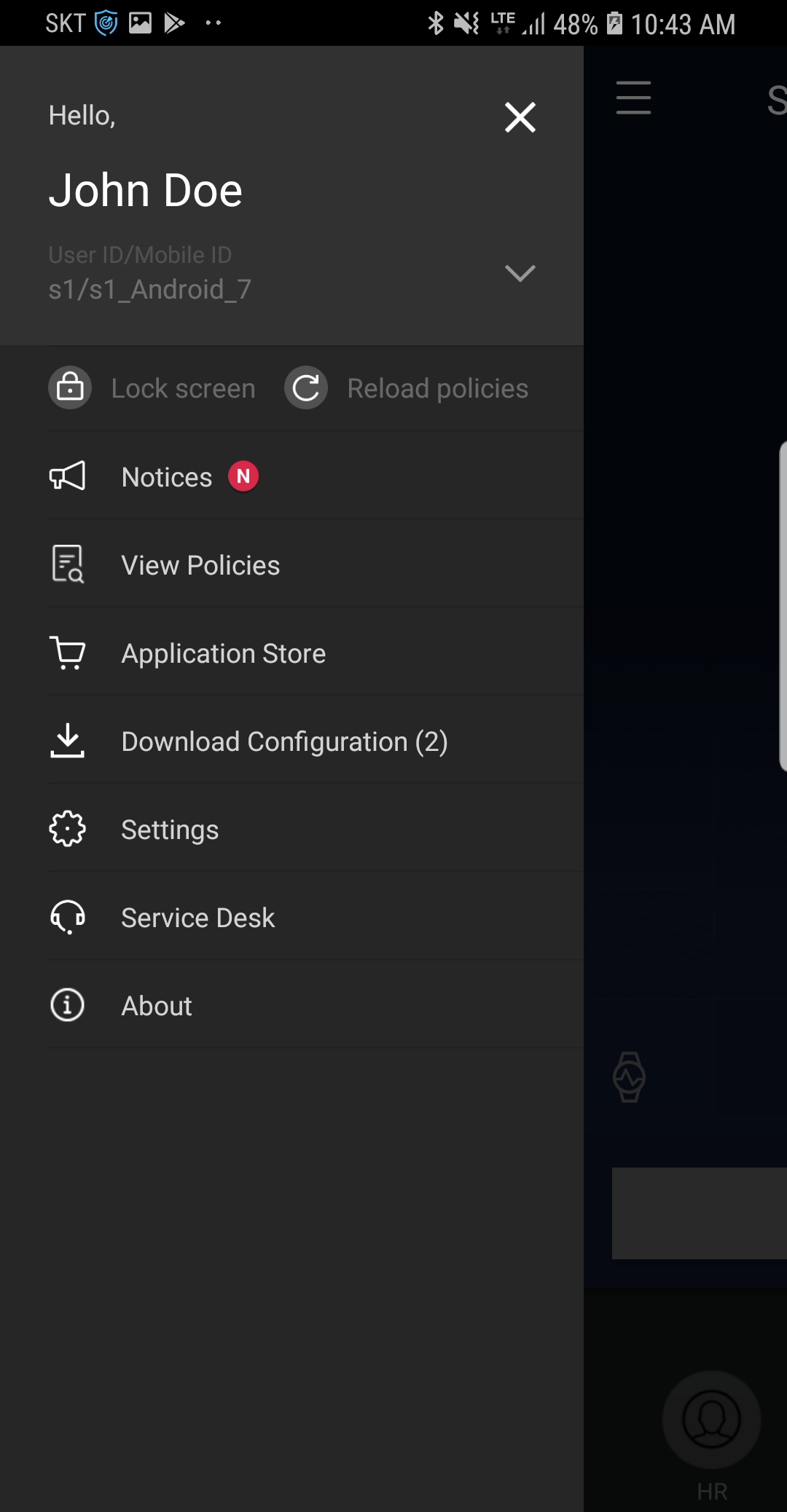
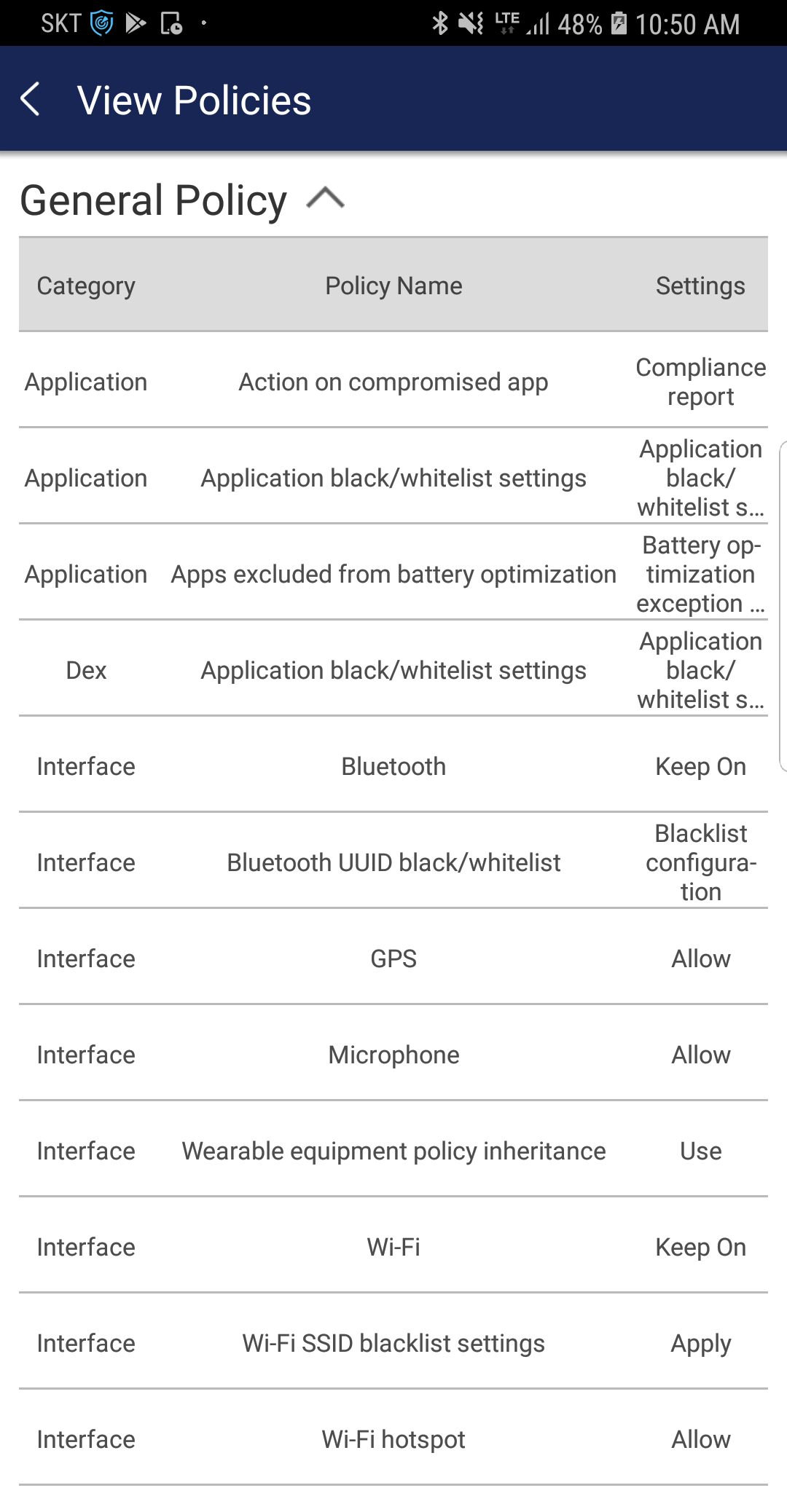
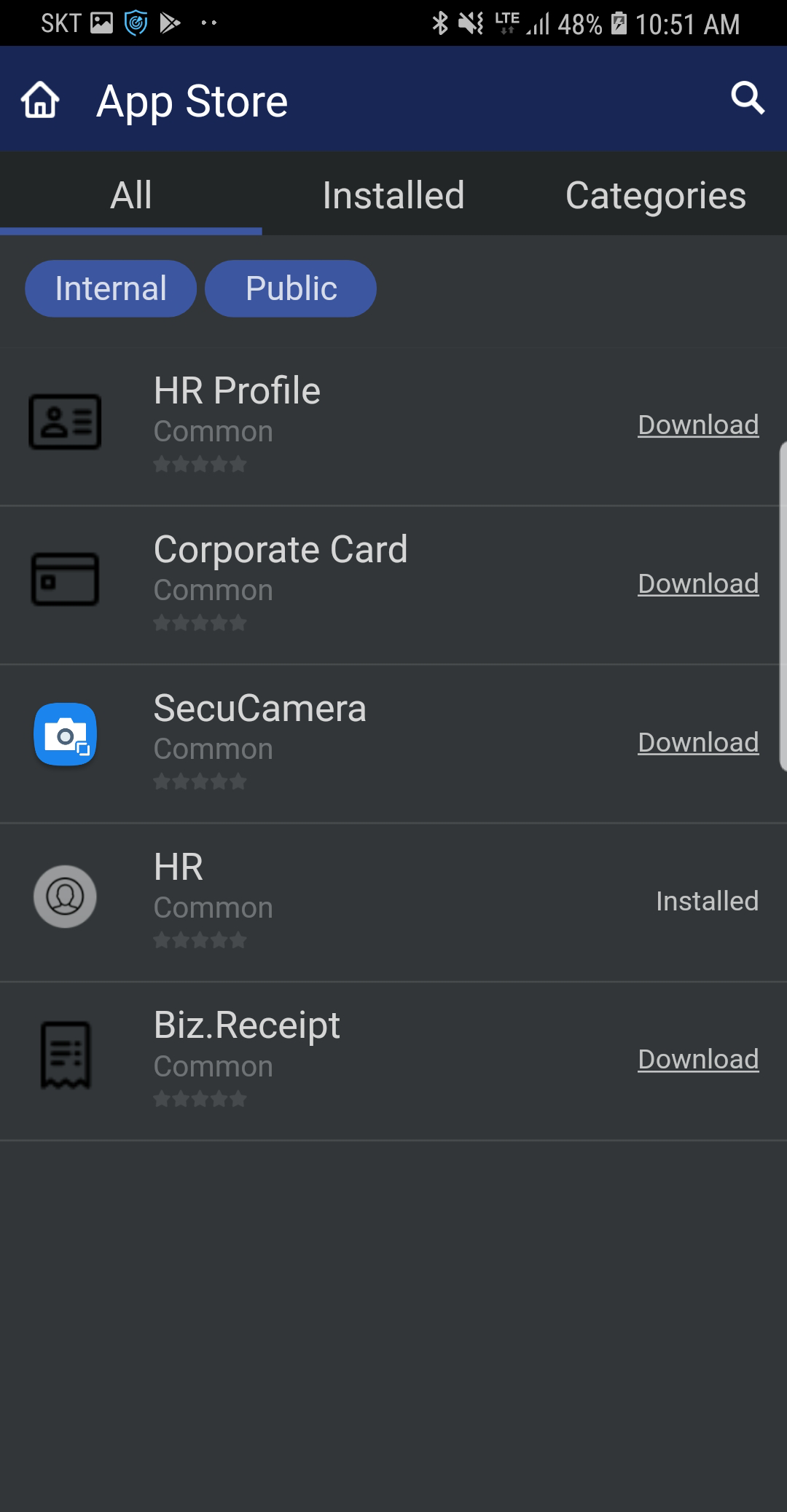
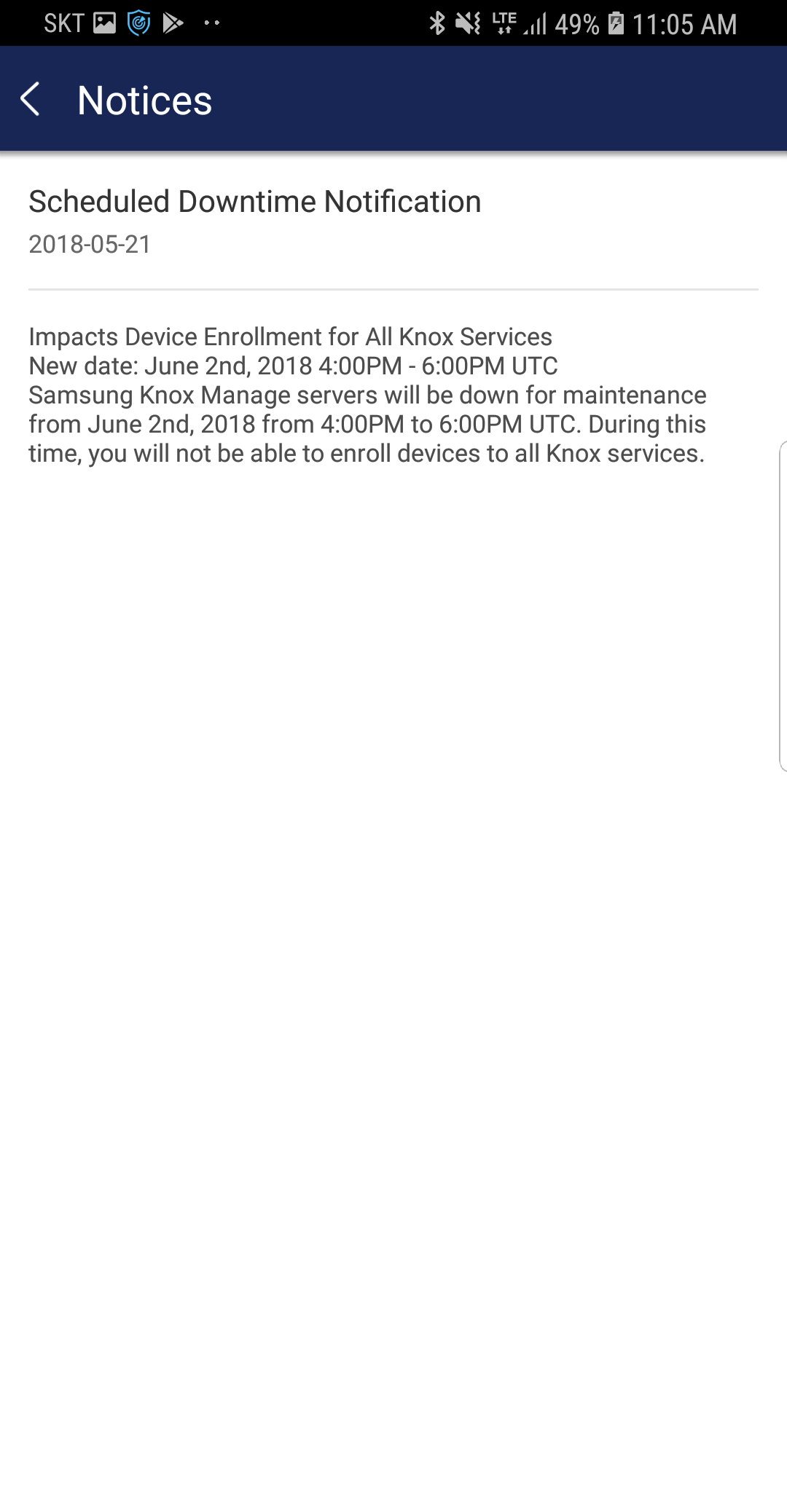
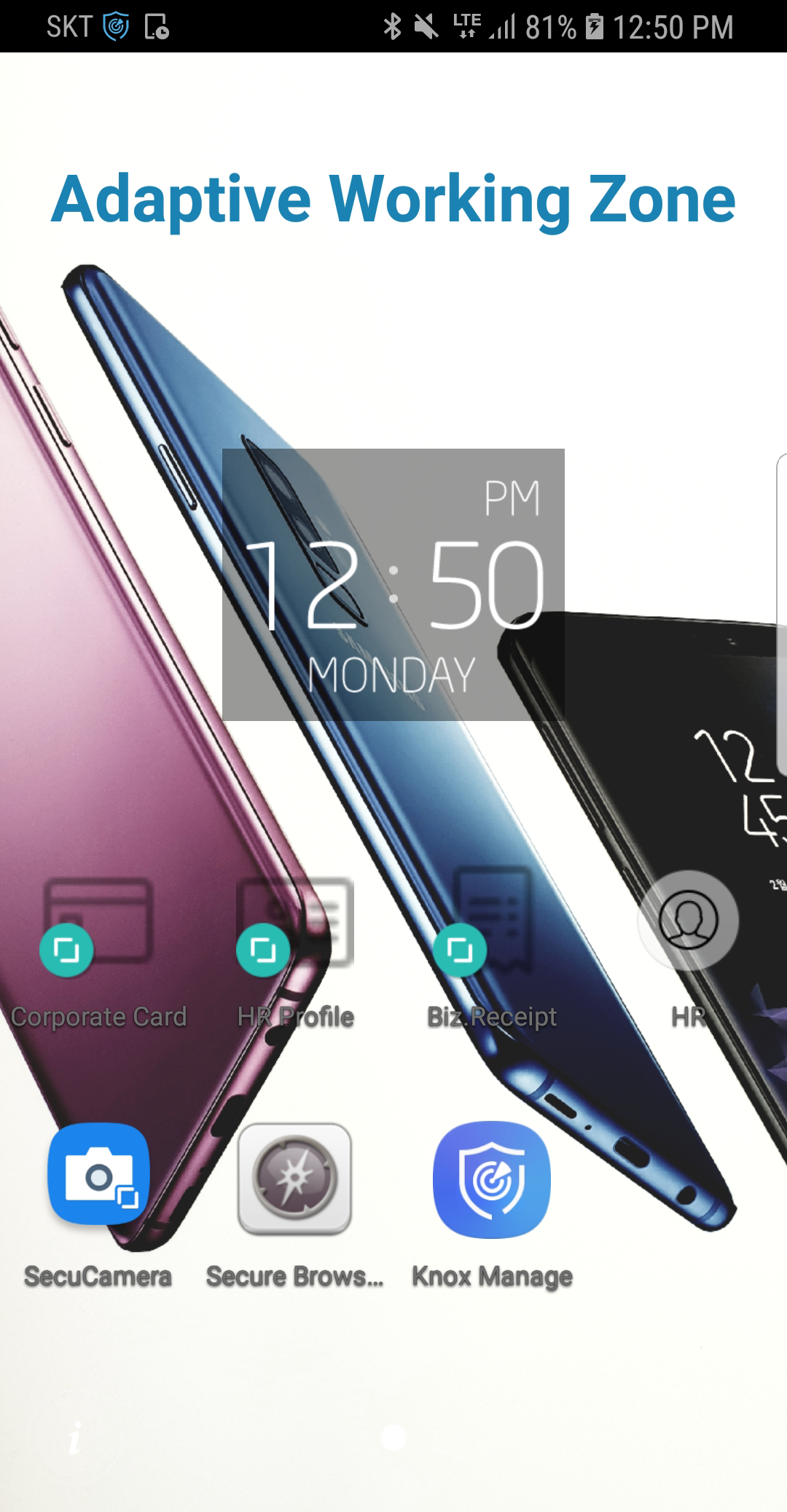
Added: Denis Rubinov
Version: 25.04
Size: 17.4 MB
Updated: 24.06.2025
Developer: Samsung SDS INC.
Age Limitations: Everyone
Authorizations: 28
Downloaded on Google Play: 1085077
Category: Business
Description
Application Samsung Knox Manage was checked by VirusTotal antivirus. As a result of the scan, no file infections were detected by all the latest signatures.
How to install Samsung Knox Manage
- Download APK file apps from apkshki.com.
- Locate the downloaded file. You can find it in the system tray or in the 'Download' folder using any file manager.
- If the file downloaded in .bin extension (WebView bug on Android 11), rename it to .apk using any file manager or try downloading the file with another browser like Chrome.
- Start the installation. Click on the downloaded file to start the installation
- Allow installation from unknown sources. If you are installing for the first time Samsung Knox Manage not from Google Play, go to your device's security settings and allow installation from unknown sources.
- Bypass Google Play protection. If Google Play protection blocks installation of the file, tap 'More Info' → 'Install anyway' → 'OK' to continue..
- Complete the installation: Follow the installer's instructions to complete the installation process.
How to update Samsung Knox Manage
- Download the new version apps from apkshki.com.
- Locate the downloaded file and click on it to start the installation.
- Install over the old version. There is no need to uninstall the previous version.
- Avoid signature conflicts. If the previous version was not downloaded from apkshki.com, the message 'Application not installed' may appear. In this case uninstall the old version and install the new one.
- Restart annex Samsung Knox Manage after the update.








Requesting an application update
Added Denis Rubinov
Version: 25.04
Size: 17.4 MB
Updated: 24.06.2025
Developer: Samsung SDS INC.
Age Limitations: Everyone
Authorizations:
Downloaded on Google Play: 1085077
Category: Business












Reviews for Samsung Knox Manage
wow nice aap
delete kasie hoga ise app ke wajh se storage full bta rha h
disgusted
very bad dont buy
good
disturbing application
no working
ye apps nahi chalice
ok
Using this app makes my taps internet good but I can't download unknown app or files that's is the reason that why I have just give 1 star to this app and it have no use what so ever and it is hard to remove this app from phone so DON'T DOWNLOAD THIS USELESS APP why is this app even in playstore
Not intuitive, horrible interface
This app is ok but something is blocking your app from continuously running. The permissions are always turned off. Why?
no use at all how can a user try your app if they cannot login or even create an account.
I did not download this app. The email does not belong to me. T-mobile hack maybe. I want it out of my phone etc
Unable to deactivate .wth it is .Removed all apps .Blocking me from reseting phone .My phone is of no use
Post a comment
To leave a comment, log in with your social network:
Or leave an anonymous comment. Your comment will be sent for moderation.
Post a comment
To leave a comment, log in with your social network:
Or leave an anonymous comment. Your comment will be sent for moderation.