


Rufus (Unofficial)
330+
downloads7.0
version Android
Added: Denis Rubinov
Version: 8.8.4
Size: 47.3 MB
Updated: 24.06.2025
Developer: MixApplications
Age Limitations: Everyone
Authorizations: 8
Downloaded on Google Play: 364210
Category: Tools
Description
Application Rufus (Unofficial) was checked by VirusTotal antivirus. As a result of the scan, no file infections were detected by all the latest signatures.
How to install Rufus (Unofficial)
- Download APK file apps from apkshki.com.
- Locate the downloaded file. You can find it in the system tray or in the 'Download' folder using any file manager.
- If the file downloaded in .bin extension (WebView bug on Android 11), rename it to .apk using any file manager or try downloading the file with another browser like Chrome.
- Start the installation. Click on the downloaded file to start the installation
- Allow installation from unknown sources. If you are installing for the first time Rufus (Unofficial) not from Google Play, go to your device's security settings and allow installation from unknown sources.
- Bypass Google Play protection. If Google Play protection blocks installation of the file, tap 'More Info' → 'Install anyway' → 'OK' to continue..
- Complete the installation: Follow the installer's instructions to complete the installation process.
How to update Rufus (Unofficial)
- Download the new version apps from apkshki.com.
- Locate the downloaded file and click on it to start the installation.
- Install over the old version. There is no need to uninstall the previous version.
- Avoid signature conflicts. If the previous version was not downloaded from apkshki.com, the message 'Application not installed' may appear. In this case uninstall the old version and install the new one.
- Restart annex Rufus (Unofficial) after the update.








Requesting an application update
Added Denis Rubinov
Version: 8.8.4
Size: 47.3 MB
Updated: 24.06.2025
Developer: MixApplications
Age Limitations: Everyone
Authorizations:
Downloaded on Google Play: 364210
Category: Tools











Reviews for Rufus (Unofficial)
fake
download etch droid instead. the program does not work and install other operating system that works with it on your computer on separate partition
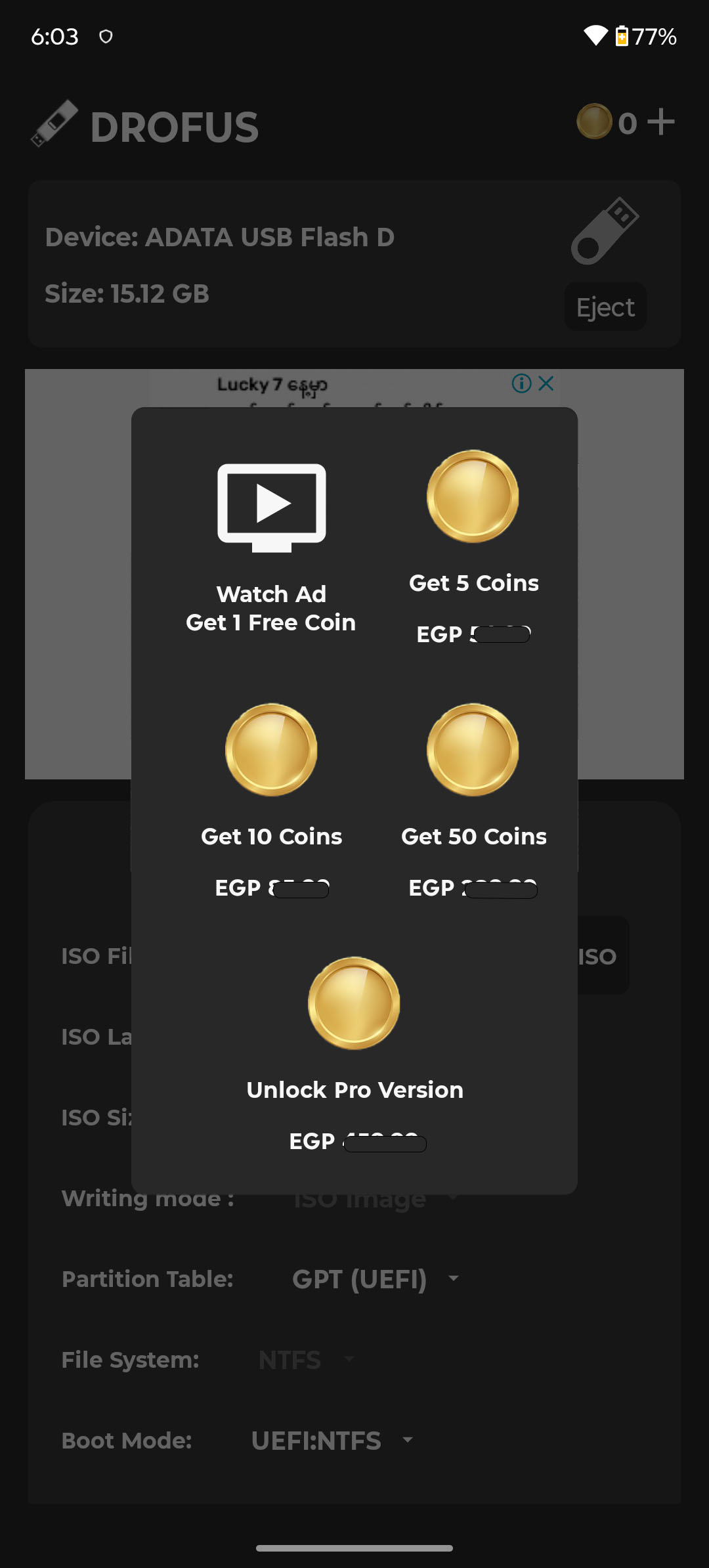
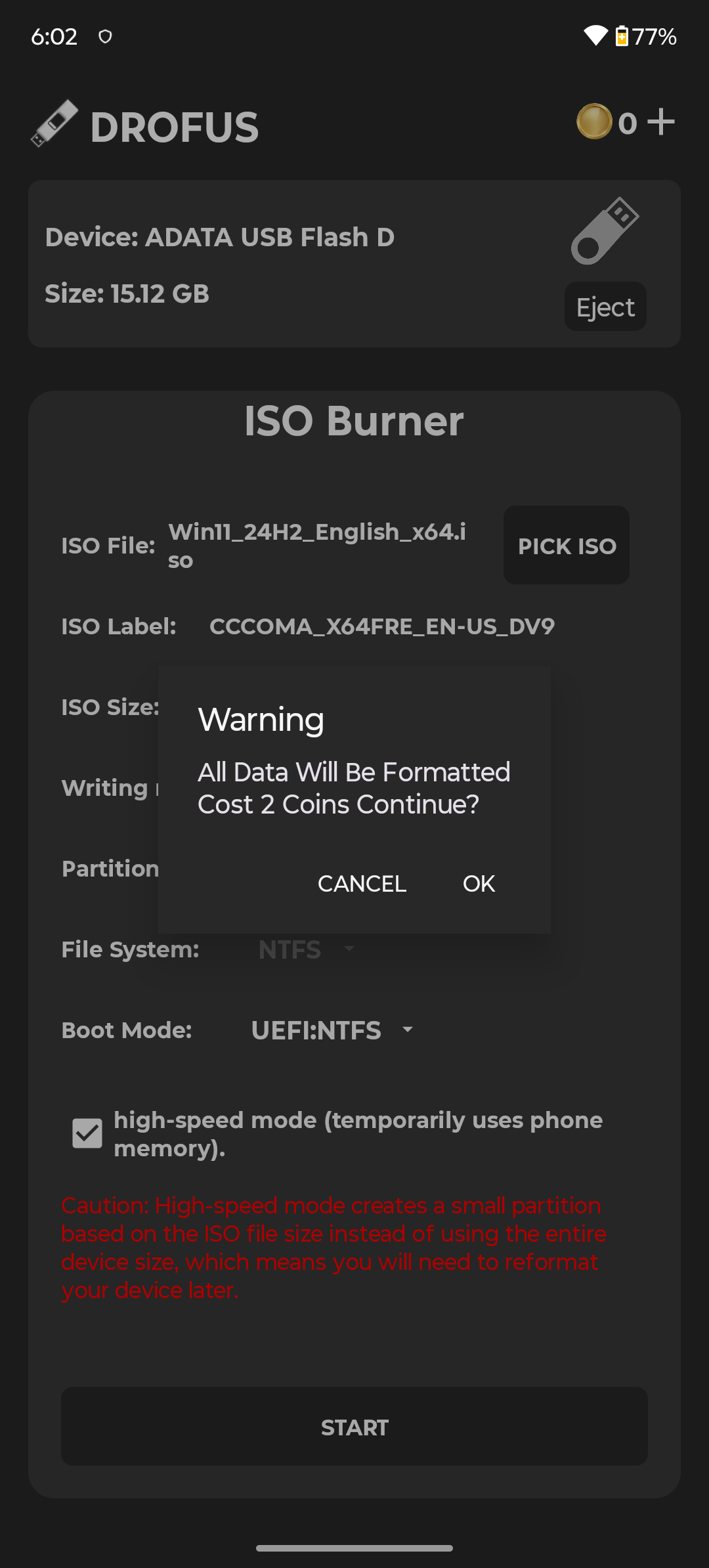
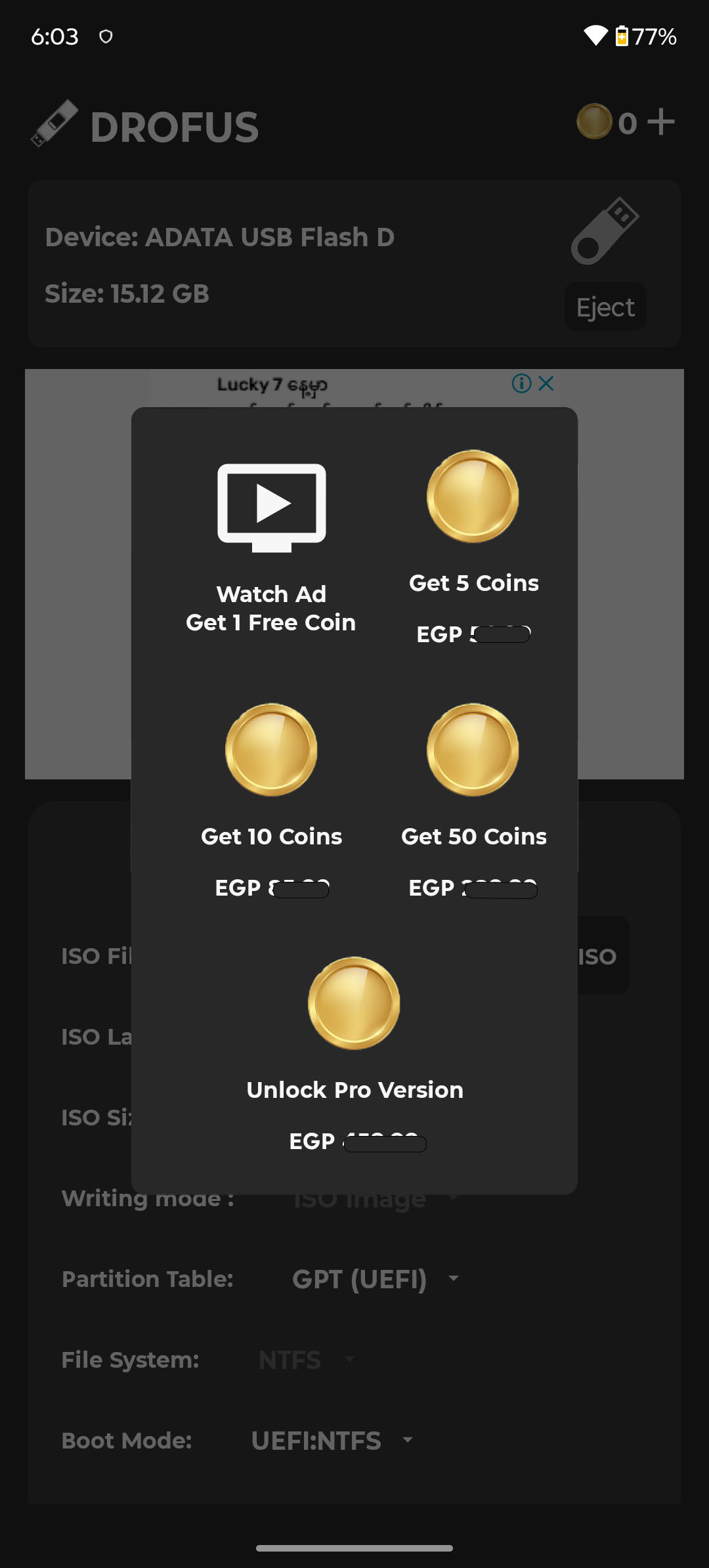
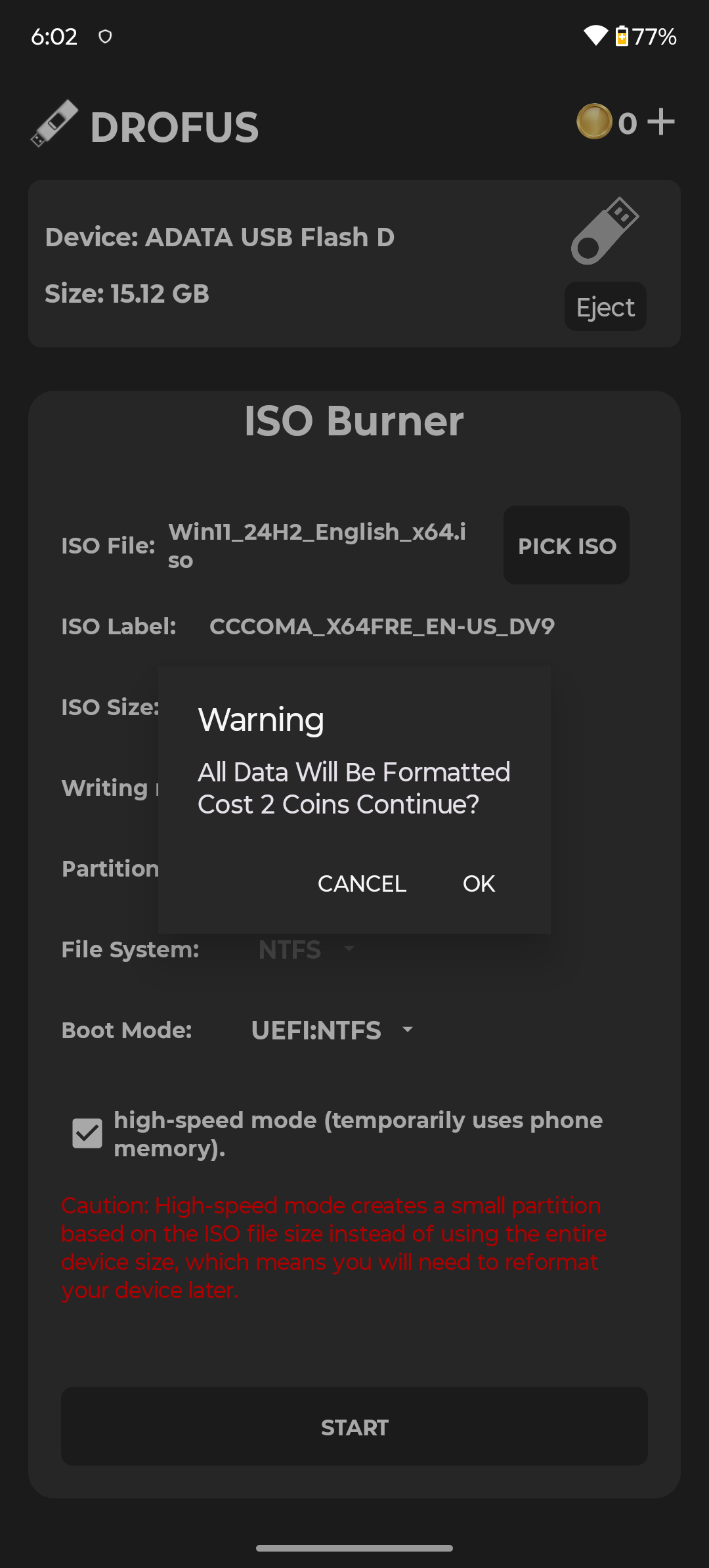
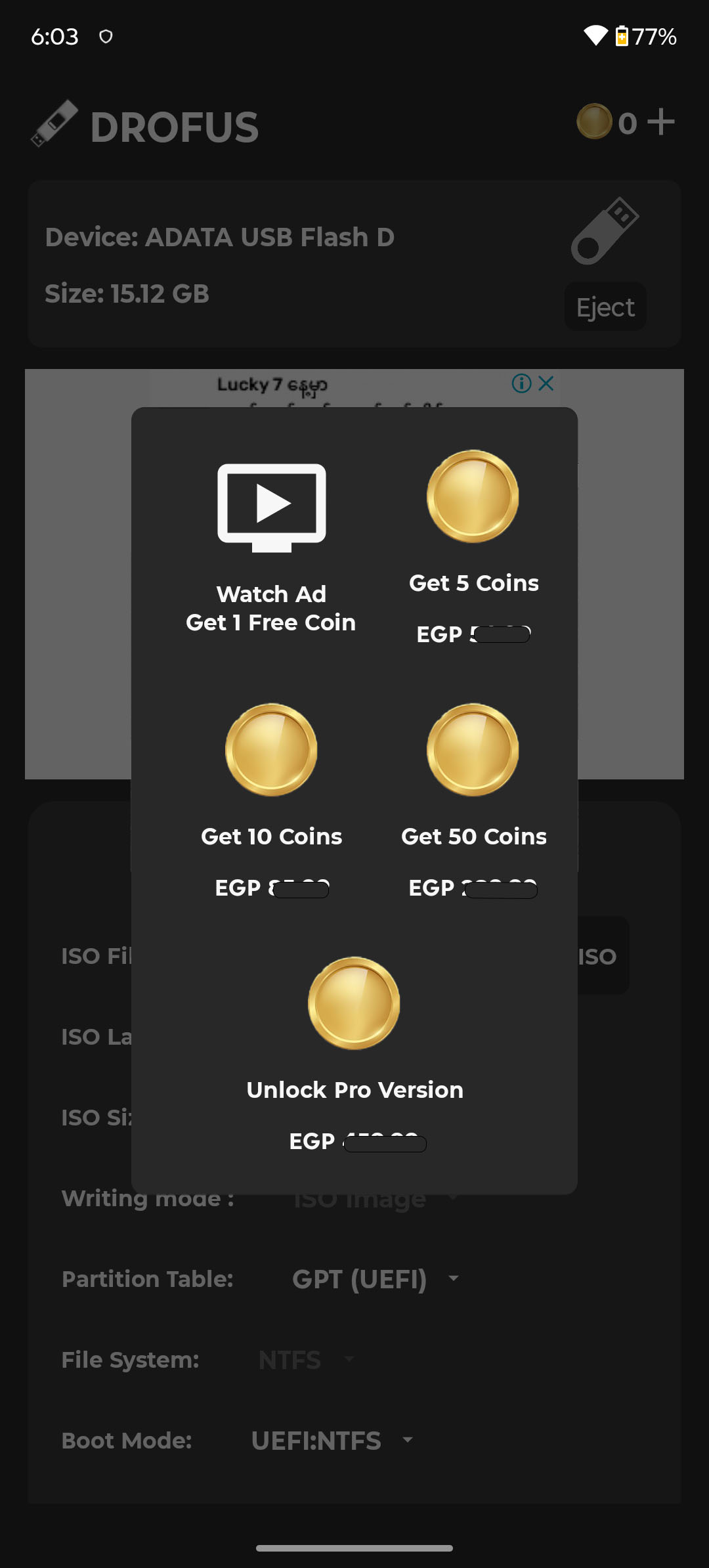
don't waste time watching add, after you are done with ad , format do not happen.again to press button you have to watch ad. i did for 3 cycle and leaving
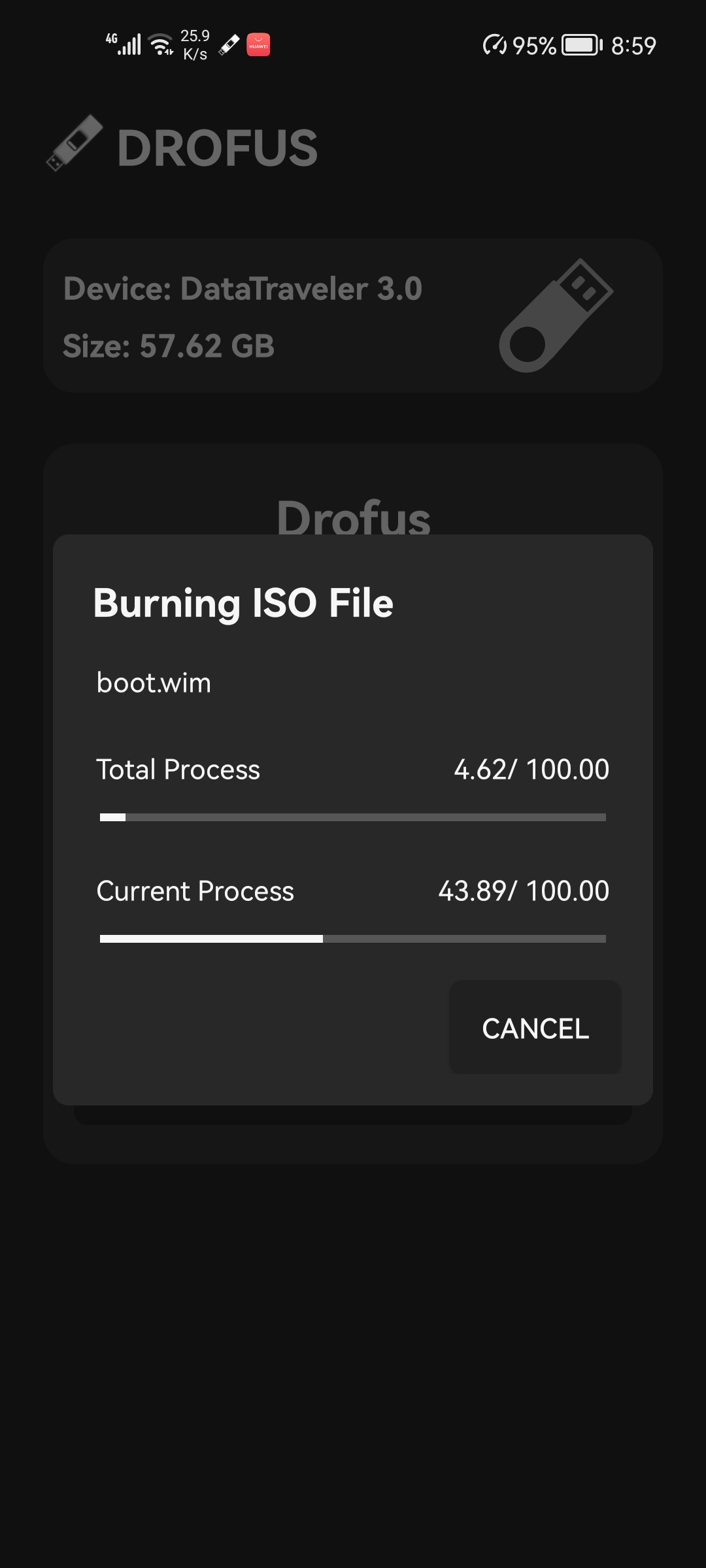
that thing worked for windows... lit bit ads issue but at the end of day the thing worked for window 11 iso booting......
work as expected, thank you ❤️❤️❤️
thanks for the app, it works so well
This app is amazing. It works very well. I tried it with fedora and windows iso and it worked great. Everything is great except one 'watch ad and earn coin'. it takes too long to load ads.
worst application.. it's repeatedly says "usb removed " even it's securely not touching it..
worked like a charm, pc shut down with no help in sight. thank you very much.
all the iso to usb aps do not work all of them are based on same software
Waste of time
Ullu banane ka app hai Khali ads dhikhake Paisa kaman hi sab fake hai bekar
Lmao, you gotta pay to write images to usb. Such a joke. Gl with that failed app.
A fake and a fraud, do not download this app.
Worst app
Post a comment
To leave a comment, log in with your social network:
Or leave an anonymous comment. Your comment will be sent for moderation.
Post a comment
To leave a comment, log in with your social network:
Or leave an anonymous comment. Your comment will be sent for moderation.