


Qibla Compass: A Minimal Qibla
7+
downloads4.0+
version Android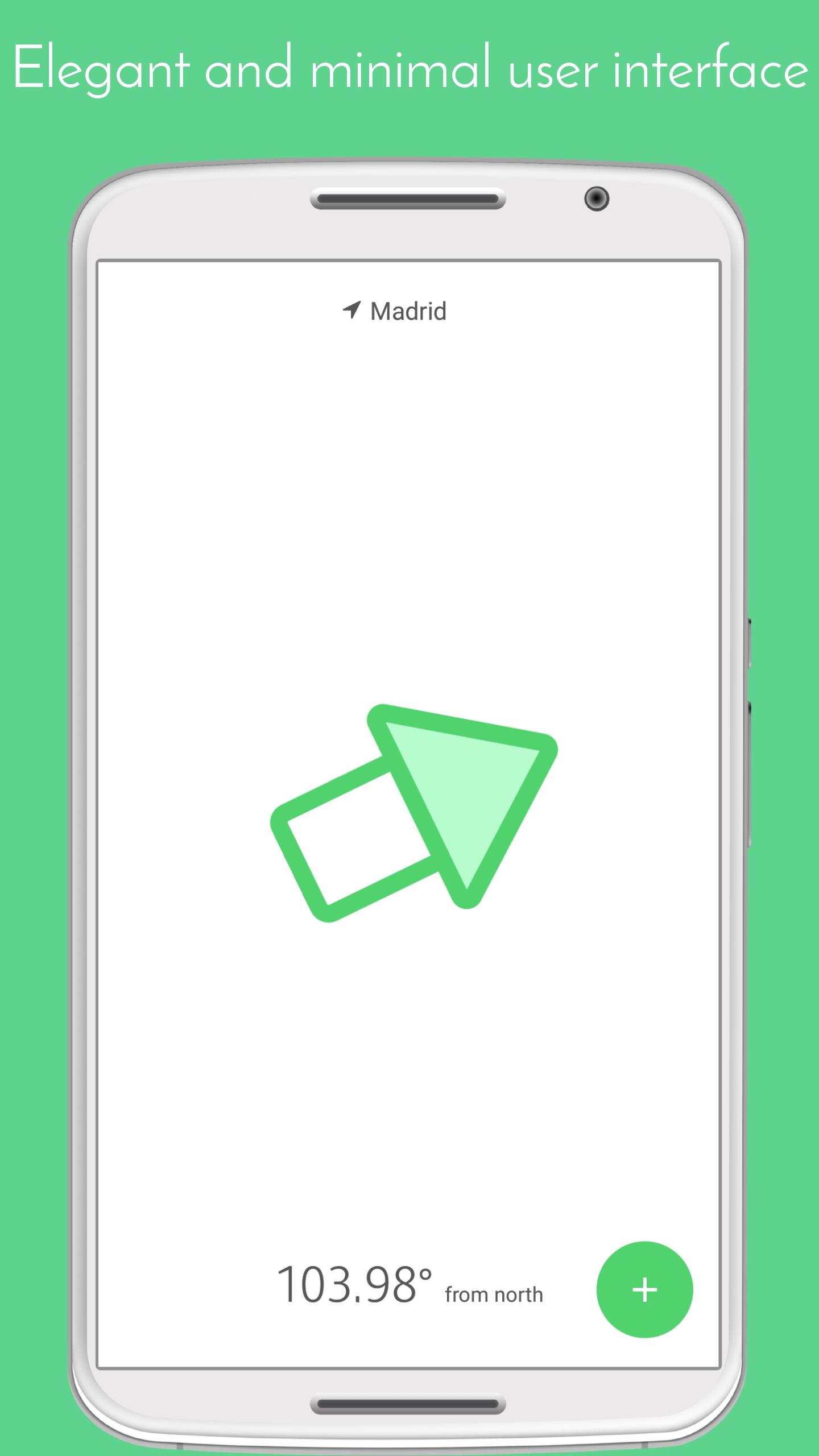
Added: Denis Rubinov
Version: 2.6
Size: 8.4 MB
Updated: 04.02.2024
Developer: Naaz Apps
Age Limitations: Everyone
Authorizations: 5
Downloaded on Google Play: 1195694
Category: Tools
- Availability of calibration function.
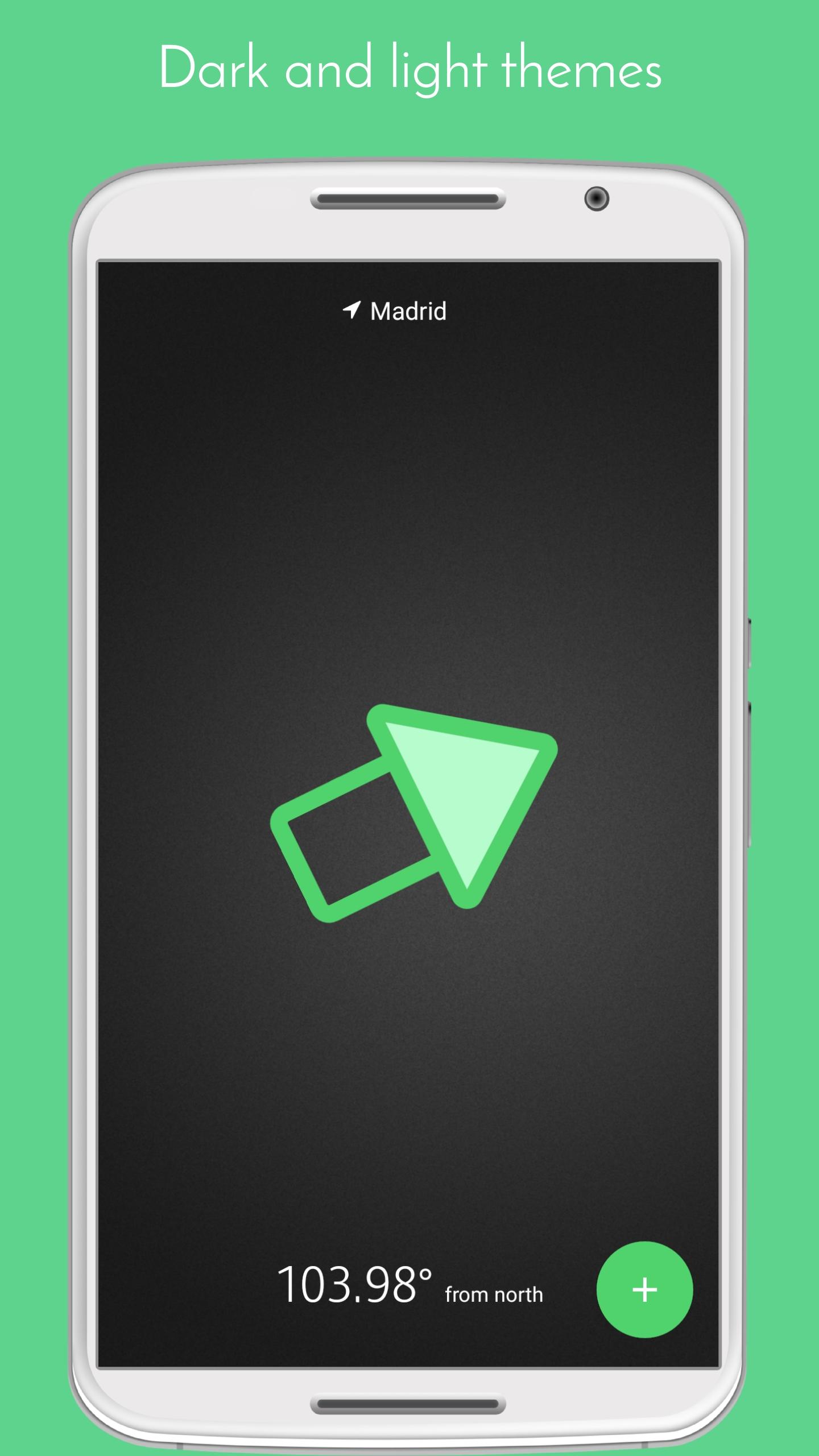
- No unnecessary features.
- The program is very easy to use.
- No payment required.
Description
Application Qibla Compass: A Minimal Qibla was checked by VirusTotal antivirus. As a result of the scan, no file infections were detected by all the latest signatures.
How to install Qibla Compass: A Minimal Qibla
- Download APK file apps from apkshki.com.
- Locate the downloaded file. You can find it in the system tray or in the 'Download' folder using any file manager.
- If the file downloaded in .bin extension (WebView bug on Android 11), rename it to .apk using any file manager or try downloading the file with another browser like Chrome.
- Start the installation. Click on the downloaded file to start the installation
- Allow installation from unknown sources. If you are installing for the first time Qibla Compass: A Minimal Qibla not from Google Play, go to your device's security settings and allow installation from unknown sources.
- Bypass Google Play protection. If Google Play protection blocks installation of the file, tap 'More Info' → 'Install anyway' → 'OK' to continue..
- Complete the installation: Follow the installer's instructions to complete the installation process.
How to update Qibla Compass: A Minimal Qibla
- Download the new version apps from apkshki.com.
- Locate the downloaded file and click on it to start the installation.
- Install over the old version. There is no need to uninstall the previous version.
- Avoid signature conflicts. If the previous version was not downloaded from apkshki.com, the message 'Application not installed' may appear. In this case uninstall the old version and install the new one.
- Restart annex Qibla Compass: A Minimal Qibla after the update.








Requesting an application update
Added Denis Rubinov
Version: 2.6
Size: 8.4 MB
Updated: 04.02.2024
Developer: Naaz Apps
Age Limitations: Everyone
Authorizations:
Downloaded on Google Play: 1195694
Category: Tools











Reviews for Qibla Compass: A Minimal Qibla
Nice and very helpful. Thank you developer
Very good and useful
Always use this app, helped me so many times. Hope it's right
التطبيق دقيق ،خفيف ،خالي من الإعلانات. الشكر للمطورين وجعله الله في ميزان حسناتهم.
Accurate and helpful
Accurate direction and very easy to use
Very.. very.. useful. May Allah be with us..
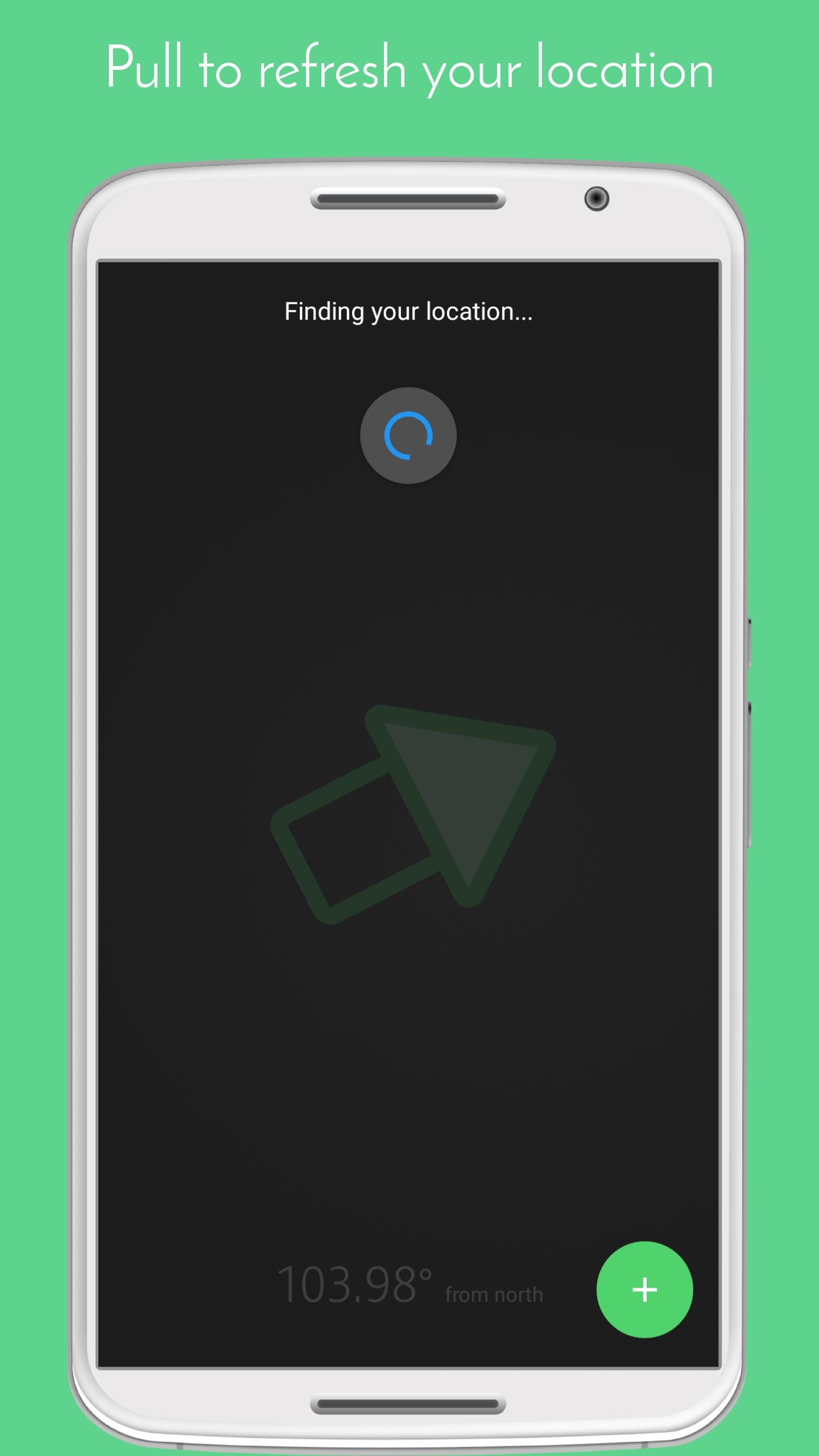
Uninstalled. It used to be good. But now, it has too many ads. I want to find qibla direction fast especially when I'm travelling, but I have to wait until the ads finish playing. Also, it needs internet connection to update location which is not good when I use it during traveling.
Working as described.
after updating Gone worst..now gives tottaly incorrect directions all the times
Totally unreliable You can test it in various positions, recheck repeatedly, shuffle your mobile. it can tell you just for 1 or 2 times accurate mistakenly. But you can just check by giving destination to #Makkah/Kaaba in google maps only. please don't trust this app Go for any reliable source.
Love it Usefull exact 100 percent accurate excellent
Great simple app to show me right qibla direction
Ads are very bad, please add a feature to remove ads and I will update to 5 star and recommend to everyone. Make it like 2$ ontime and surely we will buy it. The issue comes when my mother that is older uses it, she is unable to exit the application.
From all the ones I've tried this compass has been the most accurate so far. I had to check for the direction of Qibla in Makkah from my hotel room and it was pointing in the right direction can't get much more accurate than that :)
Post a comment
To leave a comment, log in with your social network:
Or leave an anonymous comment. Your comment will be sent for moderation.
Post a comment
To leave a comment, log in with your social network:
Or leave an anonymous comment. Your comment will be sent for moderation.