



Proton Mail: Encrypted Email
44+
downloads5.0+
version Android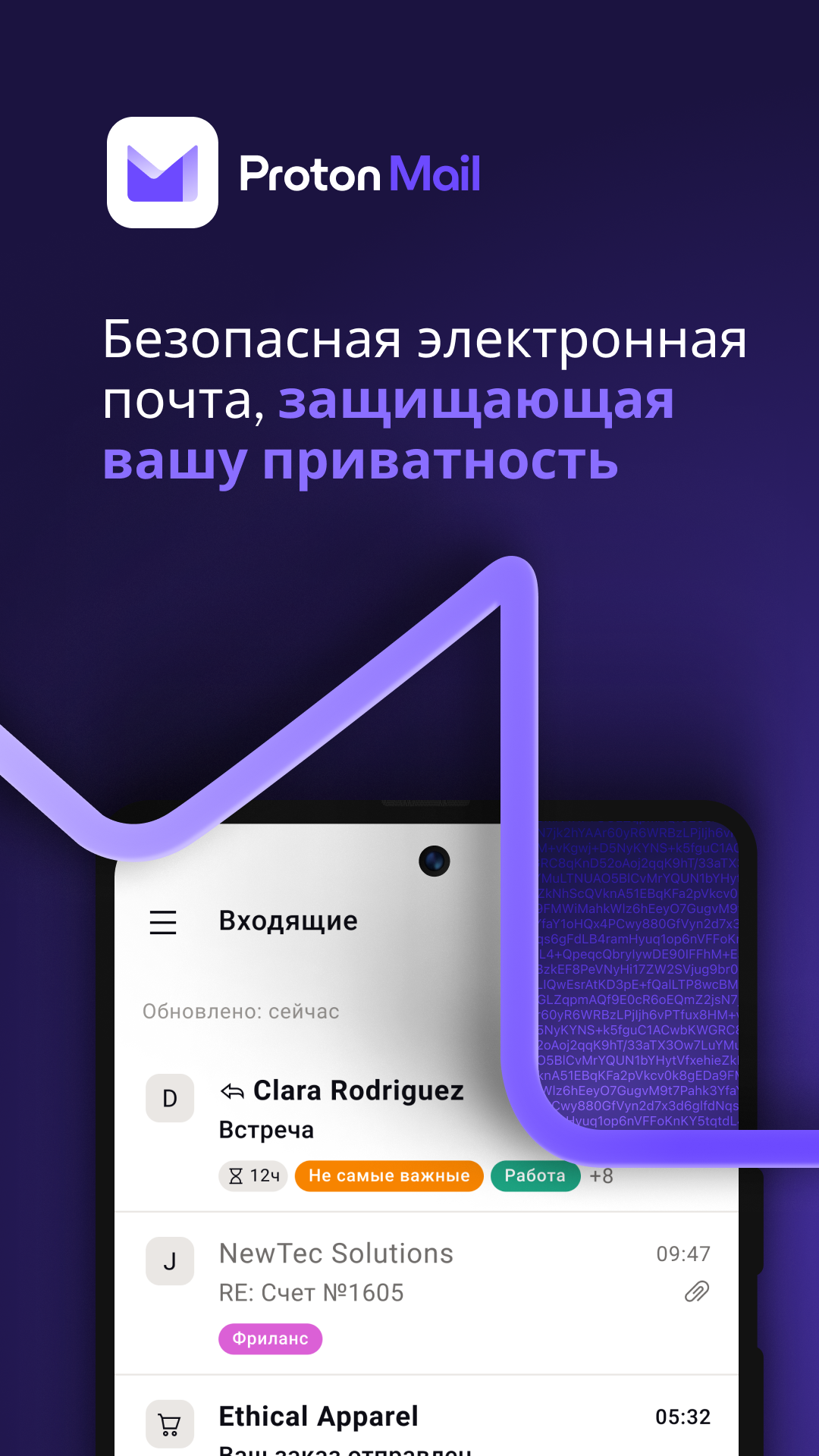
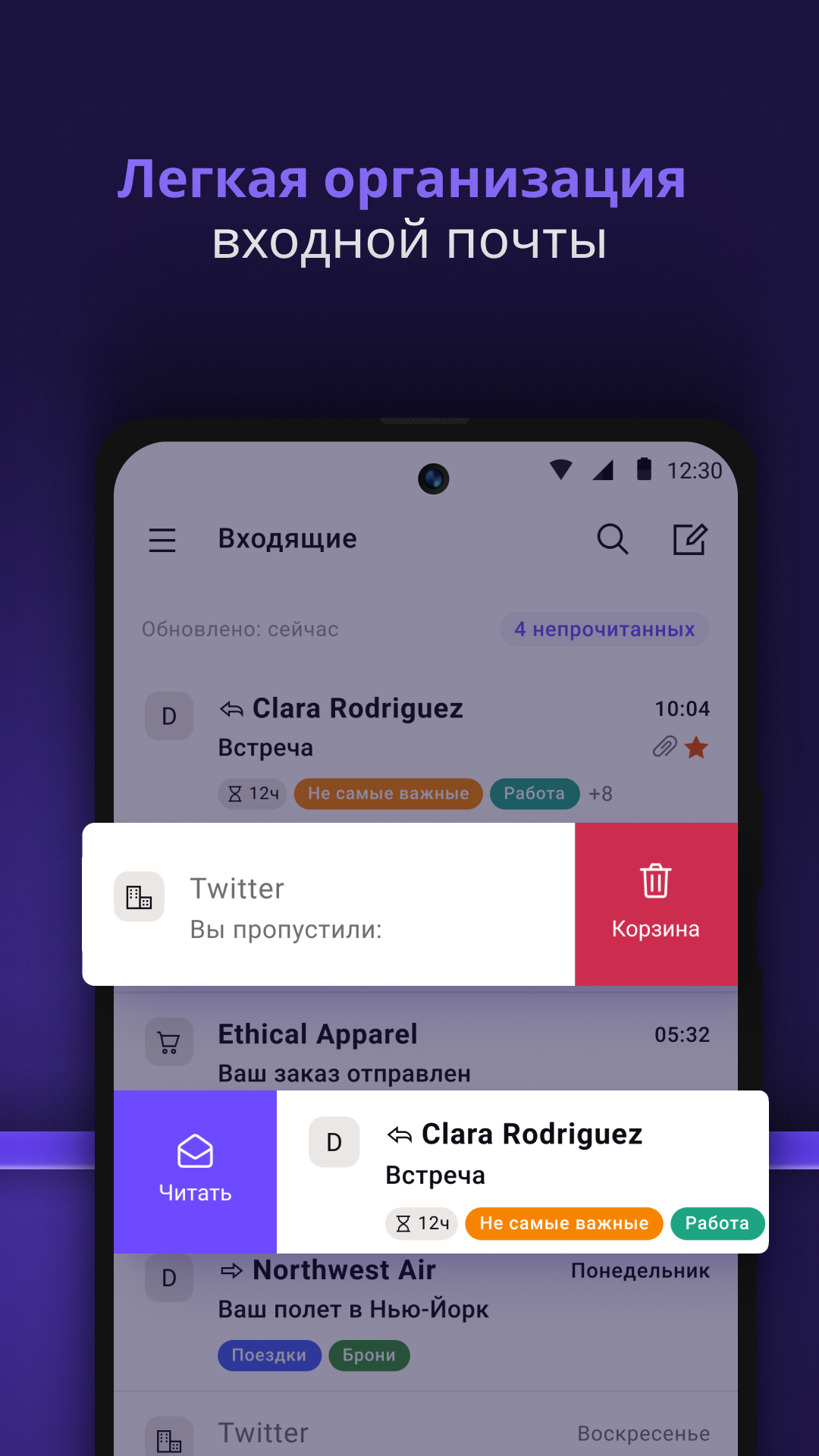
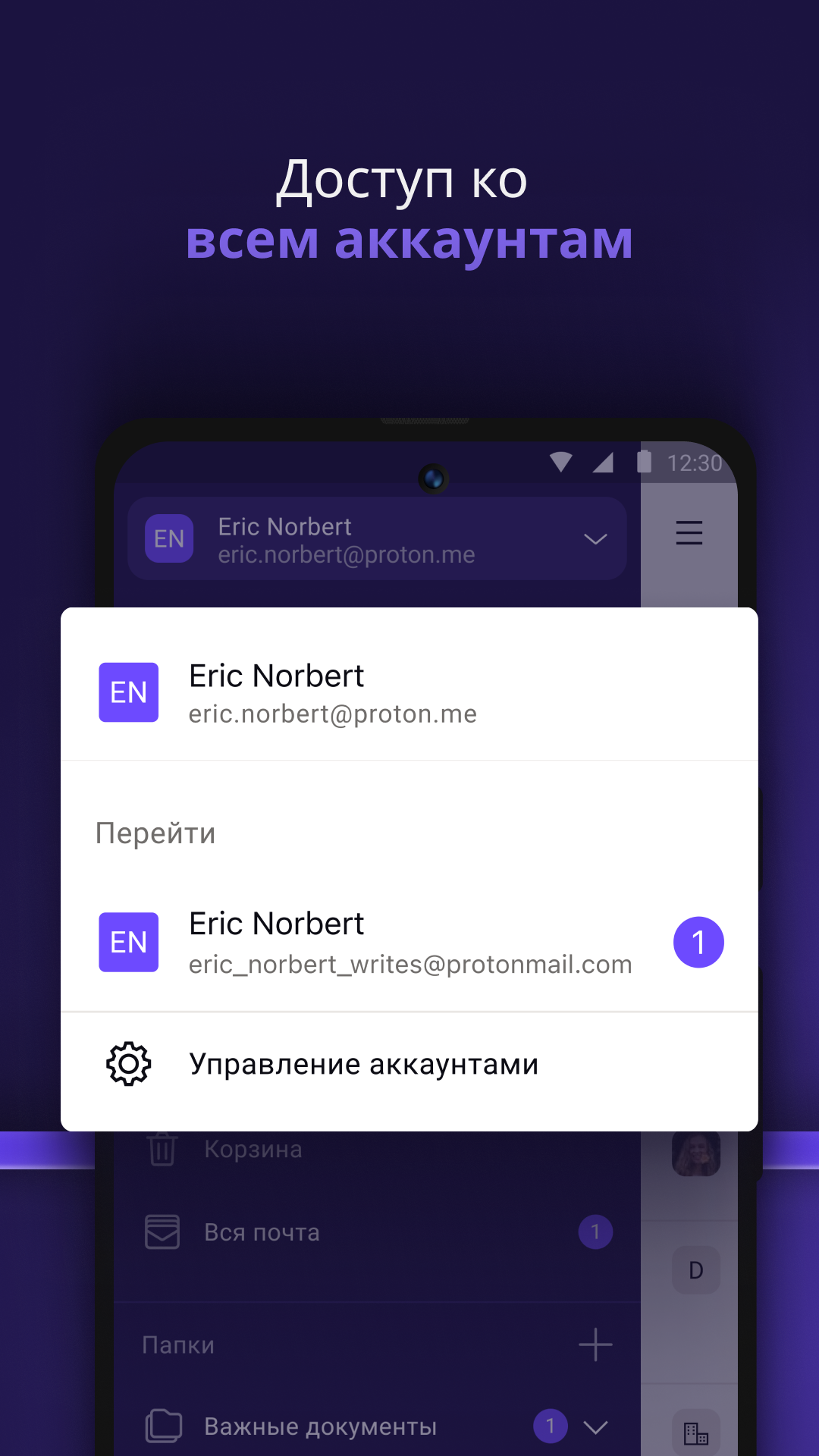
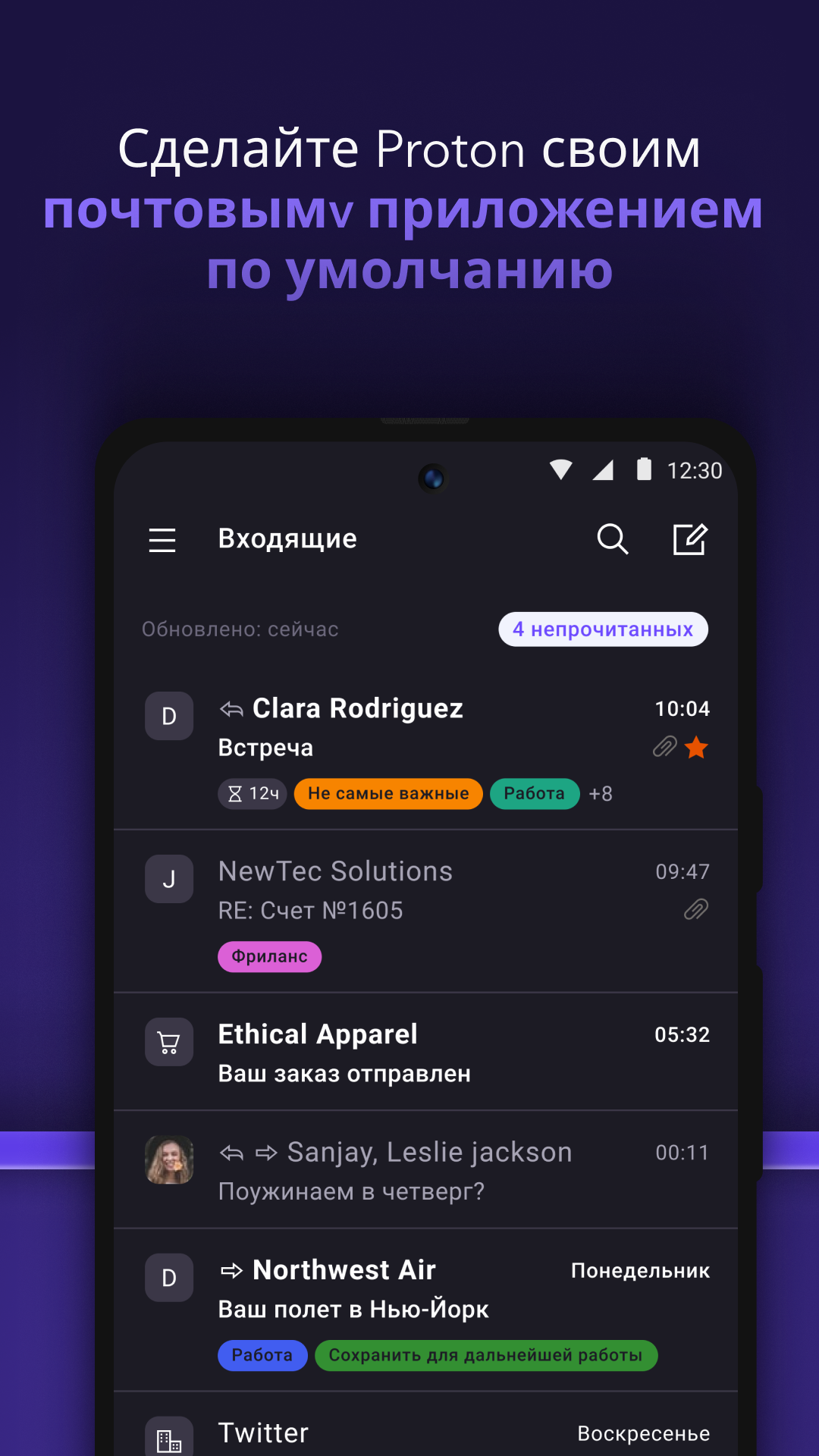
Added: Denis Rubinov
Version: 4.12.0
Size: 89.5 MB
Updated: 24.06.2025
Developer: Proton Technologies AG
Age Limitations: Everyone
Authorizations: 8
Downloaded on Google Play: 6694763
Category: Contact
Description
Application Proton Mail: Encrypted Email was checked by VirusTotal antivirus. As a result of the scan, no file infections were detected by all the latest signatures.
How to install Proton Mail: Encrypted Email
- Download APK file apps from apkshki.com.
- Locate the downloaded file. You can find it in the system tray or in the 'Download' folder using any file manager.
- If the file downloaded in .bin extension (WebView bug on Android 11), rename it to .apk using any file manager or try downloading the file with another browser like Chrome.
- Start the installation. Click on the downloaded file to start the installation
- Allow installation from unknown sources. If you are installing for the first time Proton Mail: Encrypted Email not from Google Play, go to your device's security settings and allow installation from unknown sources.
- Bypass Google Play protection. If Google Play protection blocks installation of the file, tap 'More Info' → 'Install anyway' → 'OK' to continue..
- Complete the installation: Follow the installer's instructions to complete the installation process.
How to update Proton Mail: Encrypted Email
- Download the new version apps from apkshki.com.
- Locate the downloaded file and click on it to start the installation.
- Install over the old version. There is no need to uninstall the previous version.
- Avoid signature conflicts. If the previous version was not downloaded from apkshki.com, the message 'Application not installed' may appear. In this case uninstall the old version and install the new one.
- Restart annex Proton Mail: Encrypted Email after the update.









Requesting an application update
Added Denis Rubinov
Version: 4.12.0
Size: 89.5 MB
Updated: 24.06.2025
Developer: Proton Technologies AG
Age Limitations: Everyone
Authorizations:
Downloaded on Google Play: 6694763
Category: Contact













Reviews for Proton Mail: Encrypted Email
love it!! would recommend it to anyone wanting a private & secure email.
Hits all the right notes.
Say 'Yes' to privacy..
Proton mail is a great app for the security conscious.
needs more features the mobile application. still not a mature mail application For example when i get a spam mail and i want to declare that this mail sender is someone whose mails i want in my main inbox , i cannot do that from the mobile protonmail app. I need to log in to the web application and create the filter for that.
So called privacy solution. I registered mail, wanted to use it as private CGPT login, and proton instantly send me mail it is blocking registrations with these email, didn't even deliver the registration mail from CGPT. Unuseful
Great app ! just really slow on my S25 Ultra, is this a bug in the app or is there's something I need to optimise my end ?
Best email service
love it
Nonsense! I signed up over a year ago for a Proton account and forgot my sign in name/password. I created a new account and they not only did they accuse me of "bulk signup," even after trying to explain my situation to their customer service rep, I was BANNED from their platform to "protect their IP"! If you want to see your email account and all your messages vanished overnight, this is a great company to help you do it!
Fantastic, but really needs conversation threaded view.
Works well. There is only one feature I'd like to have, i.e. the ability to snooze emails.
Proton is just awesome. Love the ecosystem, apps, everything
Other than the creative designs, and apps that connect ( calender , vpn , mail, etc ) This company is a joke. They do not claim to collect no logs, they claim to have it not visible & it is not "sold". Due to the Premium prescriptions they likely just give out the info, possibly for exchange of premium cross country services. 4 requests to cancel, finally they responded by trying to give me 2 free months if I get a 2 year deal. new app again. SMH.
The app isn't working since the morning today 07//06/2023. ------ Update 07/07/2023: Thank you for solving the problem. It works now, perfectly as always! Infinite blessings. (The issue was that the app was seeking to download emails during all the day, and it never arrived).
Post a comment
To leave a comment, log in with your social network:
Or leave an anonymous comment. Your comment will be sent for moderation.
Post a comment
To leave a comment, log in with your social network:
Or leave an anonymous comment. Your comment will be sent for moderation.