


Added: Denis Rubinov
Version: 1.19.1
Size: 75 MB
Updated: 24.06.2025
Developer: AI PICTURES, INC.
Age Limitations: Everyone
Category: Photo
- Contains clear instructions.
- Intuitive interface.
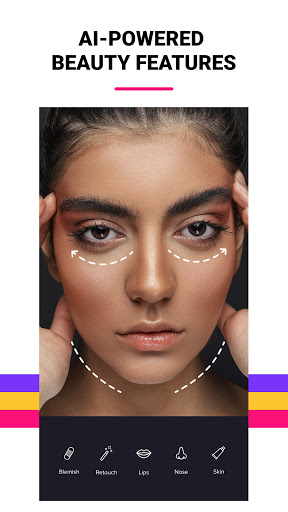
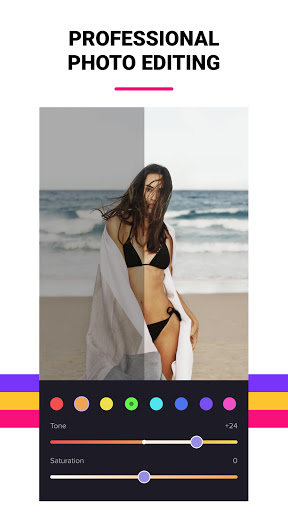
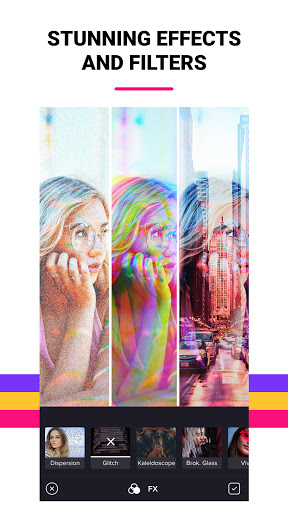
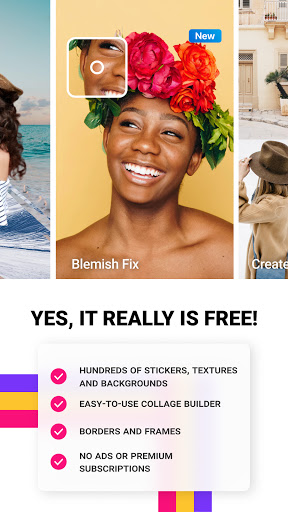
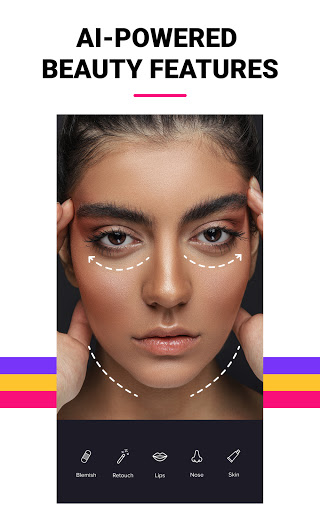
- Large selection of effects and editing tools.
- Processing while maintaining image quality.
- No ads.
Description
Application Photer - Free Photo Editor was checked by VirusTotal antivirus. As a result of the scan, no file infections were detected by all the latest signatures.
How to install Photer - Free Photo Editor
- Download APK file apps from apkshki.com.
- Locate the downloaded file. You can find it in the system tray or in the 'Download' folder using any file manager.
- If the file downloaded in .bin extension (WebView bug on Android 11), rename it to .apk using any file manager or try downloading the file with another browser like Chrome.
- Start the installation. Click on the downloaded file to start the installation
- Allow installation from unknown sources. If you are installing for the first time Photer - Free Photo Editor not from Google Play, go to your device's security settings and allow installation from unknown sources.
- Bypass Google Play protection. If Google Play protection blocks installation of the file, tap 'More Info' → 'Install anyway' → 'OK' to continue..
- Complete the installation: Follow the installer's instructions to complete the installation process.
How to update Photer - Free Photo Editor
- Download the new version apps from apkshki.com.
- Locate the downloaded file and click on it to start the installation.
- Install over the old version. There is no need to uninstall the previous version.
- Avoid signature conflicts. If the previous version was not downloaded from apkshki.com, the message 'Application not installed' may appear. In this case uninstall the old version and install the new one.
- Restart annex Photer - Free Photo Editor after the update.






Requesting an application update
Added Denis Rubinov
Version: 1.19.1
Size: 75 MB
Updated: 24.06.2025
Developer: AI PICTURES, INC.
Age Limitations: Everyone
Category: Photo












Reviews for Photer - Free Photo Editor
Basic editing and filters. Great for beginners.
So far, so good.. just trying it out to crop and lighten up jewelry photos. Seems adequate for that.
Whenever I choose an option of face relight, the app gets stuck...so.plz try to resolve this issue as early as possible...
So far the app is easy to use even the free version and it doesn't overload you with too many advertisements
Absolutely great app.The best photo editor app I have ever used. Beacuse everything is free to use. Please keep them free for always.
Just sitting and I enjoy learning different pictures and it's amazing and relax moment good photo app to kinda learn how to make a perfect picture 🖼️
Simple and easy, and got the effect that what i want gor my collection photos.. Thanks
As soon as i find a different and better photo editing app I'm removing this one!
Takes a min to figure out how it works but once you do its really awesome :)
It's ok but the app keeps crashing every 2 minutes.
Post a comment
To leave a comment, log in with your social network:
Or leave an anonymous comment. Your comment will be sent for moderation.
Post a comment
To leave a comment, log in with your social network:
Or leave an anonymous comment. Your comment will be sent for moderation.